PowerPhotos is the ultimate toolbox for Photos on the Mac. It works with the Apple Photos app, filling in missing features that Photos itself doesn’t provide.
PowerPhotos allows you to work with multiple Photo libraries and store them wherever you want, including on an external drive or a network drive. Split up your giant library into smaller ones by copying photos and albums with a simple drag-and-drop, preserving metadata such as descriptions and keywords along the way. You can free up space on your laptop’s drive or save space on iCloud while keeping all your photos in the Photos app.
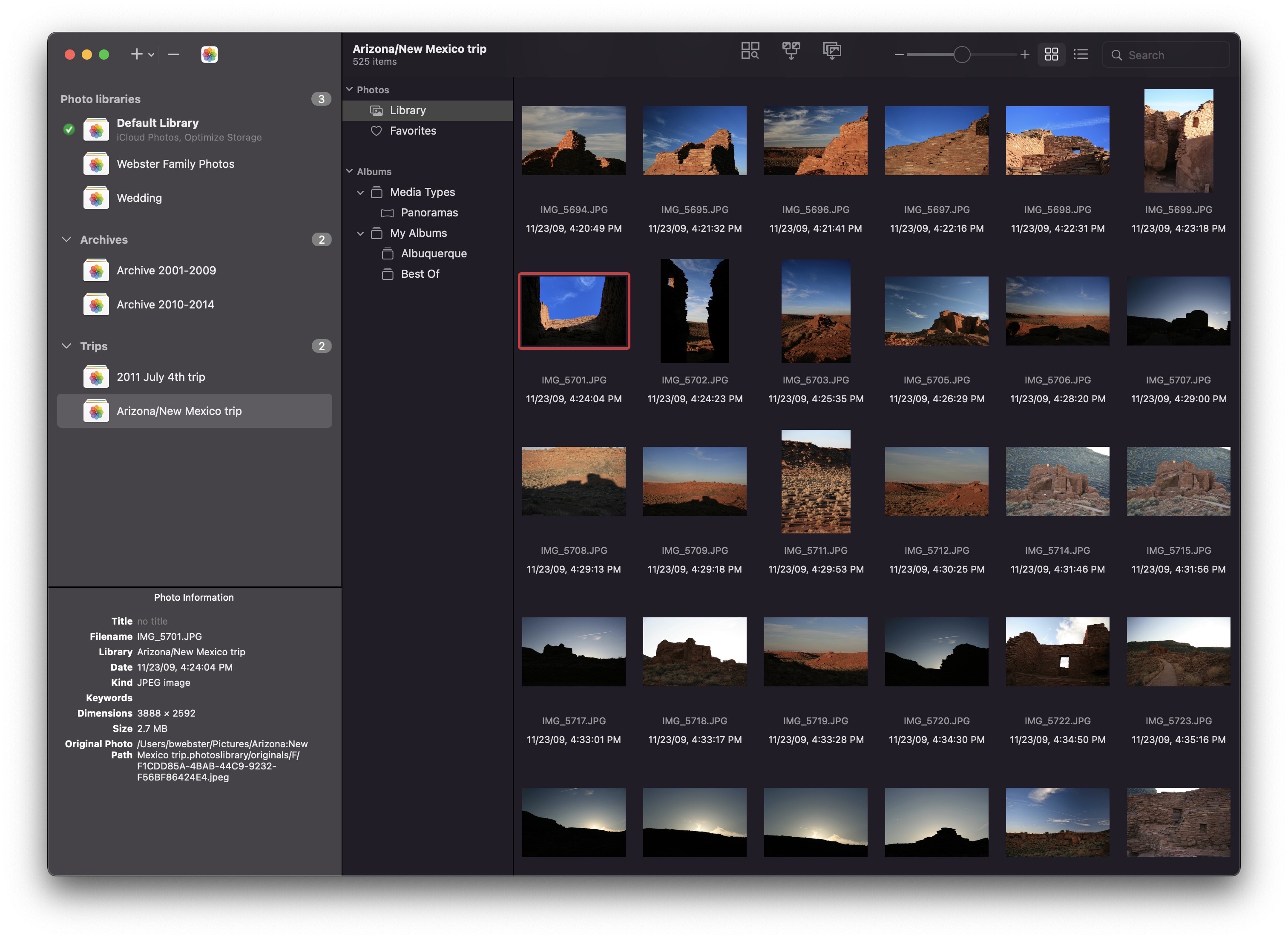
Or, if you already have multiple libraries, use PowerPhotos to merge them together while weeding out duplicates along the way. PowerPhotos also features a powerful duplicate photo finder, a browser to let you see your libraries side by side in multiple windows, multi-library search, advanced exporting, converting old iPhoto/Aperture libraries, and more.
PowerPhotos 2 can be downloaded for free and offers many of its features for free. Purchasing a license unlocks advanced features such as library merging, deletion of duplicate photos, and unlimited photocopying and exporting.
Existing PowerPhotos 1.0 or iPhoto Library Manager users can use their serial number to upgrade for 50% off the regular price, and 512 Pixels readers can use the coupon code 512PIXELS to receive a 20% discount.