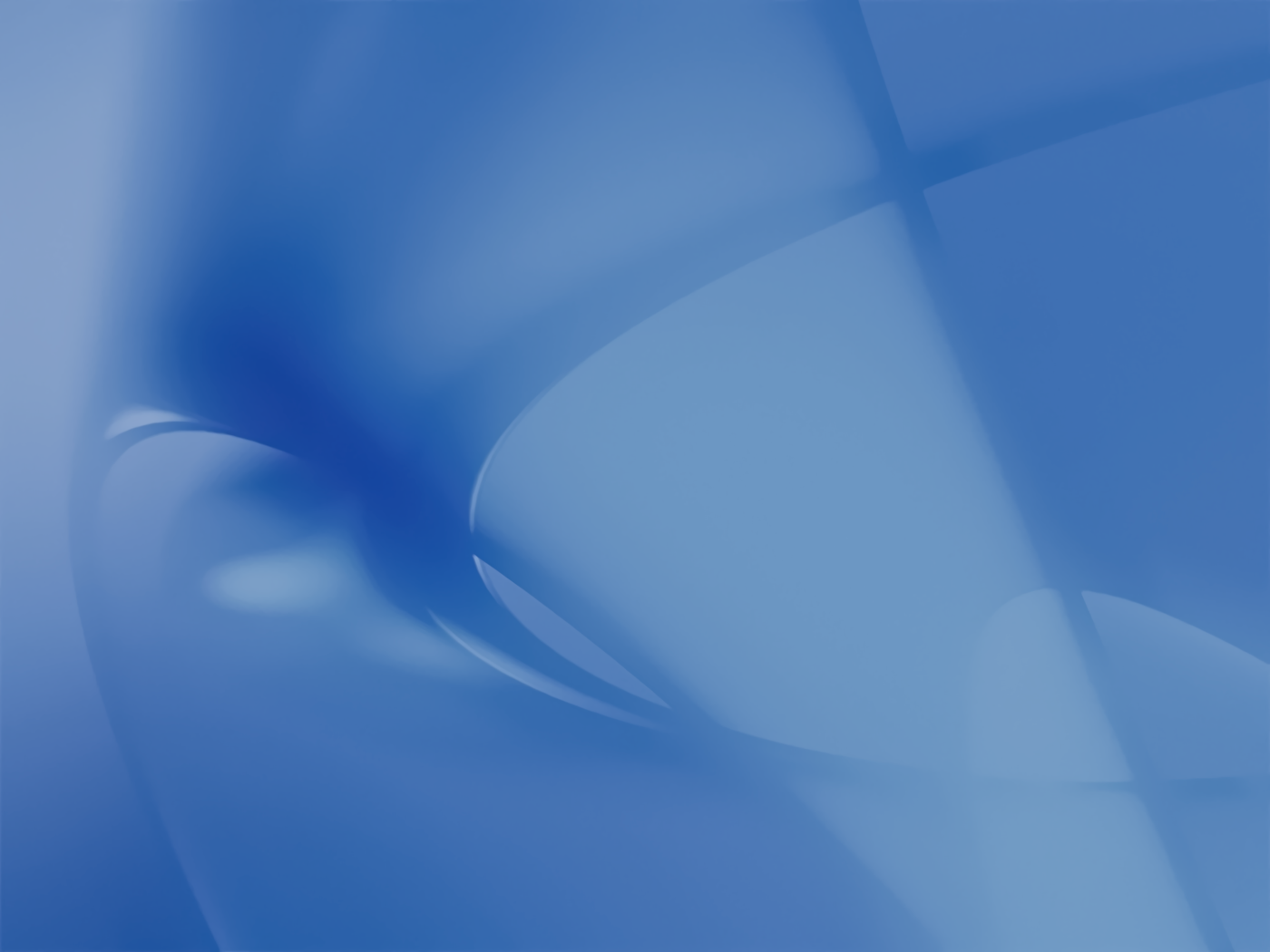
Every major version of macOS has come with a new default wallpaper. As you can see, I have collected them all here. While great in their day, the early wallpapers are now quite small in the world of 5K and 6K displays. They have been resized by hand to really shine.
If you want to see detailed screenshots of every release of macOS, click here.
If you are looking for Mac OS 9 wallpapers, this page is for you.
Sponsored by Rogue Amoeba

The 512 Pixels Wallpaper Archive is sponsored by SoundSource, from the fine folks at Rogue Amoeba.
SoundSource puts powerful audio control of your Mac right in your menu bar. Adjust app volume instantly, apply audio effects to the audio you hear, and redirect that audio to any device connected to your Mac – now including AirPlay devices.
SoundSource: Sound control so good, it ought to be built into macOS.
macOS Golden Gate
macOS 27 Golden Gate was announced at WWDC 2026, bringing refinements to Liquid Glass and a long list of AI-powered features.


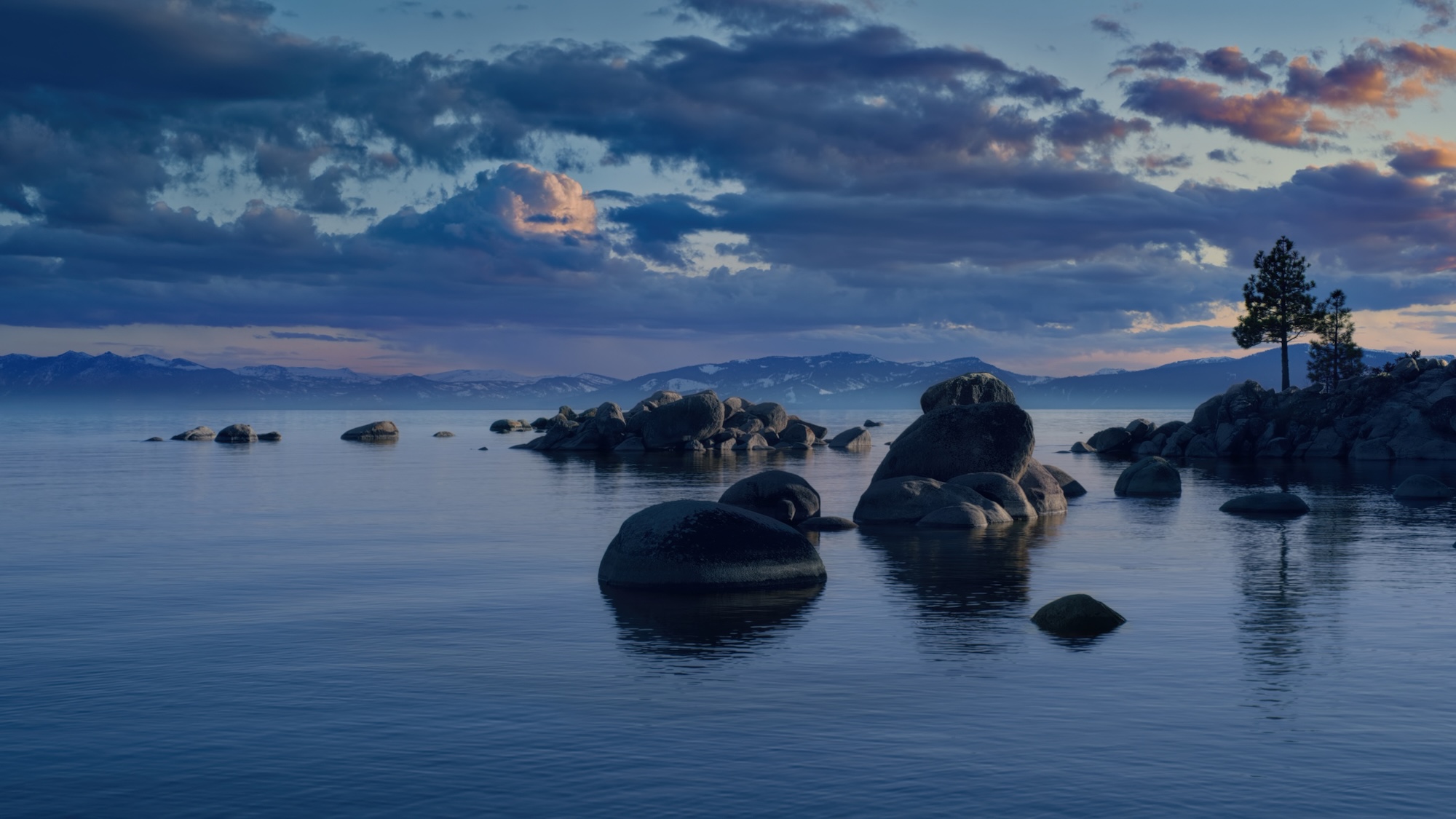
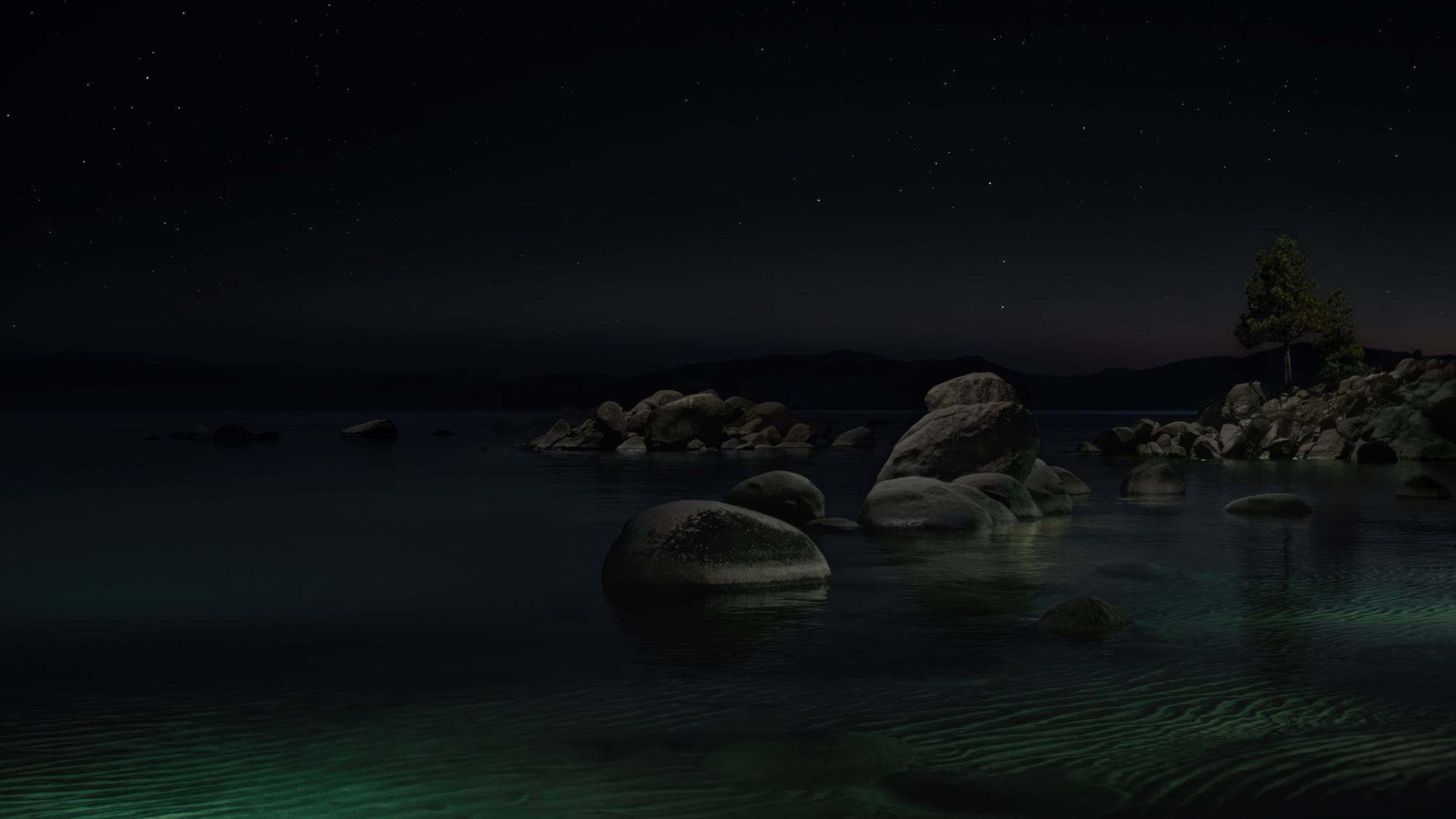
macOS Tahoe
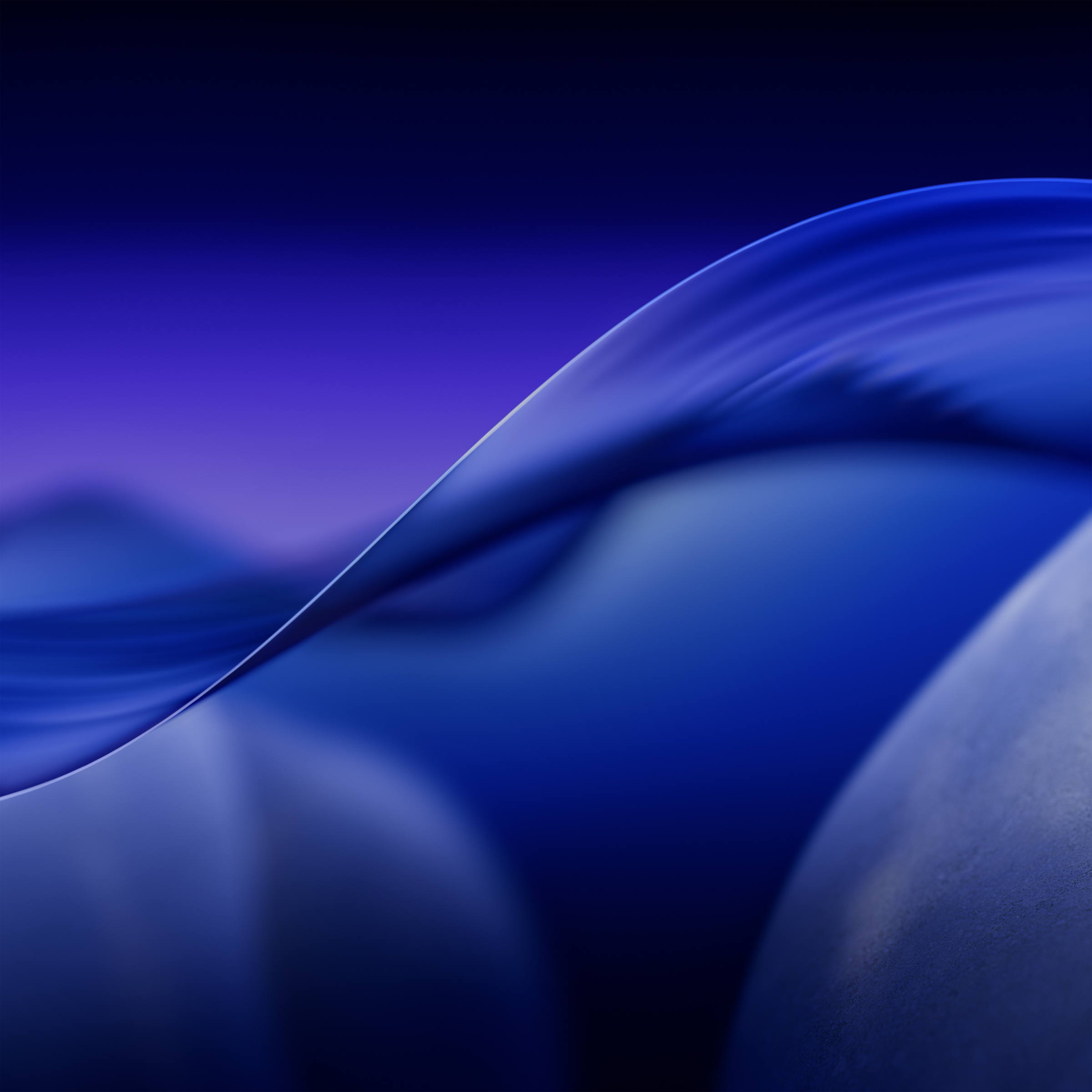
macOS 26 introduced Apple’s Liquid Glass user interface, and is the last version to support Intel Macs.

macOS Sequoia
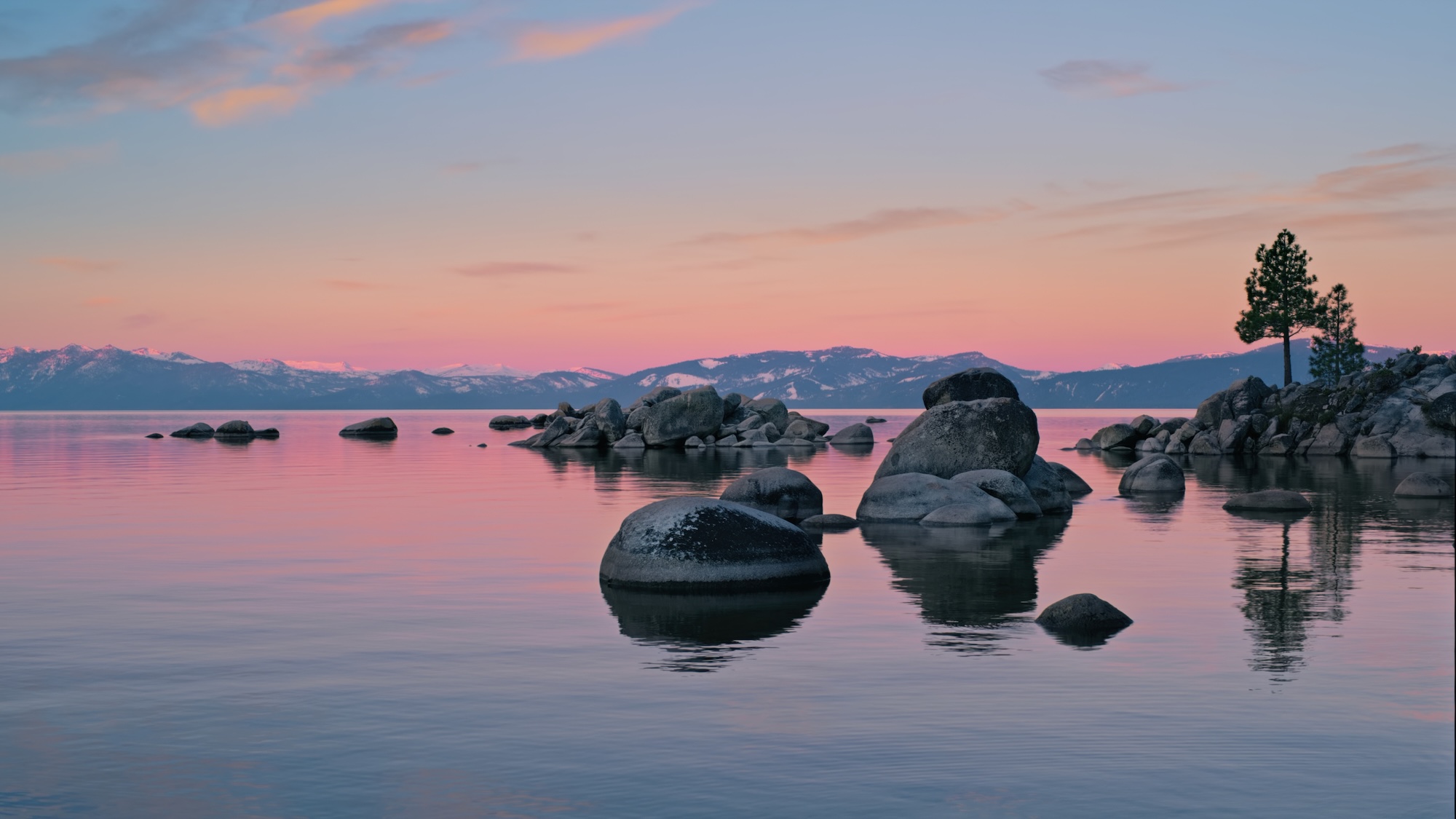
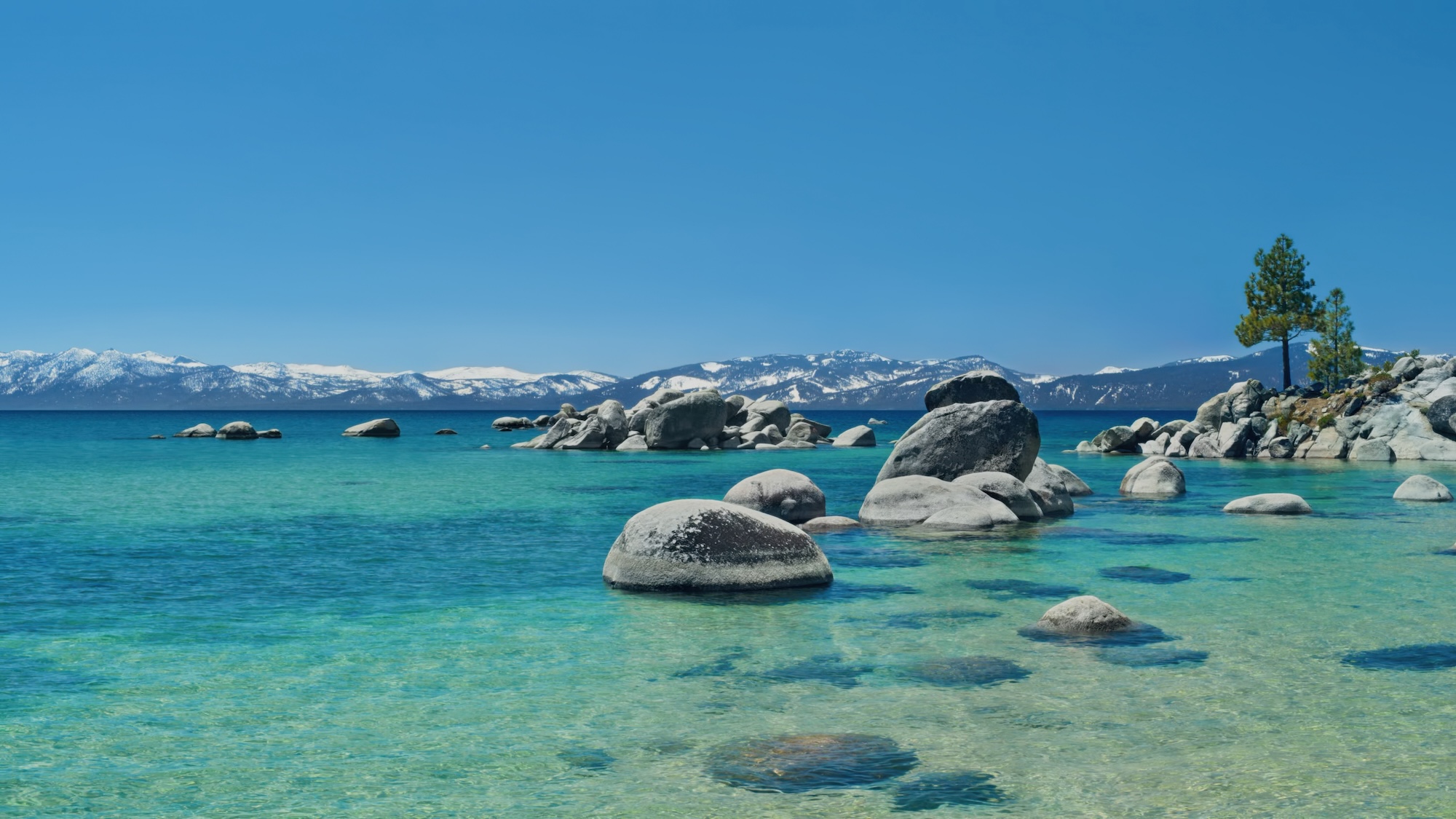
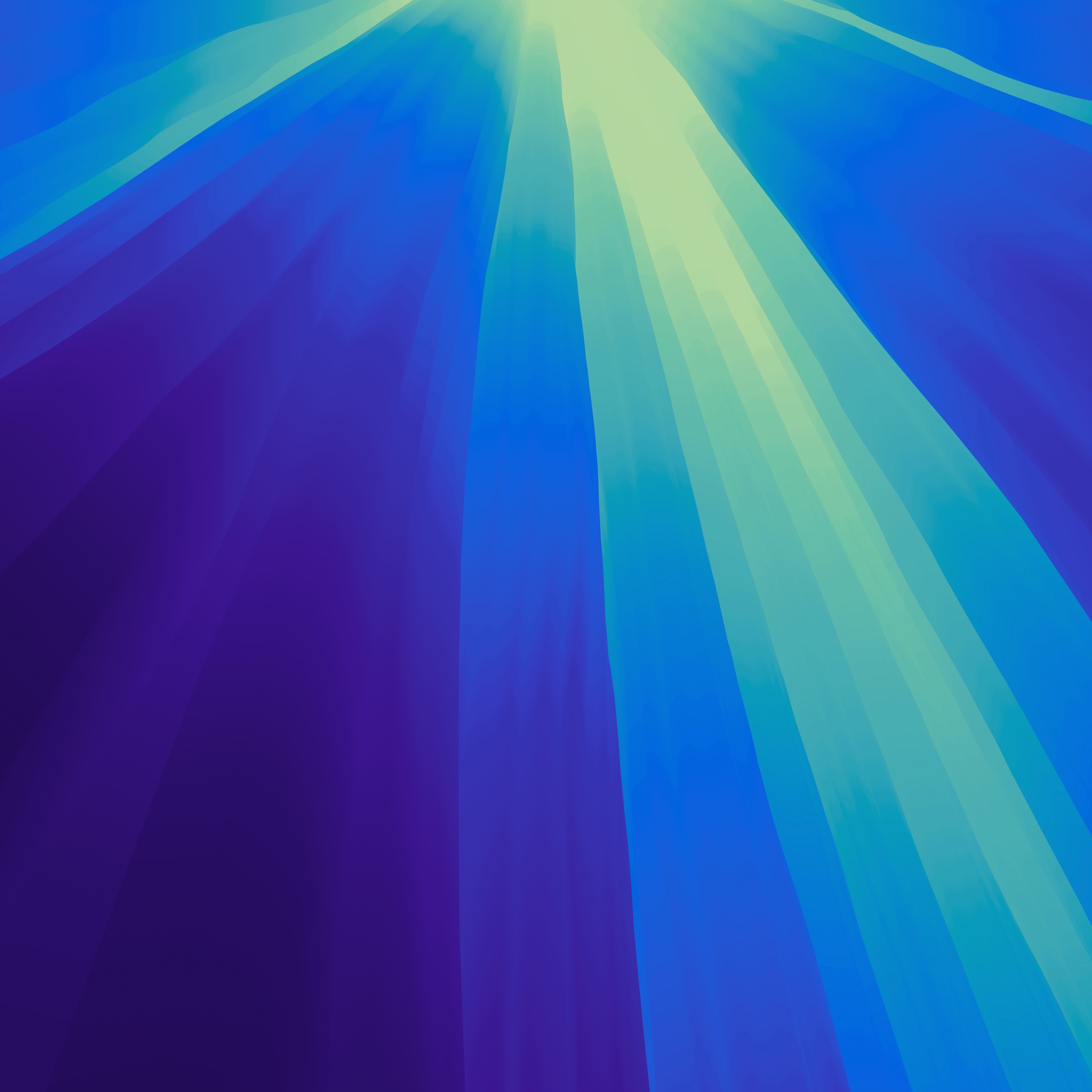
macOS 15 plays host to Apple Intelligence, a collection of AI-powered features across the OS and a range of applications.


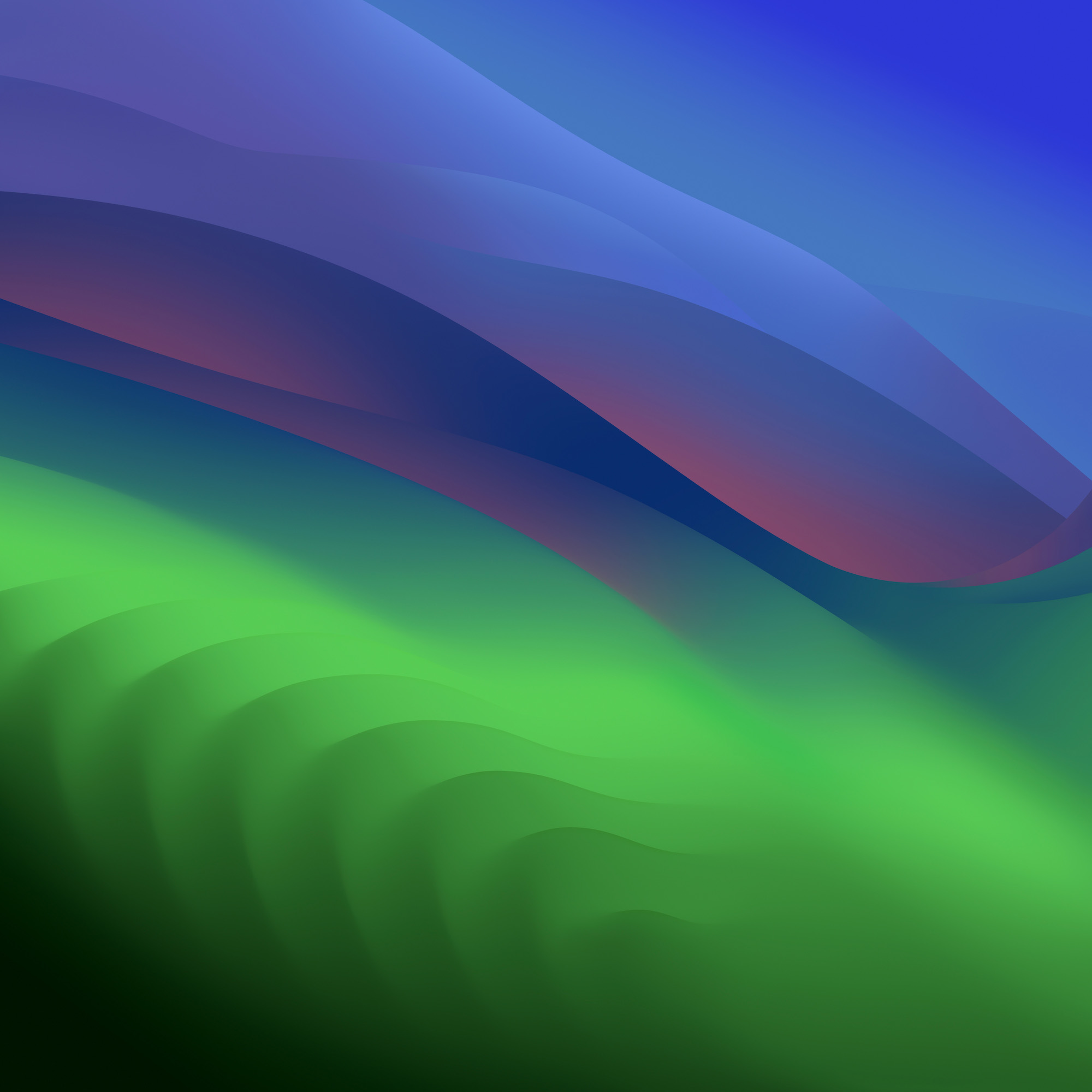
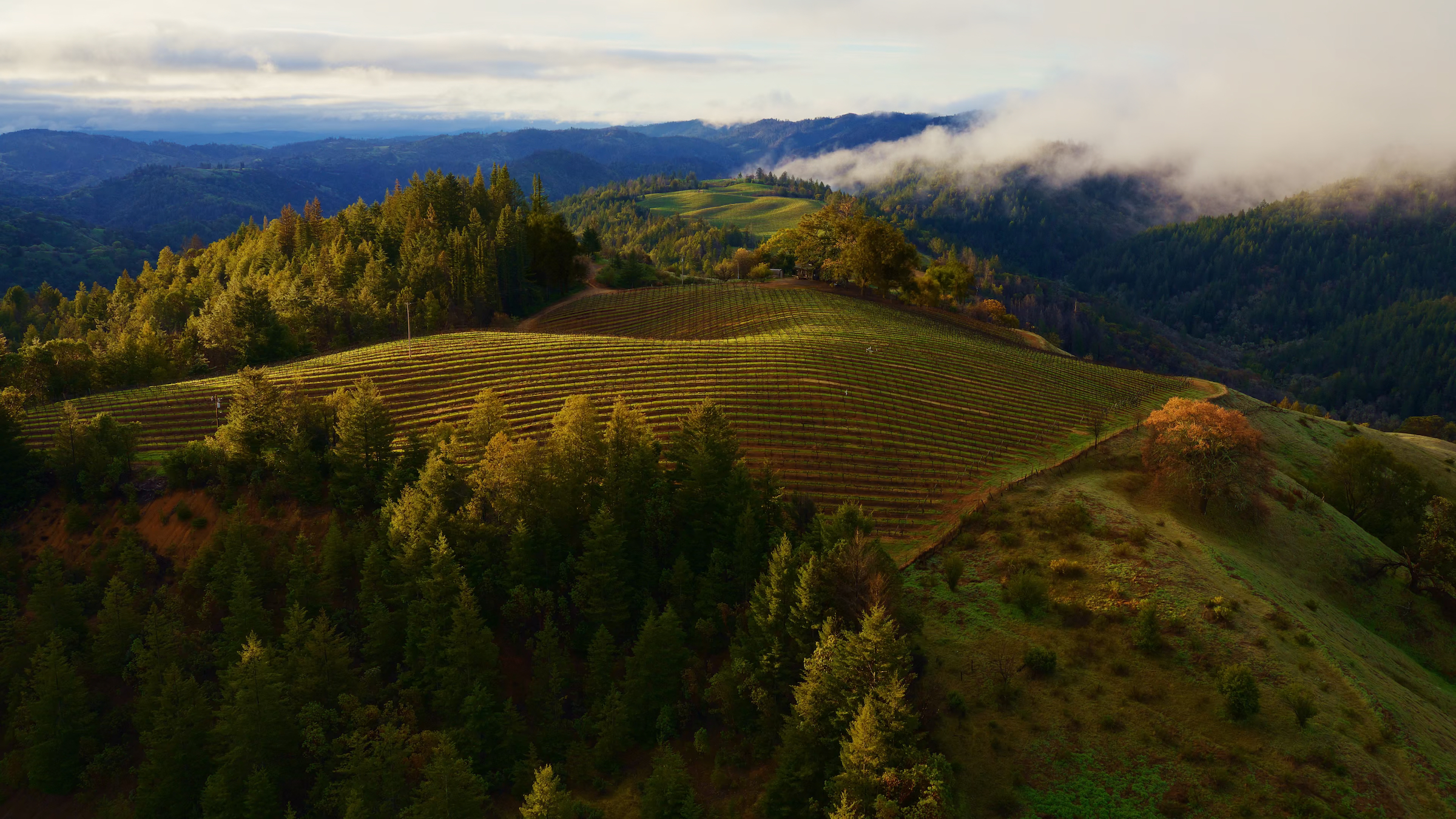
macOS Sonoma
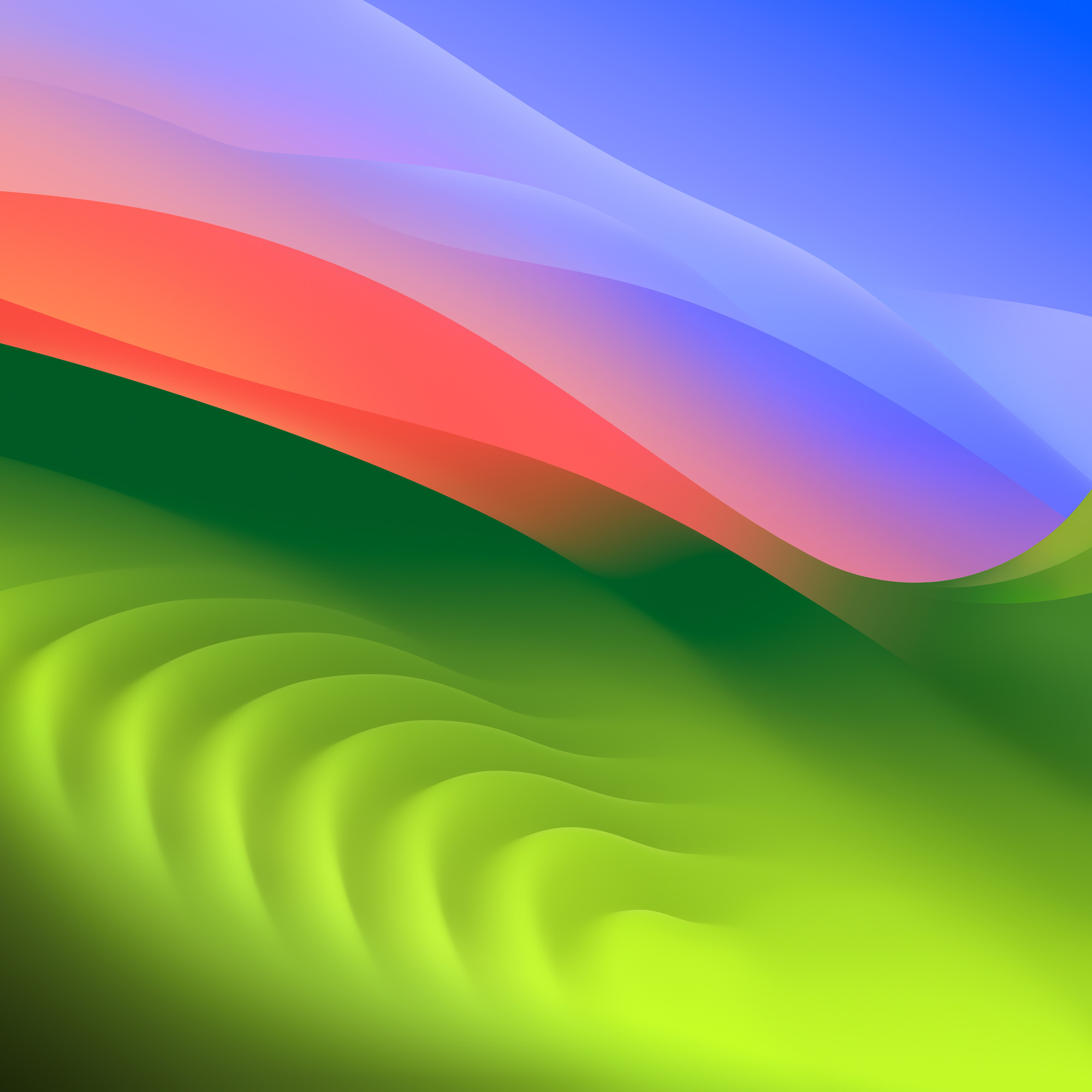
macOS Sonoma brings several goodies, including the ability to use interactive widgets on the Desktop, enhanced video conferencing, updates to many core apps and the inclusion of stickers … for some reason.
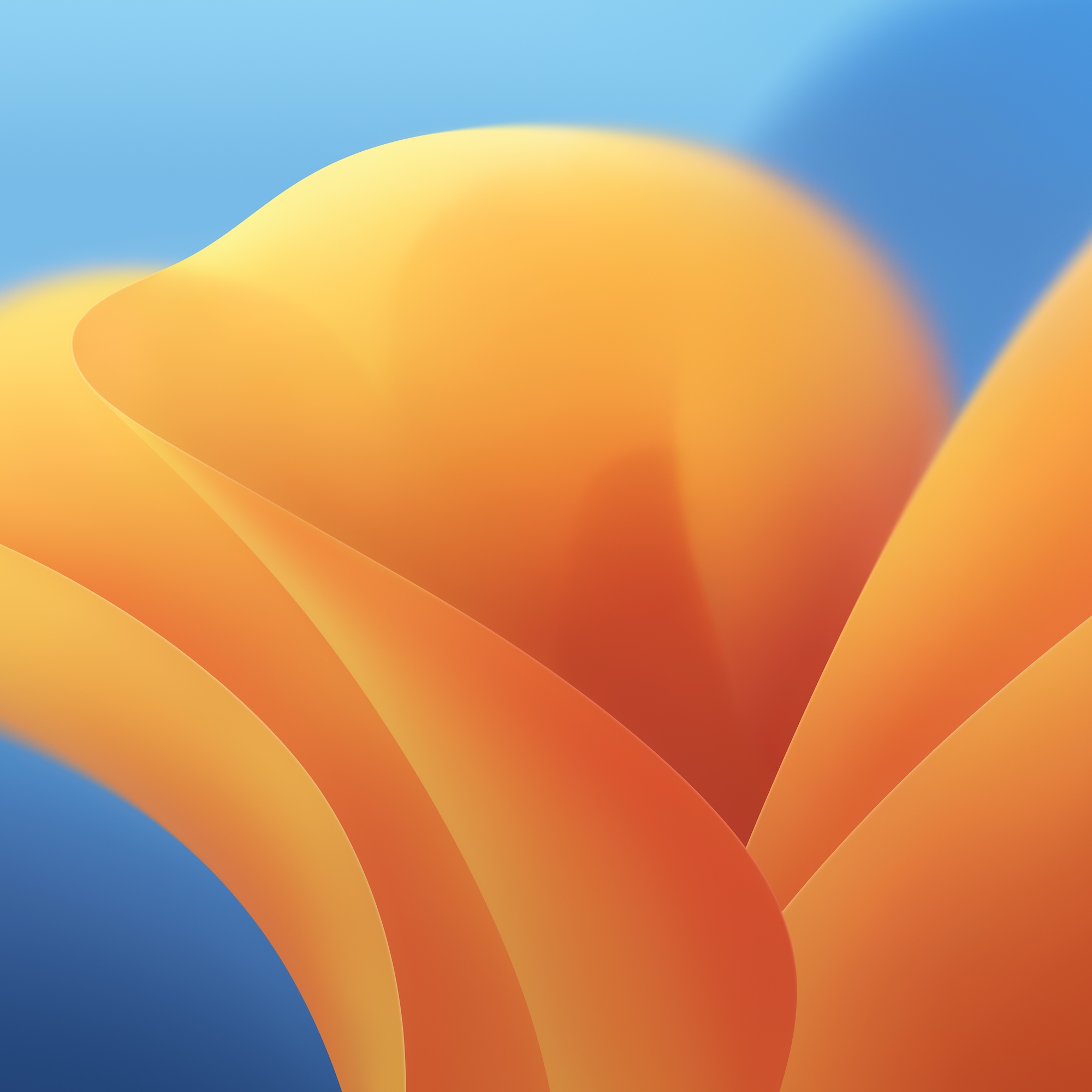
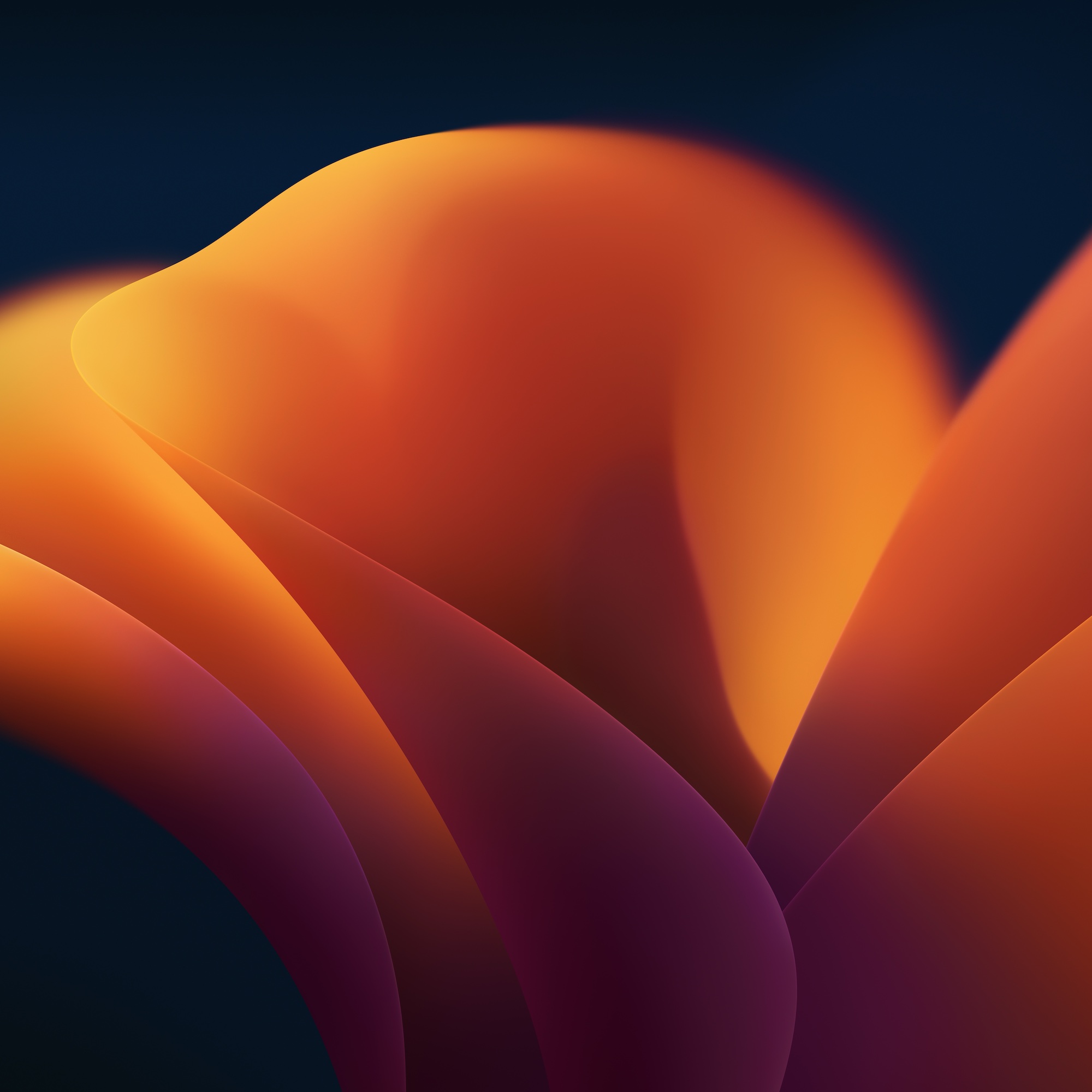
macOS Ventura
macOS 13 brings big changes to system apps like Mail and Messages, as well as a new multitasking user interface named Stage Manager.
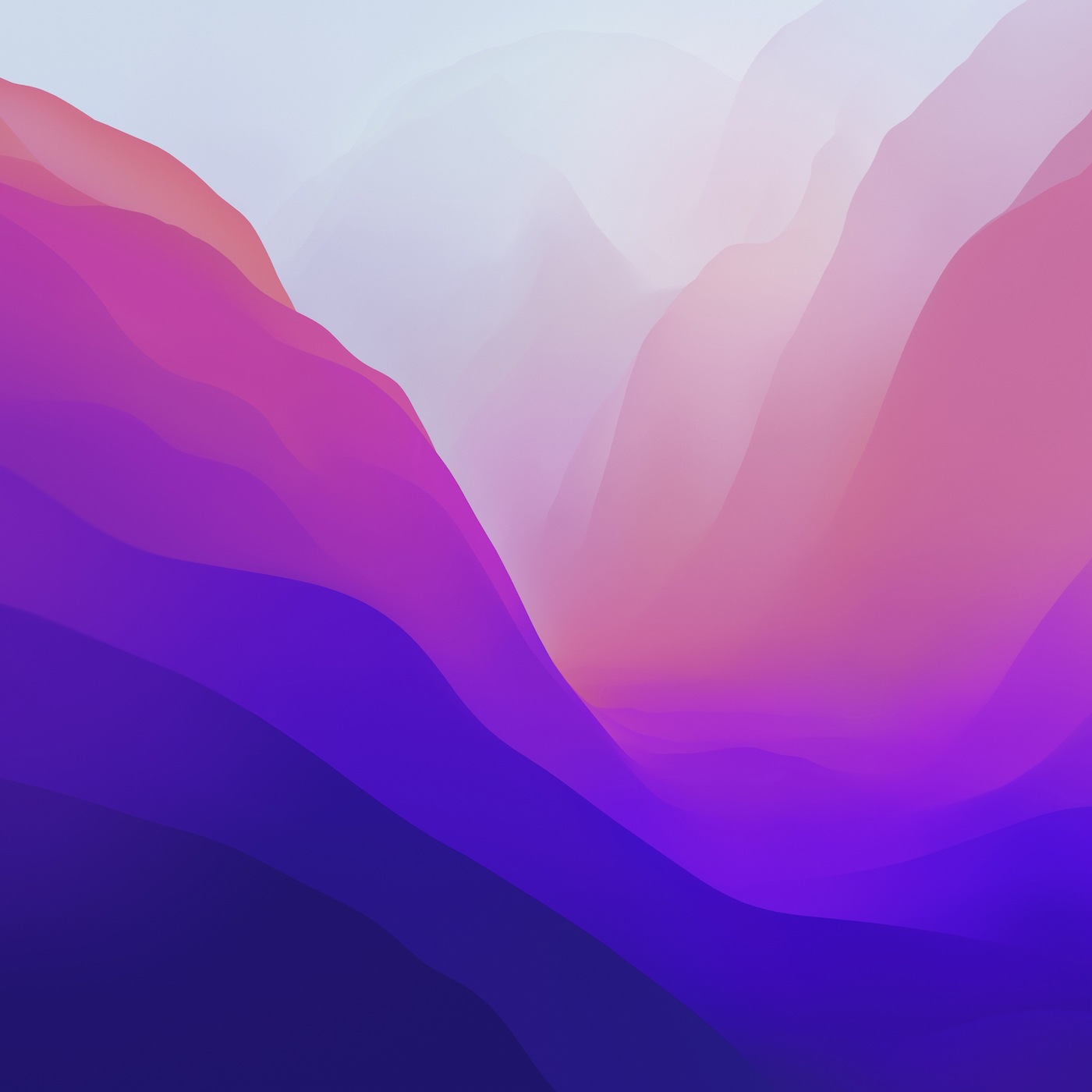
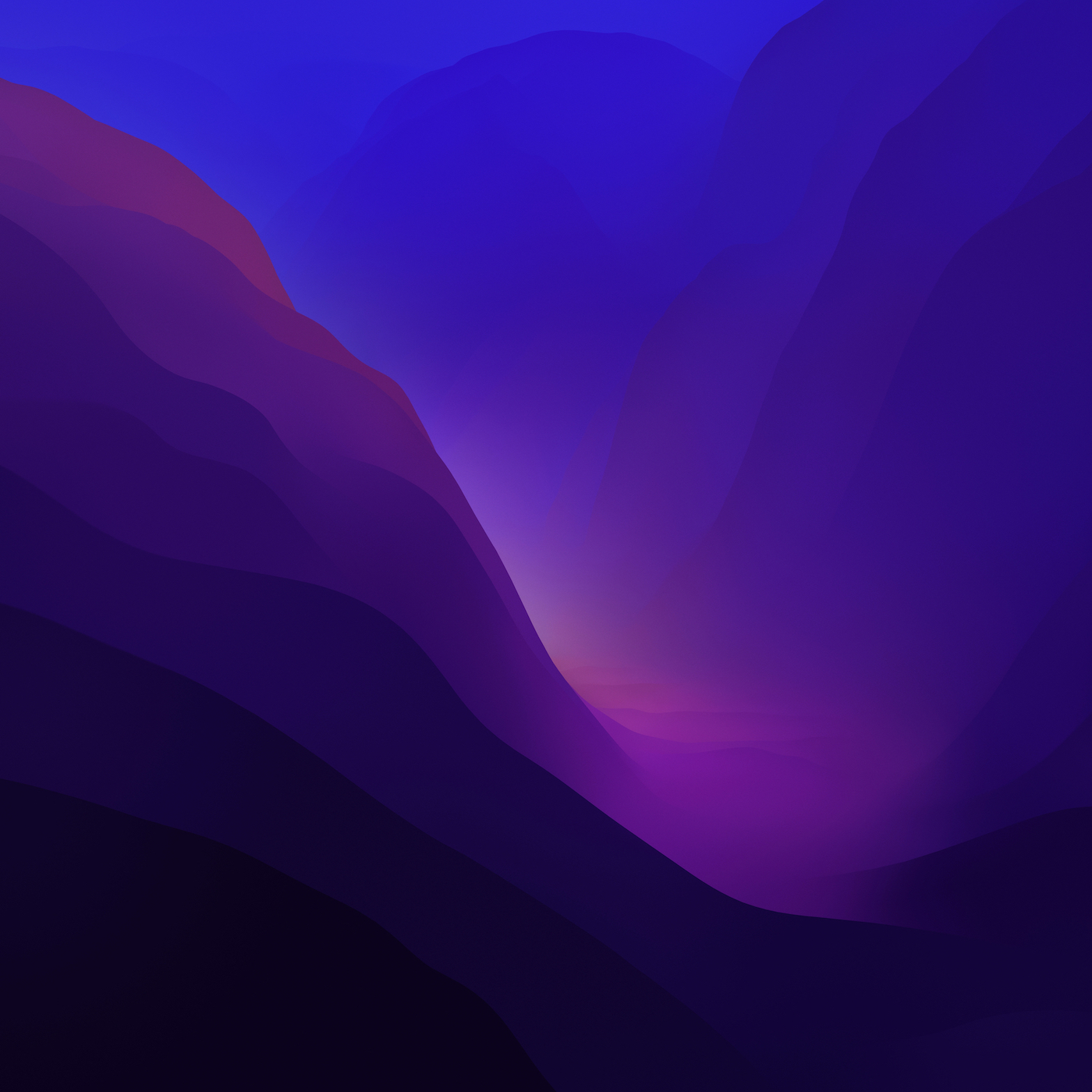
macOS Monterey
This version of macOS builds on Big Sur, bringing Shortcuts and a range of features that are also part of iOS and iPadOS 15. As of the first beta, Monterey does not include any new nature wallpapers as previous releases has.
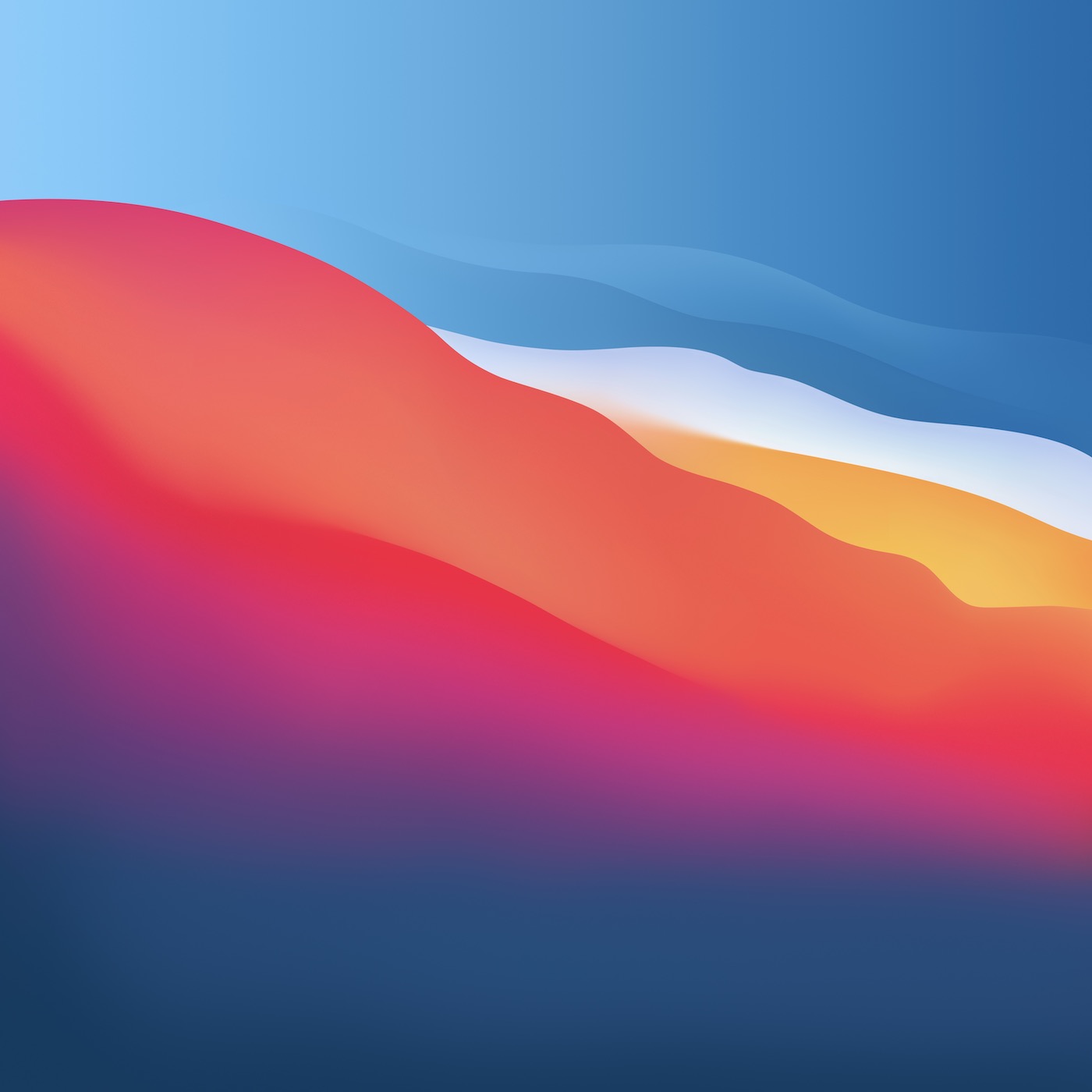
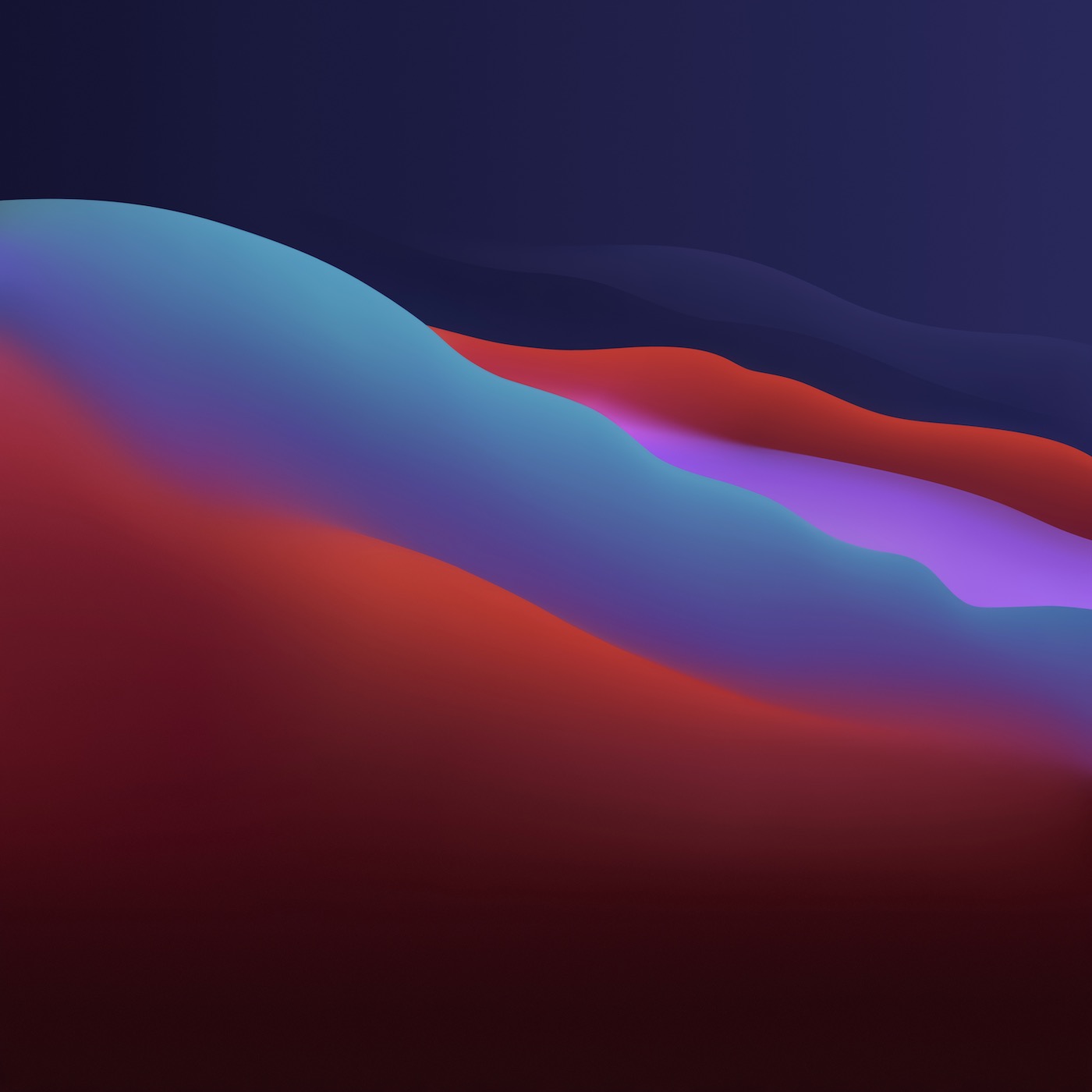
macOS Big Sur
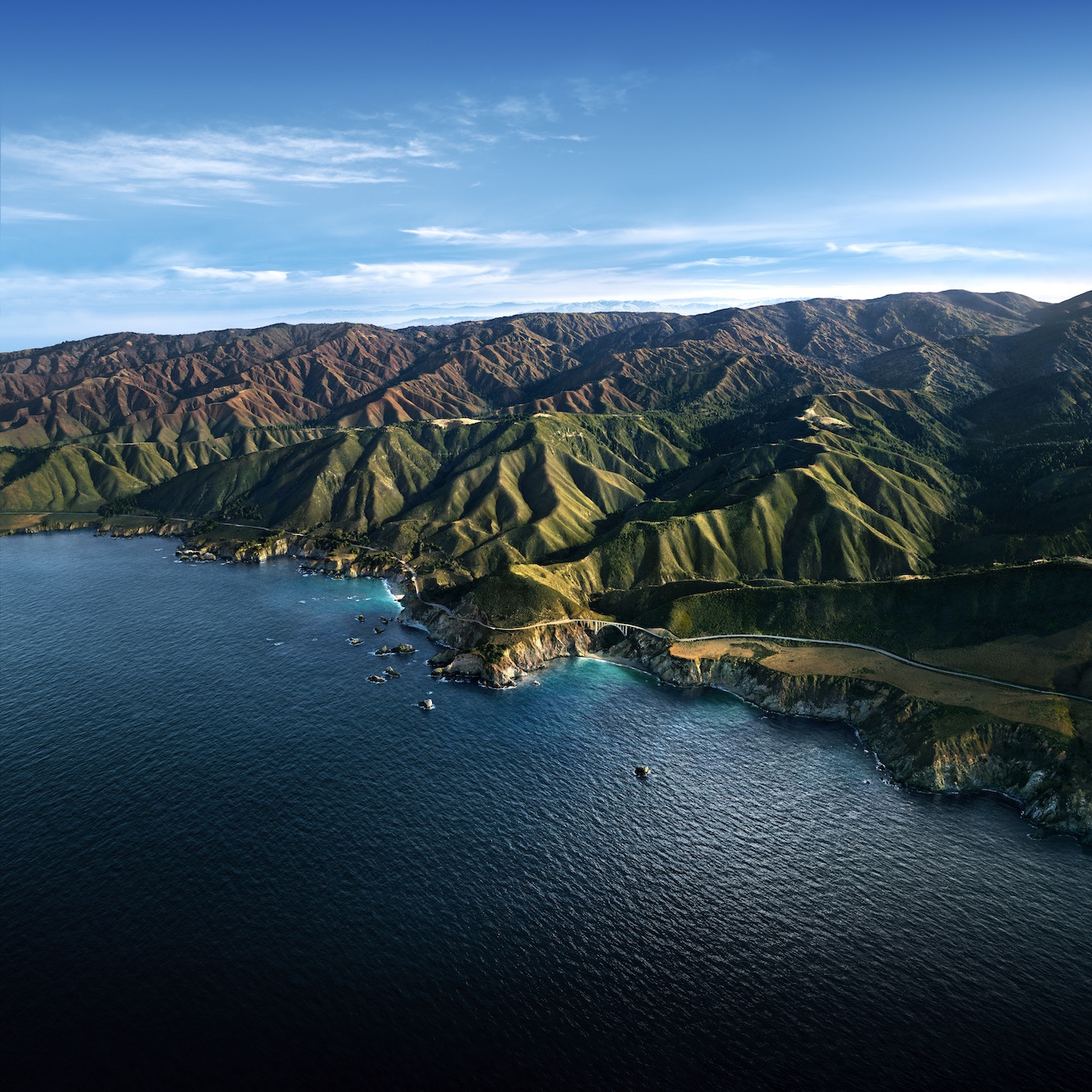
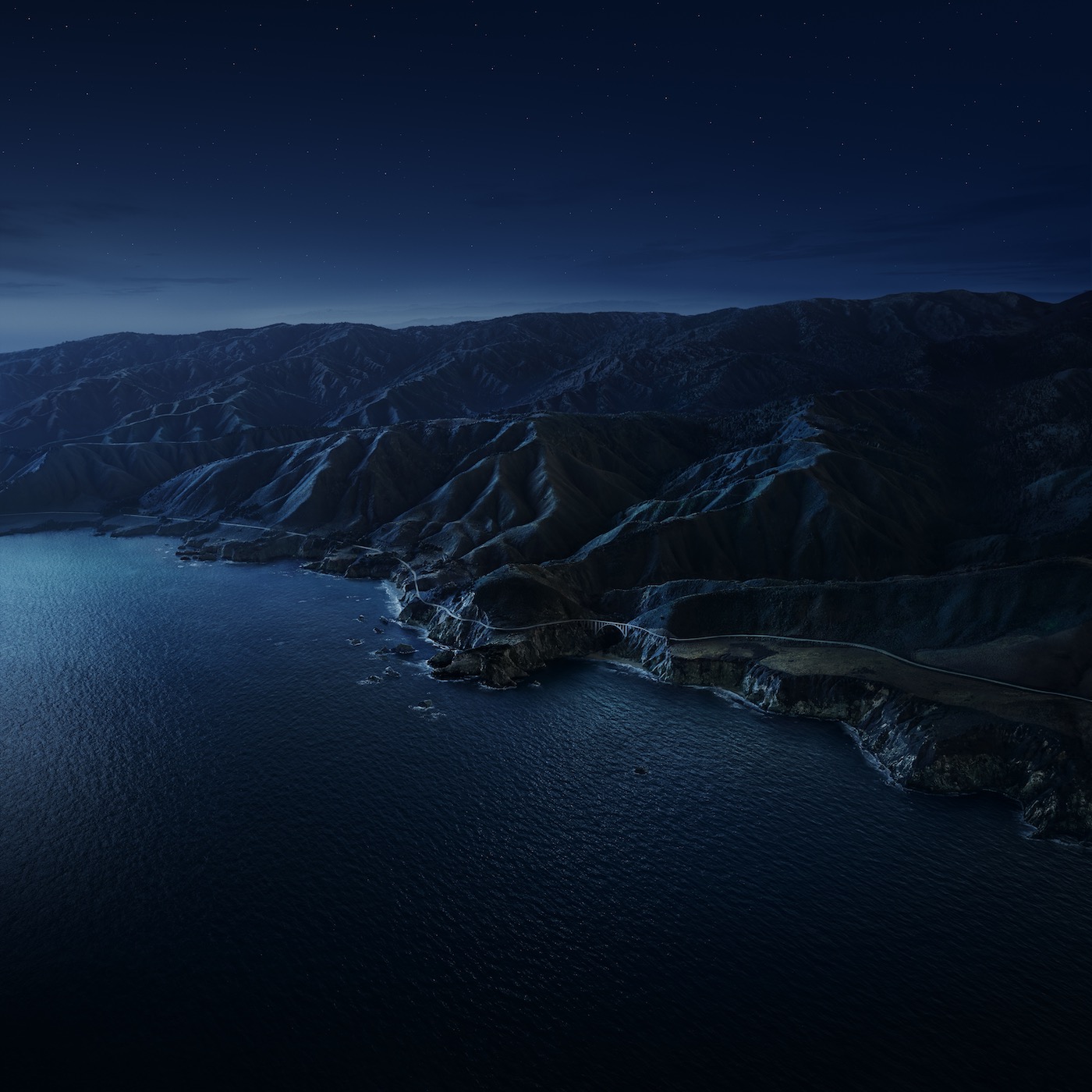
This version of macOS is such a big deal, Apple changed the version number to 11.0. It will be the OS that brings support for Apple Silicon-powered Macs, and features a brand new design.
10.15 Catalina
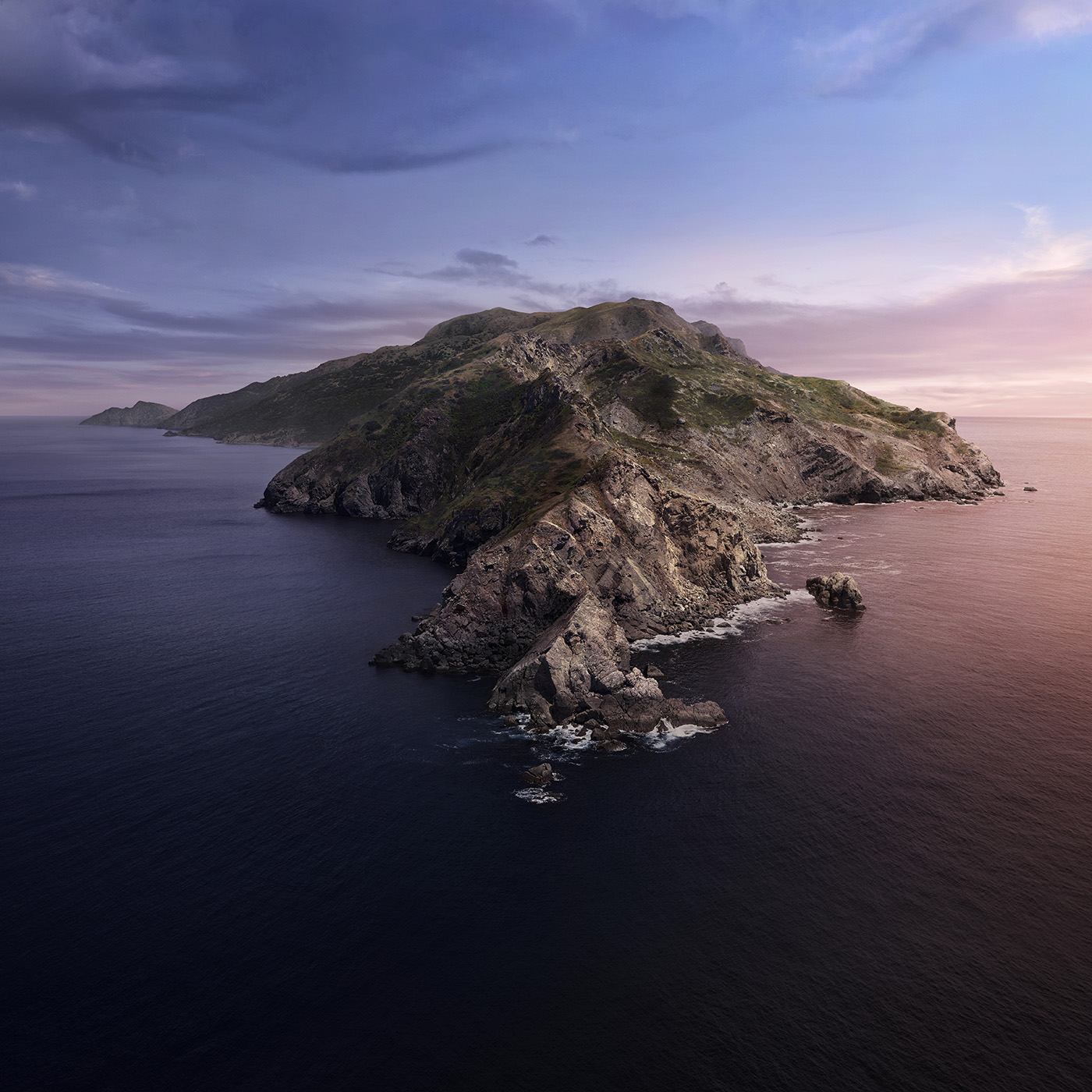
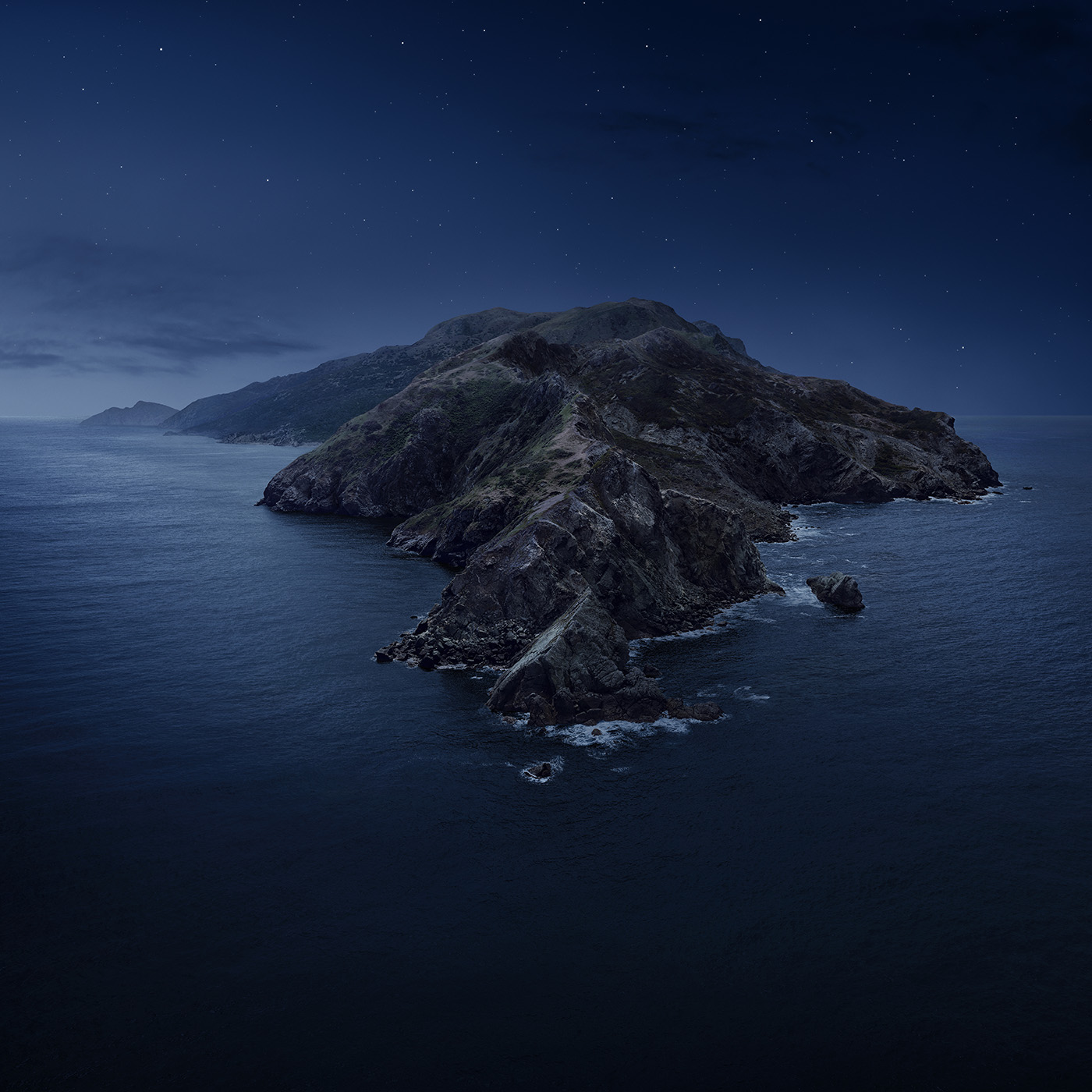
macOS Catalina brought big changes to the Mac, including the ability to run iPad apps natively, opening the platform up to a much larger number of developers than ever before. Catalina shipped with multiple variants of its default wallpaper, and the ability to shift between them as time progresses throughout the day:
10.14 Mojave
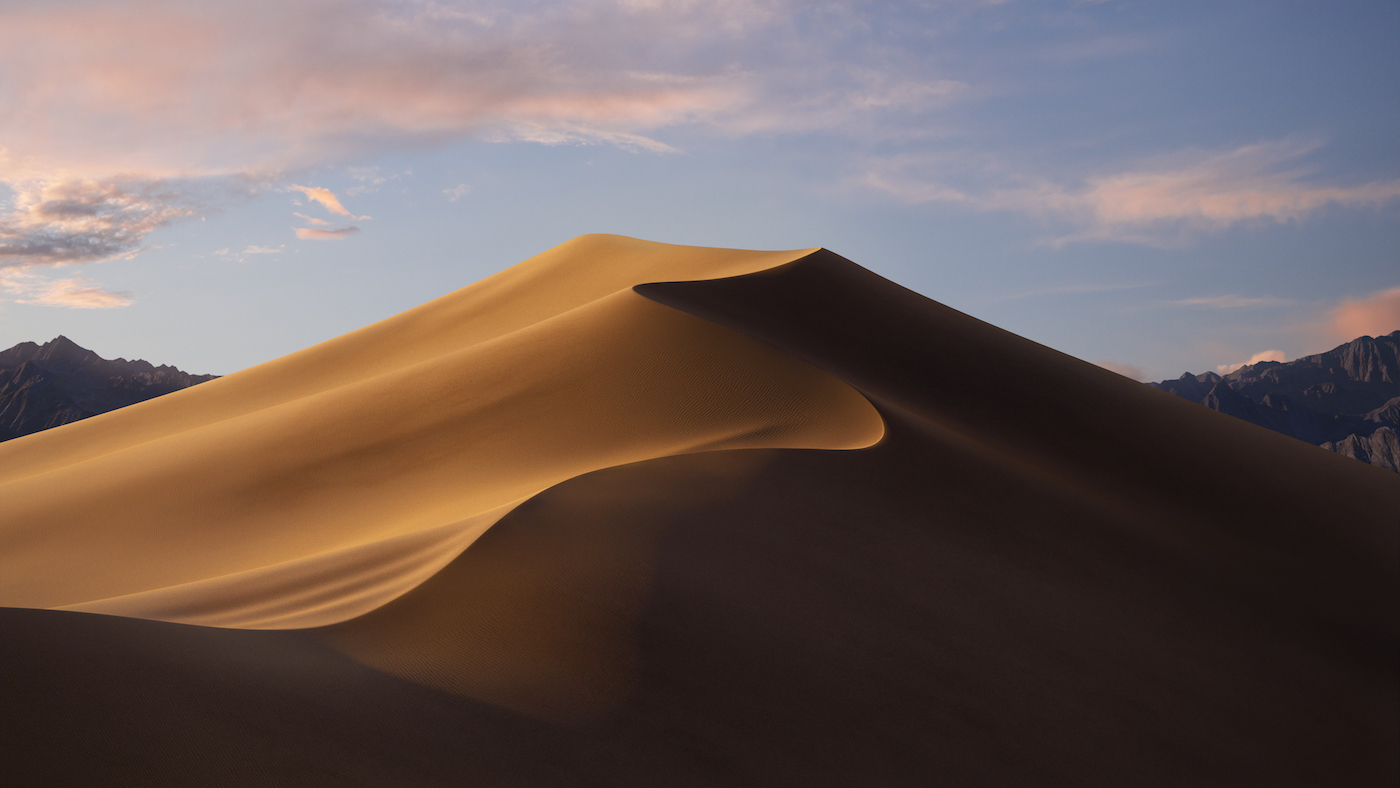
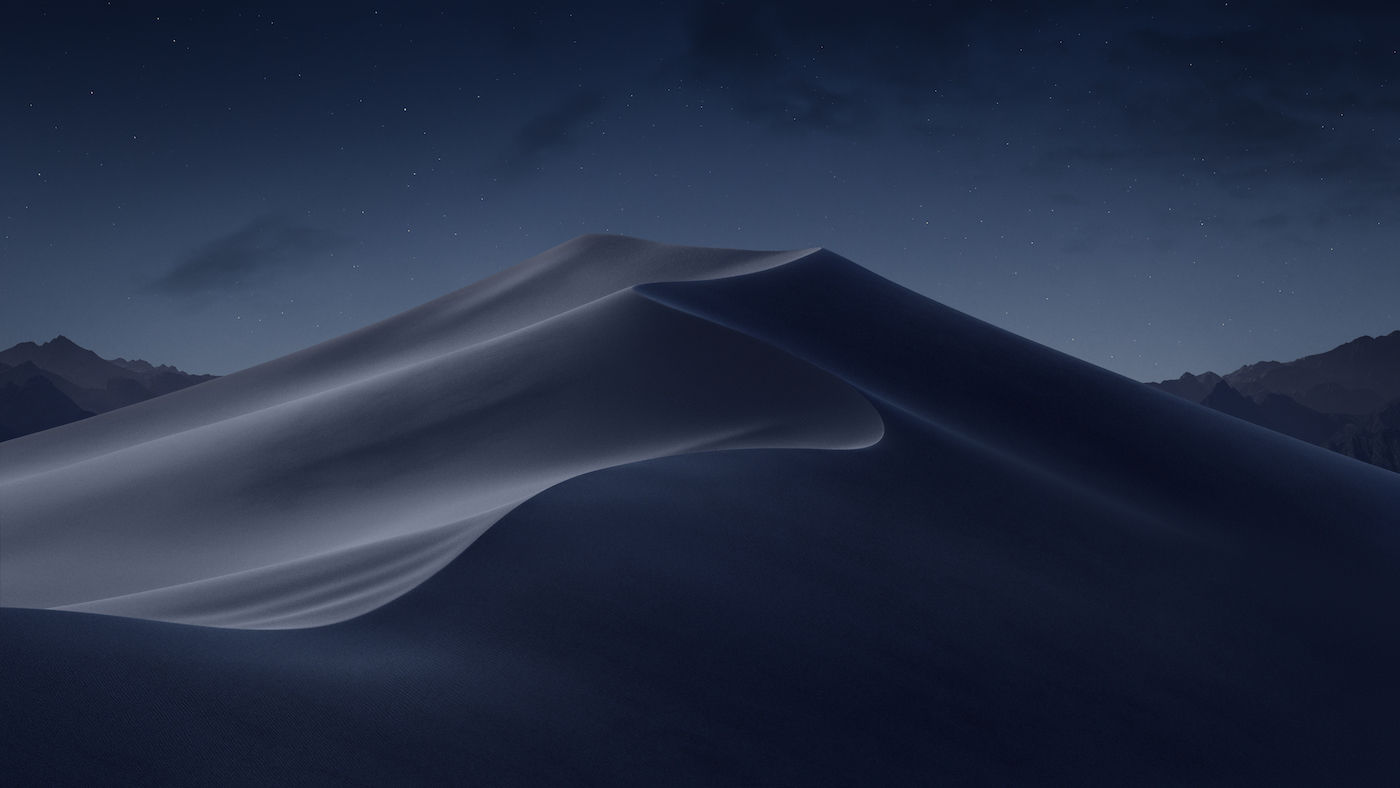
No more mountains! Mojave brought a new system-wide Dark Mode, and the OS shipped with two versions of its default wallpaper to match. Users could even have macOS slowly fade between the two background images over the course of the day.
10.13 High Sierra
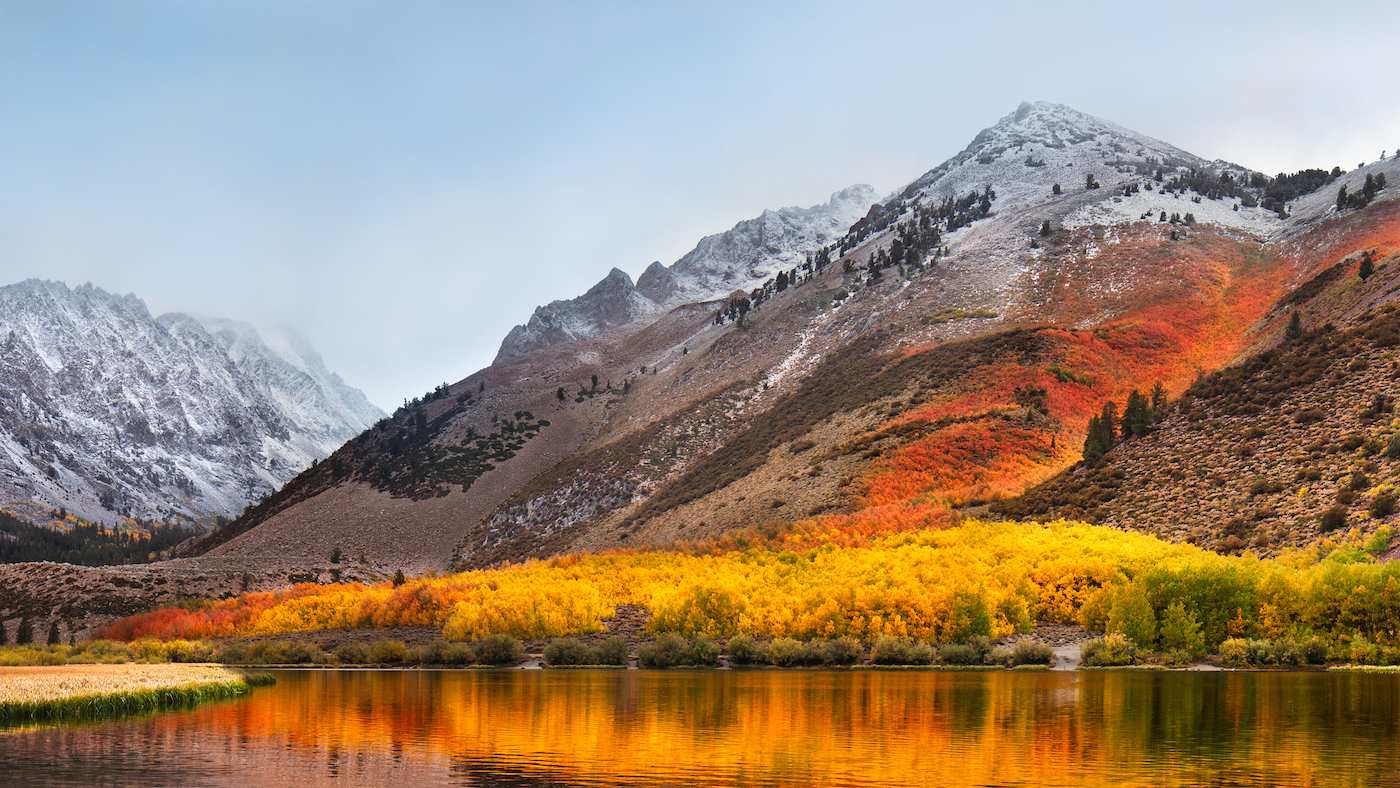
Even more mountains.
10.12 Sierra
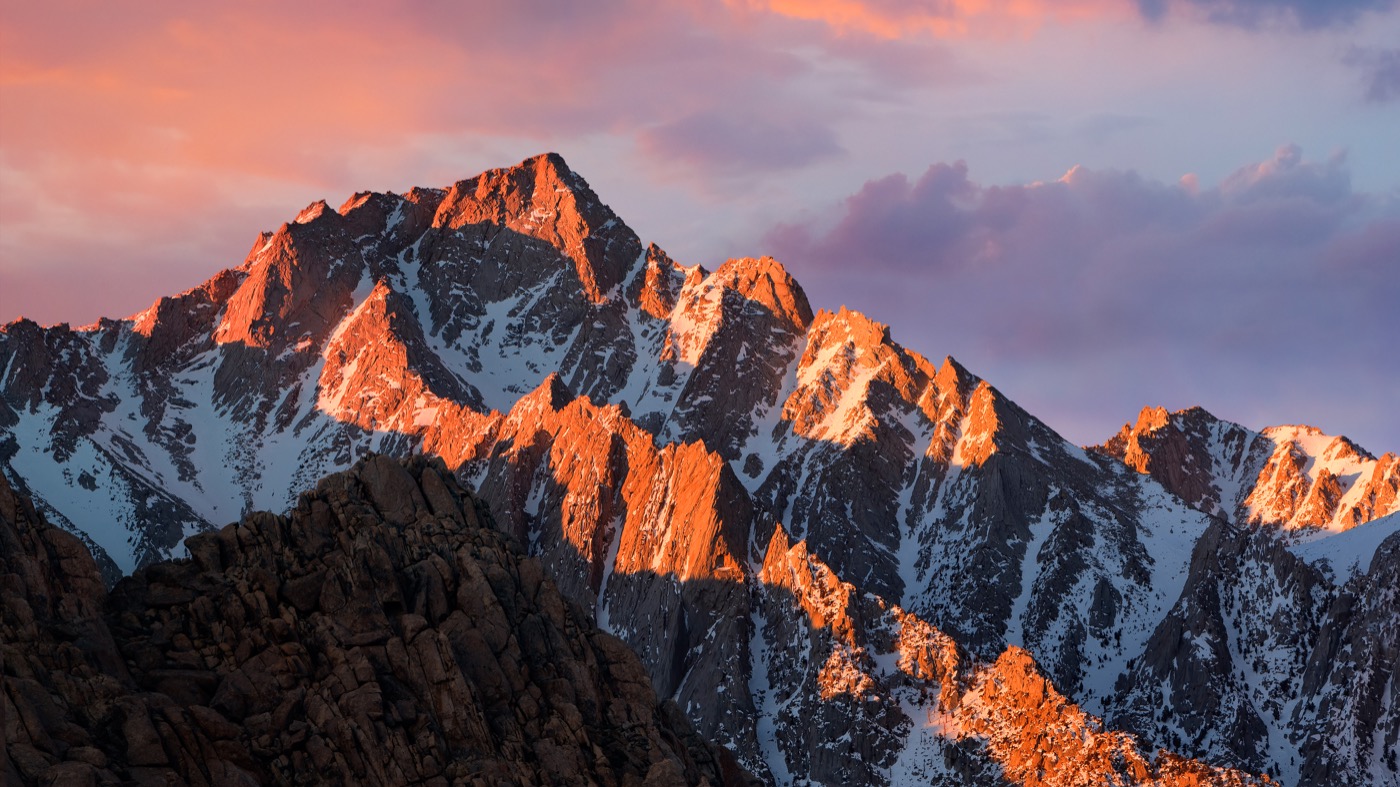
More mountains.
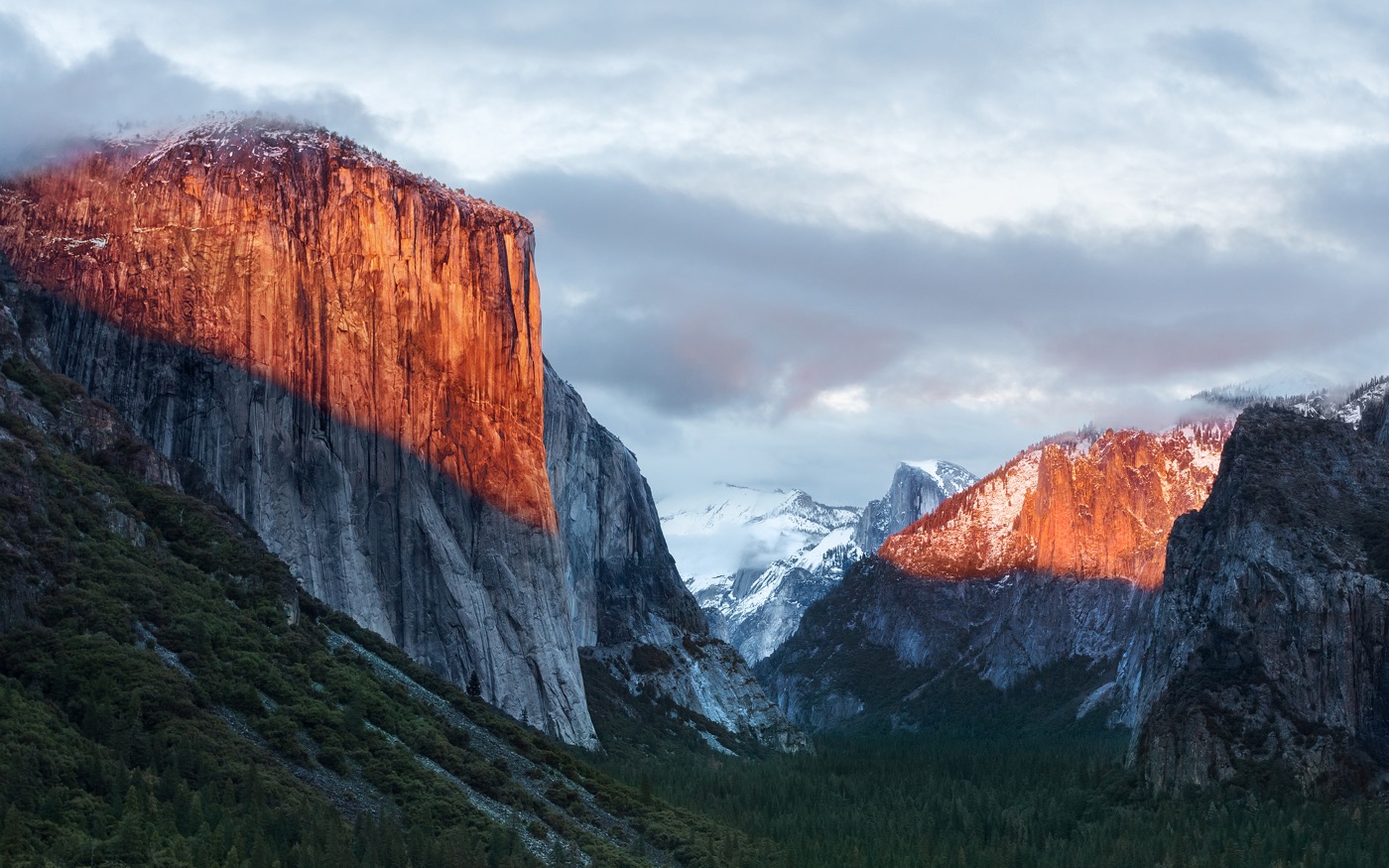
10.11 El Capitan
Named after a breathtaking spot in Yosemite National Park, El Capitan was a clean-up year after 10.10.
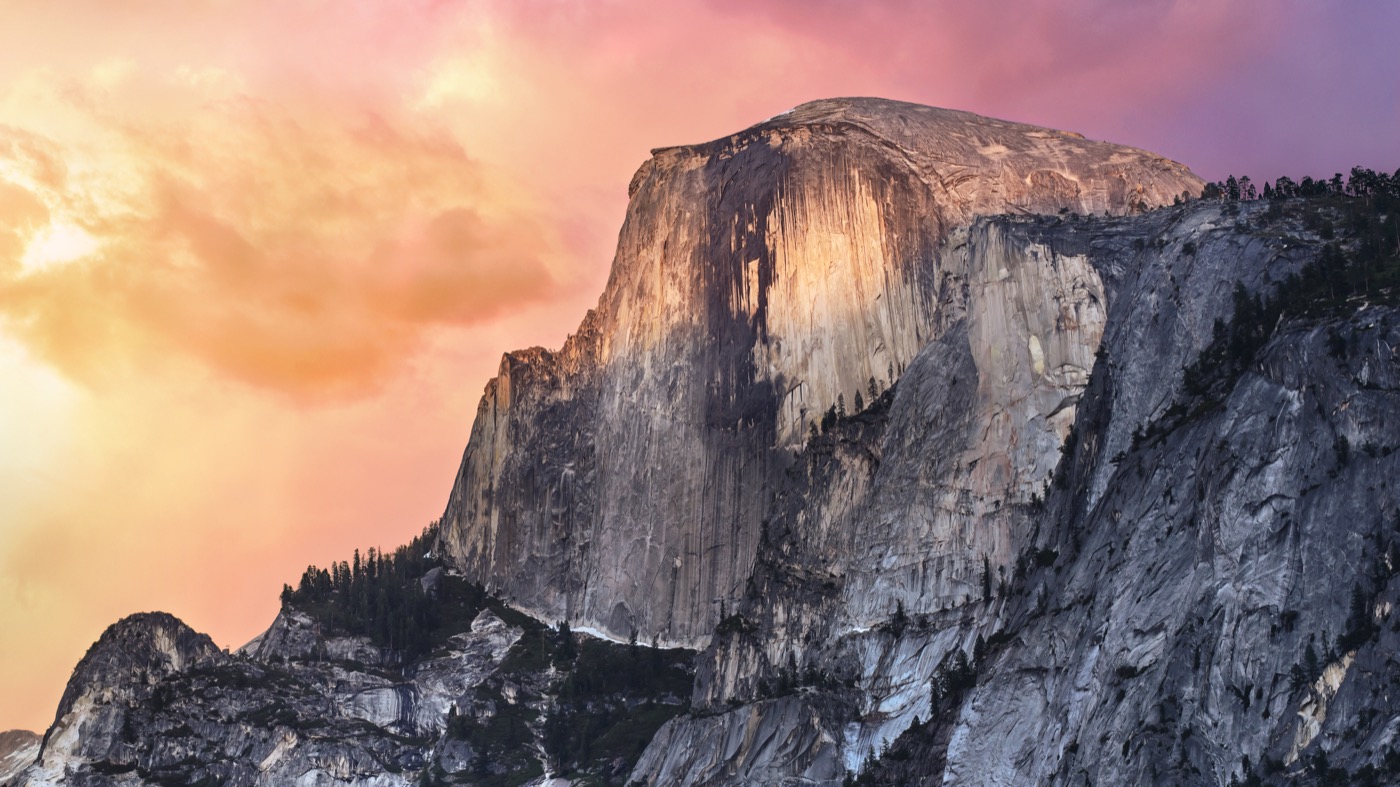
10.10 Yosemite
Yosemite brought another UI refresh to the Mac, making things flatter and more modern. The wallpaper ushered in a new era based on … well … mountains.
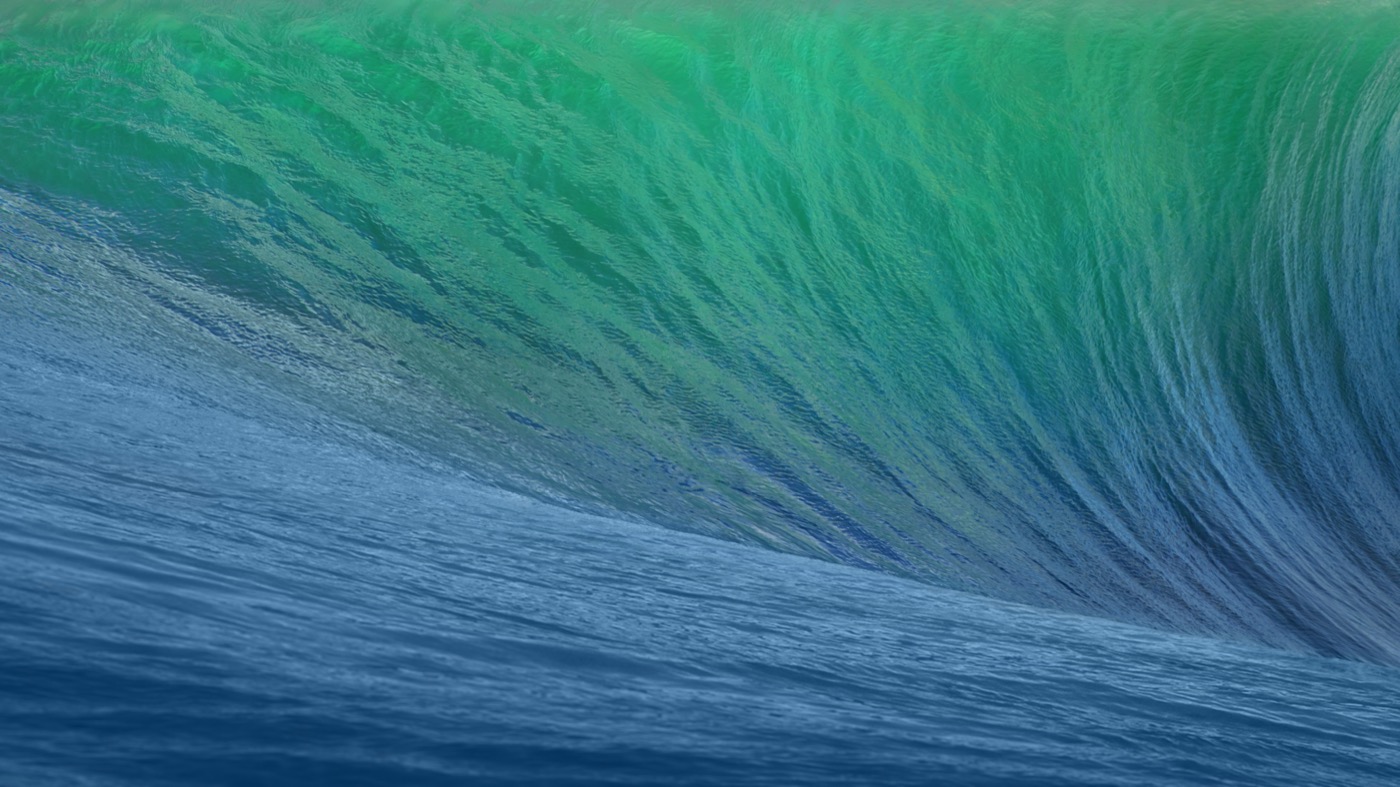
10.9 Mavericks
Mavericks marked the beginning of Apple’s “California location” naming scheme for Mac releases. The wave depicted looks as intimidating as the ones in the famous surfing location.
10.8 Mountain Lion
Just like Snow Leopard before it, with Mountain Lion, Apple opted to clean up and revise the existing theme as opposed to changing directions for what would be a less-impactful release of OS X.
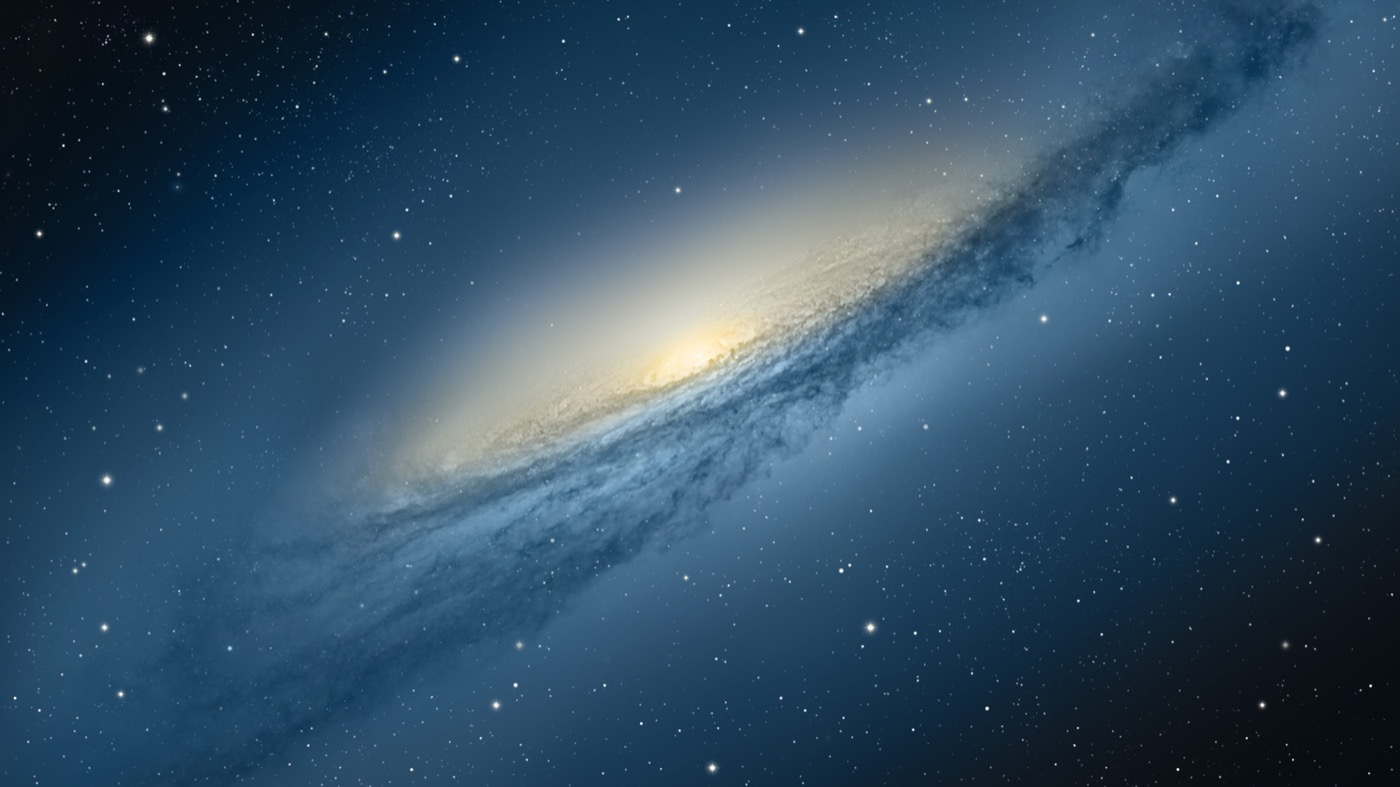
10.7 Lion
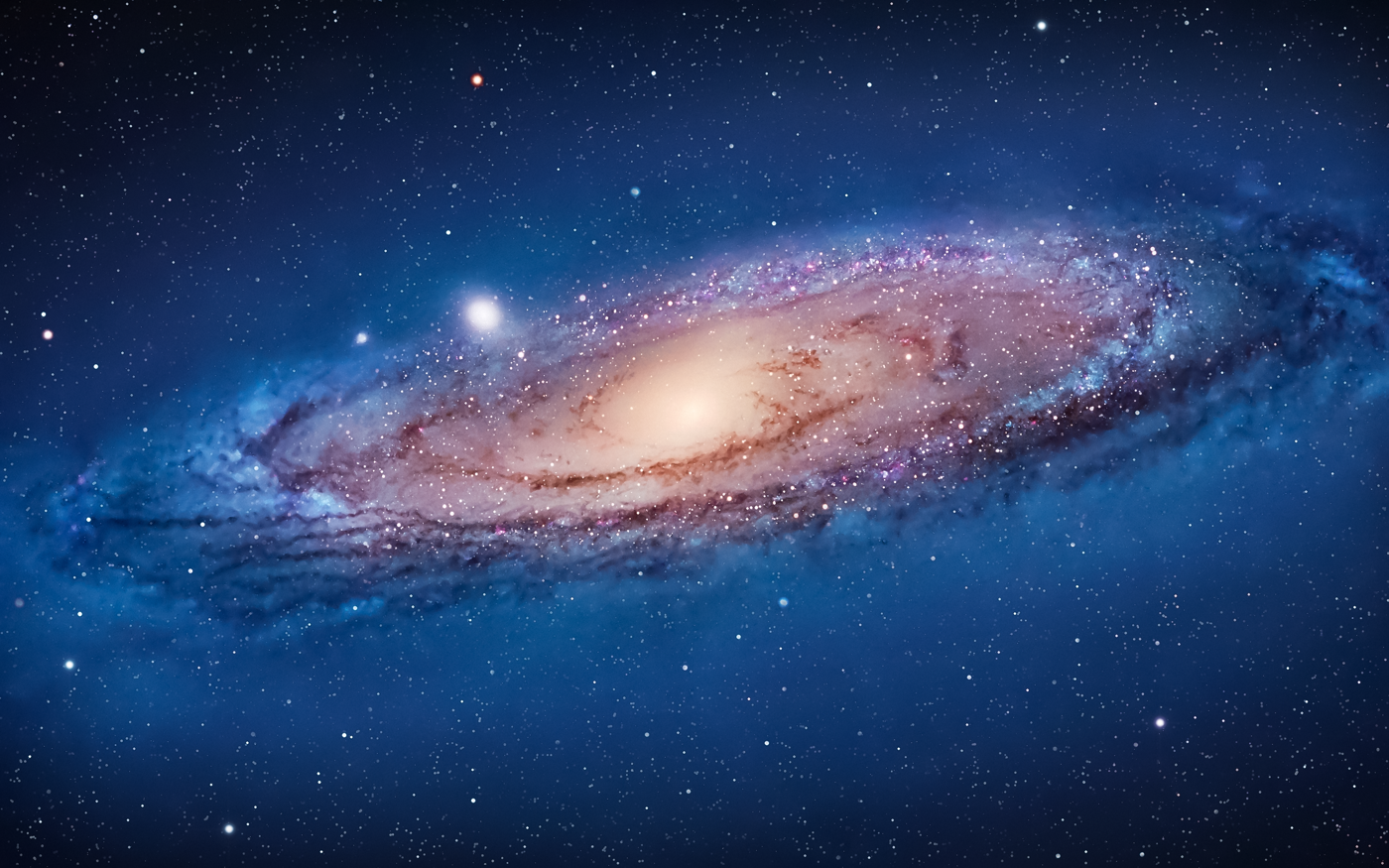
Lion kept up the space theme, this time showing off the Andromeda galaxy. The space nerd in me likes the idea, but the execution of this one leaves dead-last on my list of favorites.
10.6 Snow Leopard
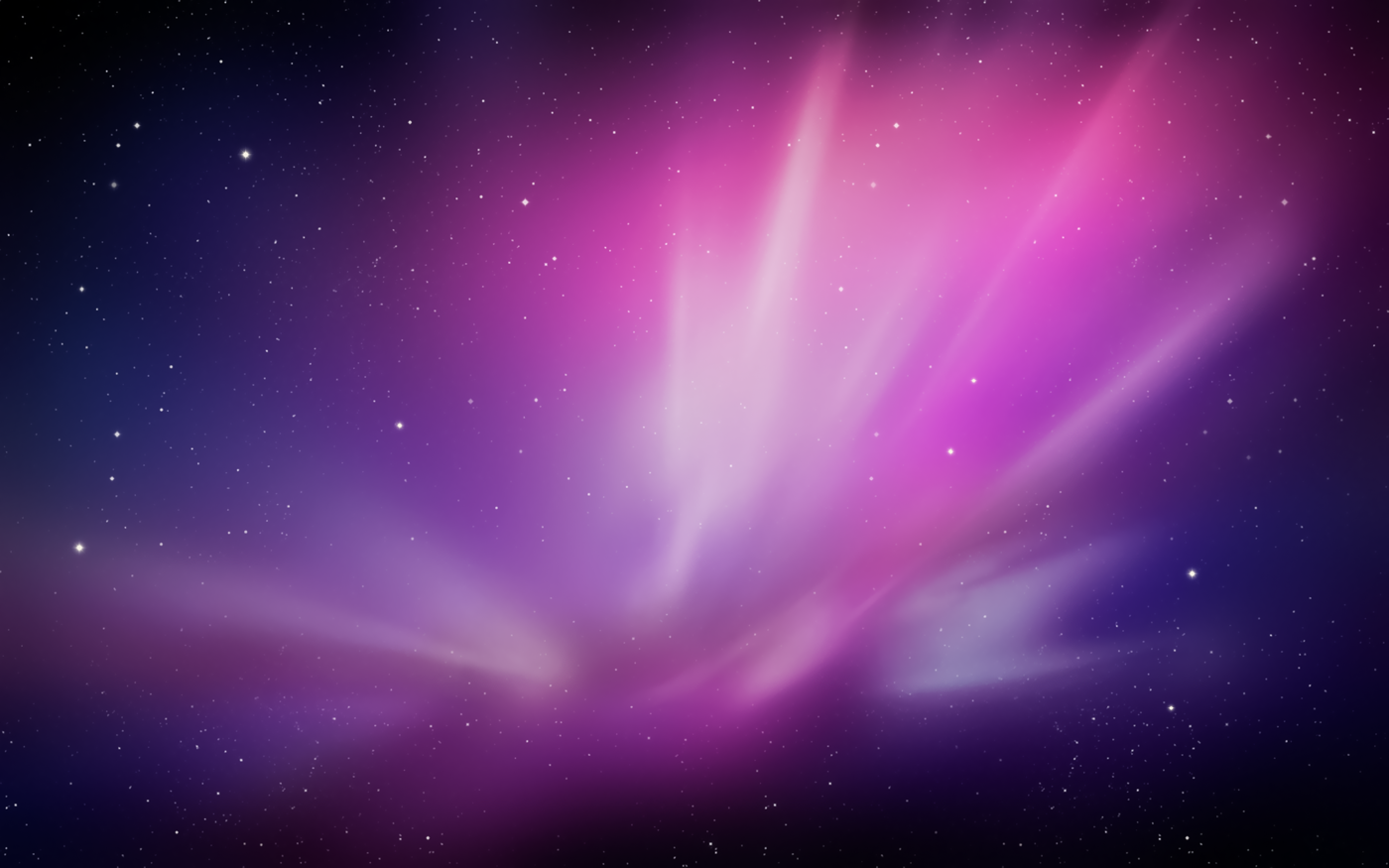
The “no new features” mantra for Snow Leopard didn’t ban a new wallpaper, thankfully. This starscape is still one of my favorites. The Server version isn’t bad either!
10.5 Leopard
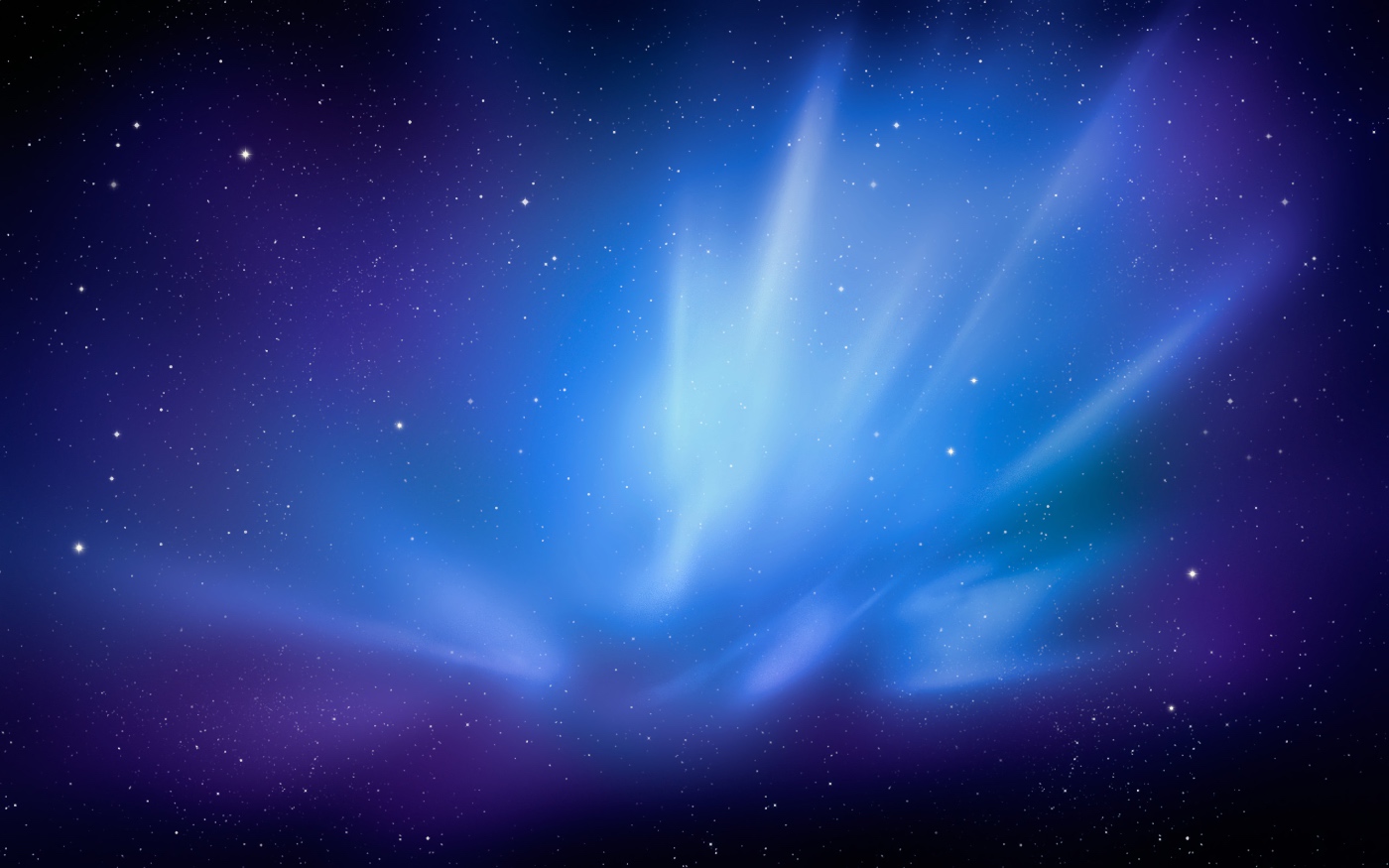
Complete with a revised, unified user interface and shiny new Dock, 10.5 broke the Aqua mold. As such, Leopard was the first version of OS X to break from the Aqua-themed wallpaper. It ushered in the “space era” of OS X wallpapers, which was used heavily in the new Time Machine interface as well.
10.5 Leopard Server
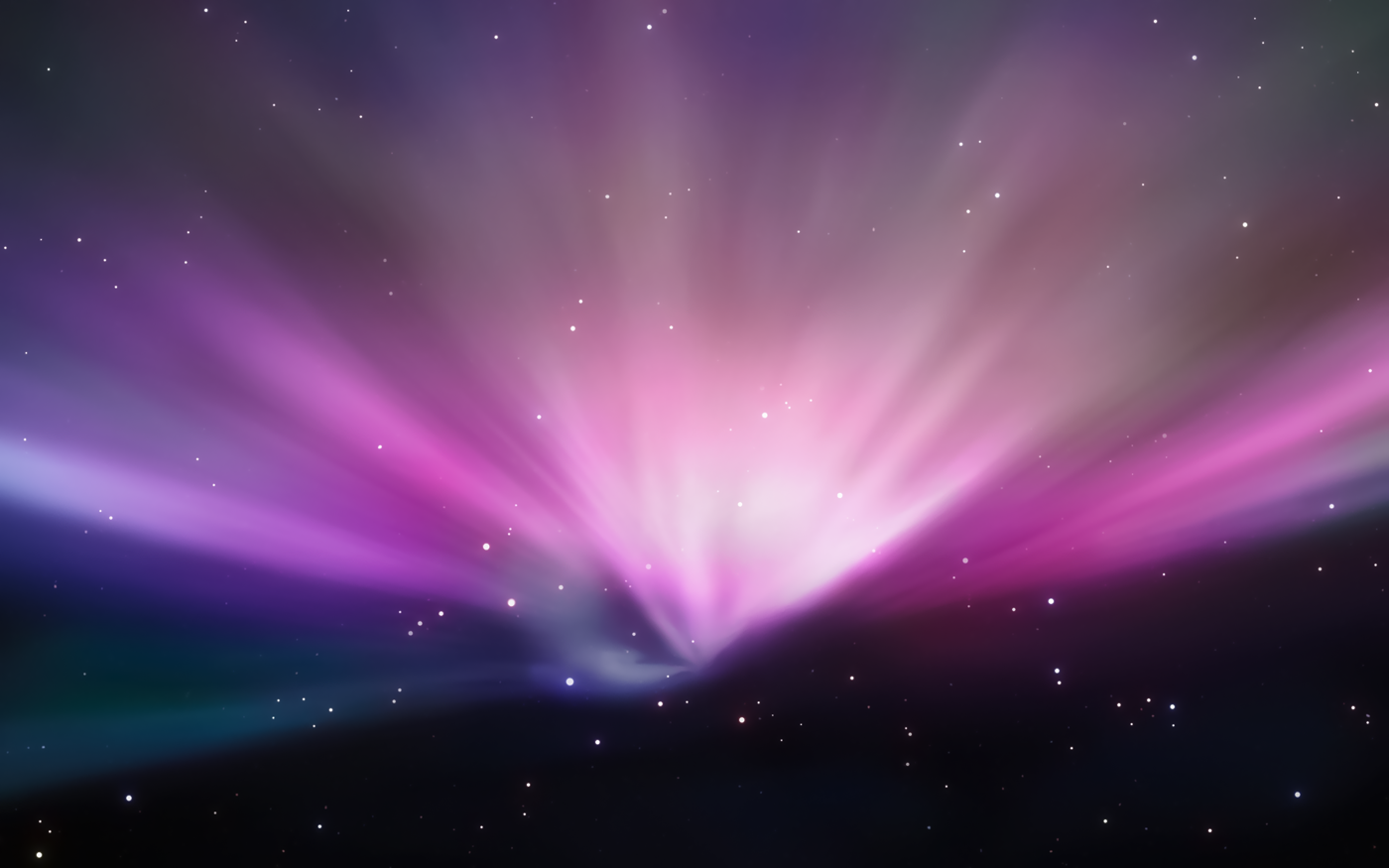
The server version of Leopard server came with its own unique wallpaper that is a real treat:

10.4 Tiger
Many consider Tiger to be the best “classic” version of Mac OS X. While that may or may not be true, it is my favorite Aqua-inspired wallpaper.

10.3 Panther
While Panther inflicted Macs everywhere with Brushed Metal, its wallpaper stayed on brand, refreshing the original 10.0 image.

10.2 Jaguar
Jaguar took the same Aqua-inspired theme but added some depth and motion to things. In my head, the trails streaking across the screen were from a set of comets.

10.0 Cheetah & 10.1 Puma
The first two releases of Mac OS X shared the same wallpaper. The sweeping blue arcs and curves helped set the tone of the new Aqua interface.