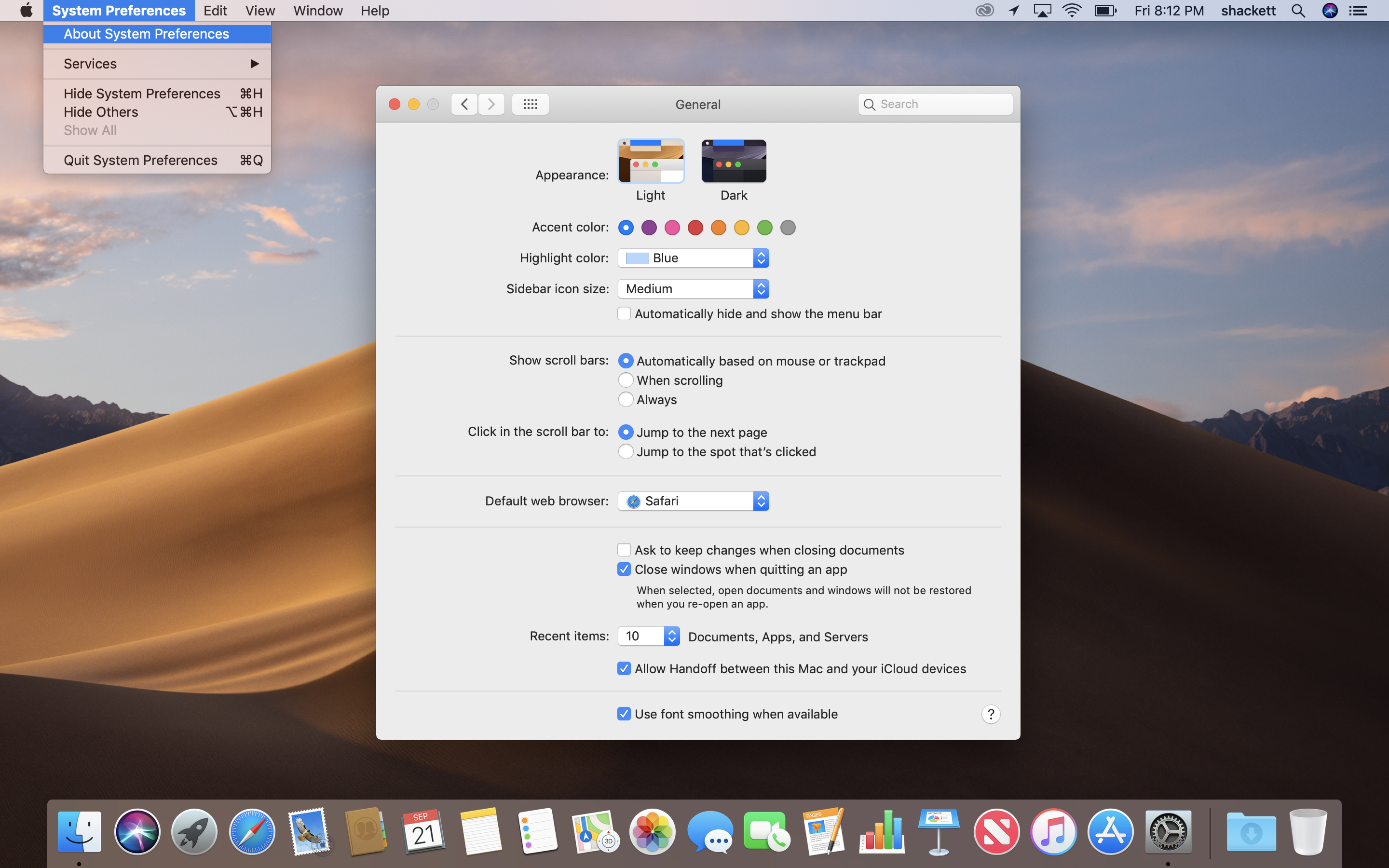
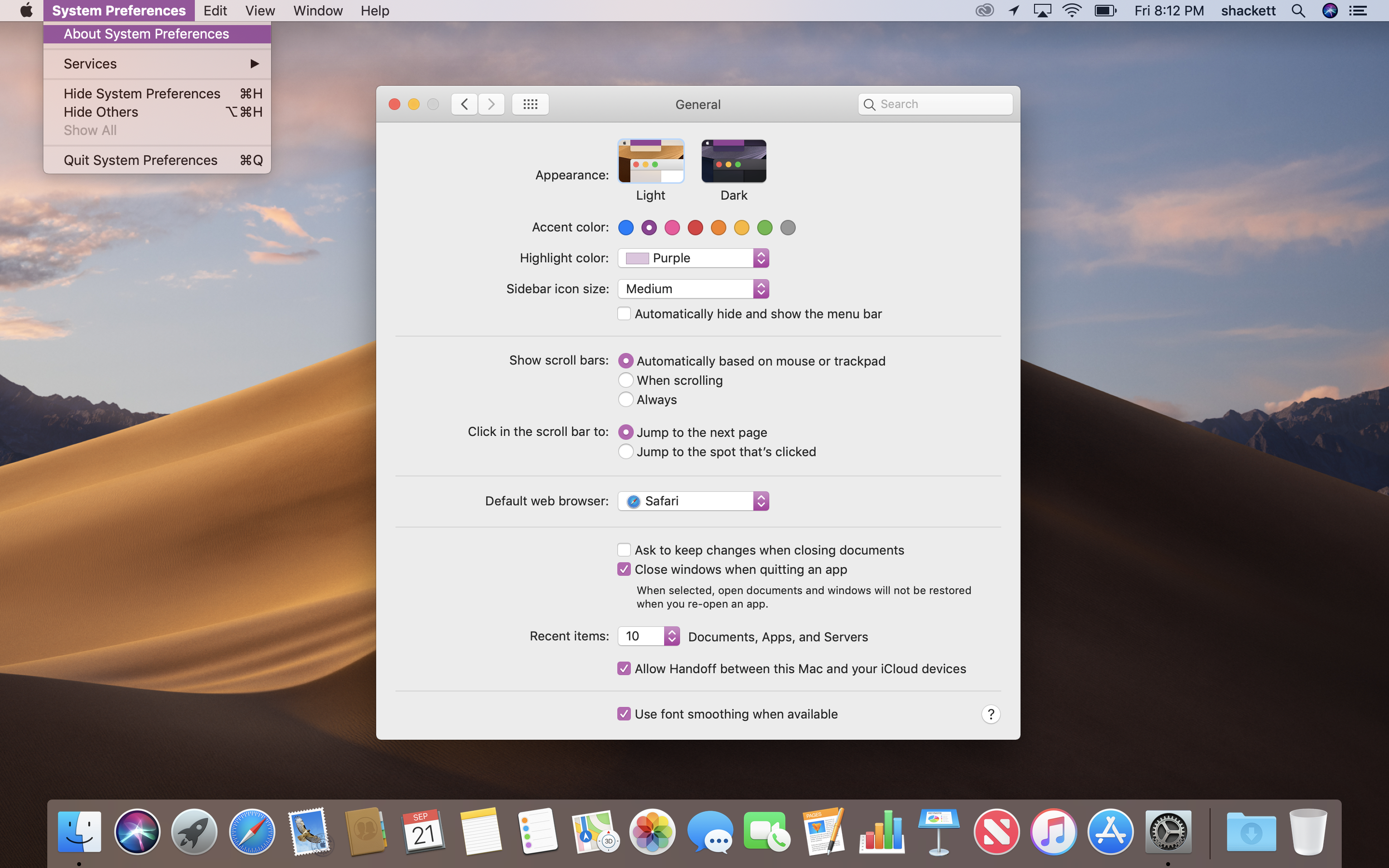
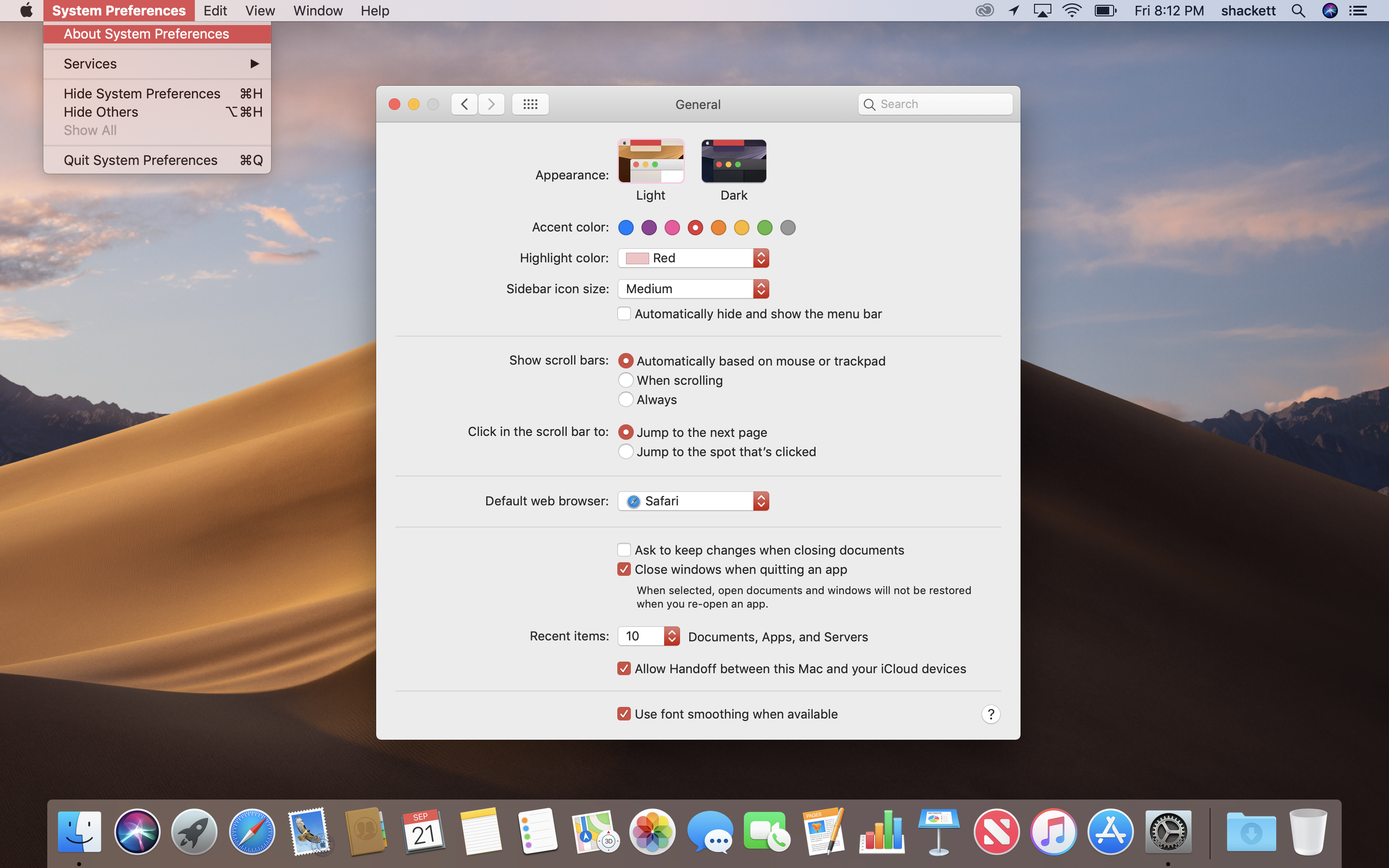
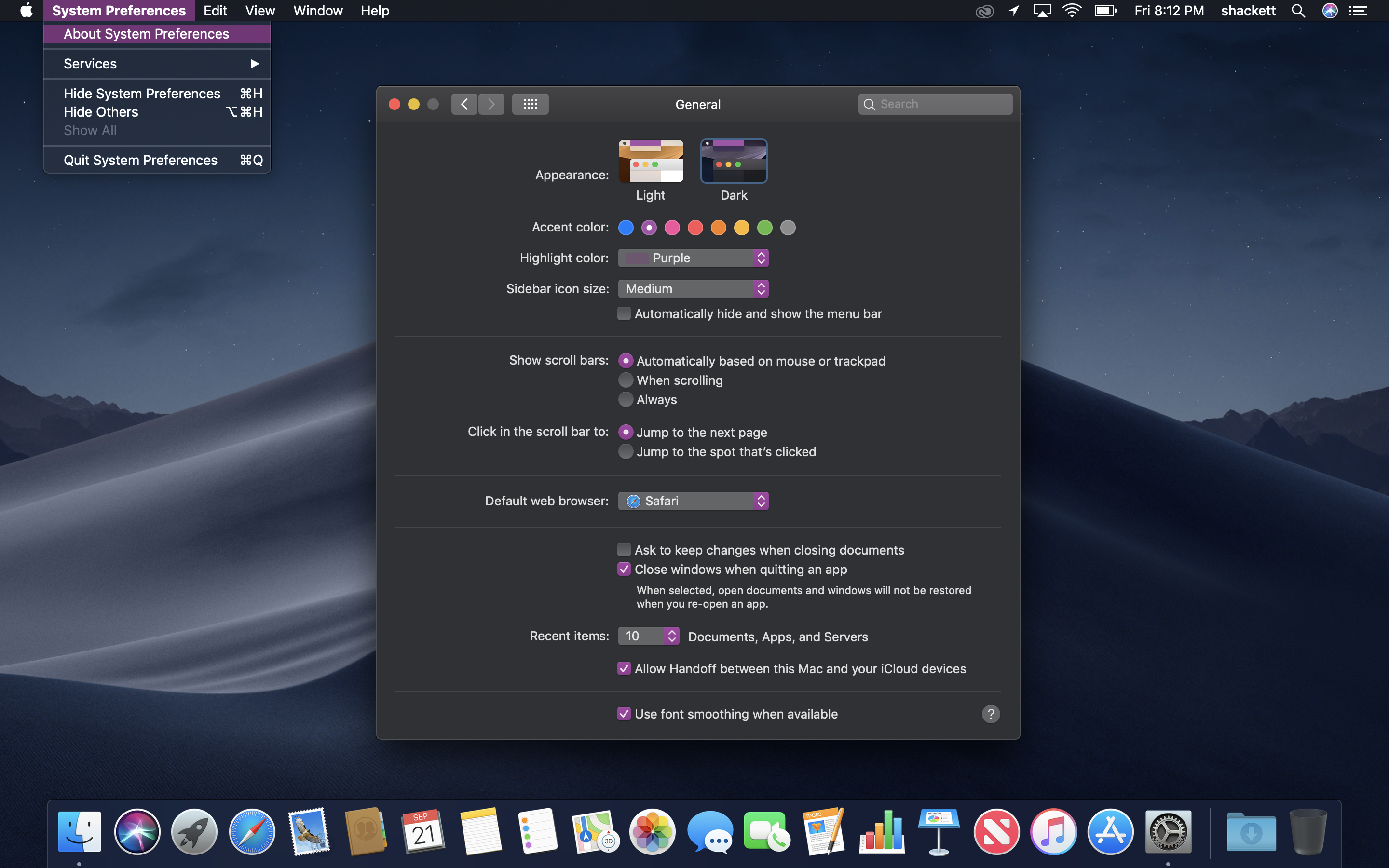
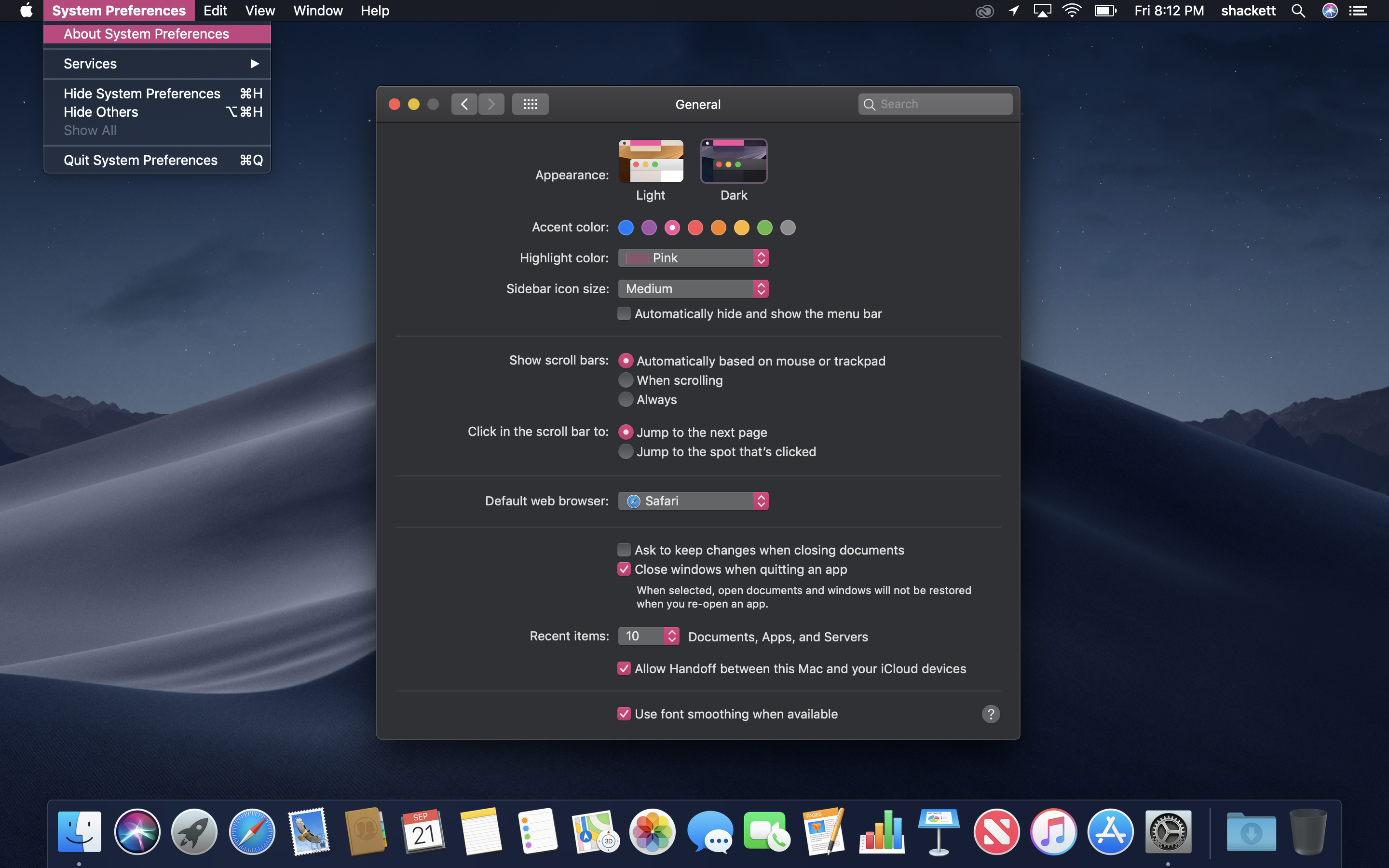
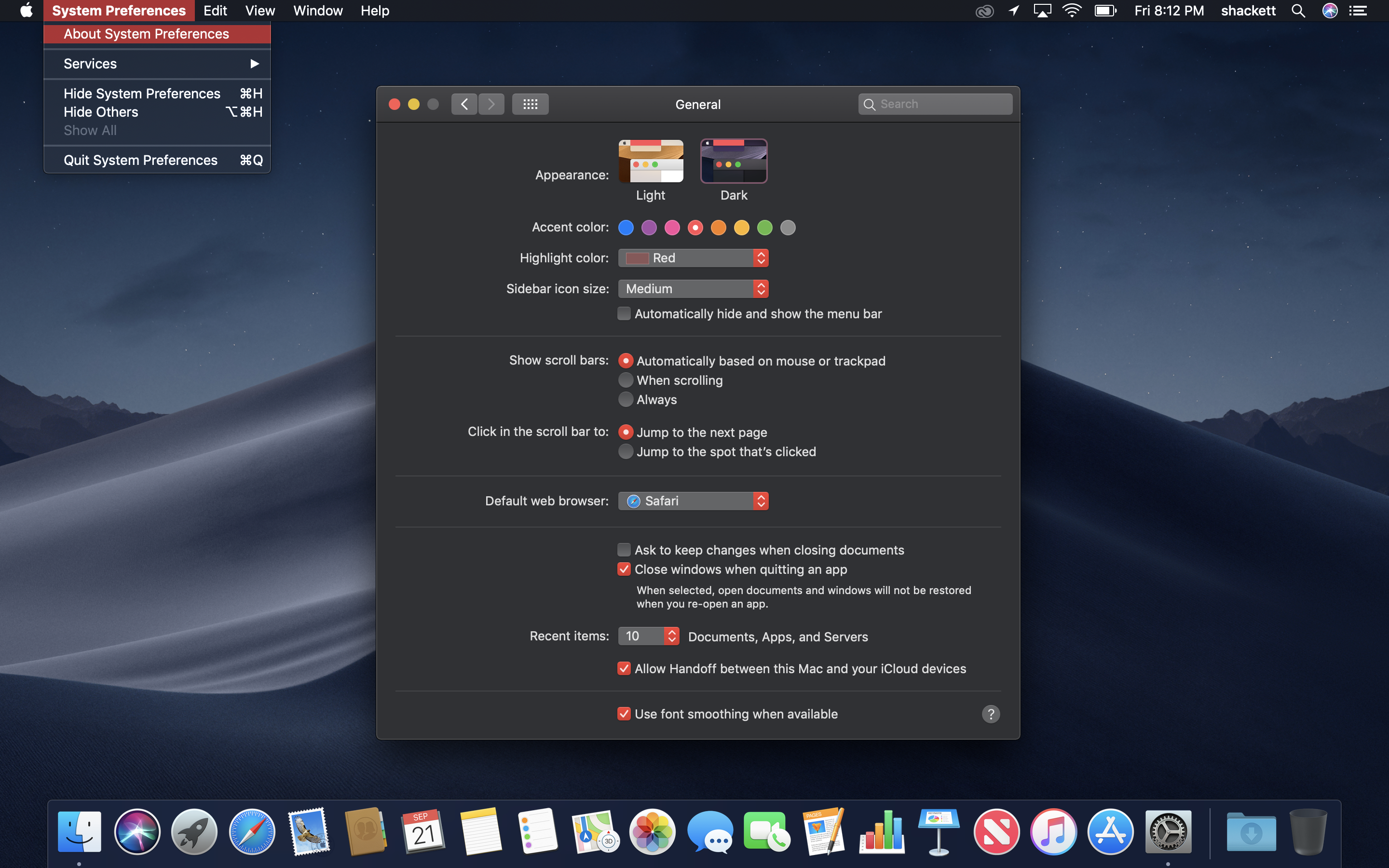
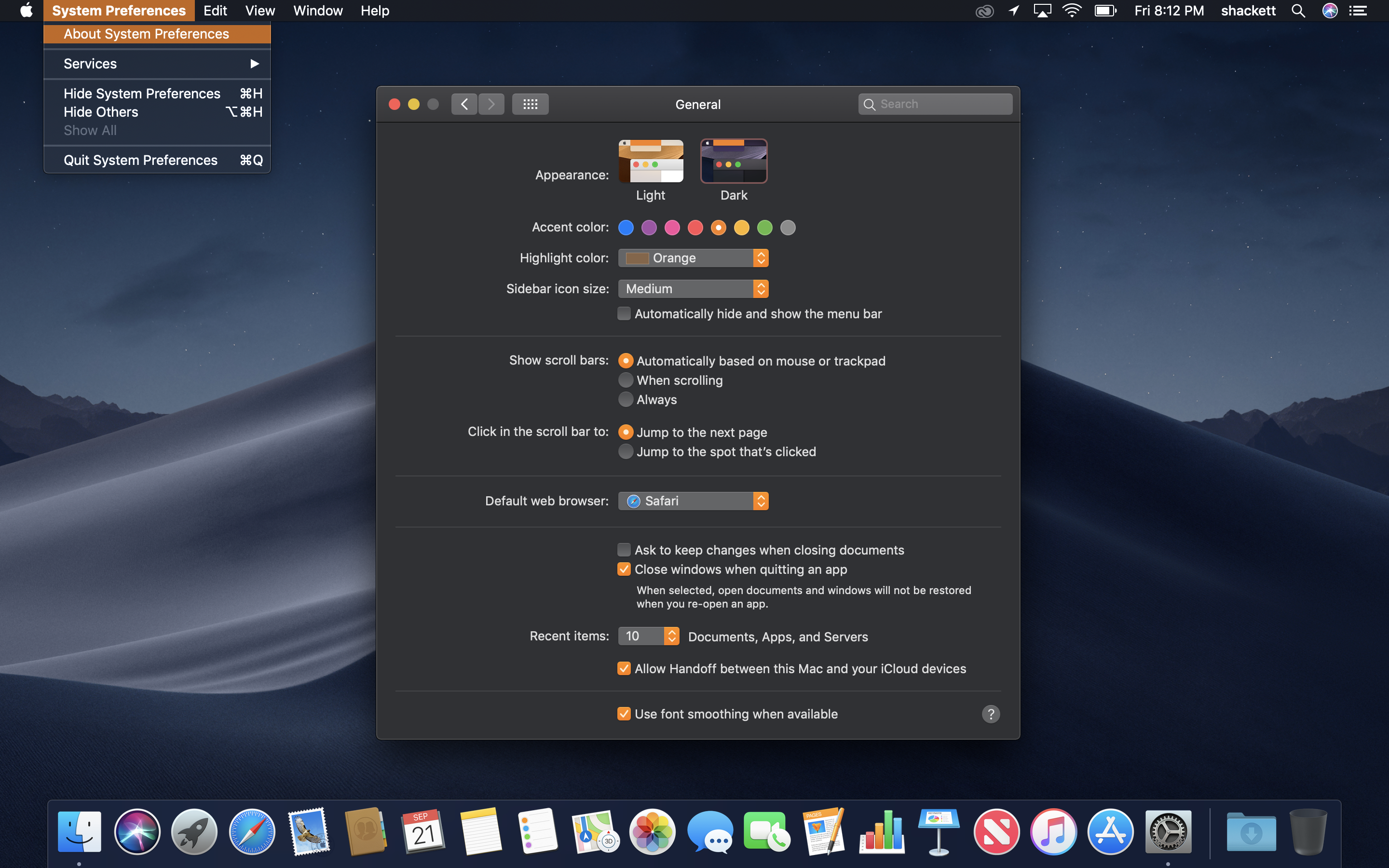
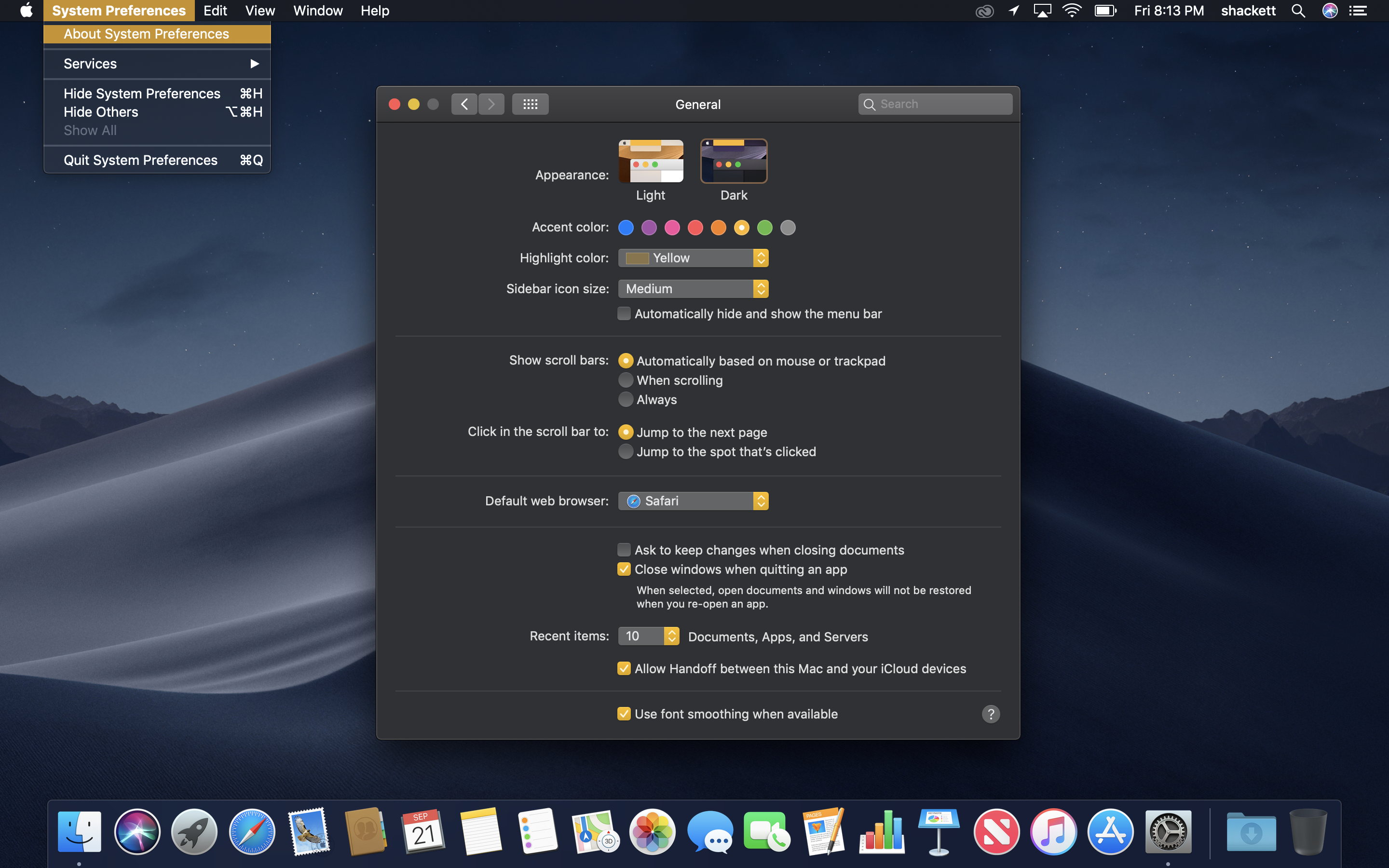
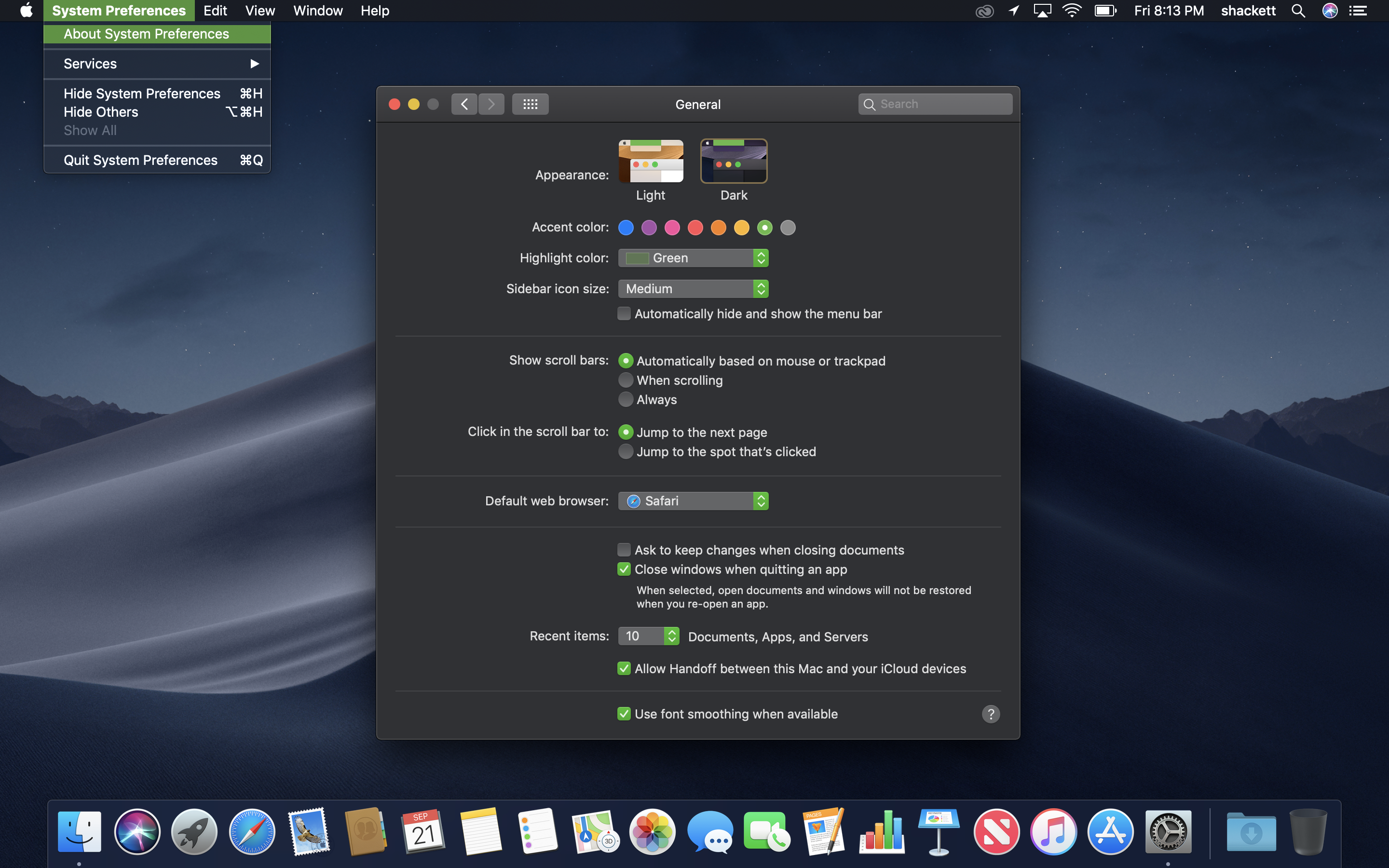
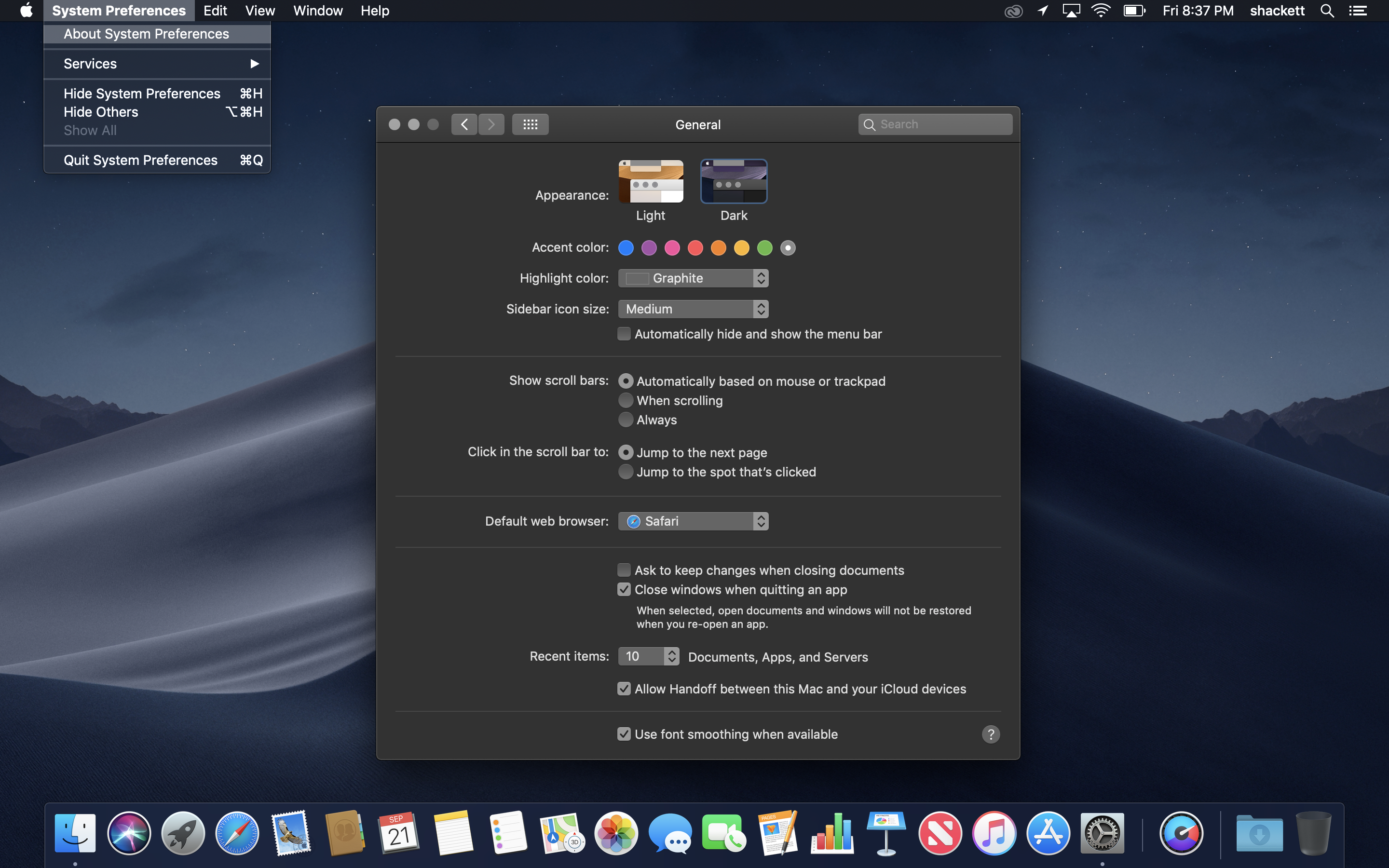
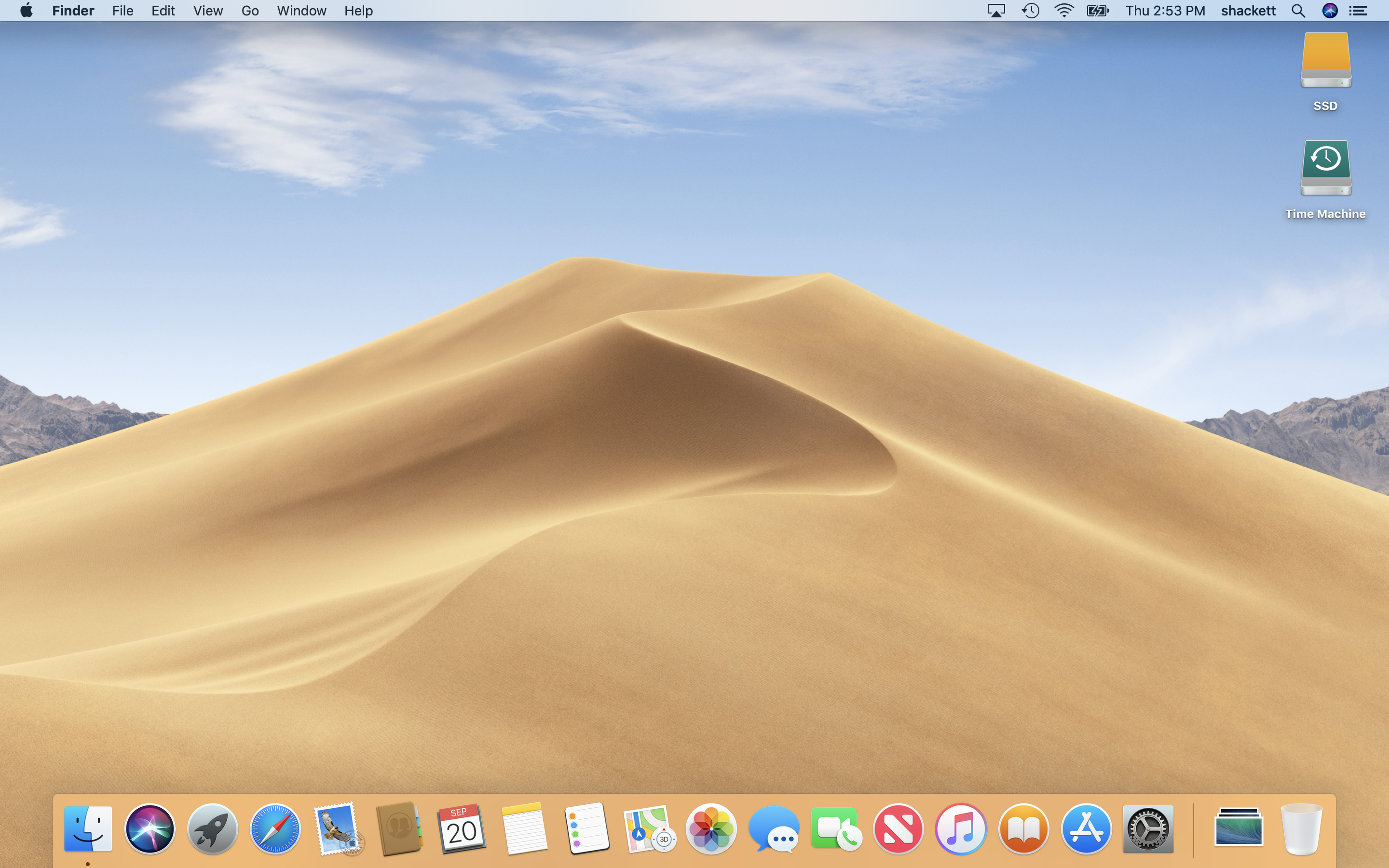
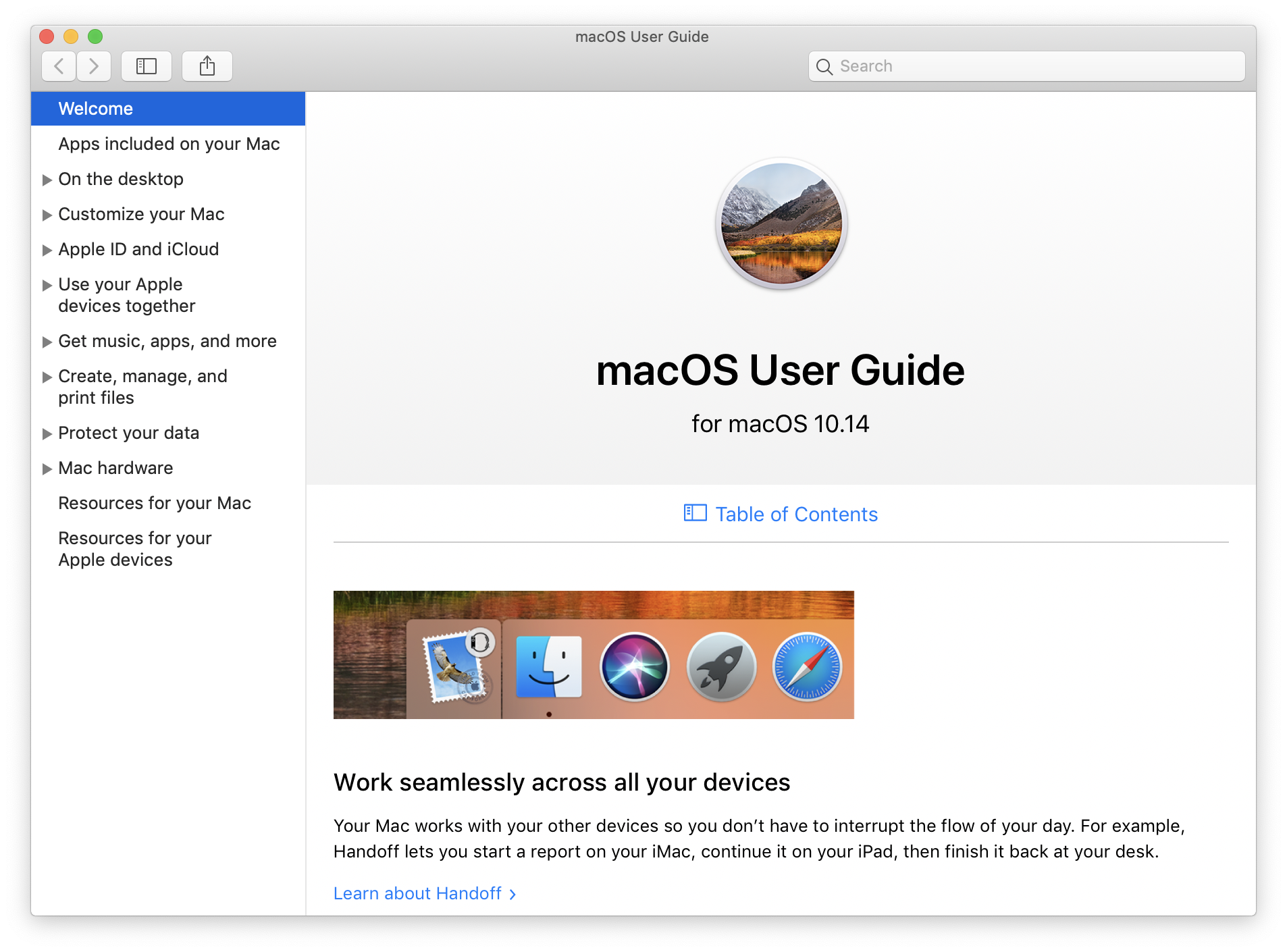
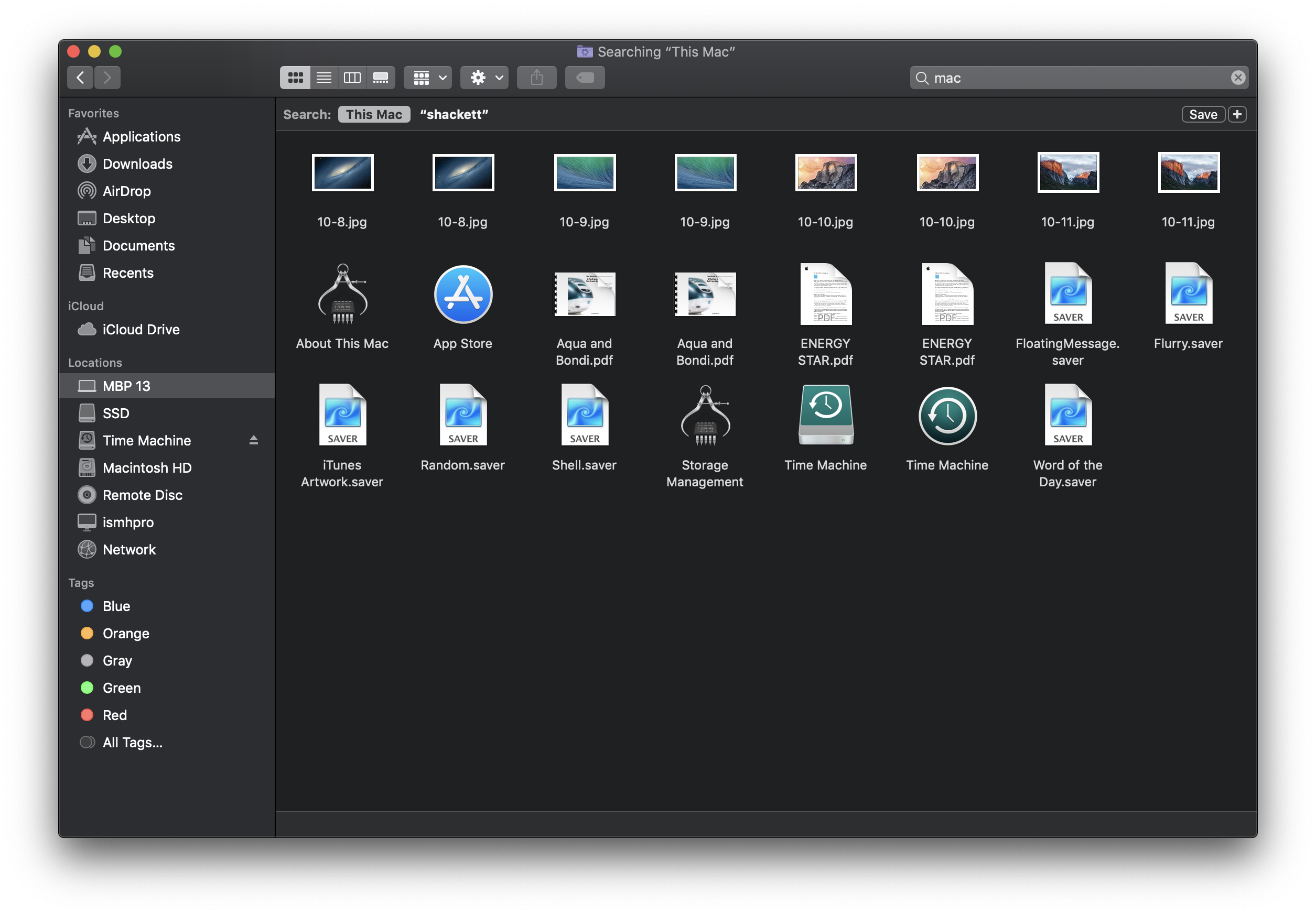
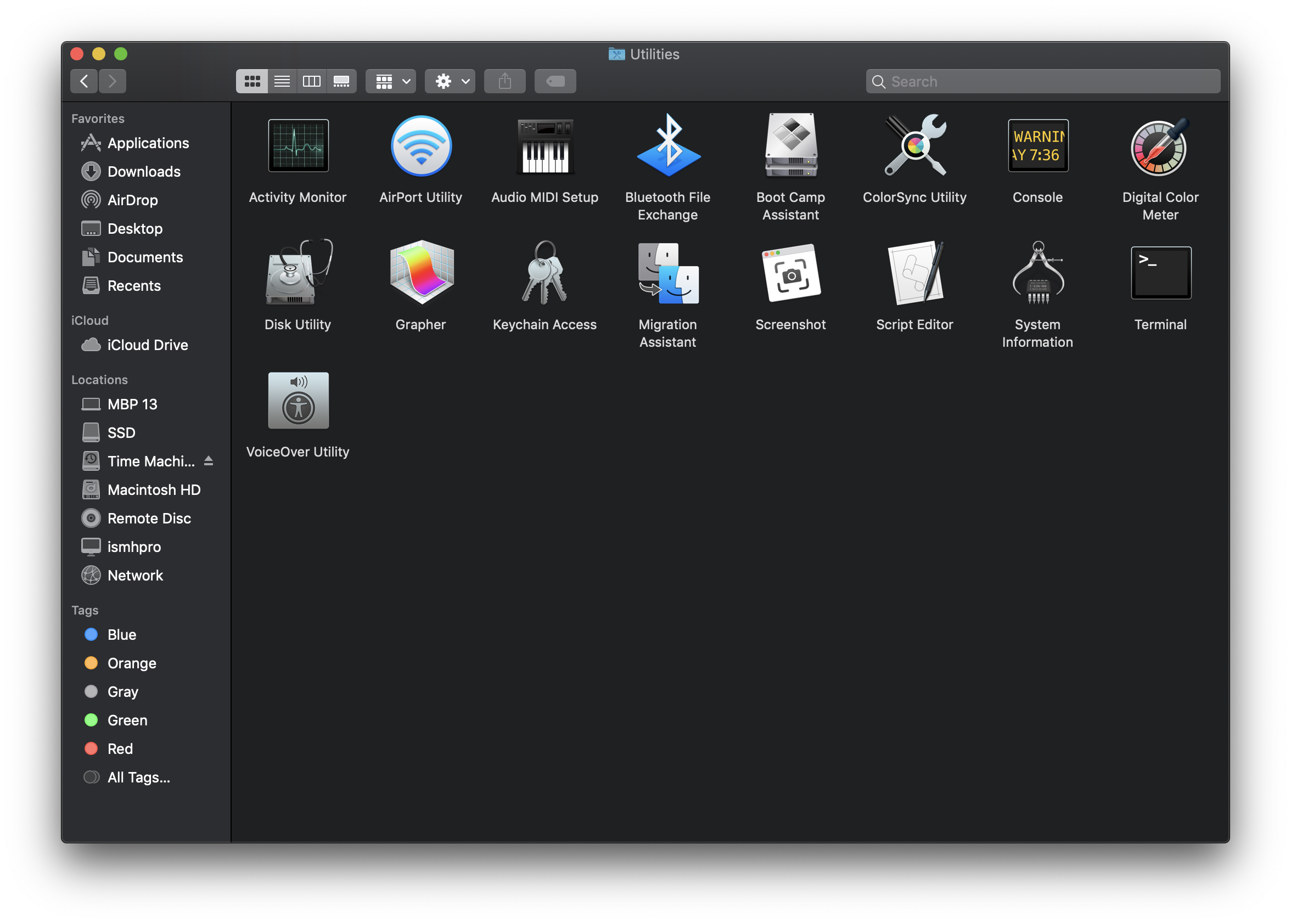
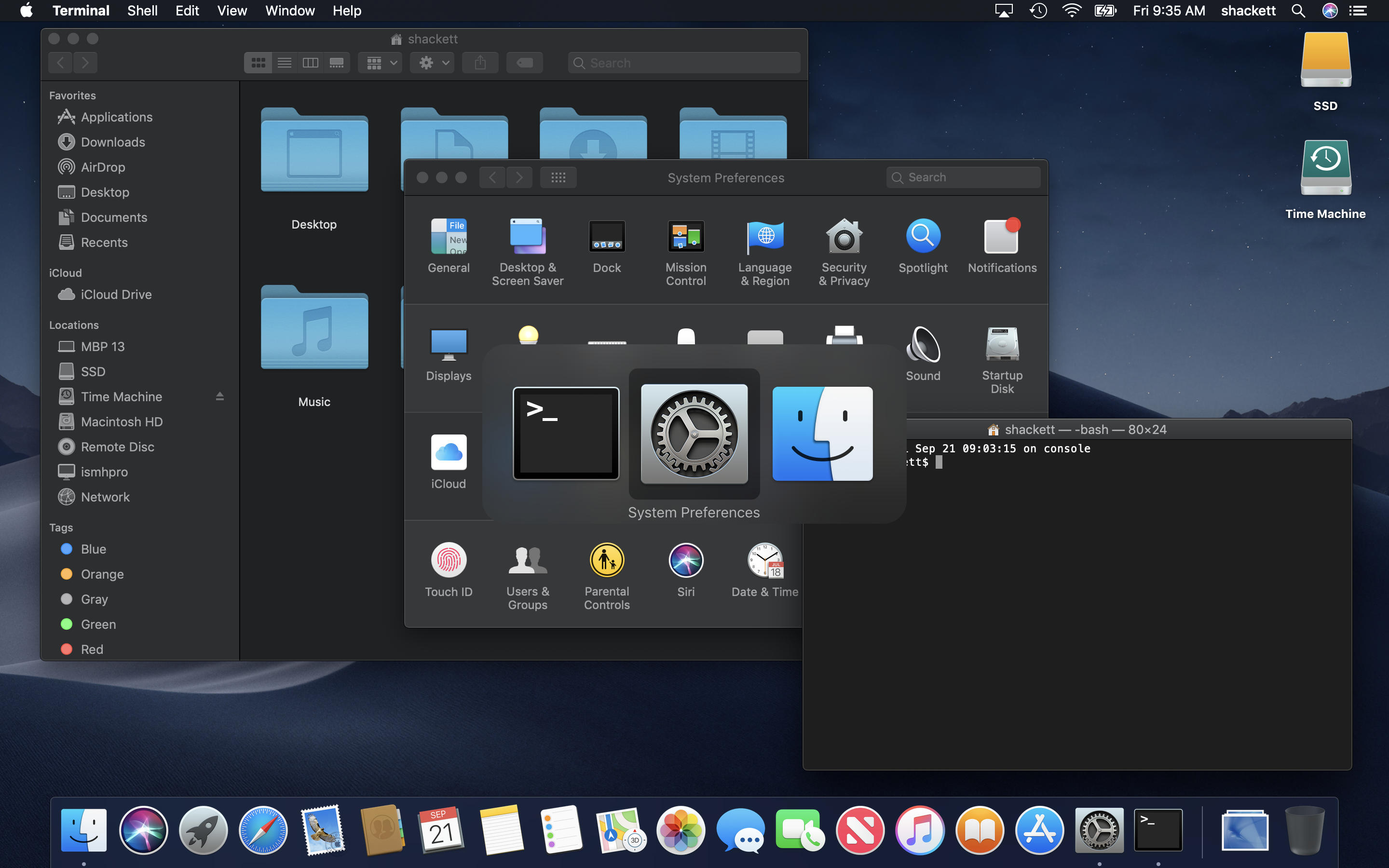
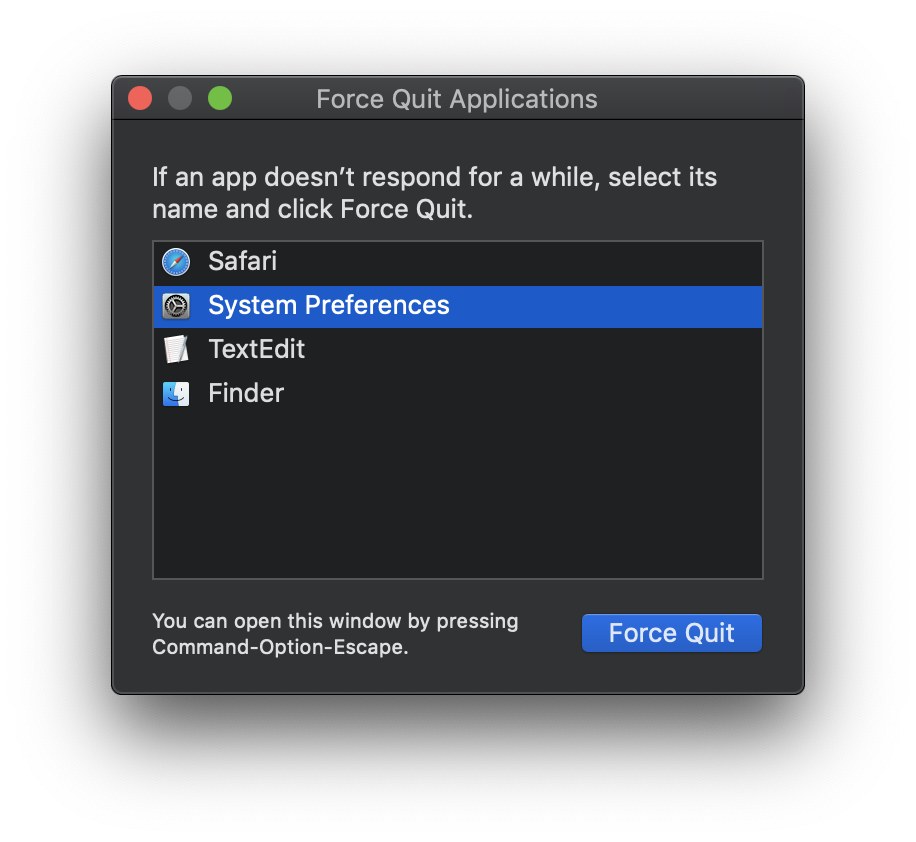
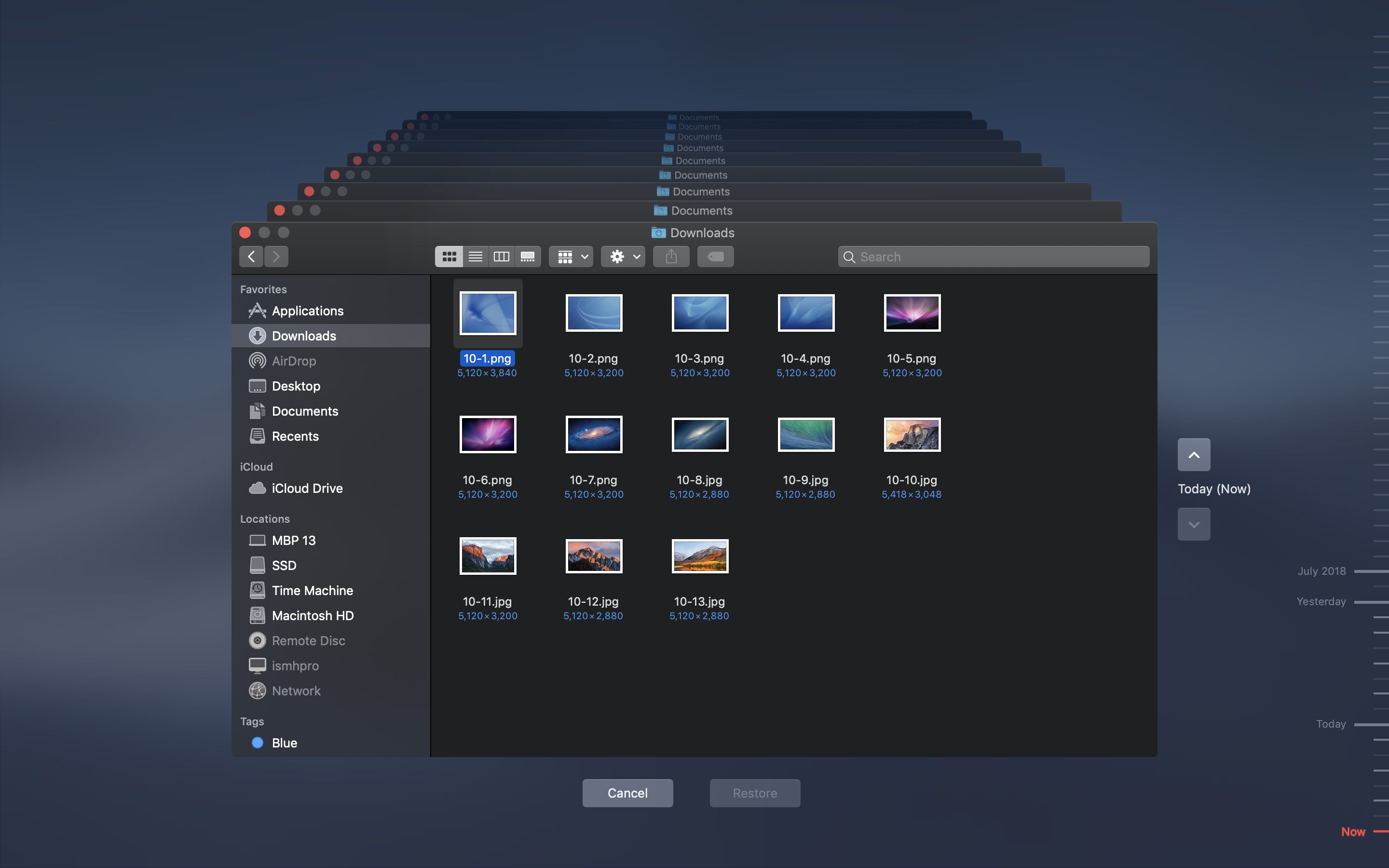
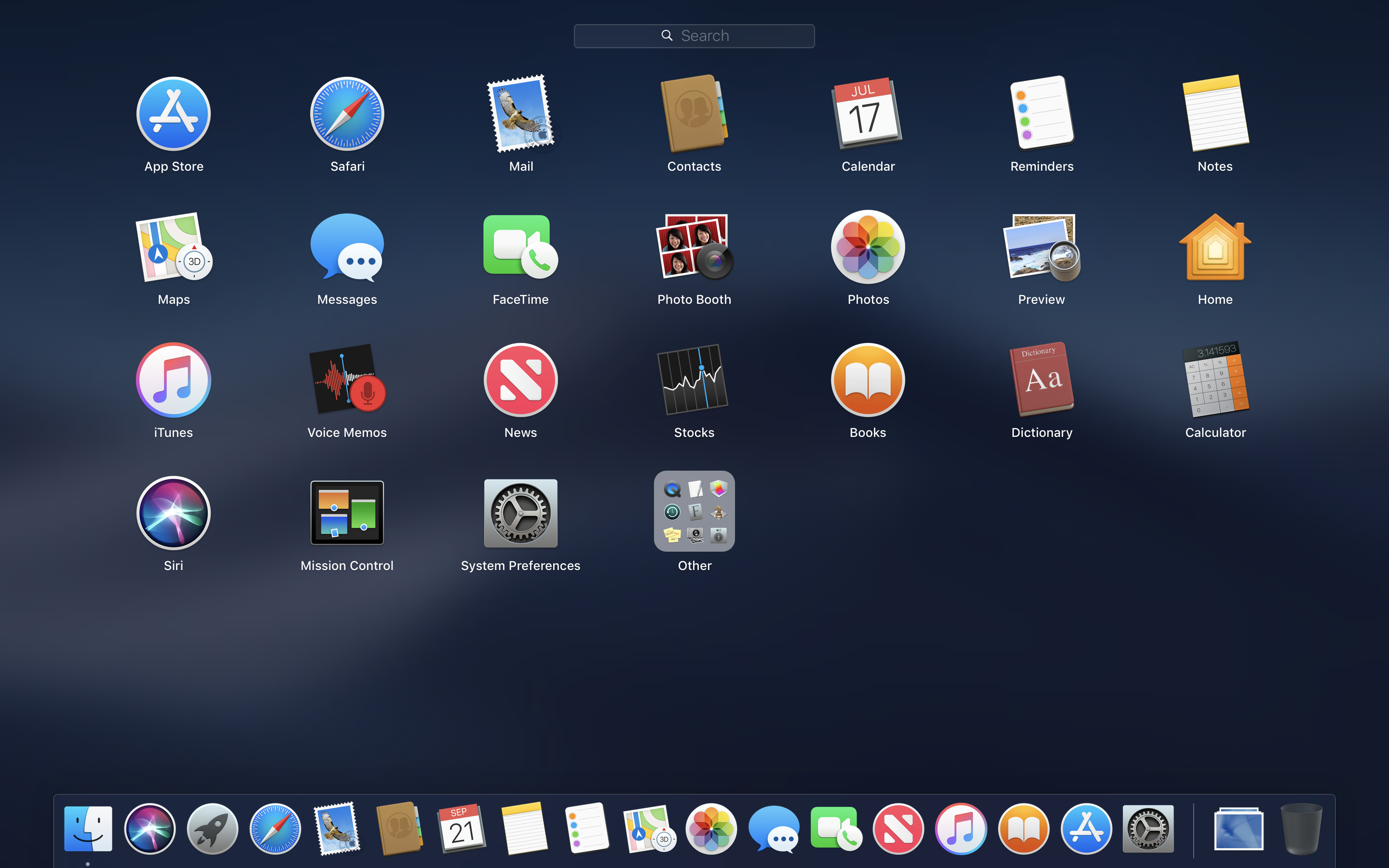
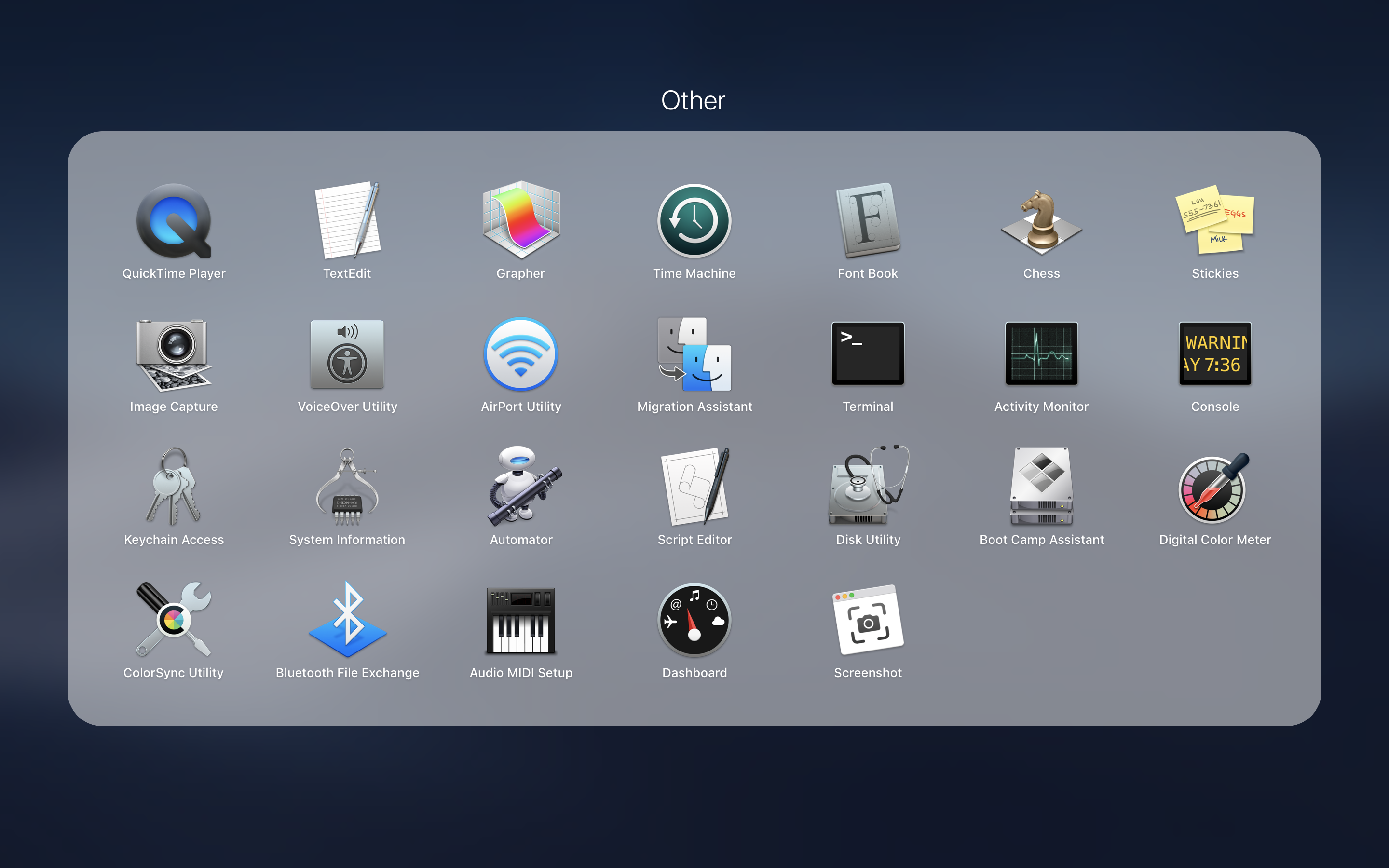
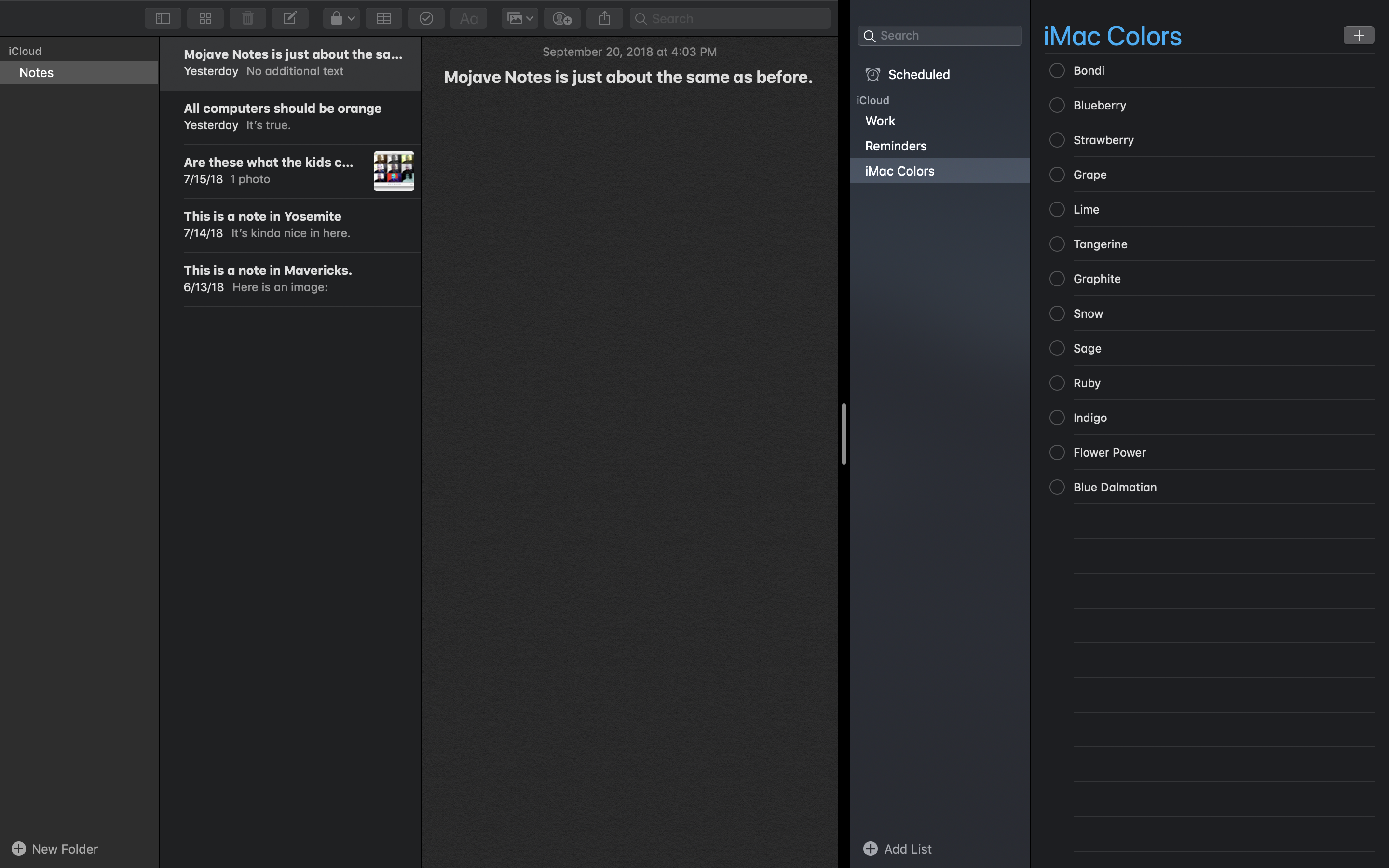
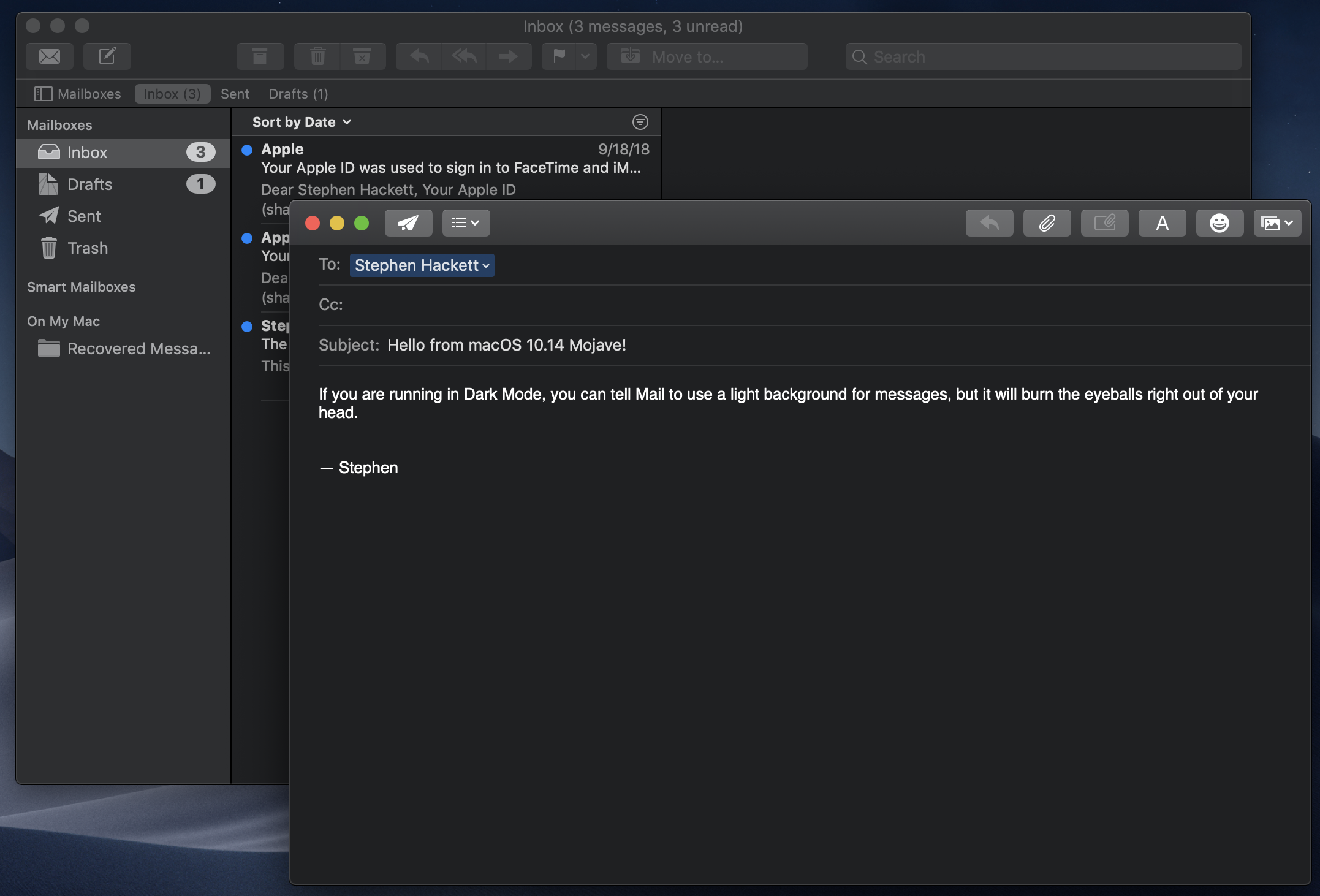
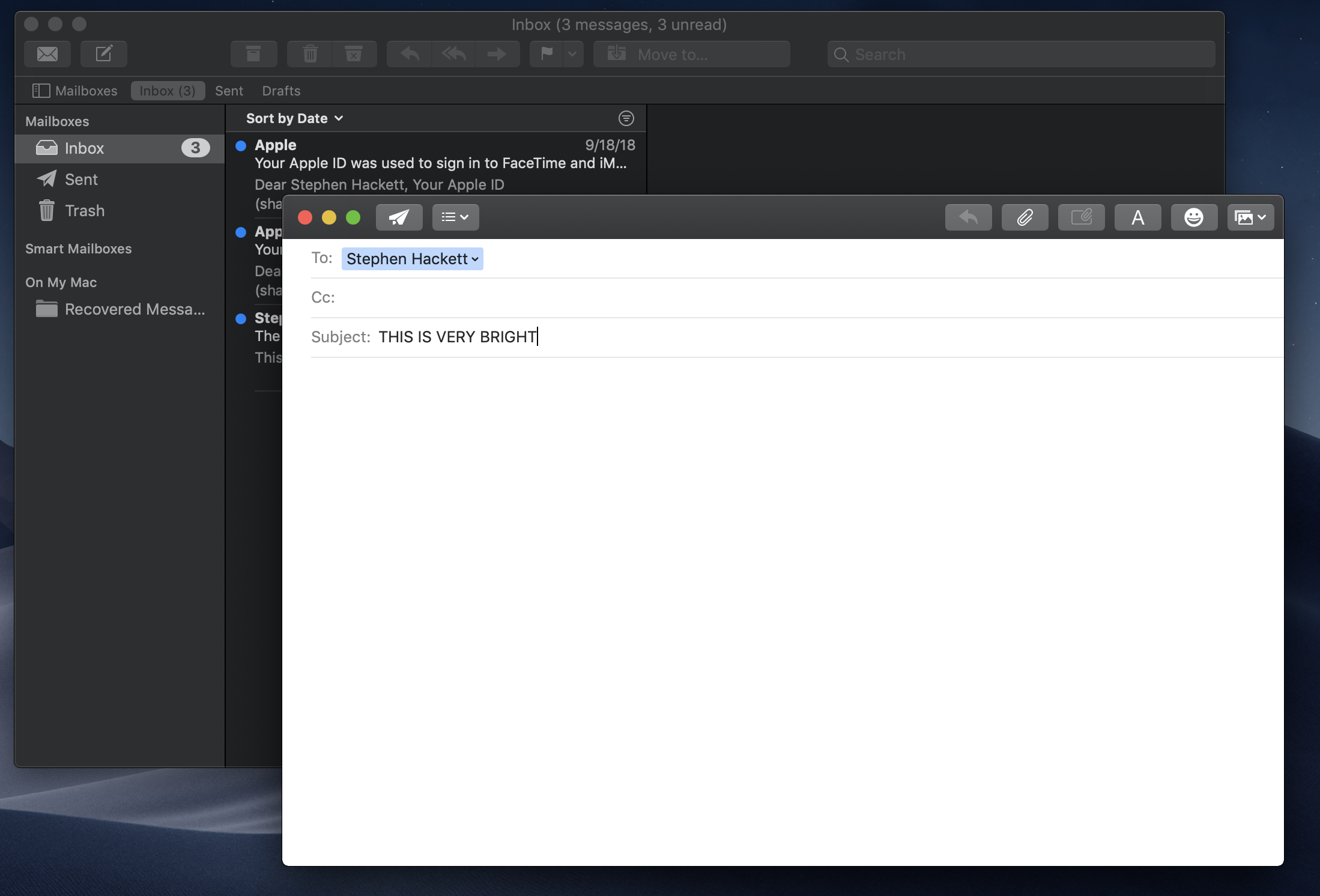
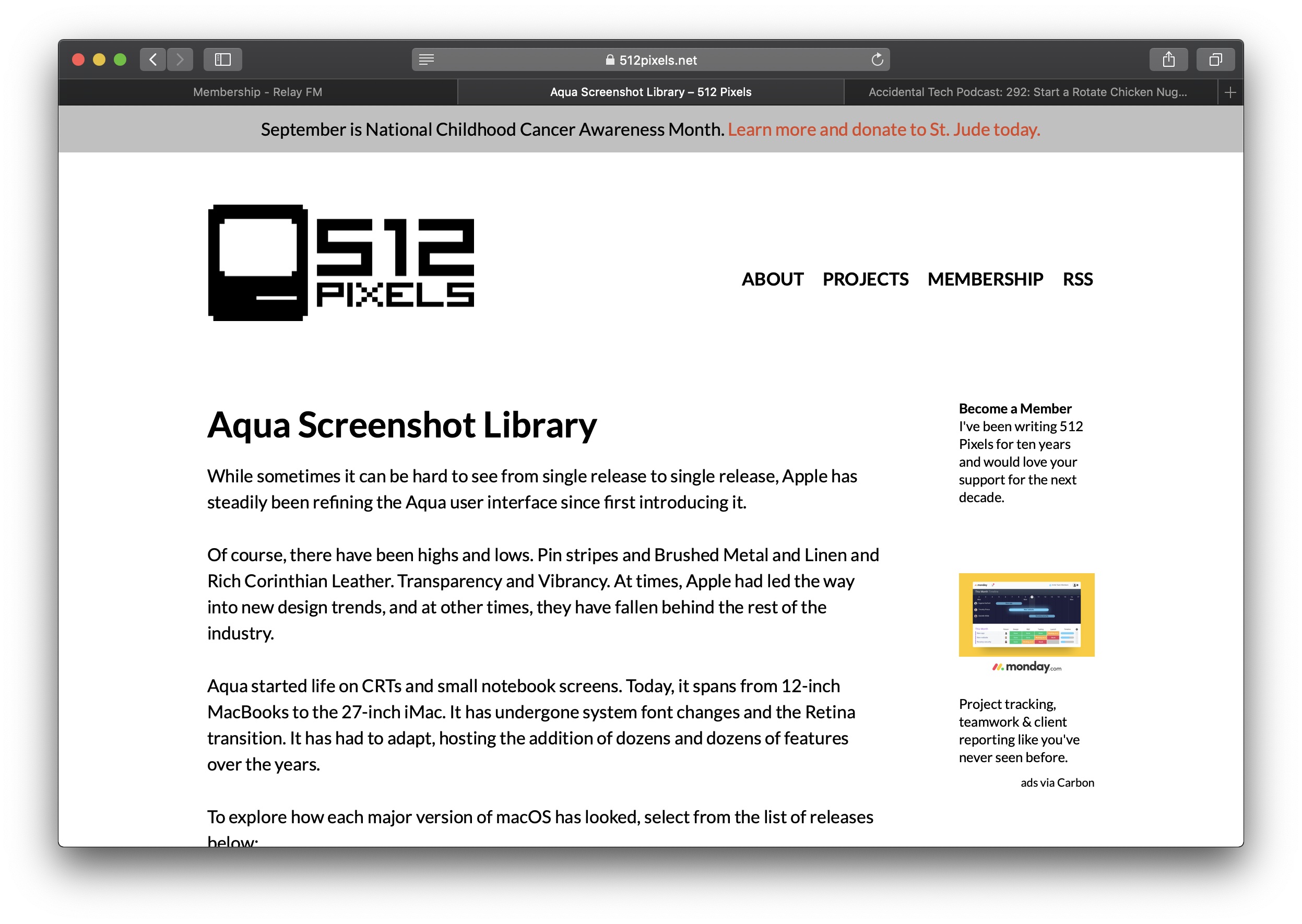
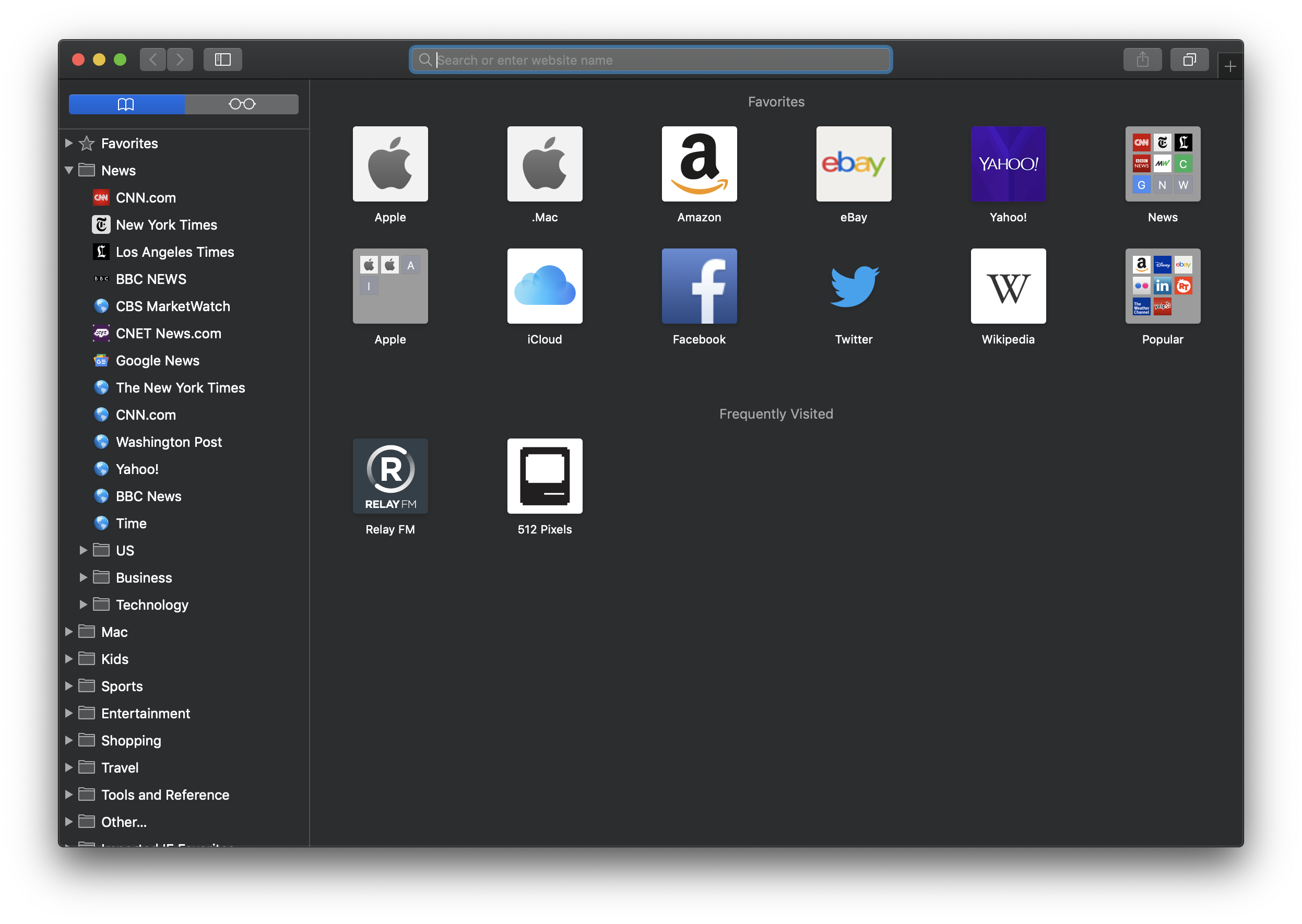
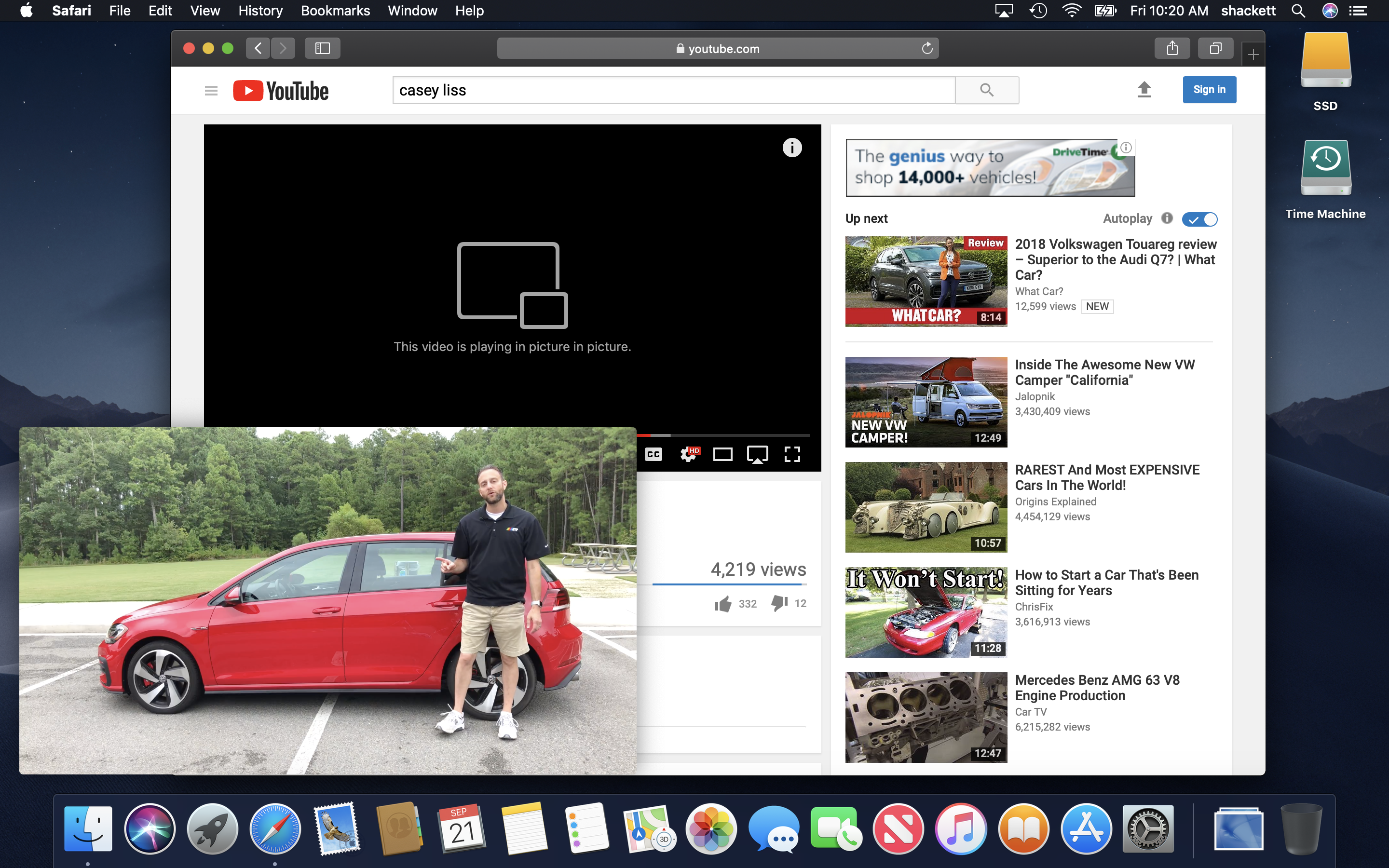
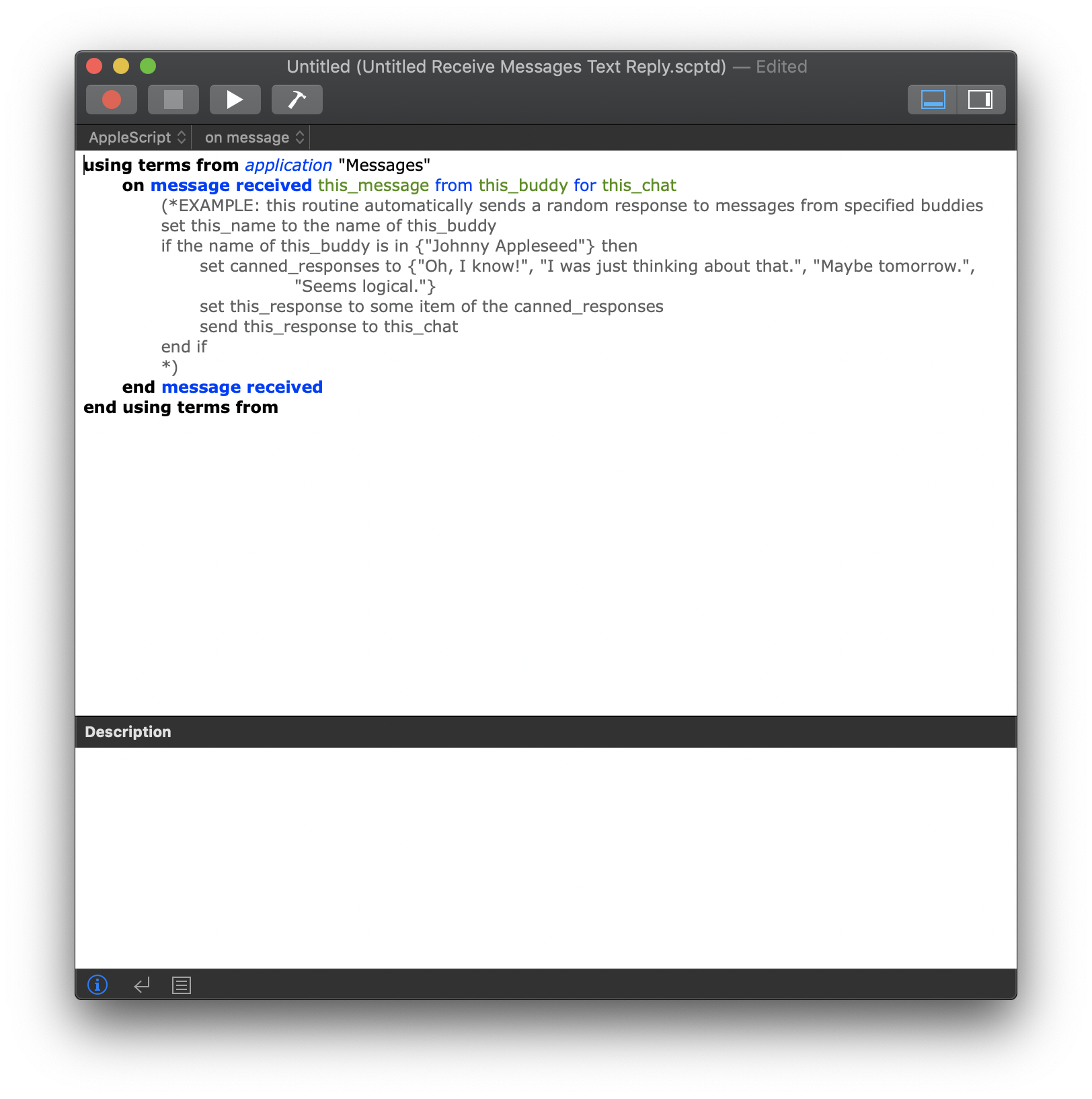
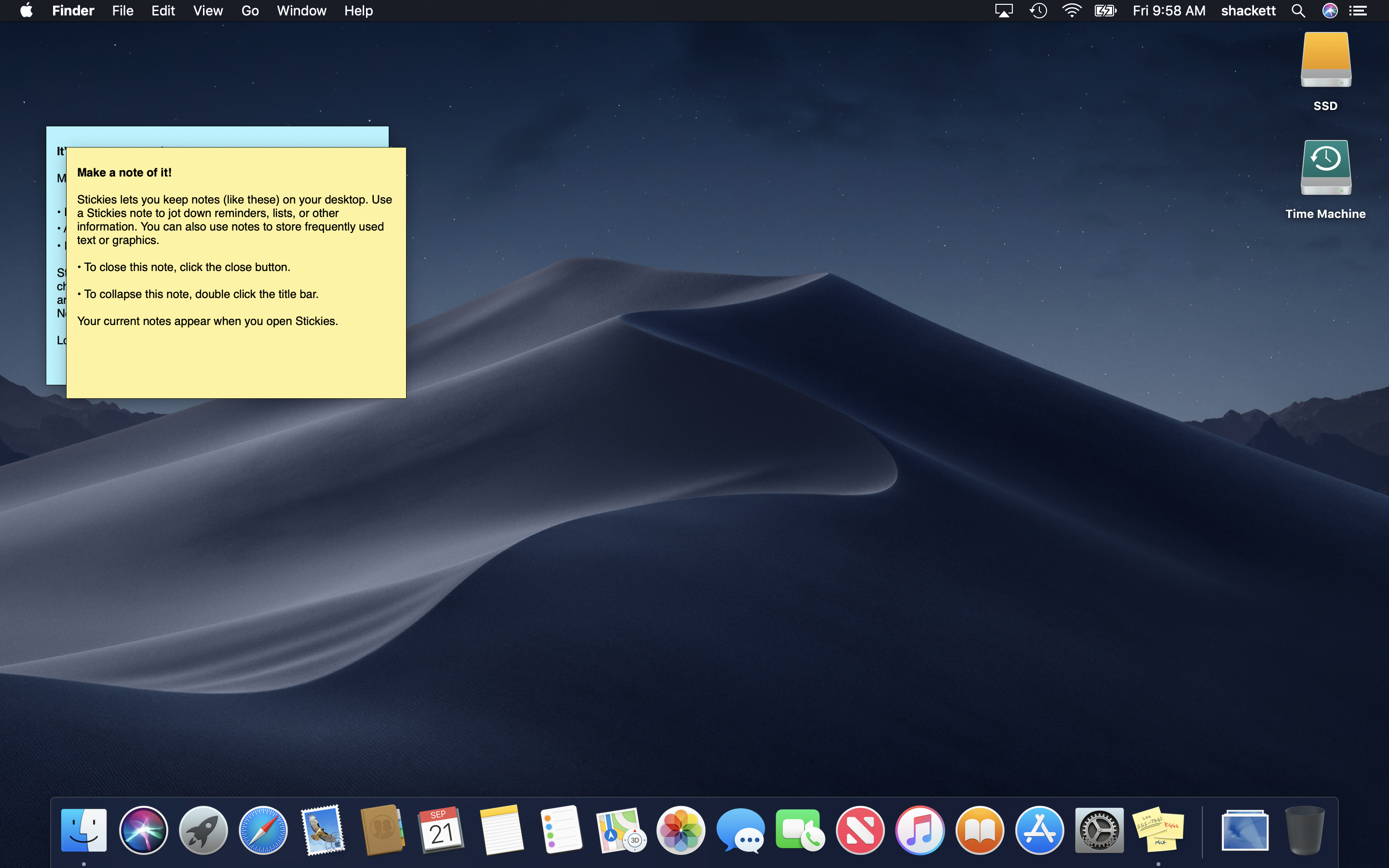
The most notable change that macOS Mojave brought was the inclusion of a system-wide Dark Mode and the addition of several new accent colors. This marks the most customization possible within the Aqua interface since the beginning.
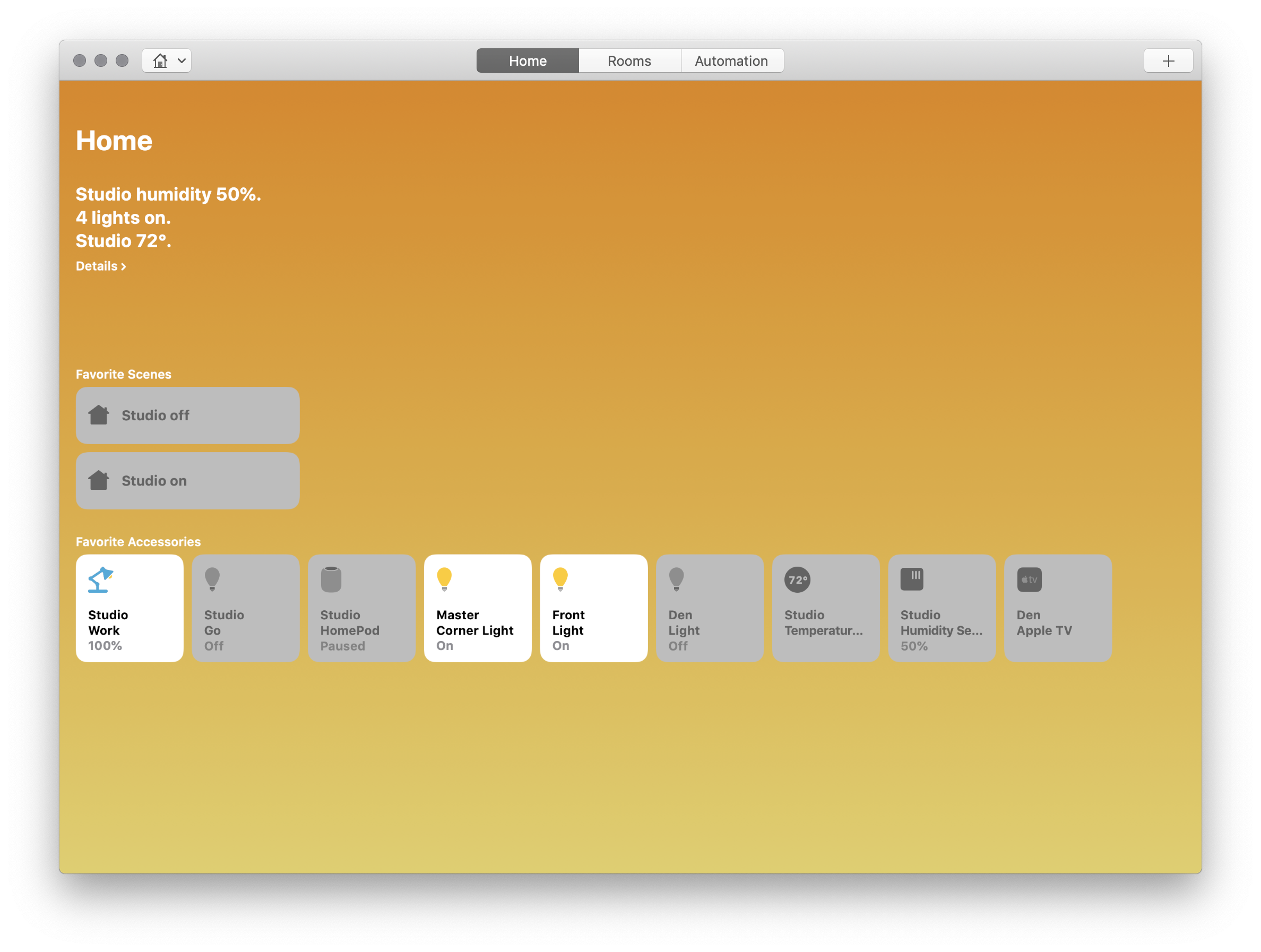
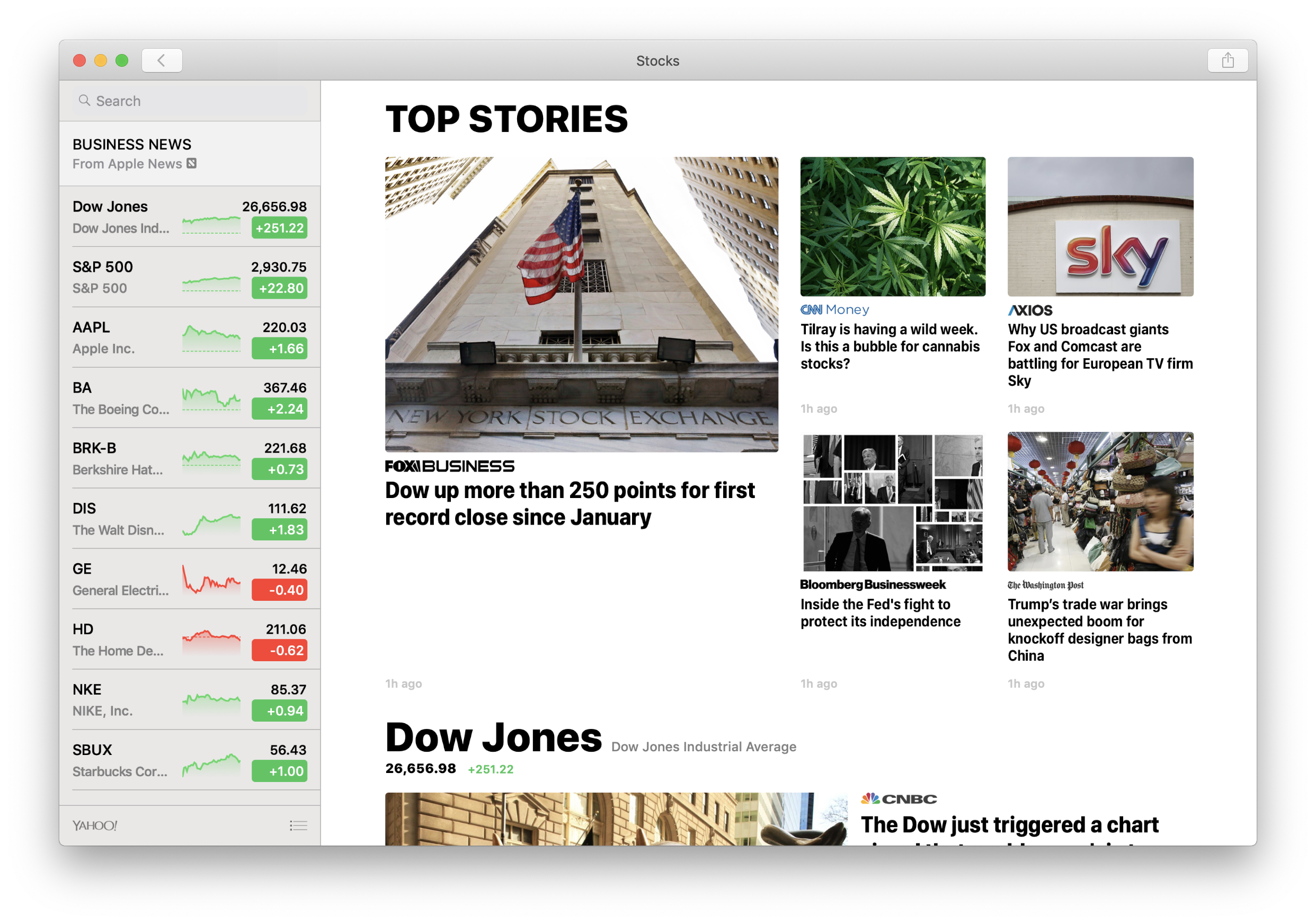
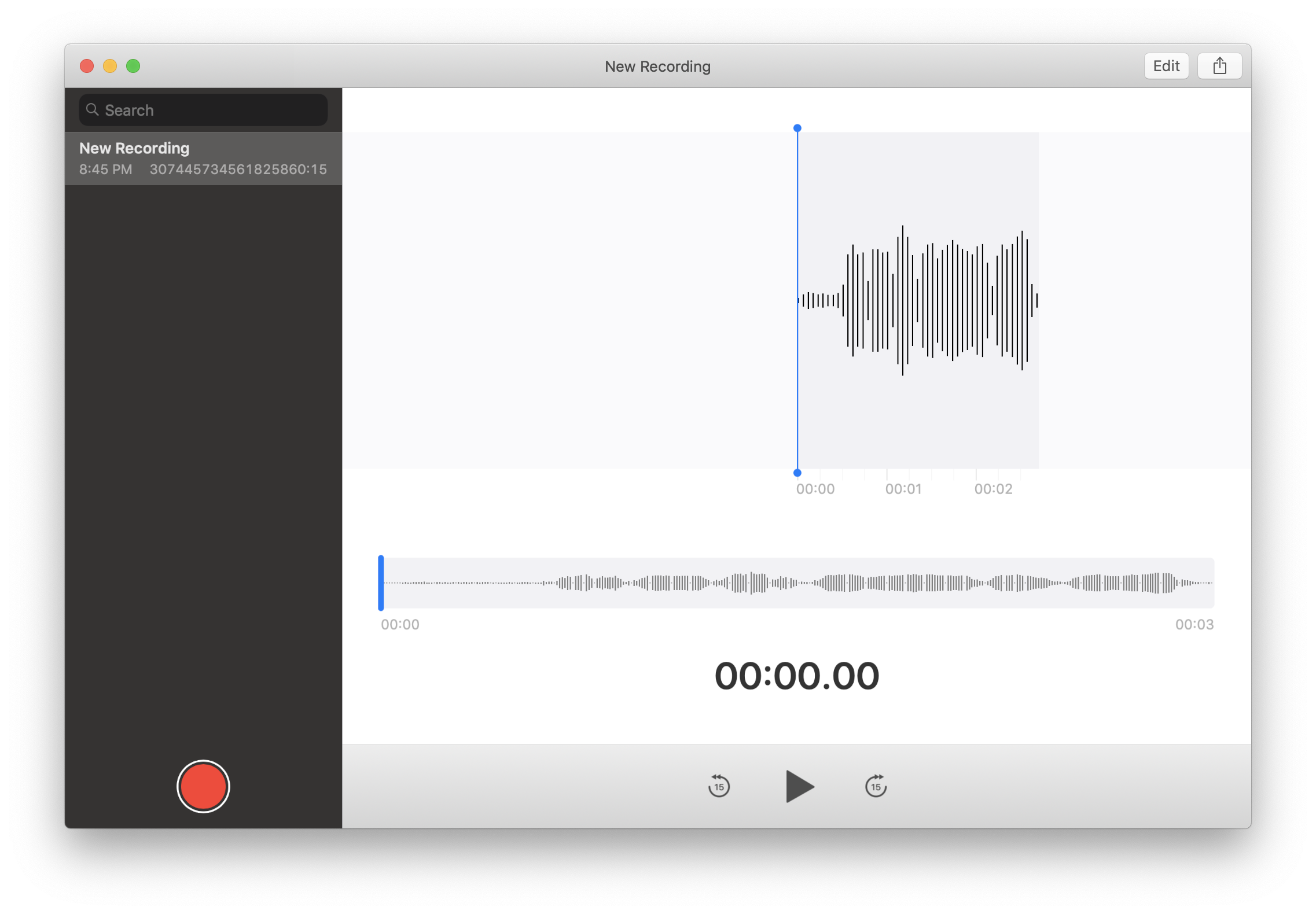
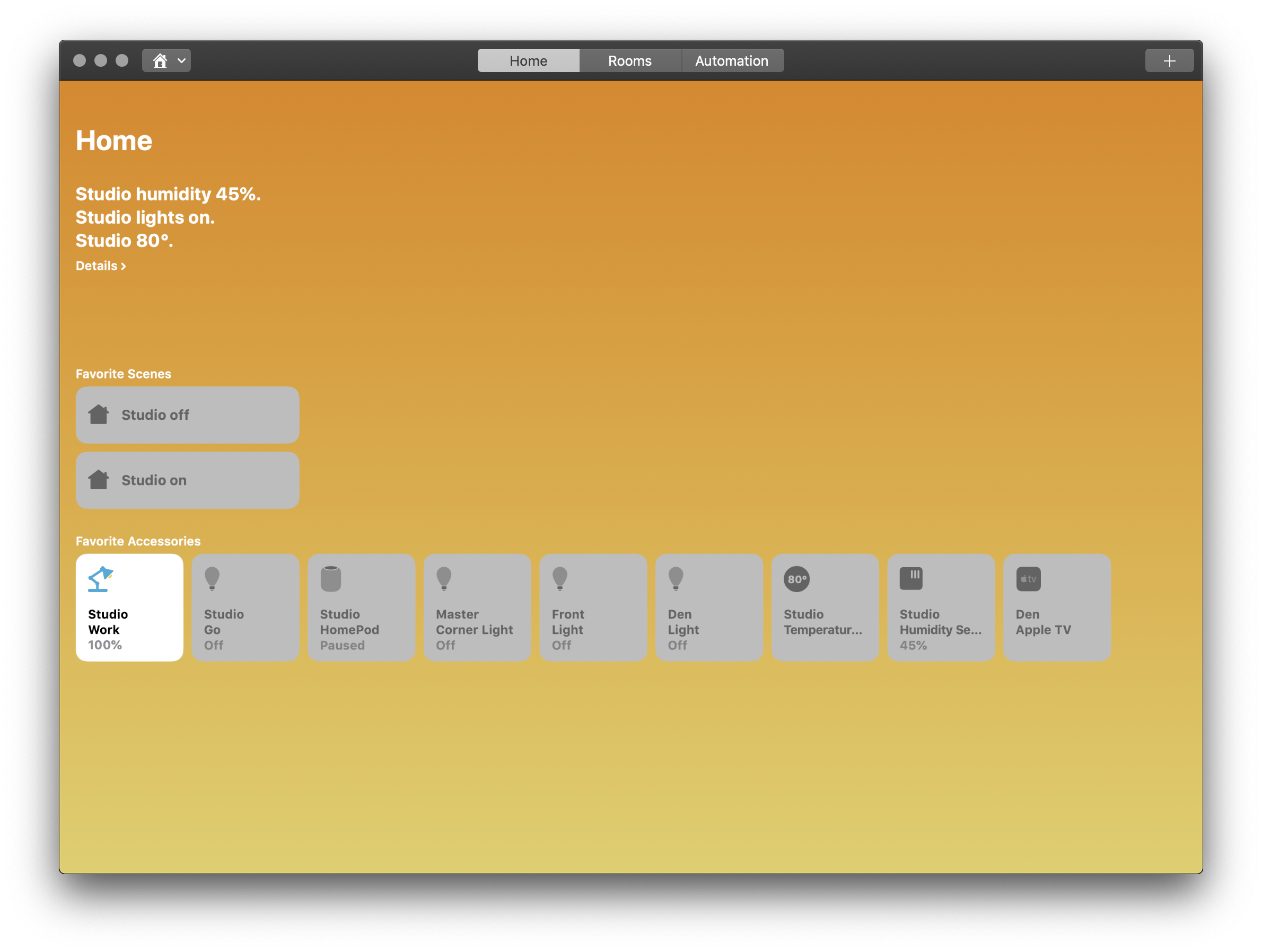
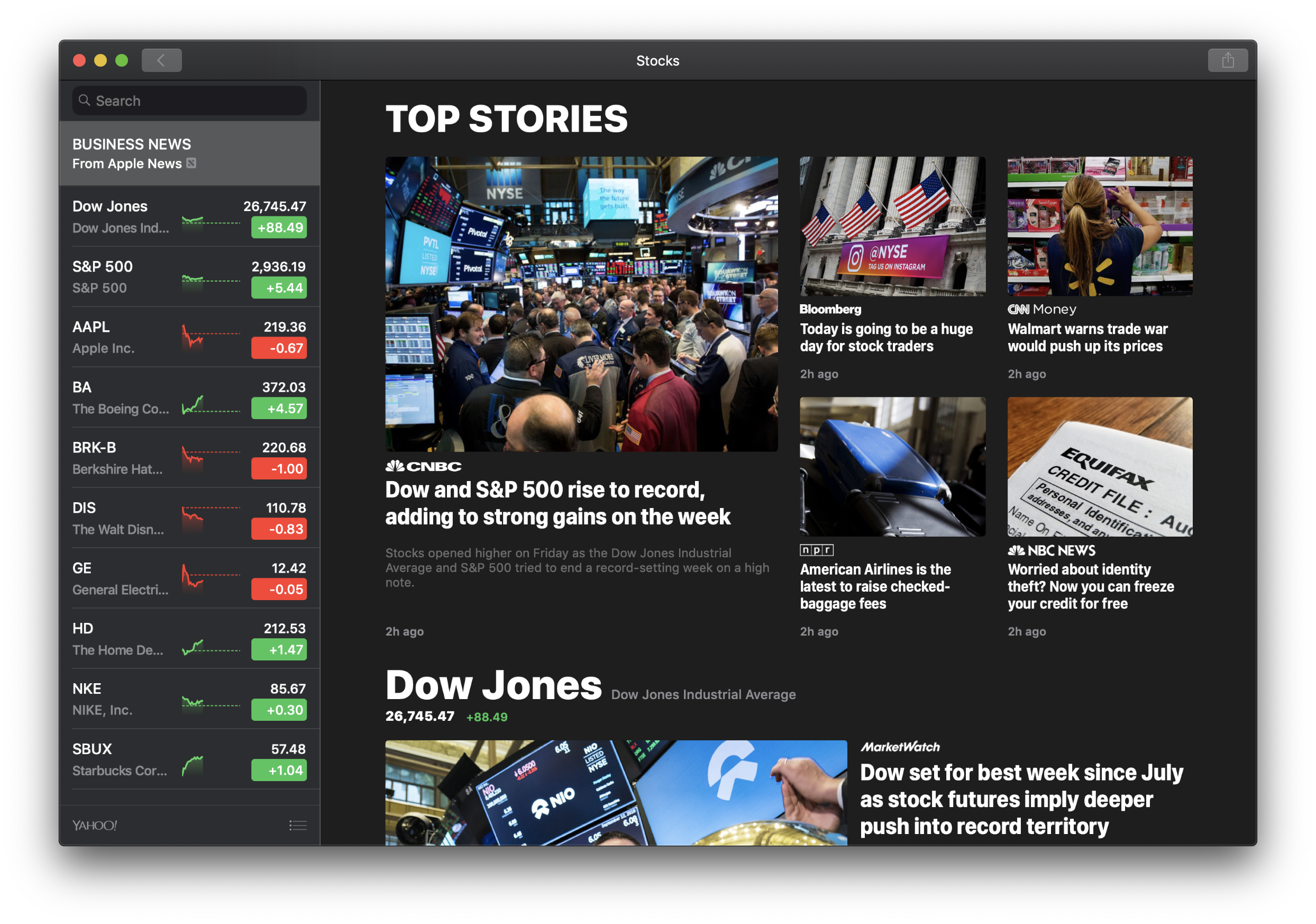
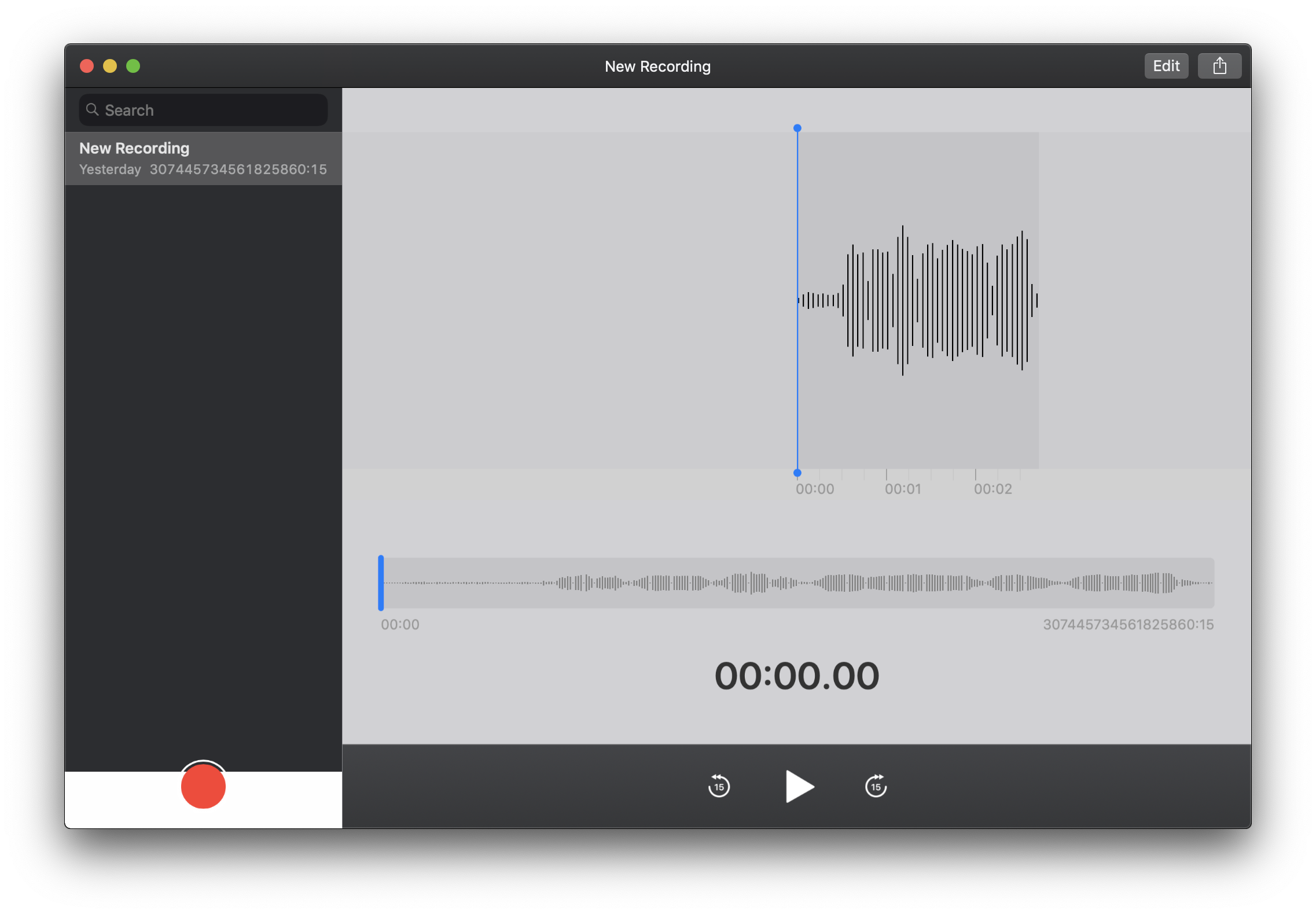
Beyond the new coat of paint, Mojave is the first release to support running modified iOS applications. The system comes bundled with four such programs: Home, News, Stocks and Voice Memos. With Mojave, Apple has overhauled the Mac App Store, no doubt in preparation of the wave of iOS apps the following year.
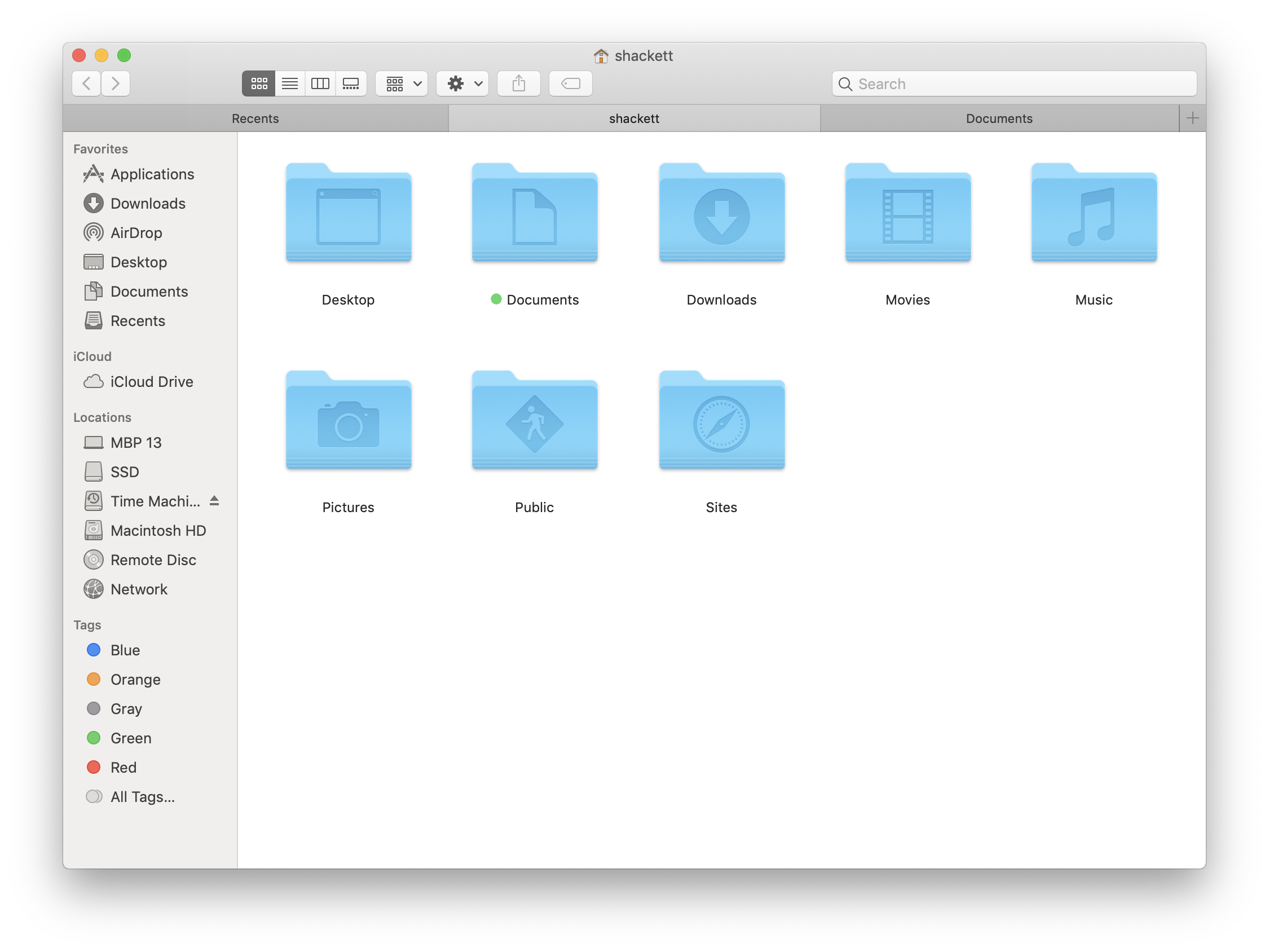
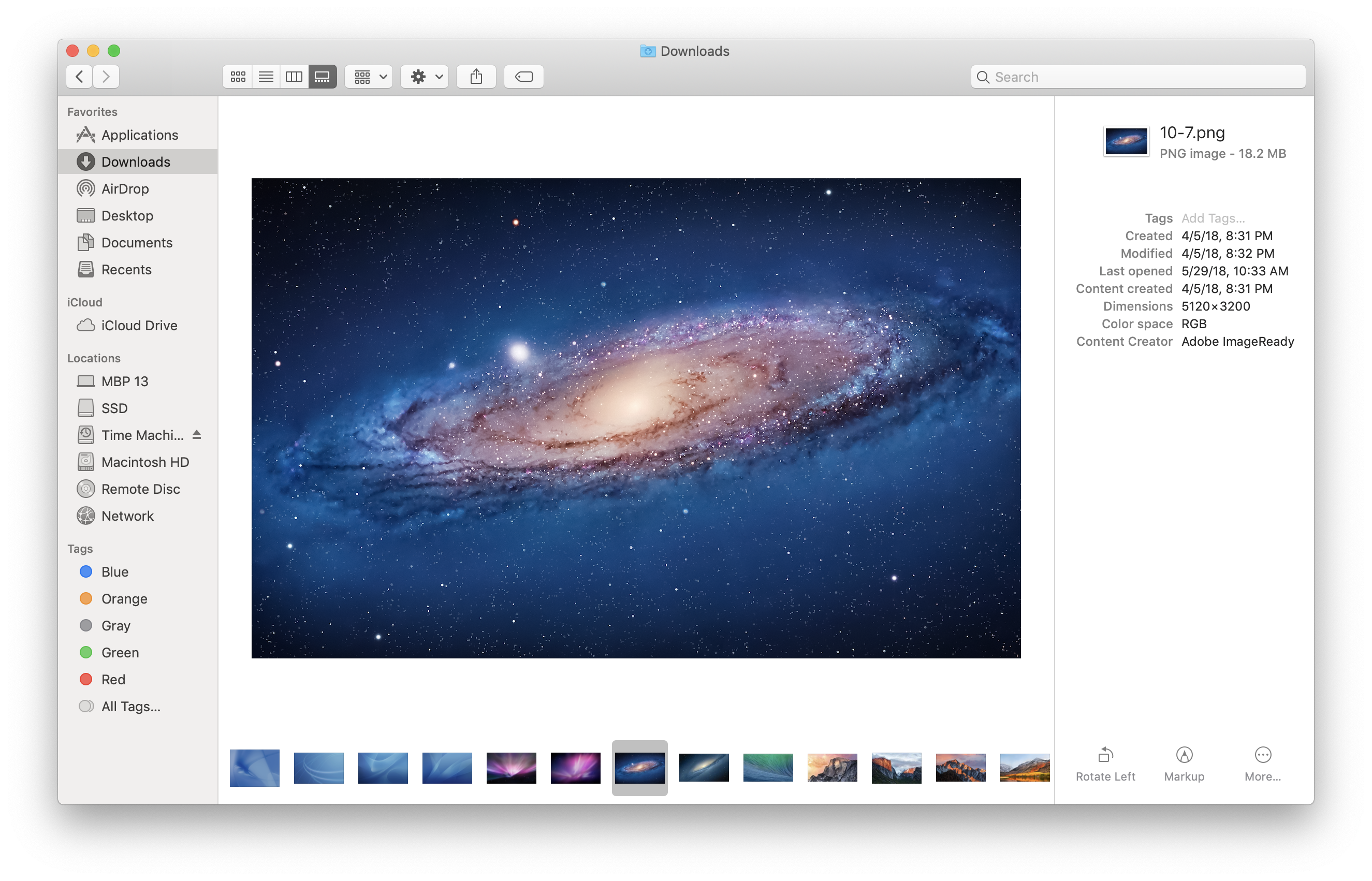
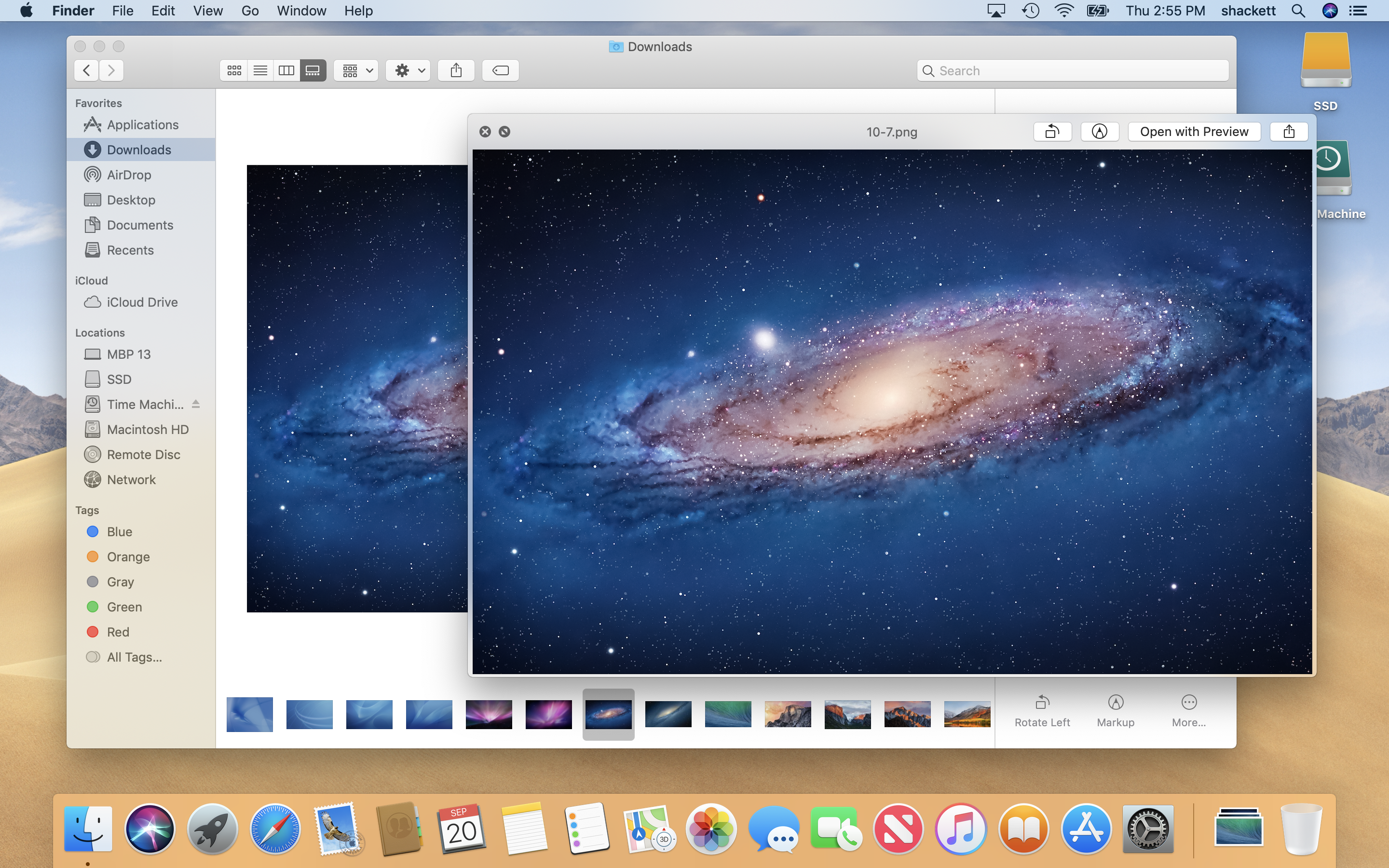
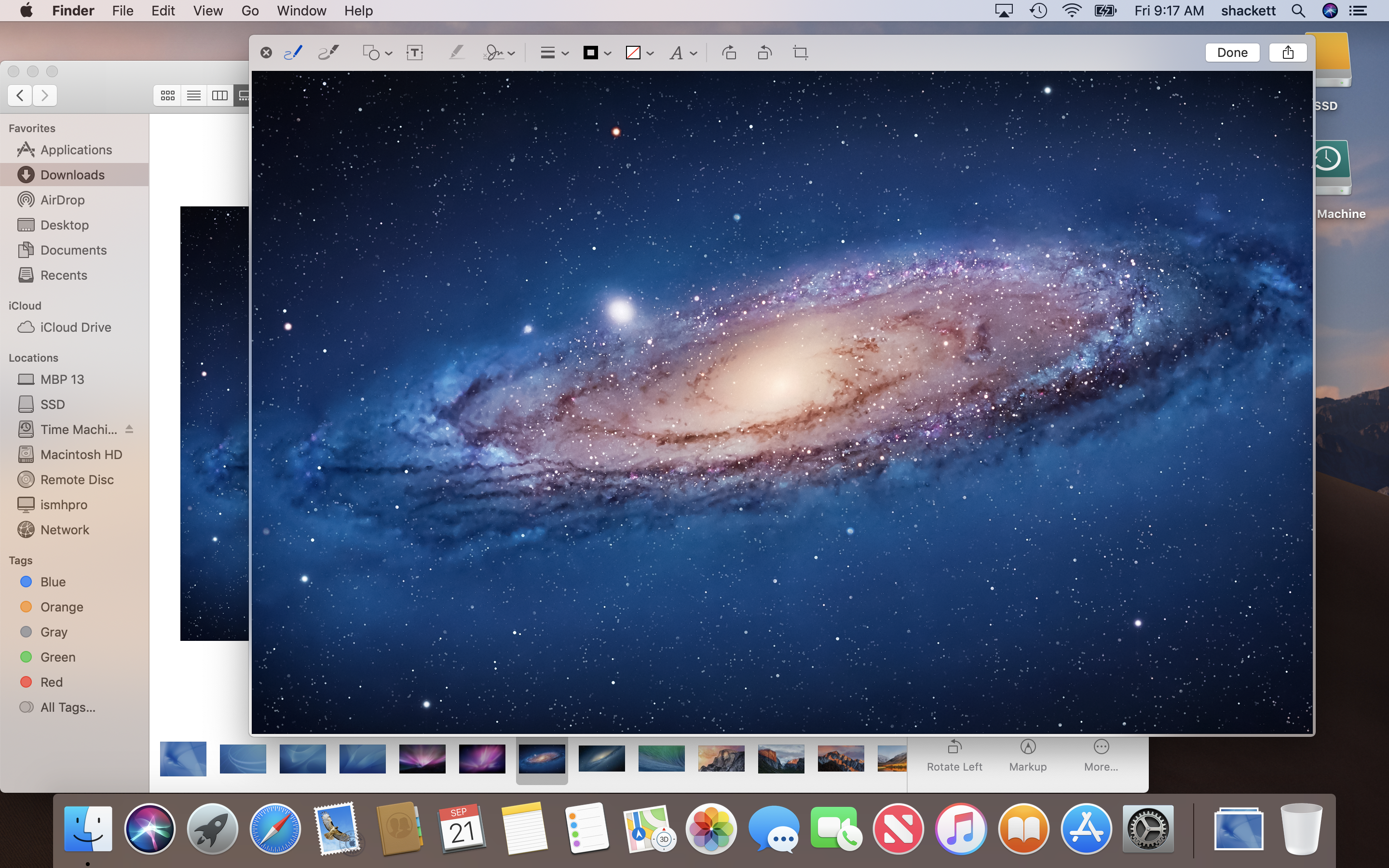
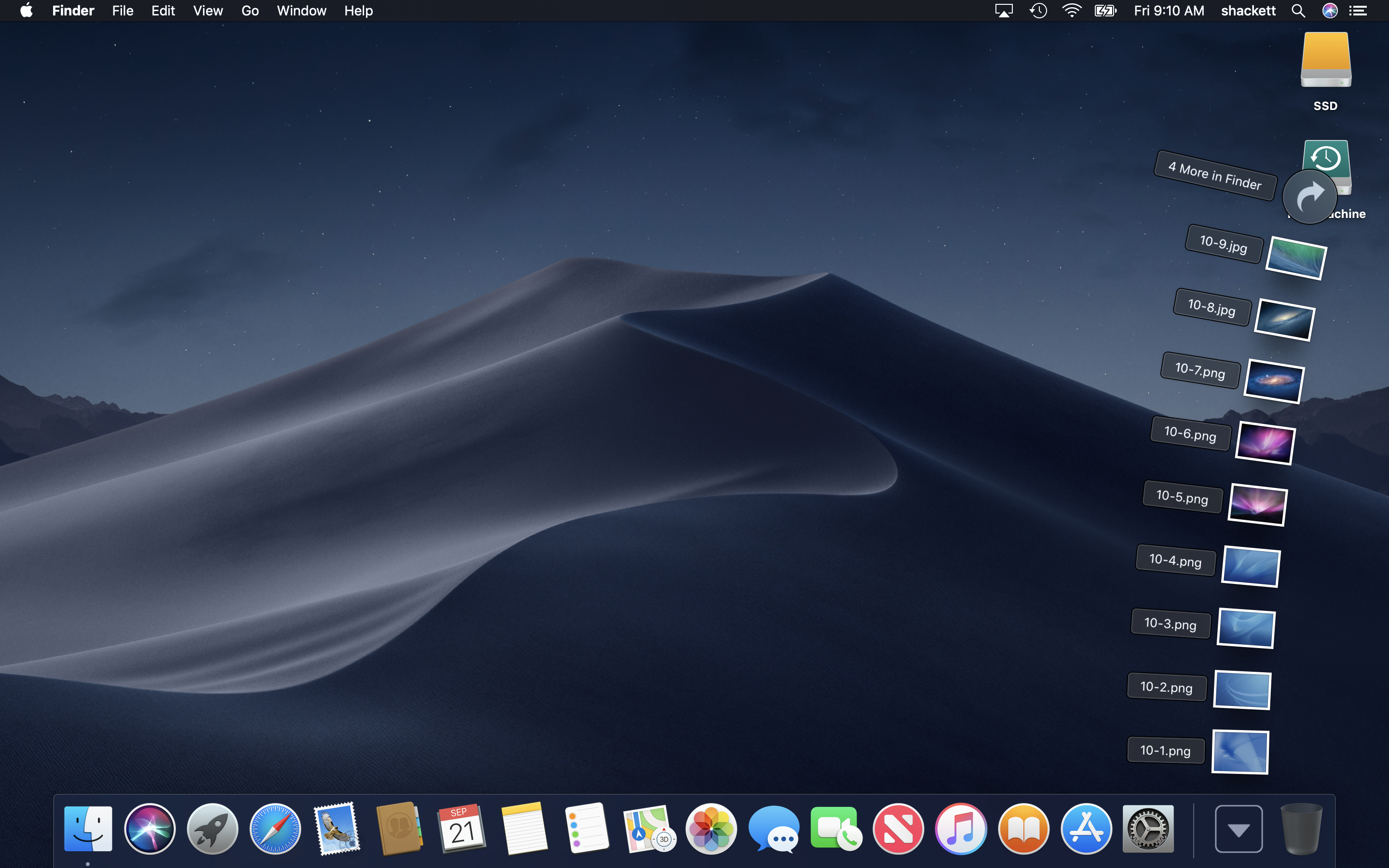
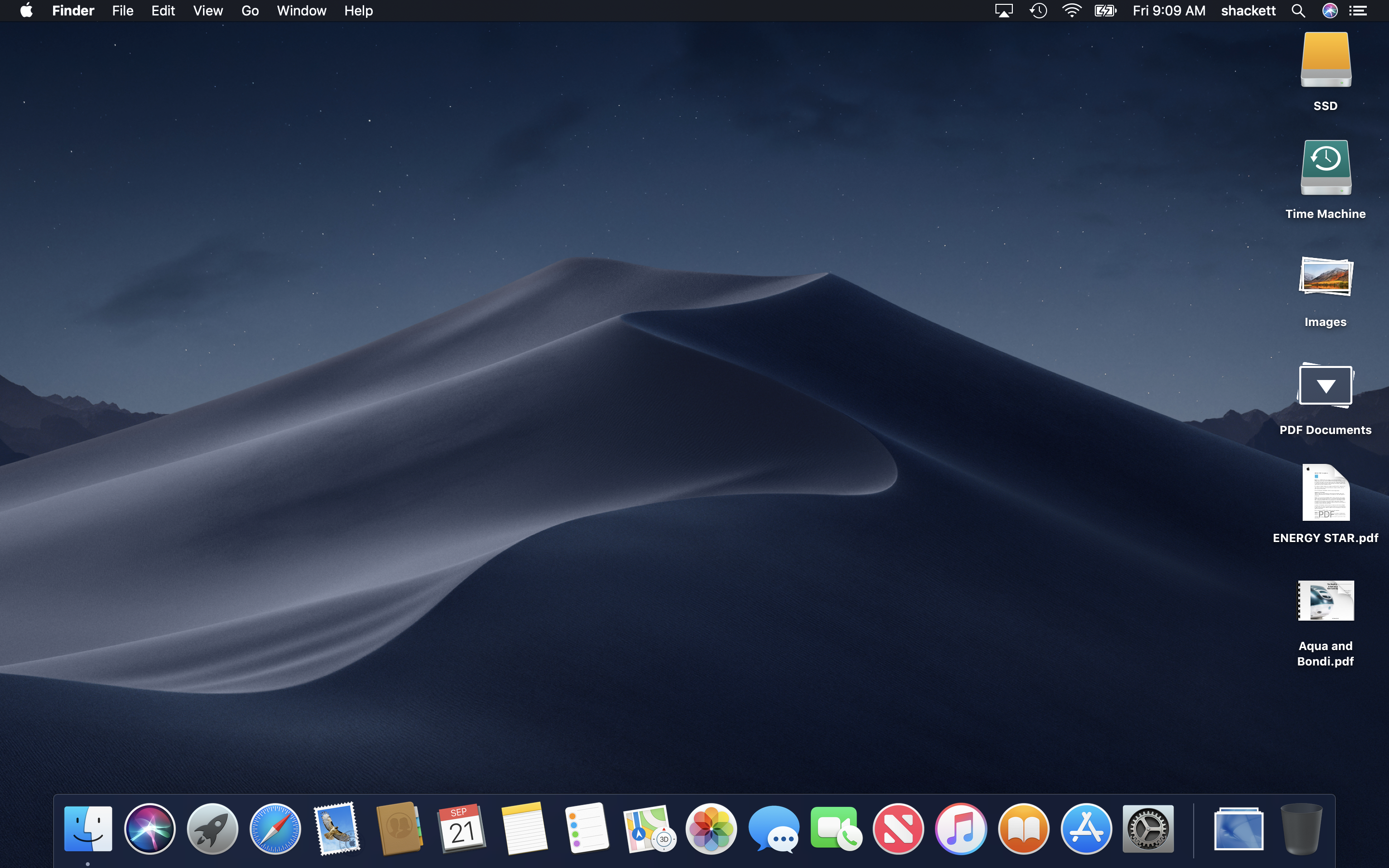
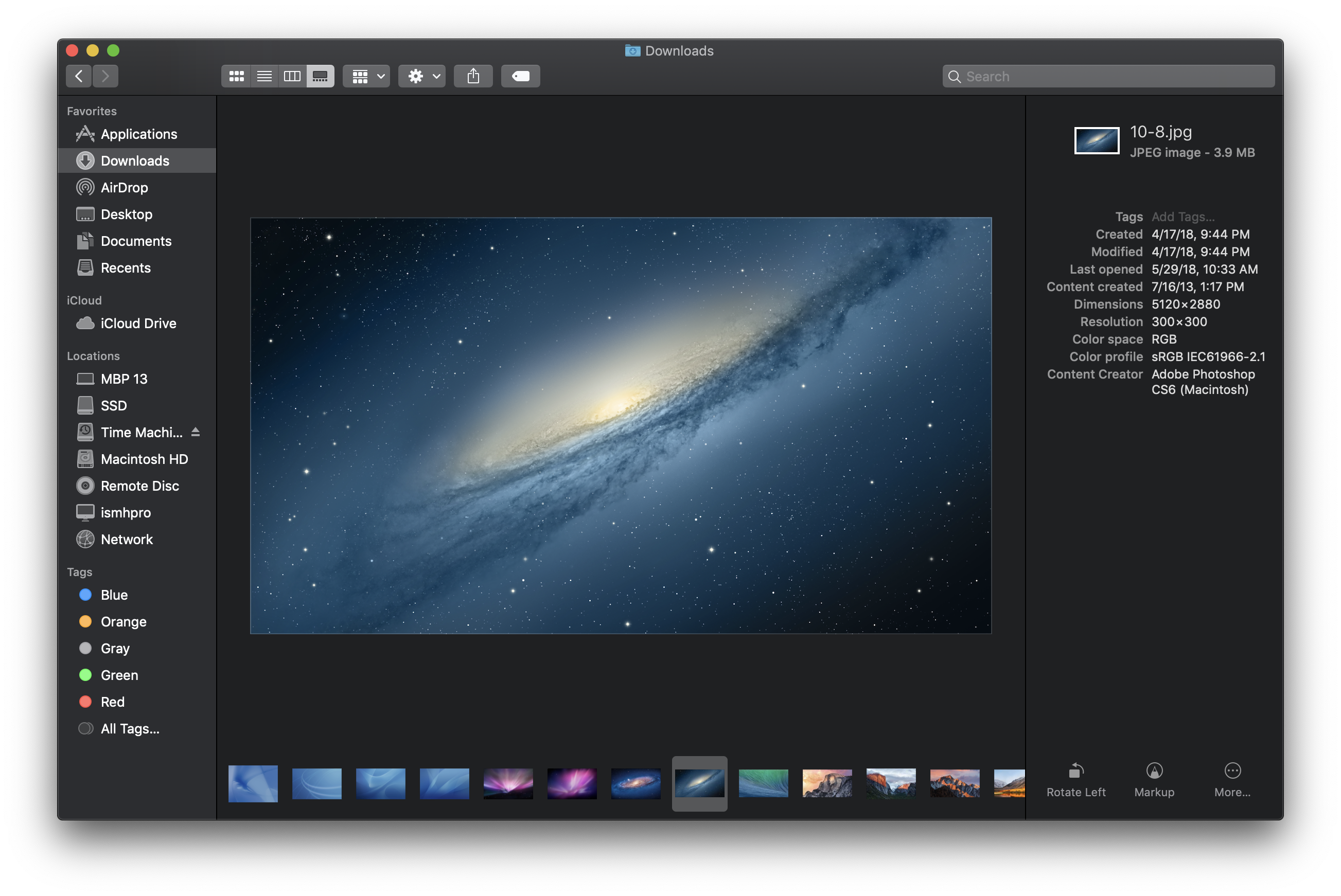
Mojave also brings new organizational tools to Finder in the form of Desktop Stacks and a new Gallery View, and supports running Automator-created “Quick Actions” right from Finder.
Mojave launched on September 24, 2018, and was free of charge.
Sponsored by Rogue Amoeba
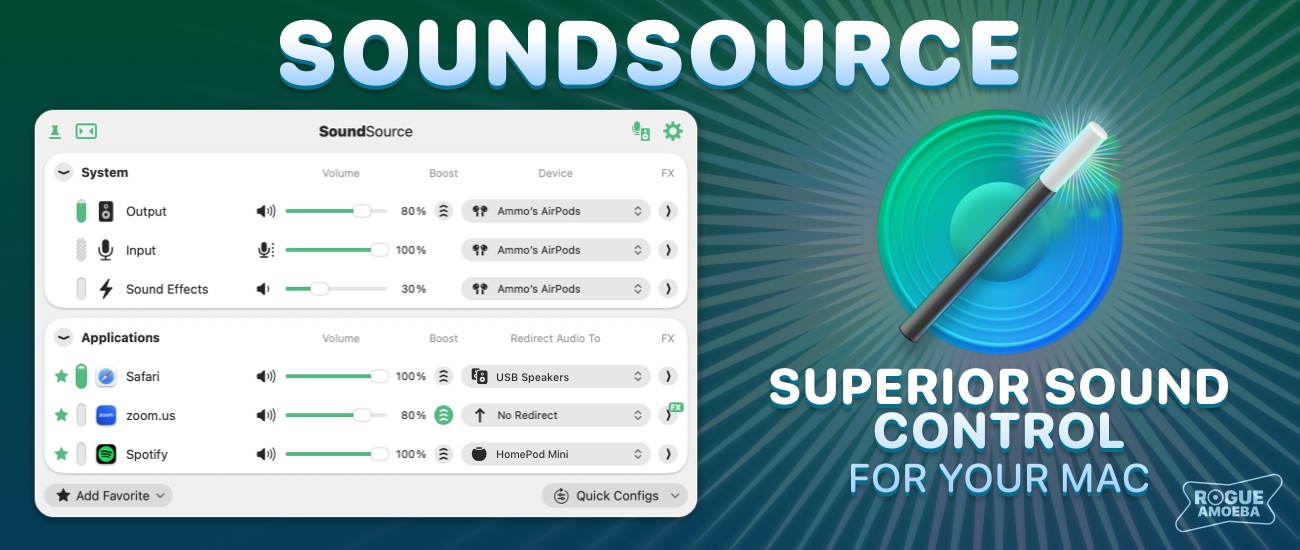
The 512 Pixels macOS Screenshot Library is sponsored by SoundSource , from the fine folks at Rogue Amoeba .
SoundSource puts powerful audio control of your Mac right in your menu bar. Adjust app volume instantly, apply audio effects to the audio you hear, and redirect that audio to any device connected to your Mac – now including AirPlay devices.
SoundSource : Sound control so good, it ought to be built into macOS.
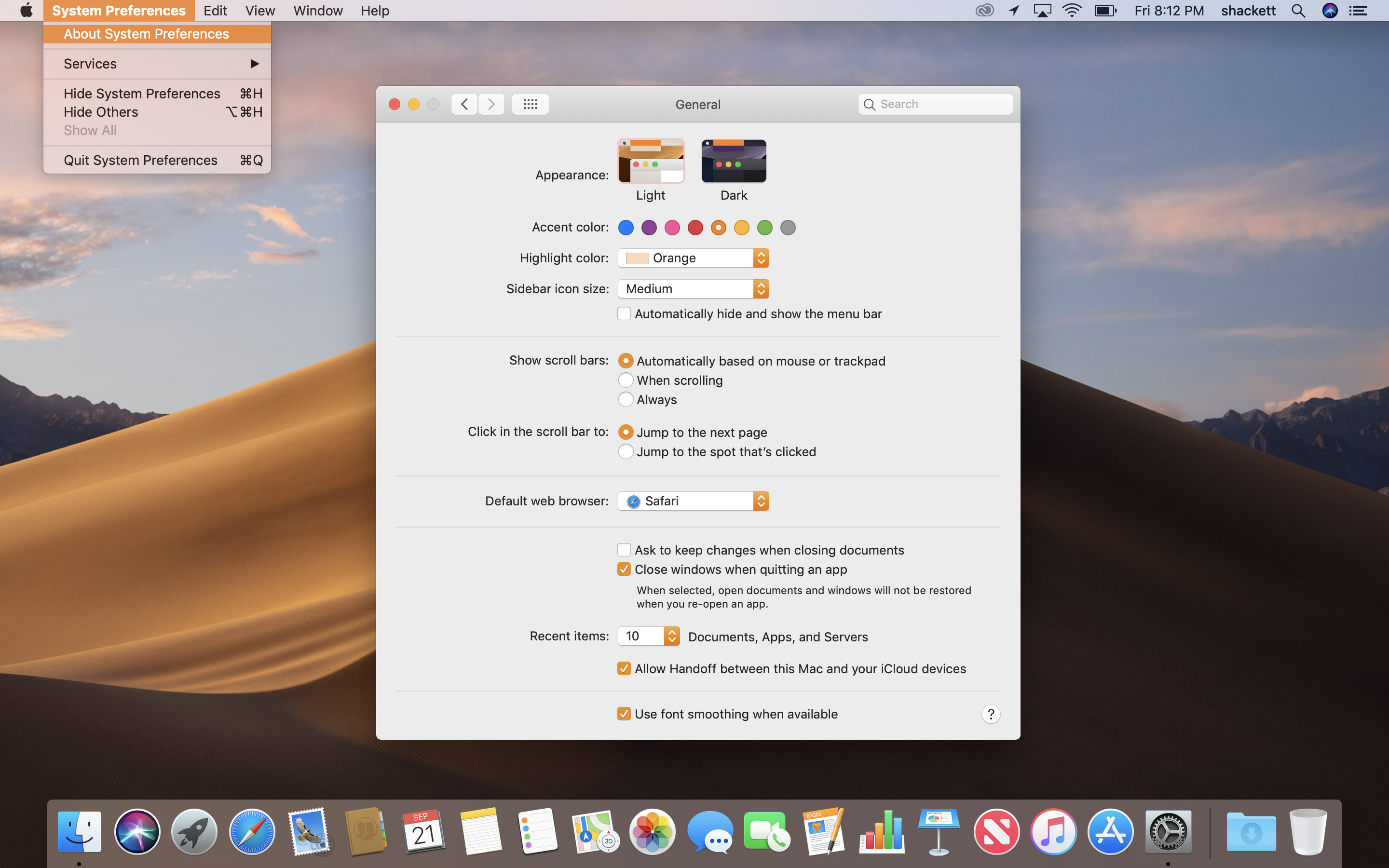
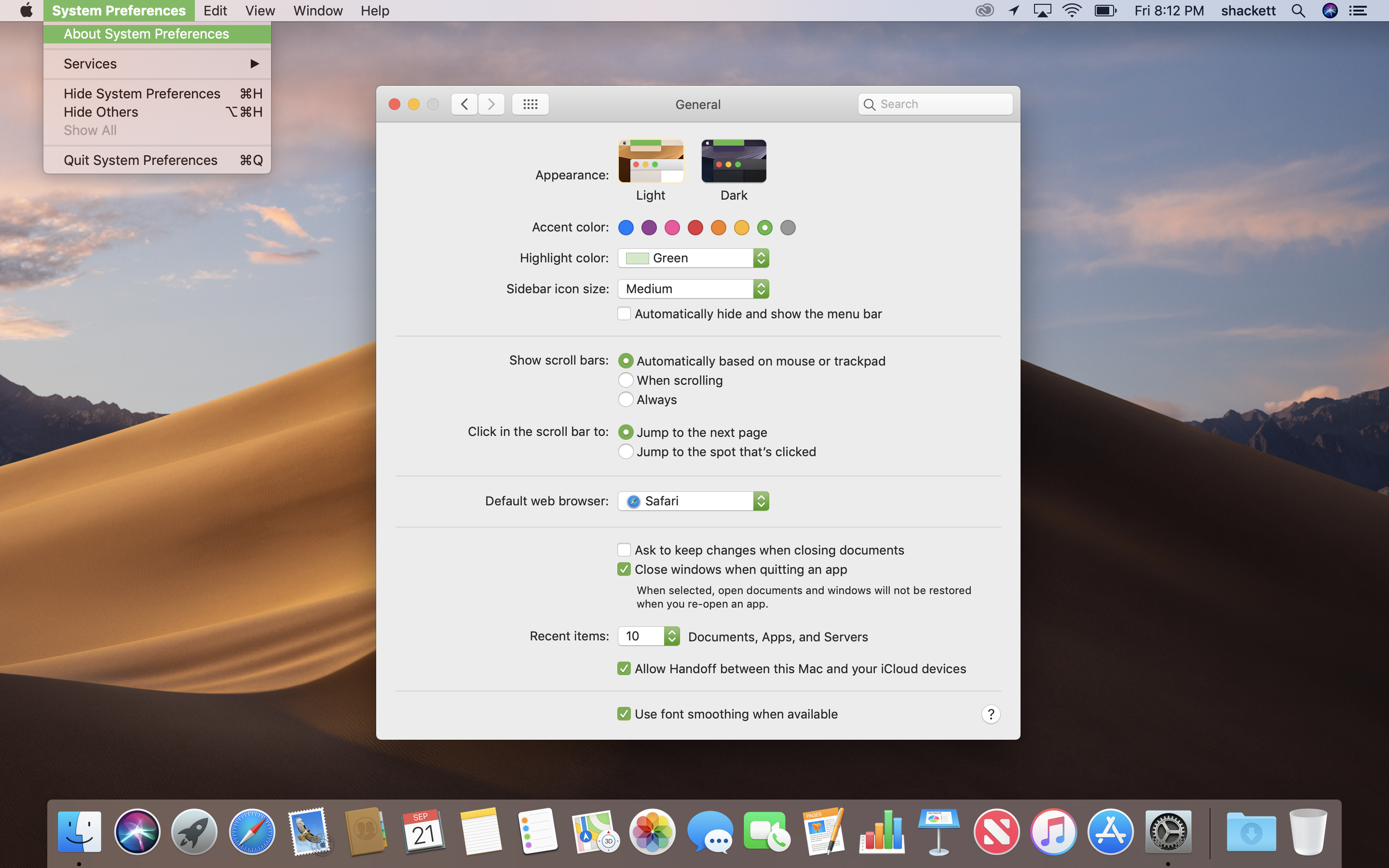
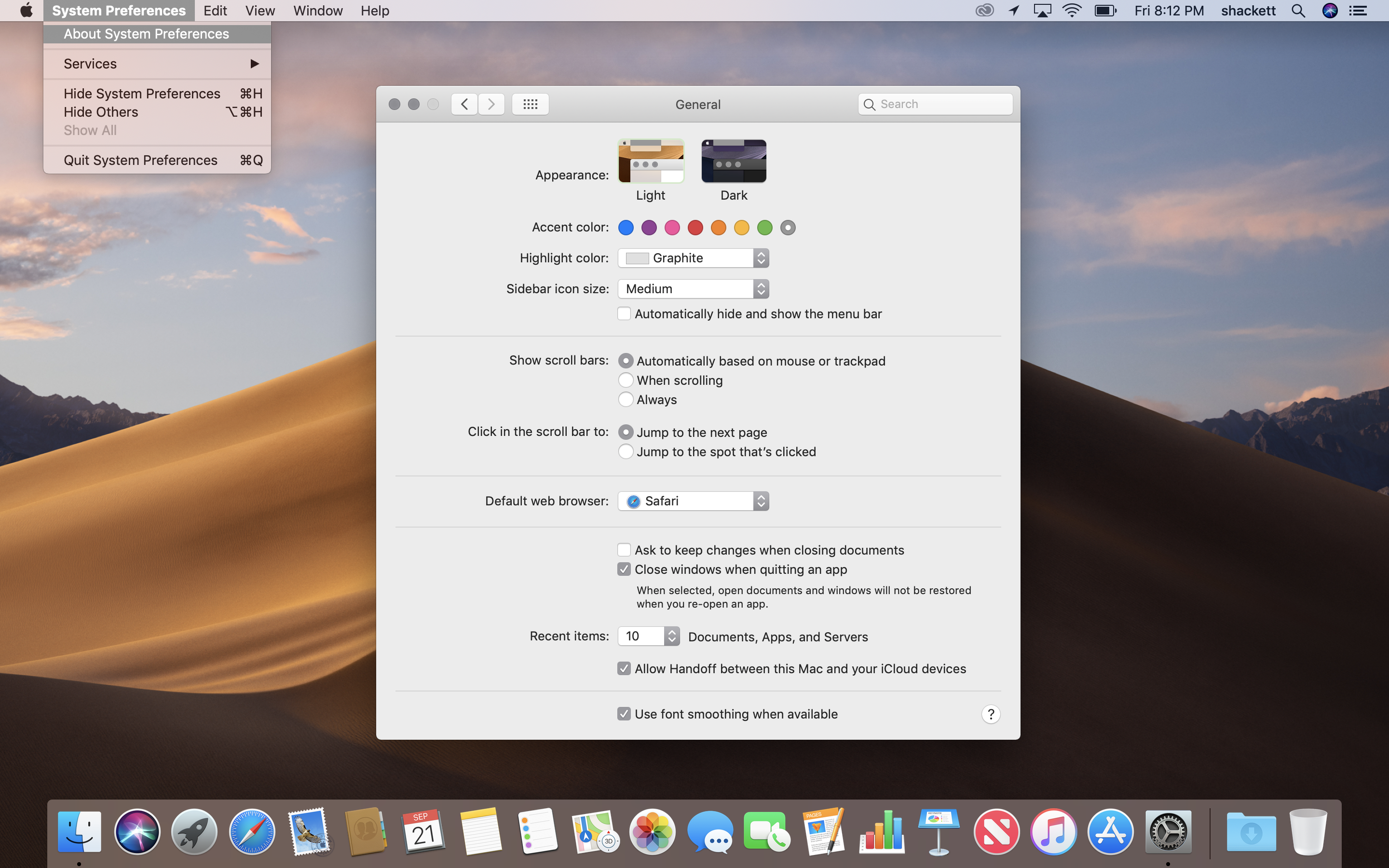
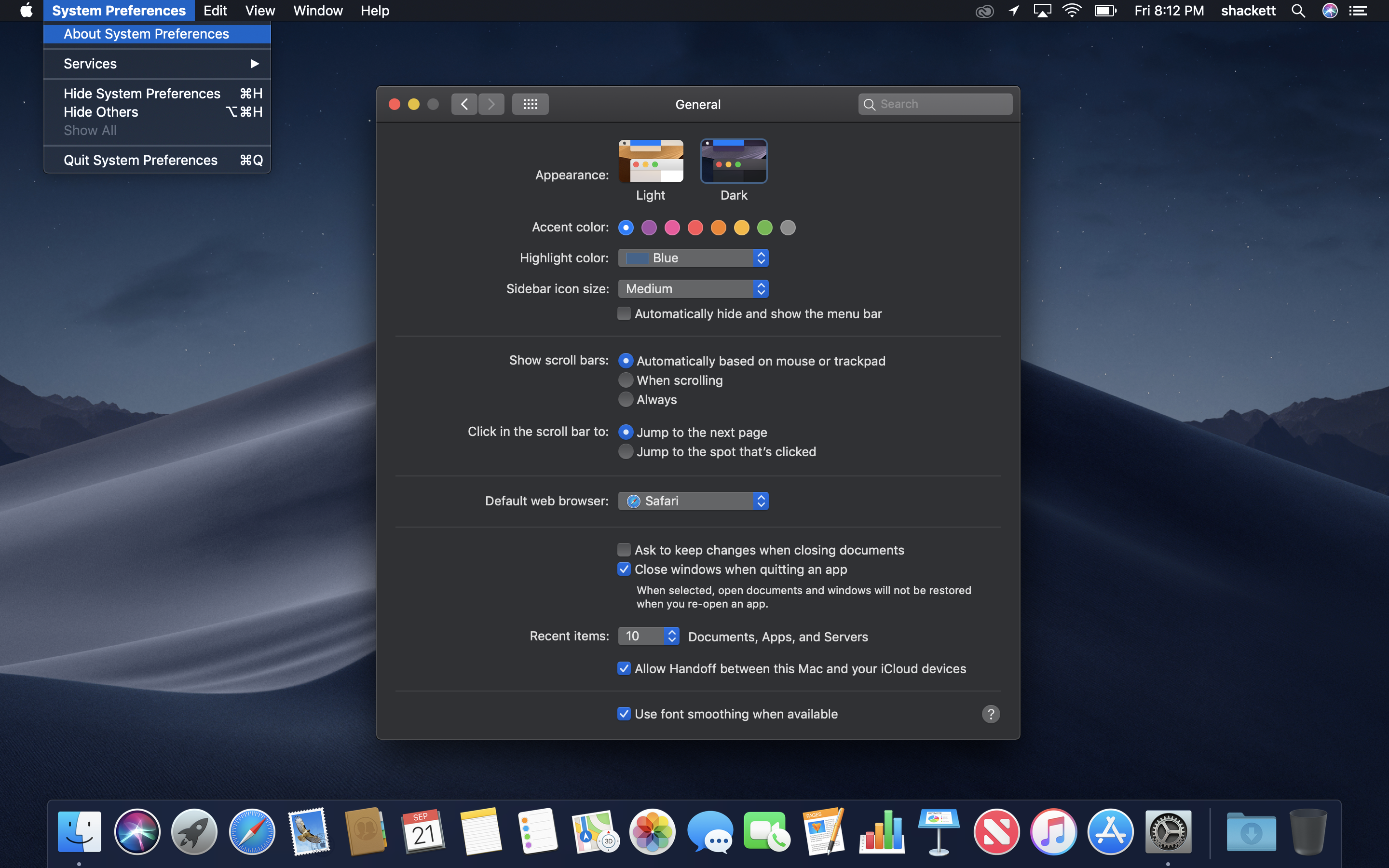
Appearance & Accent Combinations
Light: Blue
Light: Purple
Light: Pink
Light: Red
Light: Orange
Light: Yellow
Light: Green
Light: Graphite
Dark: Blue
Dark: Purple
Dark: Pink
Dark: Red
Dark: Orange
Dark: Yellow
Dark: Green
Dark: Graphite
Light Mode
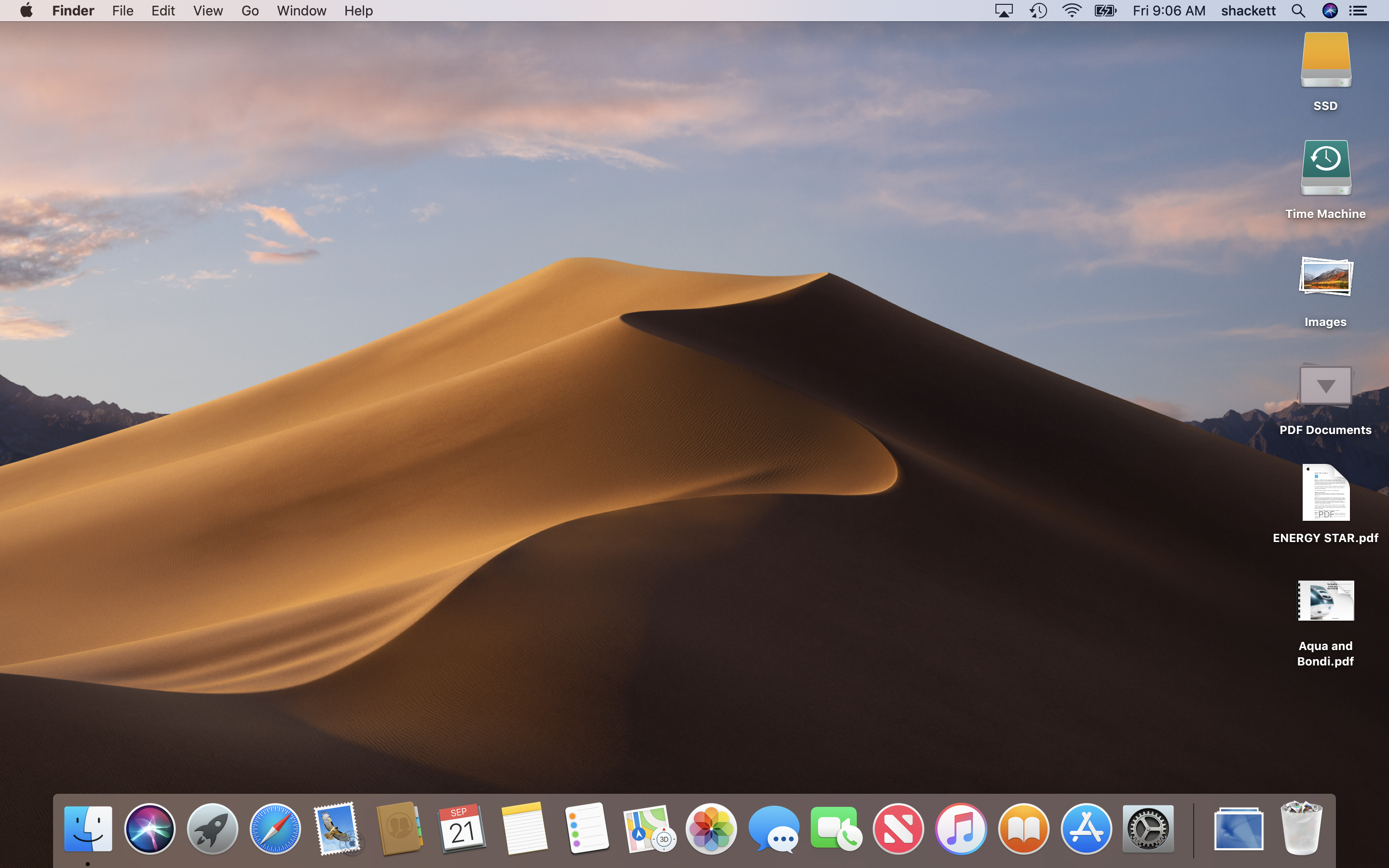
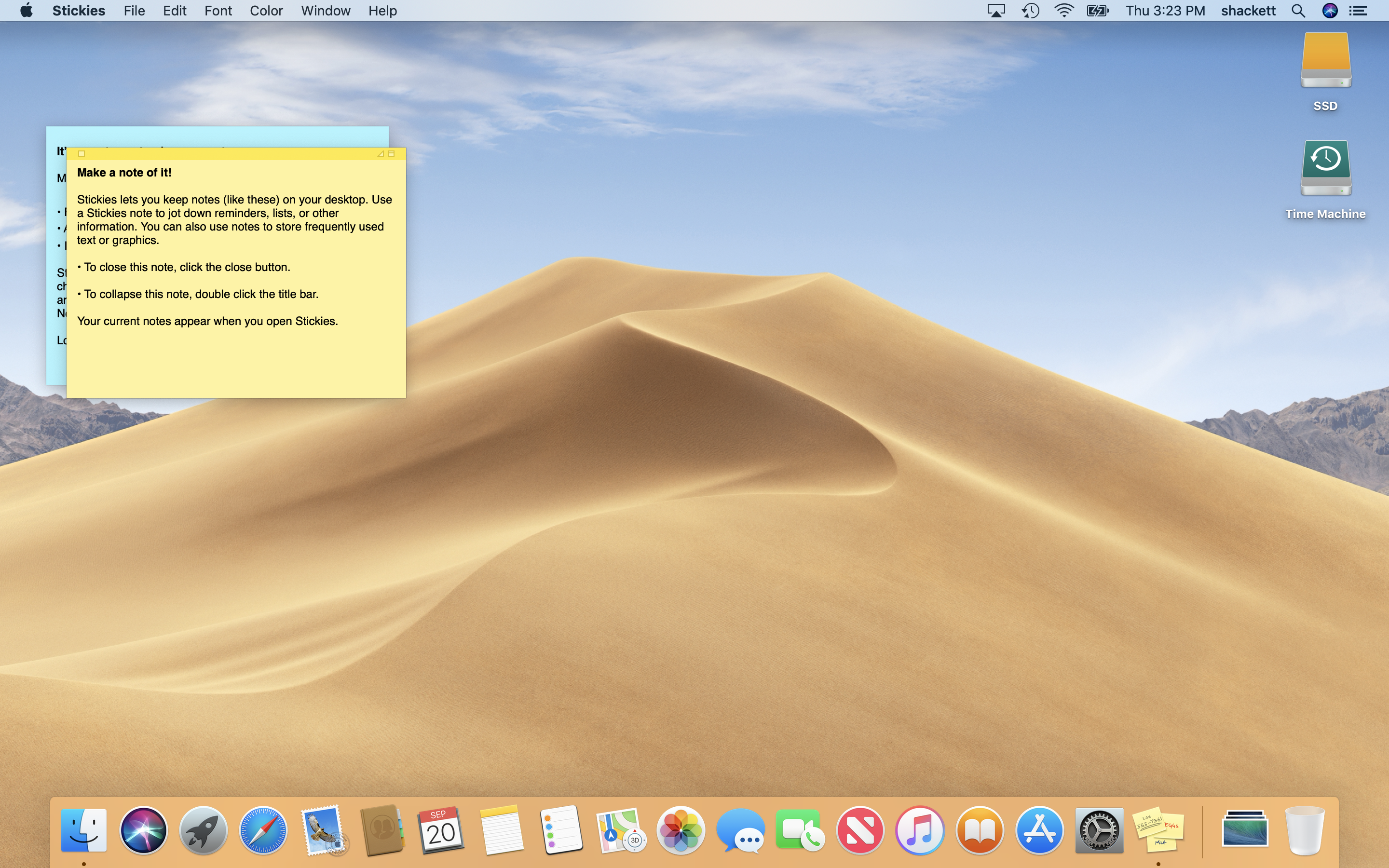
Desktop
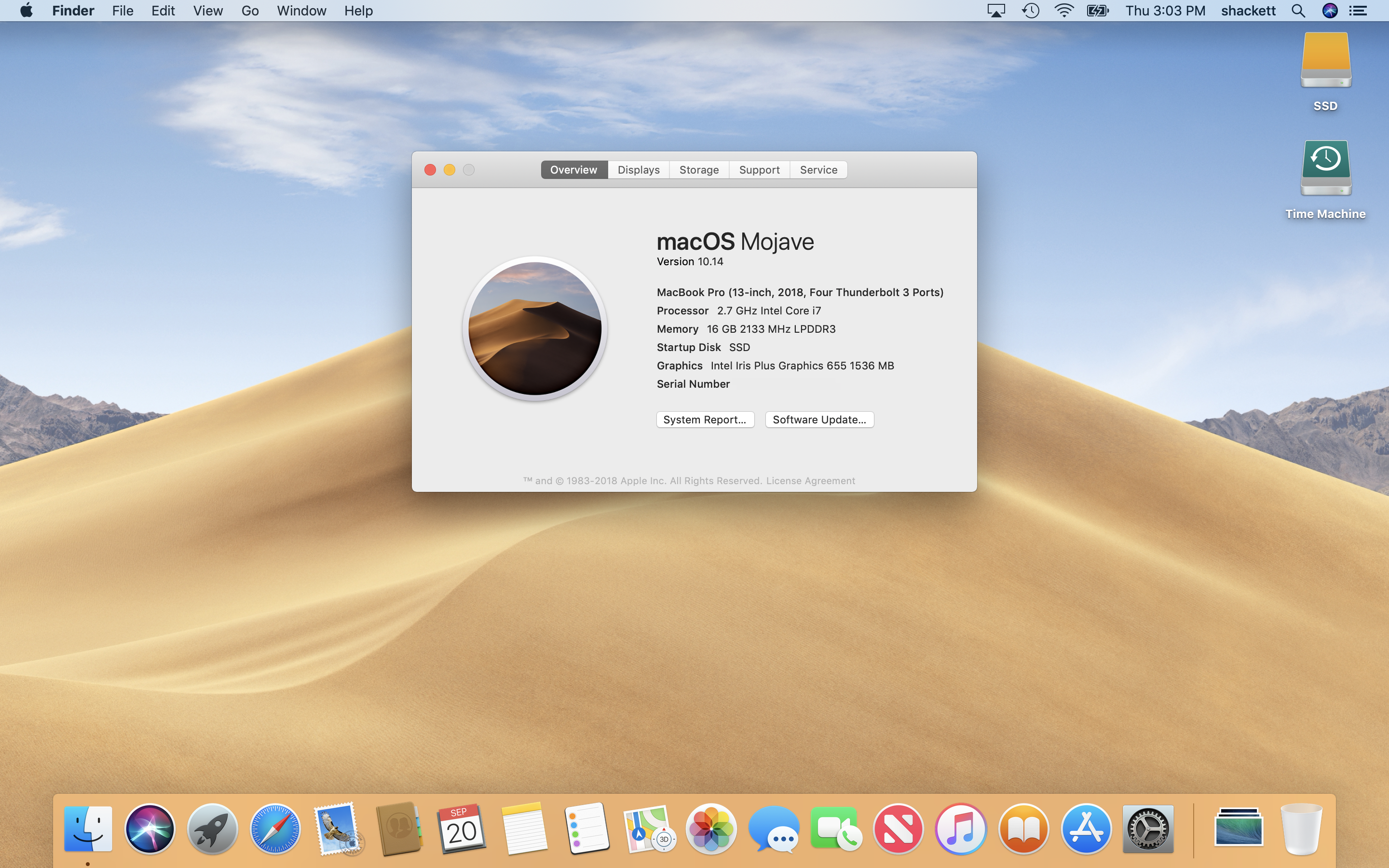
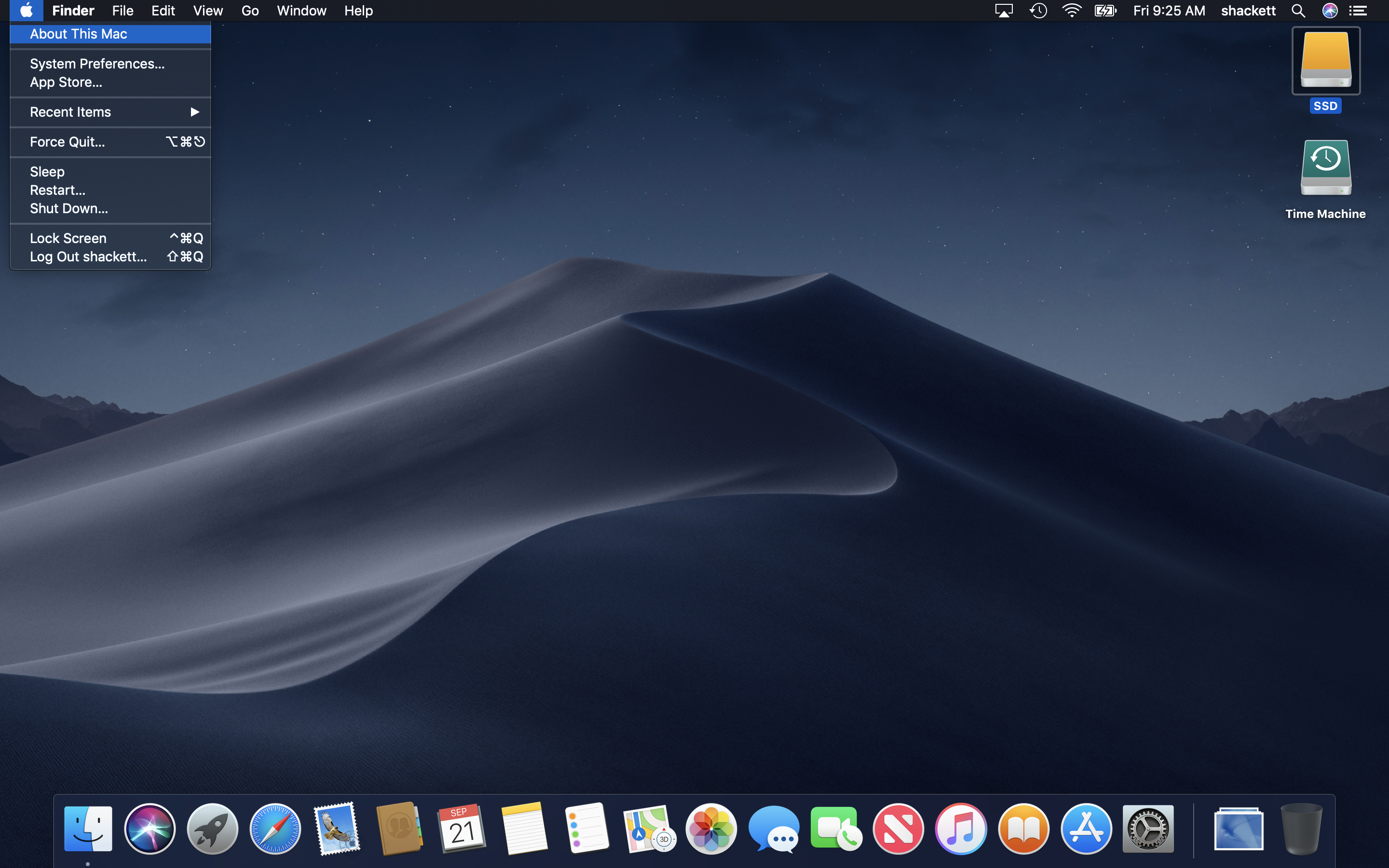
About This Mac
System Information
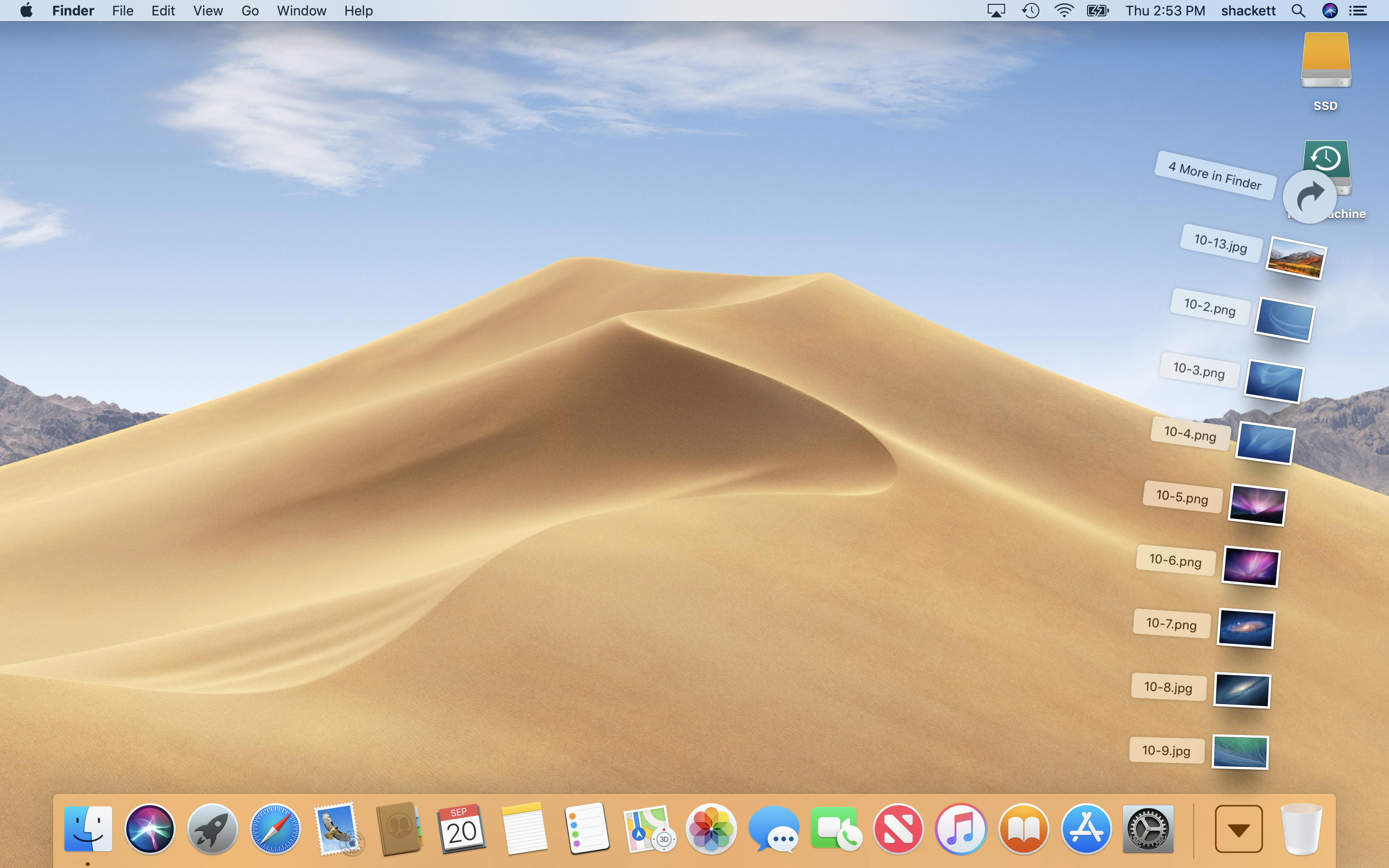
Stacks
Desktop Stacks
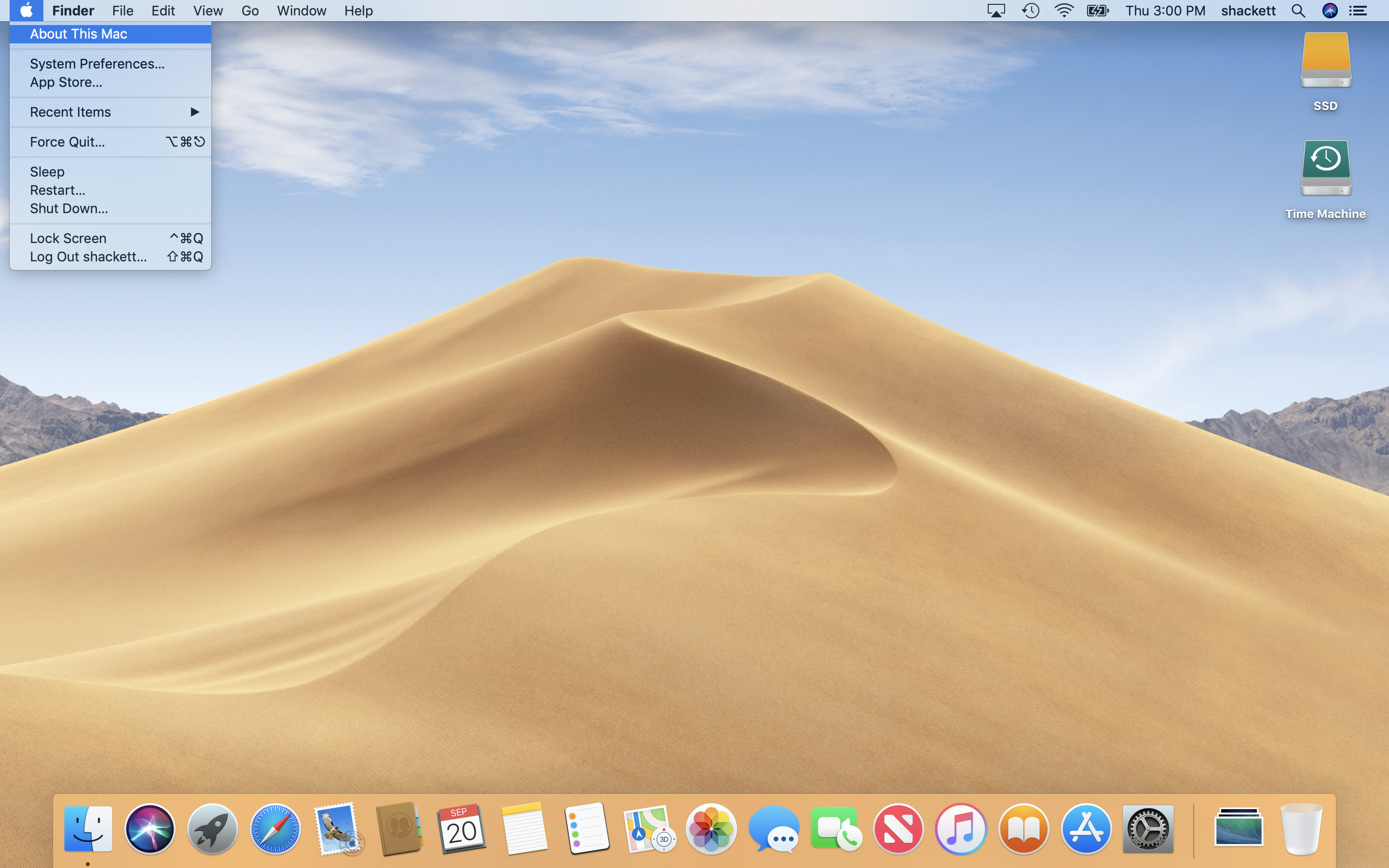
Apple Menu
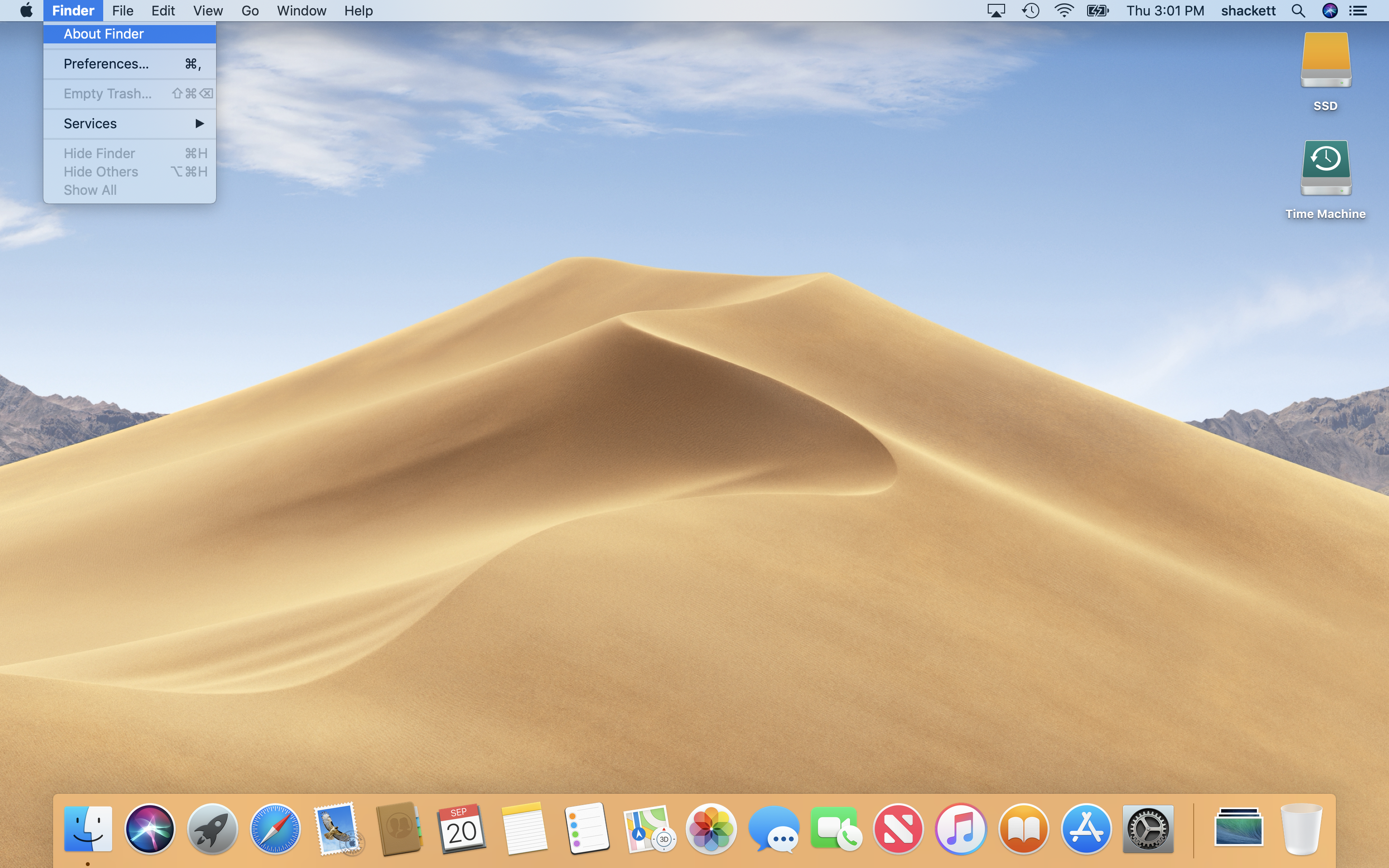
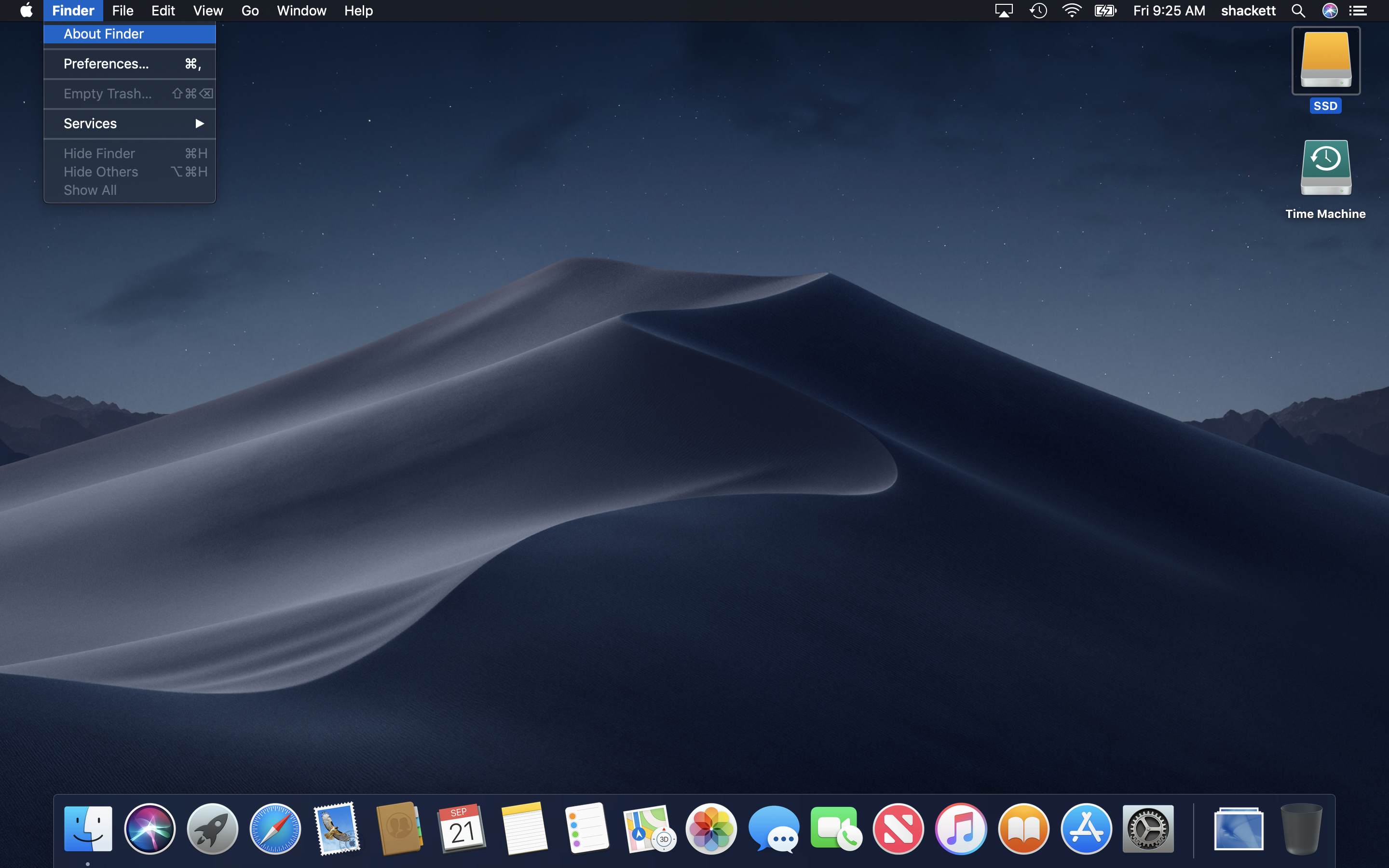
Finder Menu
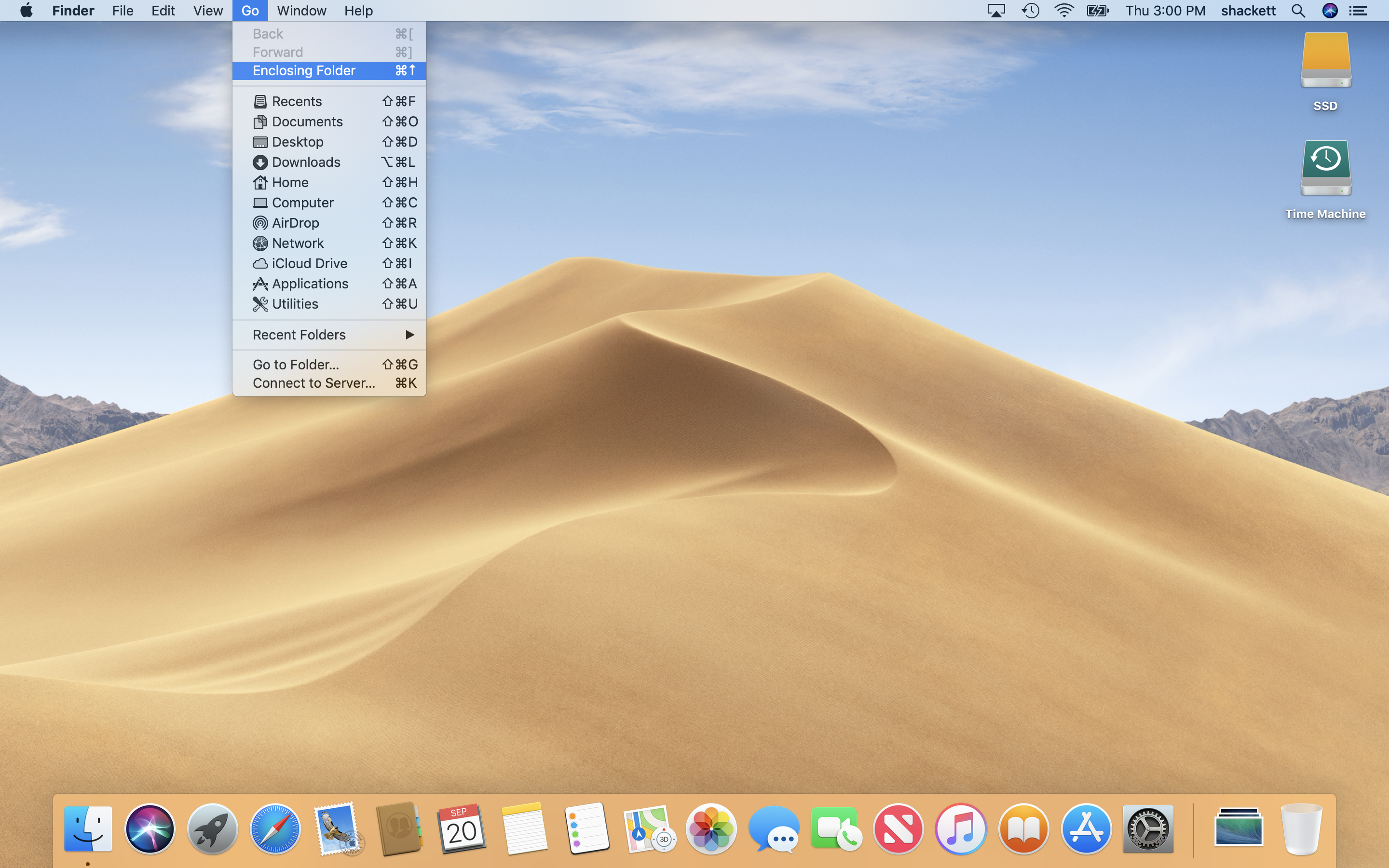
Go Menu
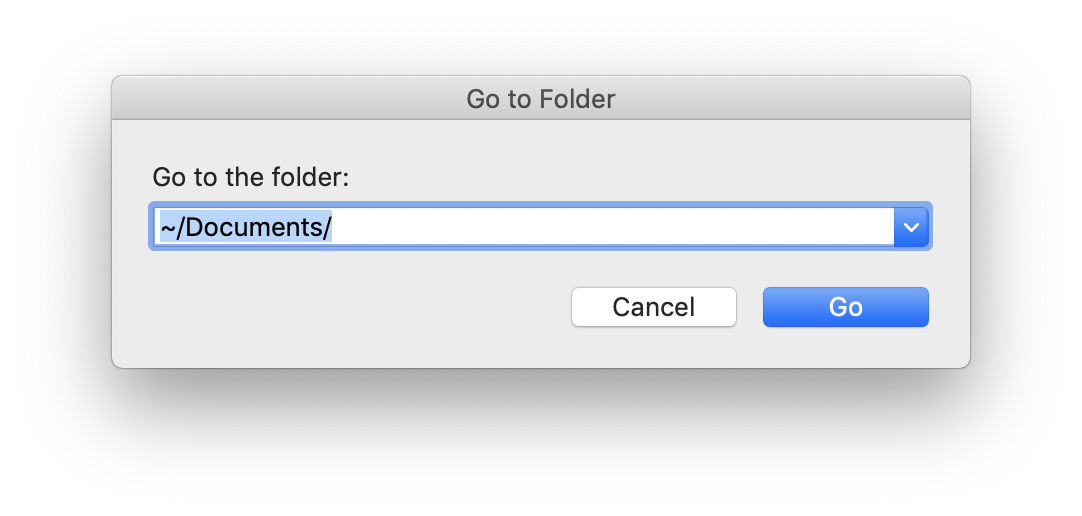
Finder: Go to Folder
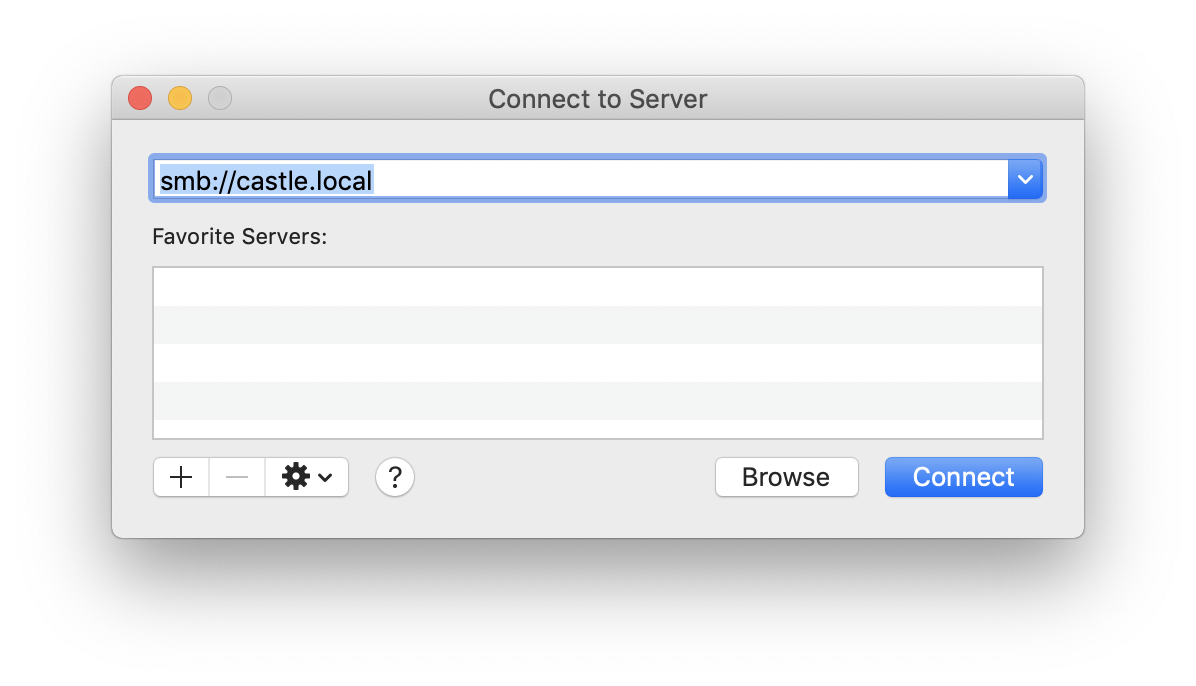
Finder: Connect to Server
Finder: Network
Finder: Home
Finder: Gallery View
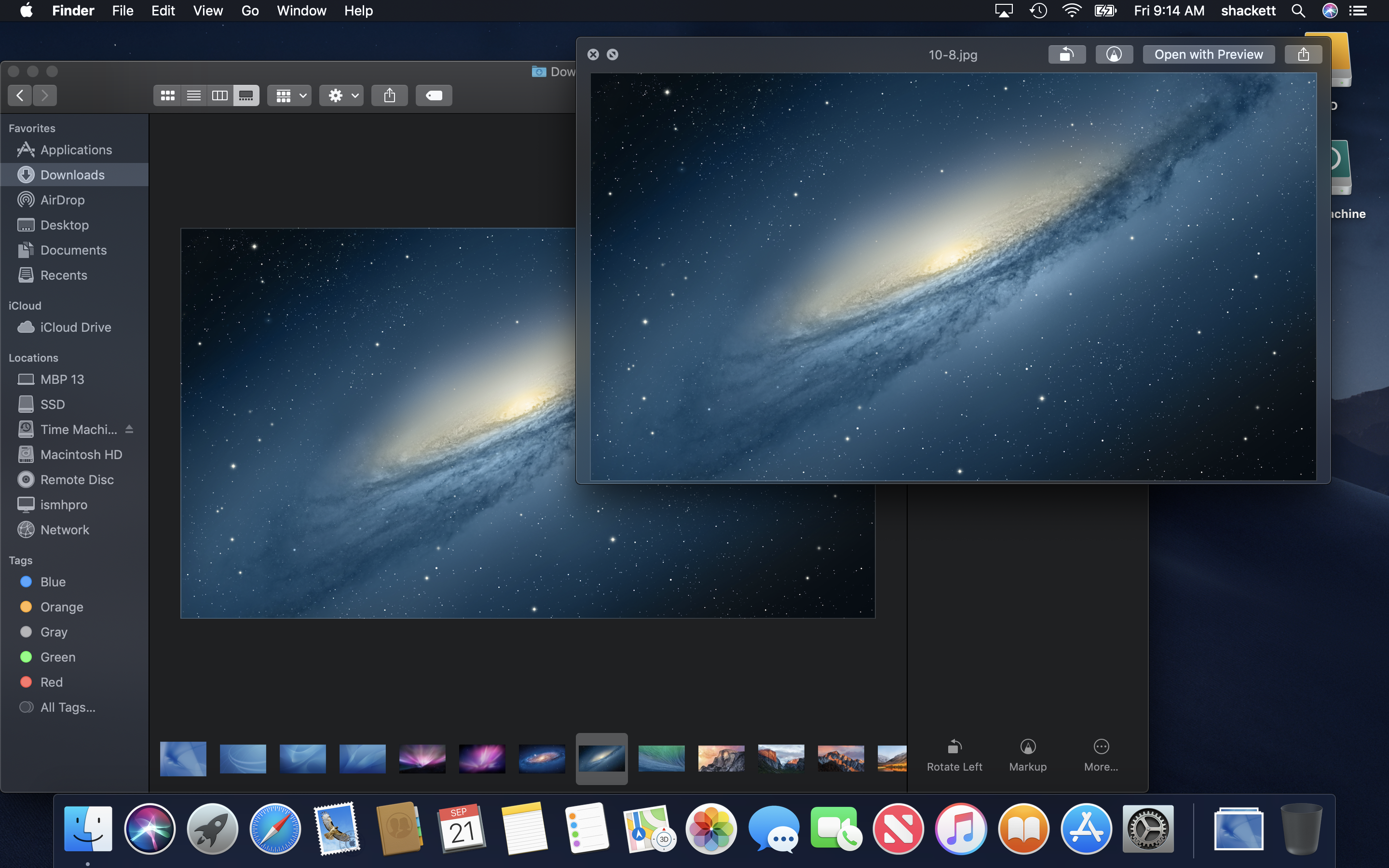
Finder: Quick Look
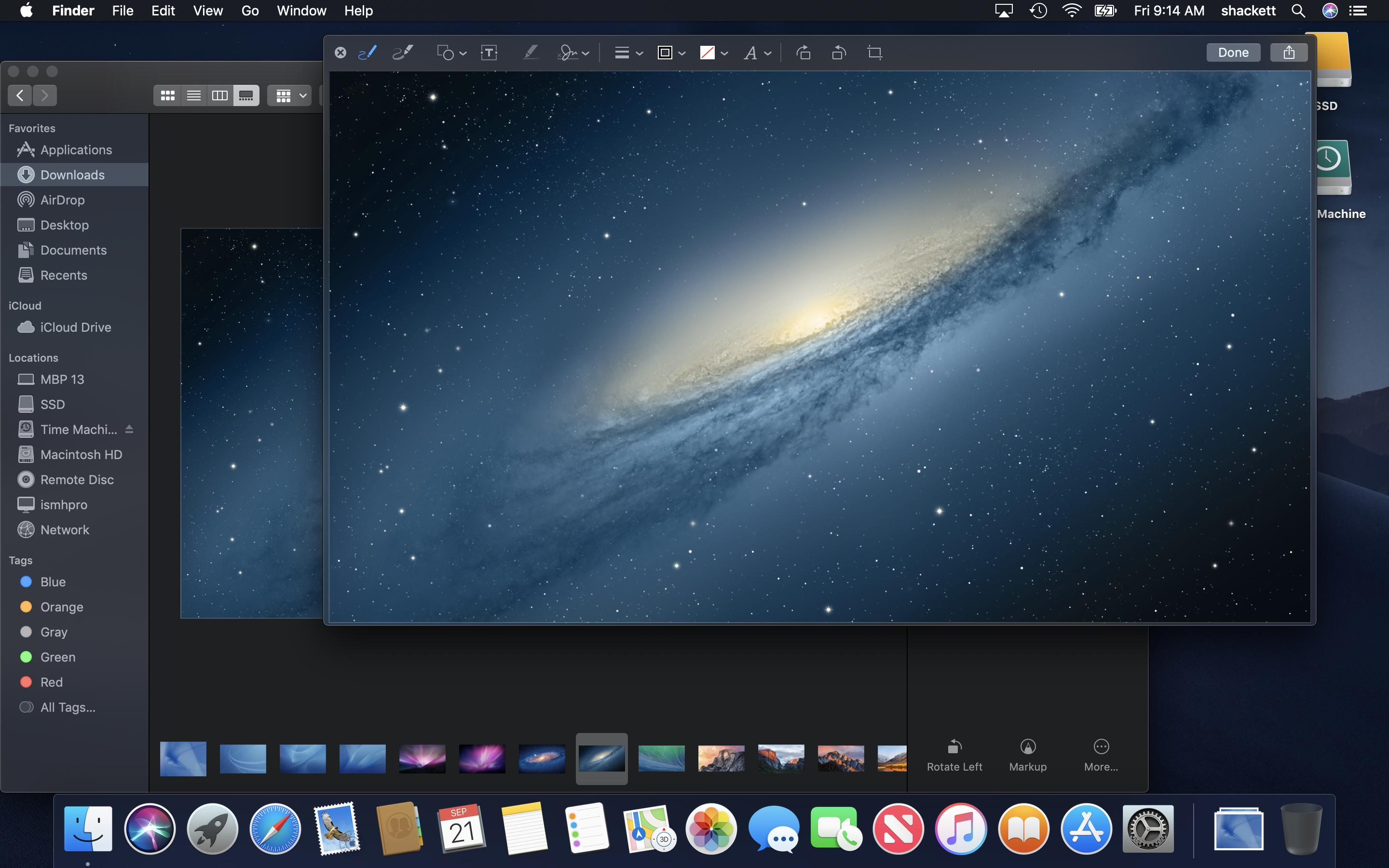
Finder: Quick Look Markup
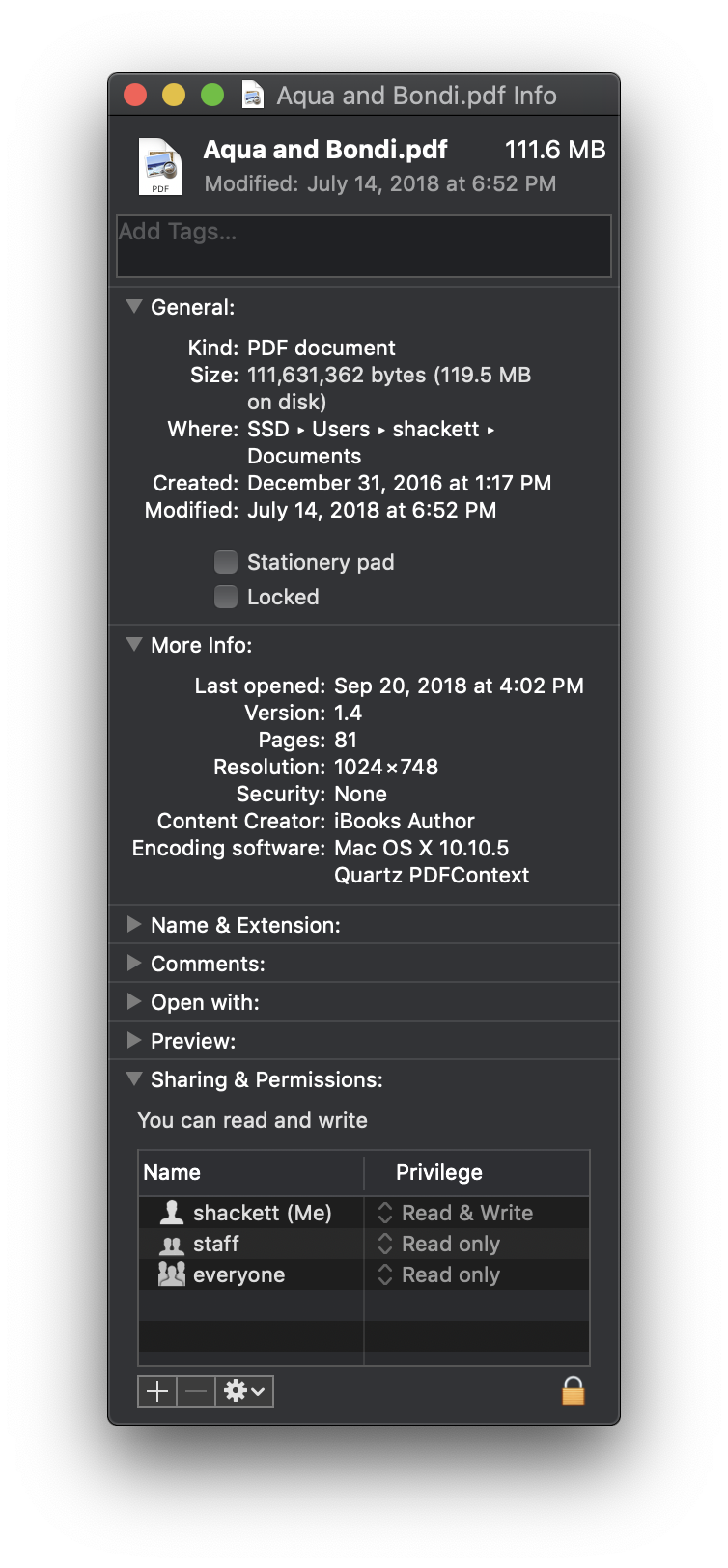
Finder: Get Info
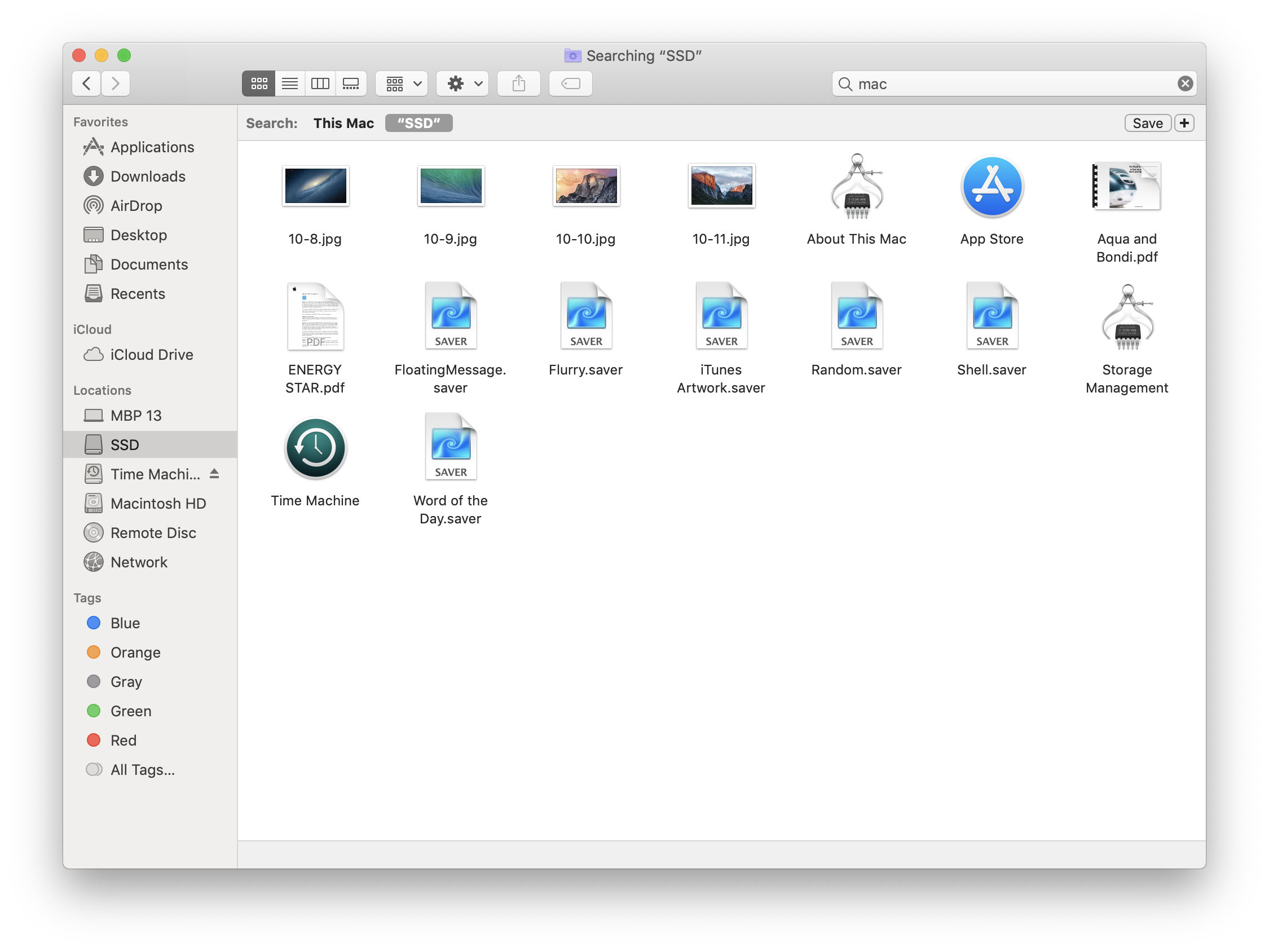
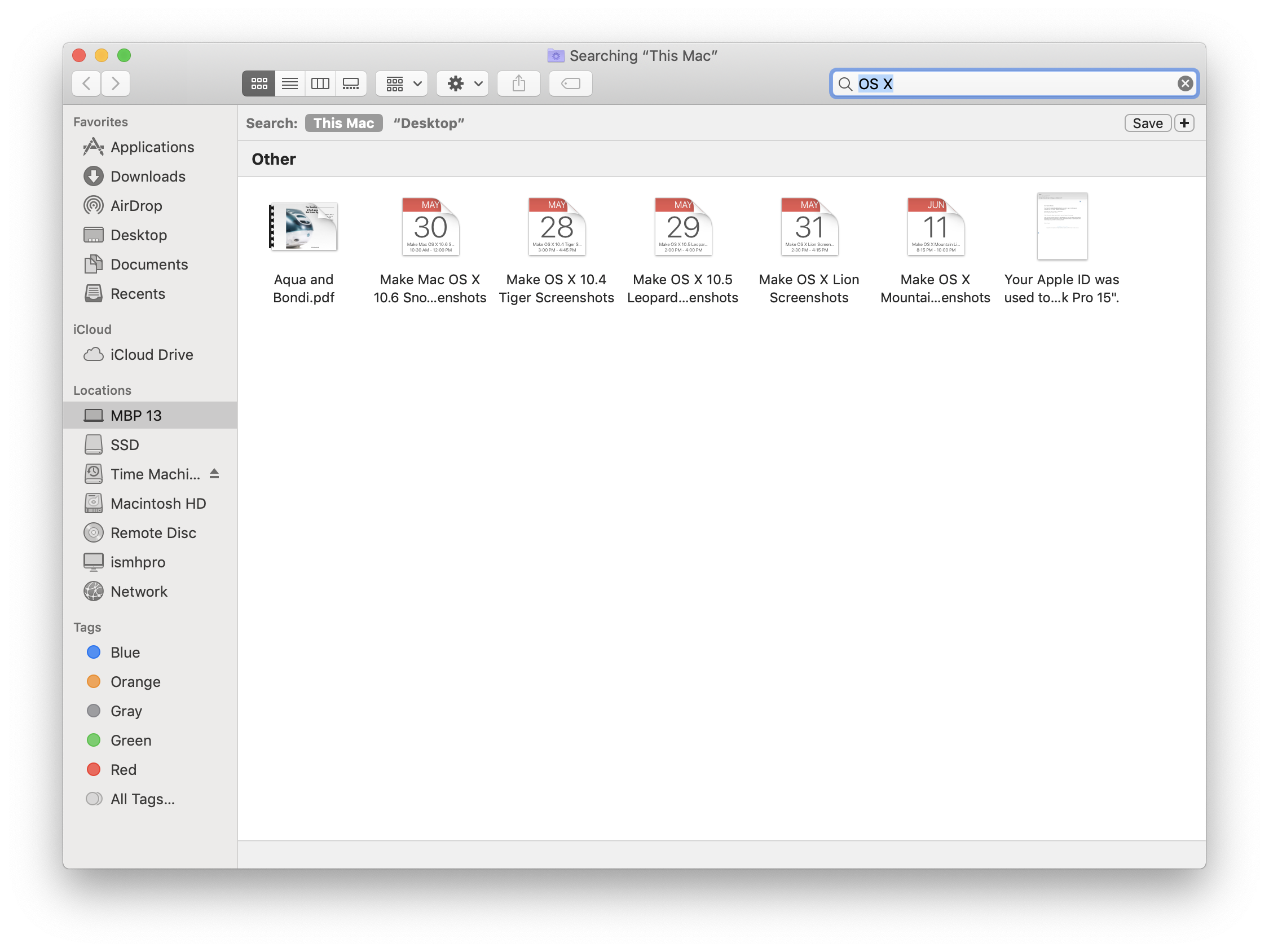
Finder: Search
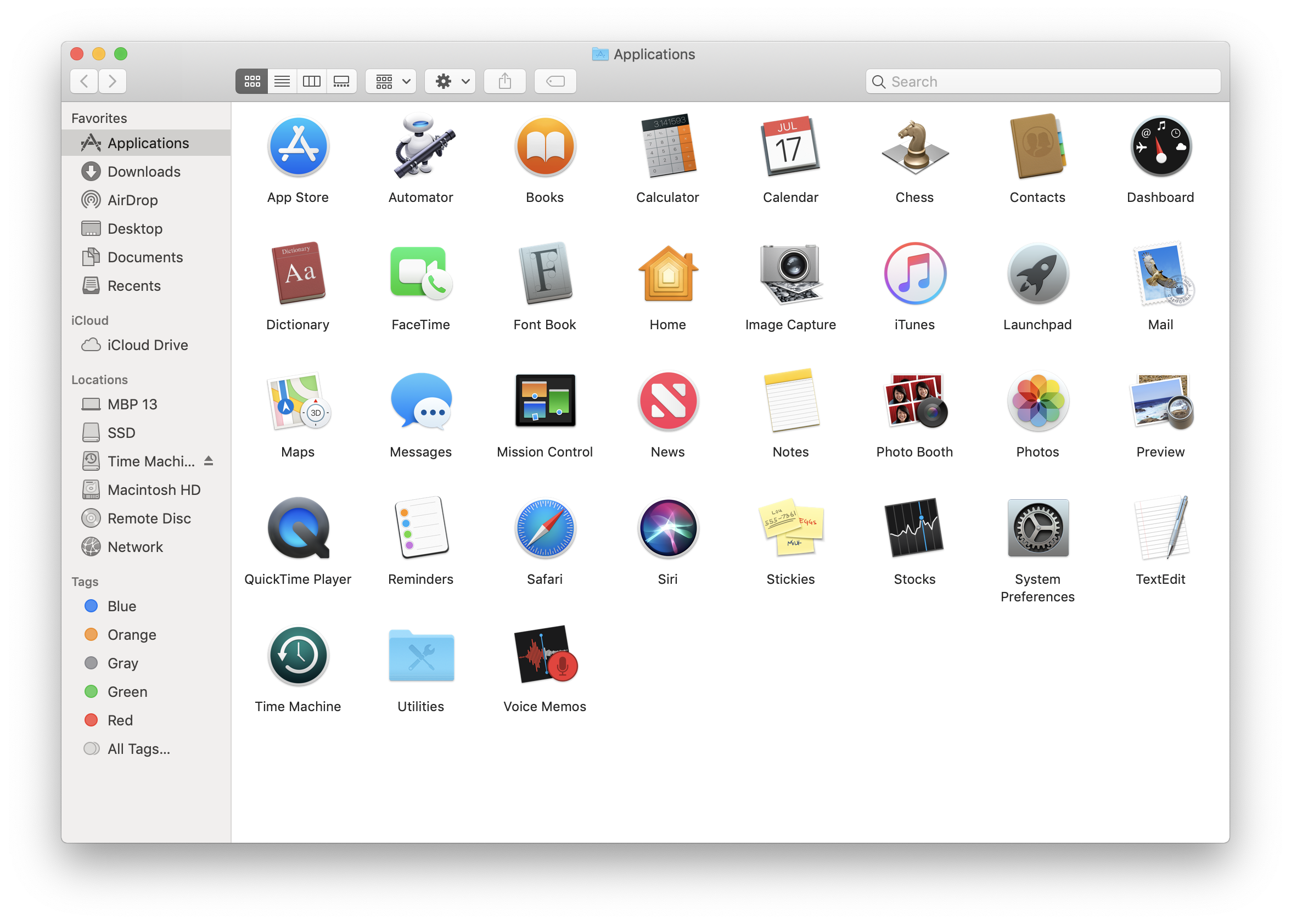
Applications
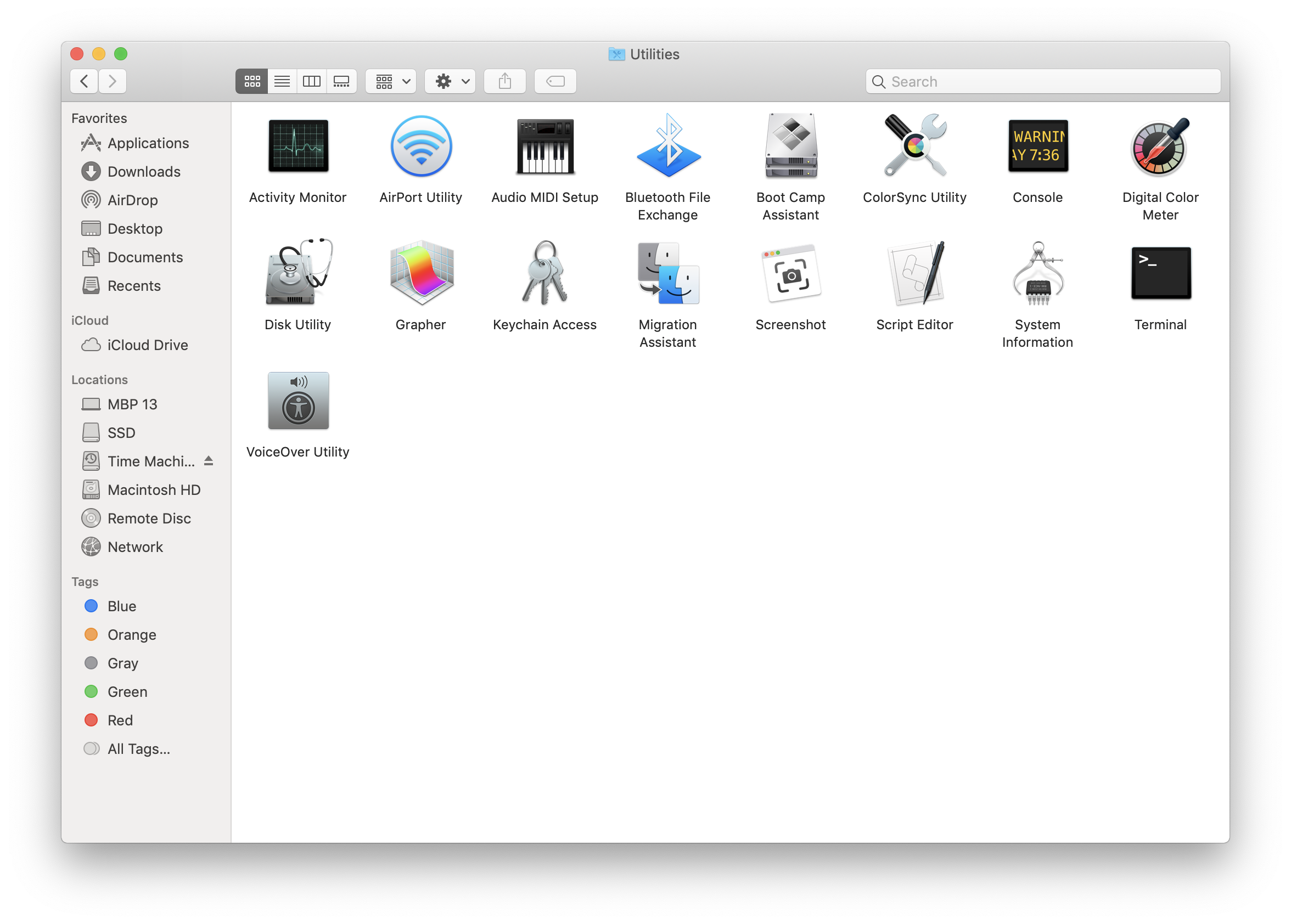
Applications: Utilities
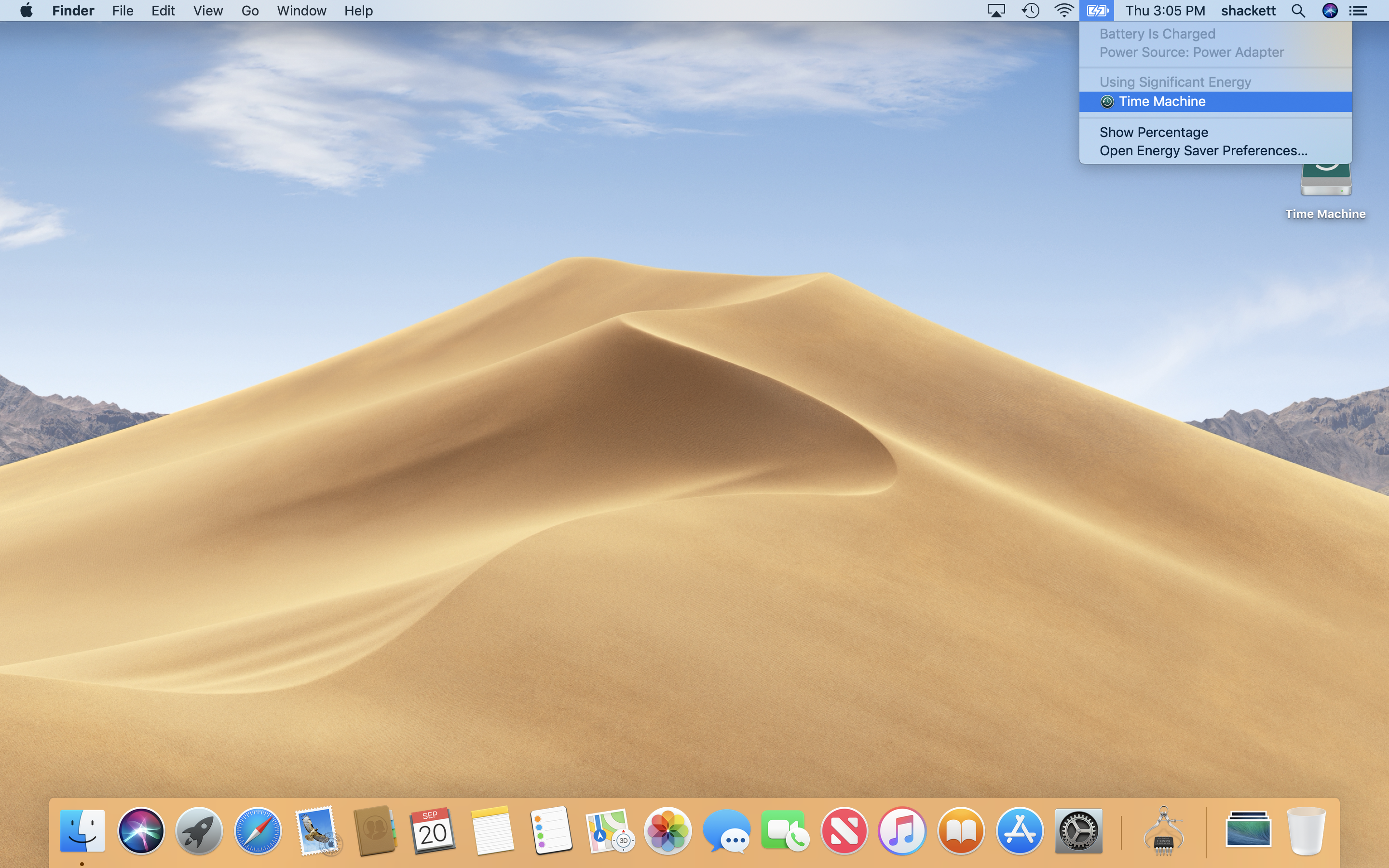
Menu Bar: Battery
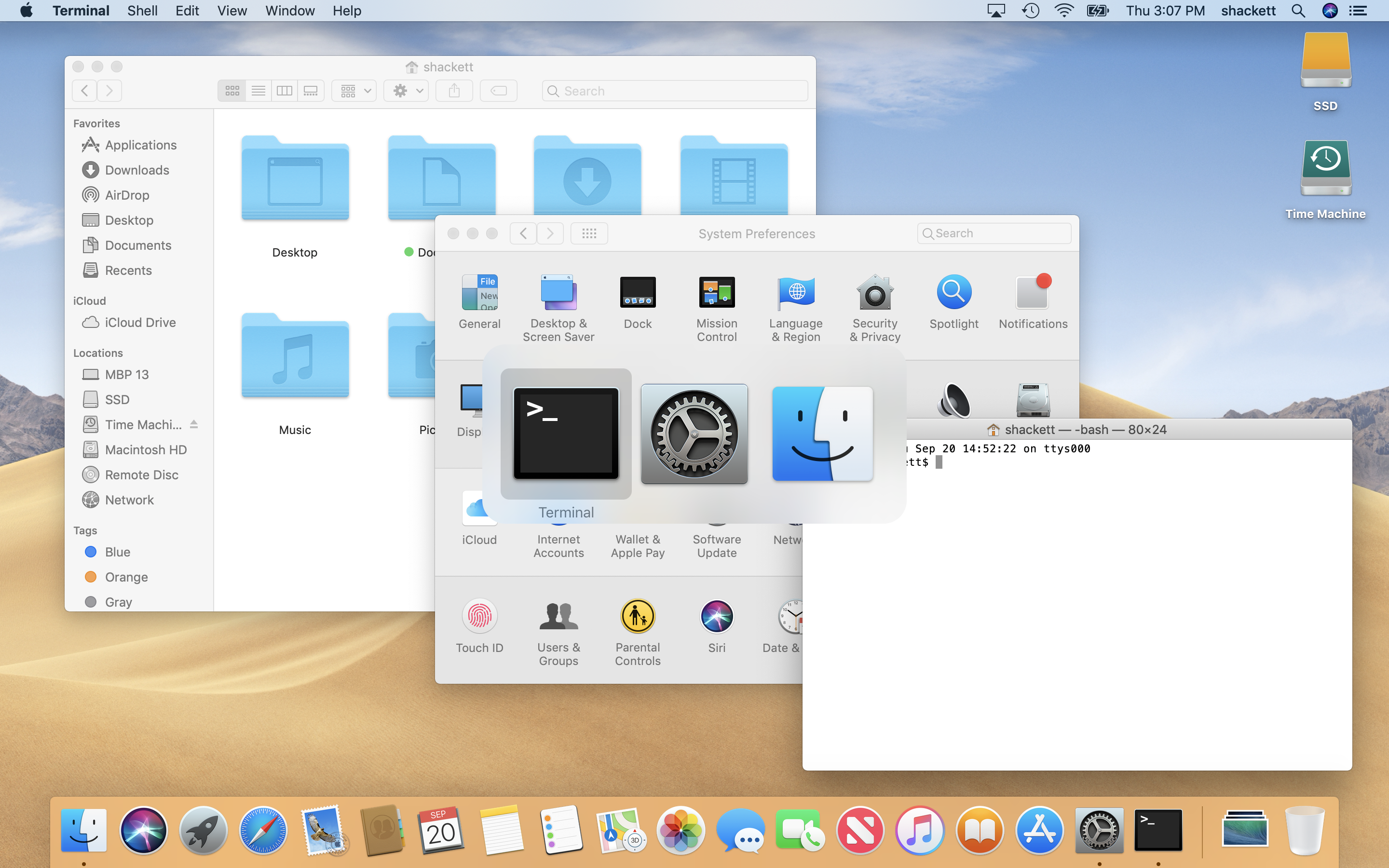
App Switcher
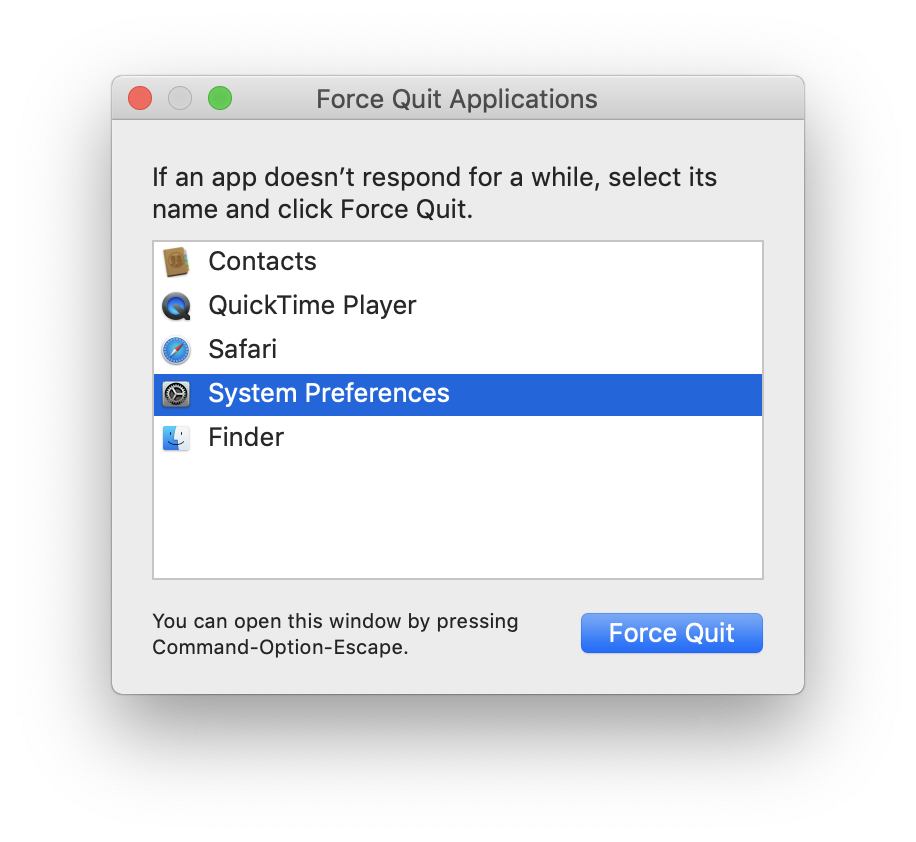
Force Quit
Finder: Copy
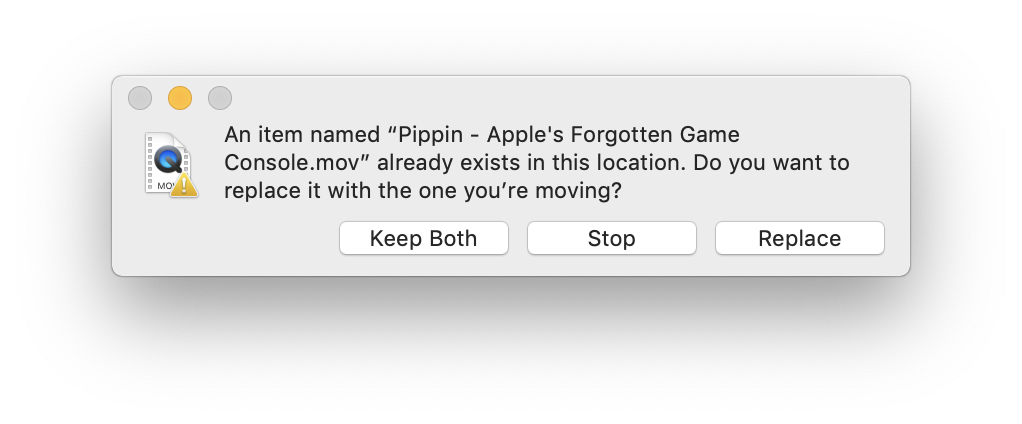
Finder: Replace
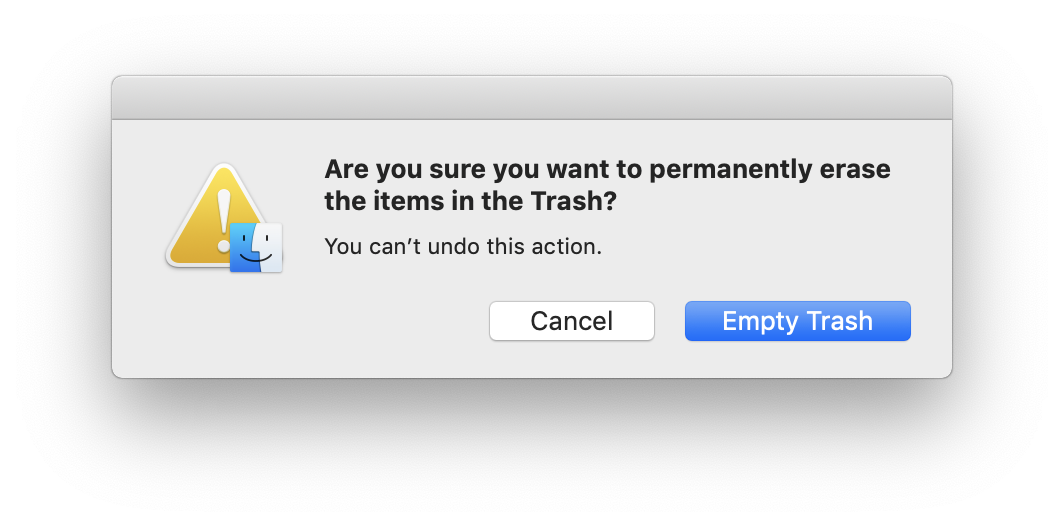
Finder: Empty Trash
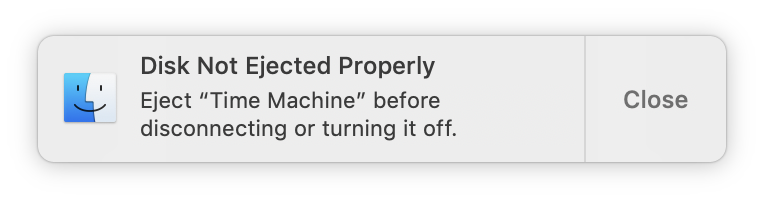
Finder: Eject Warning
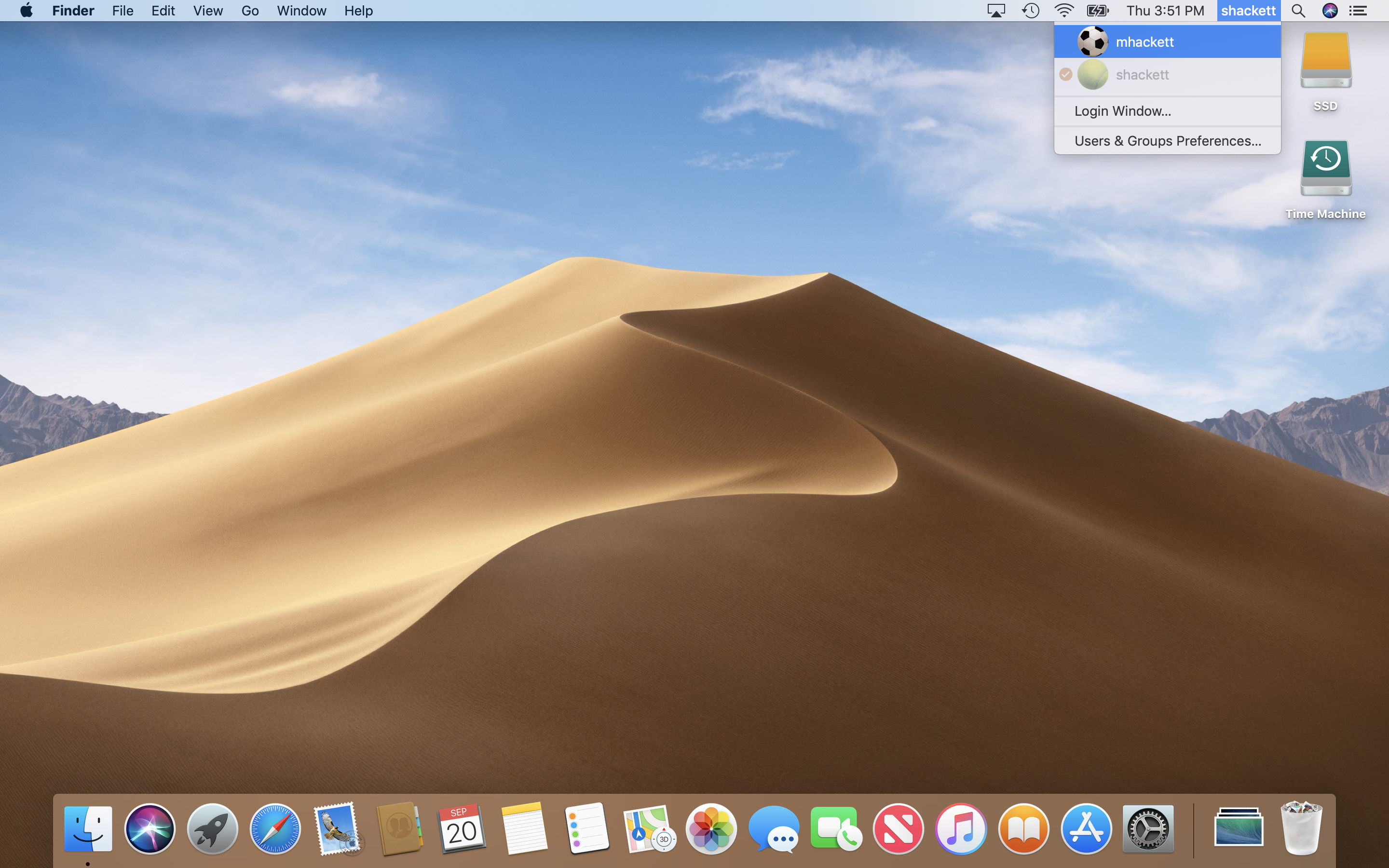
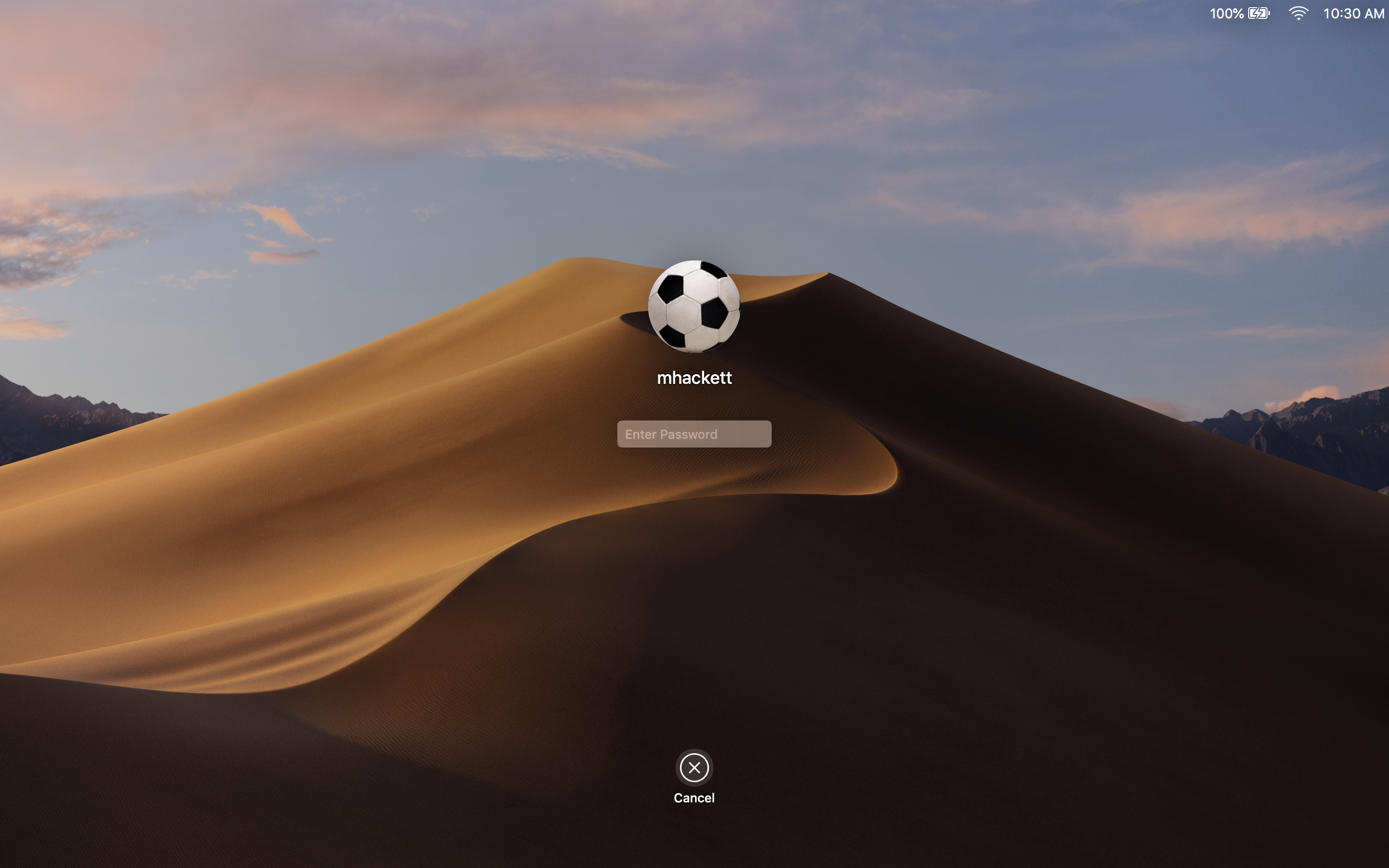
Fast User Switching
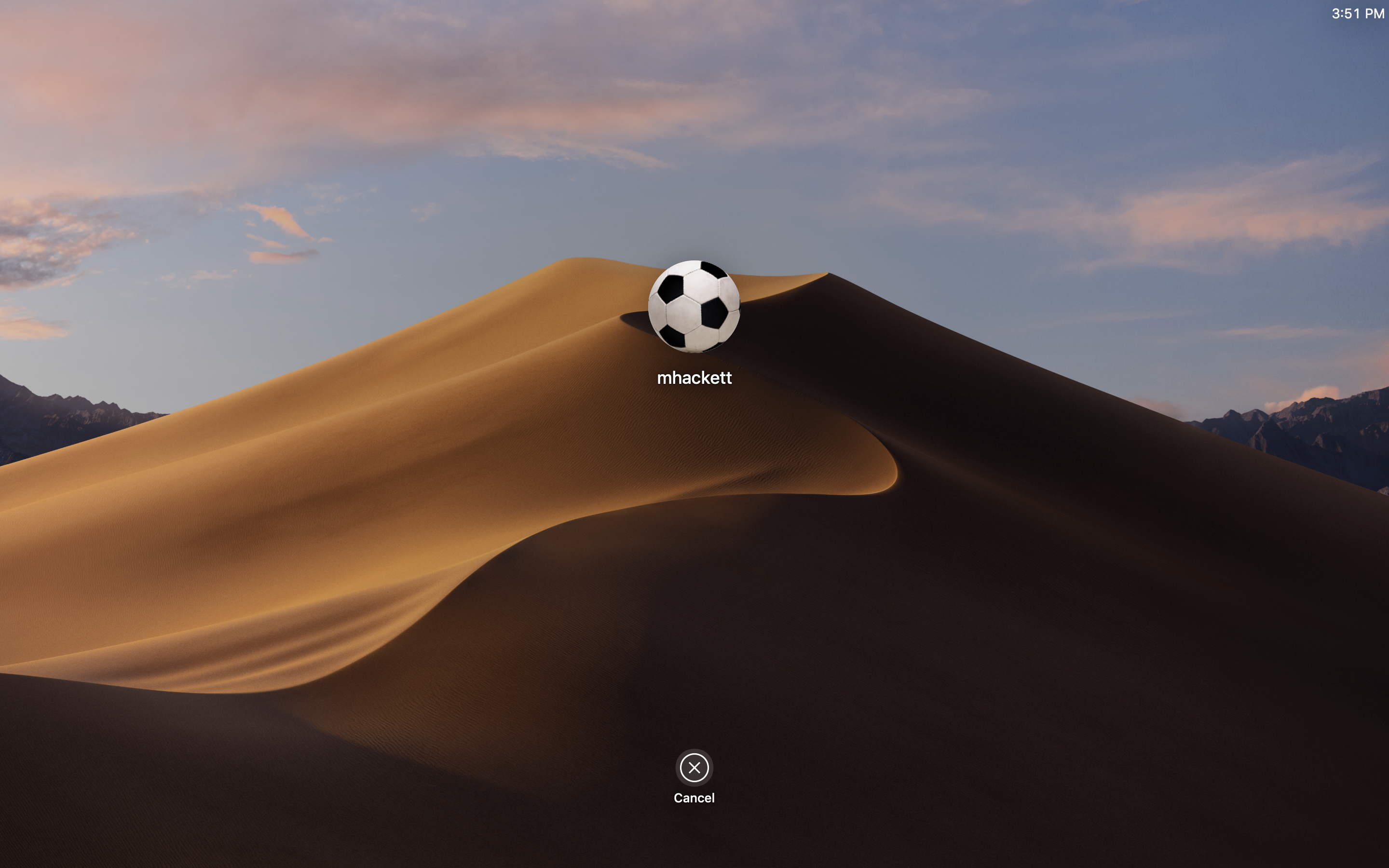
Fast User Switching: Login Window
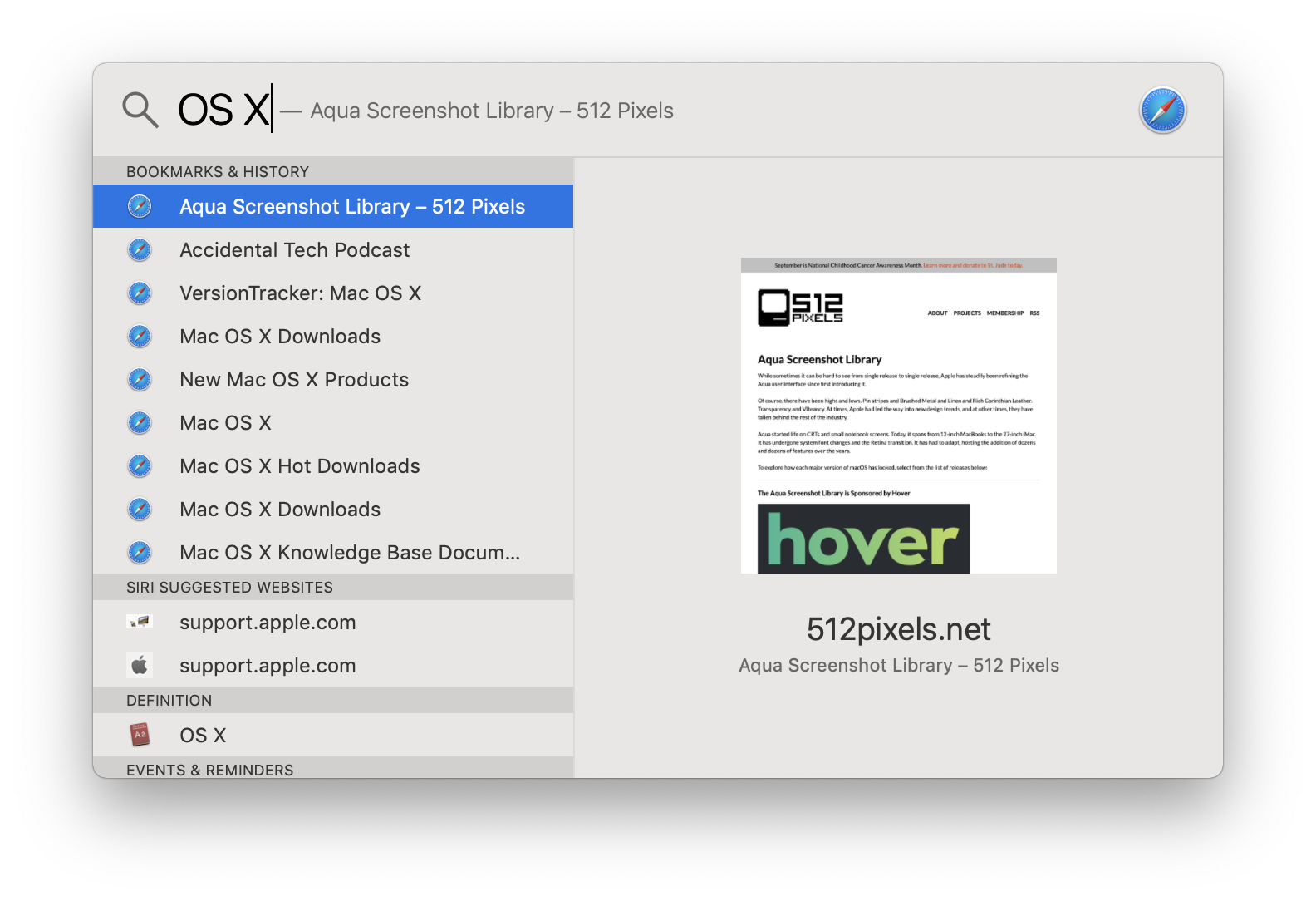
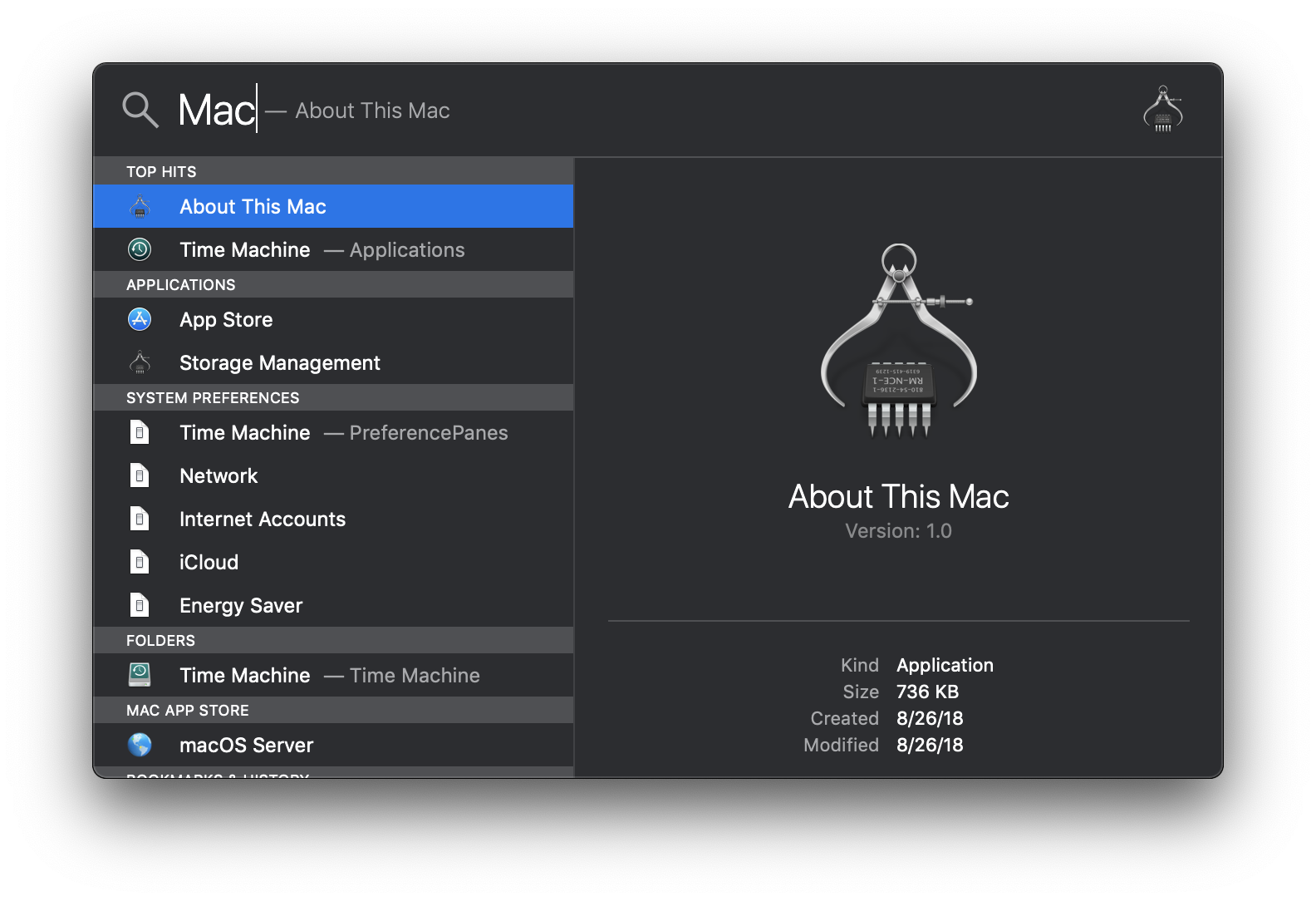
Spotlight
Spotlight: More Results
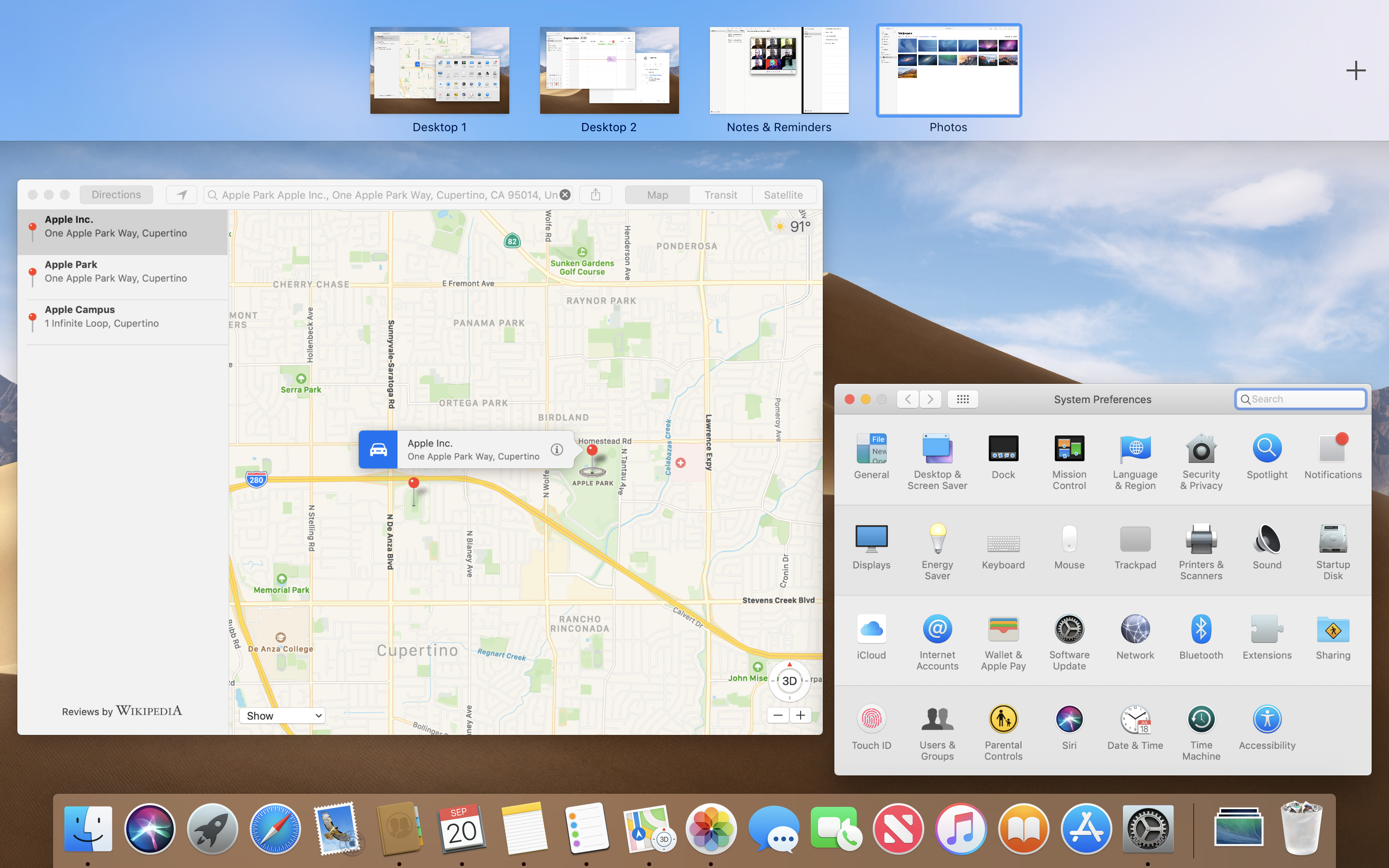
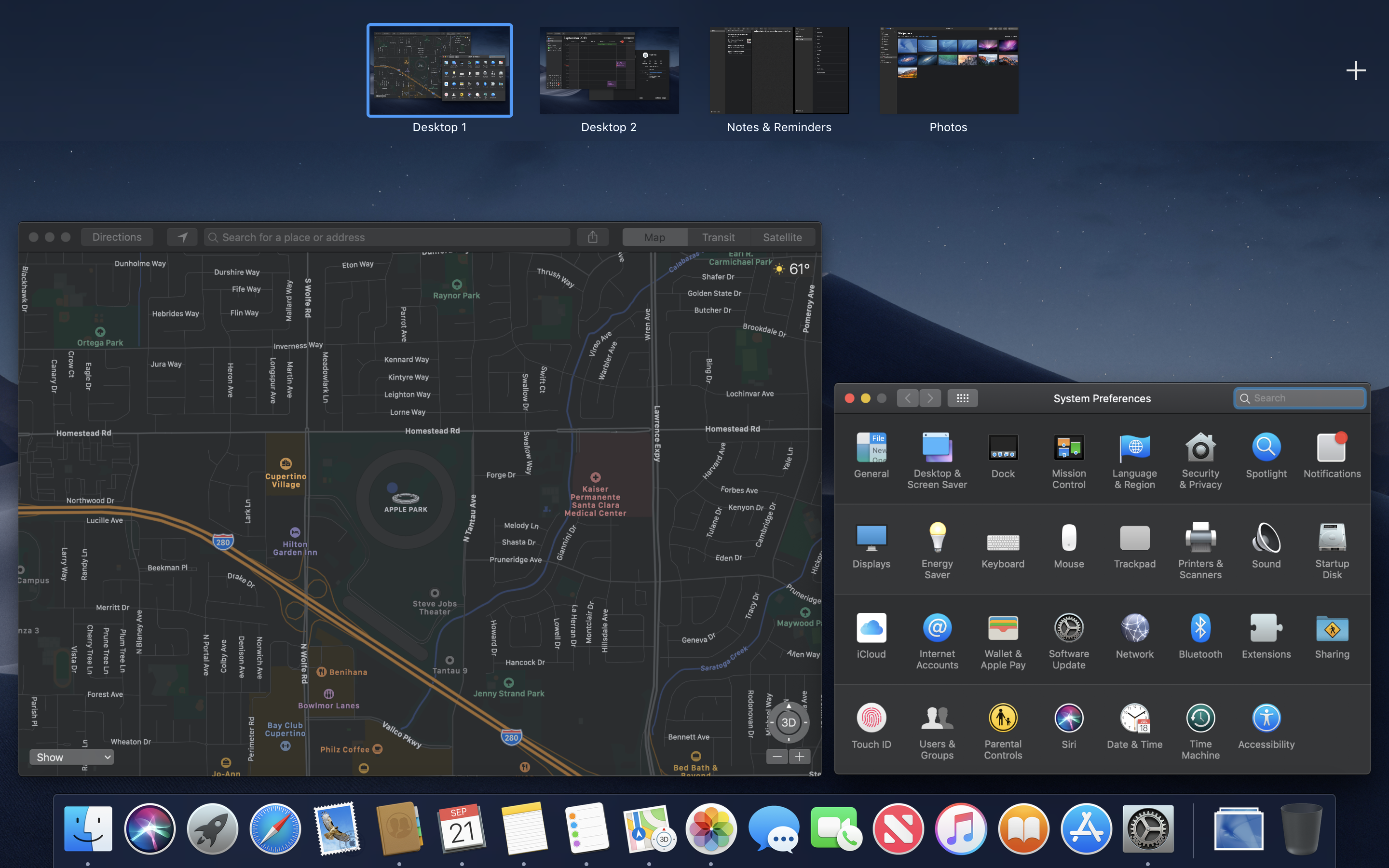
Mission Control
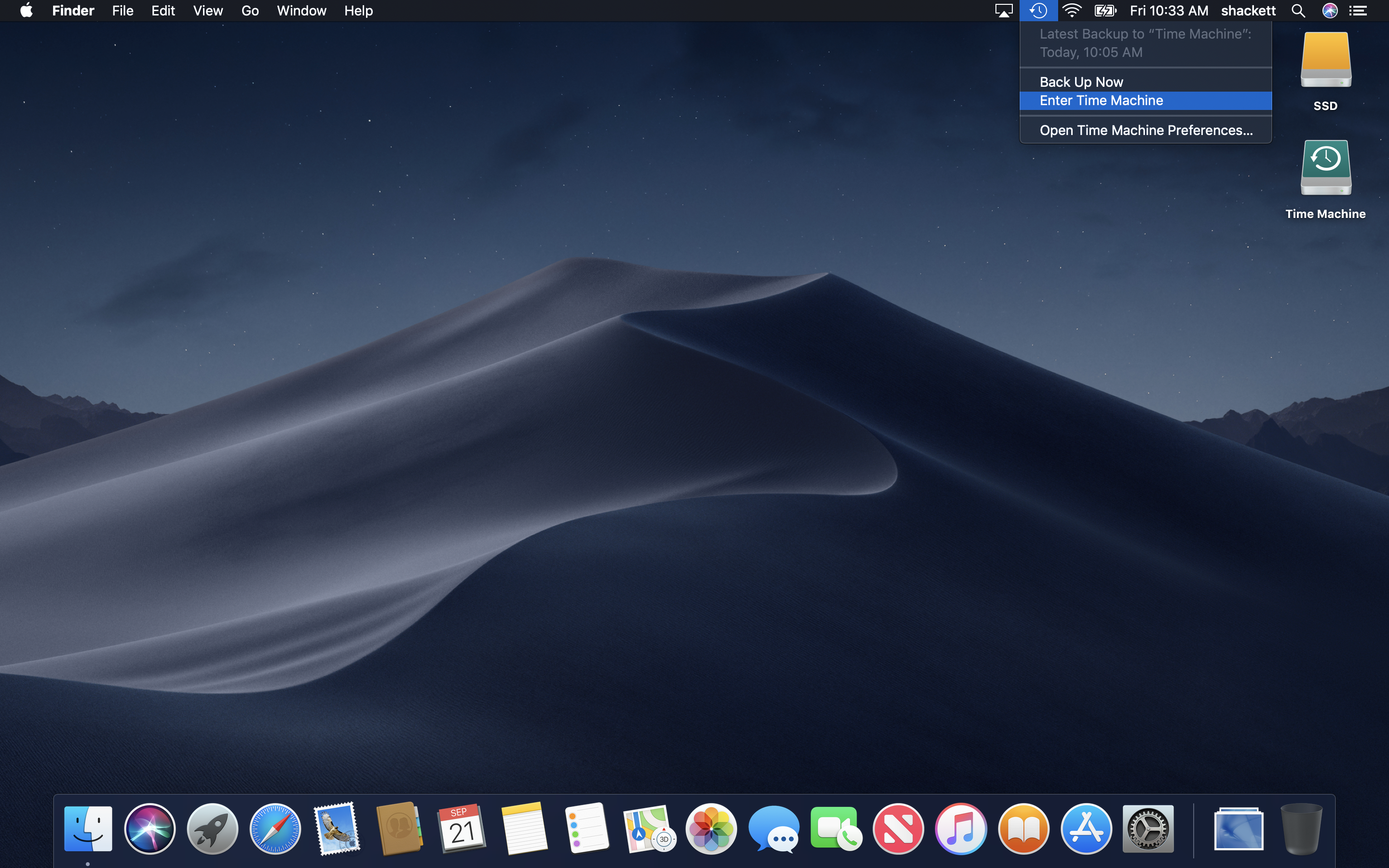
Menu Bar: Time Machine
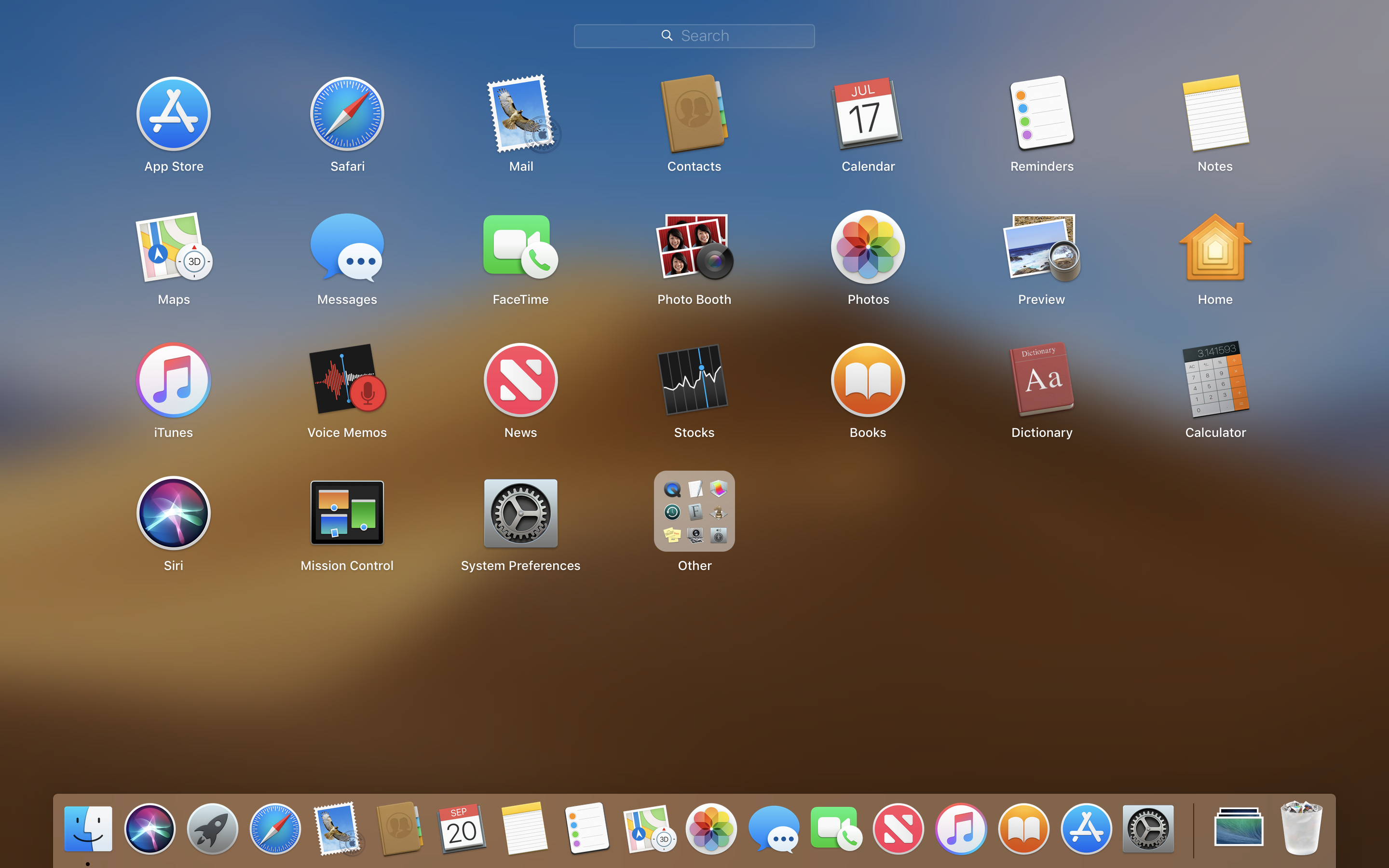
Launchpad
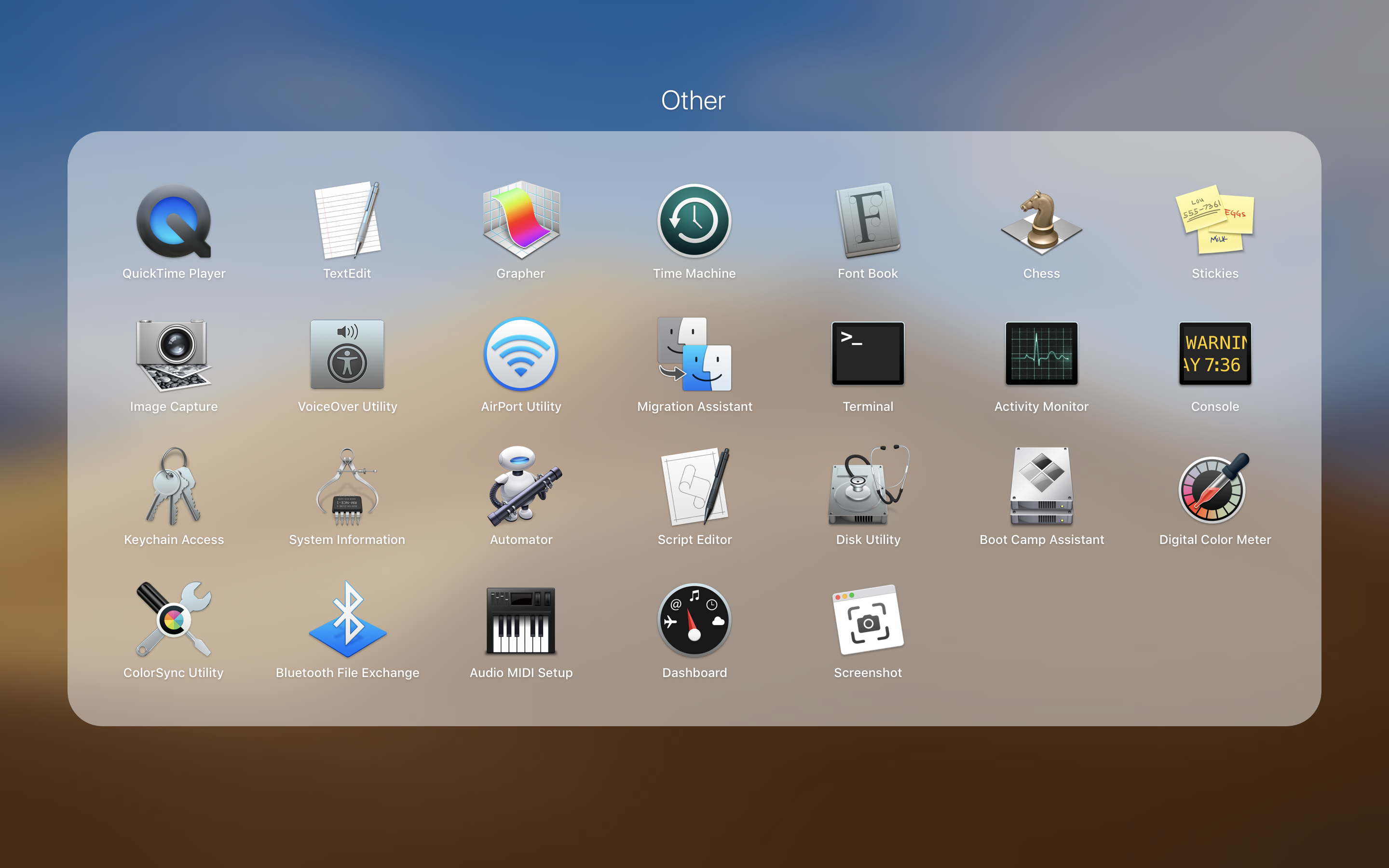
Launchpad: Folder
Fullscreen App
Split Screen Apps
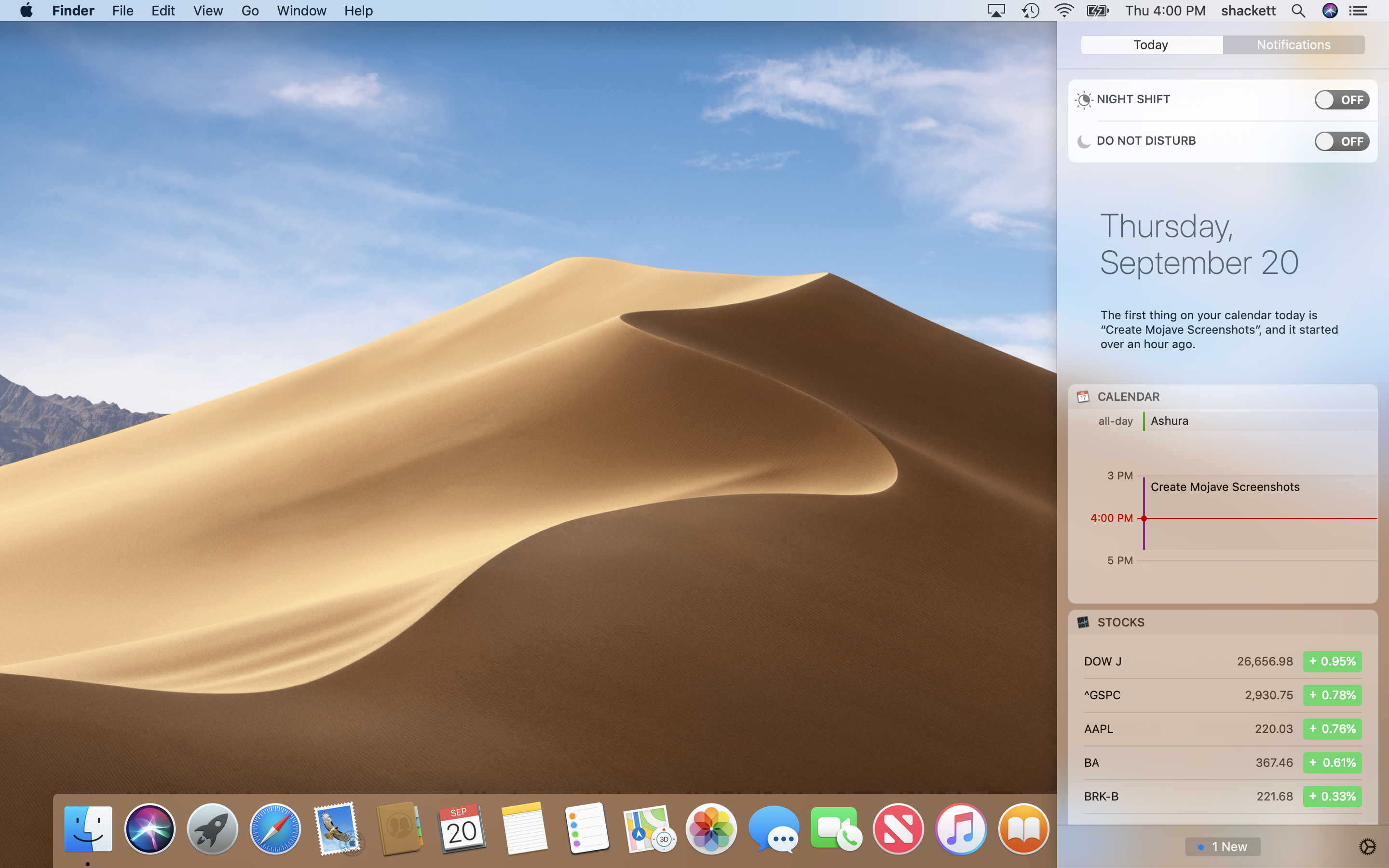
Notification Center: Today
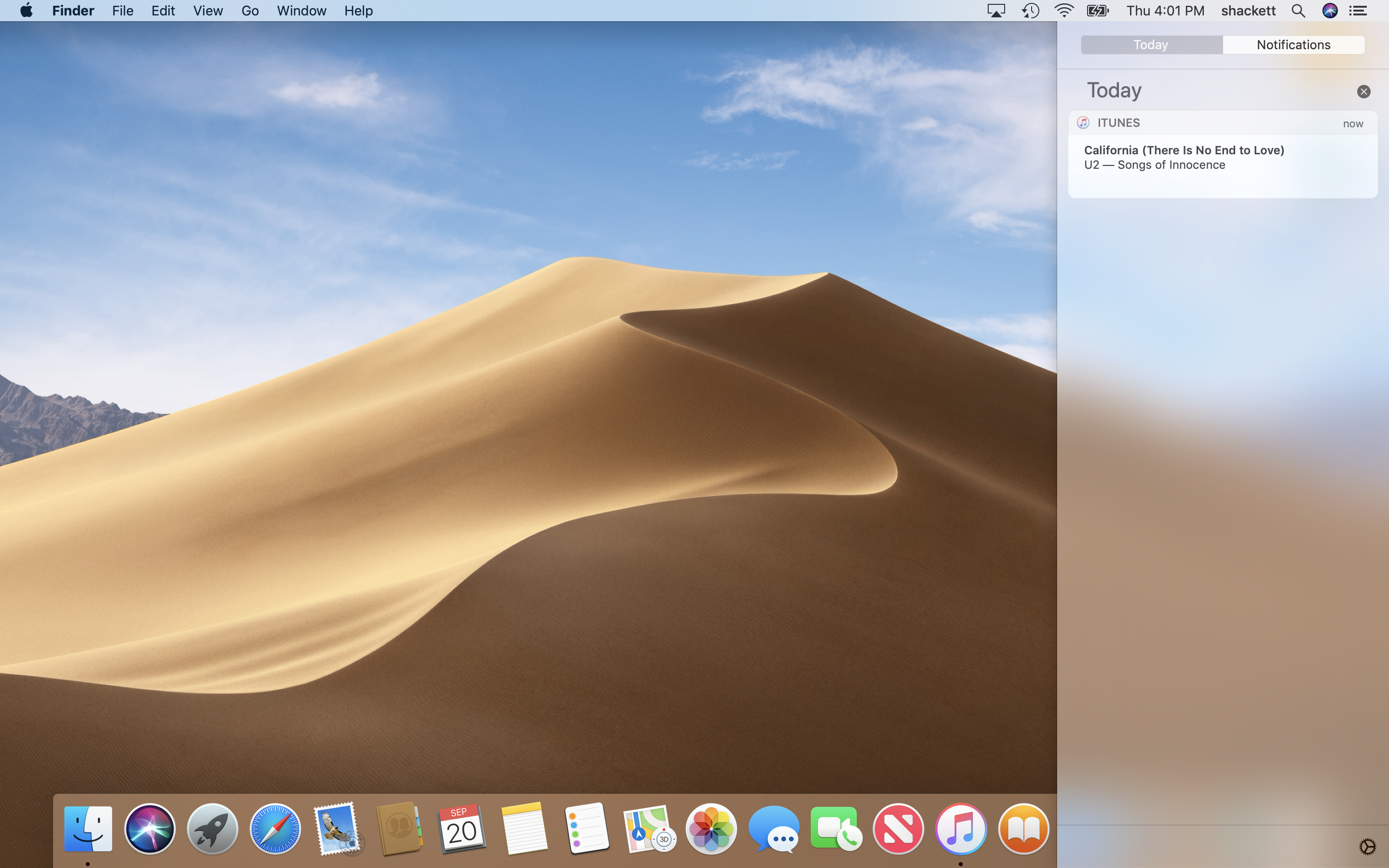
Notification Center: Notifications
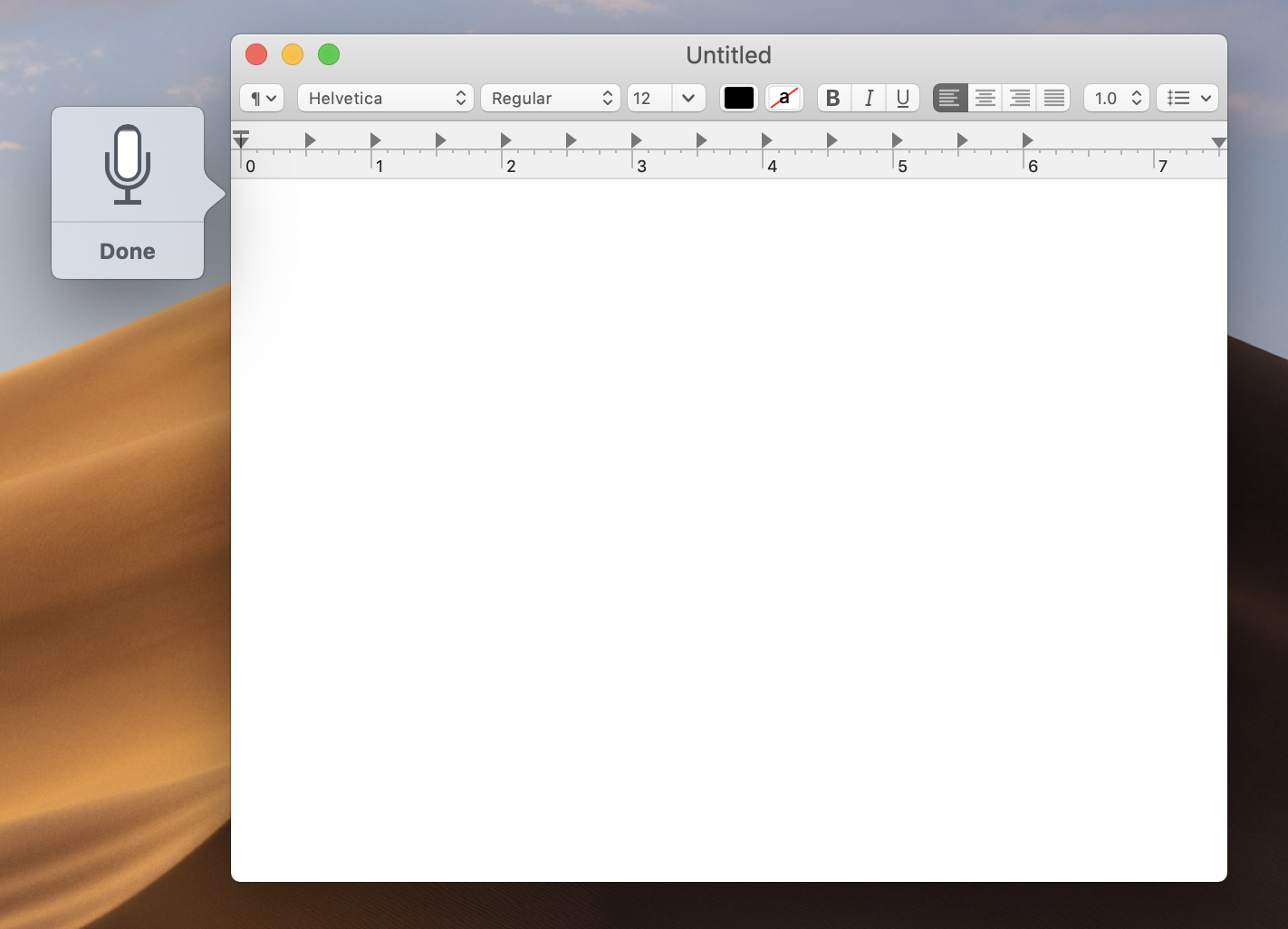
Dictation
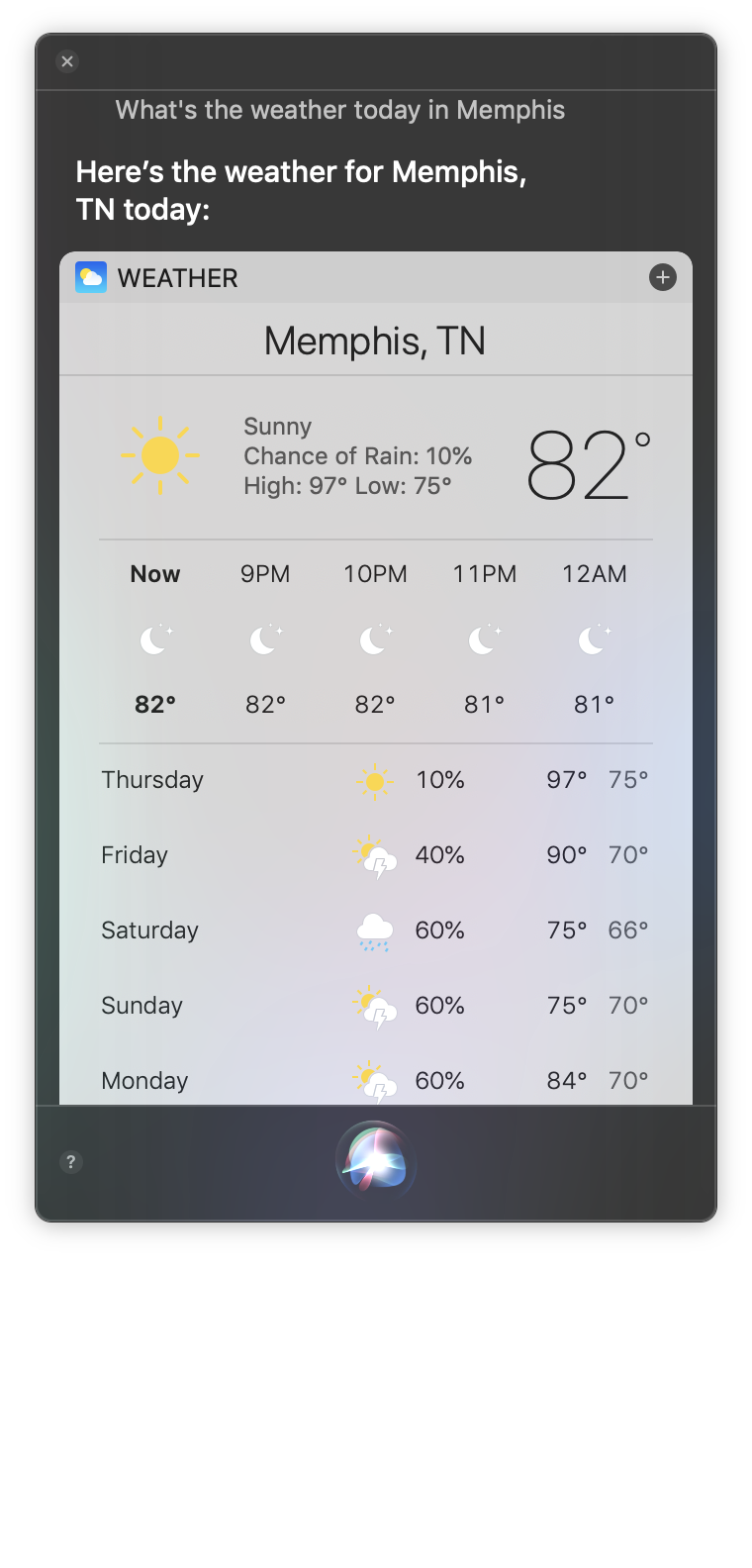
Siri
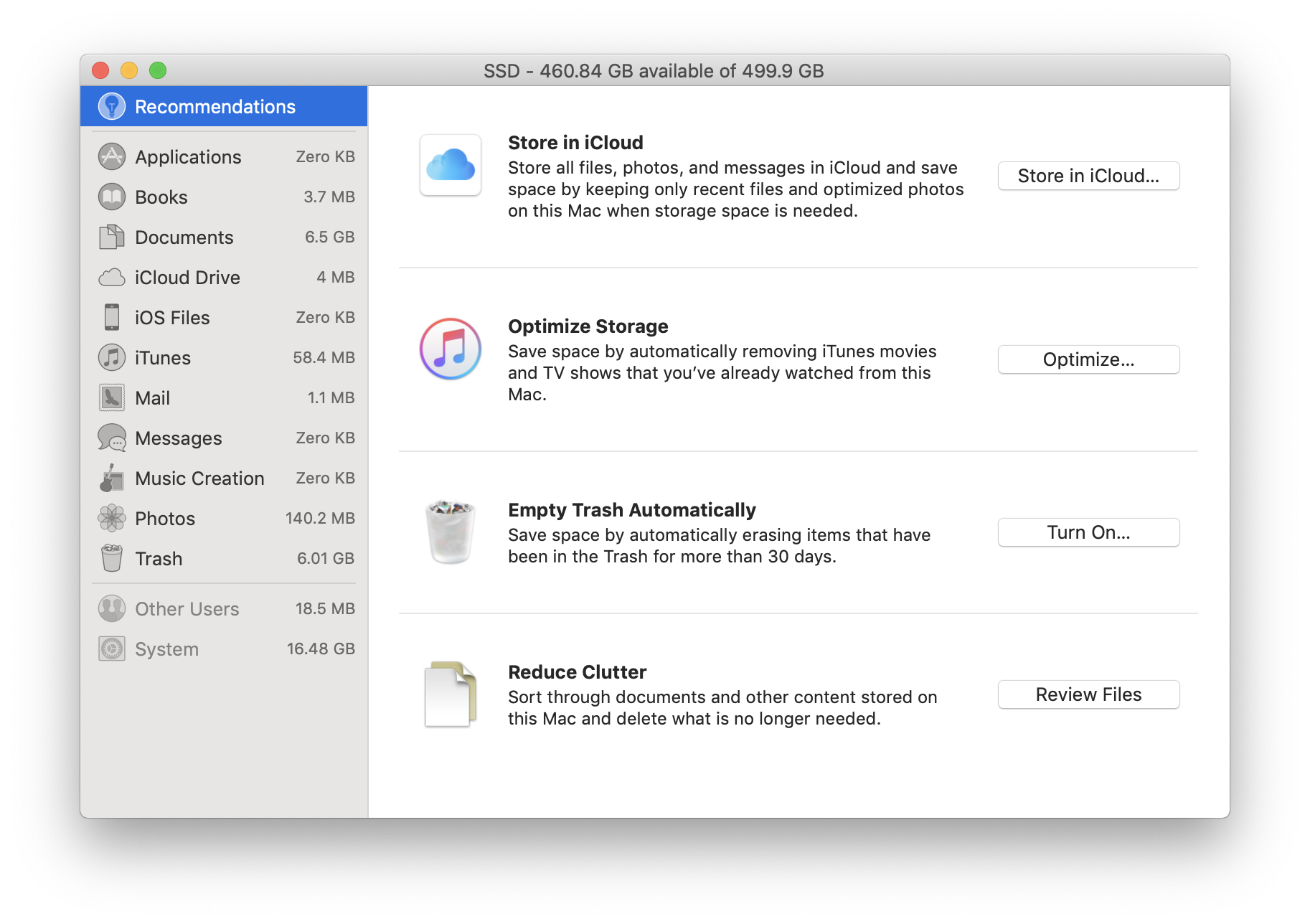
Storage Management
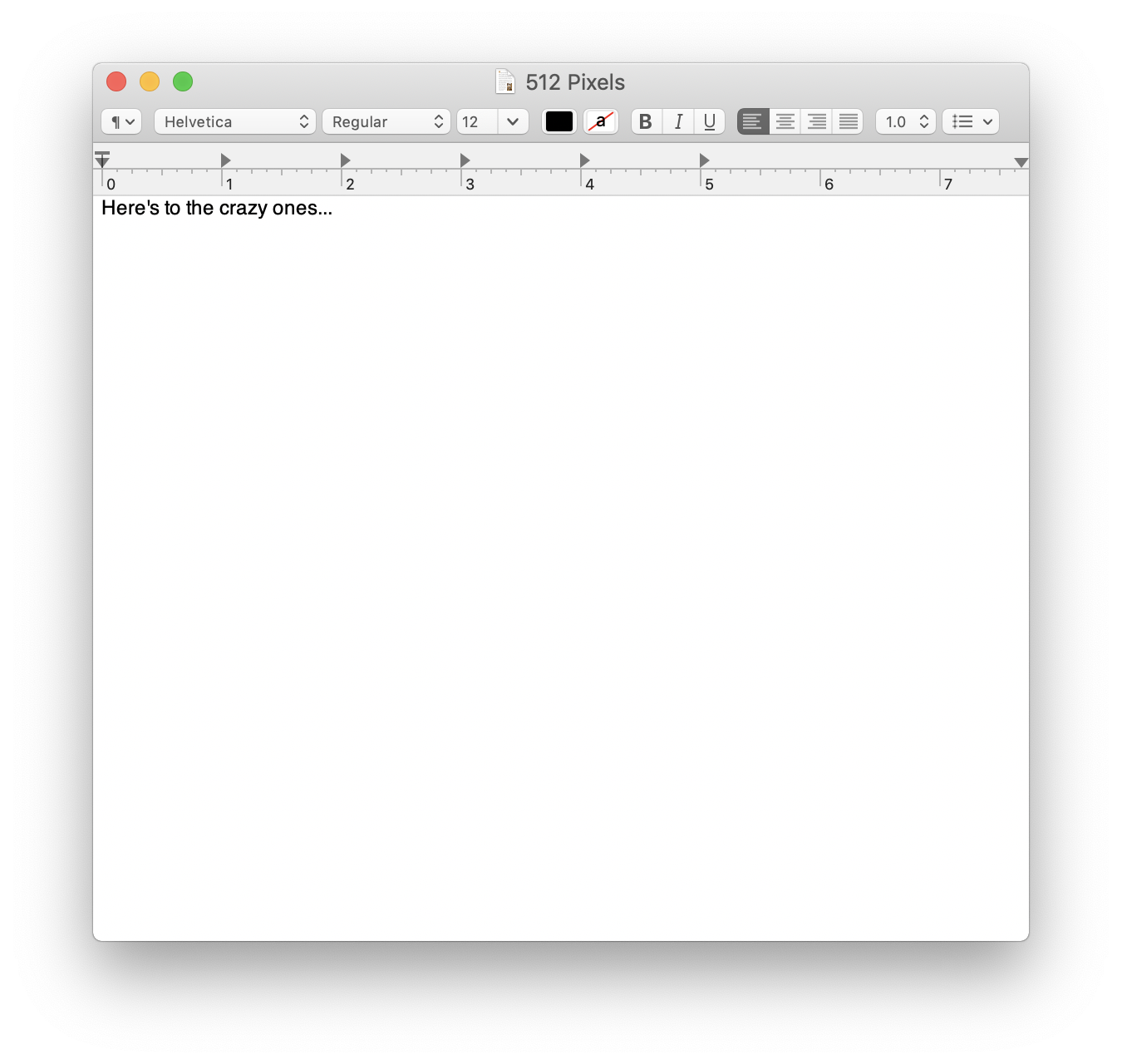
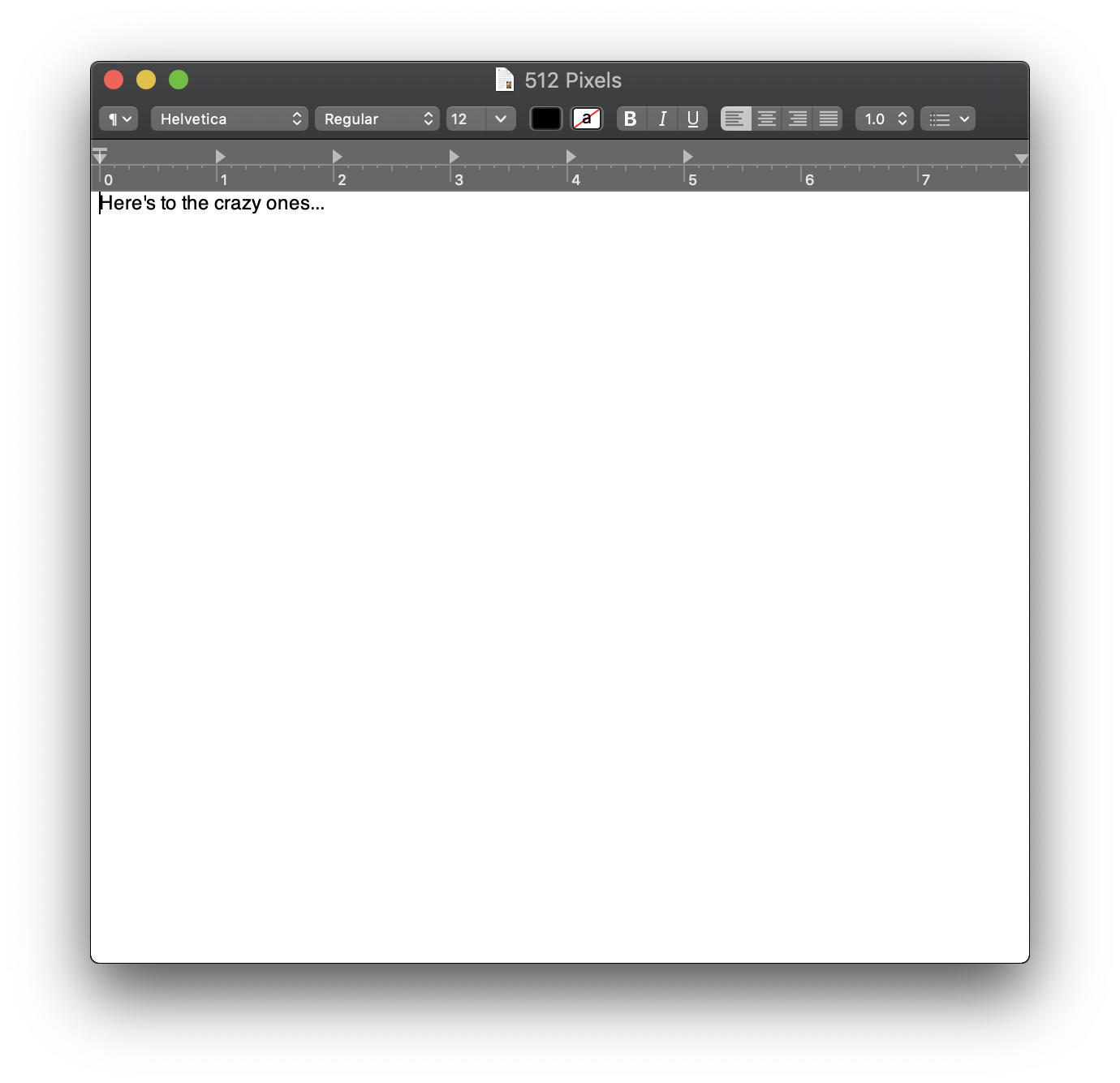
TextEdit
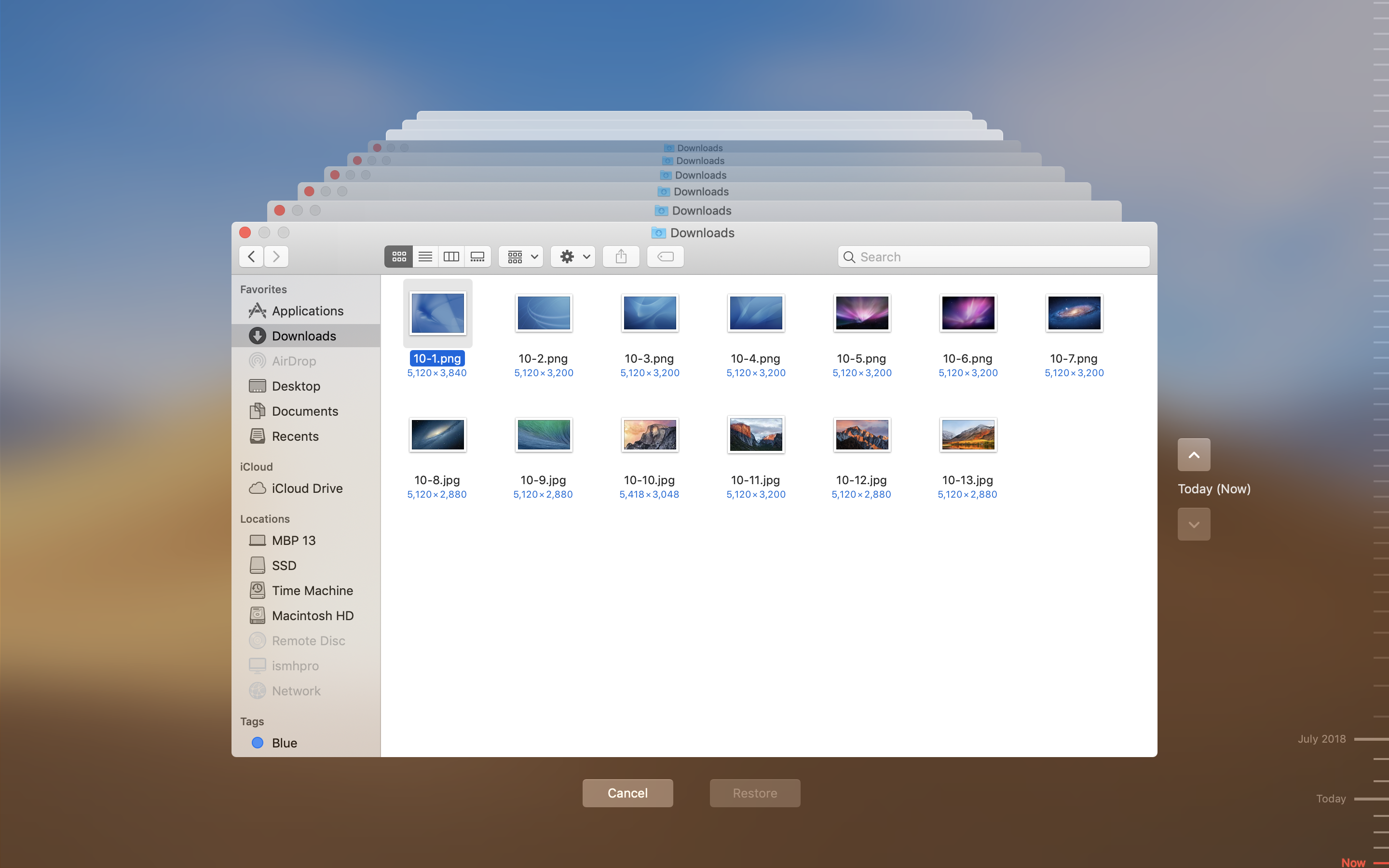
Time Machine
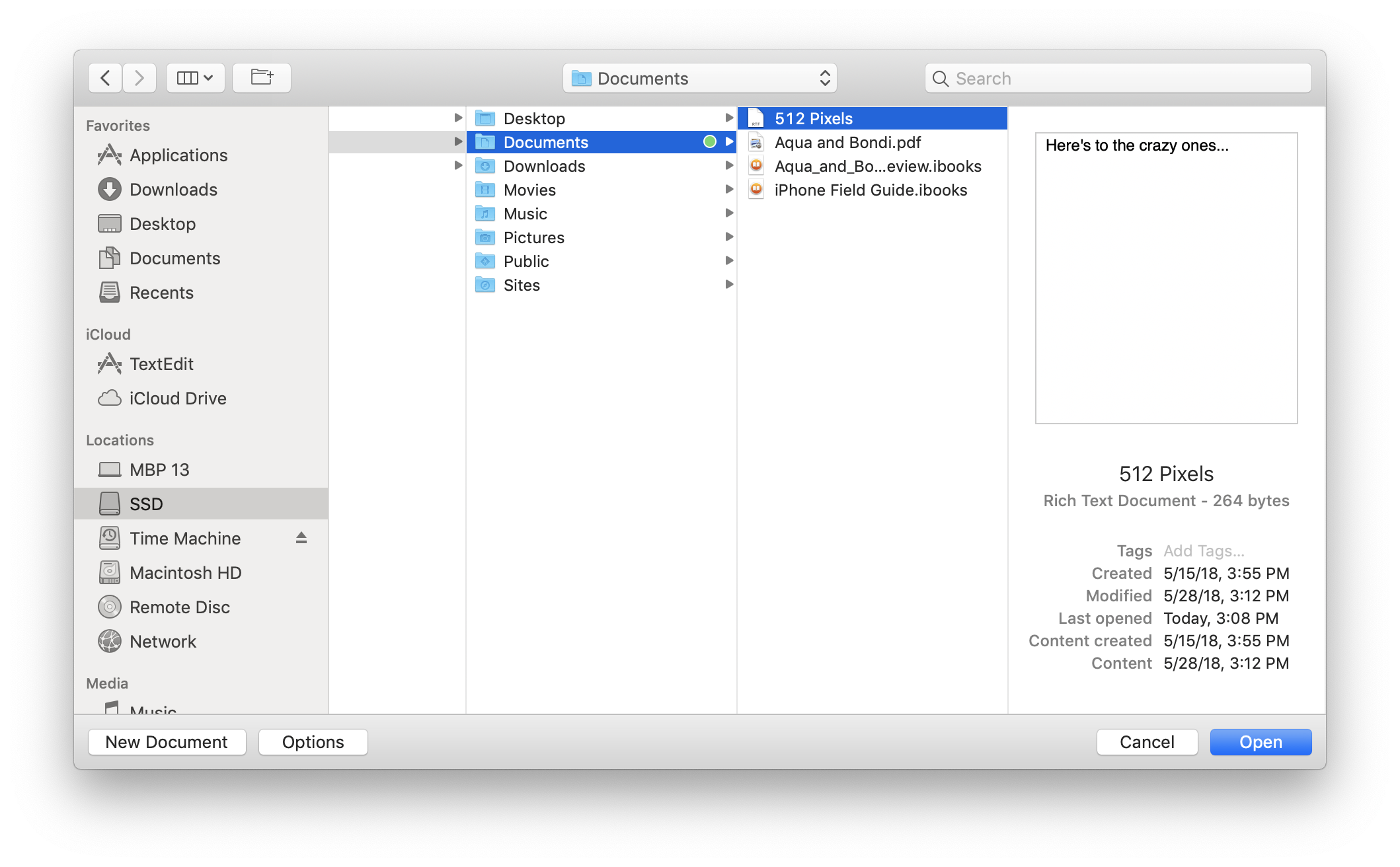
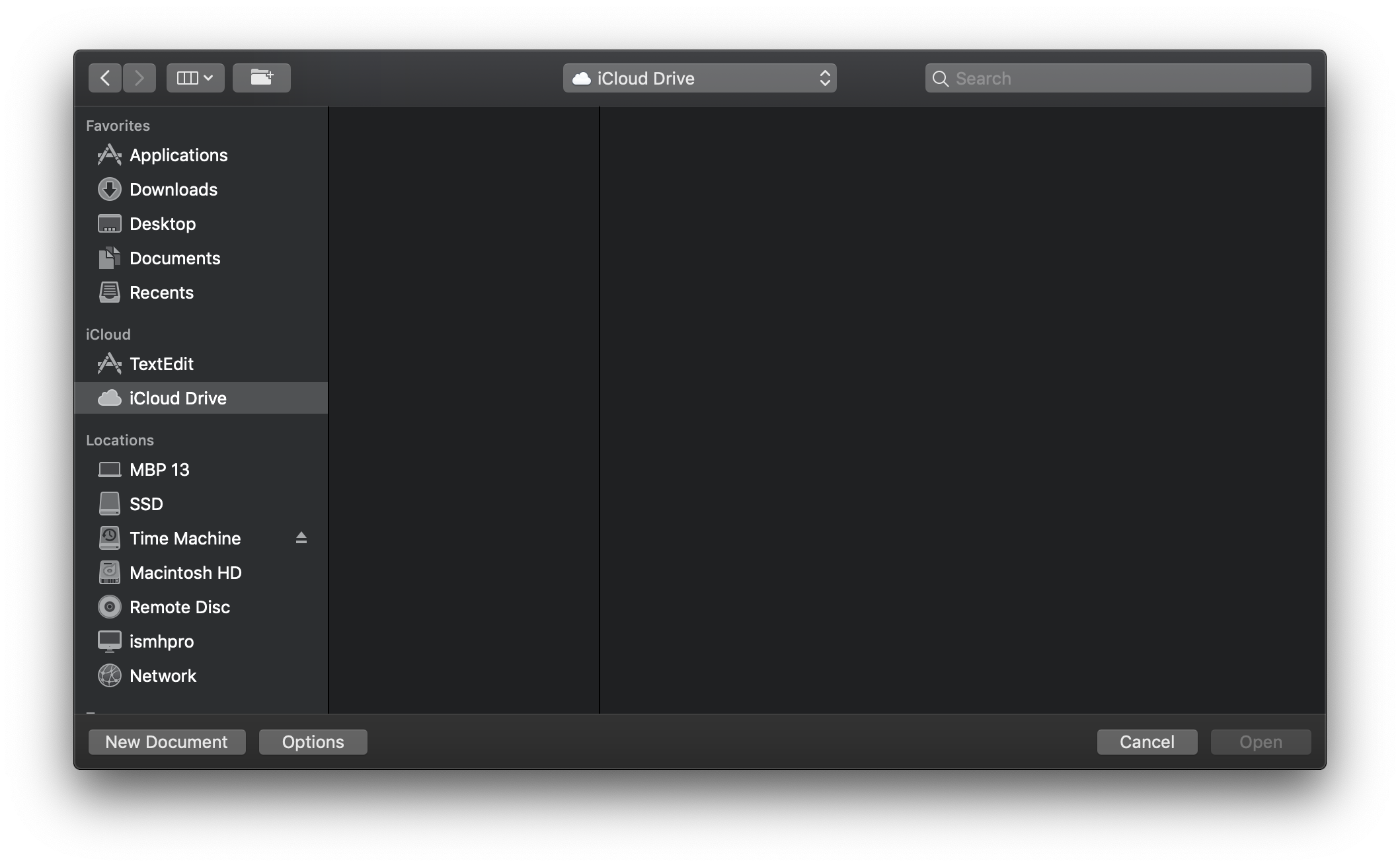
TextEdit: Open
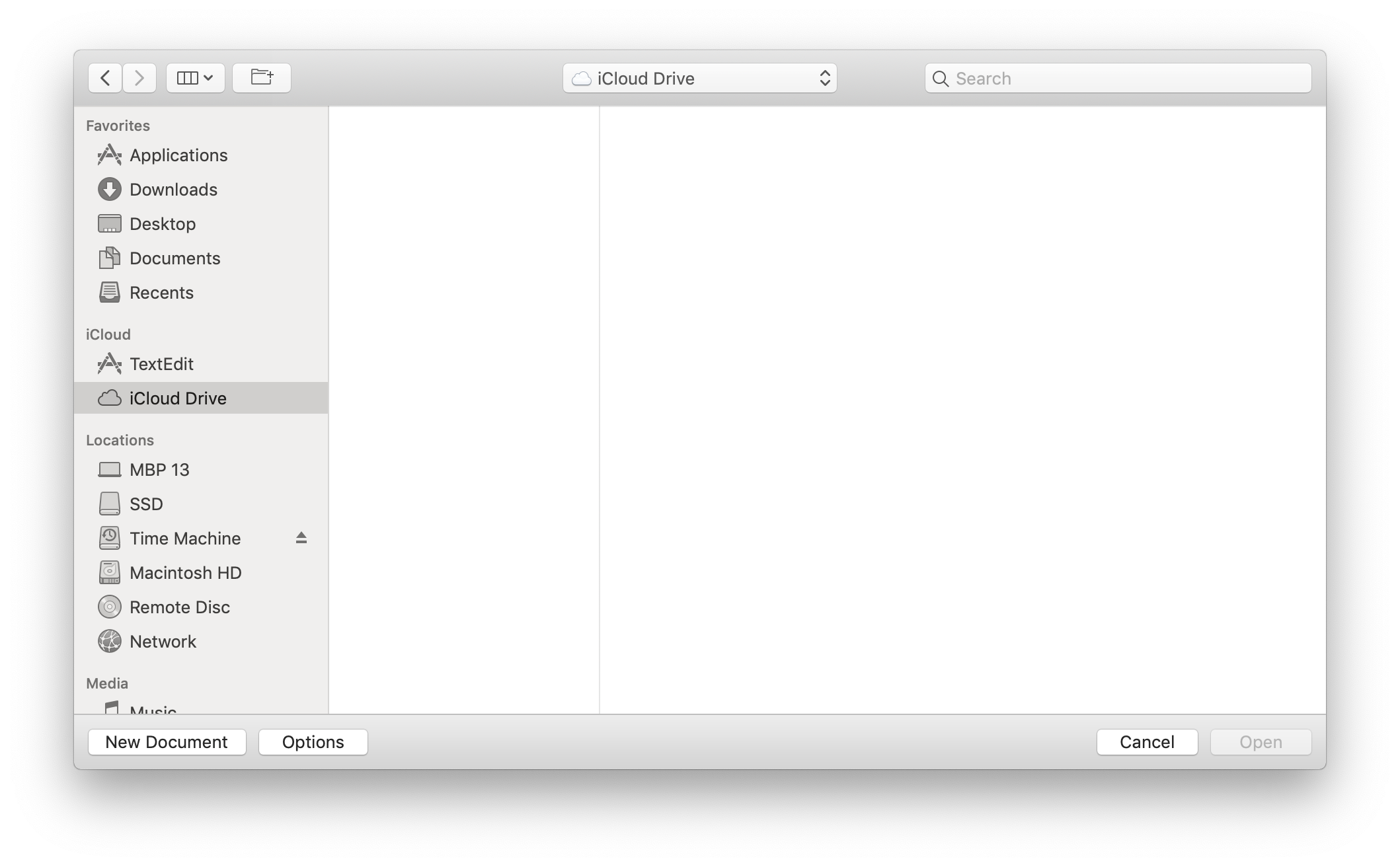
TextEdit: Open: iCloud
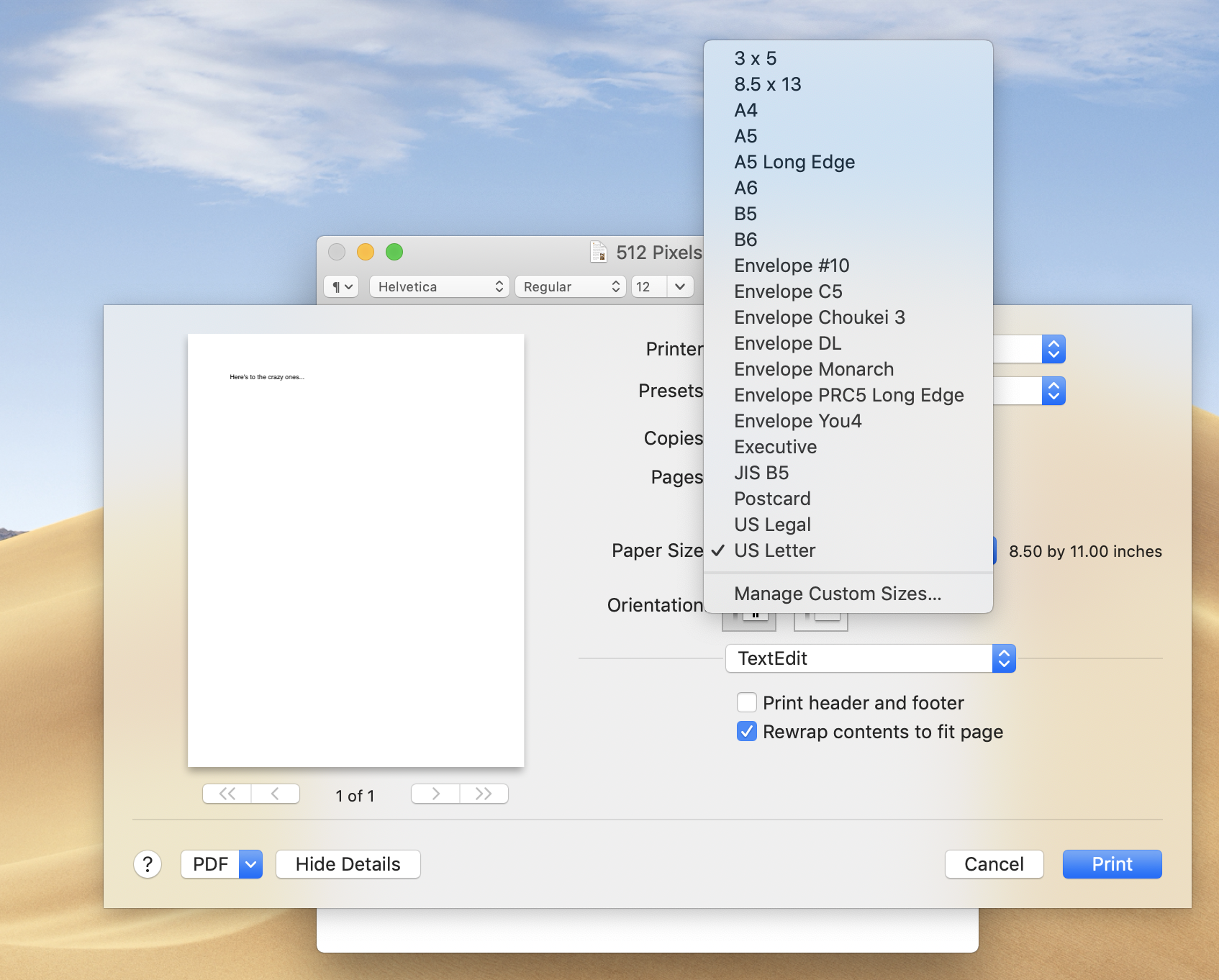
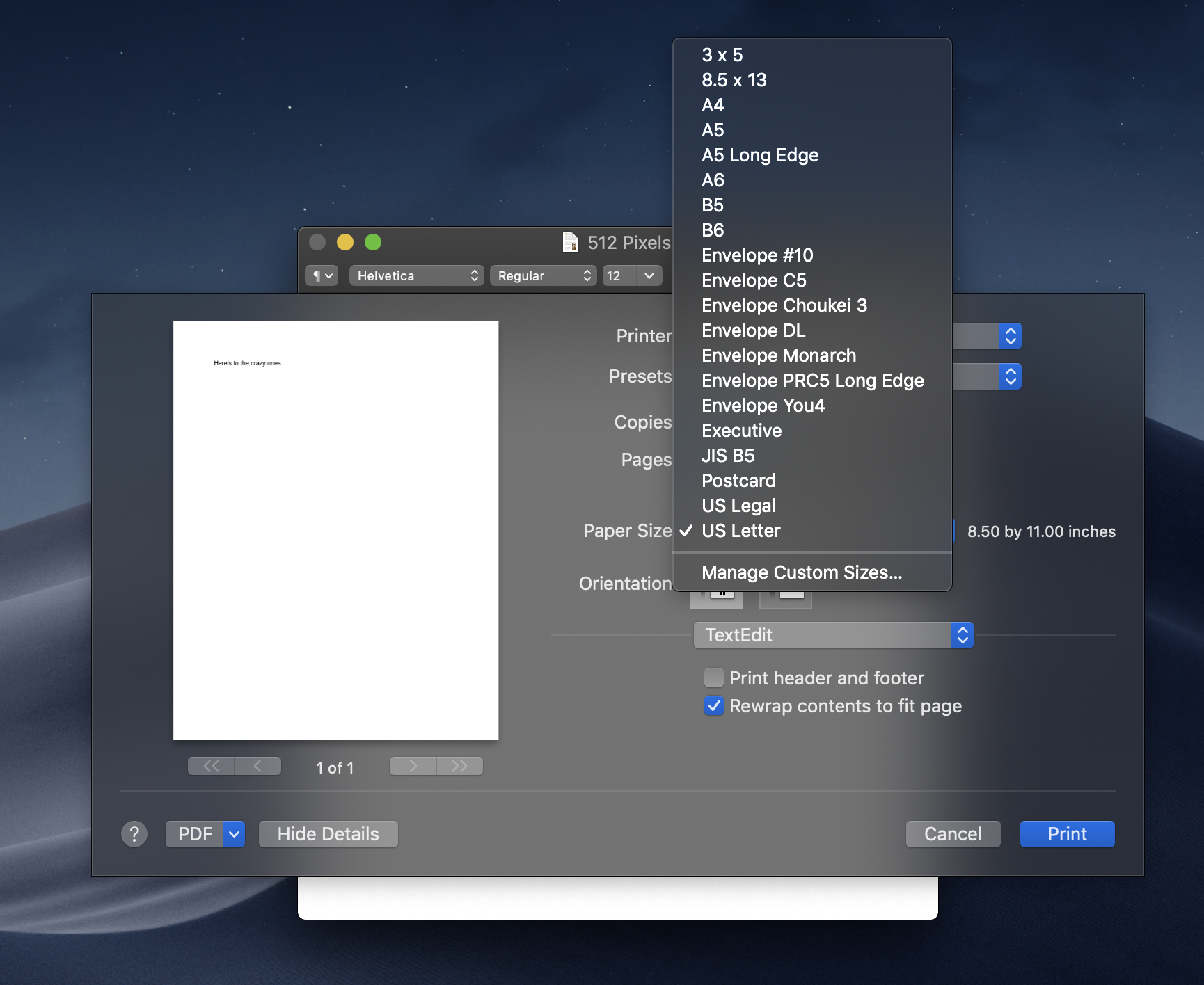
Print
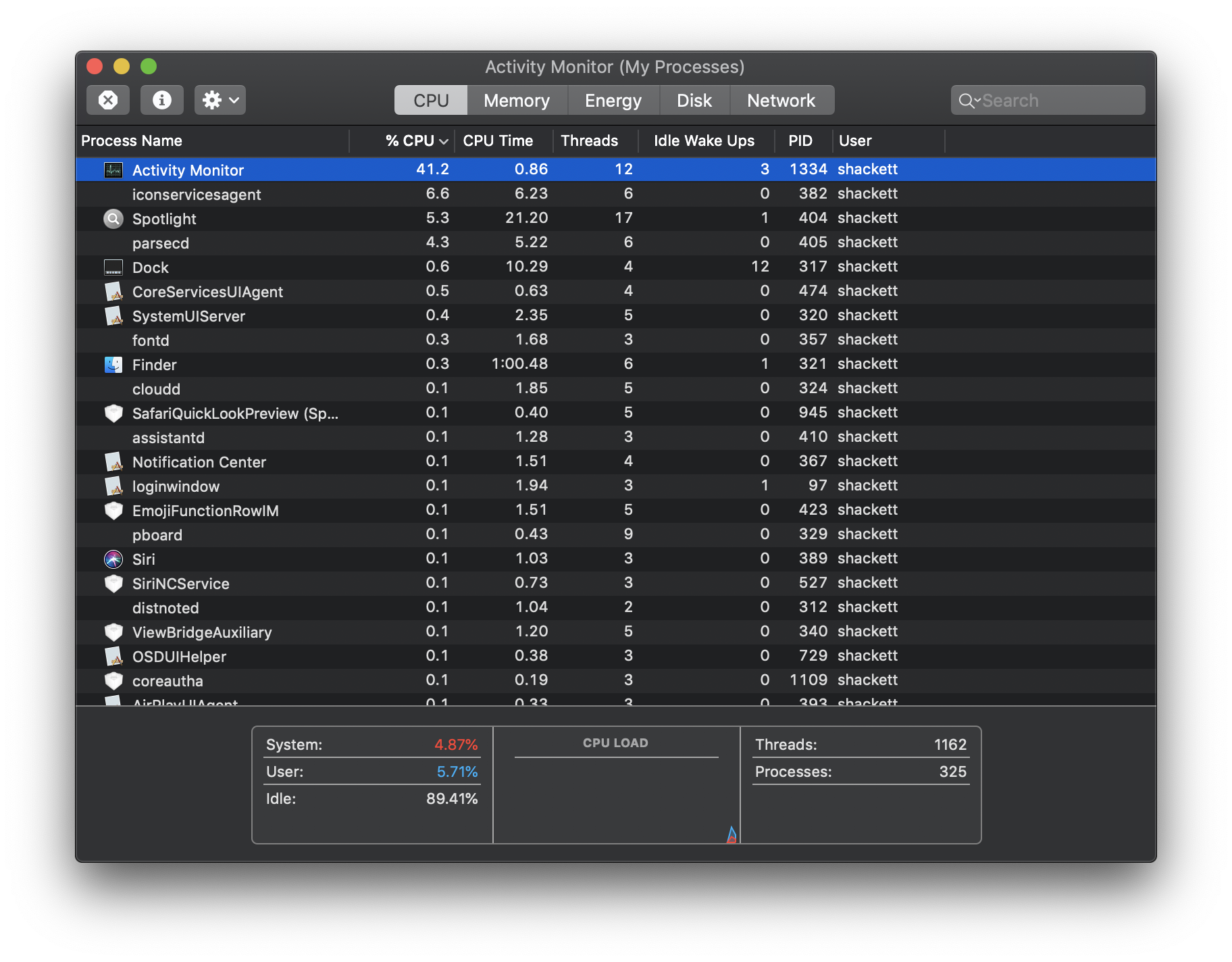
Activity Monitor
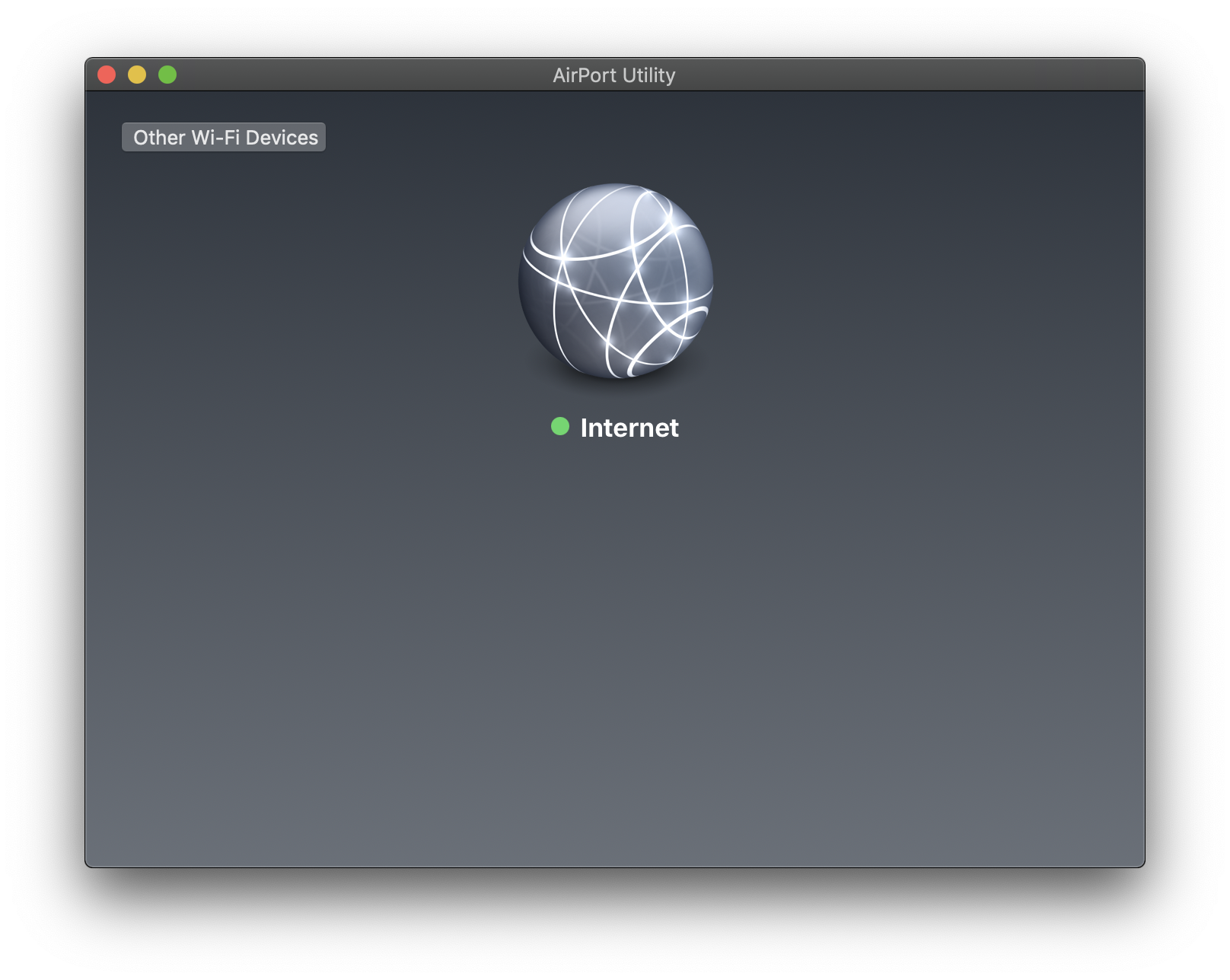
AirPort Utility
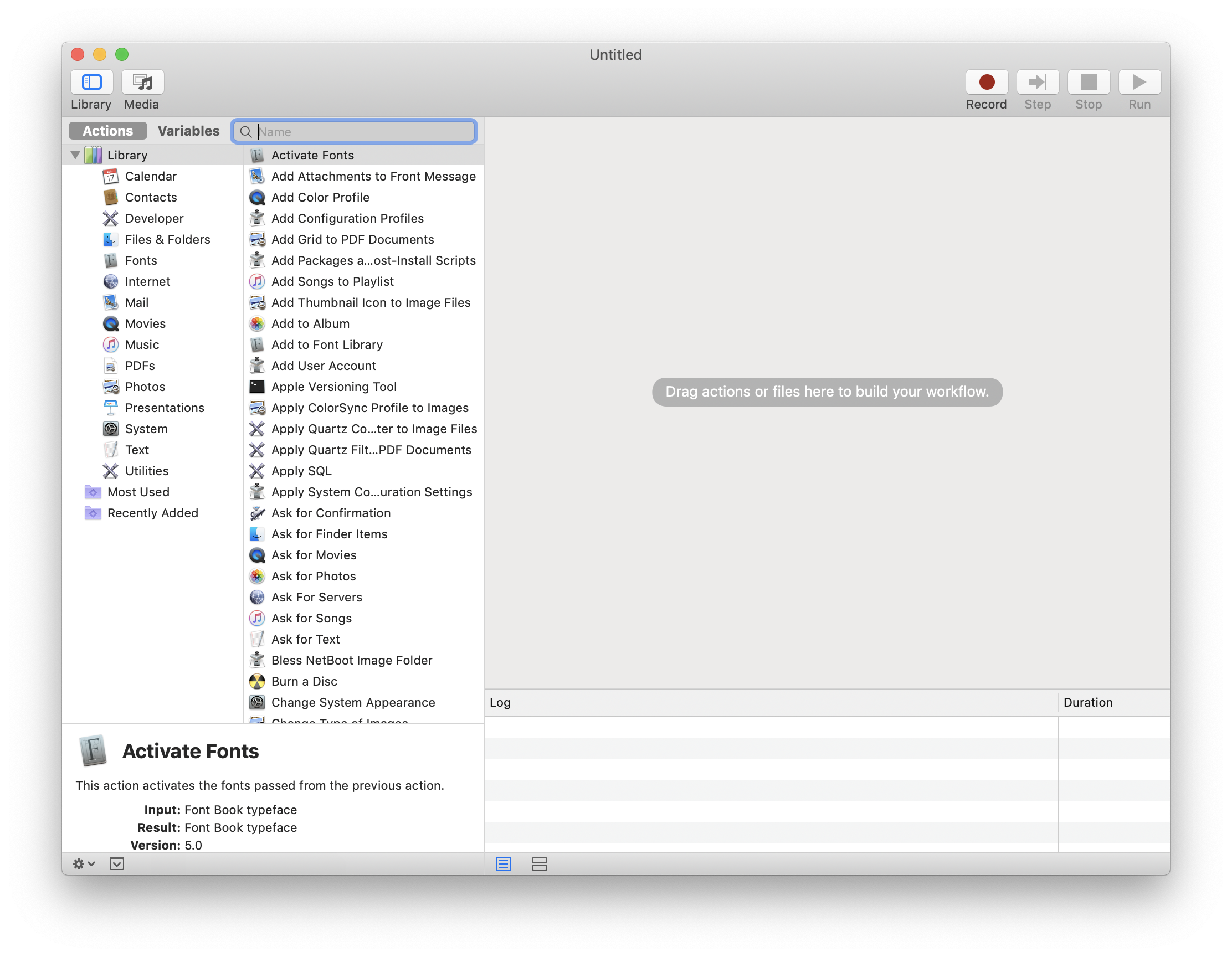
Automator
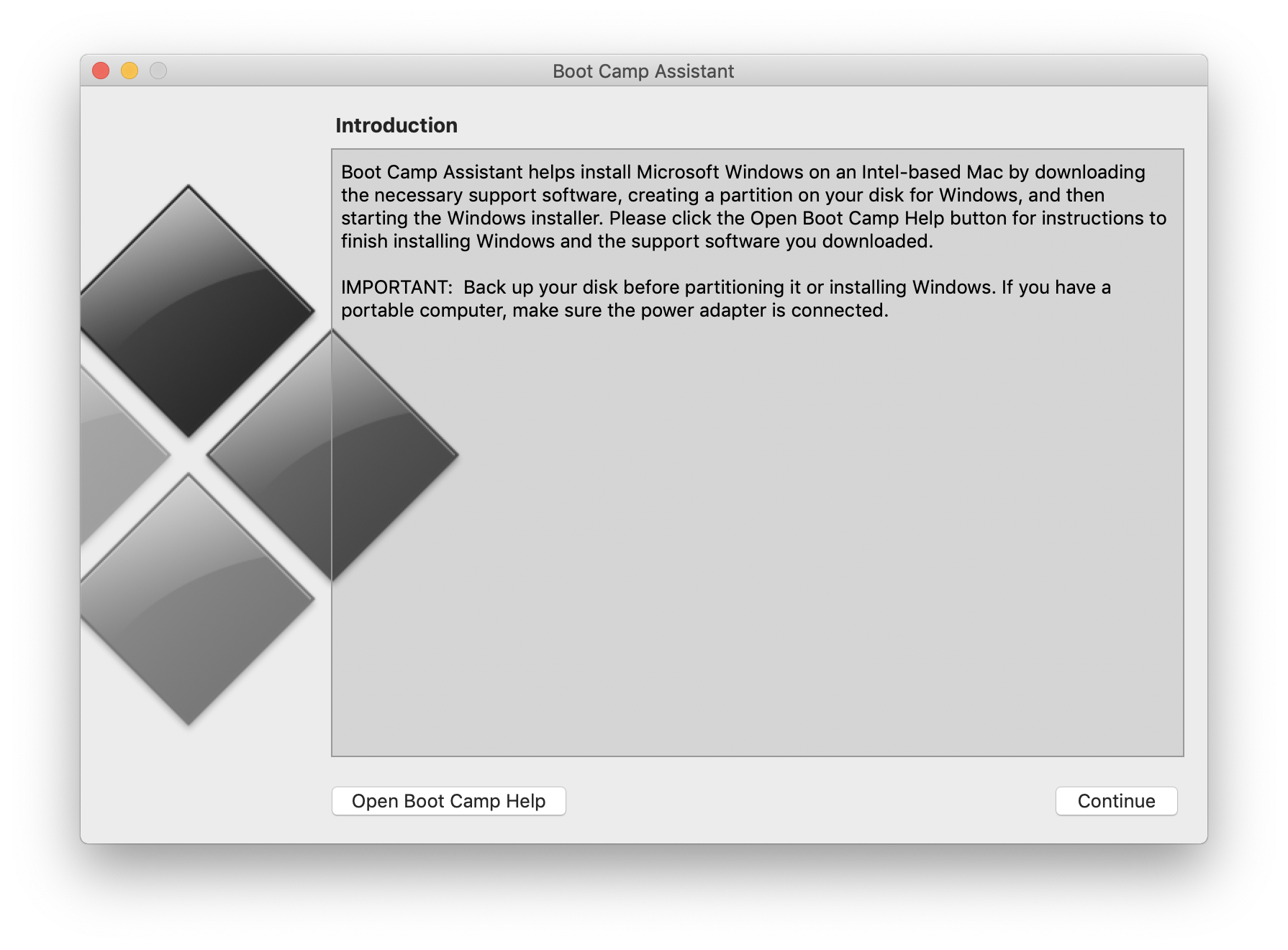
Boot Camp Assistant
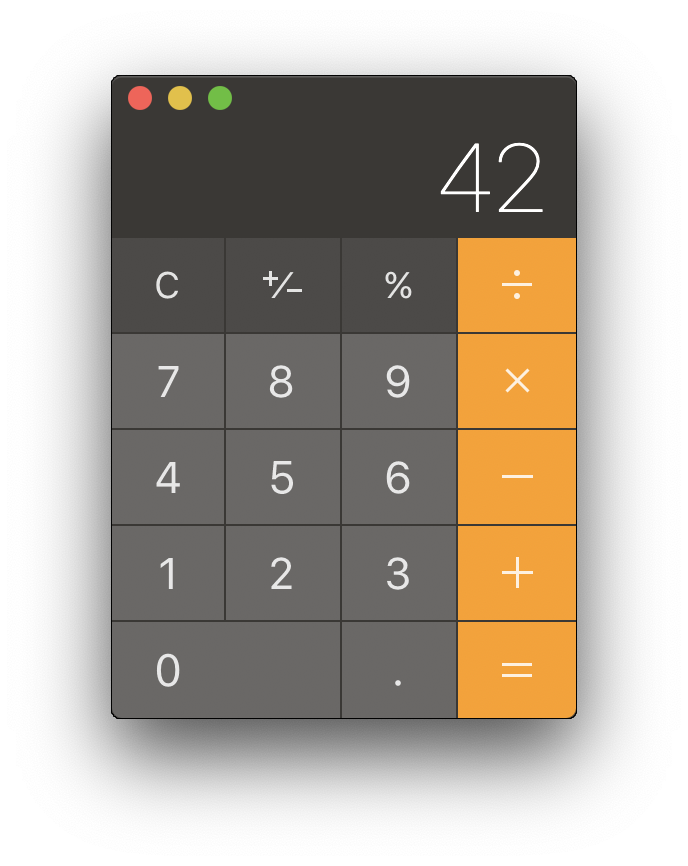
Calculator
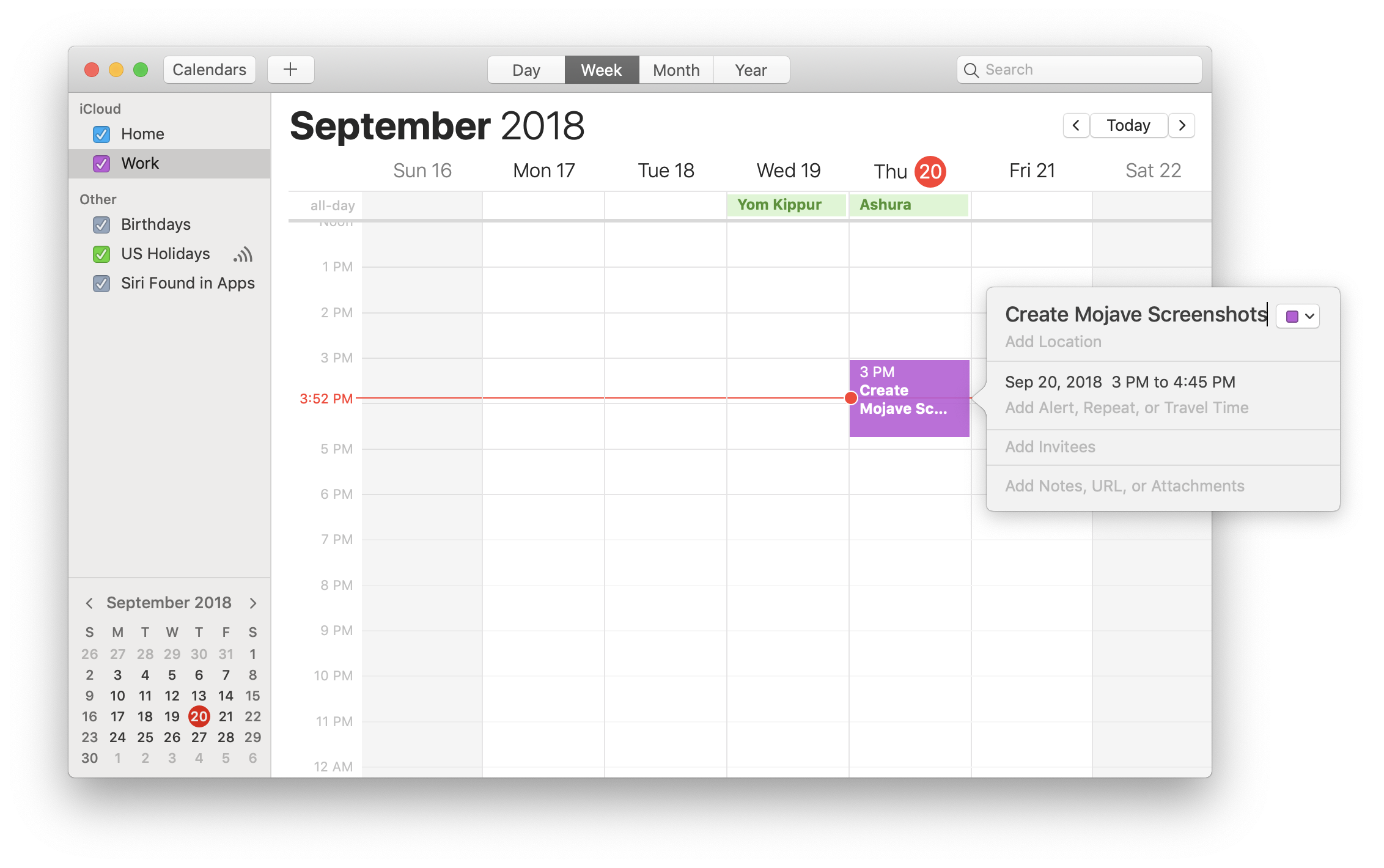
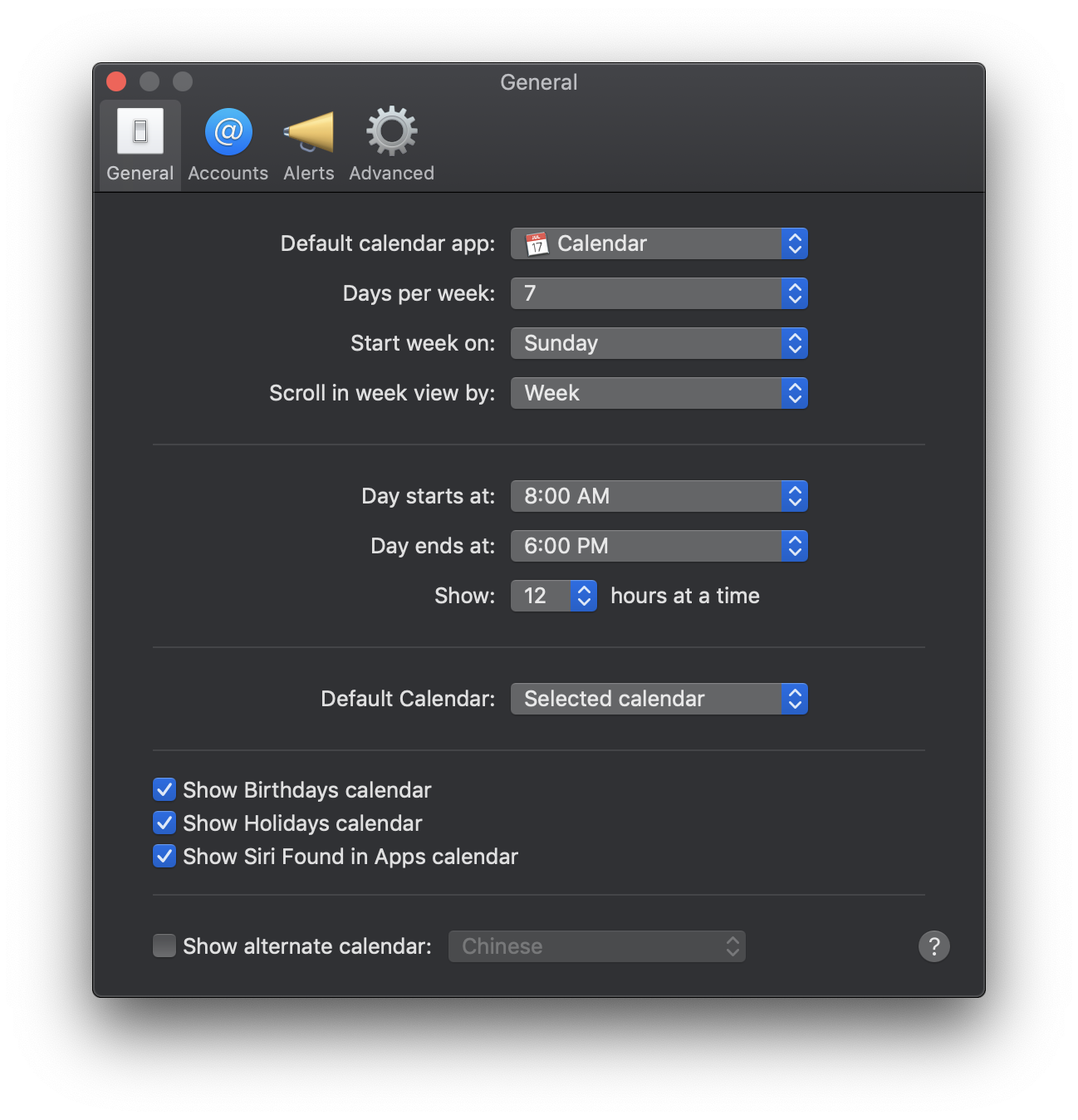
Calendar
Calendar: Preferences
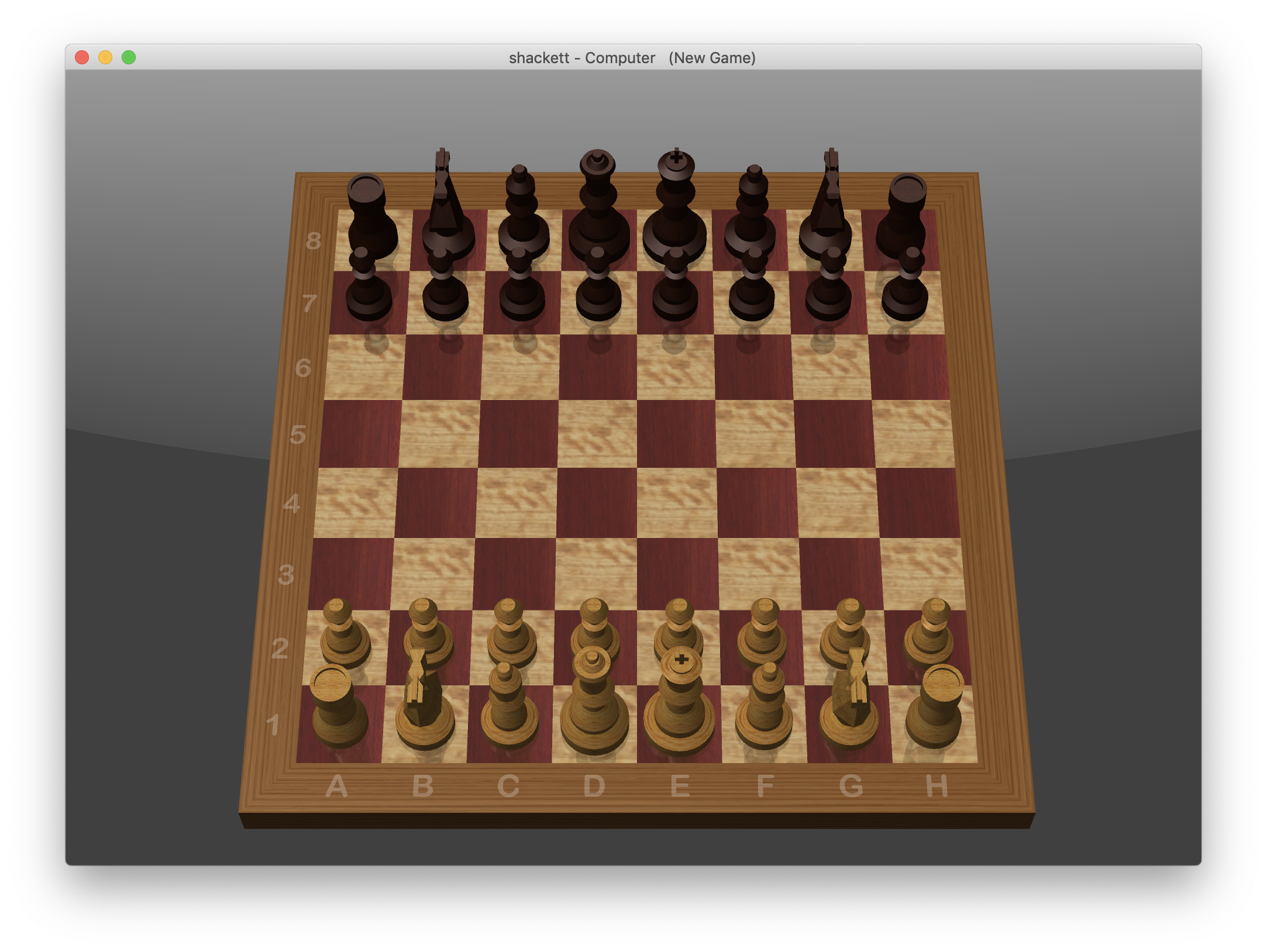
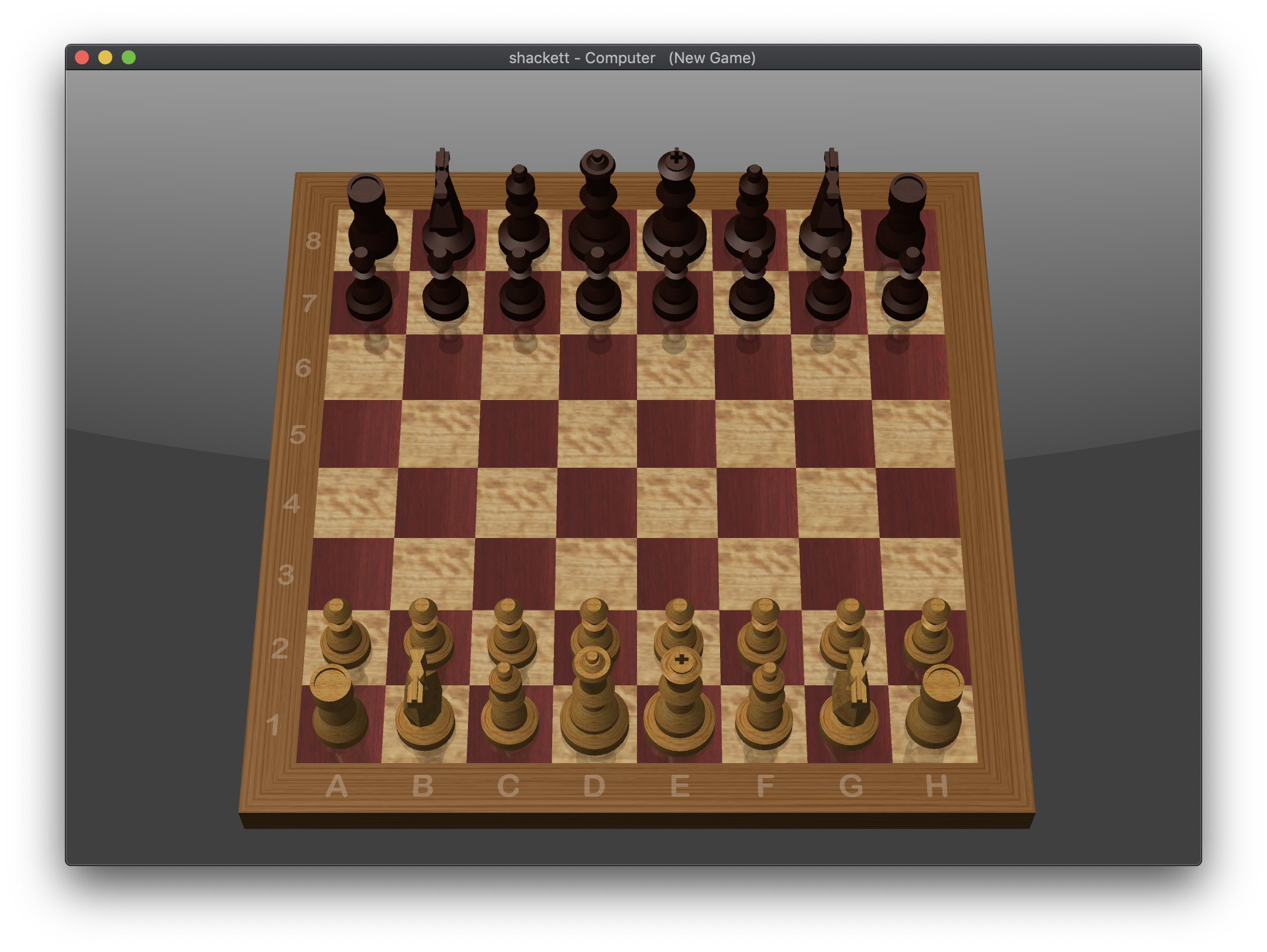
Chess
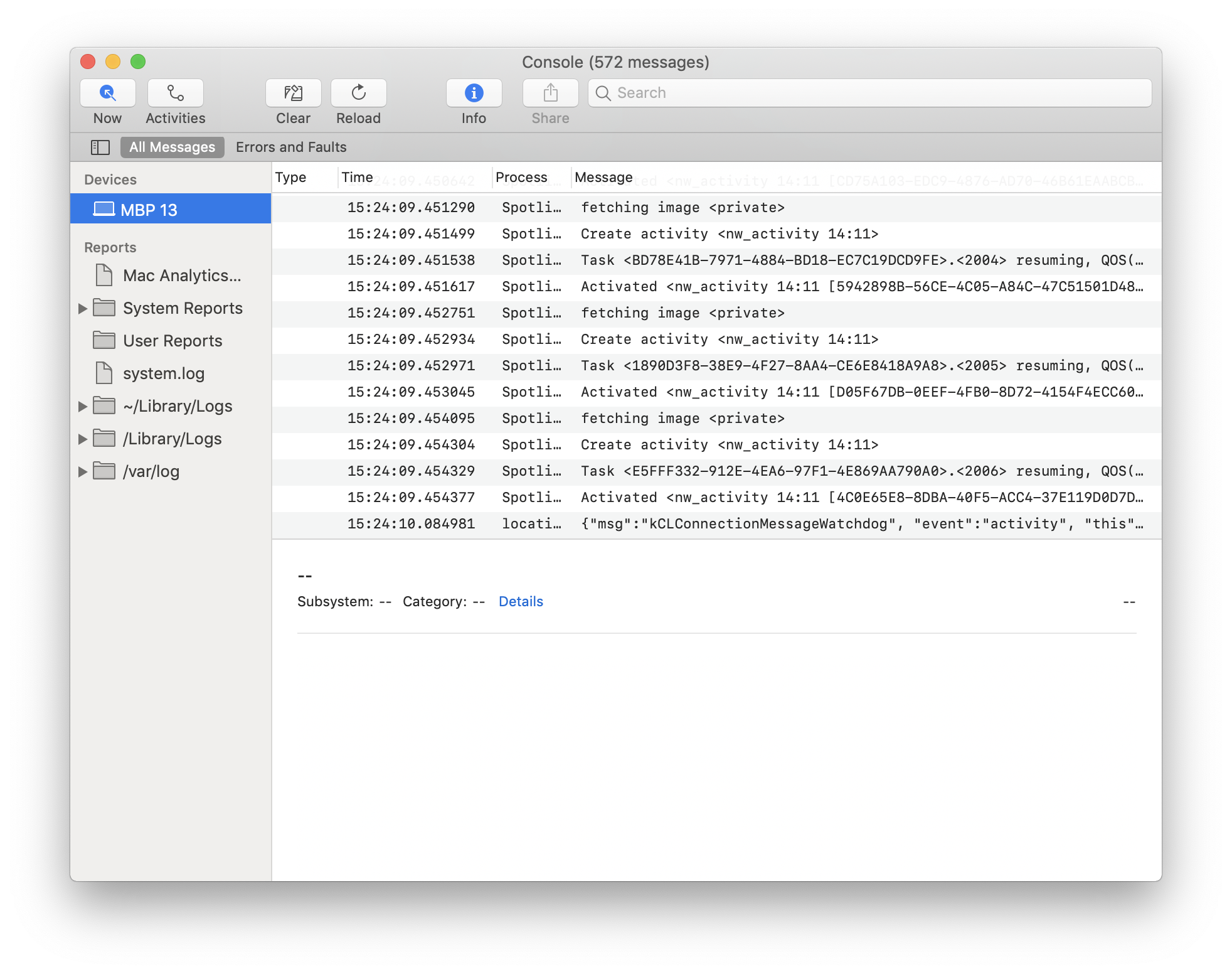
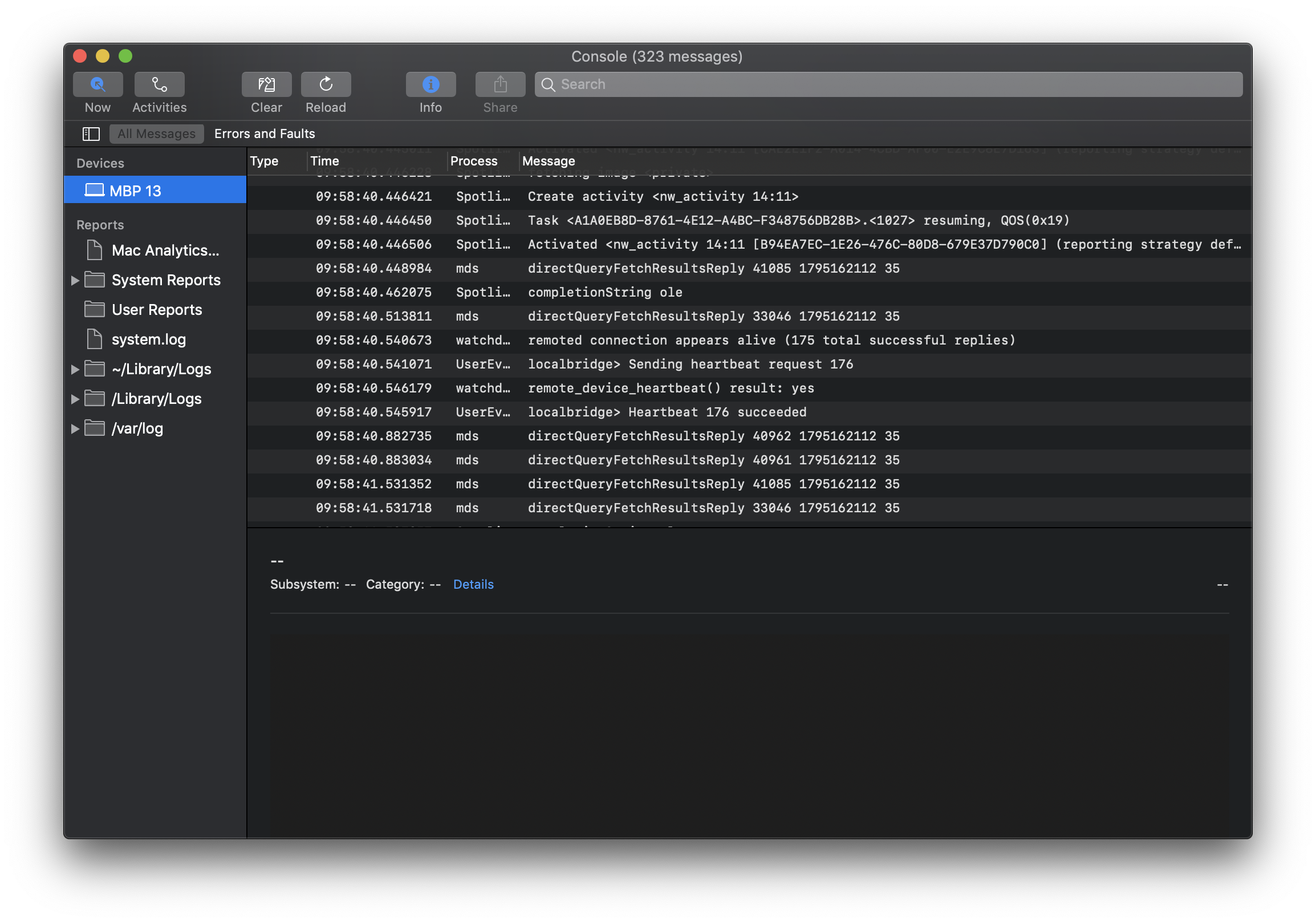
Console
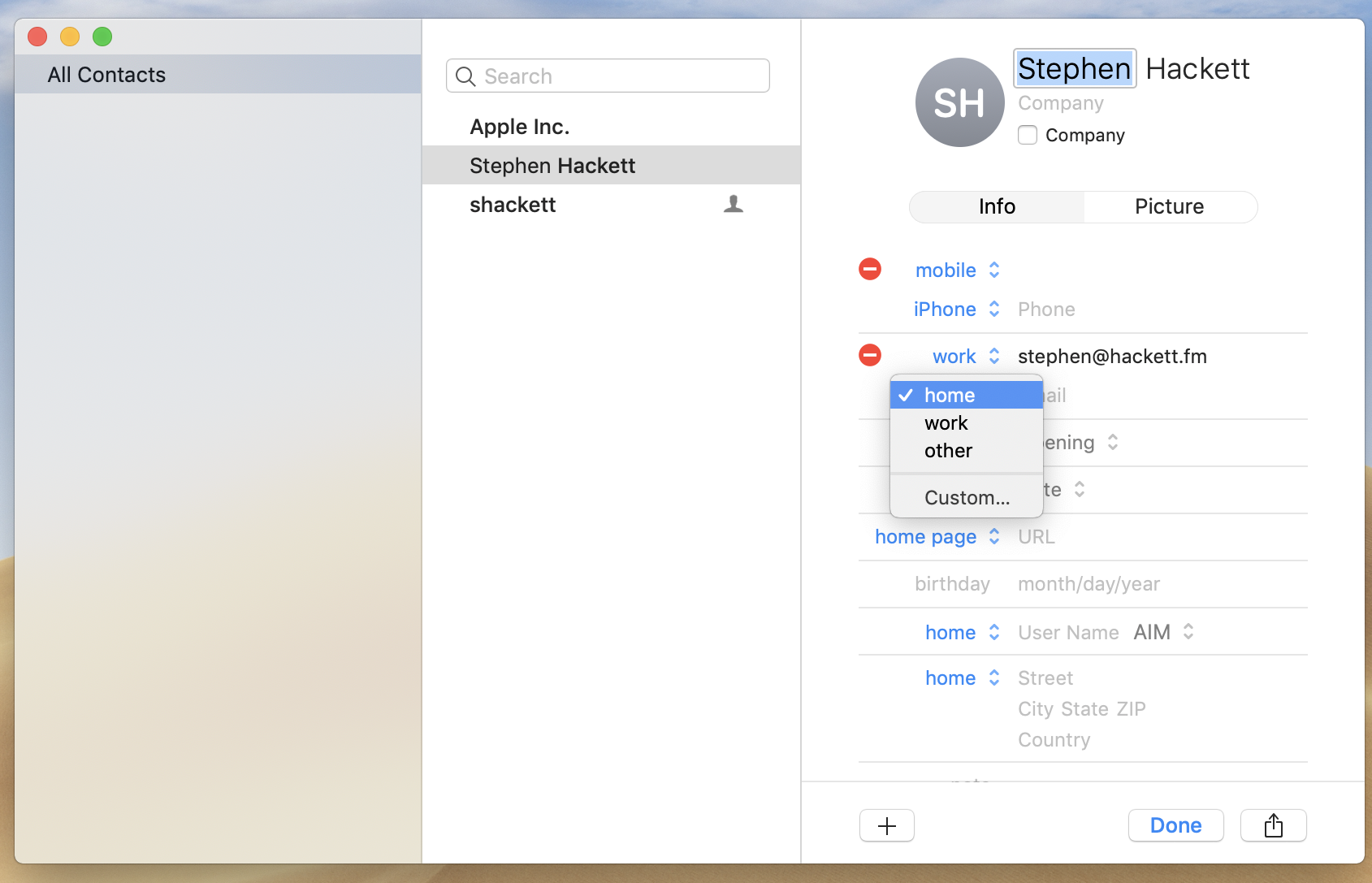
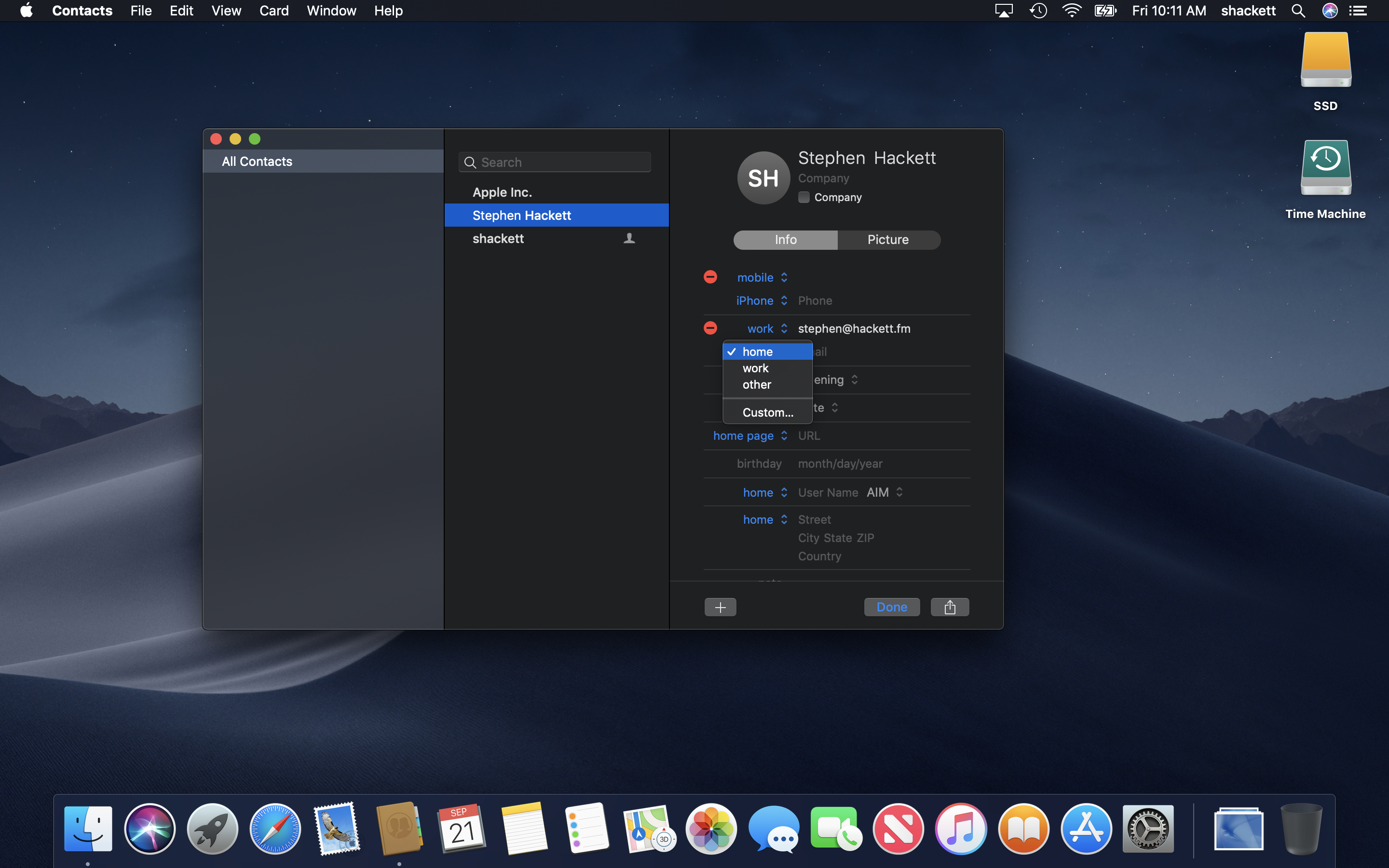
Contacts
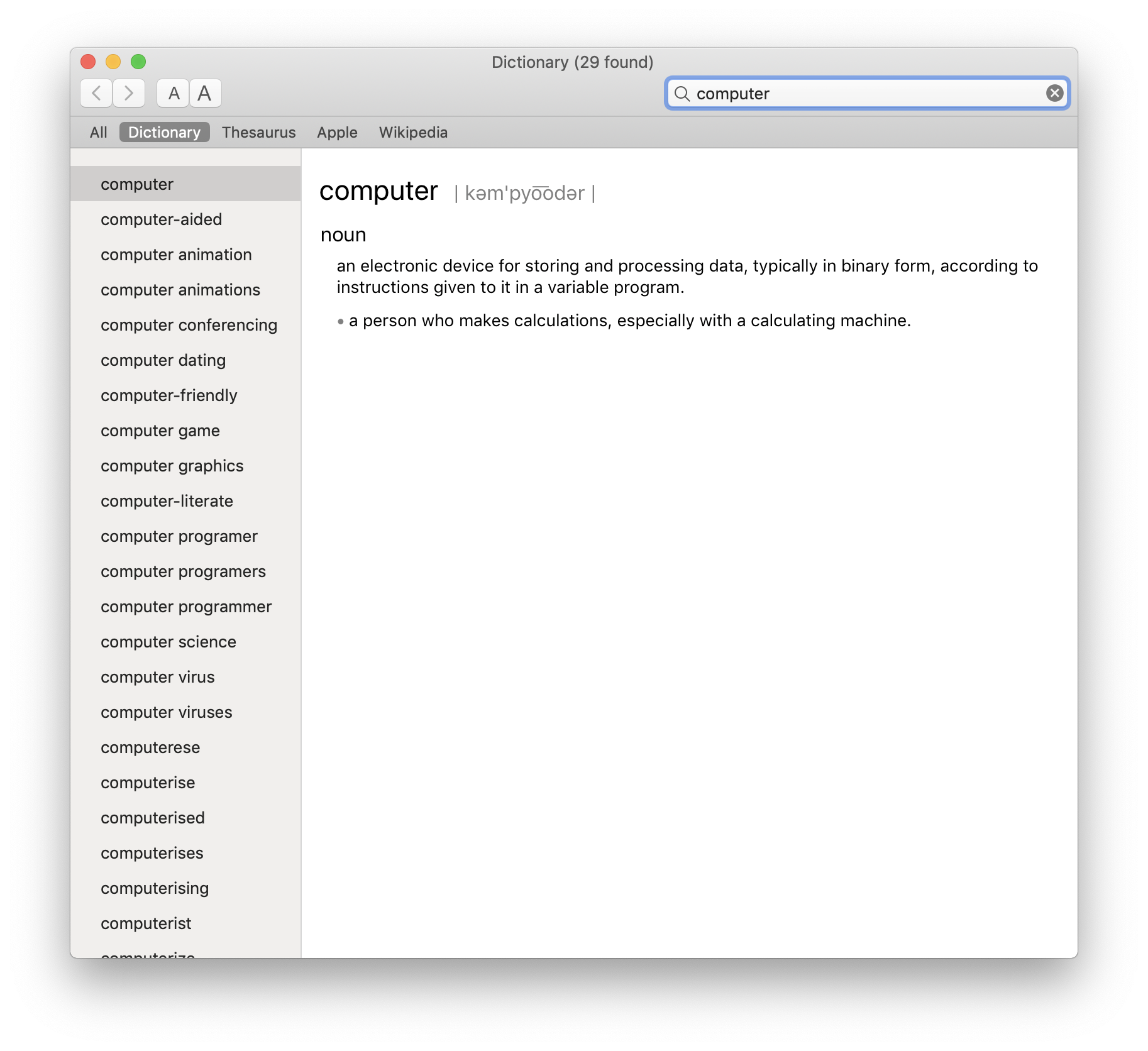
Dictionary
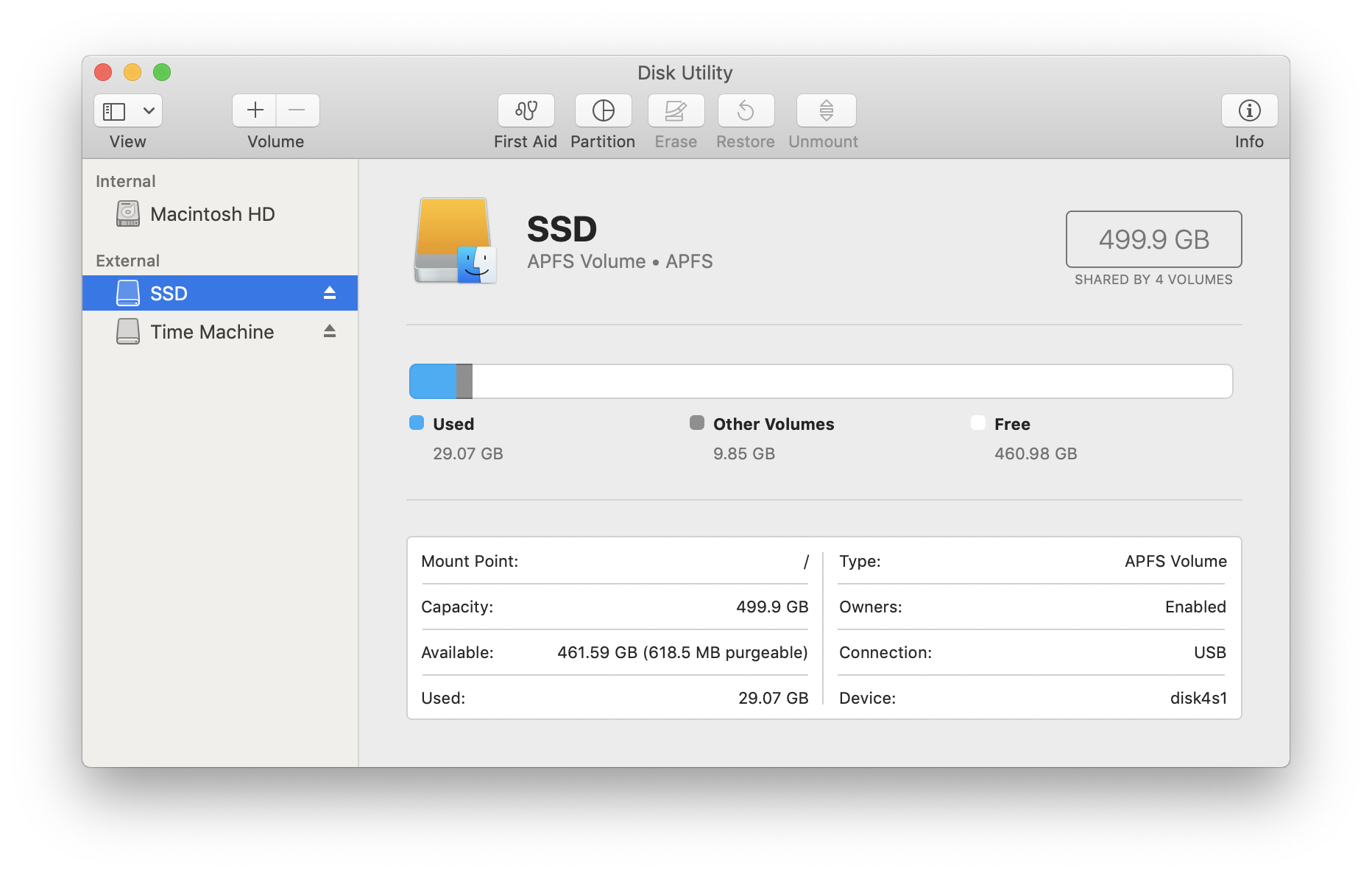
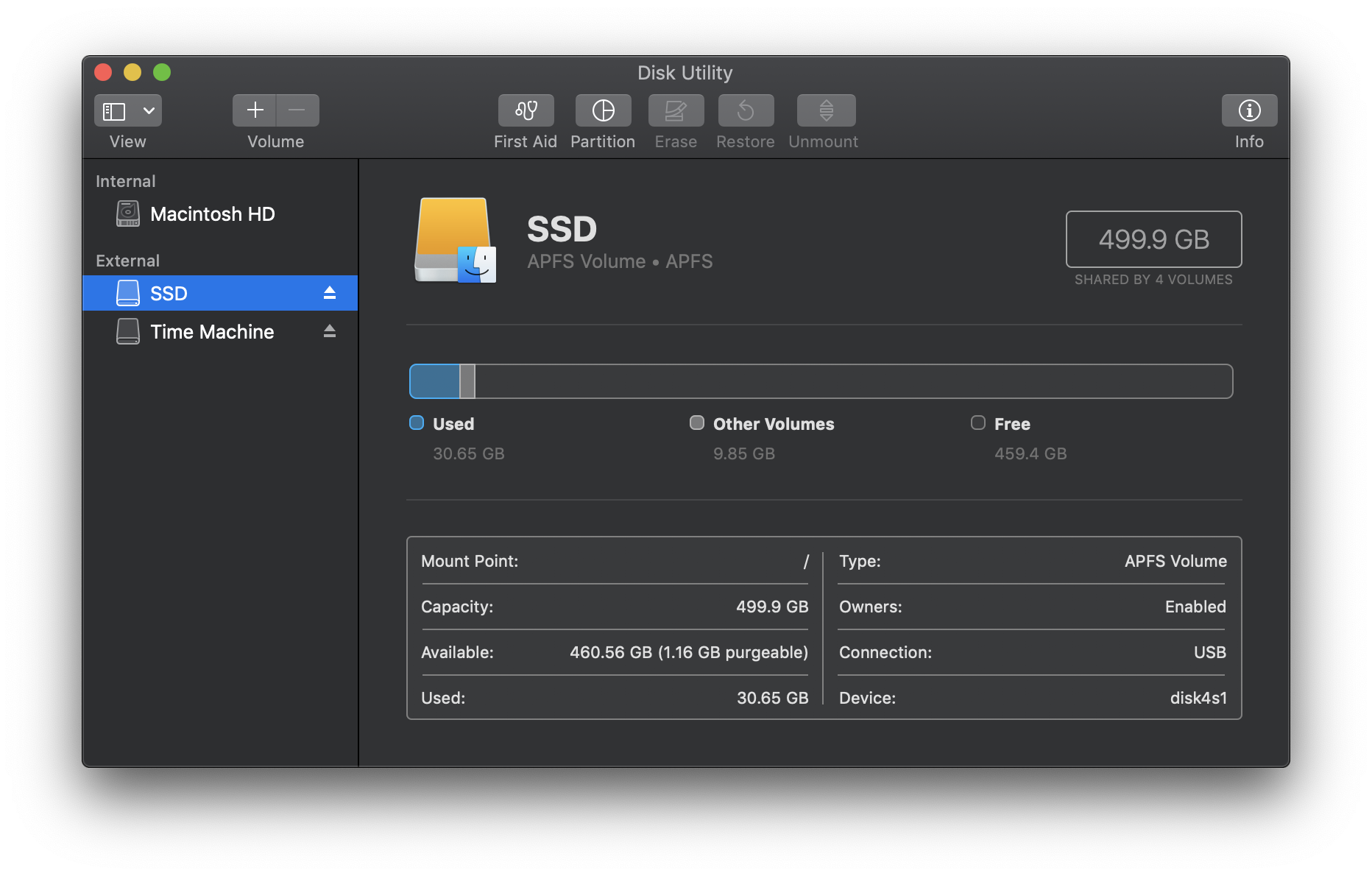
Disk Utility
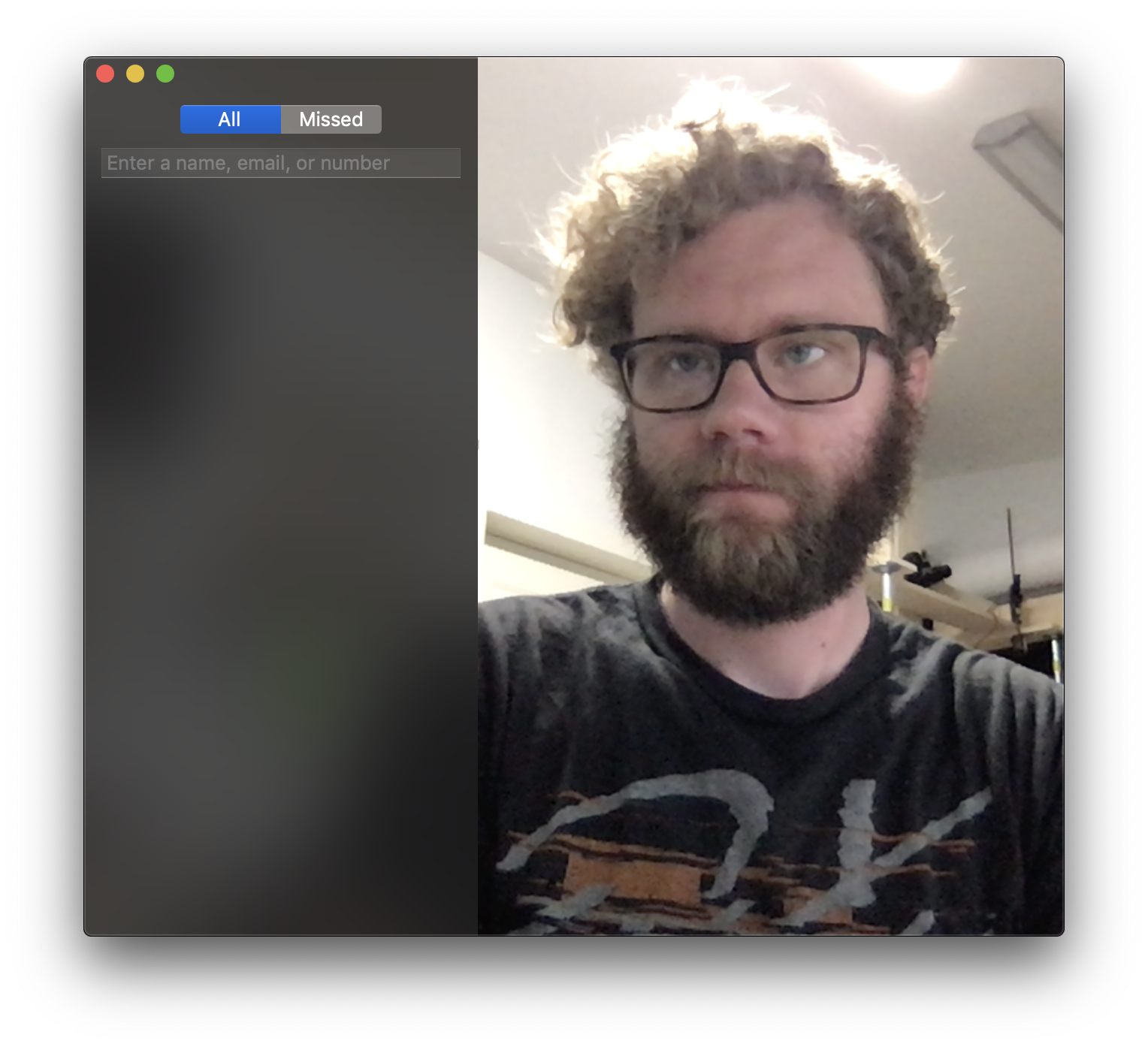
FaceTime
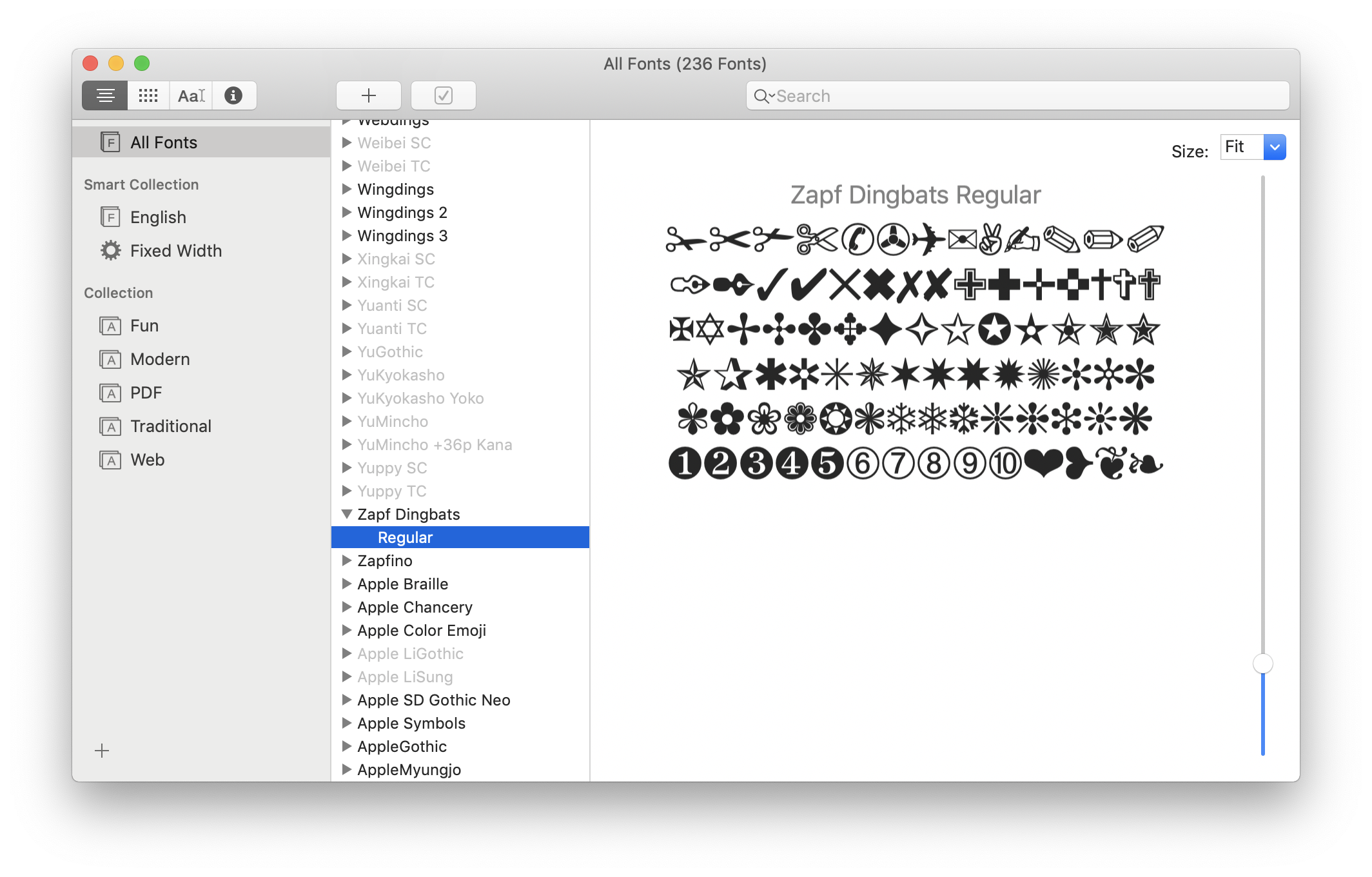
Font Book
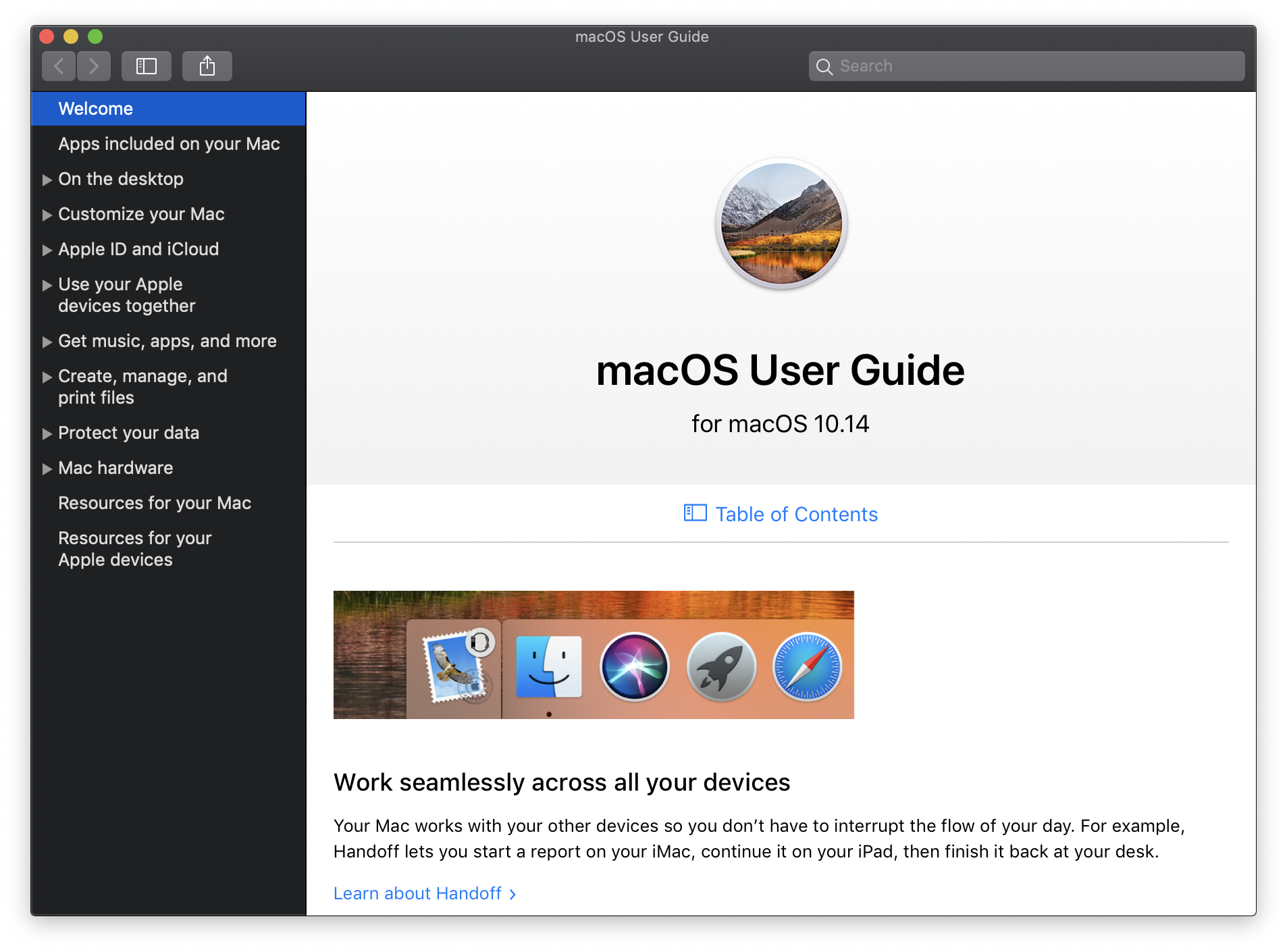
Help
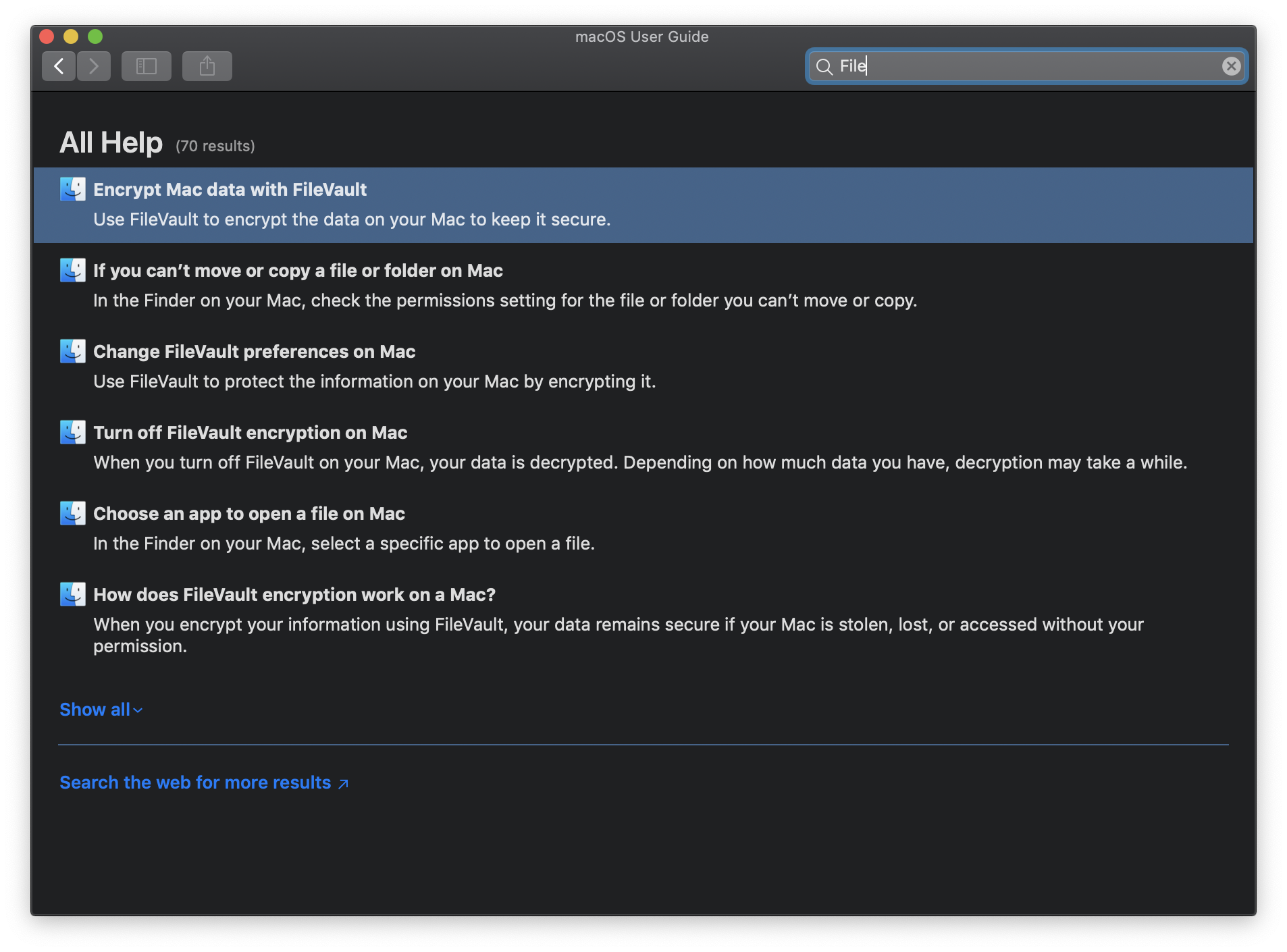
Help: Search
Home
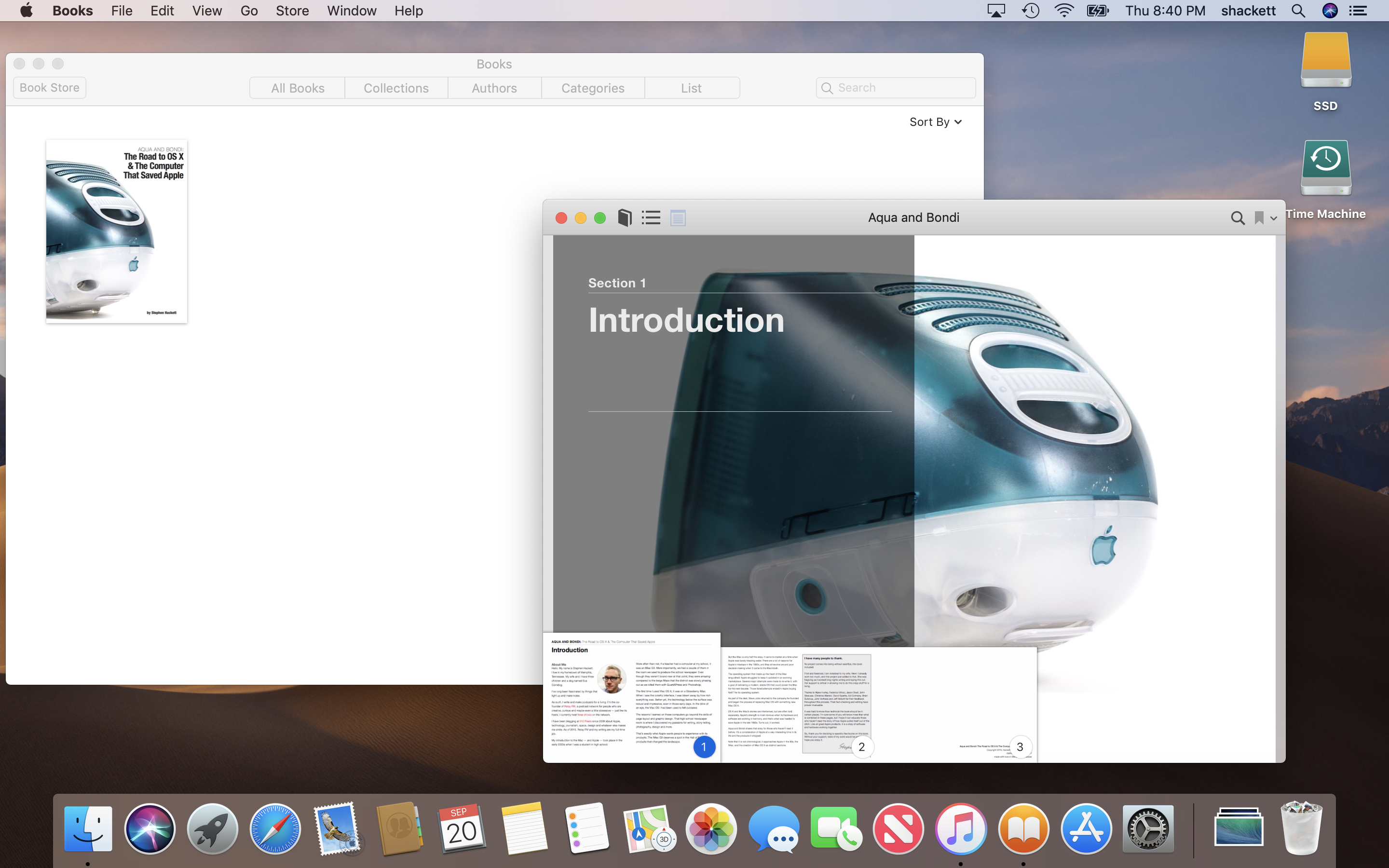
iBooks
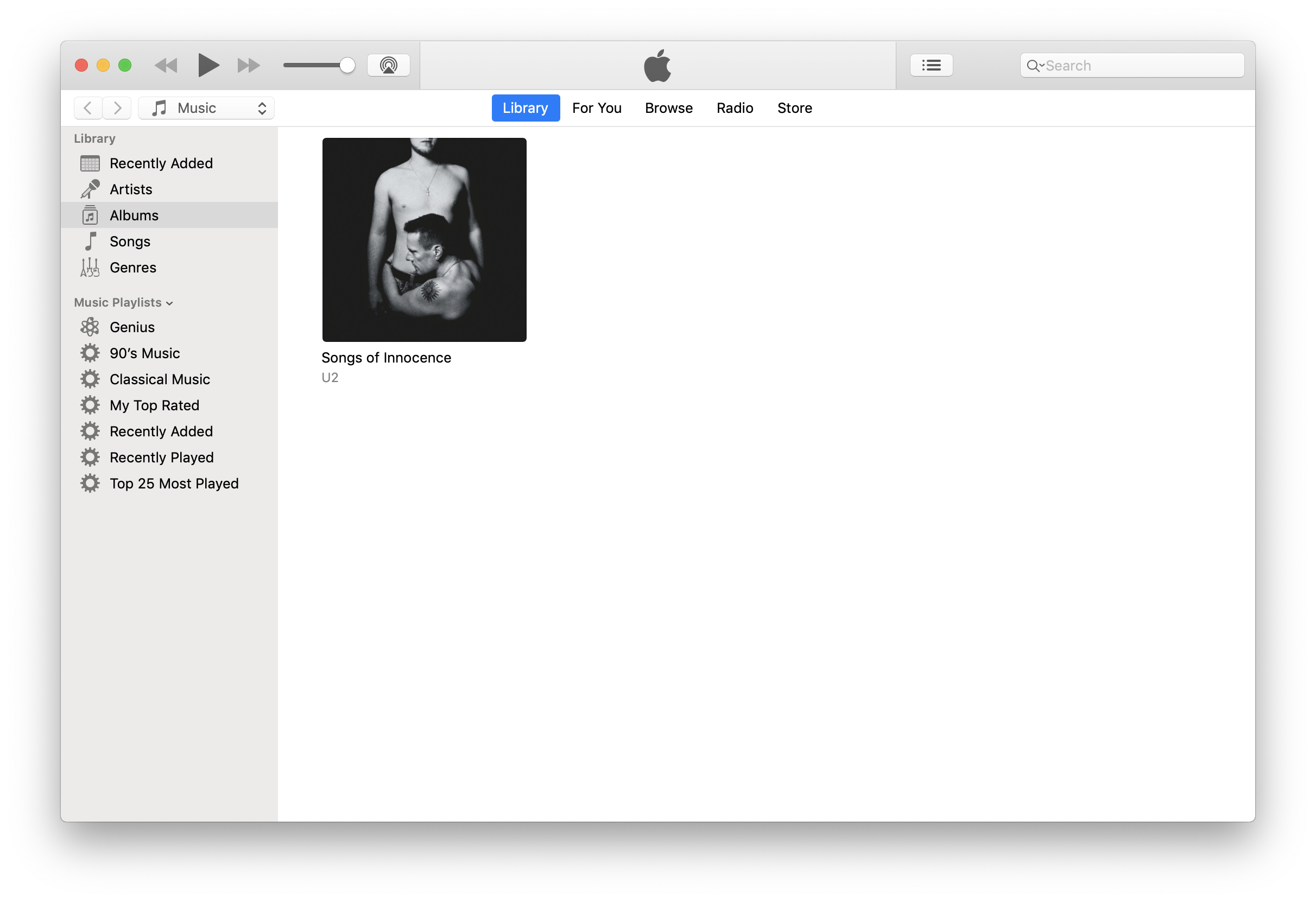
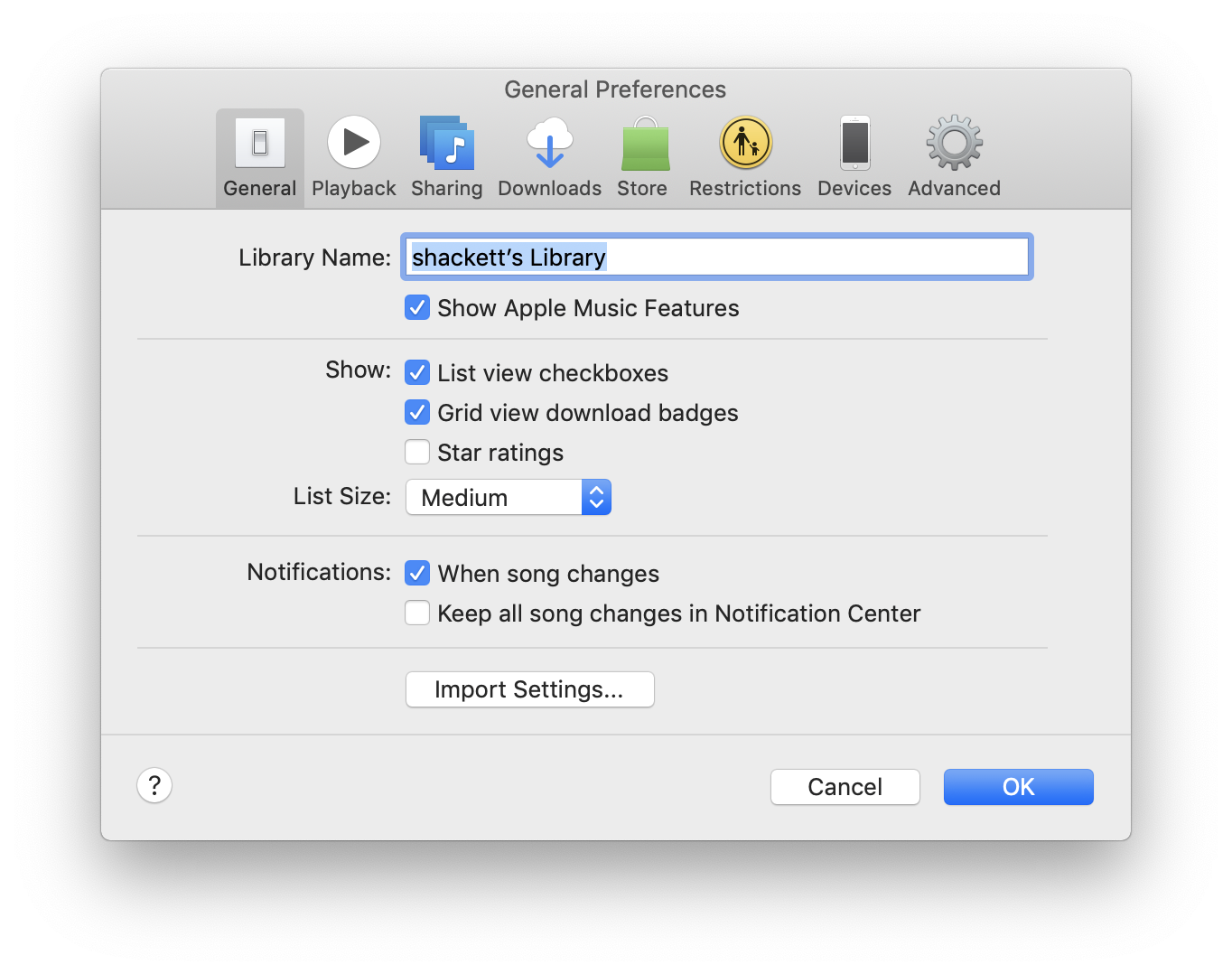
iTunes 12
iTune 12: Preferences
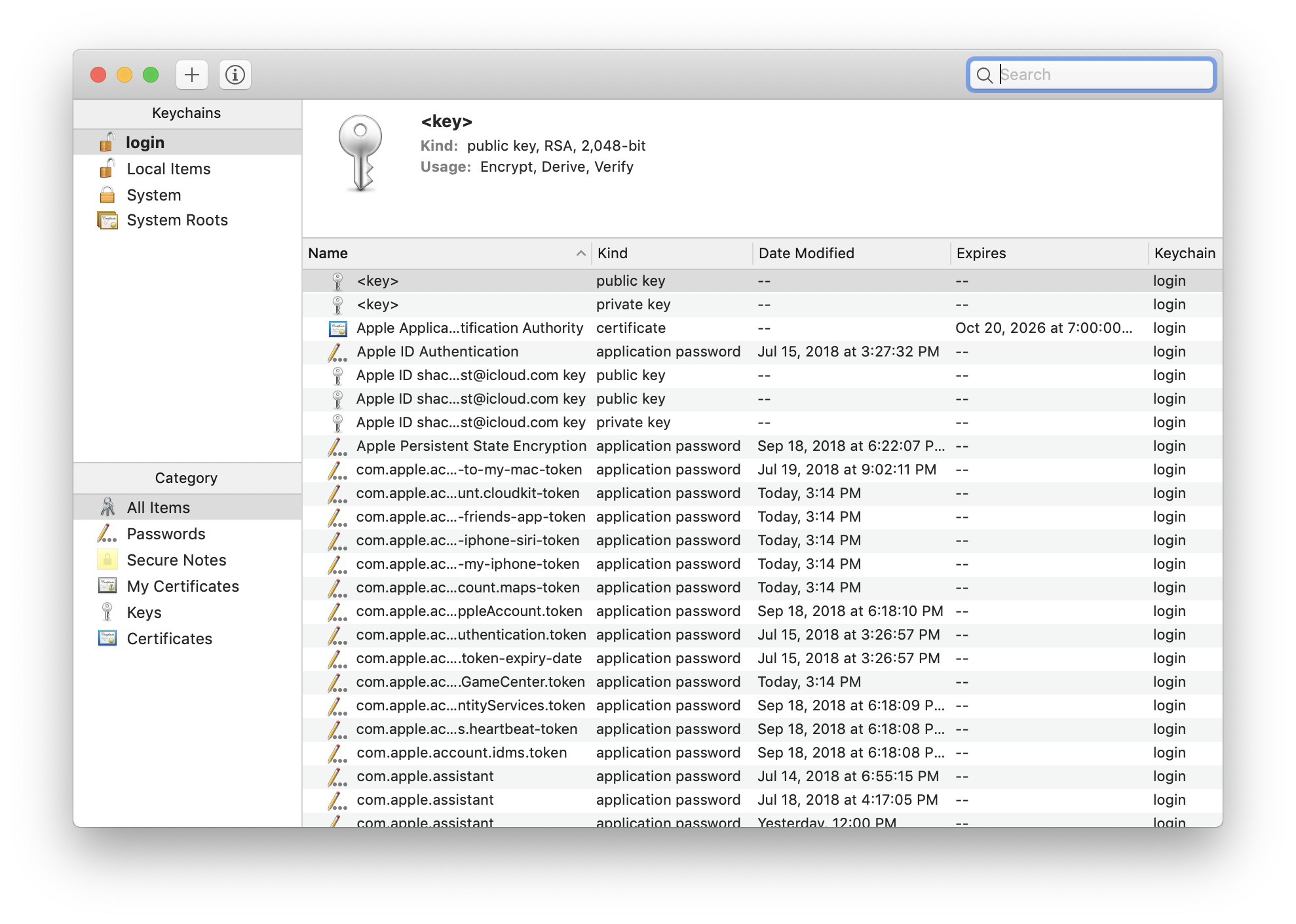
Keychain Access
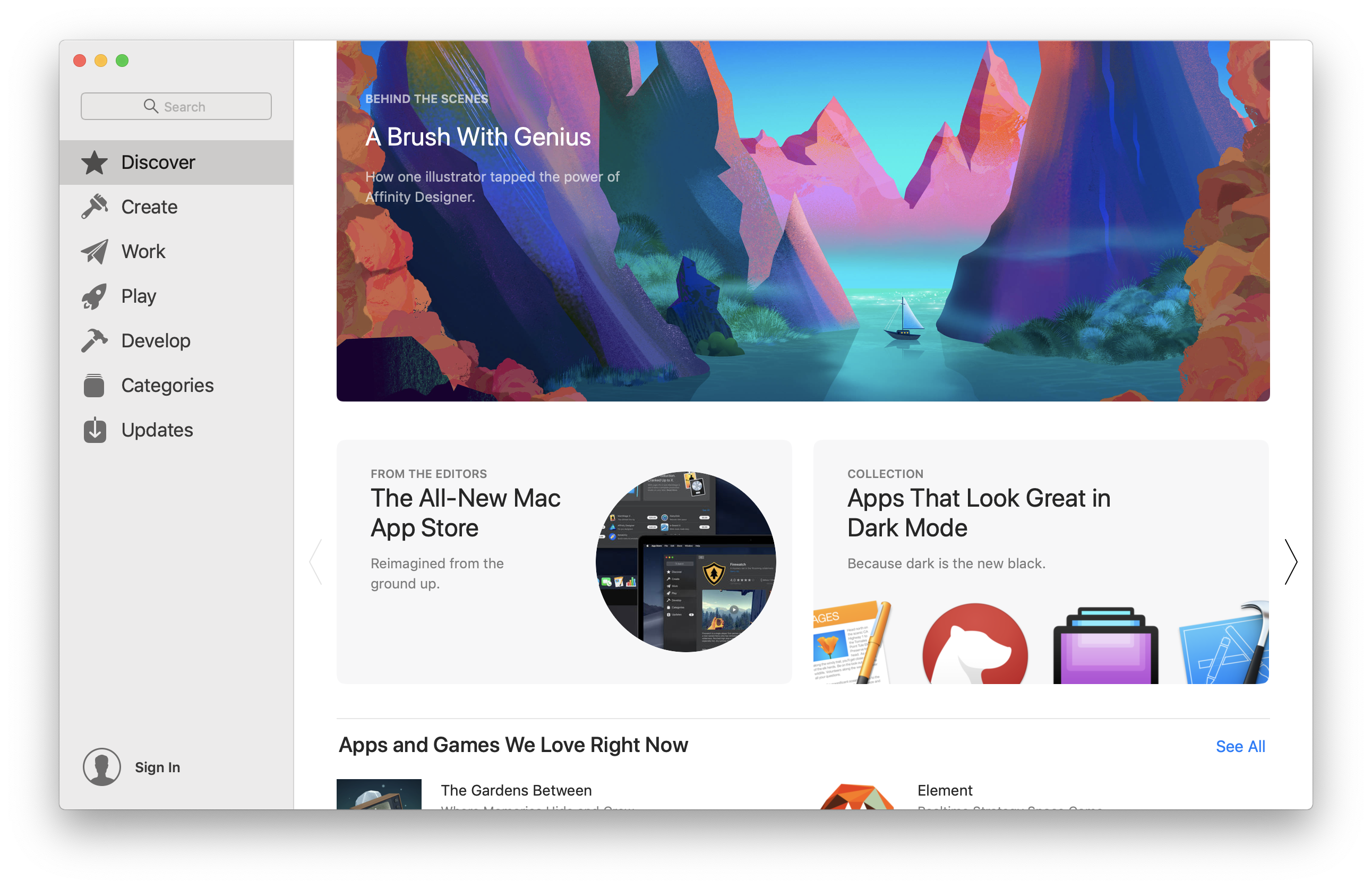
Mac App Store
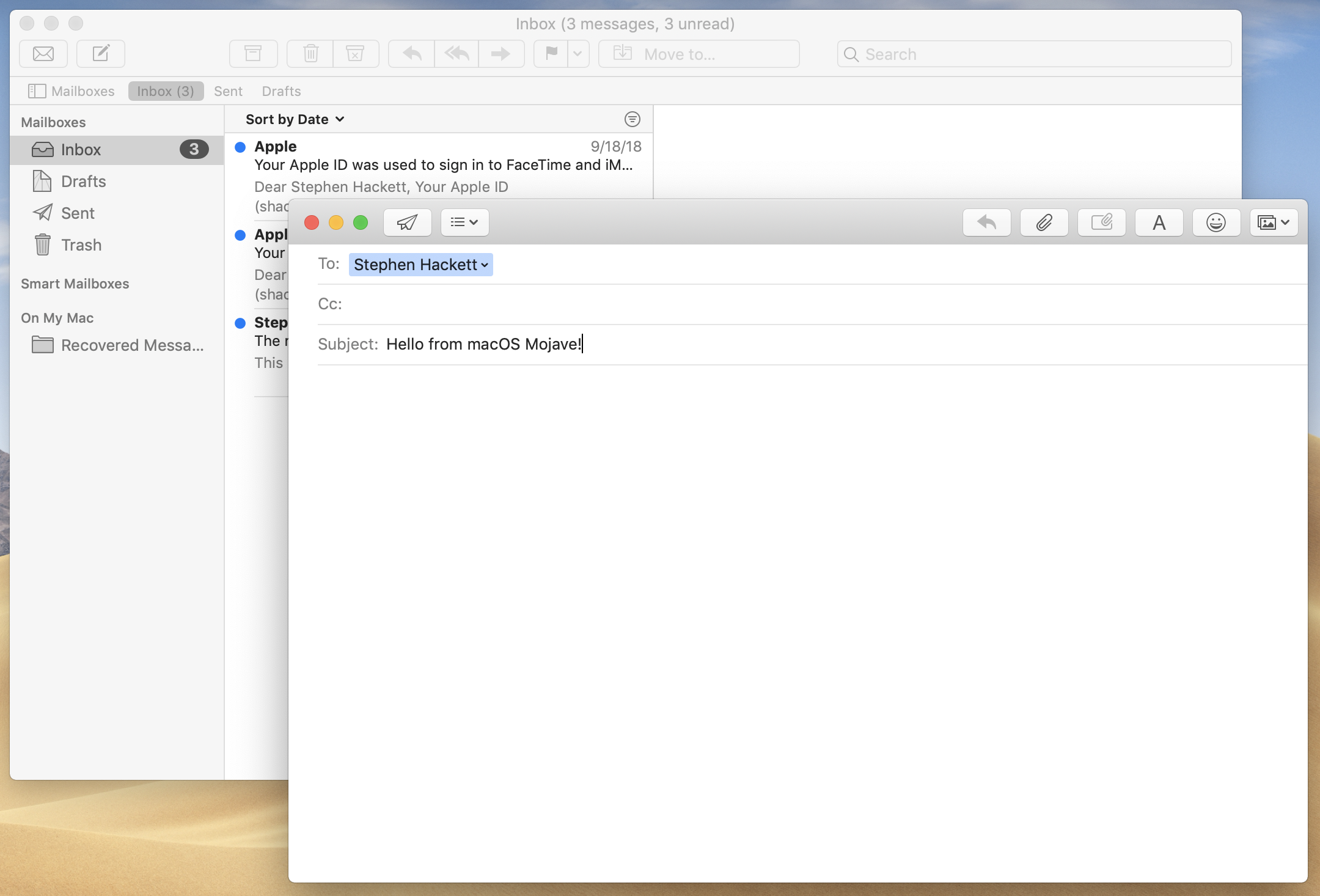
Mail
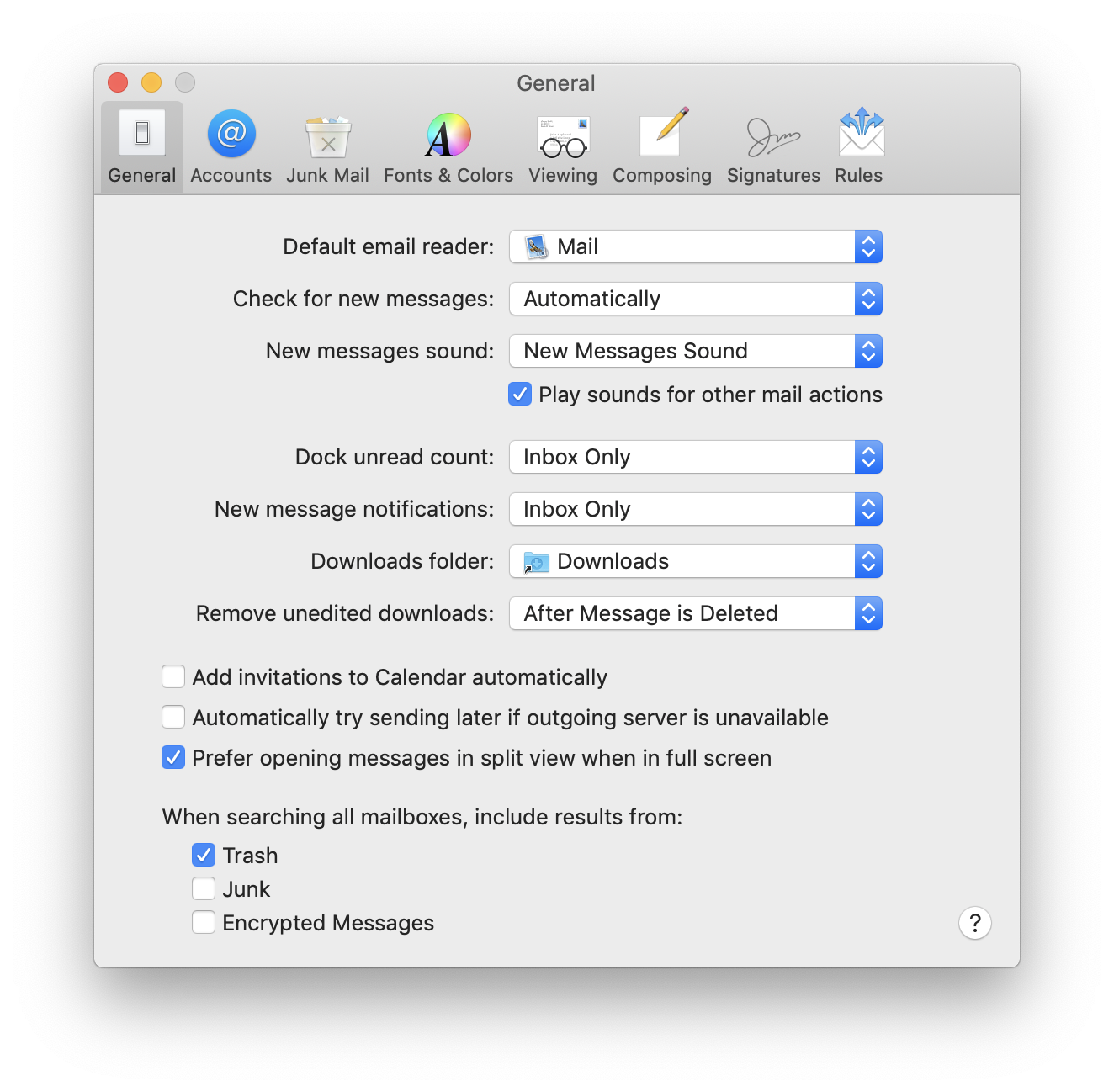
Mail: Preferences
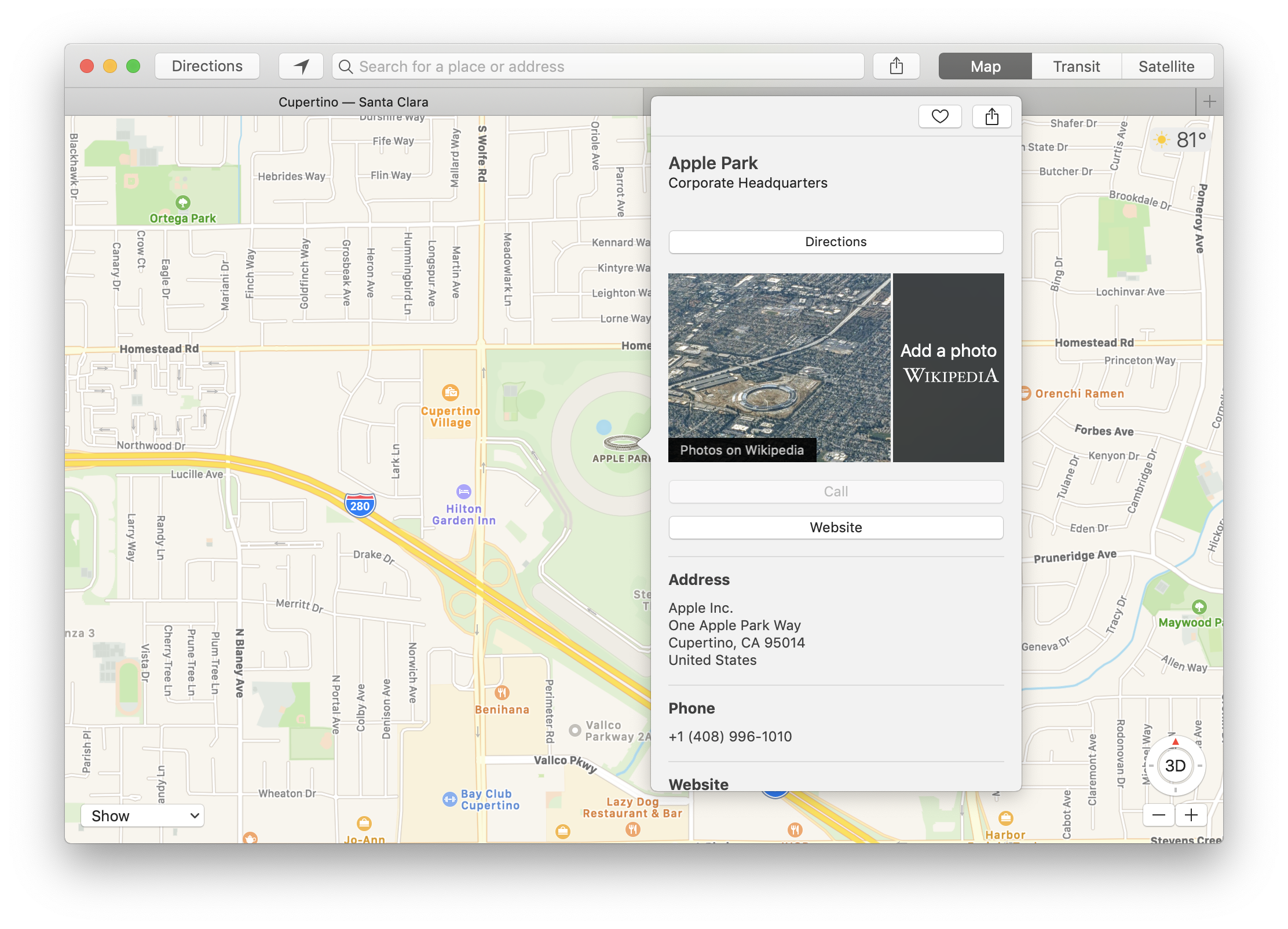
Maps
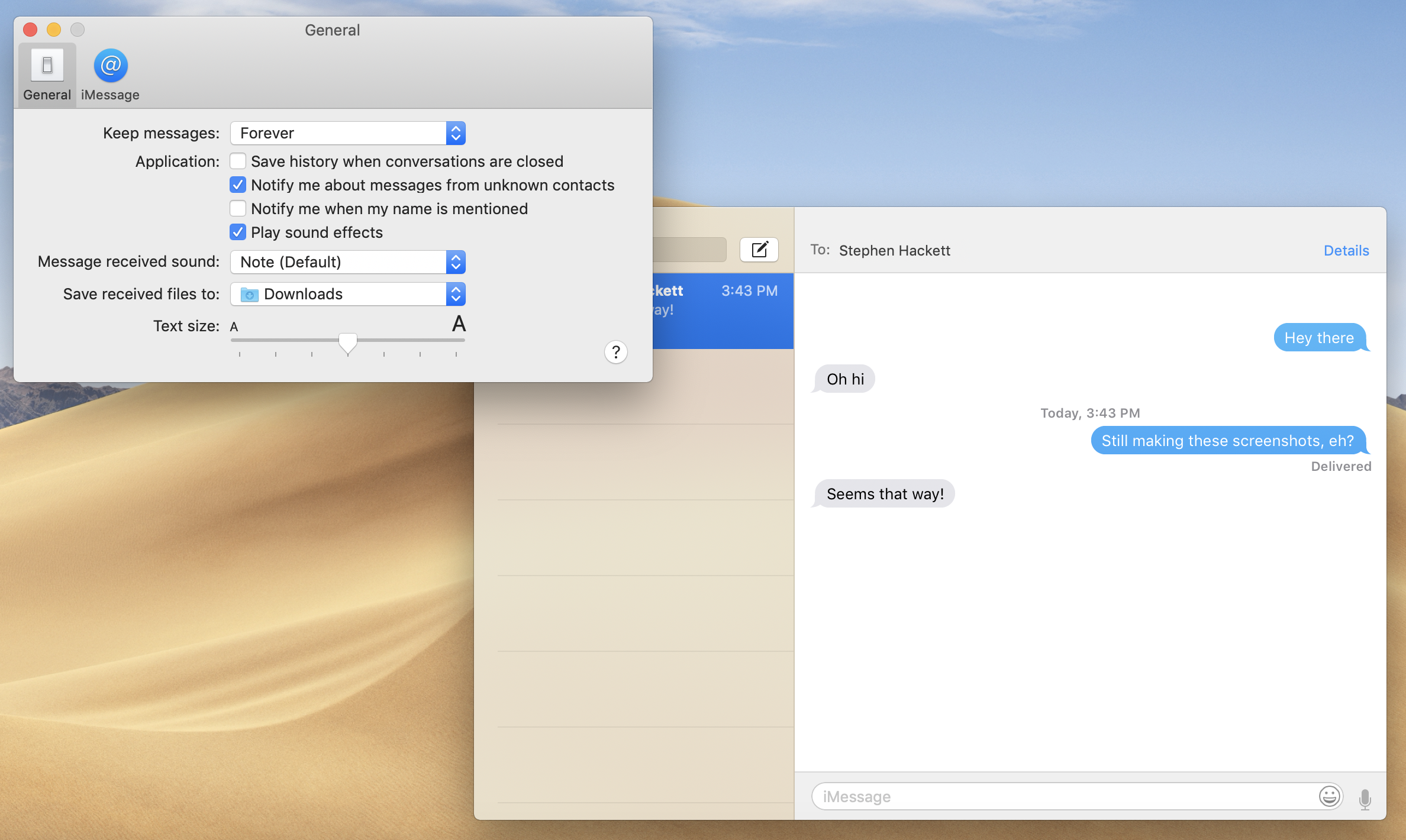
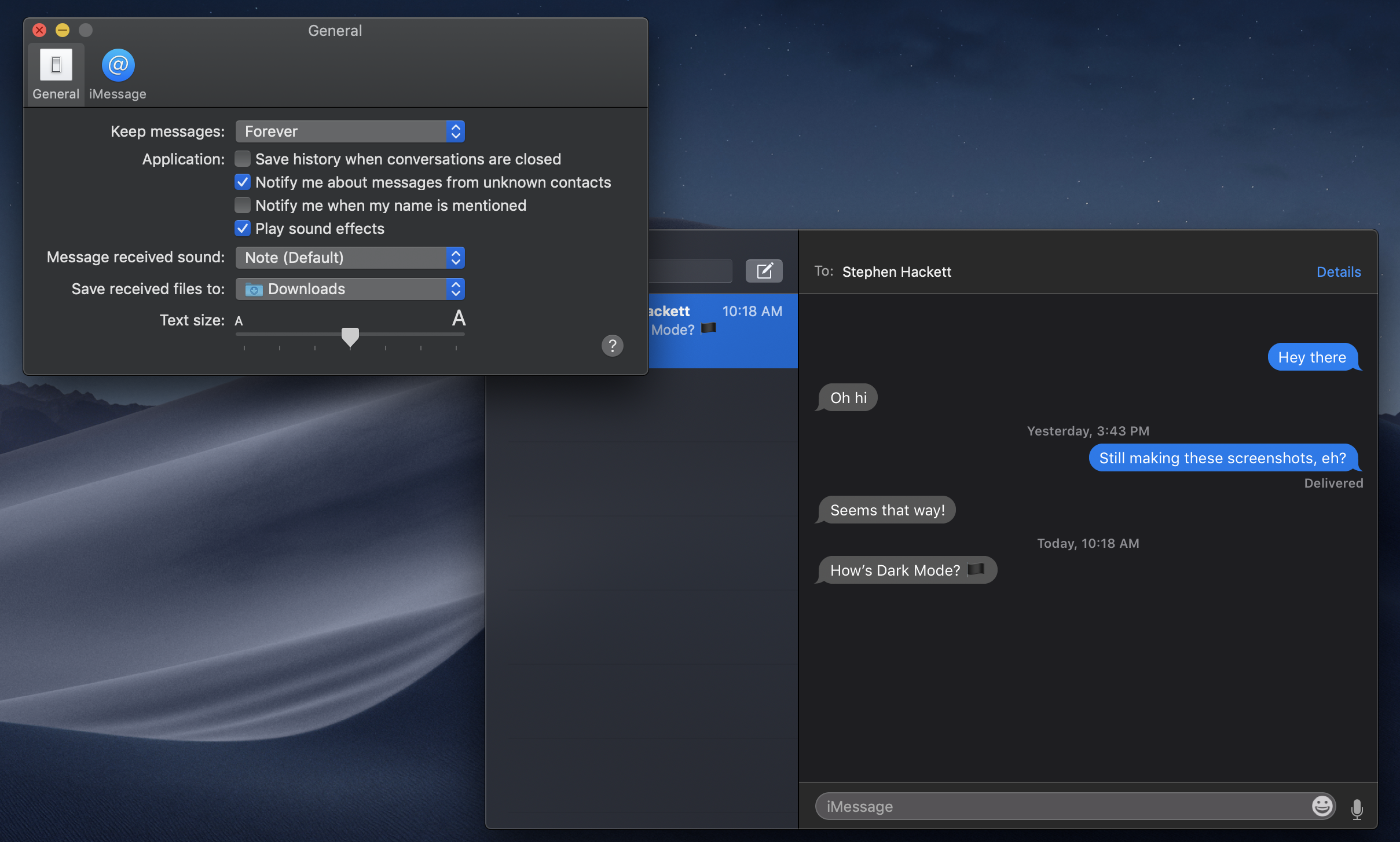
Messages
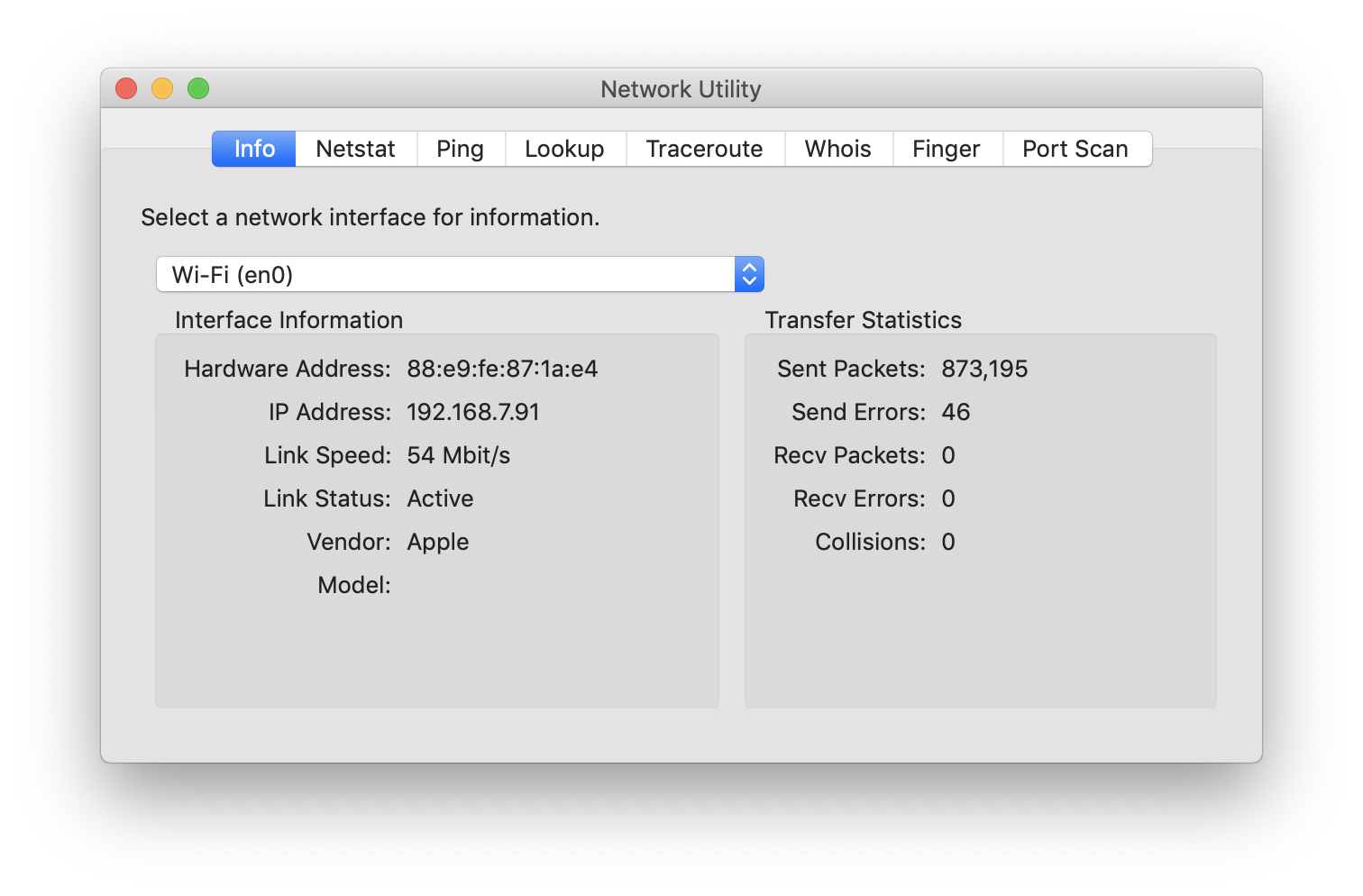
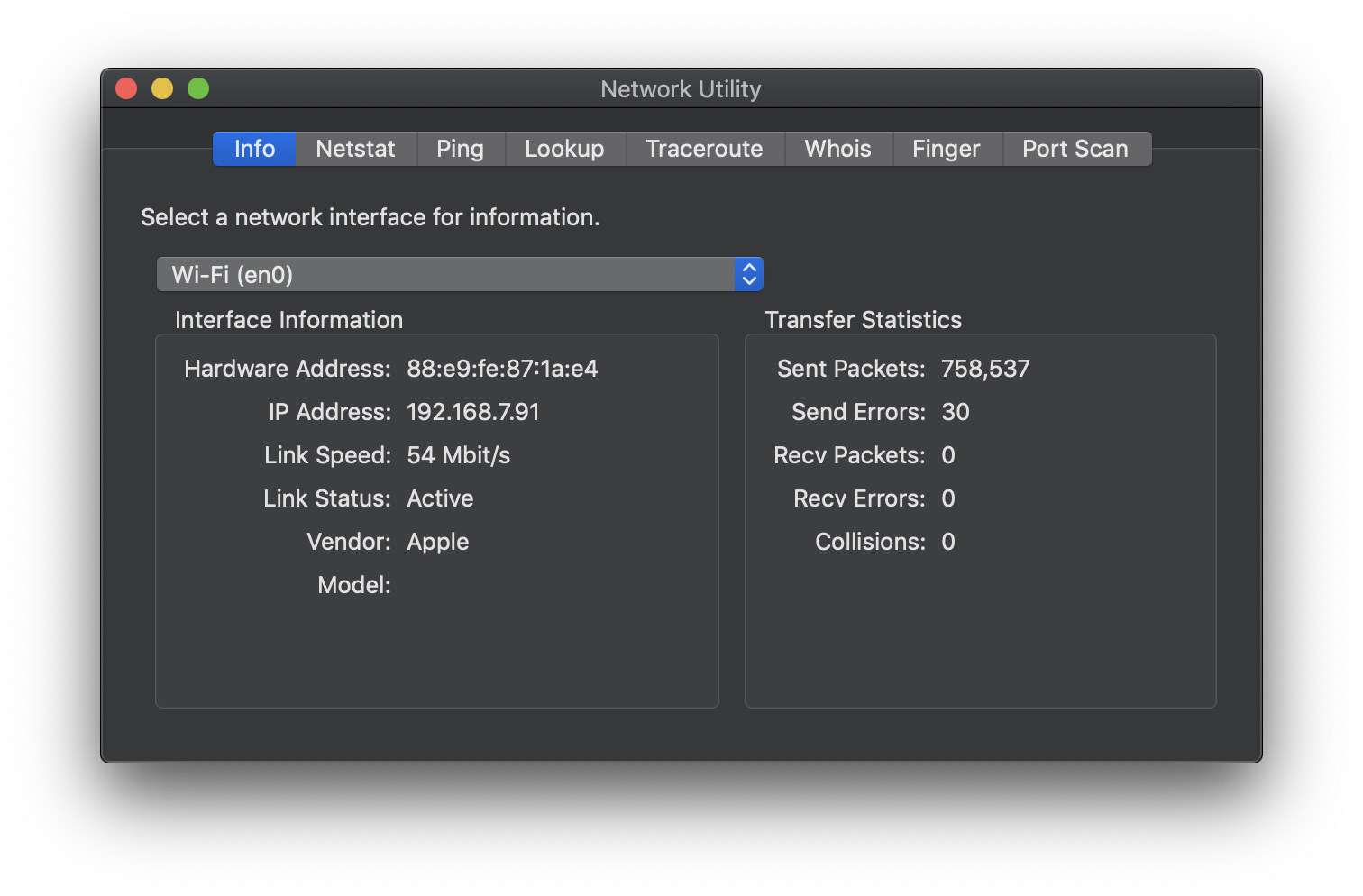
Network Utility
News
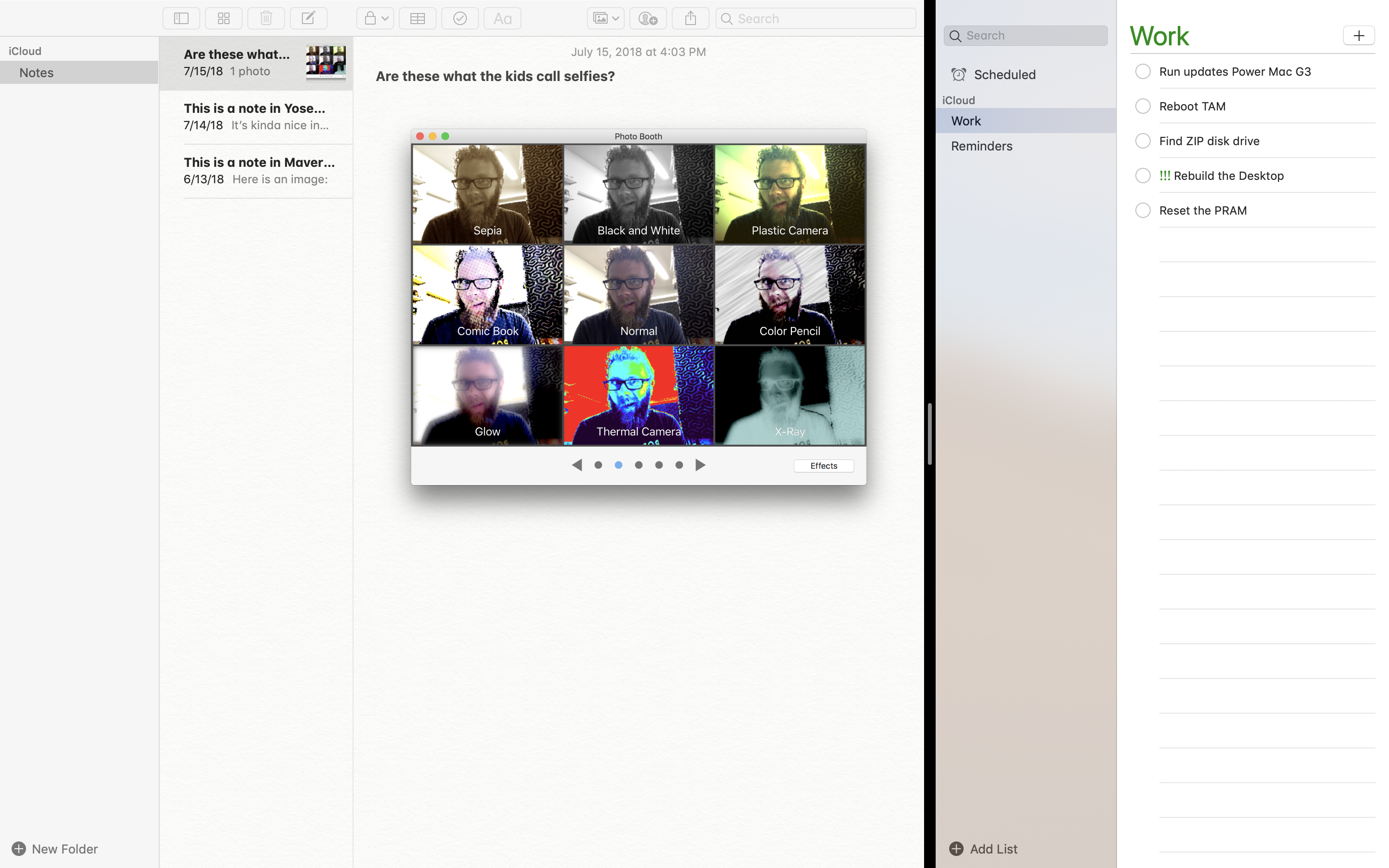
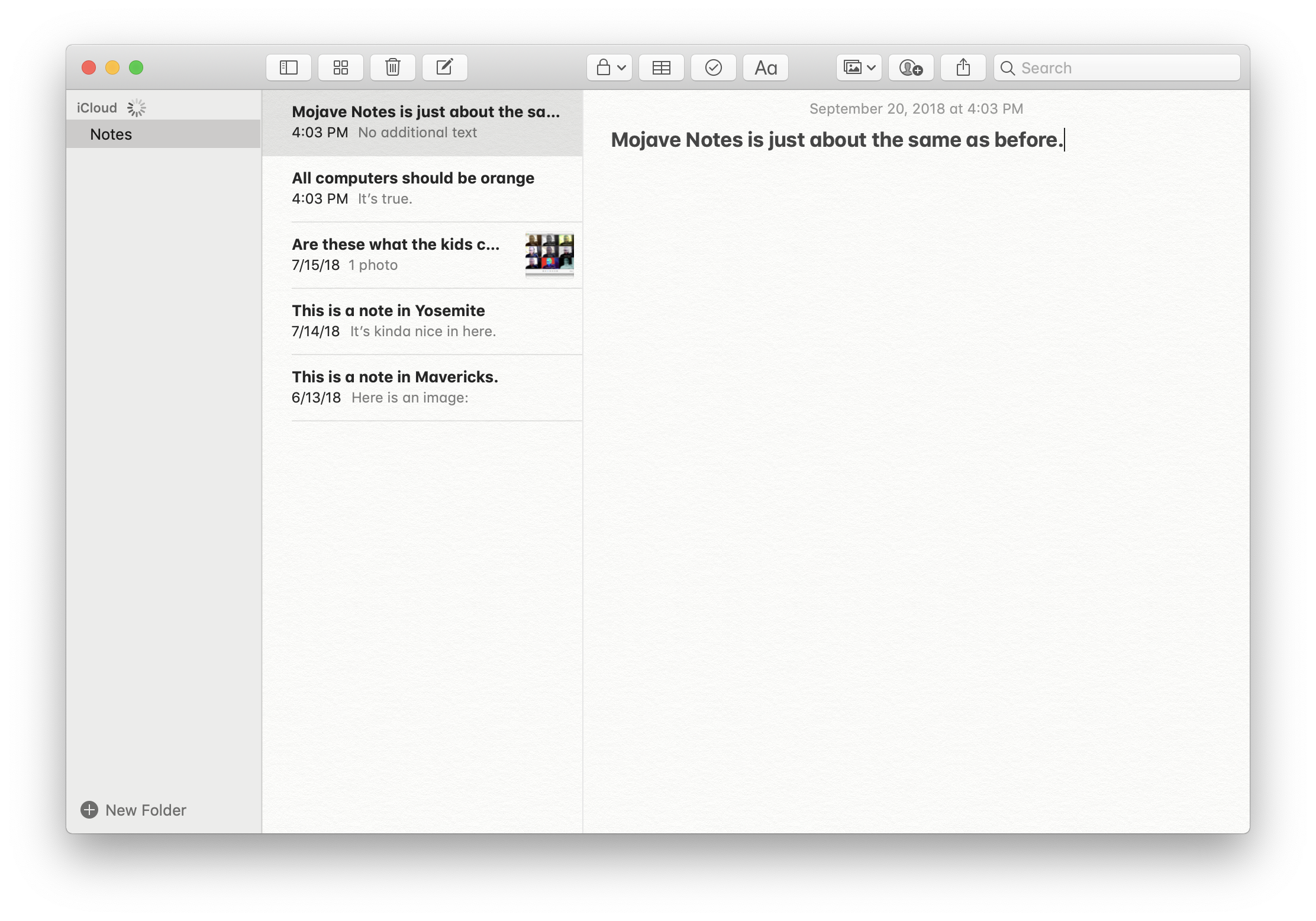
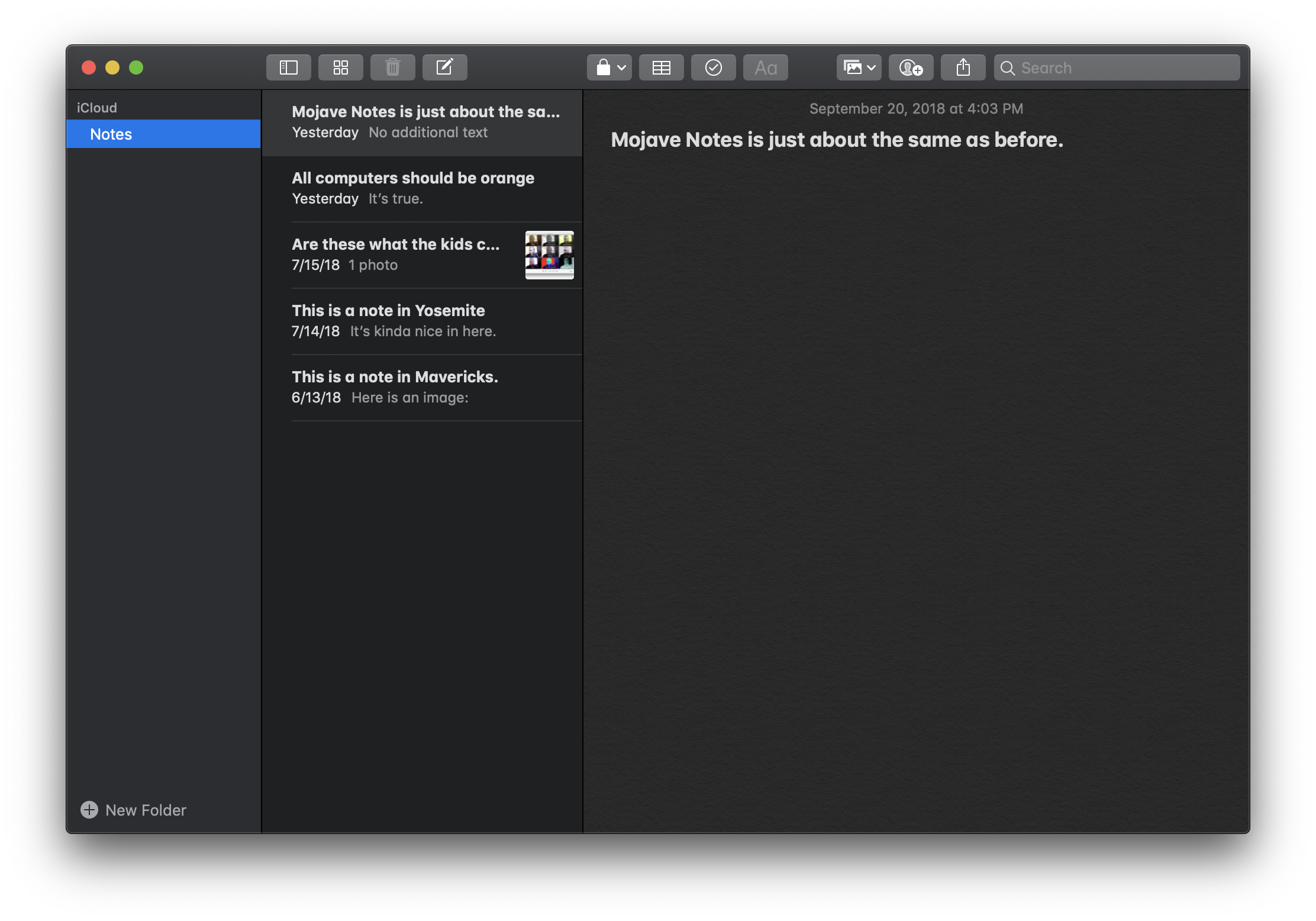
Notes
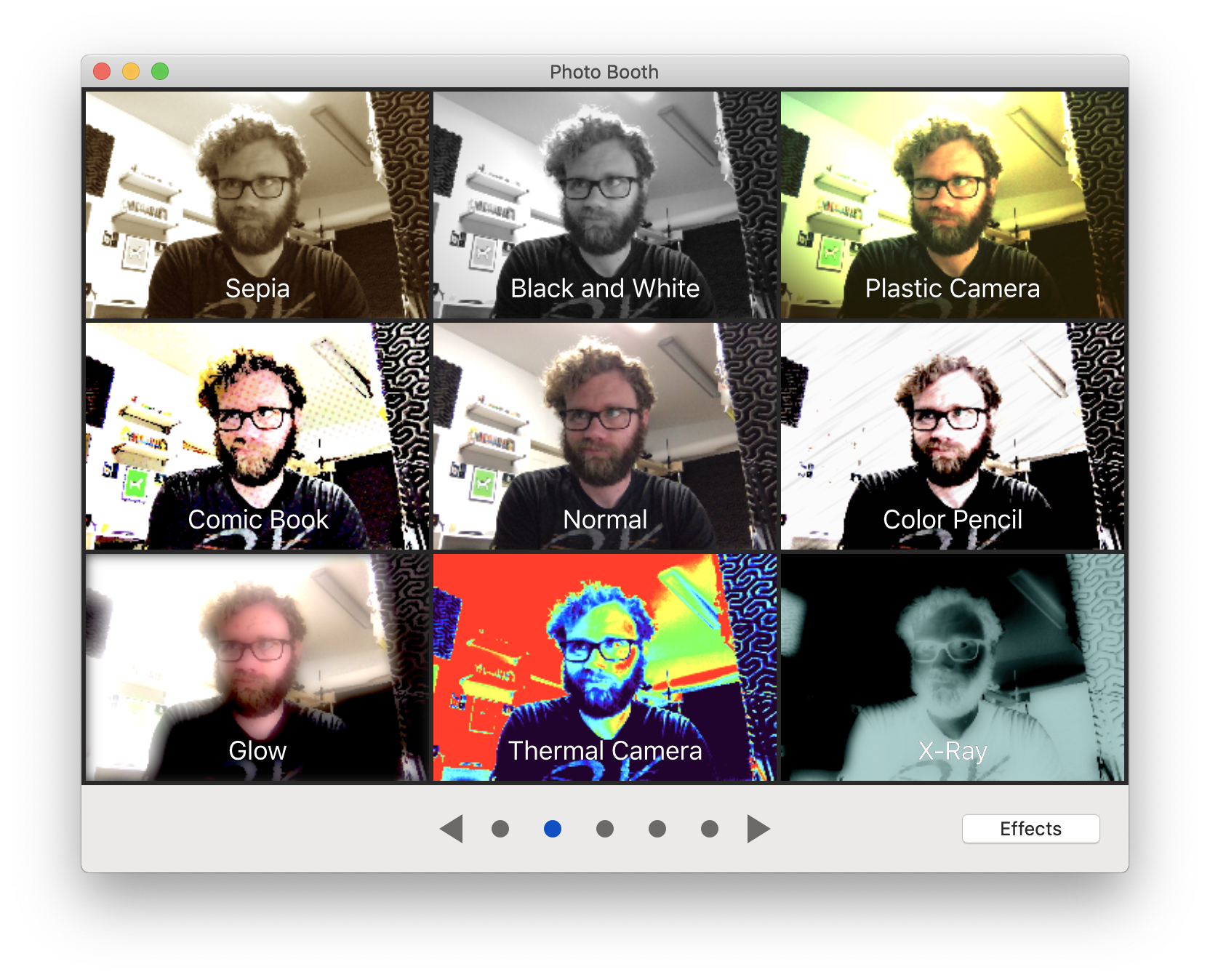
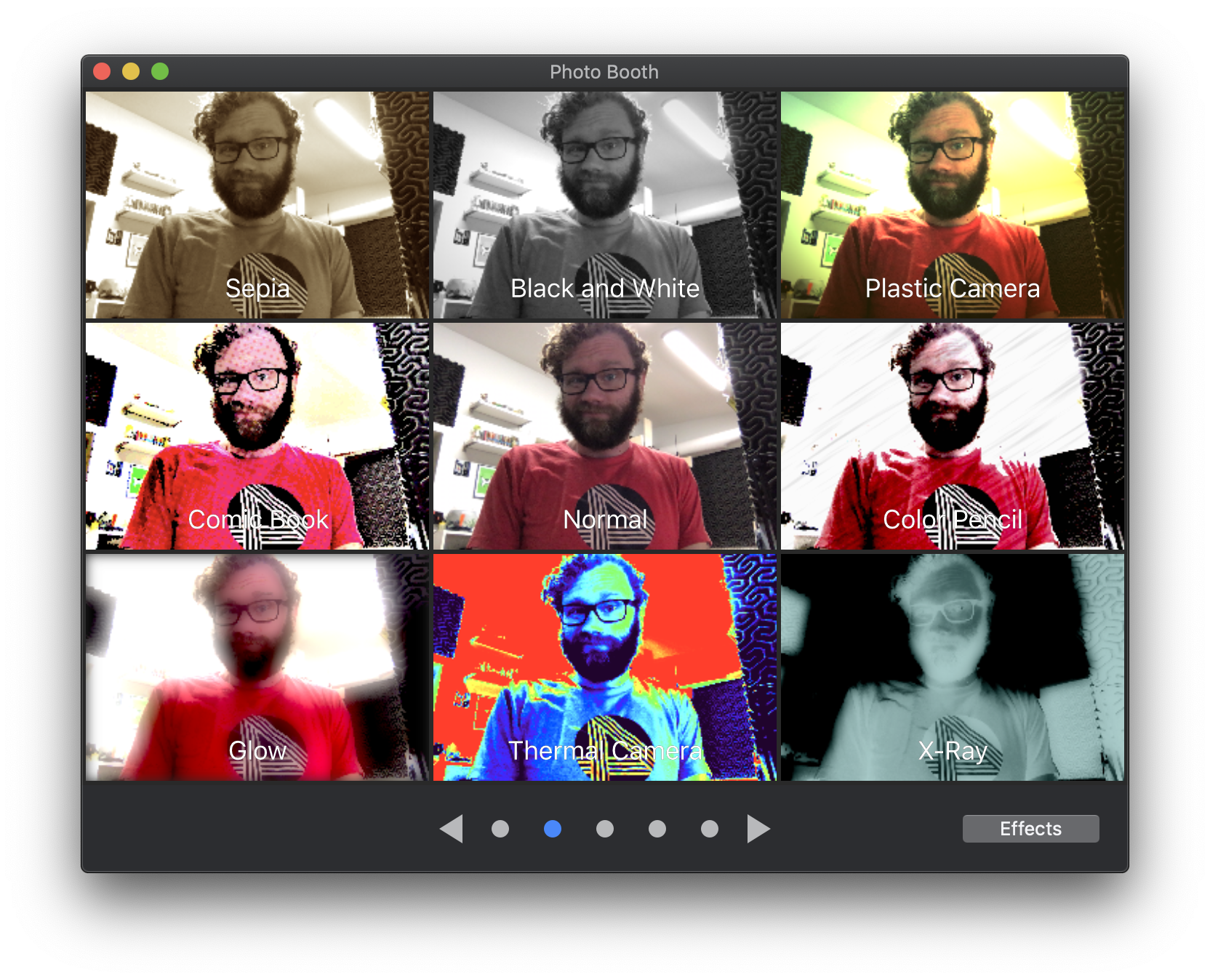
Photo Booth
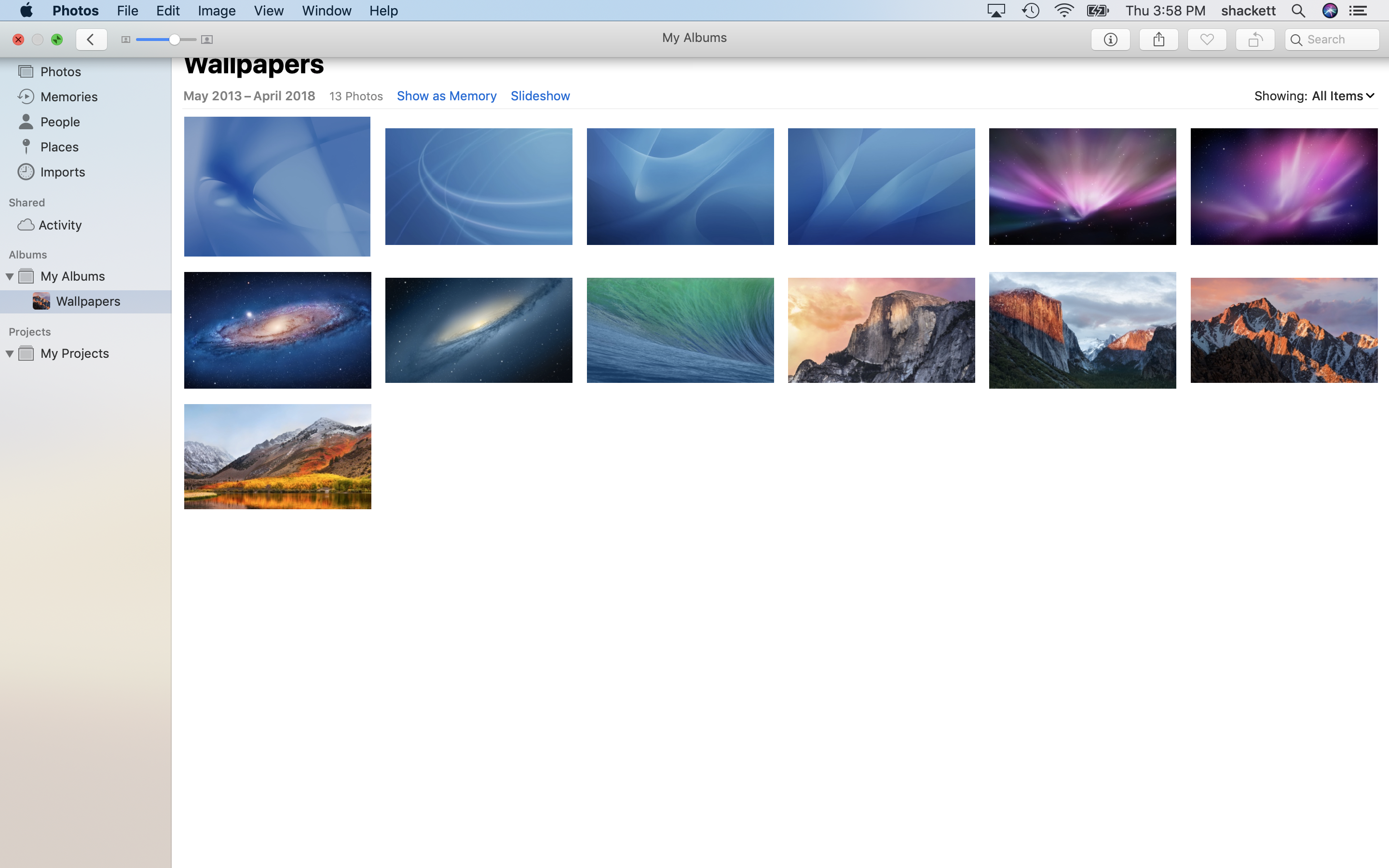
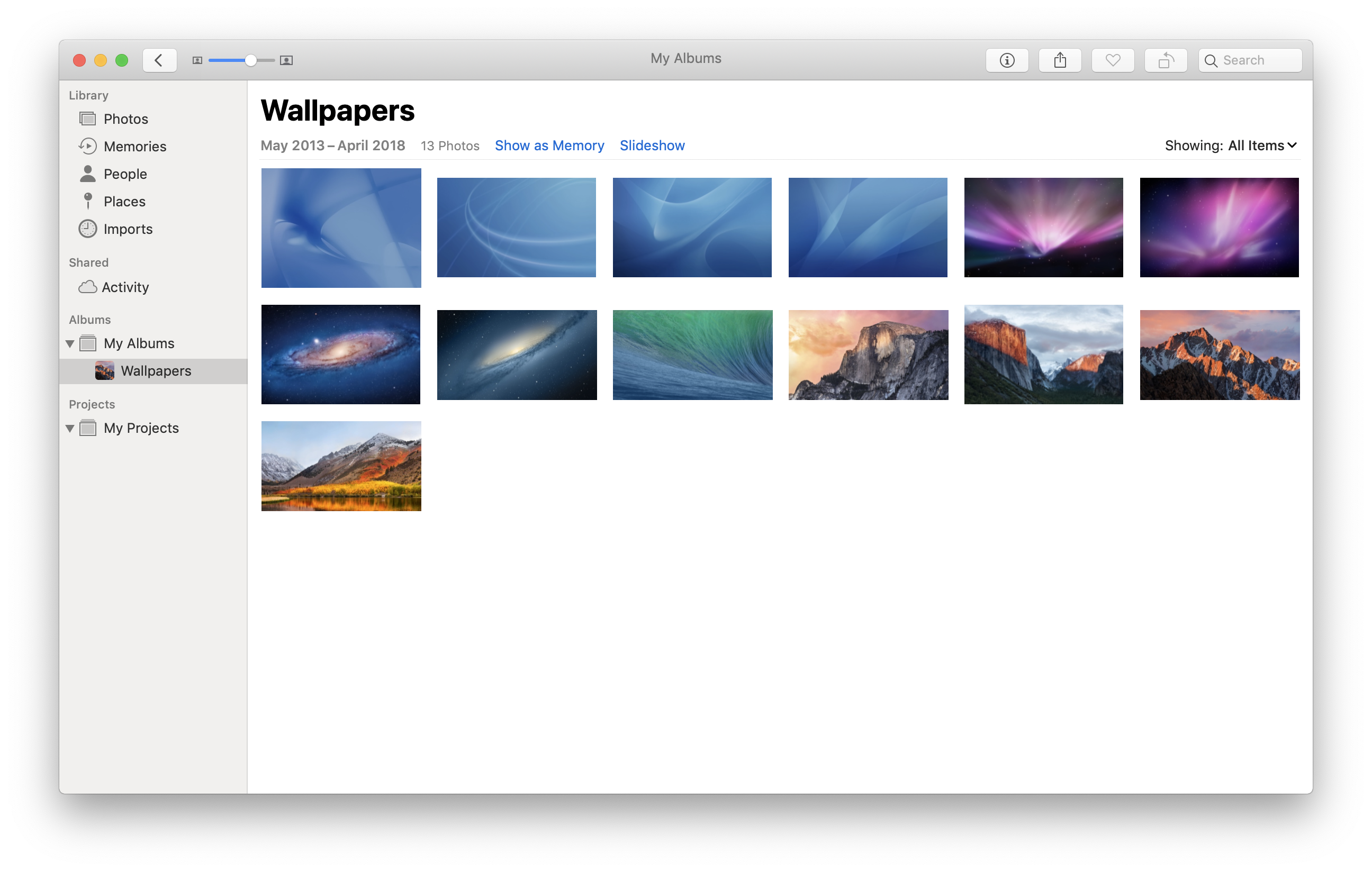
Photos
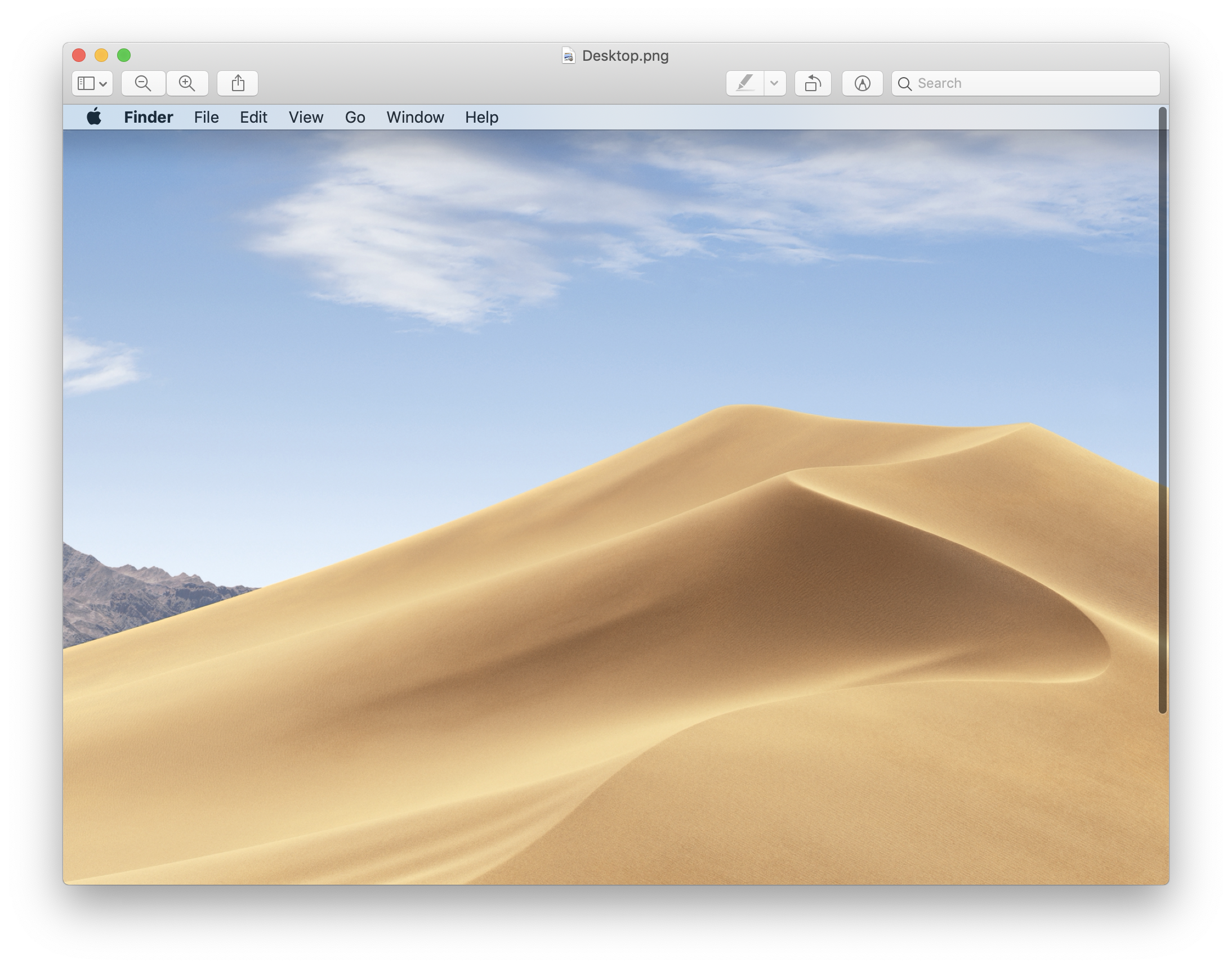
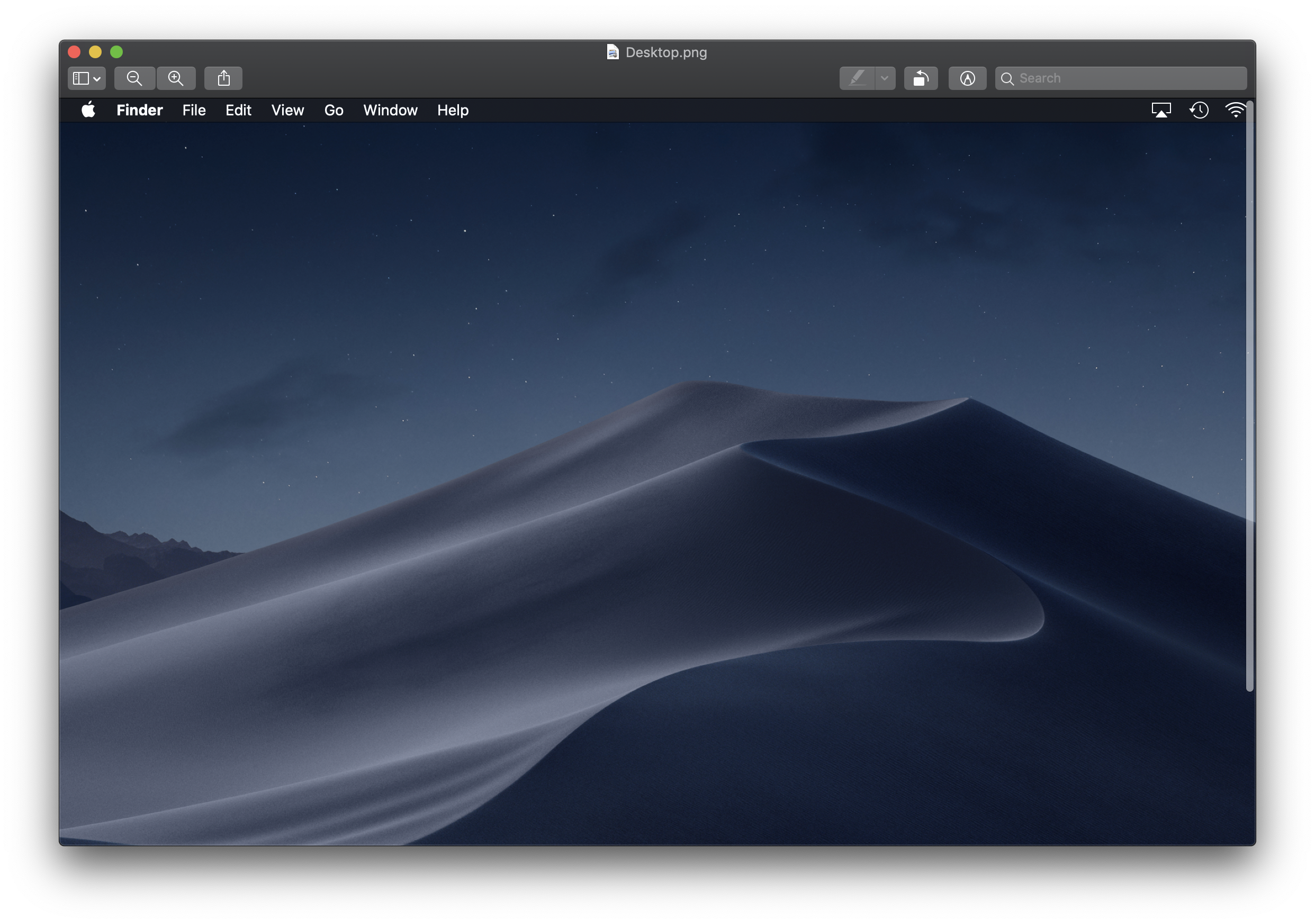
Preview
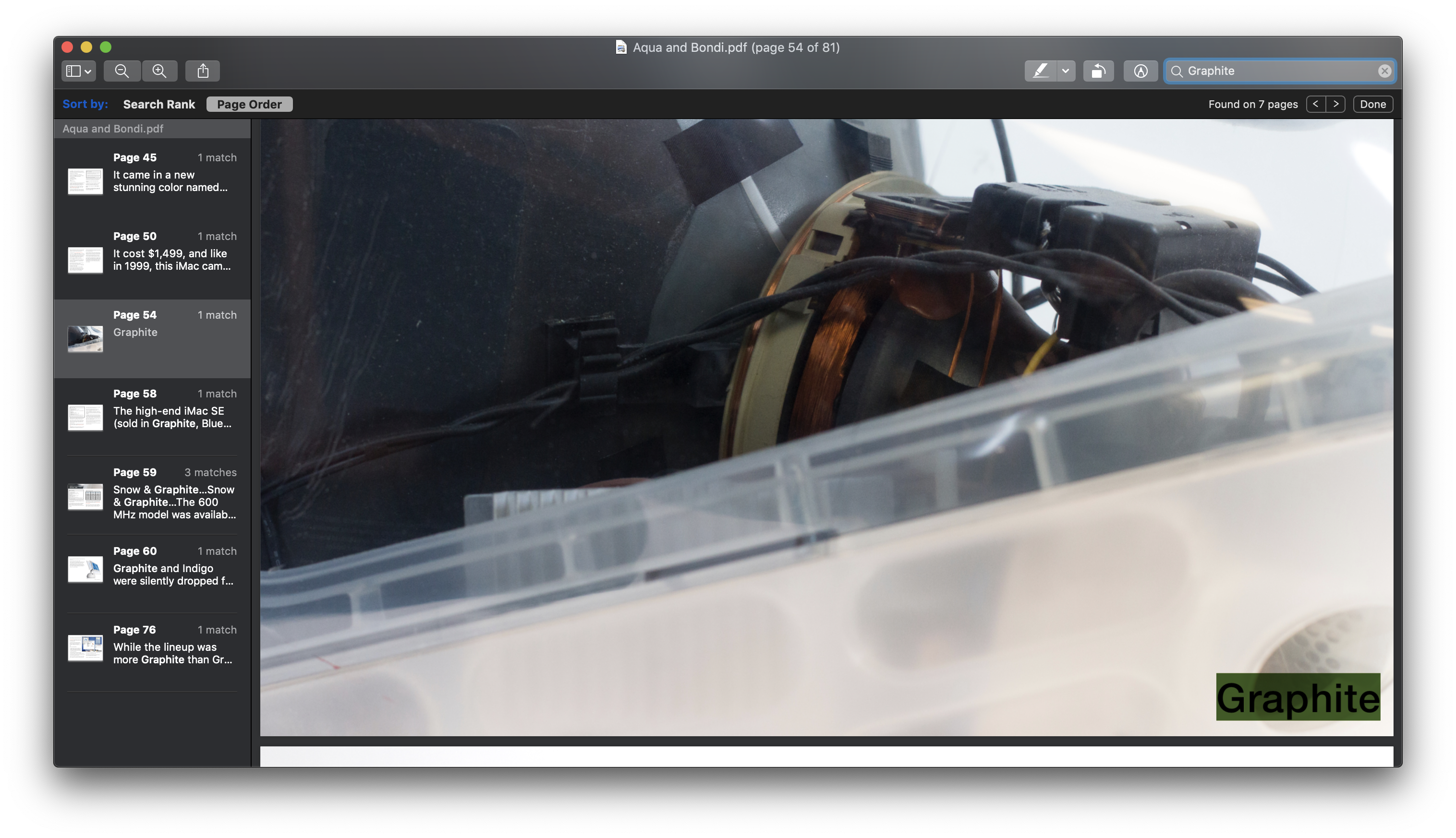
Preview: Search
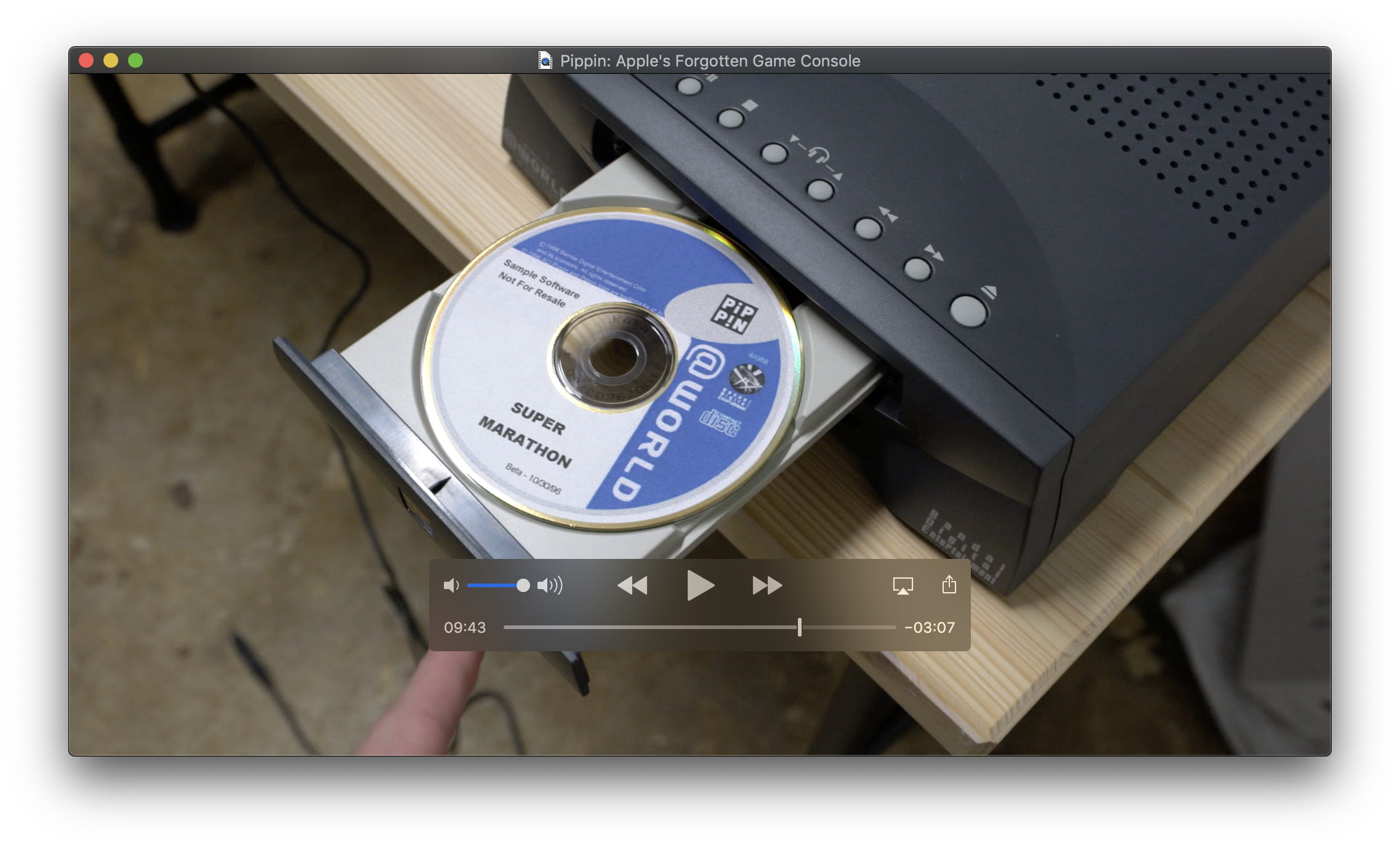
QuickTime
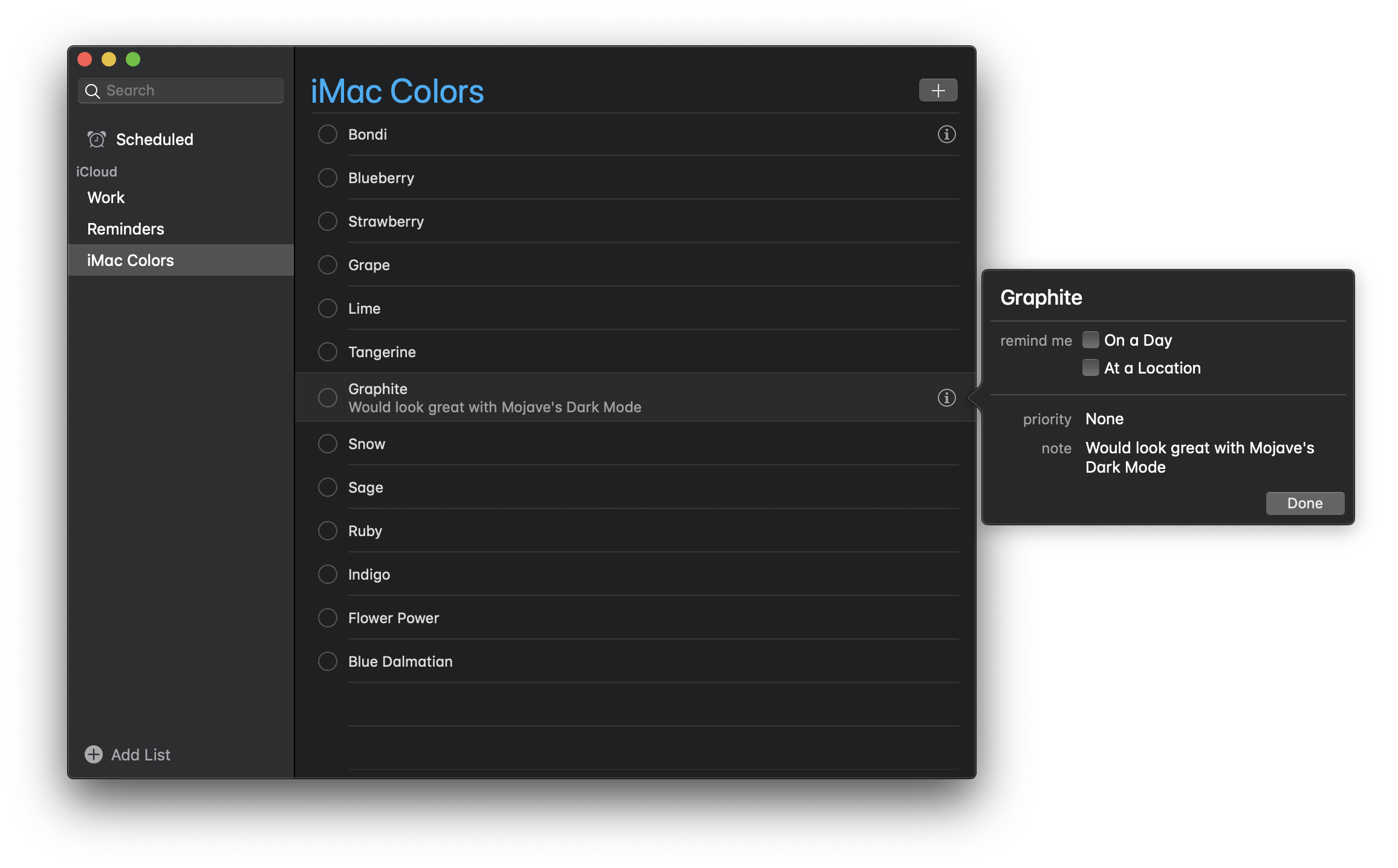
Reminders
Safari 12
Safari 12: Favorites
Safari 12: Reader Mode
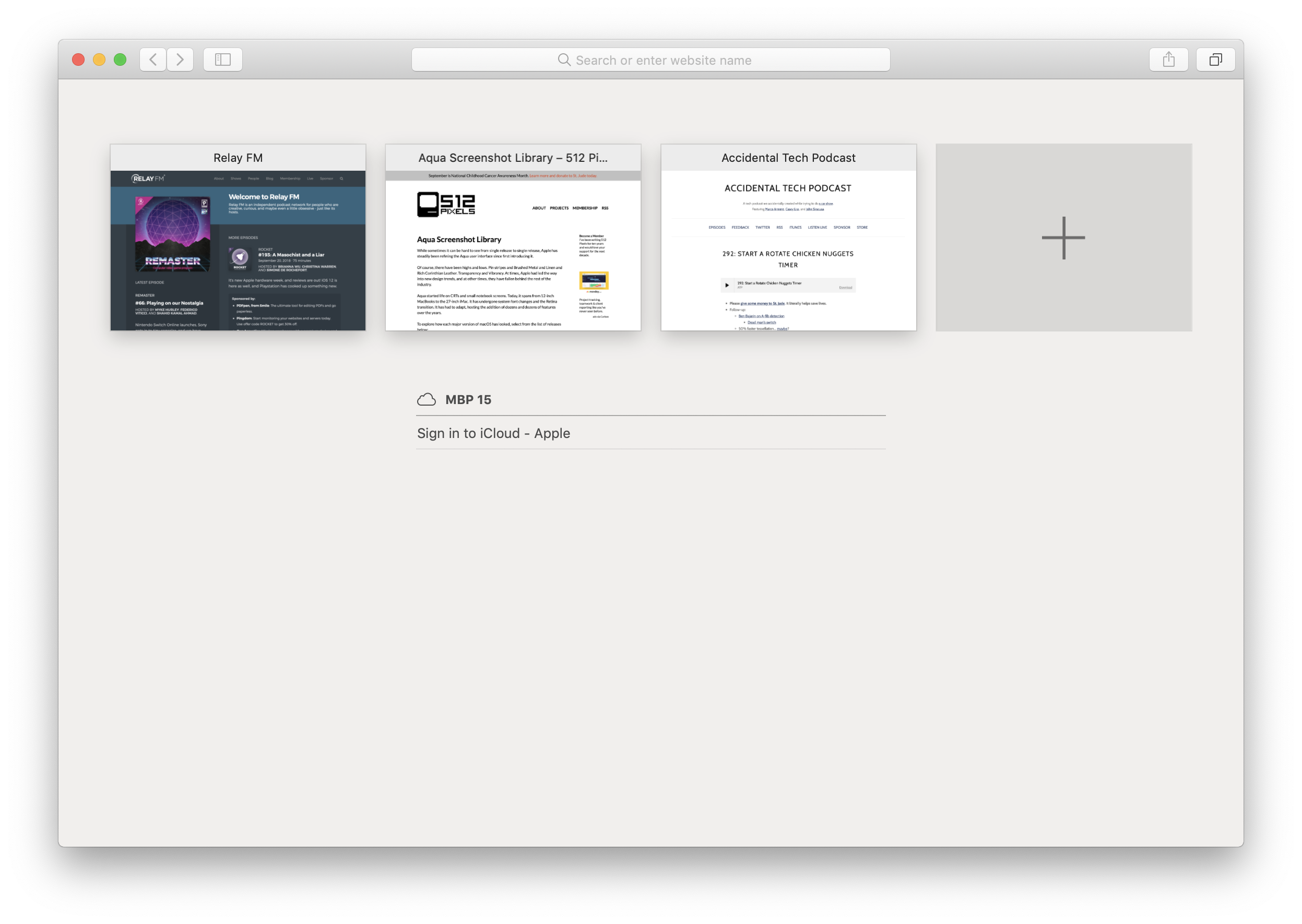
Safari 12: Tab Overview
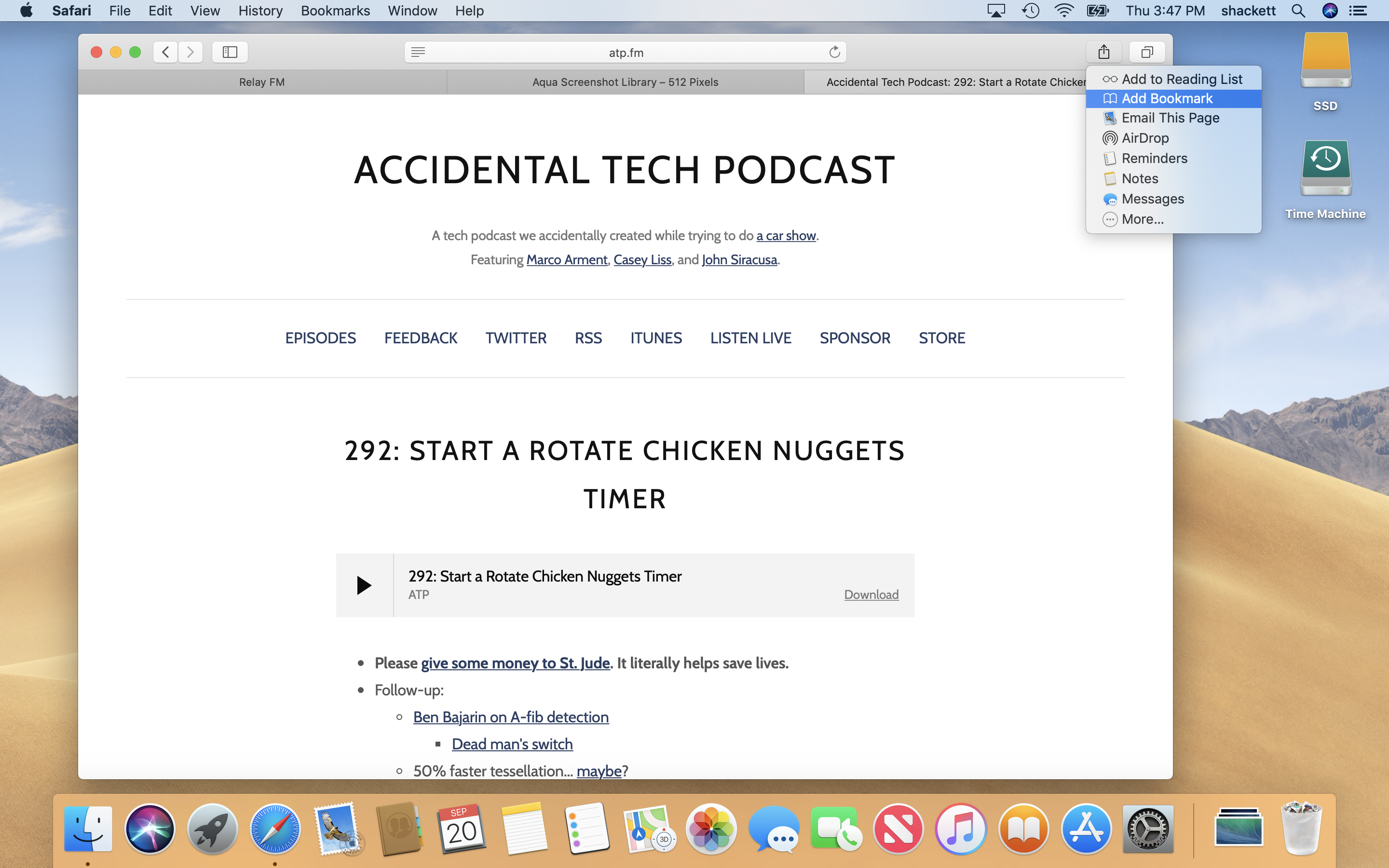
Safari 12: Sharing
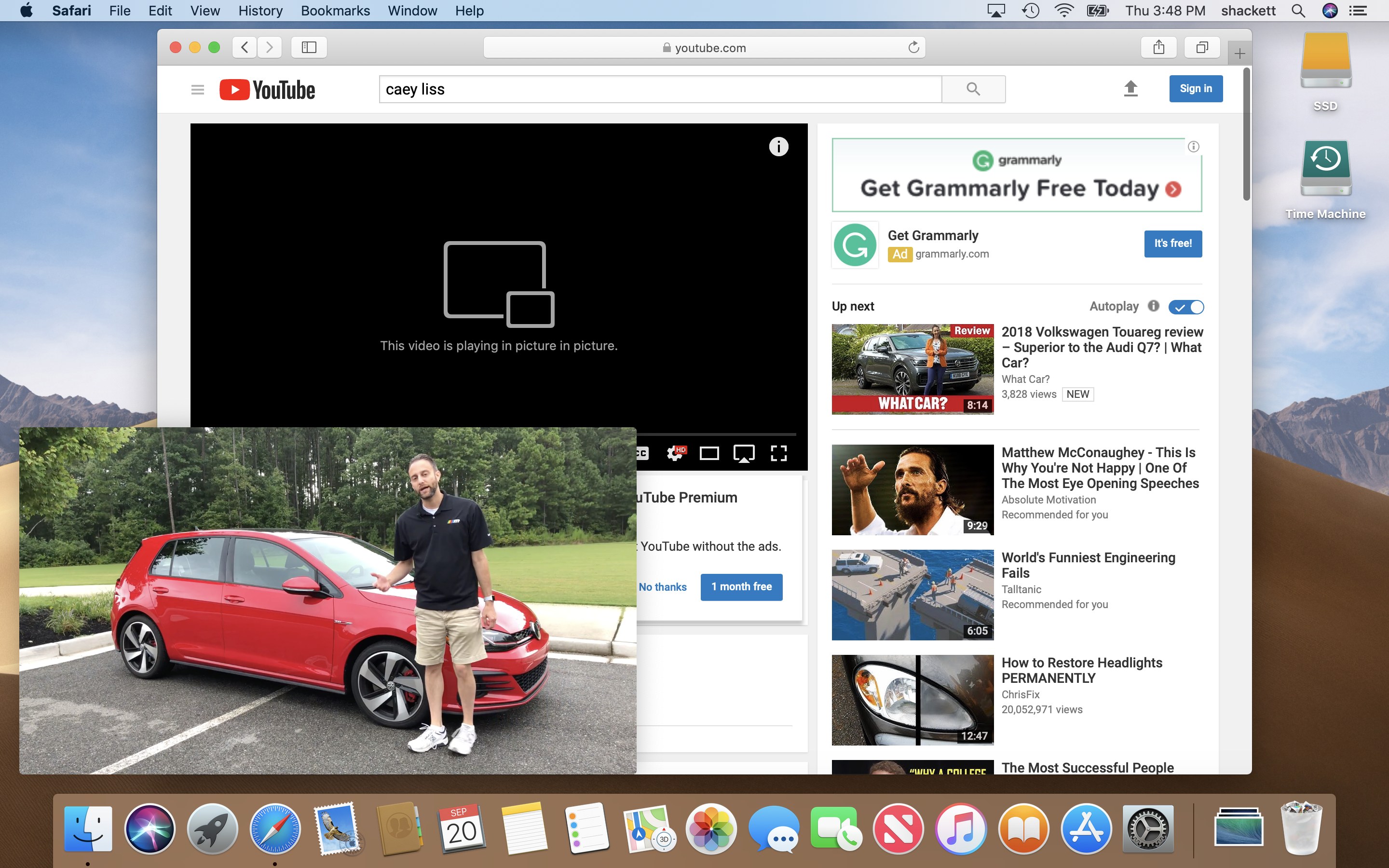
Safari 12: Picture in Picture
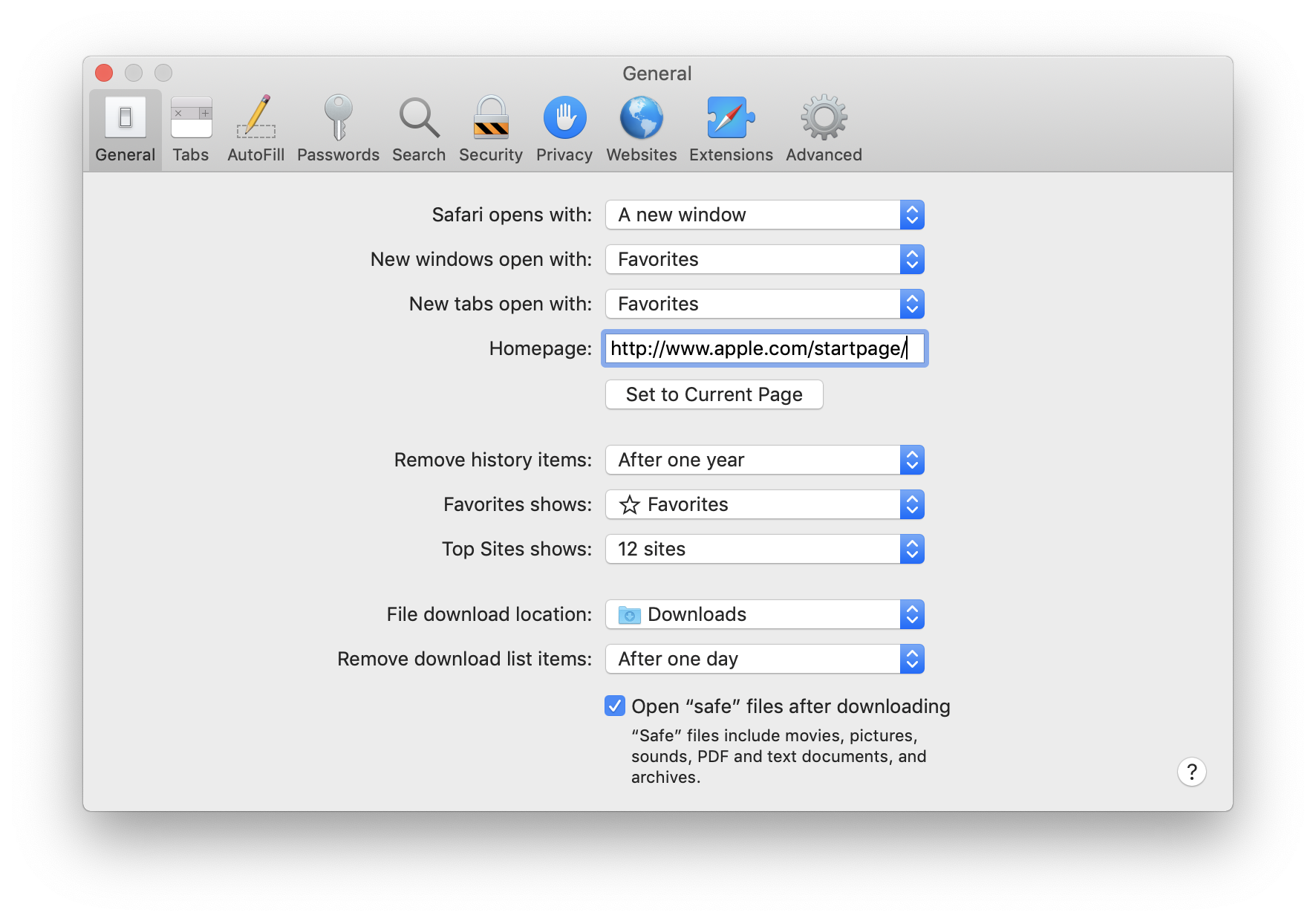
Safari 12: Preferences
Script Editor
Stickies
Stocks
Voice Memos
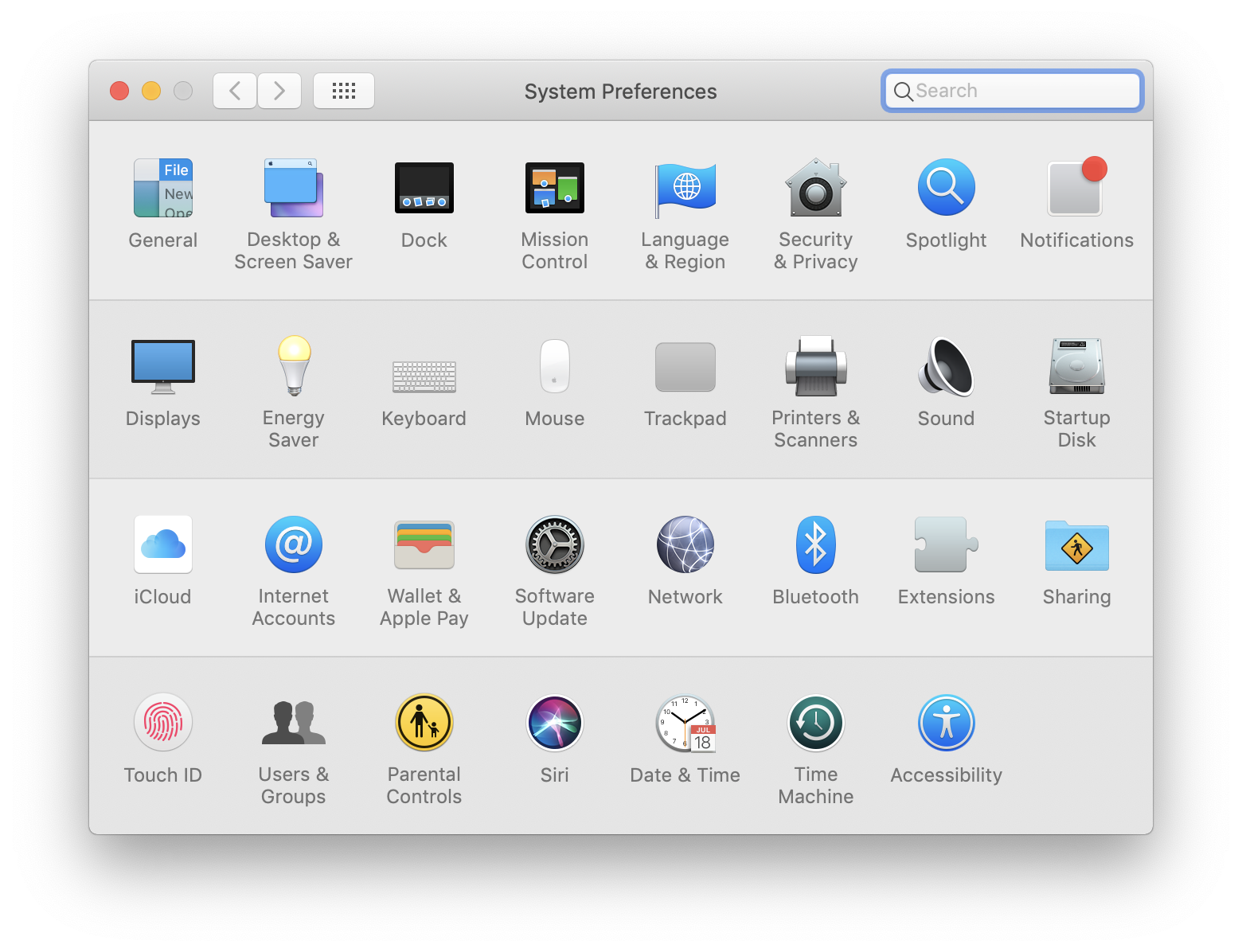
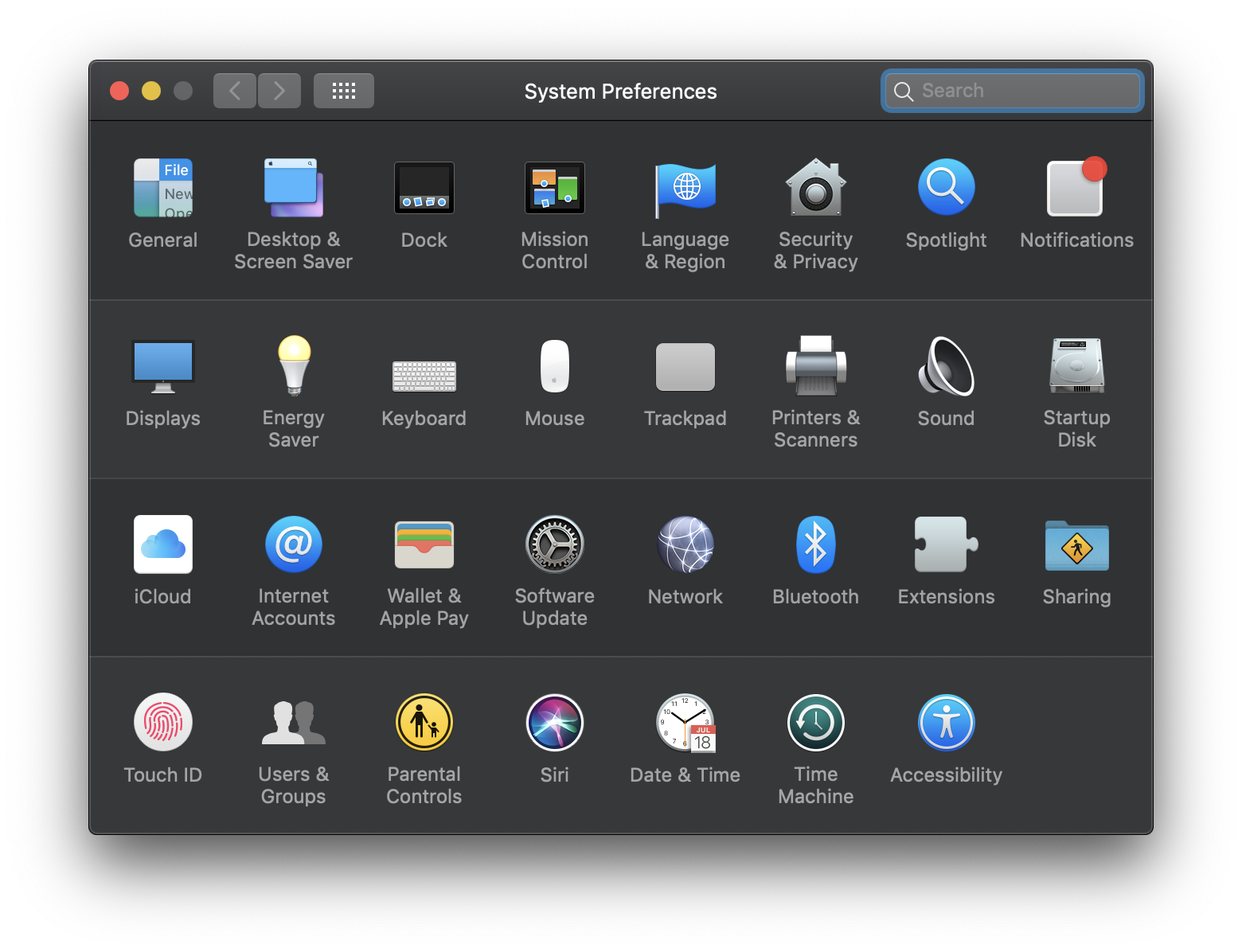
System Preferences
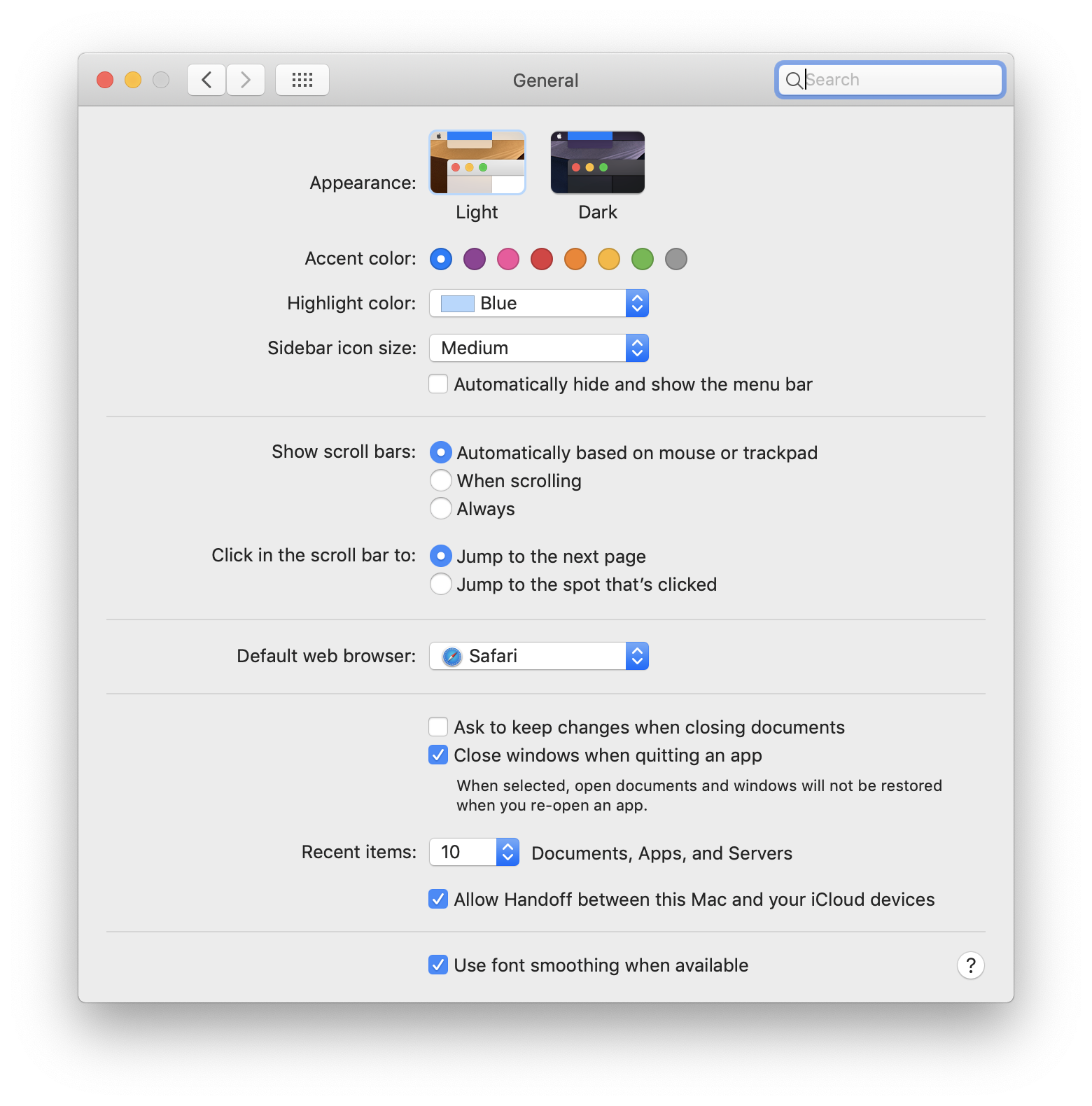
System Preferences: General
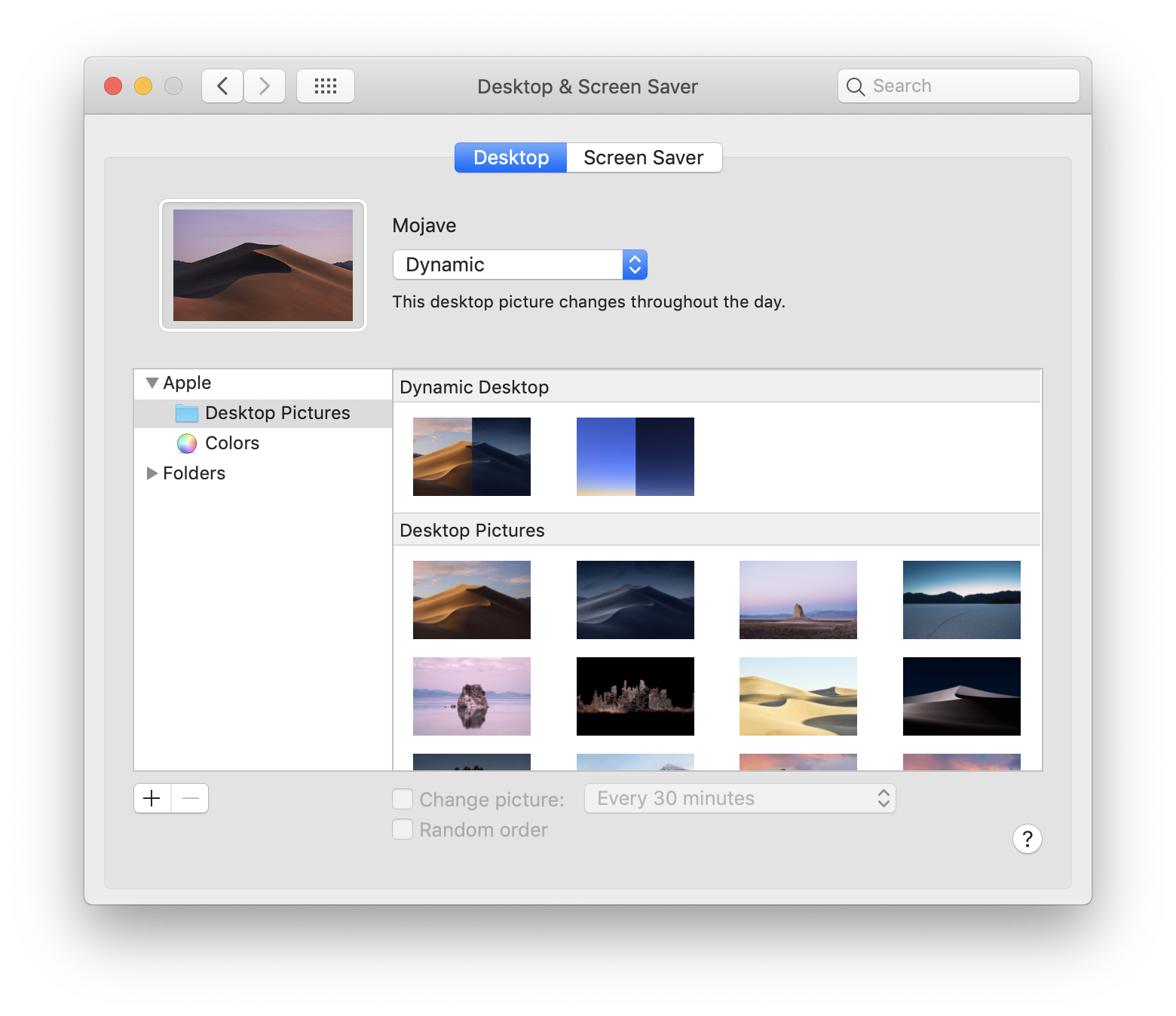
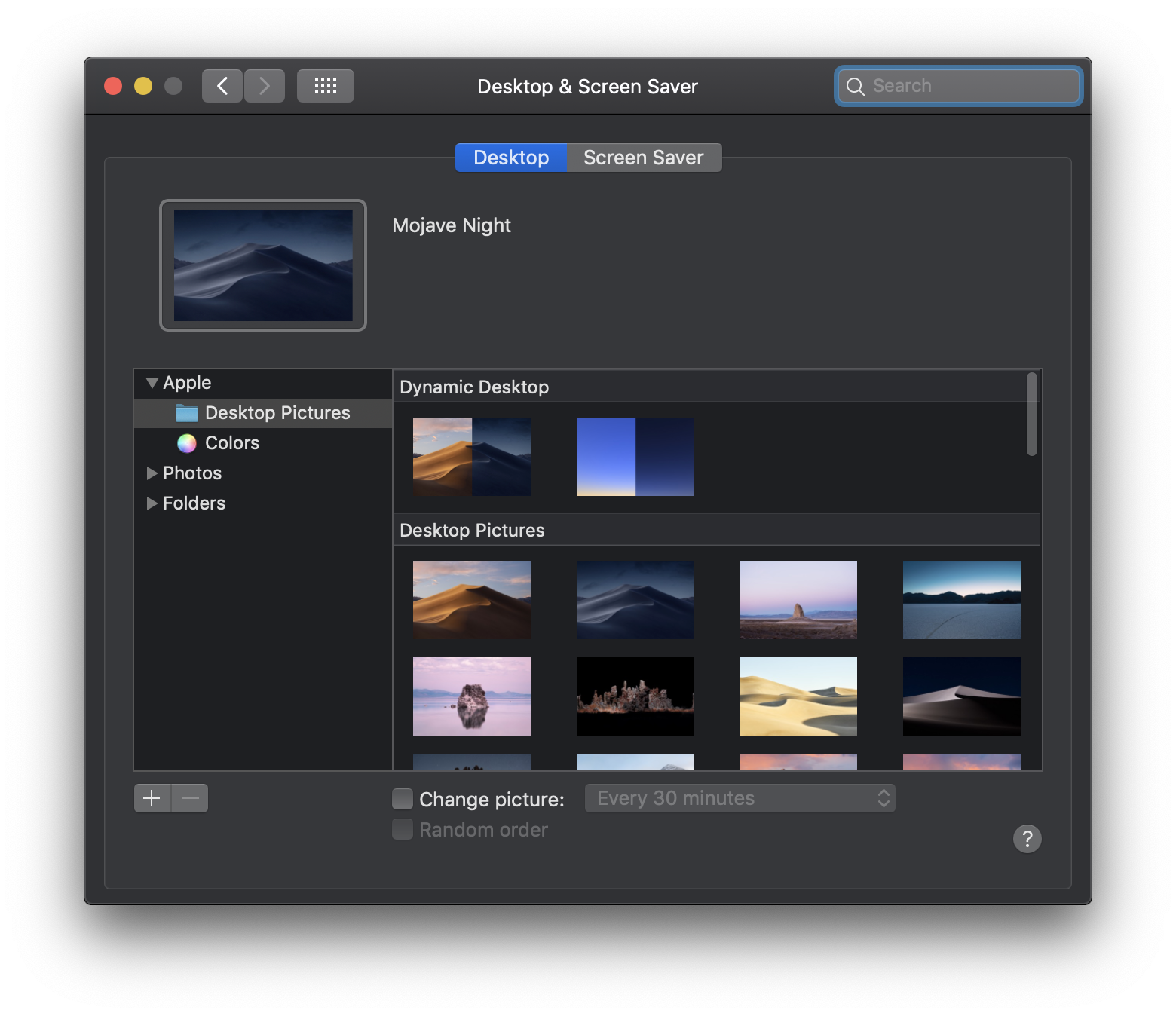
System Preferences: Desktop & Screen Saver
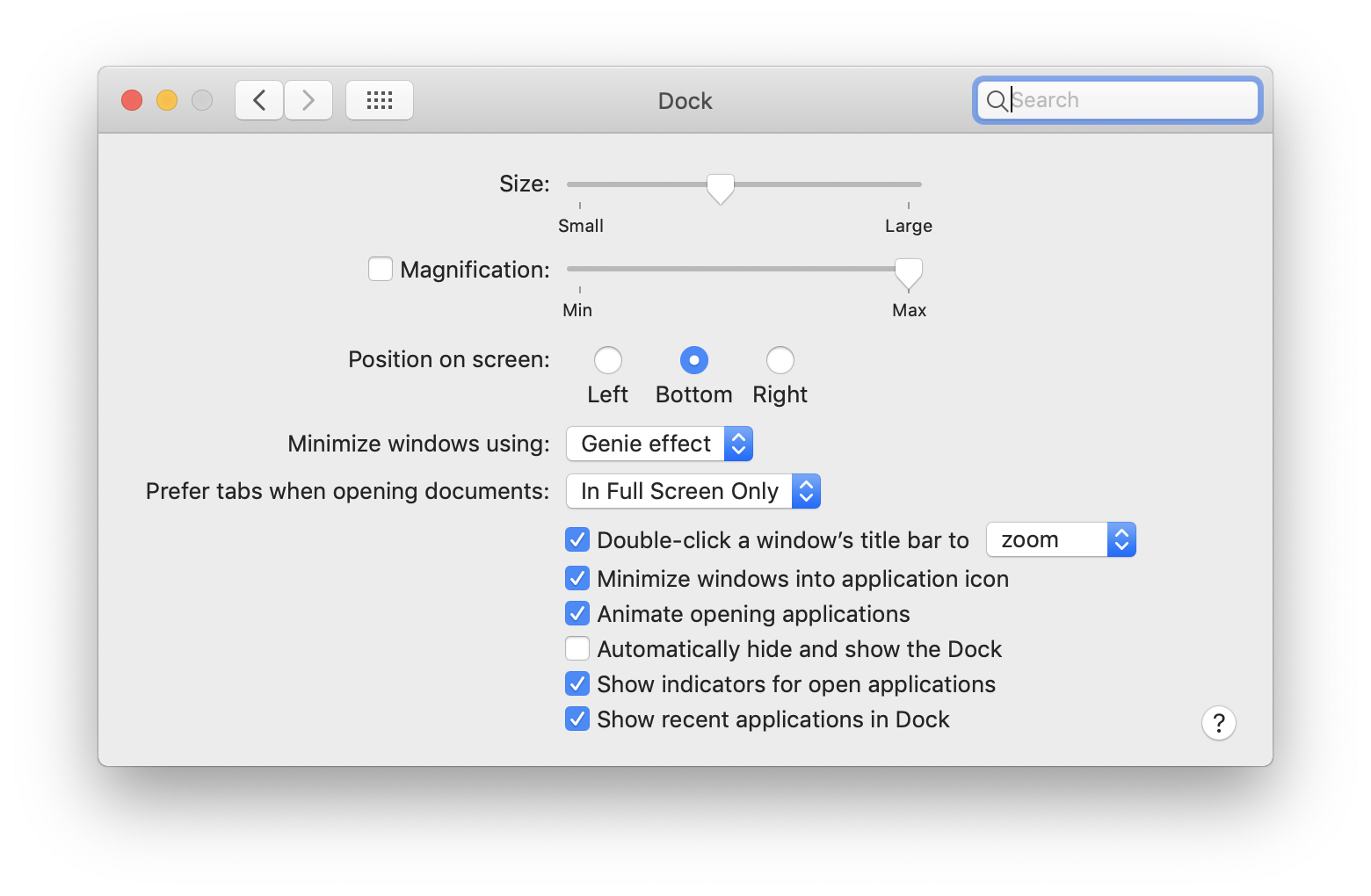
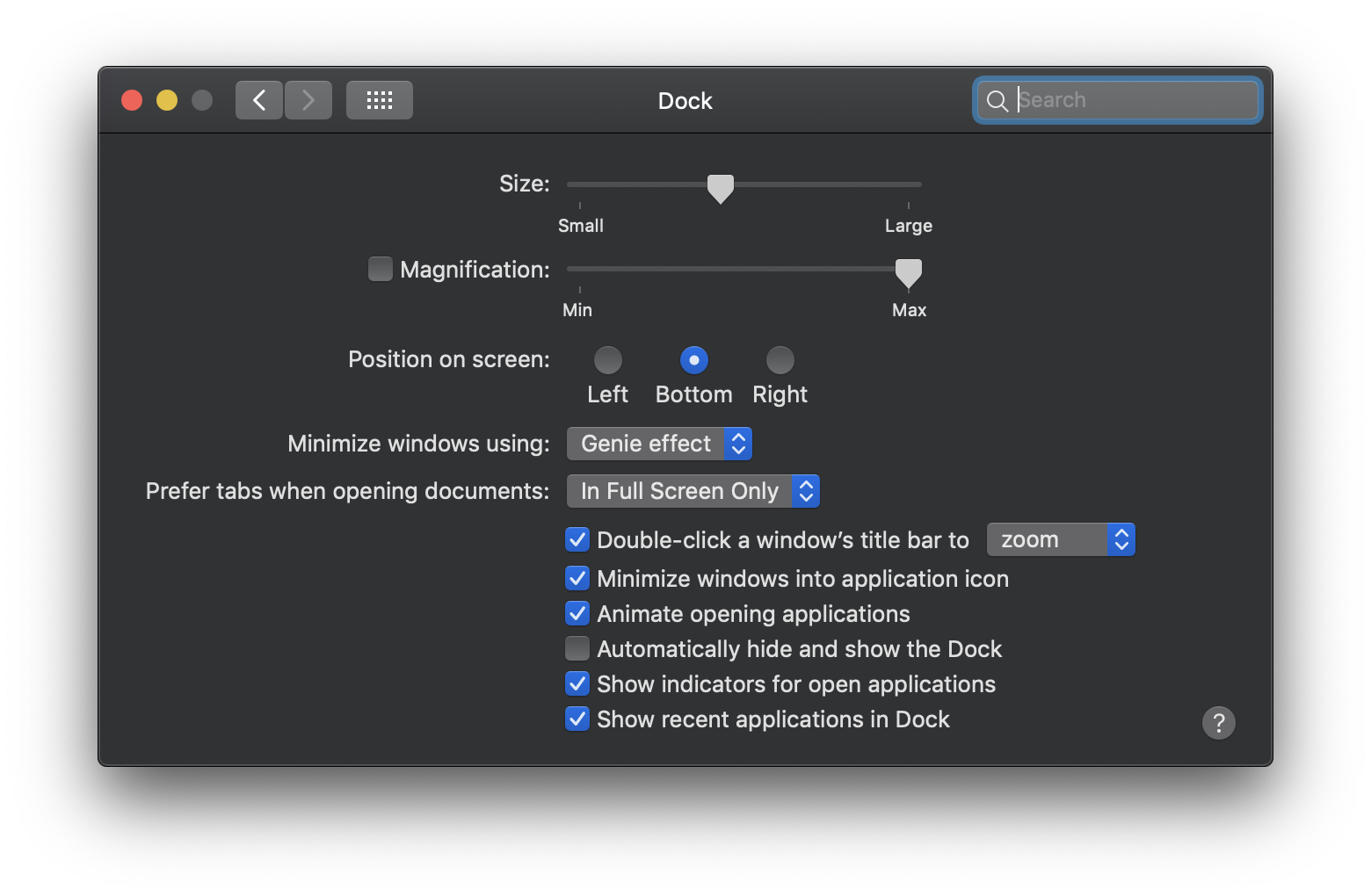
System Preferences: Dock
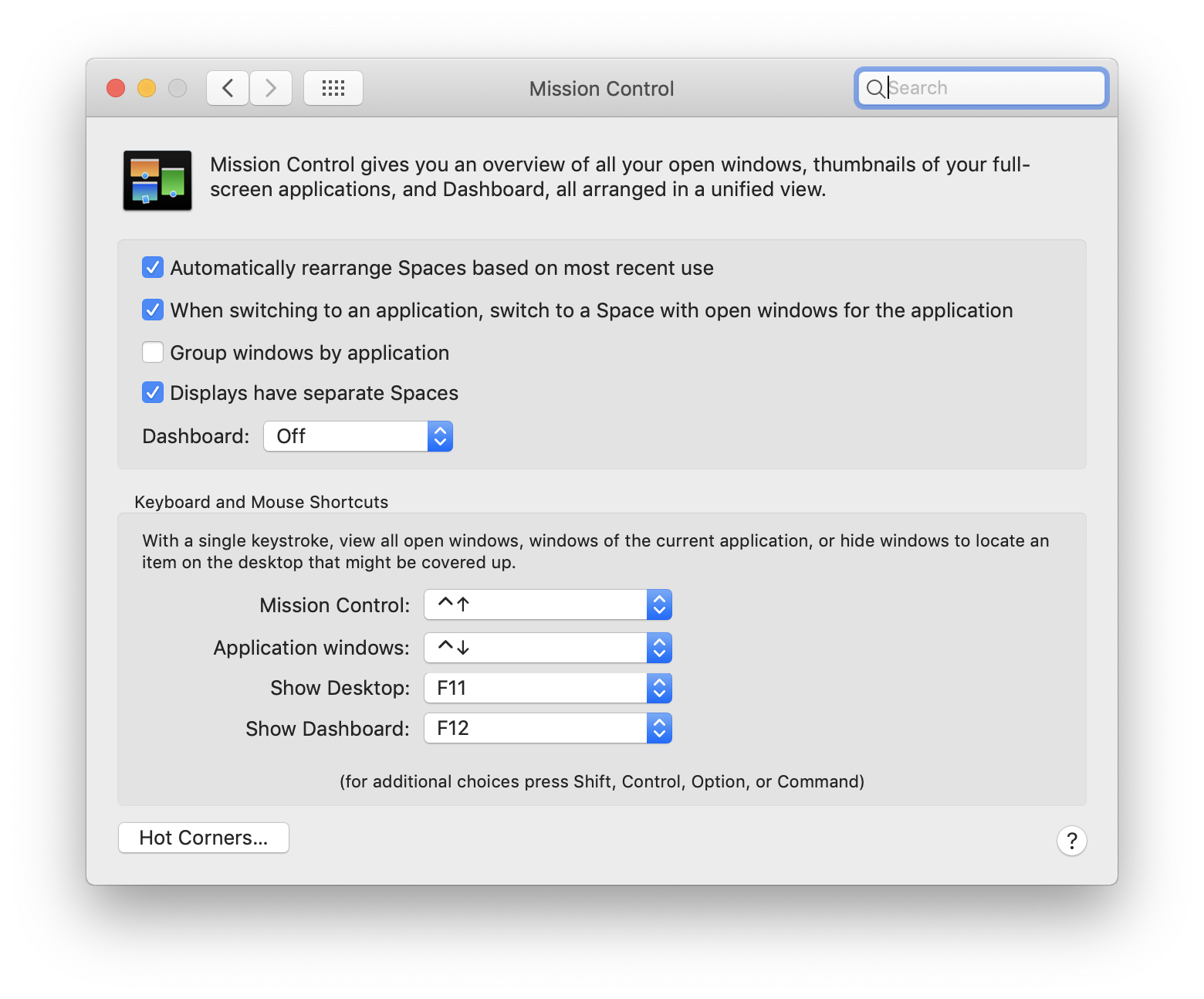
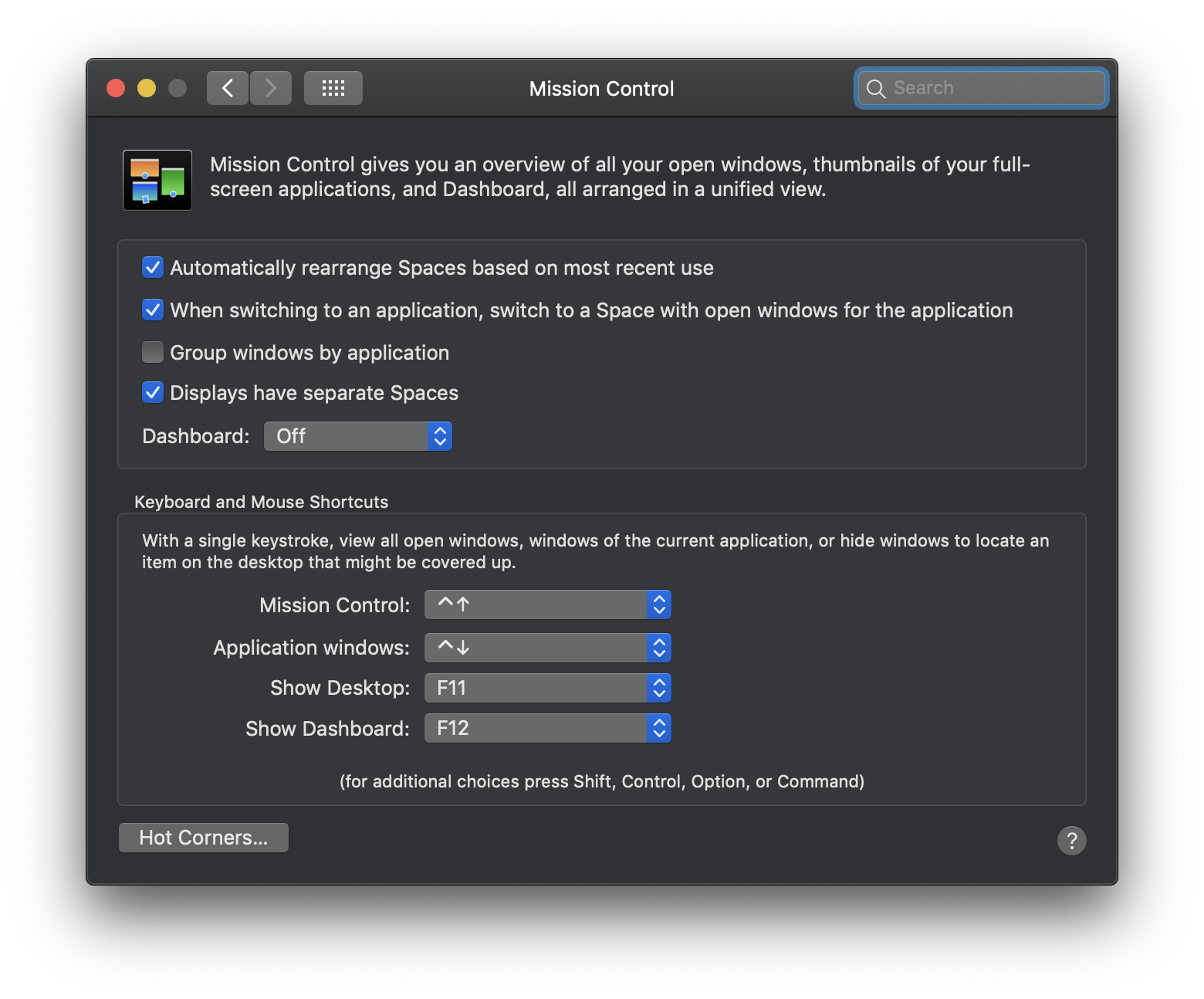
System Preferences: Mission Control
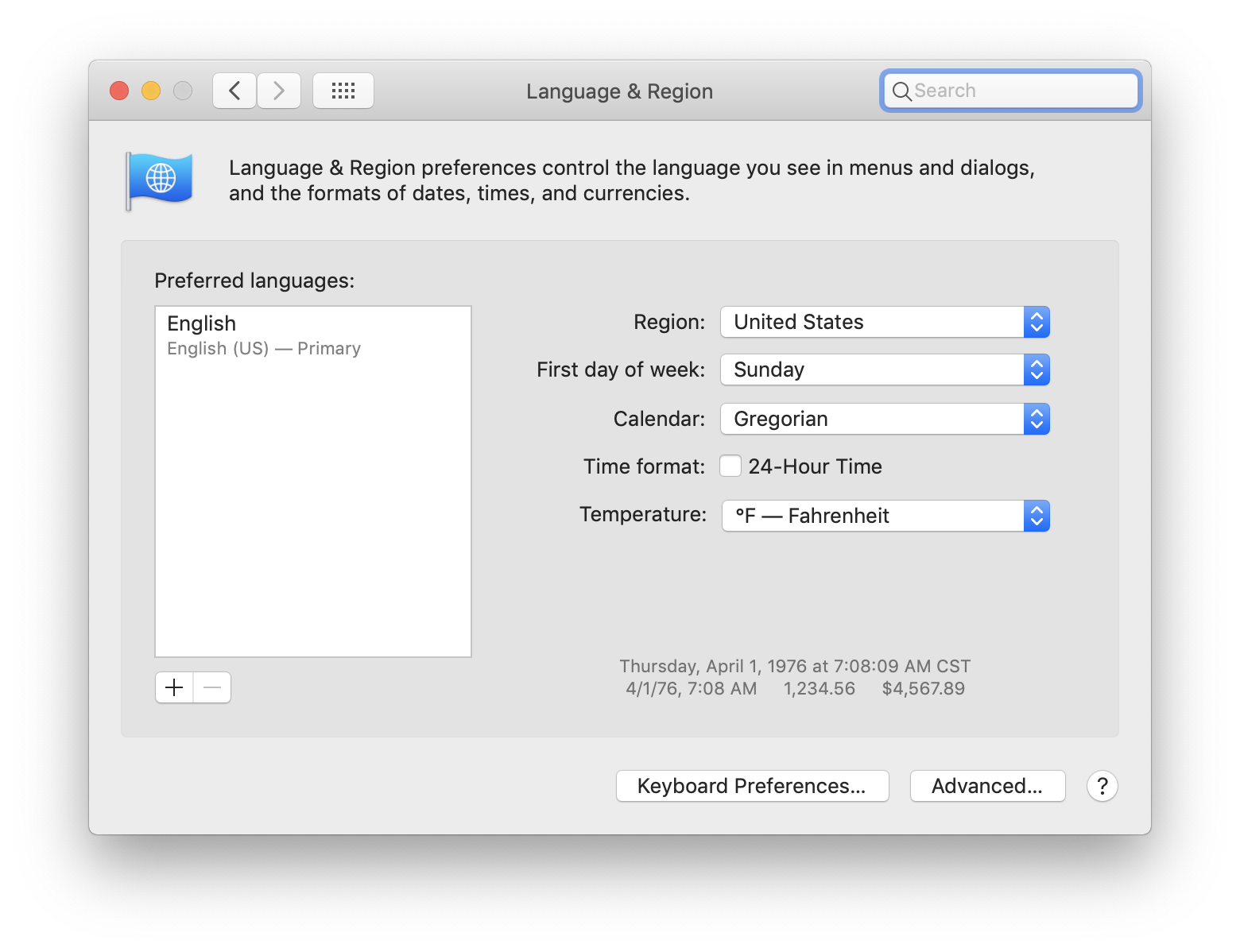
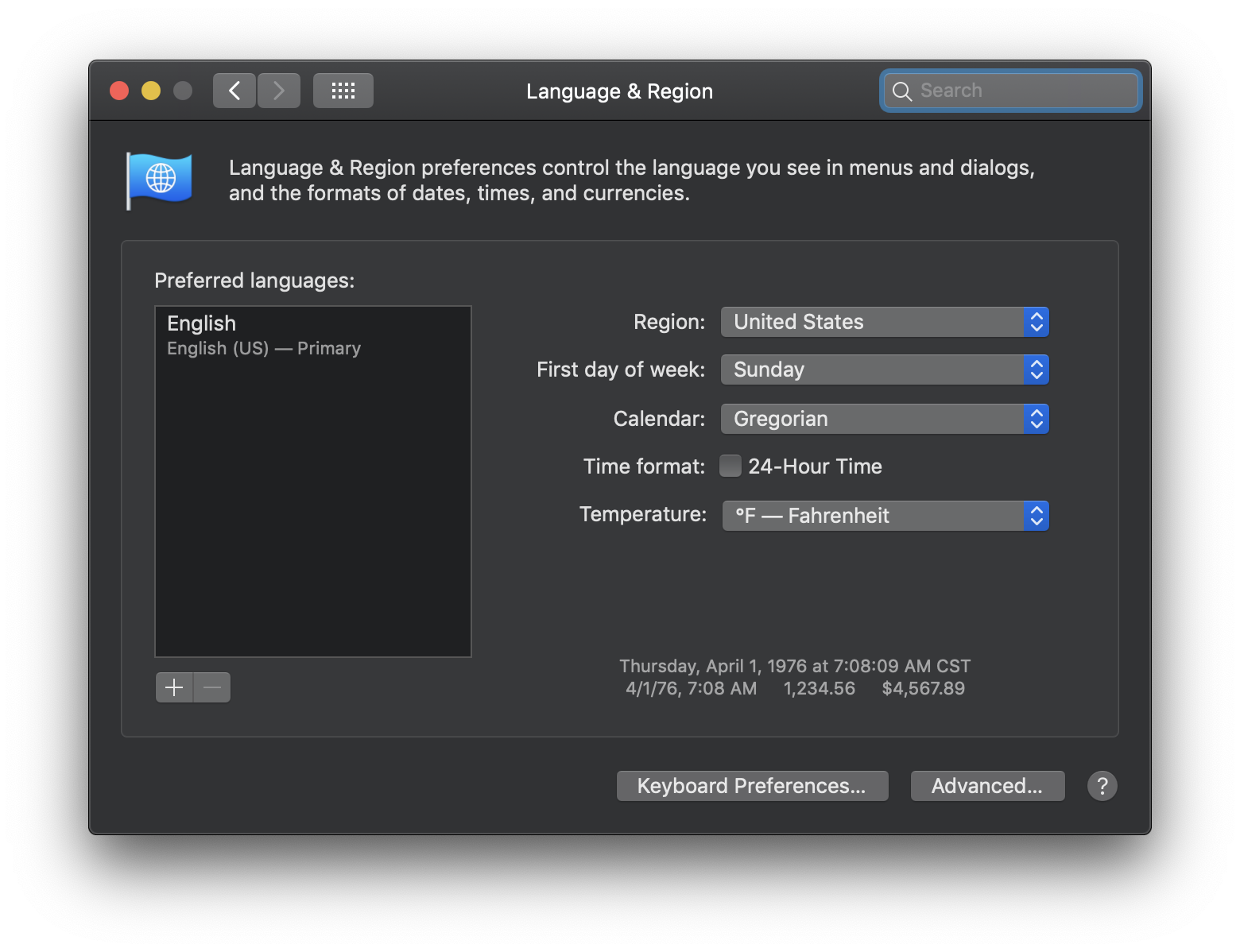
System Preferences: Language & Region
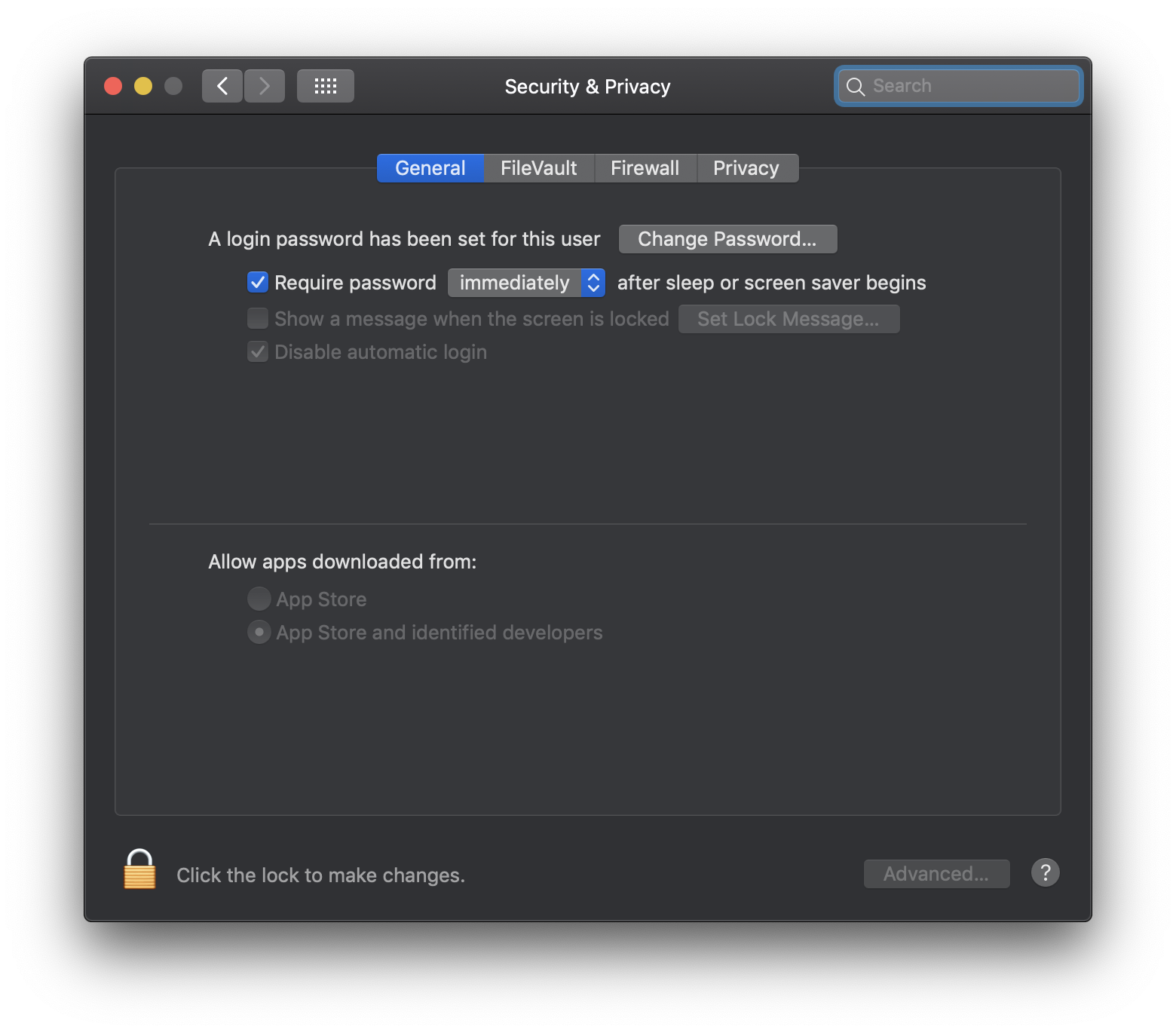
System Preferences: Security & Privacy
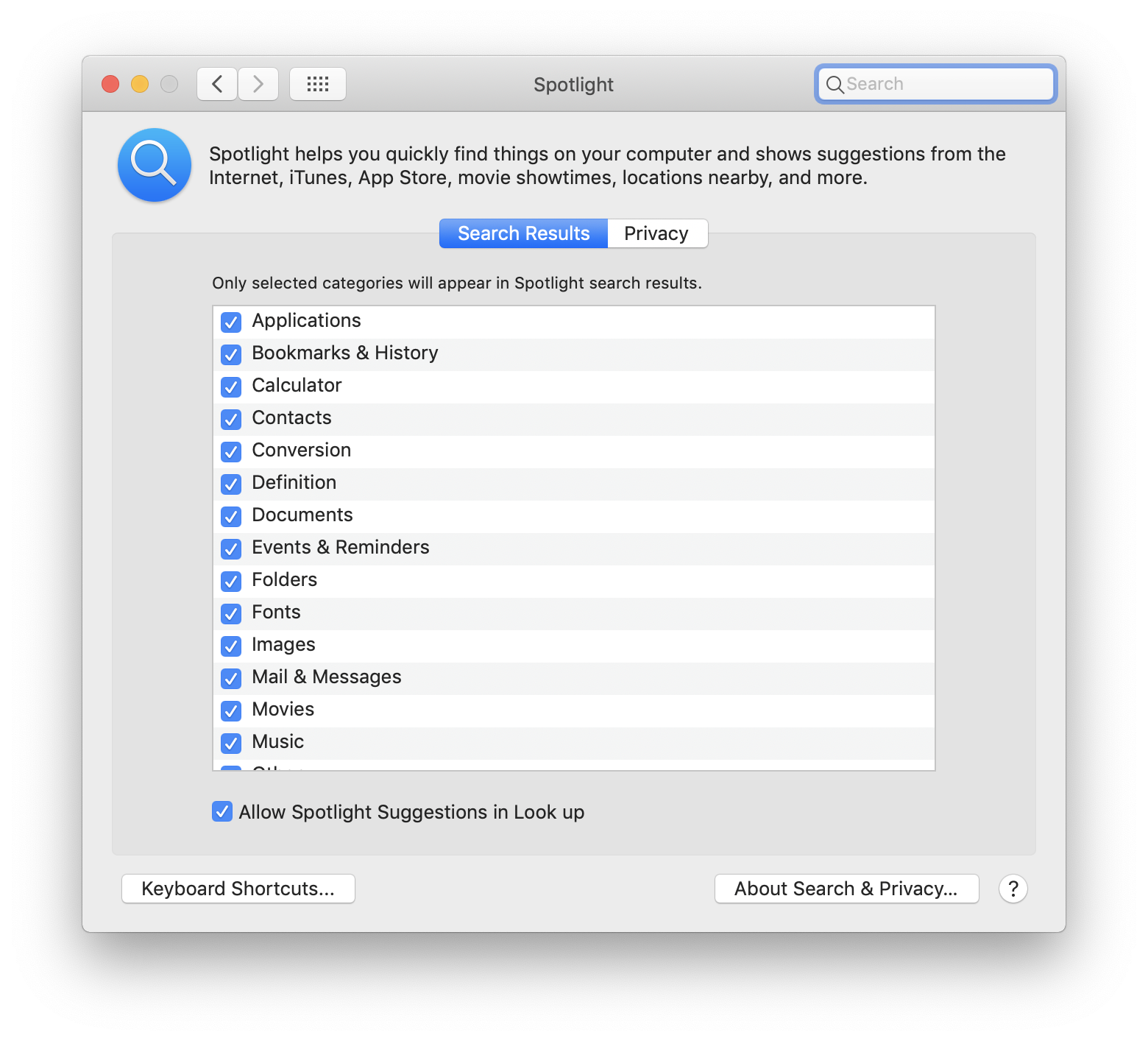
System Preferences: Spotlight
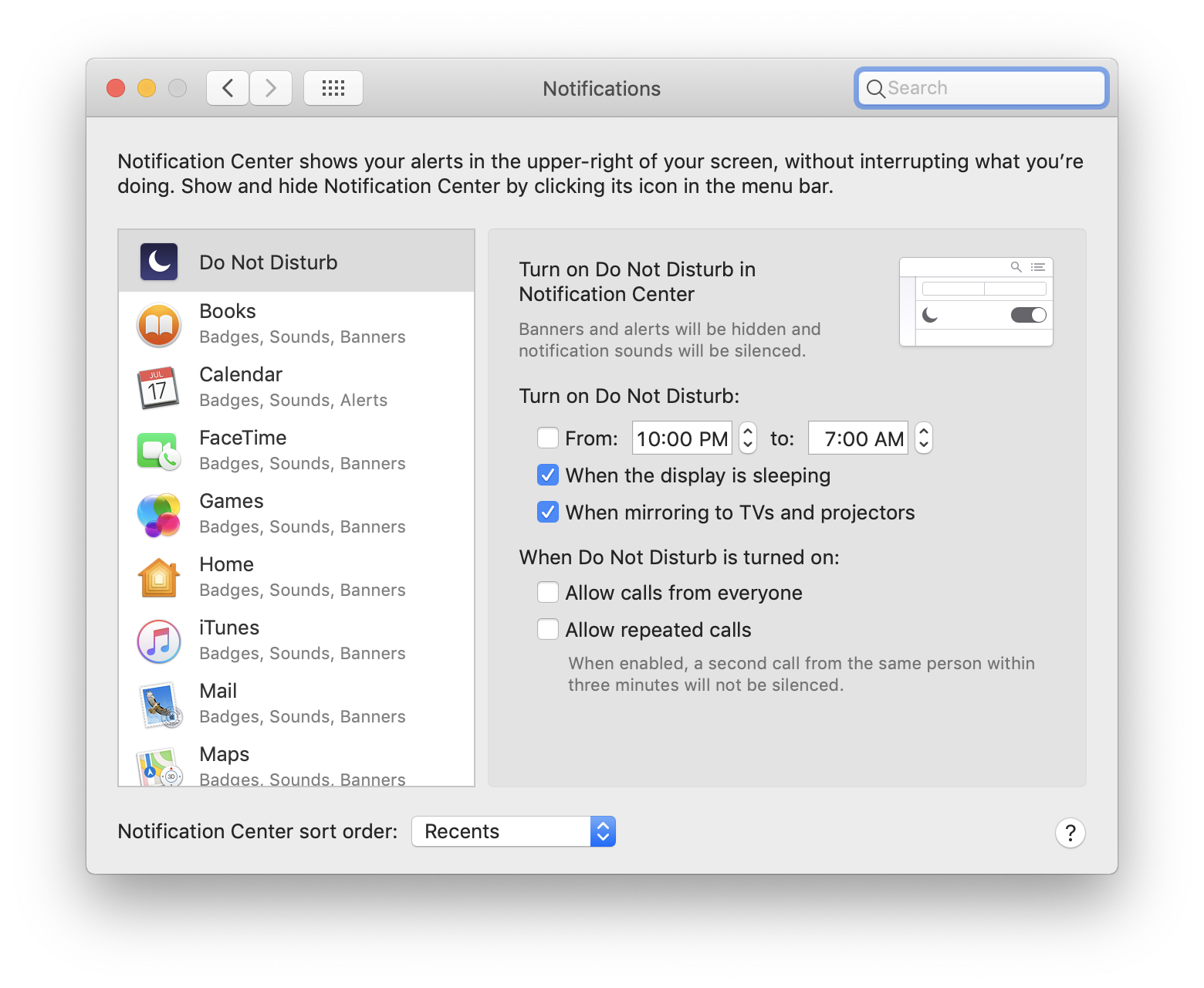
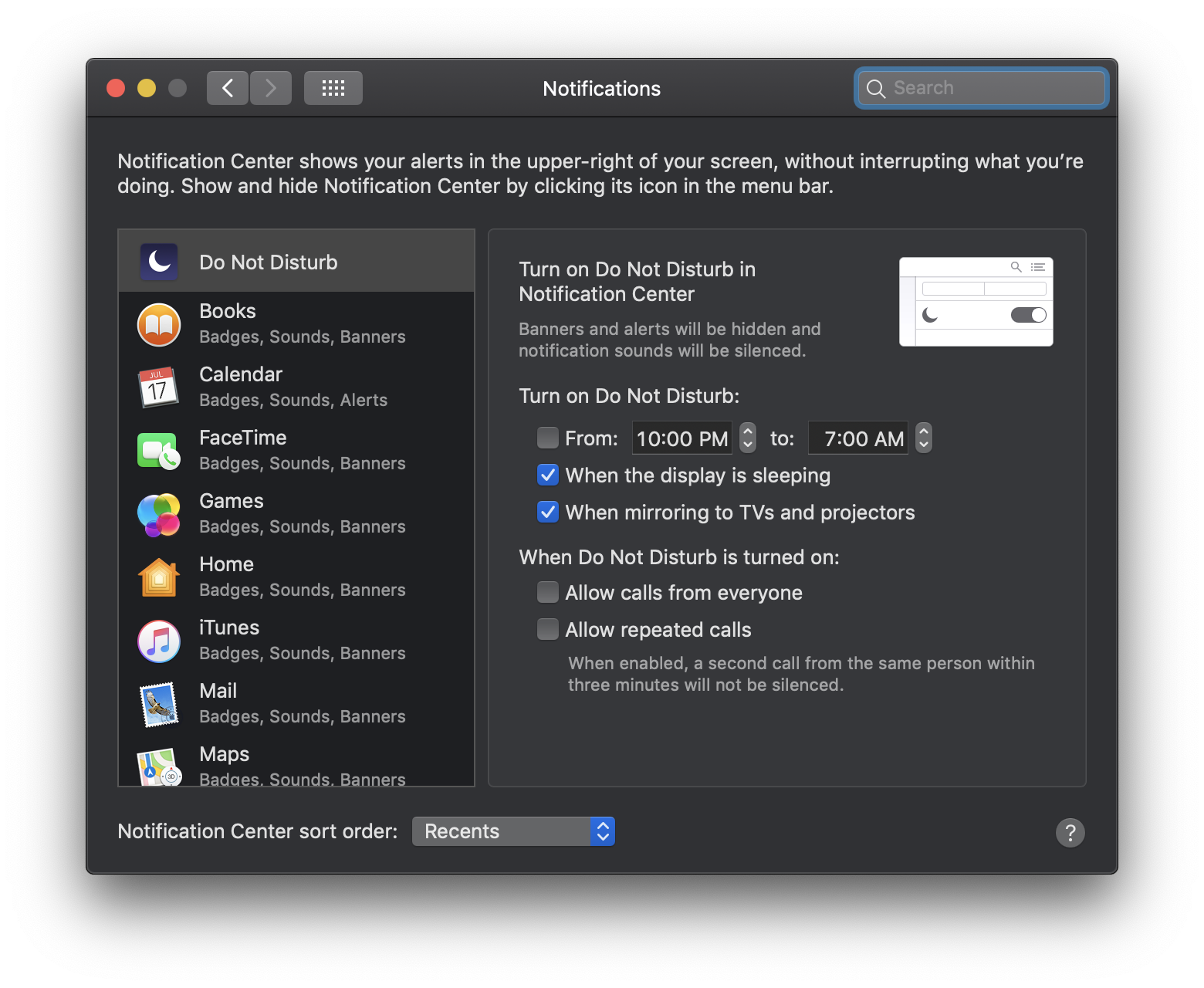
System Preferences: Notifications
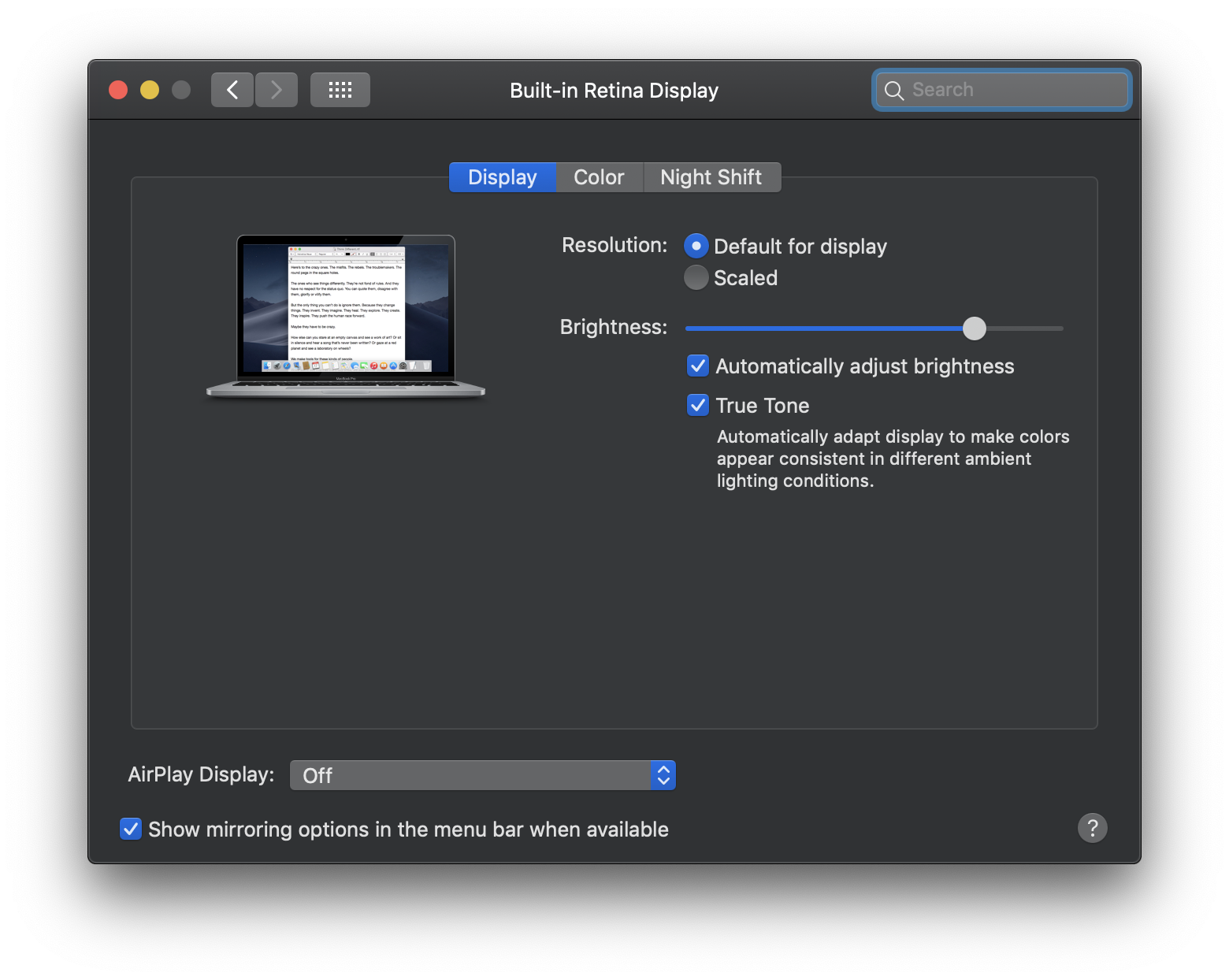
System Preferences: Displays
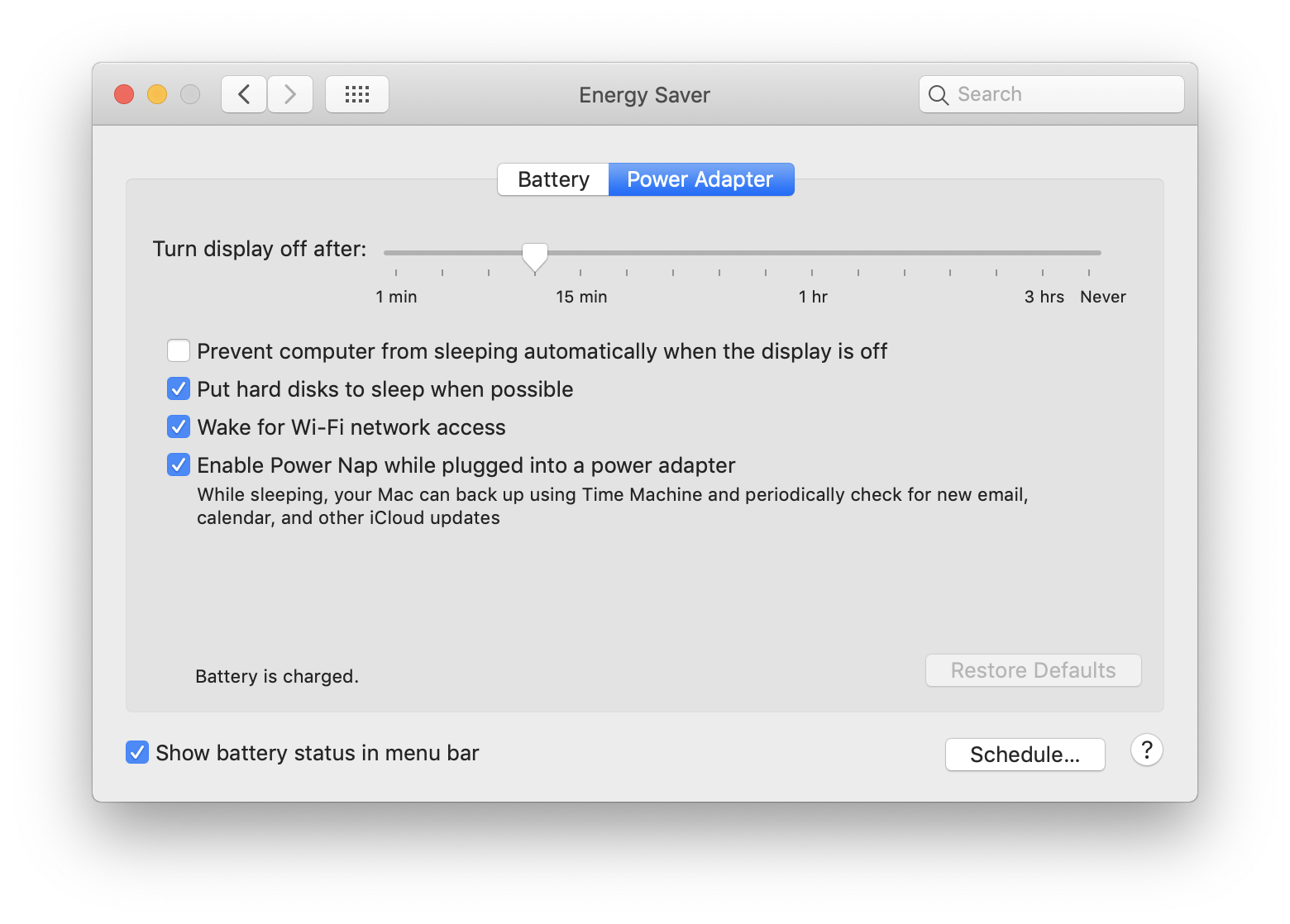
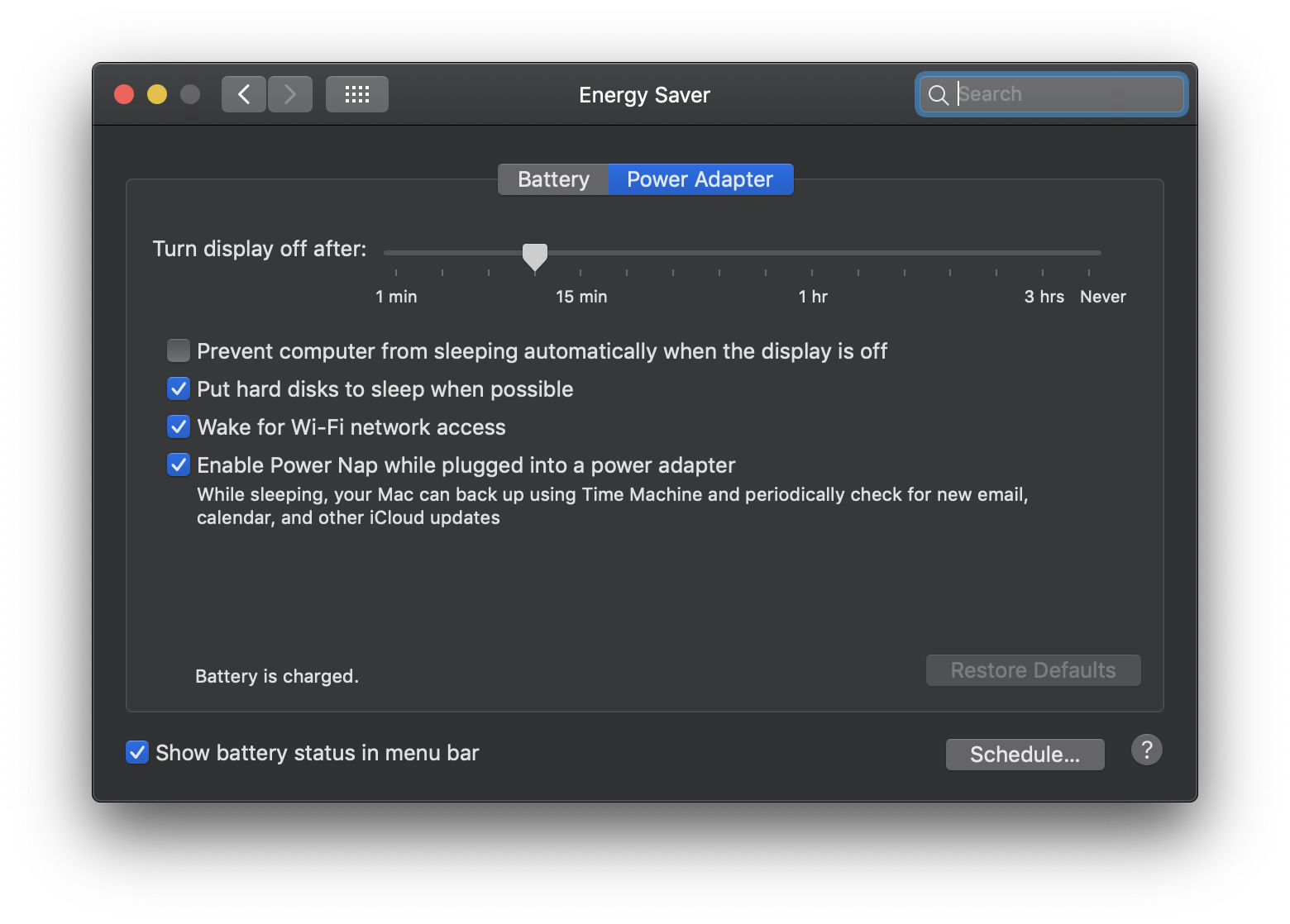
System Preferences: Energy Saver
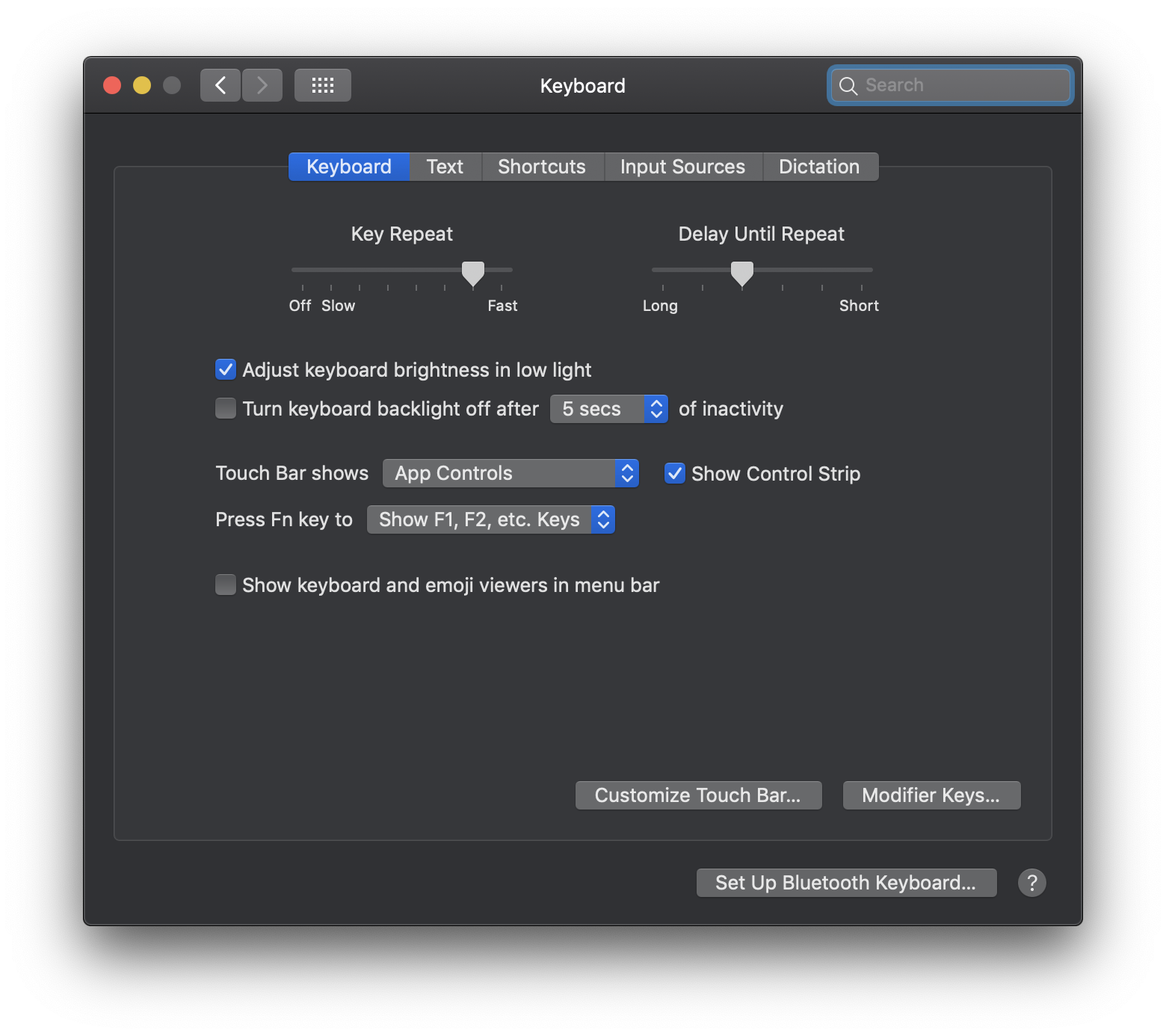
System Preferences: Keyboard
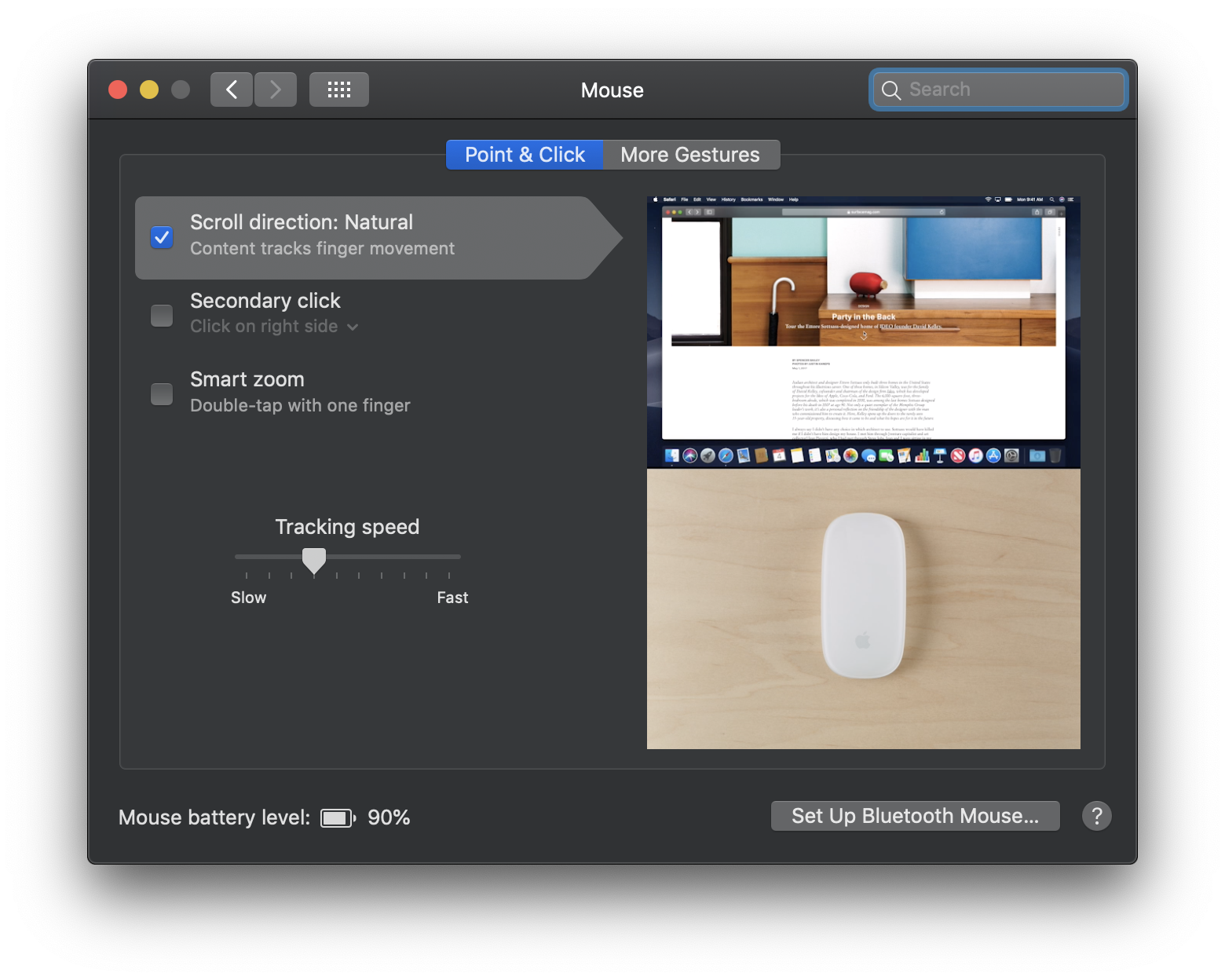
System Preferences: Mouse
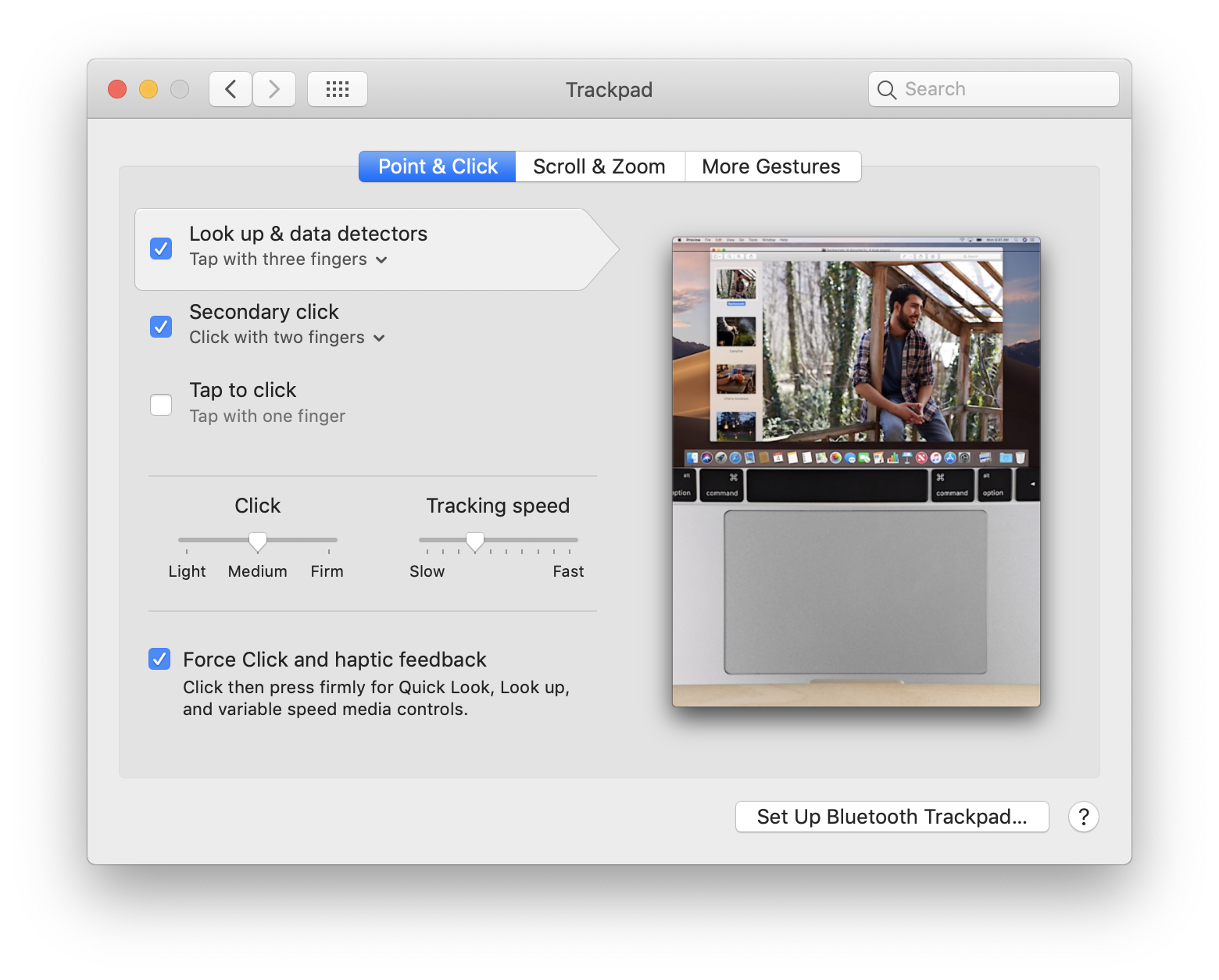
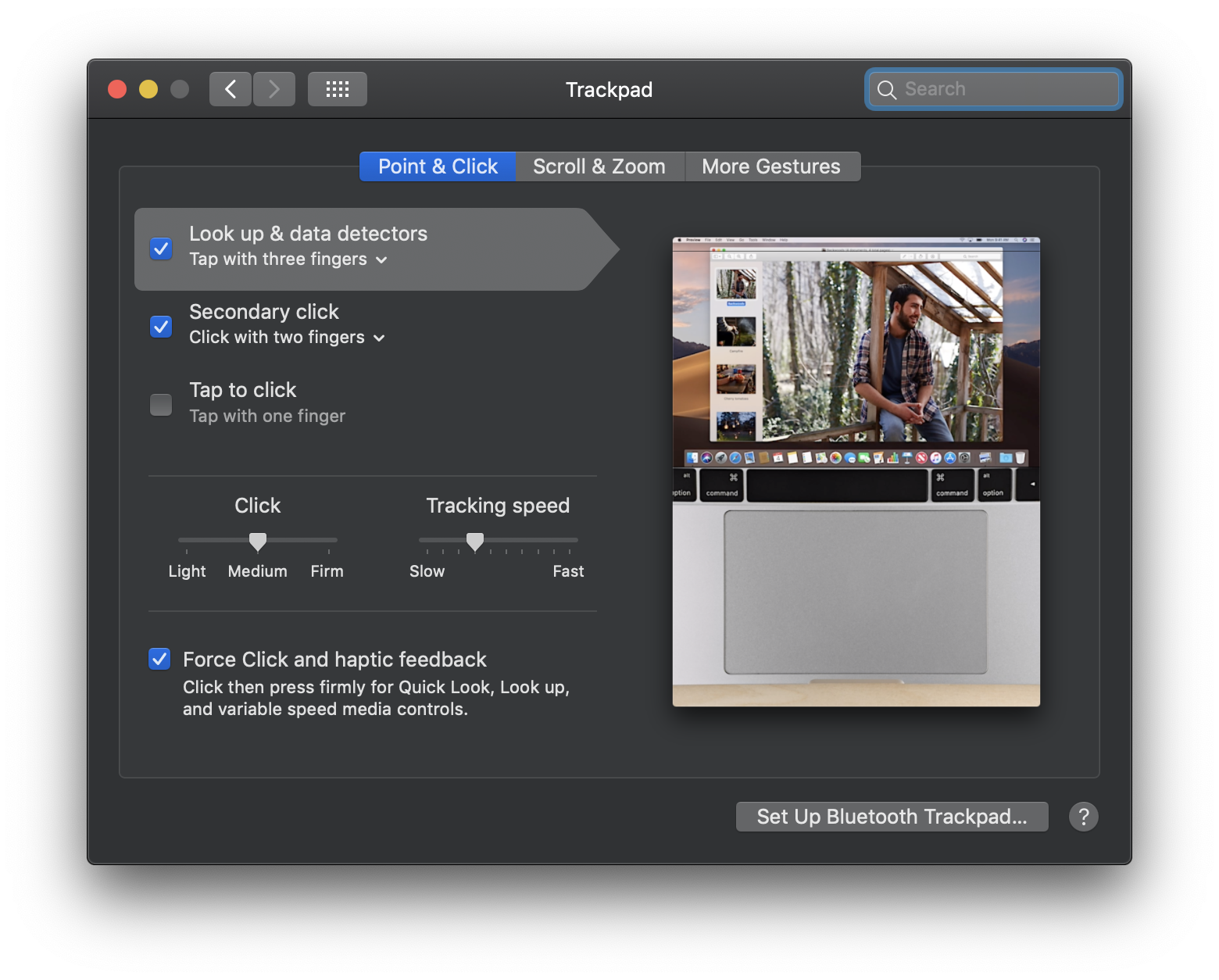
System Preferences: Trackpad
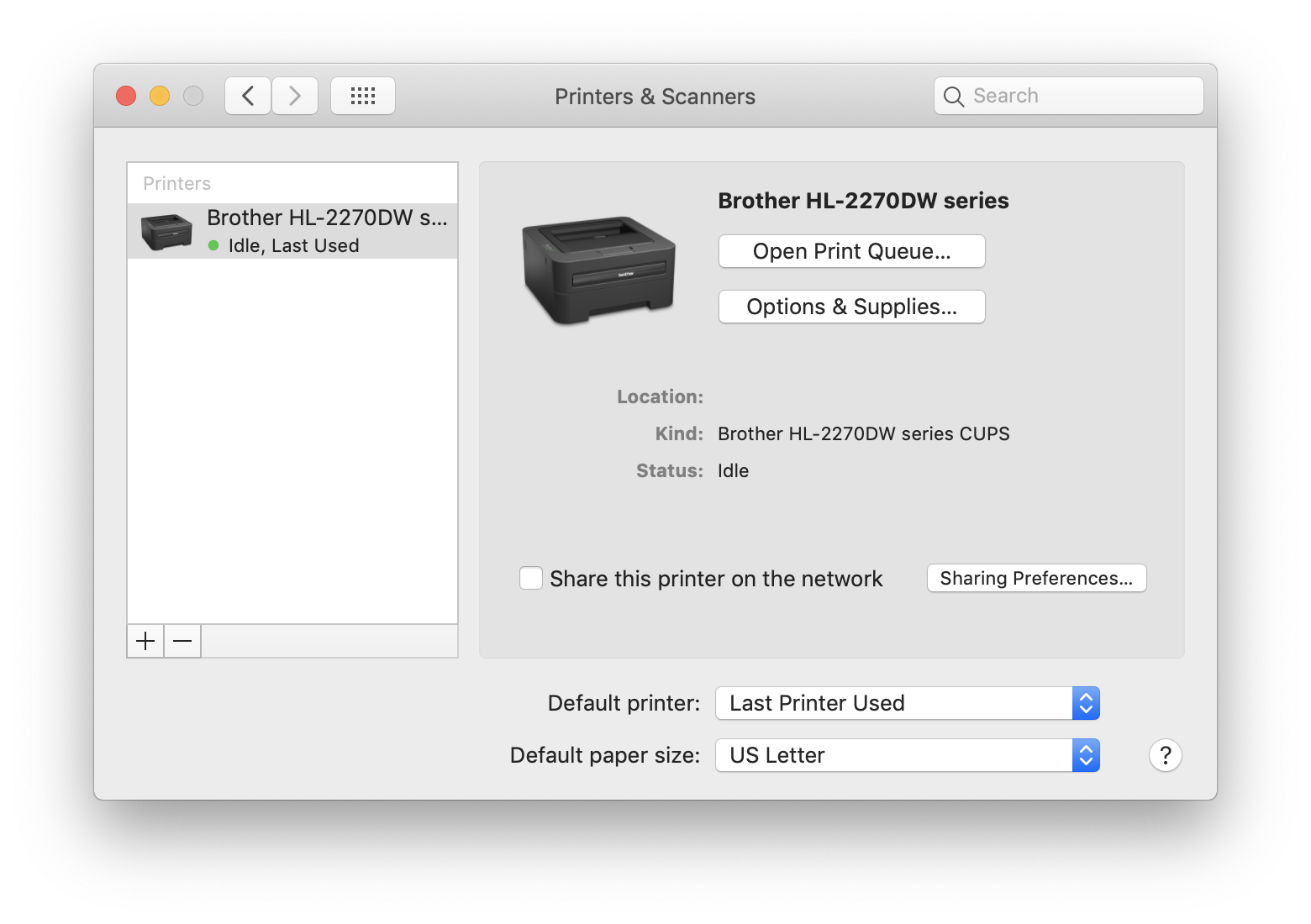
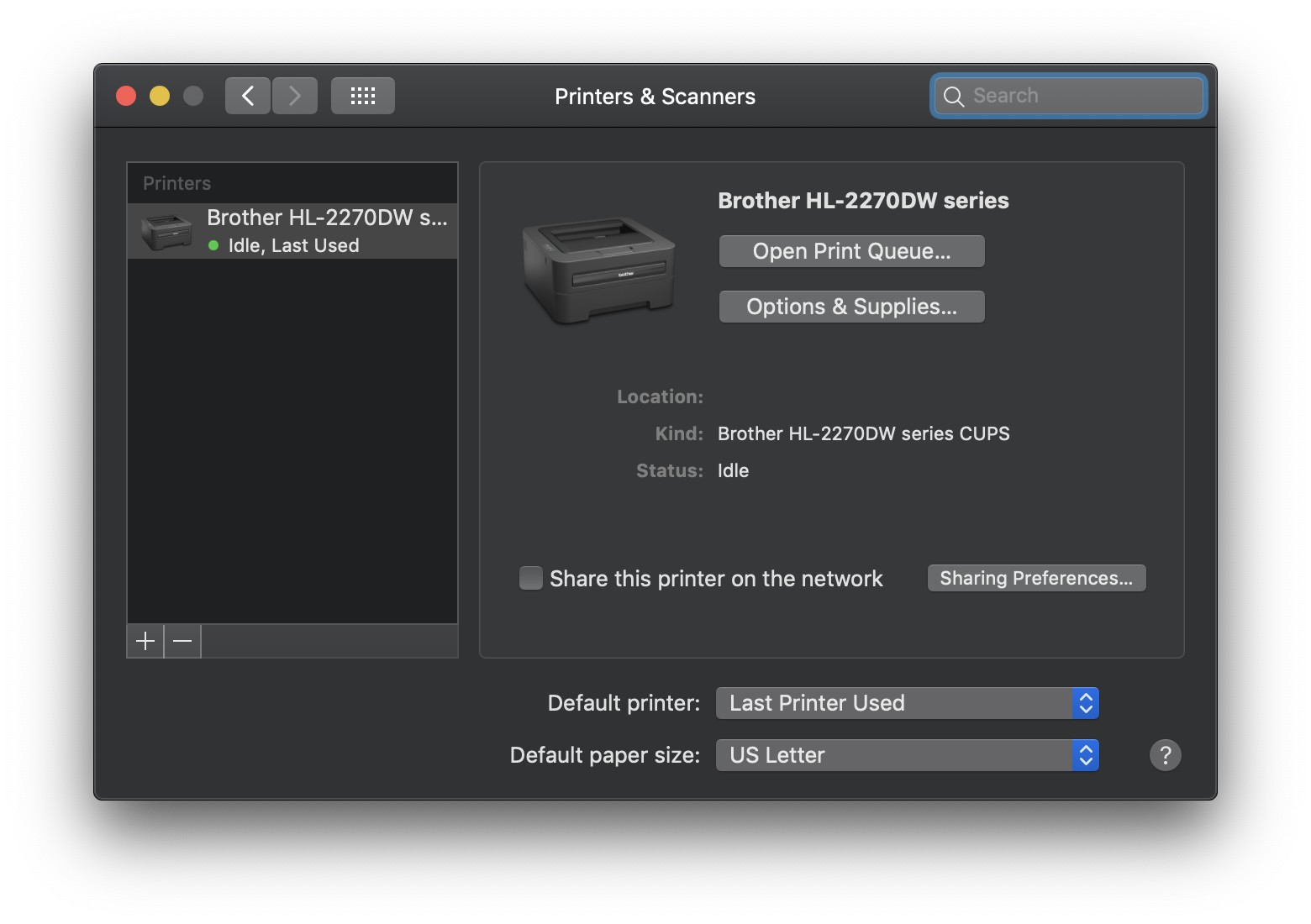
System Preferences: Printers & Scanners
System Preferences: Sound
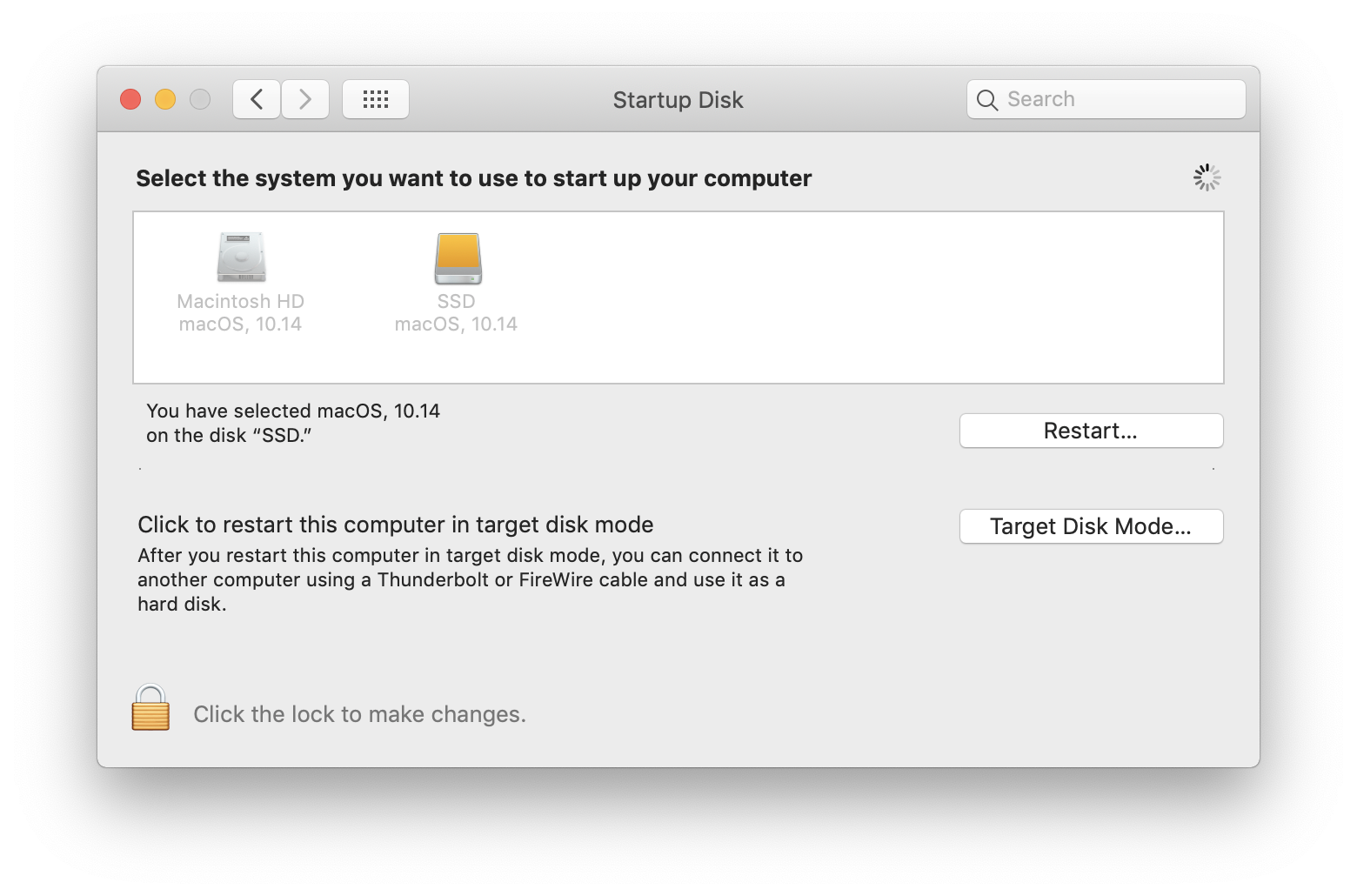
System Preferences: Startup Disk
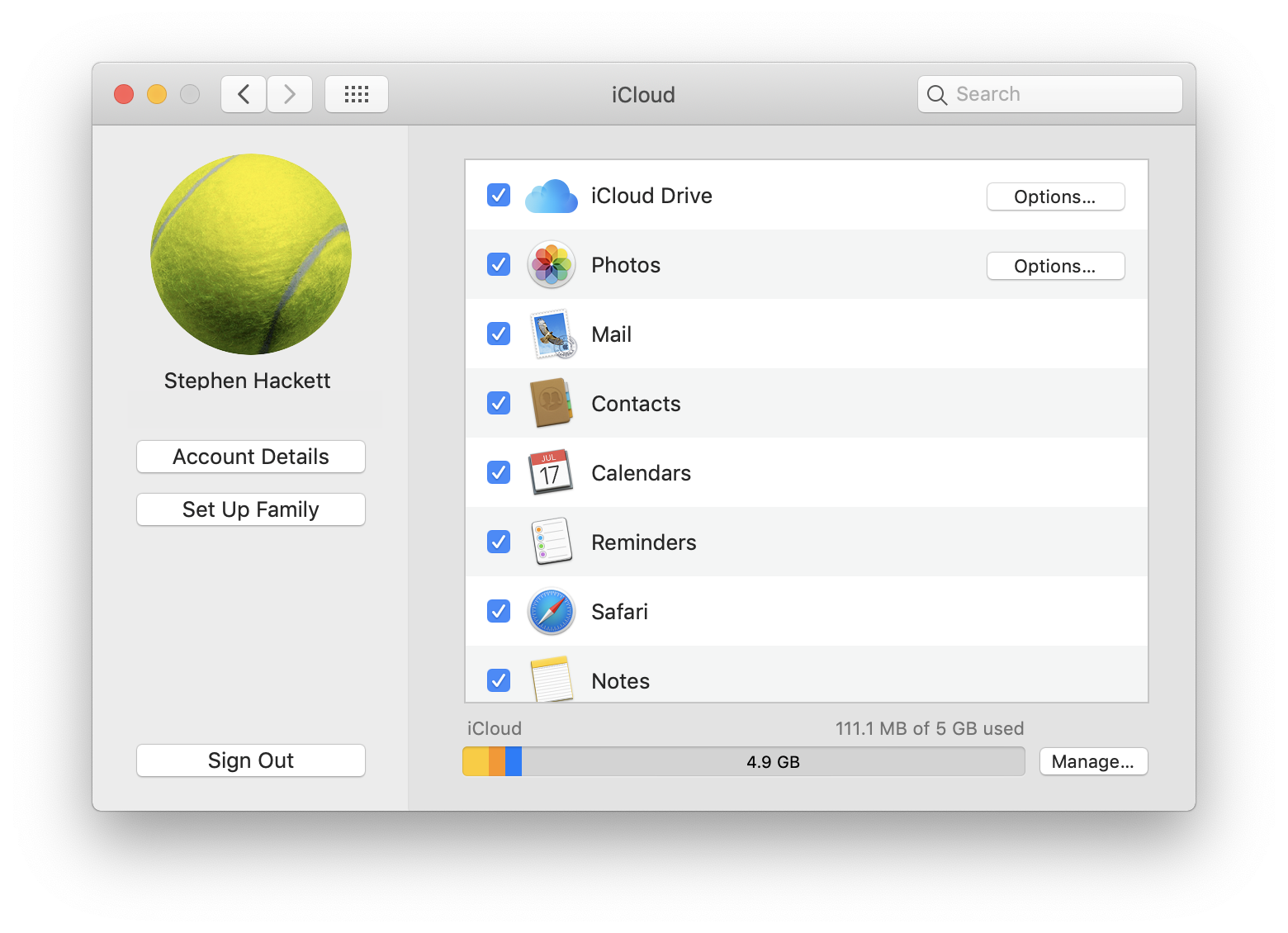
System Preferences: iCloud
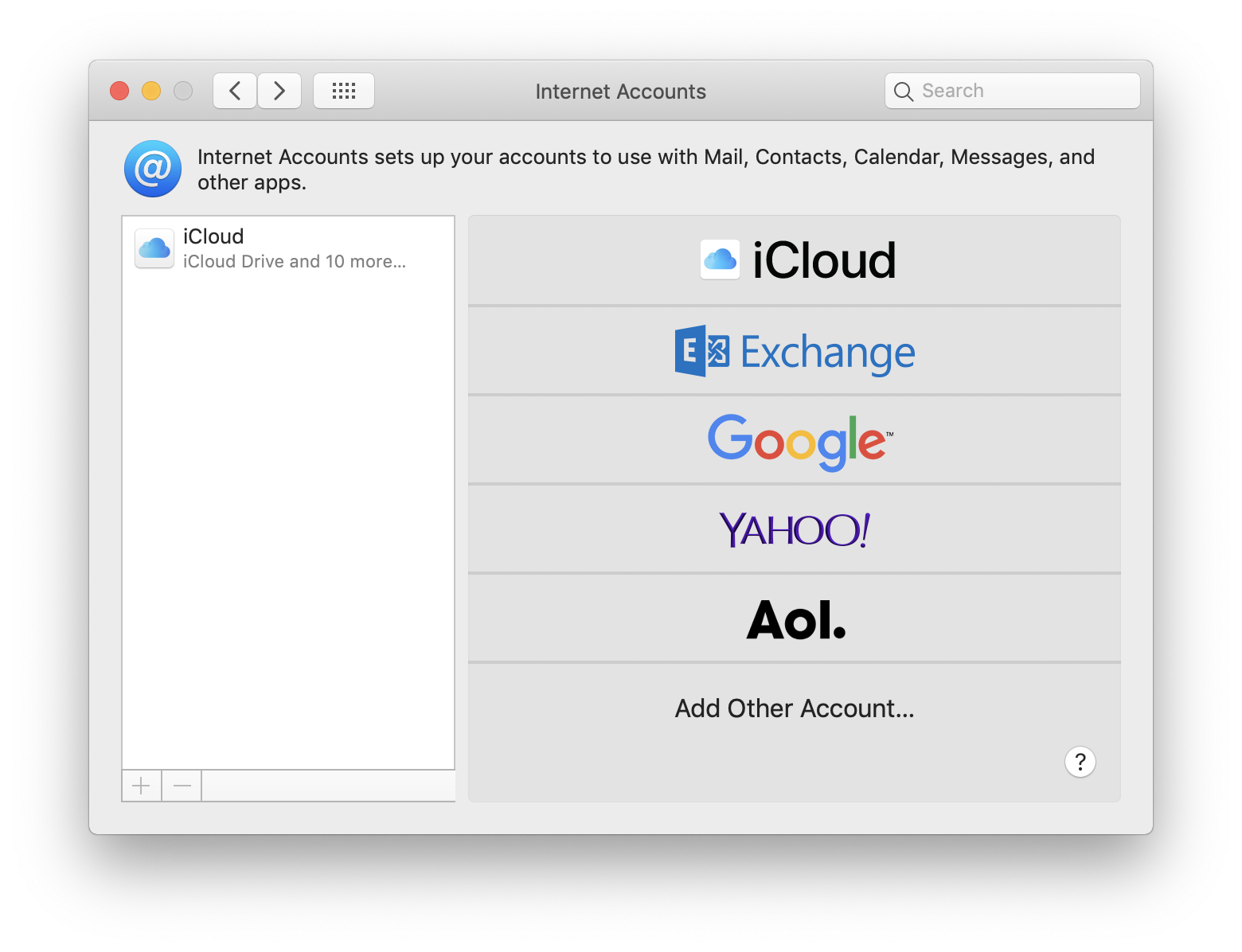
System Preferences: Internet Accounts
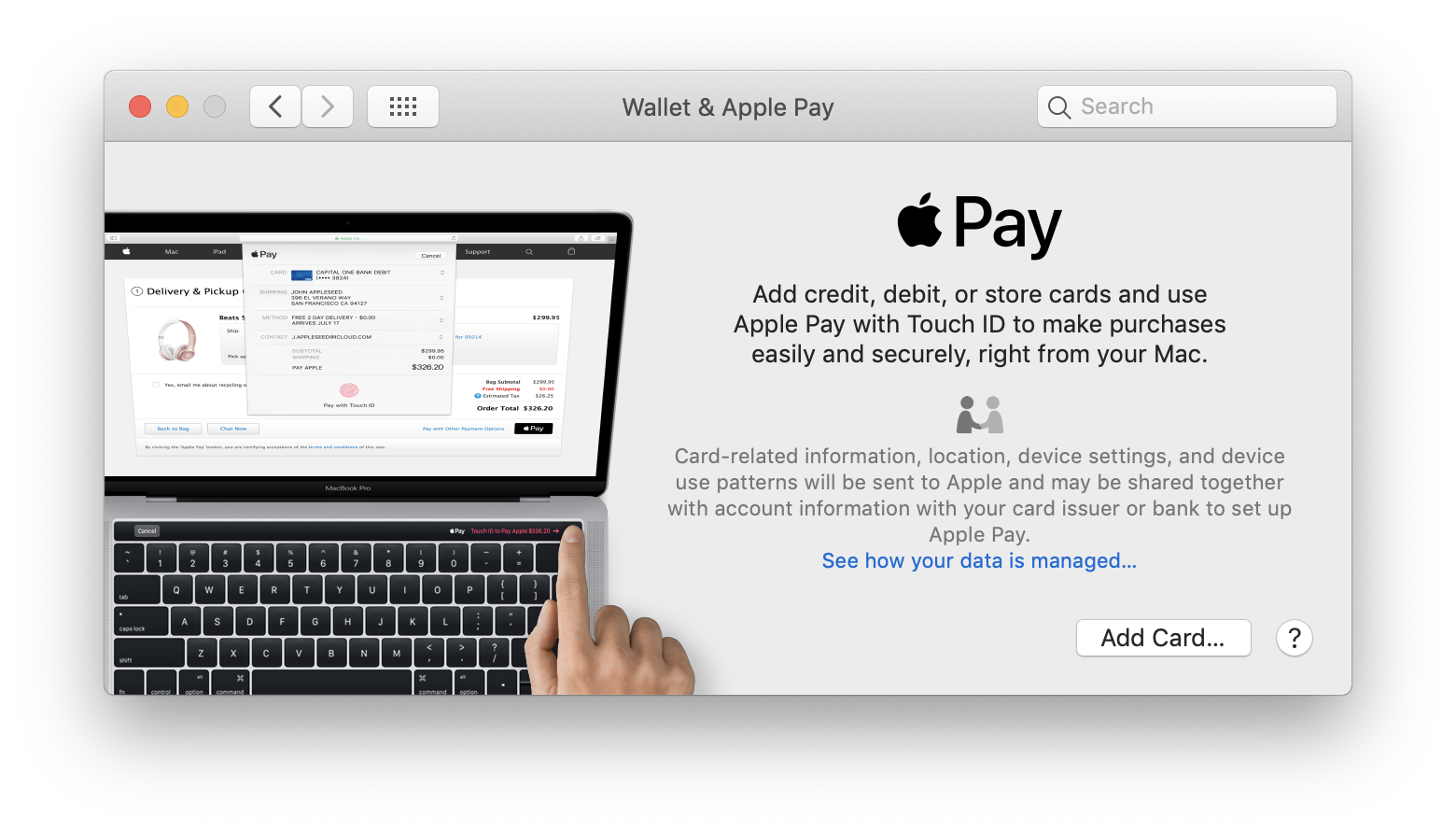
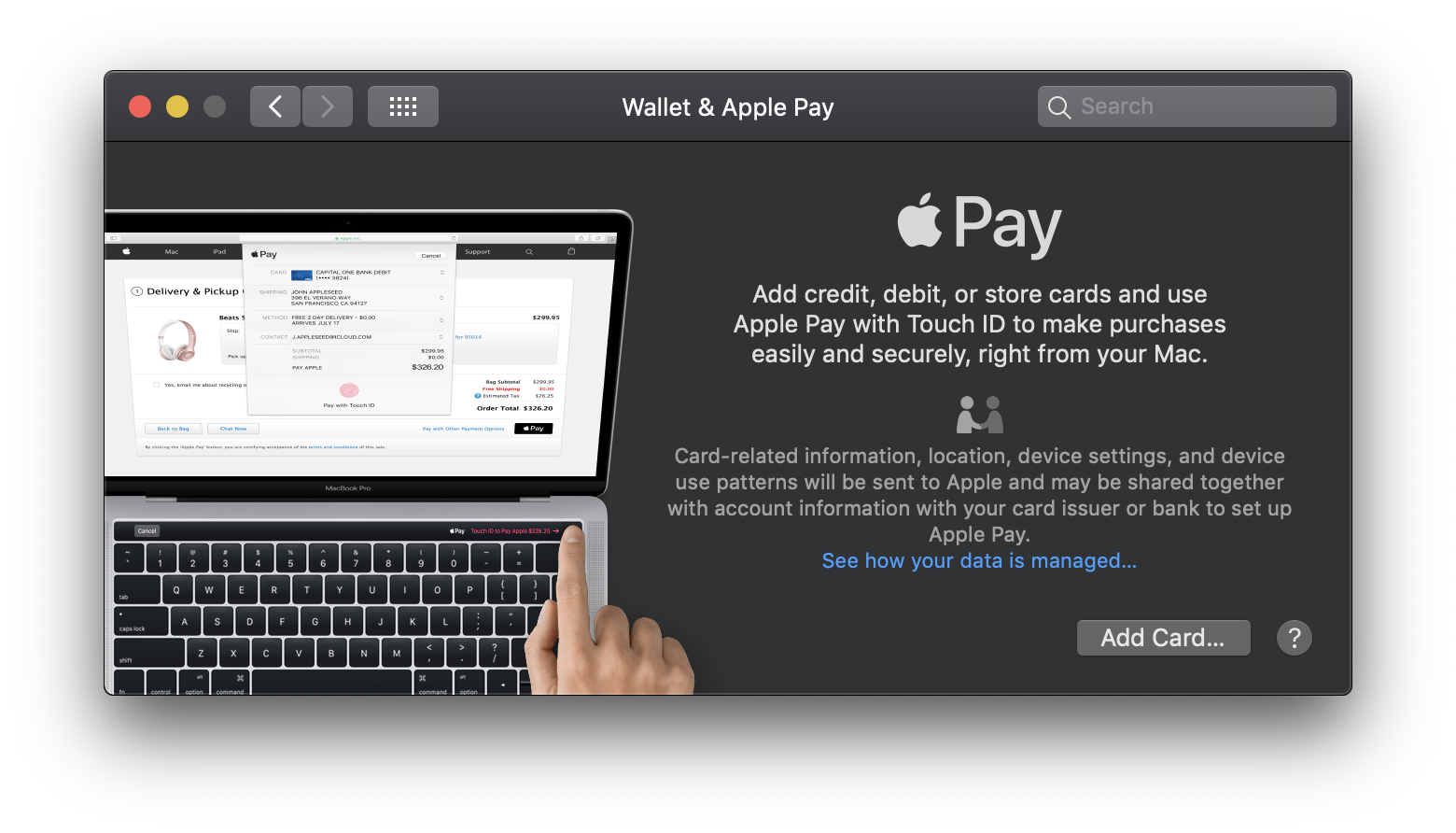
System Preferences: Wallet & Apple Pay
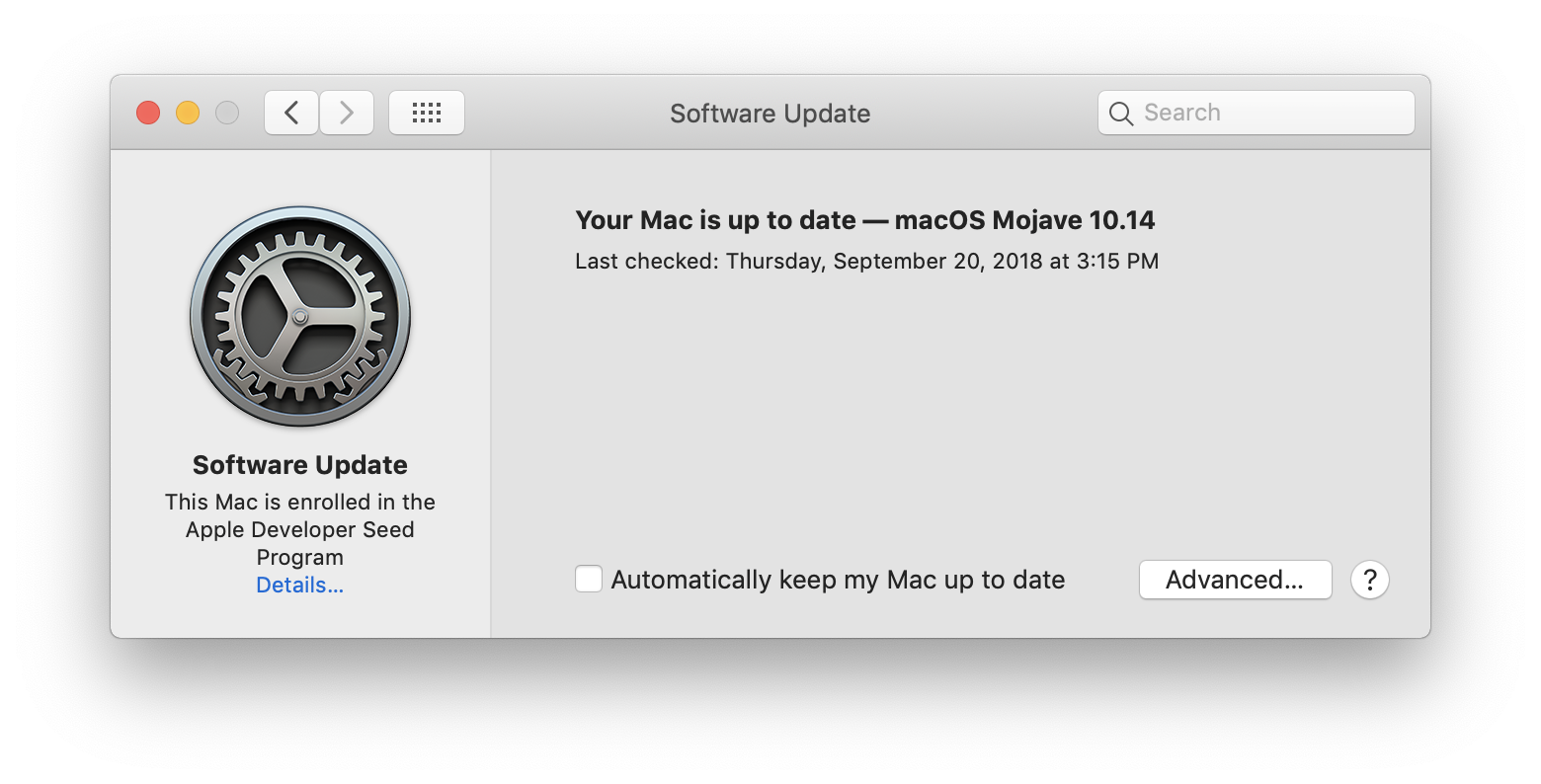
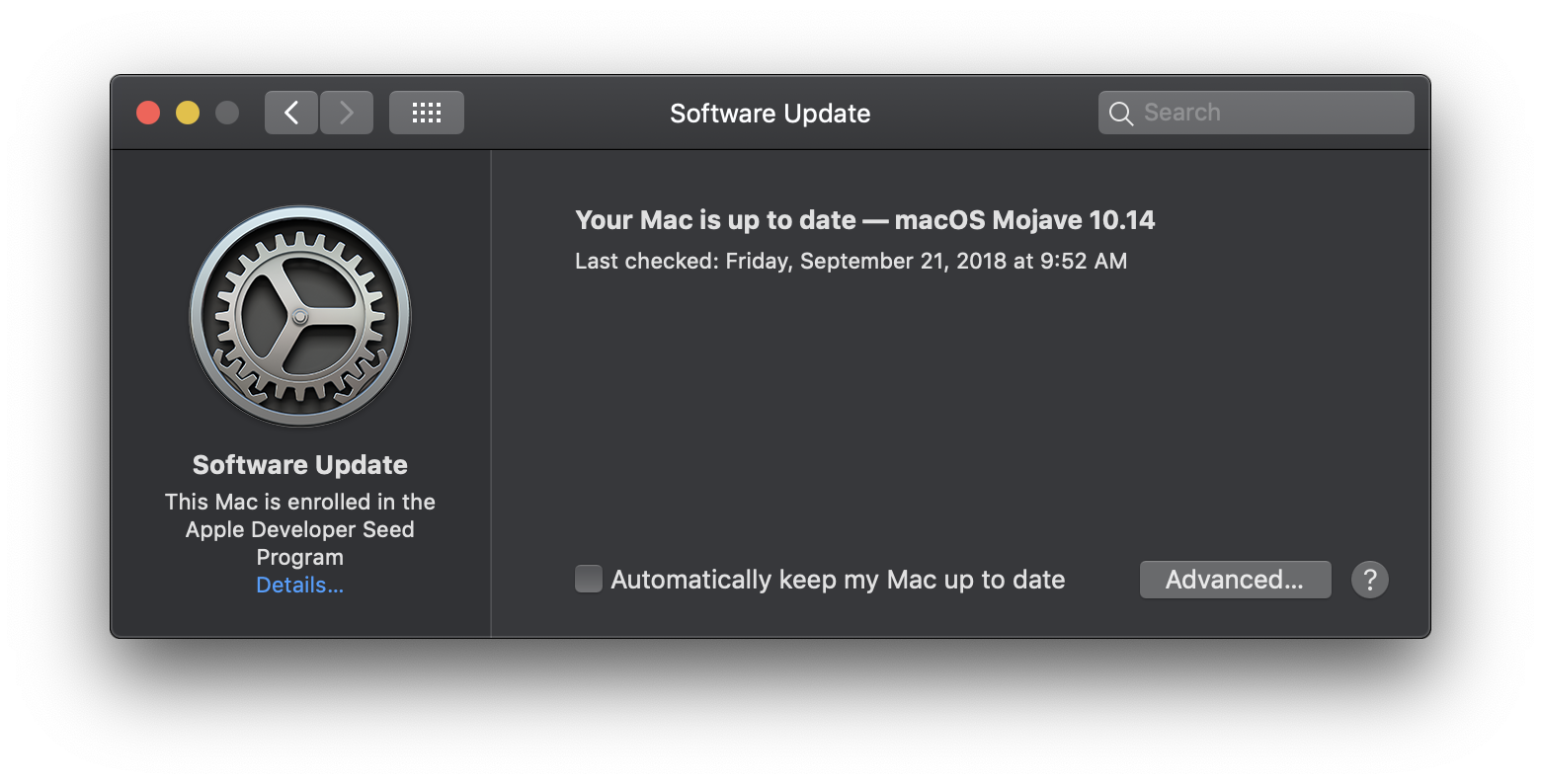
System Preferences: Software Update
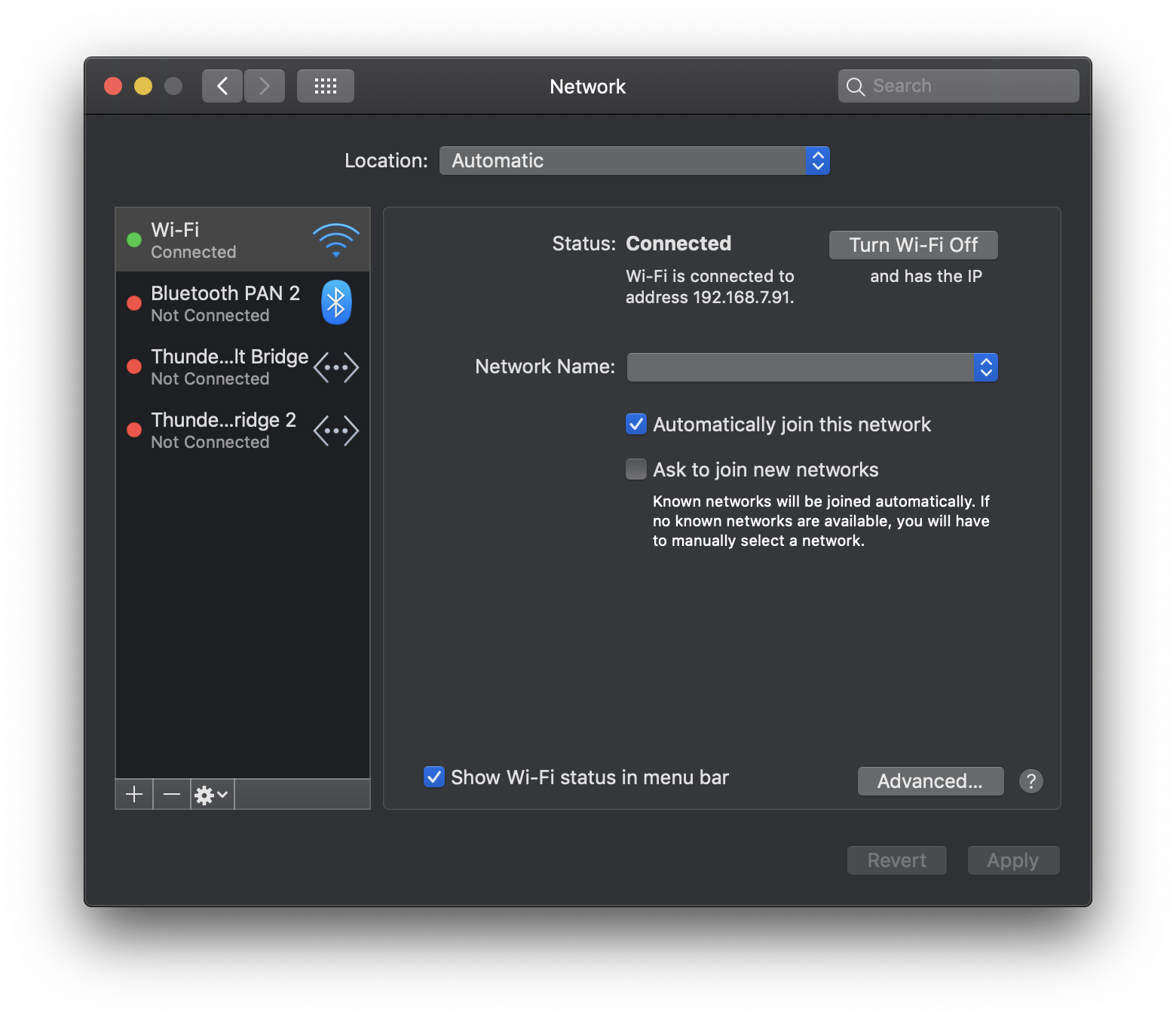
System Preferences: Network
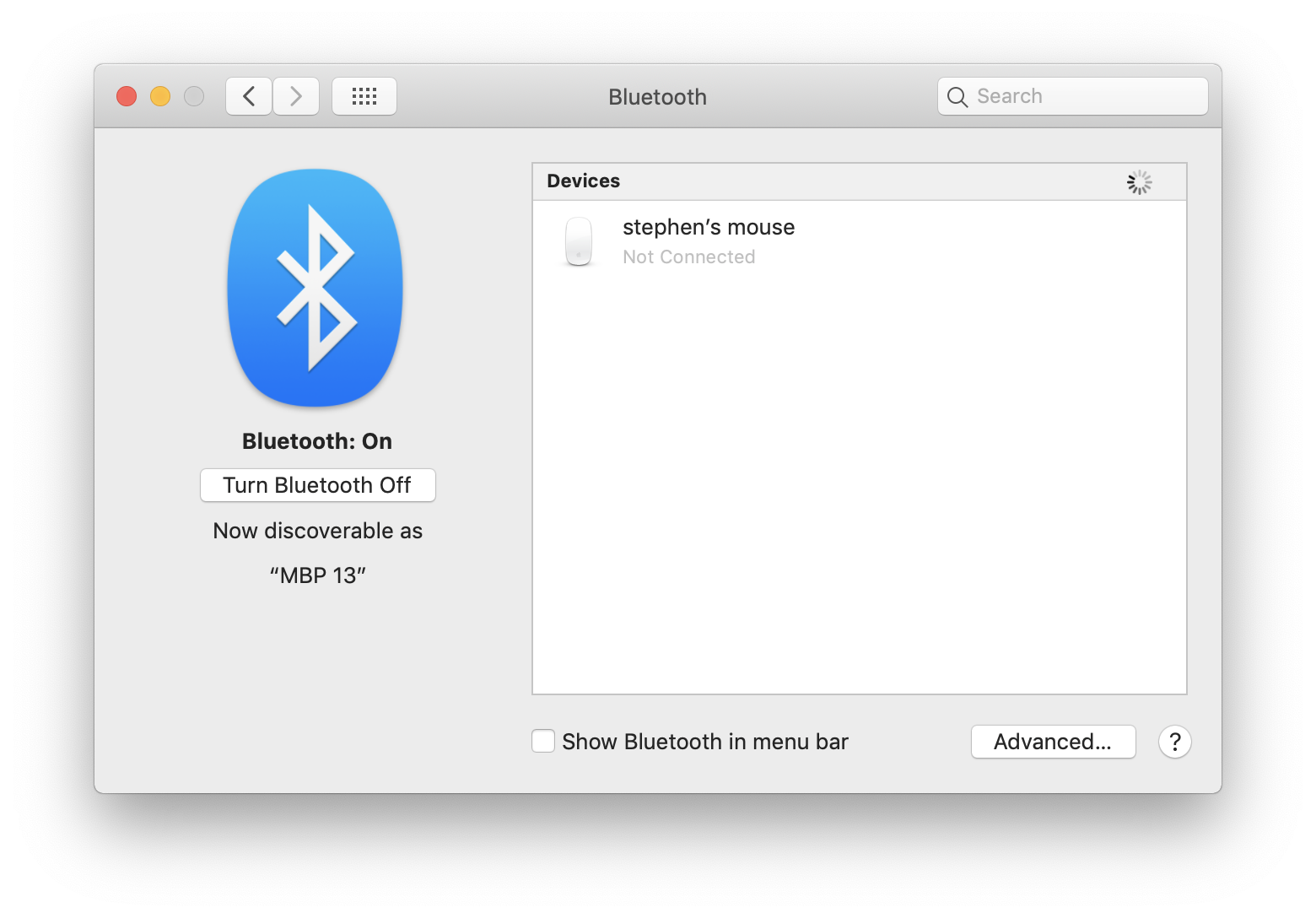
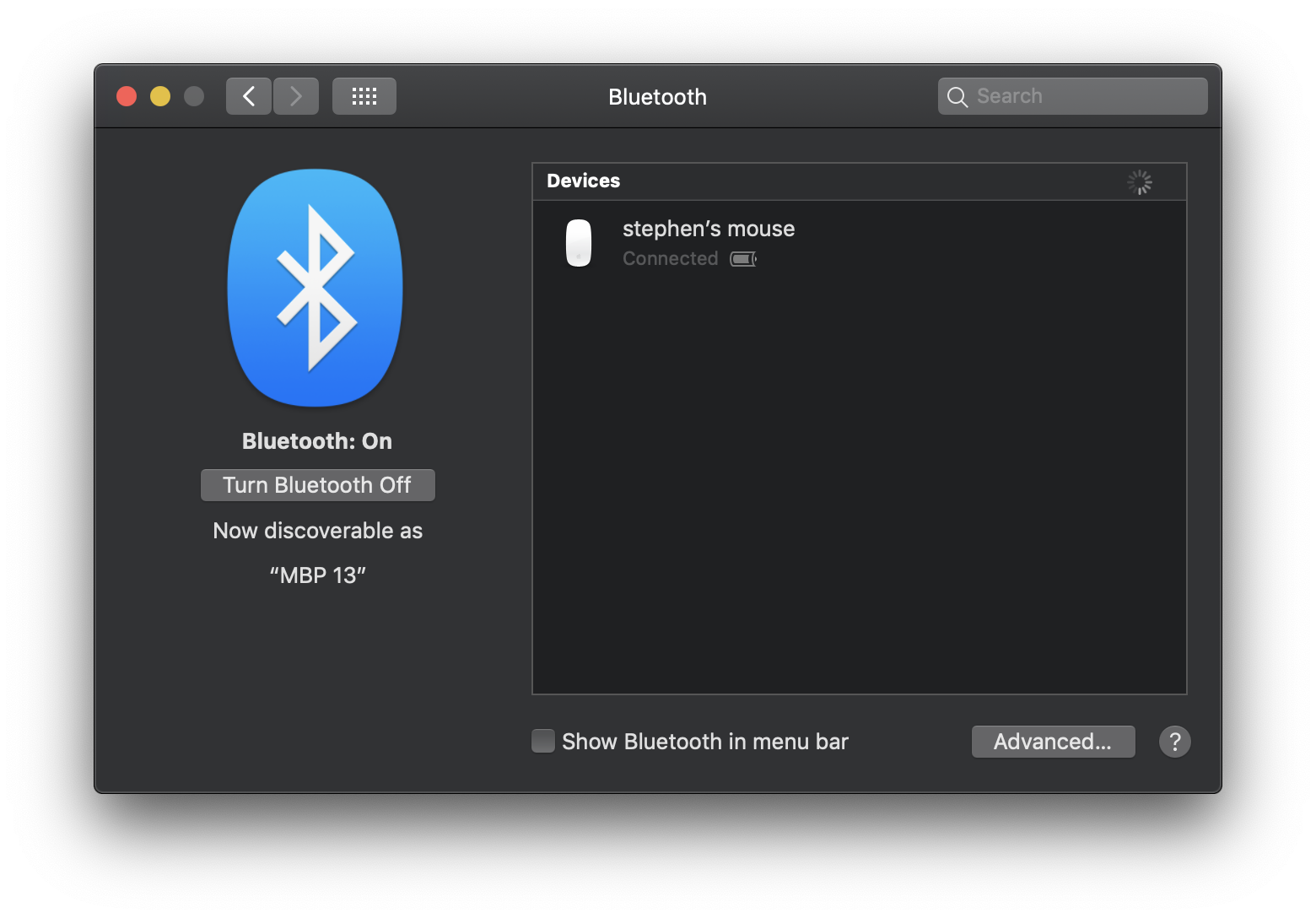
System Preferences: Bluetooth
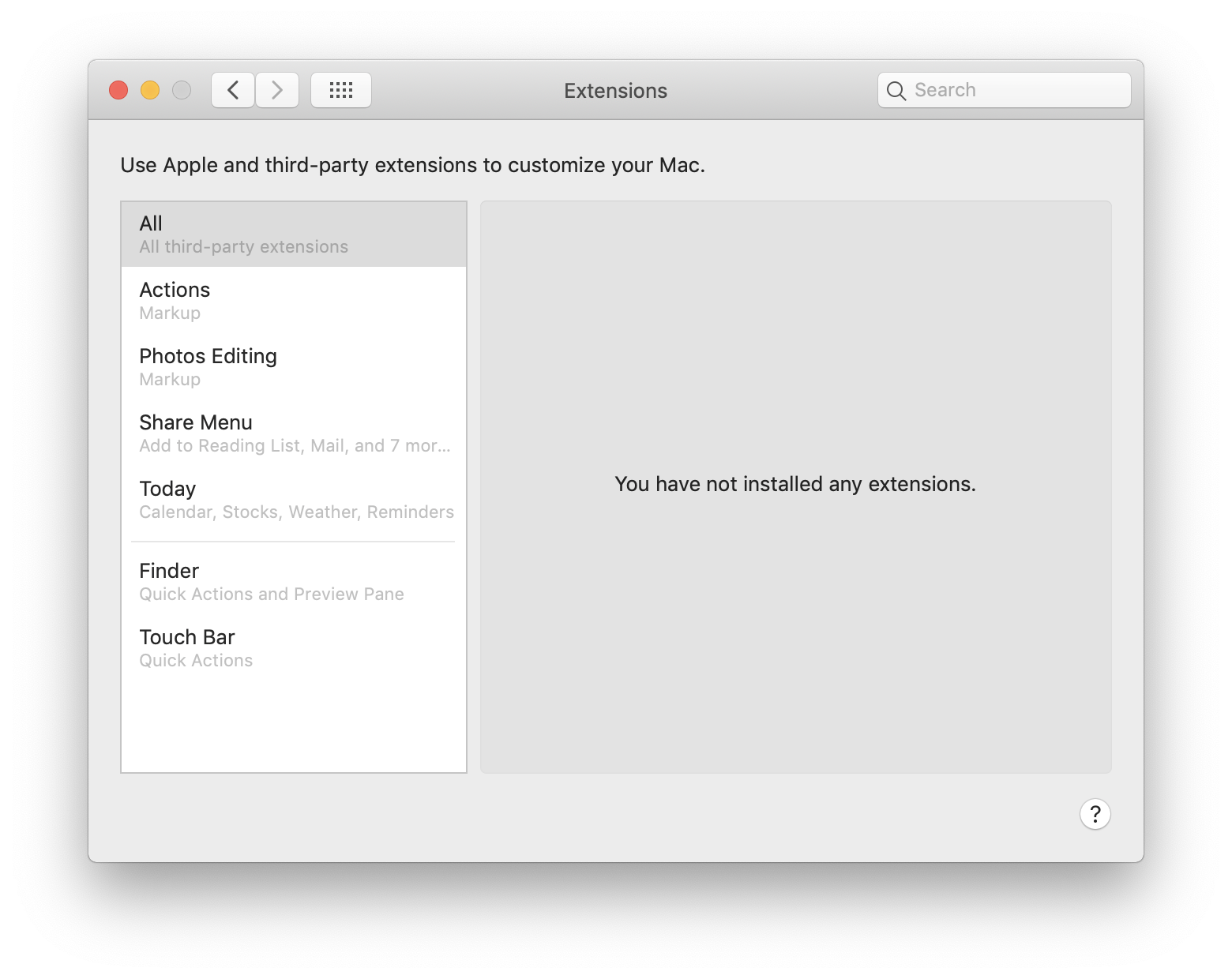
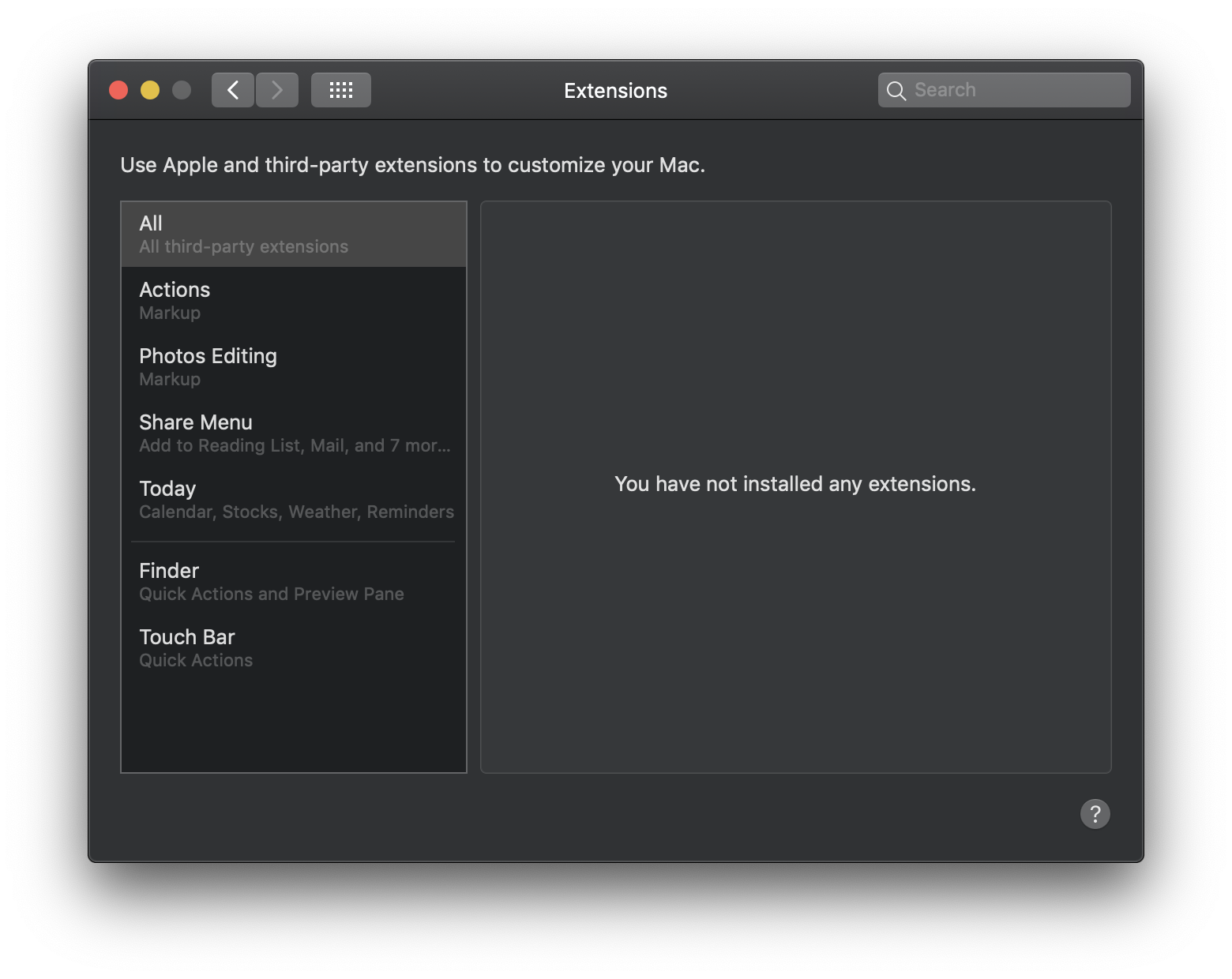
System Preferences: Extensions
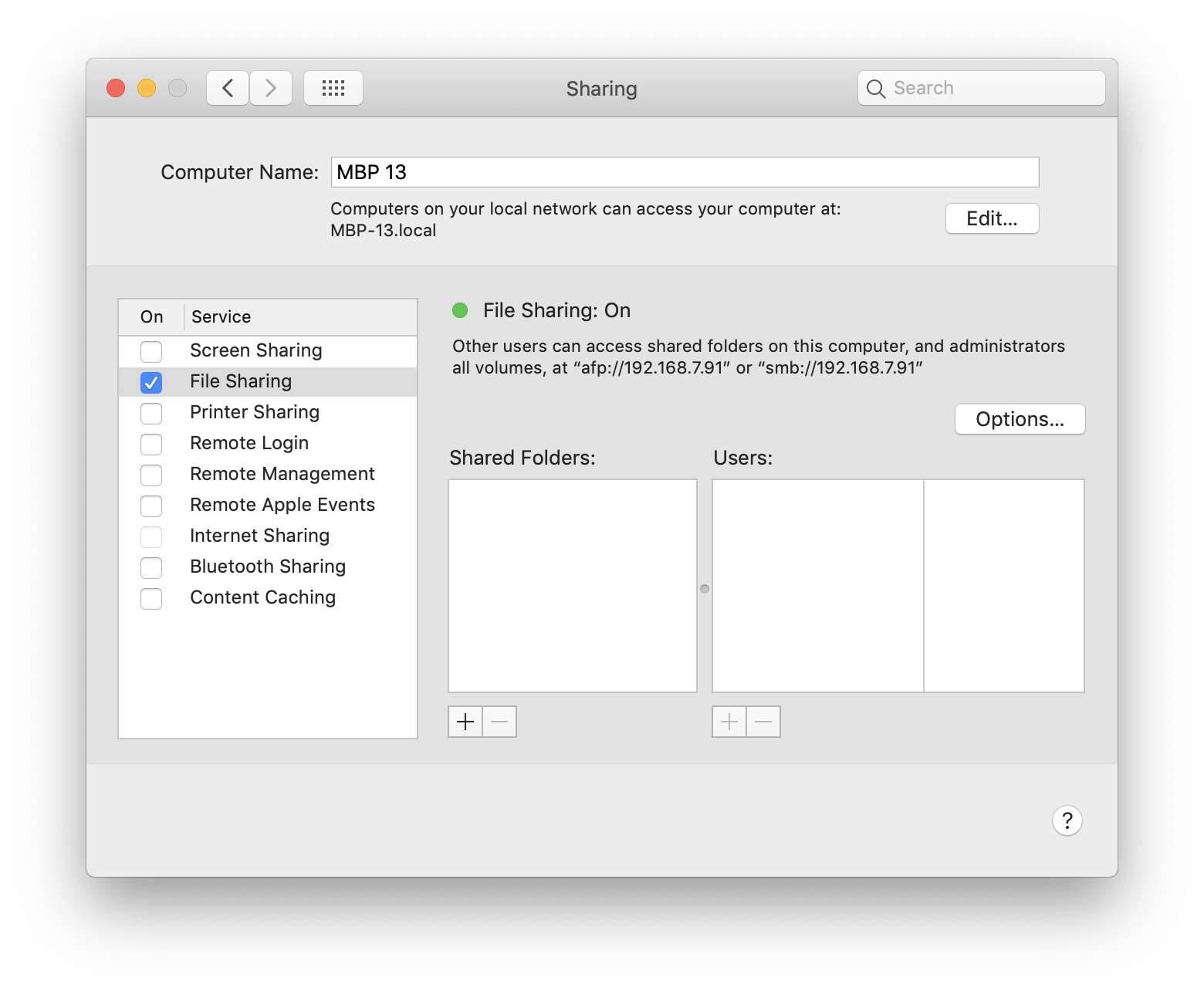
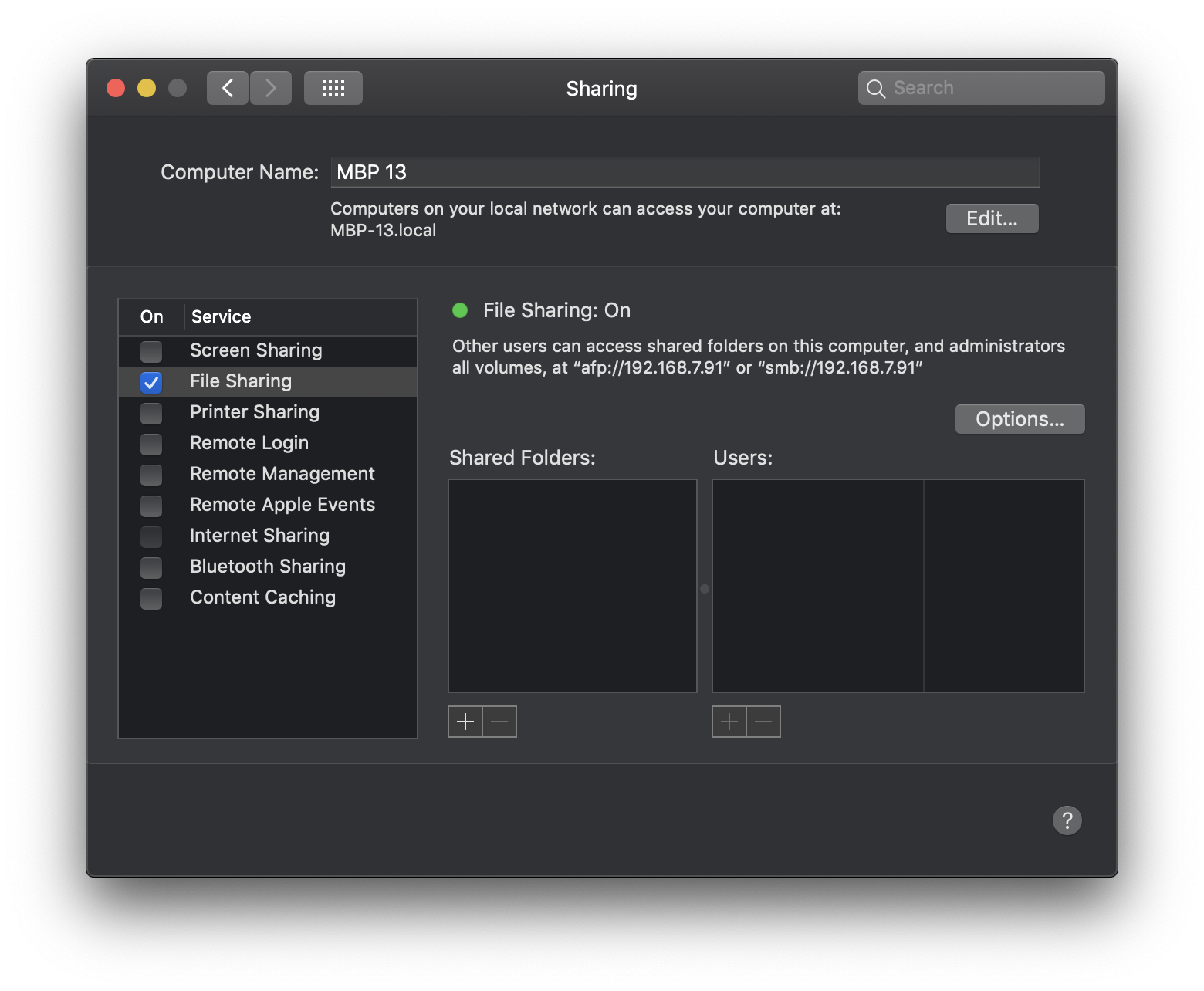
System Preferences: Sharing
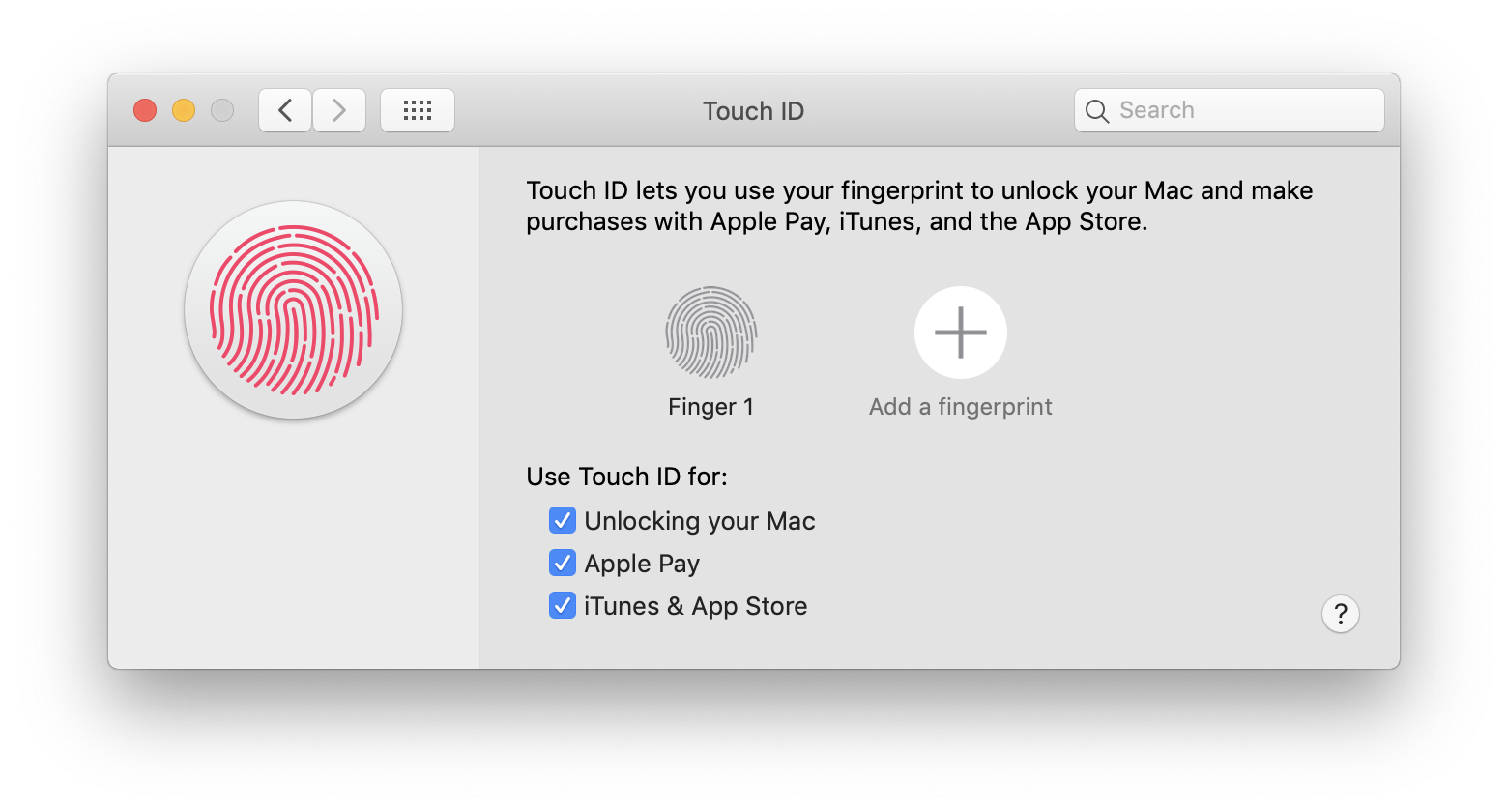
System Preferences: Touch ID
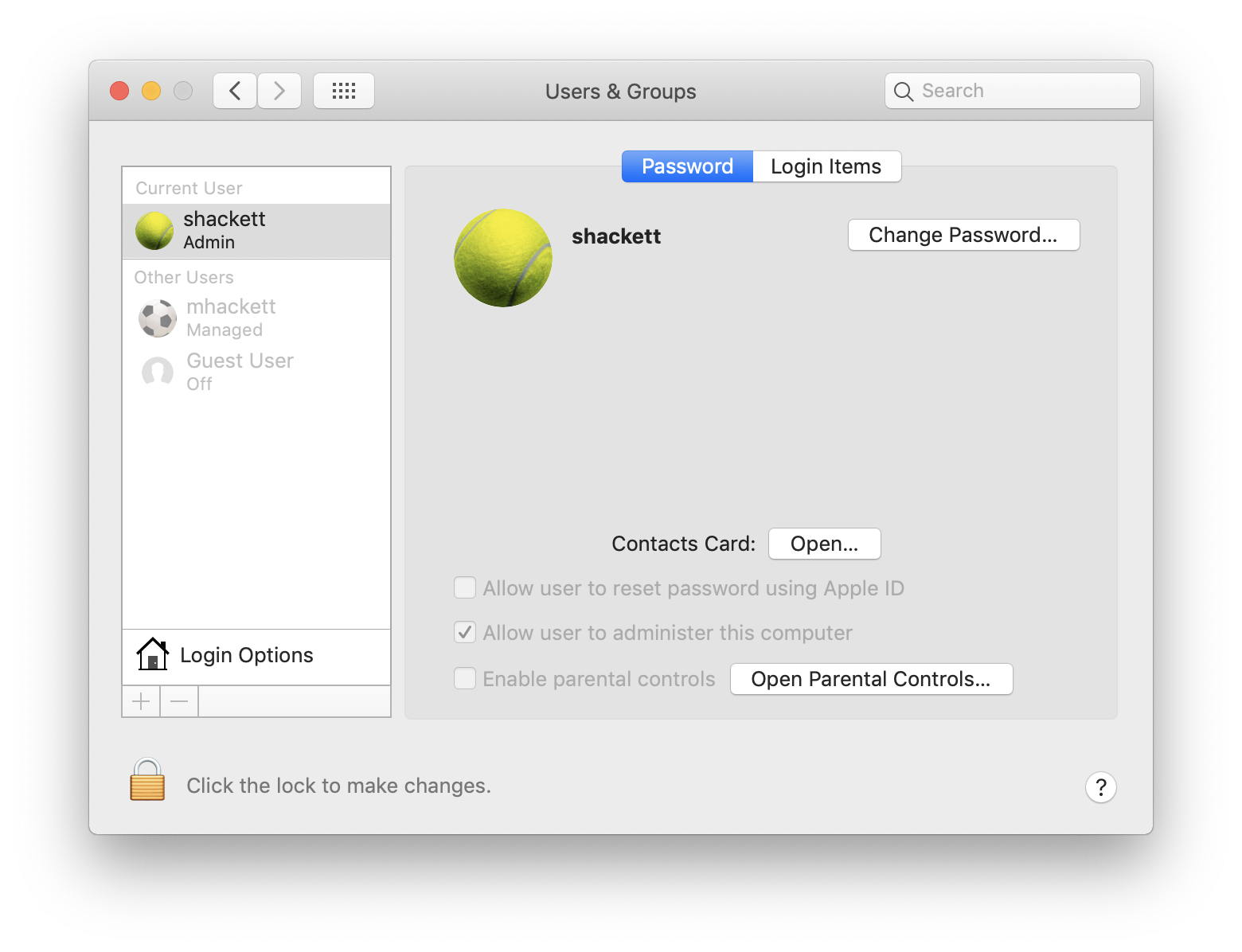
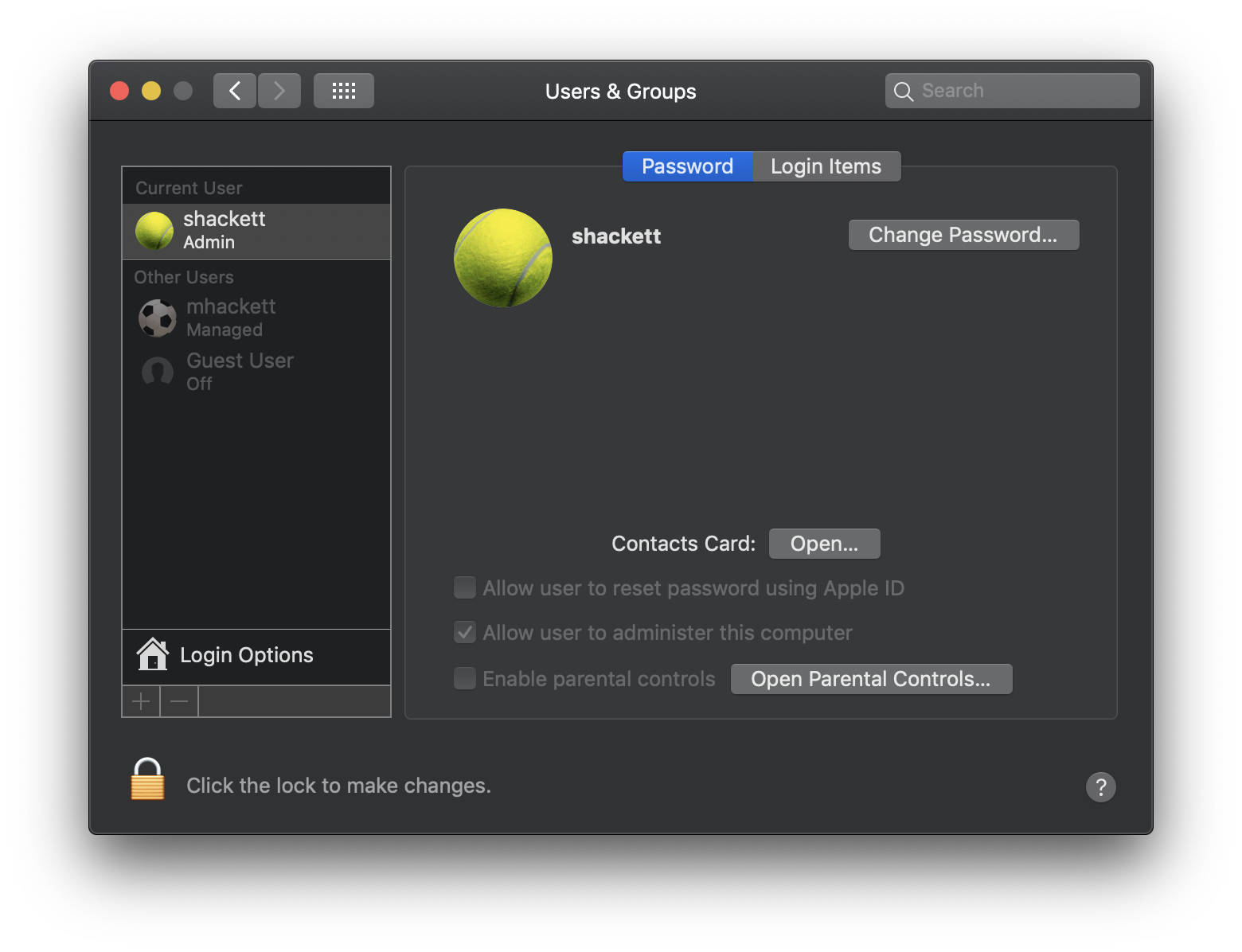
System Preferences: Users & Groups
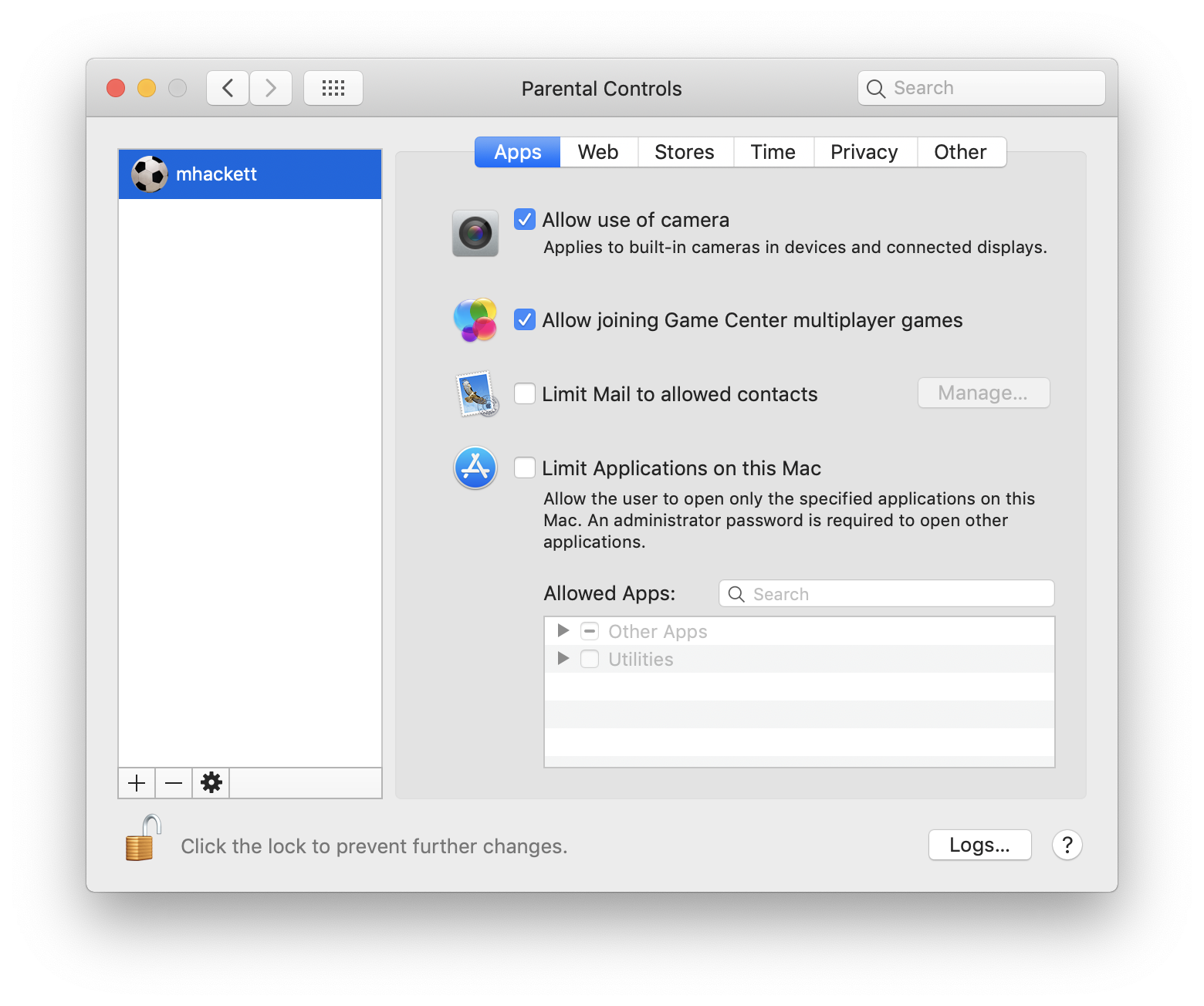
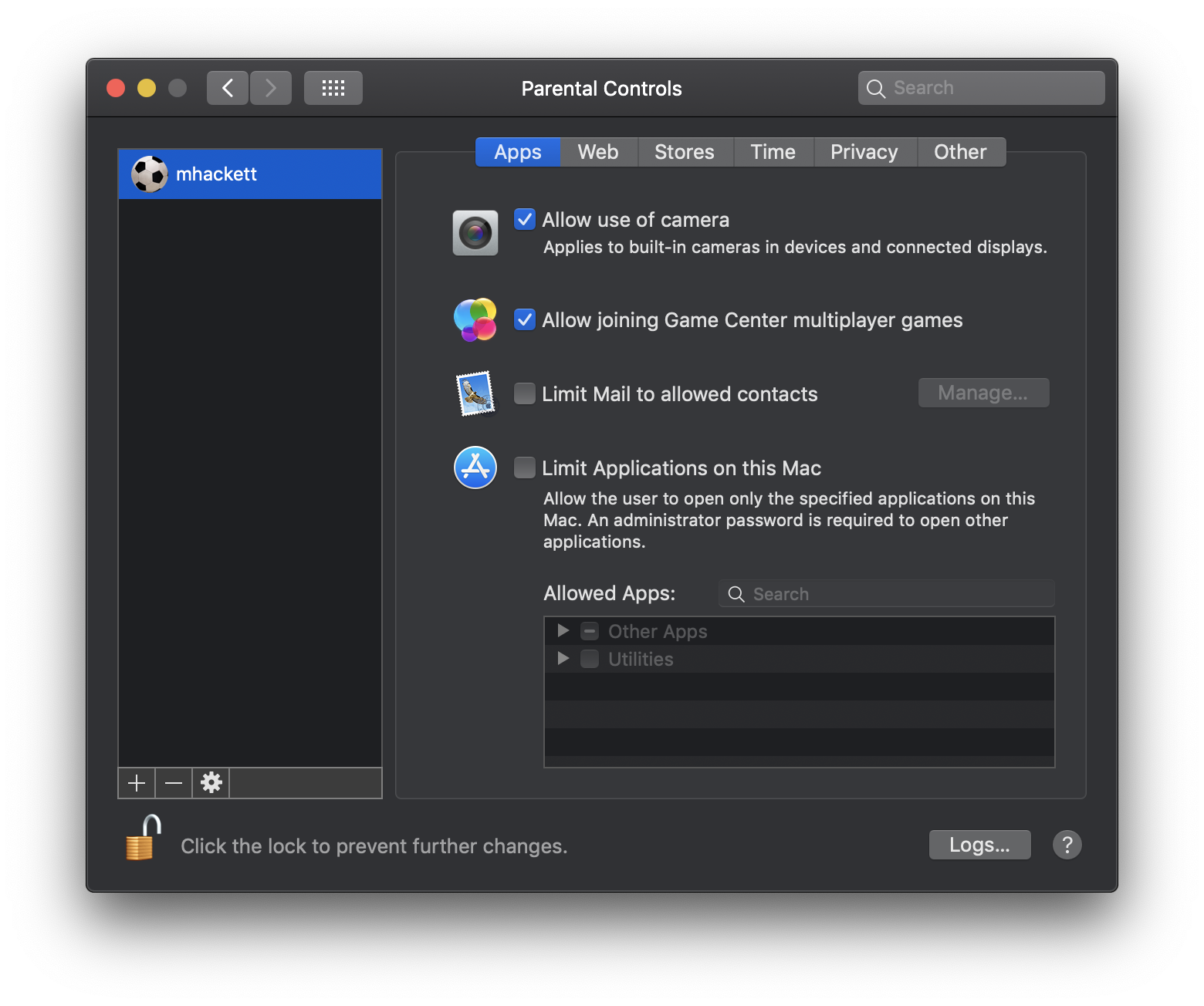
System Preferences: Parental Controls
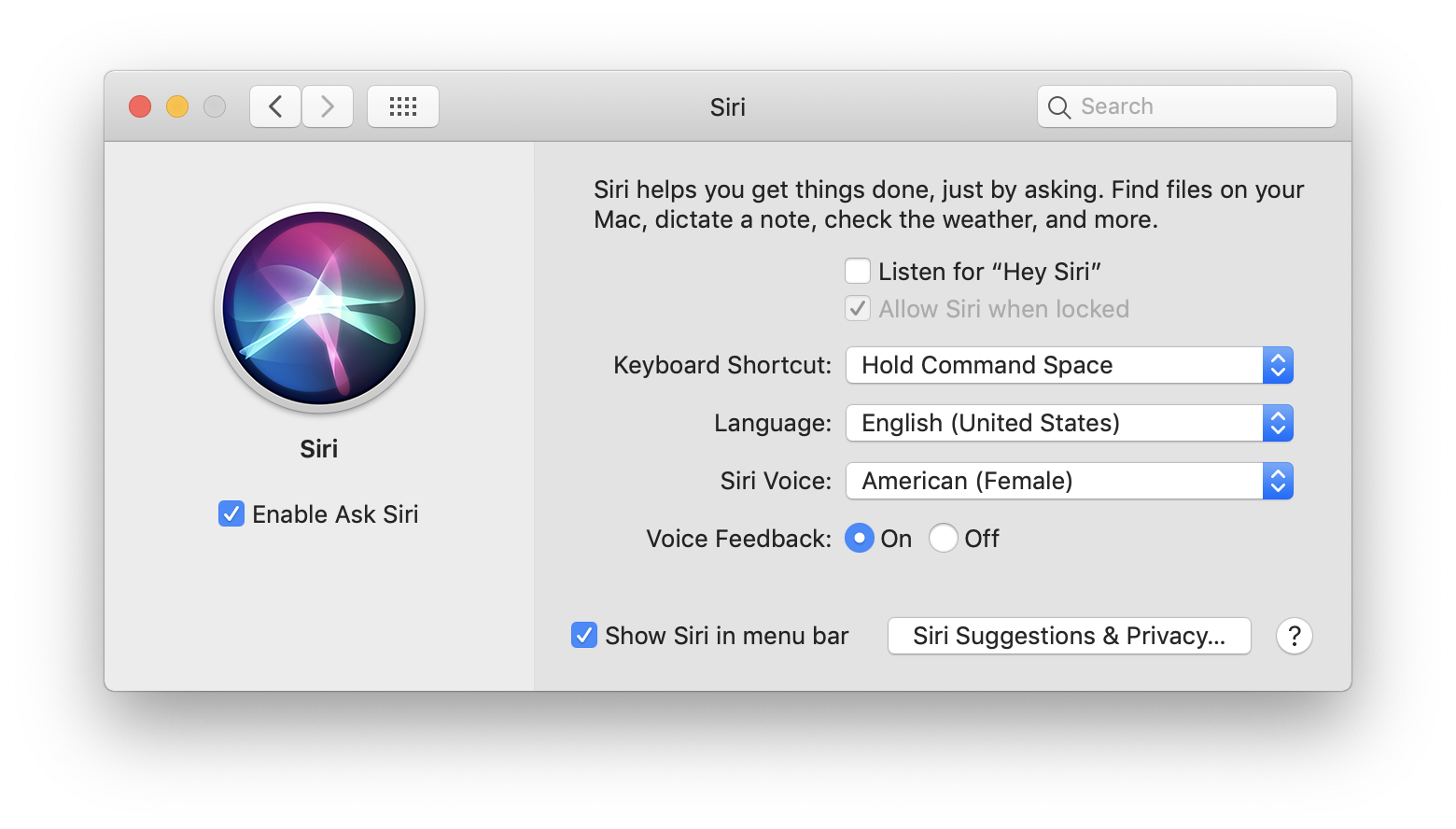
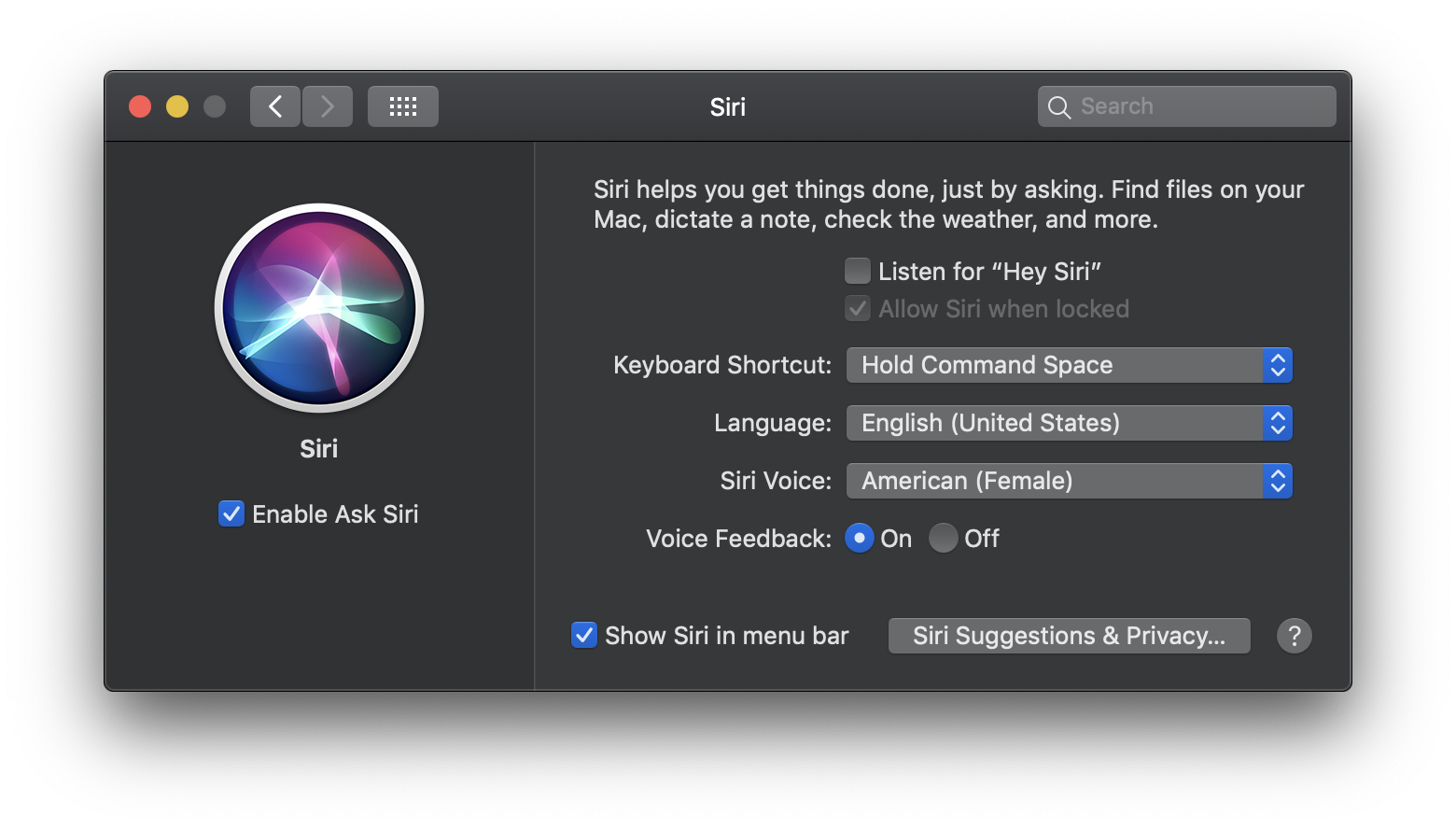
System Preferences: Siri
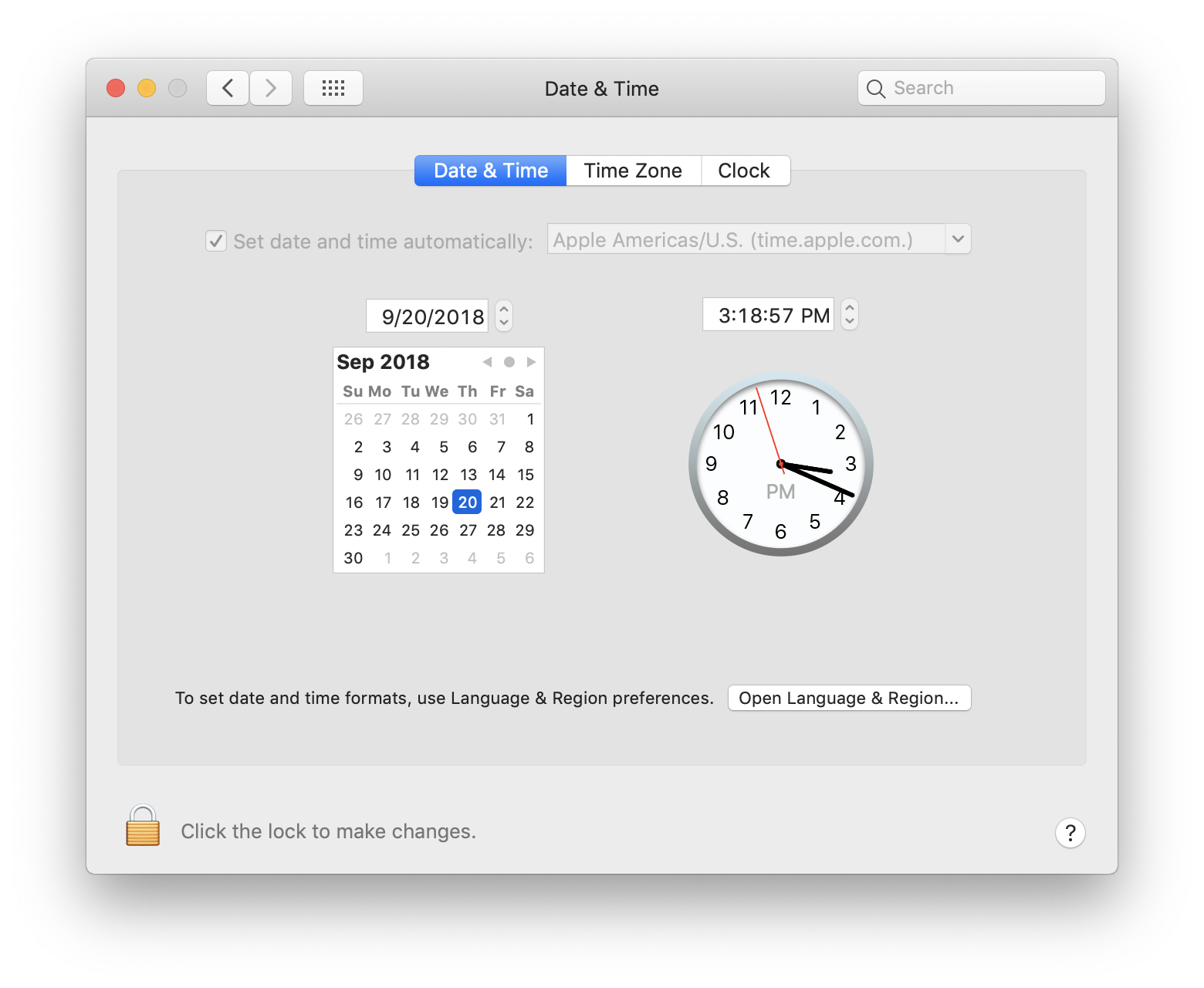
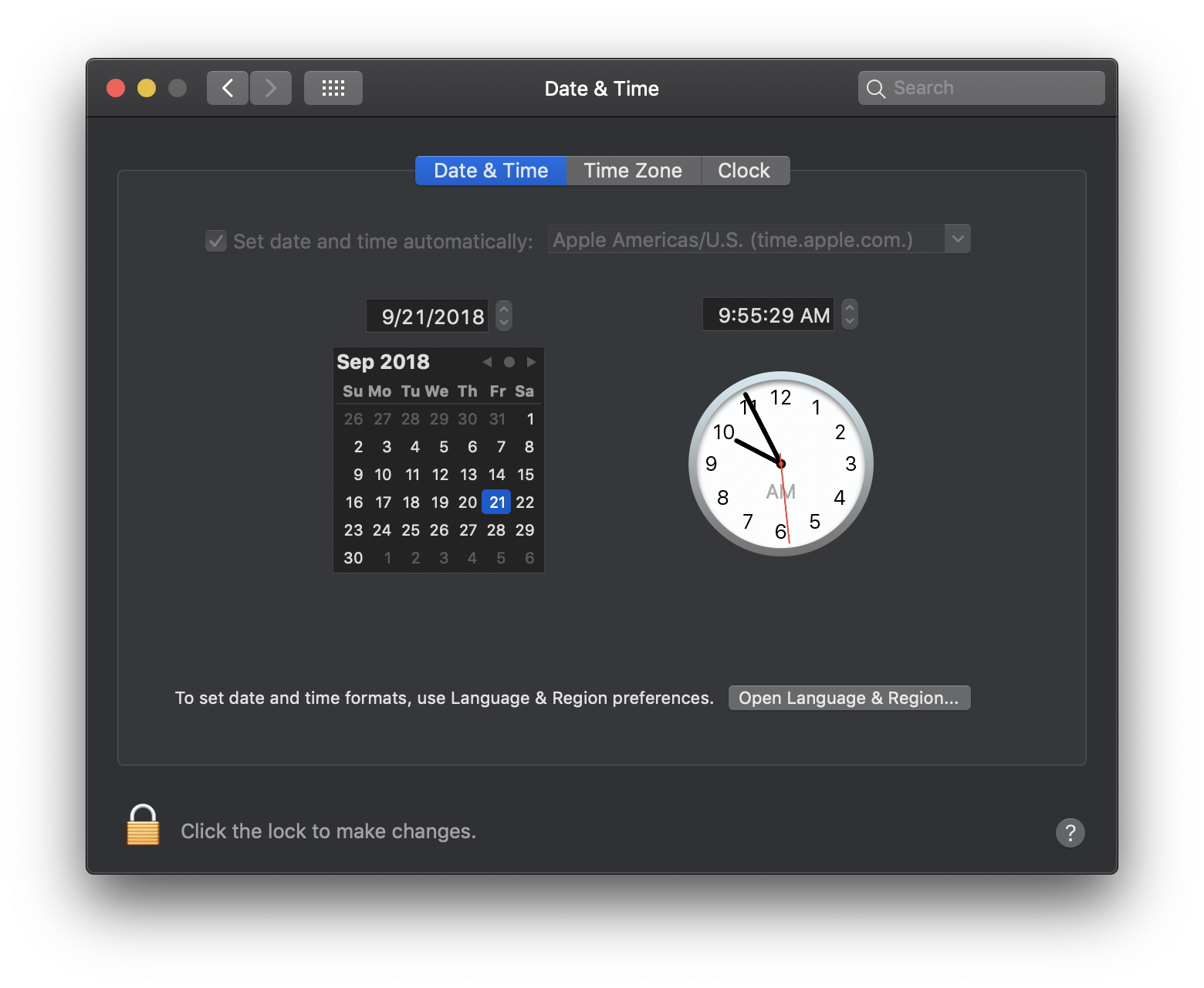
System Preferences: Date & Time
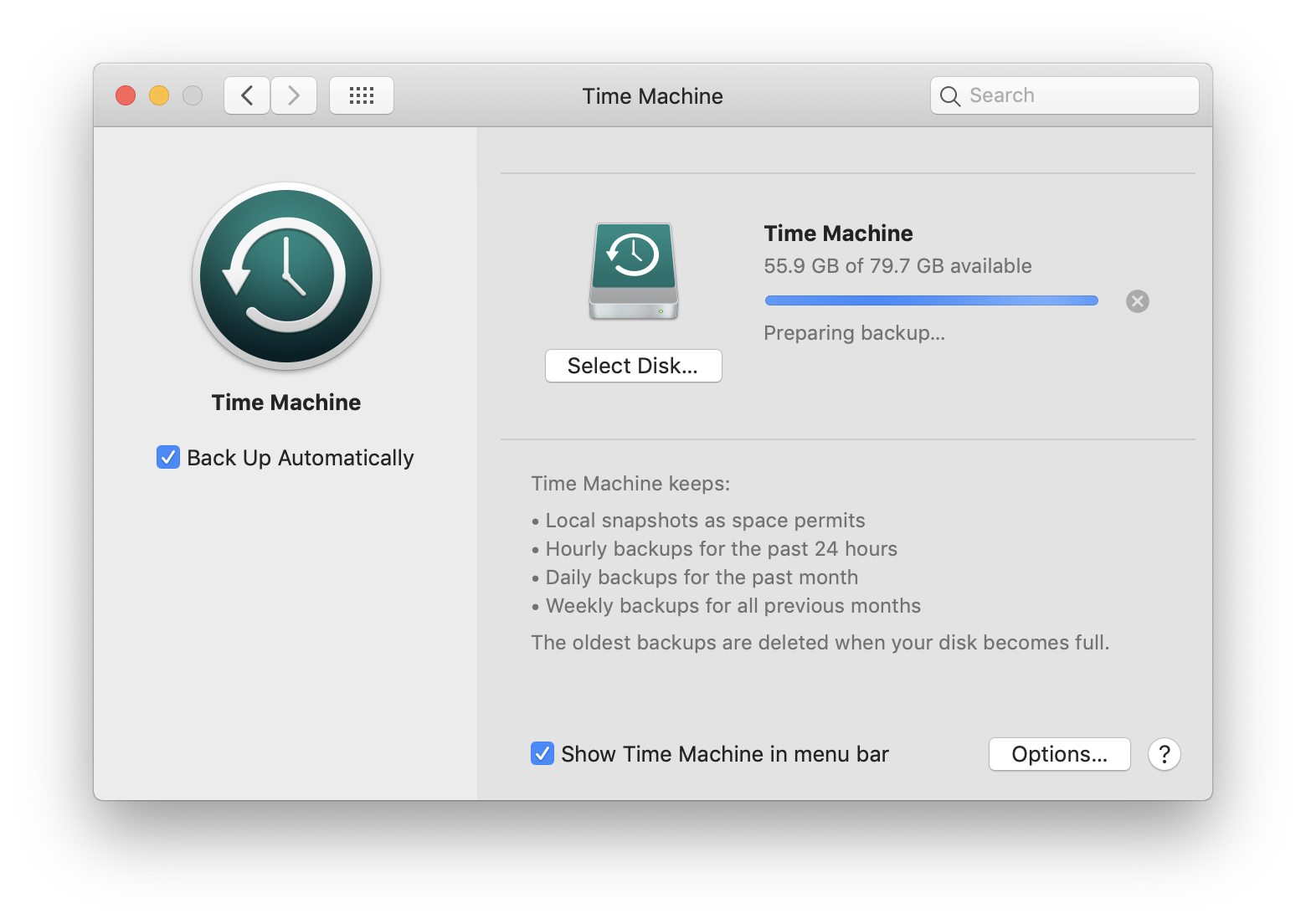
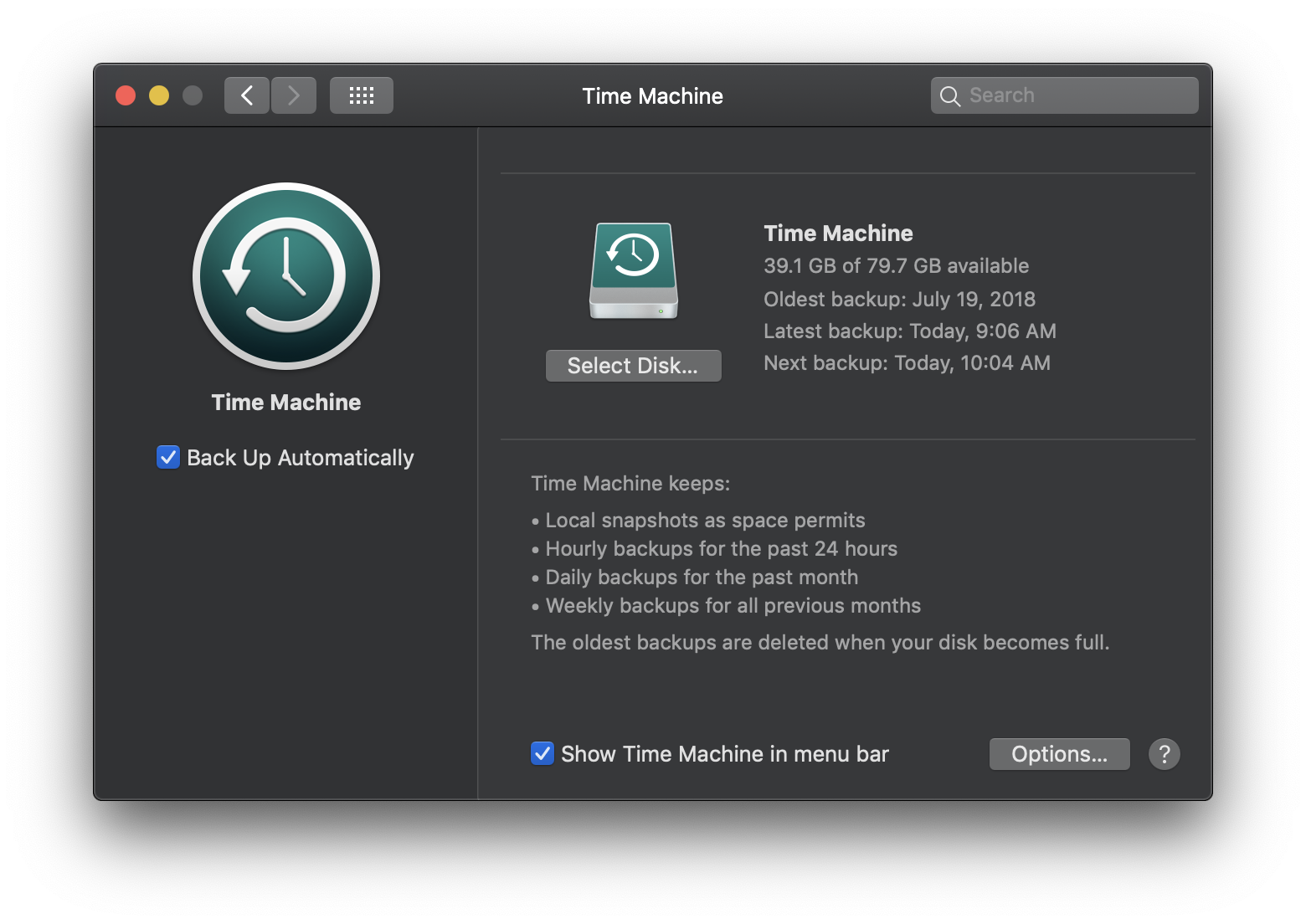
System Preferences: Time Machine
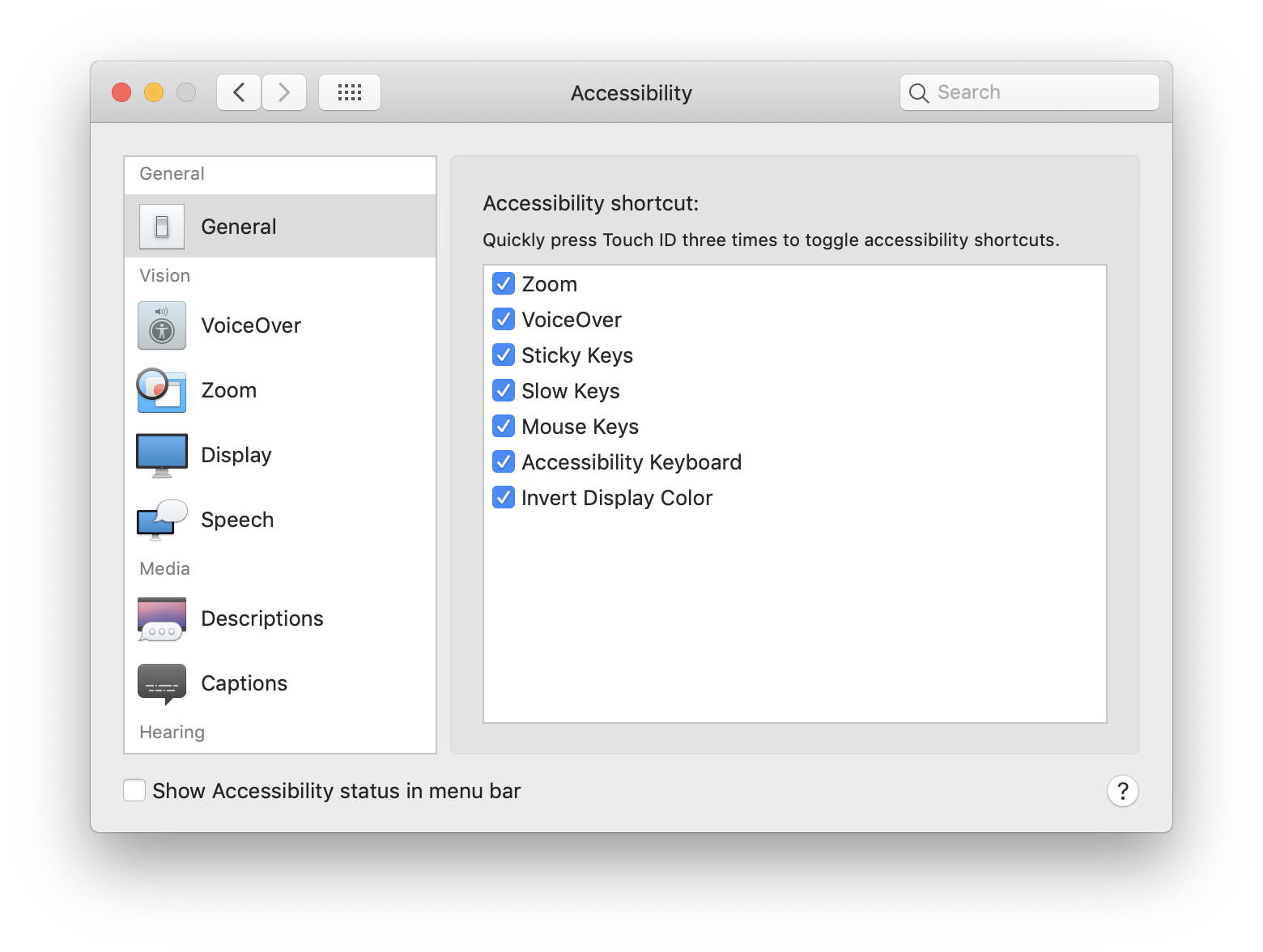
System Preferences: Accessibility
Dark Mode
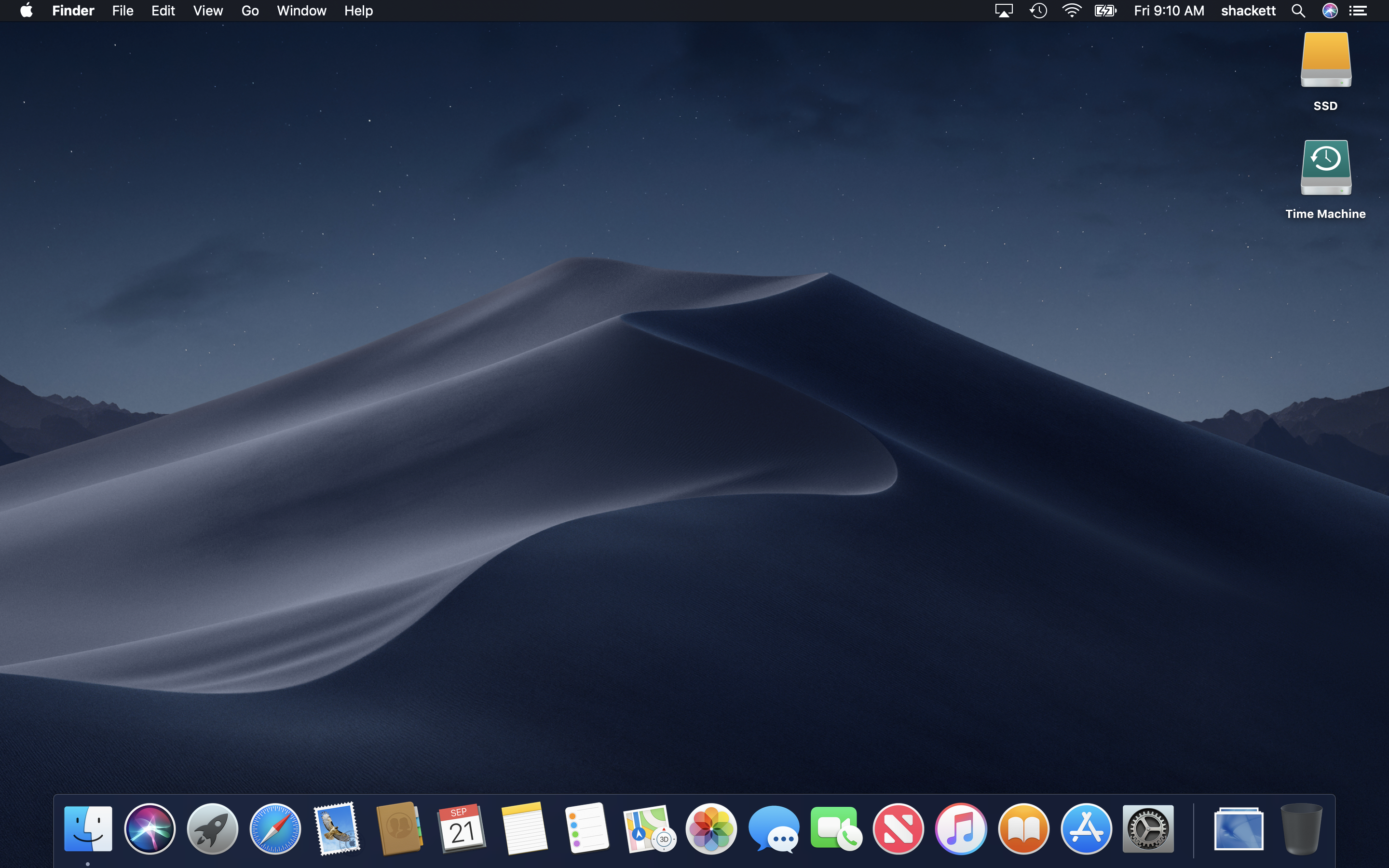
Desktop
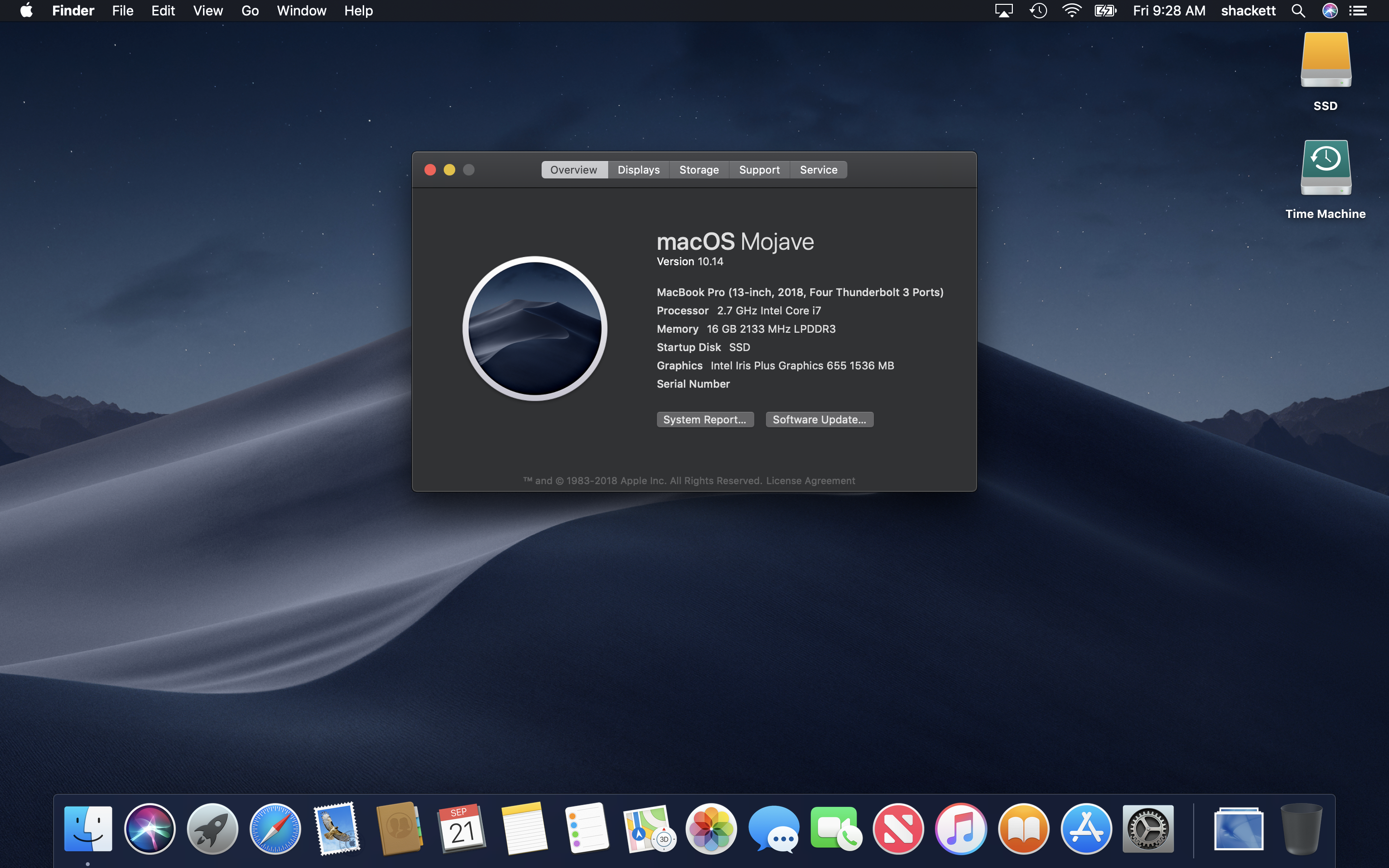
About This Mac
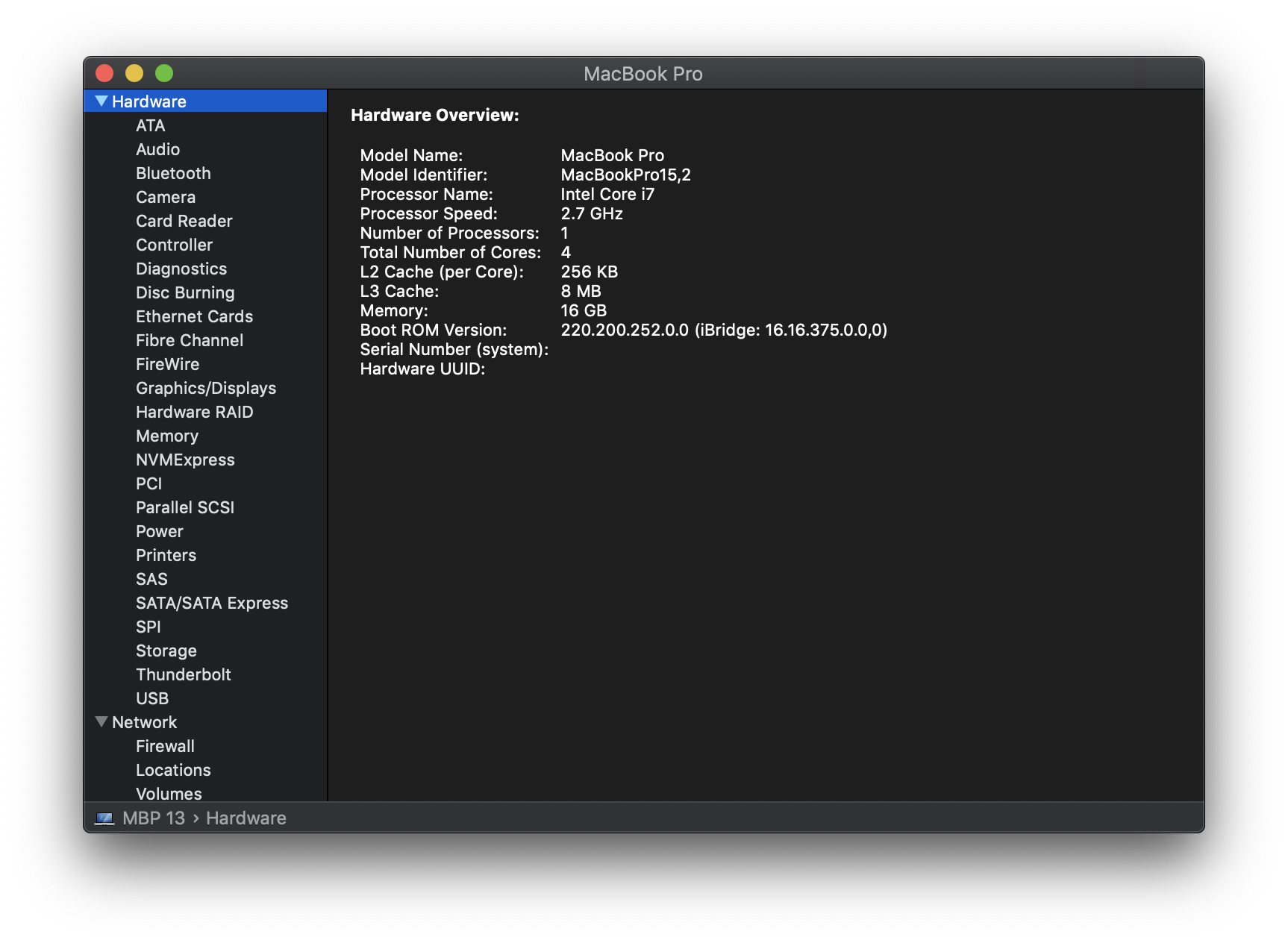
System Information
Stacks
Desktop Stacks
Apple Menu
Finder Menu
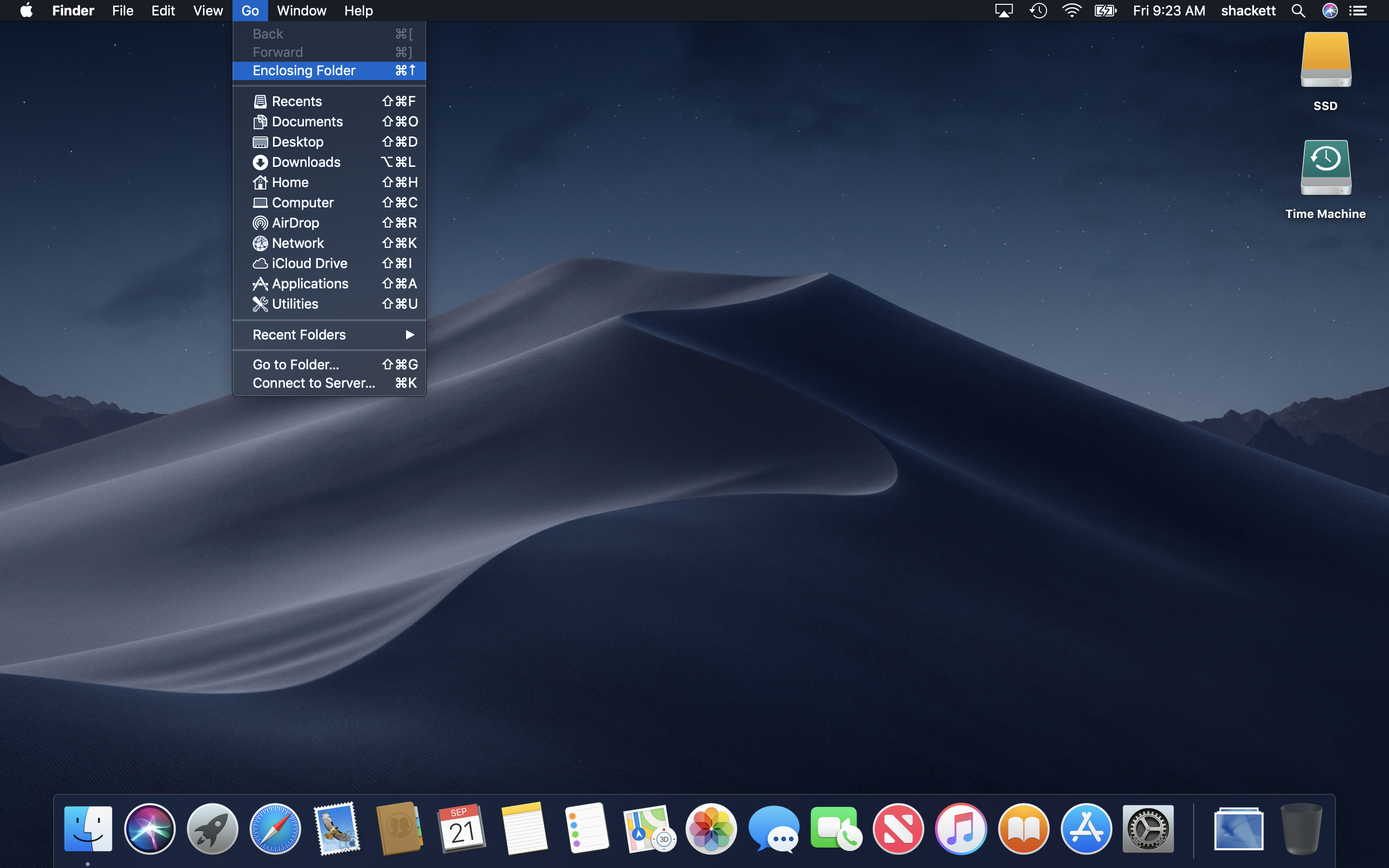
Go Menu
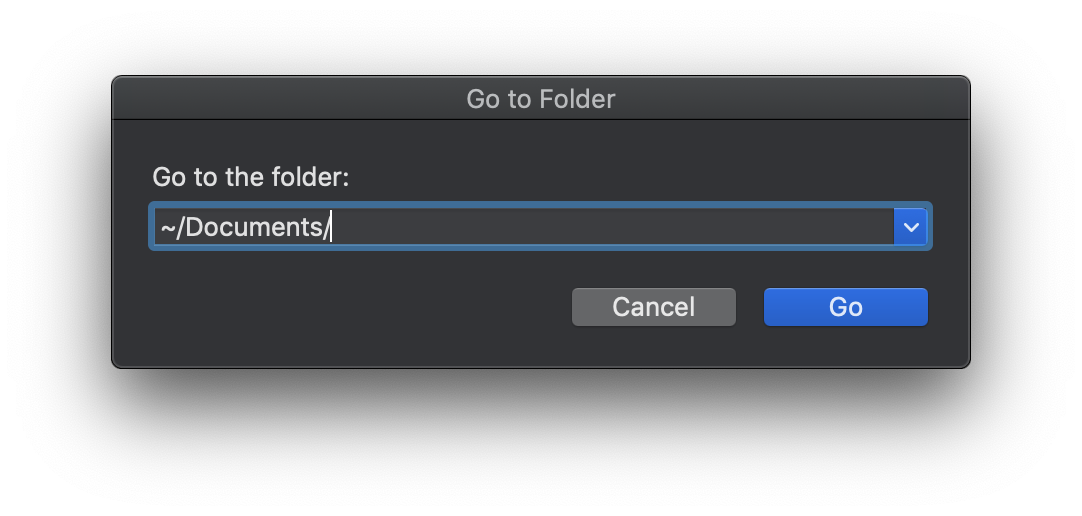
Finder: Go to Folder
Finder: Connect to Server
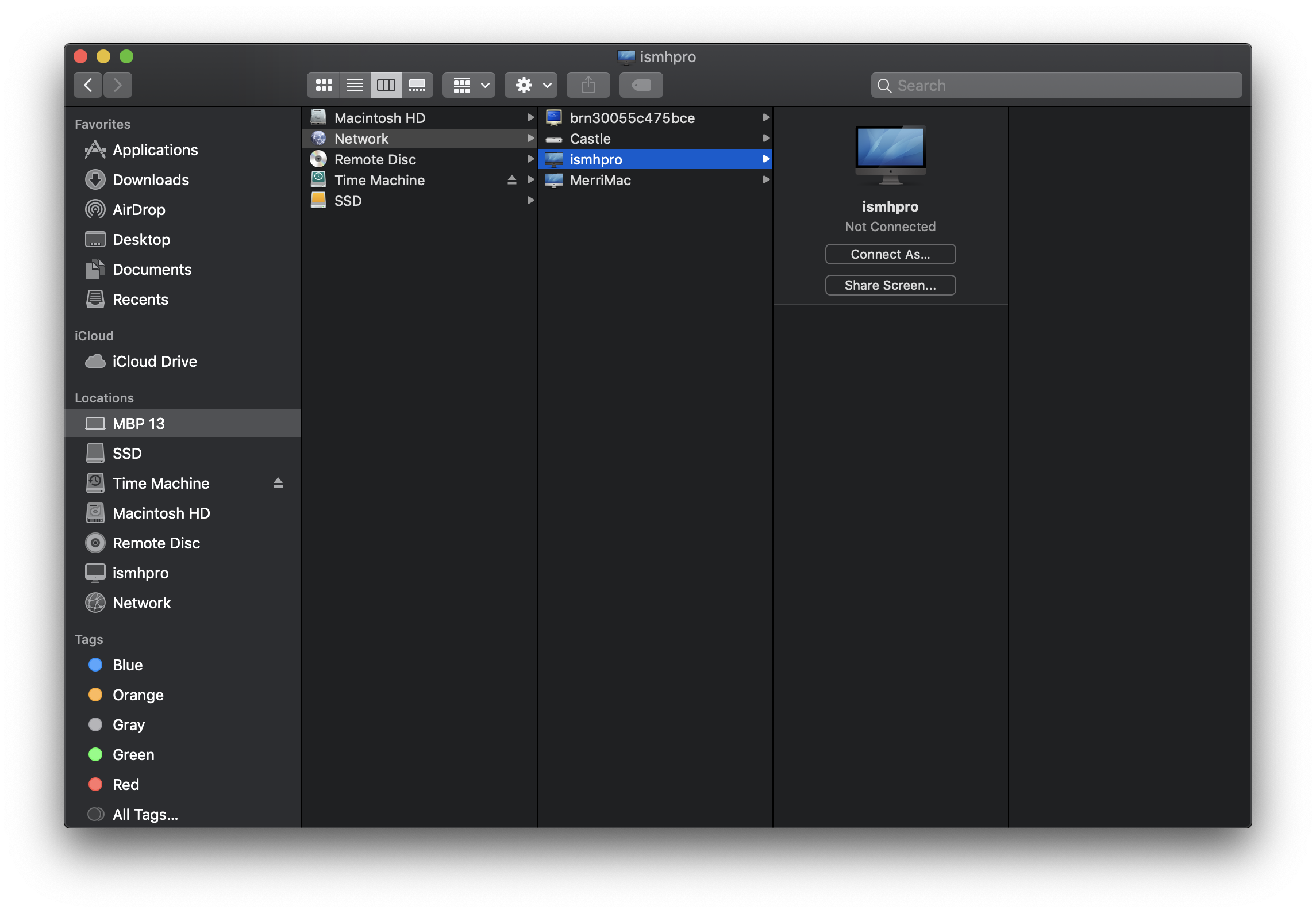
Finder: Network
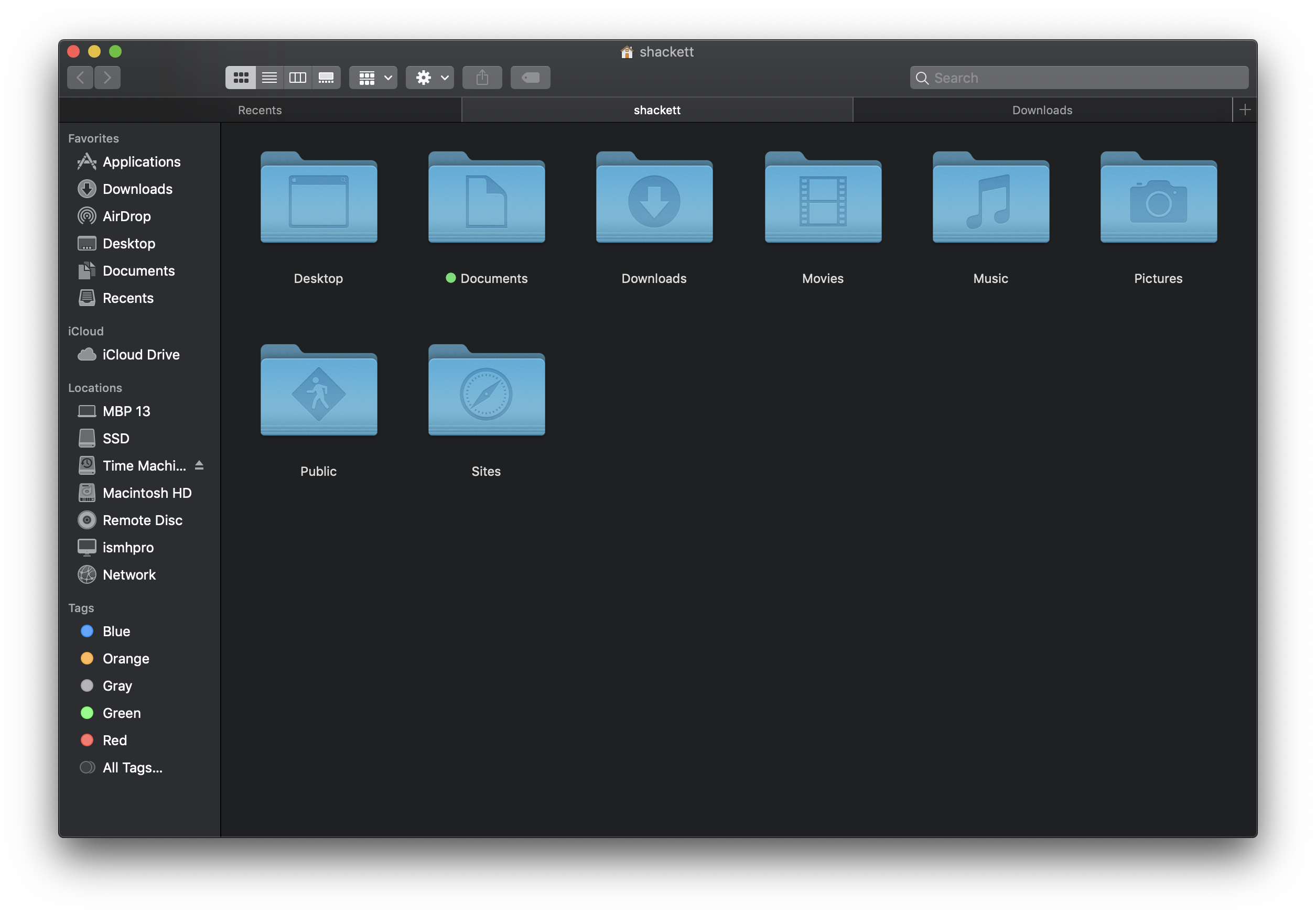
Finder: Home
Finder: Gallery View
Finder: Quick Look
Finder: Quick Look Markup
Finder: Get Info
Finder: Search
Applications
Applications: Utilities
Menu Bar: Battery
App Switcher
Force Quit
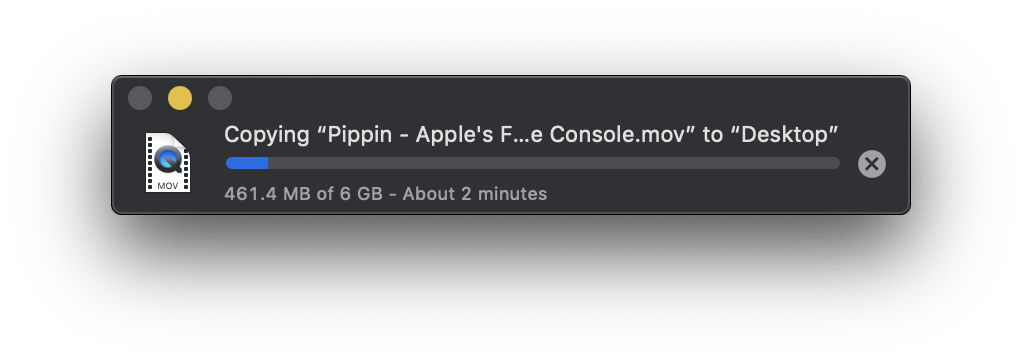
Finder: Copy
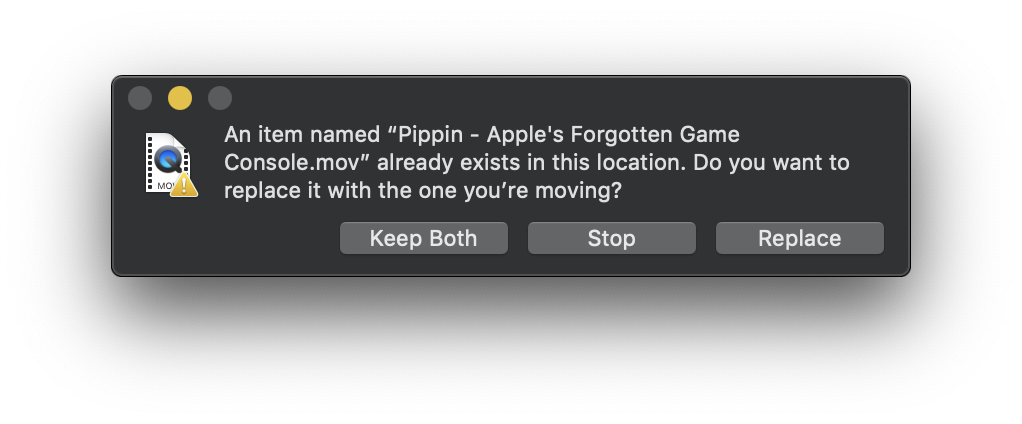
Finder: Replace
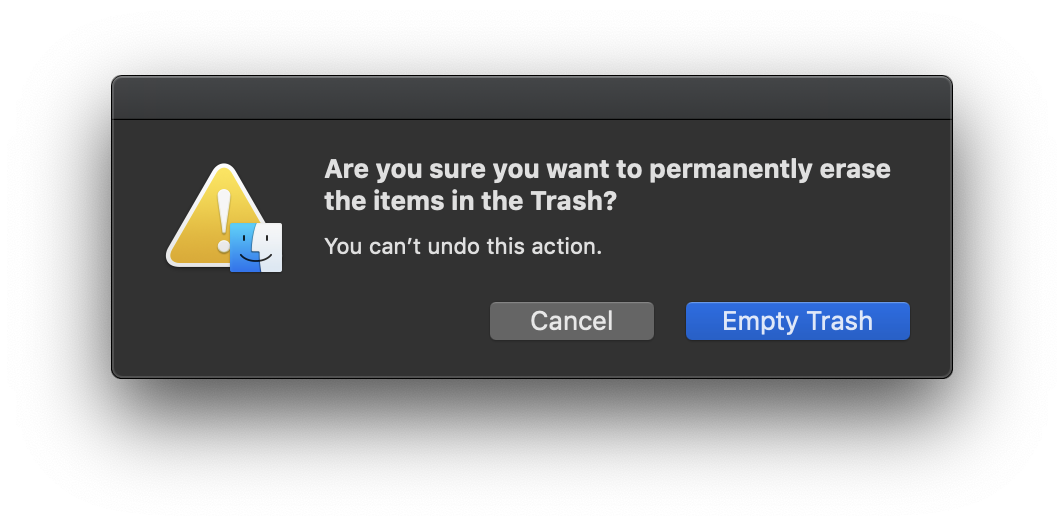
Finder: Empty Trash
Finder: Eject Warning
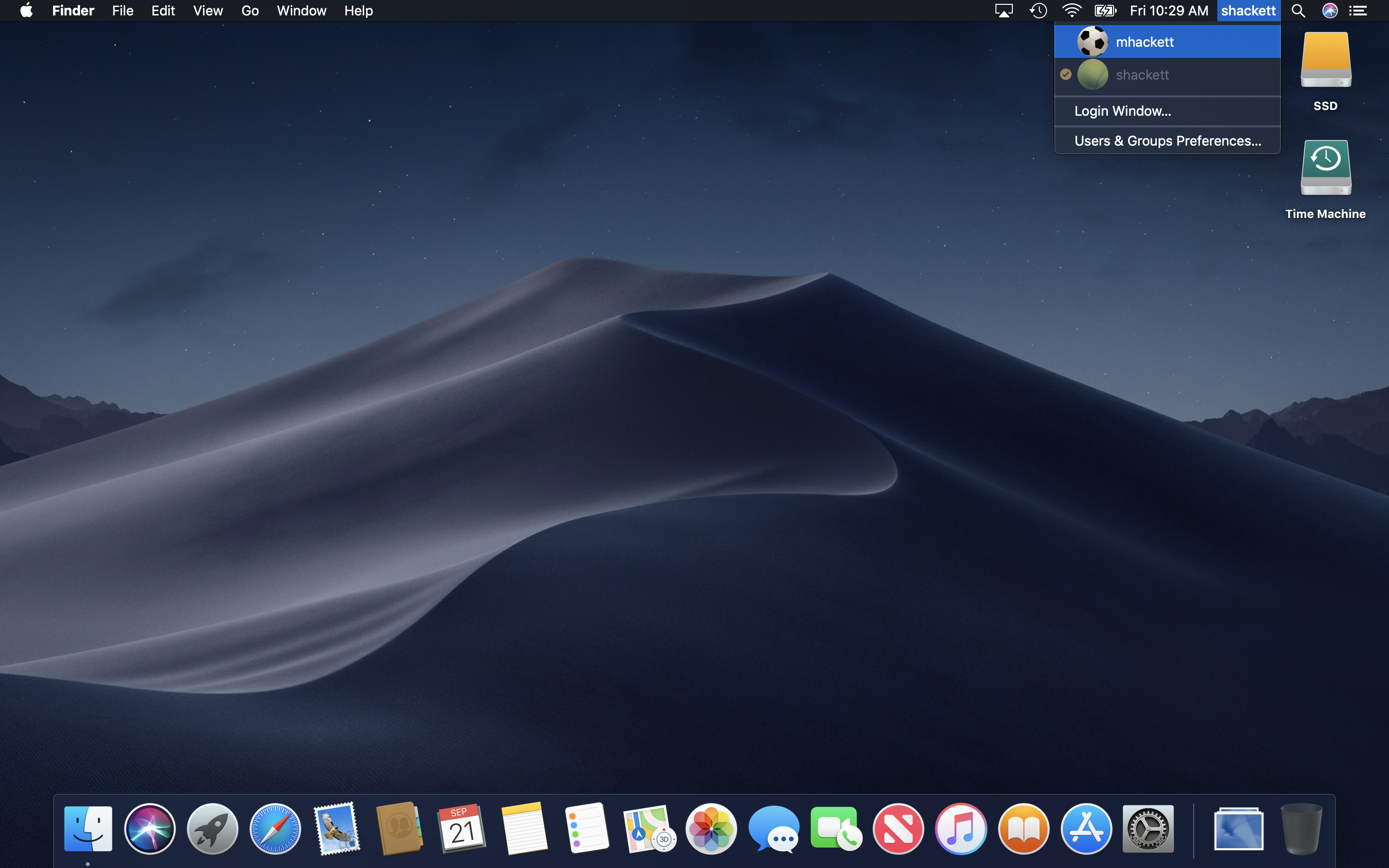
Fast User Switching
Fast User Switching: Login Window
Spotlight
Spotlight: More Results
Mission Control
Menu Bar: Time Machine
Time Machine
Launchpad
Launchpad: Folder
Fullscreen App
Split Screen Apps
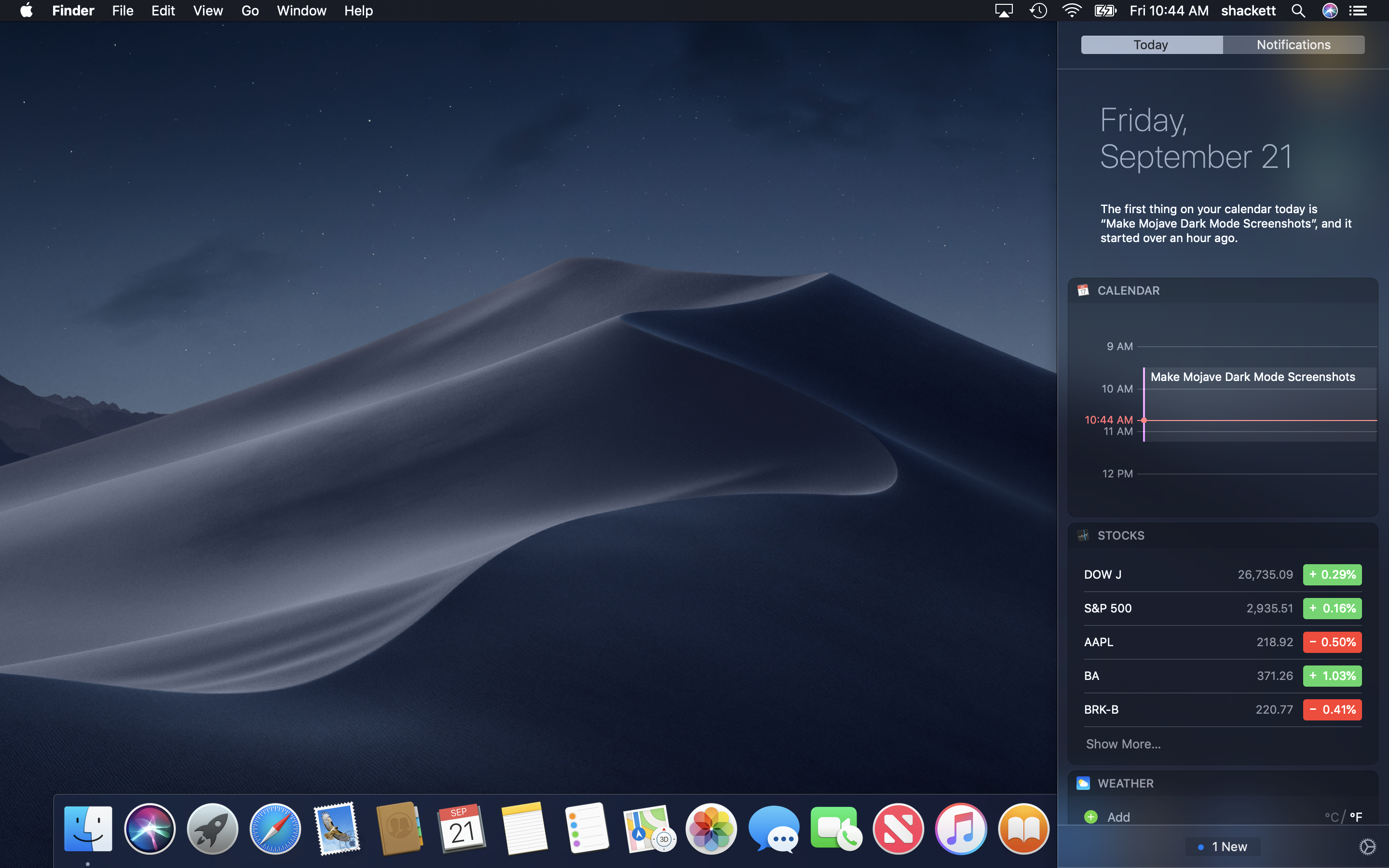
Notification Center: Today
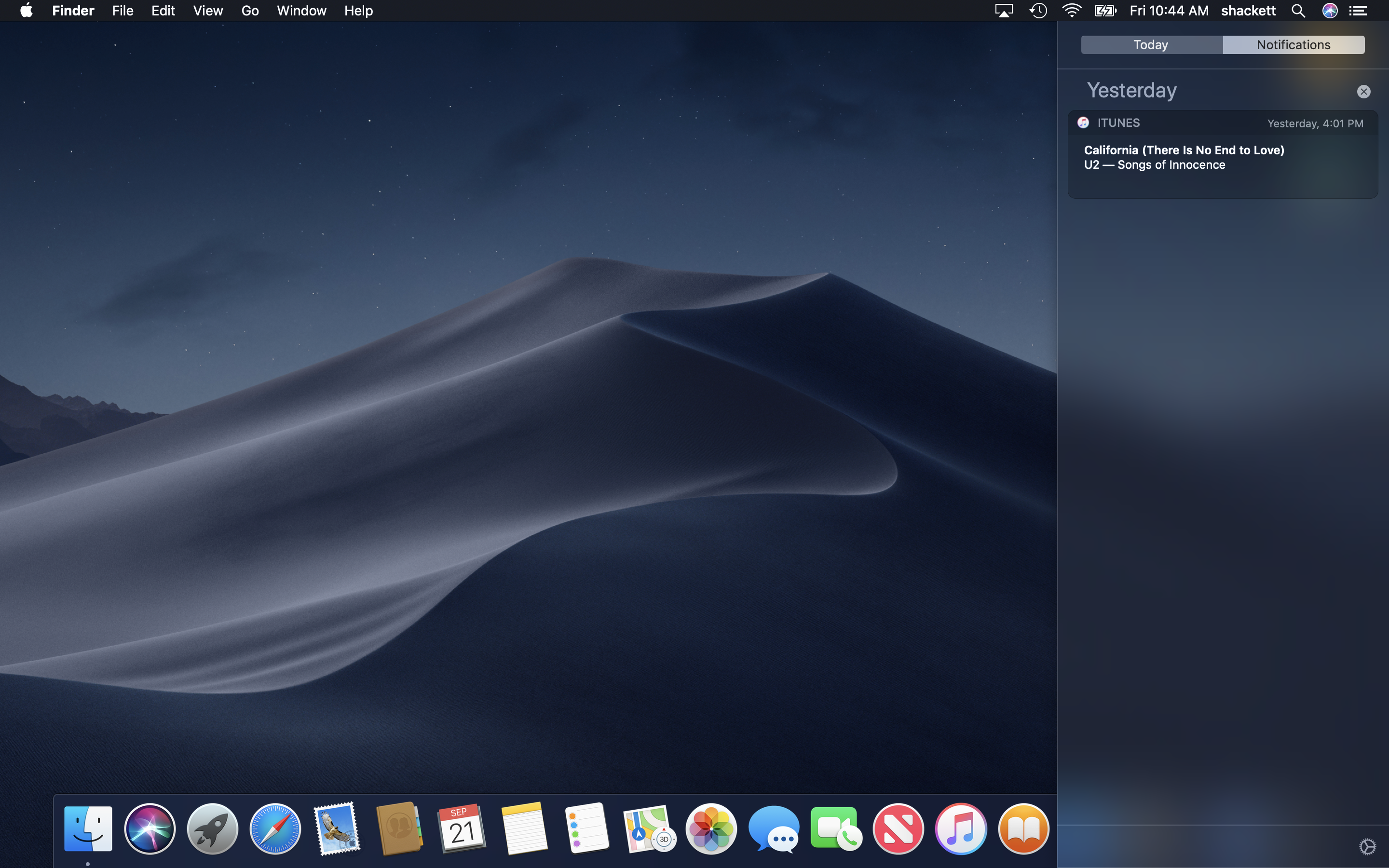
Notification Center: Notifications
Dictation
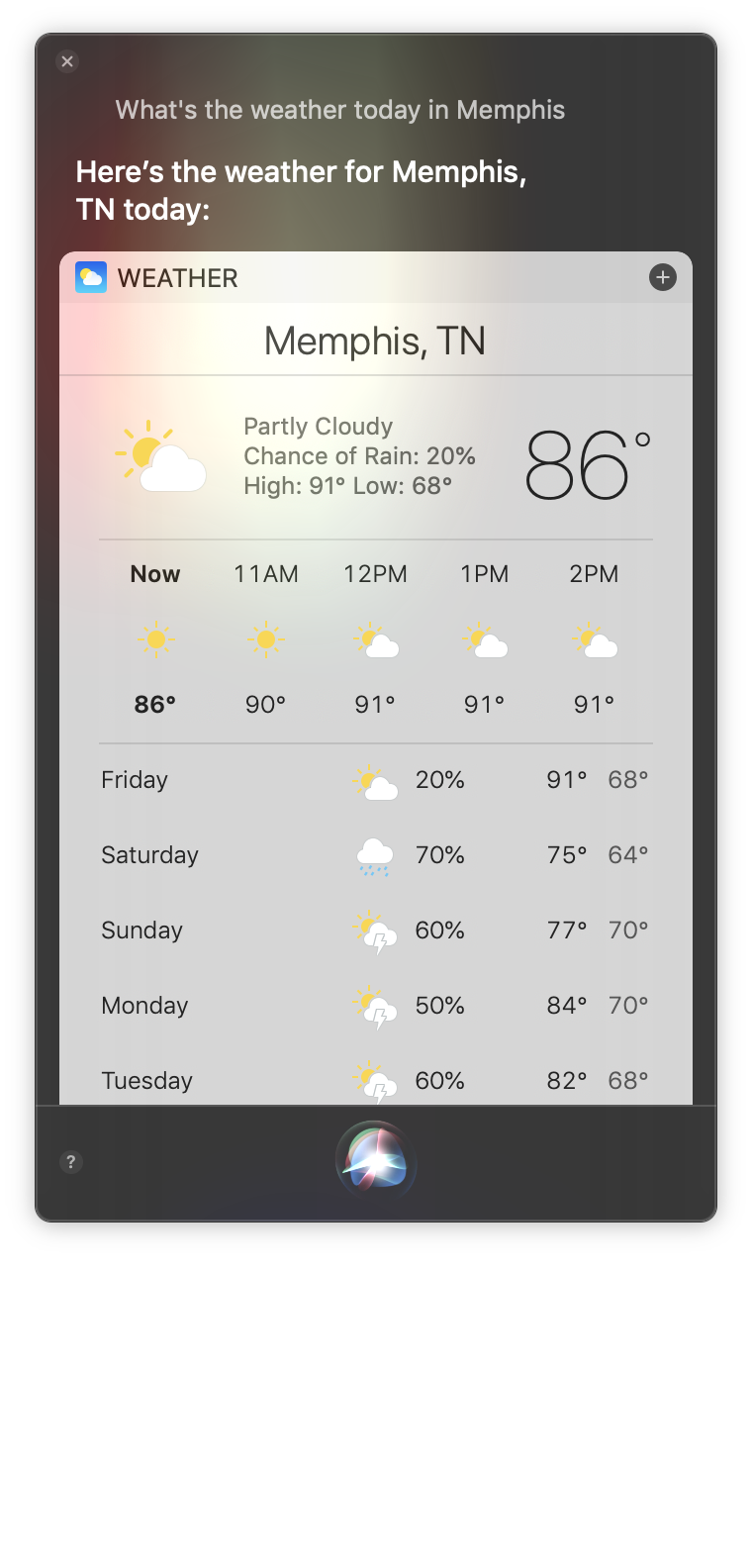
Siri
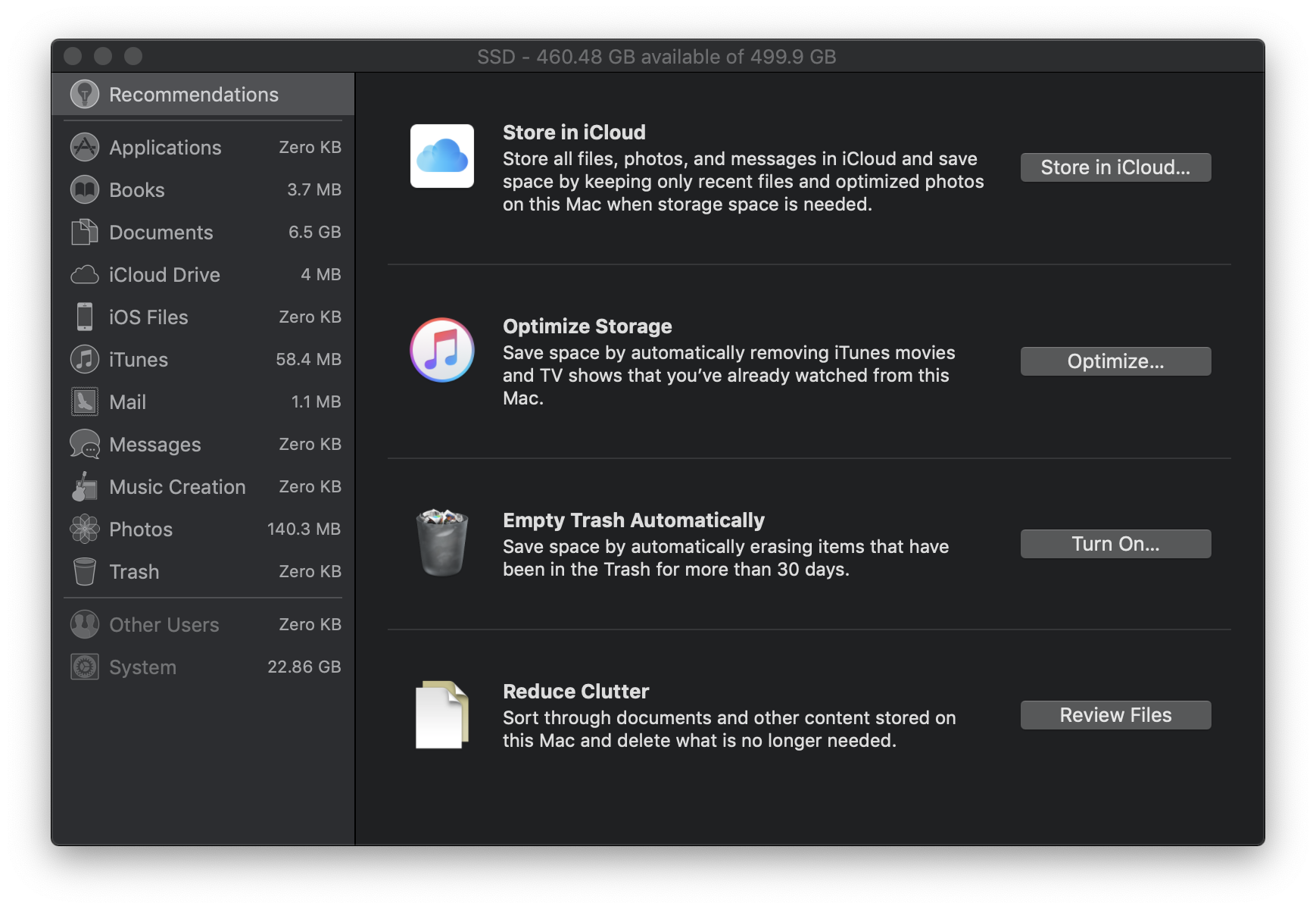
Storage Management
TextEdit
TextEdit: Open
TextEdit: Open: iCloud
Print
Activity Monitor
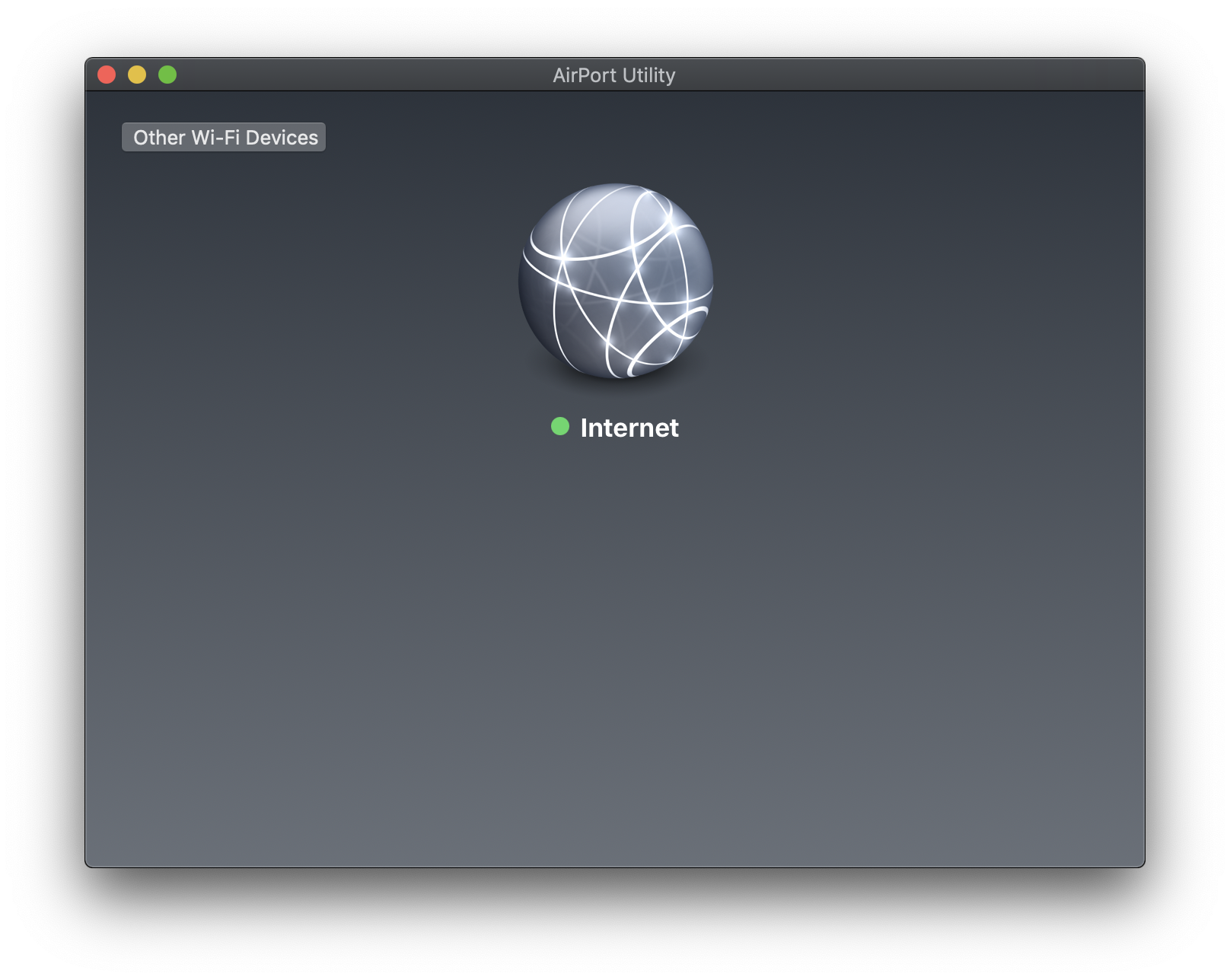
AirPort Utility
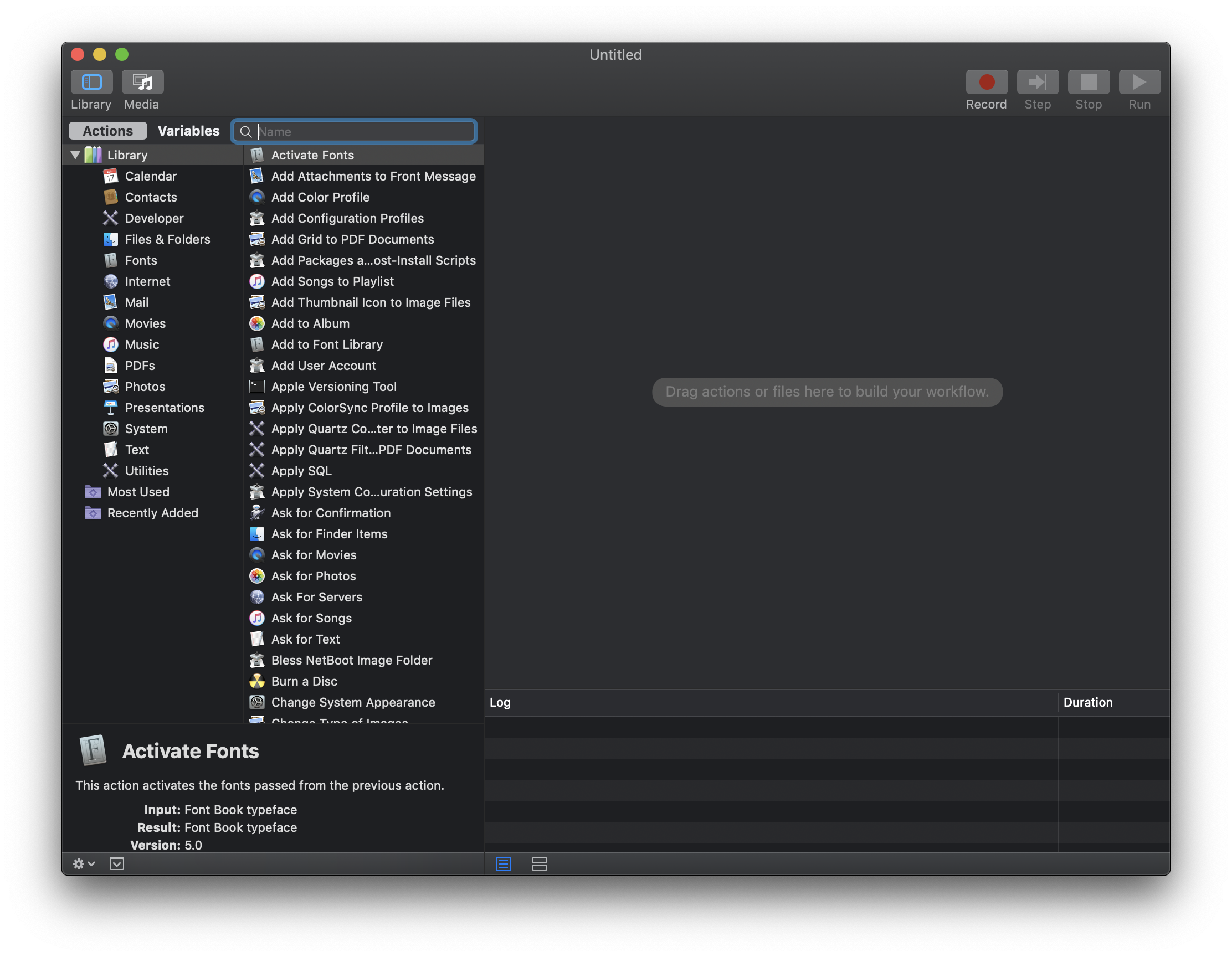
Automator
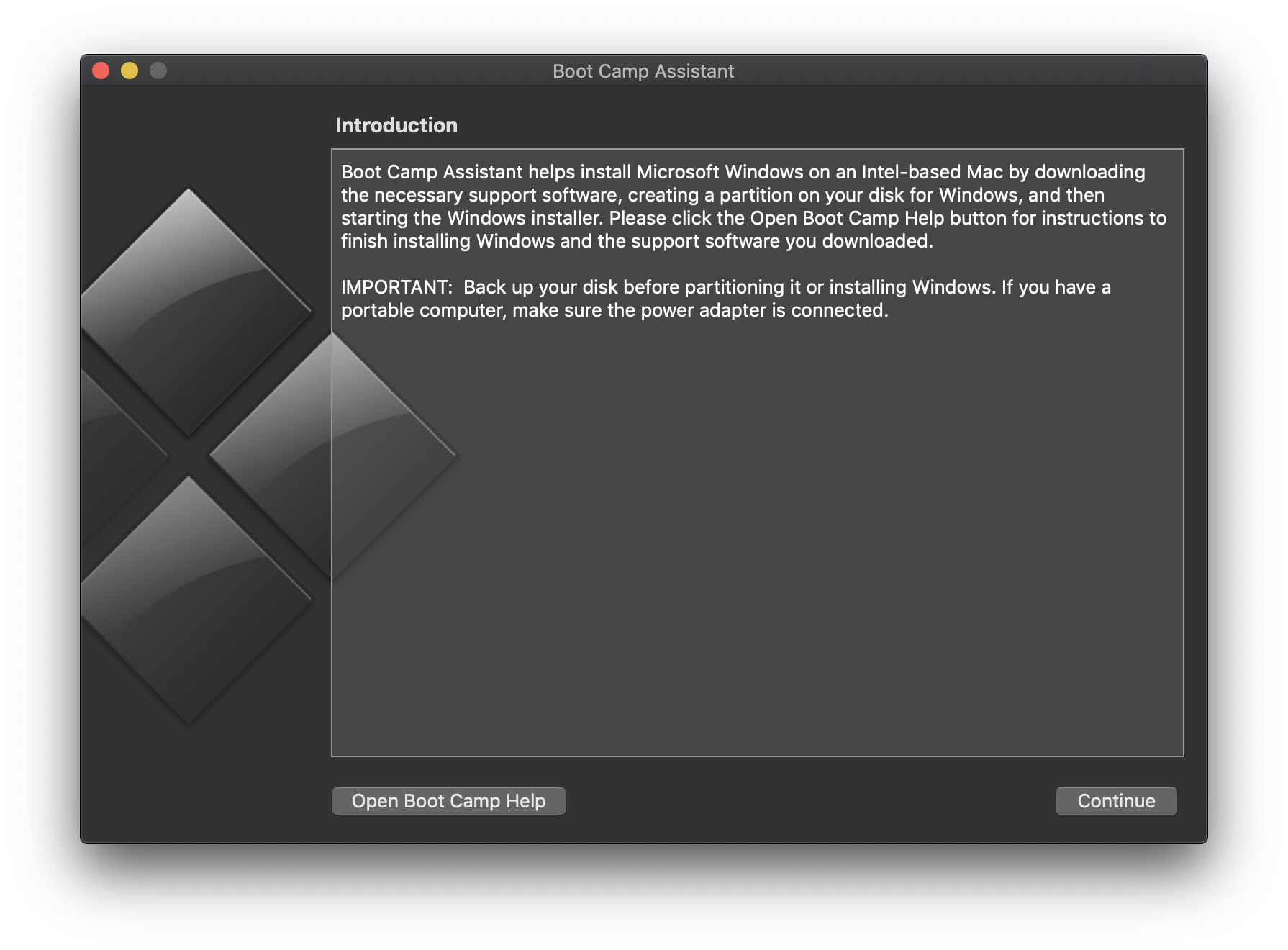
Boot Camp Assistant
Calculator
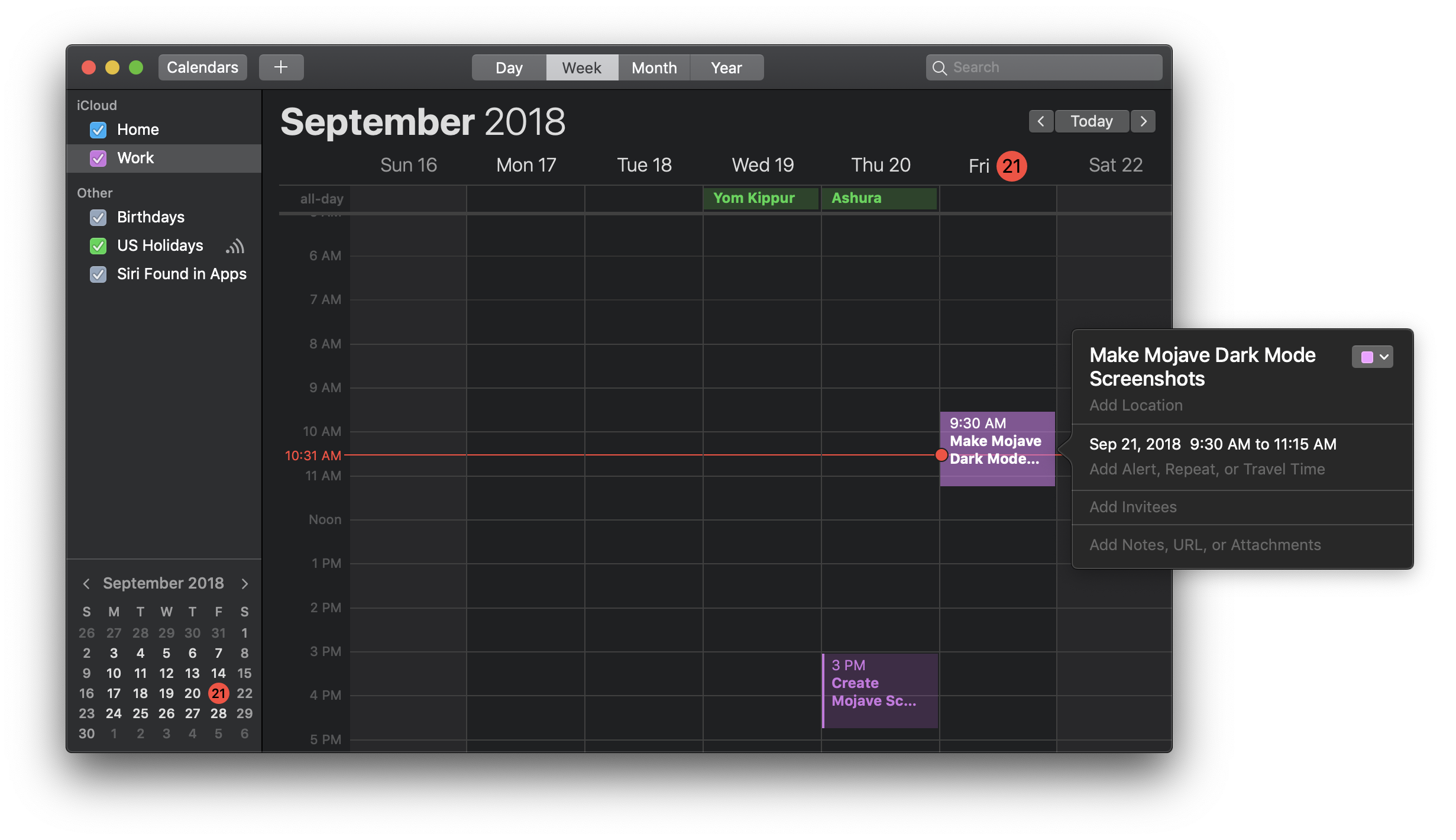
Calendar
Calendar: Preferences
Chess
Console
Contacts
Dictionary
Disk Utility
FaceTime
Font Book
Help
Help: Search
Home
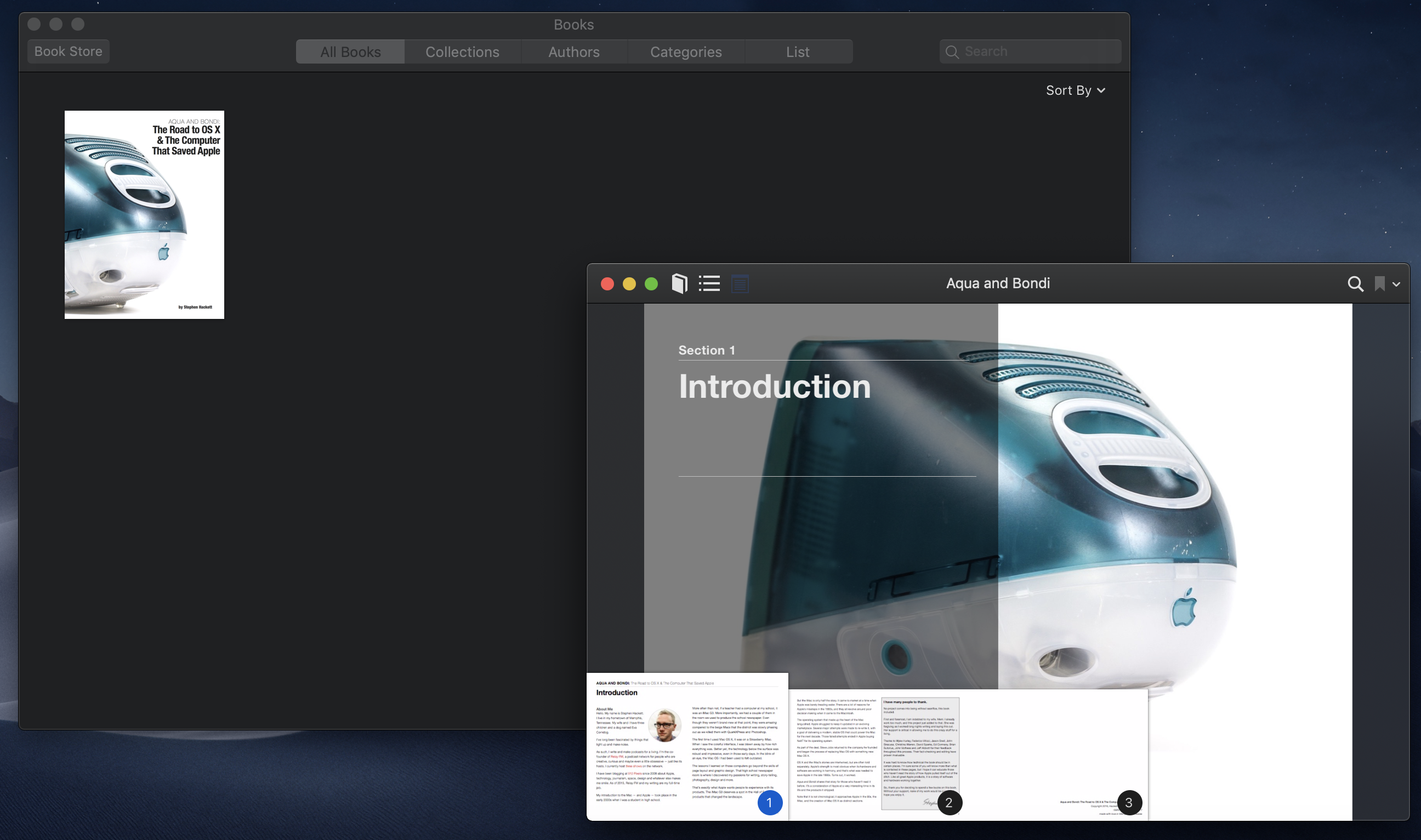
iBooks
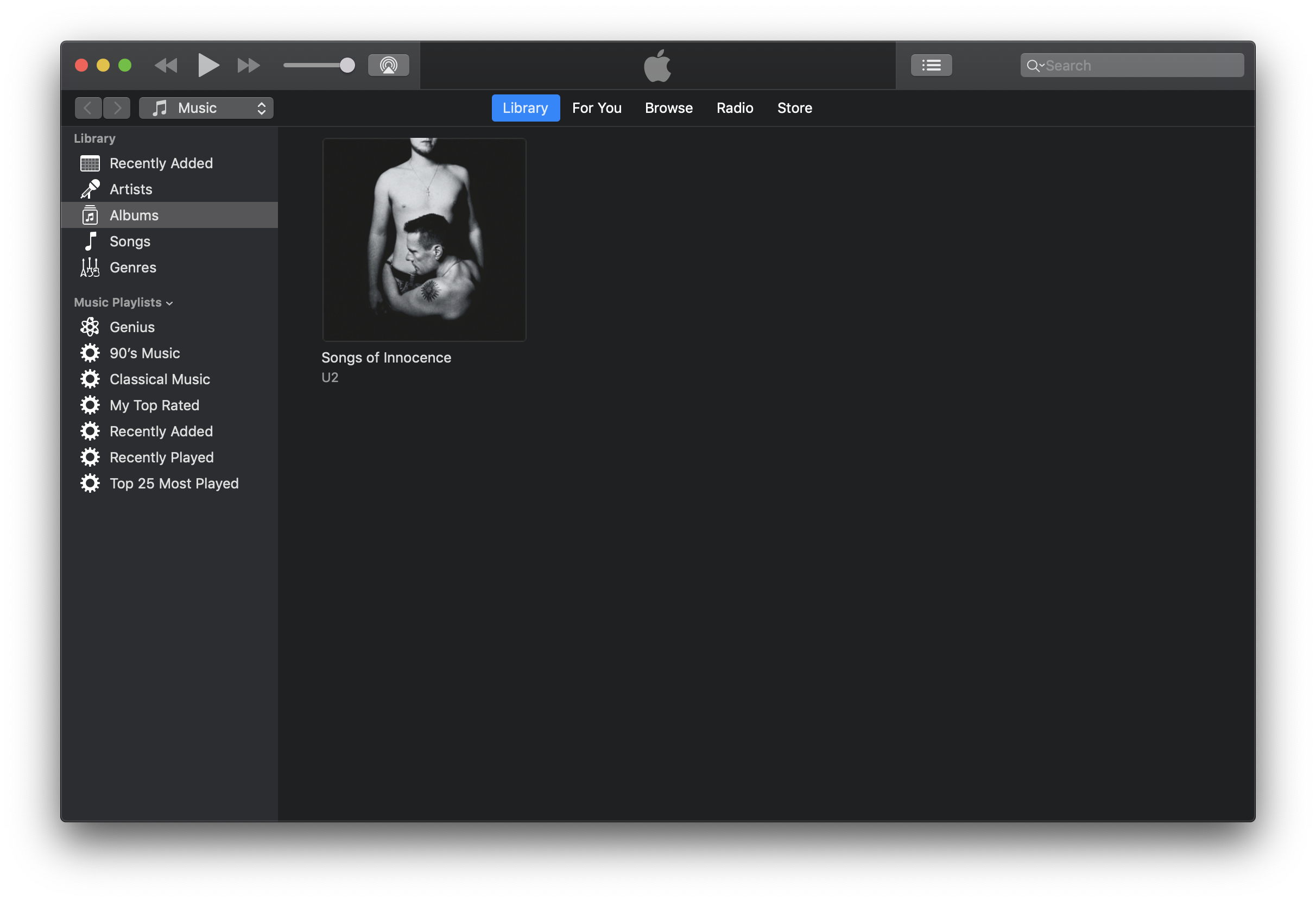
iTunes v12
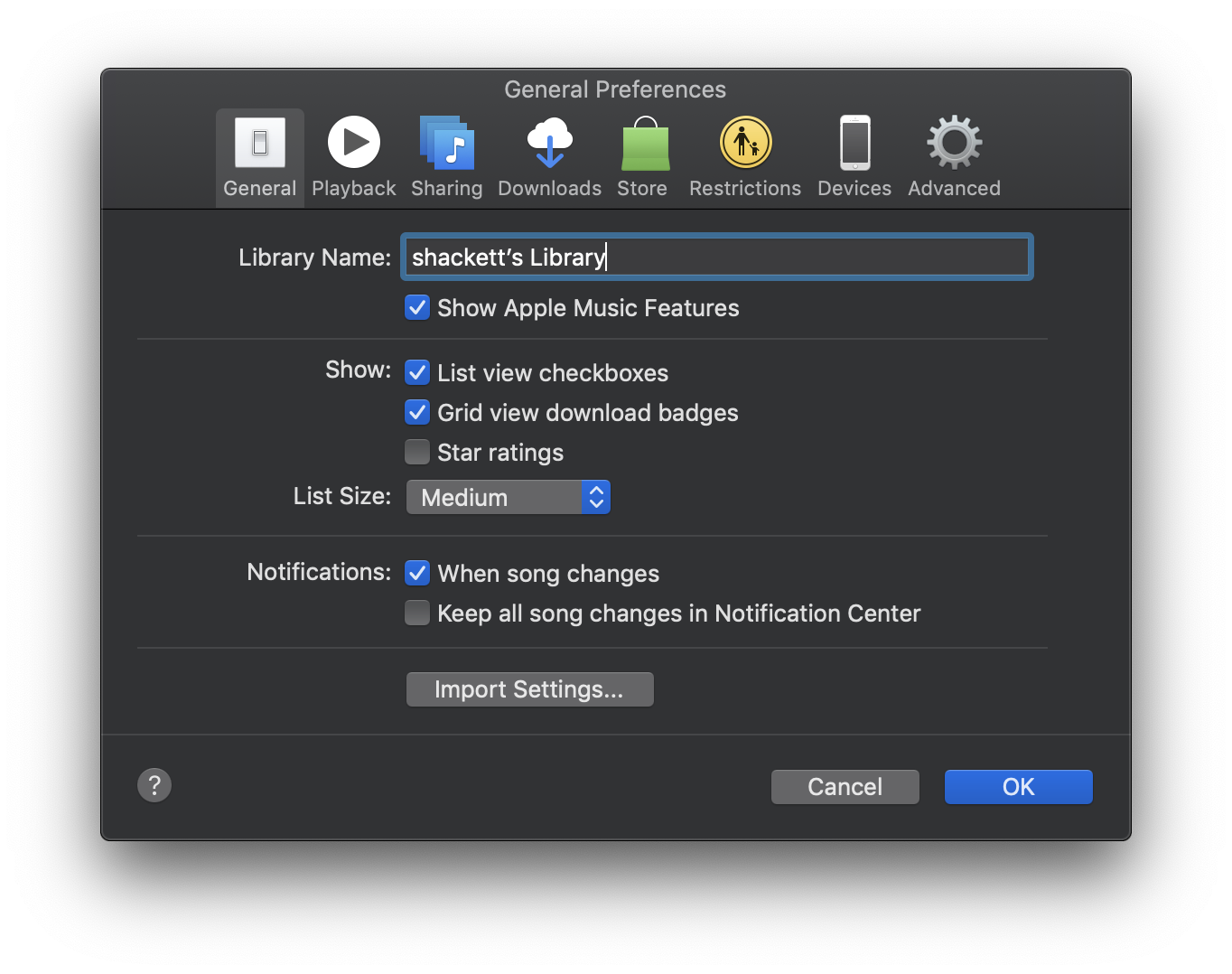
iTunes v12: Preferences
Keychain Access
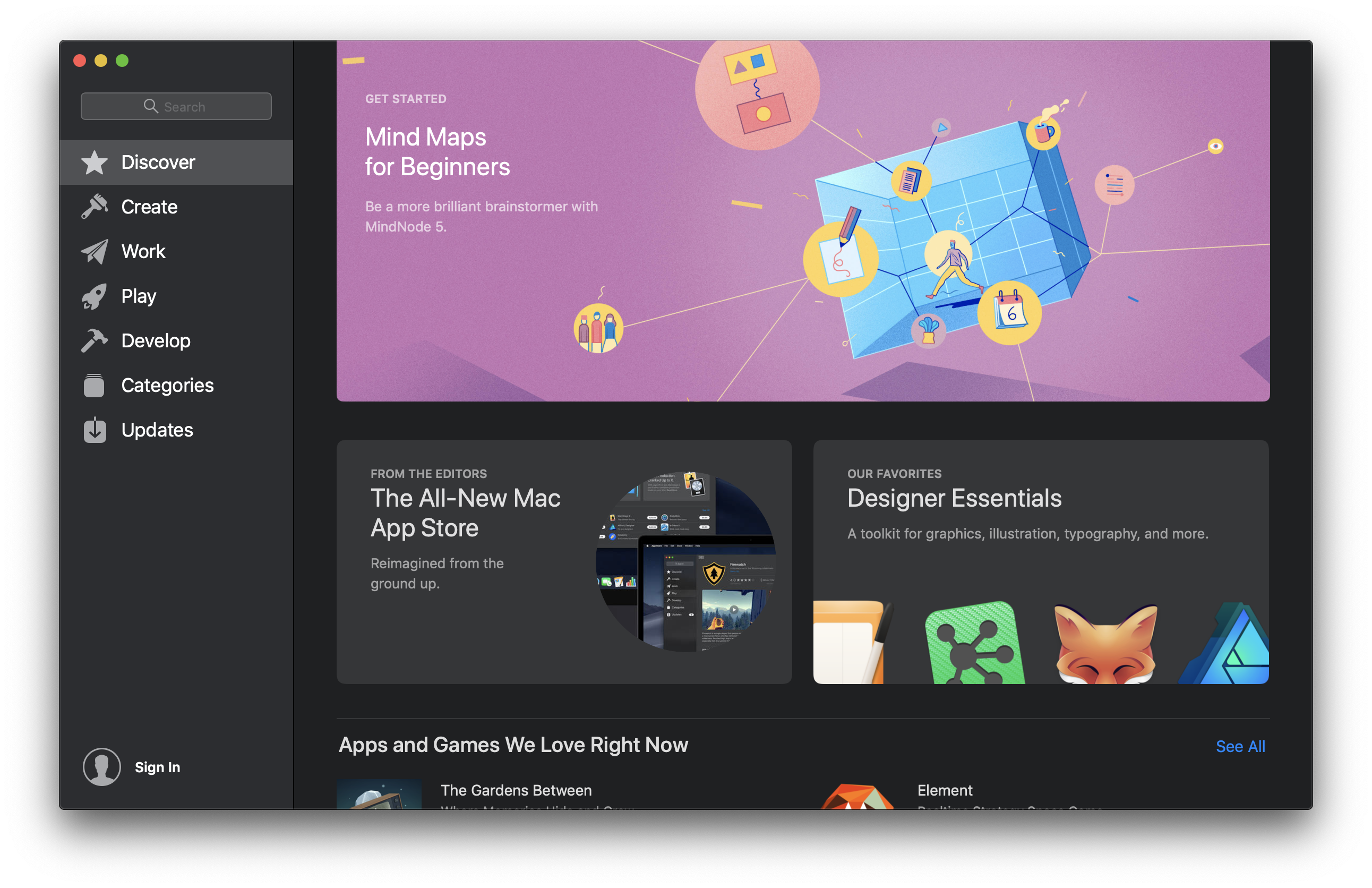
Mac App Store
Mail
Mail: Light Background
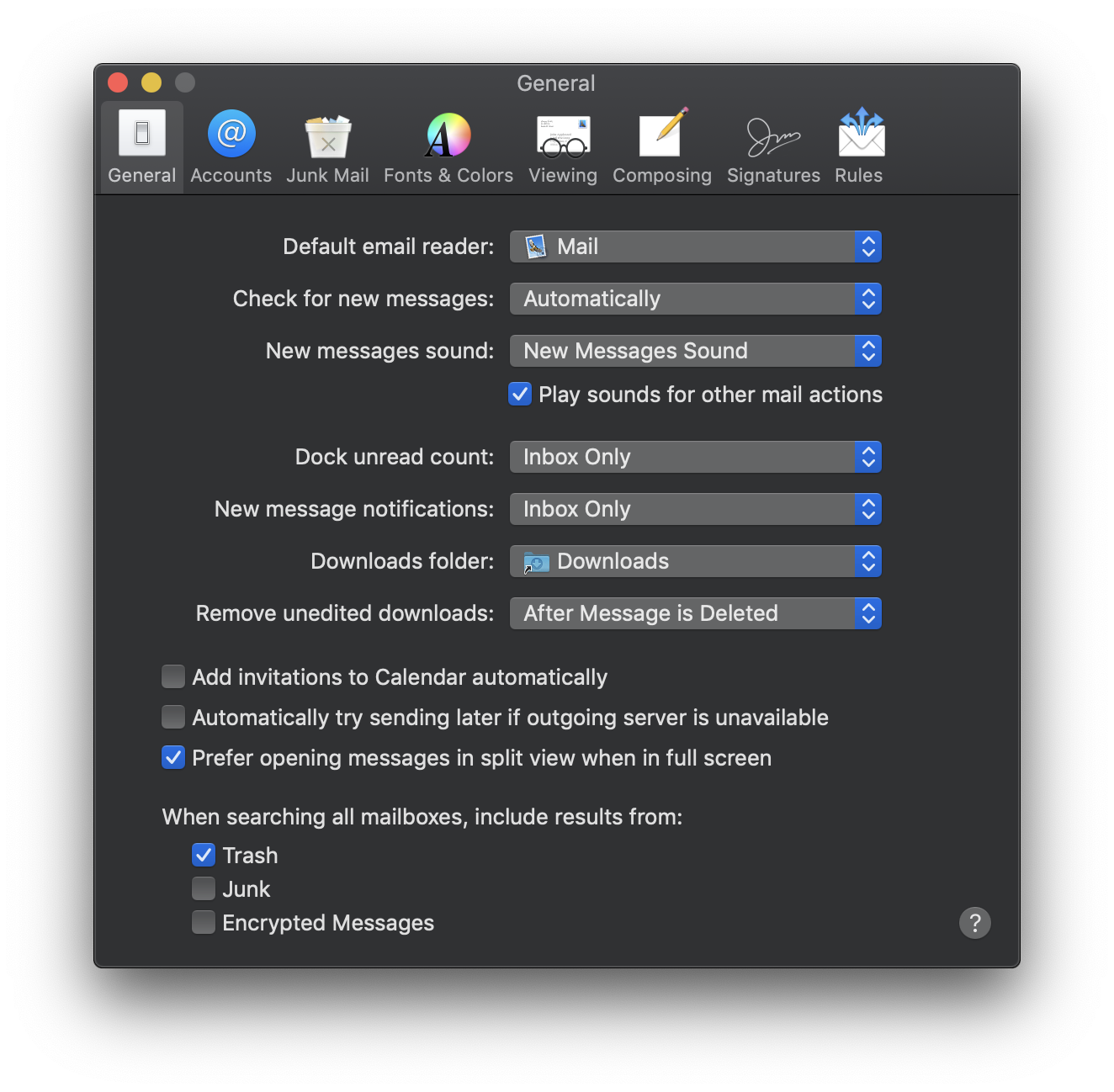
Mail: Preferences
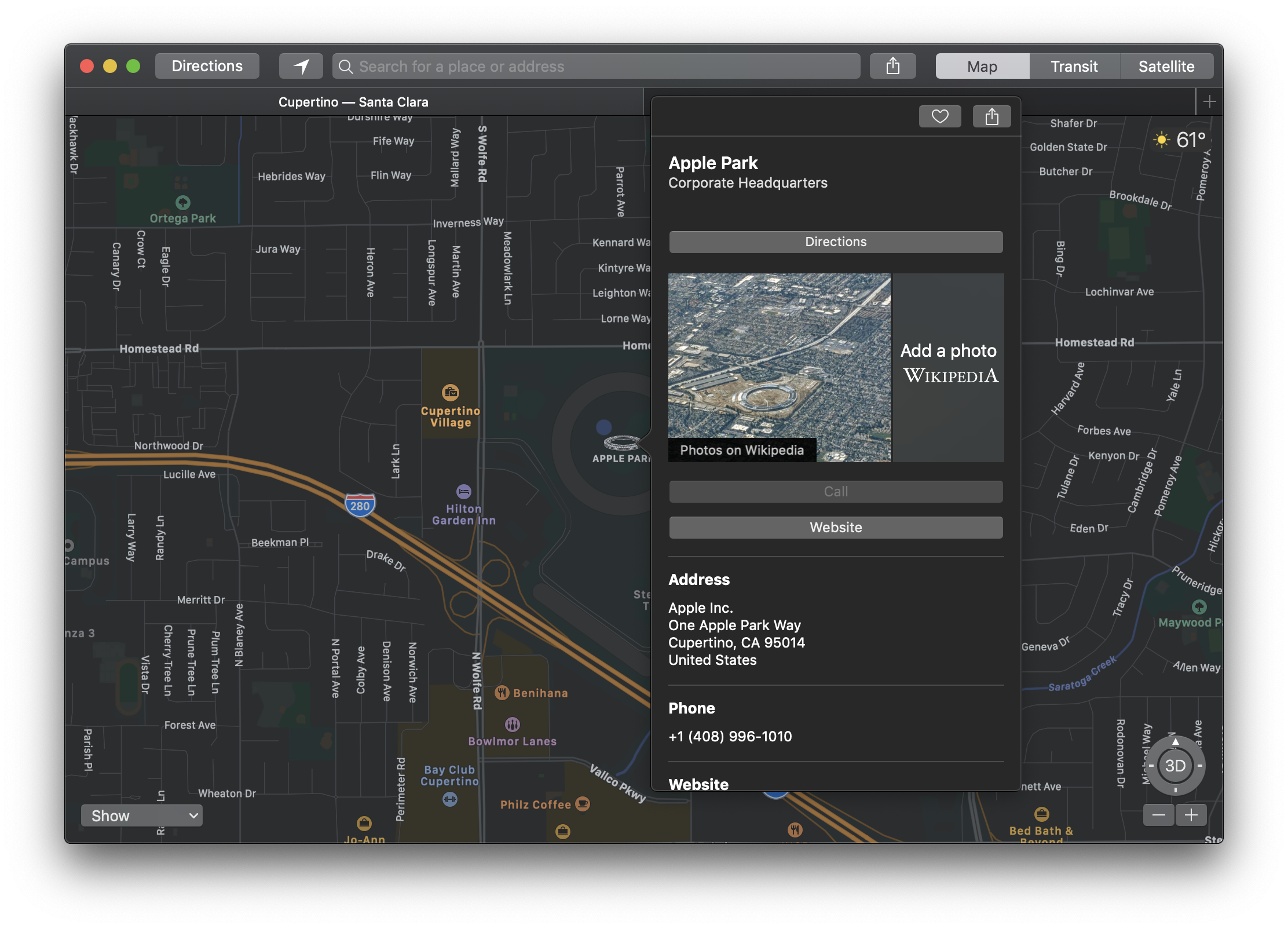
Maps
Messages
Network Utility
News
Notes
Photo Booth
Photos
Preview
Preview: Search
QuickTime
Reminders
Safari 12
Safari 12: Favorites
Safari 12: Reader Mode
Safari 12: Tab Overview
Safari 12: Sharing
Safari 12: Picture in Picture
Safari 12: Preferences
Script Editor
Stickies
Stocks
Voice Memos
System Preferences
System Preferences: General
System Preferences: Desktop & Screen Saver
System Preferences: Dock
System Preferences: Mission Control
System Preferences: Language & Region
System Preferences: Security & Privacy
System Preferences: Spotlight
System Preferences: Notifications
System Preferences: Displays
System Preferences: Energy Saver
System Preferences: Keyboard
System Preferences: Mouse
System Preferences: Trackpad
System Preferences: Printer & Scanners
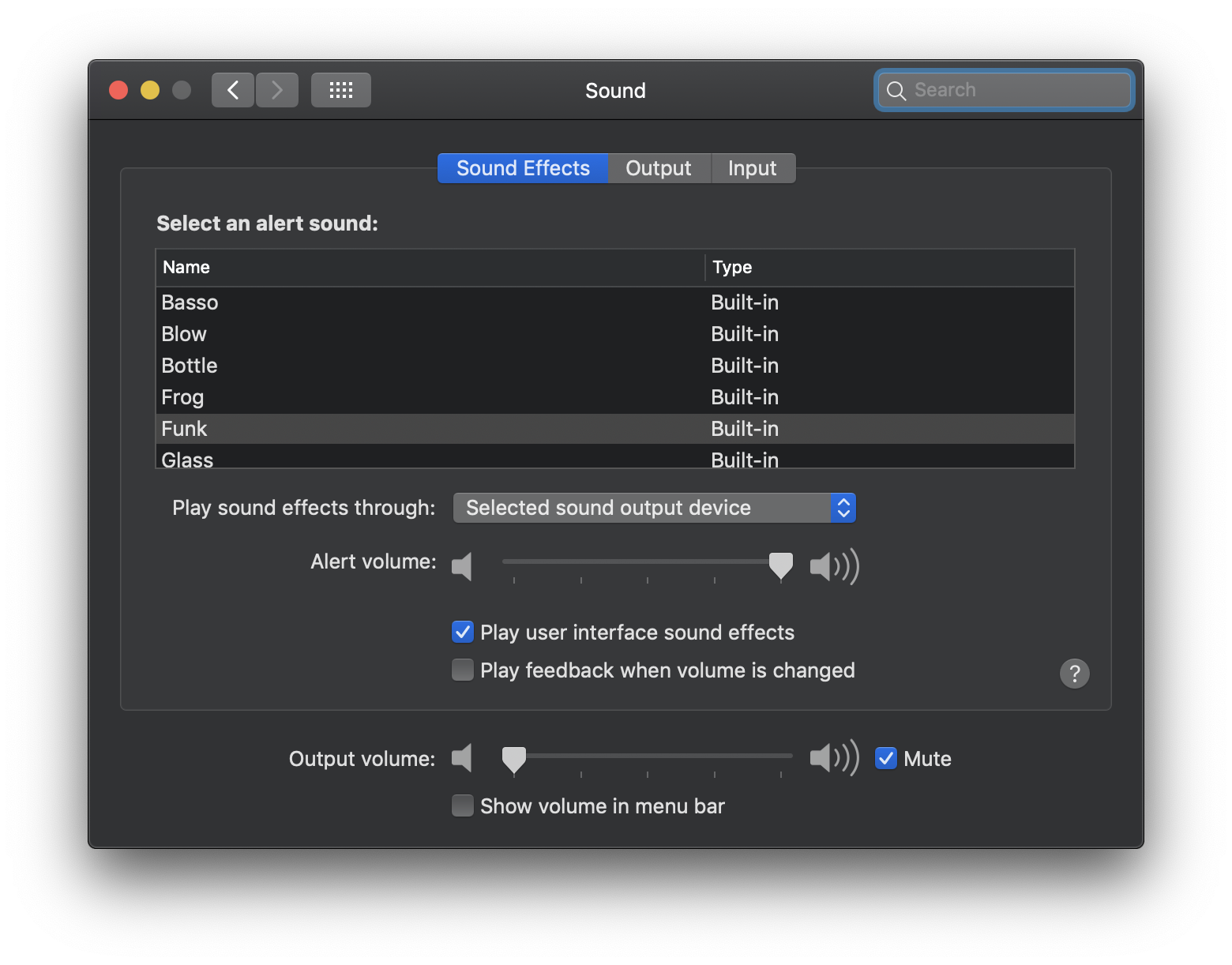
System Preferences: Sound
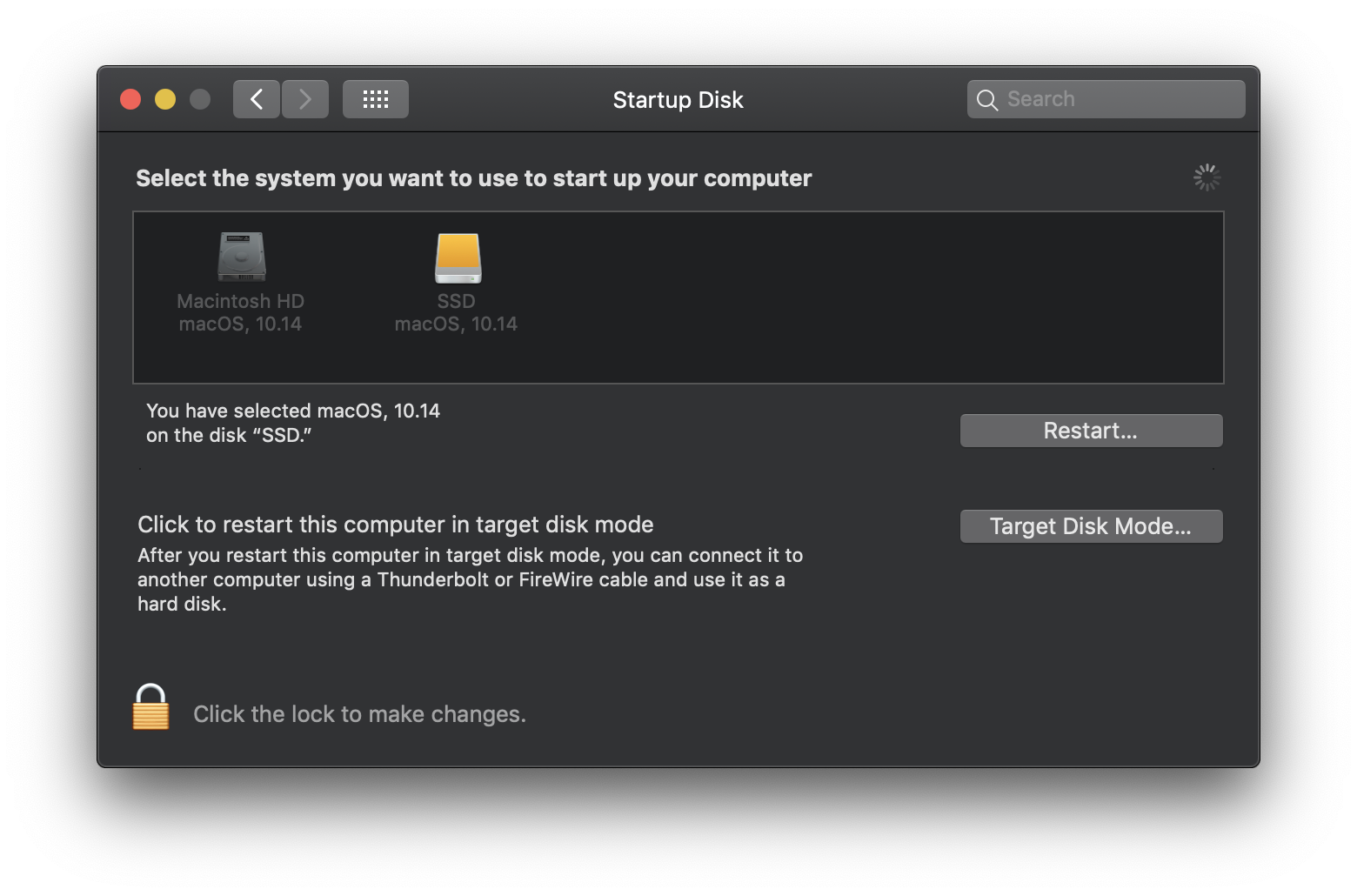
System Preferences: Startup Disk
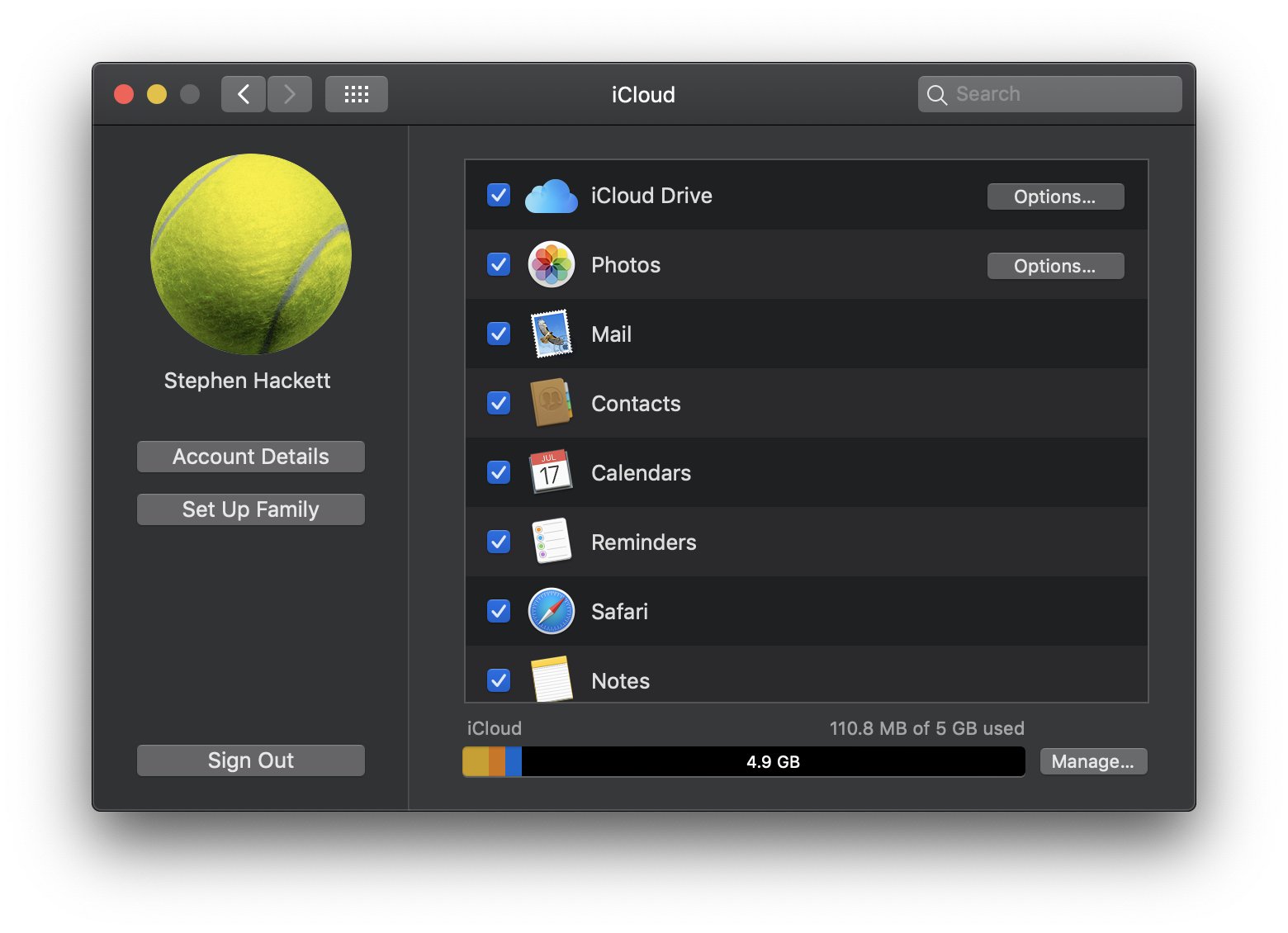
System Preferences: iCloud
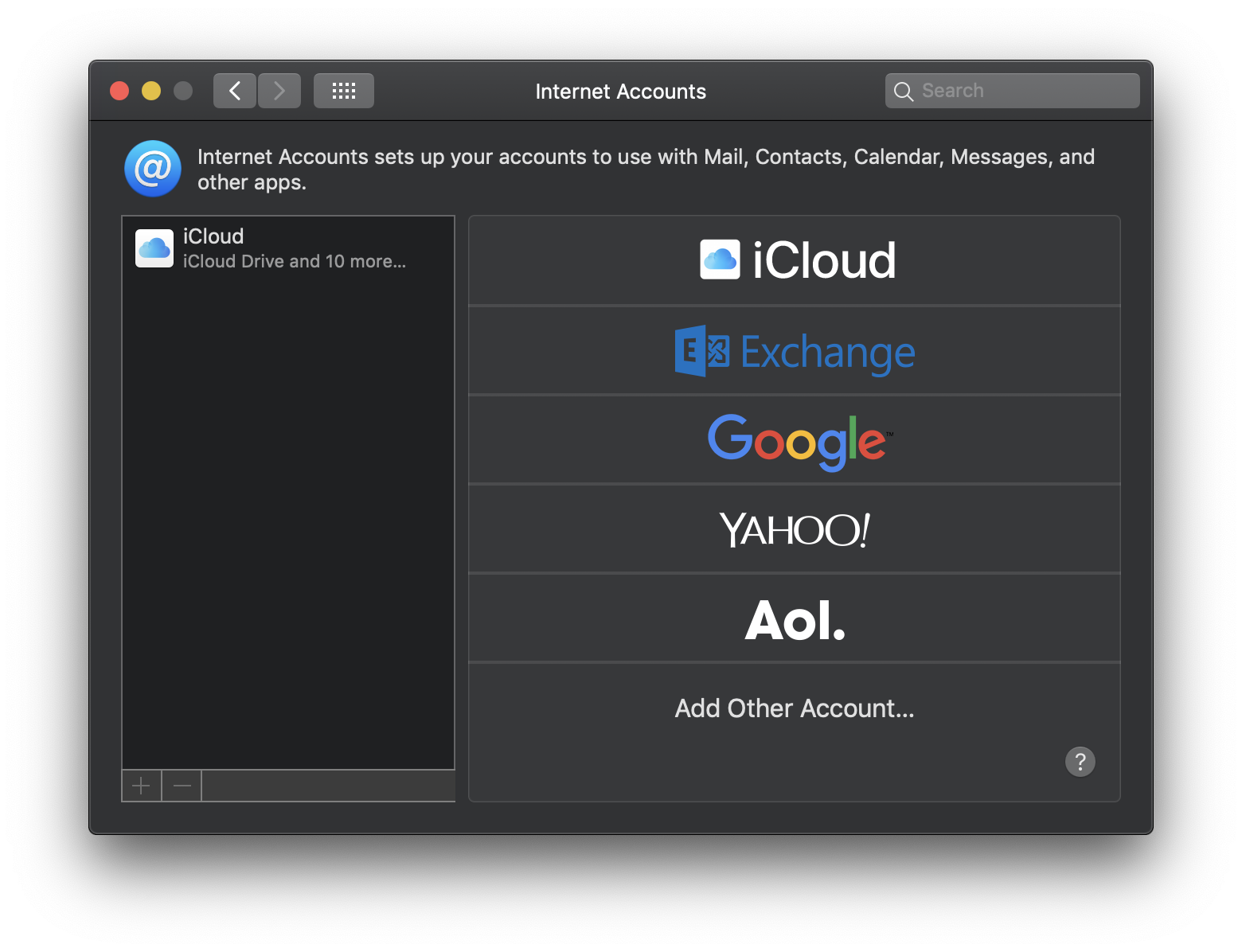
System Preferences: Internet Accounts
System Preferences: Wallet & Apple Pay
System Preferences: Software Update
System Preferences: Network
System Preferences: Bluetooth
System Preferences: Extensions
System Preferences: Sharing
System Preferences: Touch ID
System Preferences: Users & Groups
System Preferences: Parental Controls
System Preferences: Siri
System Preferences: Date & Time
System Preferences: Time Machine
System Preferences: Accessibility
← Downgrade to macOS 10.13 High Sierra
View all entries in the Aqua Screenshot Library or check out OS X’s default wallpapers, updated for 6K Retina displays.