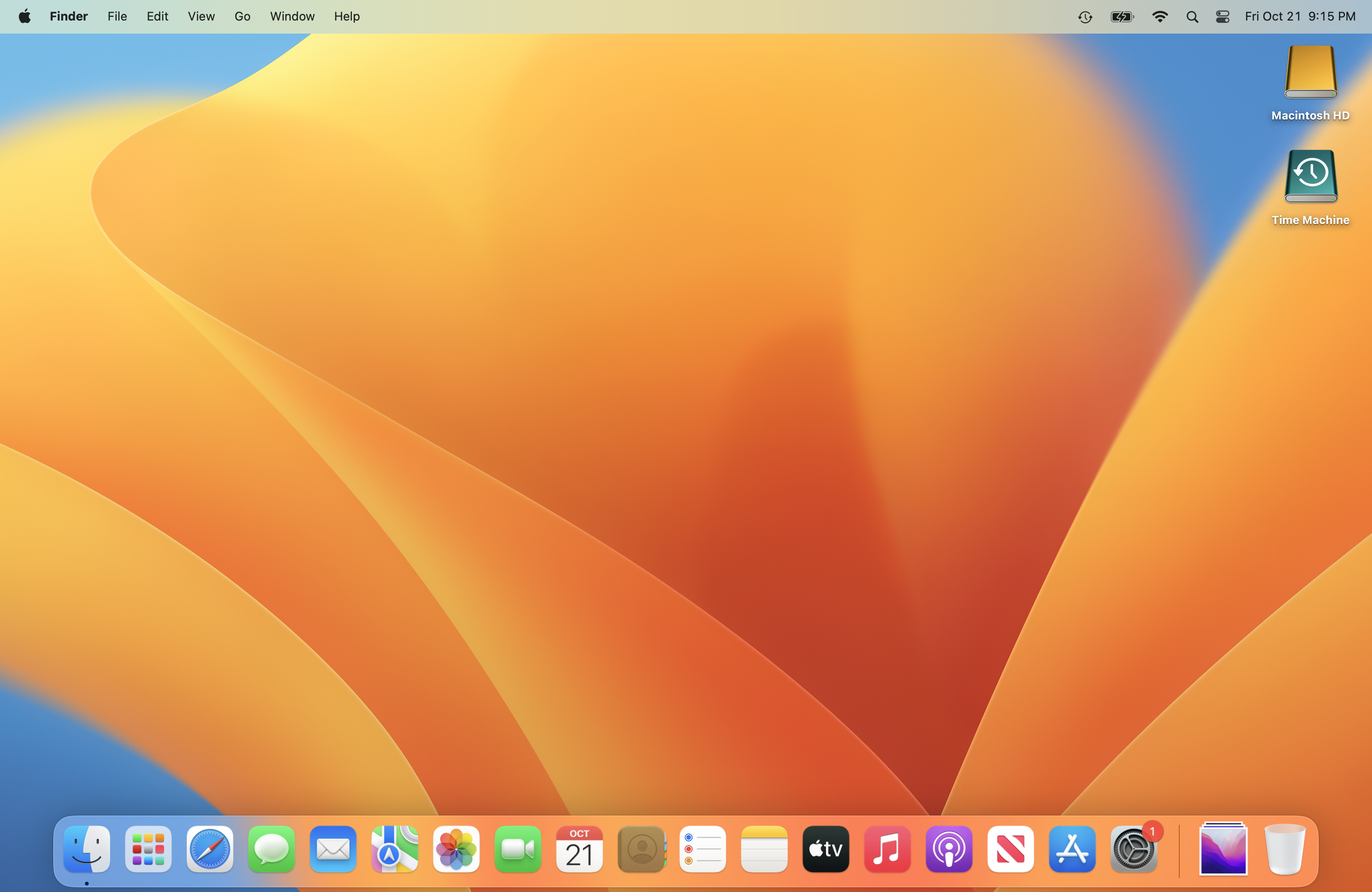
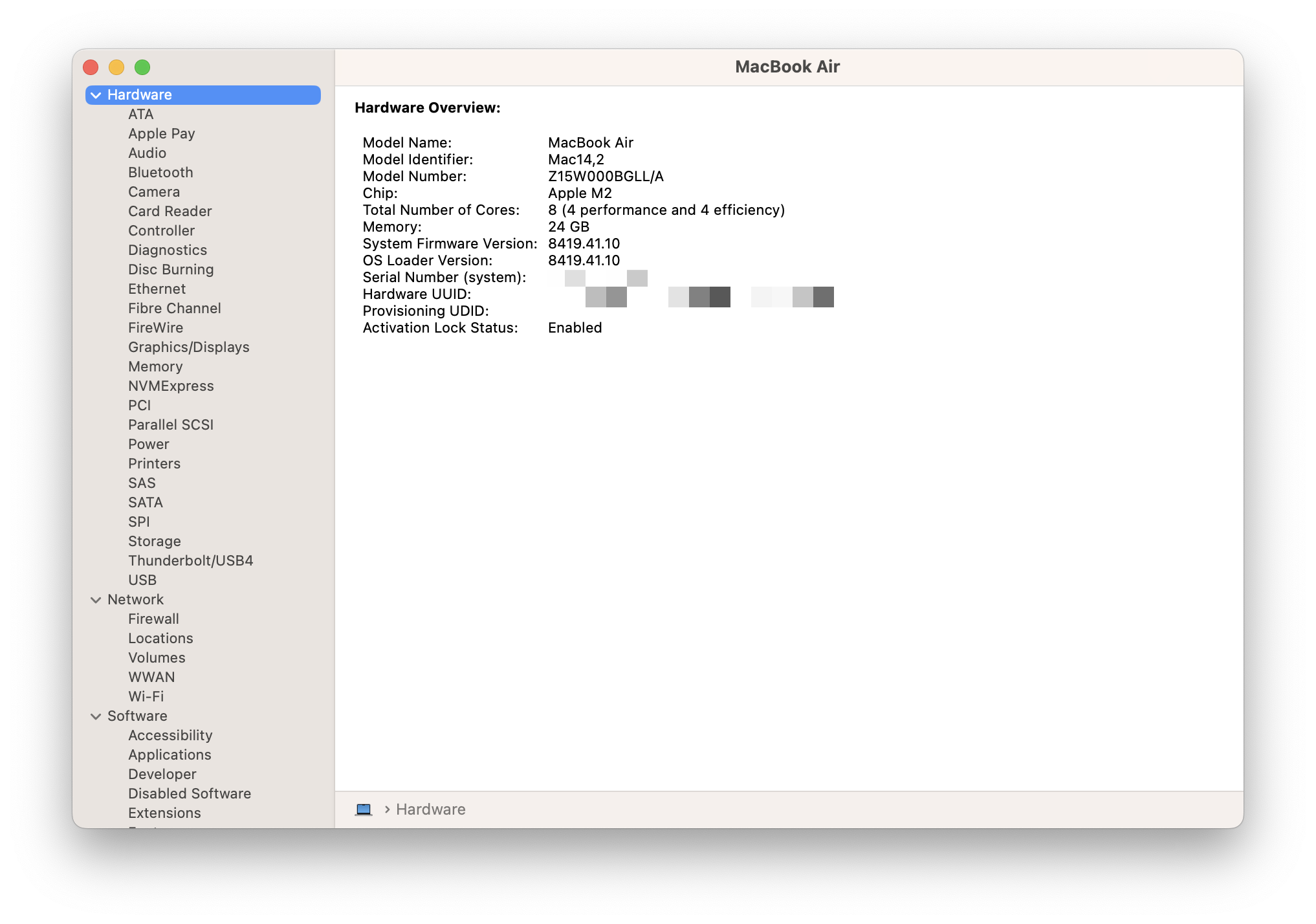
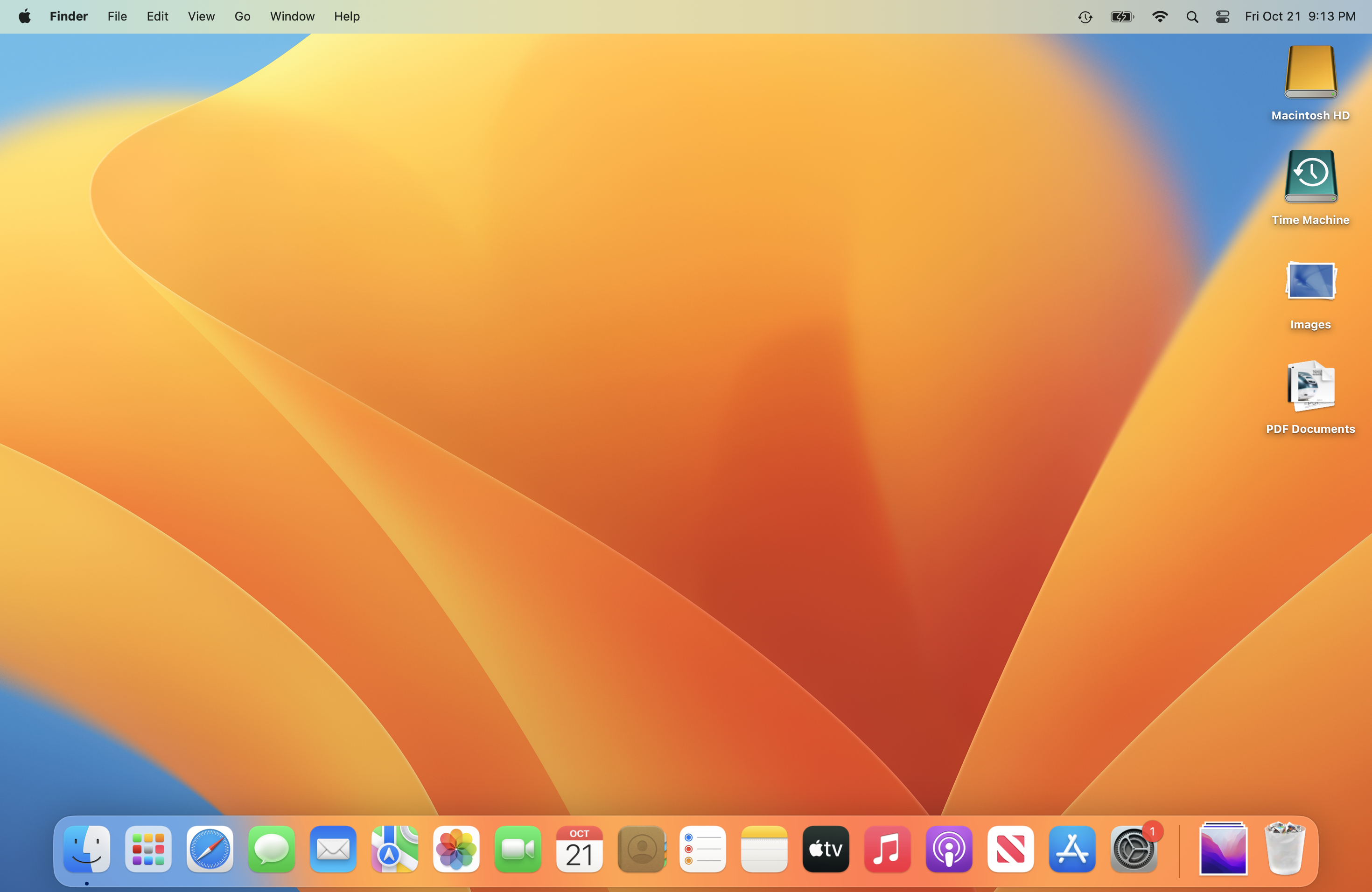
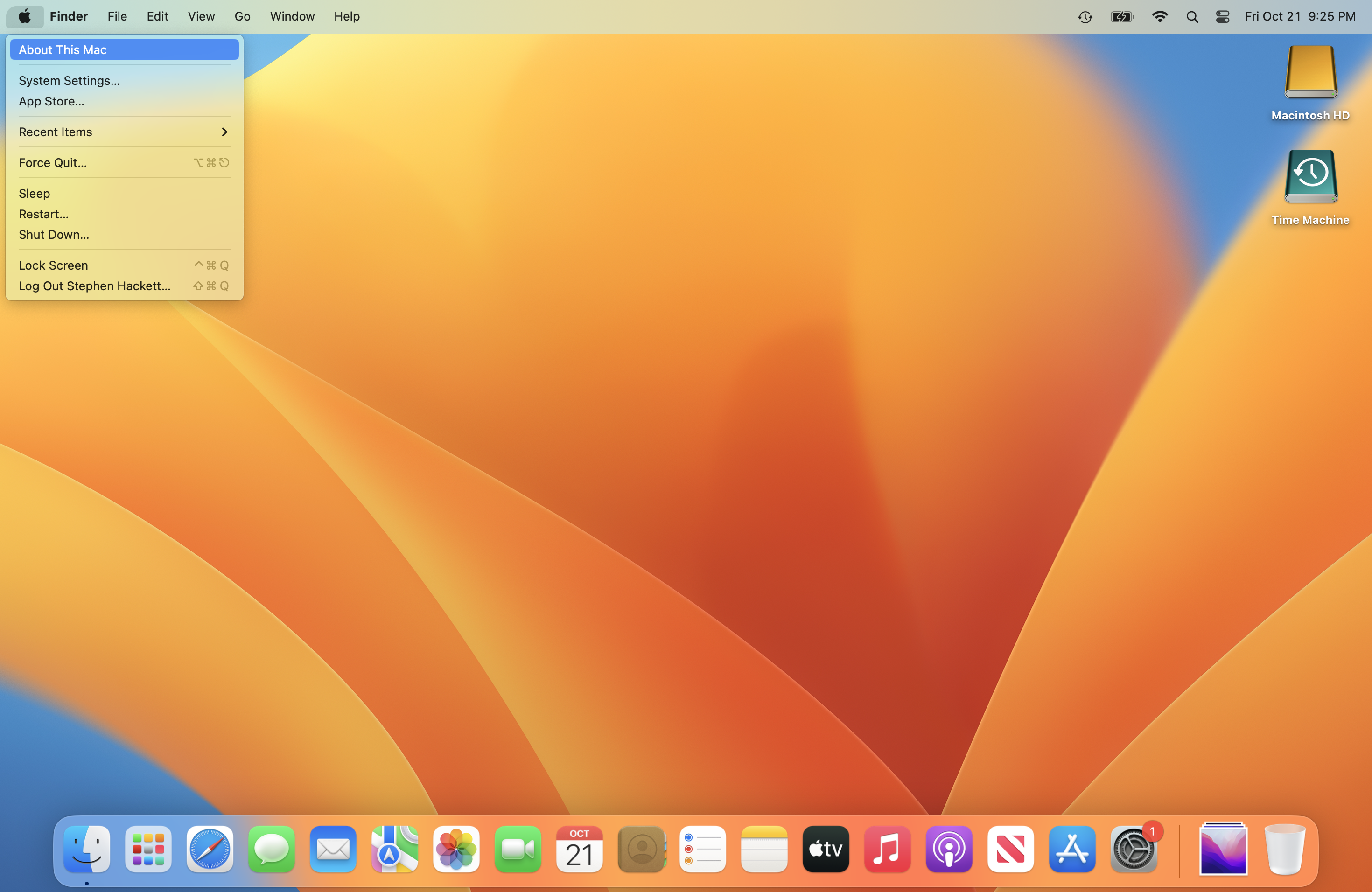
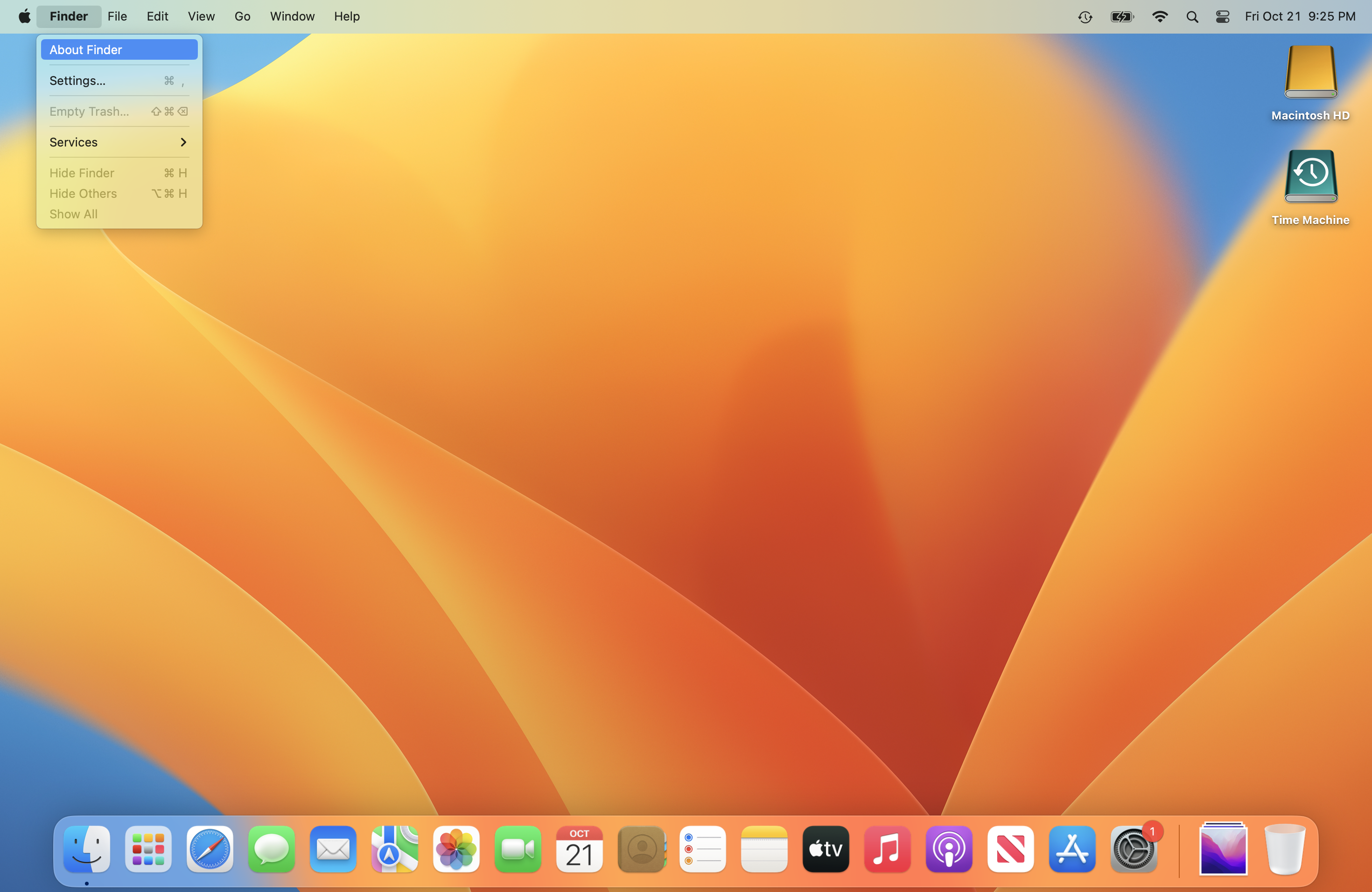
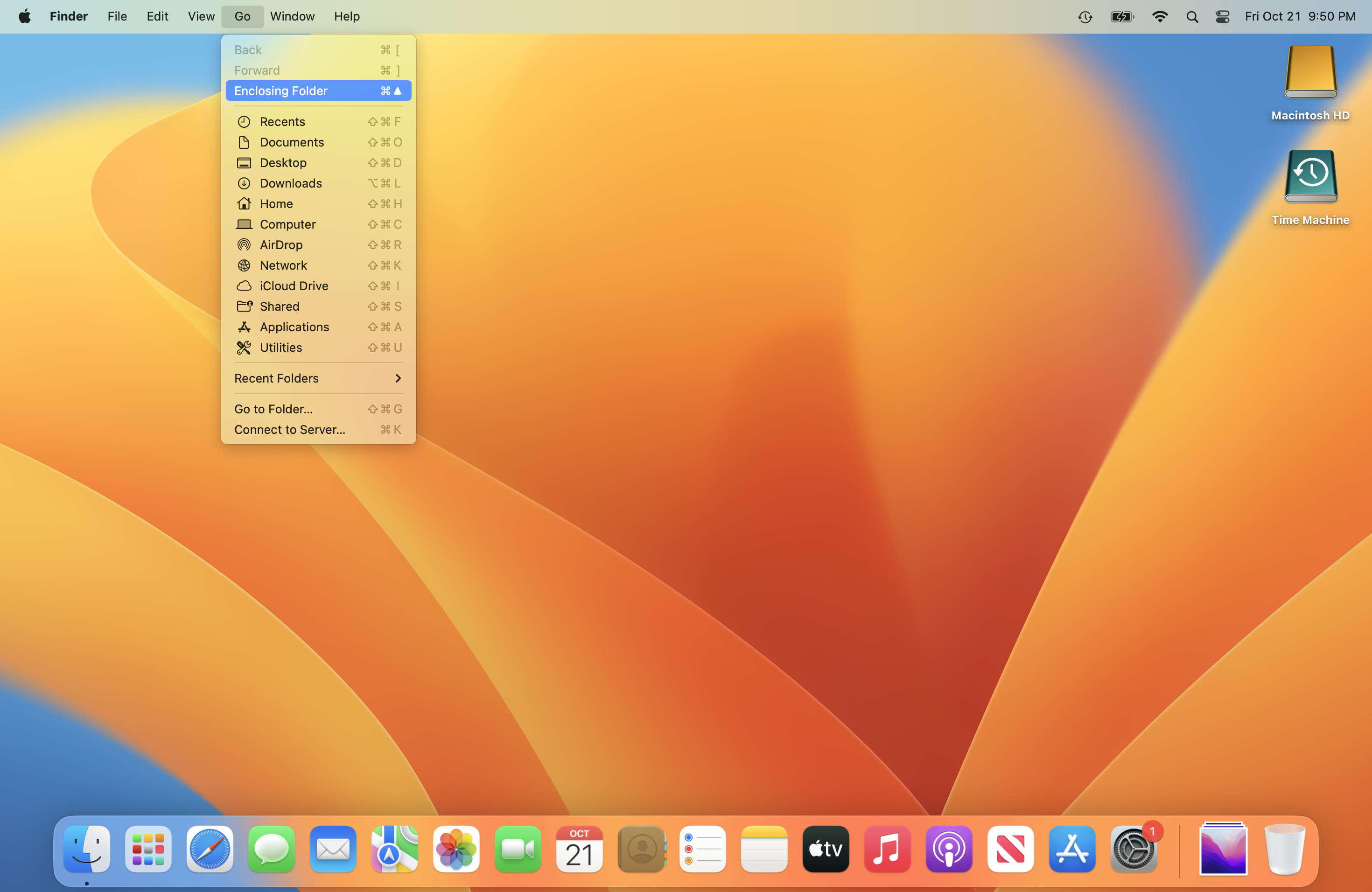
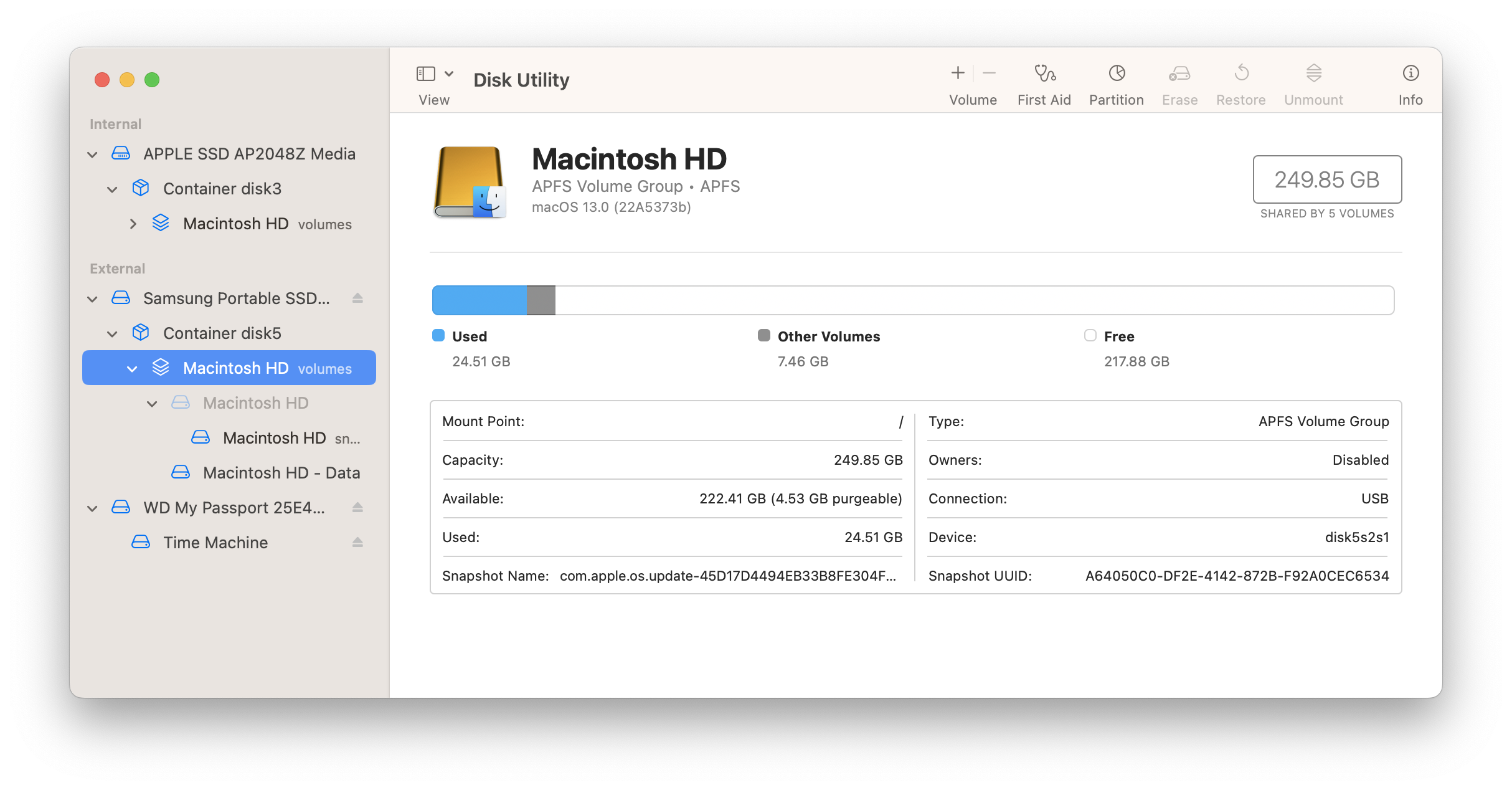
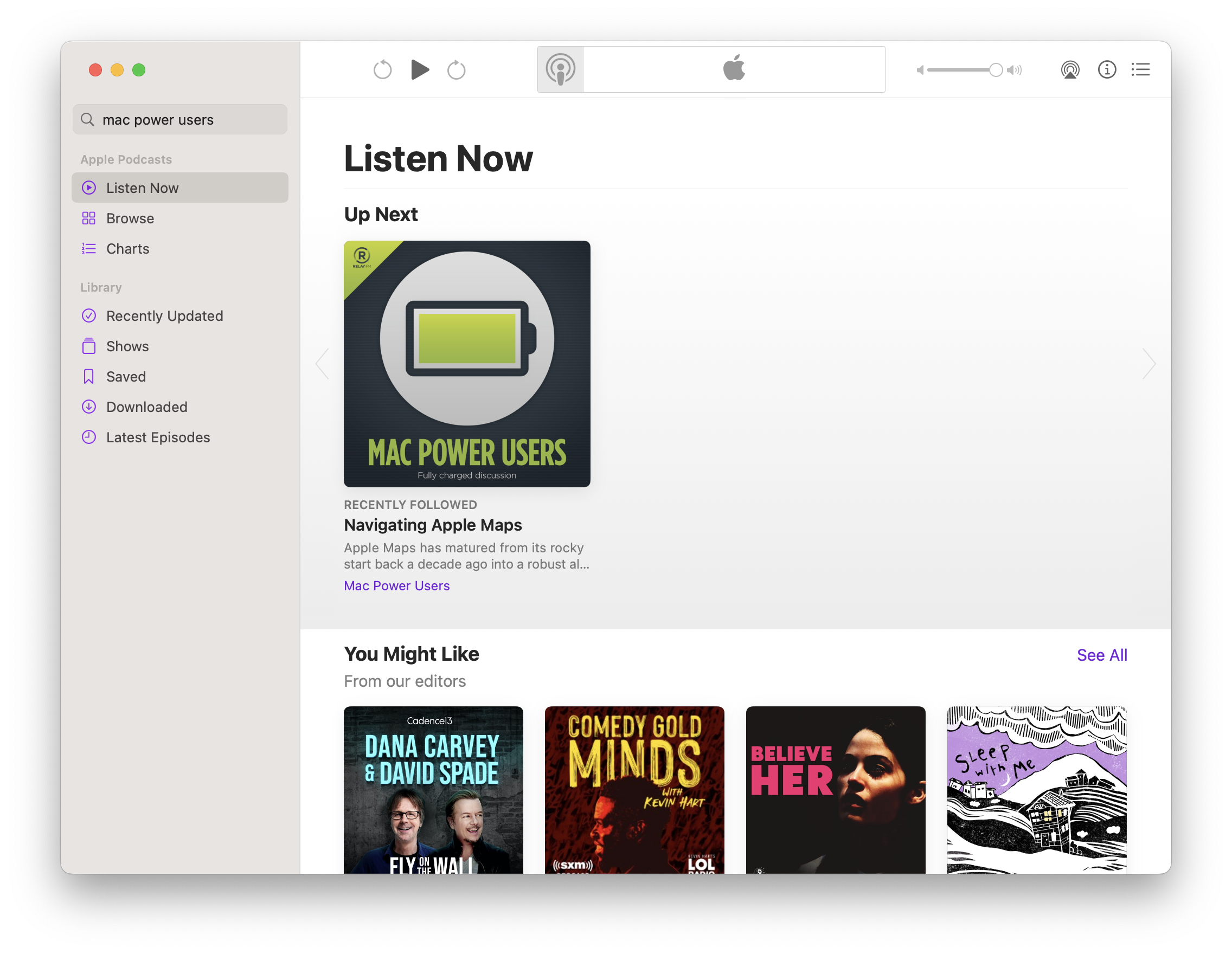
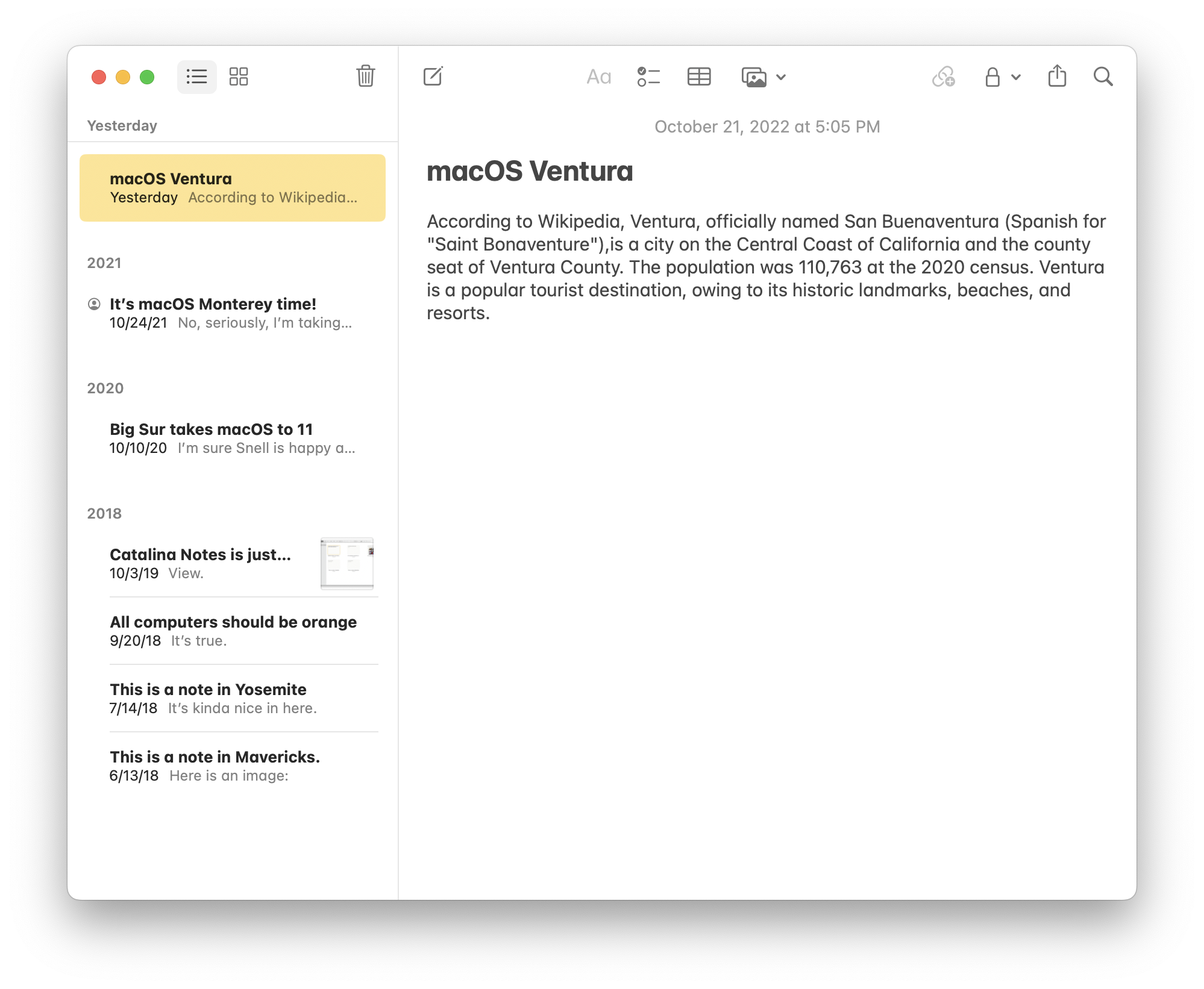
Released in October 2022, macOS 13 Ventura was the third version of macOS to run on Apple silicon Macs and Intel machines. For this release, Mac models released in 2016 were dropped from support.
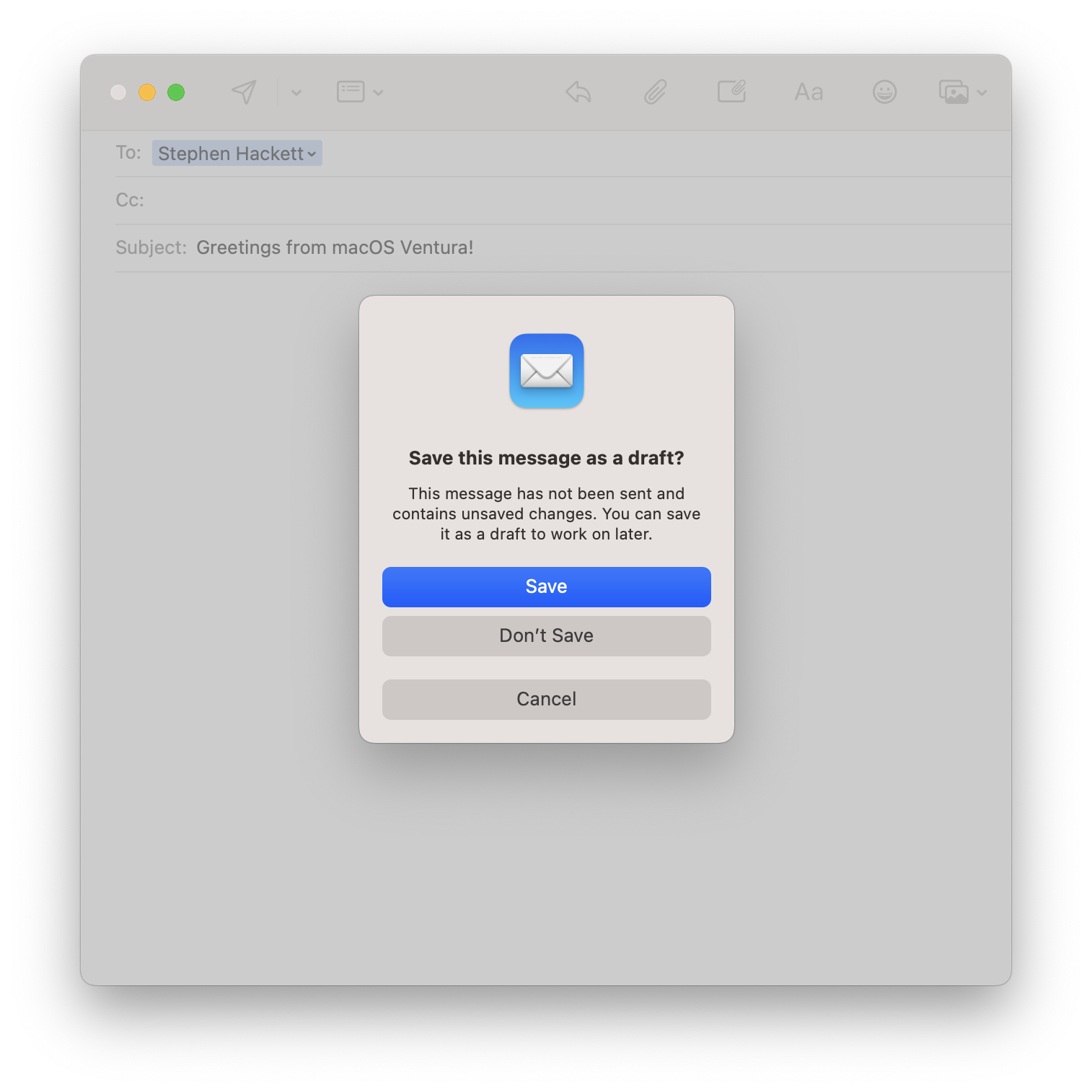
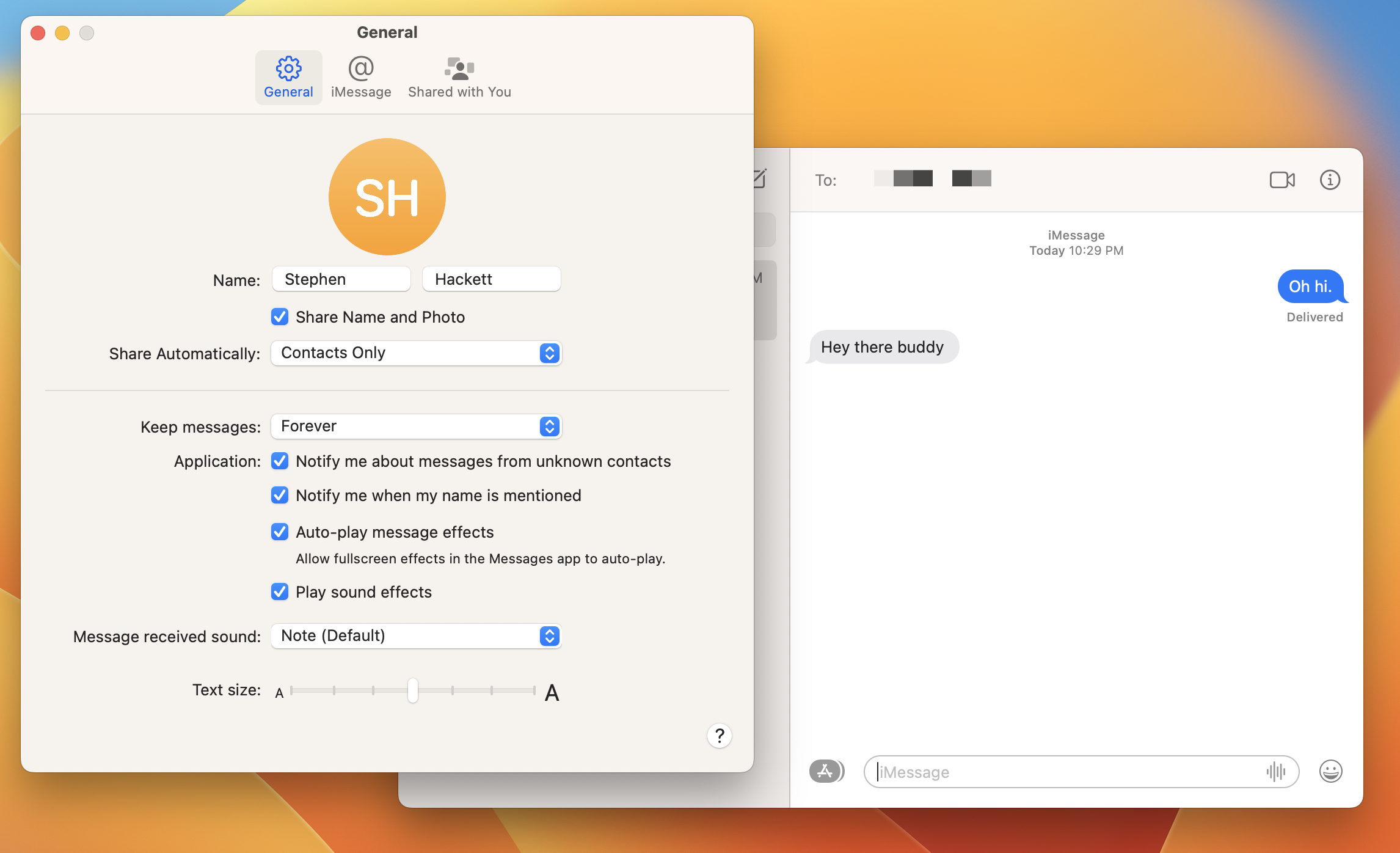
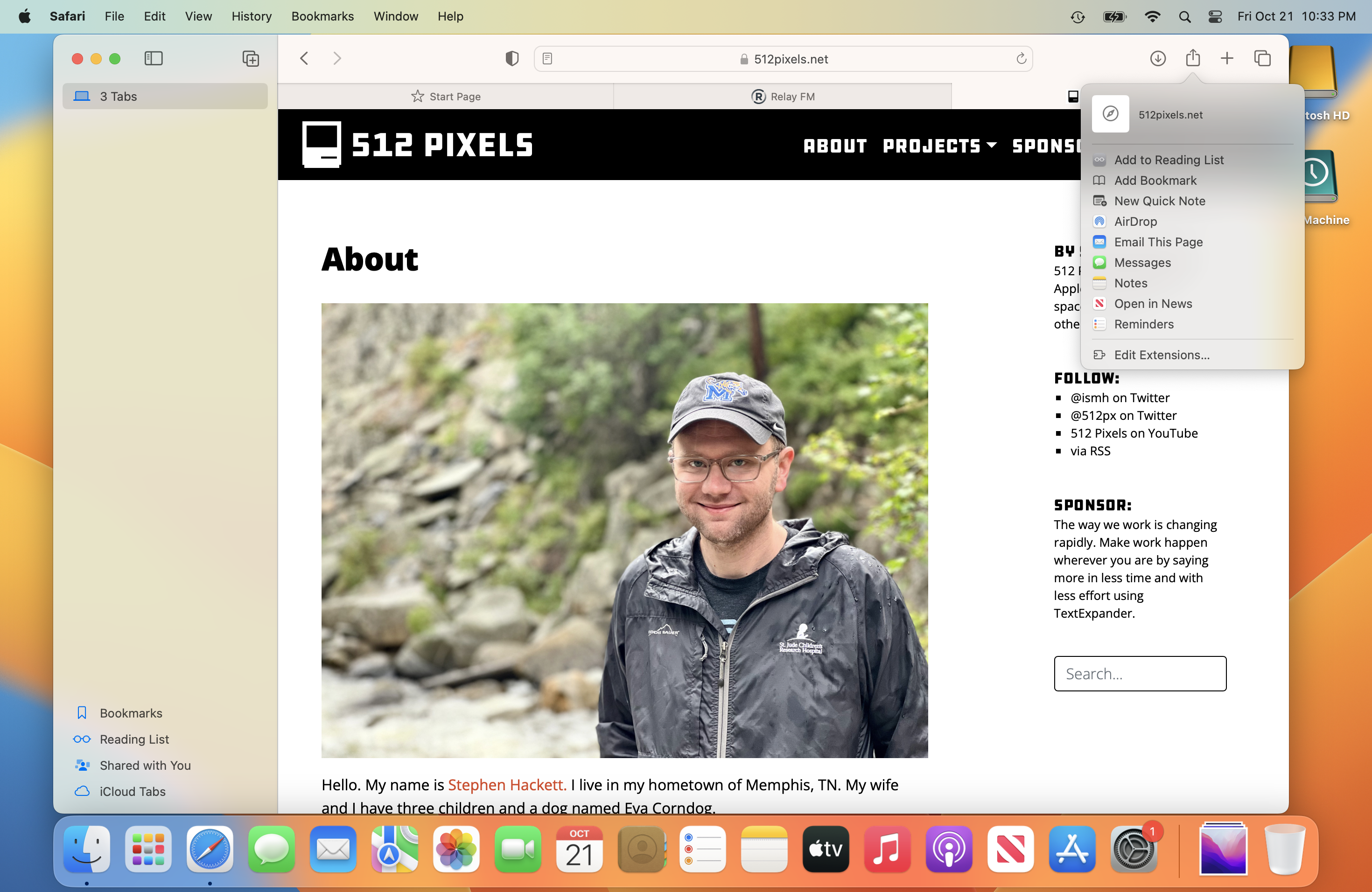
Ventura — like many modern macOS releases — gained features at the same time as its mobile cousins, including new iMessage features such as editing and recalling messages, an updated Mail app with support for snoozing and sending emails later, passkey support in the updated Safari and support for shared iCloud photo libraries.
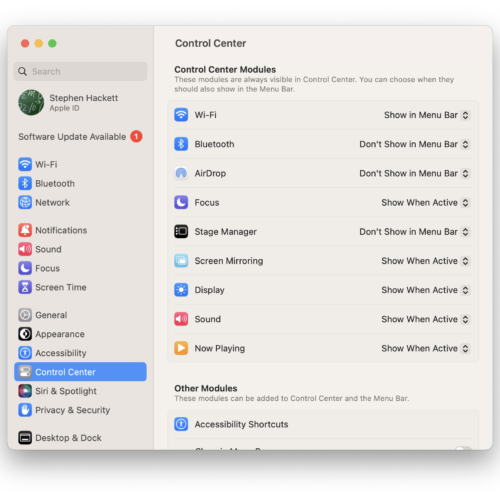
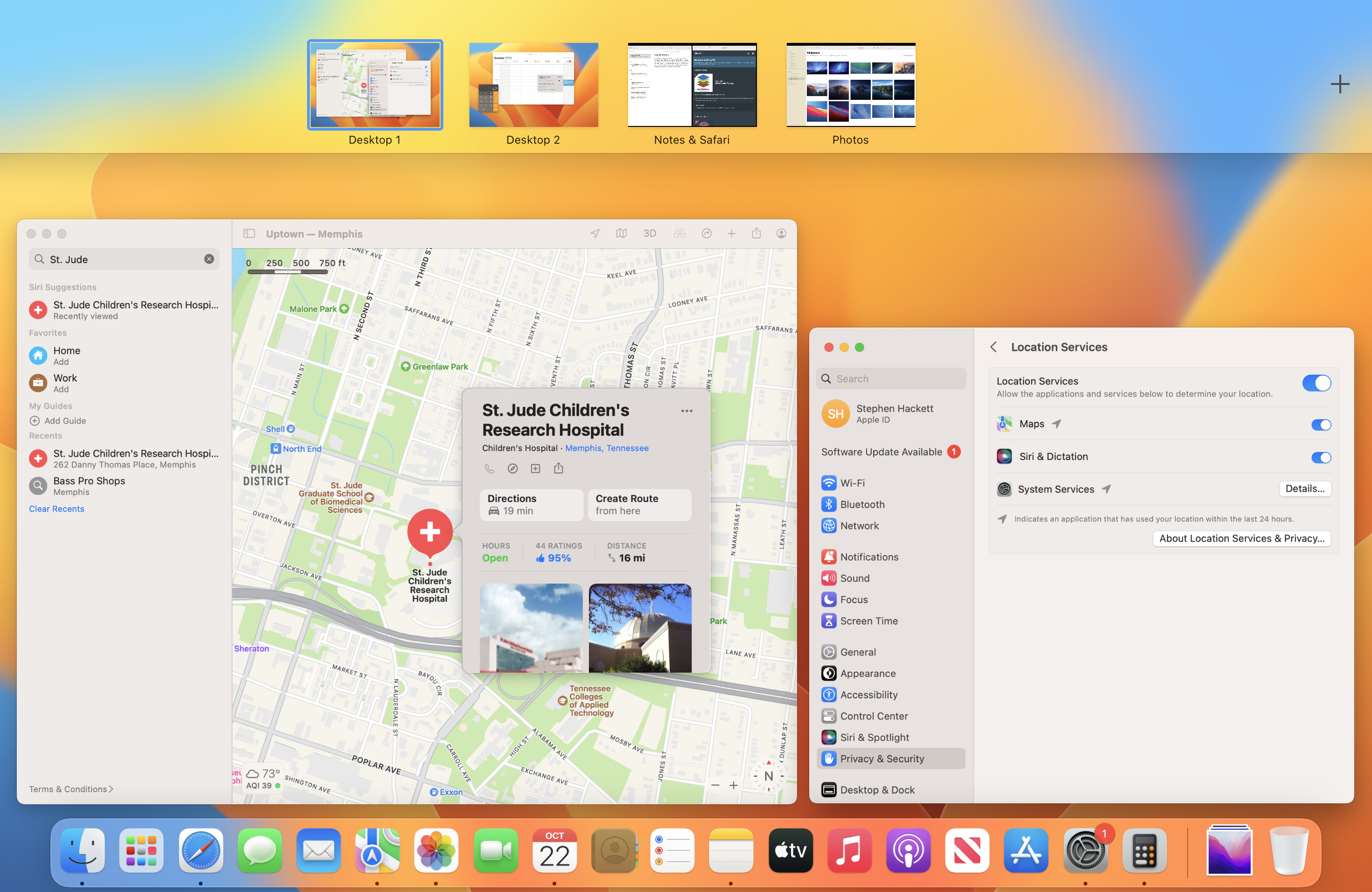
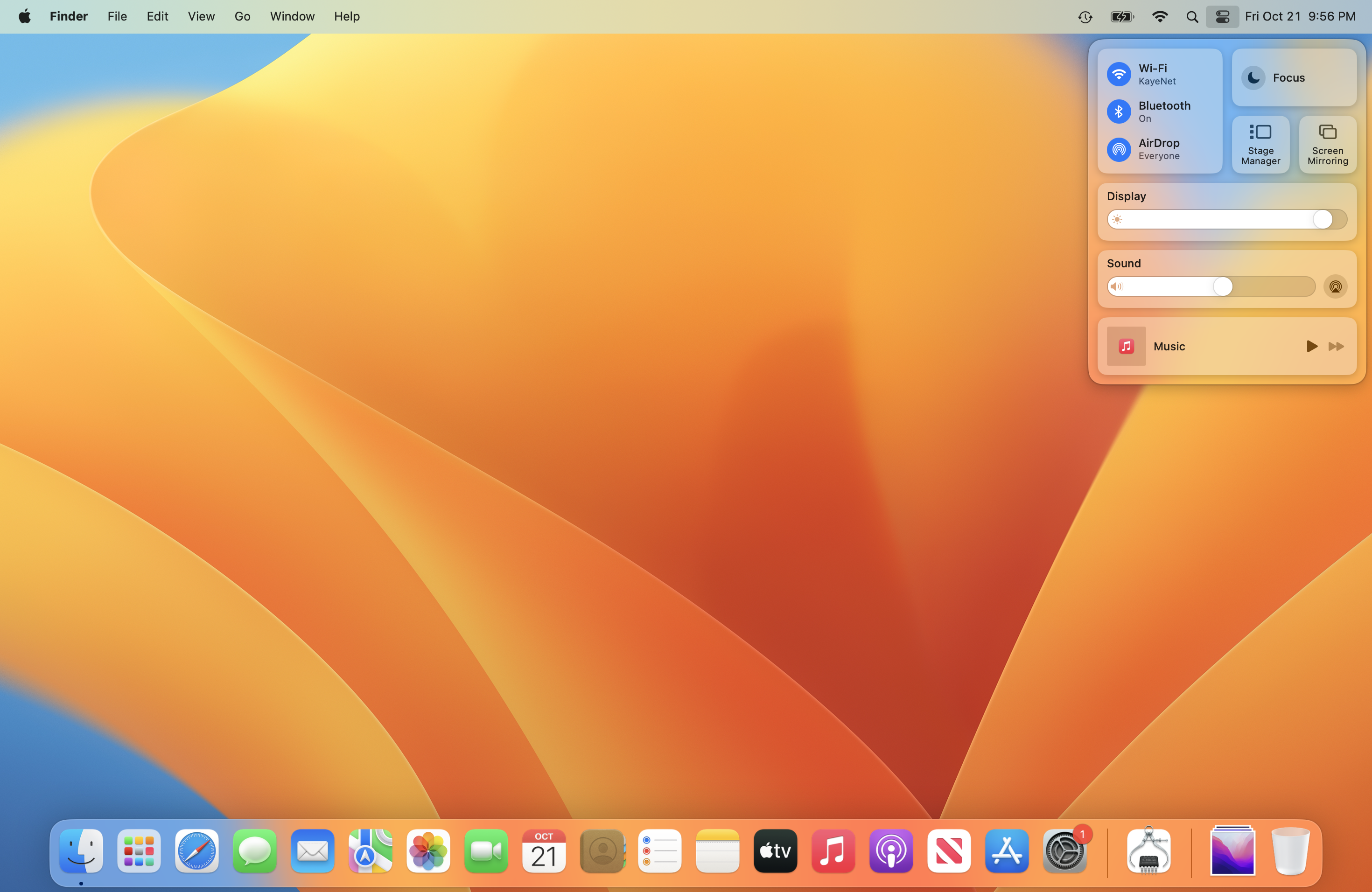
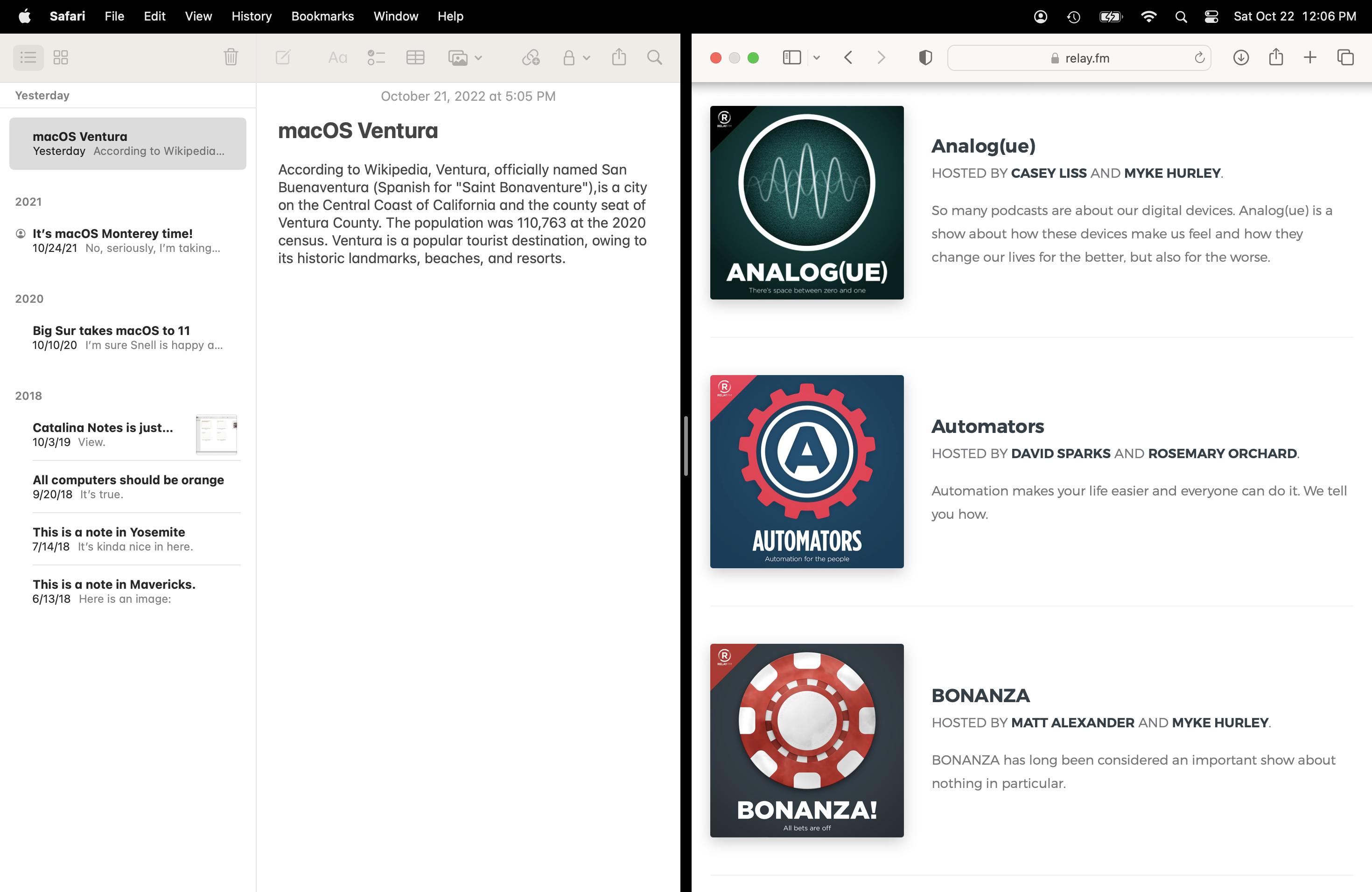
Along with iPadOS 16, Ventura included a new multitasking user interface named Stage Manager. Enabled with a visit to Control Center, this is a new mode separate from features such as Expose, Spaces and Mission Control.
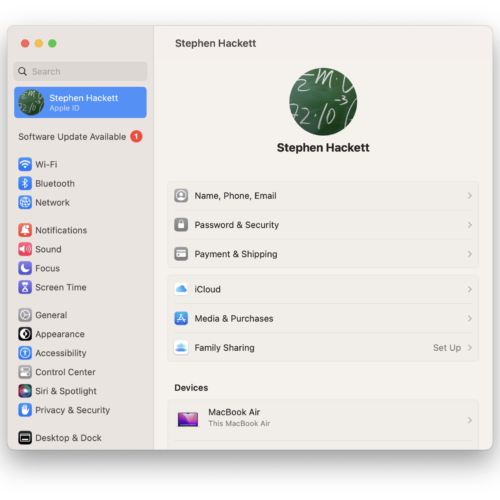
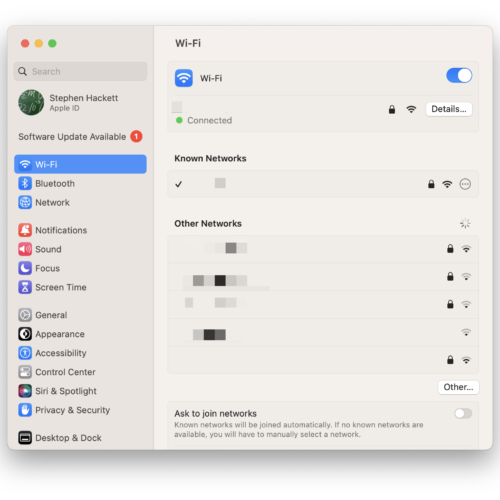
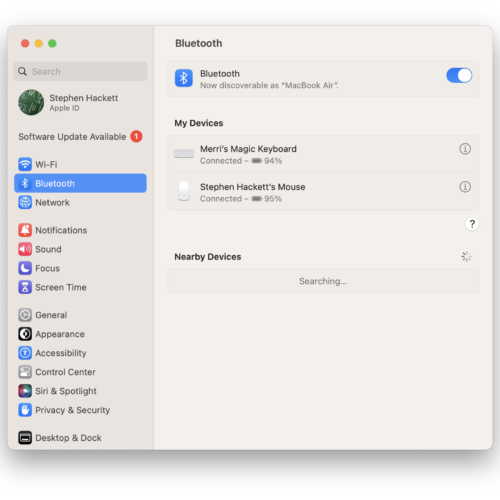
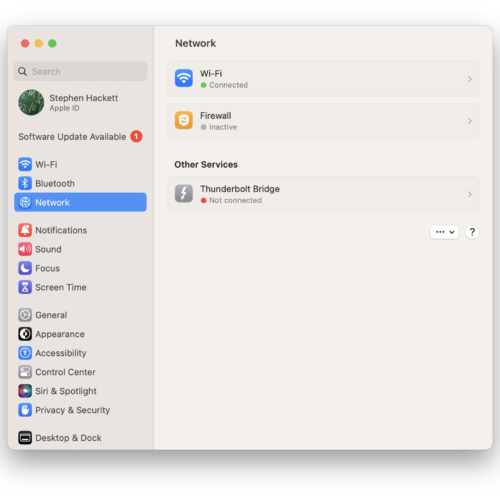
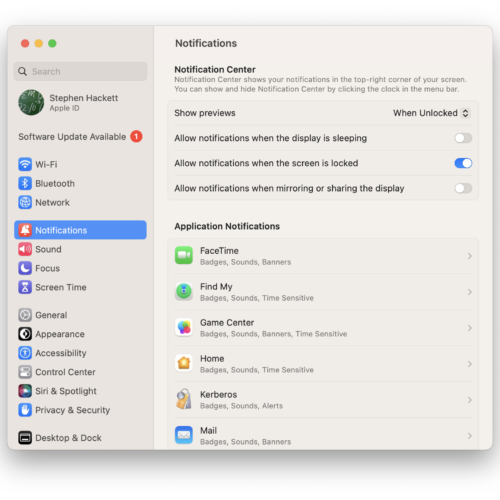
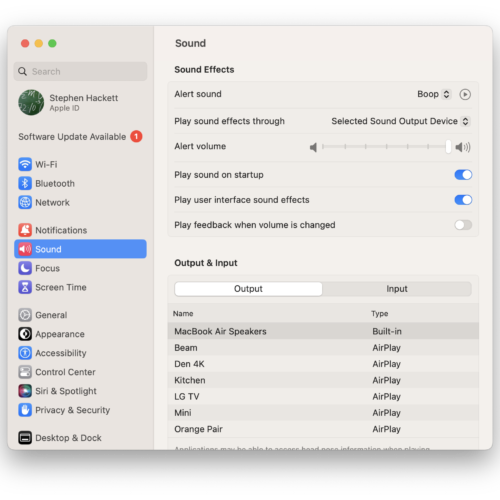
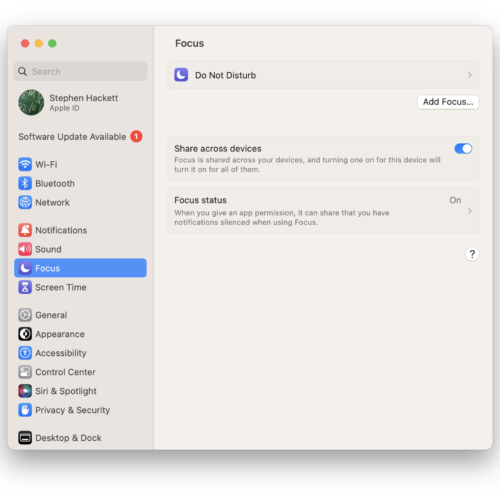
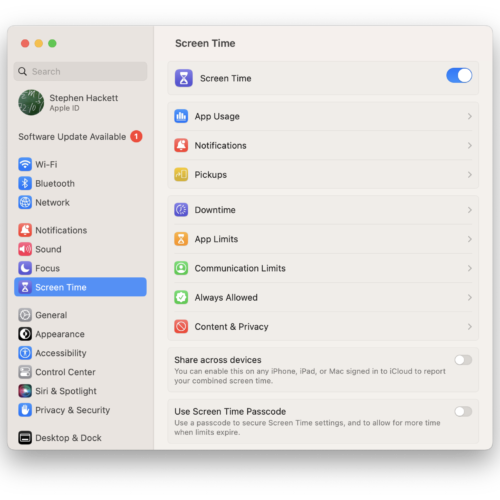
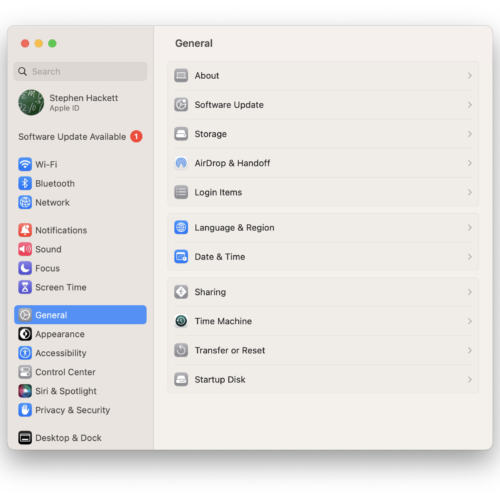
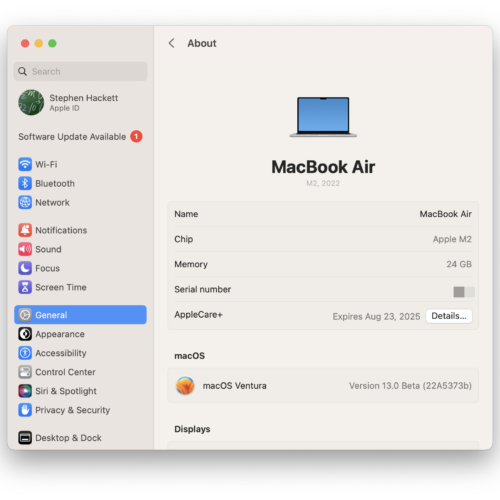
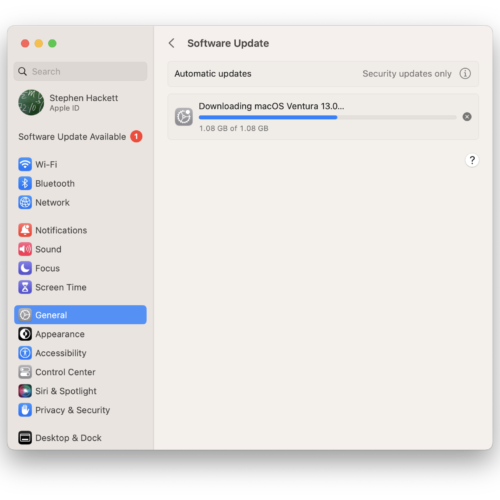
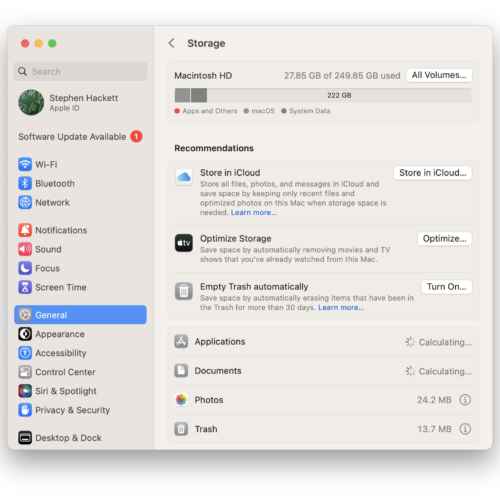
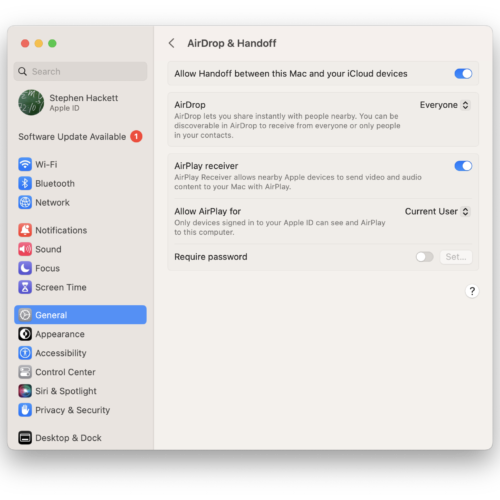
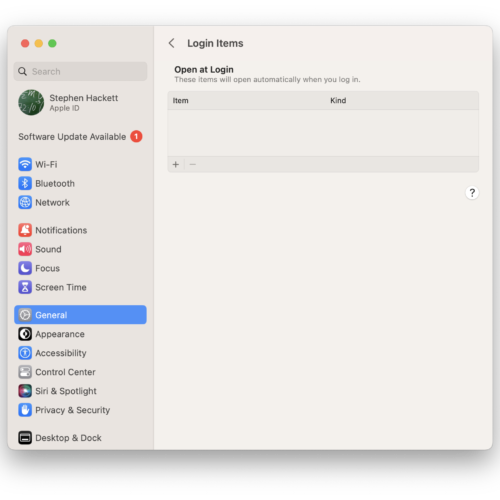
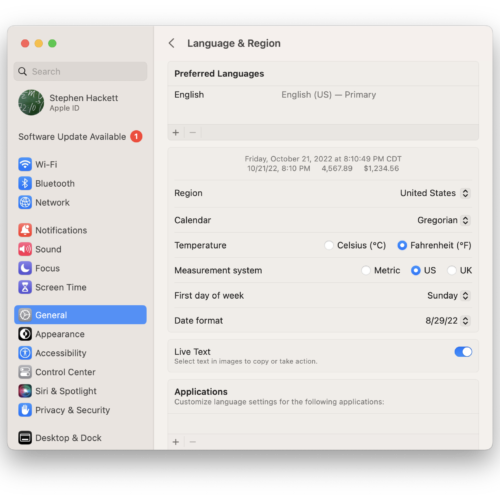
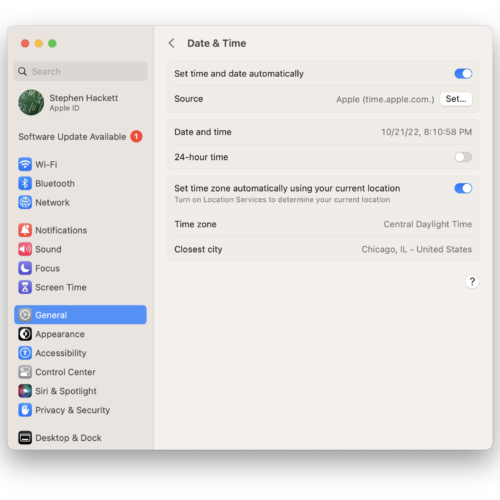
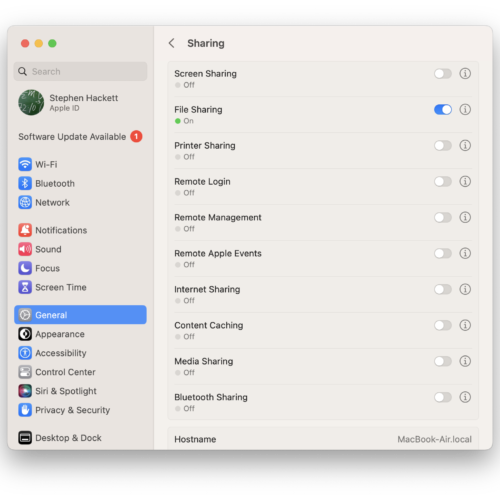
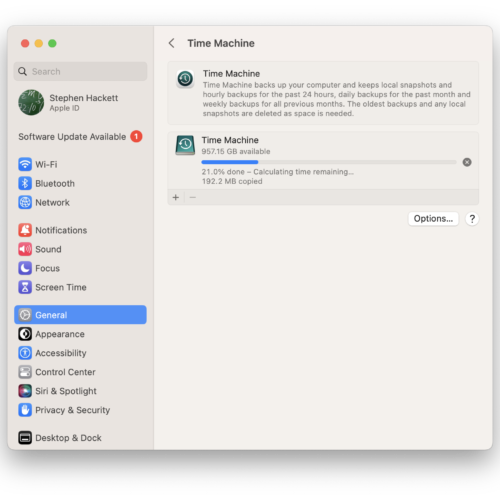
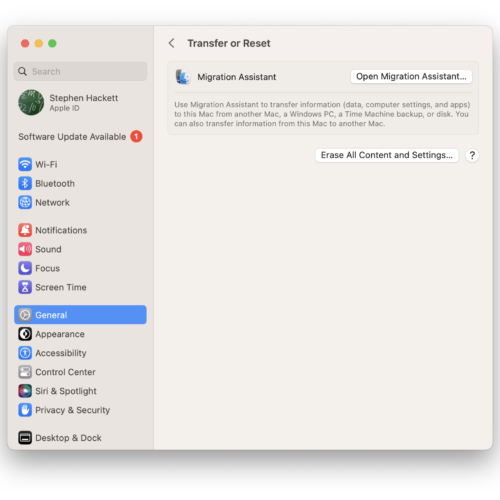
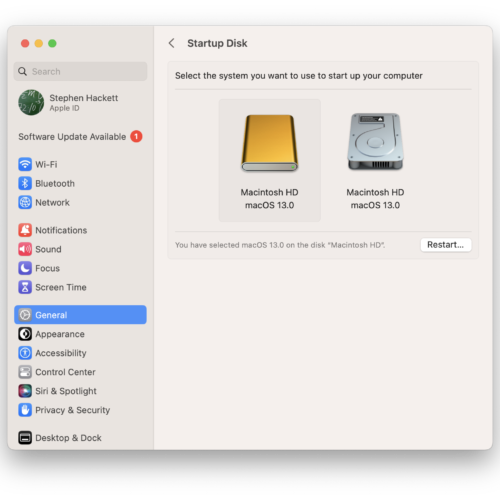
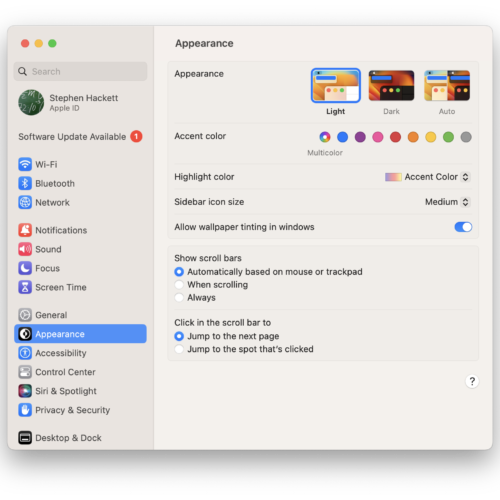
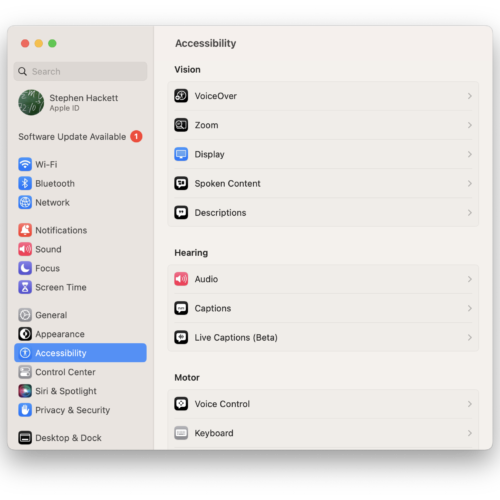
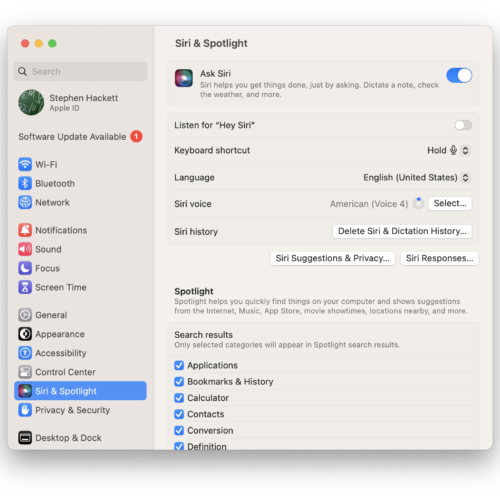
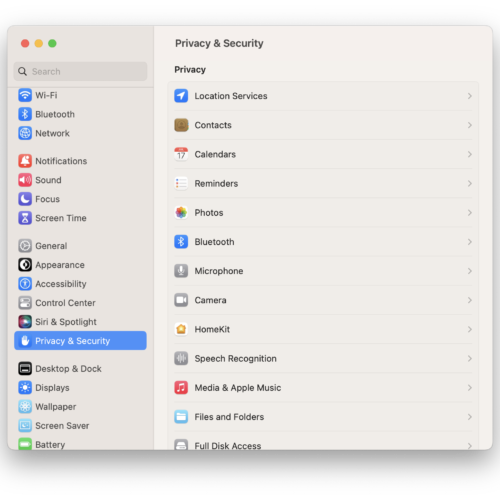
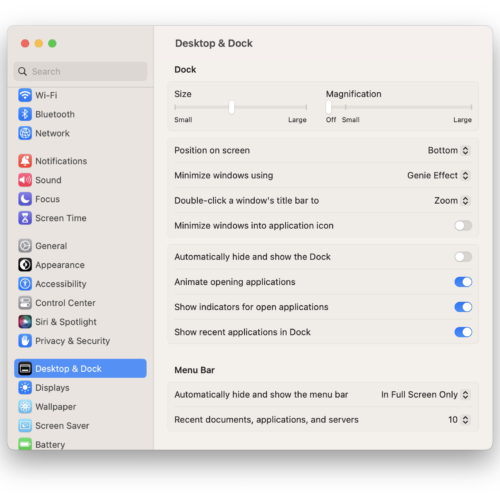
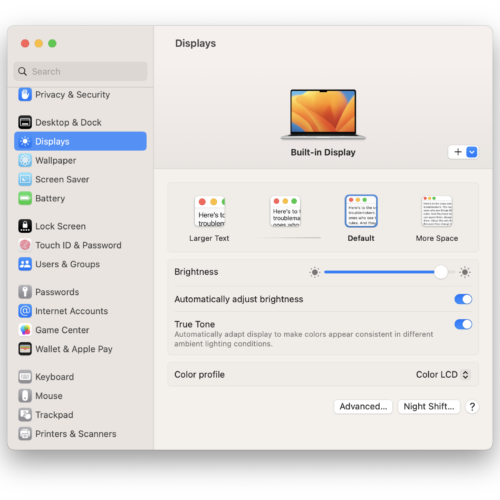
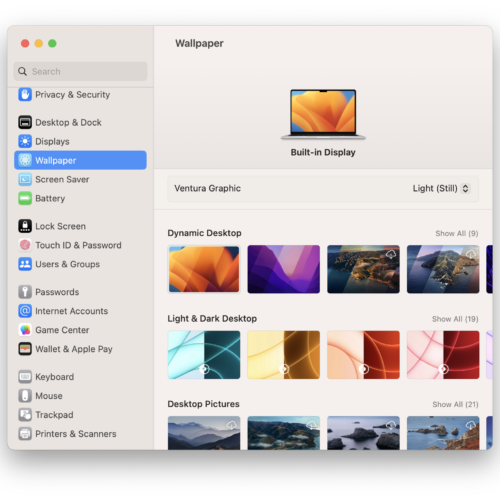
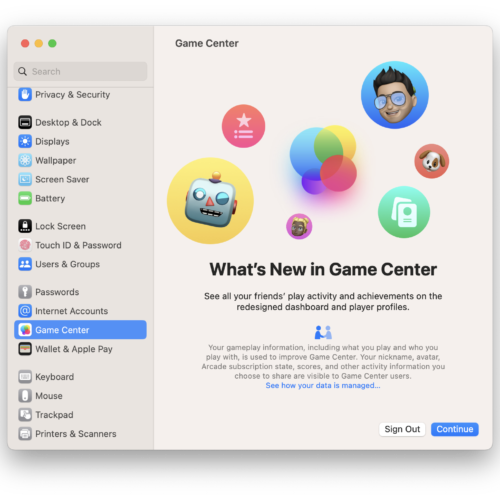
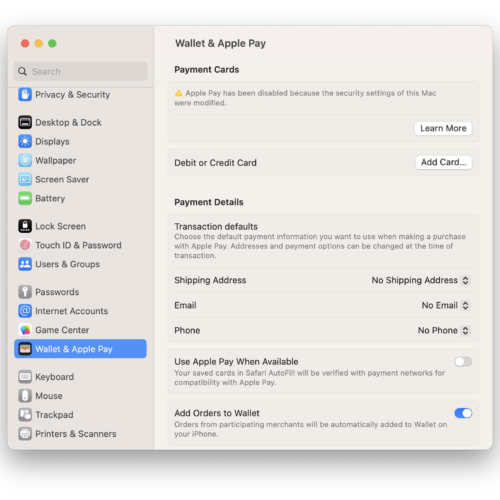
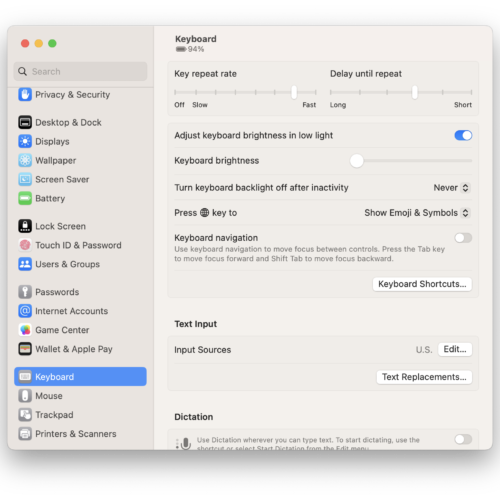
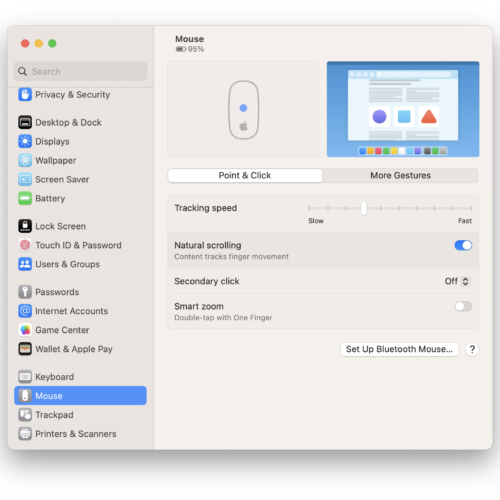
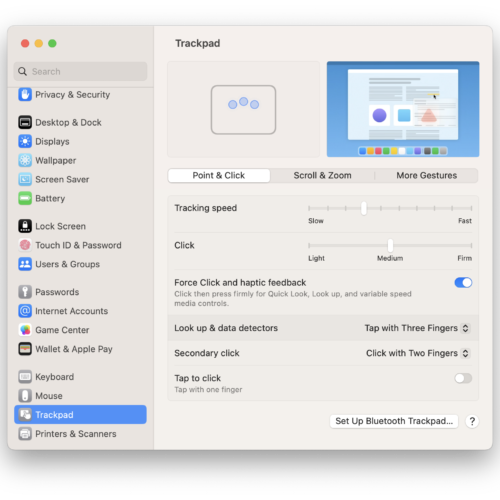
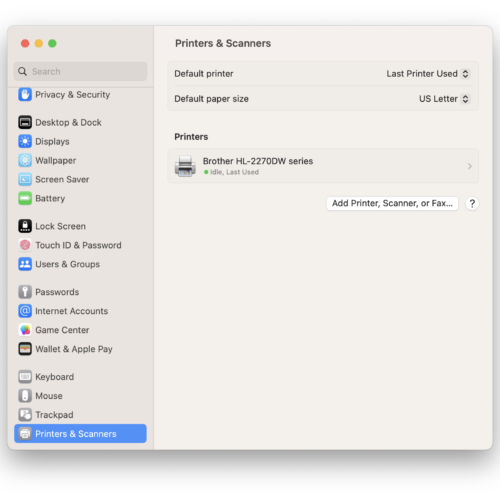
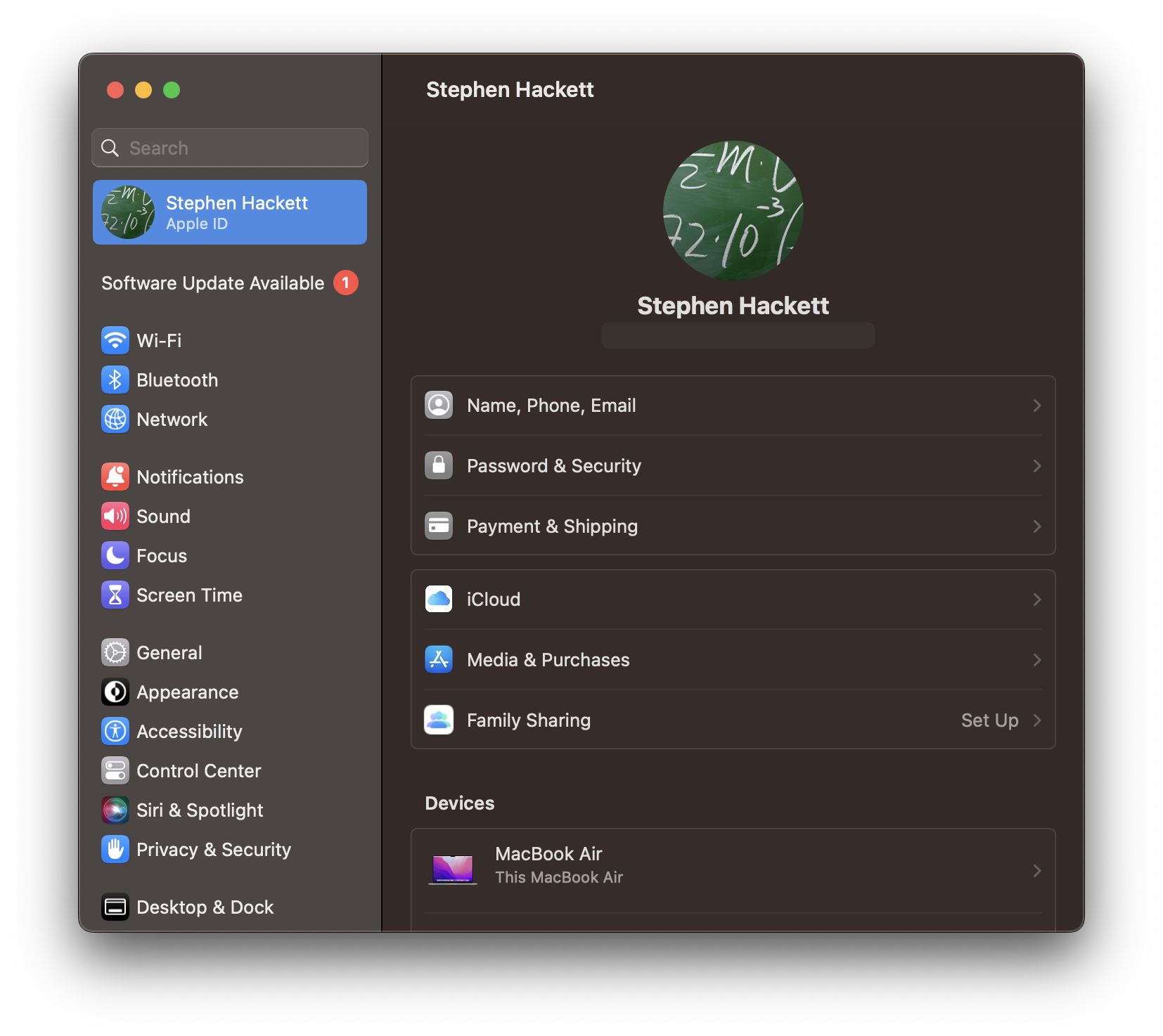
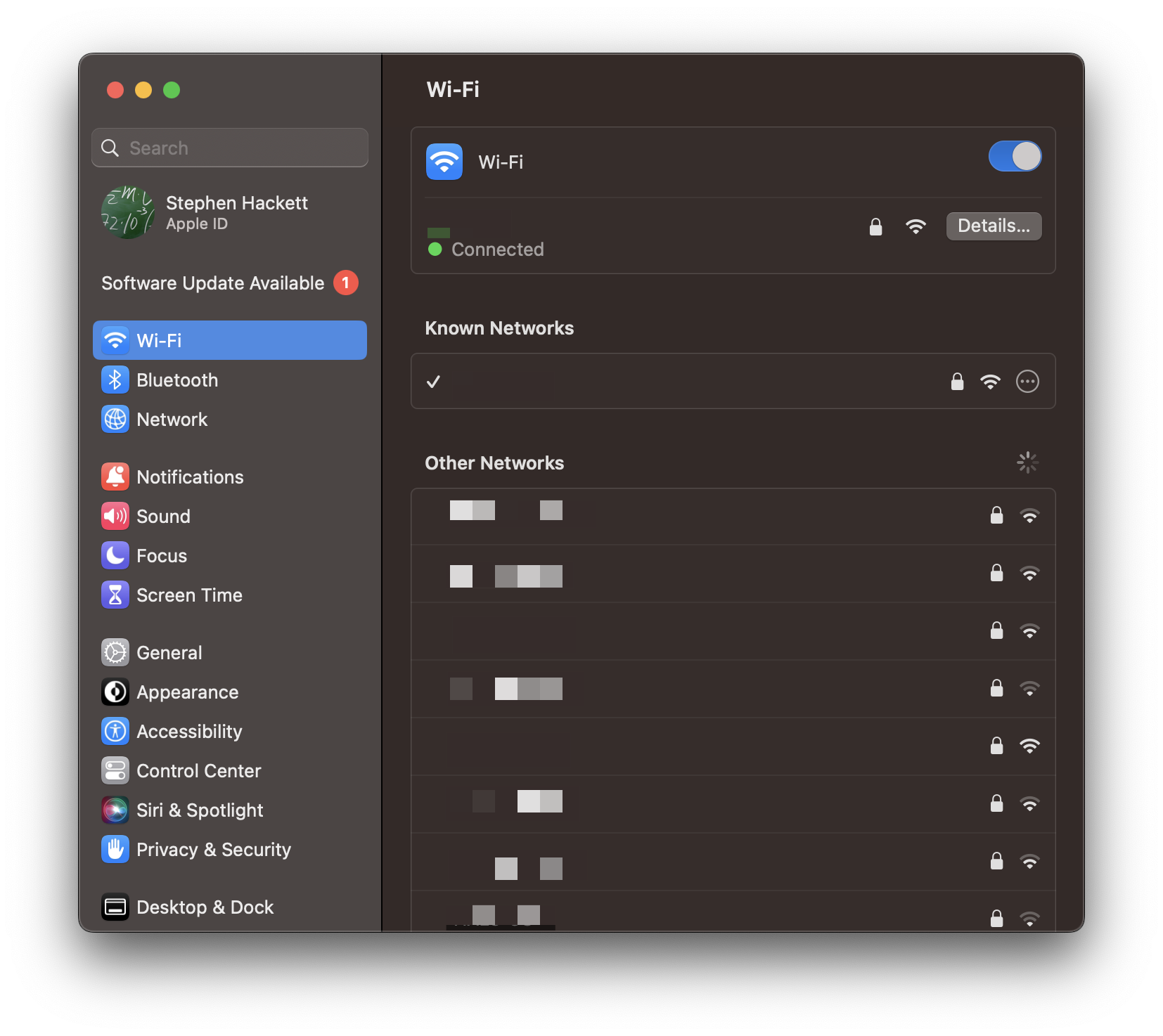
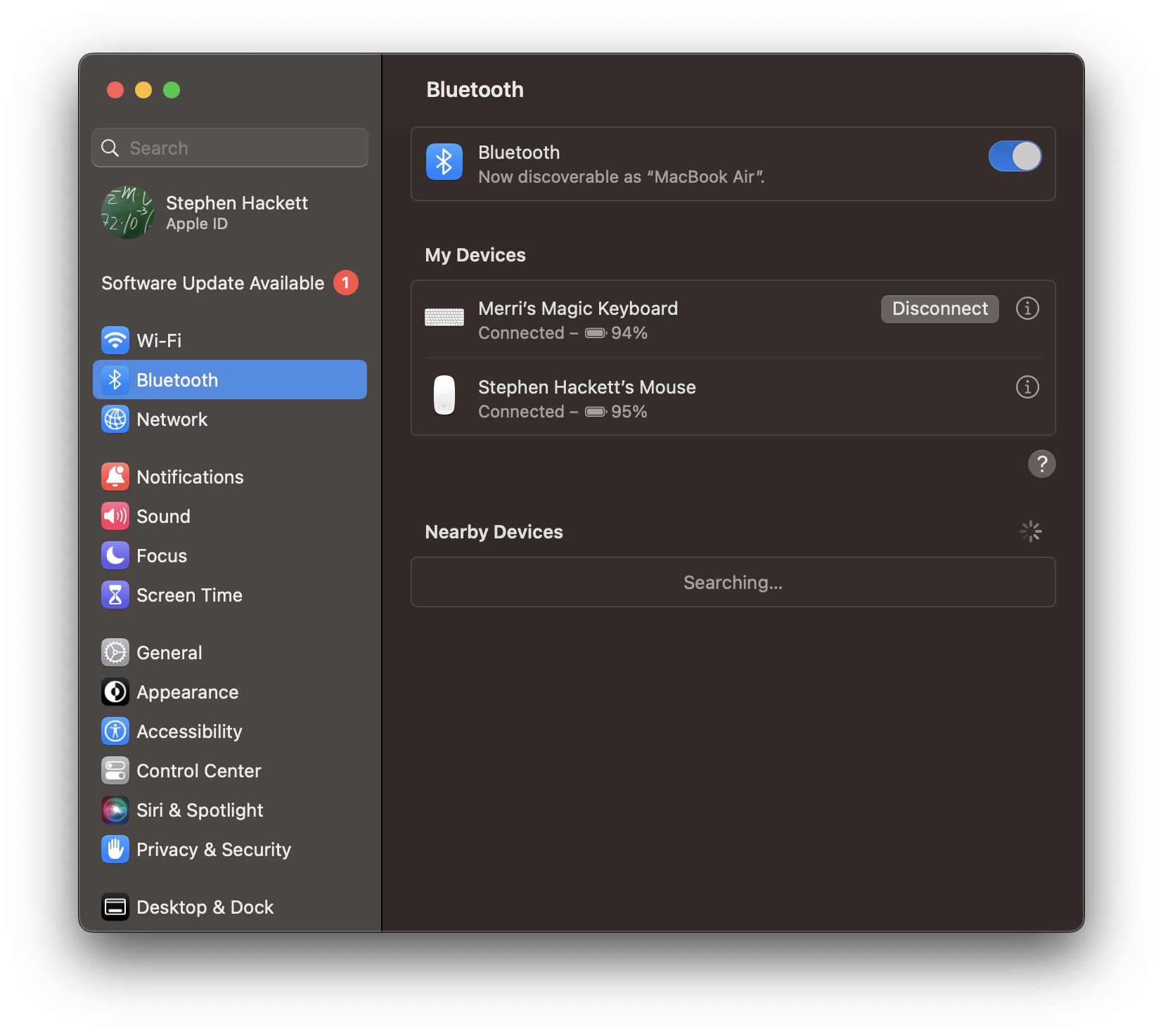
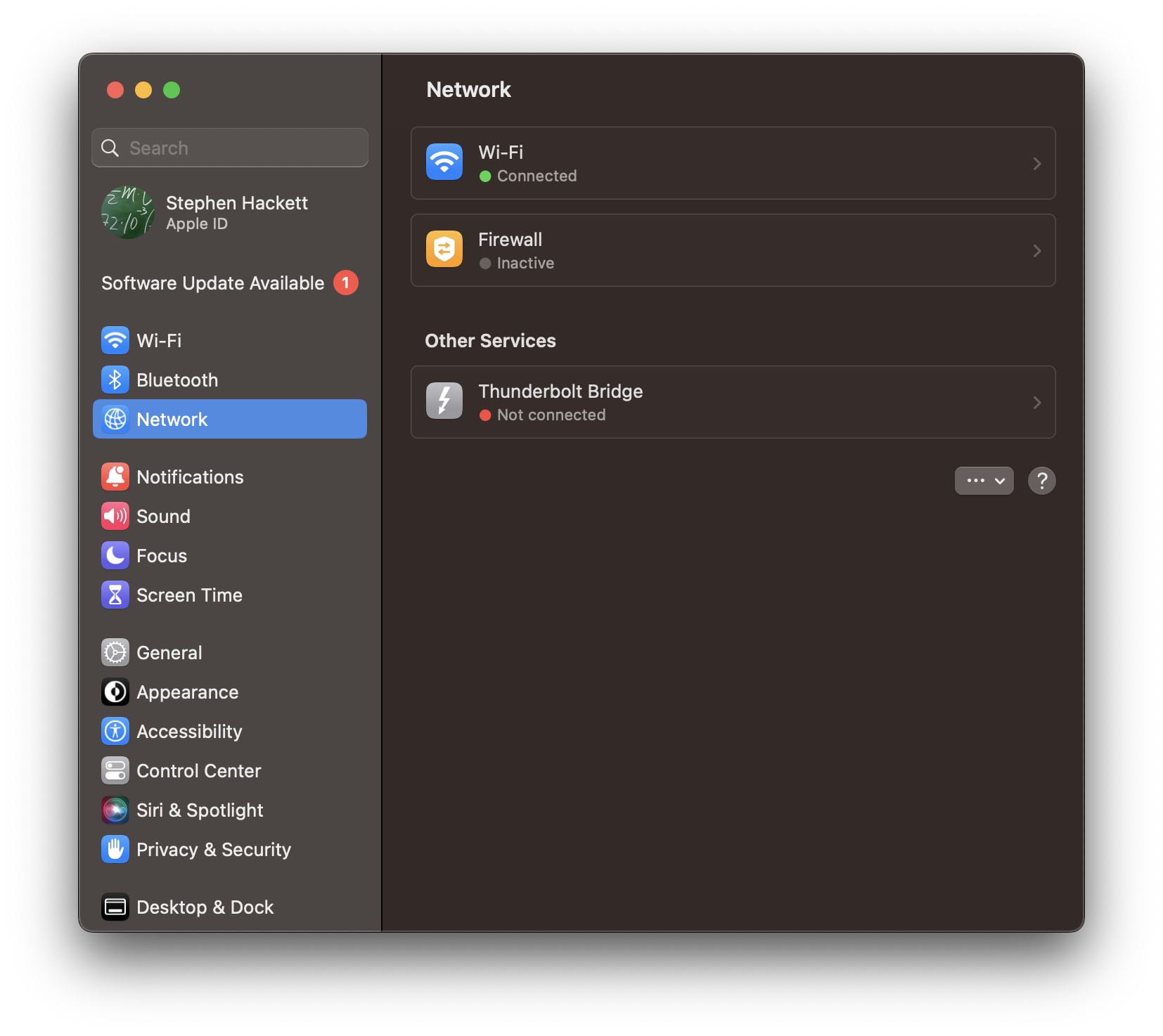
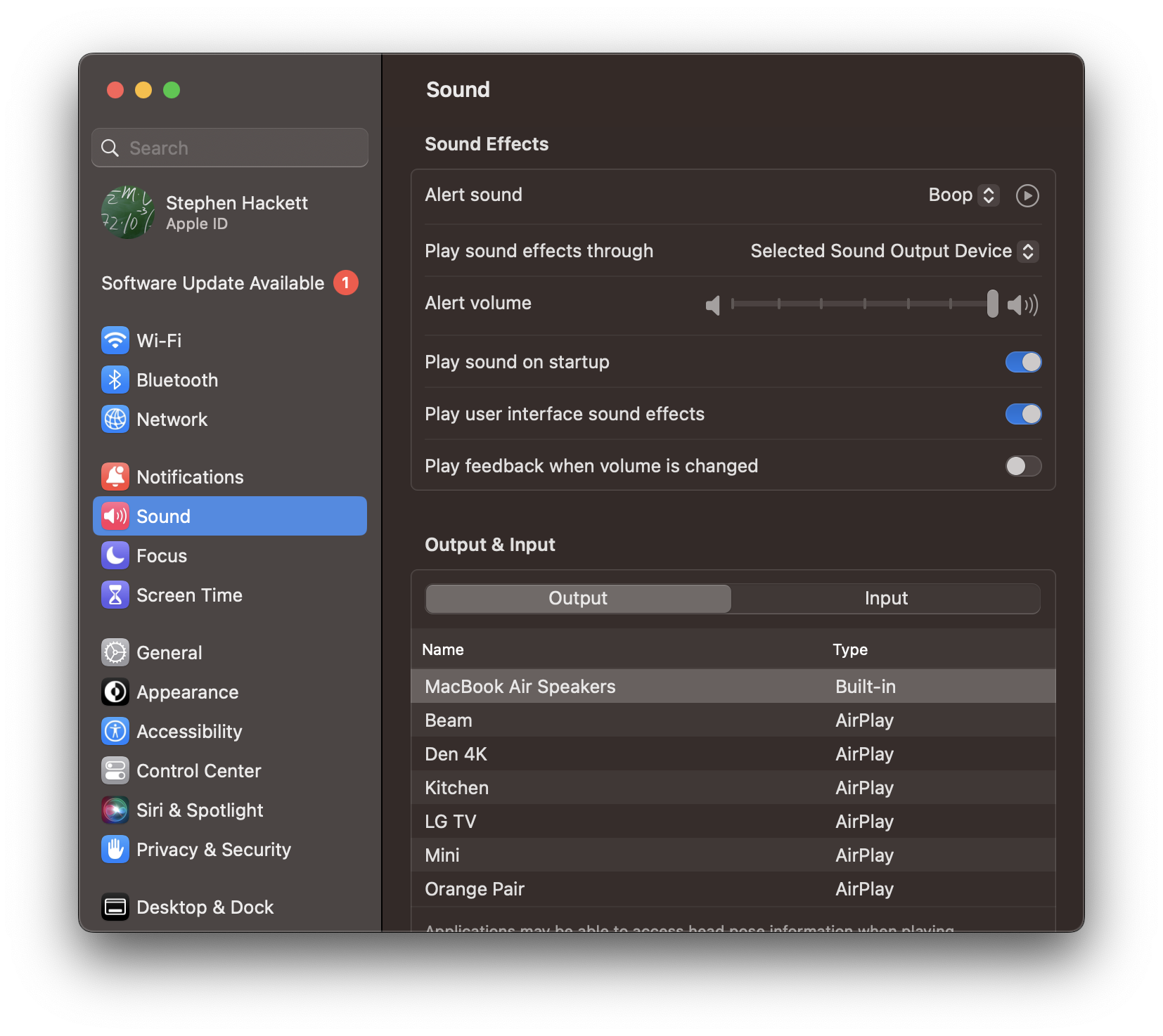
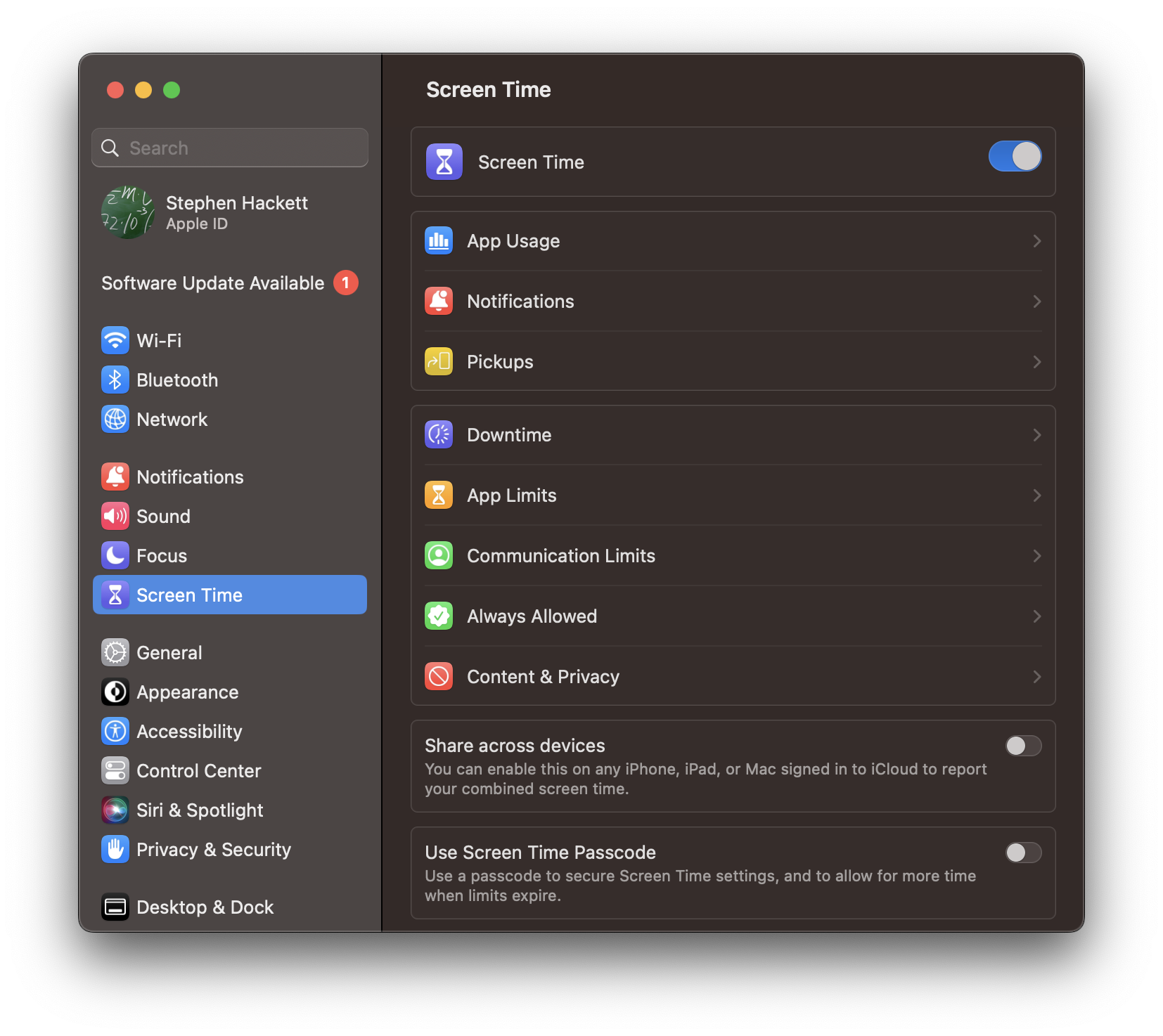
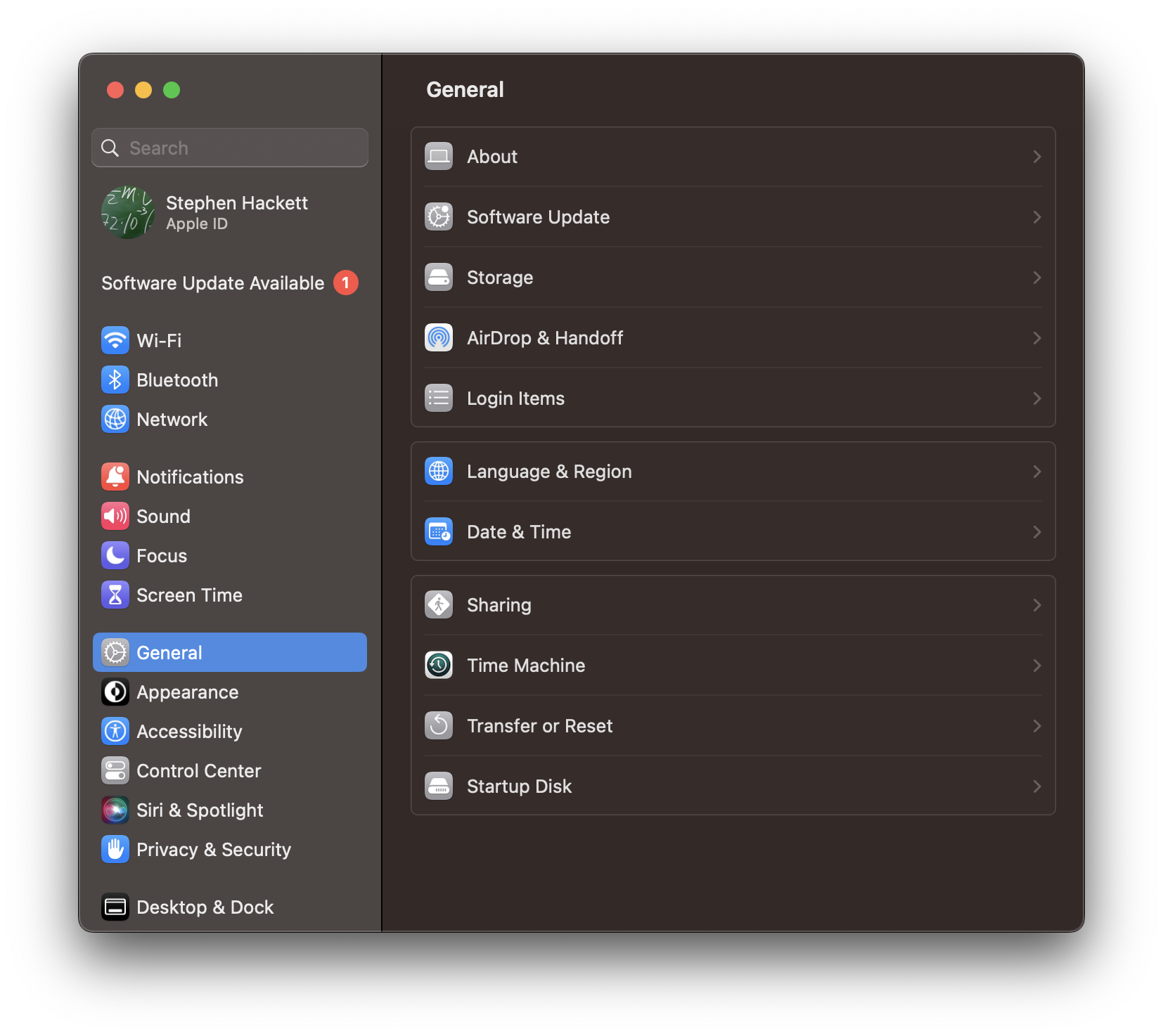
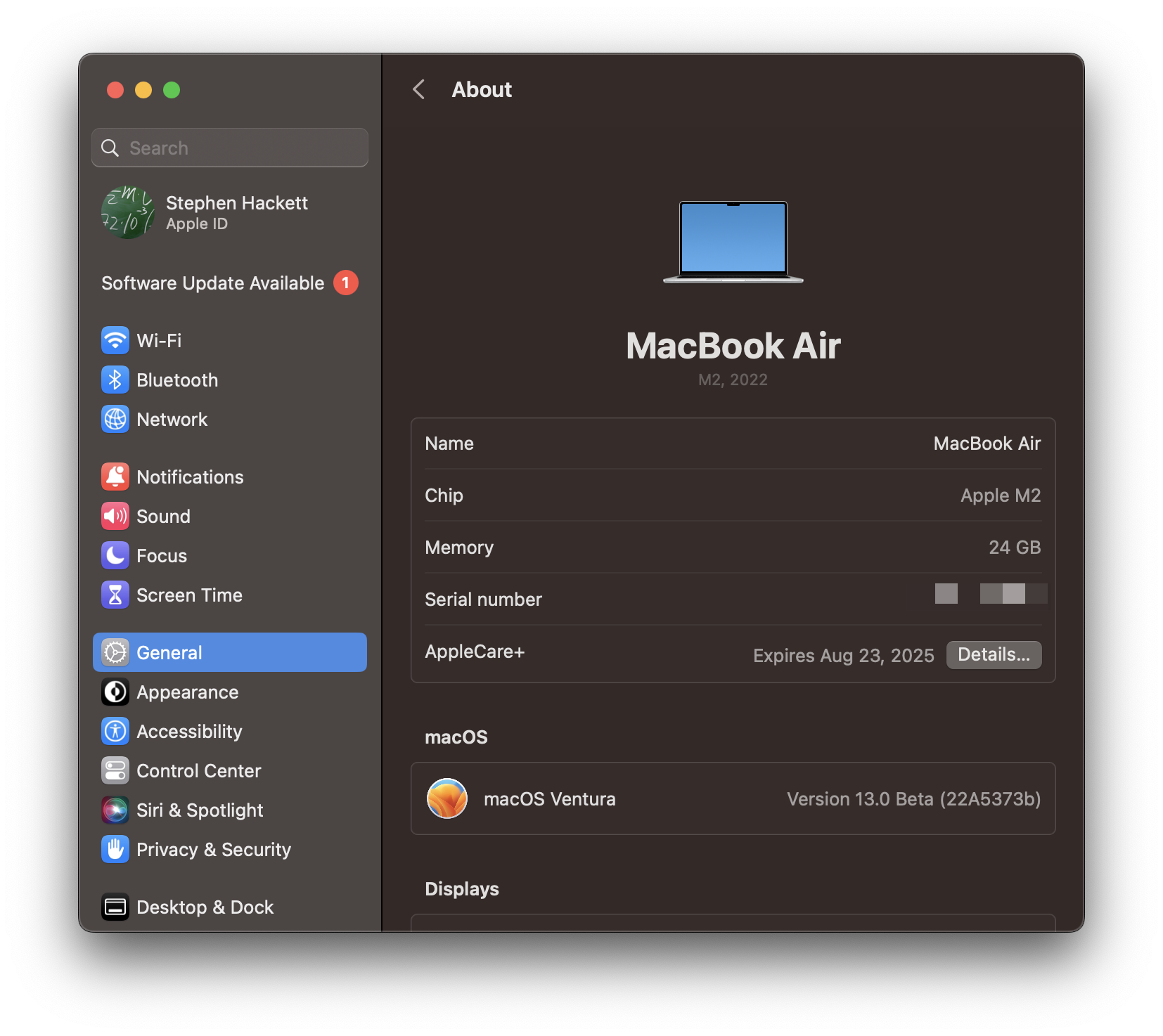
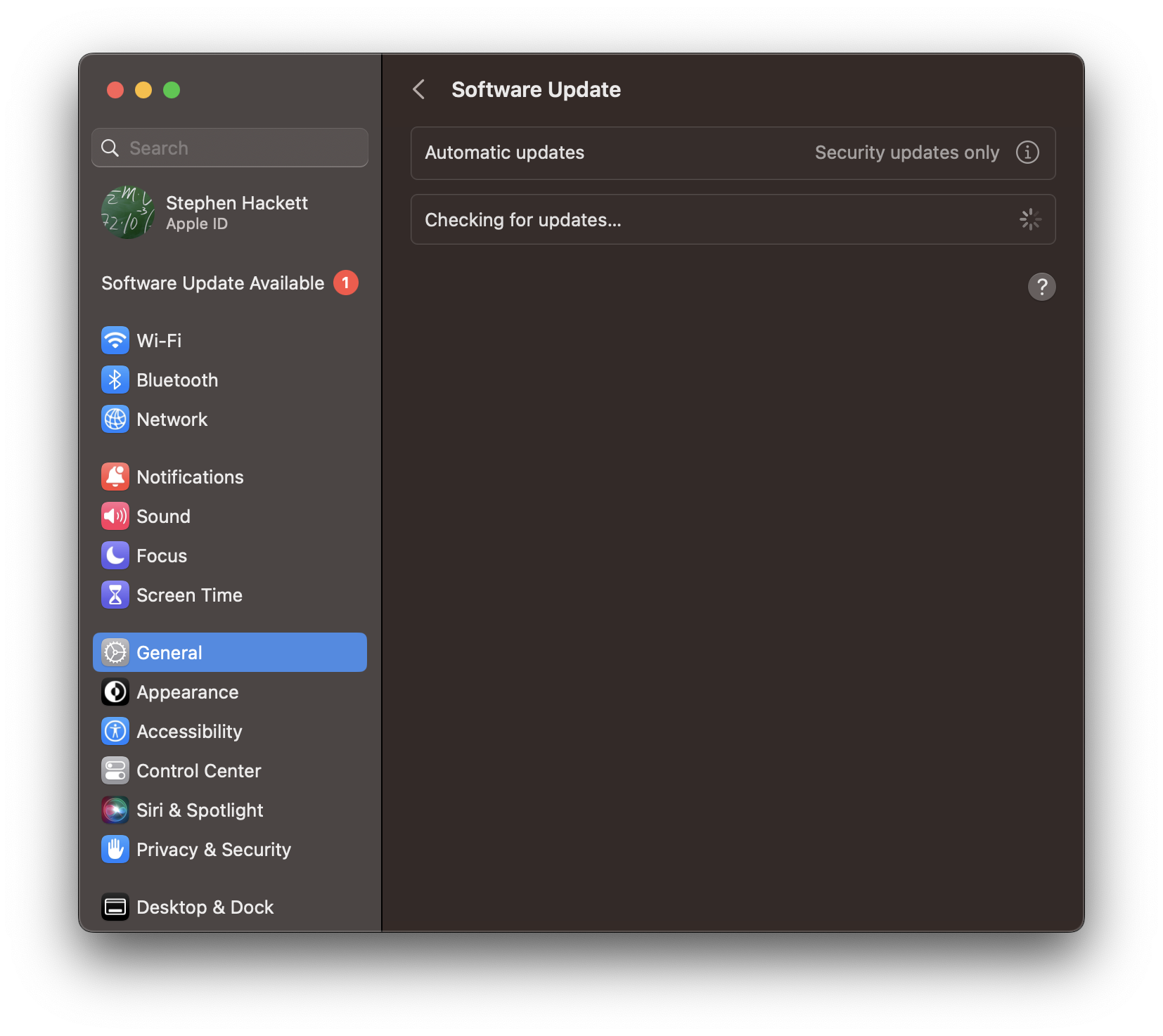
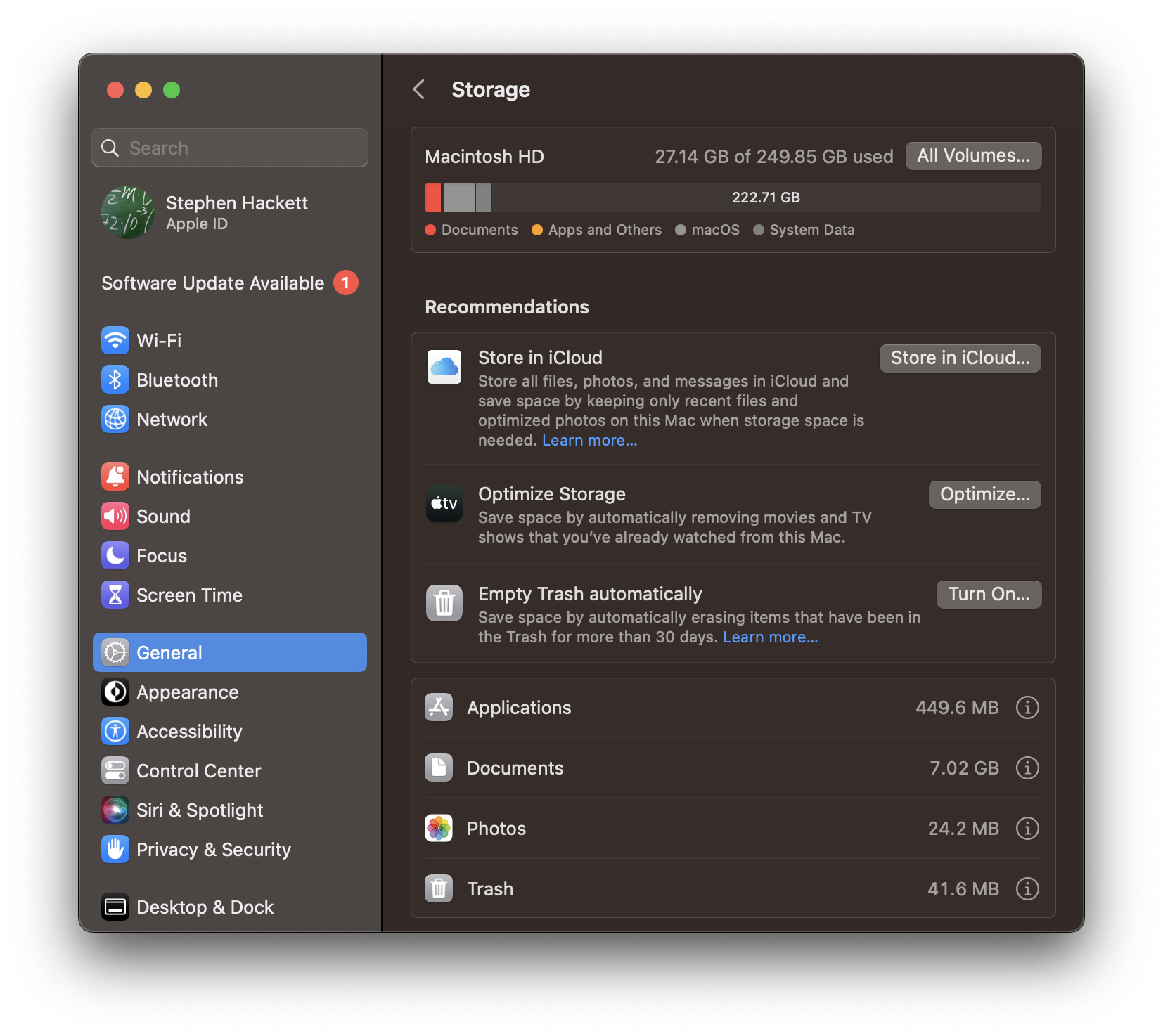
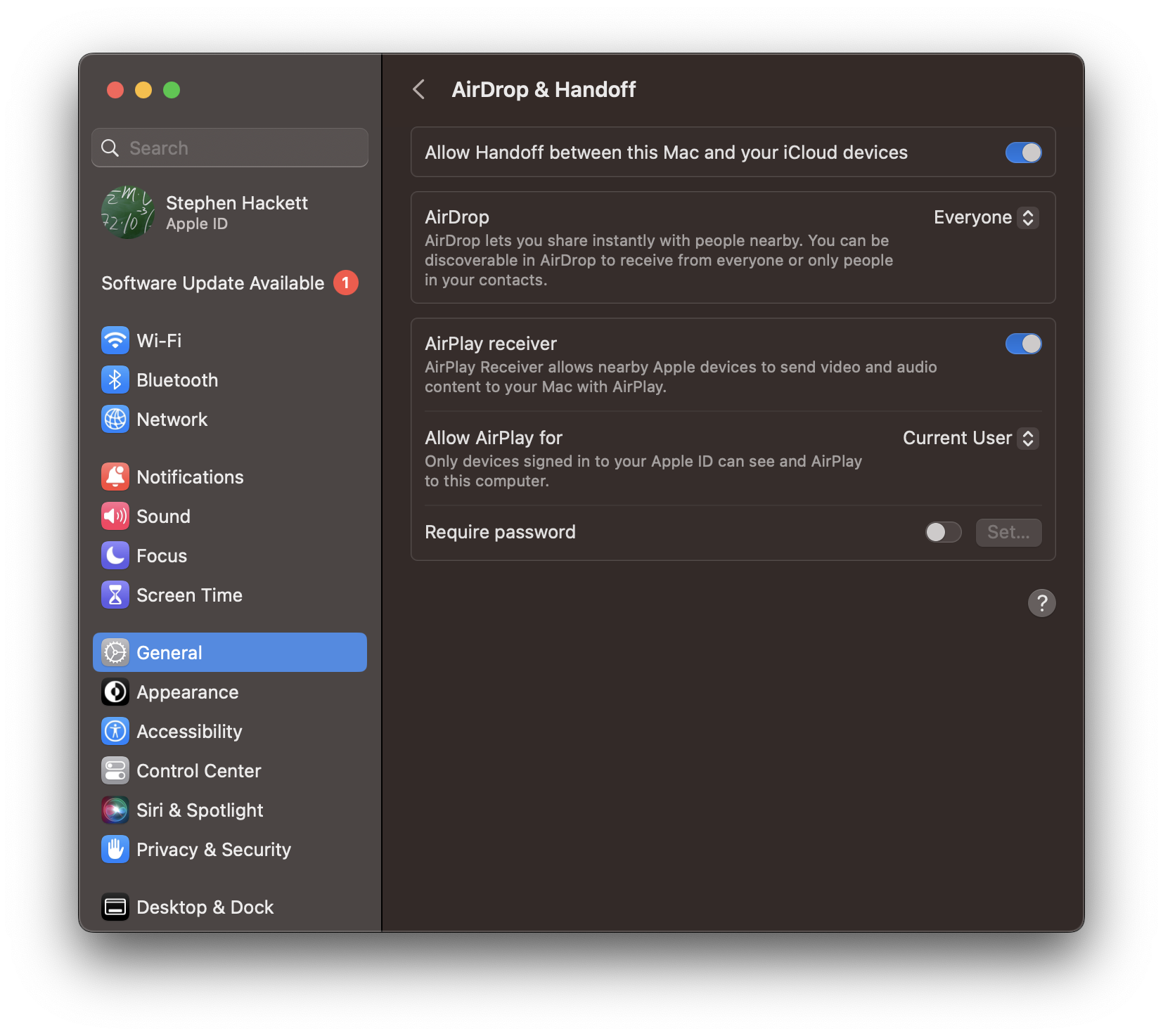
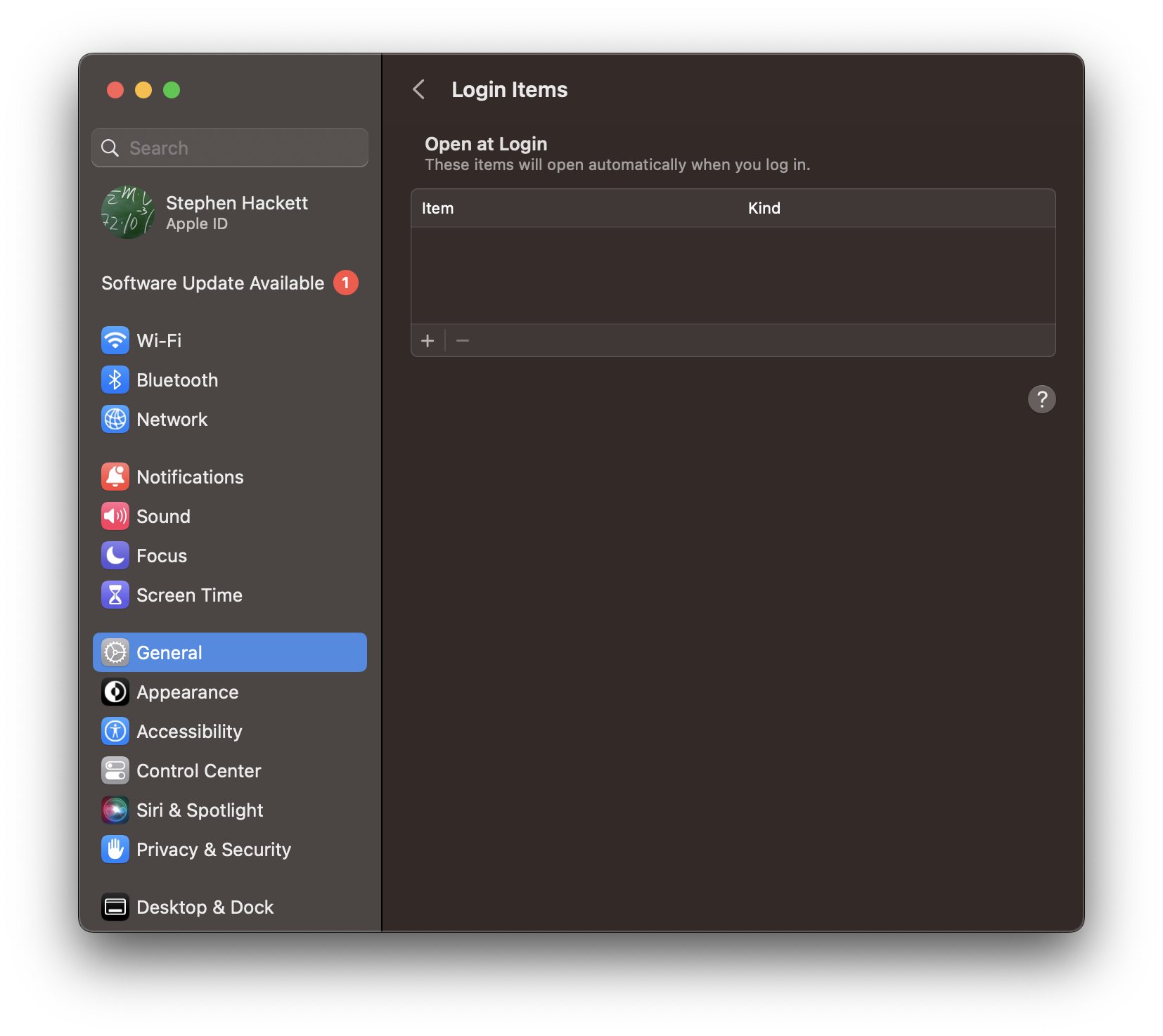
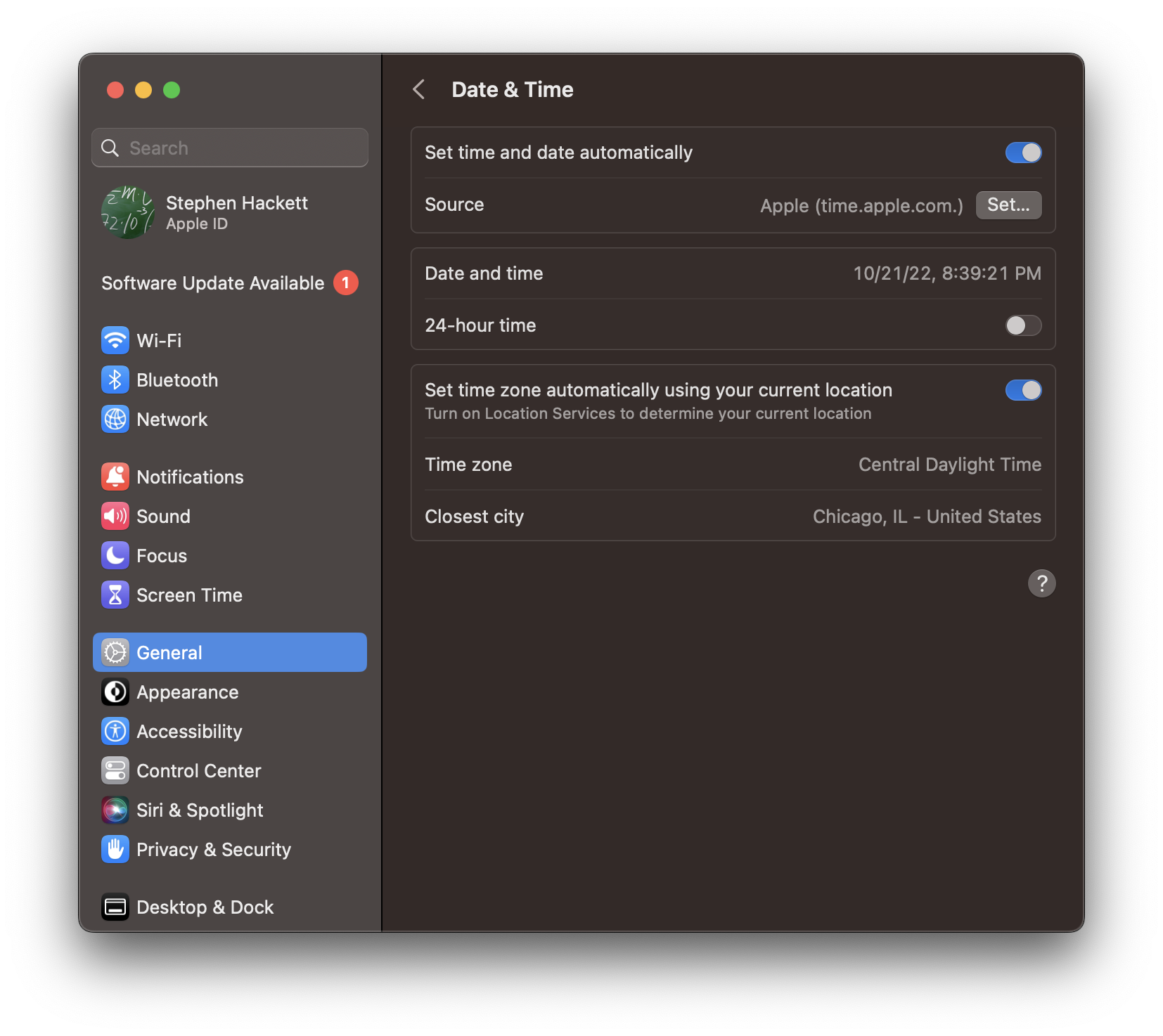
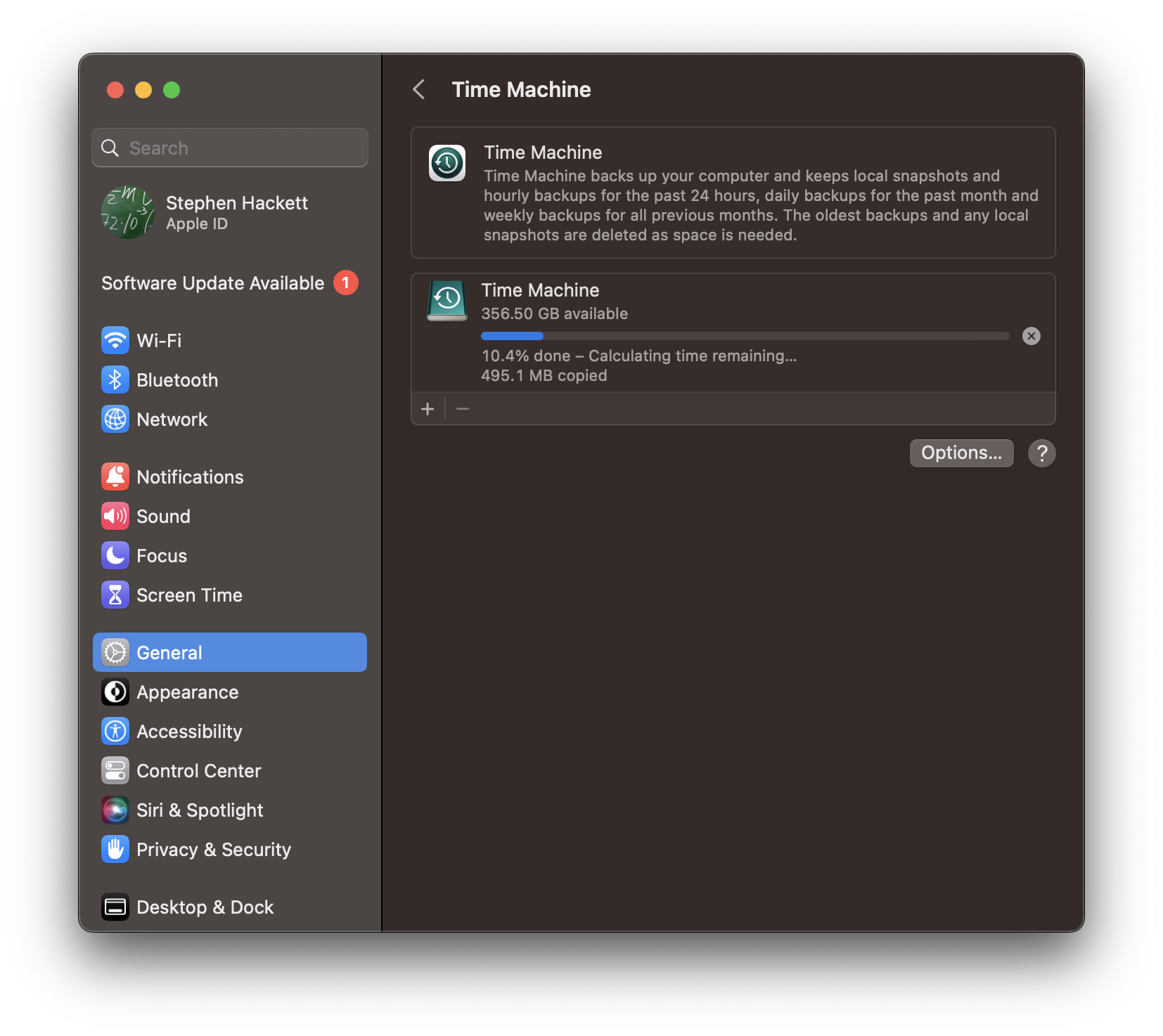
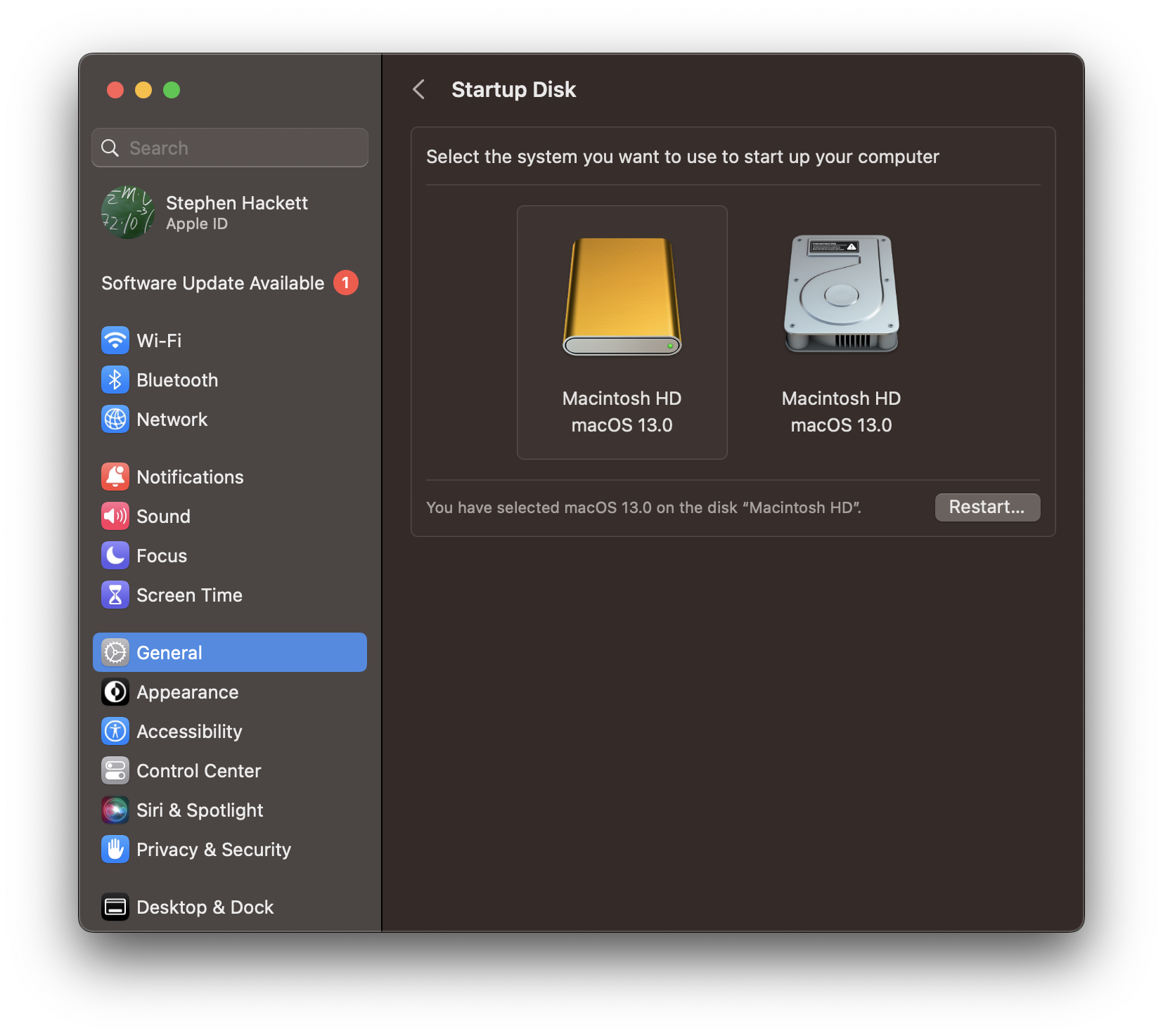
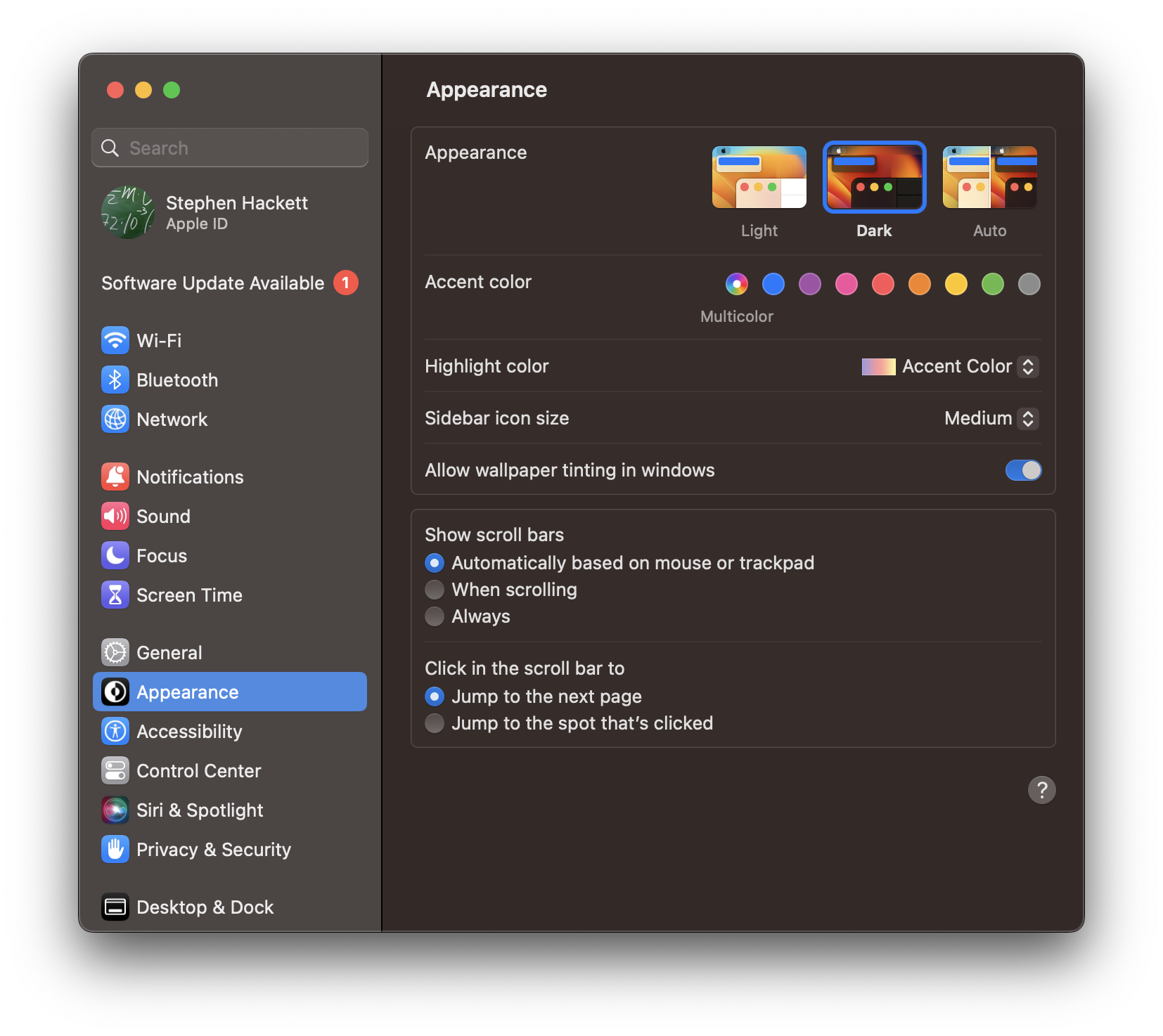
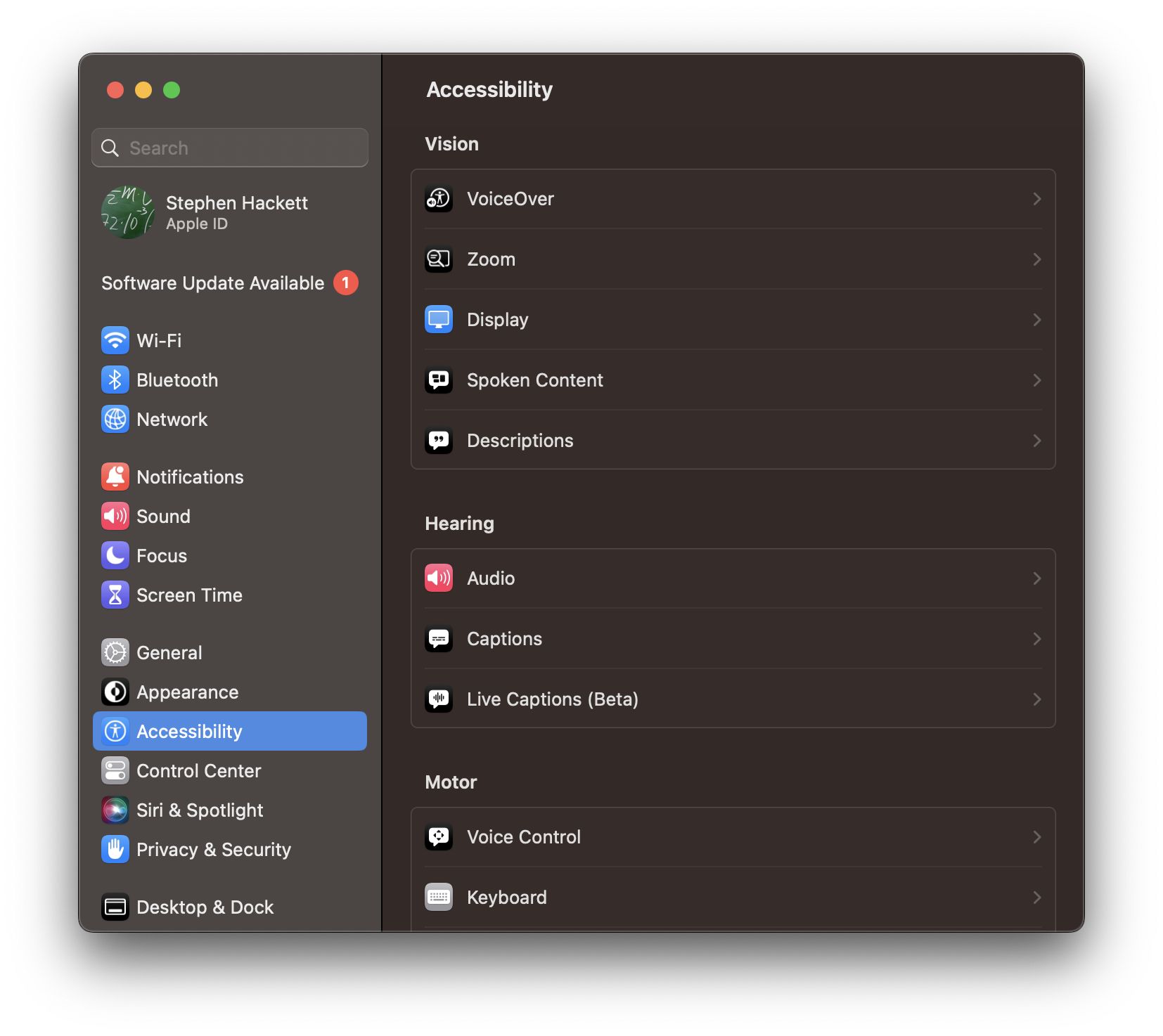
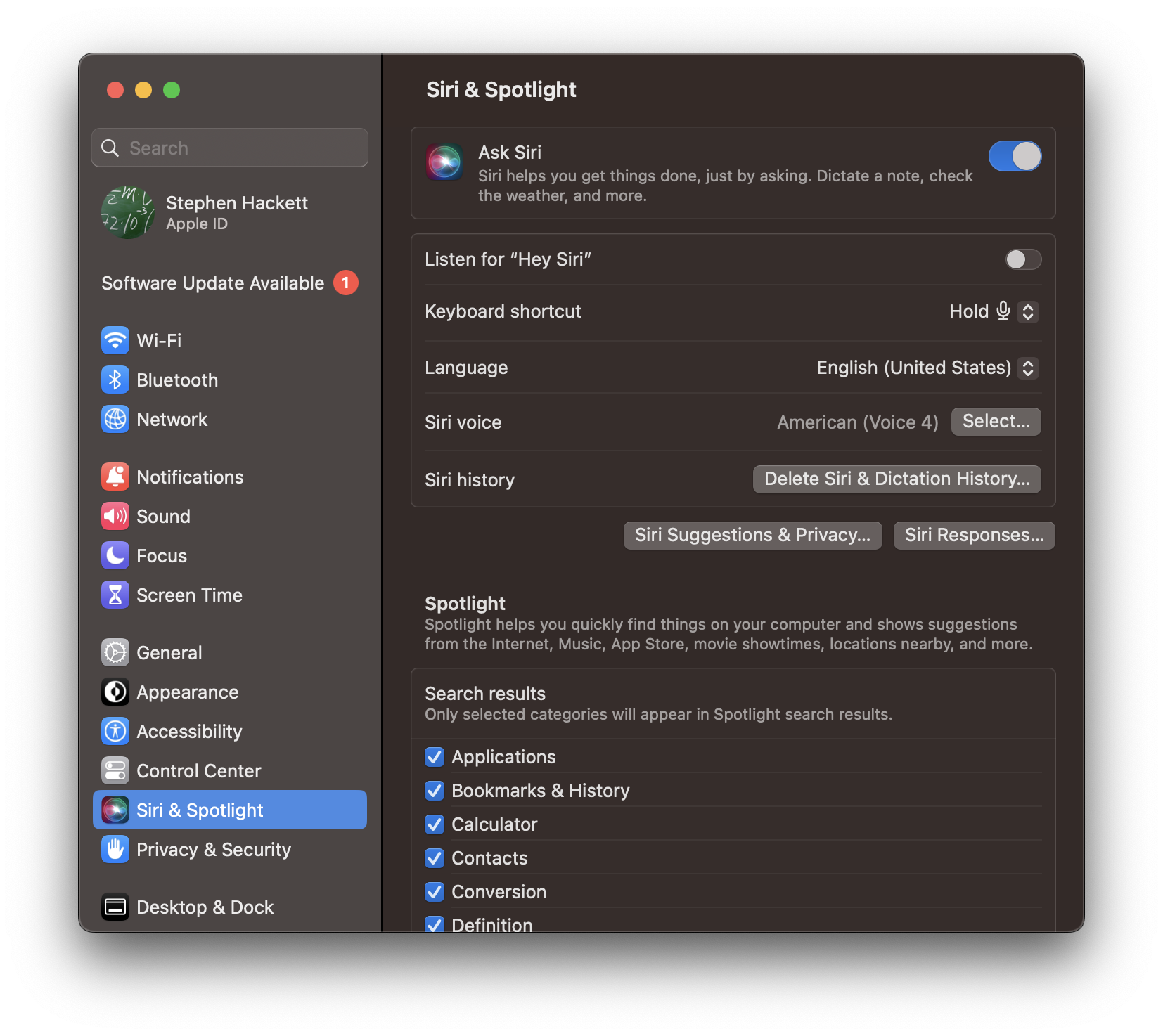
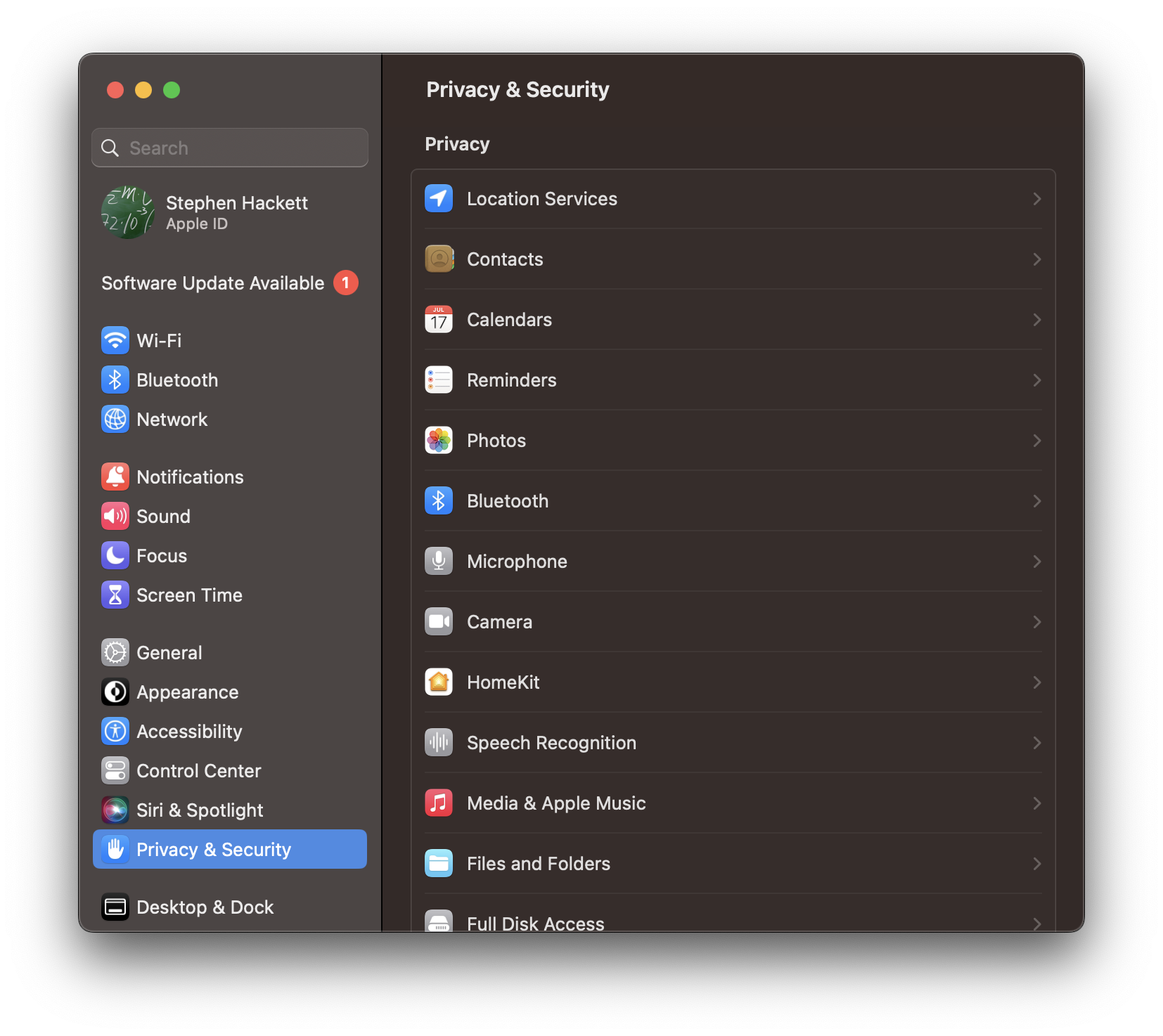
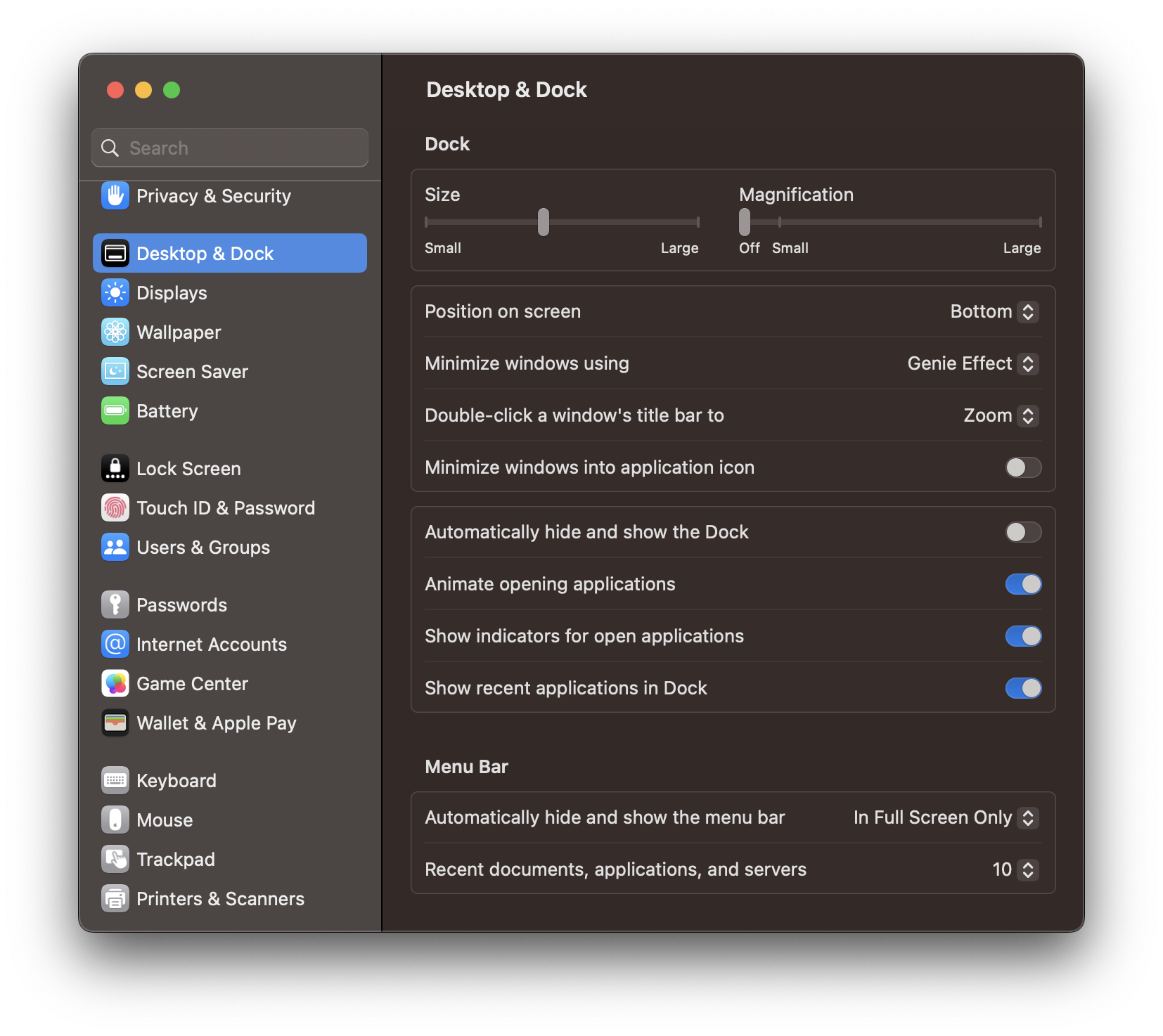
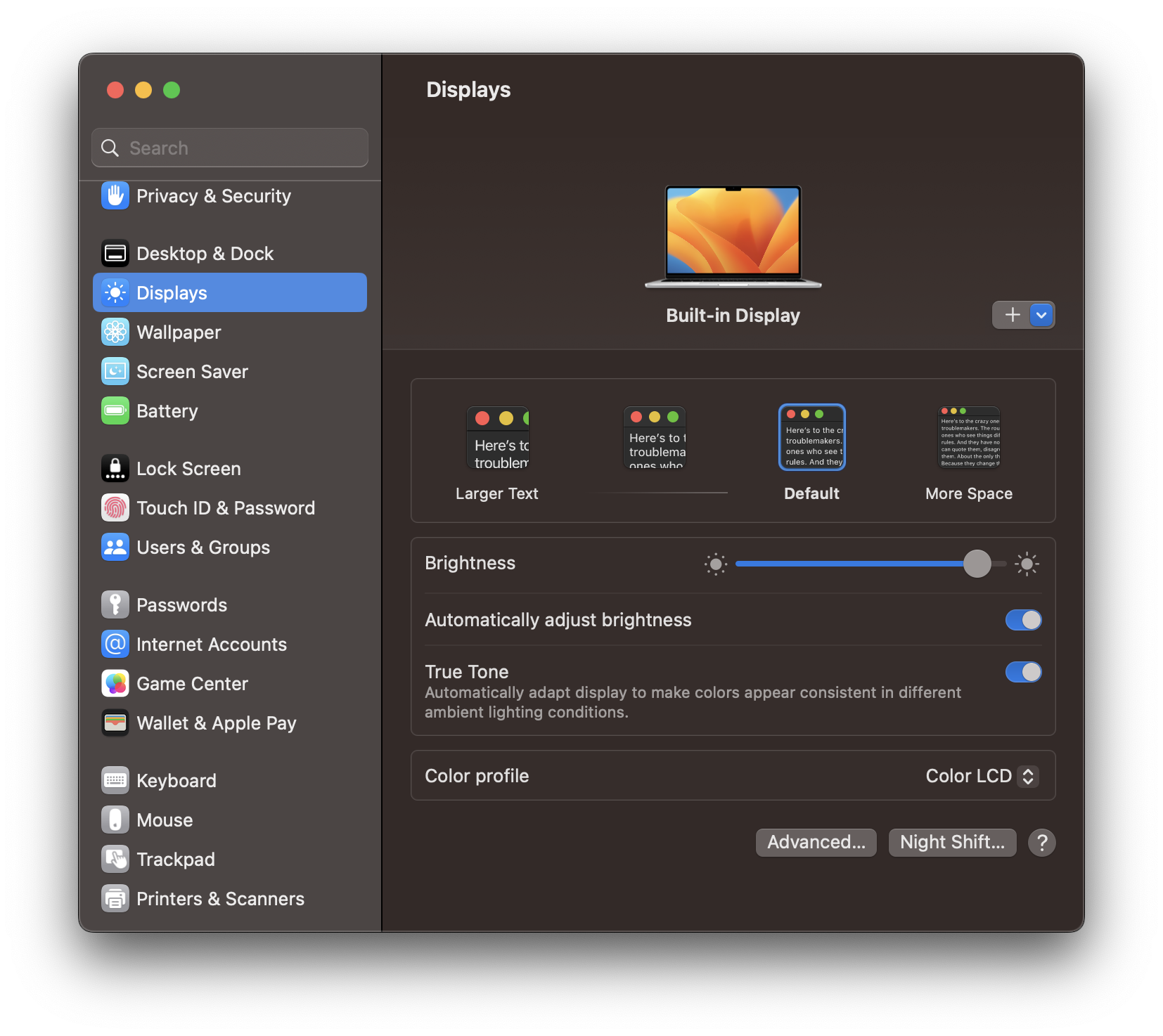
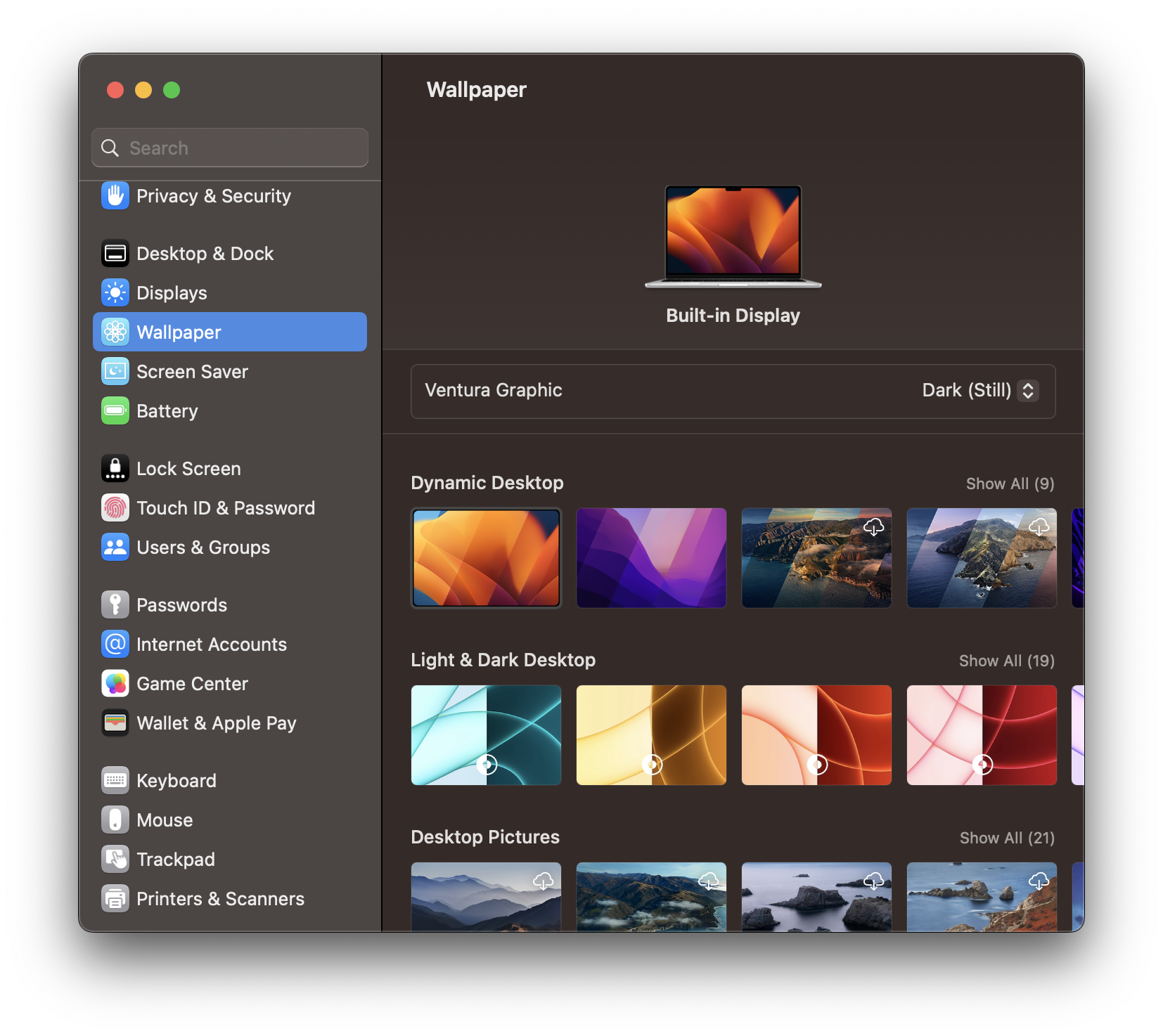
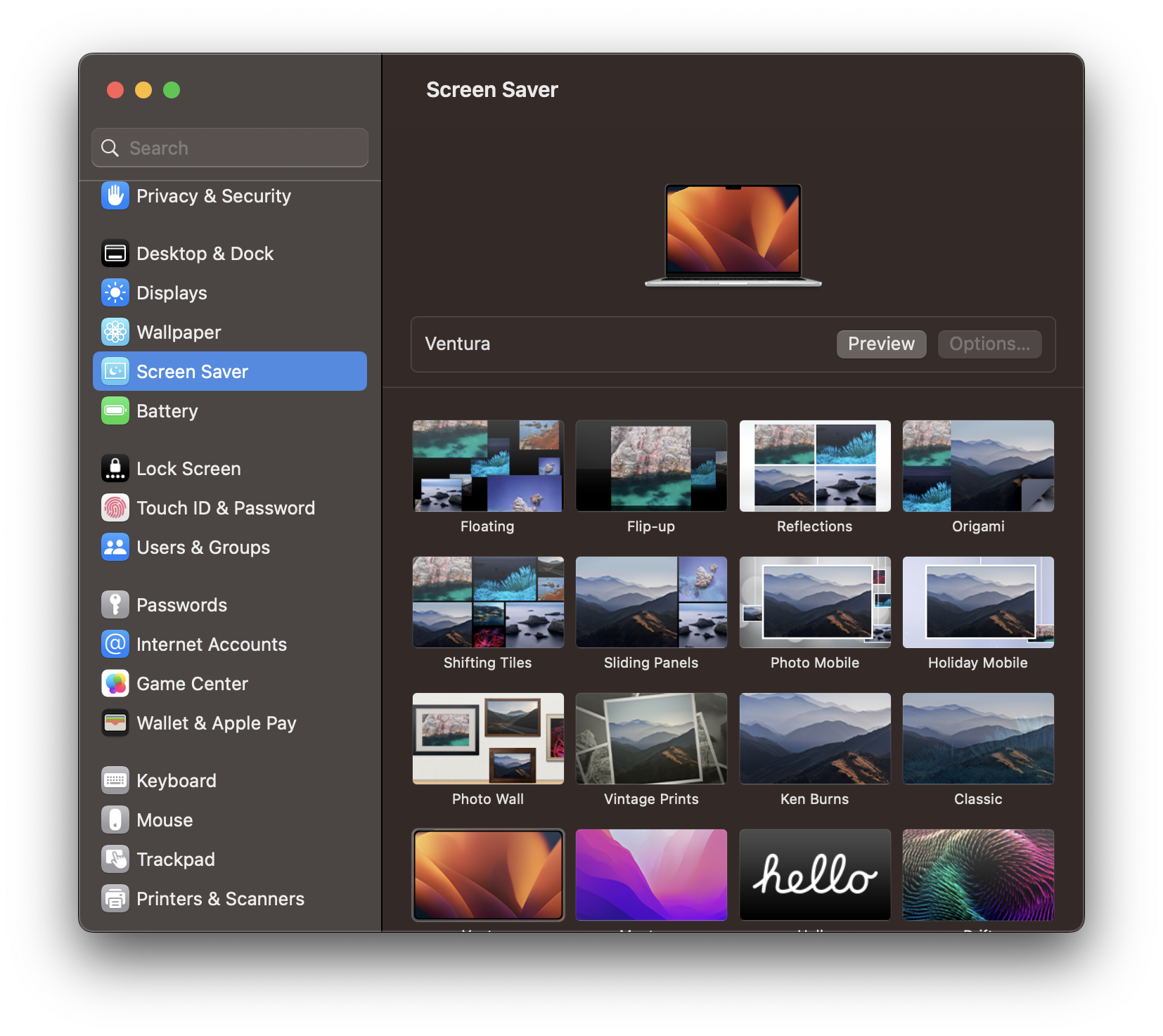
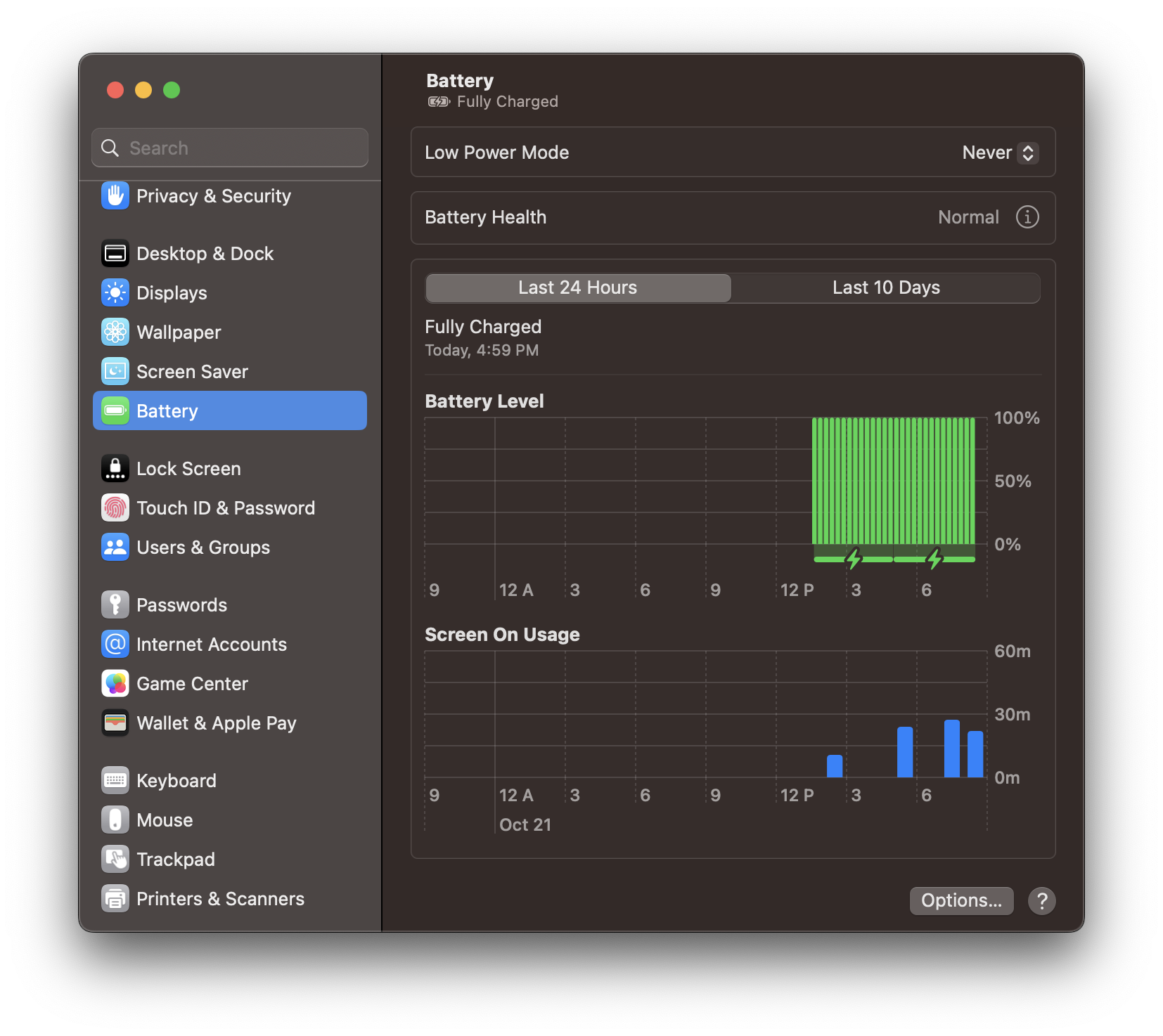
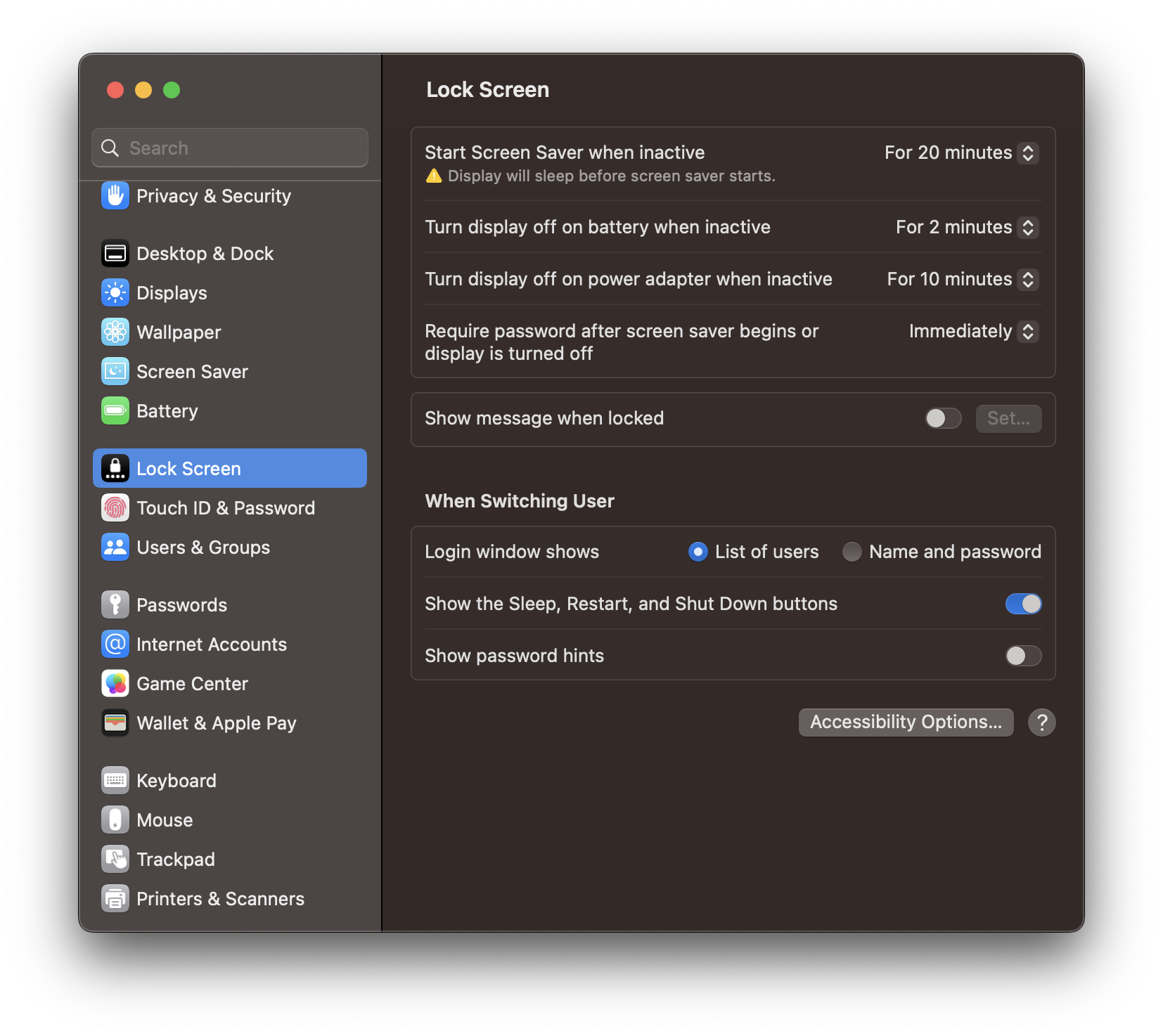
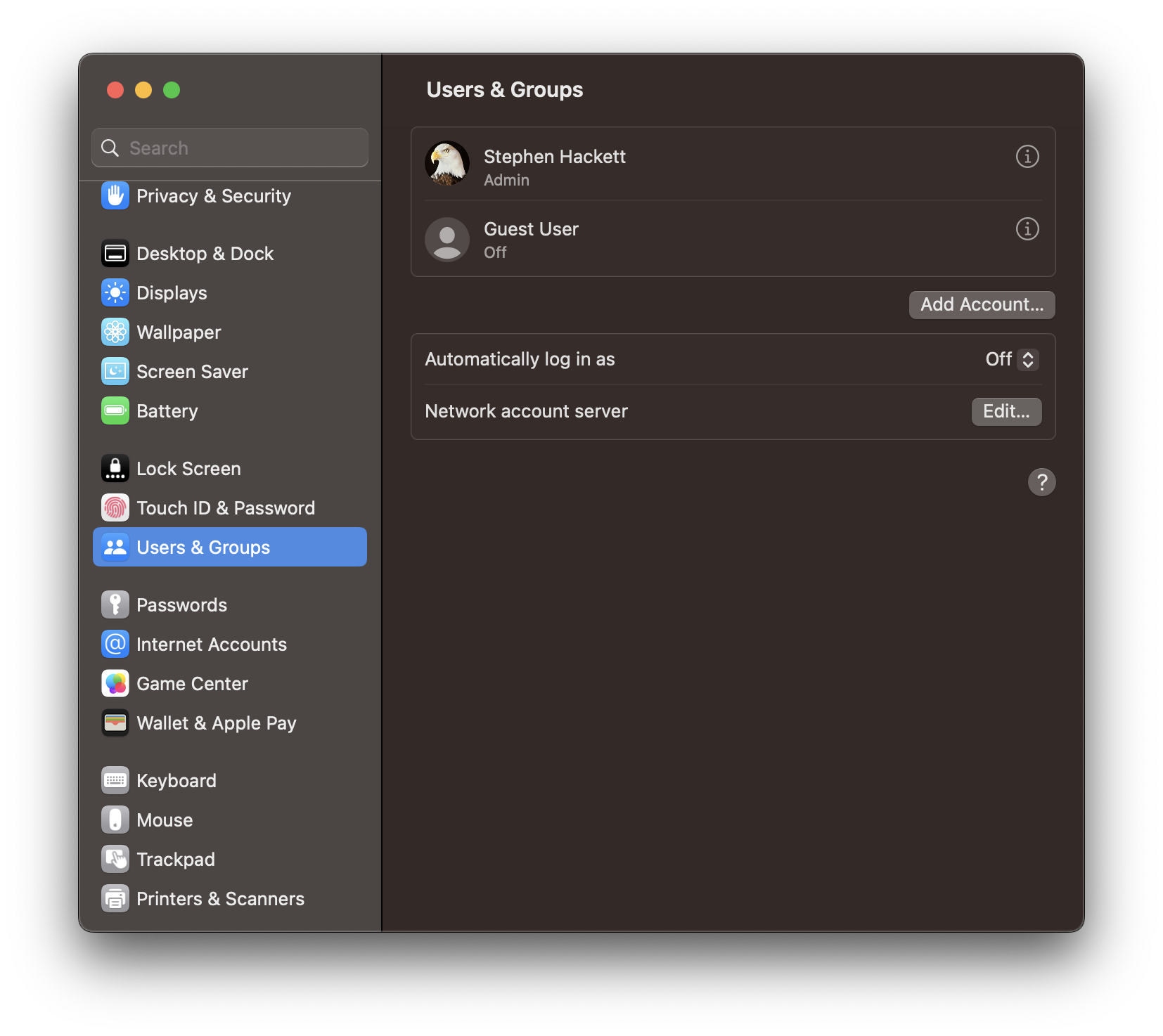
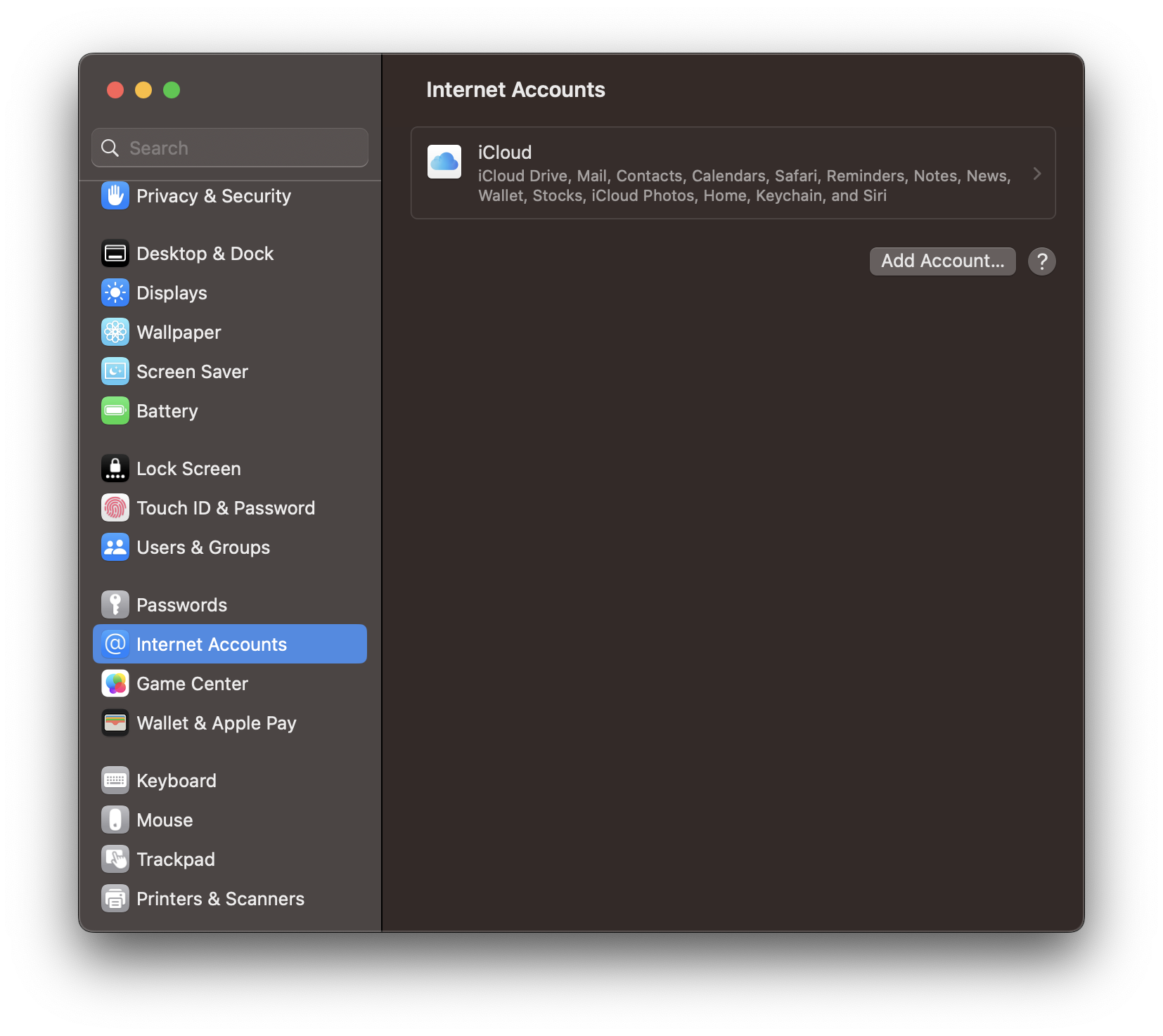
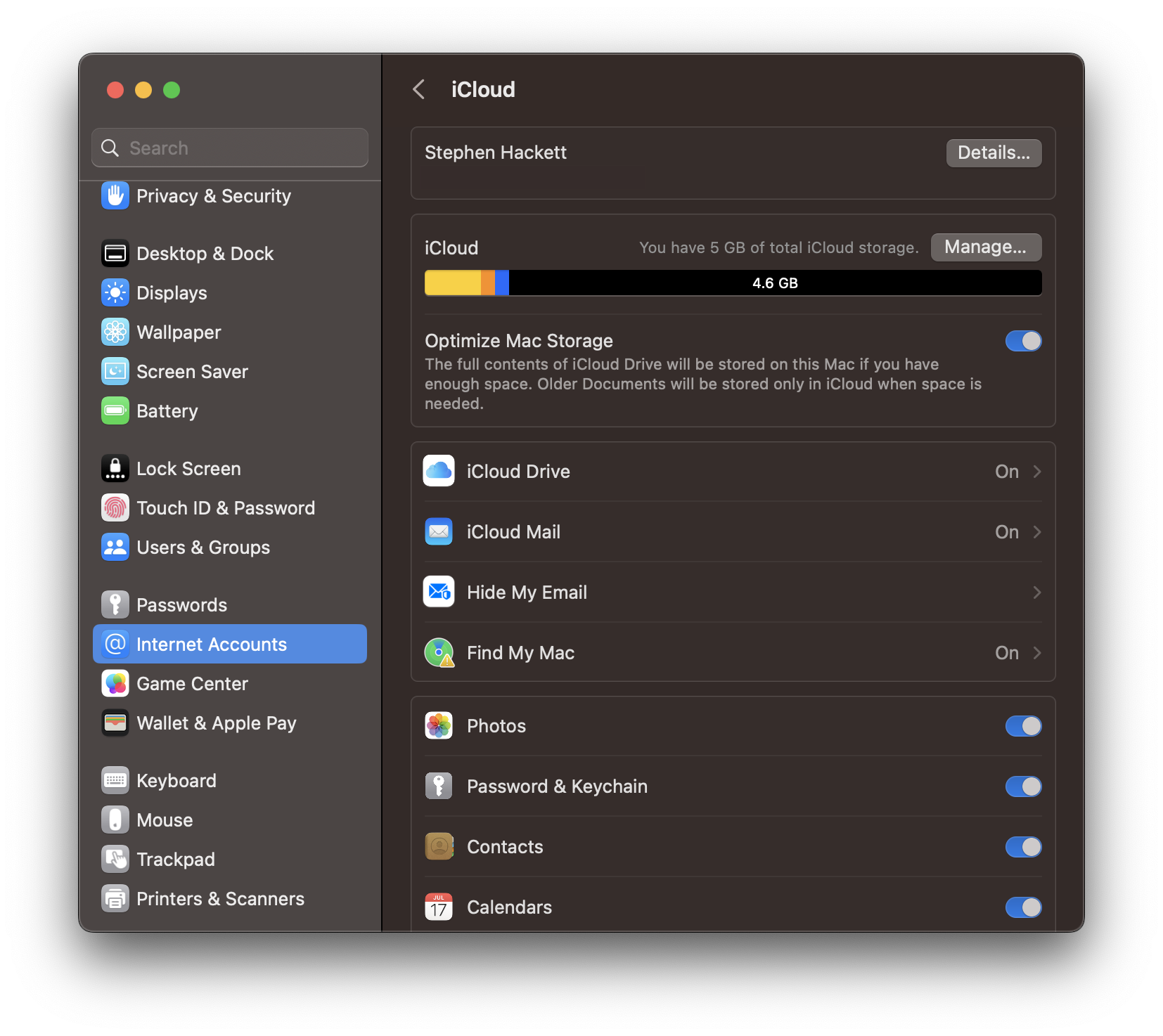
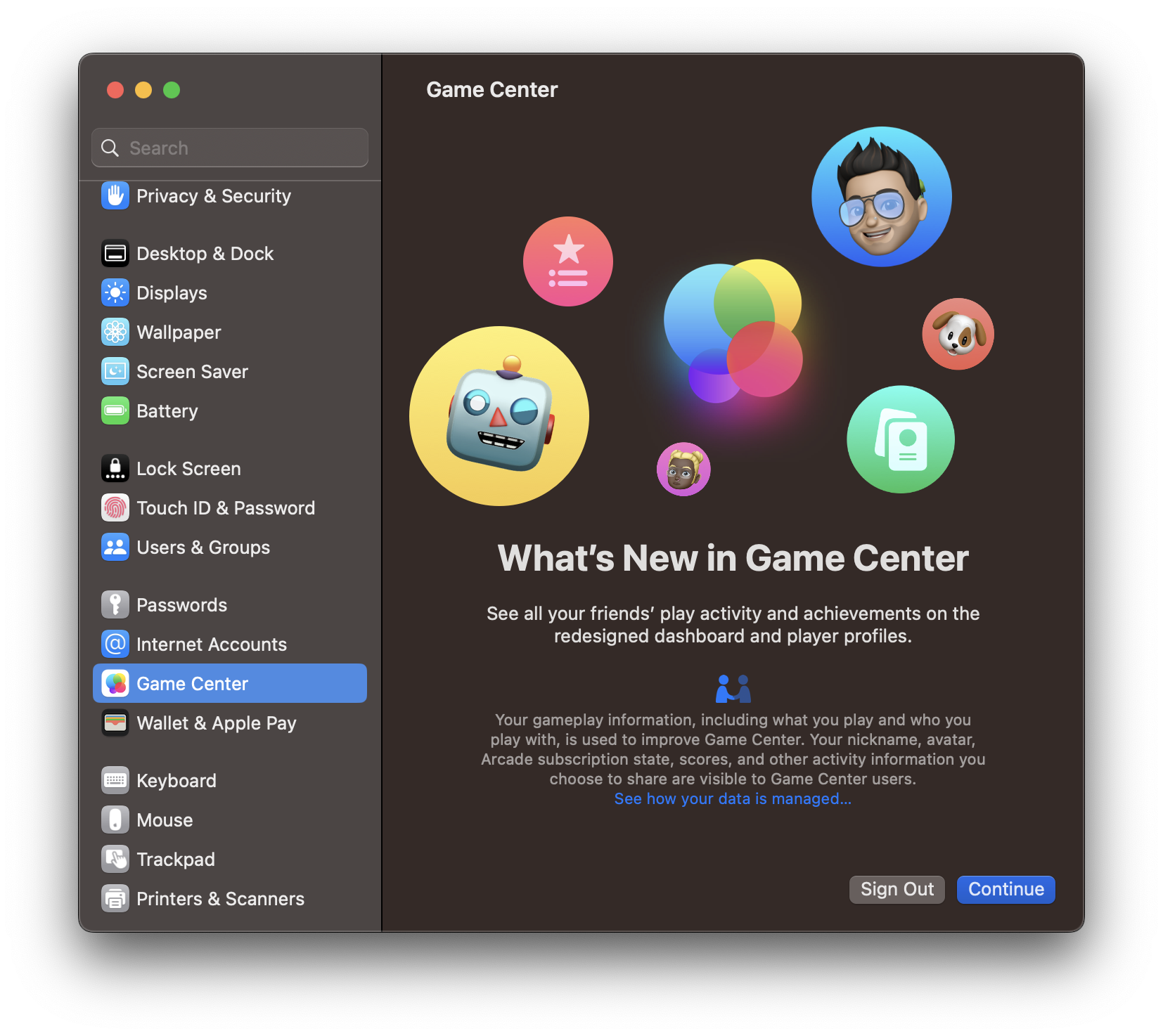
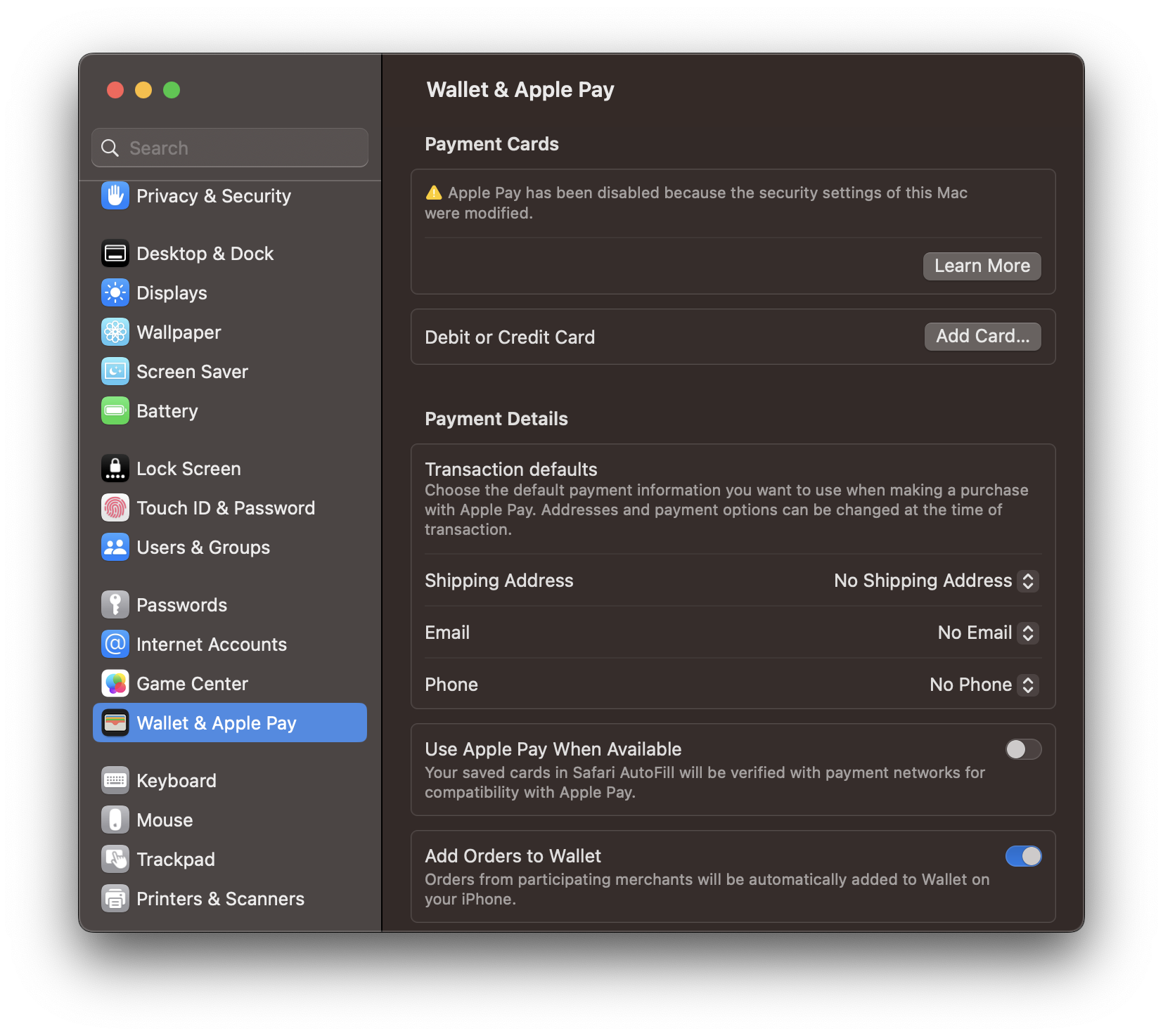
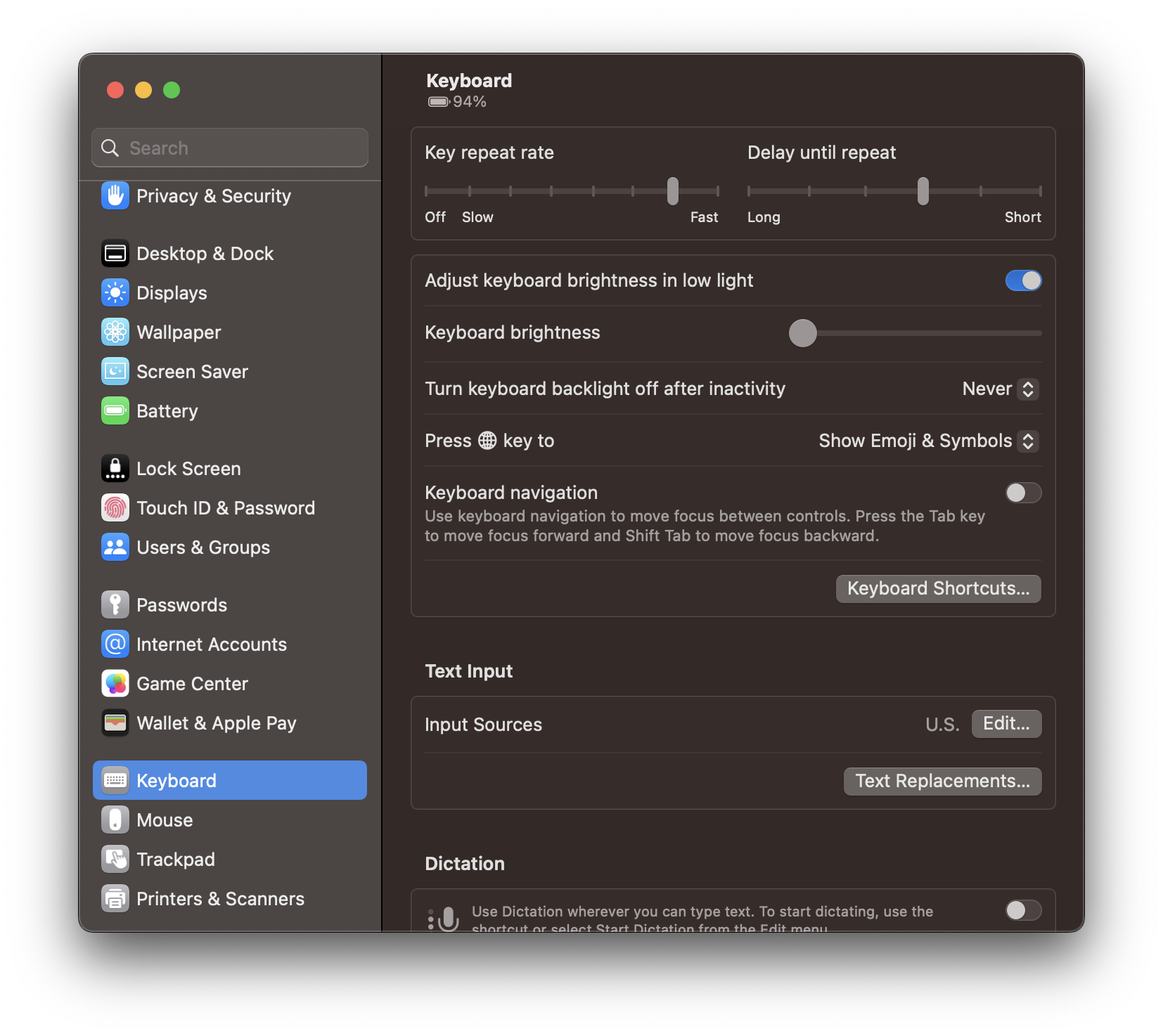
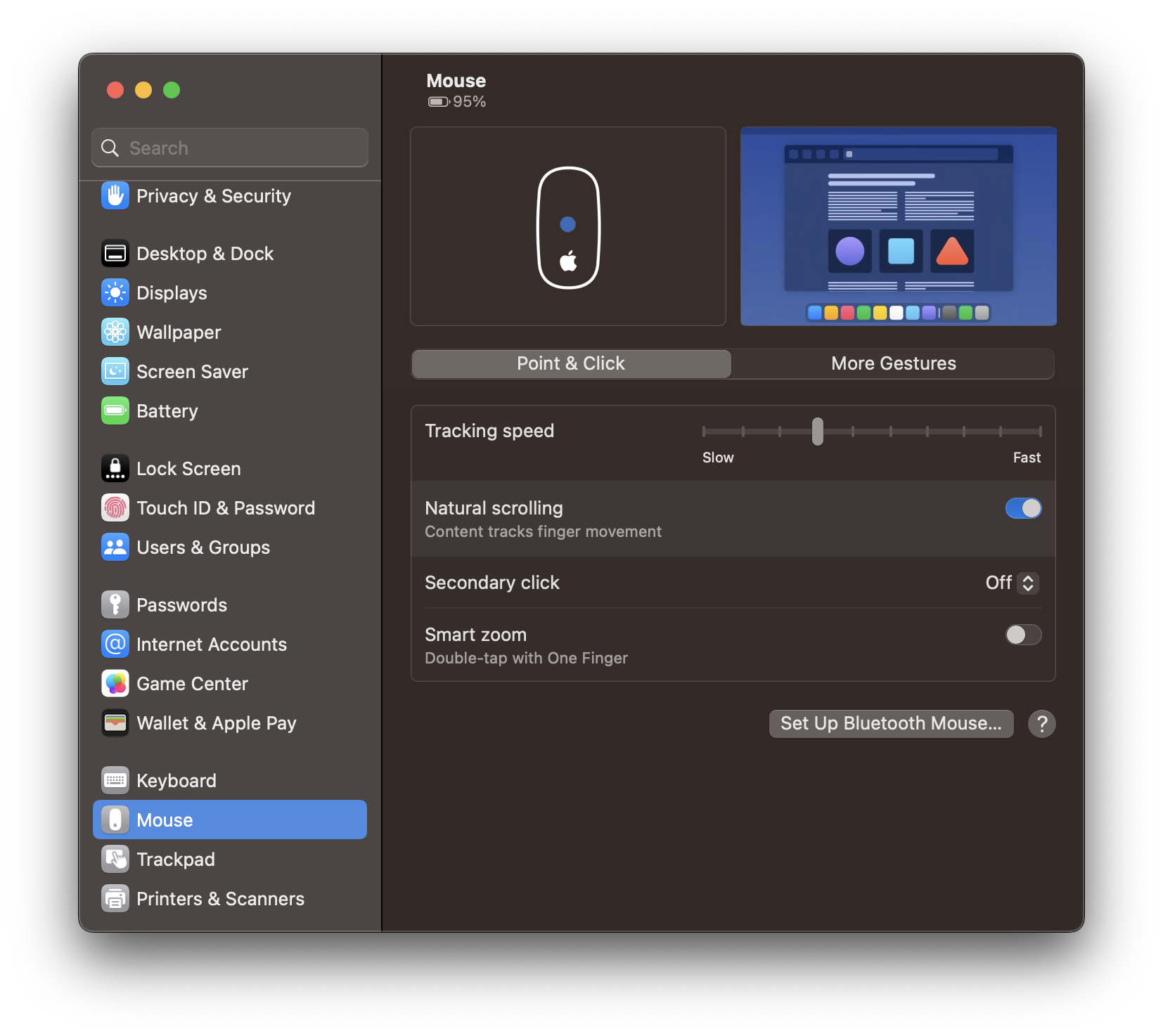
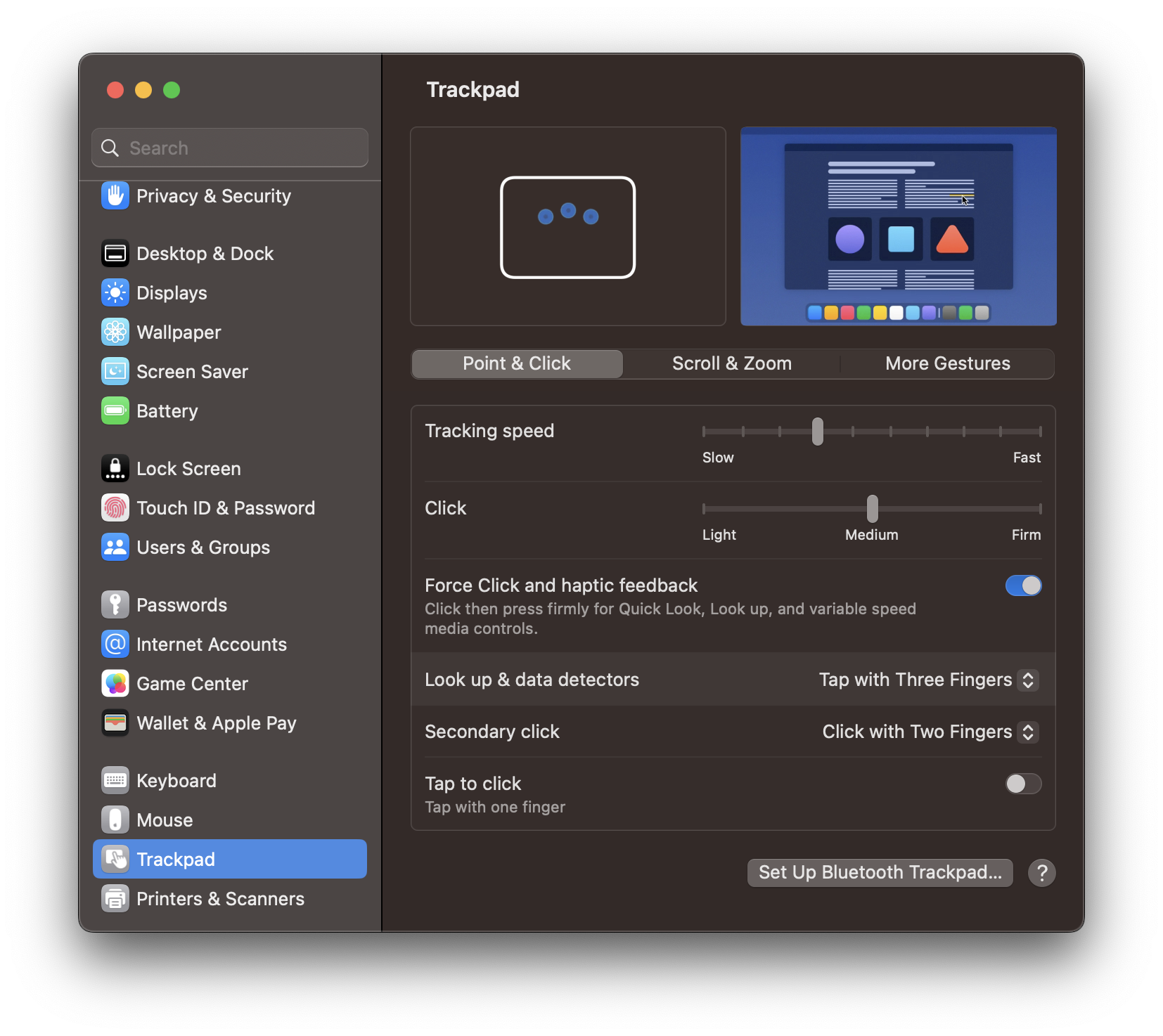
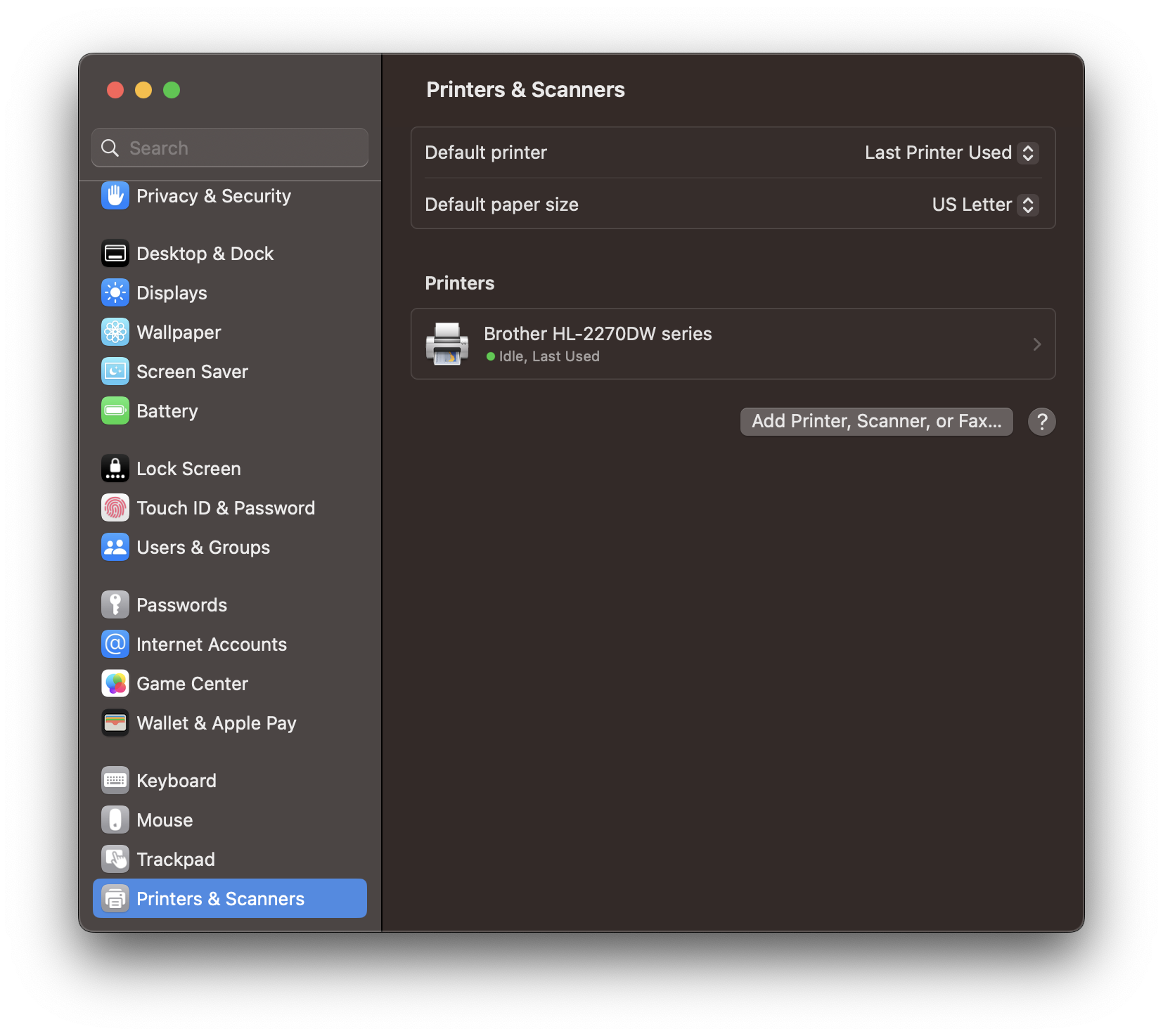
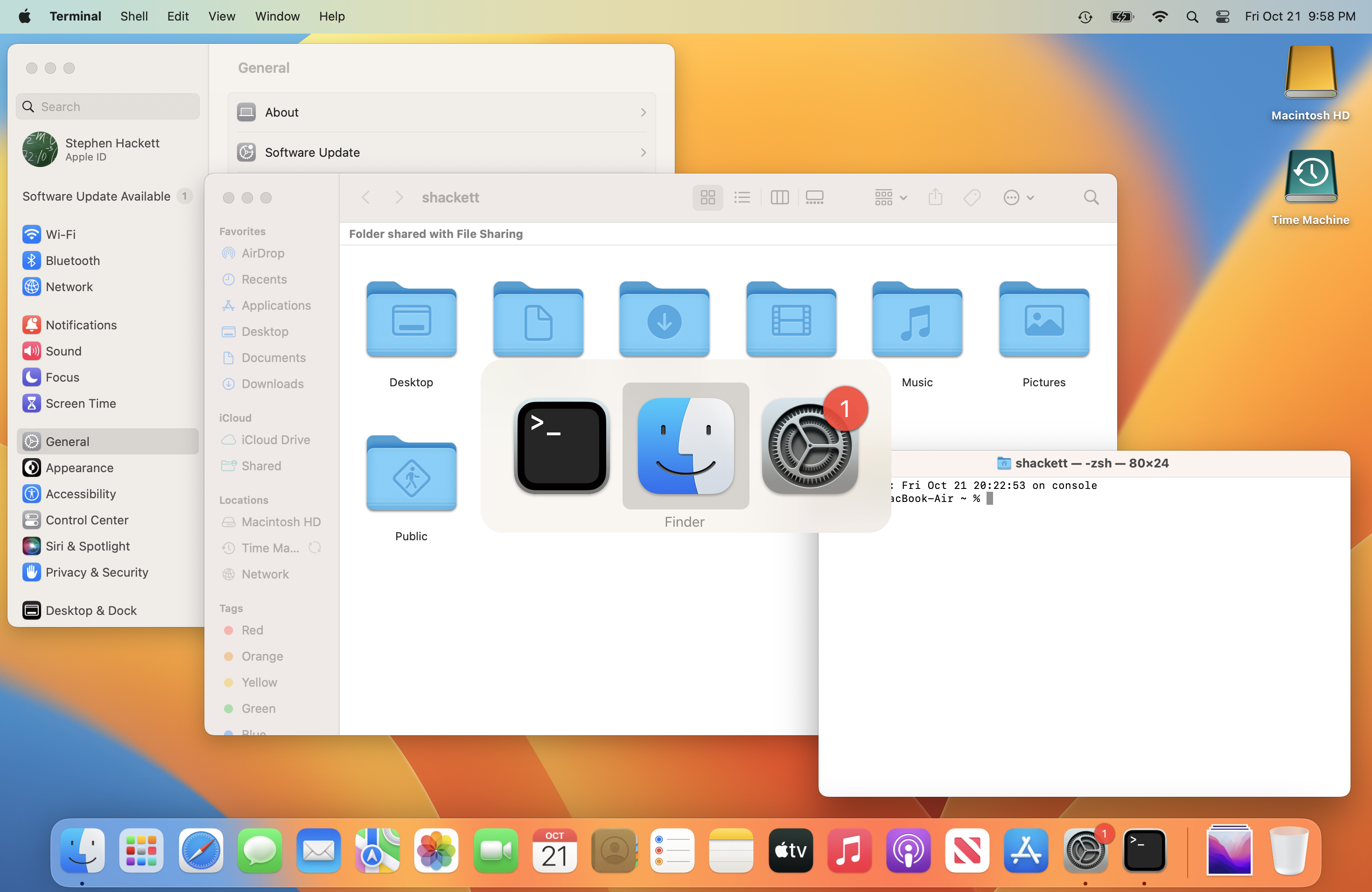
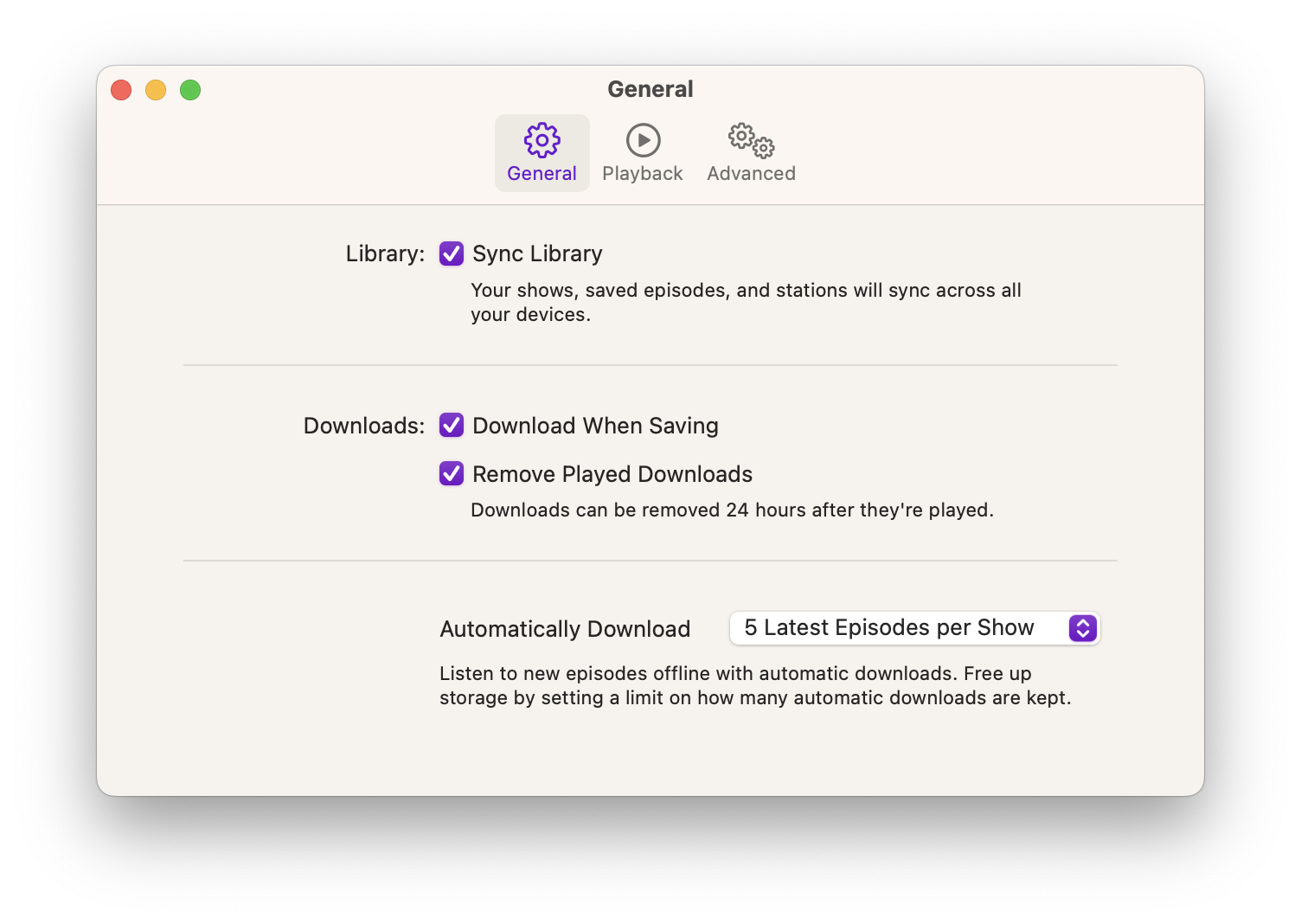
Perhaps the most controversial change in macOS 13 was the new System Settings app, which replaced the venerable Preferences. Redesigned to better align with Settings on iOS and iPadOS, it brought a new look that felt out of sync with many longtime macOS UI traditions.
Sponsored by Rogue Amoeba
The 512 Pixels macOS Screenshot Library is sponsored by SoundSource, from the fine folks at Rogue Amoeba.
SoundSource puts powerful audio control of your Mac right in your menu bar. Adjust app volume instantly, apply audio effects to the audio you hear, and redirect that audio to any device connected to your Mac – now including AirPlay devices.
SoundSource: Sound control so good, it ought to be built into macOS.
Editor’s Note: Like for previous releases, I am providing both Light and Dark Mode images in just the first two image collections.
Appearance & Accent Combinations

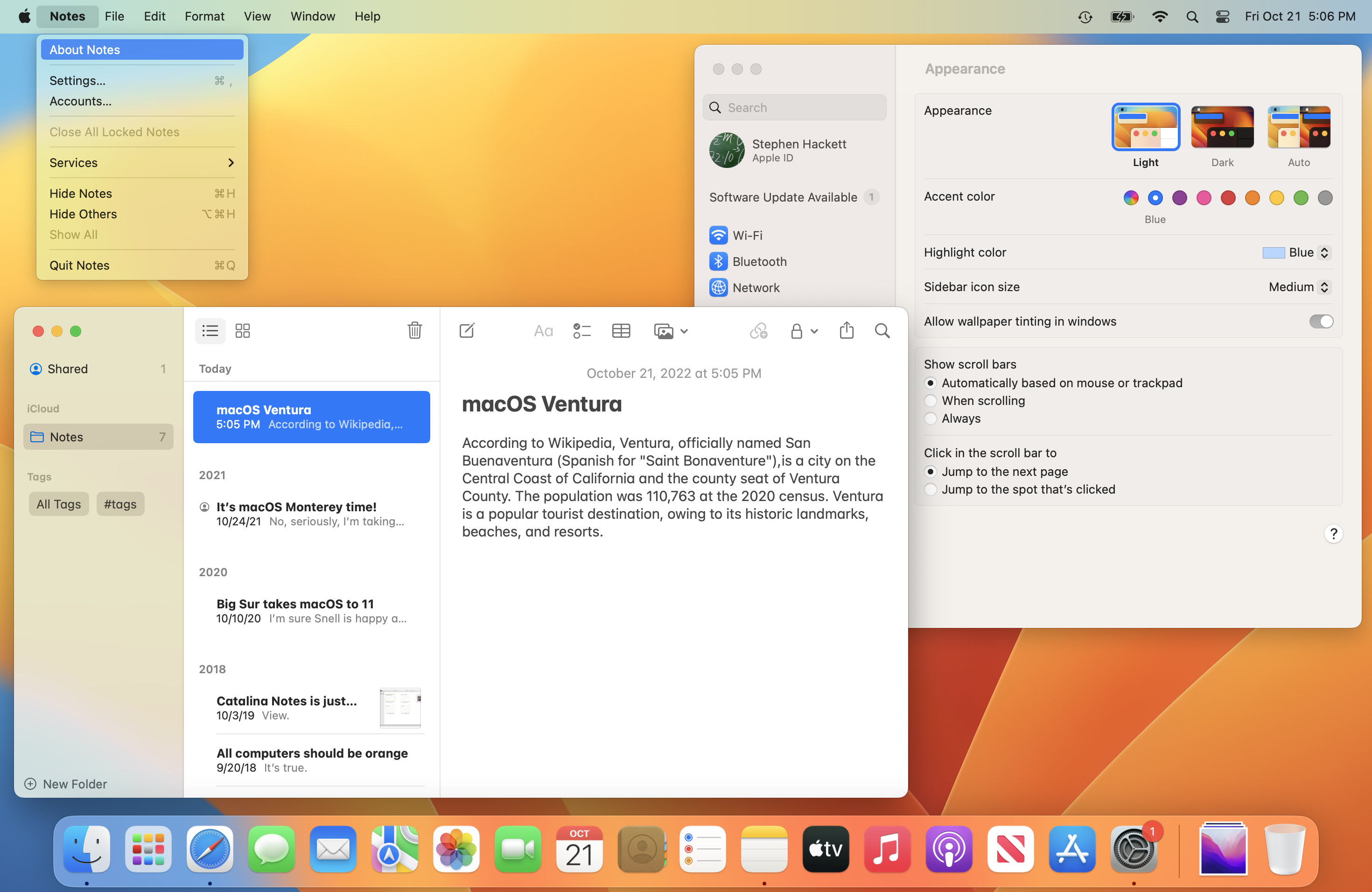
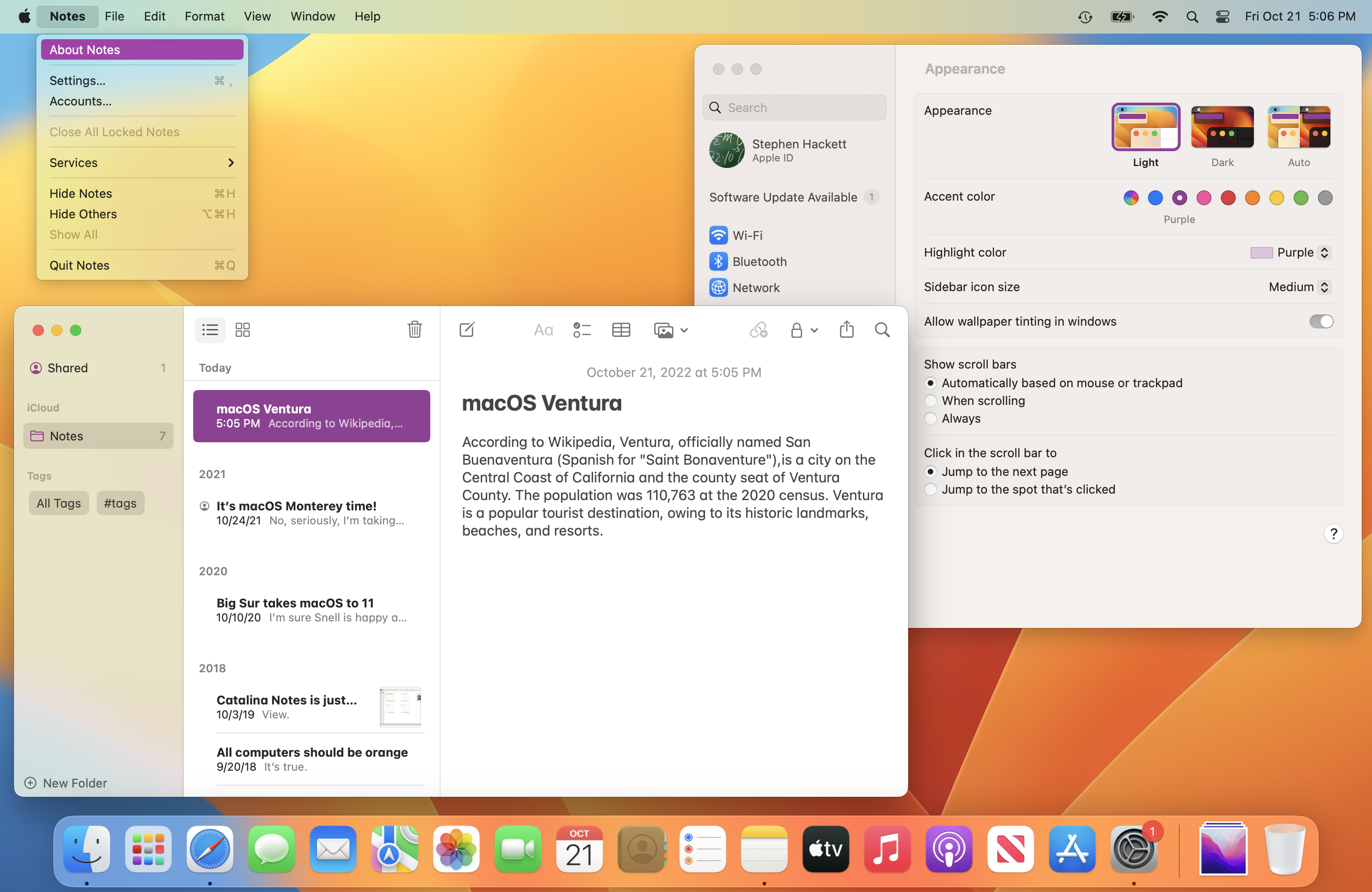

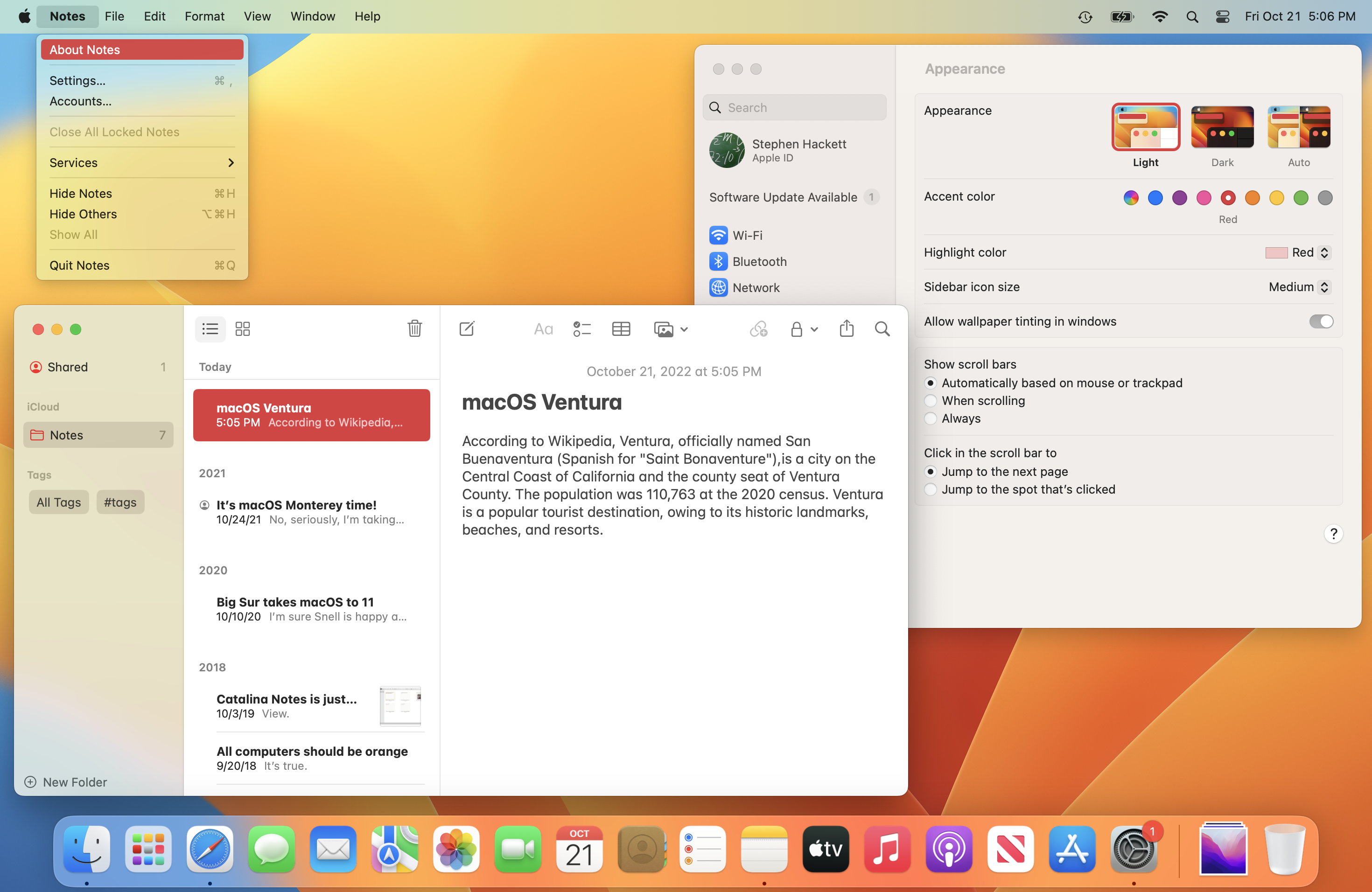
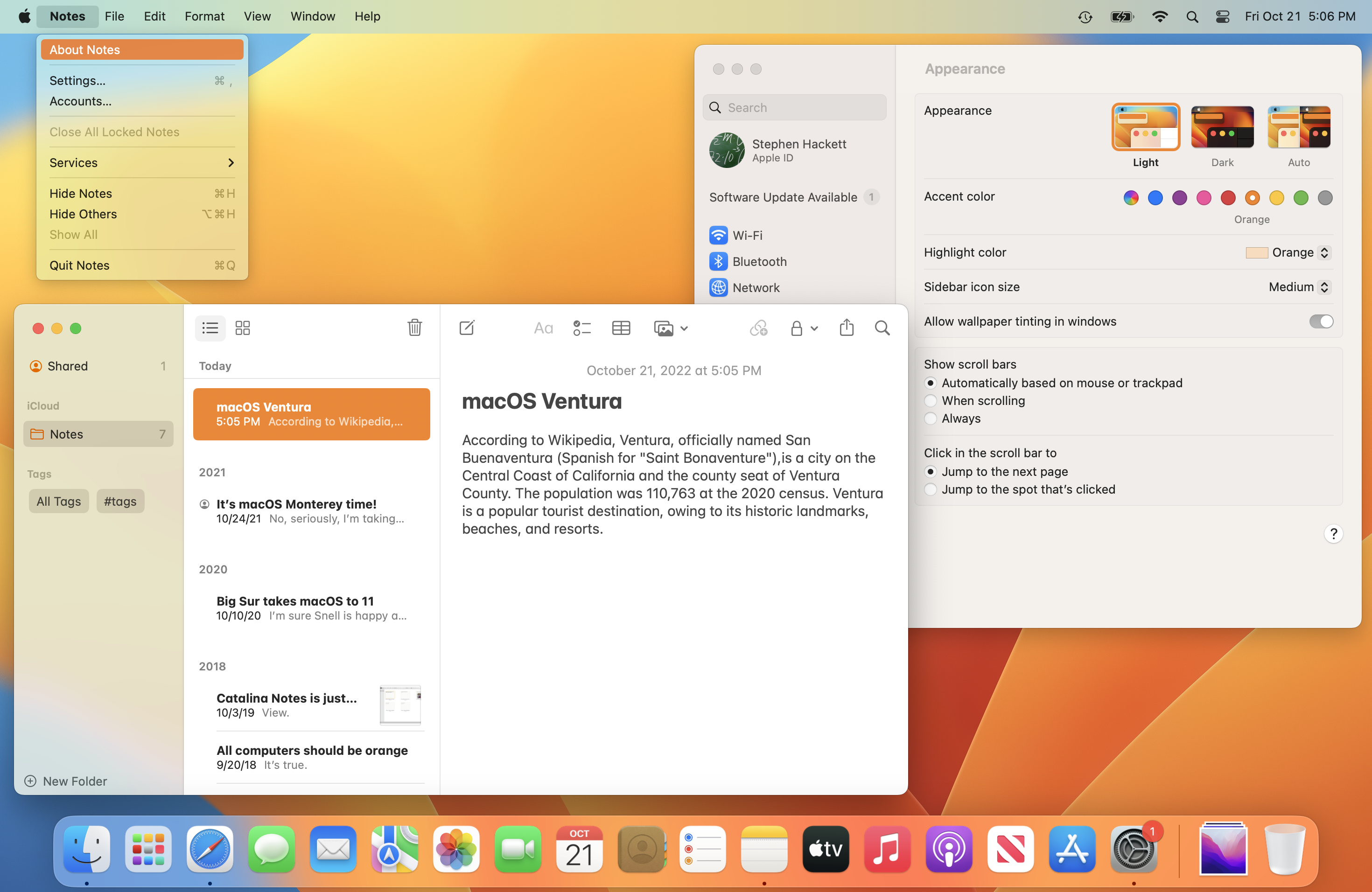
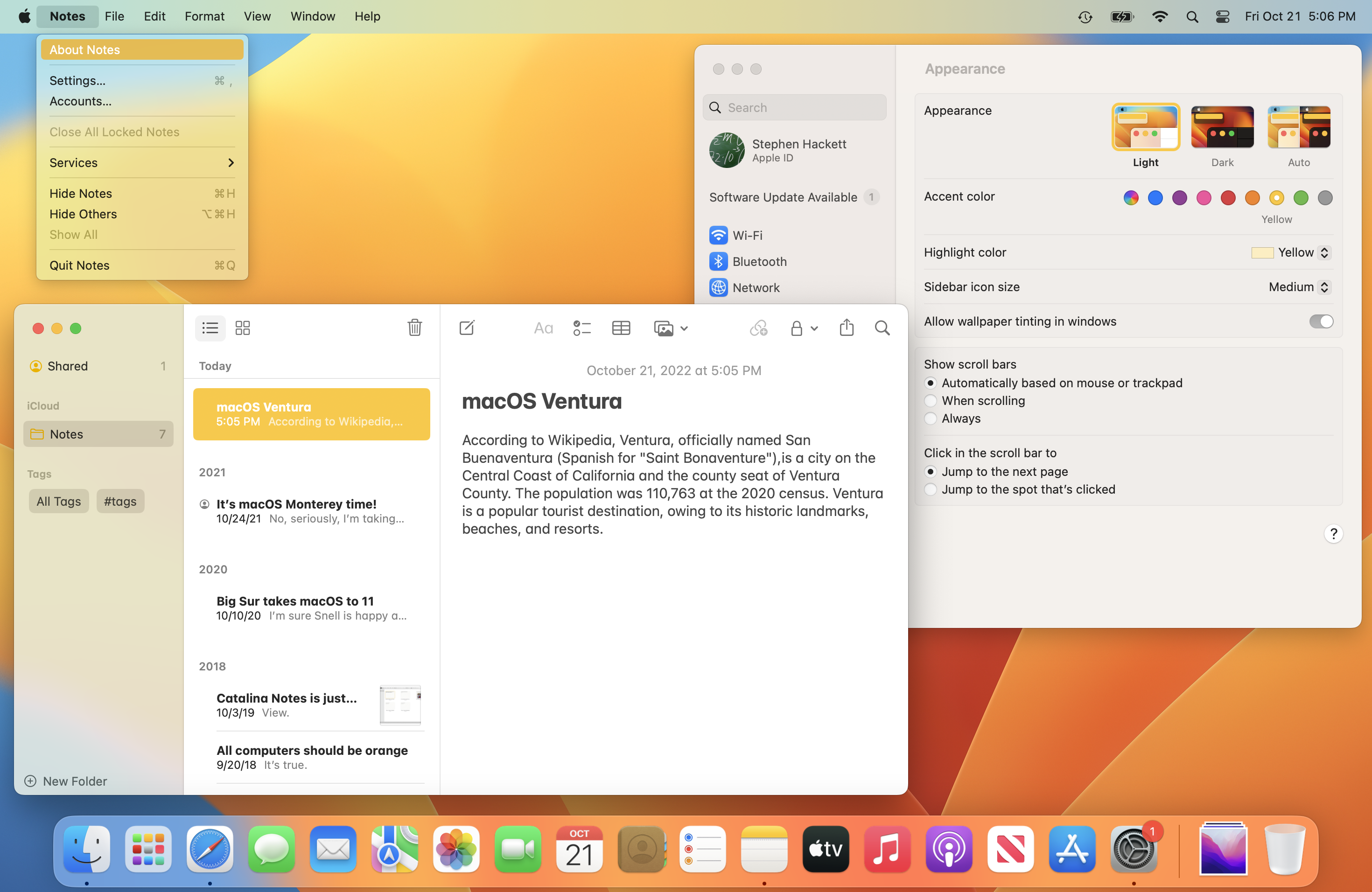
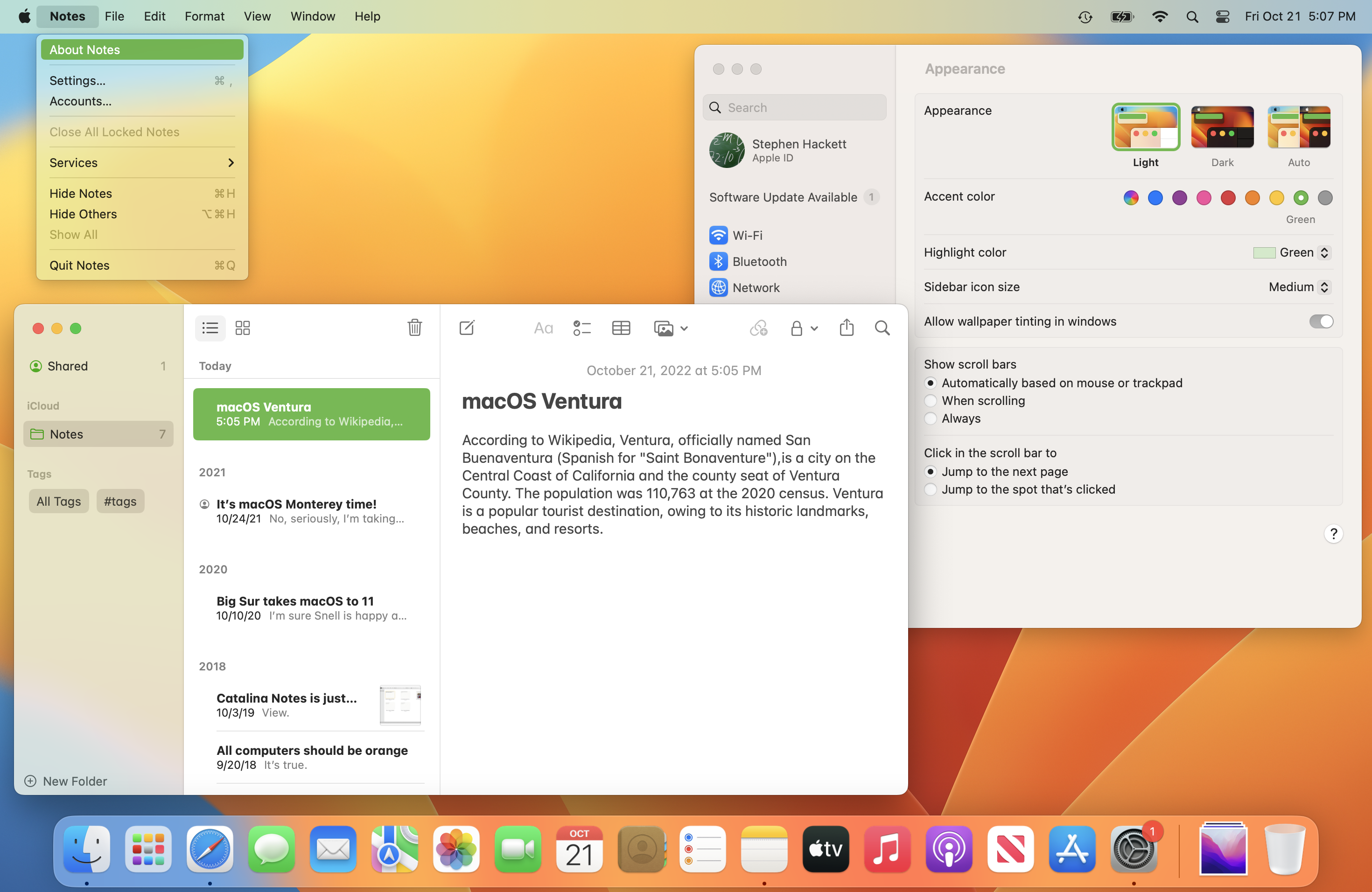
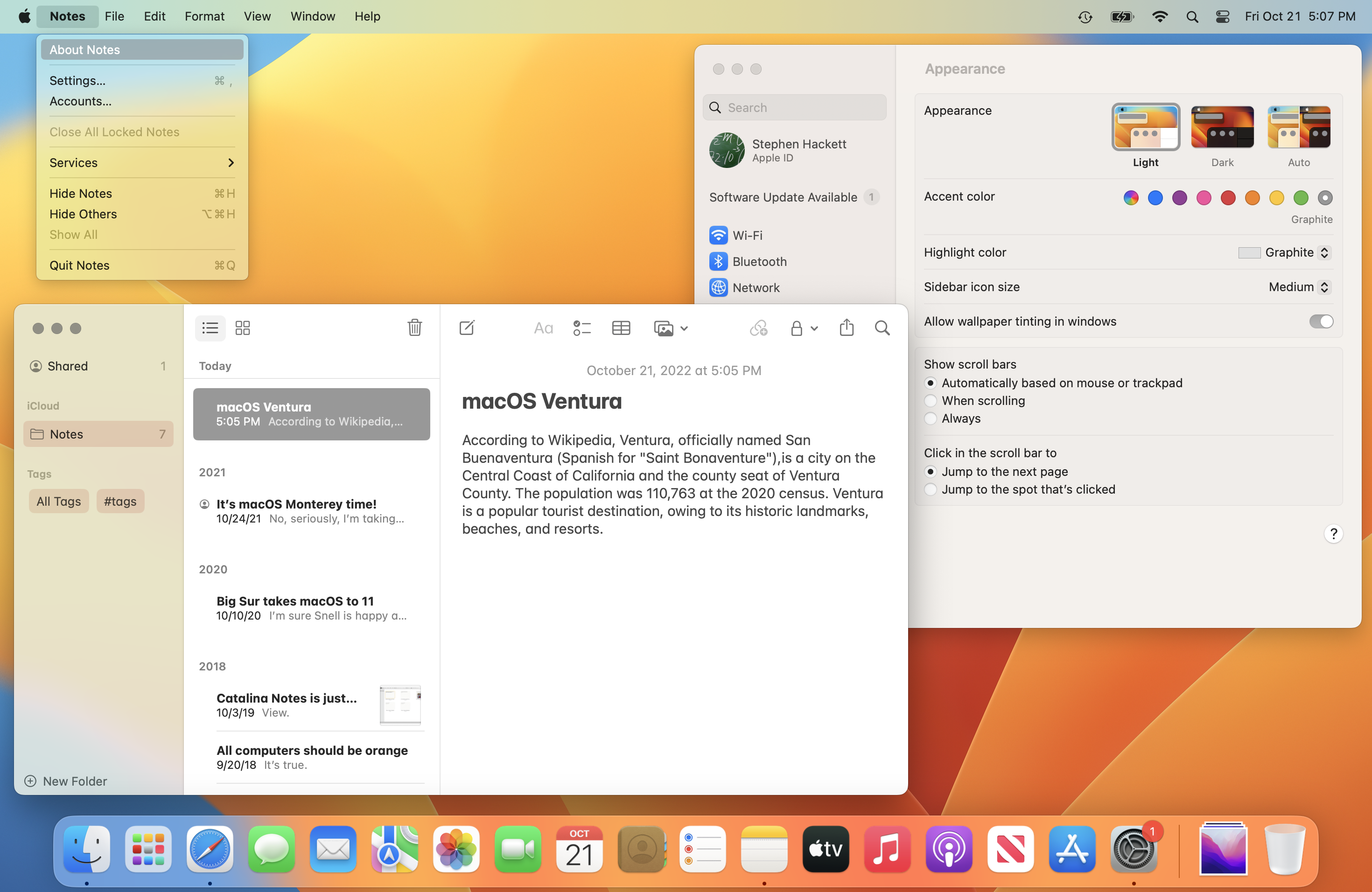
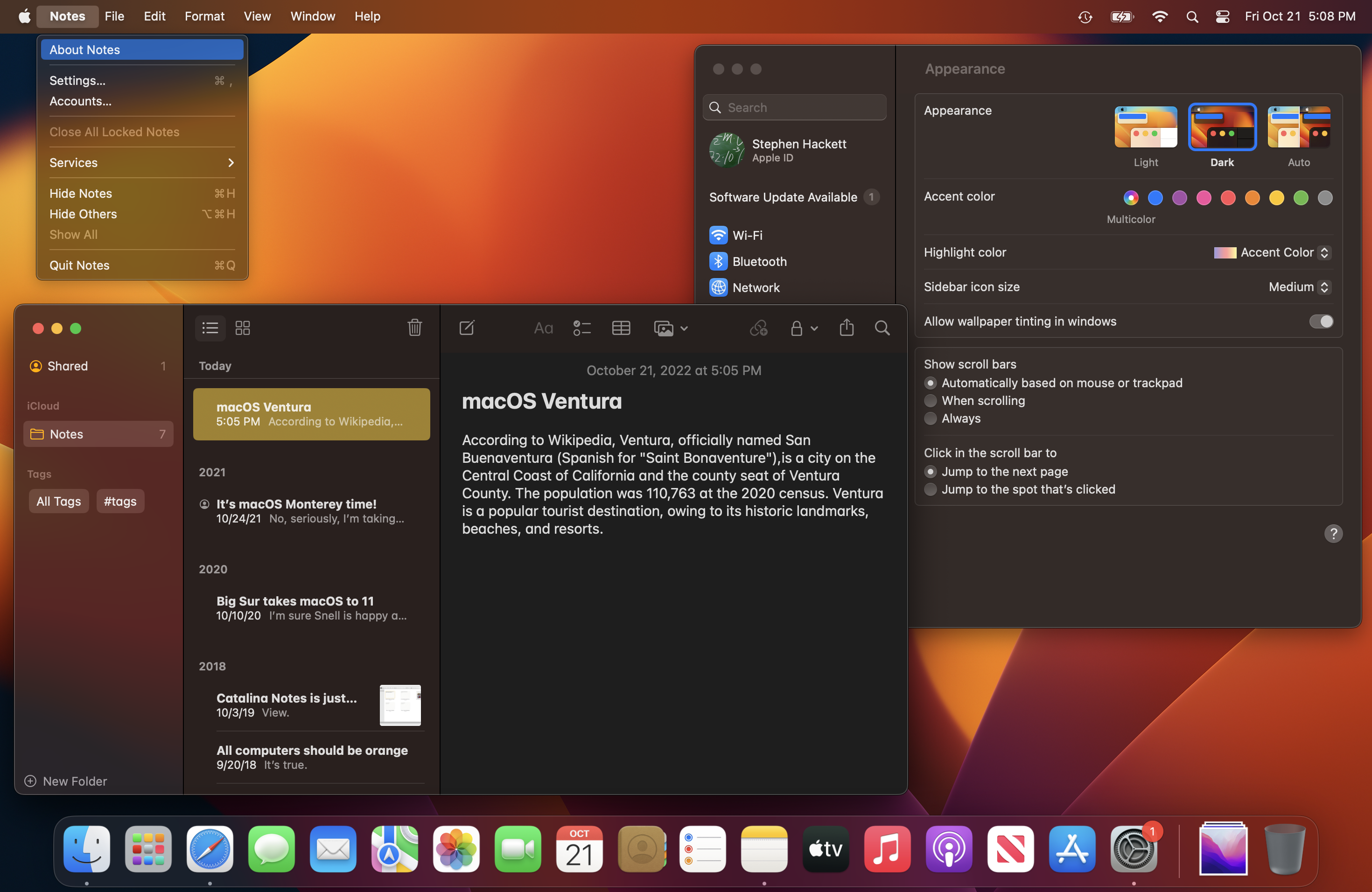

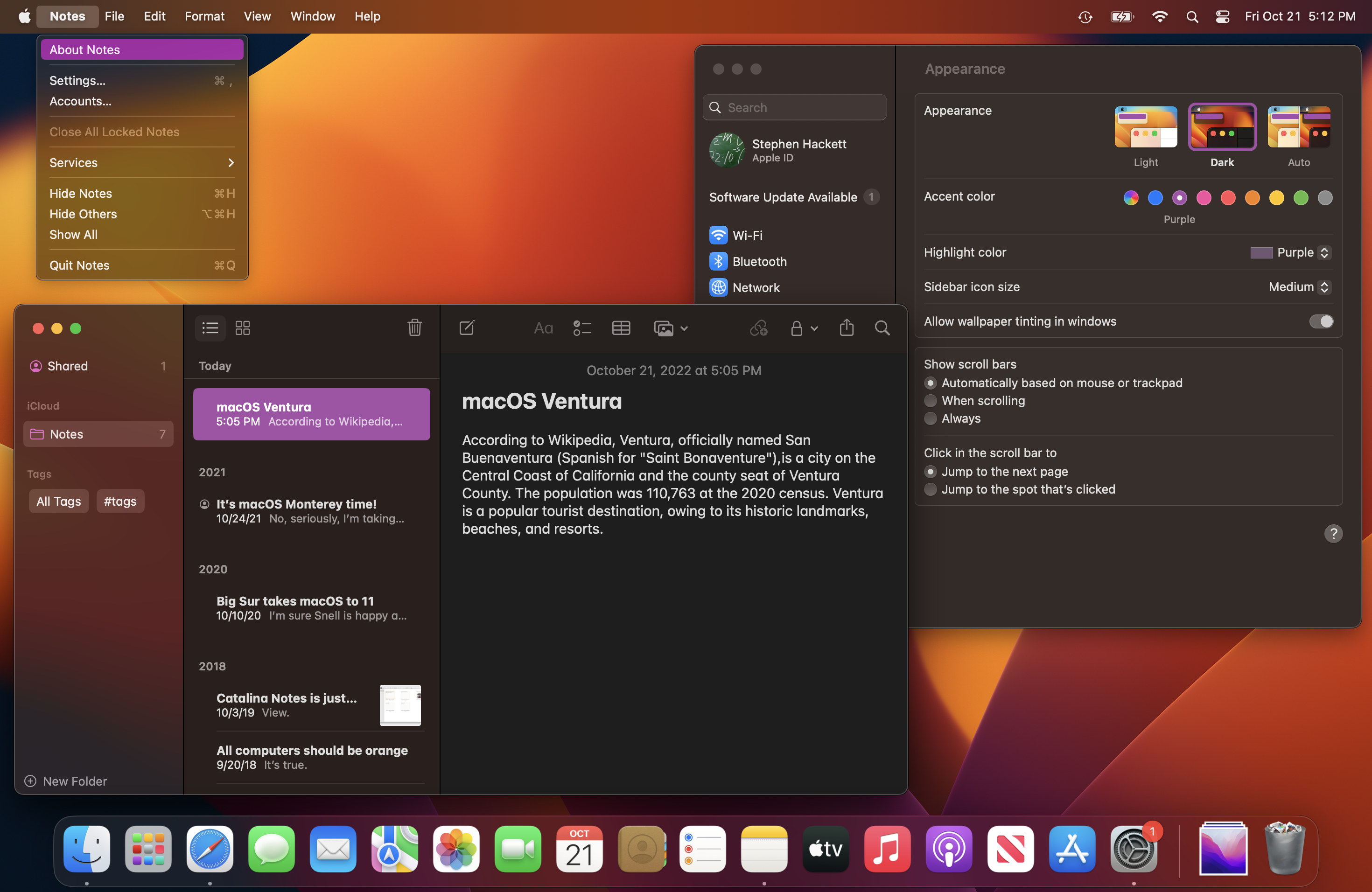
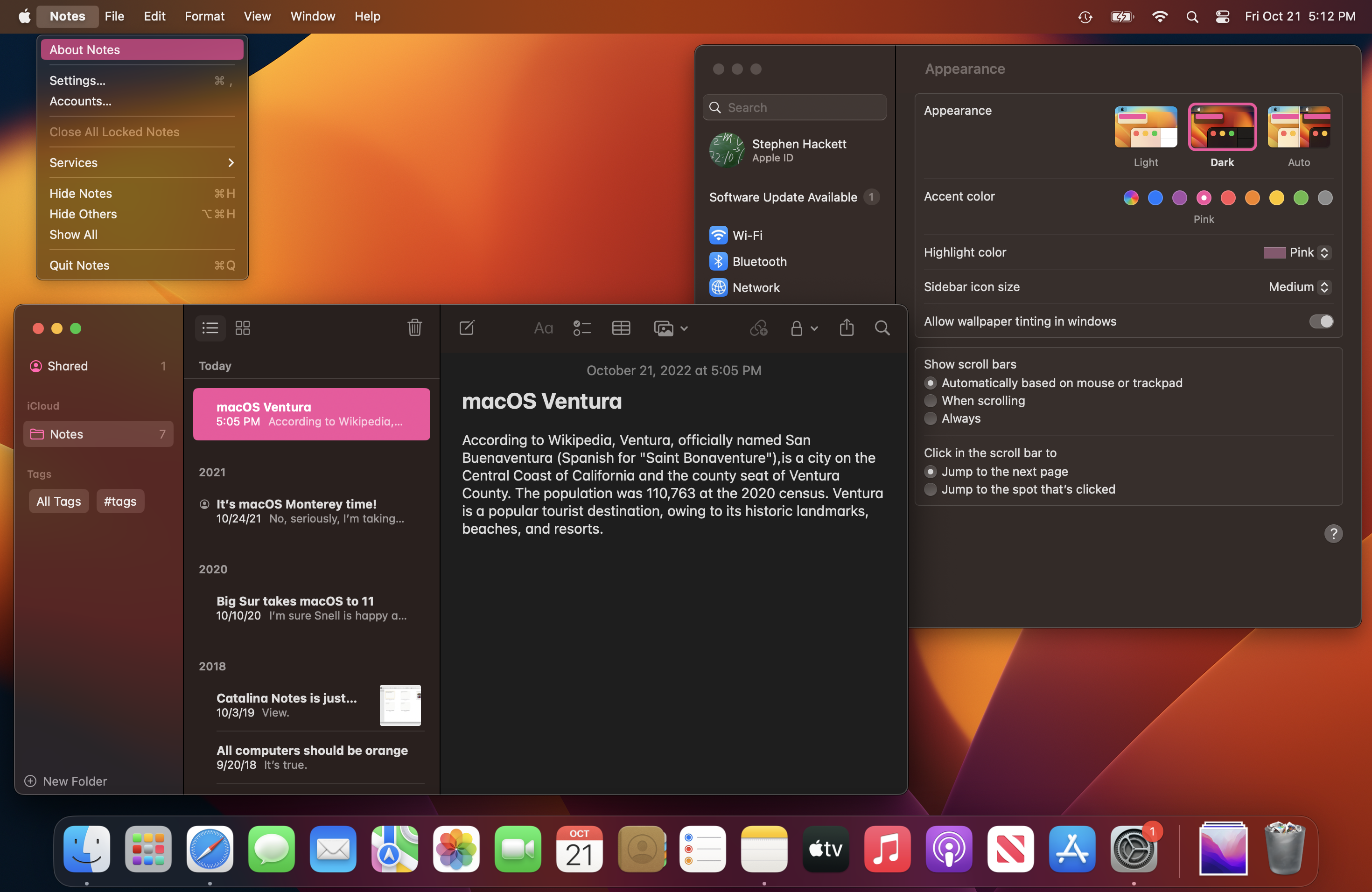
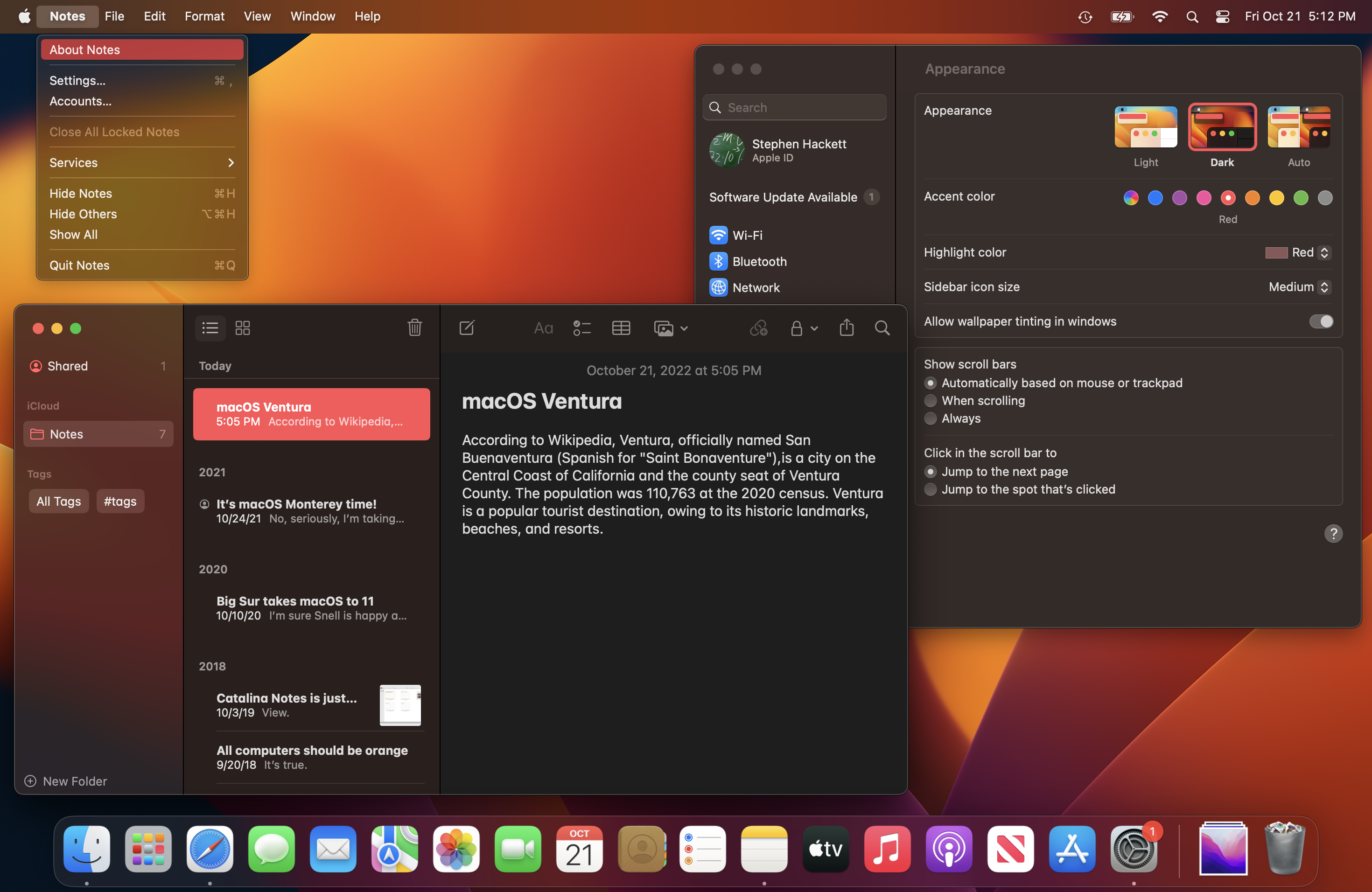
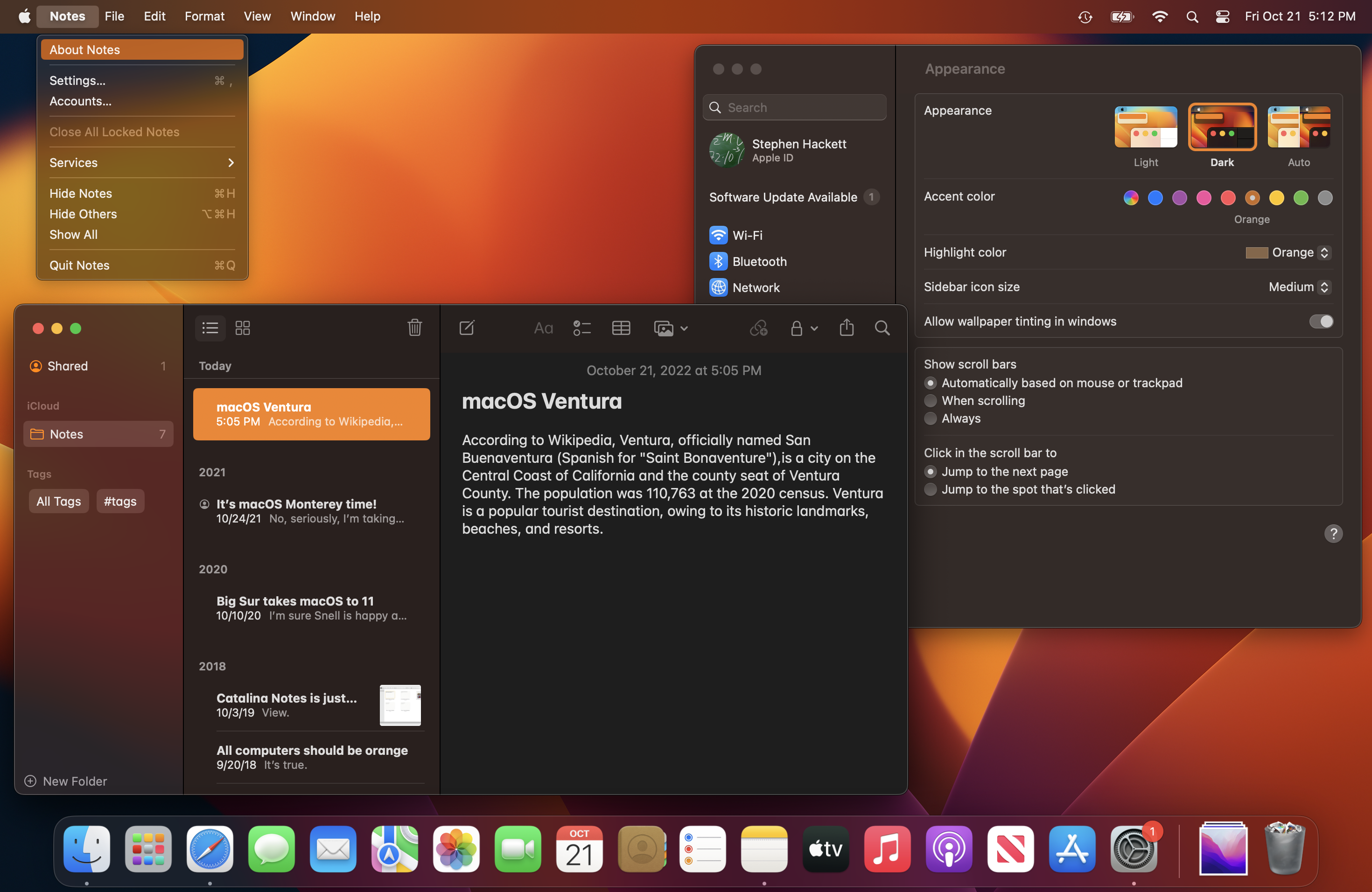
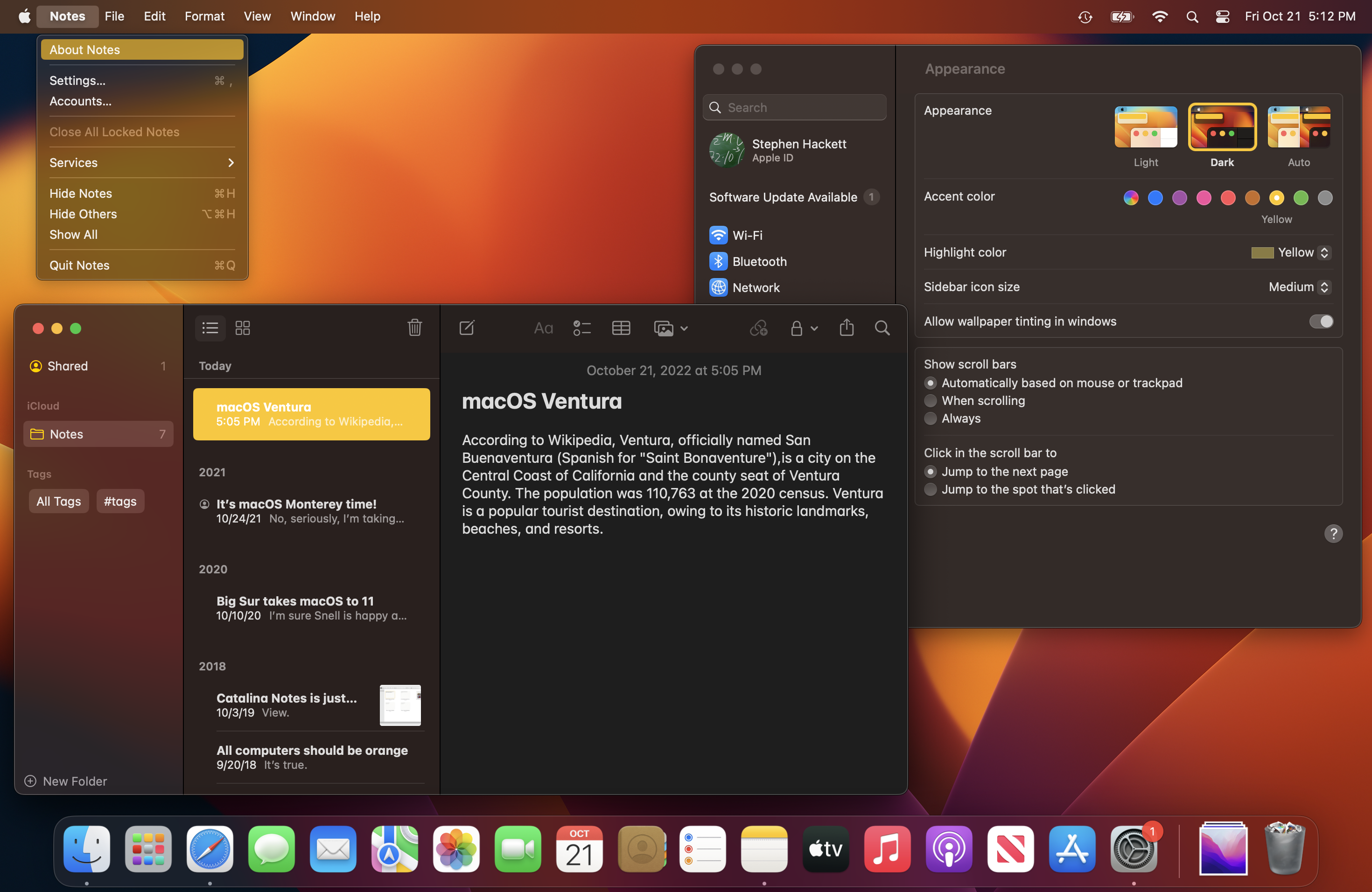
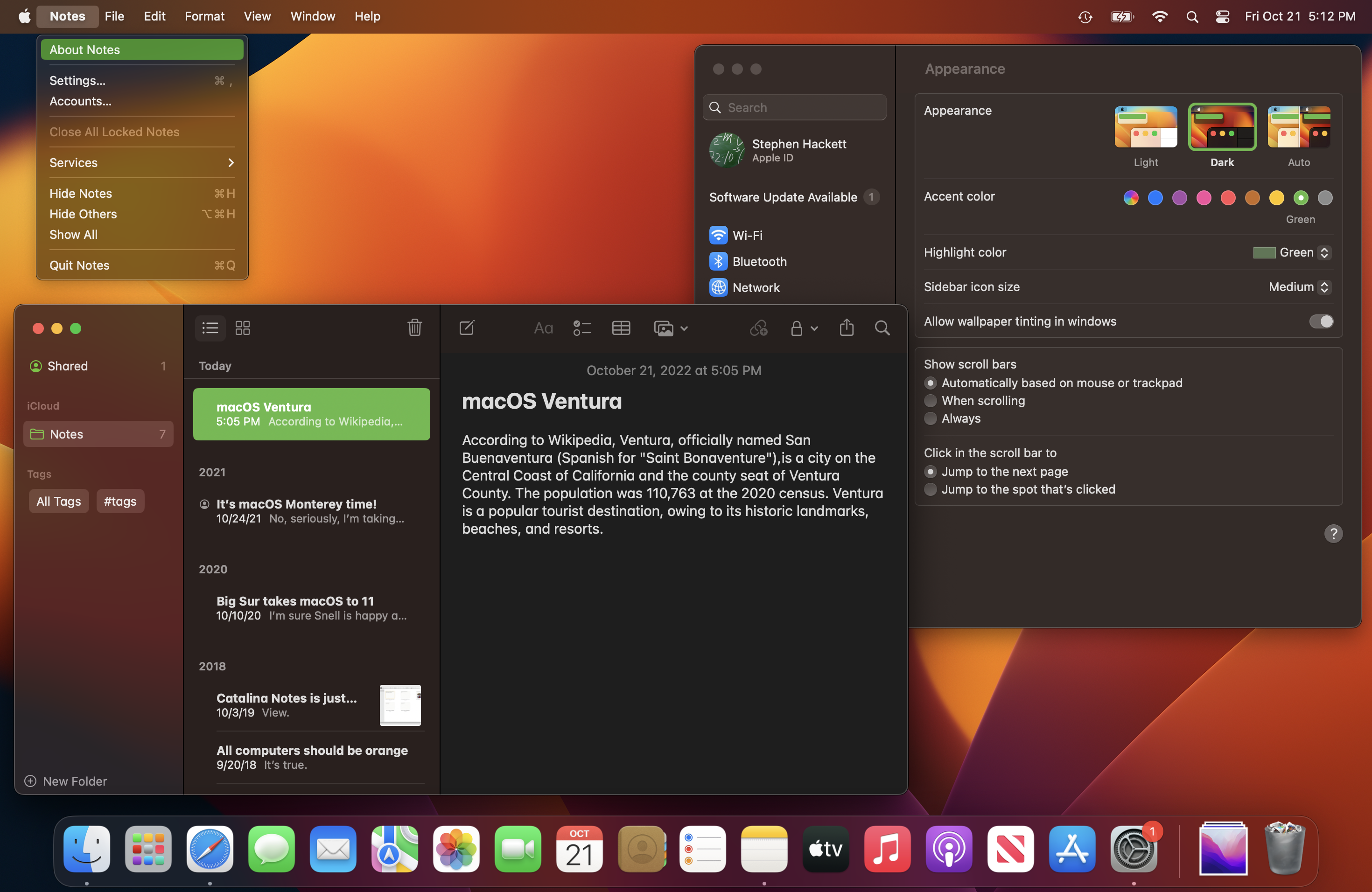
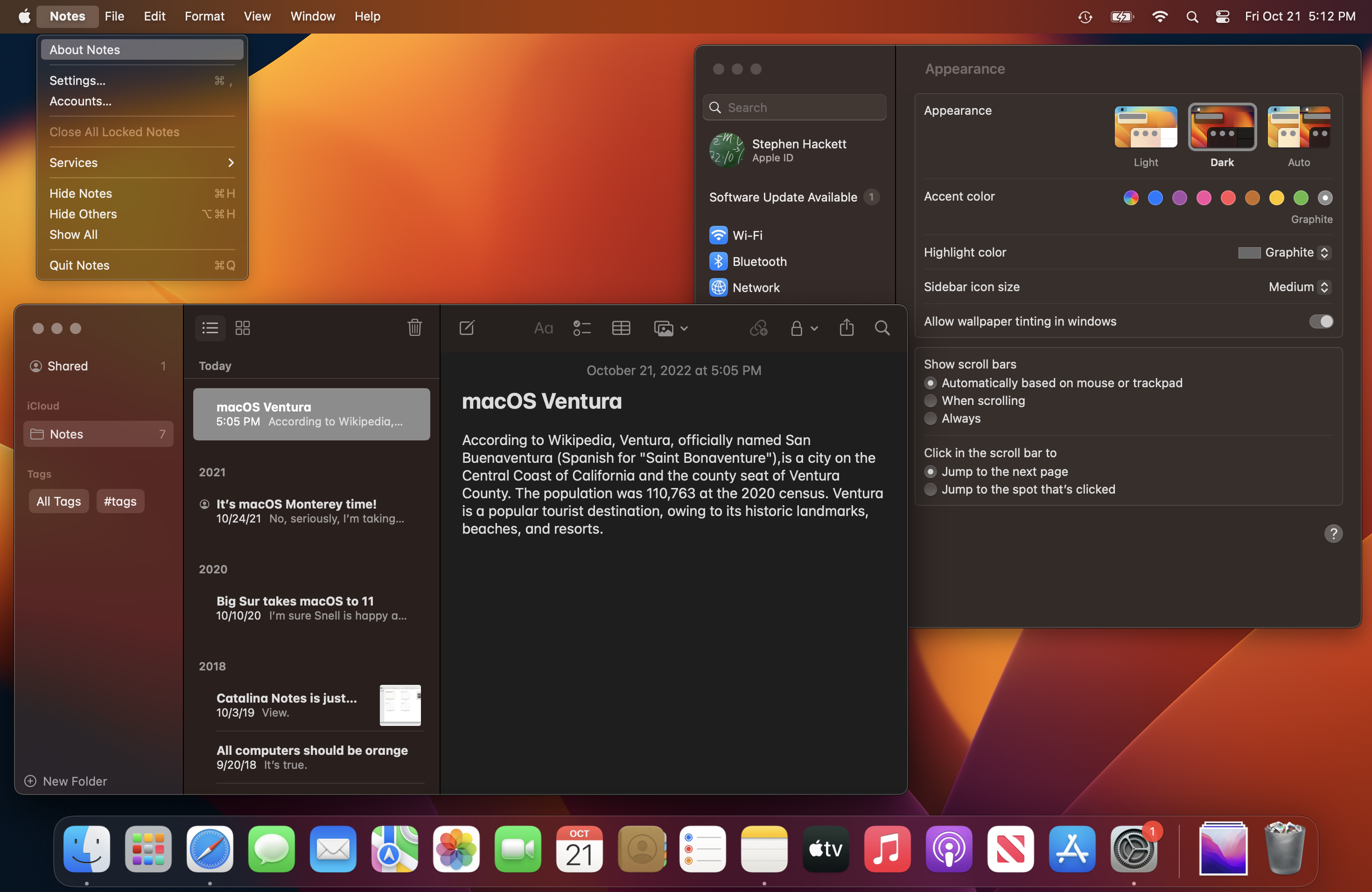
System Settings (Light Mode)
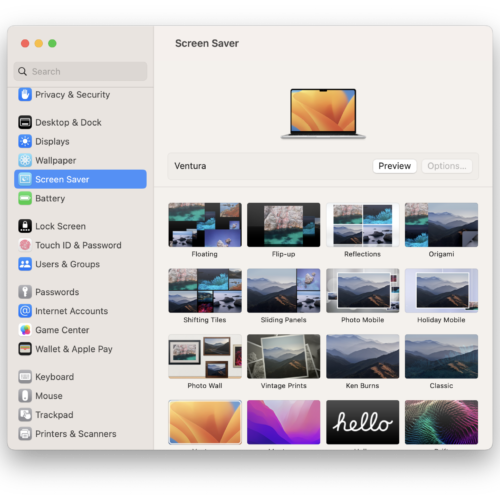
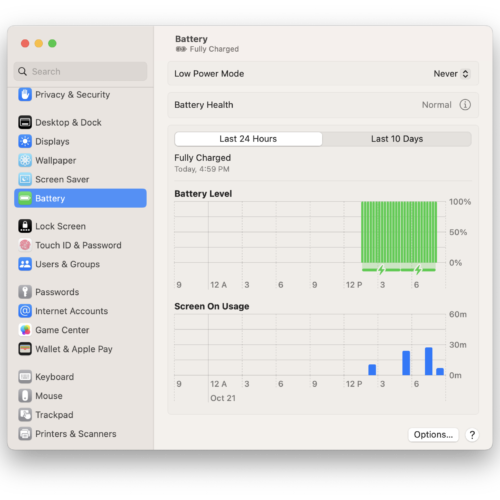
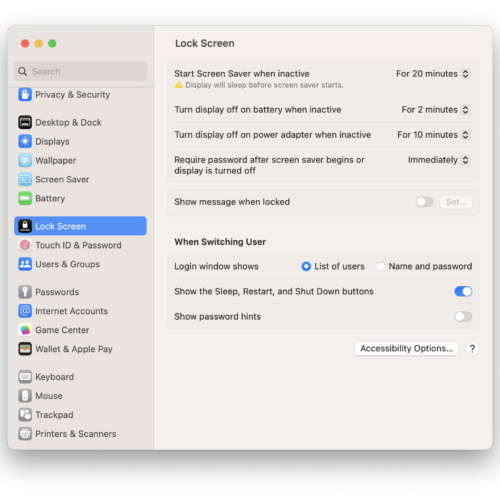
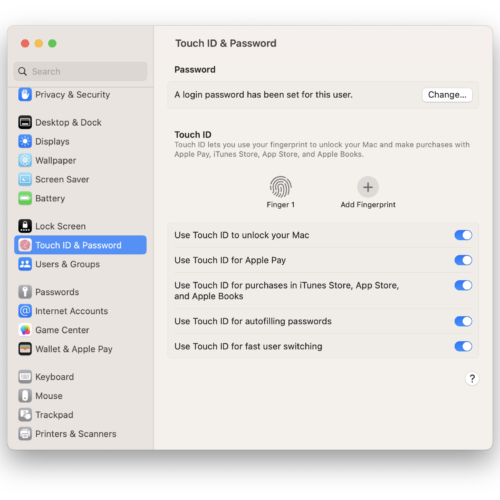
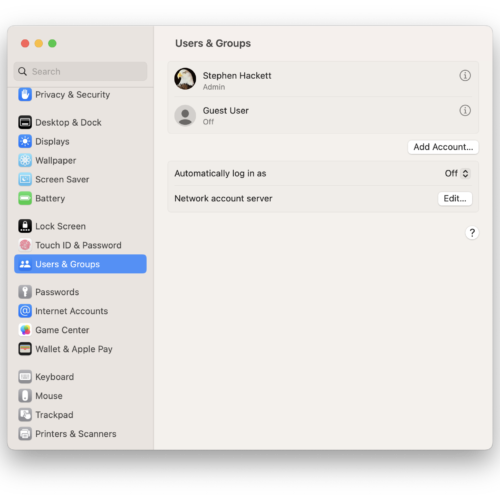
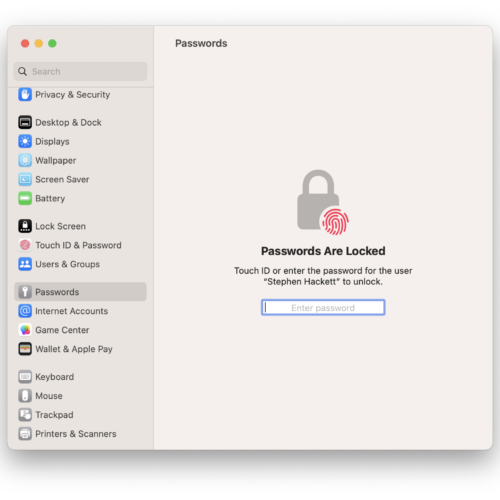
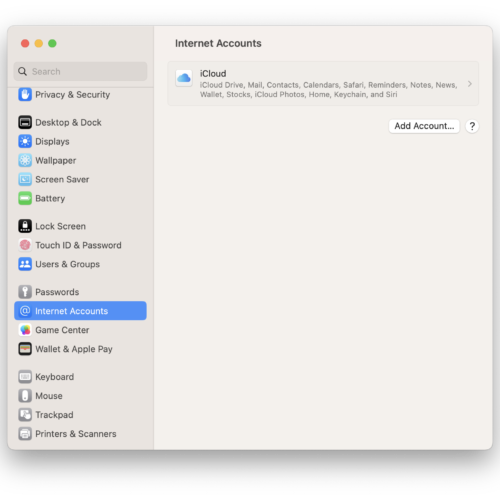
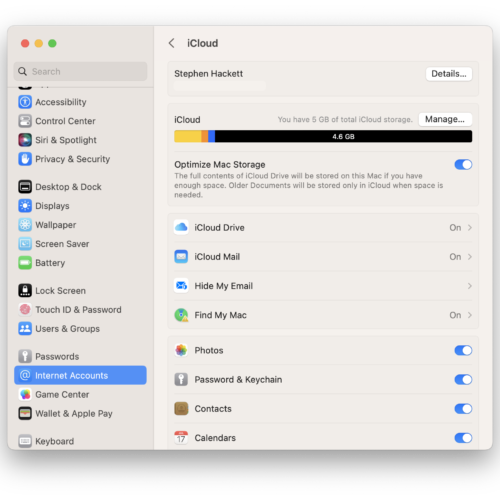
System Settings (Dark Mode)








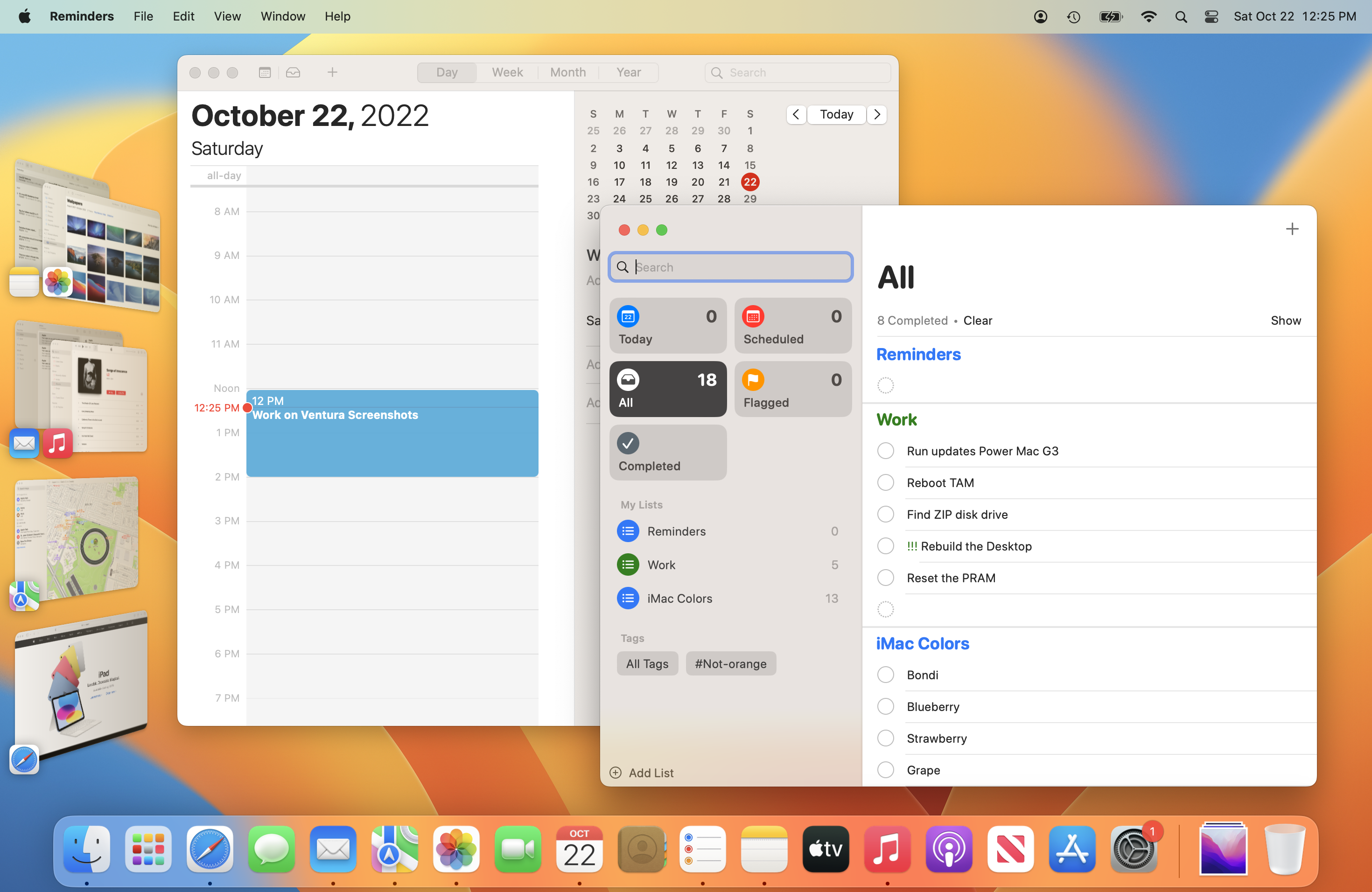
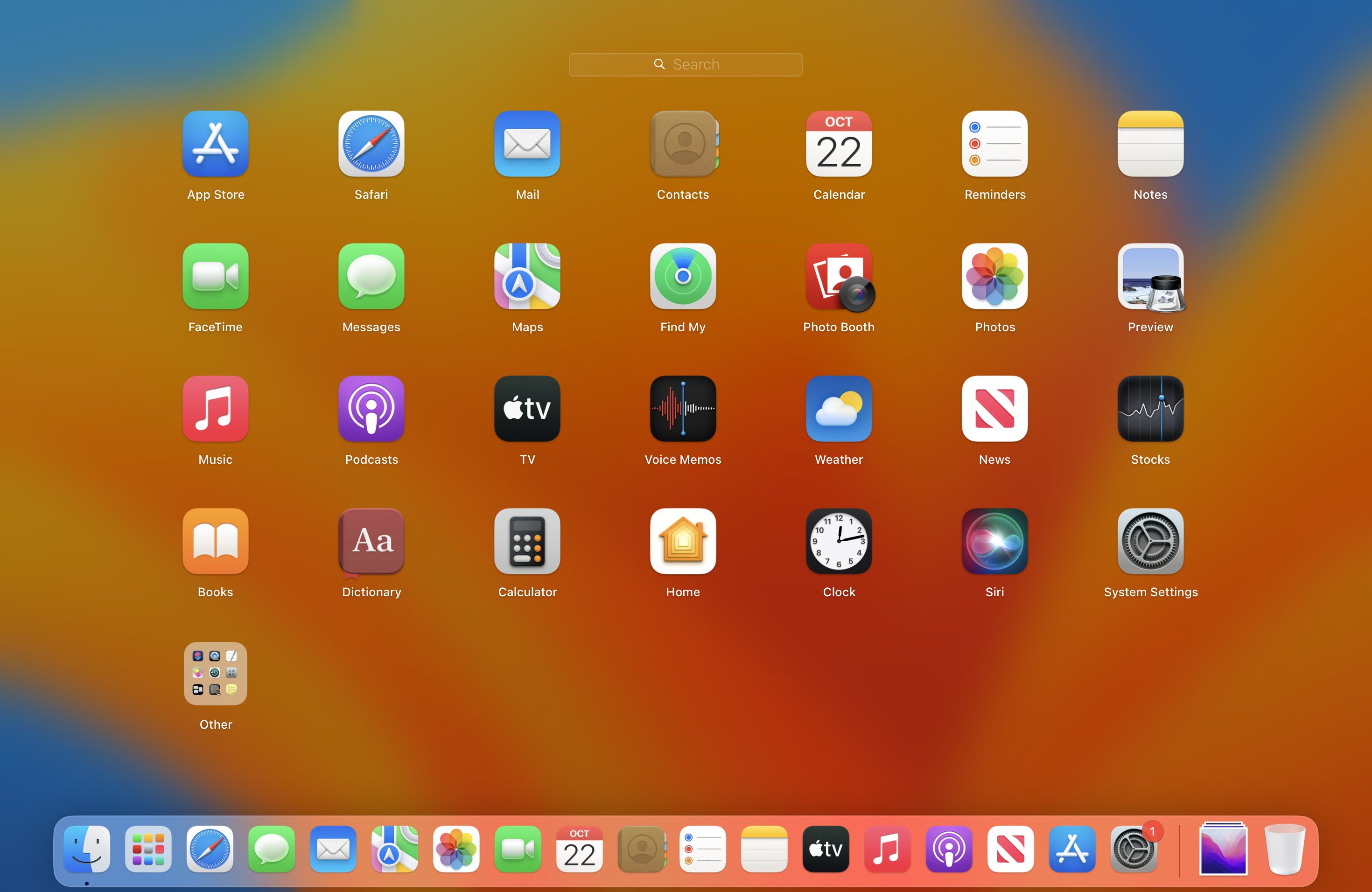
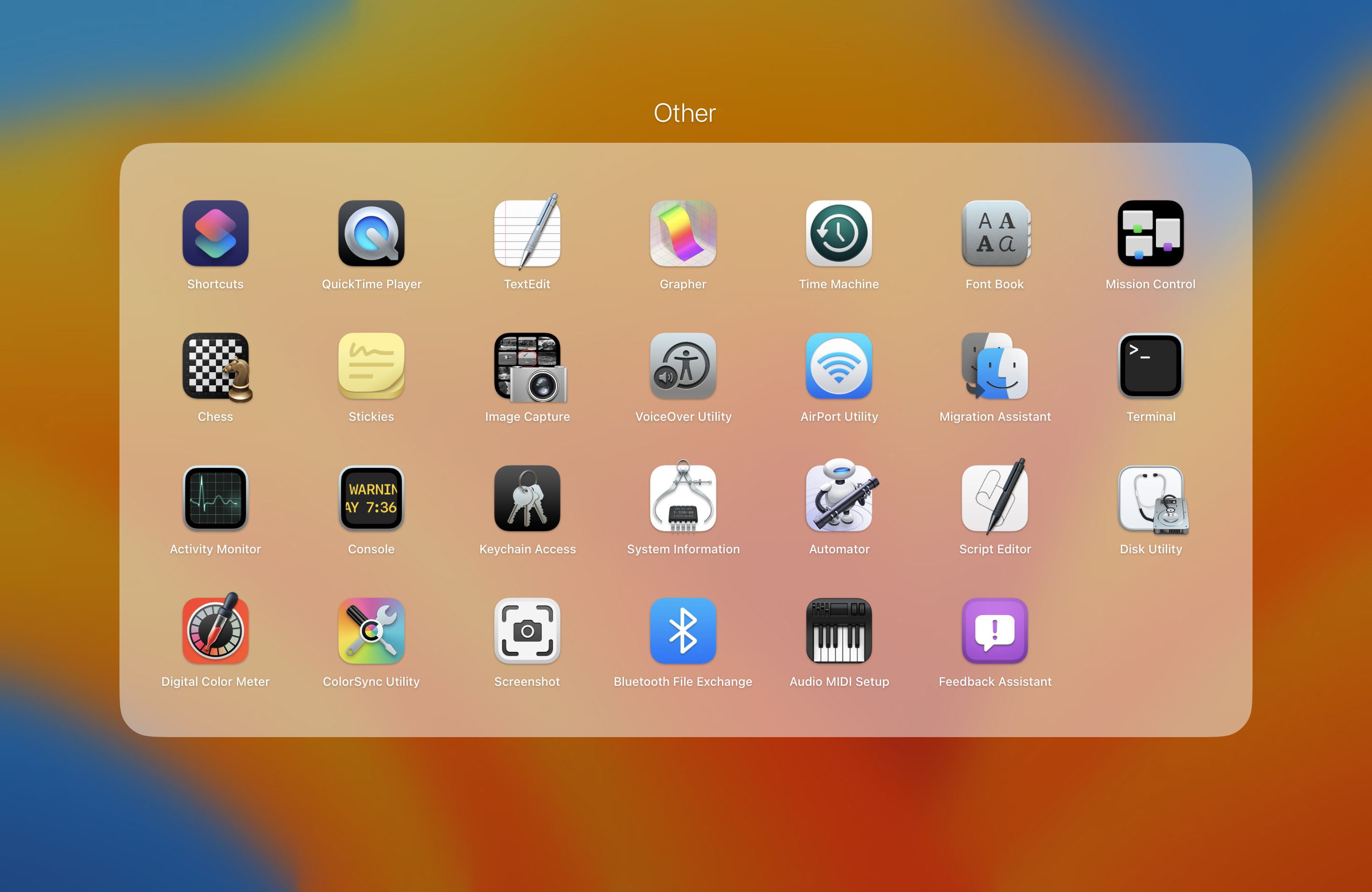
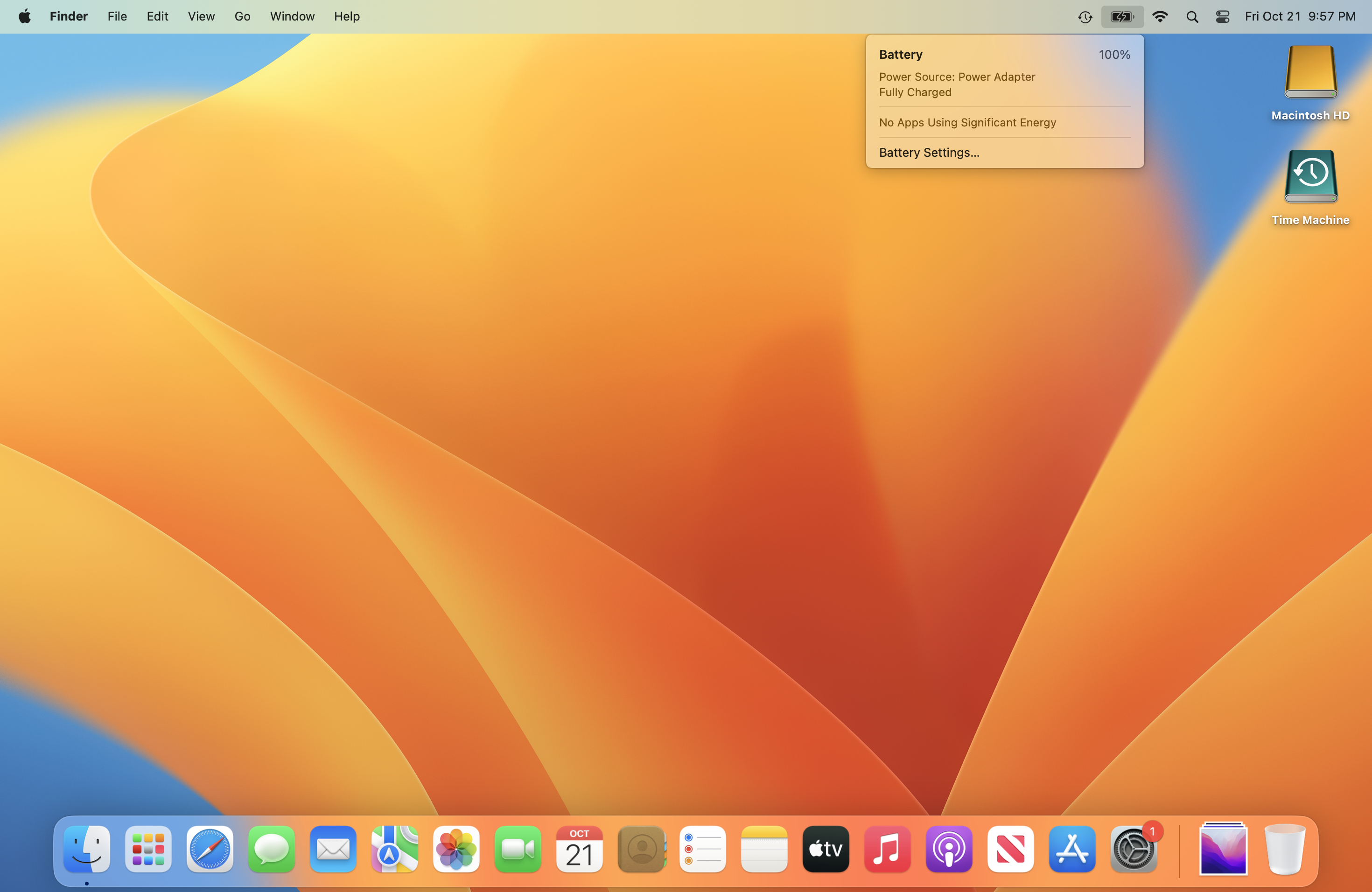
Ventura




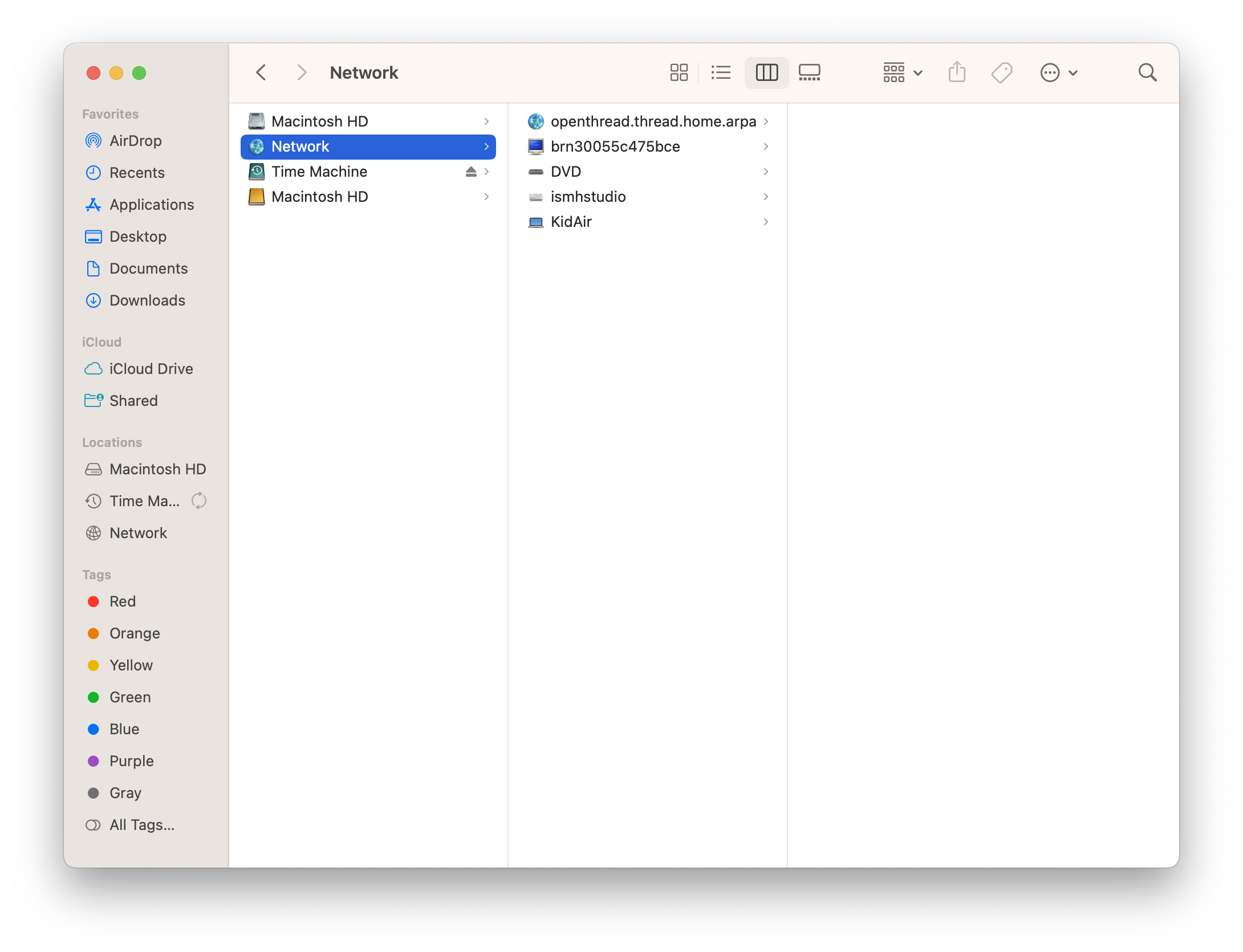
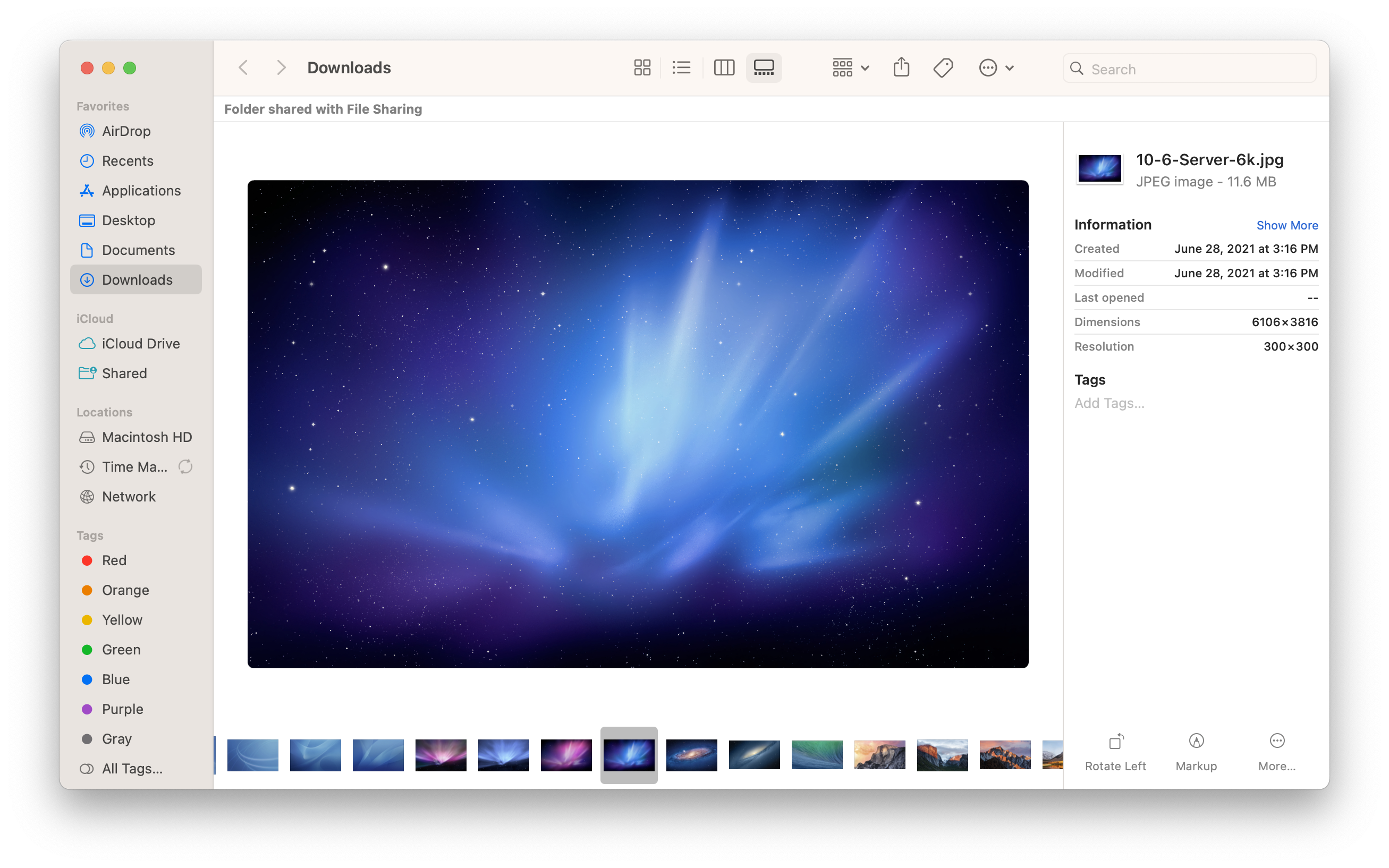

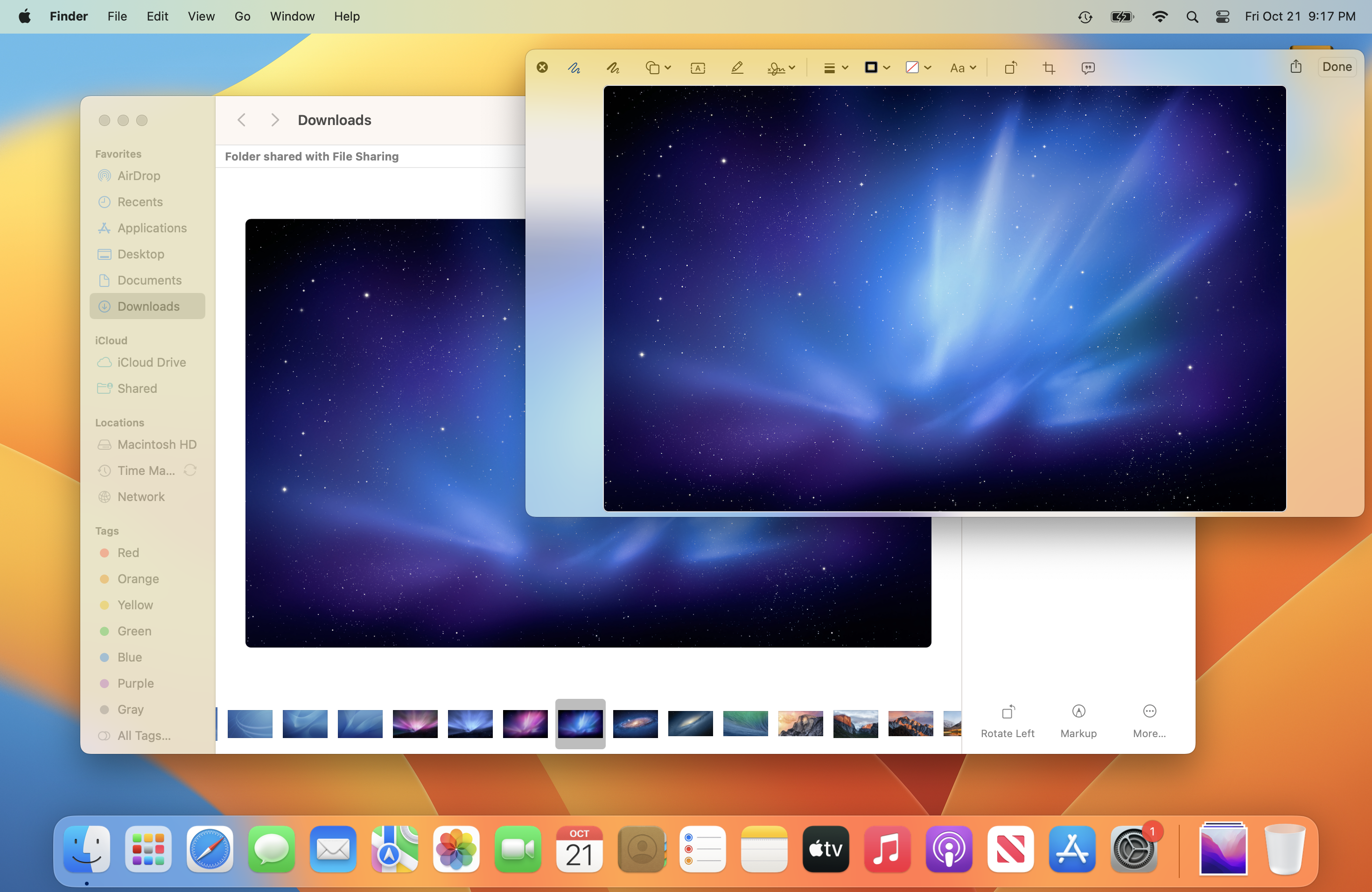
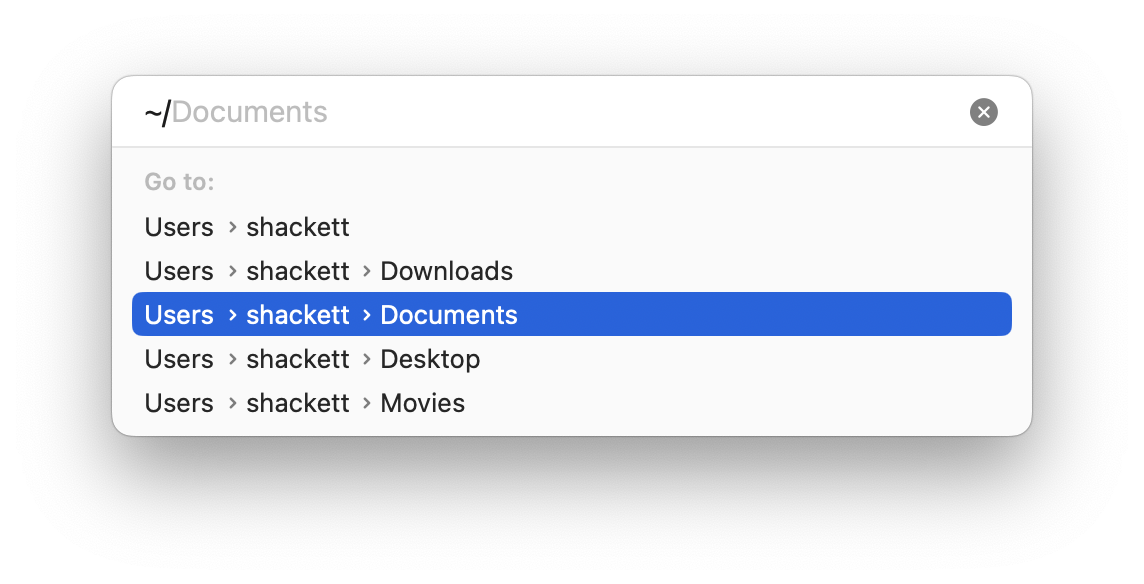



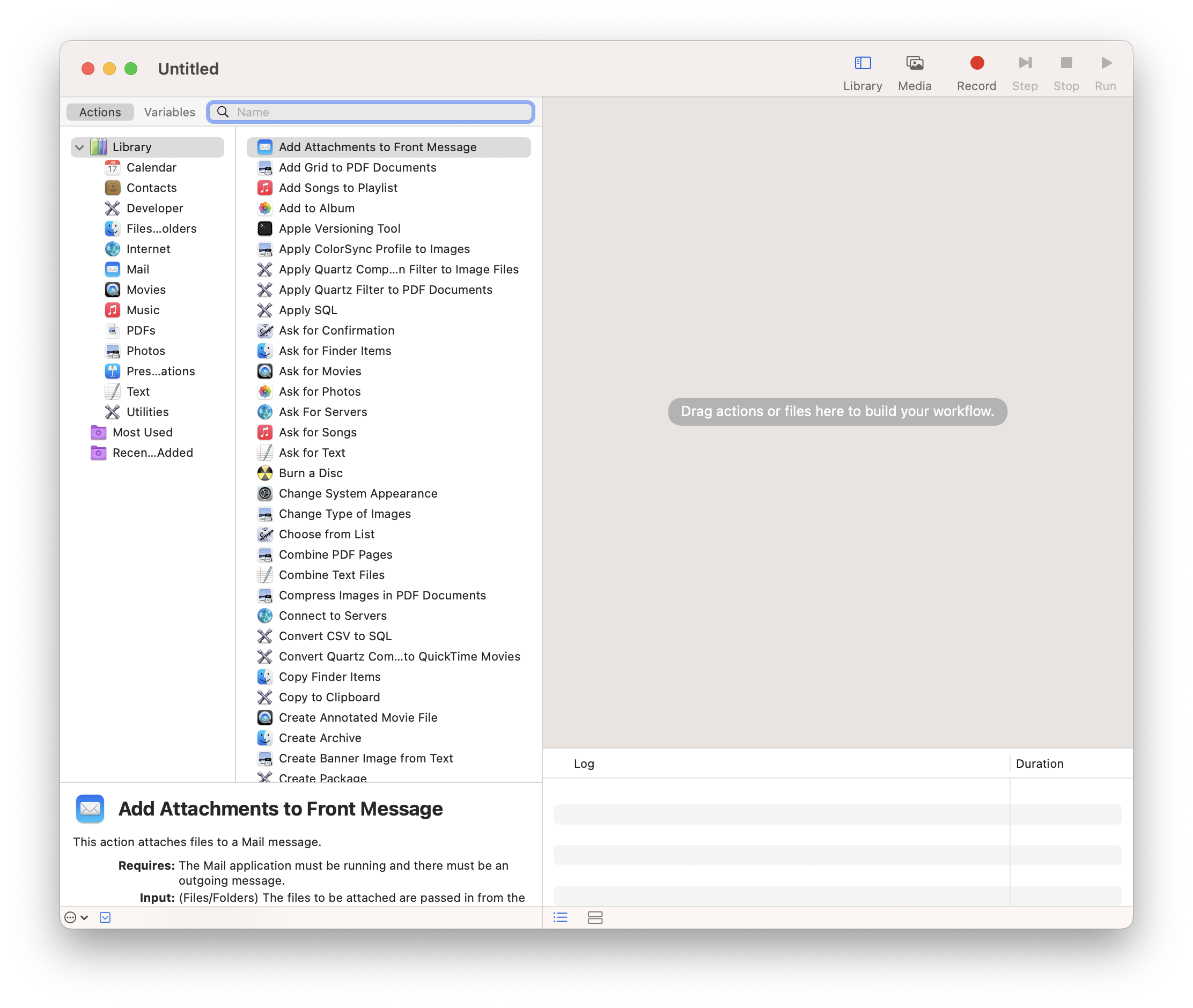
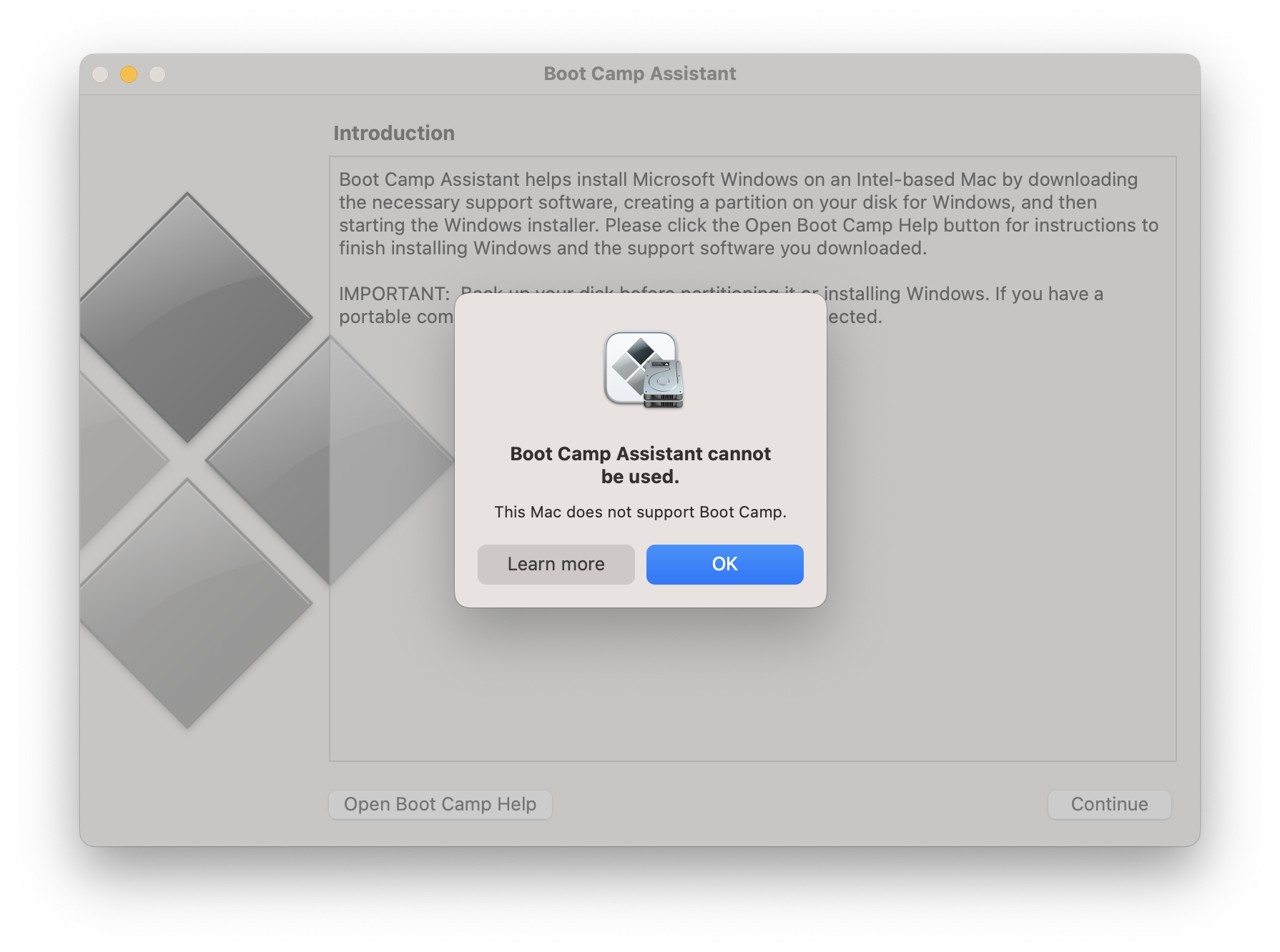
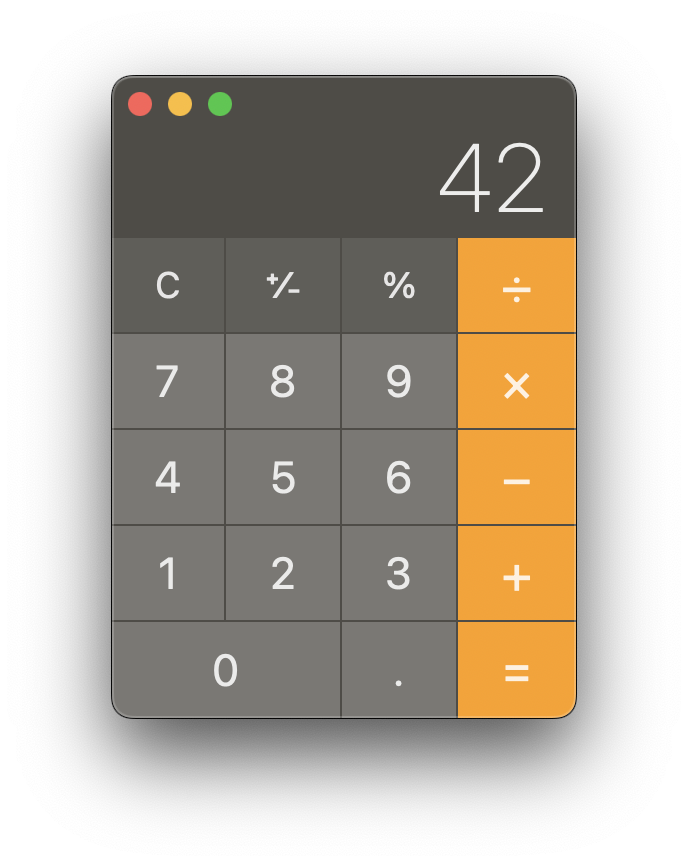
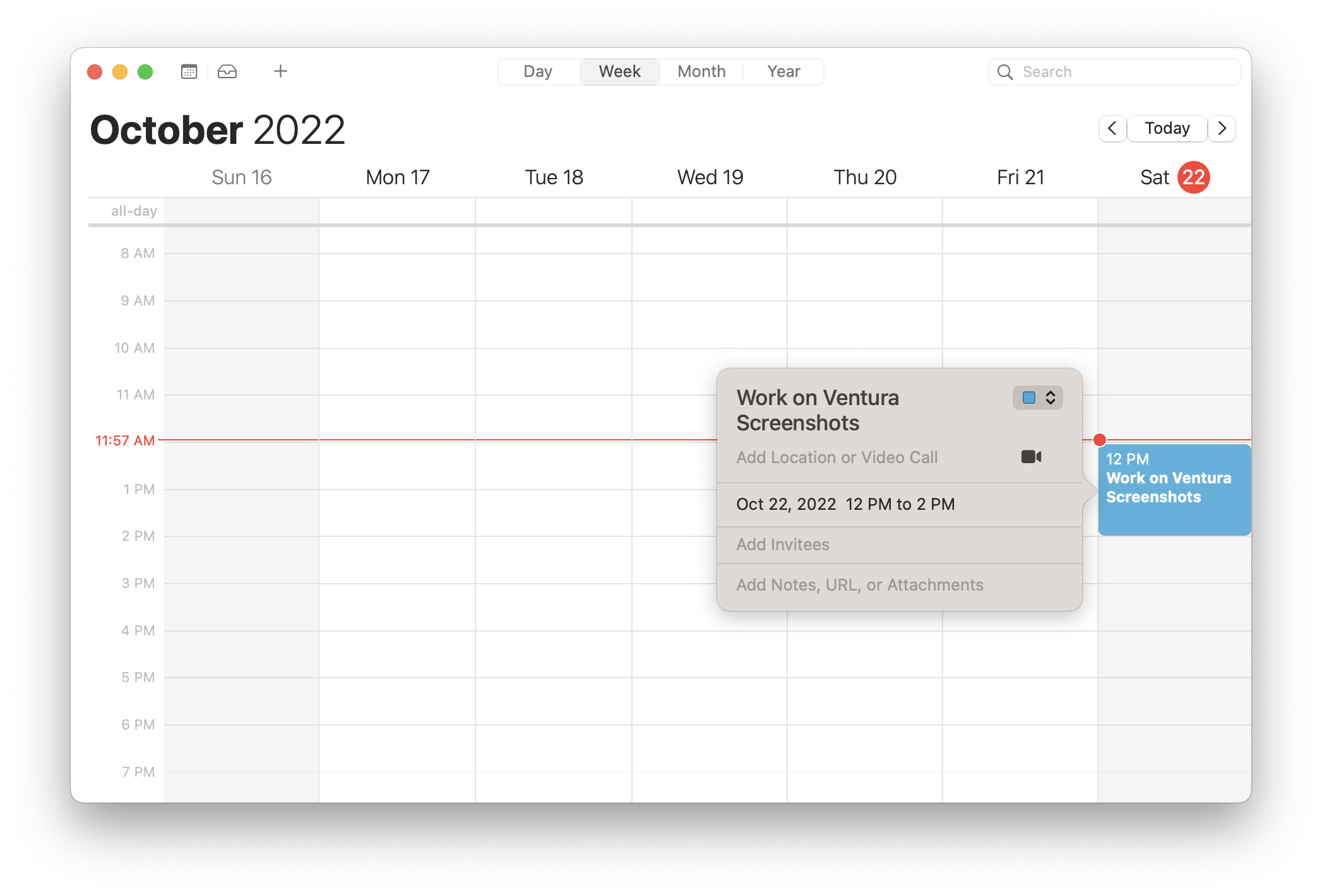
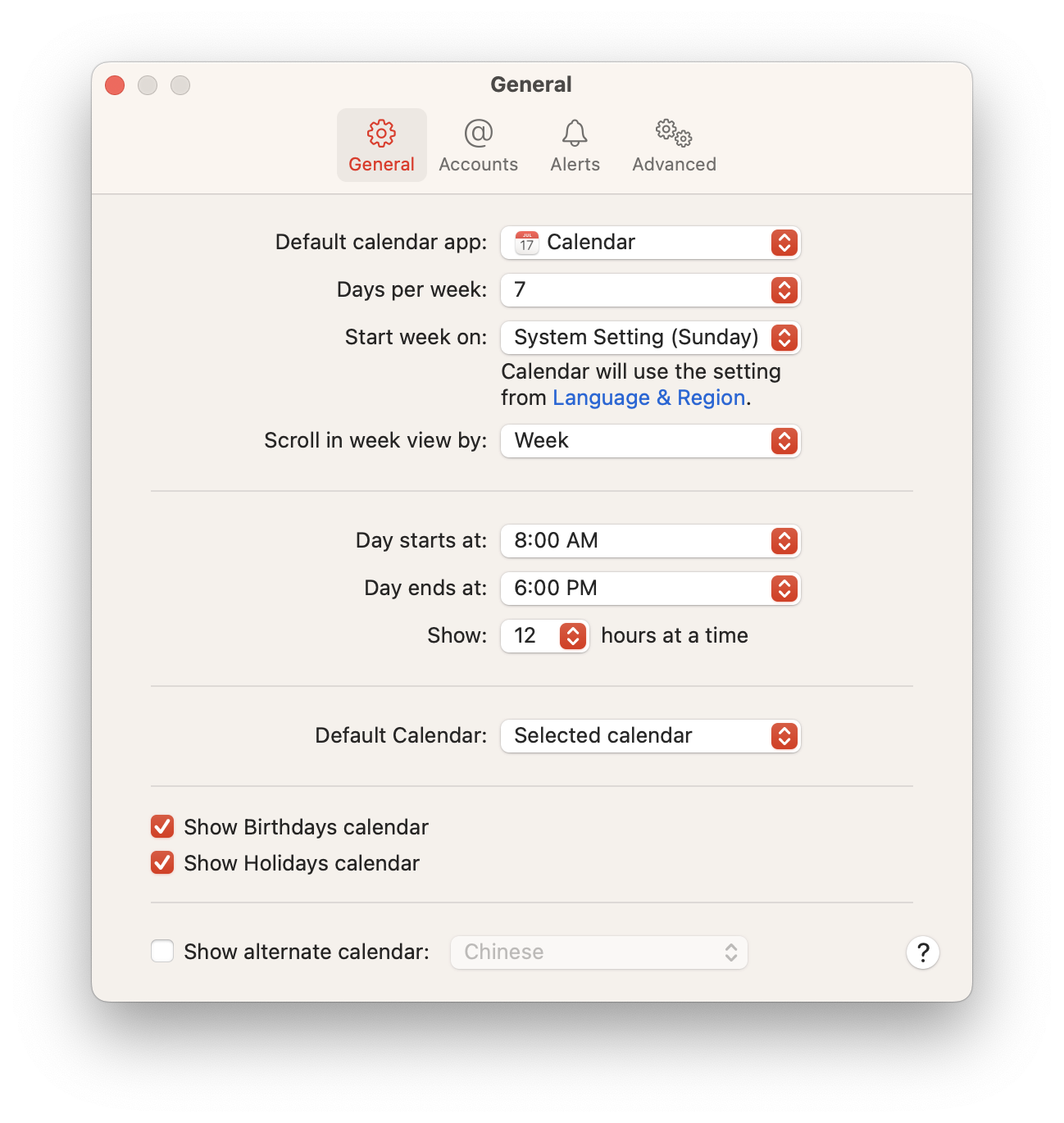
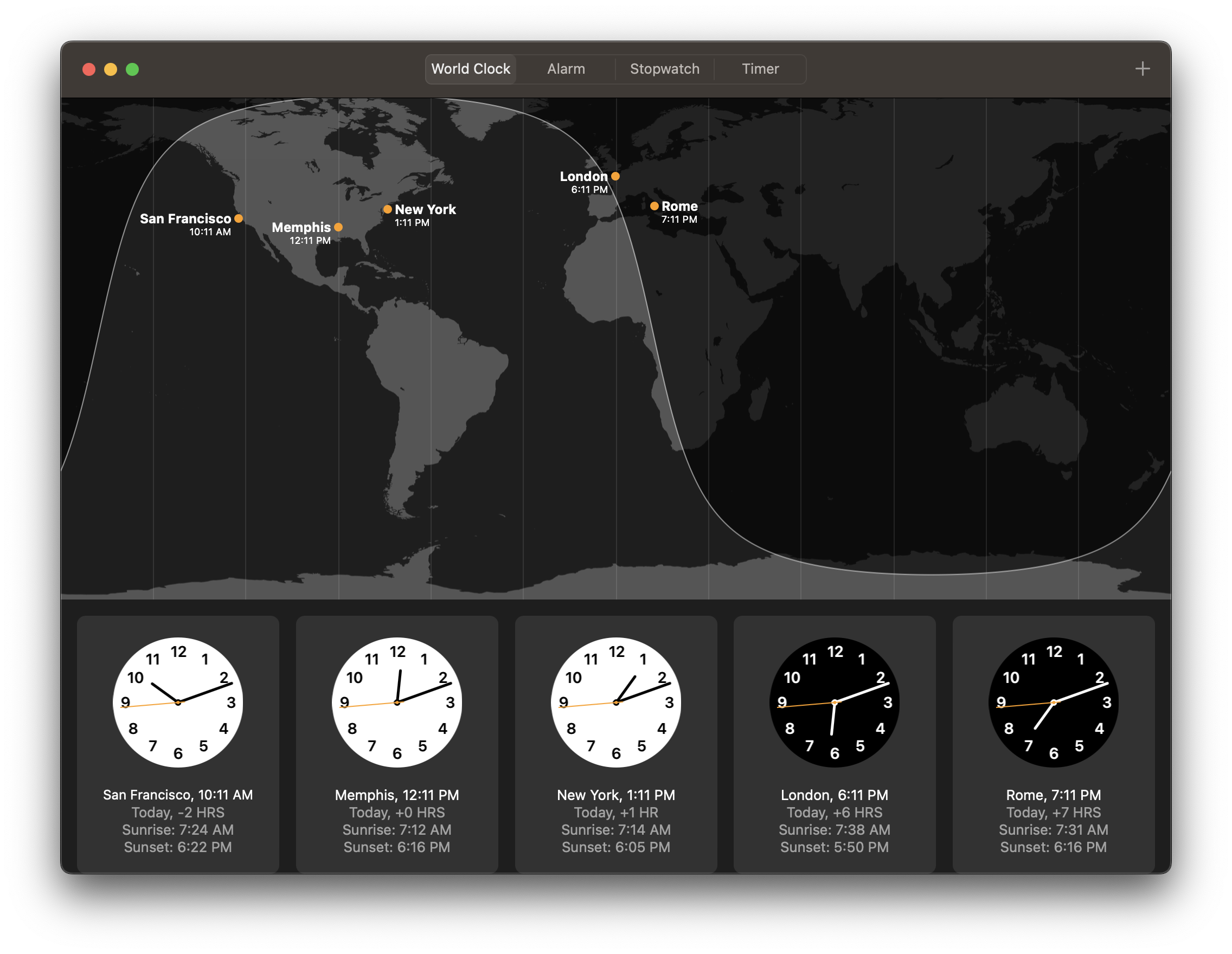
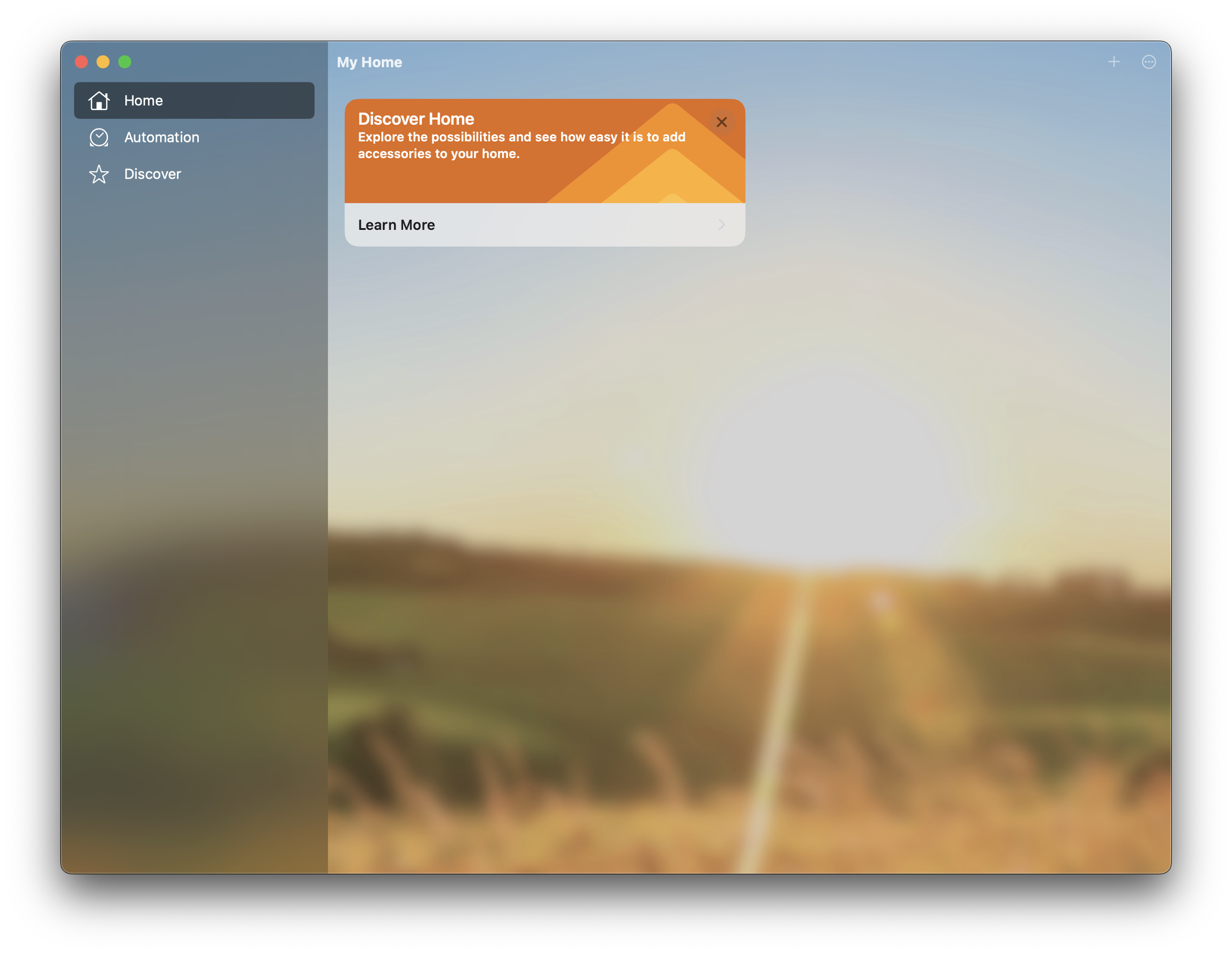
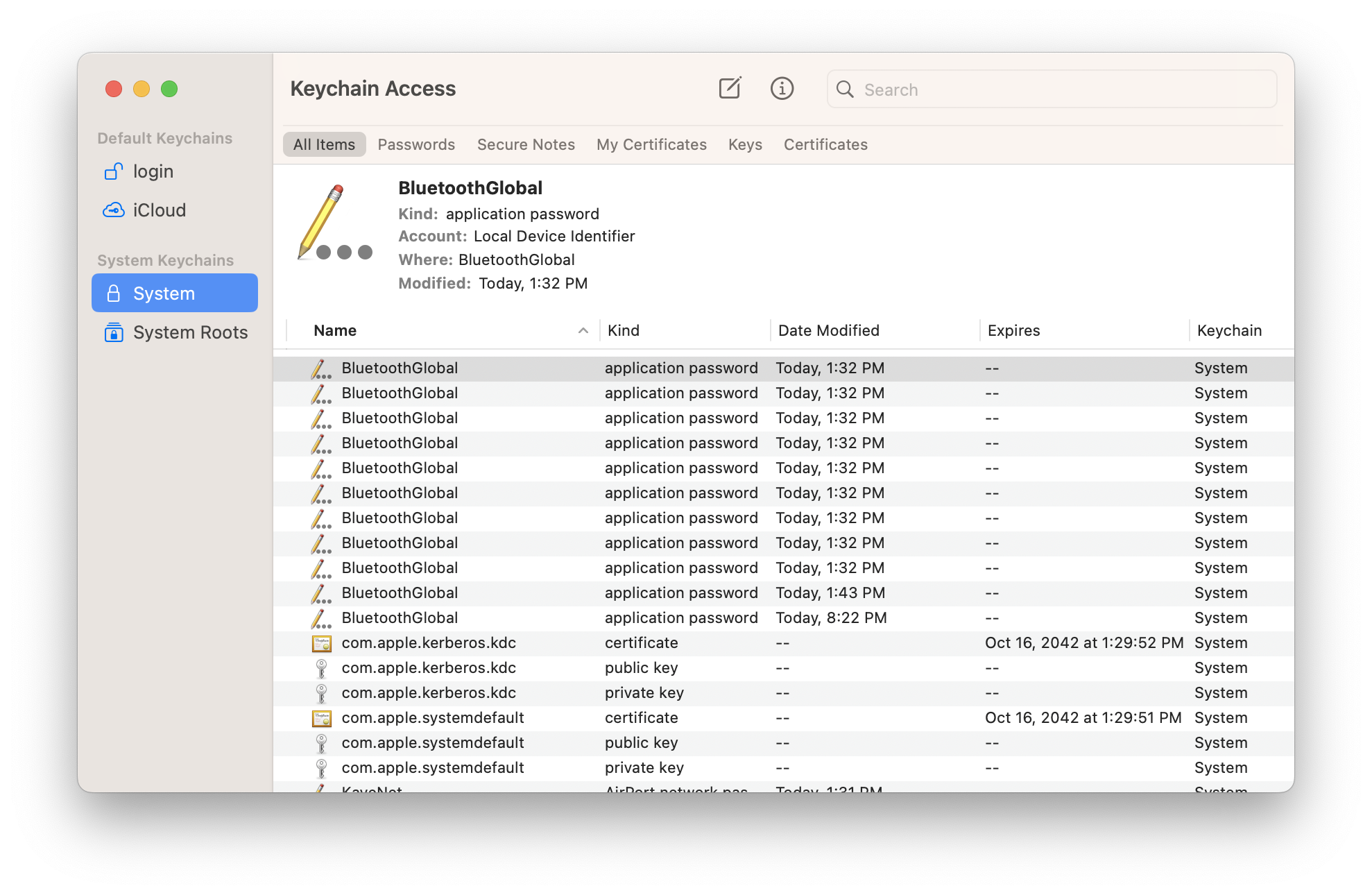
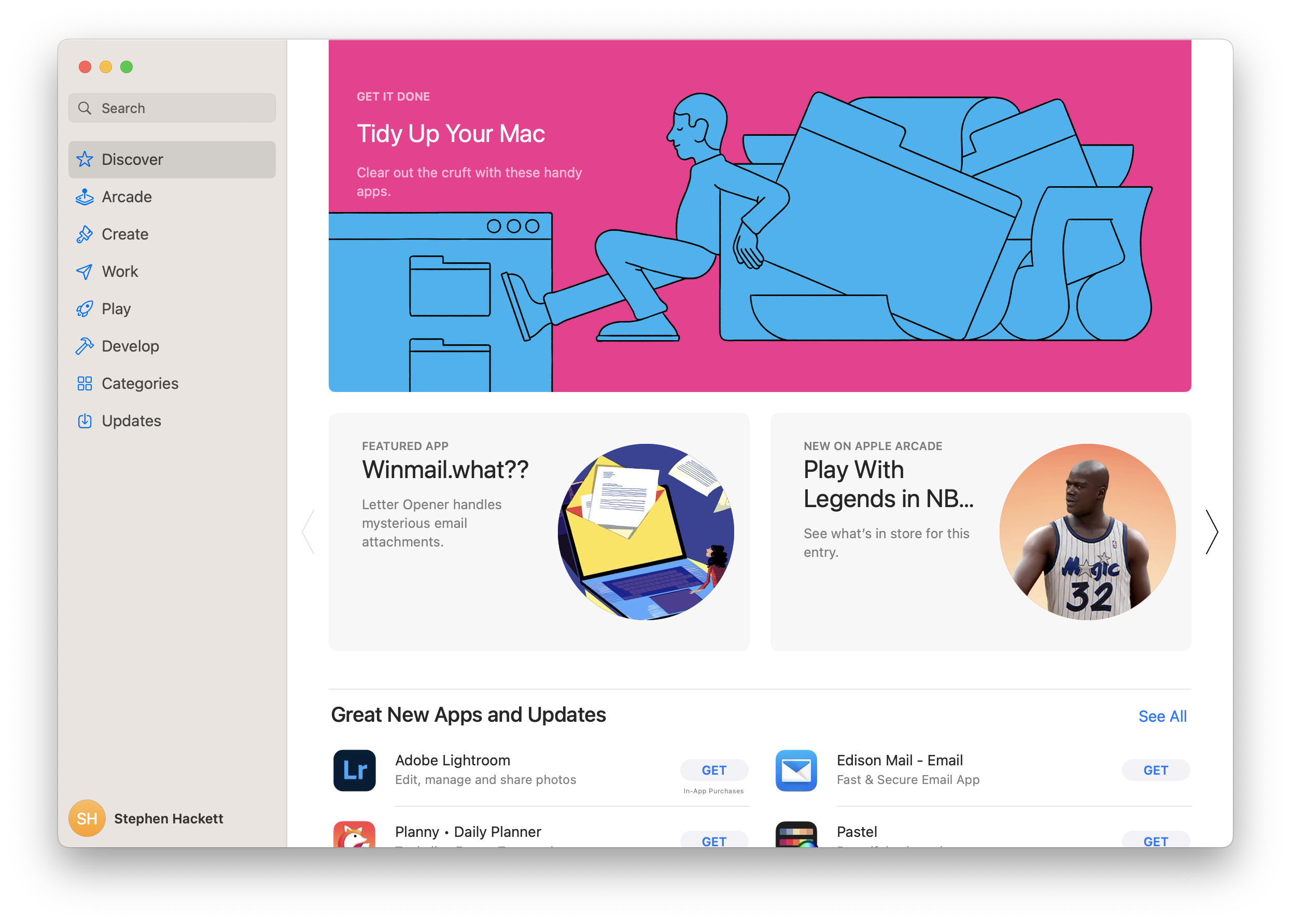

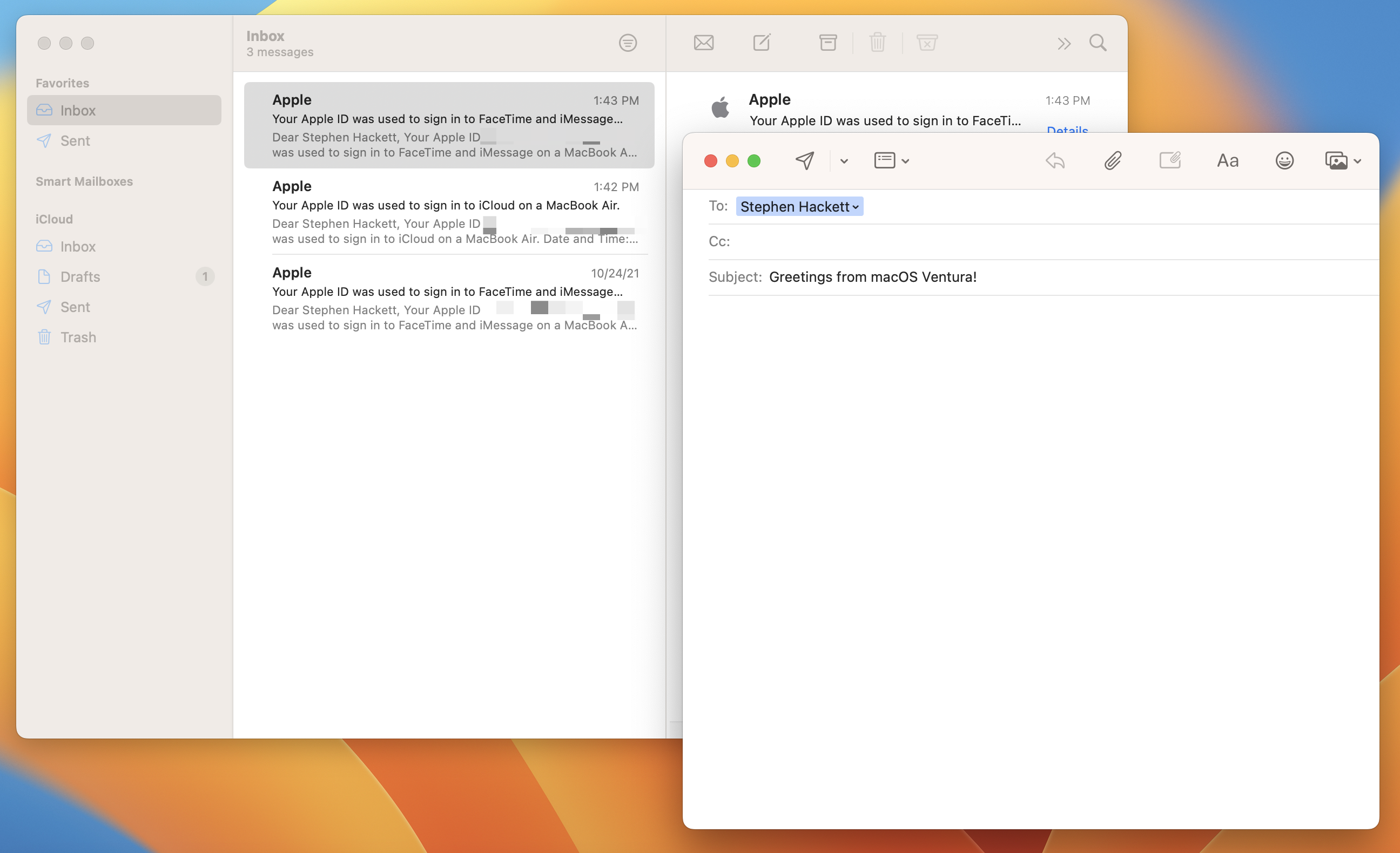


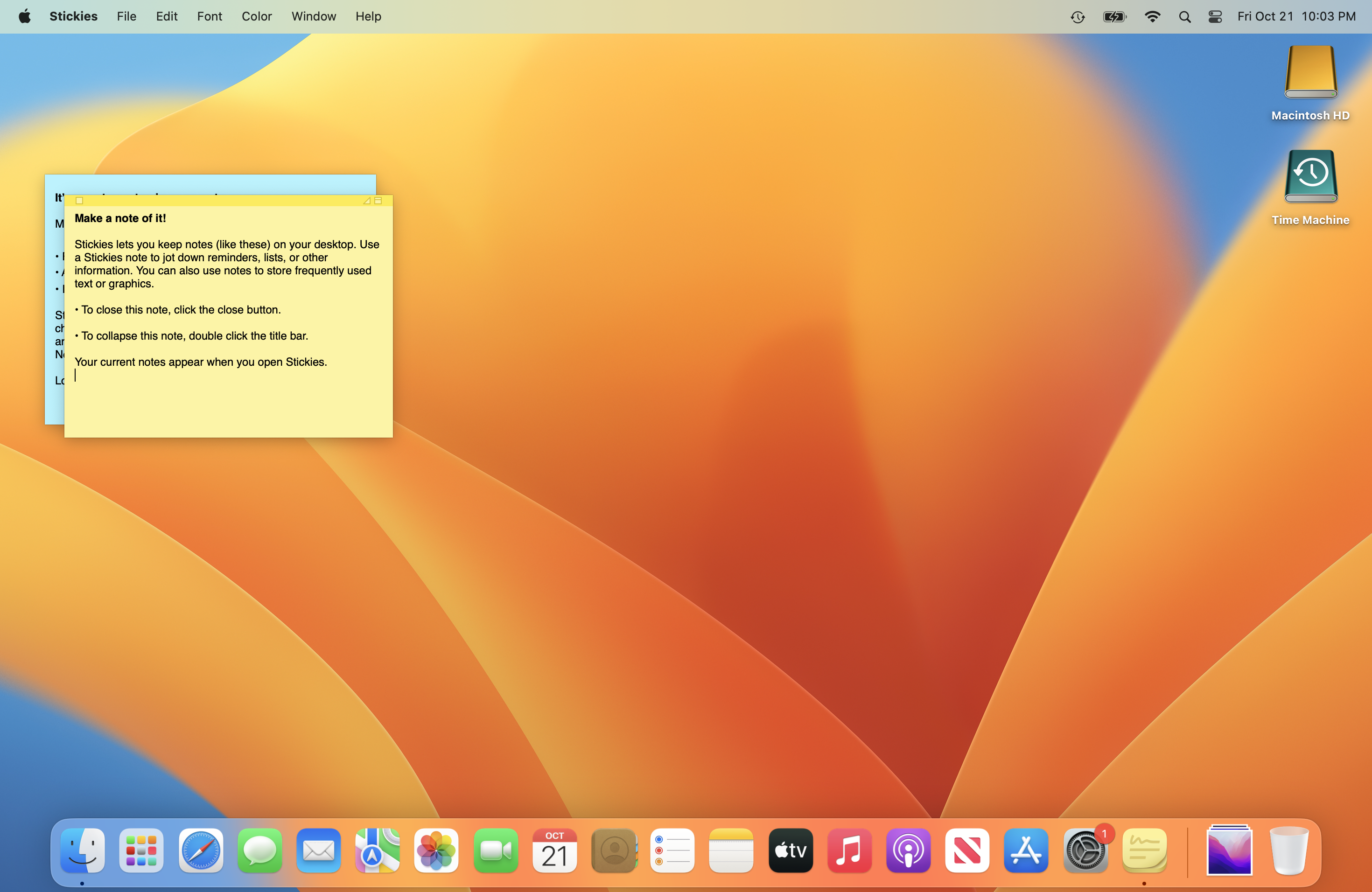

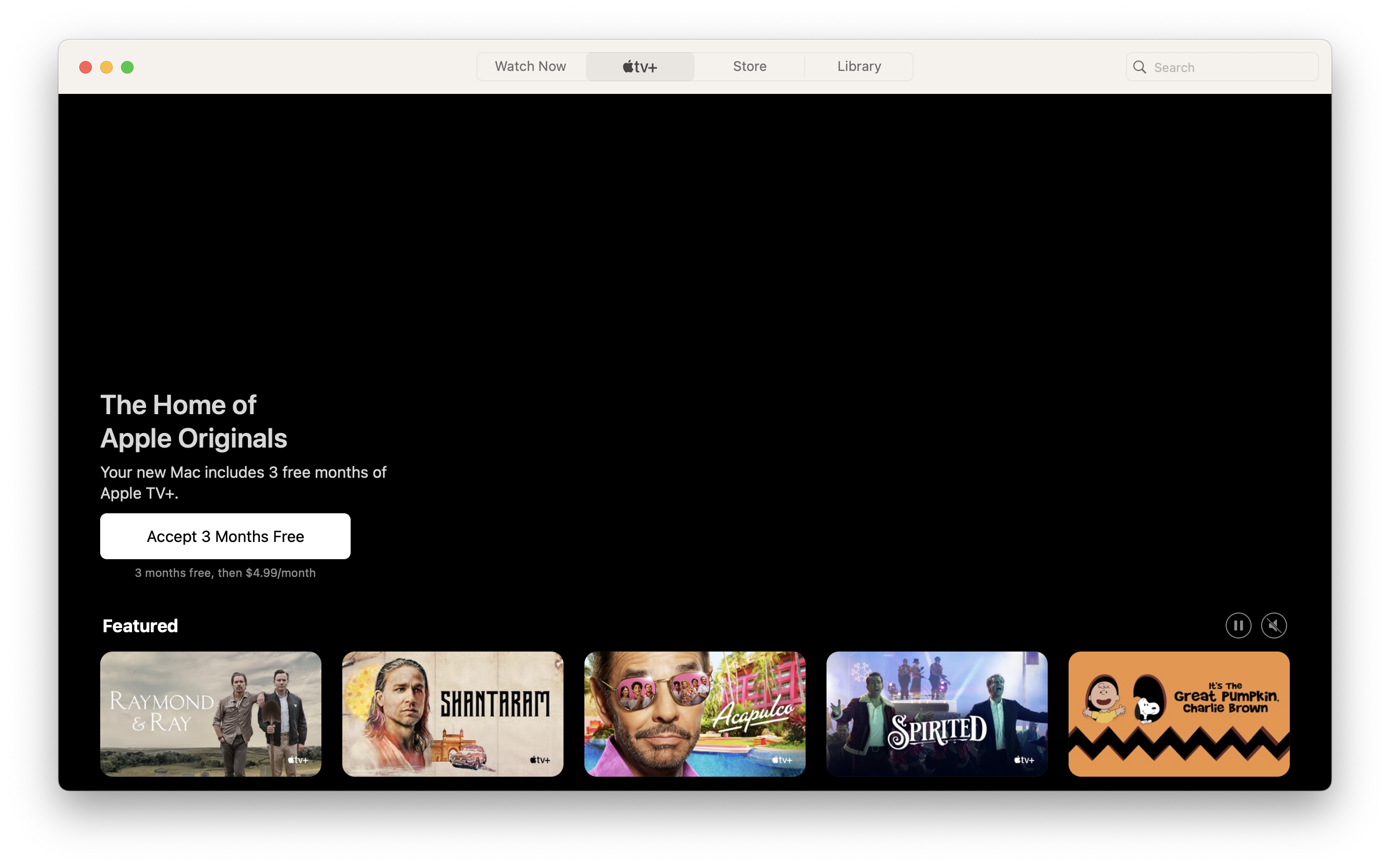
← Downgrade to macOS 12 Monterey
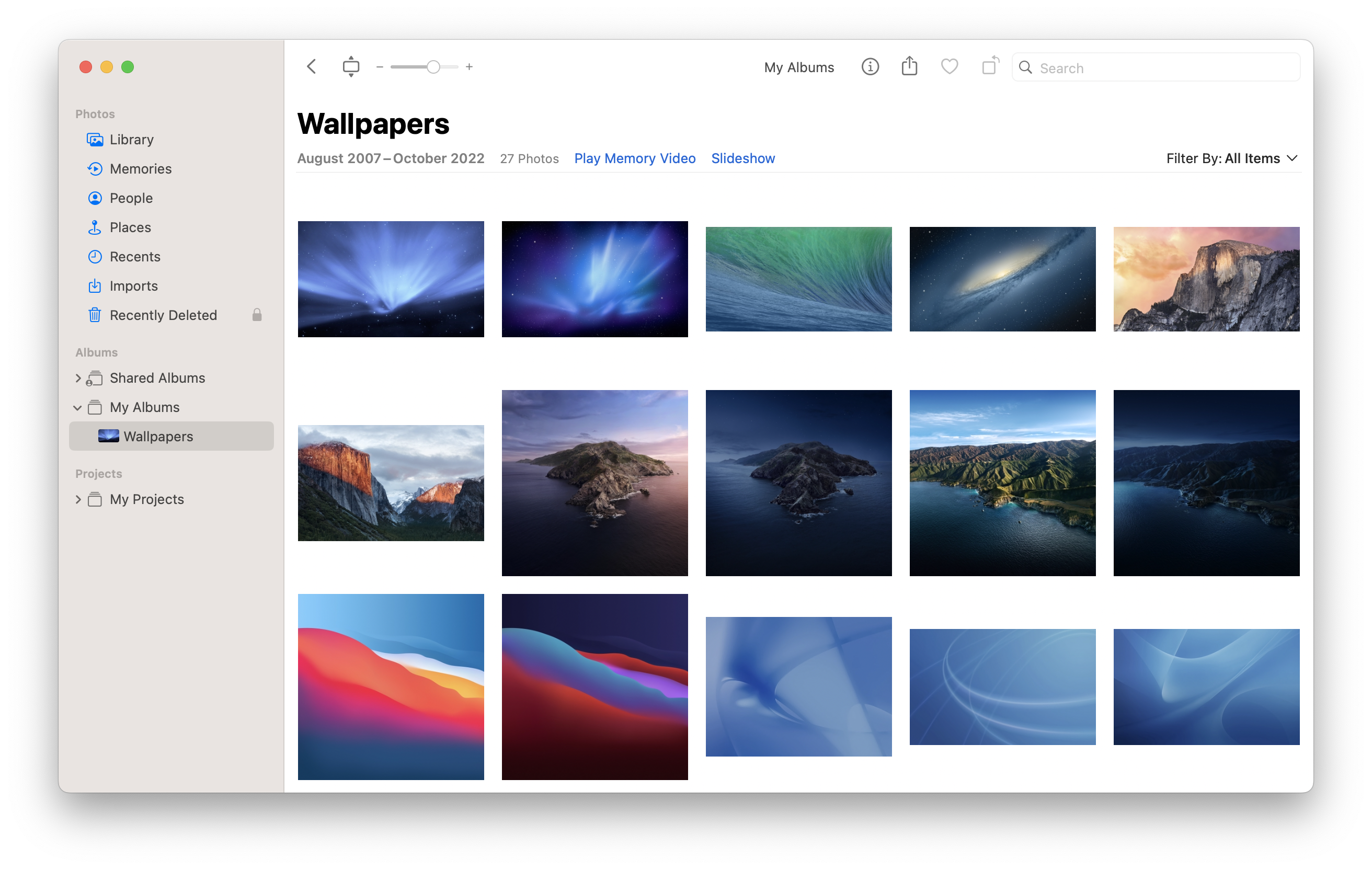
View all entries in the Aqua Screenshot Library or check out OS X’s default wallpapers, updated for 6K Retina displays.