Sponsor: Record Anything With Audio Hijack

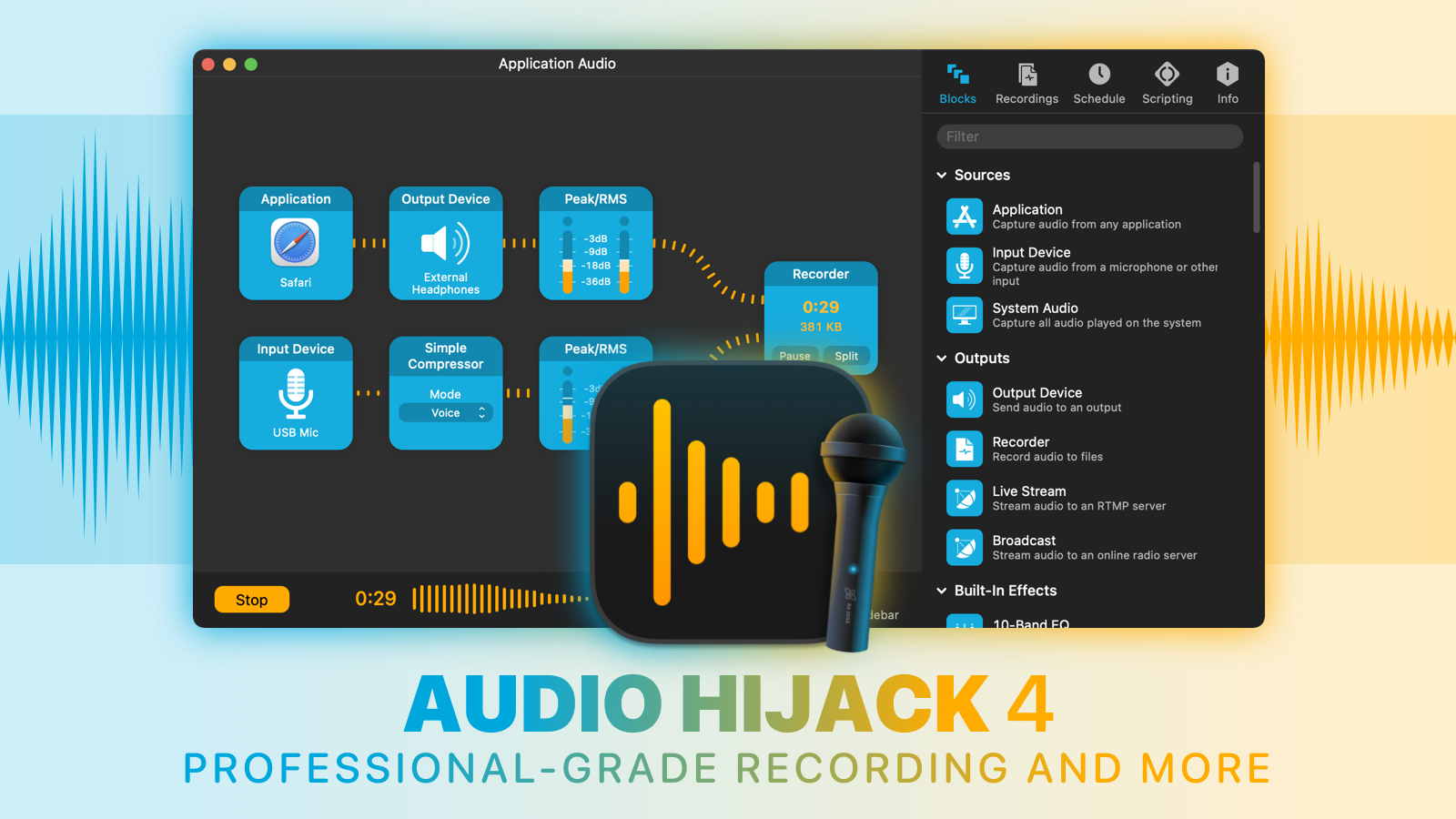
With Audio Hijack, you can record any audio on your Mac. Save audio from individual applications such as Safari or Zoom, record from hardware audio devices like microphones and mixers, or even capture the audio output of the entire system. Whatever you need to do with audio on your Mac, Audio Hijack can help.

  • Record conversations from Zoom, FaceTime, and other VoIP apps
  • Save streaming audio from the web
  • Create podcasts, both remote and in-studio
  • Digitize vinyl
  • And so much more

Audio Hijack 4.2

Audio Hijack 4.2 just shipped with three powerful new effects (Speech Denoise, Parametric EQ, and FIR Filter) to enhance your audio, alongside over two dozen improvements. Check out the latest version of the award-winning Audio Hijack today.

And through the end of June, 512 Pixels readers can save 20% when you purchase with coupon code PIXELS20. Learn more and download a free trial on the Audio Hijack site.

My Picks for WWDC

The 2023 WWDC keynote is just a few days away, so before any more last-minute leaks make it out, I wanted to put my line in the sand for what I expect to see Monday.

On this week’s Connected, I made the following picks:

  • Apple will announce a 15-inch MacBook Air.
  • The phrase “One more thing” will be used before The Headset is announced.
  • The announced price of The Headset will be less than $2,500.

That last one generated quite a bit of conversation on the show. The rumors have been pretty consistent that this thing is going to be in the neighborhood of $3,000, and it doesn’t seem like there’s any counter-reporting planted by Apple to adjust expectations. So either The Headset is going to be that expensive, or Apple is going to surprise us, and likes the bar set where it currently is.

This was my “risky pick,” so I admit I’m out on a limb here, but even at $2,500, it is going to be pricey. I can see Apple preferring to rip the bandage off now, so by the time it goes on sale people have had time to digest (and prepare for) the price. If they announce it now, it’ll cloud the coverage of the device, but at least that cloud will have time to clear before pre-orders open.

Here are the rest of my picks on the show:

  • The keynote video runs over 2 hours.
  • The 15-inch MacBook Air will be powered by an M3.
  • Apple reframes an existing feature as being powered by “AI.”
  • Jeff Williams has a major role in introducing the headset.
  • iPadOS 17 gains Lock Screen customization.
  • We see a Mac Pro preview.
  • The next version of macOS is not called Skyline, as Viticci has predicted.

I think all of these are pretty straight forward, and I feel pretty good about most of them.

No matter who wins on Connected next week, WWDC is going to be jam-packed and should be one for the books. I’ll be in Cupertino Tuesday-Thursday and can’t wait to talk about all of this with folks.

Reddit’s API Pricing is Ridiculous

Christian Selig, the developer behind the Reddit client Apollo got some shockingly bad news from Reddit today:

Apollo made 7 billion requests last month, which would put it at about 1.7 million dollars per month, or 20 million US dollars per year. Even if I only kept subscription users, the average Apollo user uses 344 requests per day, which would cost $2.50 per month, which is over double what the subscription currently costs, so I’d be in the red every month.

I’m deeply disappointed in this price. Reddit iterated that the price would be A) reasonable and based in reality, and B) they would not operate like Twitter. Twitter’s pricing was publicly ridiculed for its obscene price of $42,000 for 50 million tweets. Reddit’s is still $12,000. For reference, I pay Imgur, a site similar to Reddit in userbase and media, $166 for the same 50 million API calls.

Holy moly.

Eating Disorder Helpline Chatbot Goes Terribly Wrong

Last week, news broke that the National Eating Disorders Association (NEDA) planned on firing its staff and volunteer helpline folks and replace them with a chatbot named Tessa, less than a week after the workers formed a union.

That is going about as well as you would think, as Chloe Xiang writes:

As of Tuesday, Tessa was taken down by the organization following a viral social media post displaying how the chatbot encouraged unhealthy eating habits rather than helping someone with an eating disorder.

“It came to our attention last night that the current version of the Tessa Chatbot, running the Body Positive program, may have given information that was harmful and unrelated to the program,” NEDA said in an Instagram post. We are investigating this immediately and have taken down that program until further notice for a complete investigation.”

It’s one thing to have an AI hallucinate and get some simple fact incorrect. This is way, way worse. Shame on the people at NEDA who made this call.

X206

Antonio G. Di Benedetto has an in-depth look at the little buttons on the underside of the Apple Watch that make swapping bands so easy:

While I often prefer a universal solution over a proprietary connector, here’s the thing — Apple’s band release button beats the hell out of fiddling with little spring bars and jeweler’s tools. Instead, you just press a near-invisible button, slide your band out, slide another one in, and get a lovely audible click as it locks in. No fuss, no muss; just a simple swap for a different visual vibe to match your style and wardrobe.

But how does it get that precise click, that nearly foolproof snap? Hint: it’s not magnets. My colleague Sean Hollister and I spoke with two ex-Apple engineers who worked on manufacturing the original parts. We quickly learned that it’s kind of the unsung hero of the Apple Watch — despite launching a $1 billion accessory ecosystem and remaining unchanged since its debut eight years ago.

The secret: there are actually three buttons in the Apple Watch, two of which interlock so precisely that Apple had to rethink its entire approach to manufacturing. “The tolerances in there are kind of insane,” say our sources. “It’s super hard to machine. You can’t get tools in there; the angles are all weird.” So the company wound up buying Swiss CNC machines that cost up to $2 million — each — just for the sake of its swappable band system. “It didn’t cut anything else on the watch, just this, that’s all it did.”

As a side note, I love The Verge’s “Button of the Month” concept. I wish I had thought of it.

Sponsor: TextExpander

TextExpander’s customizable and shareable snippets of text allow your team to fly through repetitive tasks quickly by expanding the things you type regularly — all you have to do is type a short abbreviation and TextExpander does the rest of the work for you.

Here’s How It Works:

  • Create It: Collect your most commonly used emails, phrases, messaging, URLs, and more to create snippets and templates in TextExpander that are always accessible with a quick search or abbreviation.
  • Share It: Give your team or different departments across your company access to the content they need to use every day.
  • Use It: Expand the content you need with just a few keystrokes on any device, across any app you use — no APIs or integrations needed.
  • Optimize It: Add customizations like fill-ins and optional sections to keep that human touch. Anytime you make changes to snippets they update everywhere so your team is always on the same page.

It’s that easy!

Check out TextExpander and say goodbye to repetitive typing.

iCloud Photo Stream Being Shuttered

Apple Support:

My Photo Stream1 is shutting down on July 26, 2023. Learn more about this transition and how to keep your photos up to date across all your devices and safely stored in iCloud.

As part of this transition, new photo uploads to My Photo Stream from your devices will stop one month before, on June 26, 2023. Any photos uploaded to the service before that date will remain in iCloud for 30 days from the date of upload and will be available to any of your devices where My Photo Stream is currently enabled. By July 26, 2023, there will be no photos remaining in iCloud, and the service will be shut down.

The photos in My Photo Stream are already stored on at least one of your devices, so as long as you have the device with your originals, you won’t lose any photos as part of this process. If a photo you want isn’t already in your library on a particular iPhone, iPad, or Mac, make sure that you save it to your library on that device.

Photo Stream is one of the original components of iCloud, and was kept around even after iCloud Photo Library launched in 2014. Here’s how Apple pitched the feature when iCloud was new:

Take a photo on an iOS device. Or import a photo from your digital camera to your computer. iCloud automatically pushes a copy of that photo over any available Wi-Fi or Ethernet connection to the Photos app on your iOS devices, iPhoto or Aperture on your Mac, and the Pictures Library on your PC. You can even view your Photo Stream album on your Apple TV. So you can show off your shots to friends and family from whichever device you’re using at the time.

iCloud manages your Photo Stream efficiently so you don’t run out of storage space on your iPhone, iPad, or iPod touch. If you have Photo Stream enabled on your iOS device, every single photo you take appears in a special Photo Stream album that holds your last 1,000 photos. You can’t edit or delete photos from your Photo Stream. If you want to touch up a photo or keep a favorite shot permanently, simply save it to your Camera Roll. iCloud stores new photos for 30 days, so you have plenty of time to connect your iOS device to Wi-Fi and make sure you always have your most recent shots handy.

The basic idea was that your last 1,000 photos streamed by on your iOS devices, but could saved permanently. If you had a Mac or PC in the mix, they were all saved there:

Keeping a complete set of your photos on your Mac is as simple as turning on Photo Stream in iPhoto or Aperture. Every new photo you take appears in a Photo Stream album just as it does on your iPhone, iPad, and iPod touch. But since your Mac has more storage than your iOS device, it automatically imports every picture from your Photo Stream into your photo library so you can edit, delete, and share the ones you want.
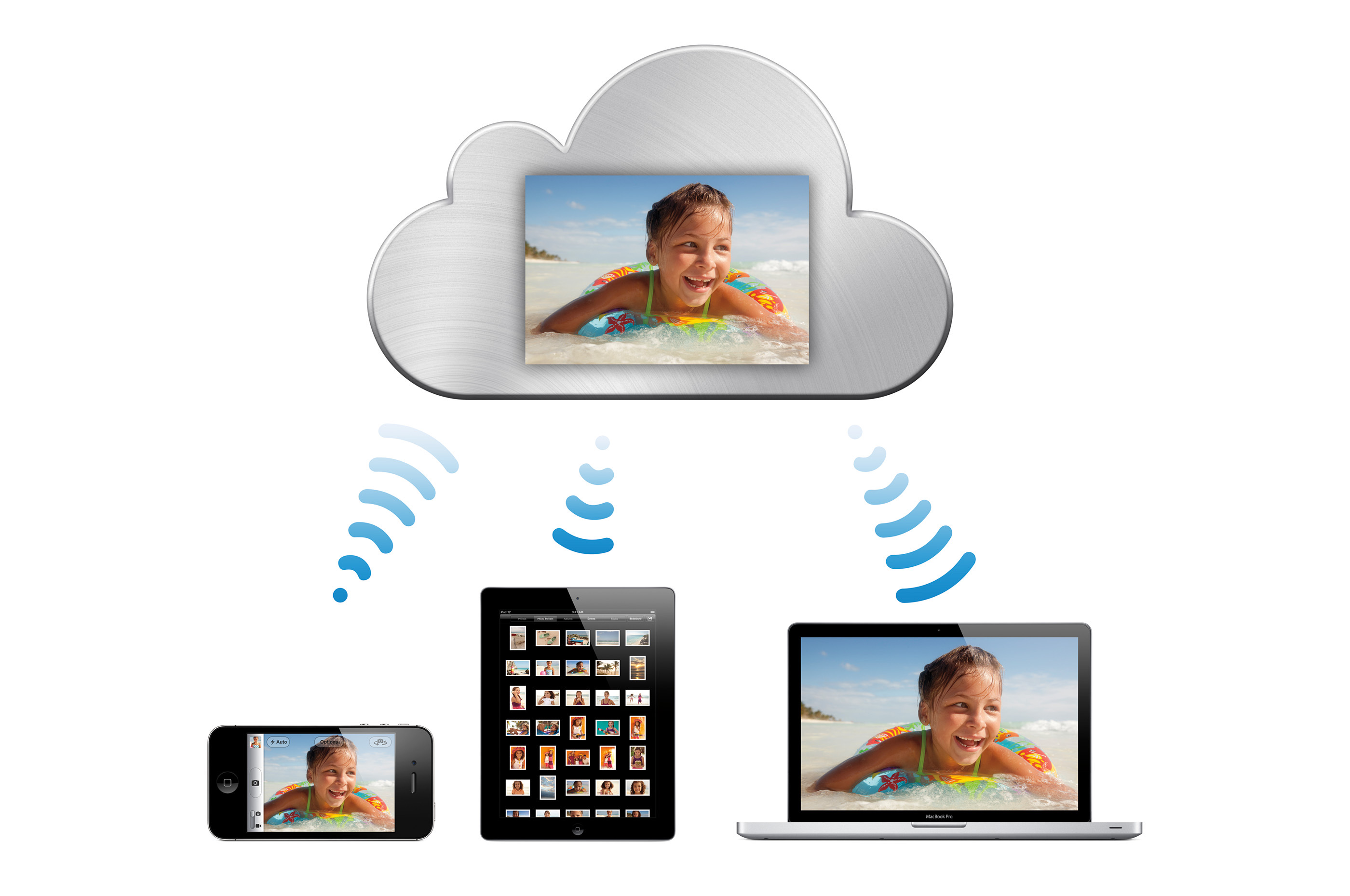
iCloud Photo Stream

Photo Stream — just like that press image above — was very much of its time. The limitations that it came with were confusing for some users, leading to folks worrying that they would accidentally lose photos.

Honestly, I didn’t blame anyone back then for being a bit wary of the feature. It was about this time that I turned to Dropbox for my photo storage, only returning to Apple well into the iCloud Photo Library era.

  1. Best I can tell, Apple never called it “My Photo Stream” when the feature was new. I don’t know when the “My” was added. It’s possible Apple appended it just for this announcement.