Sponsor: TextExpander

TextExpander’s customizable and shareable snippets of text allow your team to fly through repetitive tasks quickly by expanding the things you type regularly — all you have to do is type a short abbreviation and TextExpander does the rest of the work for you.

Here’s How It Works:

Create It: Collect your most commonly used emails, phrases, messaging, URLs, and more to create snippets and templates in TextExpander that are always accessible with a quick search or abbreviation.
Share It: Give your team or different departments across your company access to the content they need to use every day.
Use It: Expand the content you need with just a few keystrokes on any device, across any app you use — no APIs or integrations needed.
Optimize It: Add customizations like fill-ins and optional sections to keep that human touch. Anytime you make changes to snippets they update everywhere so your team is always on the same page.

It’s that easy!

Check out TextExpander and say goodbye to repetitive typing.

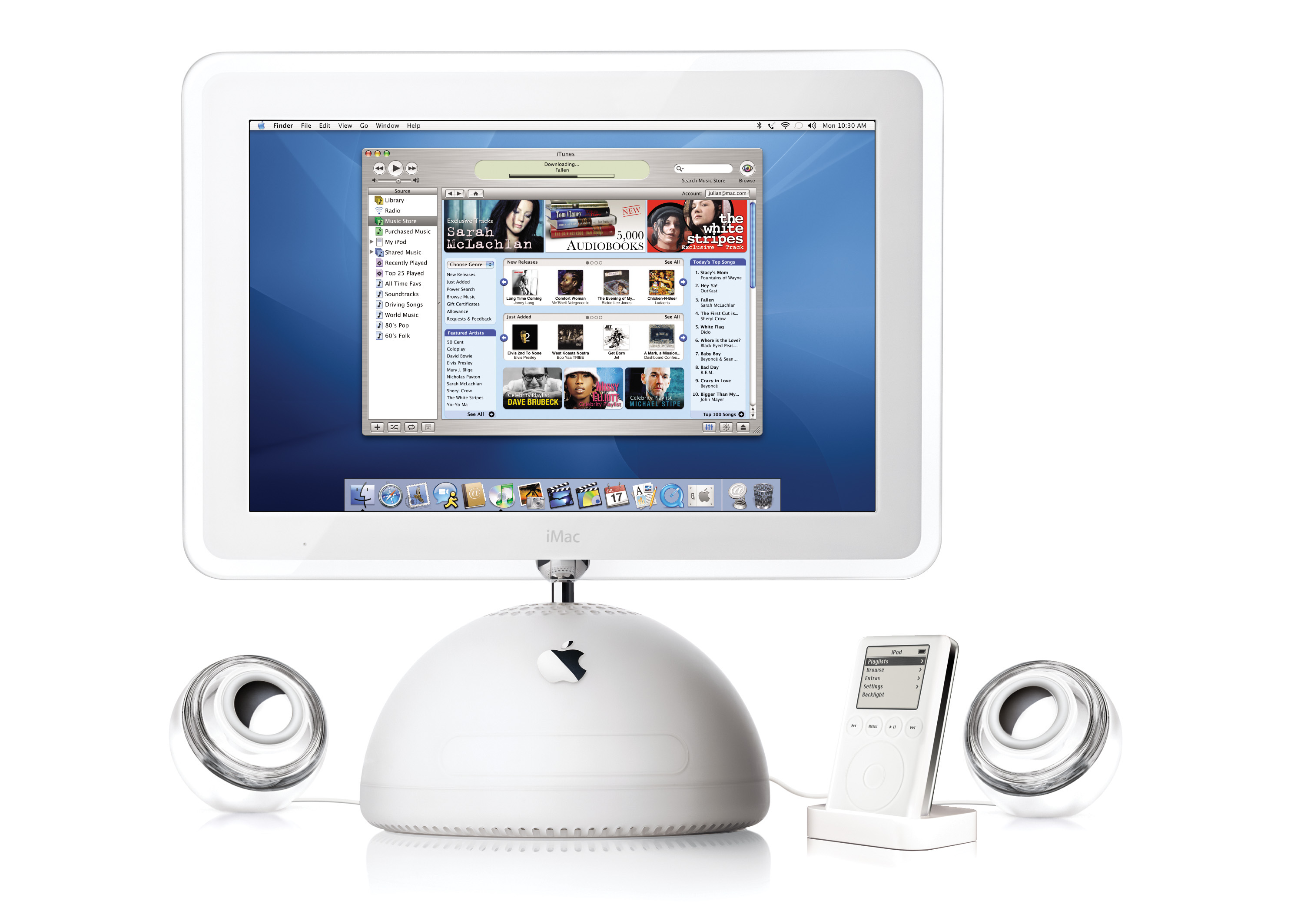
Twenty Years Ago, Apple Launched the iTunes Music Store

On April 28, 2003, Apple made a pair of announcements. The first was a new generation of iPod that featured completely solid-state controls and introduced the 30-pin Dock Connector.1

The other would change the company forever: the iTunes Music Store.

iTunes Music Store

Here’s a bit from the press release:

Apple today launched the iTunes Music Store, a revolutionary online music store that lets customers quickly find, purchase and download the music they want for just 99 cents per song, without subscription fees. The iTunes Music Store offers groundbreaking personal use rights, including burning songs onto an unlimited number of CDs for personal use, listening to songs on an unlimited number of iPods, playing songs on up to three Macintosh computers, and using songs in any application on the Mac, including iPhoto, iMovie and iDVD.

“The iTunes Music Store offers the revolutionary rights to burn an unlimited number of CDs for personal use and to put music on an unlimited number of iPods for on-the-go listening,” said Steve Jobs, Apple’s CEO. “Consumers don’t want to be treated like criminals and artists don’t want their valuable work stolen. The iTunes Music Store offers a groundbreaking solution for both.”

The hour-long event is on YouTube and is a fun watch. In his keynote, Steve Jobs compared the iTunes Music Store to the other solutions of the day, touting Apple’s solution as a better way to get digital music than pirating. The Store featured high-end encoding, full-featured metadata, 30-second previews and a universe-friendly alternative to stealing.

Initially the iTunes Music Store was just on the Mac, but six months after its launch, it was made available for Windows:

Apple today launched the second generation of its revolutionary iTunes Music Store for both Mac and Windows users. The new iTunes Music Store offers Windows users the same online music store that Mac users love — with the same music catalog, the same personal use rights and the same 99 cents-per-song pricing. Since its launch six months ago, music fans have purchased and downloaded more than 13 million songs from the iTunes Music Store, making it the number one download music service in the world. With music from all five major music companies and over 200 independent music labels, the iTunes Music Store catalog is growing every day and will offer more than 400,000 songs by the end of October.

“The iTunes Music Store has revolutionized the way people legally buy music online, and now it’s available to tens of millions more music lovers with iTunes for Windows,” said Steve Jobs, Apple’s CEO. “While our competitors haven’t even come close to matching our first generation, we’re already releasing the second generation of the iTunes Music Store for Mac and Windows.”

Jobs referred to iTunes as the “best Windows app ever written,” and it was feature-for-feature the same as the Mac version. While the application’s reputation became tarnished in its later years, iTunes made using an iPod on Windows a pretty great experience, replacing the janky MusicMatch integration iPod users on Windows had been stuck with before this announcement.

Putting iTunes — and the iTunes Music Store — on Windows changed the digital media landscape forever. Apple would become the most powerful player in the music industry, then branch out to add podcasts, music videos, movies and TV shows to its digital store. It showed up on the iPhone, iPod touch, iPad and Apple TV. When Apple launched the App Store in 2008, it was built atop the iTunes infrastructure.

iTunes is all but gone and the Store itself has been downplayed by Apple over the years, with the streaming services that Jobs railed against twenty years ago being the way the vast majority of us listen to music. Even so, there is no question that the iTunes Music Store helped Apple become the giant it is today.


  1. I know some people don’t like the buttons, but this iPod will always hold a special place in my heart, as it was the first iPod I ever used. I got it my senior year of high school and carried it everywhere with me in college until I replaced it with a 5th generation model years later. 

Kbase Article of the Week: Macintosh: External Drive Failures

Apple Support:

PROBLEM DESCRIPTION: Intermittent and/or solid failure during reading and writing to the external drive.

CAUSE: The pins on the logic board punch holes in the mylar covering on the RFI shield on the back of the logic board. When they penetrate the covering they short to the case.

That sounds like an exciting bug. Here was the “CURE” as Apple put it:

  1. Install the latest revision of RFI shield orderable through Apple Service.
  2. If the problem persists, replace the external drive mechanism.
  3. If the problem still persists, refer to the Level I Technical Procedures.

The Everything Headset

In the run-up to WWDC 2023, reporting about Apple’s forthcoming AR/VR headset have really begun to heat up.

In this week’s Power On newsletter, Mark Gurman wrote a bit about how Apple may pitch the device to customers and developers.

Forgive the long block-quote, but I think it’s important to go over what he believes the headset will be capable of doing:

  • The ability to run most of Apple’s existing iPad apps in mixed reality, which blends AR and VR. That includes Books, Camera, Contacts, FaceTime, Files, Freeform, Home, Mail, Maps, Messages, Music, Notes, Photos, Reminders, Safari, Stocks, TV and Weather.
  • A new Wellness app with a focus on meditation, featuring immersive graphics, calming sounds and voice-overs.
  • Being able to run the hundreds of thousands of existing third-party iPad apps from the App Store with either no extra work or minimal modifications.
  • A new portal for watching sports in virtual reality as part of Apple’s push into streaming live games and news.
  • A large gaming focus, including top-tier titles from existing third-party developers for Apple’s other devices.
  • A feature to use the headset as an external monitor for a connected Mac.
  • Advanced videoconferencing and virtual meeting rooms with realistic avatars, ideally making users feel like they’re interacting in the same place.
  • New collaboration tools via the Freeform app that let users work on virtual whiteboards and go over material together.
  • A new VR-focused Fitness+ experience for working out while wearing the headset (though this feature likely won’t arrive until later).
  • A way to watch video while immersed in a virtual environment, such as a desert scene or in the sky.
  • Users will also be able to operate the headset in several different ways, including by hand and eye control and Siri. It also will work with a connected keyboard or controls from another Apple device.

Most folks would look at this list and think, “My word, Apple has no idea what this device is for!”

In fact, Gurman says as much in his column:

As the company gets ready to unveil the product in June, that question is still hanging in the air. Apple hasn’t really found a killer app that will make the roughly $3,000 headset a must-have item. Instead, it’s trying another tactic: throwing everything but the kitchen sink at consumers.

Apple plans to pack the headset with a variety of features — games, fitness services, even an app for reading books in virtual reality — and hope that buyers find something they like.

Loads of people have compared this strategy to the Apple Watch’s launch, which many believe was unfocused and a bit messy.

We’ll come back to the Apple Watch, but first, I want to take a look at Apple’s other device launches over the years and see how they’ve changed.

iPod (2001)

In the fall of 2001, Steve Jobs hosted a low-key event in Apple’s Town Hall, announcing Apple’s first non-Mac product since his return to the company.

The pitch was simple:
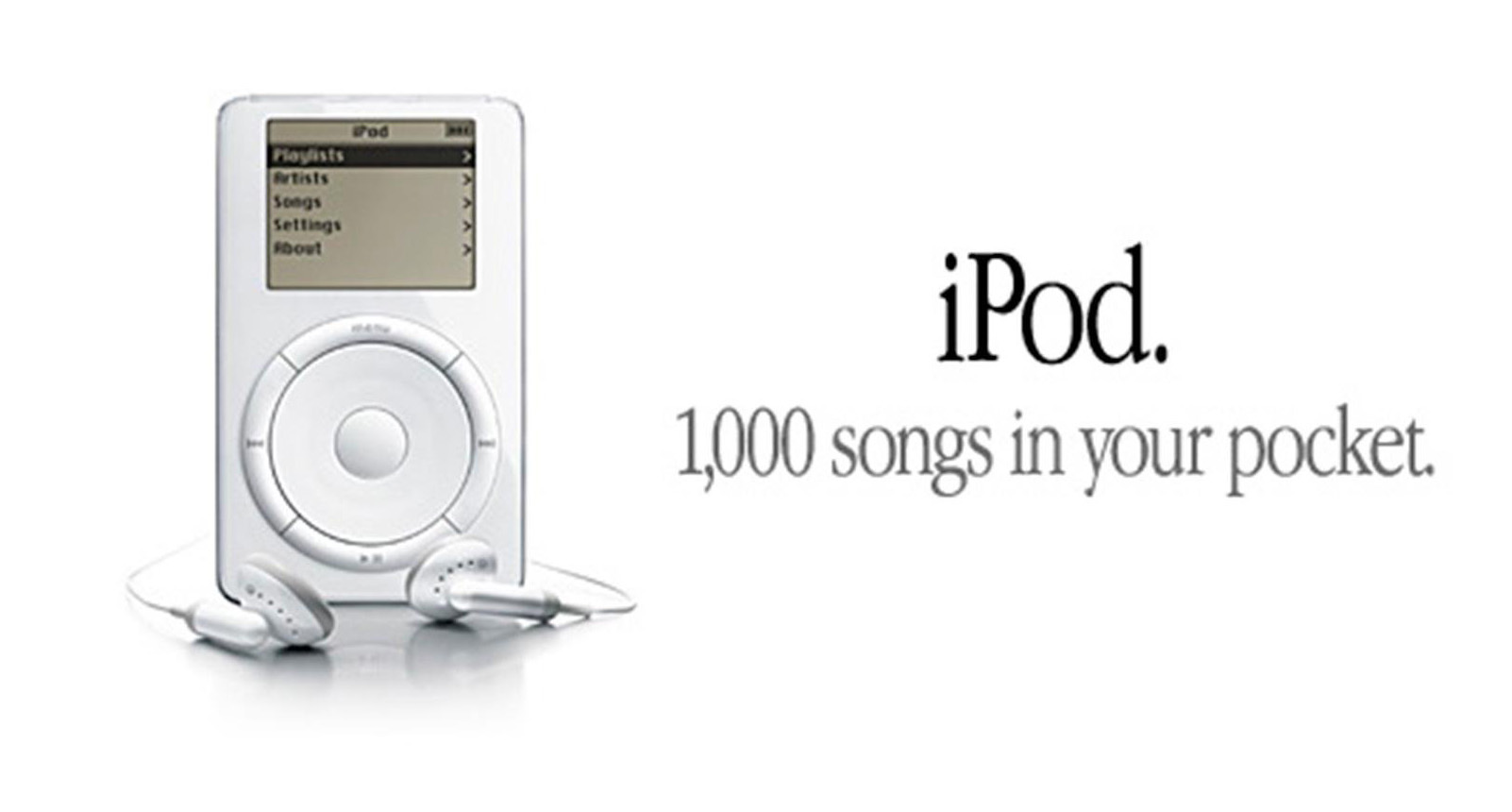
1,000 songs in your pocket

Over time, the iPod would gain all sorts of capabilities, including viewing photos and video, the ability to play games and more, but at the start it was a focused, purpose-made device. It played your music, and it did it pretty darn well.

iPhone (2007)

Just six years later, Jobs would unveil the iPhone. The introduction is legendary:
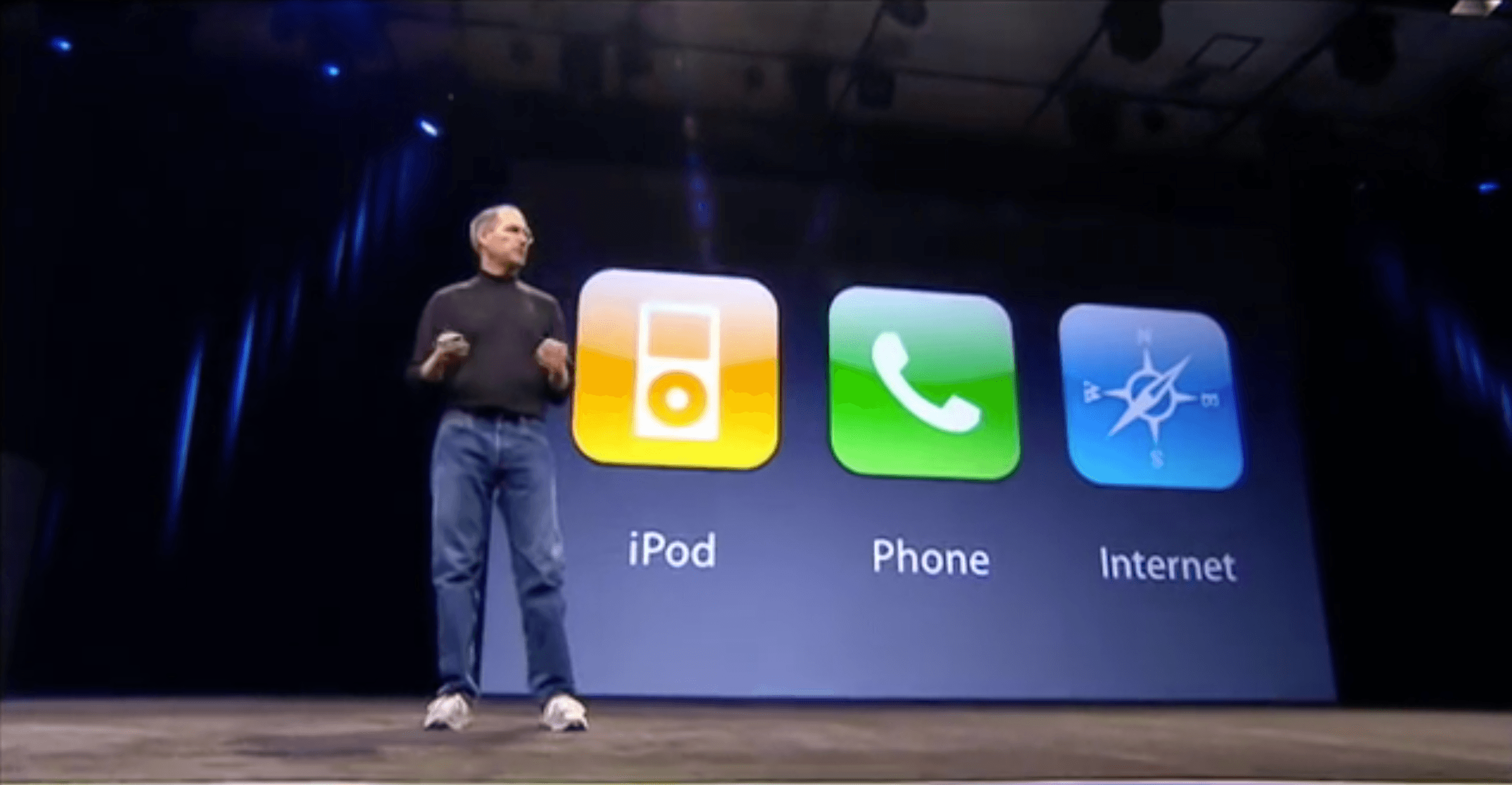
"An iPod, a phone and an Internet communicator"

The iPhone has evolved into the primary computer for millions of people, but it’s beginnings were rather humble. The App Store wouldn’t launch until a year after the first iPhone went on sale, and other features like cut/copy/paste and multi-tasking wouldn’t come for another year or two. It took even longer for iOS to grow into the general-purpose operating system it has become.

All of that said, it’s notable that the first feature Jobs mentioned was an iPod. Heck, the music app on early versions of iOS was named “iPod.” From the start, the iPhone was designed to absorb the iPod as the market started to move away from the dedicated media player. If someone was going to cannibalize the iPod, Apple wanted to be the company to do it.

That meant that the sales pitch for the original iPhone was a good bit more complicated than the iPod’s. The iPhone was a phone and an iPod and the Internet in your pocket.

iPad (2010)

Three years later, the original iPad was introduced. Jobs spoke about phones and laptops, and asked if there was room for a third category of device. For something to justify its existence, he argued, it needed to be better at some key things:
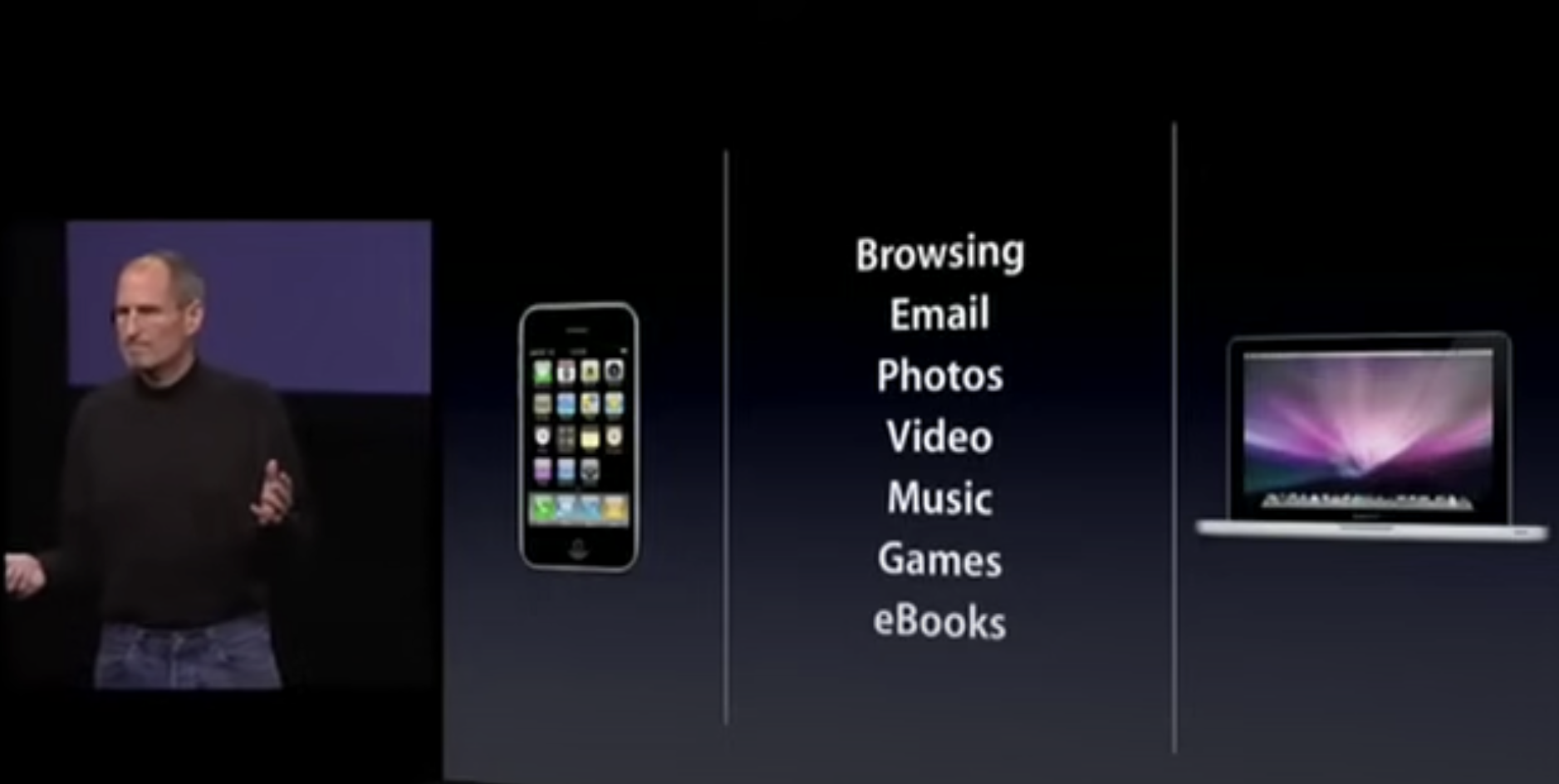
The iPad's task list

The list included browsing the web, checking email, viewing photos and video, listening to music, playing games and reading digital books.

I don’t know about you, but that’s a lot of what I do on my devices. During the keynote, Jobs and his colleagues showed the device handling those tasks and more. While critics decried the iPad as “just a big iPhone,” Apple argued it was a general-purpose computer that was ushering in the post-PC age. As such, its introductory set of features had to be more complex and broad than the iPhone before it.

Apple Watch (2014)

We’ve finally made it to the Apple Watch, the first new product category Apple entered in the Tim Cook era. Announced at the same event as the iPhone 6 and 6 Plus, it was the first time Apple used the words “one more thing” since Steve’s passing in 2011.1

There’s no doubt in my mind that the Apple Watch’s announcement was meant to to echo the iPhone’s some seven years earlier, constructed around three tentpole features:
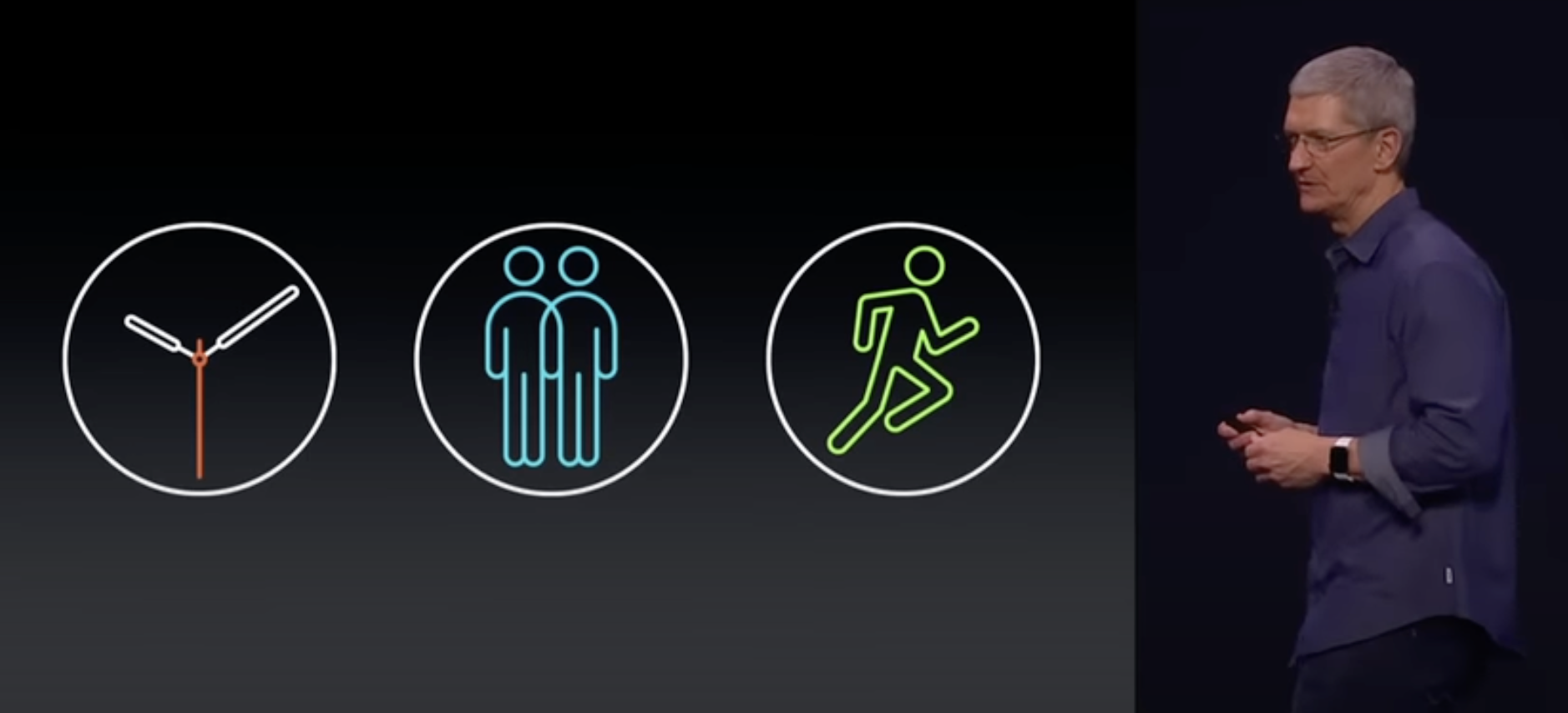
Apple Watch introduction

The Apple Watch, Apple said, was a precise and customizable timepiece, an intimate way to connect and communicate and, lastly, a comprehensive health and fitness companion.

Admittedly, this wasn’t as catchy as the iPhone’s introduction, but it highlighted the areas in which Apple thought the Watch could be impactful.

The rest of the keynote showed how the Apple Watch could fit into every day life, becoming a little iPhone strapped to your wrist, despite being extremely dependent on the iPhone in your pocket. Even this wasn’t that far removed from Jobs demoing the handful of built-in apps on the original iPhone, at least in spirit.

A bunch of the initial Apple Watch reviews all had a common theme, however: that Apple wasn’t quite sure what the device was good for, and that users would need to figure that out for themselves. The Verge’s Nilay Patel, writing in 2015, summed it up well:

The Apple Watch is one of the most ambitious products I’ve ever seen; it wants to do and change so much about how we interact with technology. But that ambition robs it of focus.

Over time, it’s clear that some of the features of those early days were more important than others. Today, most folks buy an Apple Watch for its notification and fitness features, with more generalized tasks being less important that it seemed they would be nine years ago when it was introduced. Apple and its customers have found common ground in what the Watch is good for and watchOS and its hardware have changed to better deliver on those key items.

Was the initial rollout of the Watch a bit messy? Sure, but I don’t think anyone would argue that it hurt the product in the long run. Apple and its customers got on the same page pretty quickly.

The Headset (2023?)

That brings us to the headset, as shown in a render here via 9to5Mac:
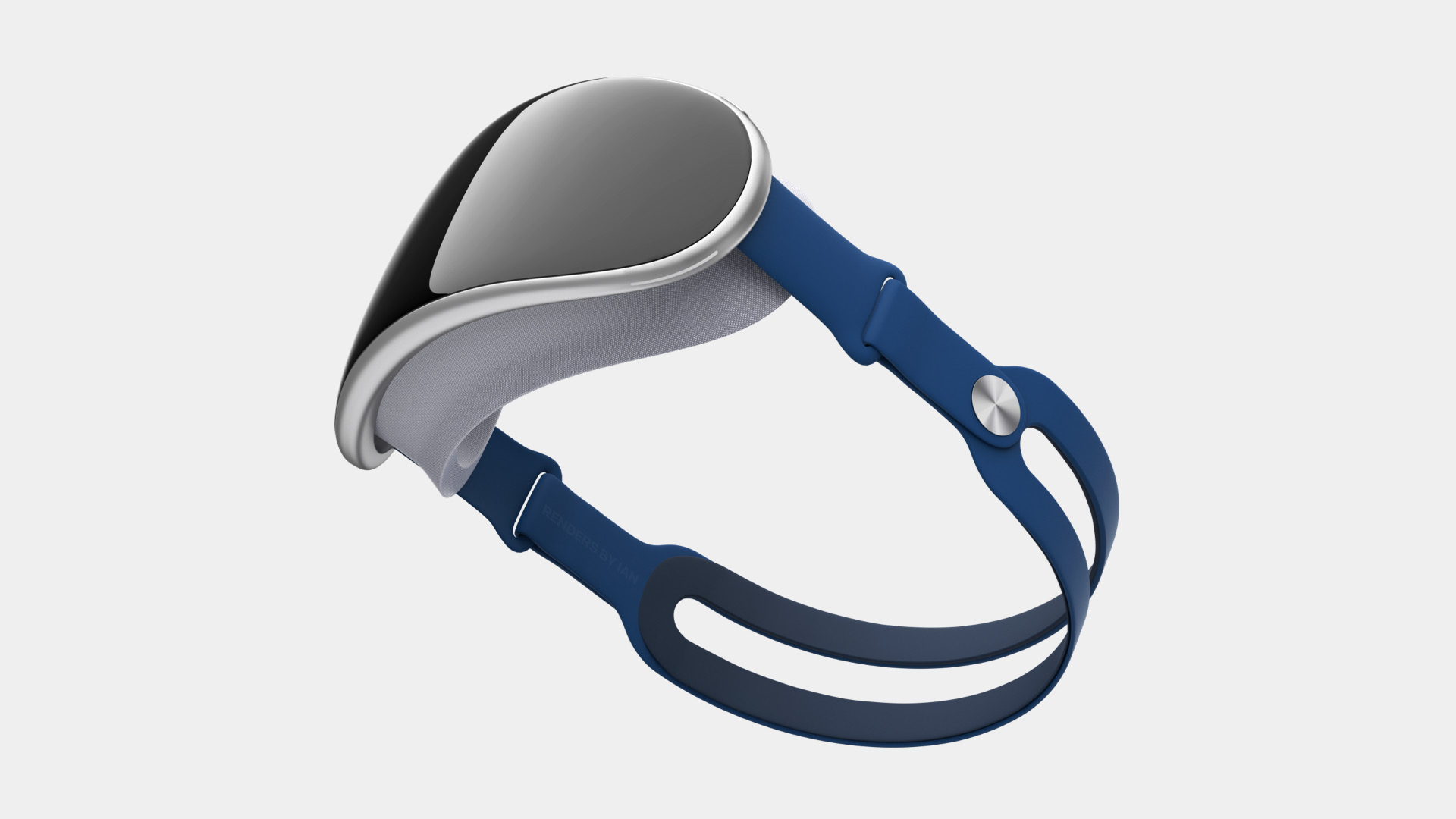
The Headset?

If reporting is to be believed, the headset’s introduction may look a lot more like the Watch’s than the iPod’s or the iPhone’s.

Honestly, I think that is okay. We demand far more from our devices than we did when those earlier products were announced, and in a way, every device has become a general-purpose computer to varying degrees, even the Apple Watch.

Apple’s rumored broad approach with the new device could prove to be a wise one. By supporting most of the things its customers use their iPads and iPhones for, more folks may look at the headset and think, “This does something that is important to me,” and be willing to entertain a purchase.

If the headset is pitched as the next great gaming platform,2 many people would not be interested in it. Likewise, if it’s heralded as just a new way to work remotely and connect with colleagues, a bunch of people would write it off.

In a sense, every new product needs to be broad now, because consumers assume that everything is a computer that can do computer things. Splashing cold water on the headset’s upcoming announcement because it appears to lack a killer app feels premature to me. Doing a bit of everything is mere table stakes now.
  1. Tim’s voice breaking while saying the phrase is one of the most human moments we’ve seen from the CEO. 
  2. I think the “Apple is bad at gaming” take is a bit outdated, and mostly about the Mac, as the iPhone and iPad are huge gaming platforms… but that’s a column for a different time. 

Sponsor: Unite 4 for macOS

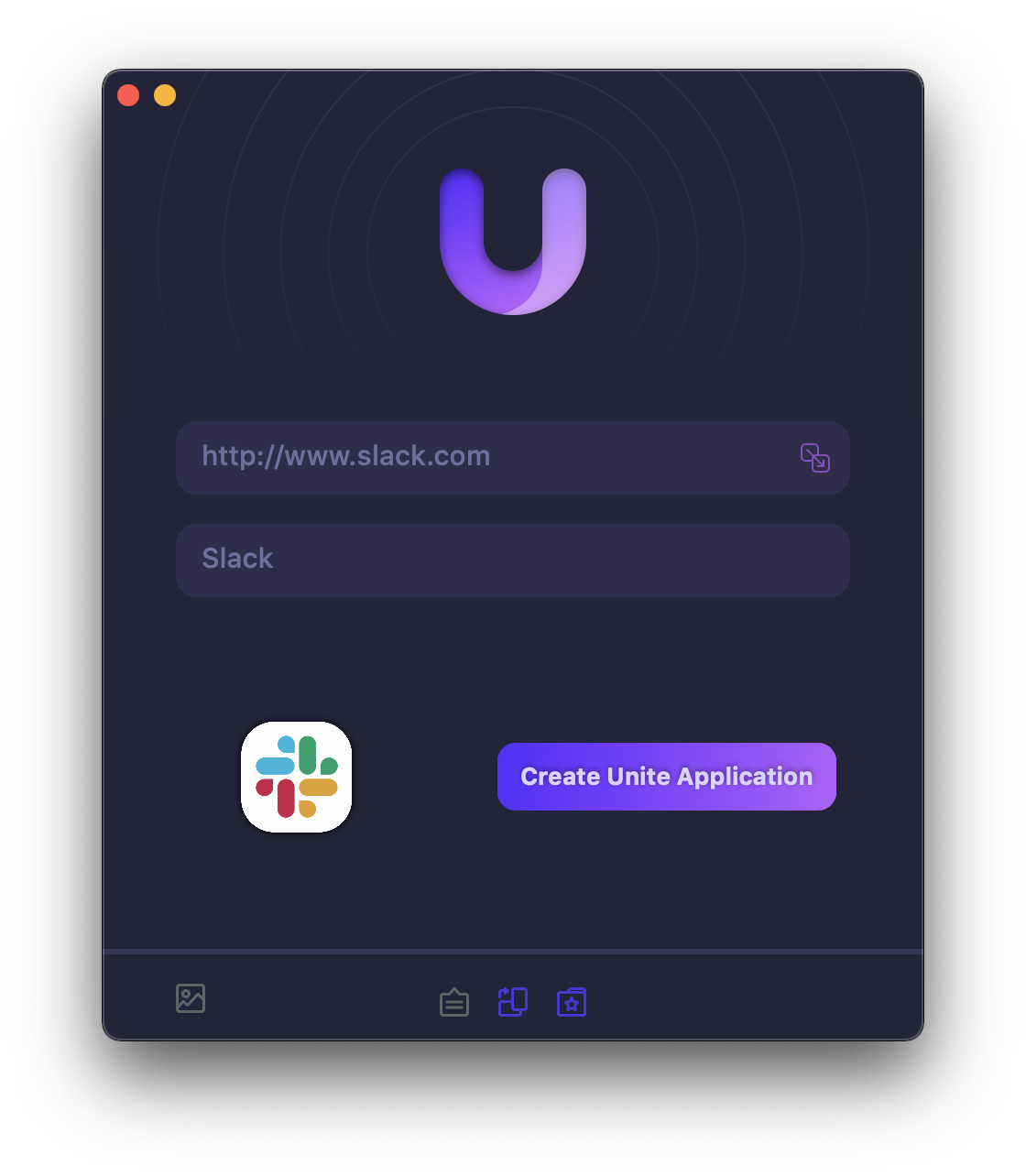
Unite 4 for macOS allows you to turn any website into an app on your Mac. Using a lightweight, WebKit powered browser as a backend, you can easily create isolated, customizable apps from any site.

Unite 4 includes dozens of new features, including support for native notifications, new customization options, and much more. Unite apps also serve as a great alternative for resource hogging Electron apps or half-baked Catalyst apps.

Some examples of apps you could create in mere minutes with Unite:

  • A Gmail web client that behaves like a native mail client.
  • A status bar app for Apple Music or Overcast
  • An isolated workspace for apps that may track you like Facebook
  • A Google Meet app that works efficiently without using Chrome
  • A fully featured Instagram app that has a resizable window, unlike the M1 version.
  • A Robinhood, Figma, or Roam Research app for your desktop.

512 Pixels readers get 20% off this week when you purchase Unite 4 at bzgapps.com/unite512 or when you use the promo code ‘512Pixels’ at checkout.

You can also try Unite for 14 days absolutely free or use it as part of your subscription if you’re a Setapp subscriber!

Kbase Article of the Week: Safari 4: May Unexpectedly Quit with ‘Glims for Safari’

Apple Support:

Safari 4 may unexpectedly quit if “Glims for Safari” by MacHangout is installed.

Uninstall “Glims for Safari” as described on this website.

That MacHangout URL is long gone, but the Wayback Machine grabbed it, and the page included a link to an uninstaller.

I had no recollection of Glims for Safari, but the Wayback Machine is helpful there, too.

Sponsor: DEVONthink of DEVONtechnologies

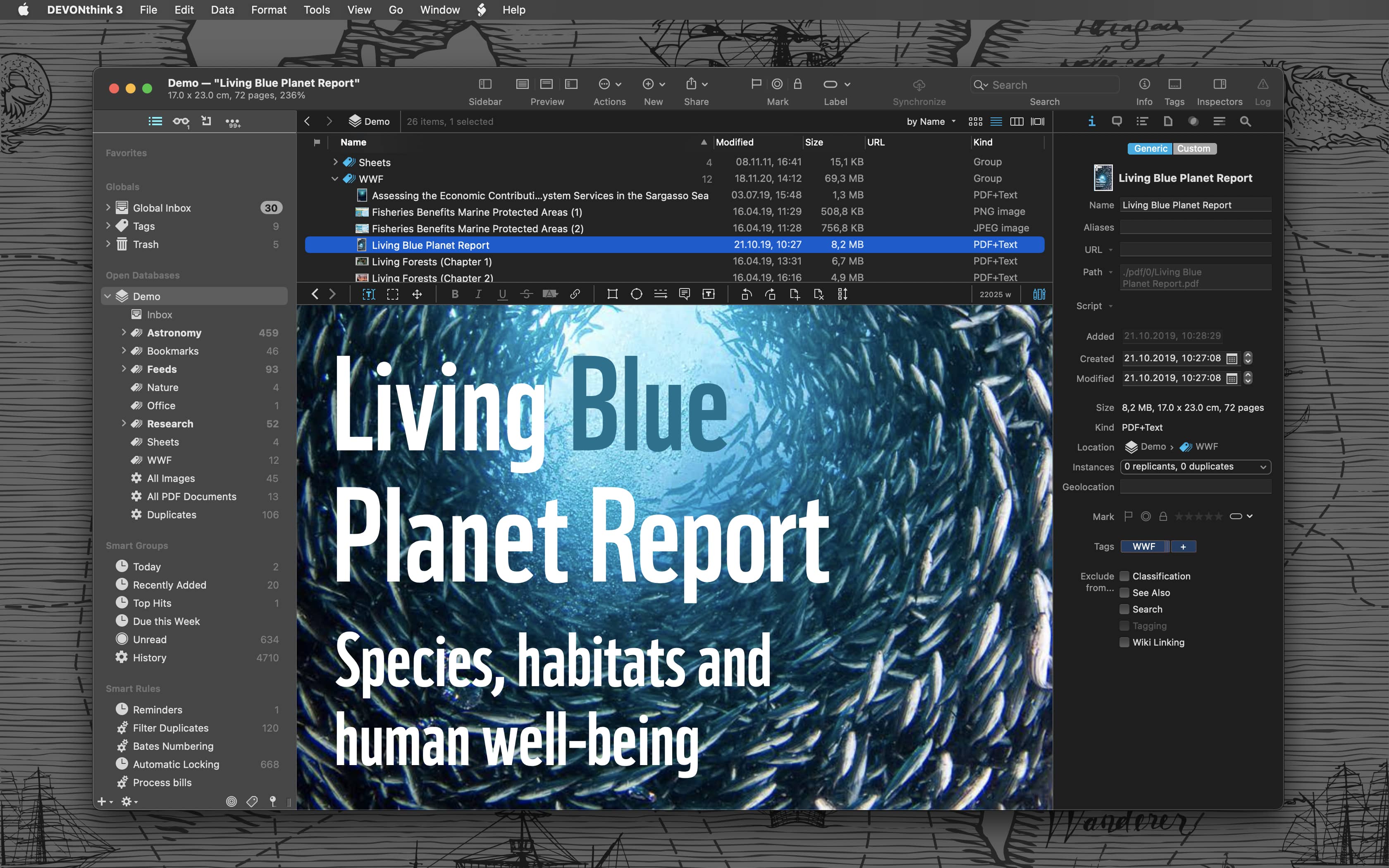
Whether you’re in the harbor or at high sea, you need to know where you are or where you’re sailing. If you have all the maps, books, and documents. DEVONthink for Mac and DEVONthink To Go for iOS will not let you down on your mission and help you navigate the “seven seas of information.”

DEVONthink for Mac

Sailor jokes aside… DEVONthink helps you get organized in your office, home office, or on the go. It keeps all your documents, snippets, and bookmarks in one place. Organize them however you need and let DEVONthink’s unique AI assist you all the way with filing and finding. And if that wasn’t enough, smart rules and flexible reminders let you delegate all the boring, repeating daily tasks to DEVONthink too. On iOS, use Shortcuts actions to integrate DEVONthink To Go with your other apps.

Of course, whatever you keep in your databases remains yours. It’s all stored locally, nothing is uploaded anywhere unless you say so. Flexible synchronization technology with strong encryption makes sure that you have all your important documents with you on whatever device you’re working on or taking with you. Use iCloud, Dropbox, any WebDAV service you may have booked. Or synchronize directly over your local network.

And, of course, there’s so much more, from email archiving and scanning to an embedded web server for sharing your data securely with your team. Check out https://www.devontechnologies.com to learn more about DEVONthink, DEVONthink To Go, and more.