I put this on Mastodon yesterday, but wanted to share it here, too:
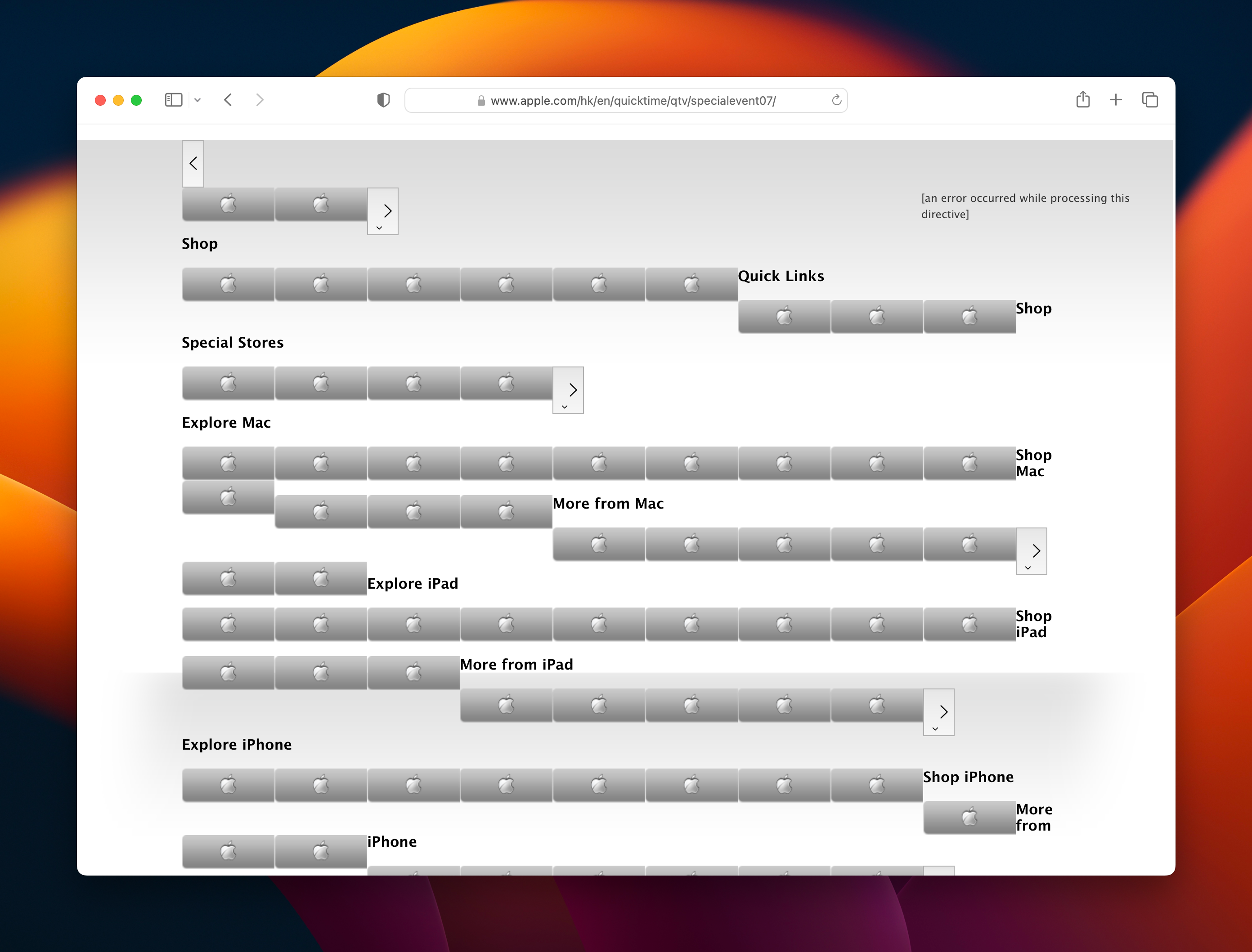
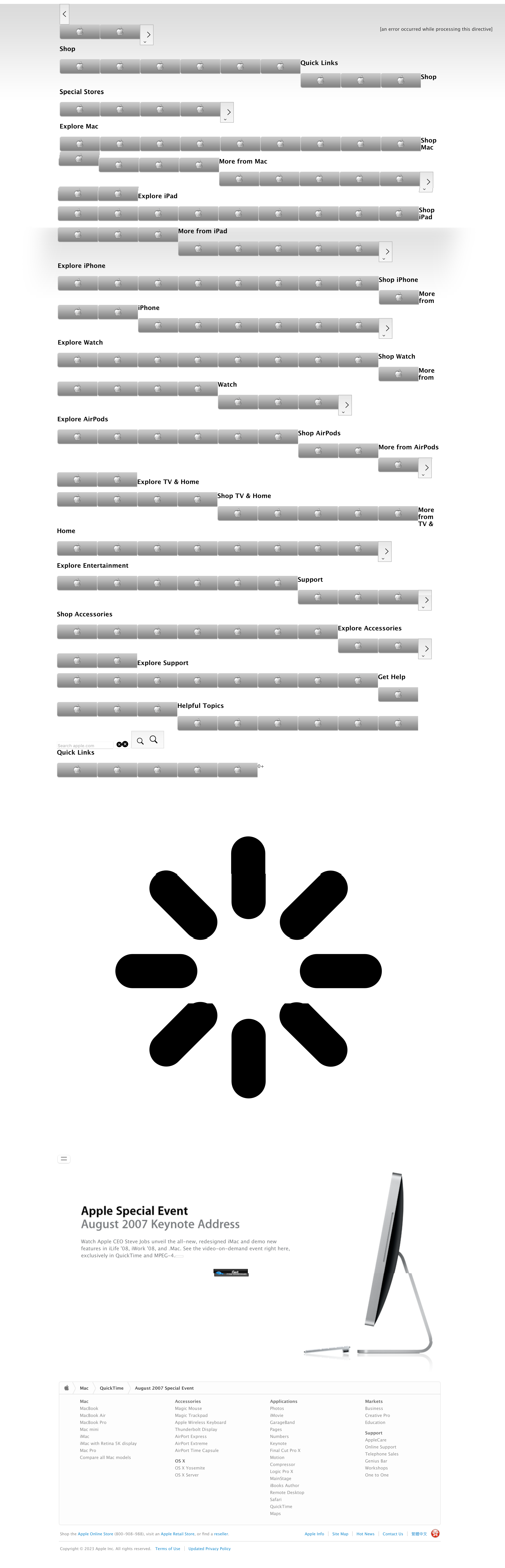
I came across this page when working on the next Apple History calendar, and it really made me chuckle. I’ve got an image of the whole thing saved here for all time.
I put this on Mastodon yesterday, but wanted to share it here, too:
I came across this page when working on the next Apple History calendar, and it really made me chuckle. I’ve got an image of the whole thing saved here for all time.
UPDATE: This has been fixed as of iOS 17!
Apple’s Live Activity feature has begun to take off, with more and more apps doing interesting things with the new user interface. Sadly, one of Apple’s own uses for it doesn’t work the way it should.1
In this image, you can see the Live Activity on the lock screen, expanded from the Dynamic Island and a screenshot of Clock.app itself:
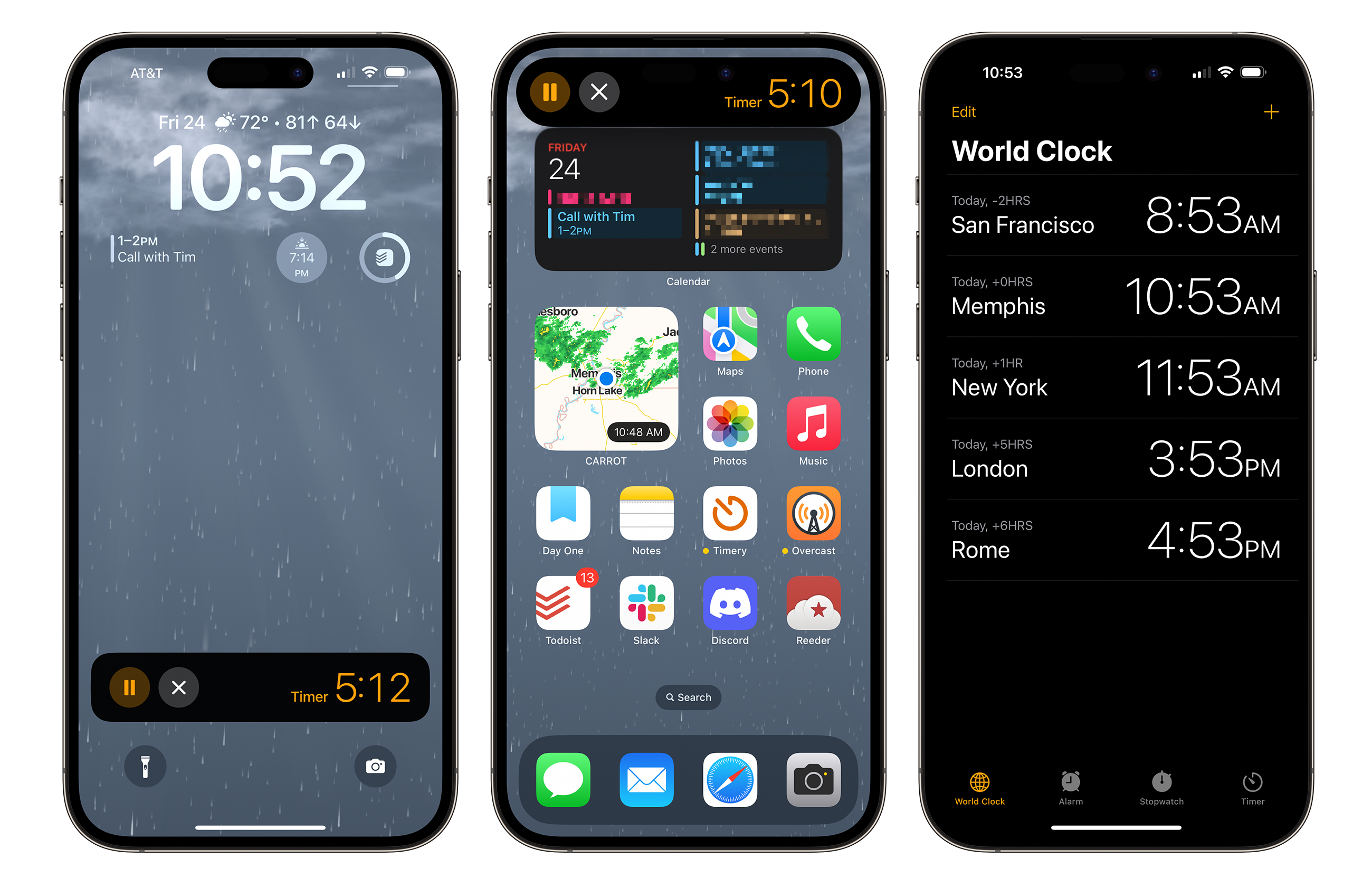
First, we have the issue of the Live Activity on the lock screen. Live Activities from third-party developers open the corresponding app when the Live Activity is tapped. Apple’s timer Live Activity doesn’t follow this convention. Instead, tapping the timer itself doesn’t do anything whatsoever. A user can pause or cancel the timer from the Lock Screen, but managing anything past that requires launching Clock.app from somewhere else in the system.
I understand that Apple’s apps are often able to do things that third-party apps can’t, but these features make the timer Live Activity behave so differently than other Live Activities that it can be frustrating to use. It’s easy to cancel a timer, but hard to open the app that manages the timer itself.
When an iPhone 14 Pro is in use, the timer icon shows up in the Dynamic Island as expected. Pressing and holding it will expand the timer, showing the same controls as what is present on the lock screen. However, here — and only here — does tapping the Live Activity open the Clock.app.
For bonus points, I would love it if Apple would show the time at which the timer will go off, on both the lock screen and the expanded view within the Dynamic Island. Alas, that information isn’t visible anywhere except within the Clock app.
… which makes the fact that opening the Clock app from the timer Live Activity doesn’t open Clock to the timer tab feel pretty pretty pretty pretty bad. Instead, Clock.app opens to either the last tab the user was using, or if the app has been fully quit, it opens to the World Clock. Tapping a timer should always open the corresponding panel in the Clock app.
None of these bugs are showstoppers. I use my iPhone2 to set timers several times a week, but the user experience is clunky and comes across as downright buggy.
I’ve filed a Feedback with Apple about this: FB12078863.
PS: Where’s the stopwatch Live Activity, Apple?
Framework is a company creating PC notebooks that are designed to be upgraded and repaired over time, and they’ve refreshed their products, as Andrew Cunningham reports:
For the second year in a row, Framework has announced new upgrades for its modular, repairable Framework Laptop that can be installed directly in older versions of the Framework Laptop. There are two motherboards: one with a predictable upgrade from 12th-generation Intel Core CPUs to 13th-generation chips and one that brings AMD’s Ryzen laptop processors to the Framework Laptop for the first time.
Framework has also formally renamed its first laptop design; the 13-inch model picks up the “Framework Laptop 13” retronym to distinguish it from the new Framework 16 gaming laptop.
You read that correctly; new motherboards can be installed into existing notebooks. There’s even an enclosure available for purchase to turn the old board into a desktop machine.
The Framework 13’s swappable ports made it easy to change out the I/O in case of damage, or to better reflect the user’s needs. The new 16 takes it even farther, as Cunningham writes in a second article:
The other noteworthy thing about the Framework Laptop 16 is its “Expansion Bay System,” which will primarily be used for dedicated GPUs. These GPU modules use eight lanes of PCIe bandwidth (the PCIe version will depend on the motherboard you have installed since the GPU’s PCIe lanes are usually built into the CPU) and can be plugged in and unplugged without modifying anything else about the laptop. Framework’s photos show an Expansion Bay jutting out of the back of the system—not having to fit the GPU within the body of the laptop itself will add size and weight, but it also means that more powerful GPU modules can make room for larger fans and heatsinks, and it’s up to the user to decide on the best combination of performance and size/weight.

These notebooks aren’t the best looking on the planet, nor do they sell in huge numbers. But they seem very, very cool — and important —e to this MacBook Pro user.
Myke makes a very important correction and deeply regrets his previous error. Federico pits cubes against triangles and Clippy has been reborn as Microsoft 365 Copilot. Lastly, Stephen starts his search for an heir.
I love macOS wallpapers, so when I saw that Bing had incorporated image creation into its probably-not-going-to-kill-us-all-but-maybe AI tools, I took it for a spin with this prompt:
Make some wallpapers in the style of Mac OS wallpapers from Jaguar, Panther and Tiger
I got these back:




That’s not really what I had in mind, so while the AI’s reading of my prompt made me laugh, I decided to try again:
Make some wallpapers in the style of the blue wallpapers found in early versions of Mac OS X
This went a little better:




I wanted to see if I could get something closer to my beloved OS X images, so I got rid of the OS X language and asked Bing to create wallpapers using various shades of blue that are calming but still portray some level of movement and happiness. I got these back:




Honestly, the last one isn’t too bad.
Everyone’s favorite tall YouTuber has a new video out, looking at the whirlwind of Reality Pro rumors. I am personally finding it hard to get excited about this, but I have to admit, his passion for the subject has helped:
I think we sometimes assume the confusion brought forth by USB-C, but maybe it isn’t.
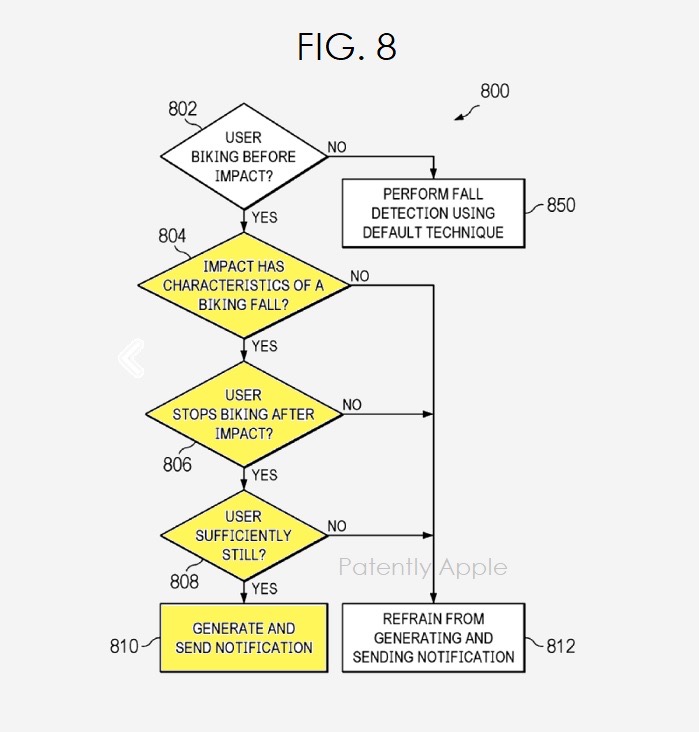
With the regular fine print that “big companies patent every single thing they can,” this report on Patently Apple caught my eye. I’ve had more than a couple bike crashes over the years, including one that shattered an Apple Watch.
I just love the graphic included in the post that shows the decision tree involved:
Whether you’re in the harbor or at high sea, you need to know where you are or where you’re sailing. If you have all the maps, books, and documents. DEVONthink for Mac and DEVONthink To Go for iOS will not let you down on your mission and help you navigate the “seven seas of information.”
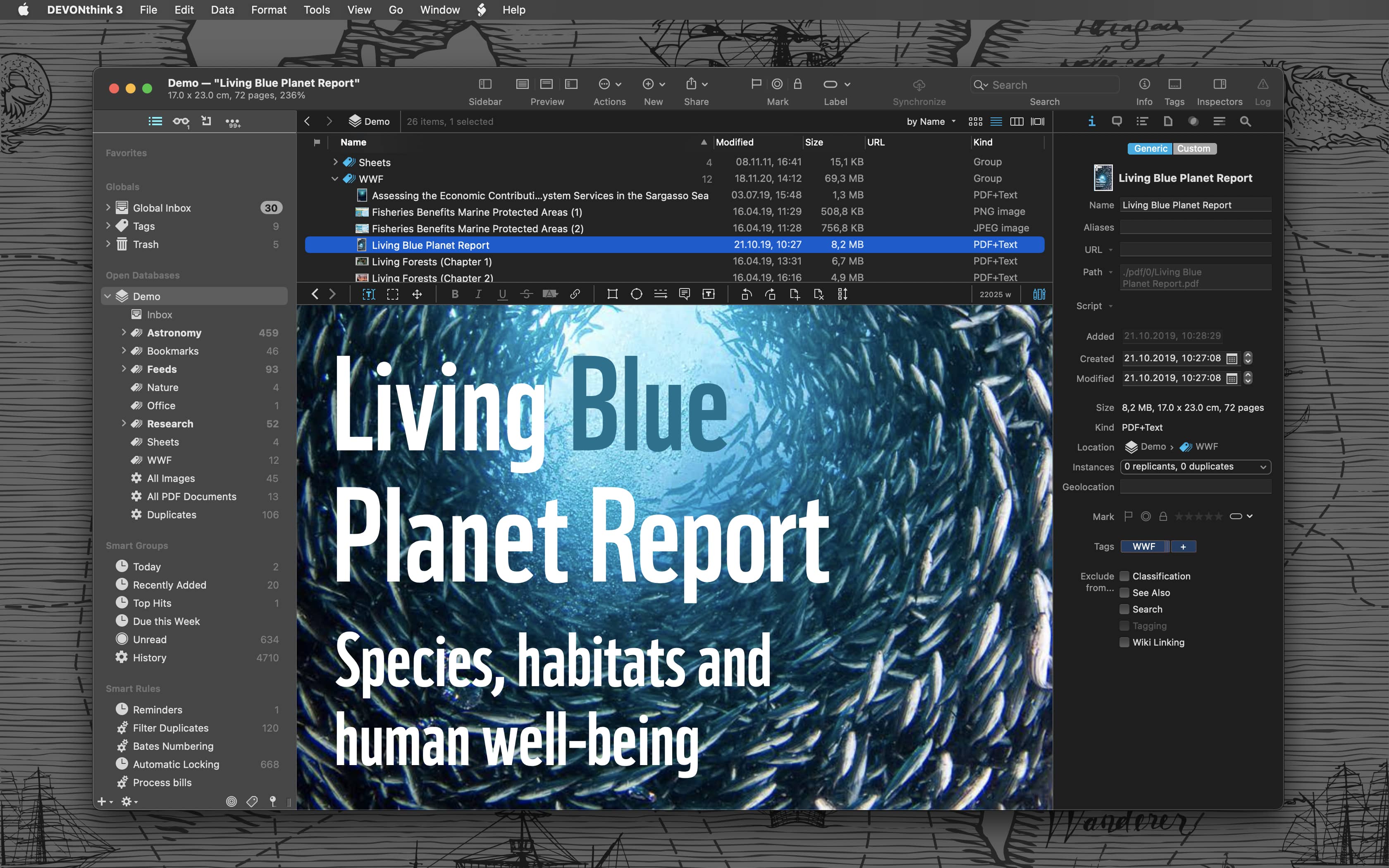
Sailor jokes aside … DEVONthink helps you get organized in your office, home office, or on the go. It keeps all your documents, snippets, and bookmarks in one place. Organize them however you need and let DEVONthink’s unique AI assist you all the way with filing and finding. And if that wasn’t enough, smart rules and flexible reminders let you delegate all the boring, repeating daily tasks to DEVONthink too. On iOS, use Shortcuts actions to integrate DEVONthink To Go with your other apps.
Of course, whatever you keep in your databases remains yours. It’s all stored locally, nothing is uploaded anywhere unless you say so. Flexible synchronization technology with strong encryption makes sure that you have all your important documents with you on whatever device you’re working on or taking with you. Use iCloud, Dropbox, any WebDAV service you may have booked. Or synchronize directly over your local network.
And, of course, there’s so much more, from email archiving and scanning to an embedded web server for sharing your data securely with your team. Check out https://www.devontechnologies.com to learn more about DEVONthink, DEVONthink To Go, and more.
This week on Mac Power Users, David and I round up some Mac apps for their “20 Under $20” saloon!
In 2021, I launched my first Kickstarter campaign, for a wall calendar celebrating dates in Apple’s hardware history. The next year, I followed it up with a project focused on Apple’s software history. I’ve got something cooking for the third installment, but that’s a story for a different time.
Each project was more than just a beautiful wall calendar, however. Each campaign included digital goodies: wallpapers made of the images in the calendars and digital versions and .ics files for each project’s dates.
Each of these is for sale for just $5 each over on Gumroad:
Over the past couple years, Apple’s been rolling out its “Detailed City Experience” in Maps to cities across the world and finally, at long last, those improved maps and better landmarks have come to my hometown of Boston, as first noted by Frank McShan on Twitter.
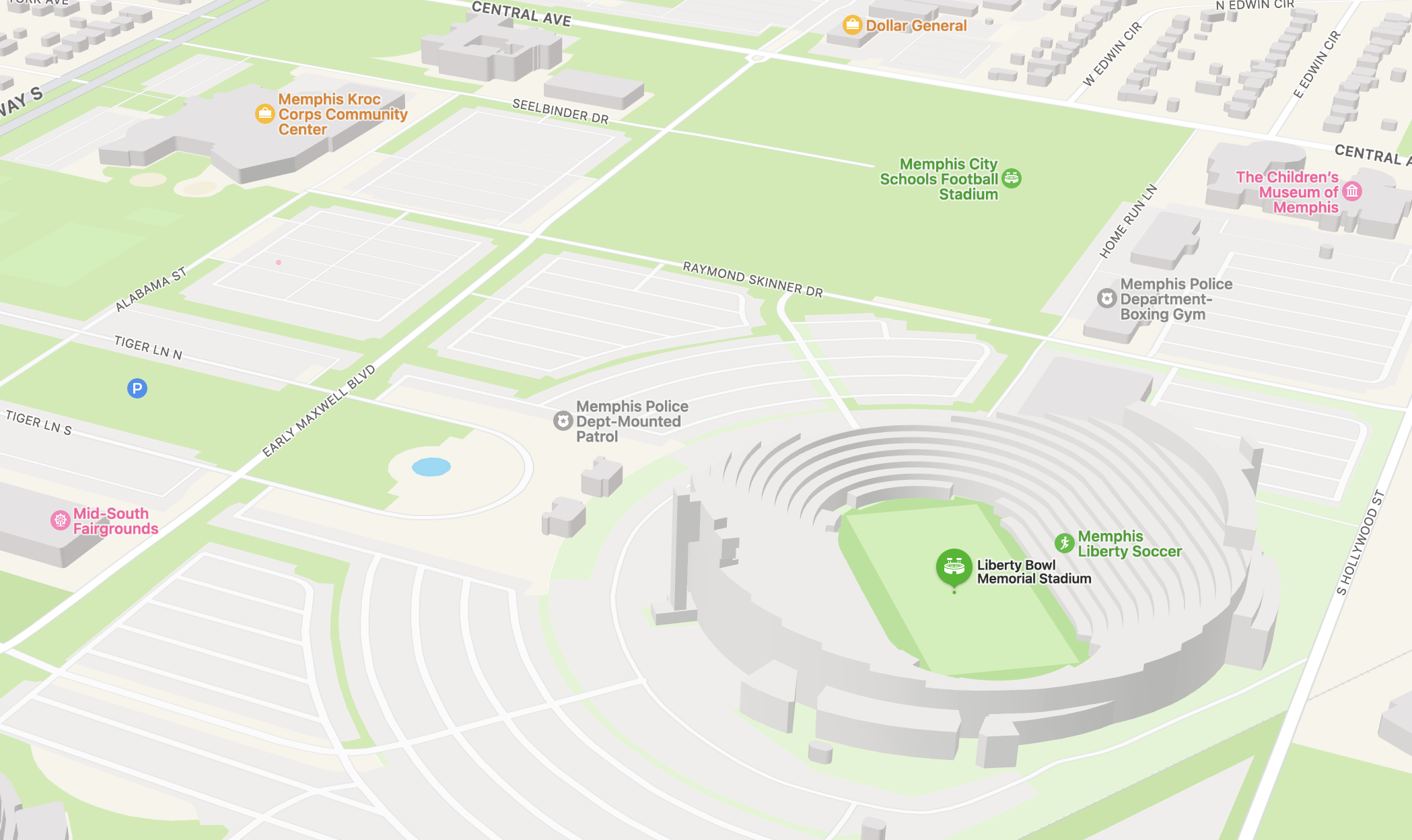
These are really nice looking. The closest thing I’ve seen here in Memphis is the Bass Pro location inside the Pyramid, and it really doesn’t come close to these new Maps illustrations:

I’d love for Apple to smooth those sides down. At least the seating in our football stadium works: