There’s something obvious I should state up front: no one needs this stuff. My exploration in this area has been under the guise of “I need a cool backdrop for YouTube videos,” but even that is probably not a great reason to spend a bunch of money on lights that change colors.
That aside, this stuff is fun to play with, and I like what I can do with it.
I should probably have titled this “My Smart Studio,” as most of the smart home devices I have are in my office, not our house, but here’s what puttering around my network.
Studio
I have two sets of Hue lights in my studio.
The first is a series of three Hue Lightstrips attached the undersides of my heavy-duty shelves:
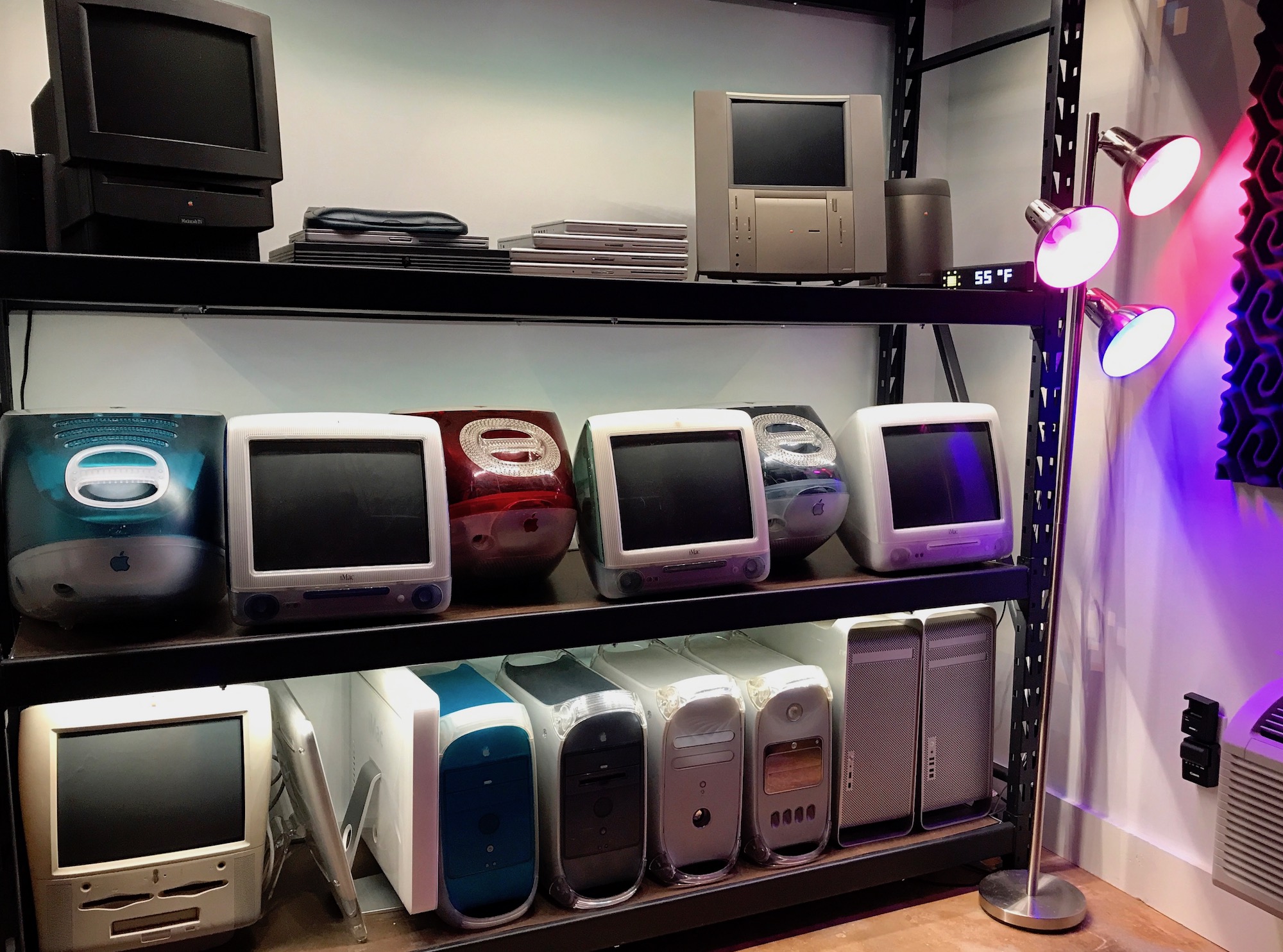
Like the full-blown bulbs, they can change color, but I usually leave them white. They allow me to light up the Macs in my collection in a nice, pleasing way. Each strip has its own plug and controller that I’ve stashed away in one of the legs of the rack.
The second set is visible in that three-light floor lamp. Here, I’m using Philips Hue Lights. Buying the starter kit I’ve linked to includes the Hub, which plugs into my Ethernet network.
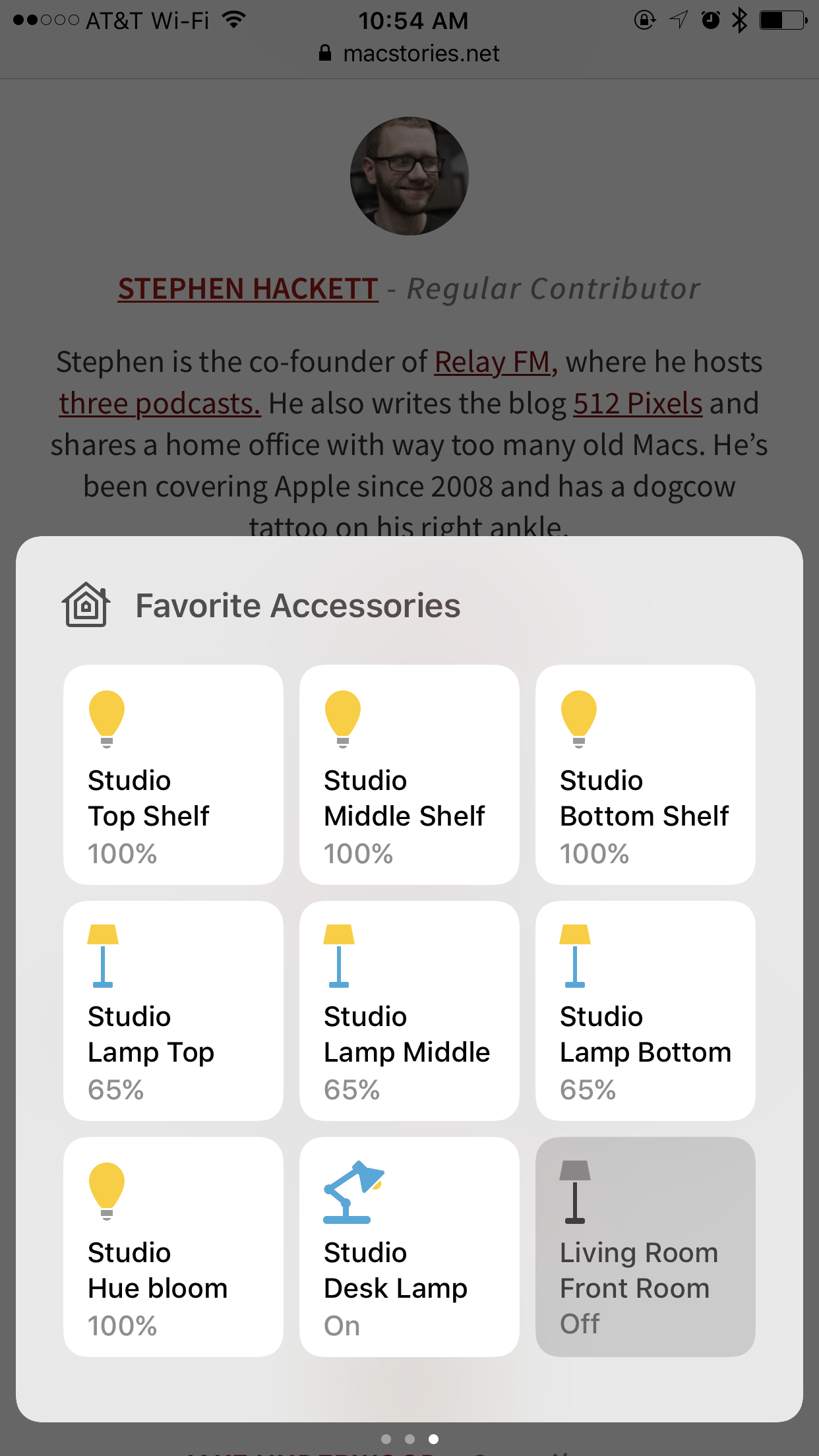
I’ve named the devices in both of these sets by their placement. This is critical in my mind; clear labels lead to less frustration later.
Lastly, also have a Canary security camera watching the studio door. I went with this because it offers push notifications for activity and includes a built-in alarm. If I get a notification and see some troublemakers are here to steal my 20th Anniversary Mac, I can blast them with the 90 dB siren.
Canary can be managed with the Echo via IFTT if Wink is setup with the Canary, but I haven’t gone down that road yet. I know people who have, so I probably will at some point.
(The item showing the weather in that photo is the LaMetric Time clock. It was cool Christmas present.)
Desk
On my desk — which is in the same space as that rack of old Macs — I have two lights.
One is a regular, old-fashioned lamp that my wife has had for years. I adopted it as my own when I finished my office, but just screwed in a regular bulb. This became frustrating at night or if I came in to the office with my hands full and couldn’t turn on the overhead lights. I didn’t need the flexibility of the Hue system in the lamp, so I picked up a iHome Control Smart Plug for it. The iHome plugs into the wall, and the lamp plugs into it.
This device is binary; I can turn it off and turn it on. The simplicity is great, but I have a few complaints. In setting it up, I attempted to connect it to my 5 GHz wireless network, which failed with a weird error. It seems to be unsupported, but the iHome app should have told me that in a more clear way.
Secondly, the plug makes an audible click when triggered. It sounds like a lamp going on or off, but this causes problems if I want to turn it on as I’m recording a podcast at my desk. From what I’ve read, other smart plugs do this too, so perhaps its a relay or something in there making noise.
The iHome does have a stand-out feature, though, that I really like. On the device, there’s a physical button that will turn the switch on or off without network access. If my Wi-Fi is out for some reason, I can still turn this light on.
The second light is a Hue Bloom I picked up on a whim. It’s not real bright, but it lets me throw a splash of color on the wall. I’ve used it in the background of a couple of videos now, as it’s much easier to move around then that three-light lamp.
House
Years ago, I knocked our old-school thermostat off the wall getting Christmas decorations out of the attic. I replaced it with a Nest thermostat in a bit of nerd lust at Home Depot.
We also have an indoor Nest Camera that watches the front door from the living room.
Nest Hardware is top-notch. The company’s roots in Apple show. However, compared to the Hue lights, Nest is a pretty closed system. I do have the thermostat hooked up to the Echo, but Nest is incompatible with HomeKit. The Nest app works well enough, but I wish I could stick my Thermostat in Control Center. If I had to do this over again today, I’d probably pick up an Ecobee.
Ecosystems
With the exception of the Nest Thermostat and Camera, everything I’ve added to my network can be controlled with both Apple’s Home.app and my Echo:
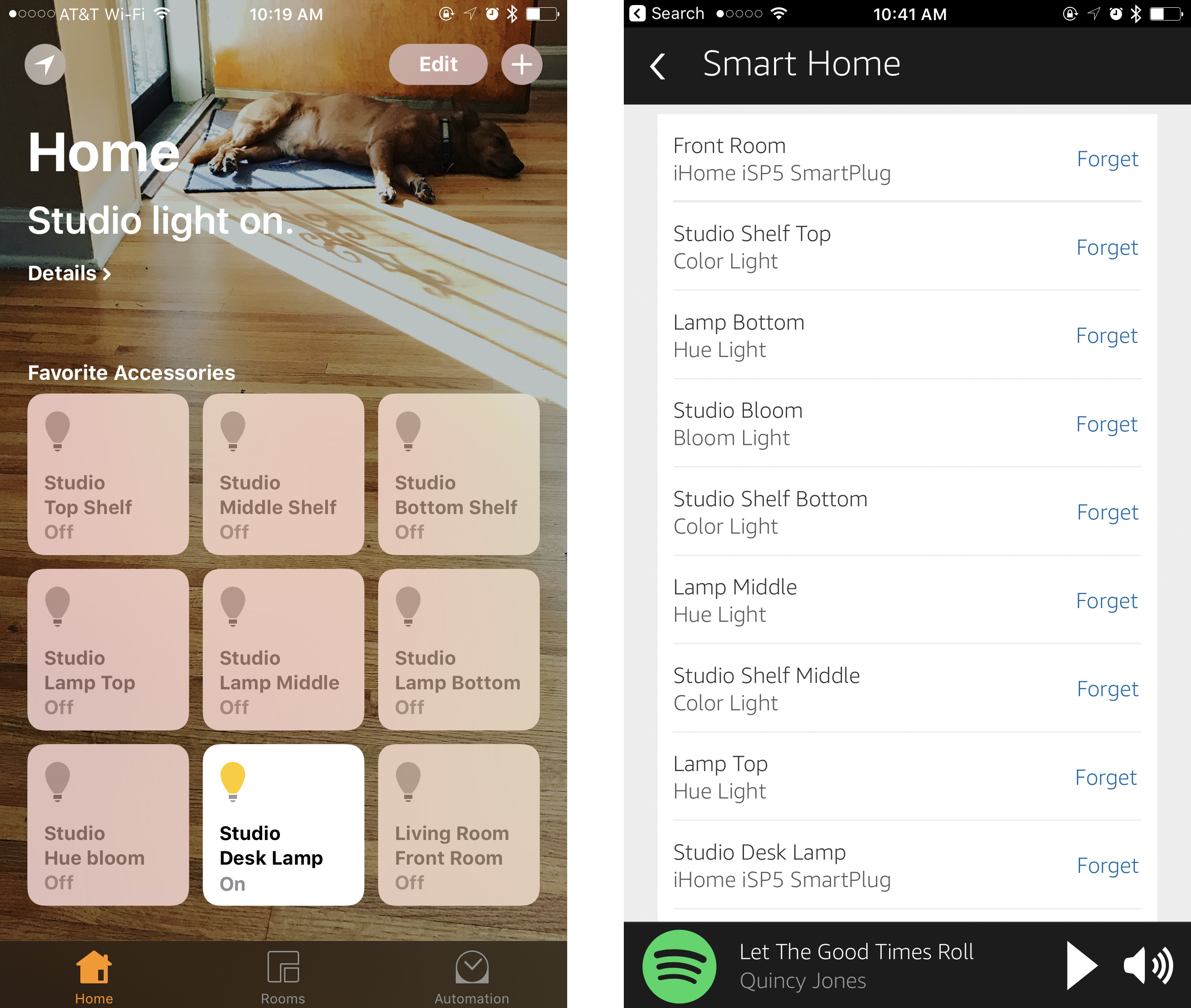
HomeKit has come a long way in recent months. Home.app is easy to use and set up, and Siri does a pretty good job and knowing what’s going on. However, my favorite part about it is that I can put my favorite items in Control Center.
However, in my house, the Amazon Echo reigns supreme. We have one in our kitchen, and I have a new Echo Dot that sits atop a G4 Cube on my desk. (Yes, really.)
Setting up devices in the Alexa iOS app is pretty straightforward. I had to learn that everything works a lot better if your groups have different names than the individual components within them.
For example, I initially set up the group for my shelves as “Shelves.” When I asked Alexa to turn off my “Shelves,” it would ask me which one, as I had multiple things with that name in my account. I renamed the group of shelves and now all three shelf lights come on when I say “Turn on my Collection.”
Some will say that the best assistant is the one you have with you, and that until Amazon is in your pocket, Siri wins. I’m not sure I agree with that, but through the combination of Alexa and HomeKit, I can control my stuff with my voice or my thumbs. At this point, I’ll only be adding things that work with both systems.