Apple Disabling Advanced Data Protection in UK to Avoid Building Government-Mandated Backdoor

Earlier this month, the UK government demanded access to encrypted data stored on Apple servers. This demand was worldwide in scope, and would have required Apple building a backdoor into its encryption scheme for iCloud and related services.

Today, Apple has responded by announcing it will disable Advanced Data Protection in the UK. ADP is the optional setting that adds end-to-end encryption for iCloud data, device backups, message backups, and more.

Mark Gurman has more at Bloomberg:

“We are gravely disappointed that the protections provided by ADP will not be available to our customers in the UK given the continuing rise of data breaches and other threats to customer privacy,” the company said in a statement. “ADP protects iCloud data with end-to-end encryption, which means the data can only be decrypted by the user who owns it, and only on their trusted devices.”

Apple previously called a bill from the UK Parliament that sought access to user data “unprecedented overreach by the government.” At the time, the company said that “the UK could attempt to secretly veto new user protections globally preventing us from ever offering them to customers.”

Customers already using Advanced Data Protection, or ADP, will need to manually disable it during an unspecified grace period to keep their iCloud accounts. The company said it will issue additional guidance in the future to affected users and that it does not have the ability to automatically disable it on their behalf. The move to pull its encryption feature — rather than complying and building a backdoor — is a clear rebuke of the government’s order.

This leaves users in the UK without a way to fully encrypt their iCloud data, meaning the government can request — and receive — that data. I suspect other governments will follow its lead.

More on the C1

Stephen Nellis at Reuters, writing about Apple’s new cell modem:

The C1 subsystem is the most complex technology Apple has ever built, with a baseband modem manufactured with advanced 4-nanometer chipmaking technology and a transceiver made with 7-nanometer technology, Johny Srouji, Apple’s senior vice president of hardware technologies, said in an interview at one of Apple’s silicon labs in Sunnyvale, California.

The chips had to be tested with 180 carriers in 55 countries to ensure they will work in all the places Apple ships iPhones.

“We build a platform for generations,” Srouji said. “C1 is the start, and we’re going to keep improving that technology each generation, so that it becomes a platform for us that will be used to truly differentiate this technology for our products.”

Apple Announces the iPhone 16e

iPhone 16e

As predicted, there is a new iPhone out today; the iPhone 16e is here:

Apple today announced iPhone 16e, a new addition to the iPhone 16 lineup that offers powerful capabilities at a more affordable price. iPhone 16e delivers fast, smooth performance and breakthrough battery life, thanks to the industry-leading efficiency of the A18 chip and the new Apple C1, the first cellular modem designed by Apple. iPhone 16e is also built for Apple Intelligence, the intuitive personal intelligence system that delivers helpful and relevant intelligence while taking an extraordinary step forward for privacy in AI. The 48MP Fusion camera takes gorgeous photos and videos, and with an integrated 2x Telephoto, it is like having two cameras in one, so users can zoom in with optical quality. When outside of cellular and Wi-Fi coverage, Apple’s groundbreaking satellite features — including Emergency SOS, Roadside Assistance, Messages, and Find My via satellite — help iPhone 16e users stay connected and get assistance when it matters most.

That’s right — Apple’s in-house cellular modem has finally arrived. The company has been working toward this for years after buying Intel’s smartphone modem business back in 2019.

The 16e starts at $599 for a 128 GB model, and tops out at $899 with 512 GB of space, and replaces the iPhone SE,1 which started at $429 with just 64 GB of space. That’s a pretty big price bump, even if the 16e modernizes Apple’s cheapest phone in a bunch of ways. The 16e’s 6.1-inch OLED display comes with a Face ID notch, marking the end of Touch ID on the iPhone. That OLED display isn’t as bright as what comes on the mainstream iPhone 16, and doesn’t support the 16’s low-light 1 nit minimum brightness capability.

The phone comes with an Action Button, but no Camera Control.

And of course, the 16e’s A18 processor means this phone supports Apple Intelligence. The A18 in the regular iPhone 16 has a 6-core CPU and 5-core GPU, while the 16e has just 4 GPU cores. Despite the lack of Camera Control, Visual Intelligence is still present, now through the Action button.

Out back, the 16e has just one camera lens, but does Apple’s zoom/cropping trick to offer both 1x and 2x options.

Sadly, the 16e doesn’t seem to include MagSafe support, but rather just Qi wireless charging up to 7.5 watts. Apple’s own case for the 16e also lack MagSafe, but I’m sure third-parties will come up with solutions.

In the product video, Tim Cook says this phone “completes the iPhone 16 family,” which is interesting positioning. The SE was kind out of there on its own, but what will happen to the 16e once the 17 line rolls out? Will we see an iPhone 17e this fall, or a year from now?

Time will tell what Apple’s plan is here. For now, the 16e offers a slightly cut-down iPhone 16 experience starting at $200 less than the iPhone 16 itself.


  1. In addition to the iPhone SE, Apple has discontinued the iPhone 14 and 14 Plus as well. 

Callsheet 2025.2

Casey Liss:

Since shortly after Callsheet was released, my #1 request from my users has been the same thing: pins are great, but can we have multiple lists of pins?

Today is the day.

Over the last few days, Callsheet 2025.2 has been quietly rolling out to users. While there is a lot in this release, the headline feature is the ability to make multiple lists of pins. If you have Callsheet installed, and it hasn’t updated, you can open it in the App Store and force your device to update it.

I was one of many people who asked for this, and am psyched that Casey has this feature out in the world.

Turns Out, You Can’t Spell ‘Humane AI Pin’ Without HP

Jay Peters, writing at The Verge:

Humane is selling most of its company to HP for $116 million and will stop selling AI Pin, the company announced today.

AI Pins that have already been purchased will continue to function normally until 3PM ET on February 28th, Humane says in a support document. After that date, Pins will “no longer connect to Humane’s servers.” As a result, AI Pin features will “no longer include calling, messaging, AI queries / responses, or cloud access.” Humane is also encouraging users to download any pictures, videos, and notes stored on their Pins before they are permanently deleted at that shutdown time.

After the shutdown, offline features like “battery level” will still work, Humane says, but “any function that requires cloud connectivity like voice interactions, AI responses, and .Center access” will not.

If you bought a pin in the last 90 days, you can get a refund. If not, you will soon have a paperweight.

For its $116 million, HP is getting “key AI capabilities from Humane, including their AI-powered platform Cosmos, highly skilled technical talent, and intellectual property with more than 300 patents and patent applications,” according to a press release.

As John Gruber reminded everyone, Humane has been trying to sell itself for nine months, and was looking for a price between $750 million and $1 billion.

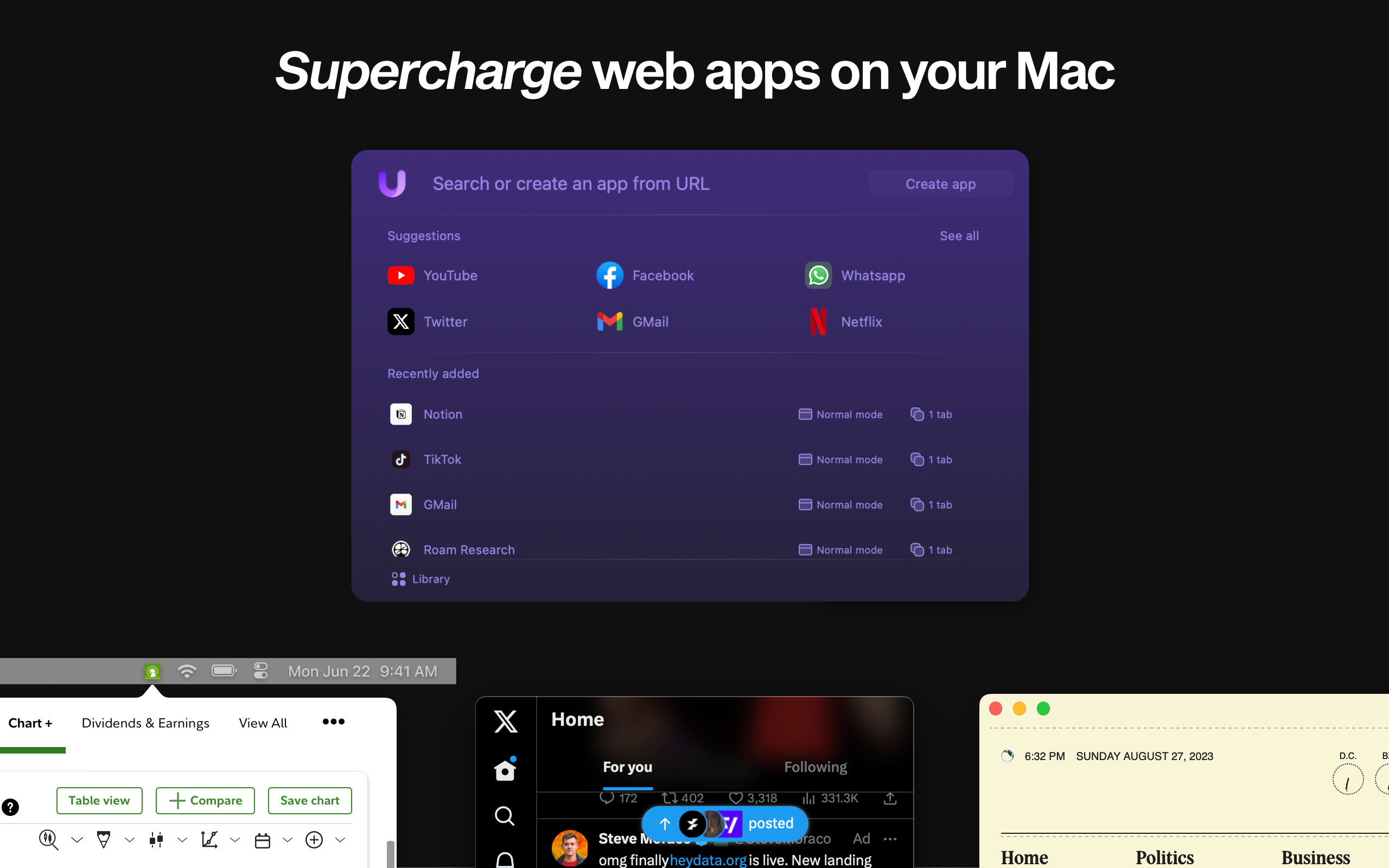
Sponsor: Unite 5 Turns Web Apps Into Supercharged macOS Apps

Unite 5 for macOS takes your web experience to the next level, transforming websites into feature-rich Mac apps. Powered by a completely redesigned WebKit browser, Unite 5 offers a more immersive and customizable browsing experience.

Unite 5

What sets Unite 5 apart? We’ve gone beyond just app conversion. Our new intricate link-forwarding rules give you unparalleled control over web interactions, making your web apps smarter and more integrated than ever before.

Some highlights of Unite 5:

  • Advanced Link-Forwarding: Navigate your web apps like a pro.
  • Revamped Browser Engine: Faster, more reliable, and tailored for macOS.
  • Enhanced Customization: More ways to make your web apps truly yours.

Create powerful web apps in seconds, such as:

  • A Gmail client that integrates seamlessly with macOS.
  • A resource-efficient Slack or Discord app with full notification support.
  • A dedicated AI app for ChatGPT or Claude.AI
  • A Robinhood or Figma app that feels native on your desktop.

512 Pixels readers get an exclusive 20% off this week! Use the promo code 512Pixels at checkout or visit bzgapps.com/unite512.

Experience Unite 5 for yourself with a 14-day free trial, or access it as part of a Setapp subscription.

Hell Didn’t Freeze Over After All

Chris Welch at The Verge:

Considering the trajectory of 2025 so far, perhaps we should’ve known that Netflix finally playing nice with the Apple TV app was too good to be true. And now the streaming giant has confirmed that’s exactly the case.

Netflix spokesperson MoMo Zhou has told The Verge that this morning’s window where Netflix appeared as a “participating” service in Apple TV — including temporary support for the watchlist and “continue watching” features — was an error and has now been rolled back. That’s a shame. The jubilation in our comments on the original story was palpable.

Apple Updates Purchase Migration Requirements

I’ve heard a lot of horror stories about Apple Account purchase migration over the last couple of days, and I suspect Apple’s support folks have too. To help clarify things, Apple has updated its documentation, as spotted by Zac Hall. Apple has expanded things to look at if you’re unable to migrate:

  • Neither Apple Account can be a child account created through Family Sharing.
  • Neither Apple Account can already be used for migrated purchases. Learn how to undo a migration of purchases. If you undo a migration of purchases from a secondary account, you won’t be able to migrate purchases again for 1 year.
  • You can’t migrate purchases if both the primary Apple Account and the secondary Apple Account have music library data associated with each of them.
  • You can’t migrate purchases if you’ve set your Apple One subscription to provide iCloud storage to a third, different account. Learn about Apple One and iCloud storage.
  • If your primary account has never been used for purchases or free downloads, you can’t migrate purchases.
  • You can’t migrate purchases from an Apple Account that’s been deleted or deactivated.
  • You can’t migrate purchases if your Apple Account is locked or disabled. Learn what to do if your Apple Account is locked or disabled.
  • Neither Apple Account can be receiving any special access to apps or content. For example, an Apple Account enrolled in the VPP program through an employer to receive special access to apps.
  • You can’t migrate purchases if your secondary Apple Account is used with TestFlight for testing beta versions of apps from a developer. Open TestFlight and select Stop Testing for each app to remove it from your account.

The list of things to do before a migration has also been updated:

  • Make sure that you’re signed in with two different accounts on your iPhone or iPad. In Settings, tap your name. You’ll see a different Apple Account displayed under Media & Purchases if you have a different account signed in for purchases. If you don’t see a different Apple Account here, tap Media & Purchases, then tap Sign Out. After you’re signed out, tap Media & Purchases, then choose “Not (your name)?” to sign in to a different Apple Account.
  • Make sure the secondary Apple Account isn’t a member of a Family Sharing group. Learn how to leave Family Sharing. You can still migrate purchases if you previously designated your secondary account as a different Apple Account to share purchases for your primary account in Family Sharing.
  • Turn on Two-Factor Authentication for both accounts.
  • Make sure both accounts are set to the same country and region for purchases.
  • Spend any balance remaining on your secondary Apple Account. If you’re not sure whether you have a balance, check your Apple Account balance.
  • Wait for any rentals or pre-orders to complete on your secondary Apple Account. You can cancel a pre-order.
  • In South Korea and China mainland, you might have to wait up to 15 days for all of your purchases made using Apple Account balance to completely process.
  • Have your payment method on file nearby. You’ll have to verify the payment method from the secondary Apple Account in order to migrate purchases. Additionally, the secondary account can’t have any issues with the payment method on file. Learn how to view or change your payment methods for Apple Account purchases.
  • Update your iPhone or iPad to the latest version of iOS or iPadOS.

It’s great Apple has built this tool, but my word, this whole thing is complicated.