512 Pixels

Ask the Windows People⇢

This week, we discuss honeymoon etiquette and dispense financial wisdom about AAPL before discussing Loom, Apple’s new environmental video, MacStories 4.0 and the new OS X Beta Seed Program.

Sponsored by lynda.com and Harry’s (use code PROMPT for $5 off your first purchase)

MacStories 4.0⇢

Federico Viticci:

For MacStories 4.0, we wanted to get back to basics. We deleted the old design and codebase and decided to focus on what, ultimately, readers come to MacStories for: reading articles.

We realized very early on that our readers don’t need to see dozens of boxes or widgets in a sidebar, nor do they want to deal with multiple toolbars, menus, or guessing RSS feeds on their own. Readers want a readable article, not an article hidden somewhere in a cluttered sea of stuff. We redesigned MacStories with the idea of prioritizing articles over everything else, using a responsive layout to let content take advantage of every screen size.

I’ve been reviewing the site’s new design for several weeks now, and boy, is it good. I welcome our new Italian responsive web design overlords.

Apple launches OS X Beta Seed Program⇢

Darrell Etherington at TechCrunch:

Before today, you needed a developer account to help test Apple’s upcoming software releases before they hit the general user population. You didn’t need to actually develop anything, but it would still cost you $99 per year to partake, and technically it was still sort of against the rules. Today, Apple introduced its OS X Beta Seed Program to make pre-release Mac operating system software available to all who want to help try it out.

Signing up is simple, and with WWDC just six weeks away, my guess is that things could get really exciting for program participants soon.

Of course, Apple hasn’t had a public beta of OS X in a long time. I can’t help but think that OS X may be getting a lot of attention in June.

1Password 4.5 released⇢

David Chartier:

One could say we’ve been busy these last couple of months, but that would only be the half of it. We have two great releases today that are packed with so much stuff, we had to cut down on our What’s New text just to fit it within the App Store requirements.

1Password 4.5 for iOS beings lots of features, including an overhauled — and flattened — UI, AirDrop support, the ability to create multiple vaults and more.

I’ve enjoyed using the beta, and I think the new UI really does the app a lot of good. This update is out much later than most iOS 7 overhauls, but the wait is worth it. Beyond new pixels, the app is faster, on-boarding has been made easier and the in-app browser feels much better.

1Password has been a critical part of my workflows for years, and I consider it to be the best password manager out there. Over on The Sweet Setup, Robert Mcginley Myers agrees:

In short, 1Password is the best app for managing your passwords because it does the best job of taking hold of our slippery digital identity, all the myriad digital bits of ourselves we use to prove who we are, and helps ease the friction of our travels through the digital world.

You can pick up 1Password on the Mac App Store, and for iOS. Both apps are currently 50% off.

On Apple and Nike⇢

Ben Thompson:

What kind of company is Apple, anyway?

They certainly have great technology, but to call them a technology company doesn’t seem quite right. They have great marketing, but to call them a marketing company isn’t true either. They have an incredible retail chain, but to call them a retailer is clearly off base as well.

You could ask a similar question about Nike.

With lots of hubbub around Nike and its Fuelband this weekend, Ben’s article is well worth the read.

Better⇢

Apple’s new environmental page is pretty cool, and I like Tim Cook as narrator.

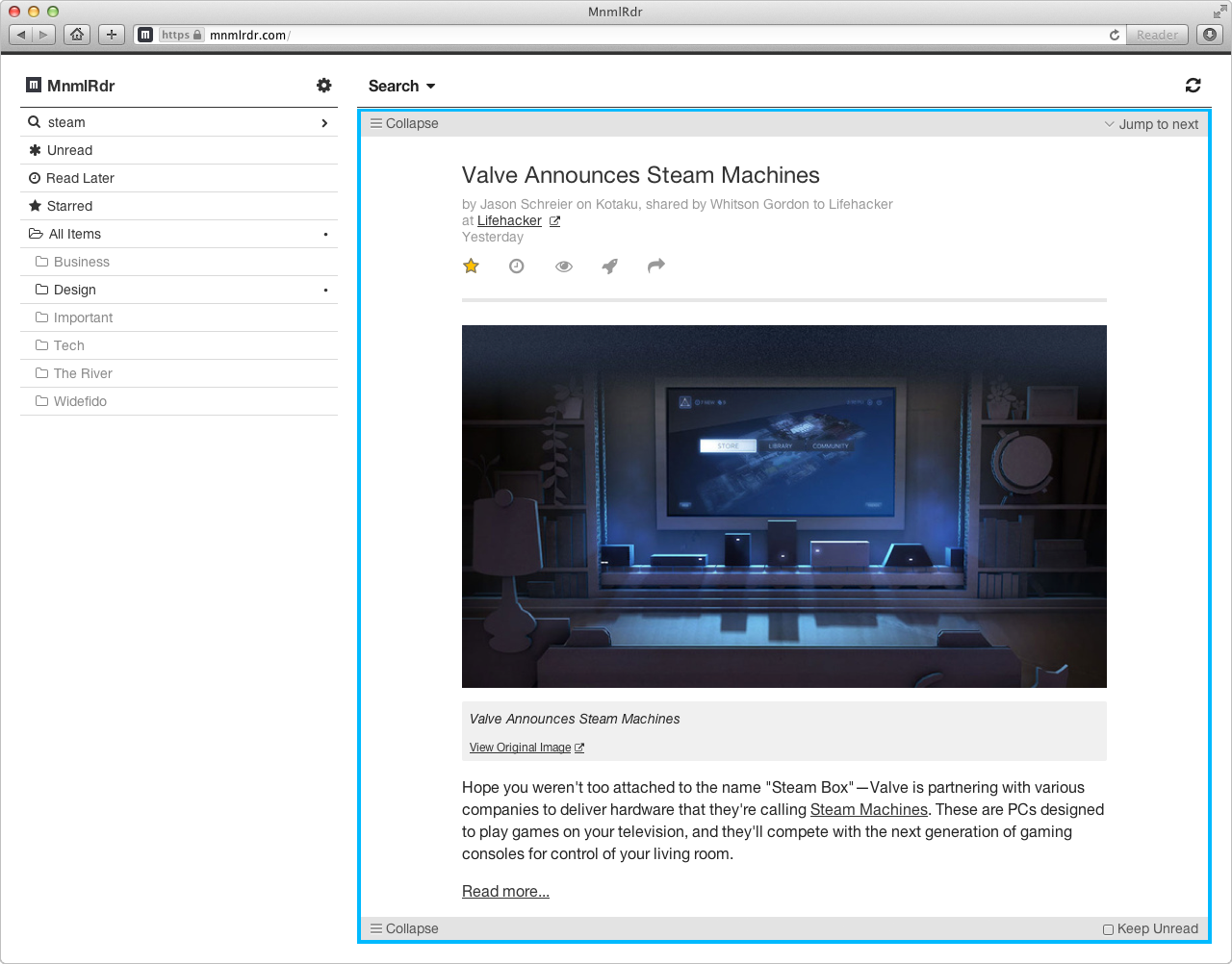
Sponsor: MnmlRdr - A lightweight & minimal RSS feed reader you’ll want to use everyday⇢

MnmlRdr is a lightweight & minimal RSS feed reading service, and, this week only, there is a special deal for 512pixels.net readers to get 50% off the normal price.

MnmlRdr’s primary goal is to minimize clutter and make content easy for you to read. By hiding distracting elements and turning advanced features off by default, MnmlRdr helps you focus on what matters most: the content.

But, MnmlRdr doesn’t stop there…it has everything you need in an RSS feed reader neatly tucked away, like search, tagging, real-time updates, full-text extracts, and intuitive gestures on mobile. Best of all is that MnmlRdr is private, ad-free, and supported through subscriptions…so you don’t have to worry about the service suddenly disappearing one day.

There’s an exclusive offer this week for 512pixels.net readers: you can get 6-months of MnmlRdr for free when you sign-up for a yearly plan. You shouldn’t pass up this deal.

What the Freedom of Speech actually means⇢

We all hear people complaining that their right to free speech is being taken away, or that if some jerk on TV says something terrible and is fired, their First Amendment rights have been violated by a television network.

In reality, however, the right to free speech is a contract between the federal government and its citizens. It says nothing — and offers no protection — from real-world consequences for saying something others disagree with or find inflammatory.