Find out which iPad model you have.
I wonder how much more complicated this page will be in 24 hours.

Find out which iPad model you have.
I wonder how much more complicated this page will be in 24 hours.
AI is suddenly everywhere, from online services and software to bespoke hardware products. This week, David takes Stephen on a journey to talk about the tools he has found useful, as well as what’s not ready for prime time yet.
Apple announced its financial results for its second fiscal quarter of 2024 on Thursday. The company booked $90.8 billion in revenue (down 4% versus the year-ago quarter) with $23.6 billion in profit. Mac revenue was up 4%, presumably buoyed by the release of the M3 MacBook Air. iPad revenue crashed down to $5.6 billion, a 17% drop from the year-ago quarter and the weakest iPad quarter in four years. iPhone revenue was $46 billion, down 10% versus the year-ago quarter.
Services revenue was the big highlight for Apple this quarter, with a new record $23.9 billion in revenue, up 14% year over year. The Wearables, Home, and Accessories category managed only $7.9 billion in revenue, down 10% versus the year-ago quarter.
A funny thing happened as the results were being reported, but I’ll leave that to Zac Hall to sort out.
One of the most controversial aspects of Apple’s response to the EU’s Digital Markets Act (DMA) was the introduction of a Core Technology Fee (CTF), which must be paid by developers who opt into Apple’s alternative business terms. Today, in a post on its developer website, Apple announced changes to the CTF and regarding the treatment of iPadOS, which was added to Apple’s DMA compliance obligations earlier this week.
The problem was that the CTF as originally conceived applied to all apps, including free apps. If a developer offered a free app and had first annual app installs of over 1 million installations, they would owe the €0.50 per installation fee, regardless of the fact they earned no income from the app. The fee, as proposed, would likewise be a problem for developers with other sources of income that weren’t enough to pay the CTF.
Here are the two changes Apple has made:
First, no CTF is required if a developer has no revenue whatsoever. This includes creating a free app without monetization that is not related to revenue of any kind (physical, digital, advertising, or otherwise). This condition is intended to give students, hobbyists, and other non-commercial developers an opportunity to create a popular app without paying the CTF.
Second, small developers (less than €10 million in global annual business revenue*) that adopt the alternative business terms receive a 3-year free on-ramp to the CTF to help them create innovative apps and rapidly grow their business. Within this 3-year period, if a small developer that hasn’t previously exceeded one million first annual installs crosses the threshold for the first time, they won’t pay the CTF, even if they continue to exceed one million first annual installs during that time. If a small developer grows to earn global revenue between €10 million and €50 million within the 3-year on-ramp period, they’ll start to pay the CTF after one million first annual installs up to a cap of €1 million per year.
These are both moves in the right direction, but developers will need to keep an eye on that change that takes place three years in.
Tom Lokhorst has put together a wonderful site that catalogs WWDC sessions dating back to the year 2000. I bet this one was fun.
Somehow, we have arrived at episode 500 of Connected,1 and I’m so glad Apple waited to release new iPads until next week, so we could play our traditional game before the event next week:
Apple’s first iPad event in over a year is next week, so the guys have dusted off their headphones and have made some picks ahead of May 7.
The Flexies got a little out of control this time. Between the three of us, we made 27 picks in that category alone.
Combined with The Prompt, we’ve now published 557 episodes of our weekly show about Apple. It blows my mind that we’ve been doing this show for so long, but all three of us are just as passionate and excited about it as we were ten years ago. Thank you for listening and supporting Connected for all of these years. ↩︎
Today, the European Union announced that it has added iPadOS to the products and services subject to the Digital Markets Act (DMA). The designation gives Apple six months to comply with the DMA.
iOS is already subject to the DMA, and Apple’s response meant that actions it took to comply with the law did not apply to iPadOS, leading to incongruous differences between the platforms. With the addition of iPadOS under the purview of the DMA, I expect some of those differences will need to be ironed out.
Want to experience twice as fast load times in Safari on your iPhone, iPad, and Mac?
Then download Magic Lasso Adblock – the ad blocker designed for you. It’s easy to set up, blocks all YouTube ads, and doubles the speed at which Safari loads.
Magic Lasso Adblock is an efficient and high-performance ad blocker for your iPhone, iPad, and Mac. It simply and easily blocks all intrusive ads, trackers, and annoyances in Safari. Enable it to browse in bliss.
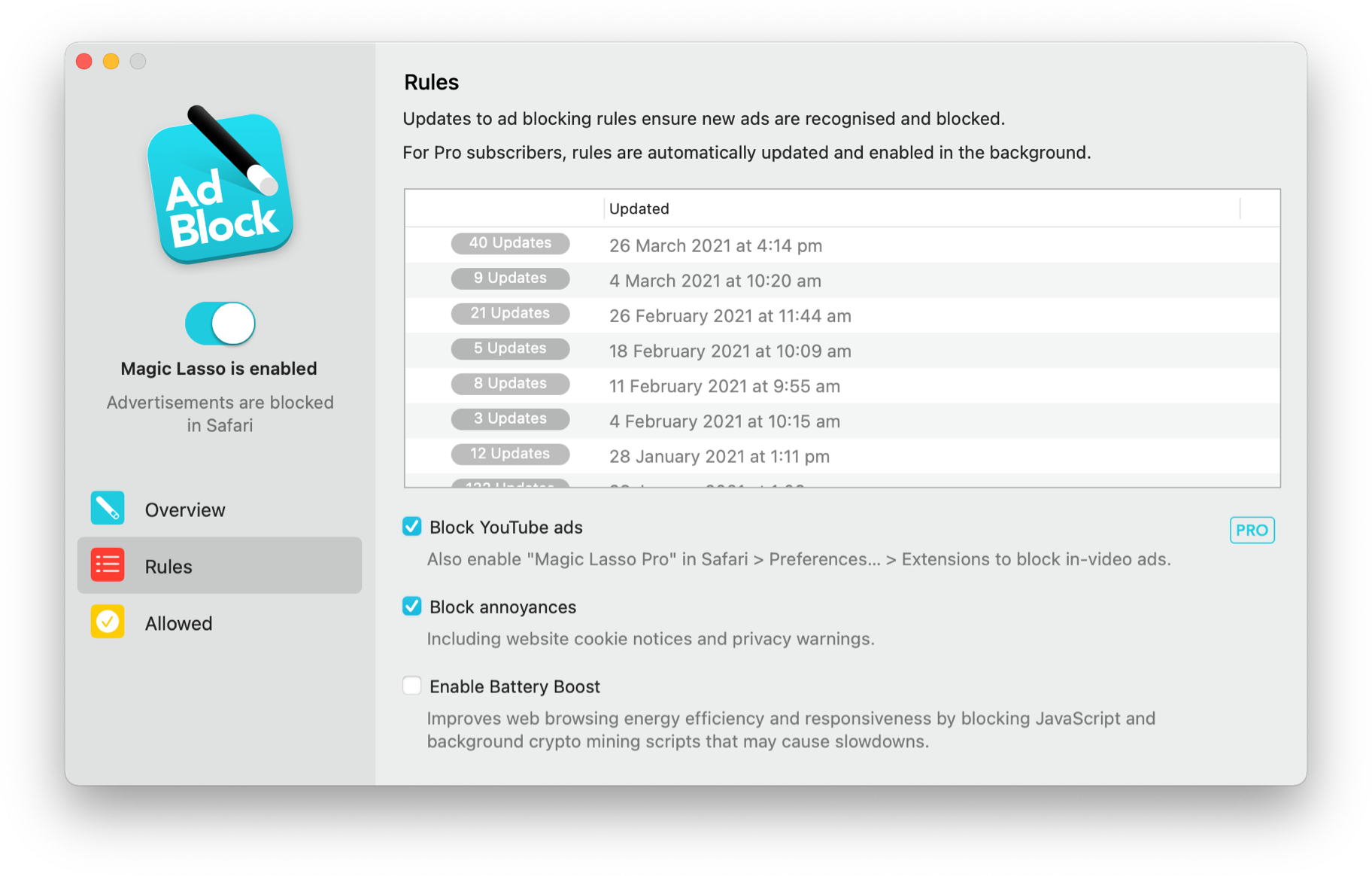
By cutting down on ads and trackers, common news websites load 2x faster and use less data.
Over 300,000+ users rely on Magic Lasso Adblock to:
Unlike some other ad blockers, Magic Lasso Adblock respects your privacy, doesn’t accept payment from advertisers, and is 100% supported by its community of users.
Download Magic Lasso Adblock from the App Store, Mac App Store or via the Magic Lasso website. Version 4.5 is out now, and it has been totally rebuilt using SwiftUI, making the app more modern and faster than ever.
I’m very happy with this particular episode of the podcast:
Neil Jhaveri founded Mimestream, a macOS email app for Gmail users.
Stephen and David talk to Neil about his time at Apple, Mimestream’s roadmap (including an iOS version and supporting non-Google services), and email’s place in today’s world.
This weekend, my Mastodon and Thread timelines exploded with people being locked out of their Apple IDs. While it didn’t happen to me, it did to Michael Tsai:
I had another instance of my Apple ID mysteriously being locked. First, my iPhone wanted me to enter the password again, which I thought was the “normal” thing it has done every few months, almost since I got it. But after doing so it said that my account was locked.
Chance Miller also reported on it:
We received our first tip about this around 8 p.m. ET. In the hours since then, the problem has gained significant traction on social media.
Apple’s System Status webpage doesn’t indicate that any of its services are having issues this evening. Still, it’s clear based on social media reports that something wonky is going on behind the scenes at Apple. A few of us here at 9to5Mac have also been directly affected by the problem.
People are being signed out of their Apple ID across all of their devices. If you try to sign in with your original Apple ID password, you’ll be locked out of your account. You’ll then be forced to reset your password before being able to sign back in. There doesn’t appear to be any rhyme or reason as to why this is happening.
I spent the week with ALSAC — the fundraising organization at St. Jude — with half a dozen Relay folks and a few hundred other content creators who are using their platforms for fundraising.
(Most of the events were at the Peabody Hotel here in Memphis, so there were some ducks hanging around as well.)
Those creators ranged from fitness and health to beauty and fashion to gamers and us podcasters. We spent time hearing from folks at St. Jude about the hospital’s mission and the tools it is developing to enable communities to fundraise in new and existing ways.

It quickly became apparent to me that while we exist in different online spaces, our group of nerdy podcasters are really doing the same thing as people streaming games on Twitch, throwing online dance parties, or talking to their followers about health or fashion. We all want to rally our communities to get them excited about the life-saving work of St. Jude.
In just a couple of weeks, my family will celebrate the 15th anniversary of our son’s cancer diagnosis. This fall, he will turn 16 and is doing very well. He continues to be an inspiration to us, but 15 years is a long time, and some times those early years feel like they happened to someone else.
One of my favorite things over the last week was going on a tour of the St. Jude campus. While I know it well, it was really something to watch other people get to experience it for the first time. The sheer scale of St. Jude is hard to convey unless you’re walking around some of the buildings, learning about the interplay of research and patient care that is unique to St. Jude.
Getting back on the bus after the campus tour, people are buzzing about what they had seen, making conversation about what struck them the most. It was refreshing to hear the excitement, knowing that all of these creators now feel supercharged to go back and tell their communities about what they had seen.
For us, that will start when September rolls around. We’re hard at work planning the campaign and the 12-hour Podcastathon, which will take place on Friday, September 20.
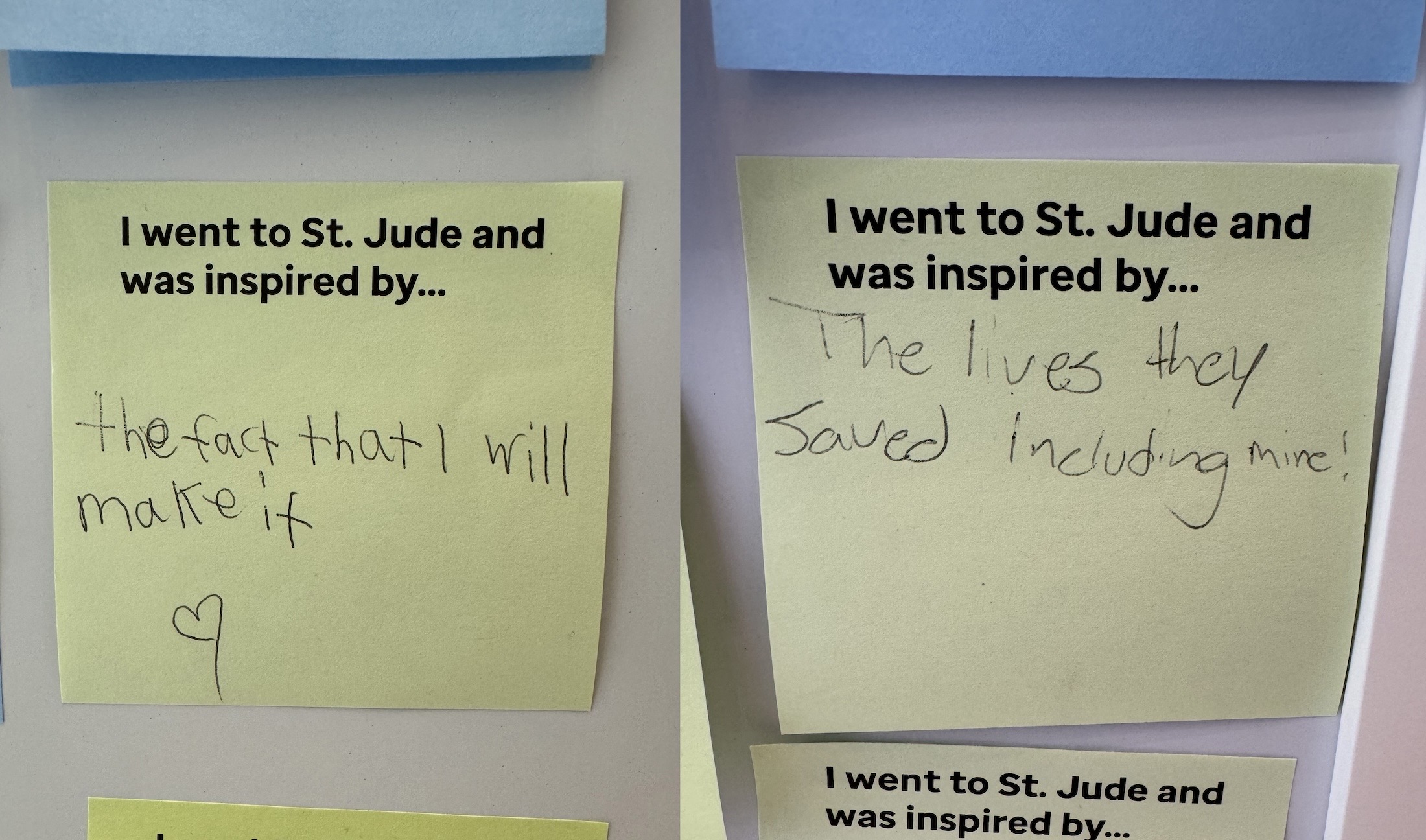
Until then, I want to leave you with these photos that Casey Liss snapped on our campus tour:
When Apple introduced Fusion Drives back in late 2012, they were an attractive option for many iMacs and Mac minis. At a time when SSDs of 1 TB and greater size were expensive, the Fusion Drive seemed to offer the best of both worlds, with a capacious hard disk and a smaller but much faster SSD working in tandem. Since Apple discontinued the iMac 21.5-inch 2019 in April 2021, no Mac has offered a Fusion Drive option, and most significantly they’ve never been available in any model with a T2 or Apple silicon chip. This article considers whether the Fusion Drive was such a good idea, and why they have gone.