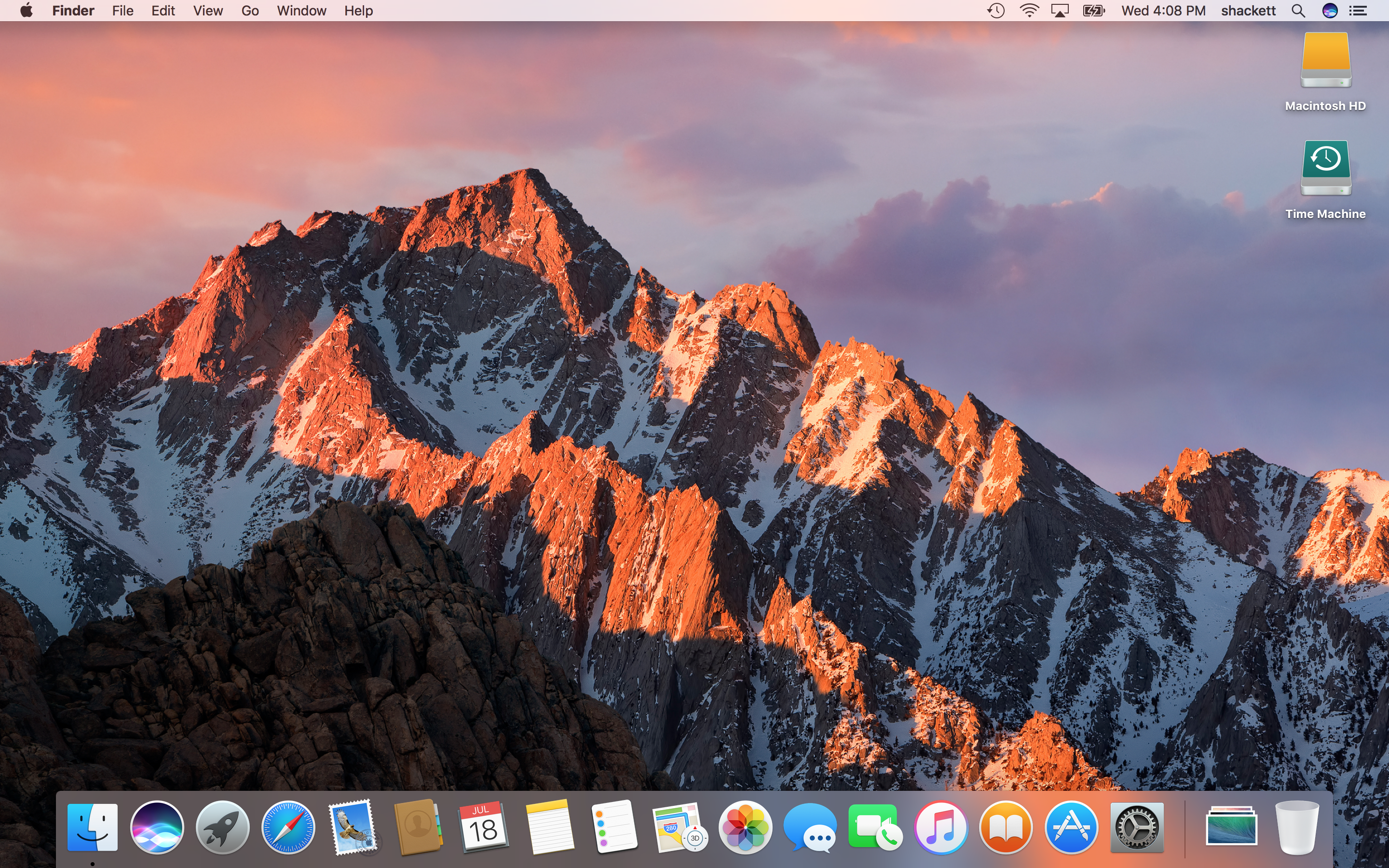
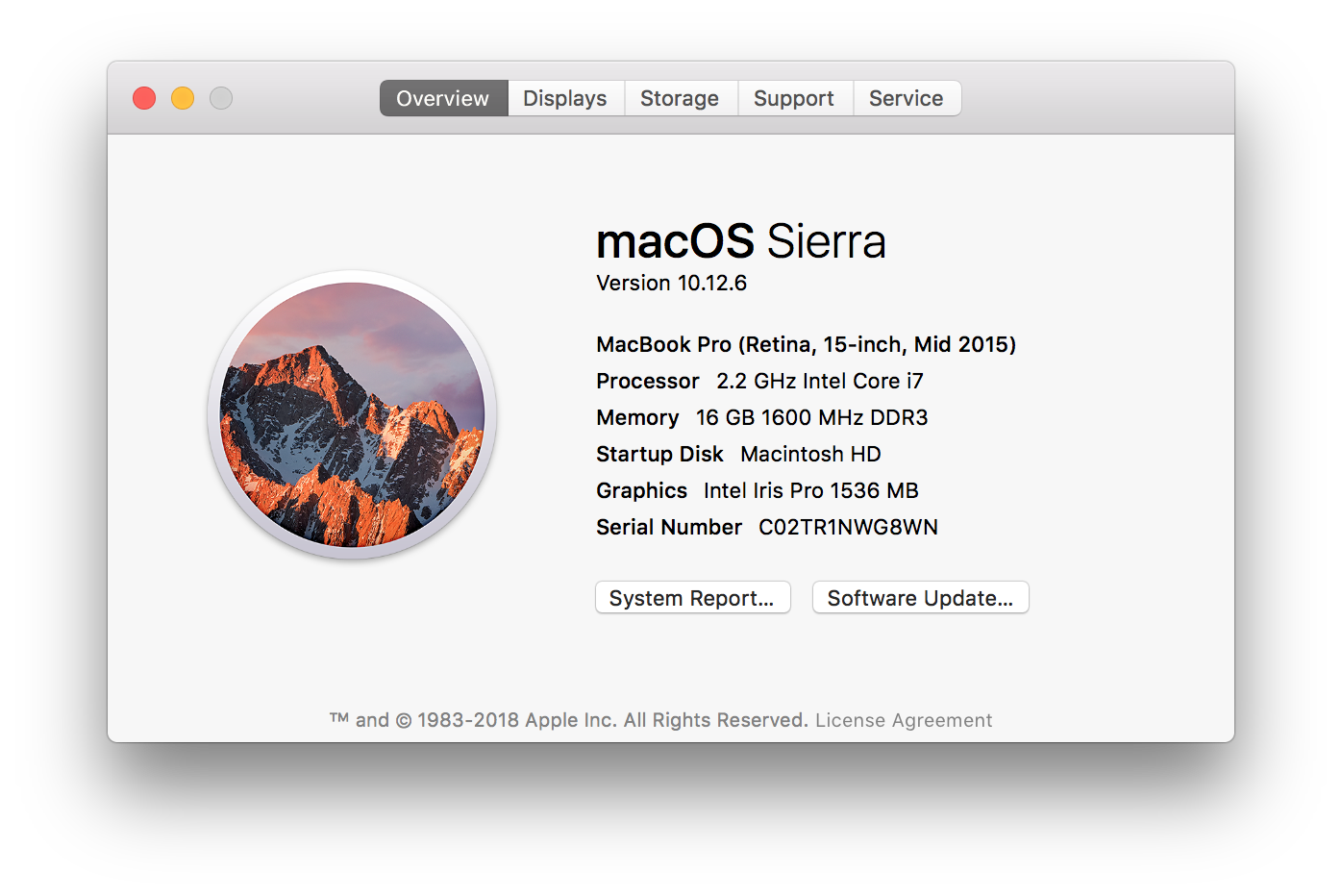
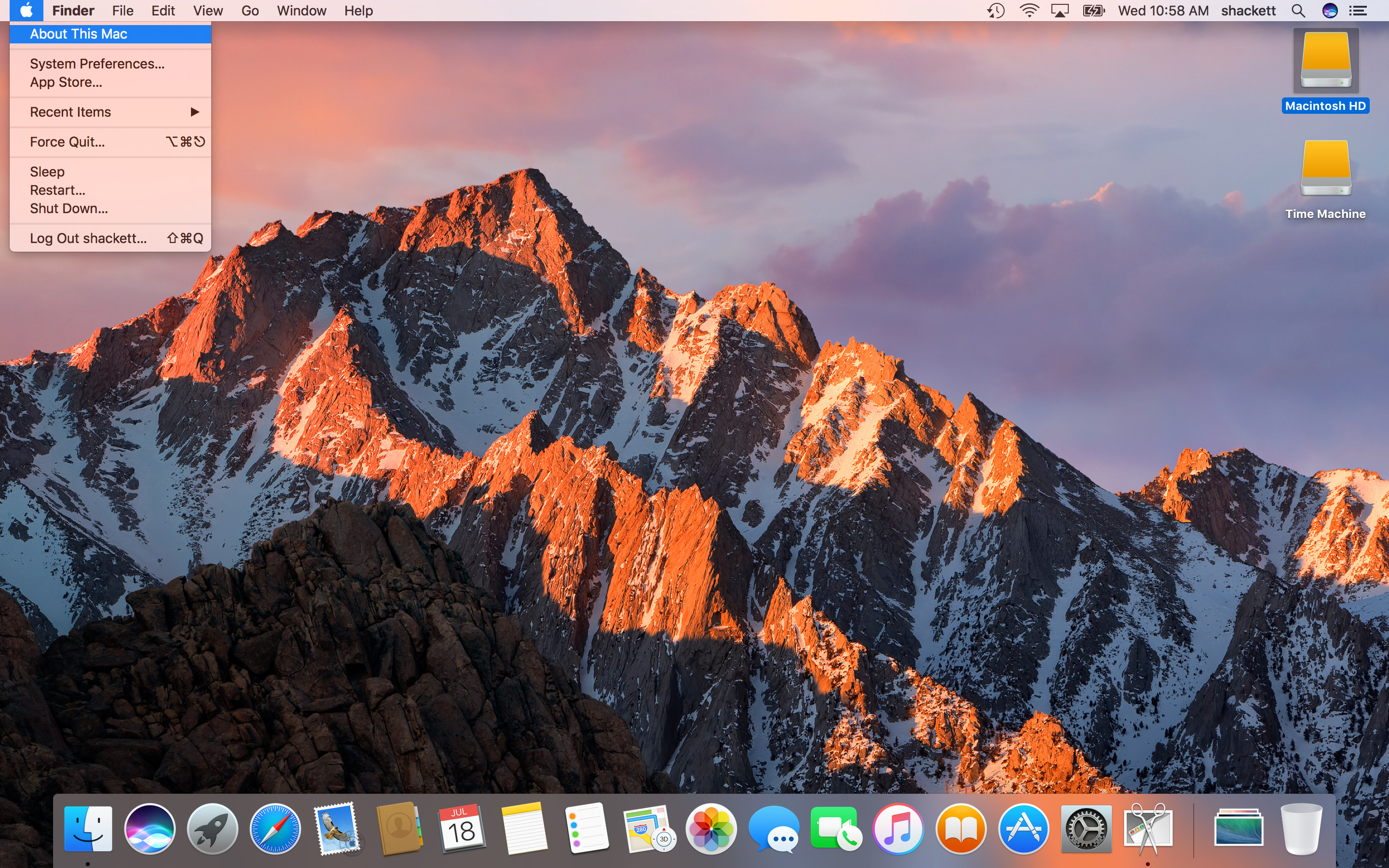
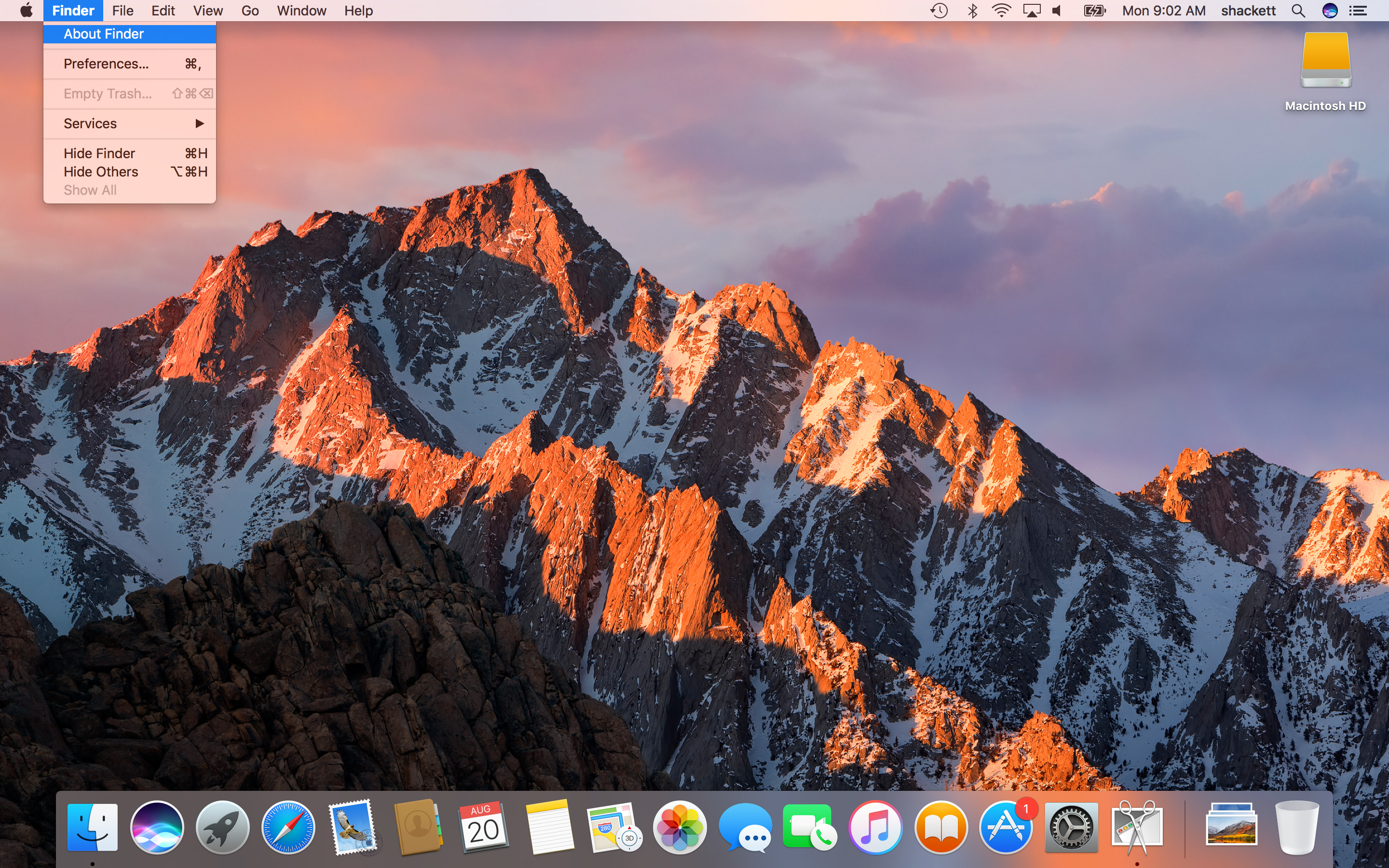
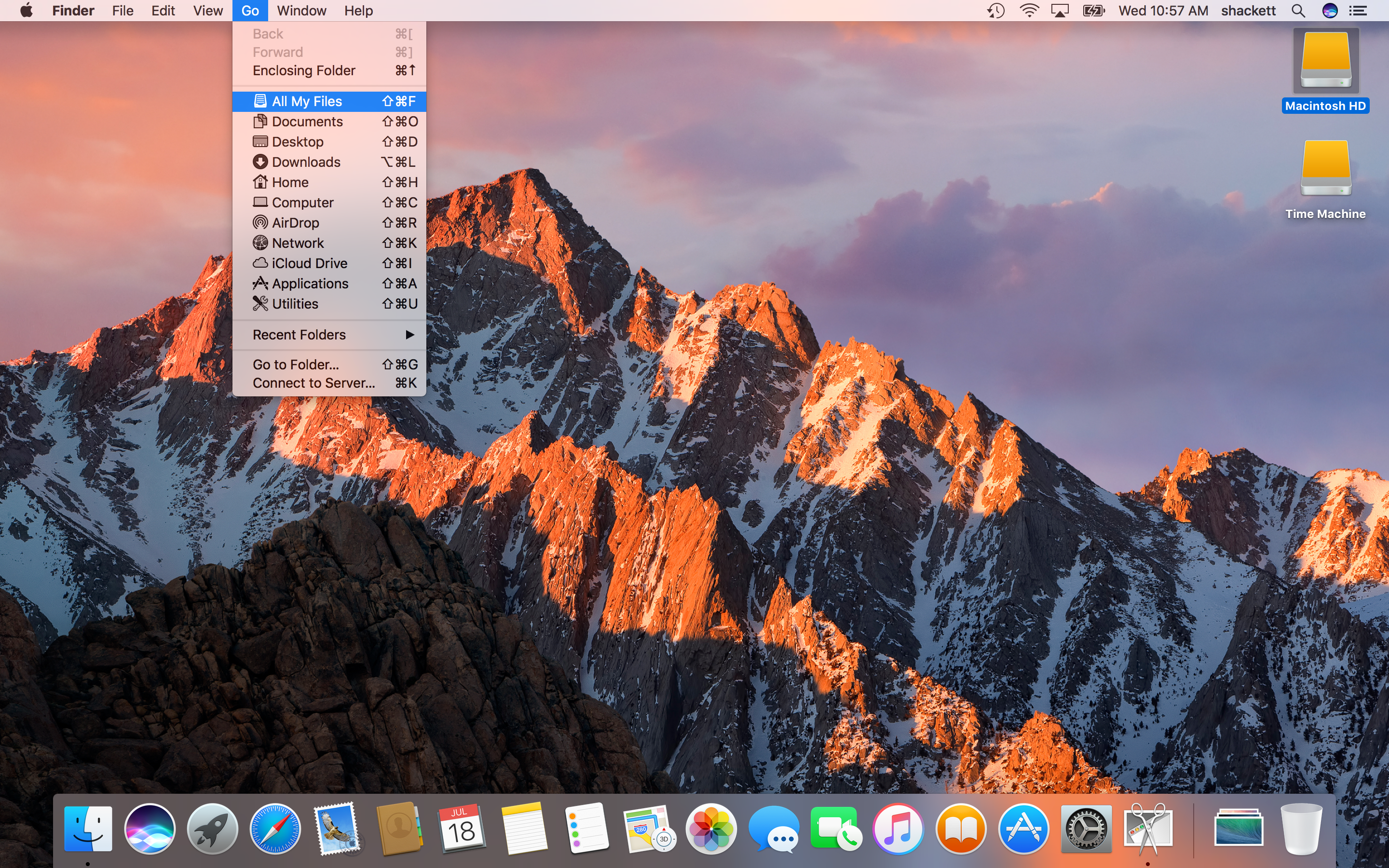
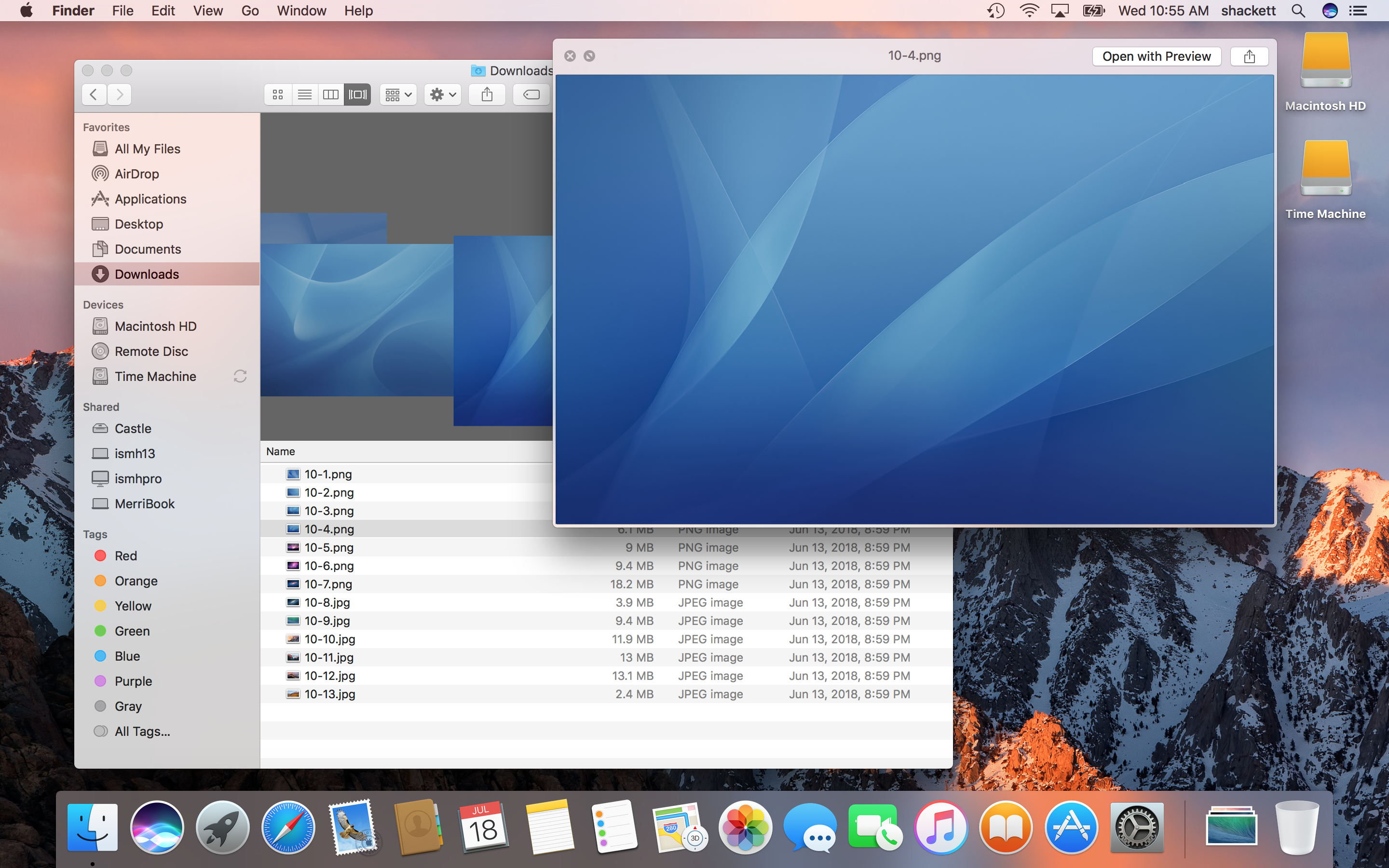
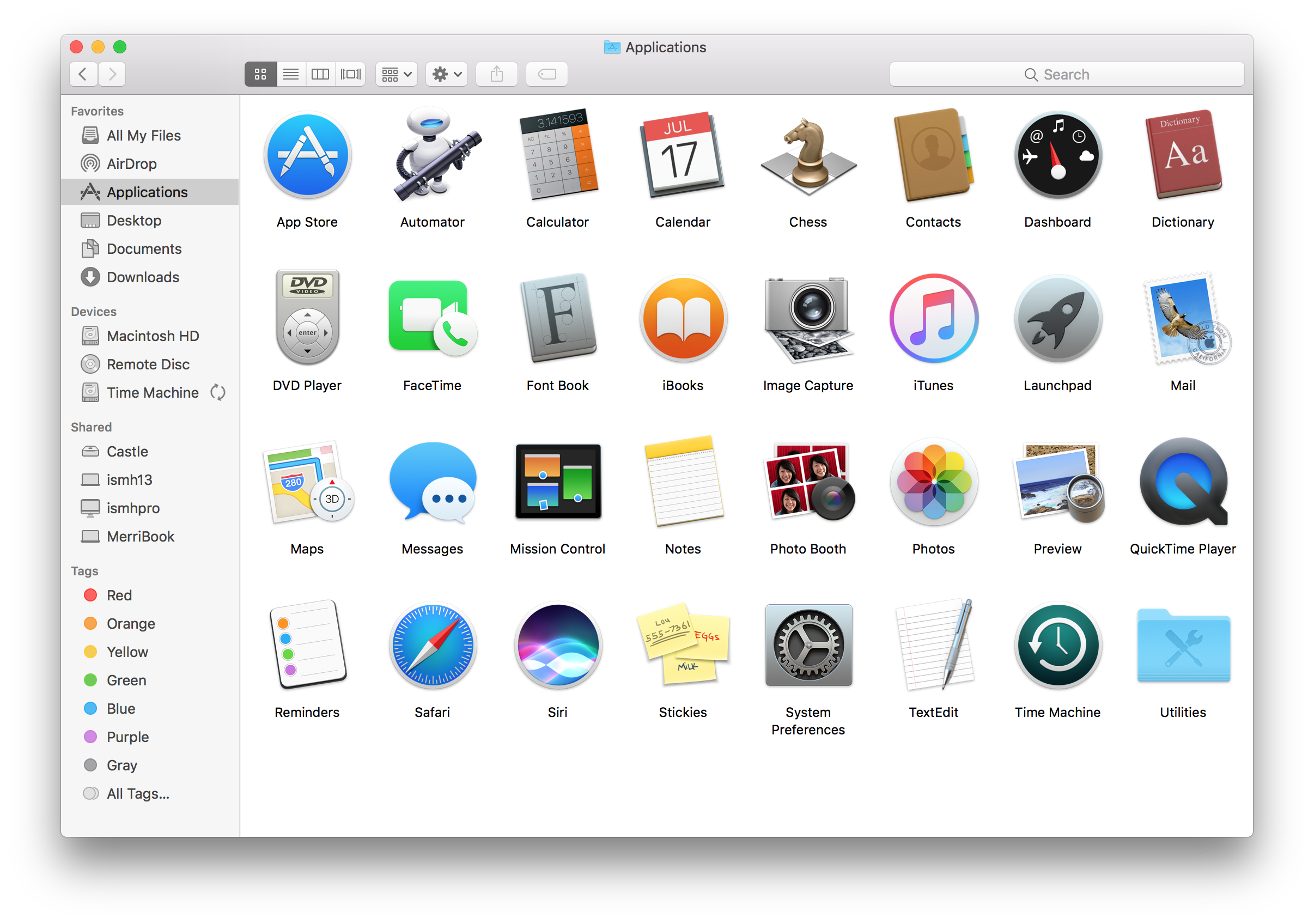
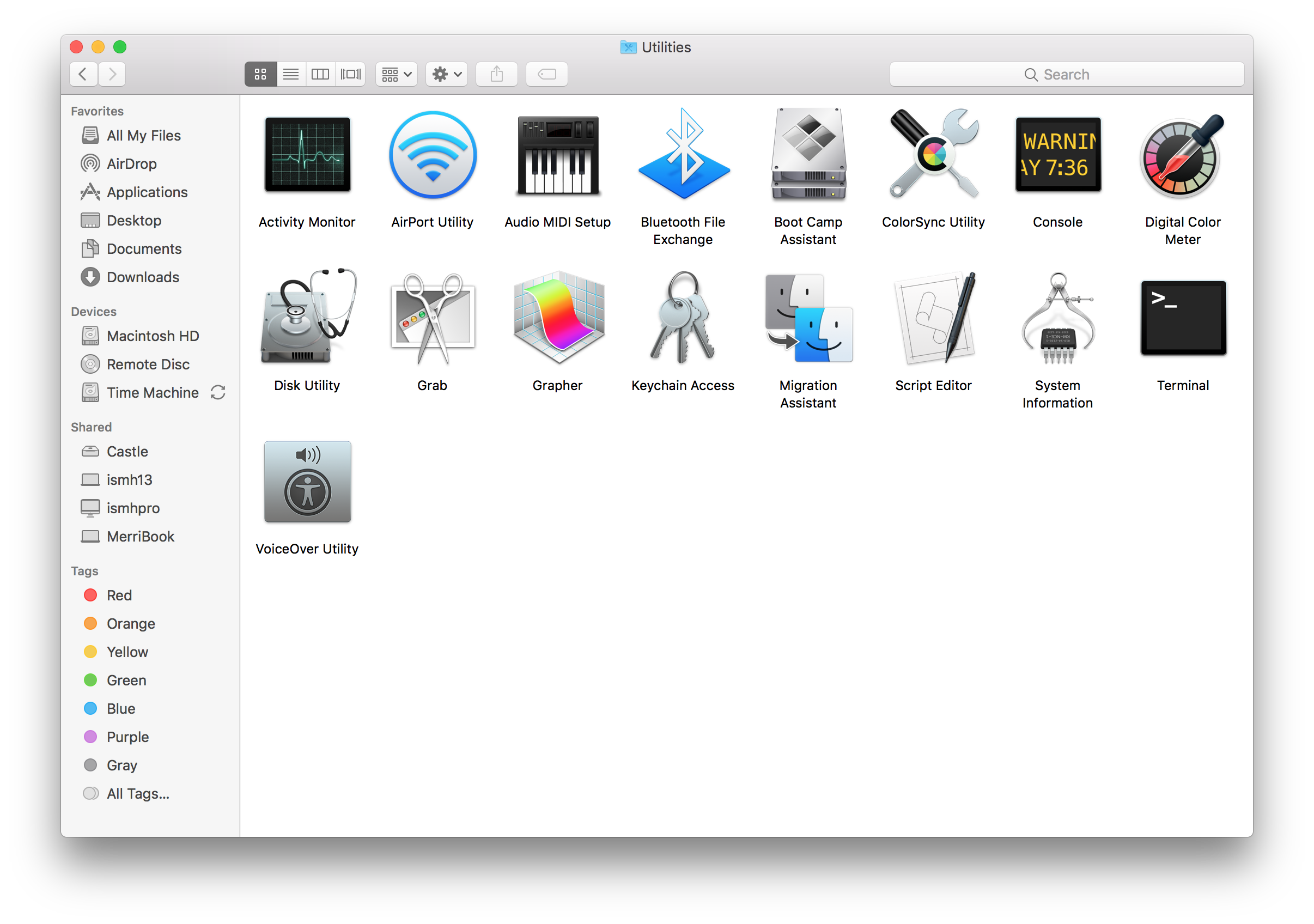
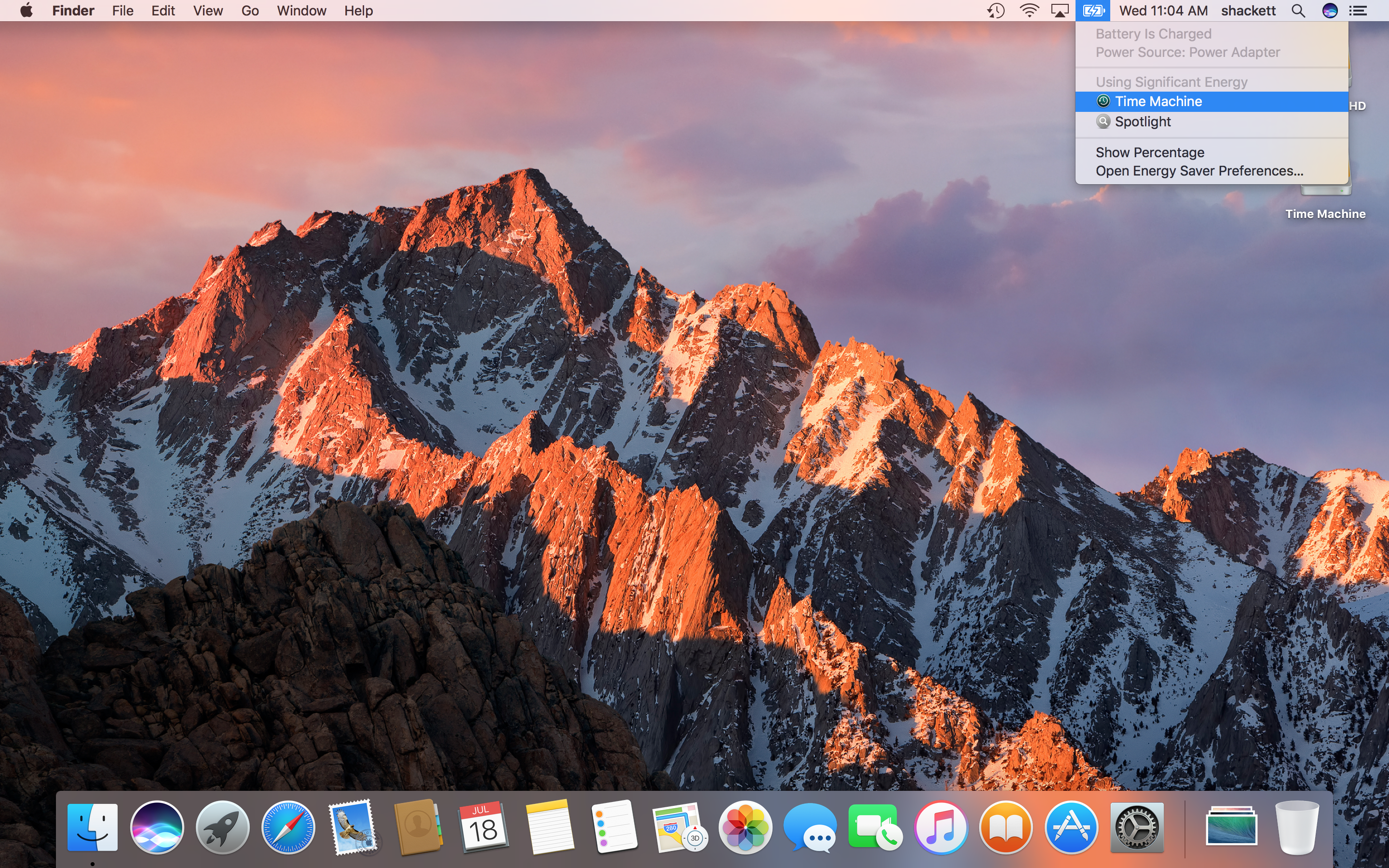
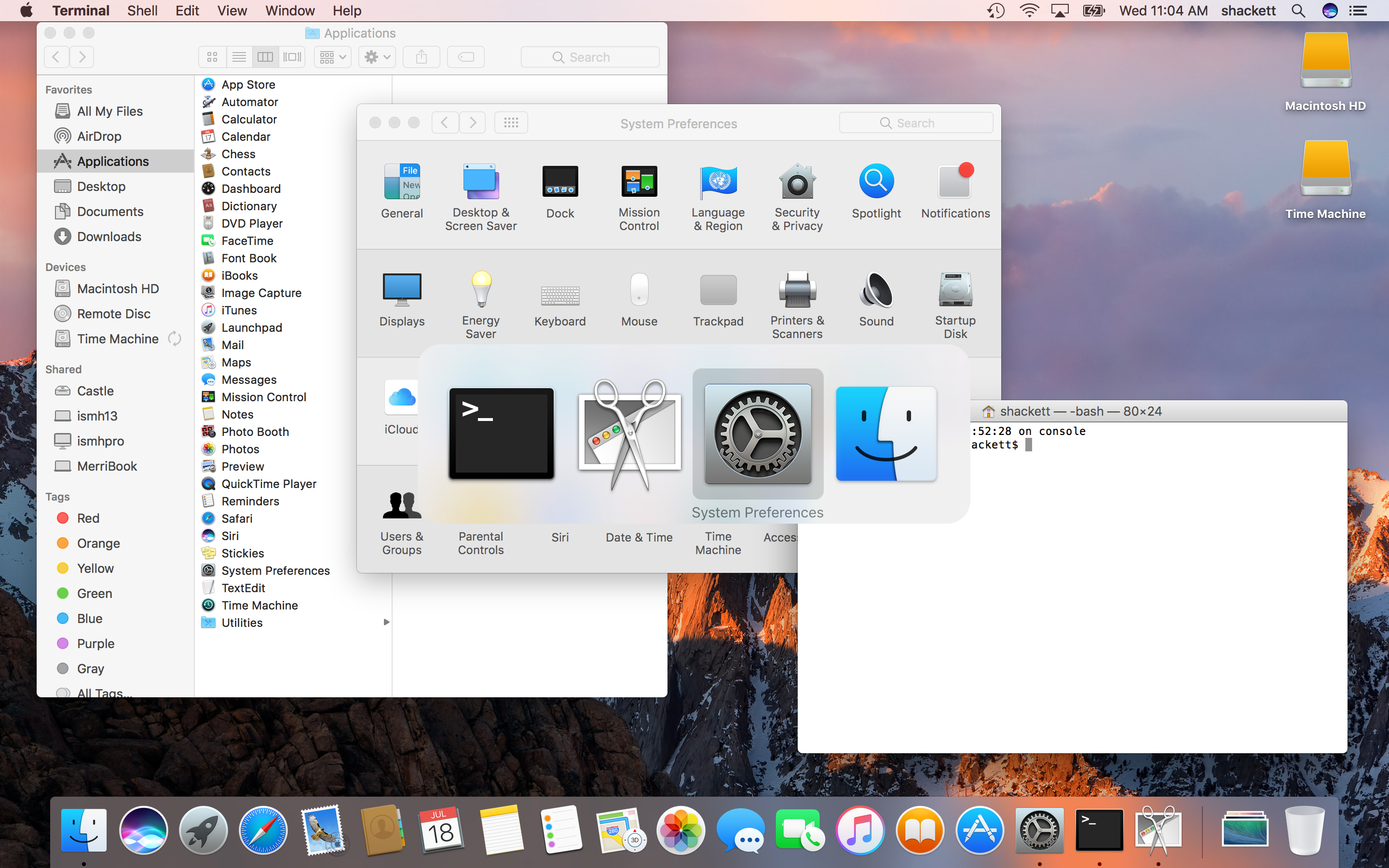
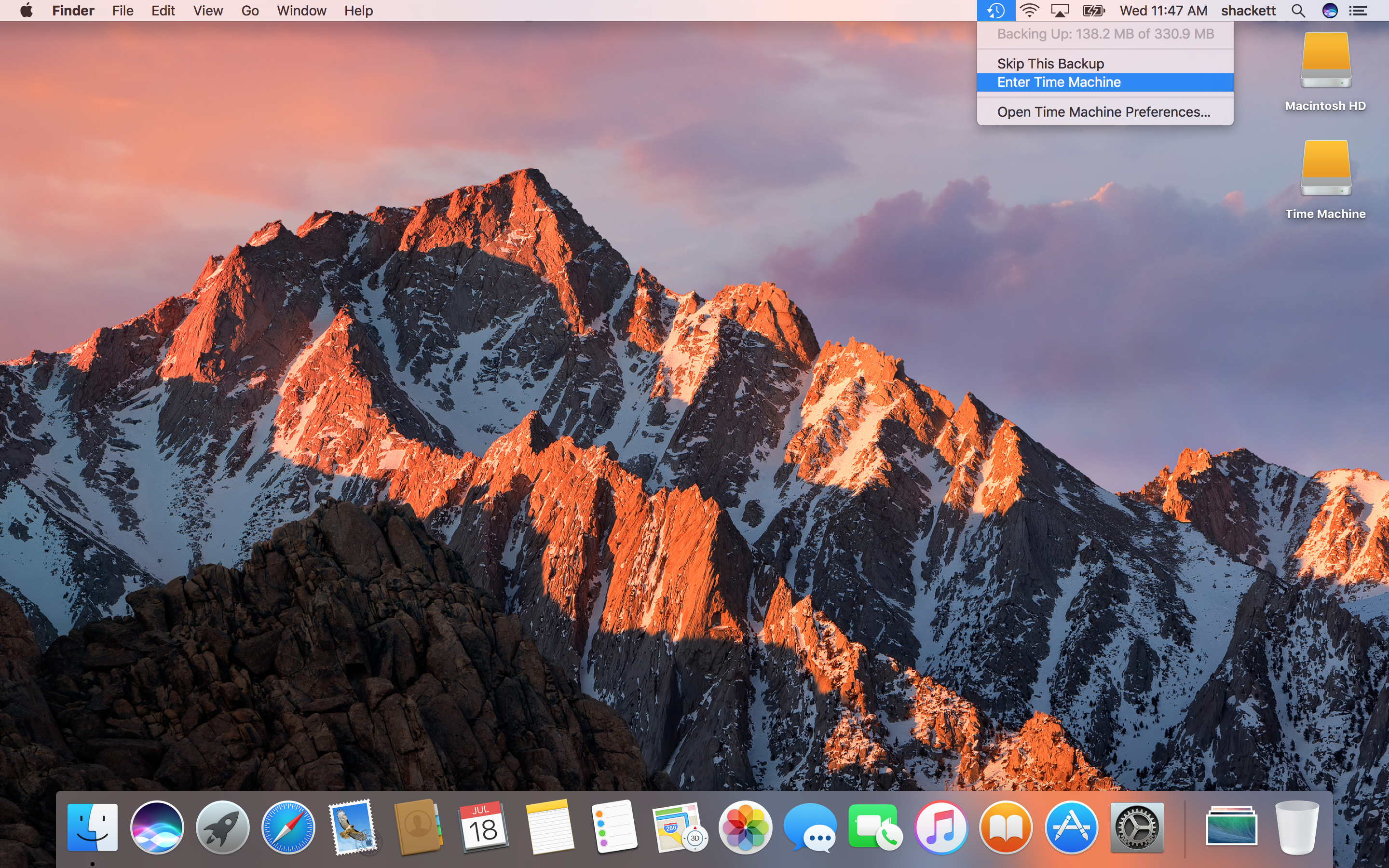
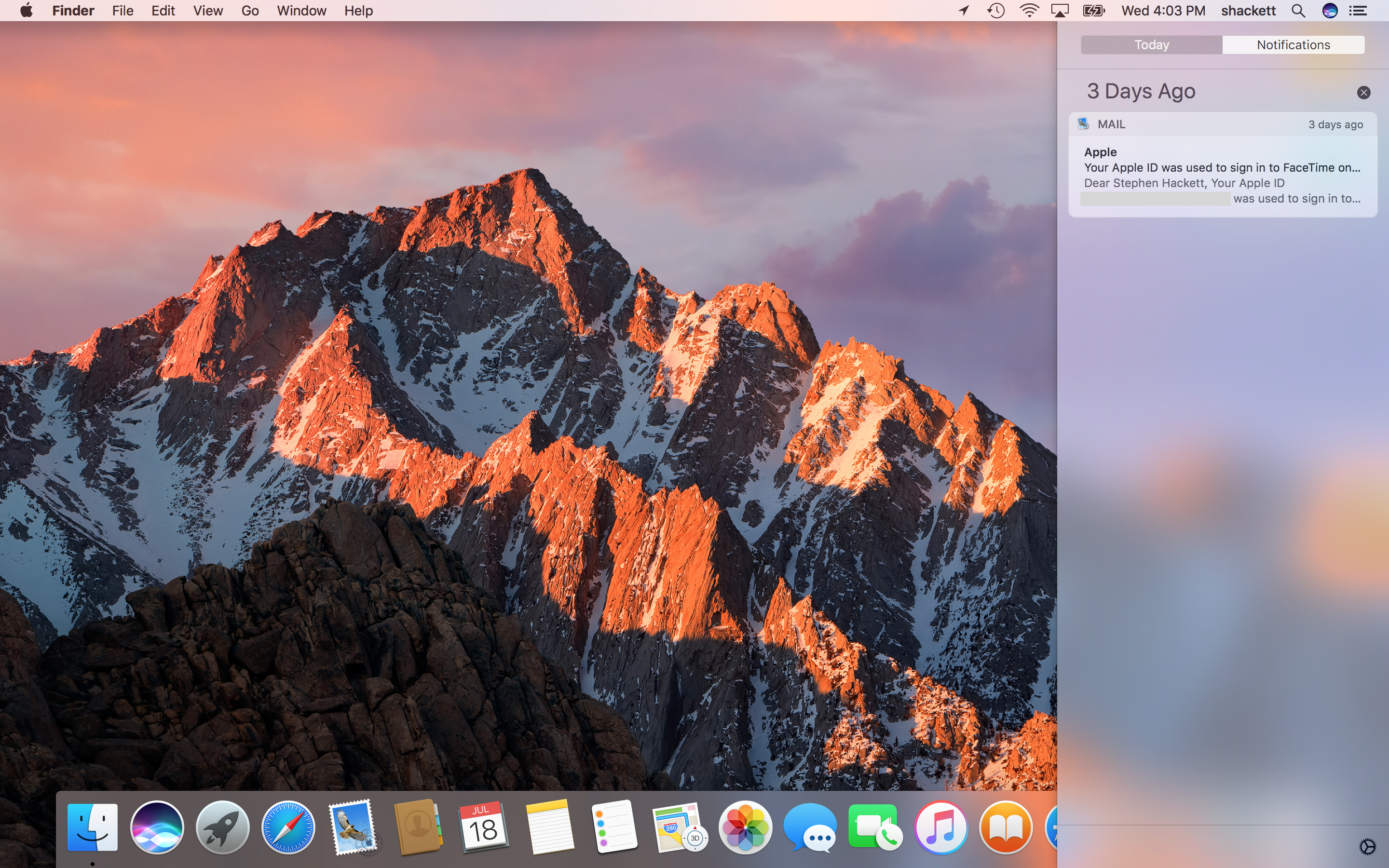
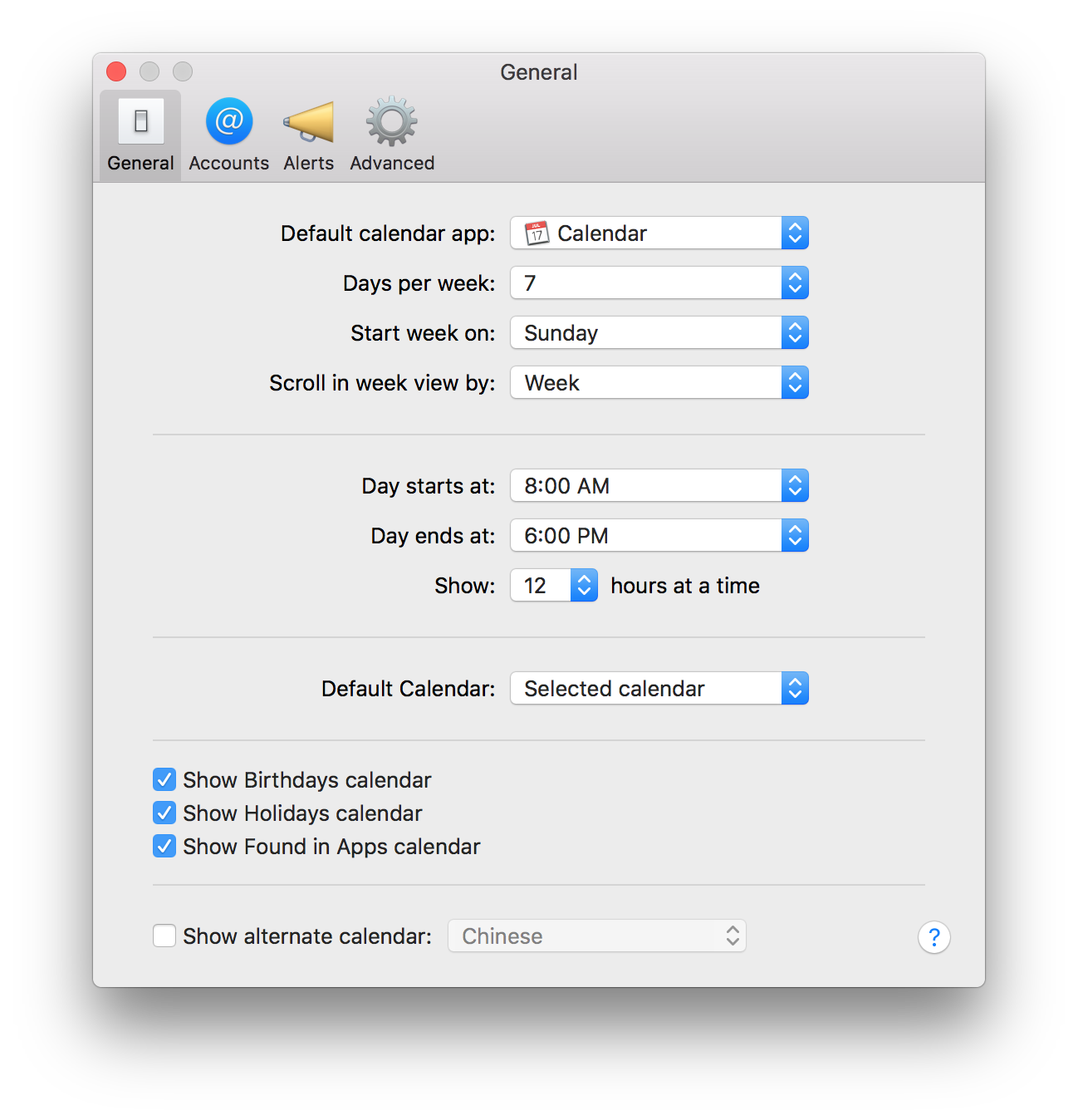
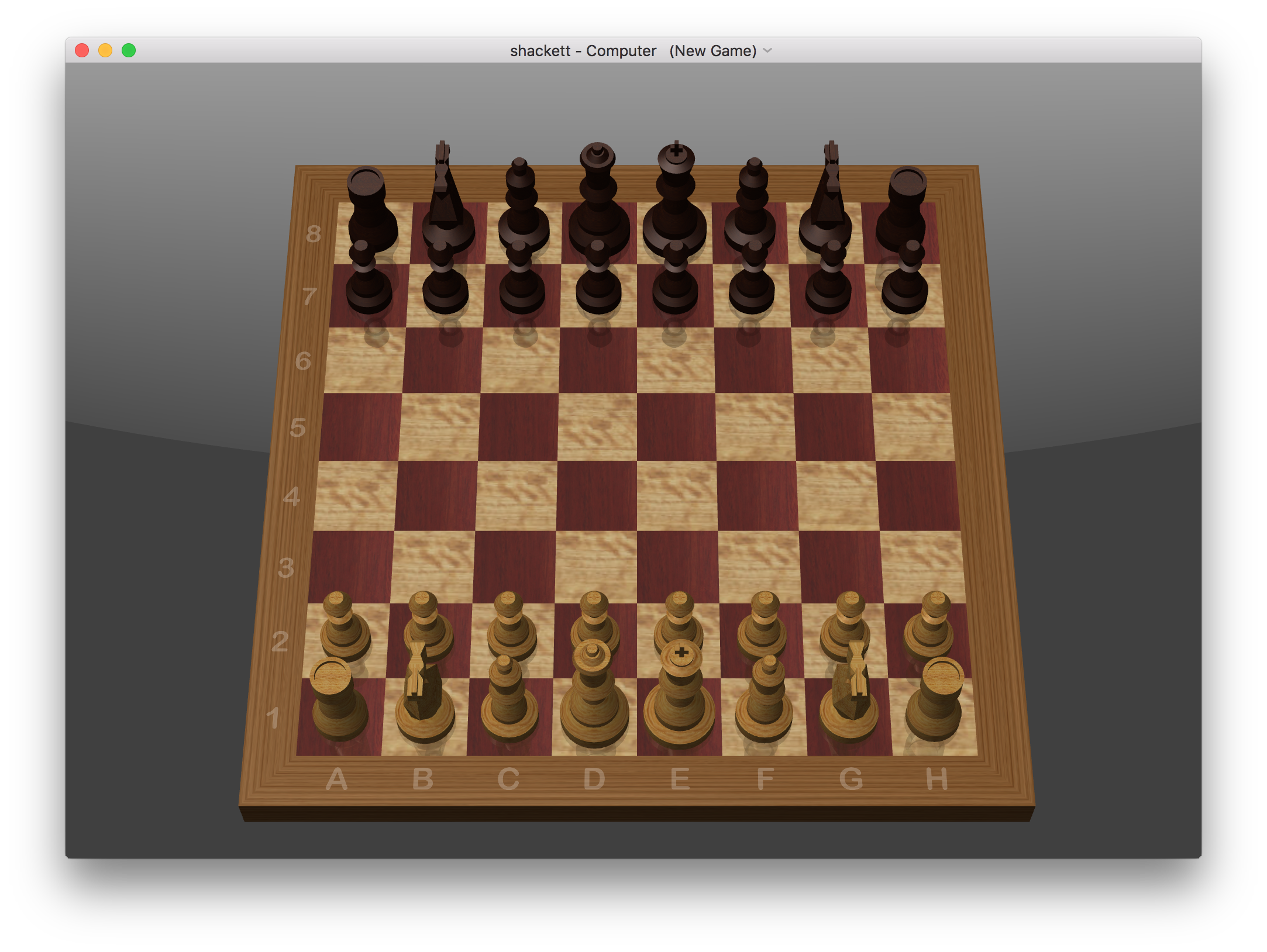
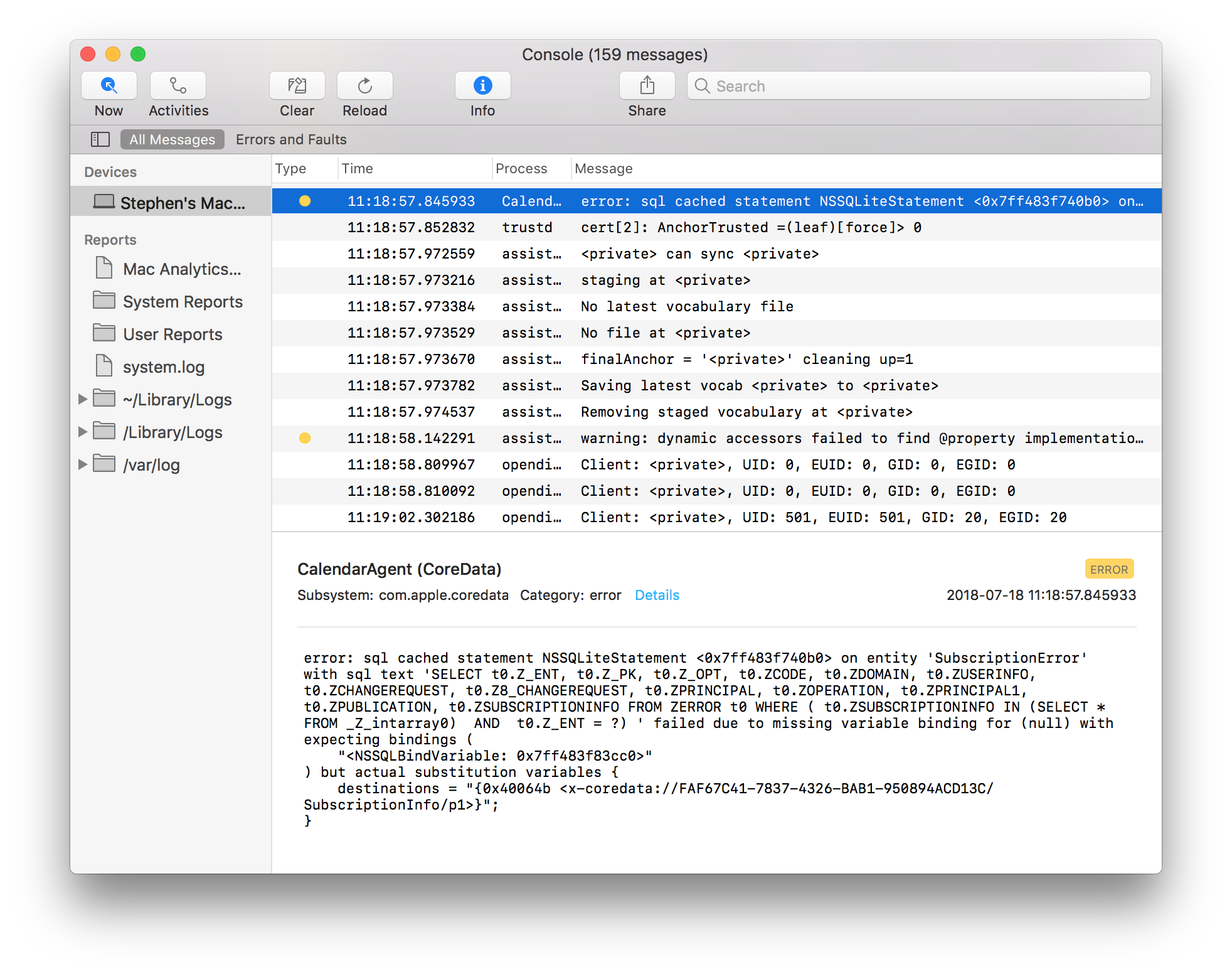
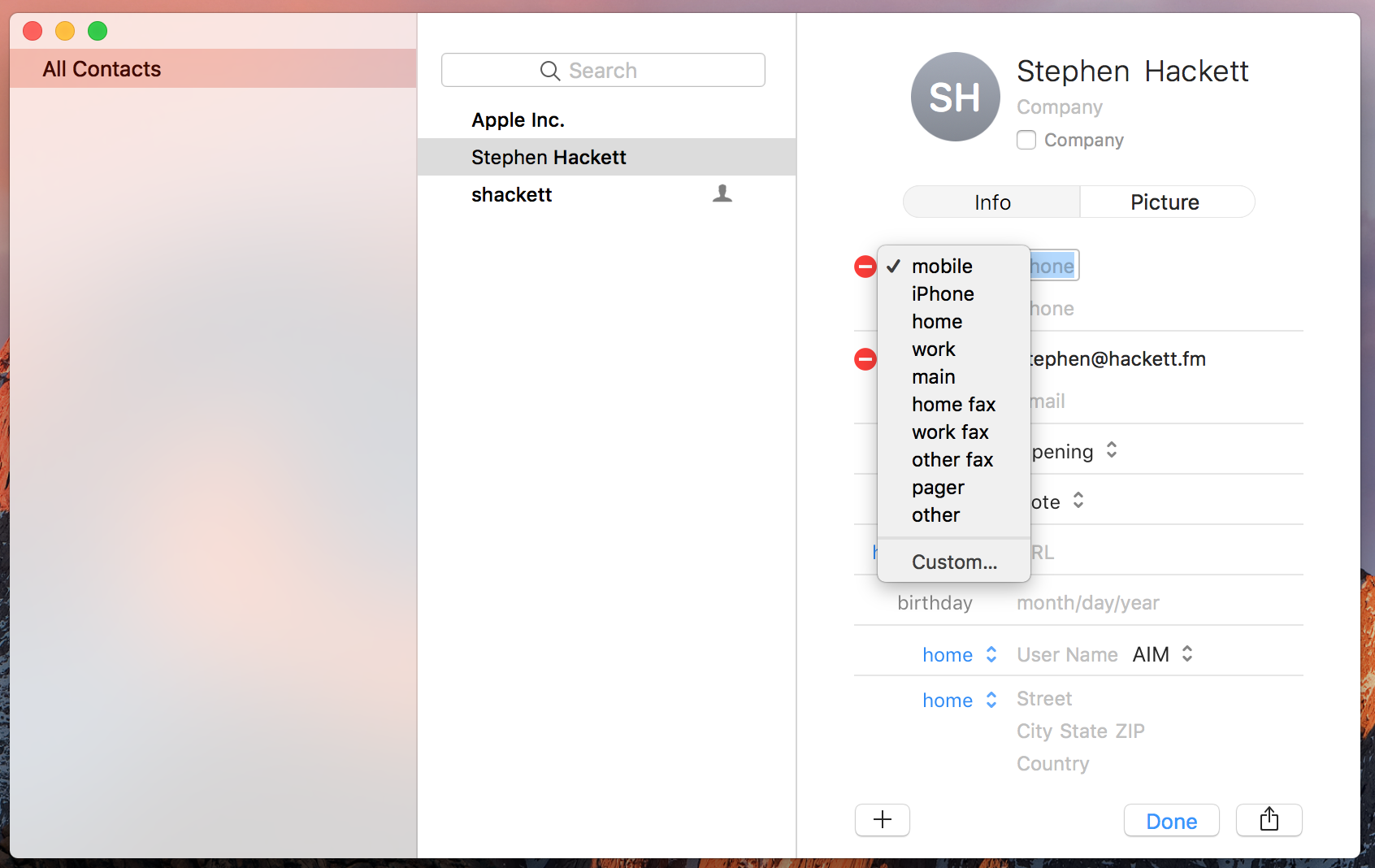
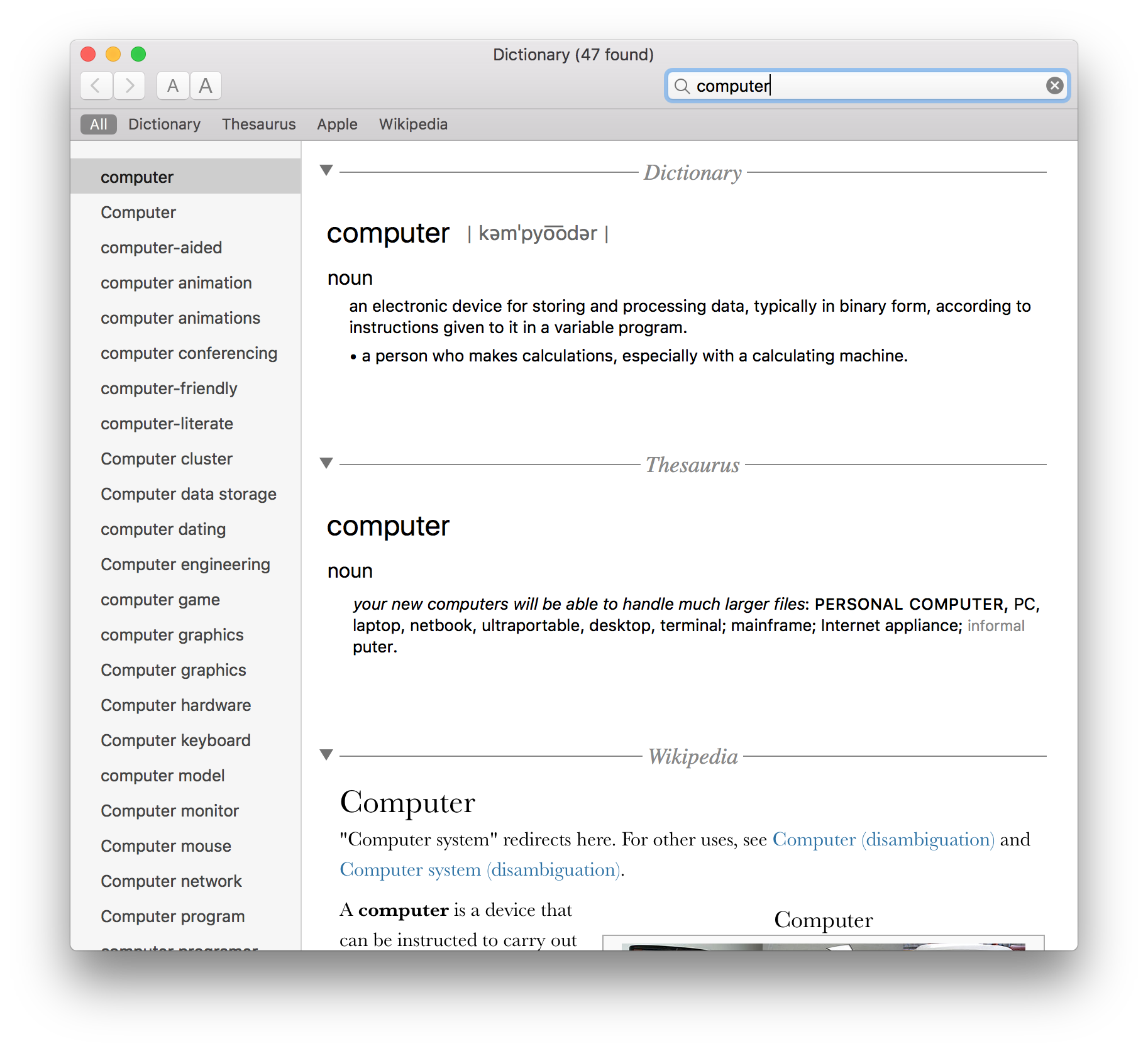
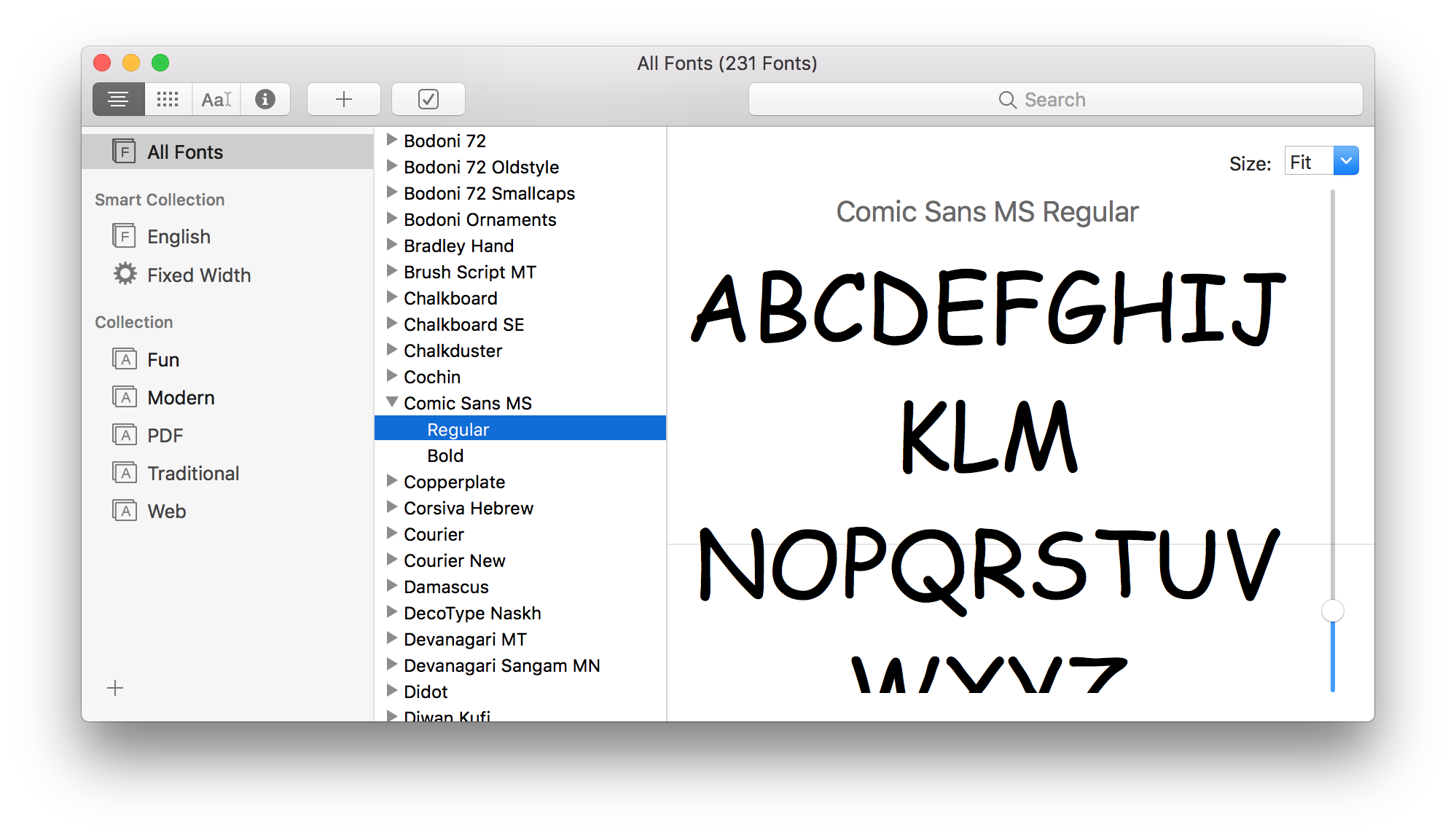
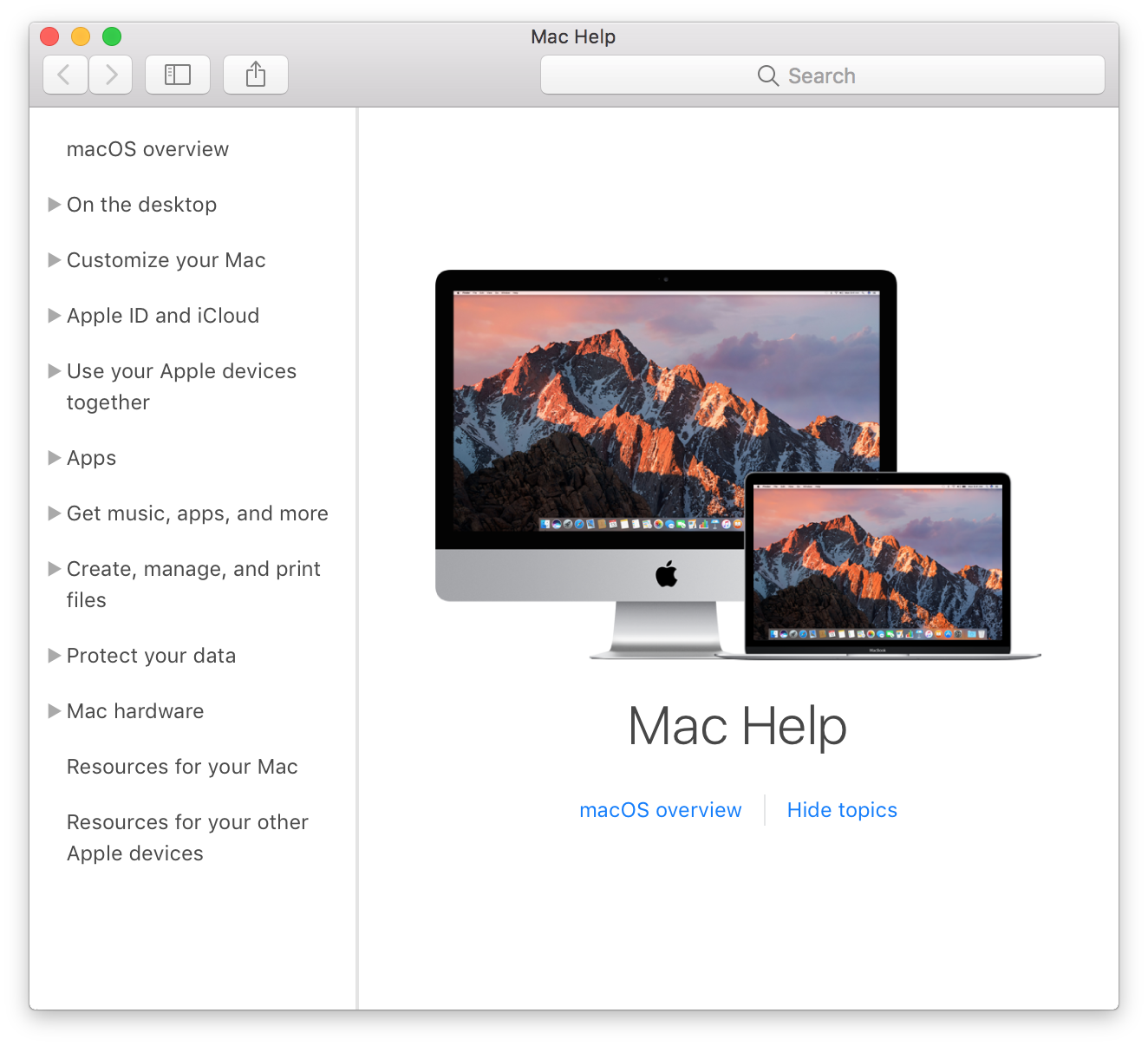
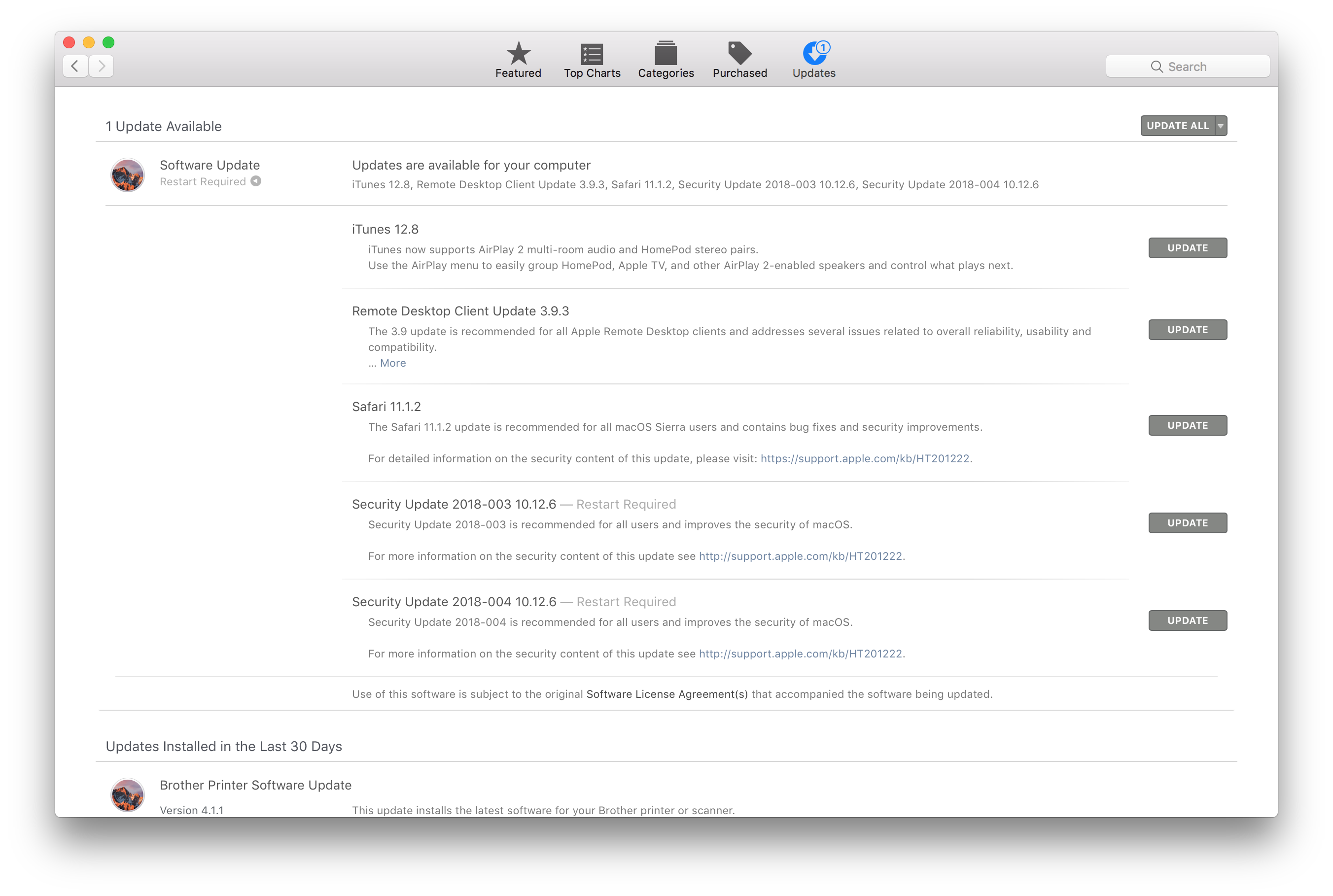
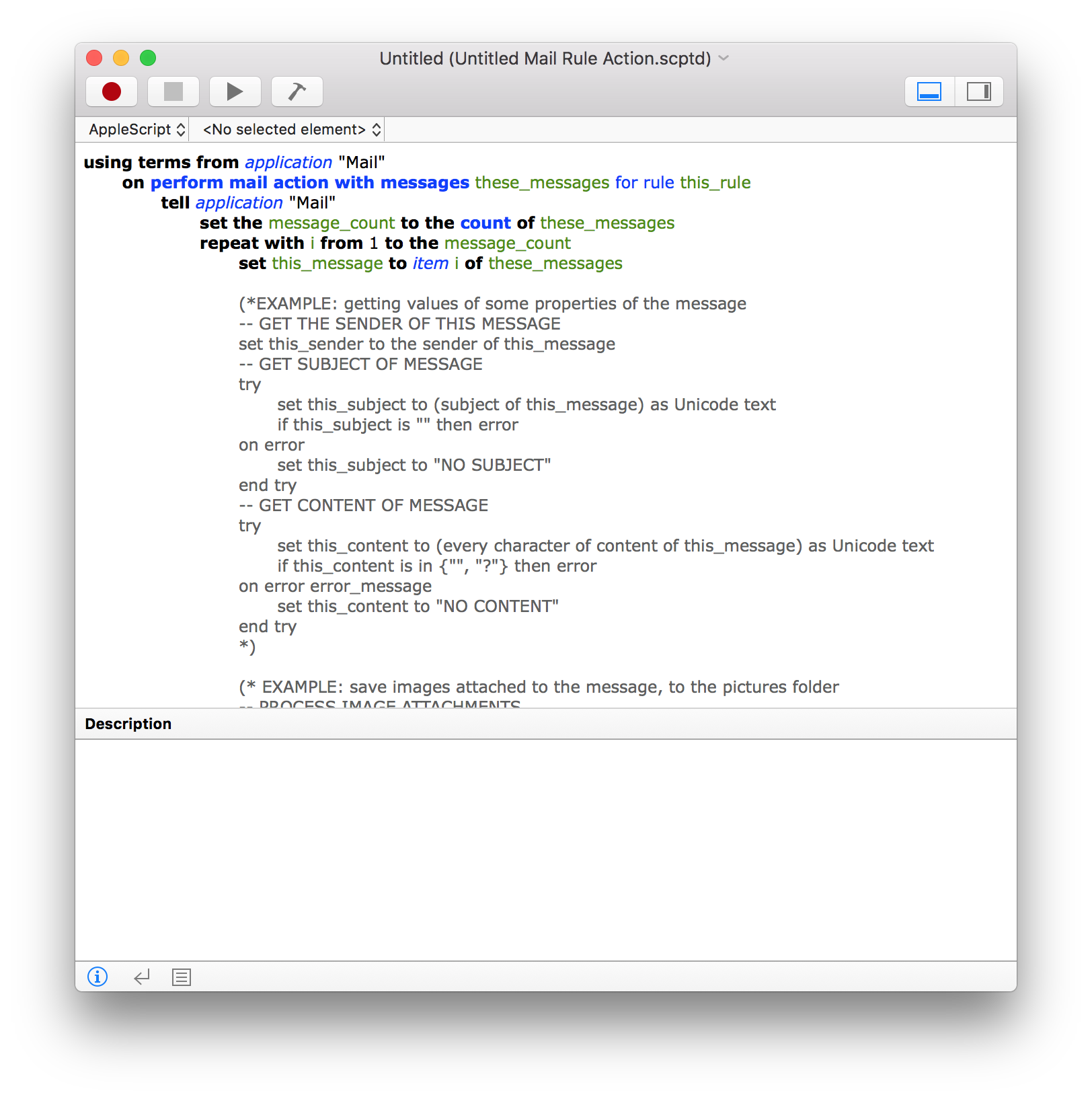
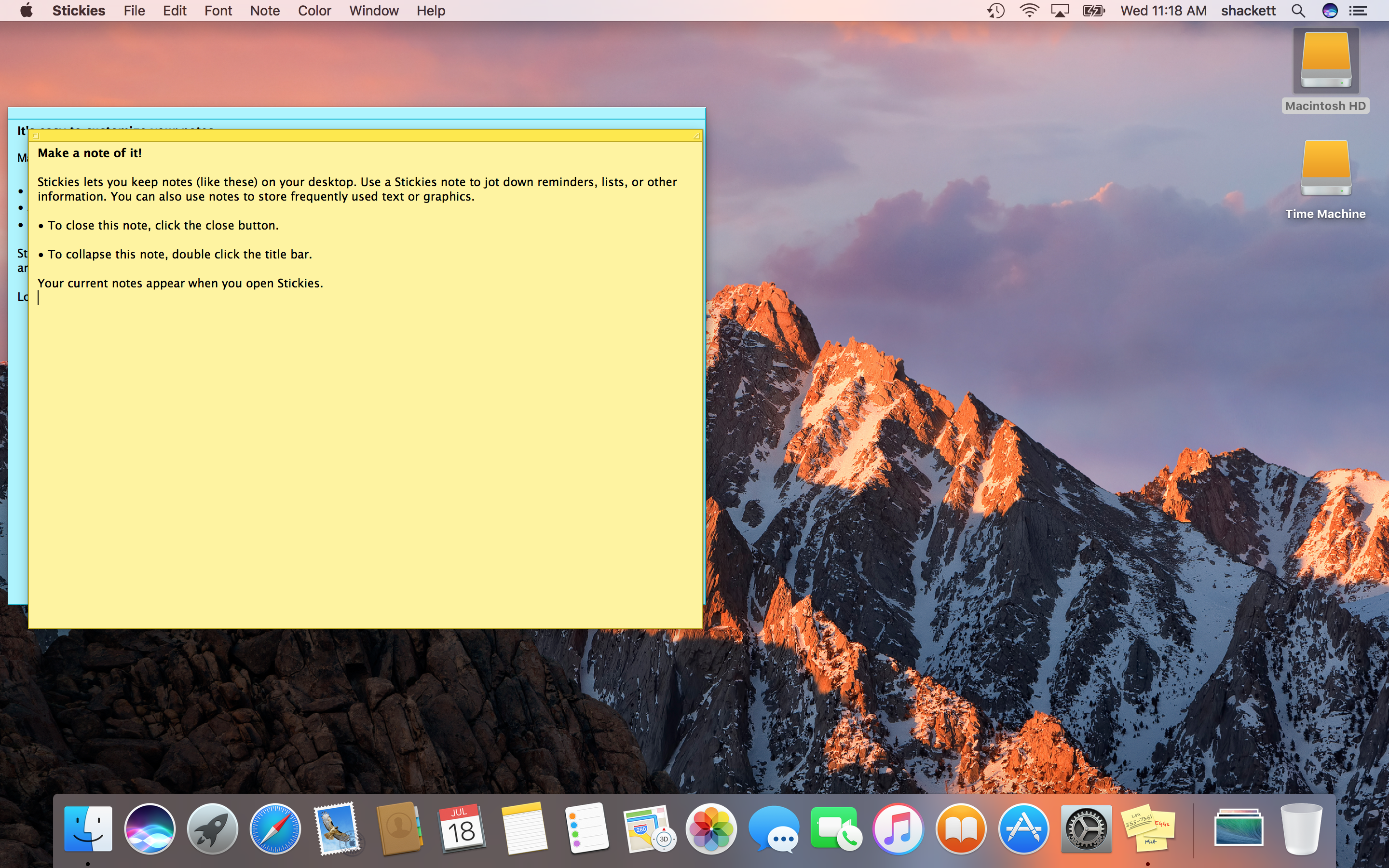
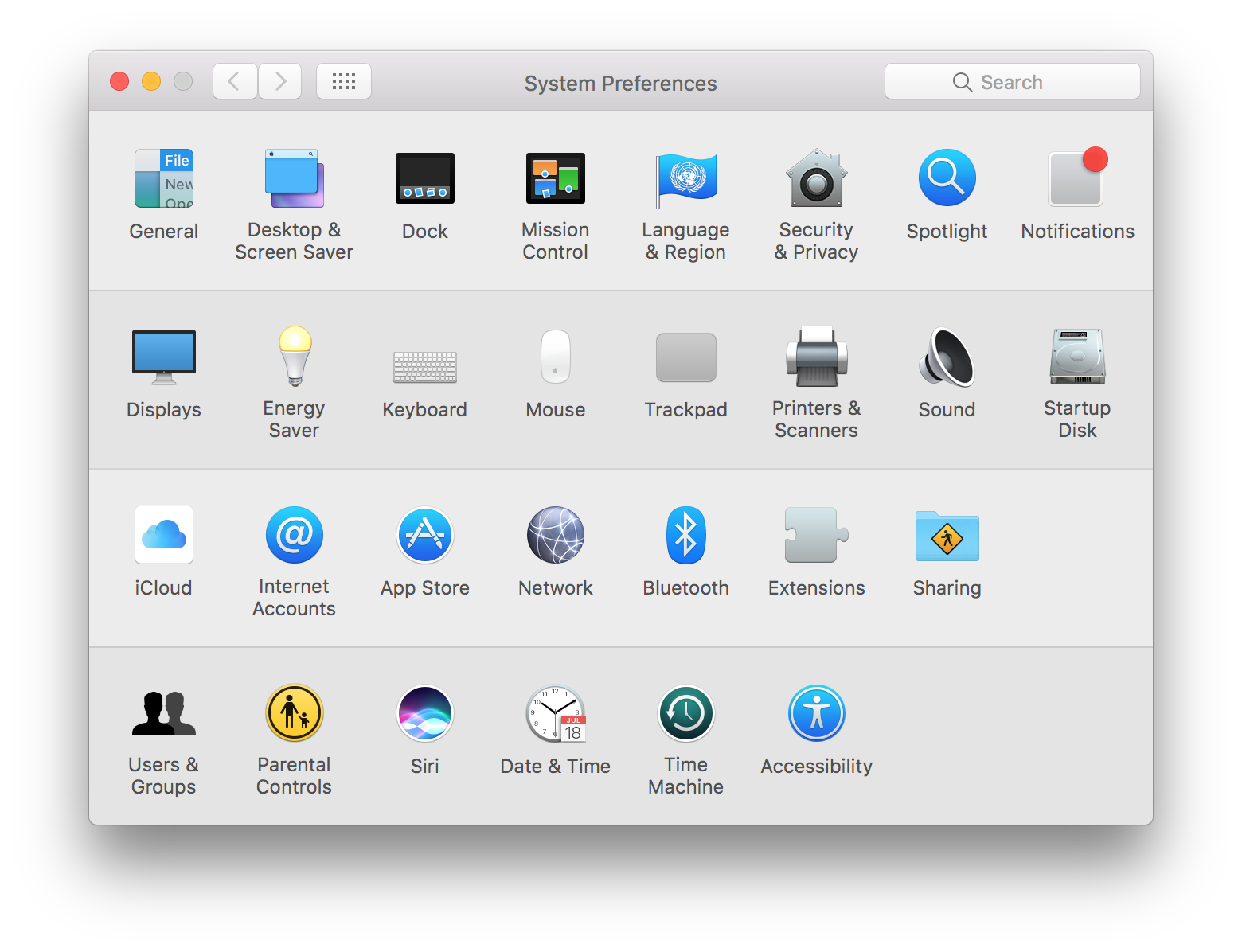
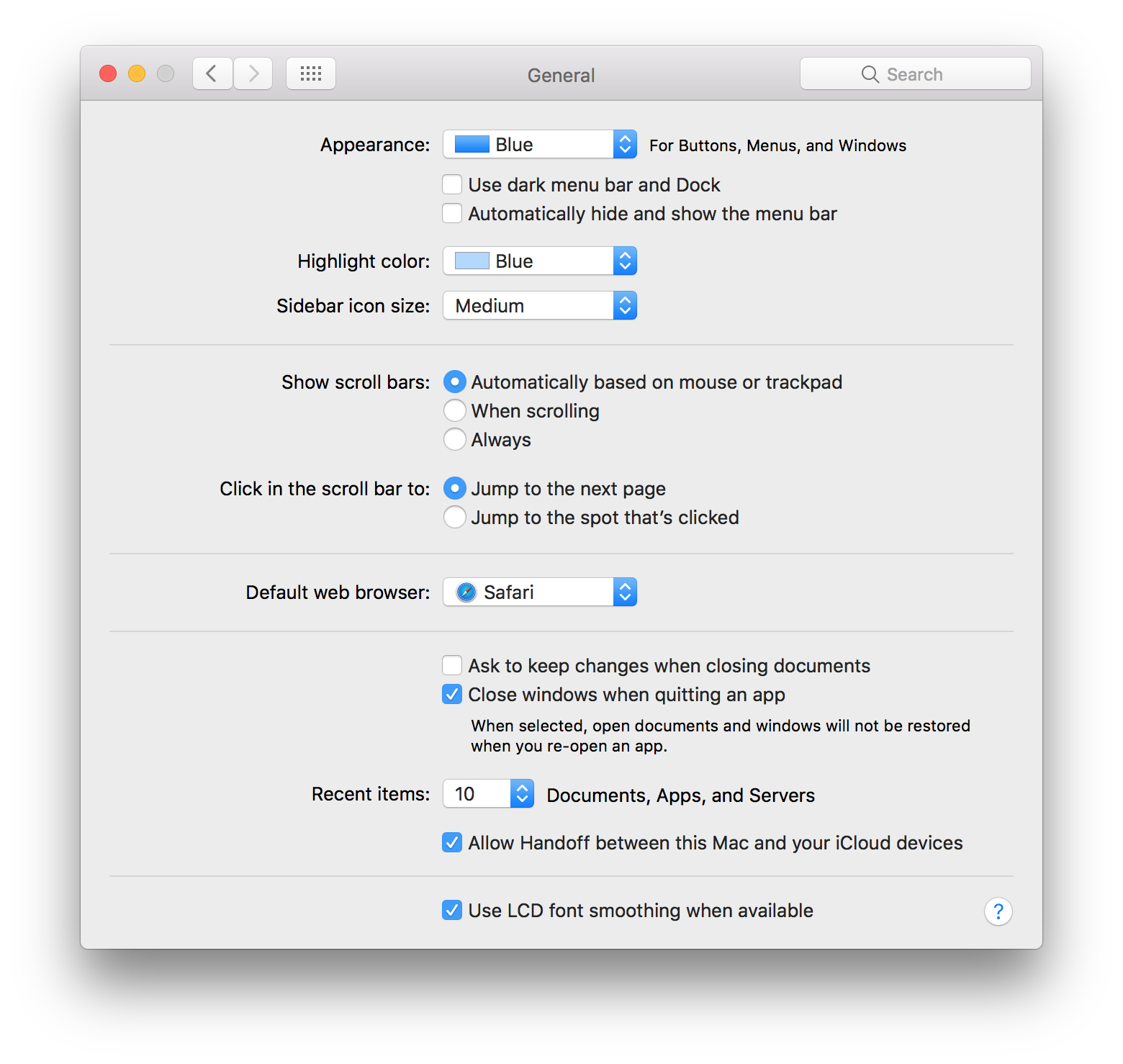
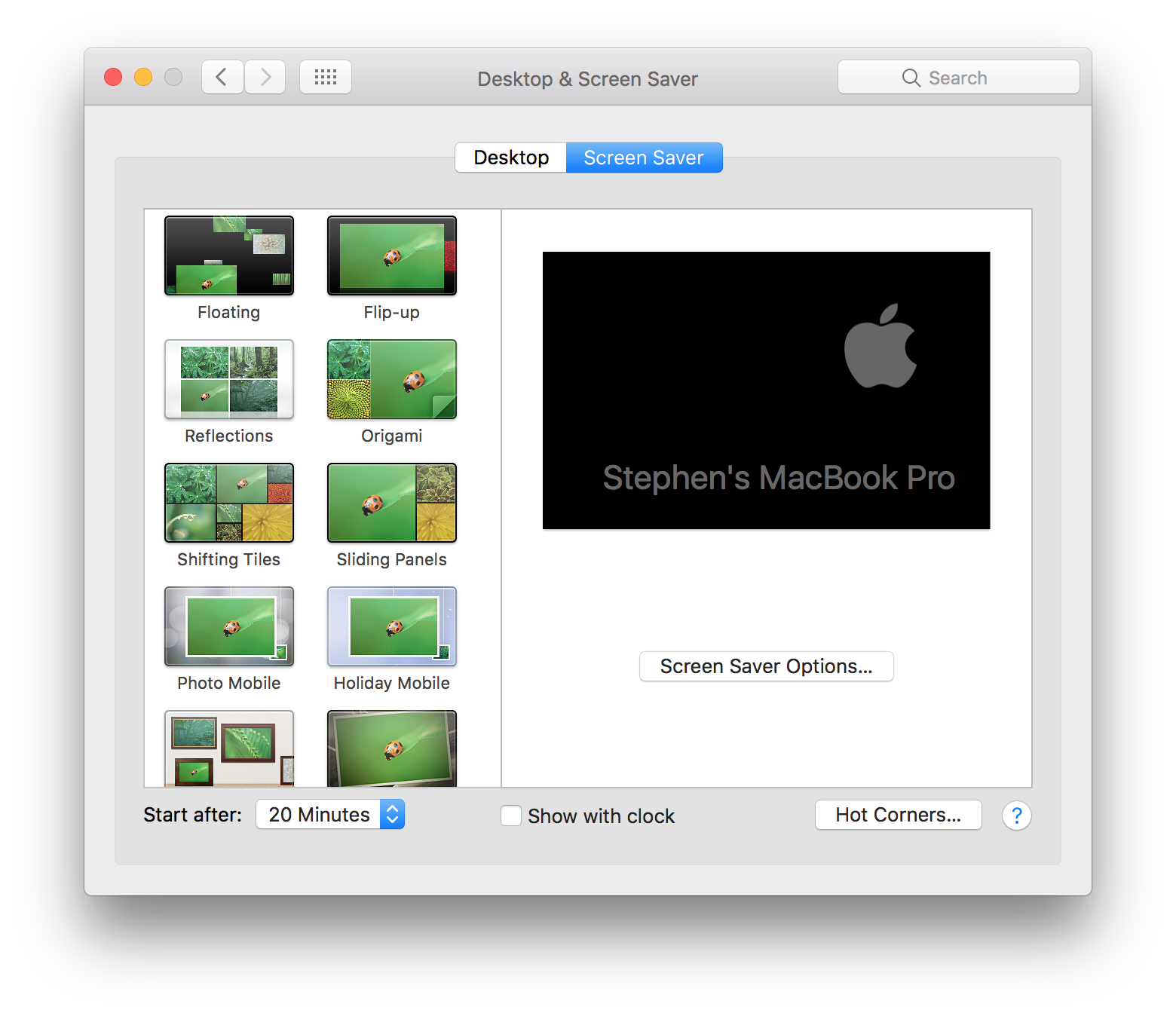
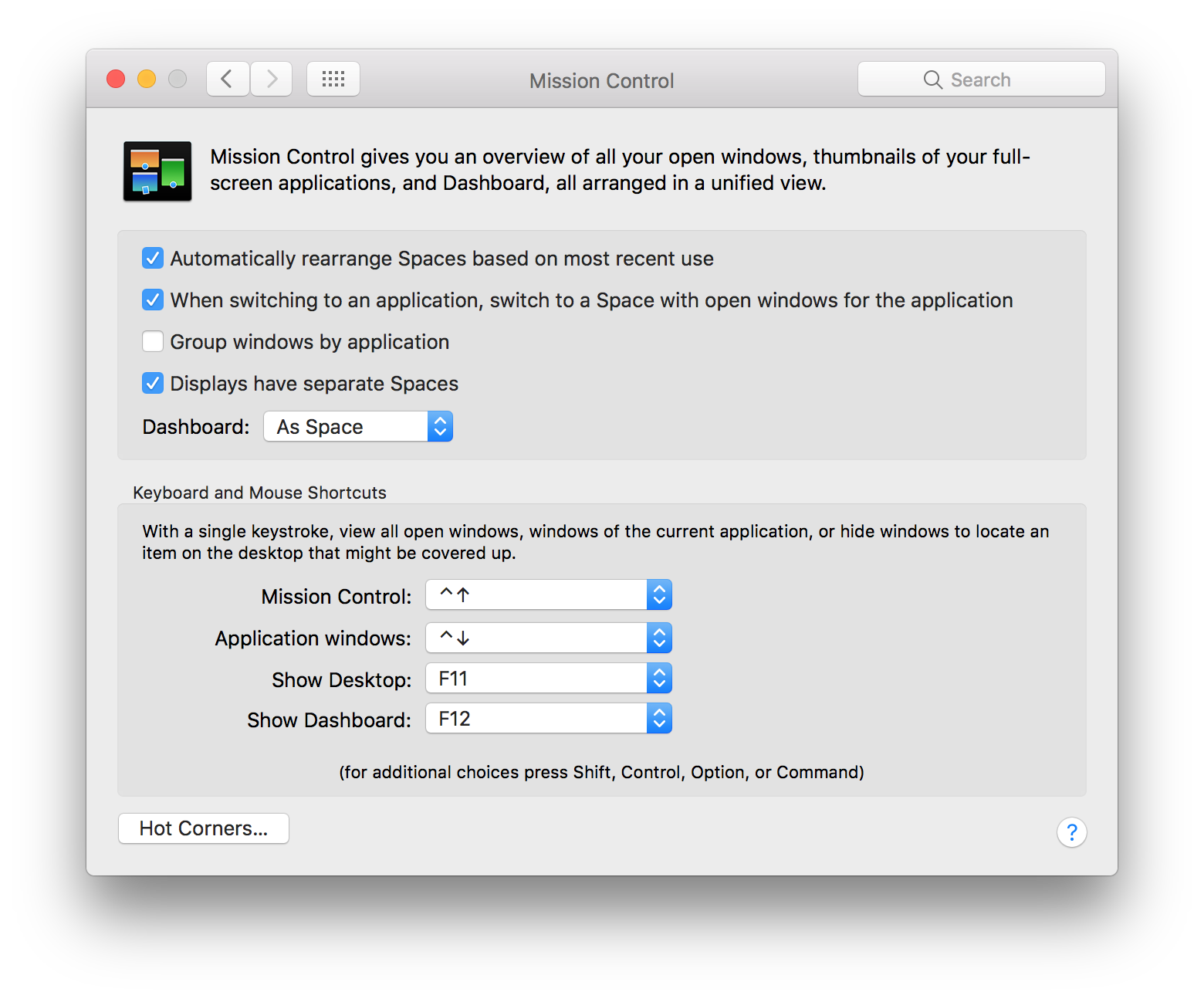
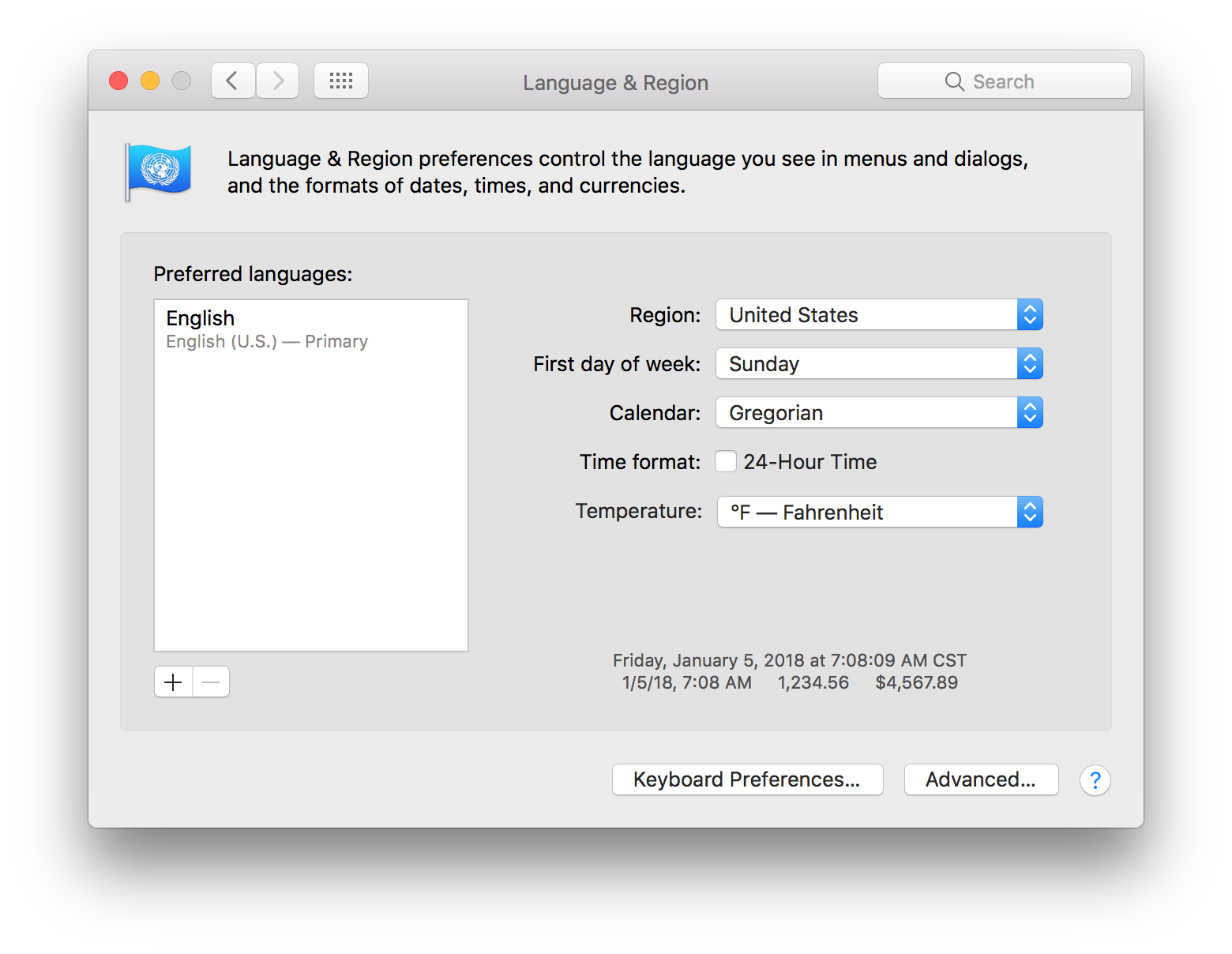
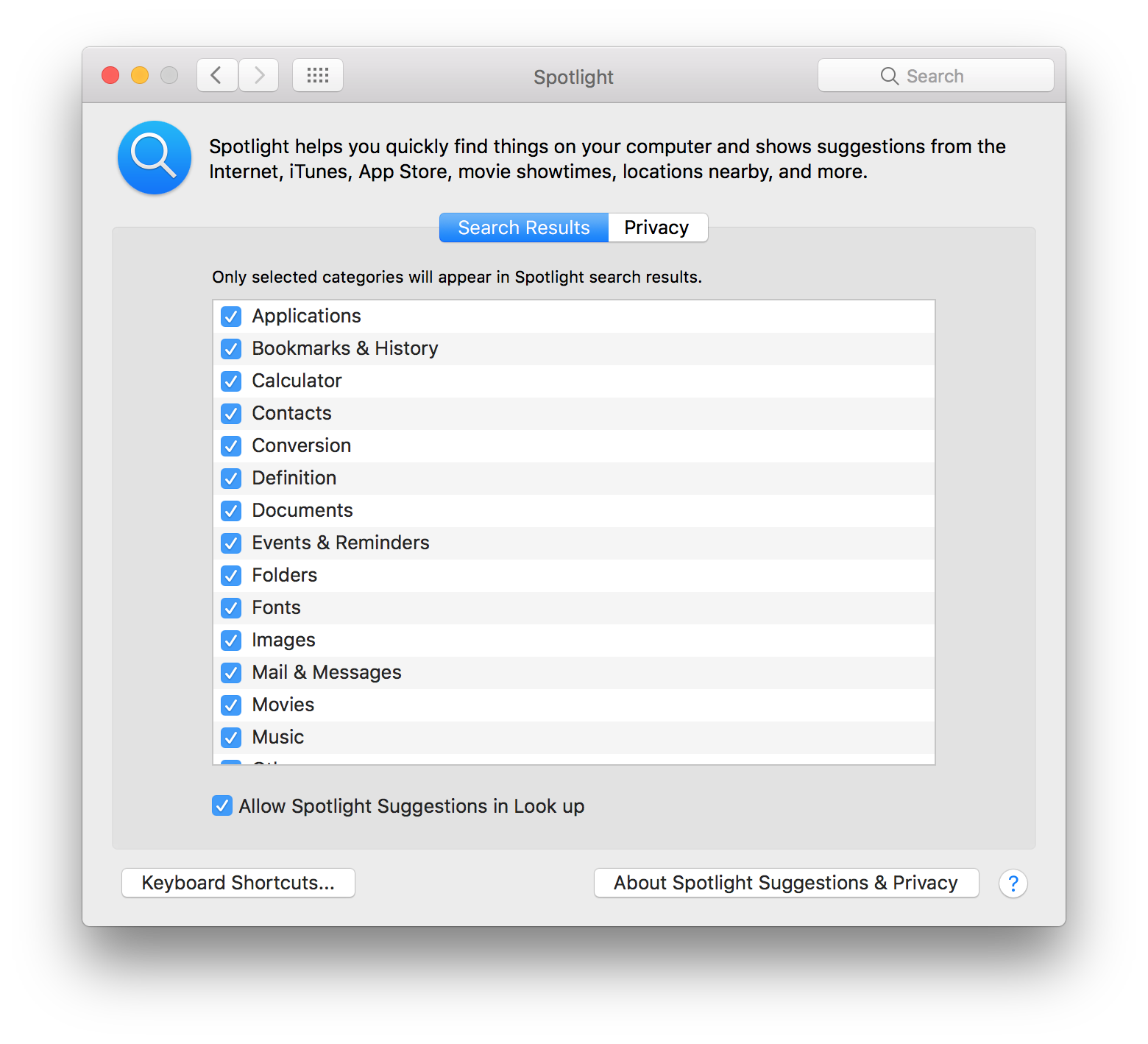
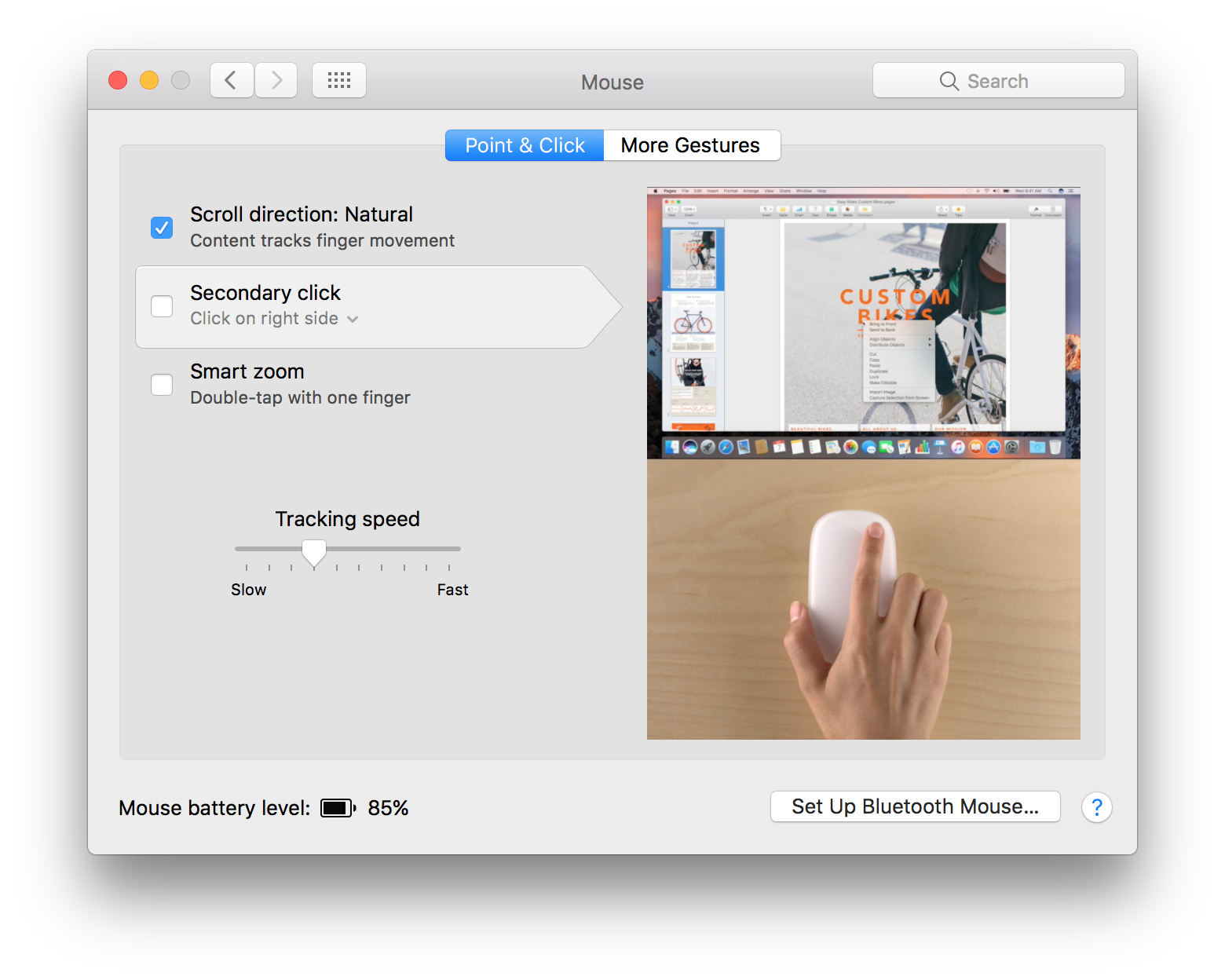
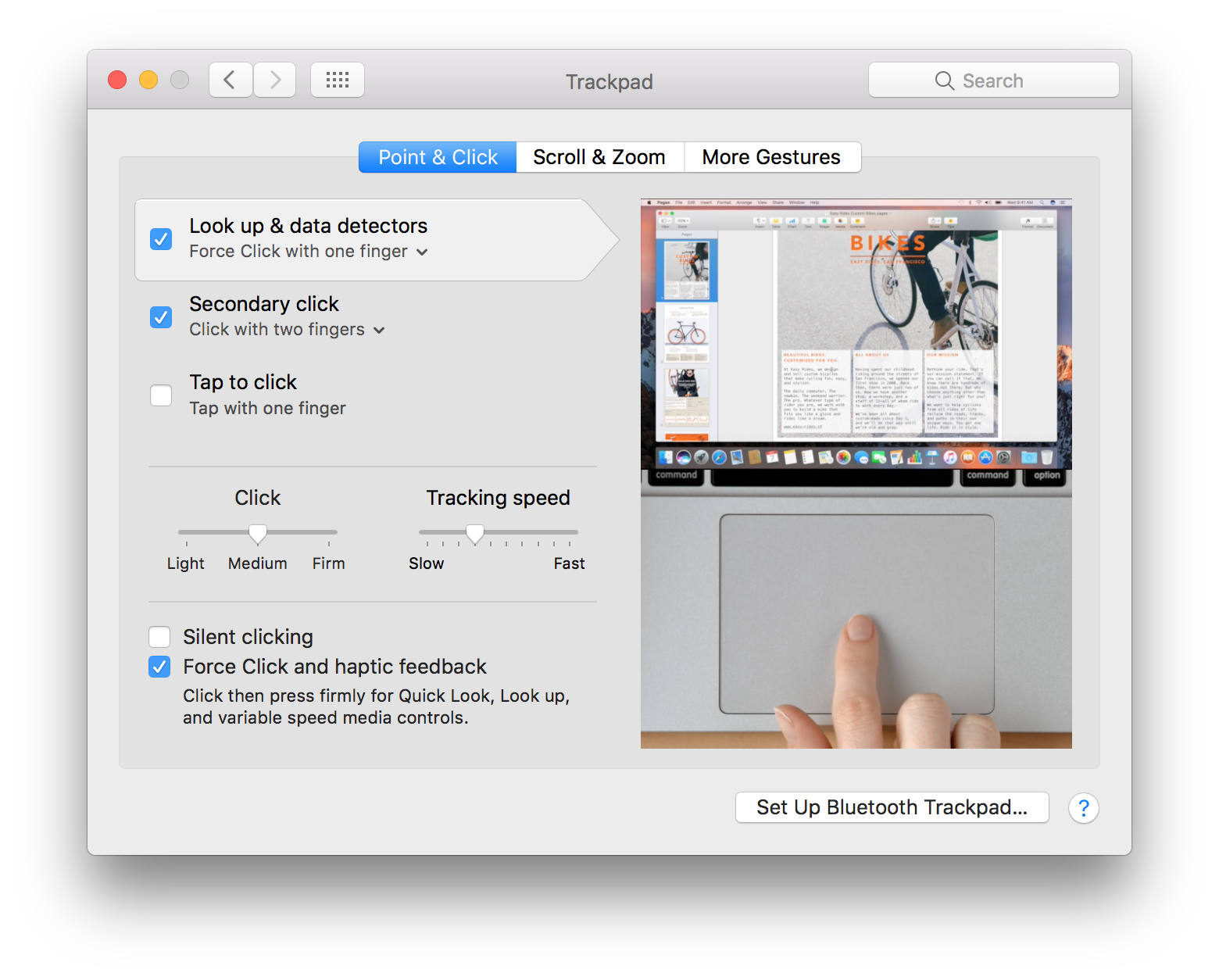
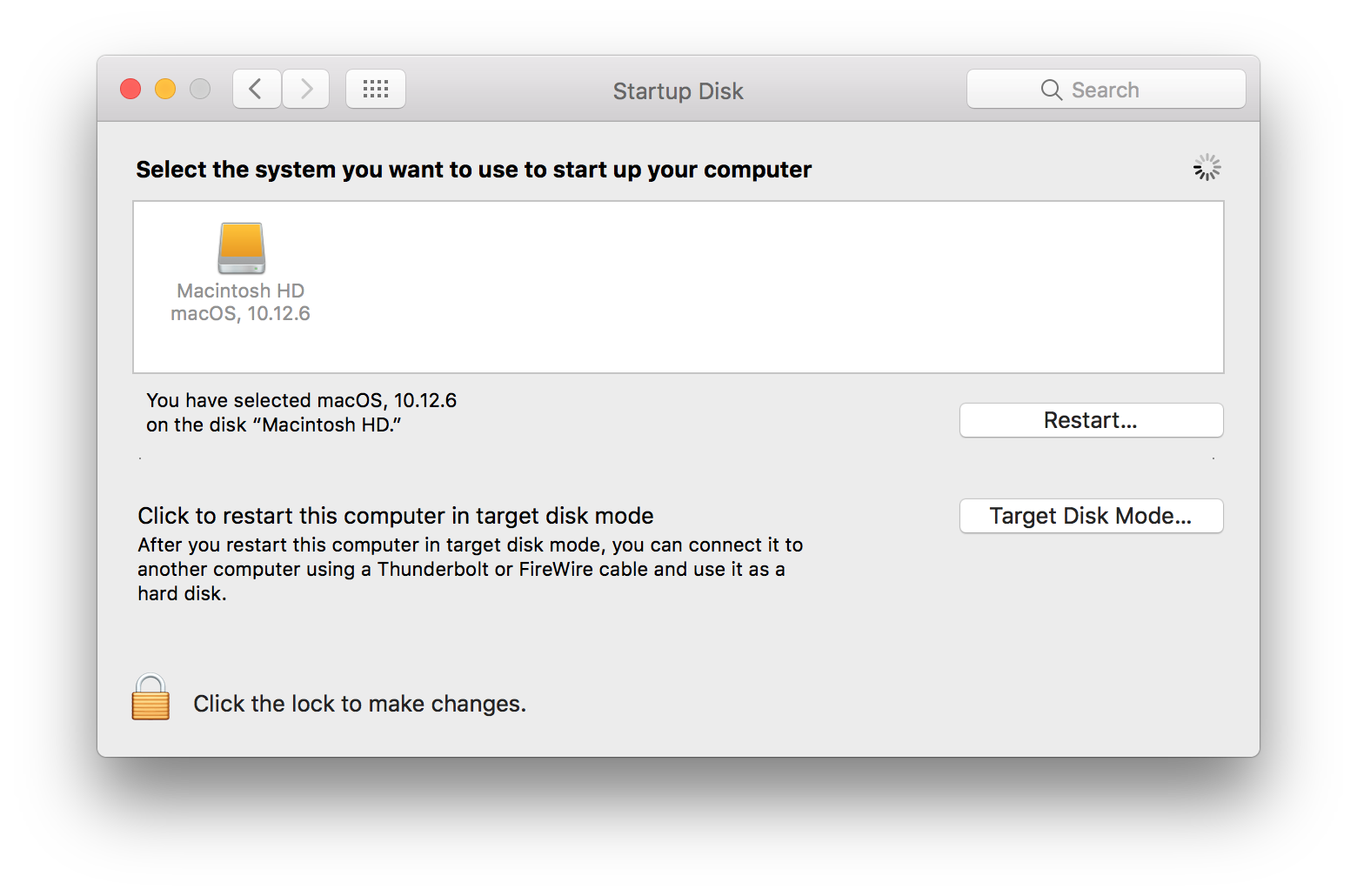
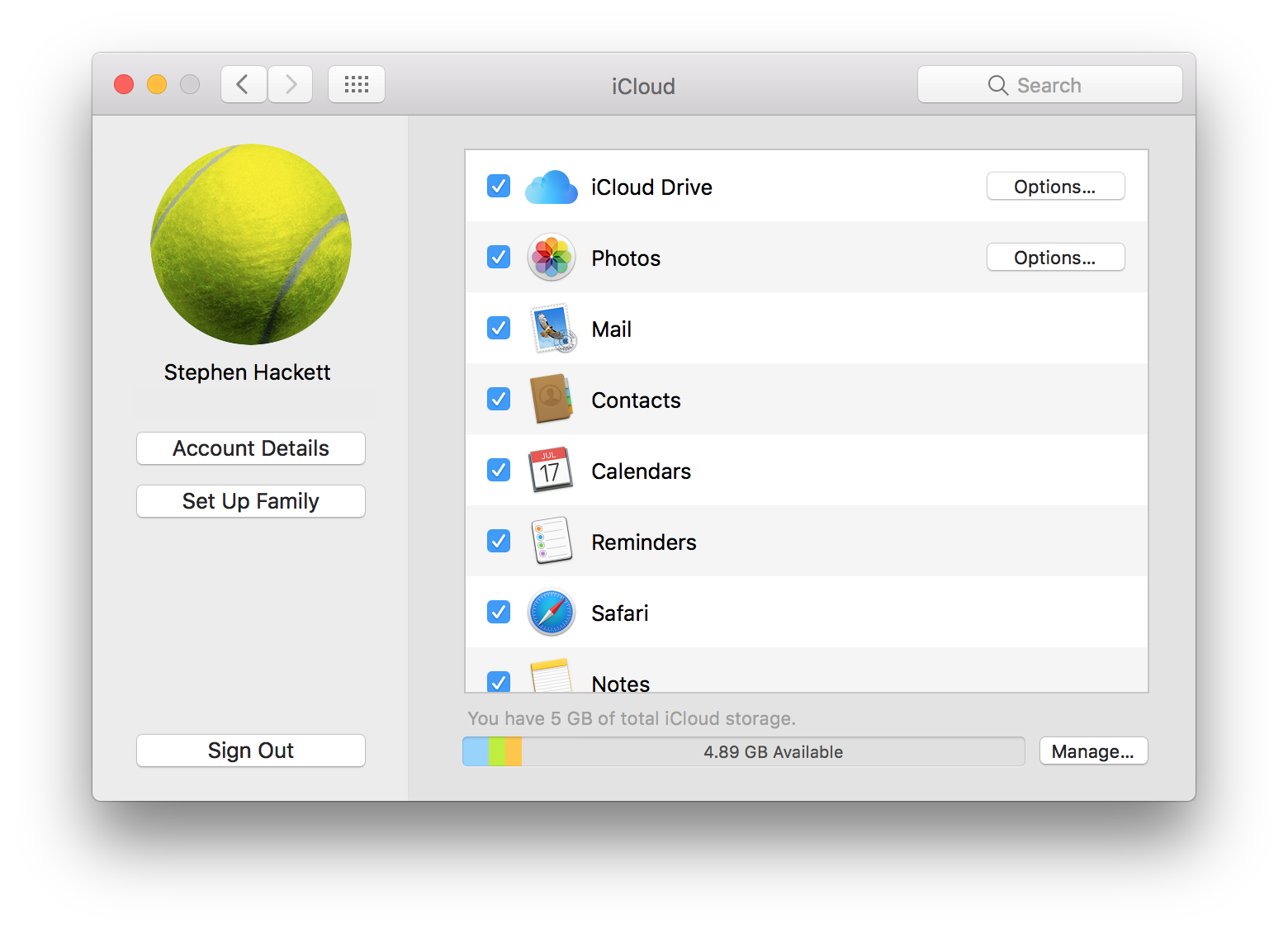
In 2016, with 10.12 Sierra, Apple retired the name “Mac OS X” and replaced with “macOS” to better fit in with the company’s other platforms: iOS, watchOS and tvOS. While not as grand as the old “Mac OS” name from the pre-OS X days, I don’t mind it one bit.
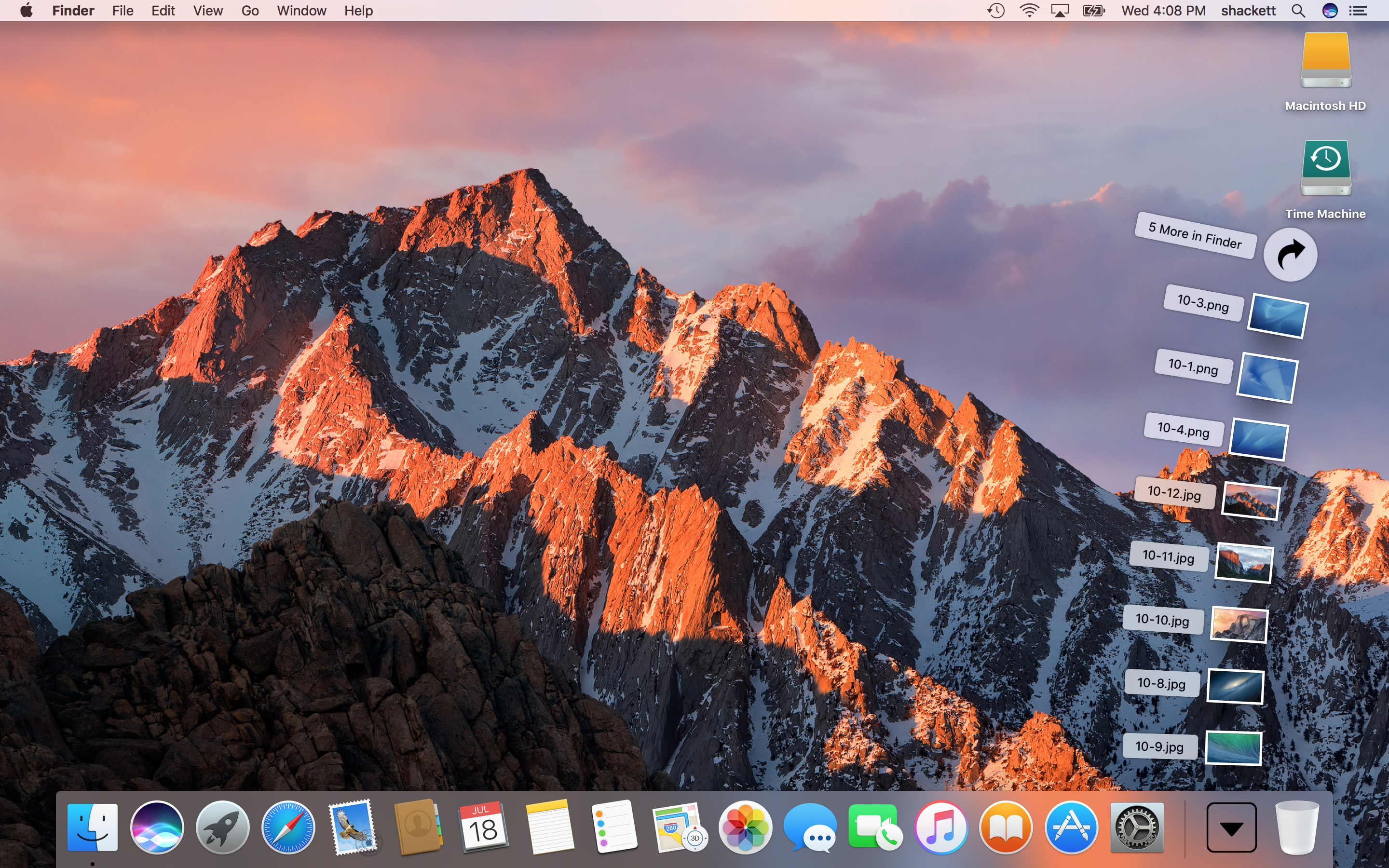
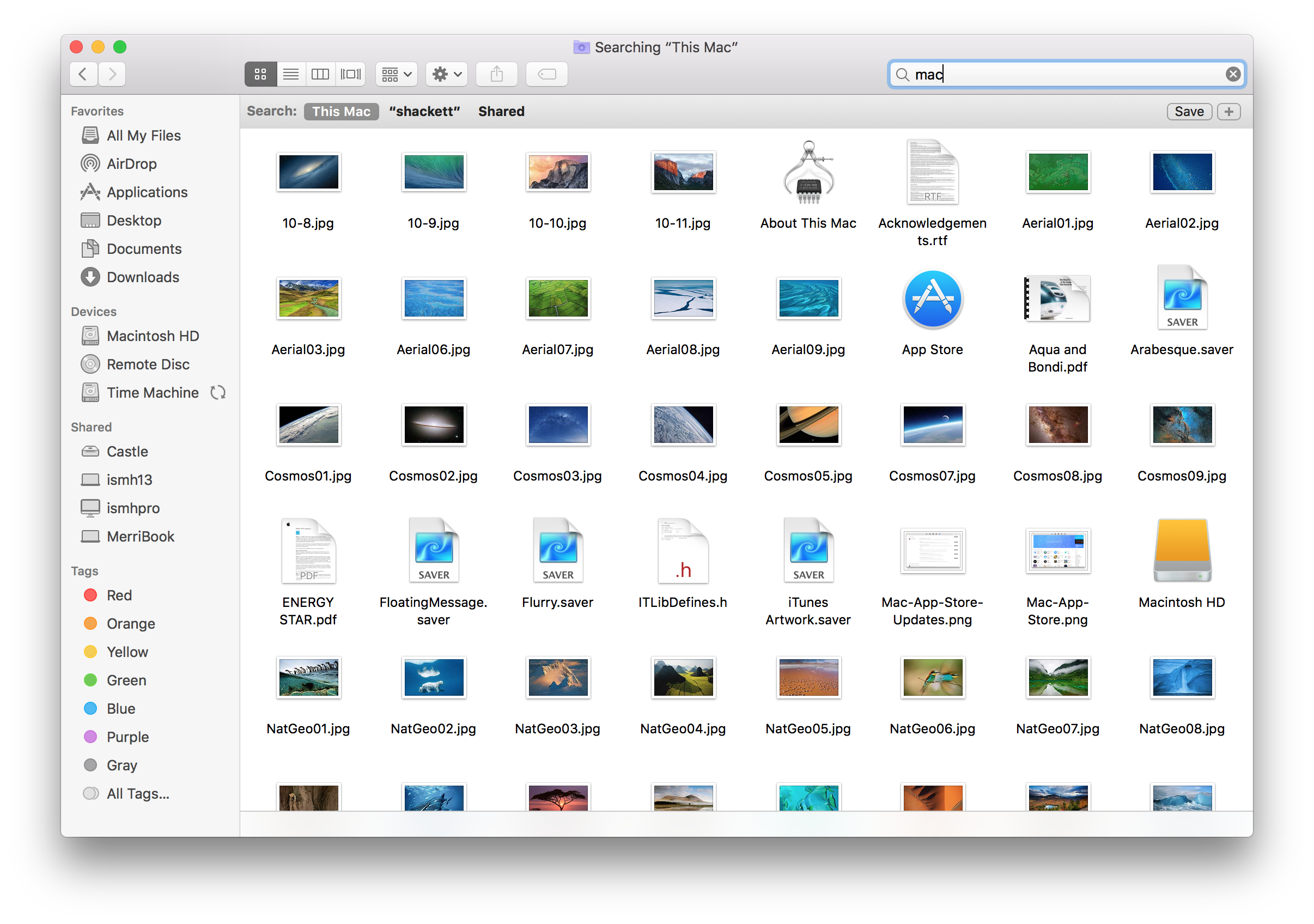
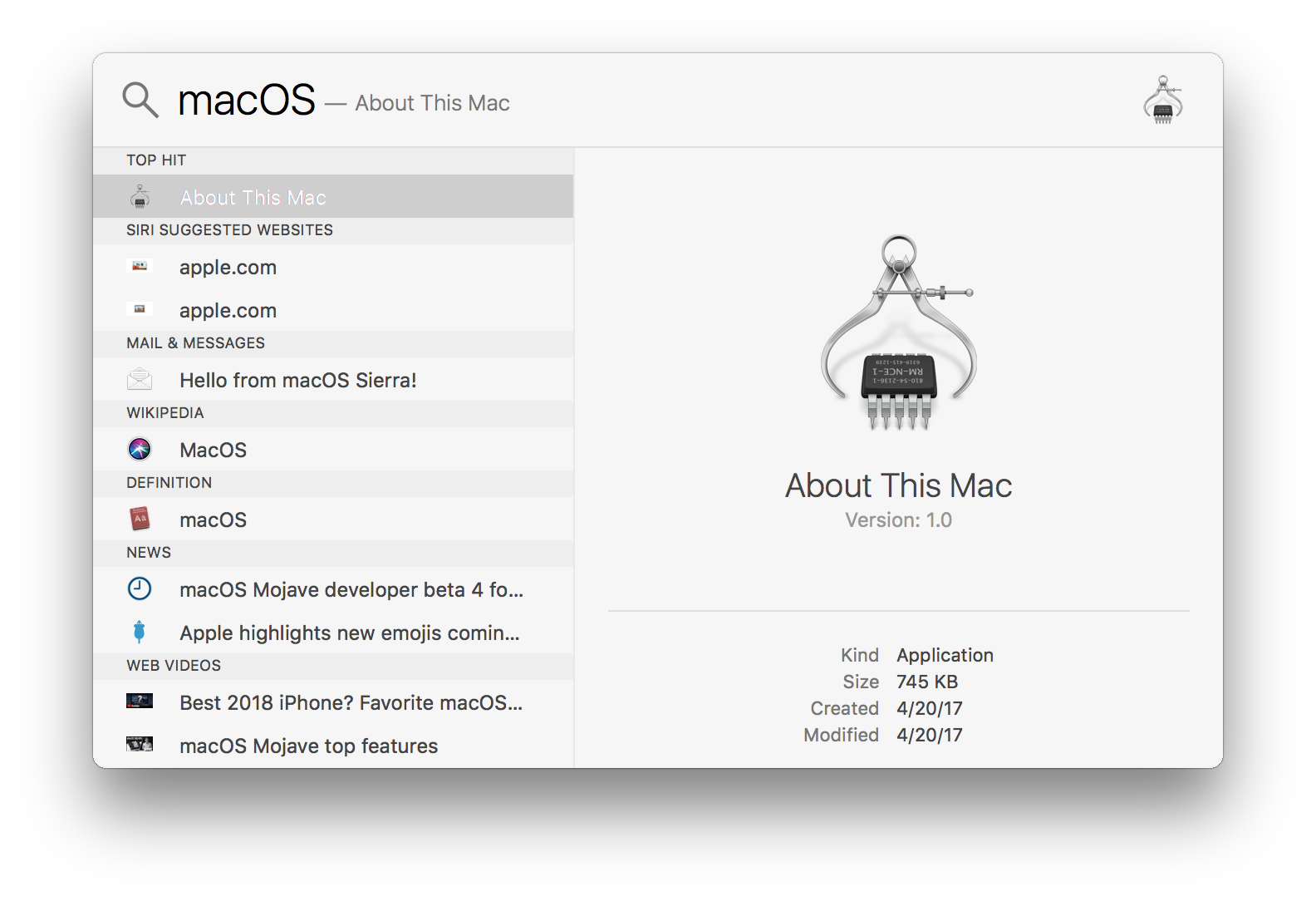
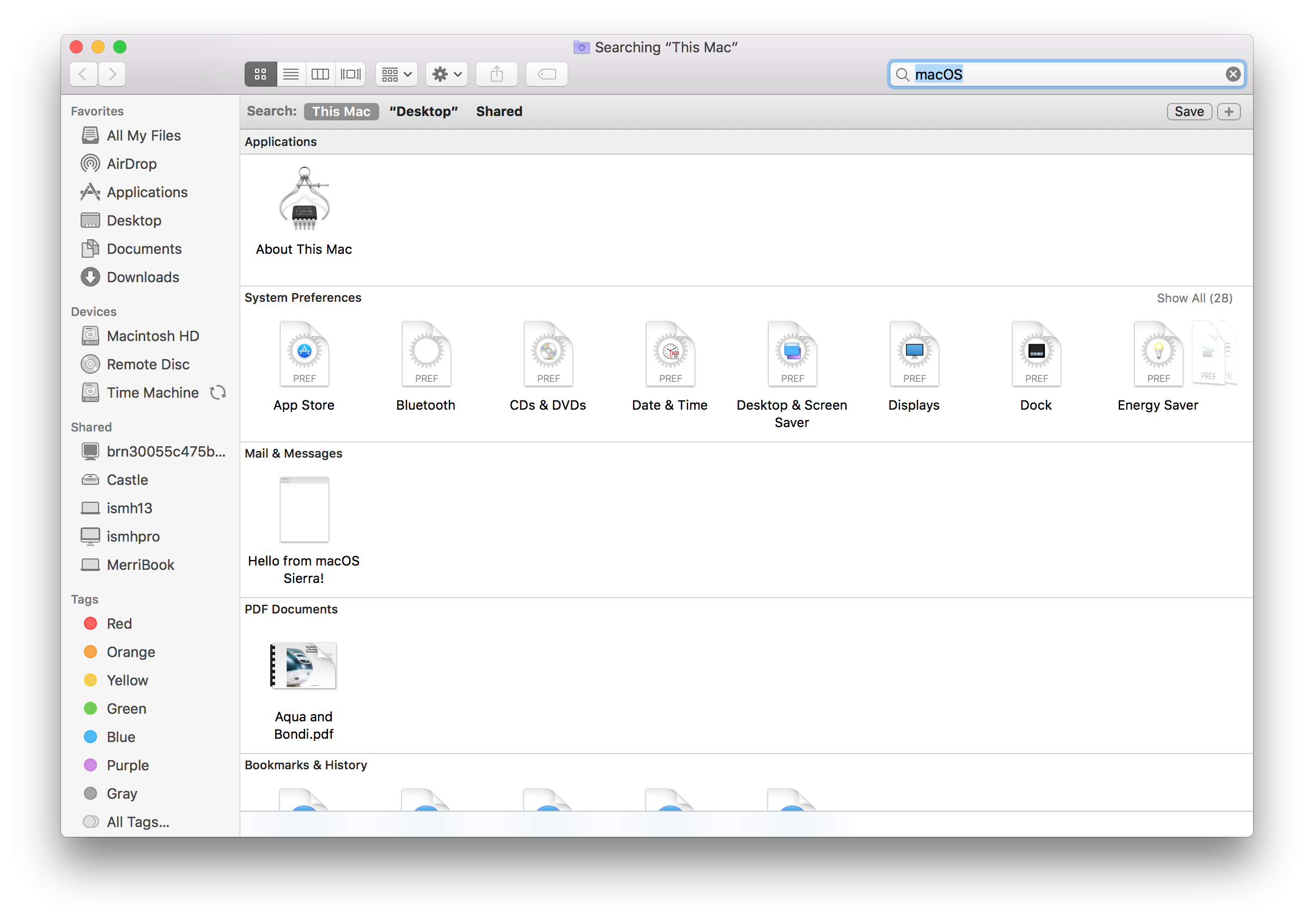
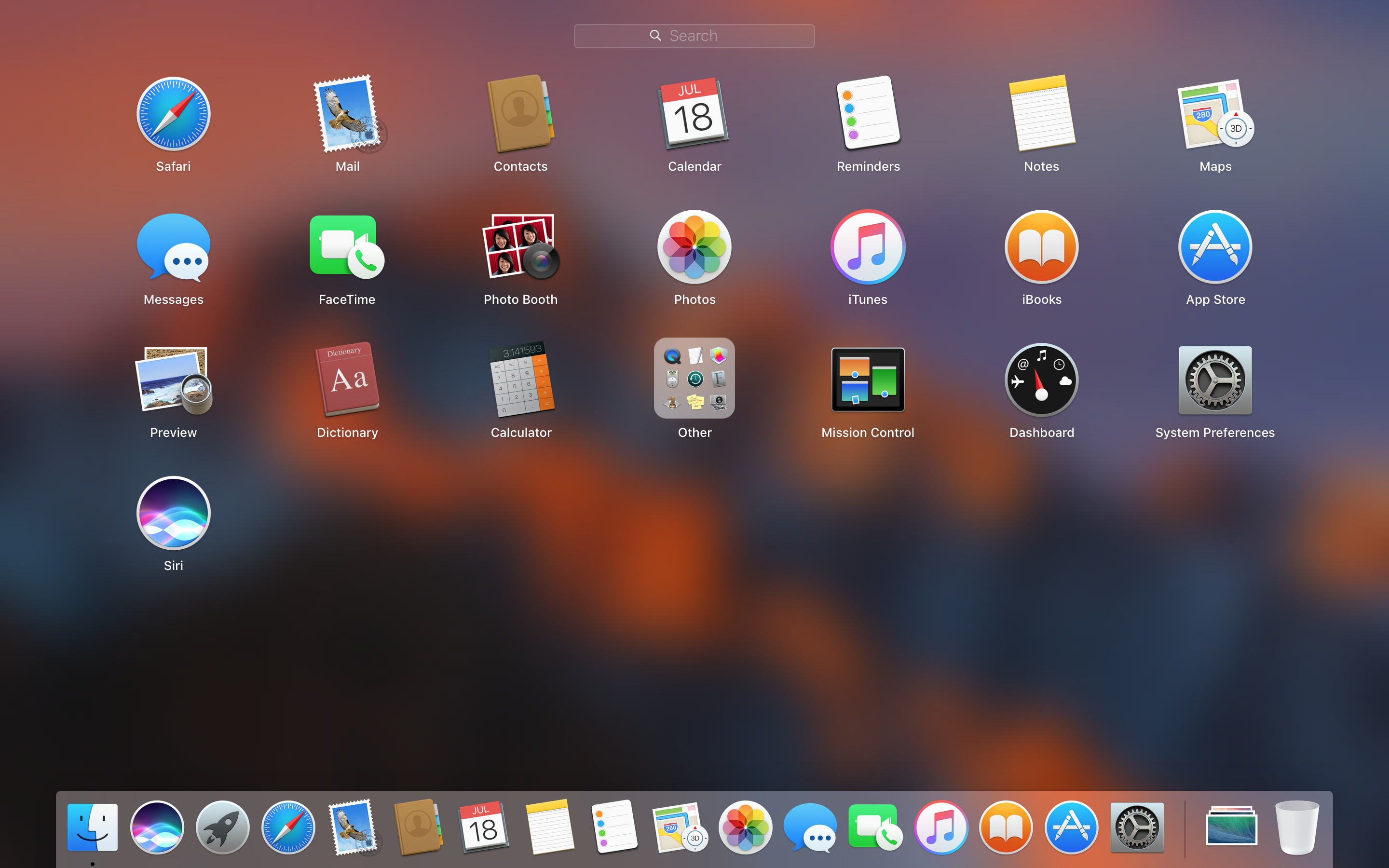
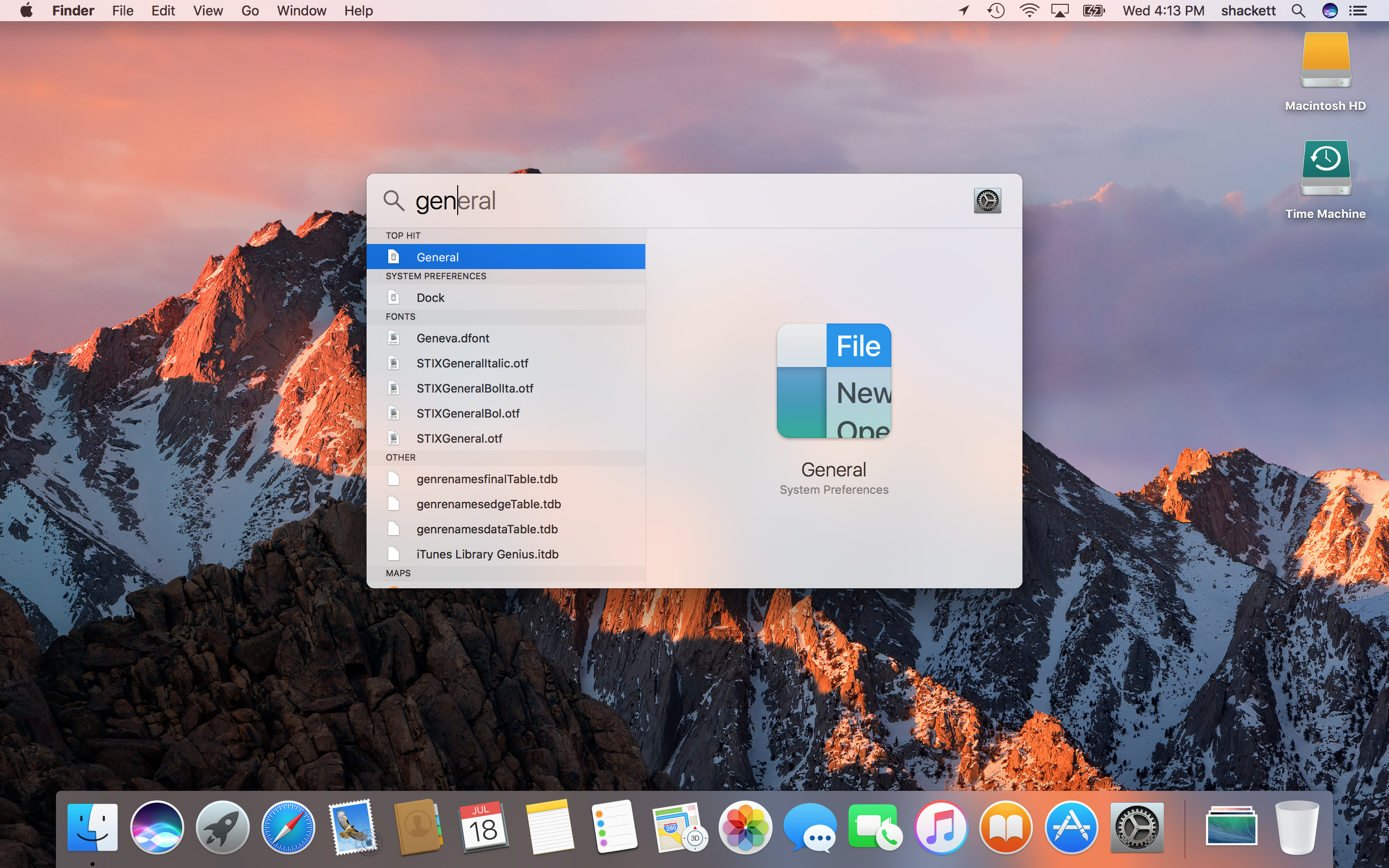
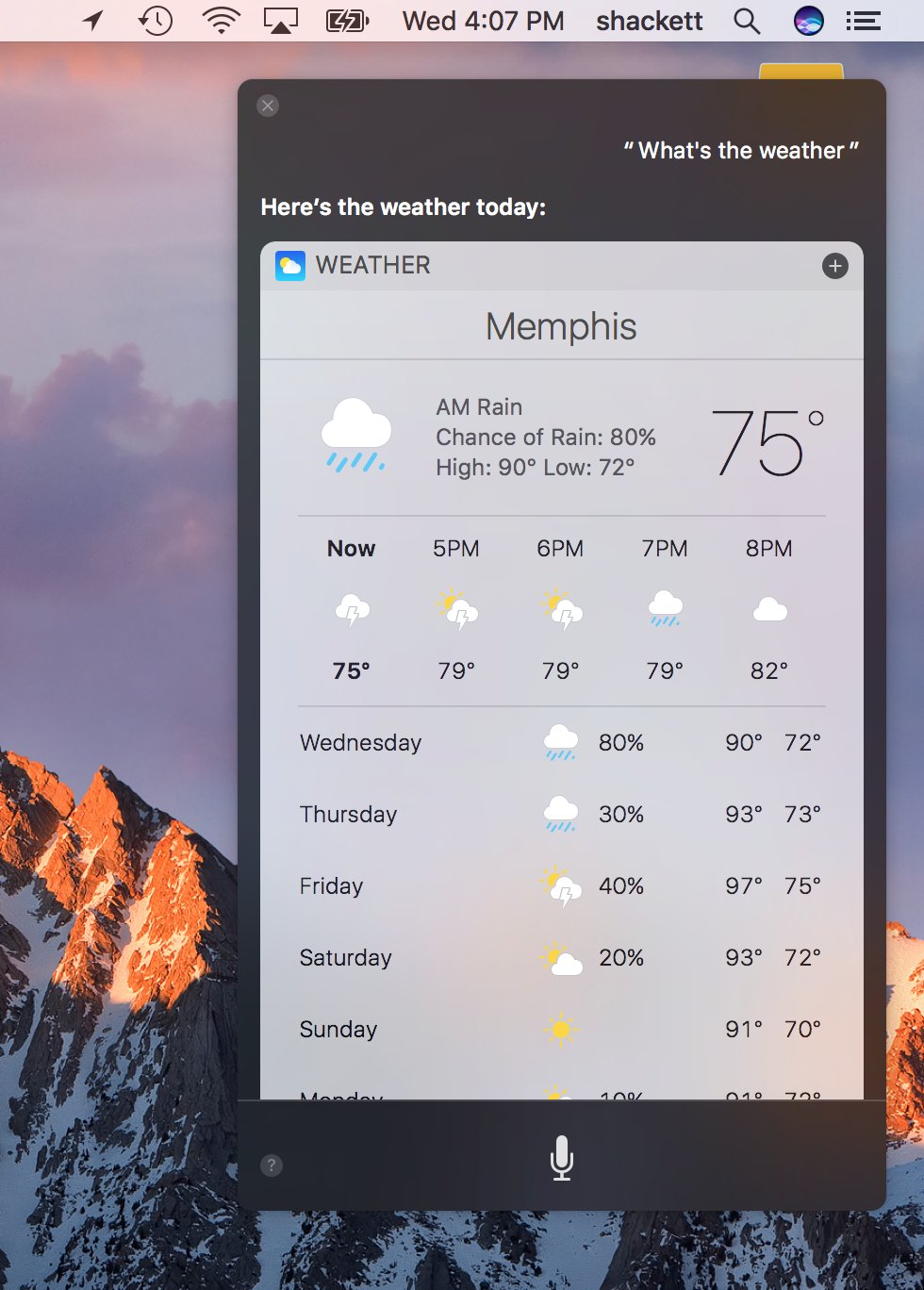
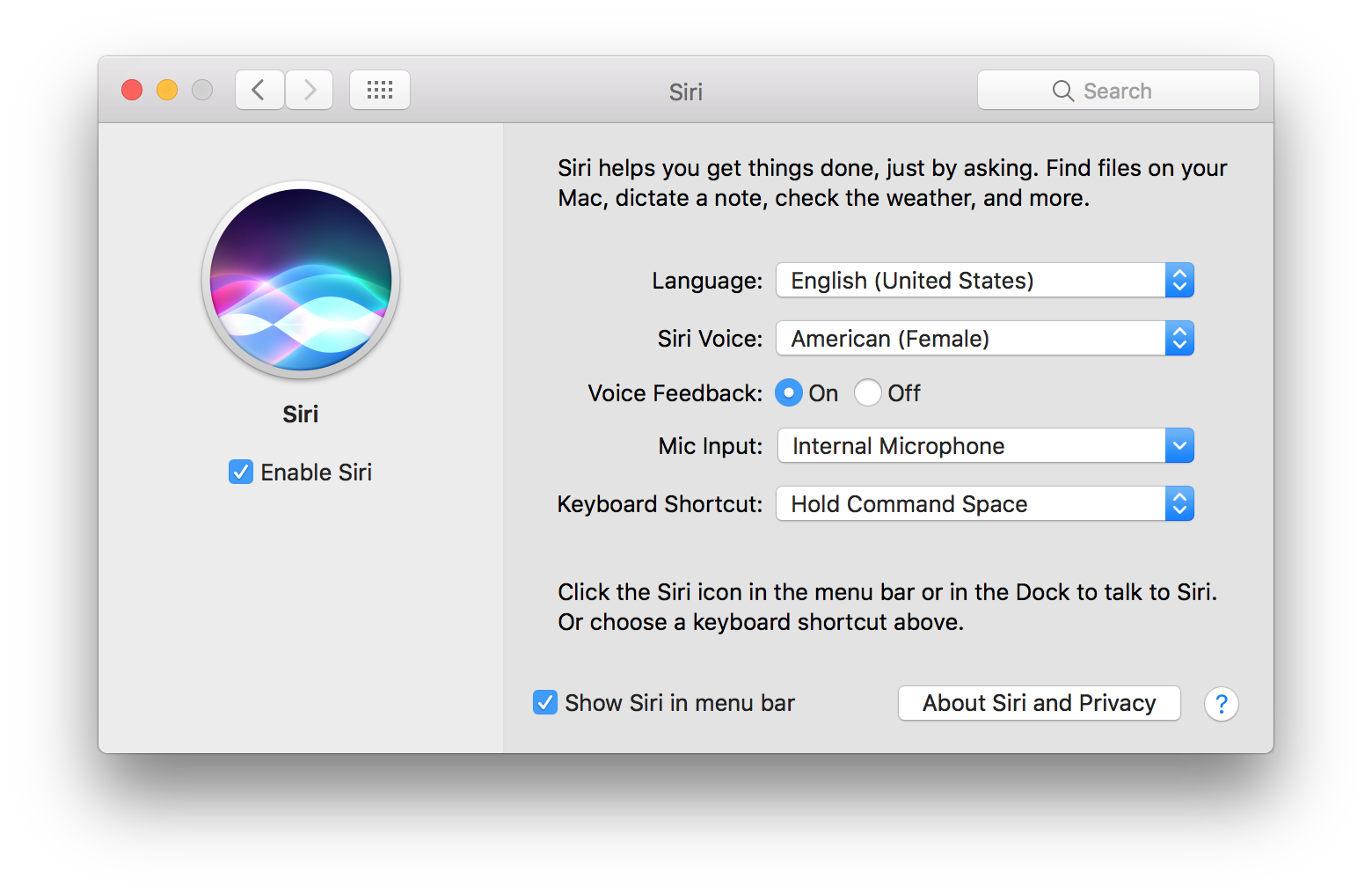
As far as features, Sierra’s headlines were all about Siri. The virtual assistant can do the same sorts of tasks as always, but the Mac version can also be used to search for files and adjust system settings. Results can be turned into Today widgets or dragged into other applications if Siri returns images or other files.
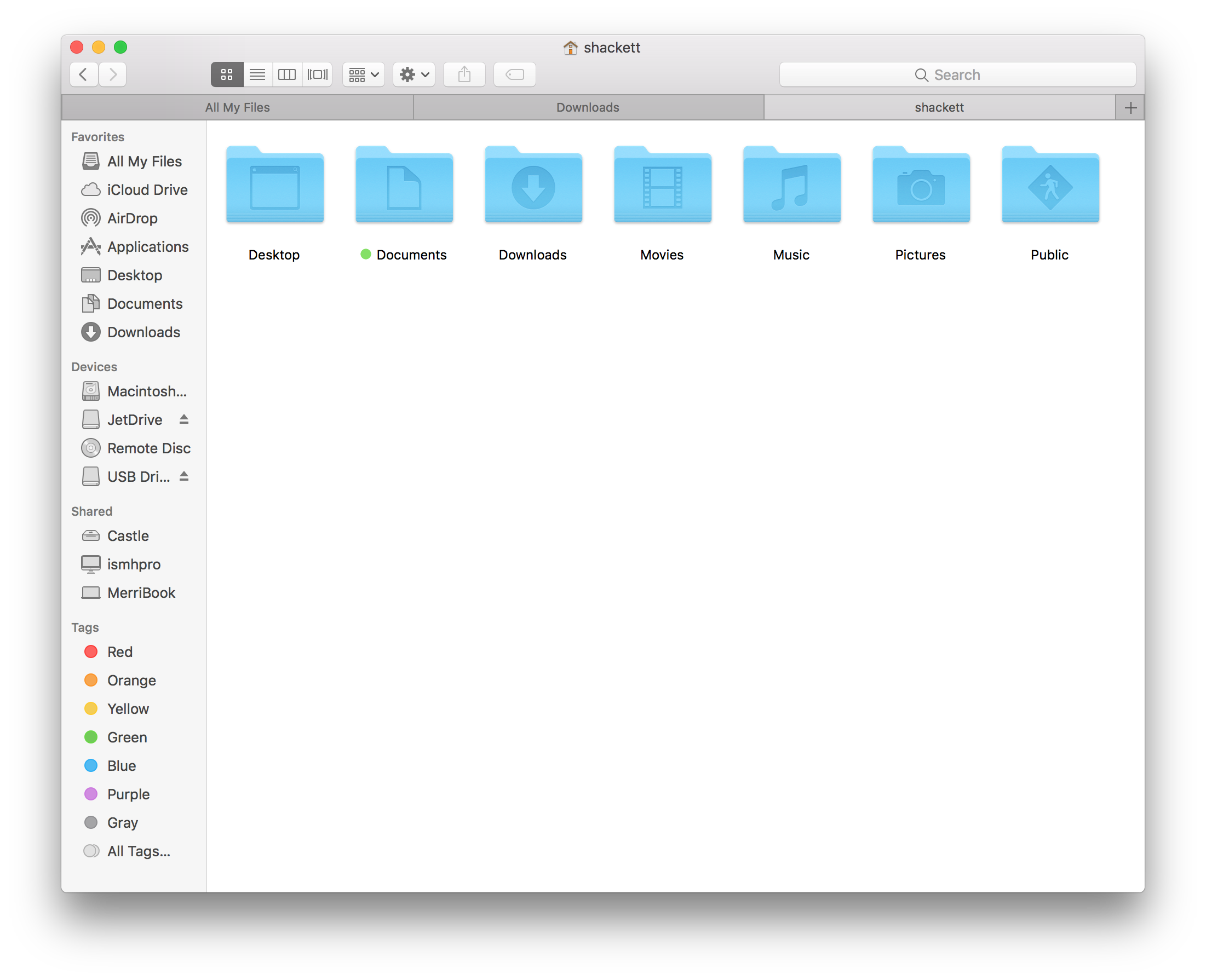
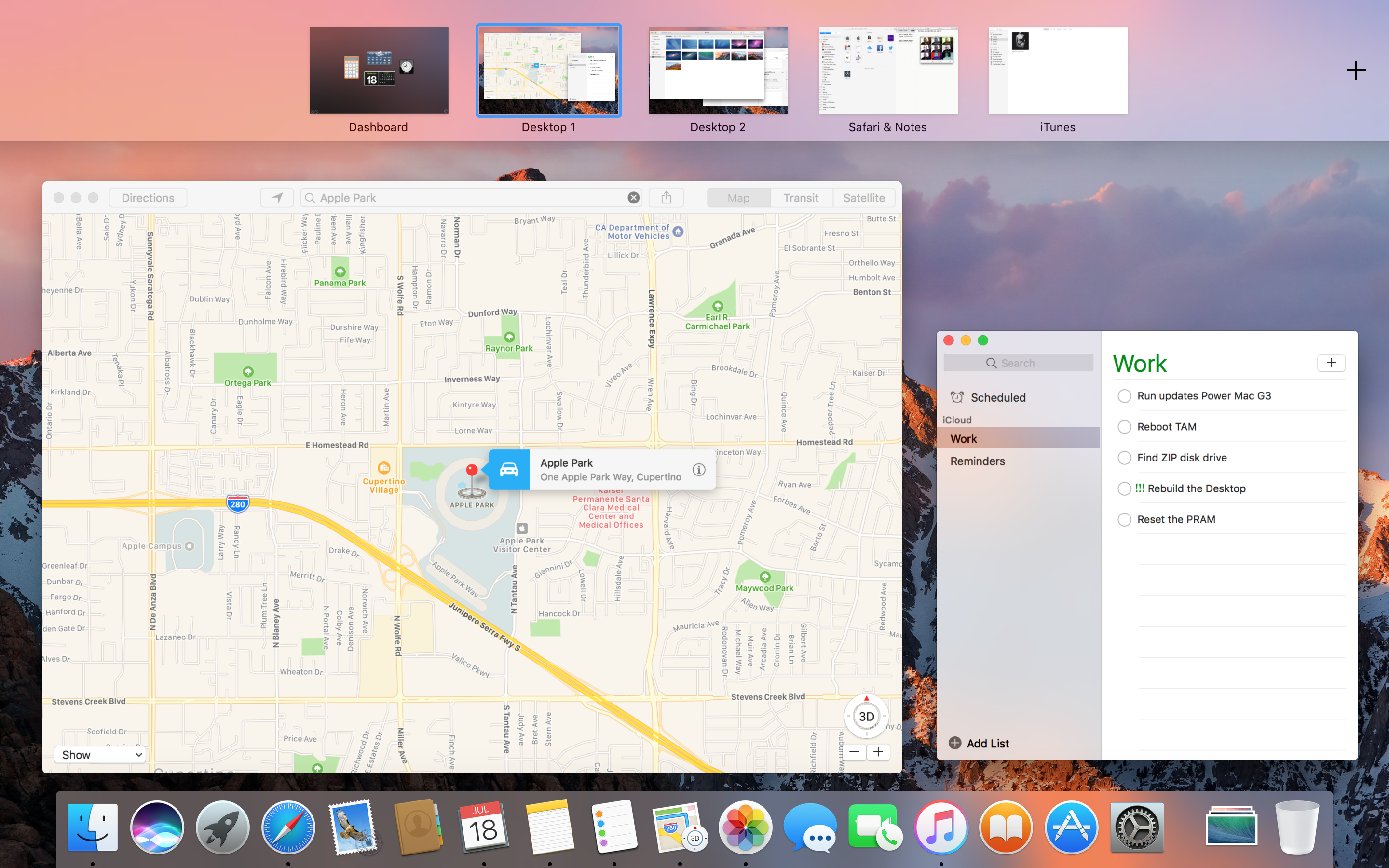
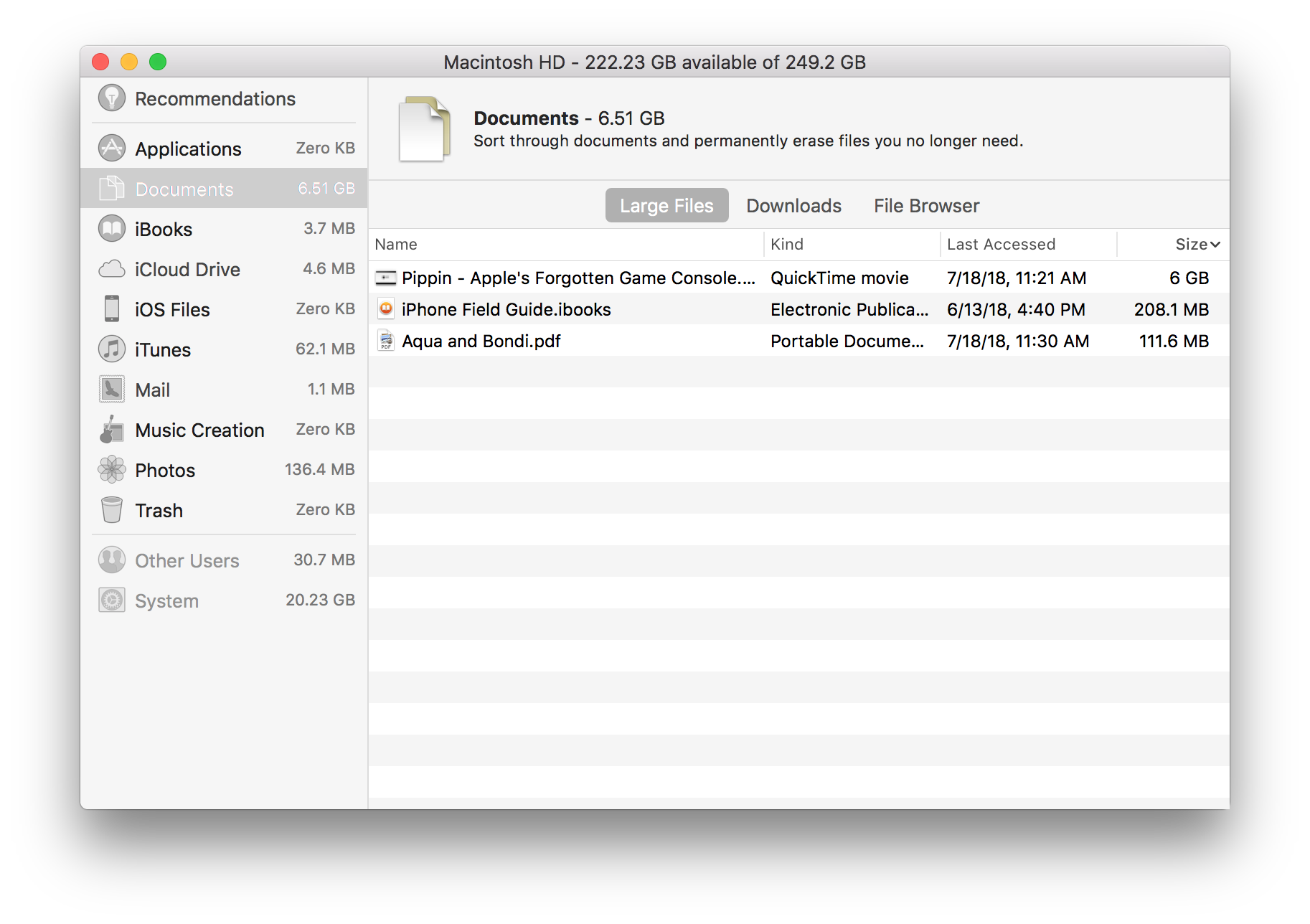
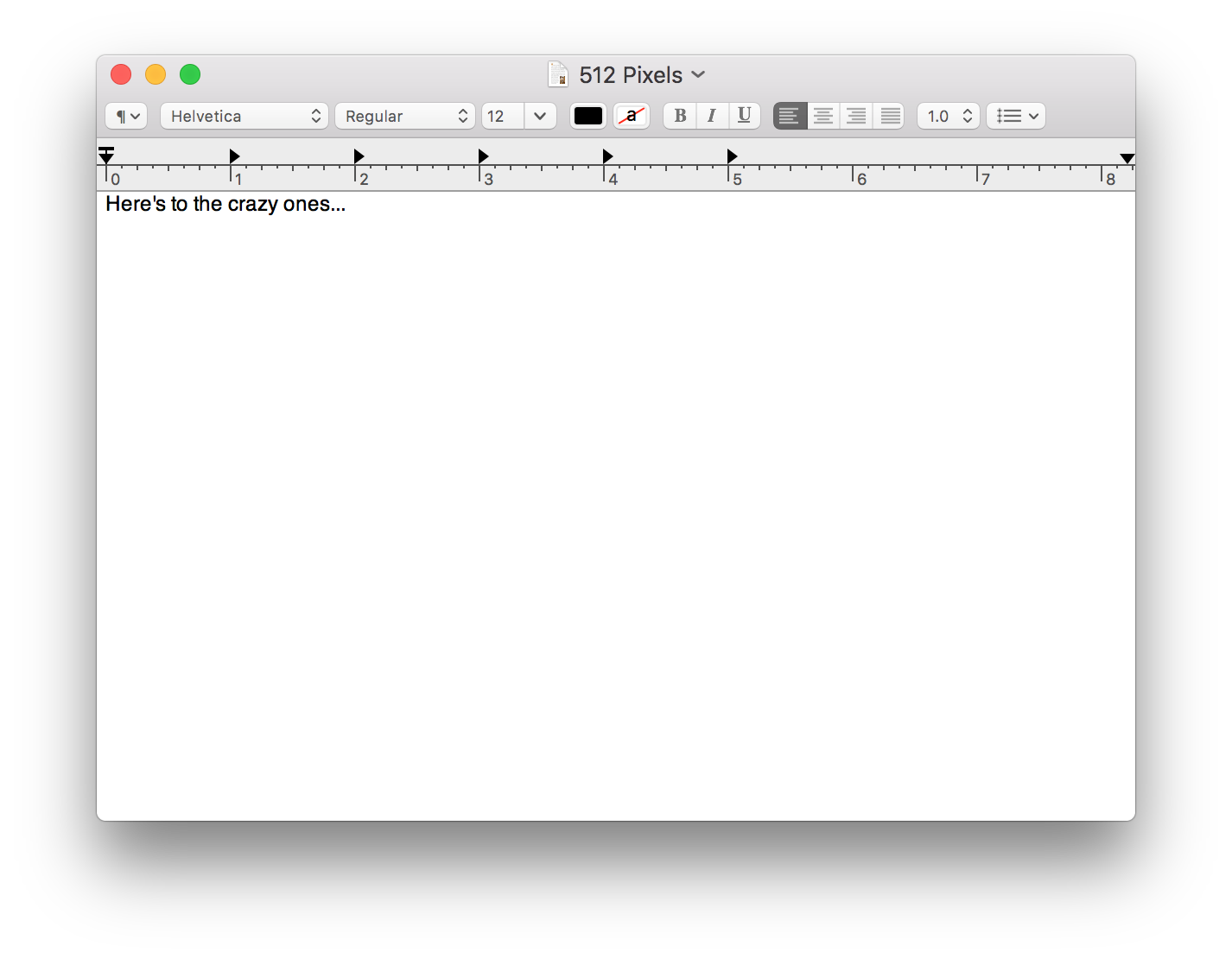
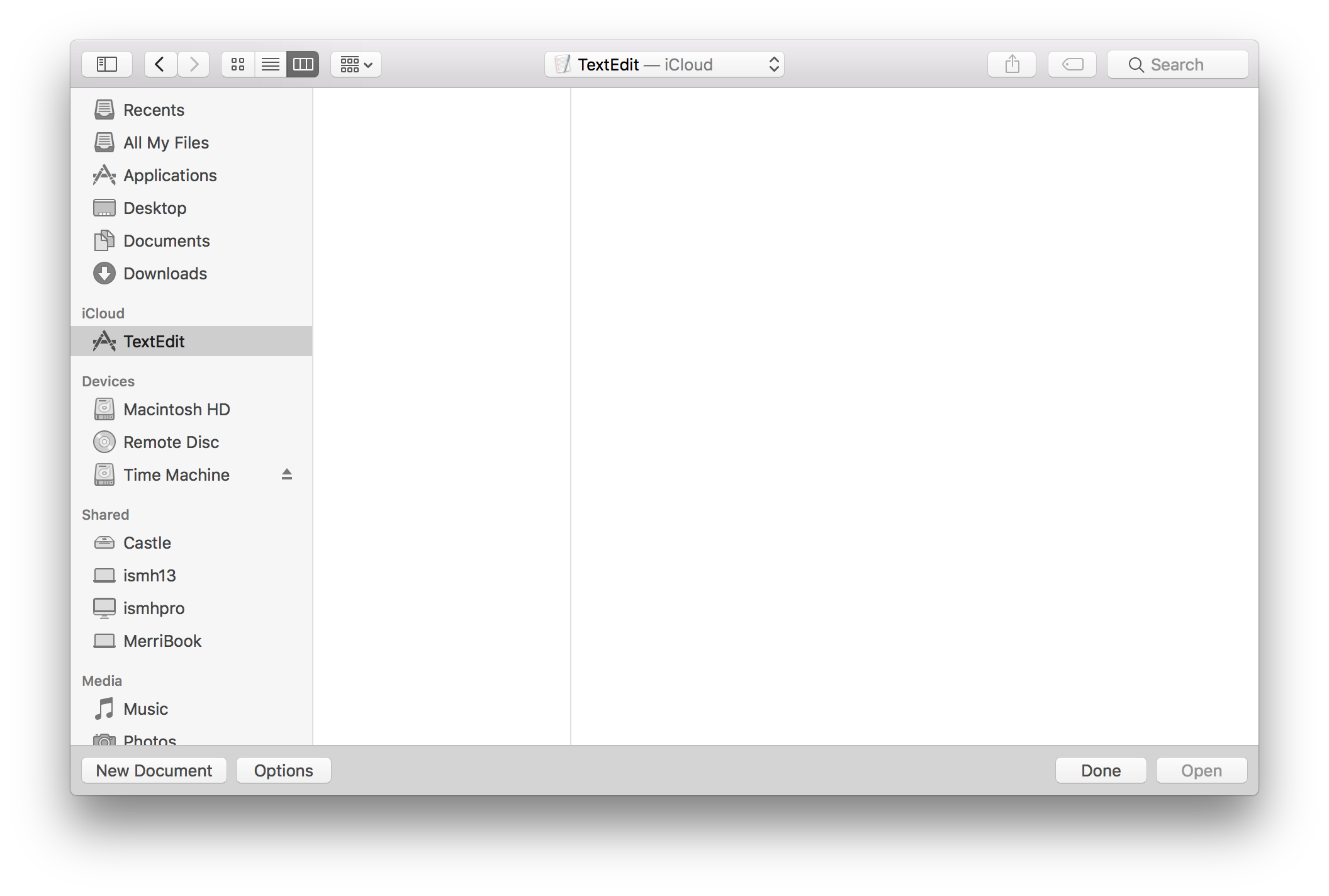
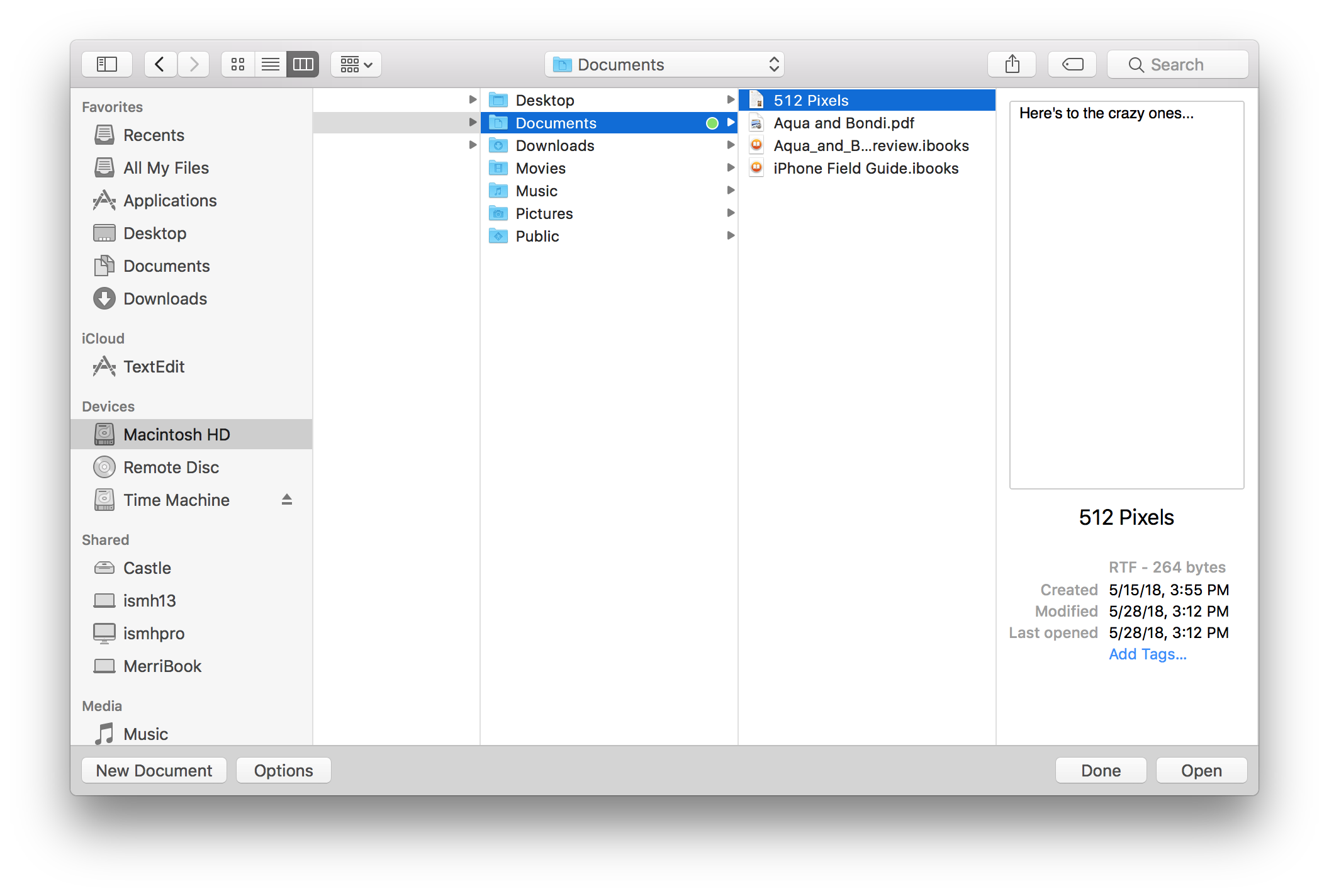
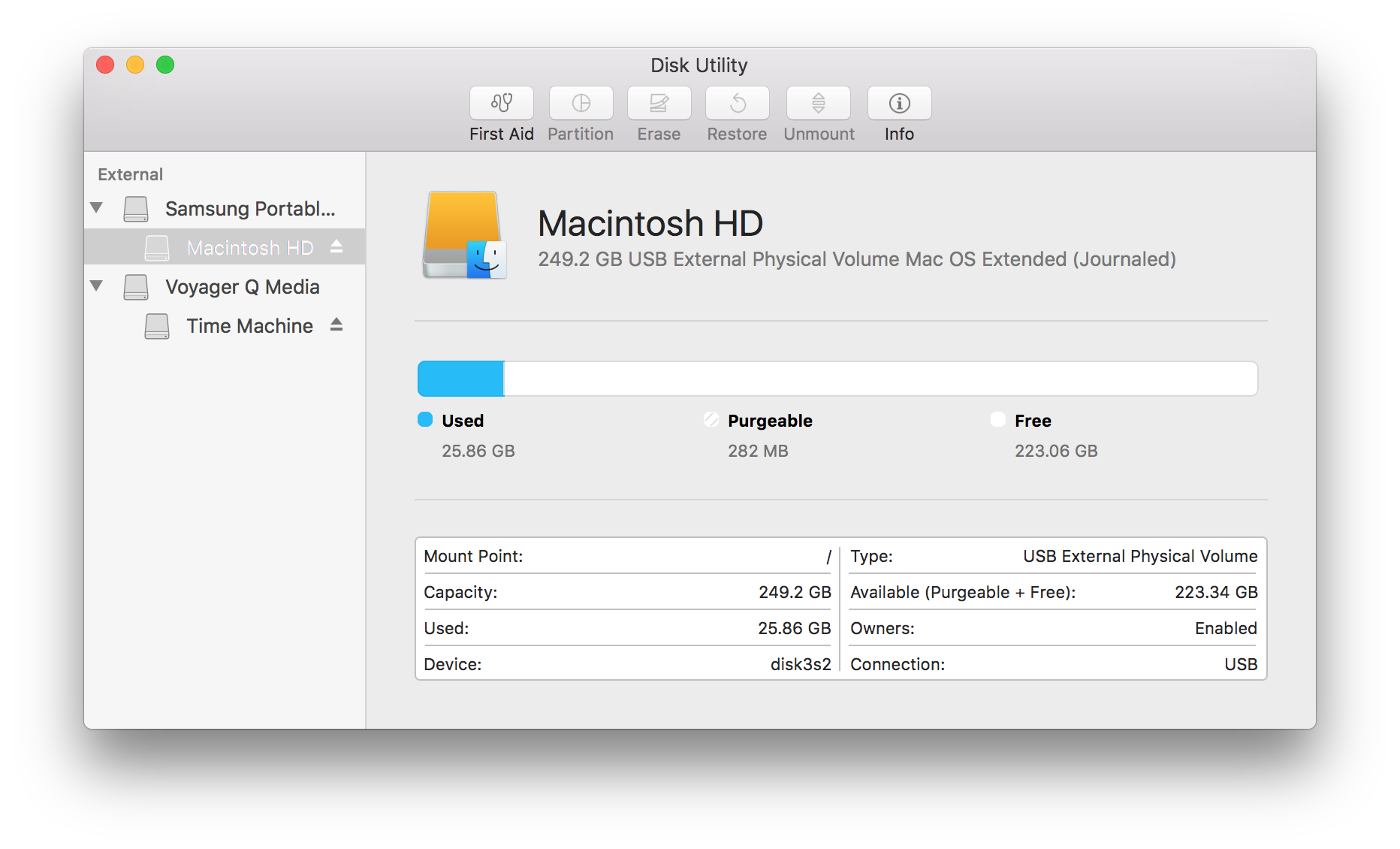
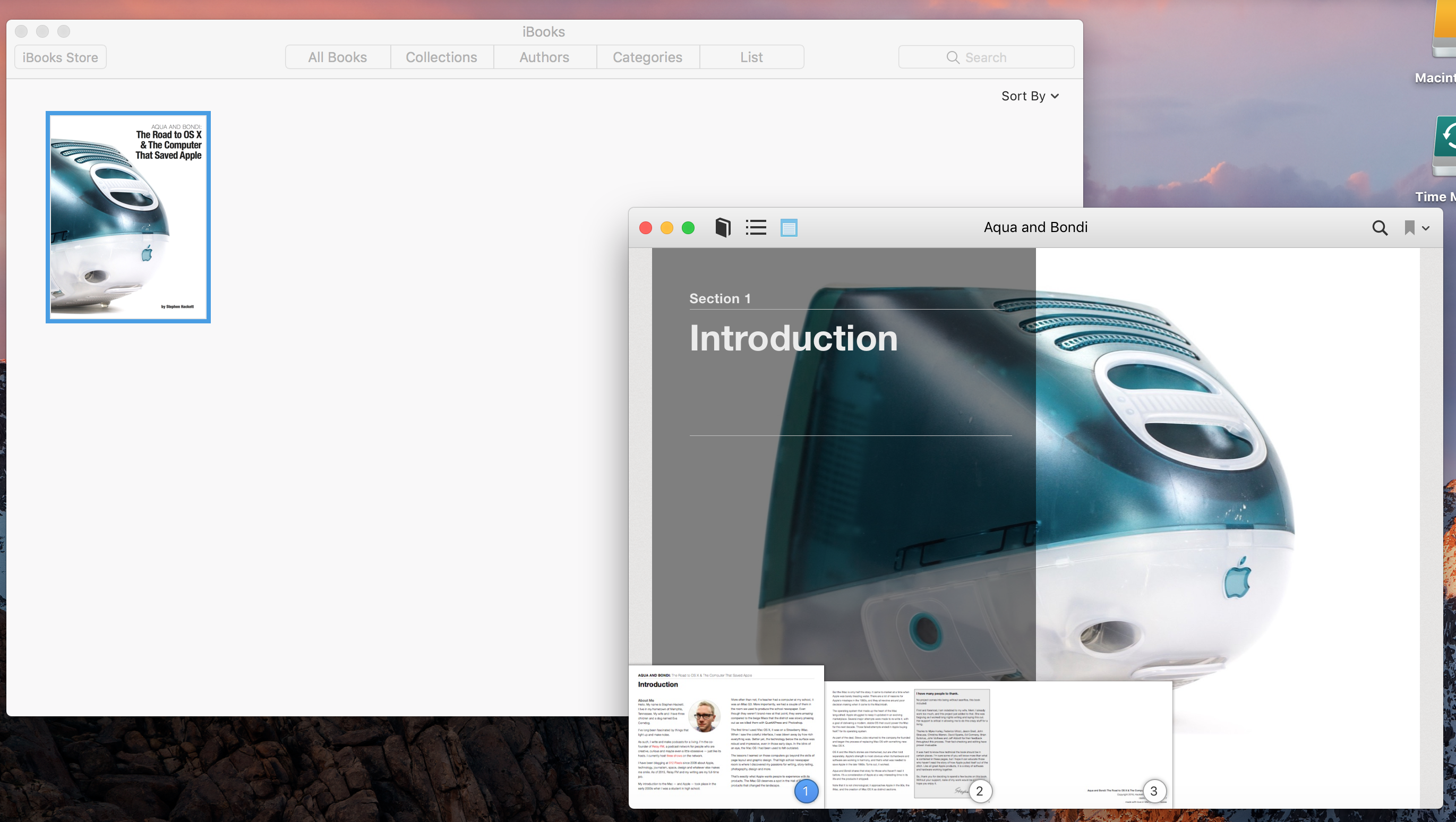
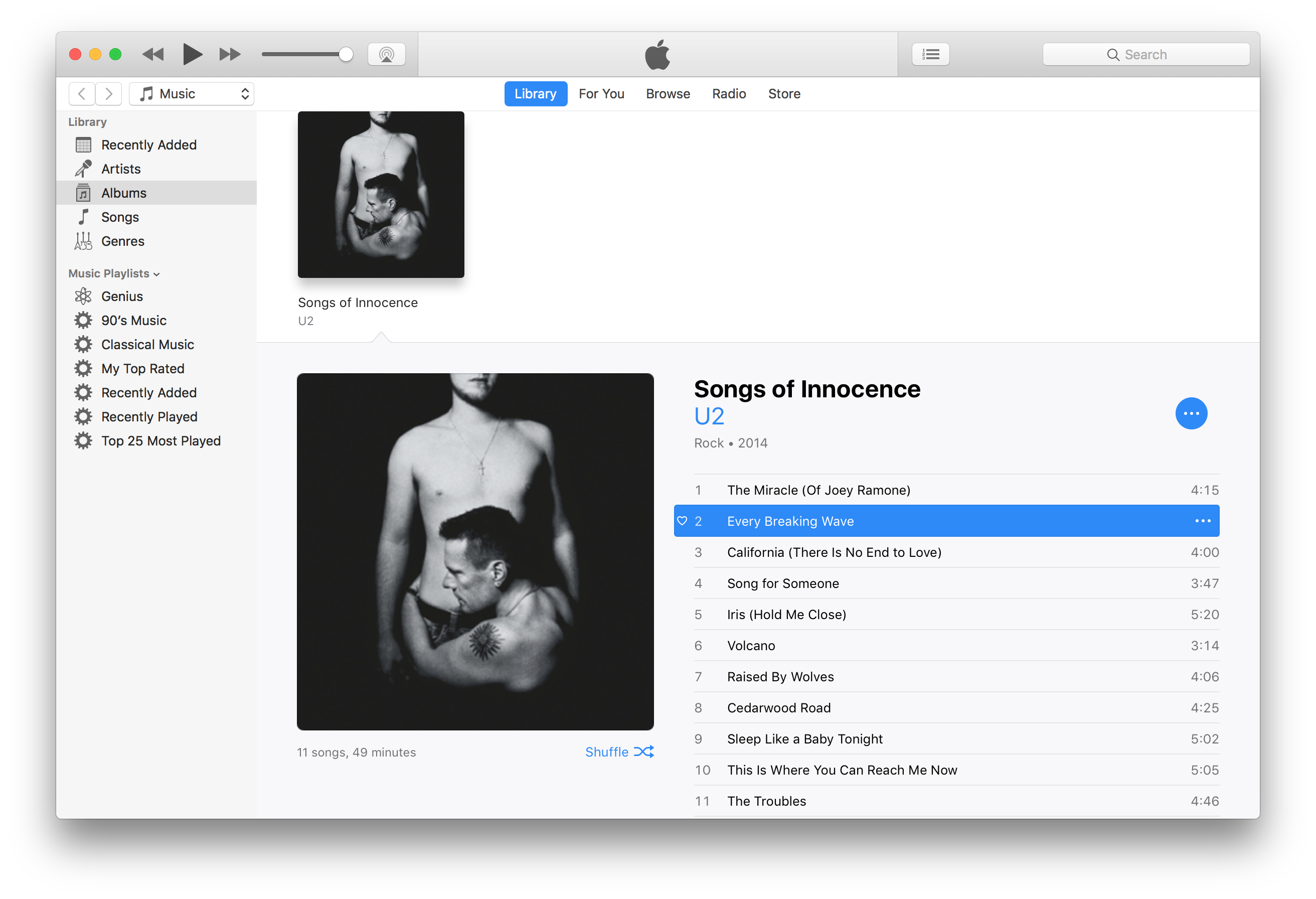
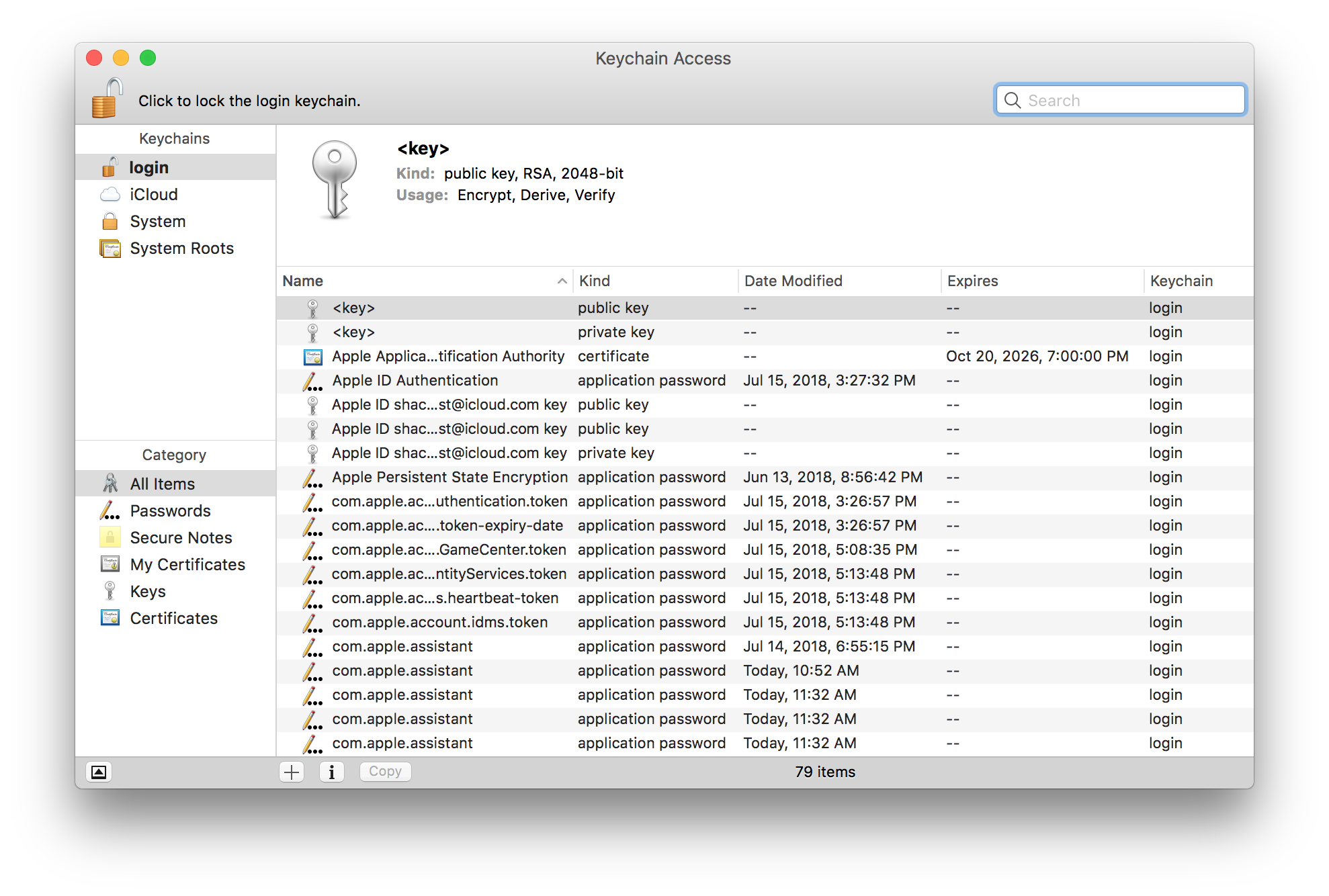
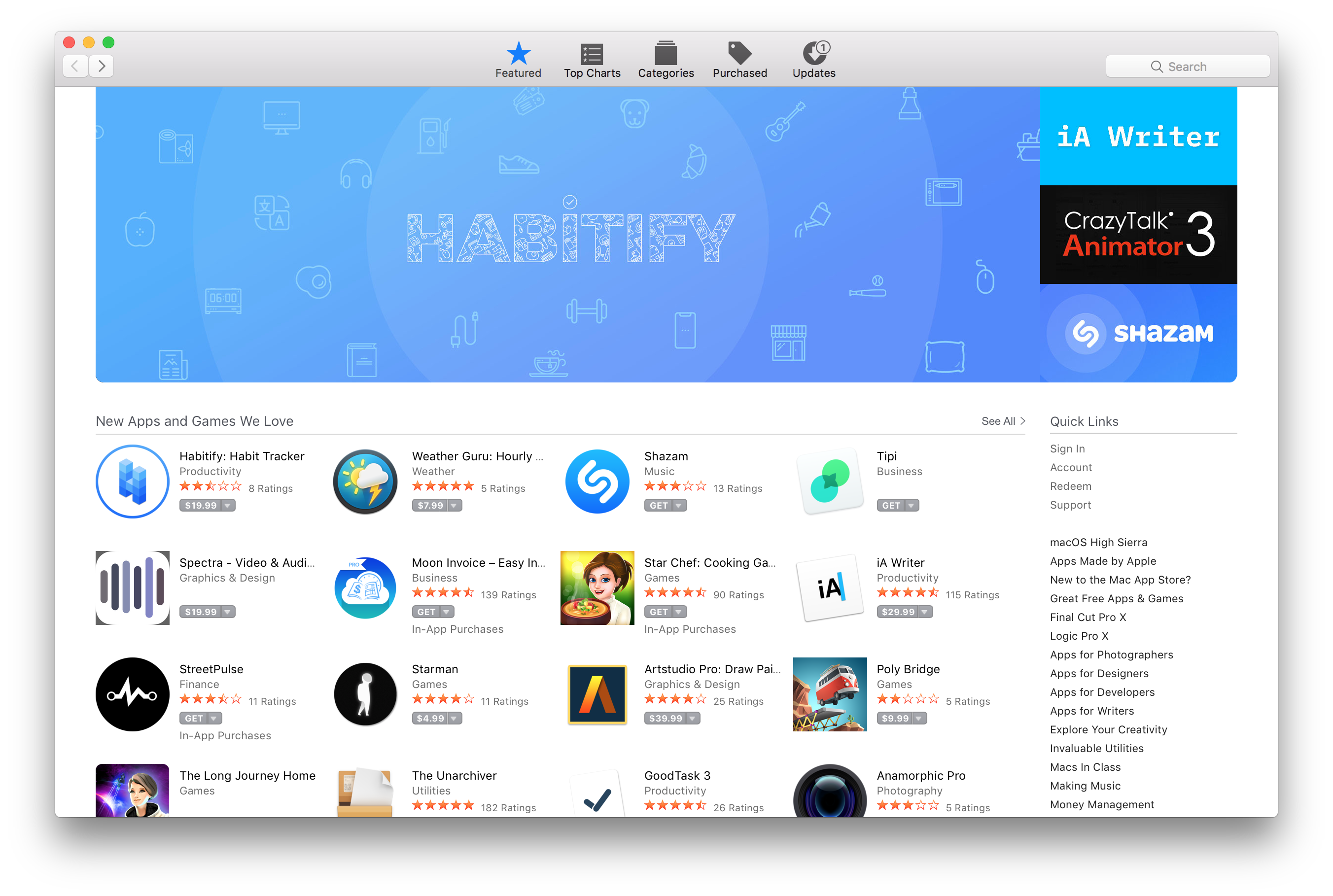
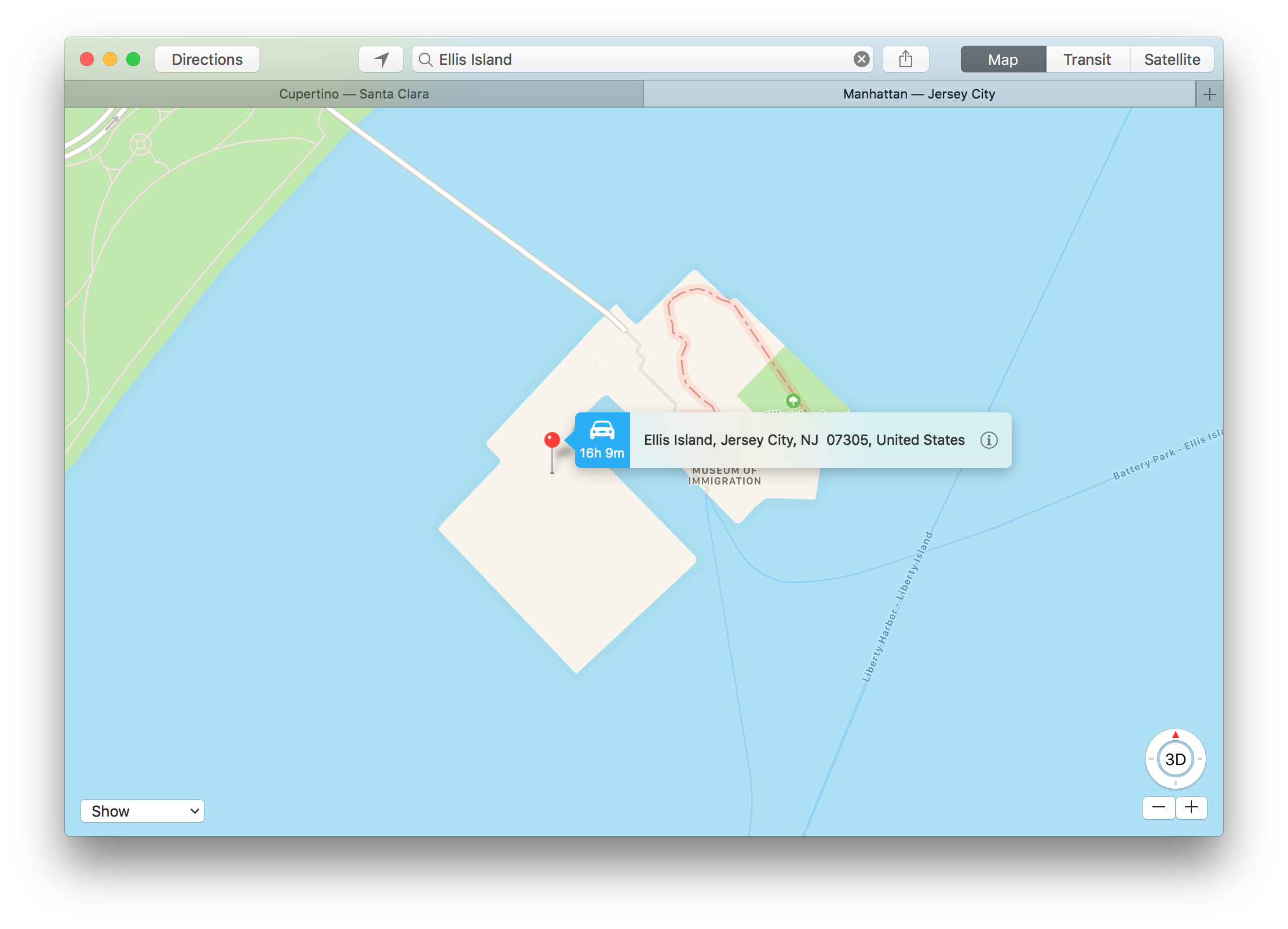
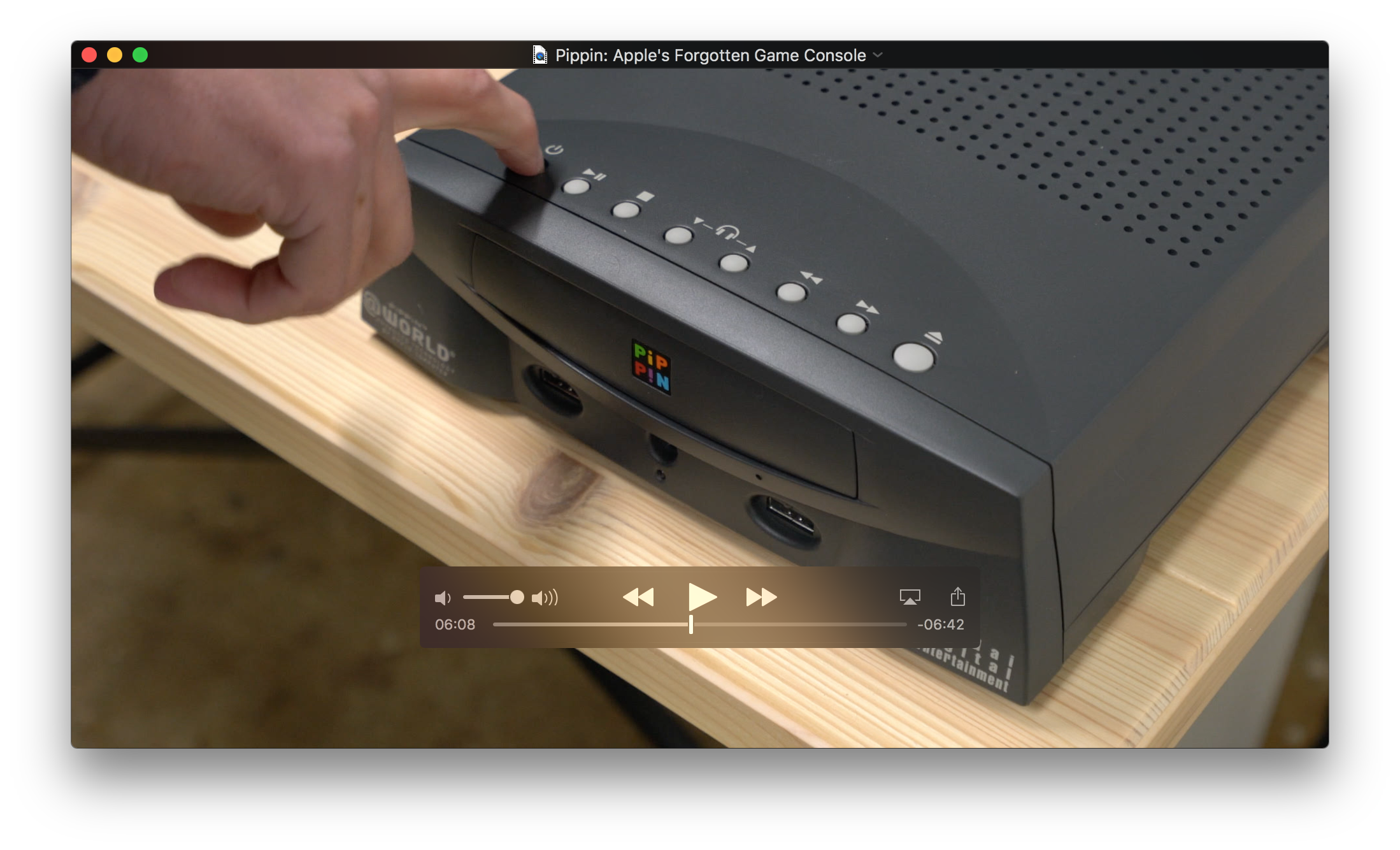
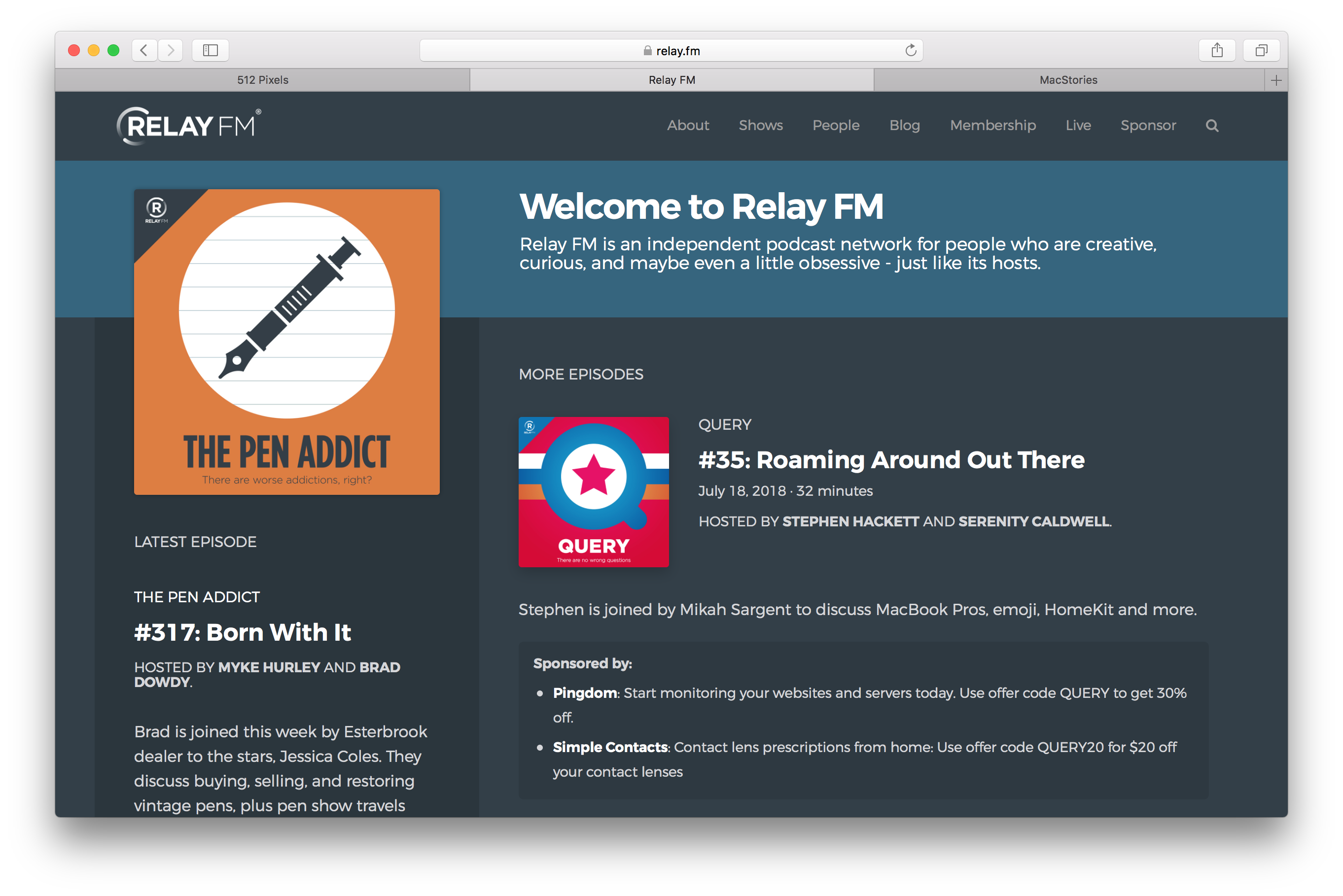
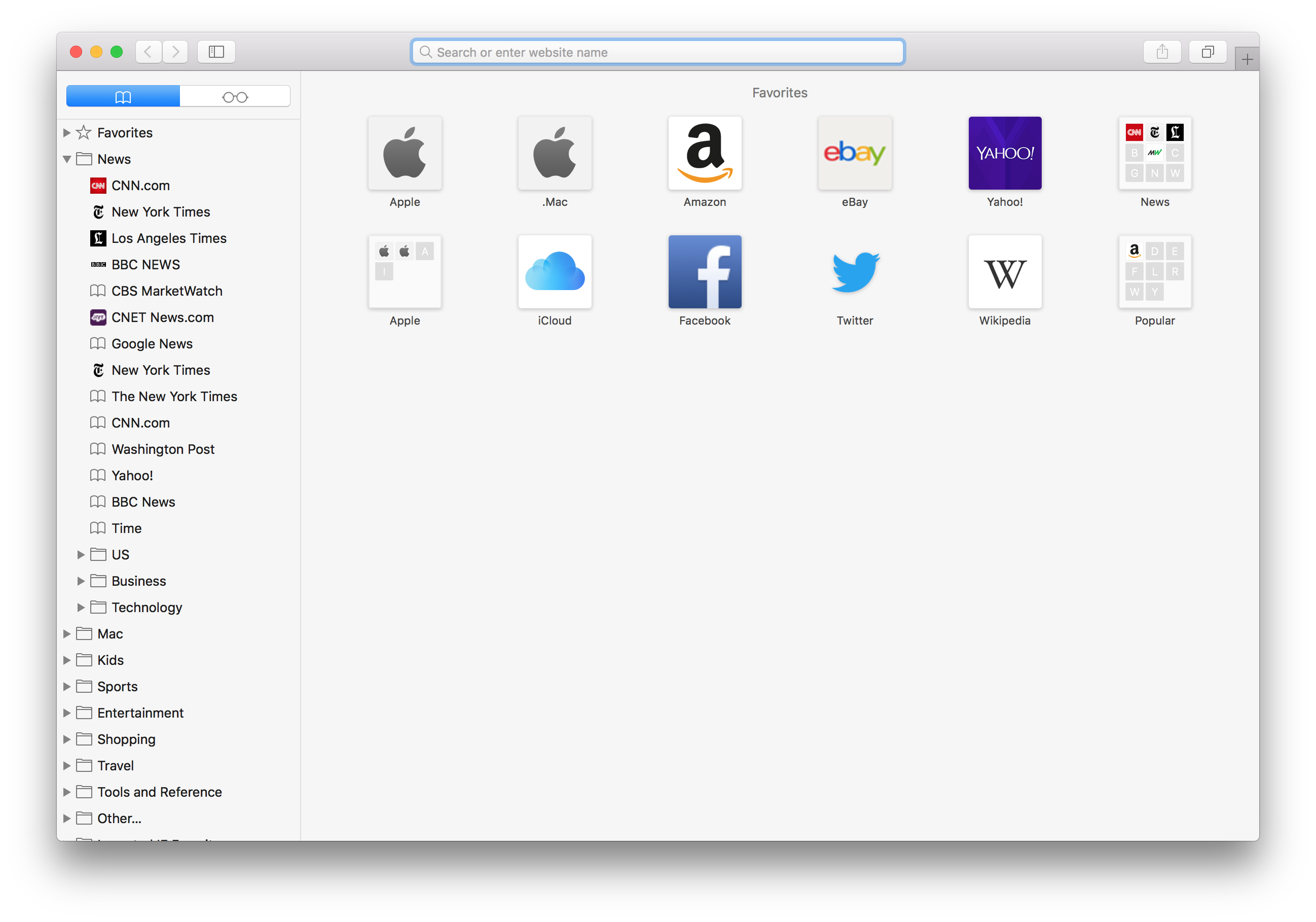
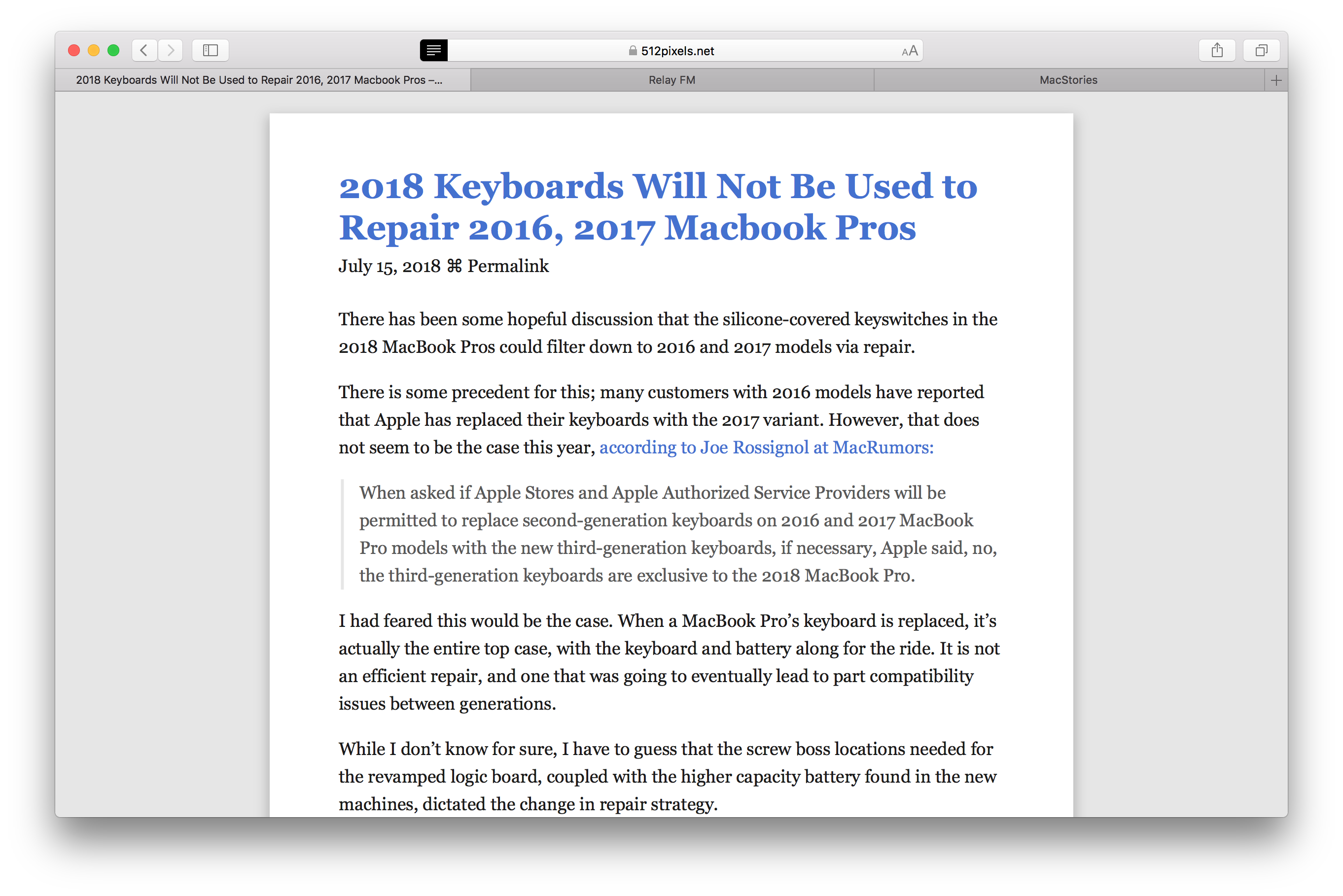
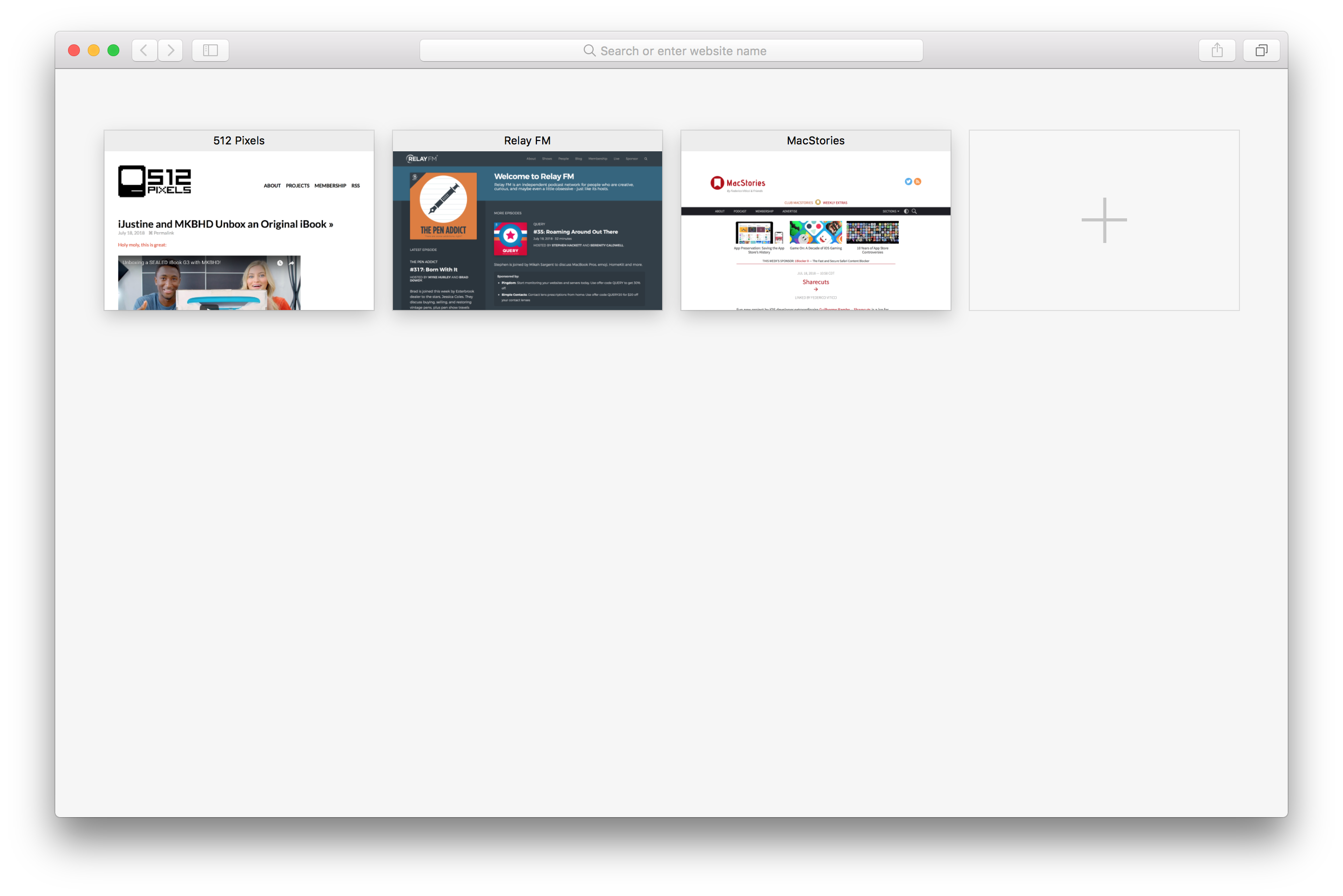
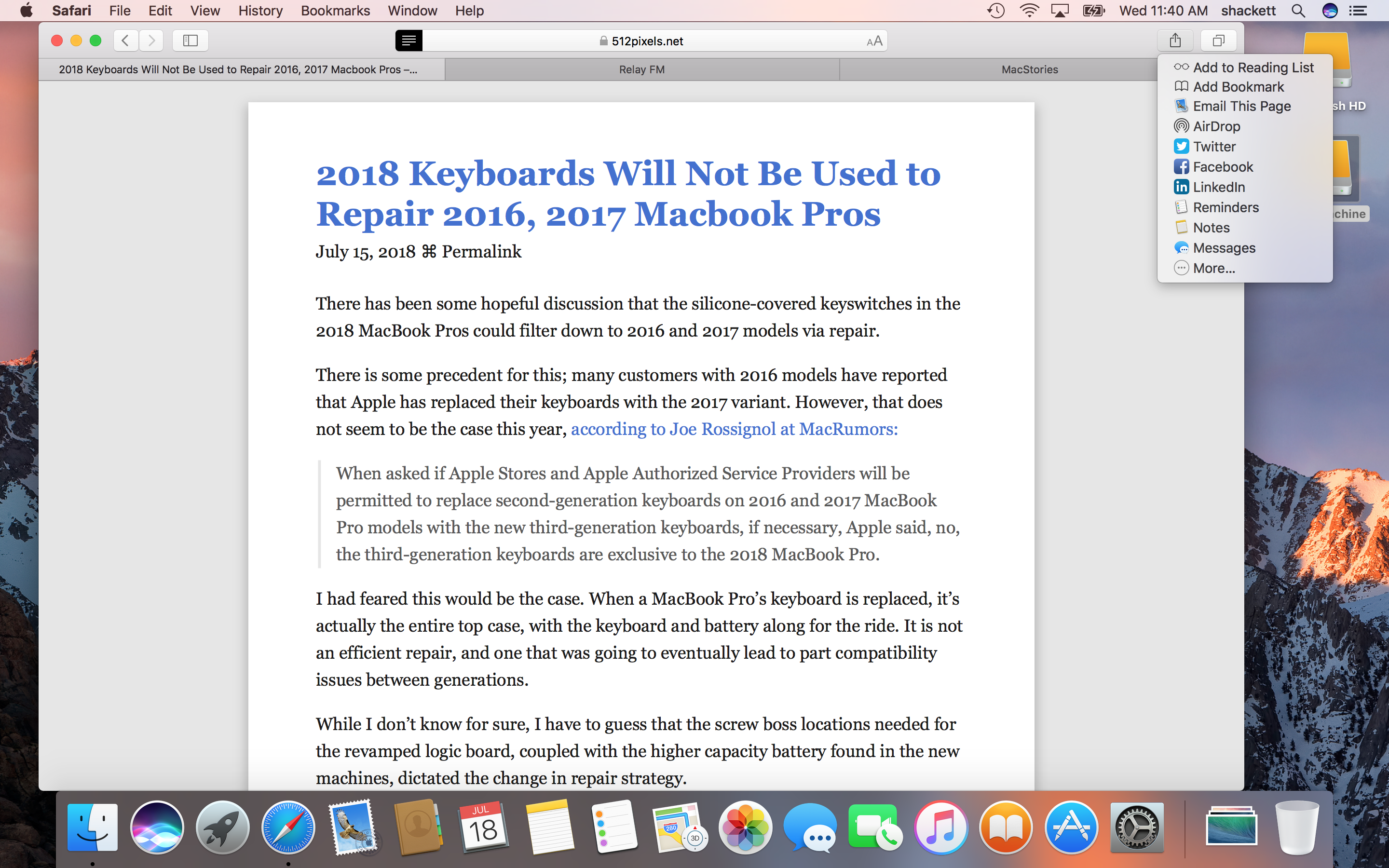
Sierra also blessed all standard macOS apps with tabs like Safari and Finder gained years earlier. This version of macOS also includes tools to manage disk space, including a new utility to easily see what is taking up space on the local disk and remove files or move them to iCloud. It also included Night Shift, to warm the color of the screen as the evening begins.
Sponsored by Rogue Amoeba
The 512 Pixels macOS Screenshot Library is sponsored by SoundSource, from the fine folks at Rogue Amoeba.
SoundSource puts powerful audio control of your Mac right in your menu bar. Adjust app volume instantly, apply audio effects to the audio you hear, and redirect that audio to any device connected to your Mac – now including AirPlay devices.
SoundSource: Sound control so good, it ought to be built into macOS.

















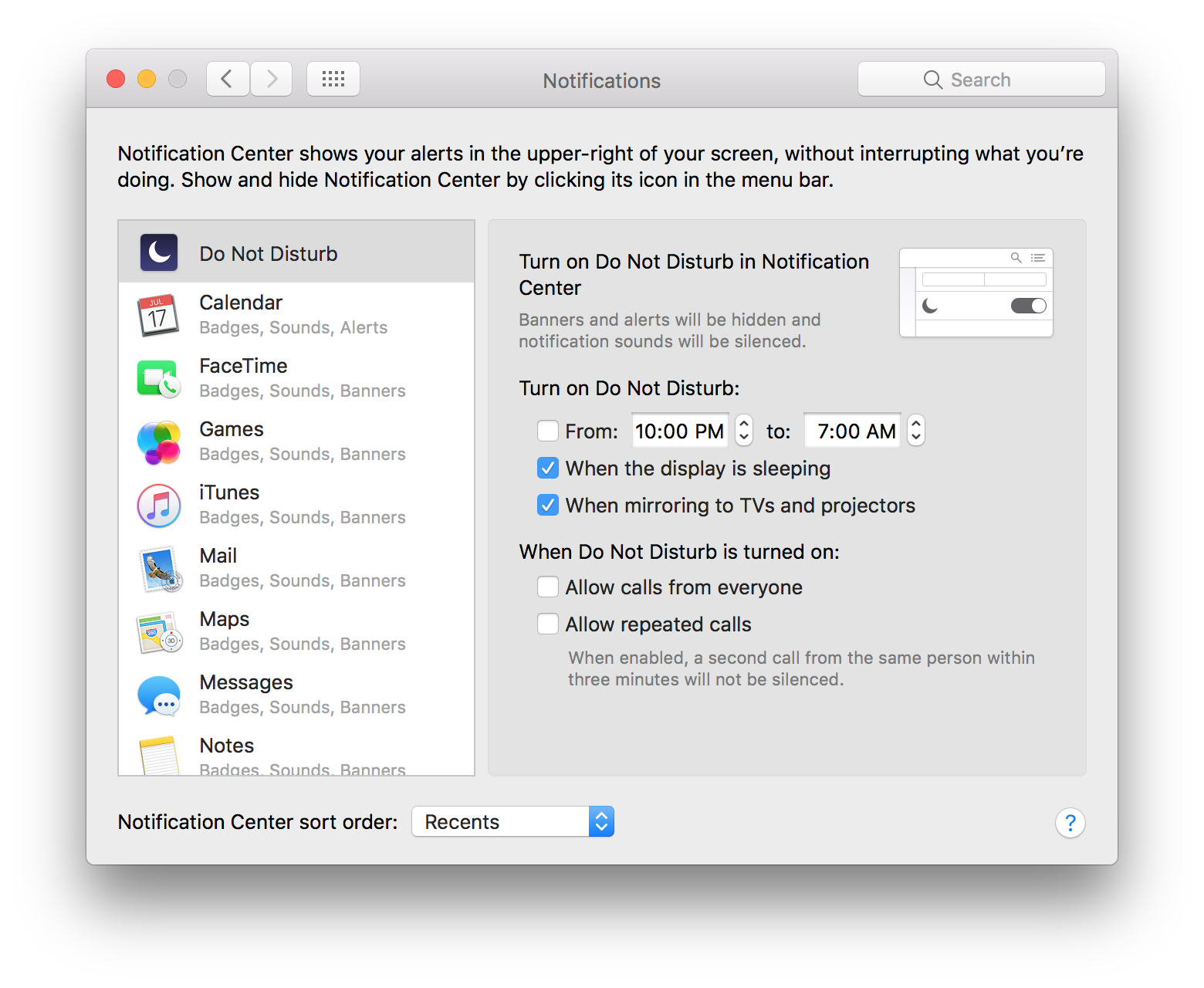
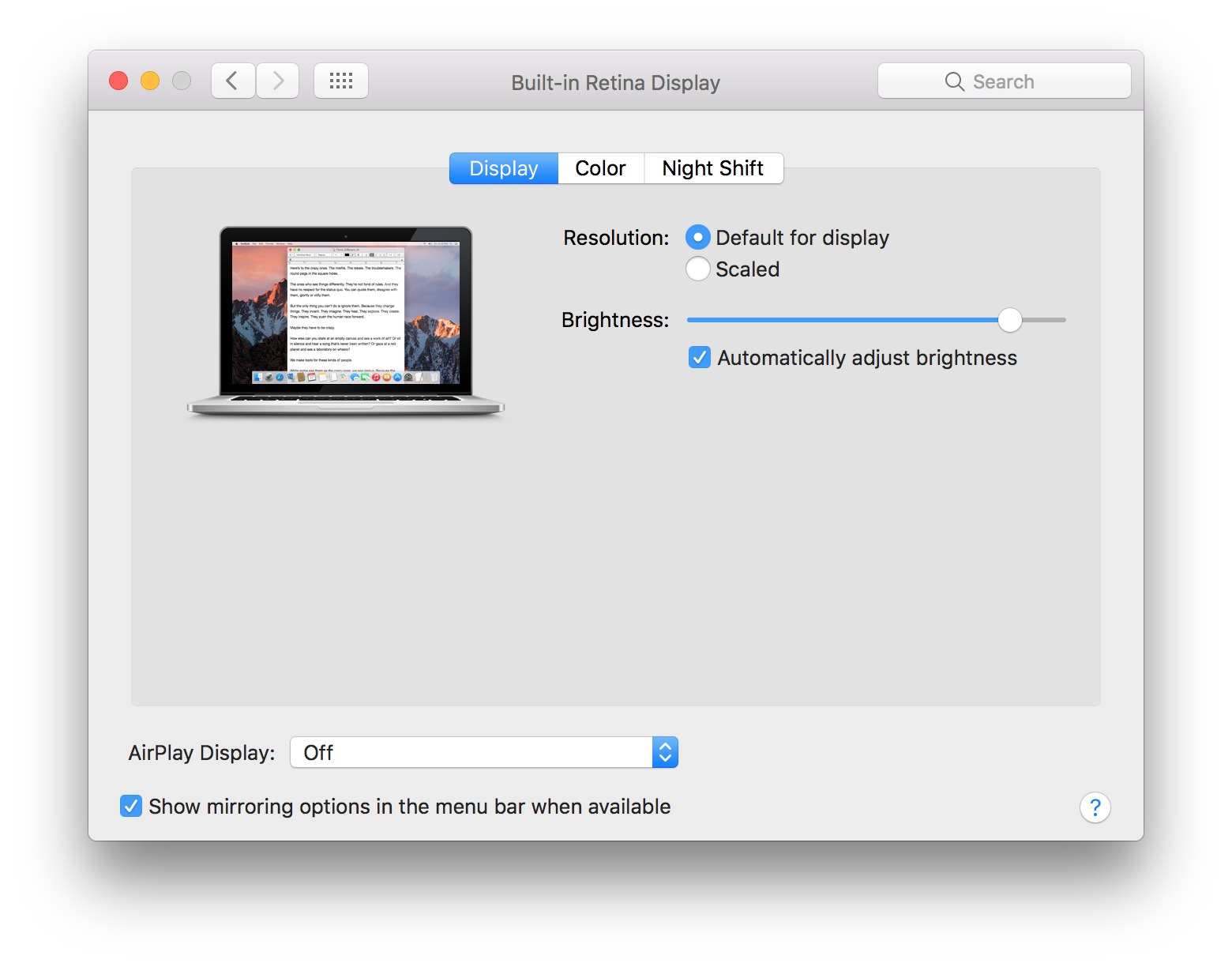
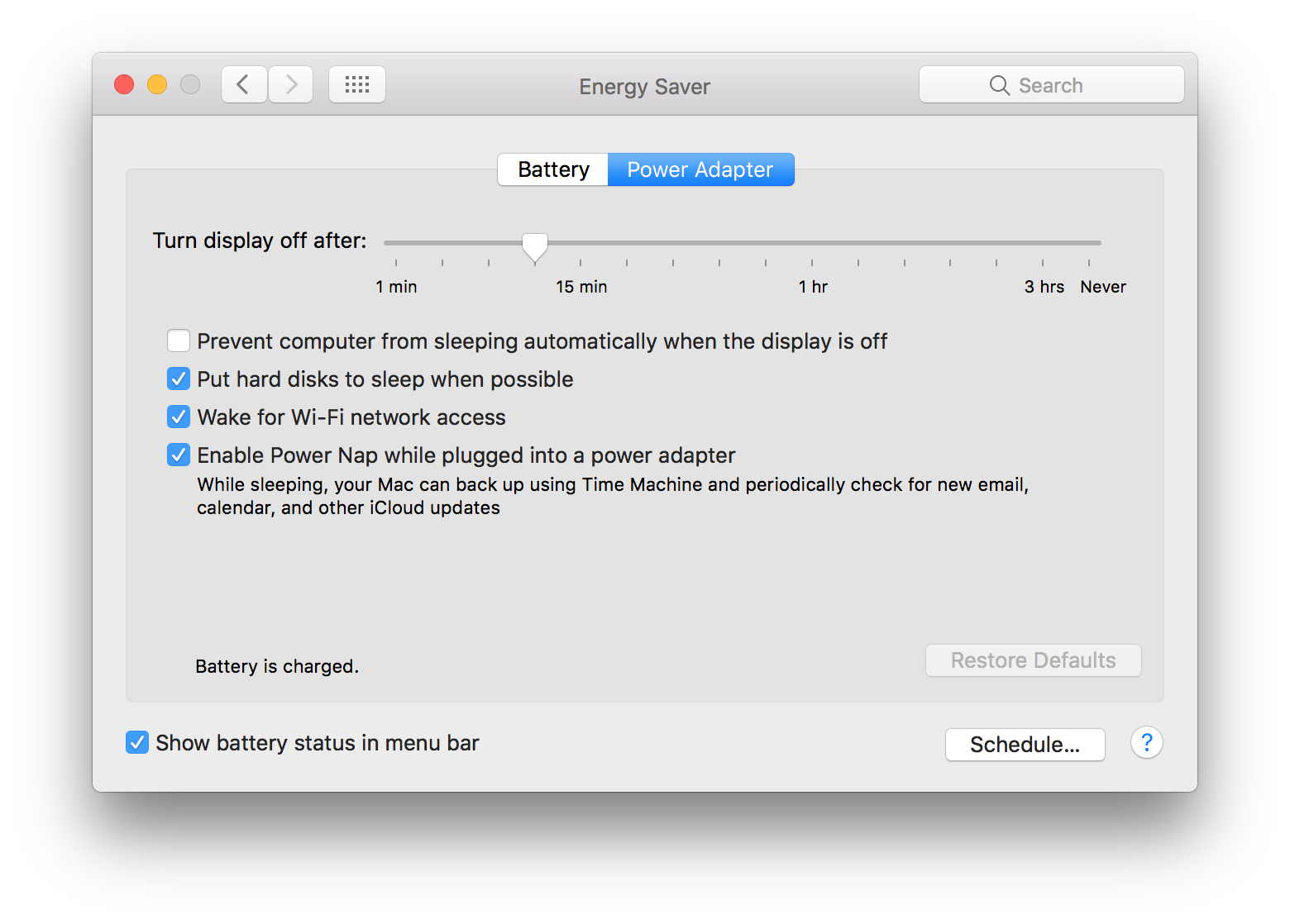
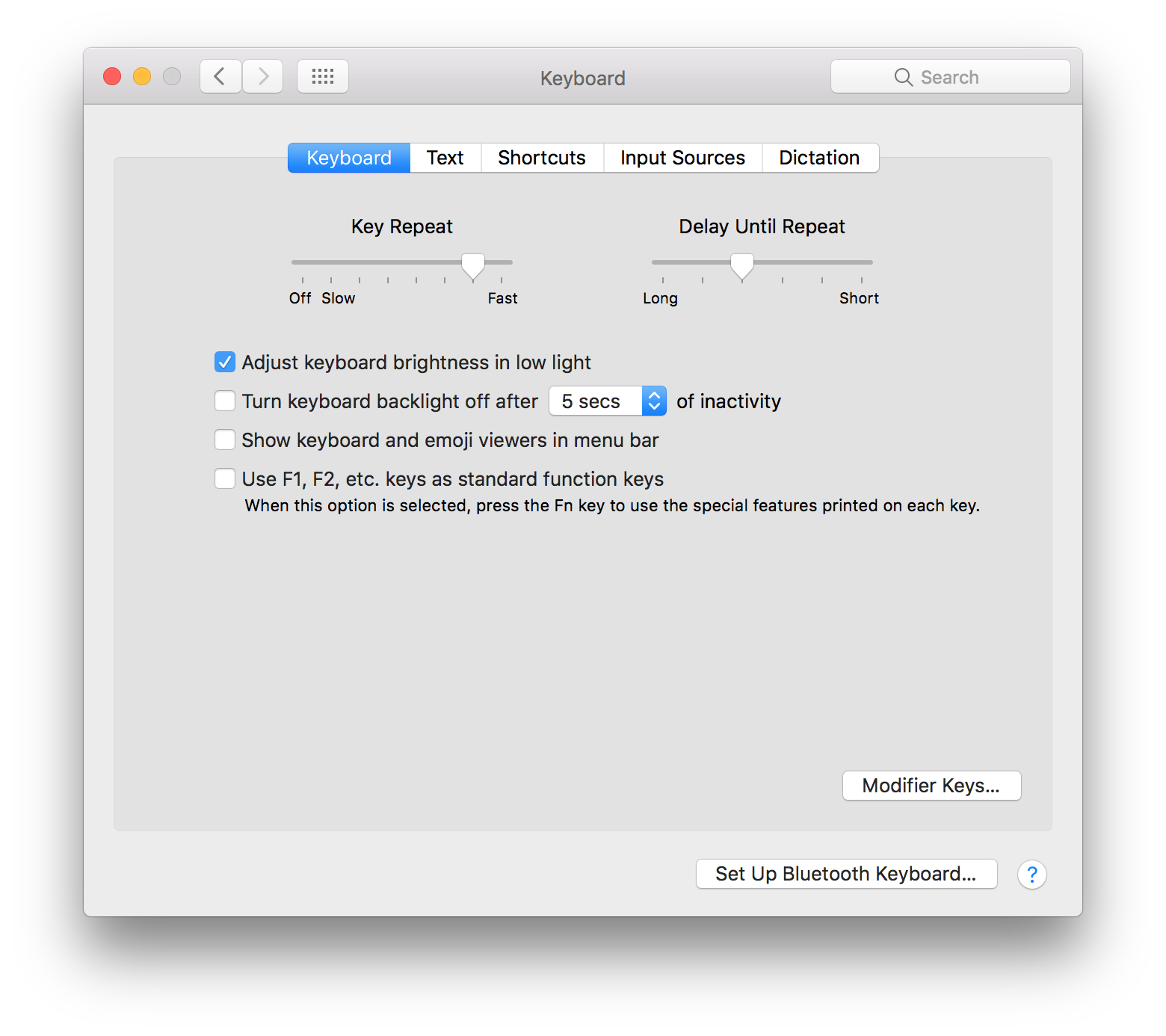






← Downgrade to OS X 10.11 El Capitan
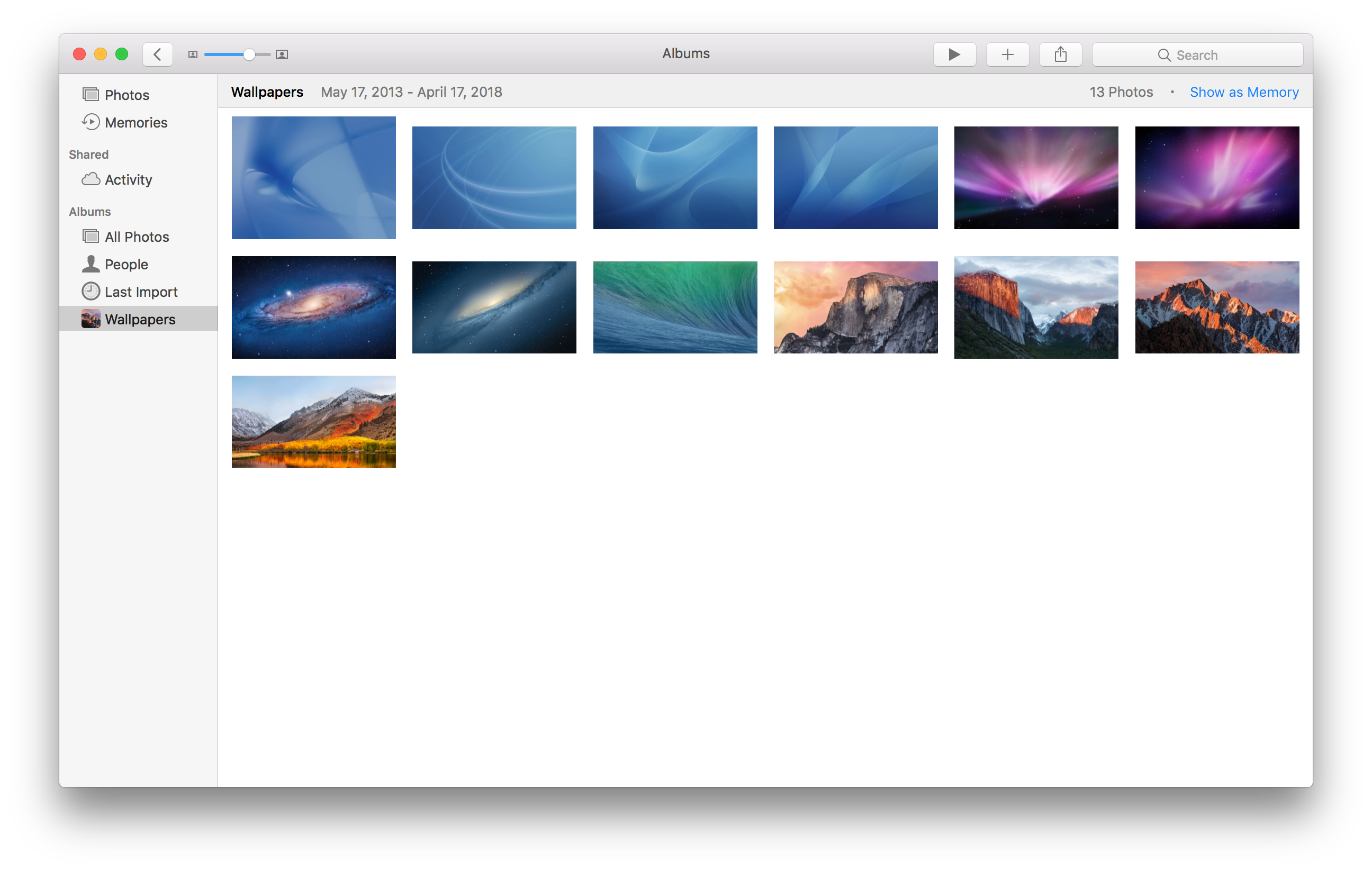
View all entries in the Aqua Screenshot Library or check out OS X’s default wallpapers, updated for 6K Retina displays.