
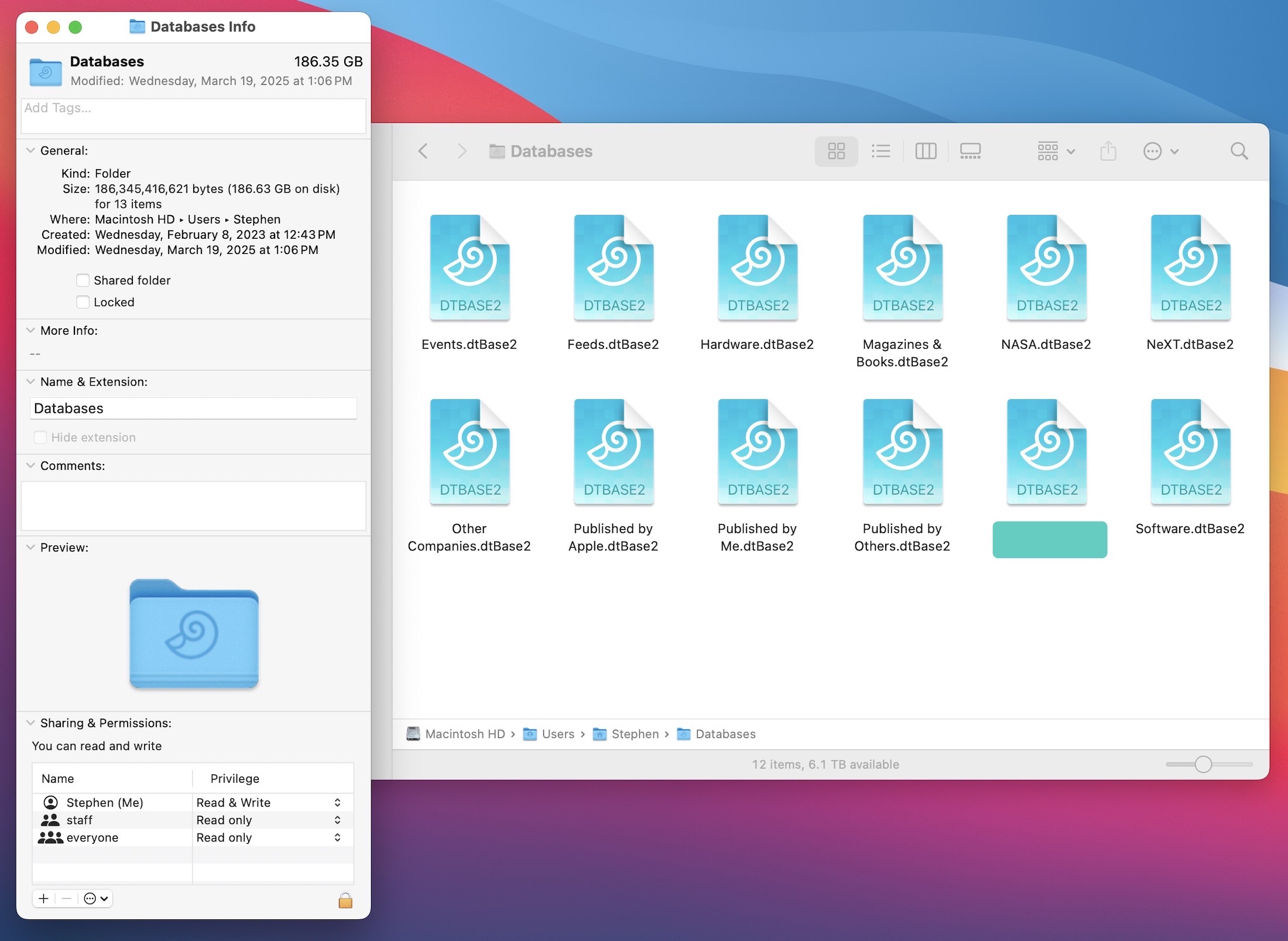
I am a huge DEVONthink fan, as I use it hold and organize my ever-growing library of tech history resources. Here’s a look at my collection of databases:
Today, DEVONthink 4 enters public beta 1 with a whole bunch of new features.
DEVONthink 4 includes new tools for managing documents, which is the core use of the application for me, as a huge percentage of the resources I have saved are PDFs and text files. Now, DEVONthink supports versioning, so changes to these files can be undone later. You’ve got full control over how many version are kept, and how much space versioning can take up in your databases.
Markdown documents are also much nicer to work with in version 4. For Apple events, I tend to take Markdown-formatted notes, then drop them into DEVONthink for Future Stephen to refer to later.
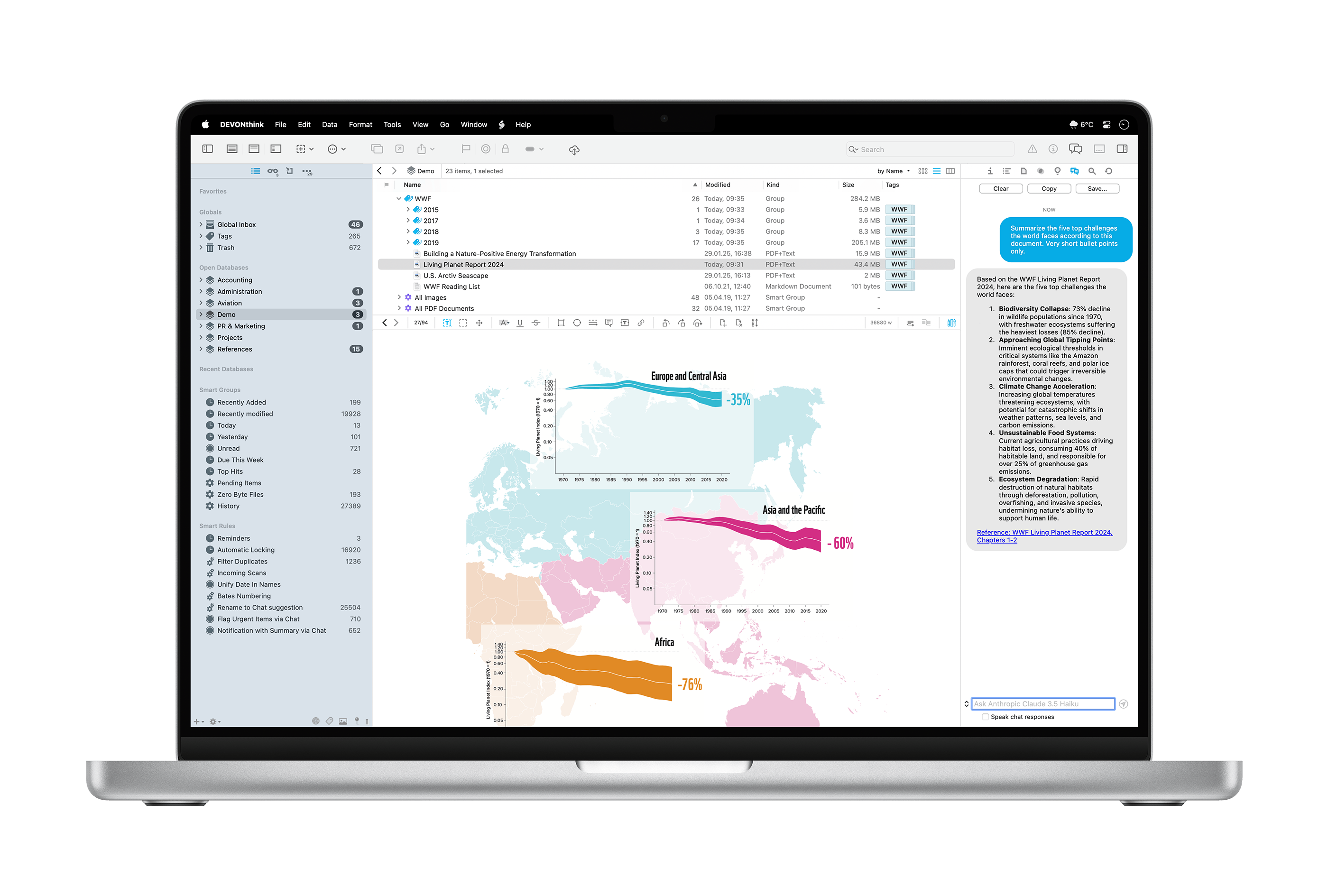
As you could have probably guessed, AI plays a huge part in this release. Unlike making weird and terrible images of your friends, this application of AI promises to be useful in actual work. DEVONthink 4 supports numerous models, including Claude, Mistral, and ChatGPT for tasks like summarization, text recognition, searching, and transforming text.
If you prefer your models to run offline, Ollama and LM Studio are also supported, and of course, these features are optional if you would like to avoid them all together.
(John Voorhees has an in-depth look at these features.)
Search in DEVONthink 3 was already really powerful, and in my initial use of version 4, it’s even better. Previous versions required OCR to be run on PDFs and images to make the text searchable.
Version 4 is a paid update, but with it, the pricing structure is changing:
Starting with DEVONthink 4 we switch from a slow product cycle with large, feature-laden upgrades to a more flexible, more modern model. With the purchase of a software license you receive the app itself including one year of updates. When the year is up, you can extend your license to continue receiving updates — but you don’t have to.
Should you choose to not extend the license, you can continue to use DEVONthink; the app just no longer downloads and installs newer updates. The license will neither become deactivated nor restricted in any way. You own the app, we will never take it away from you.
Here’s the pricing, as sent to me in a press release:
- DEVONthink Standard: $99 (new license), $49 (upgrade, extension, or additional seat)
- DEVONthink Pro: $199 (new license), $99 (upgrade, extension, or additional seat)
- DEVONthink Server: $499 (new license), $149 (upgrade or extension), $99 (additional seat)