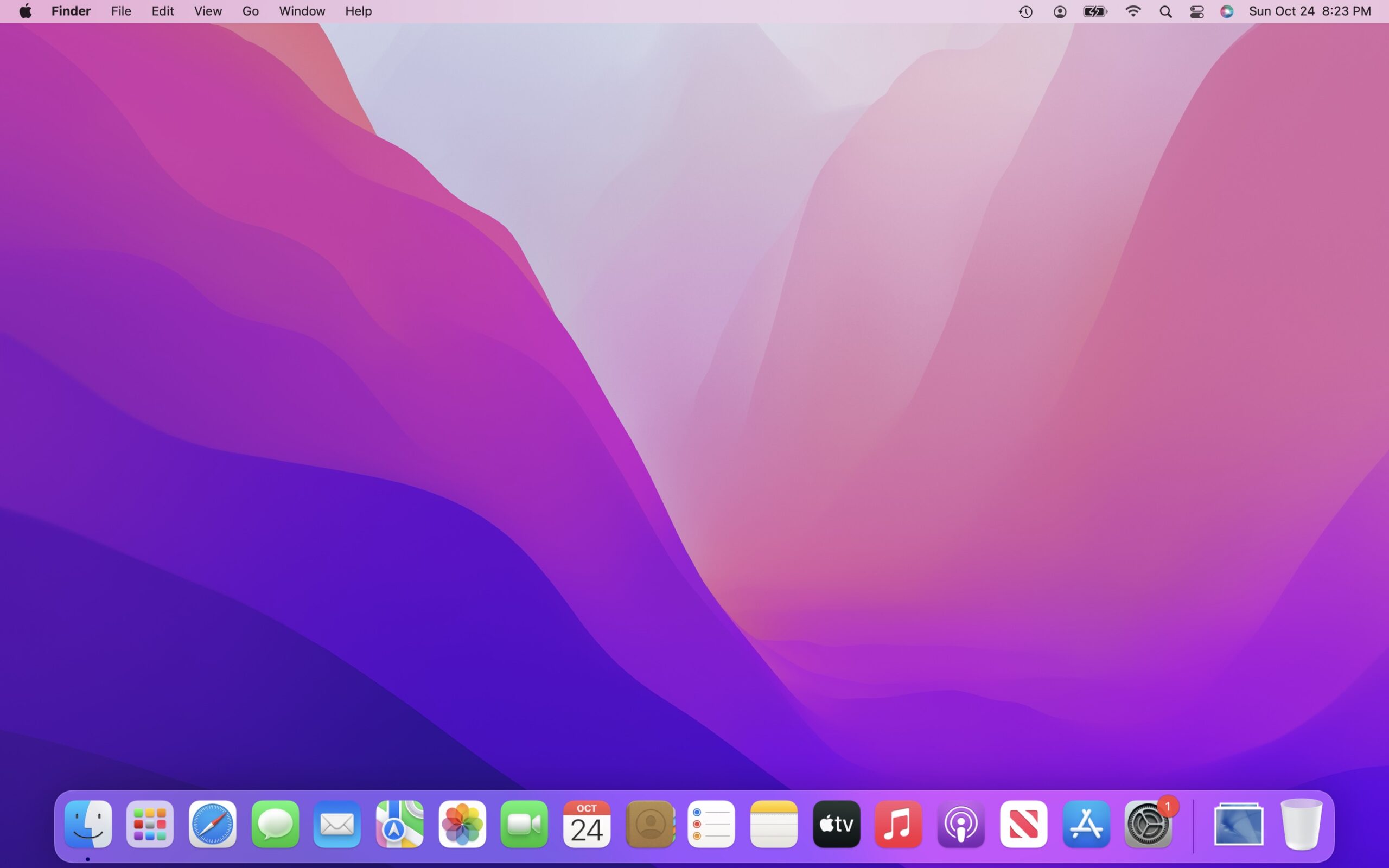
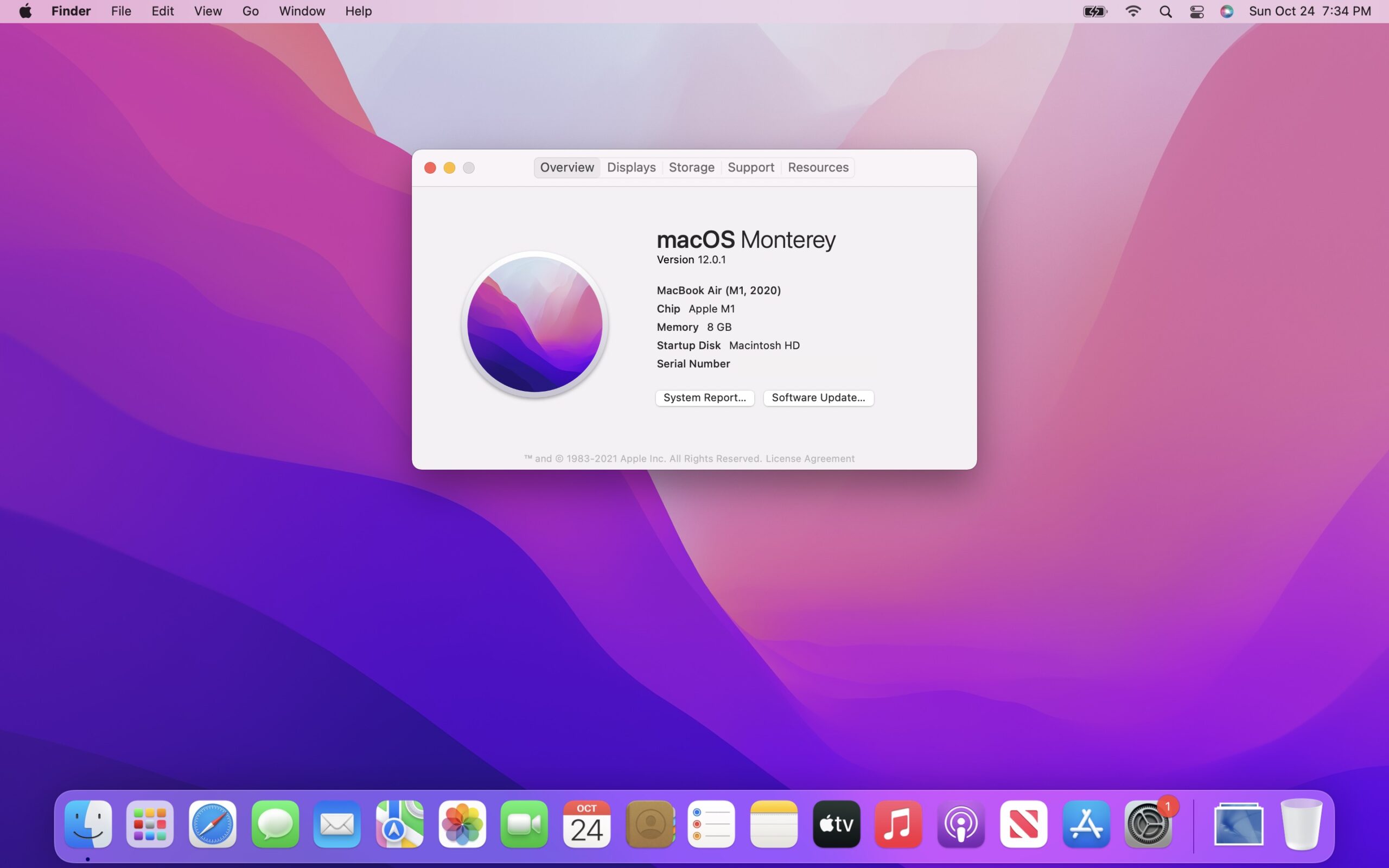
macOS Big Sur helped usher in the Apple silicon era, and with it, a new design of macOS. For 2021, Monterey has a less ambitious set of tasks, but it does continue Apple’s efforts to better tie the Mac and its mobile device cousins closer together with features like SharePlay and Universal Control.
…neither of which shipped with the operating system at launch.
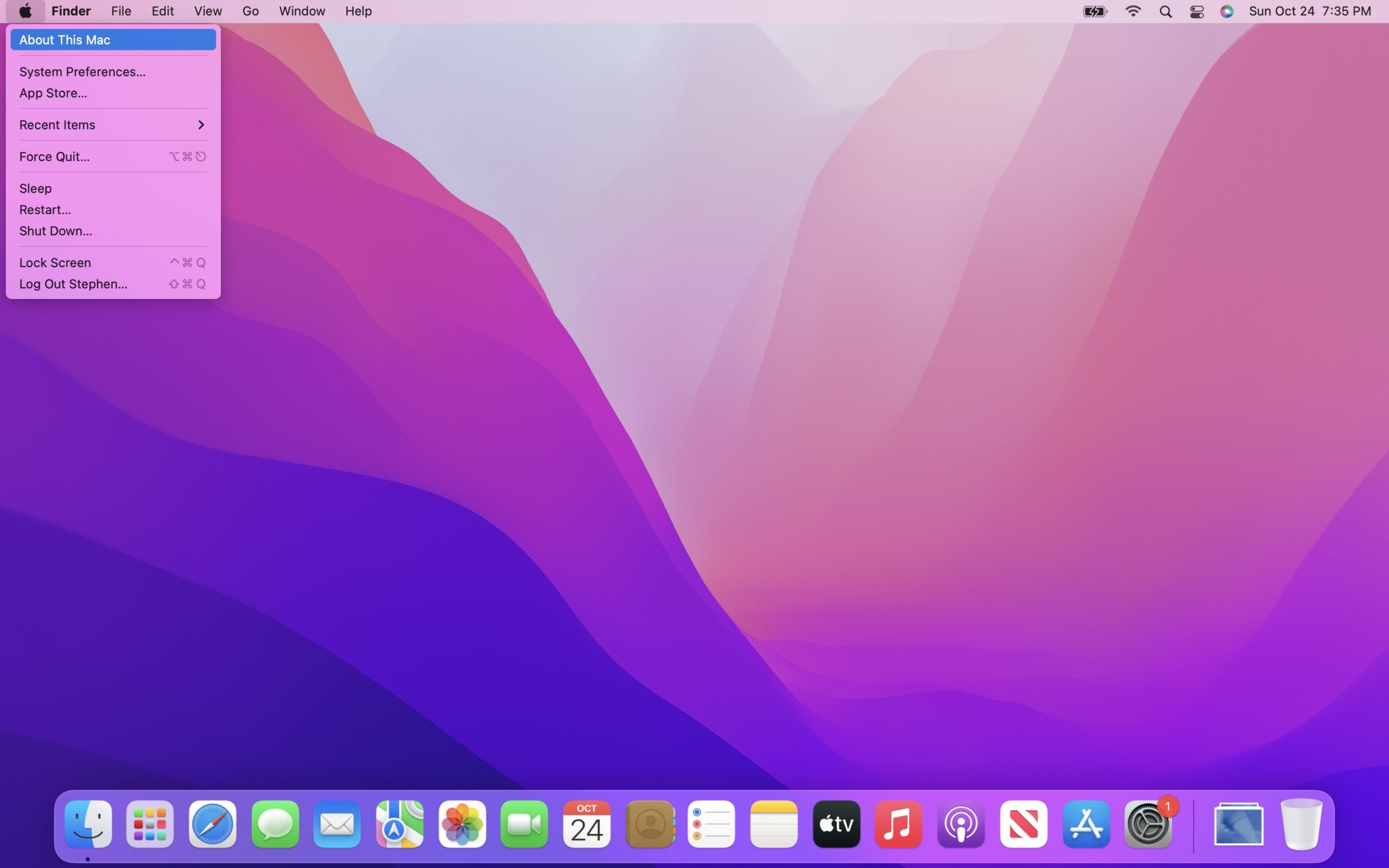
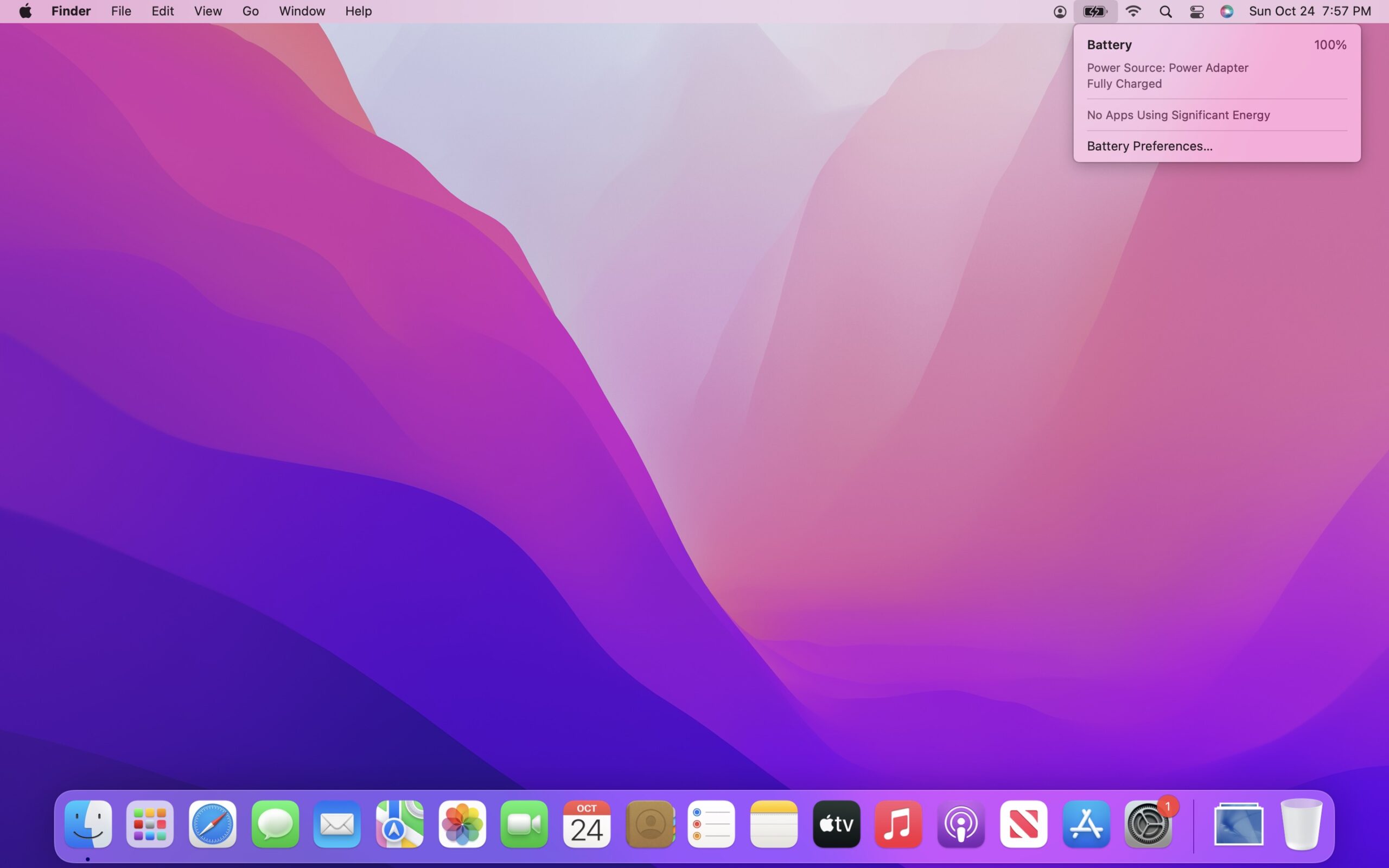
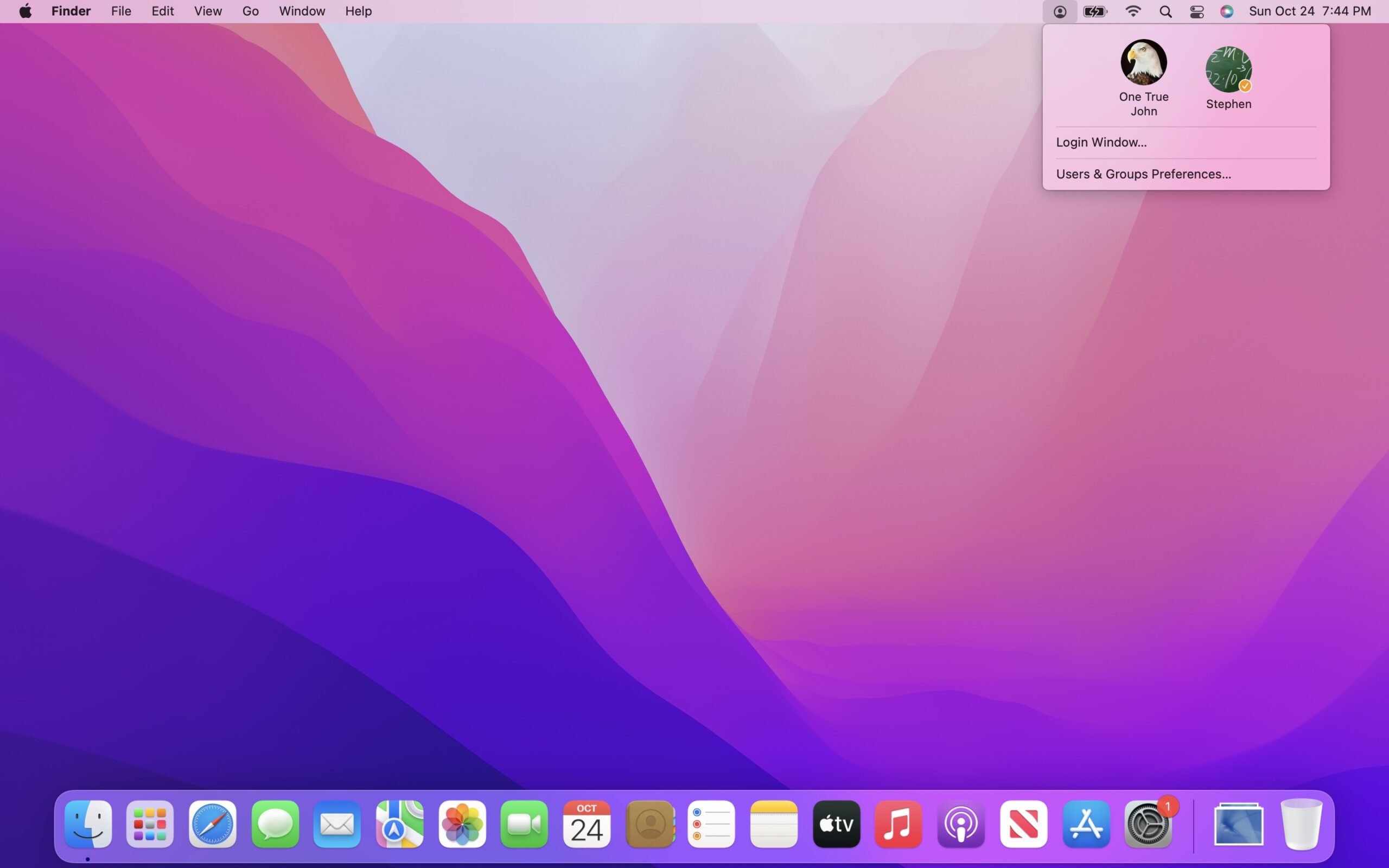
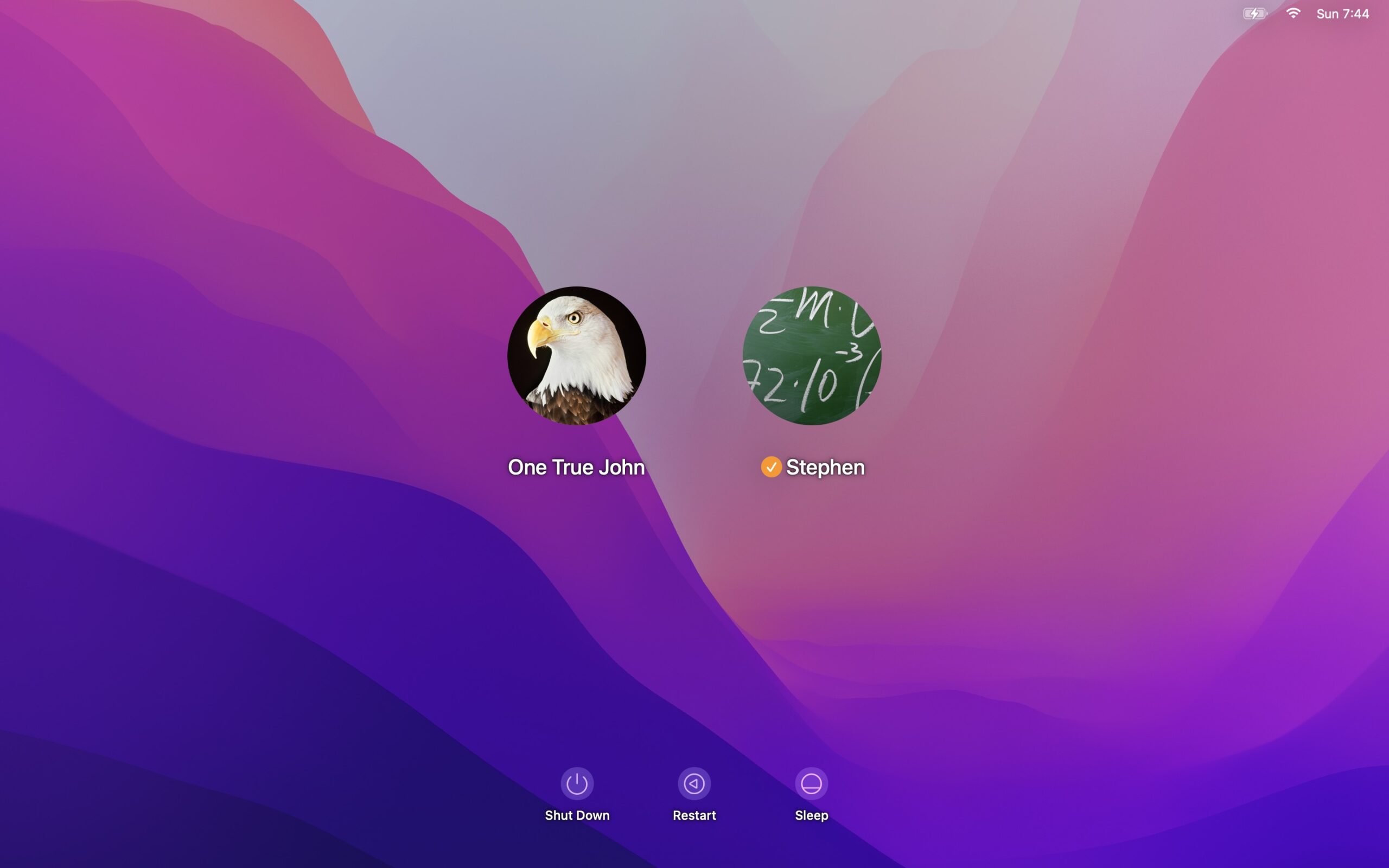
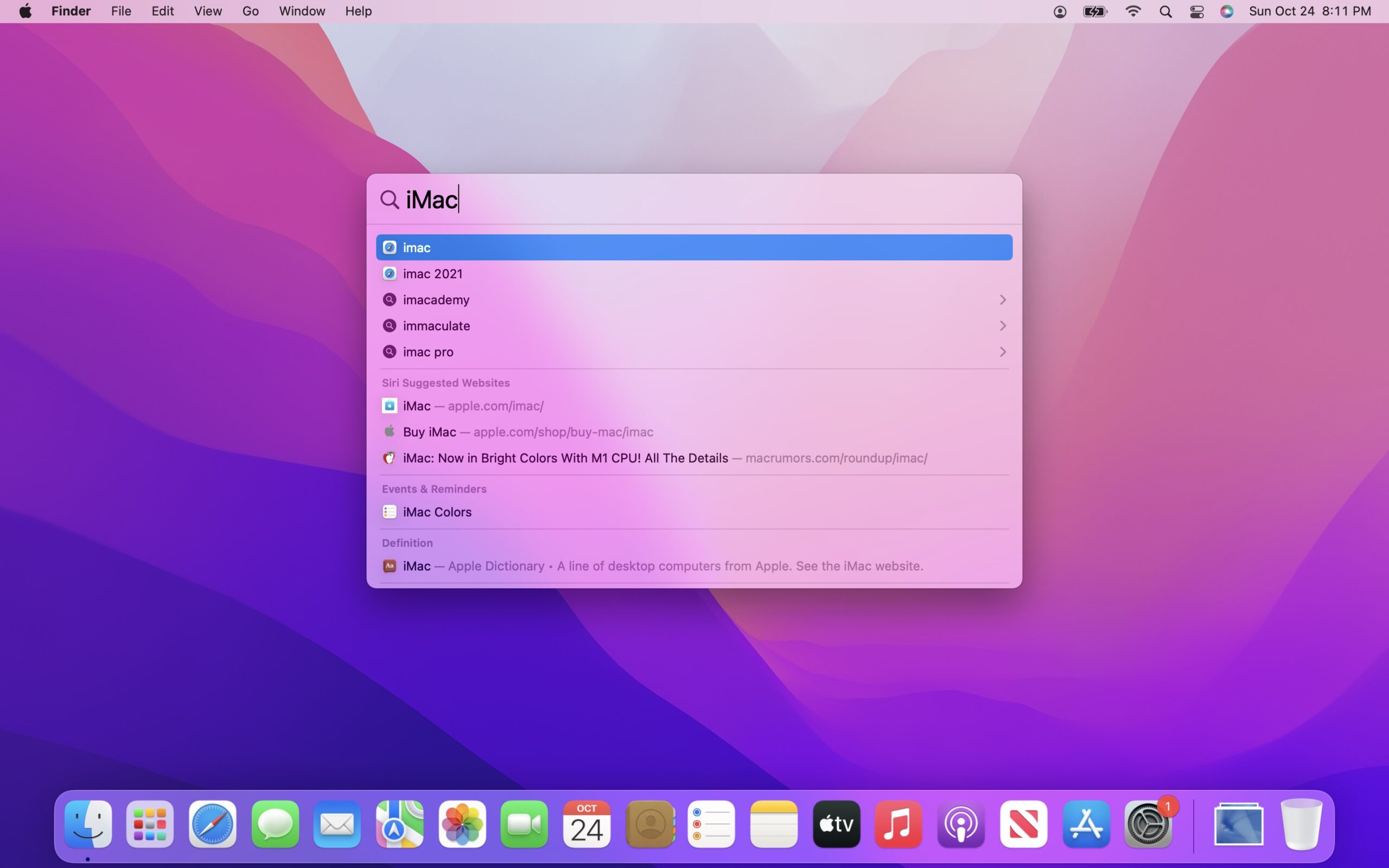
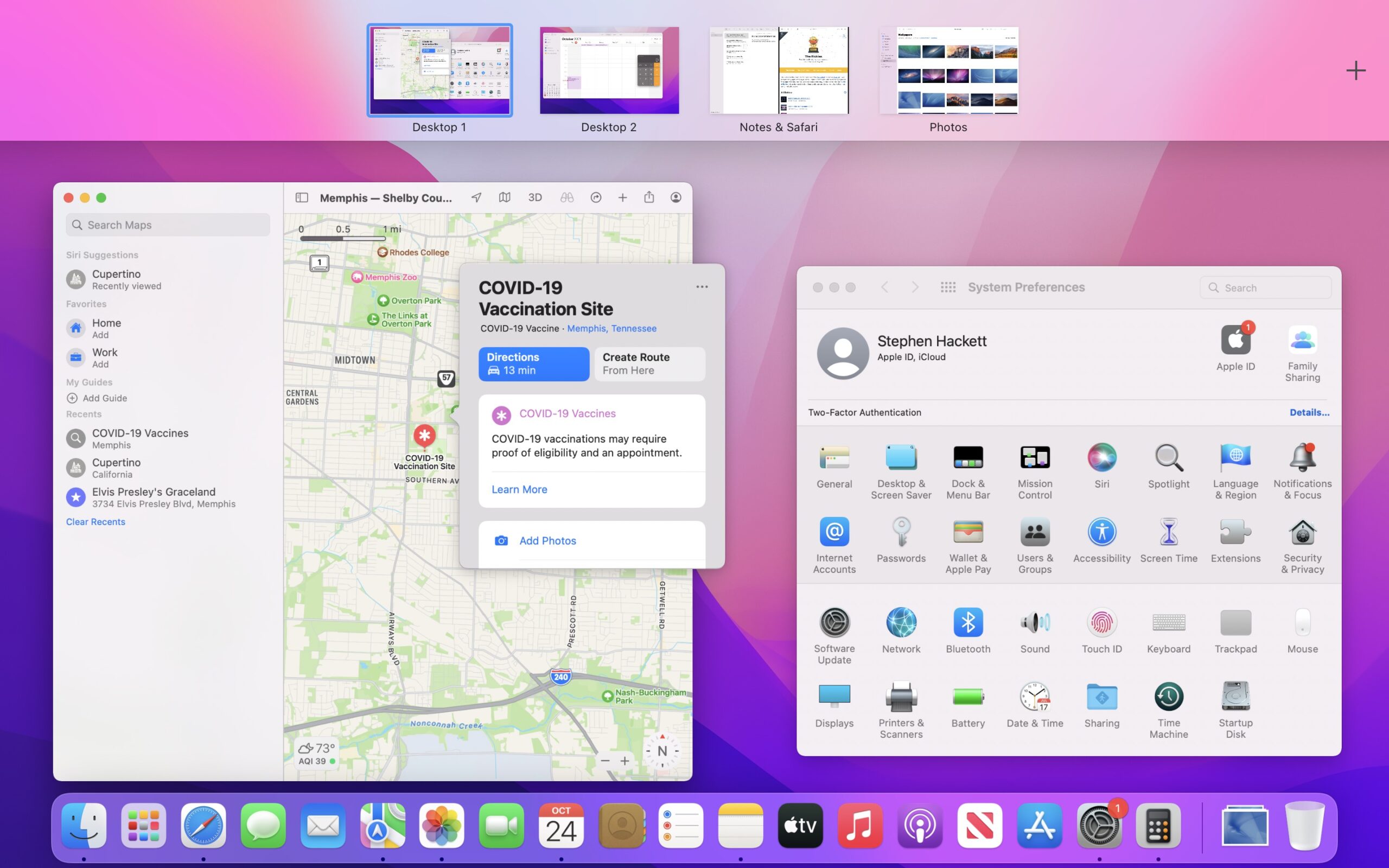
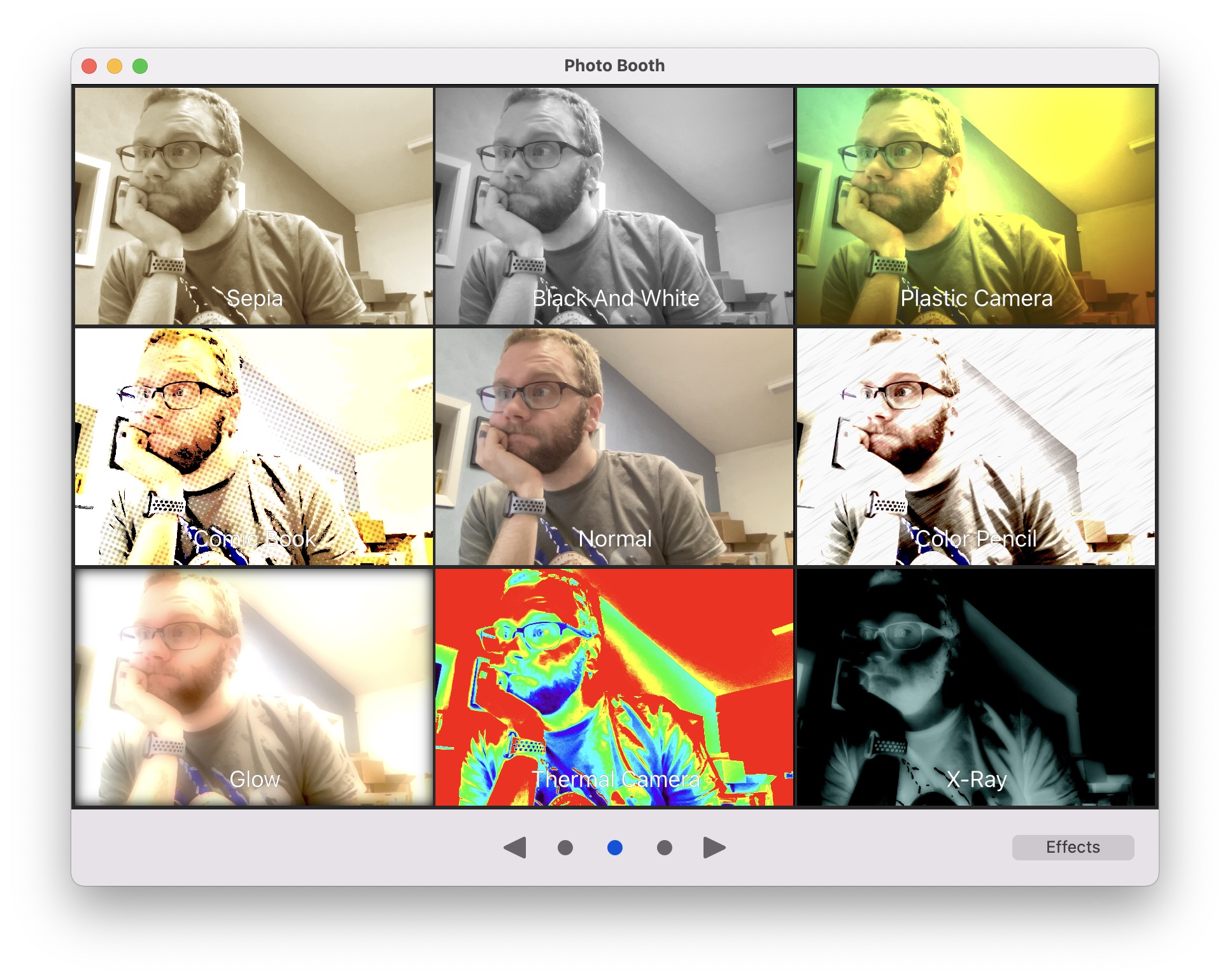
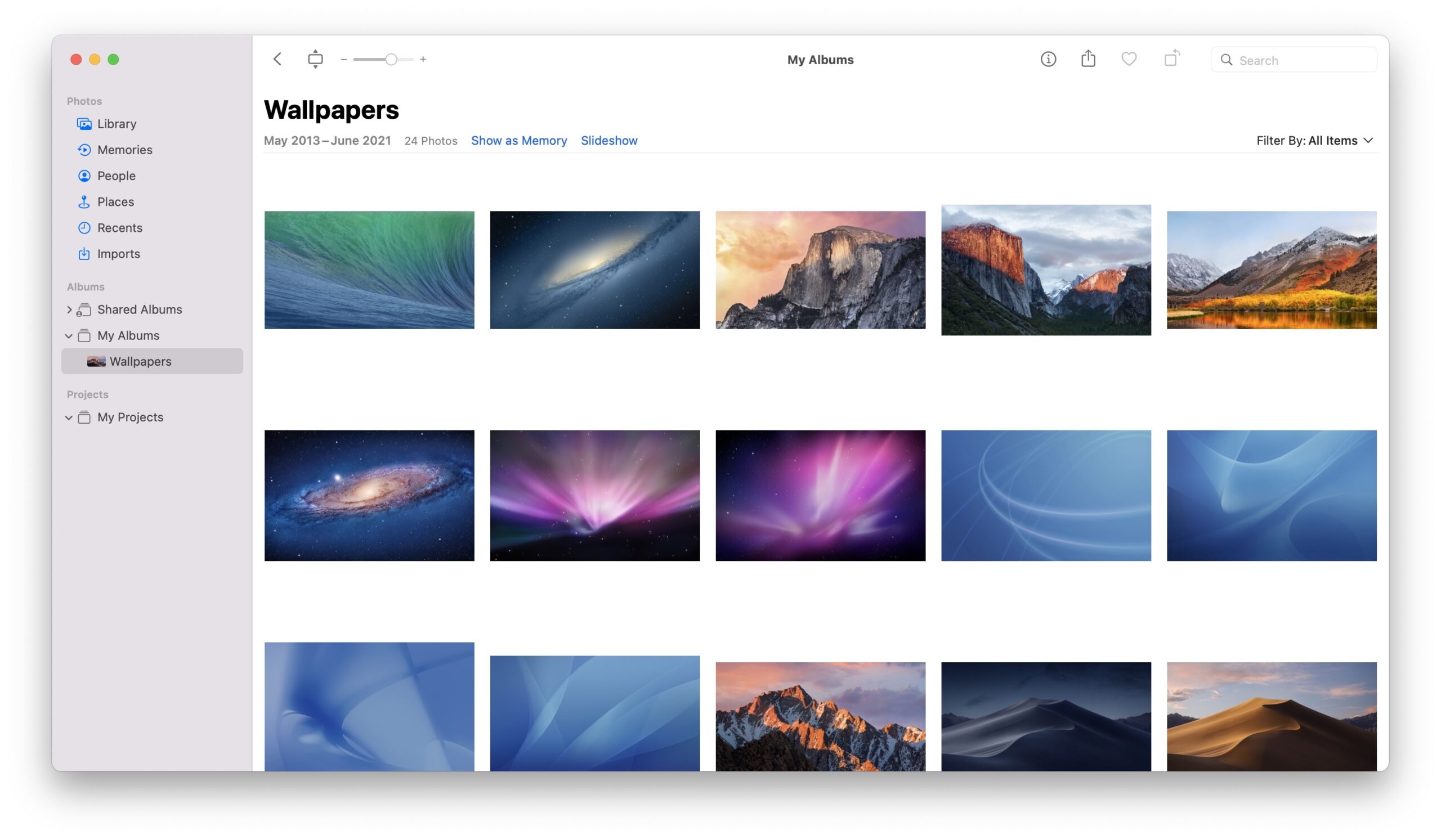
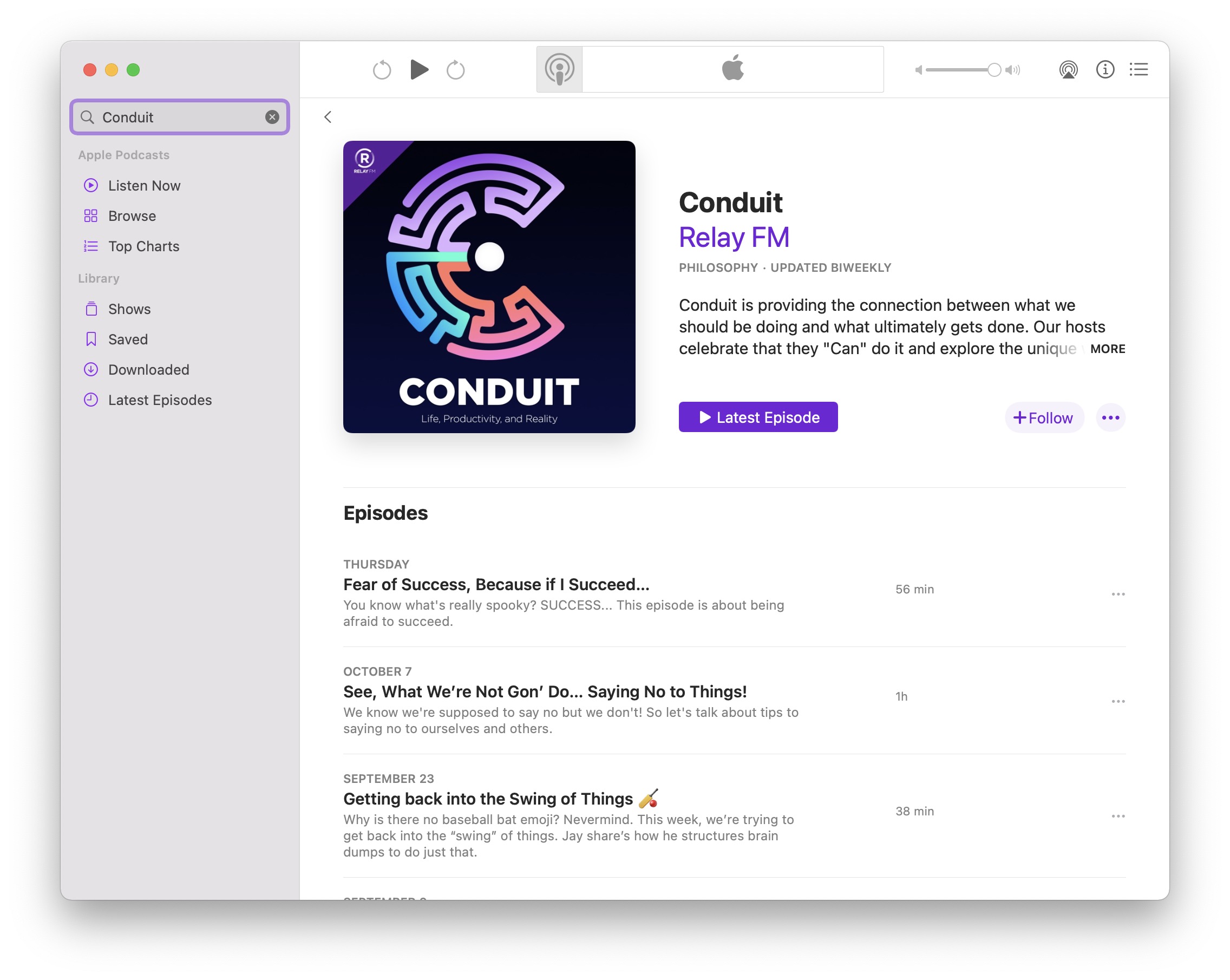
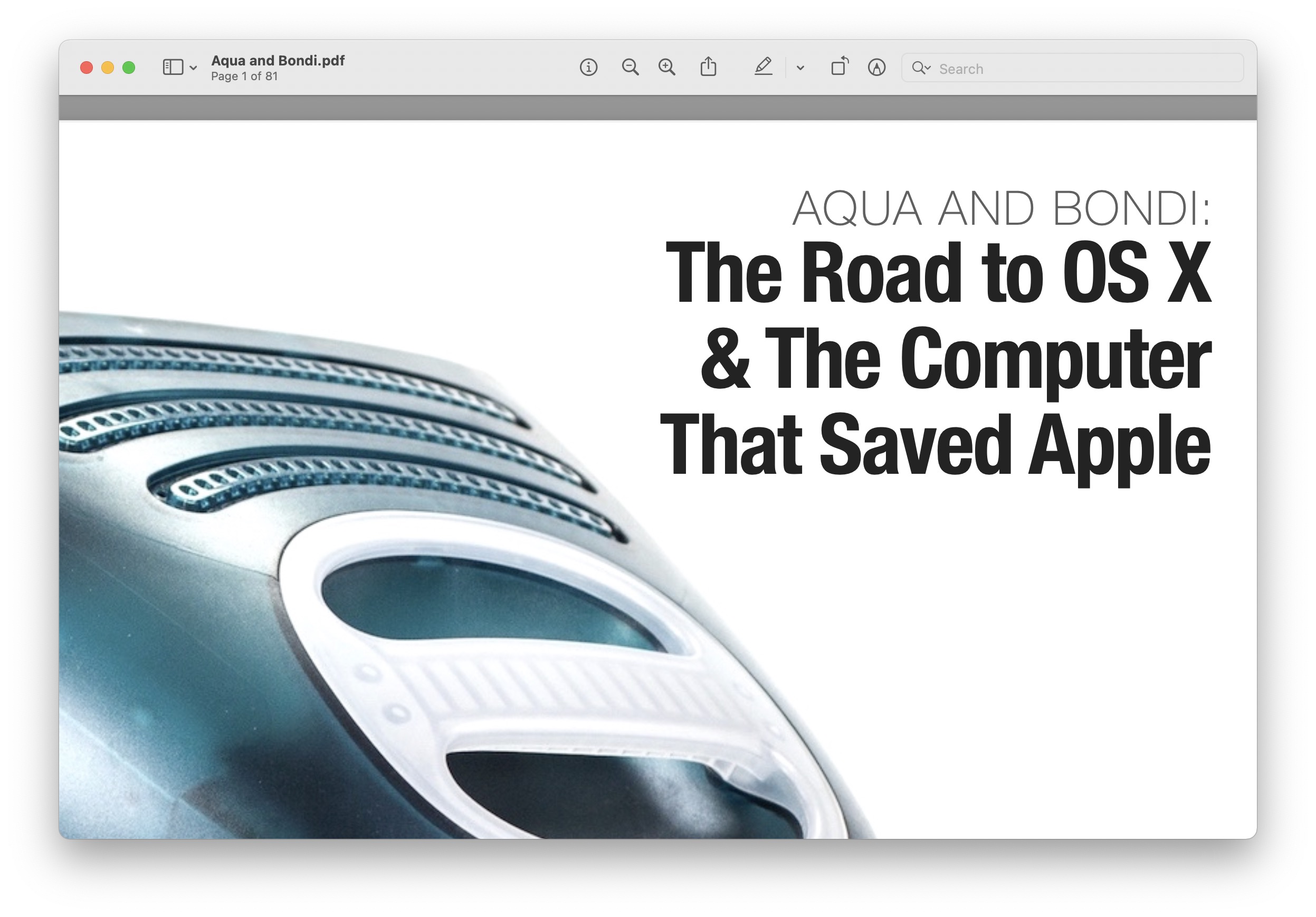
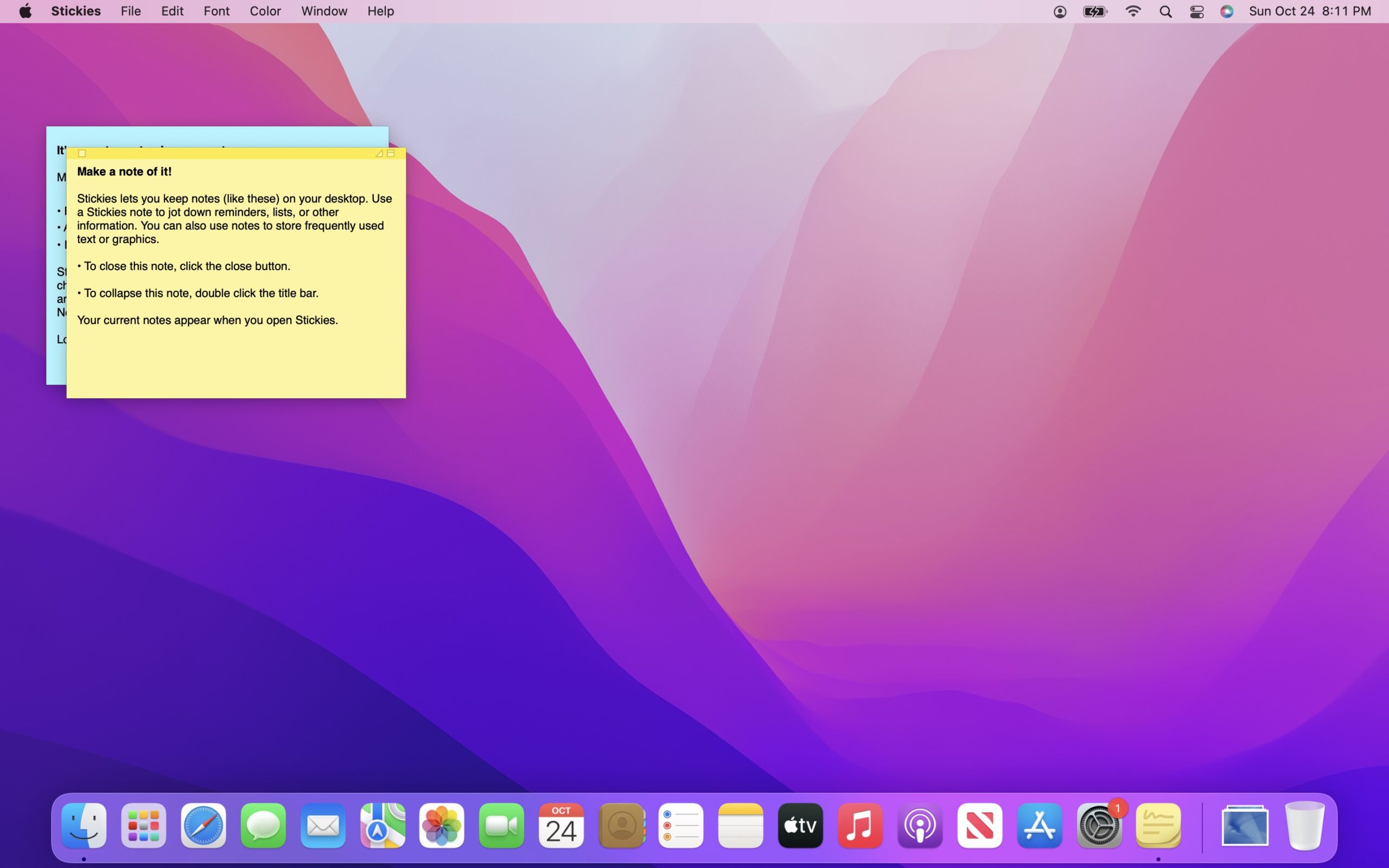
Launching alongside the first M1 Pro and M1 Max notebooks, Monterey does unravel the mystery of Big Sur’s taller menu bar and the inclusion of Control Center to keep clutter to a minimum — Apple was laying the groundwork for the first Mac displays with notches. The notebook used for these screenshots was an M1 MacBook Air with no notch, so the effects of this change aren’t present in the images below.
Sponsored by Rogue Amoeba
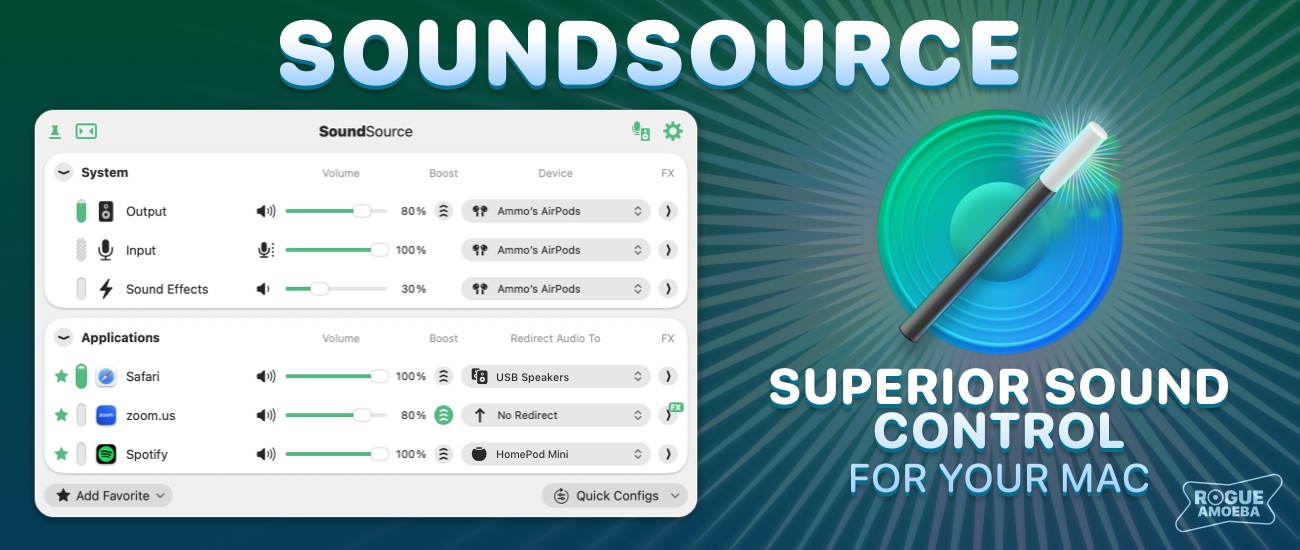
The 512 Pixels macOS Screenshot Library is sponsored by SoundSource, from the fine folks at Rogue Amoeba.
SoundSource puts powerful audio control of your Mac right in your menu bar. Adjust app volume instantly, apply audio effects to the audio you hear, and redirect that audio to any device connected to your Mac – now including AirPlay devices.
SoundSource: Sound control so good, it ought to be built into macOS.
Editor’s Note: Like last year, I am providing both Light and Dark Mode images in just the first two collections of images.
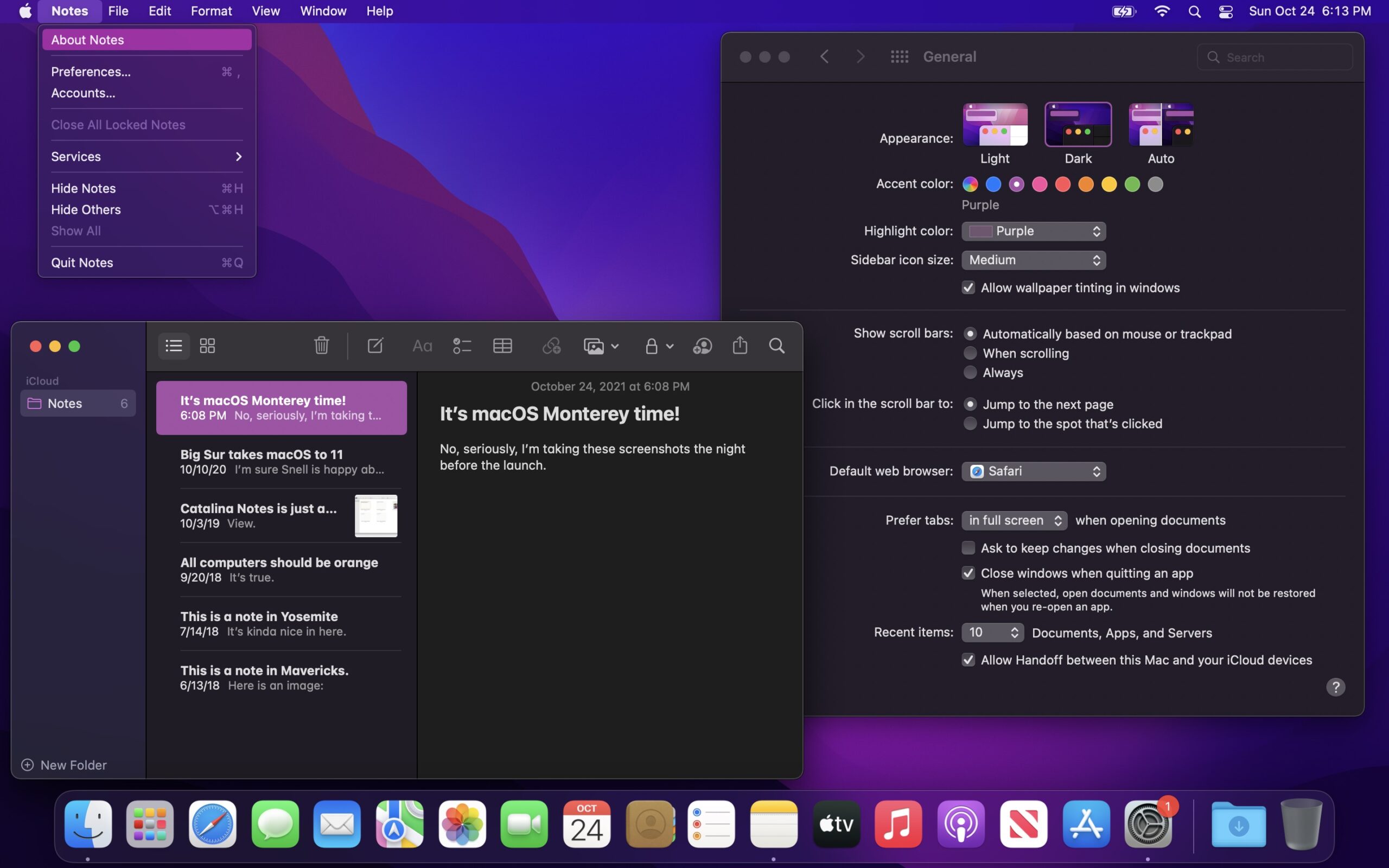
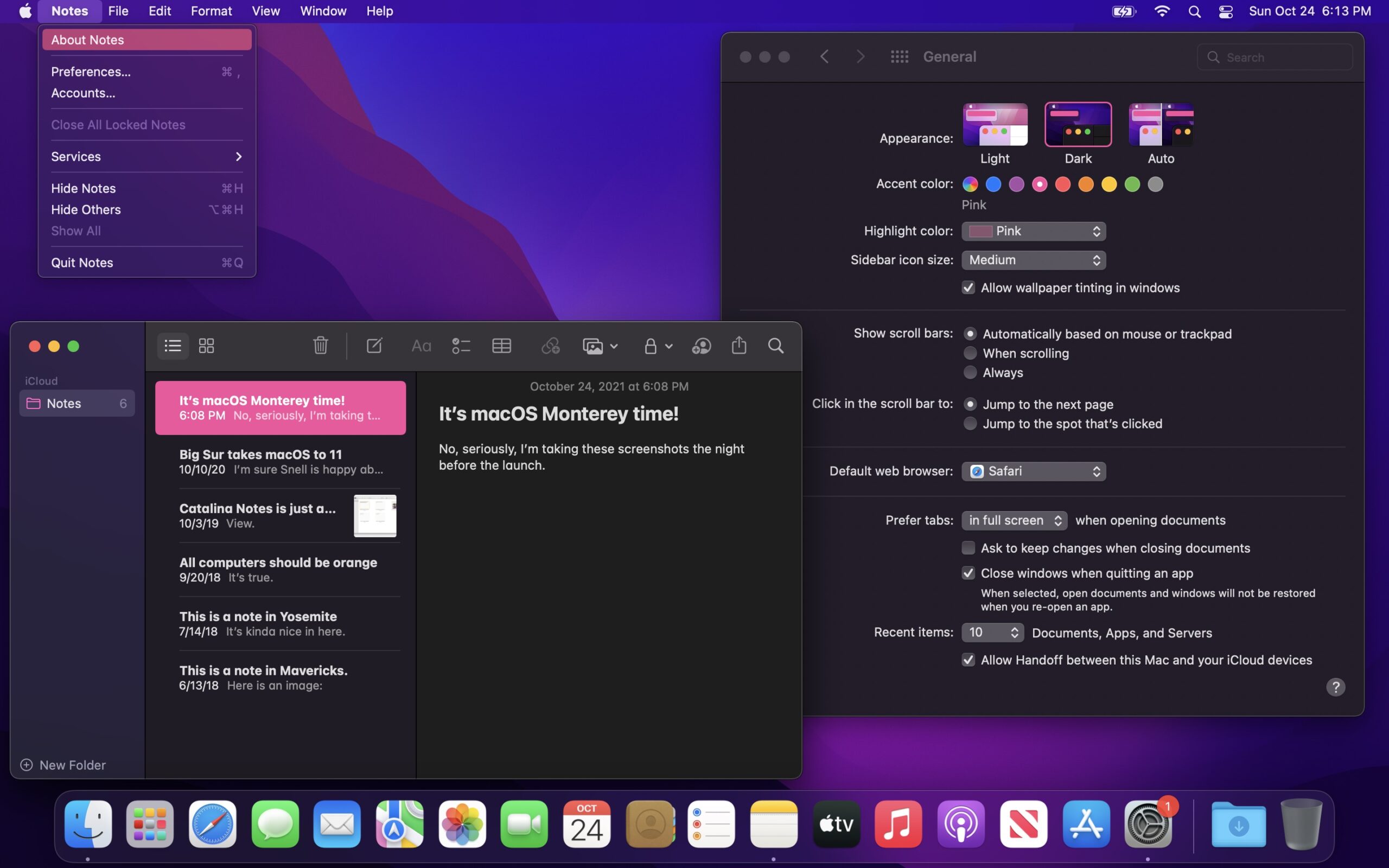
Appearance & Accent Combinations

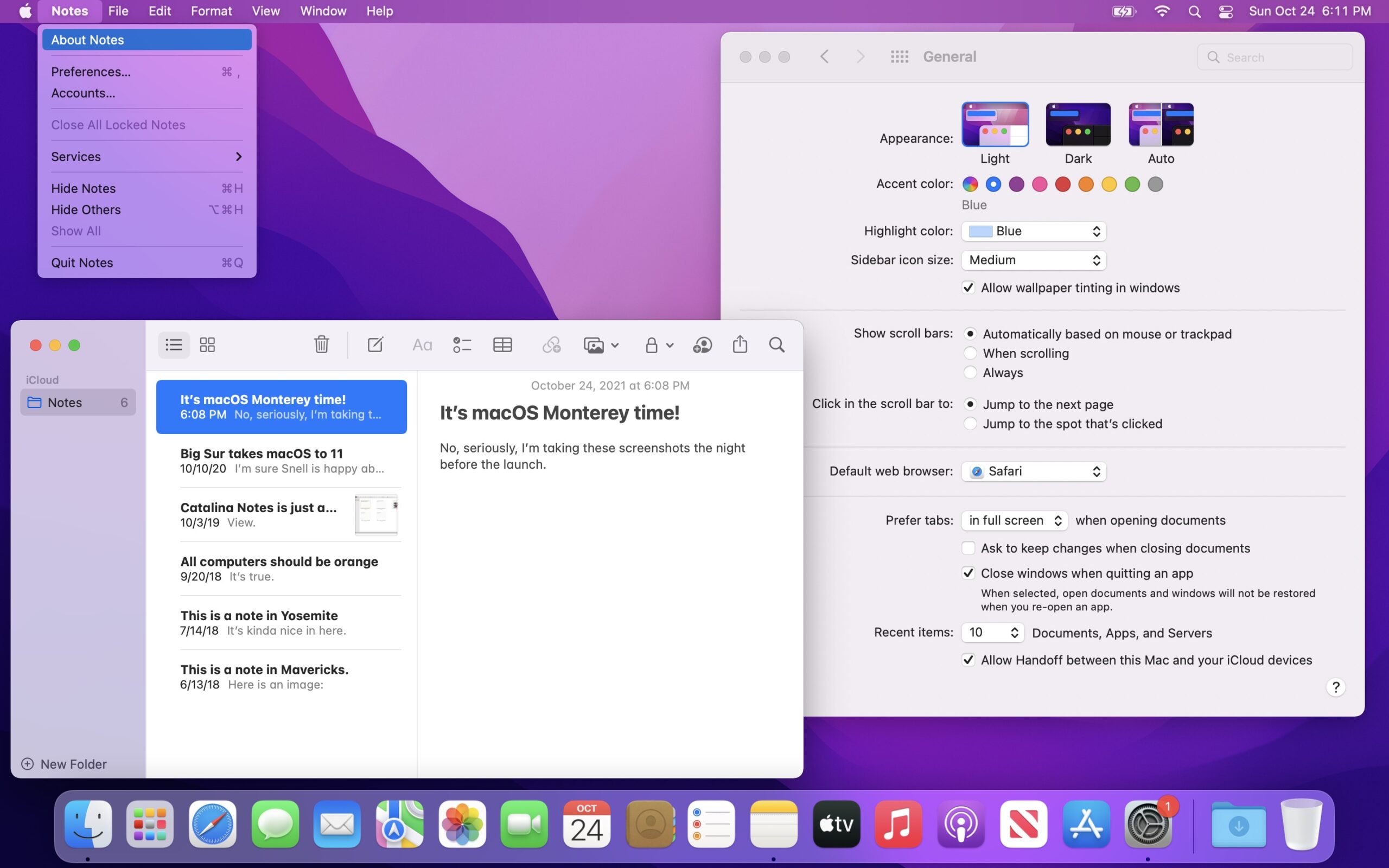
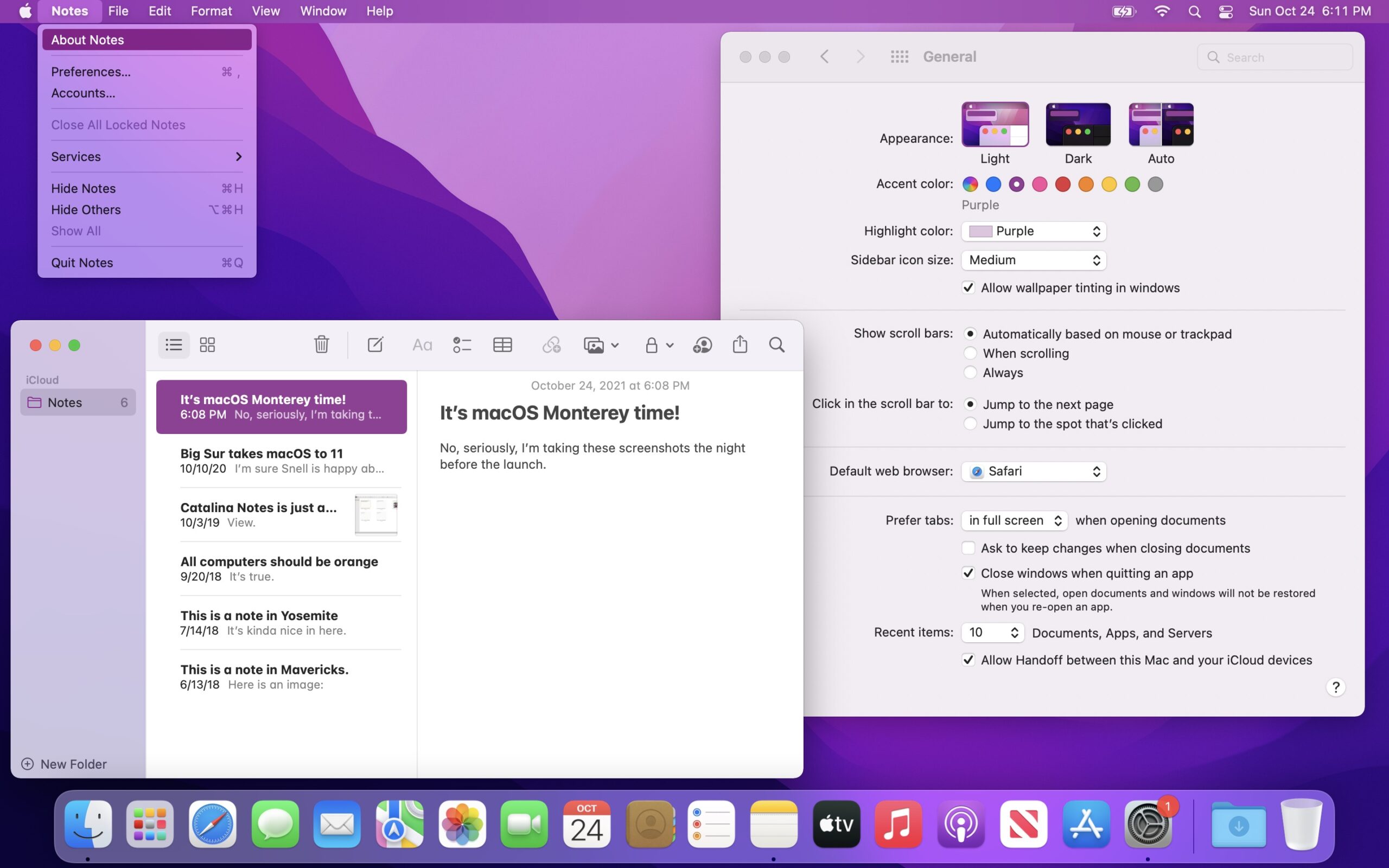
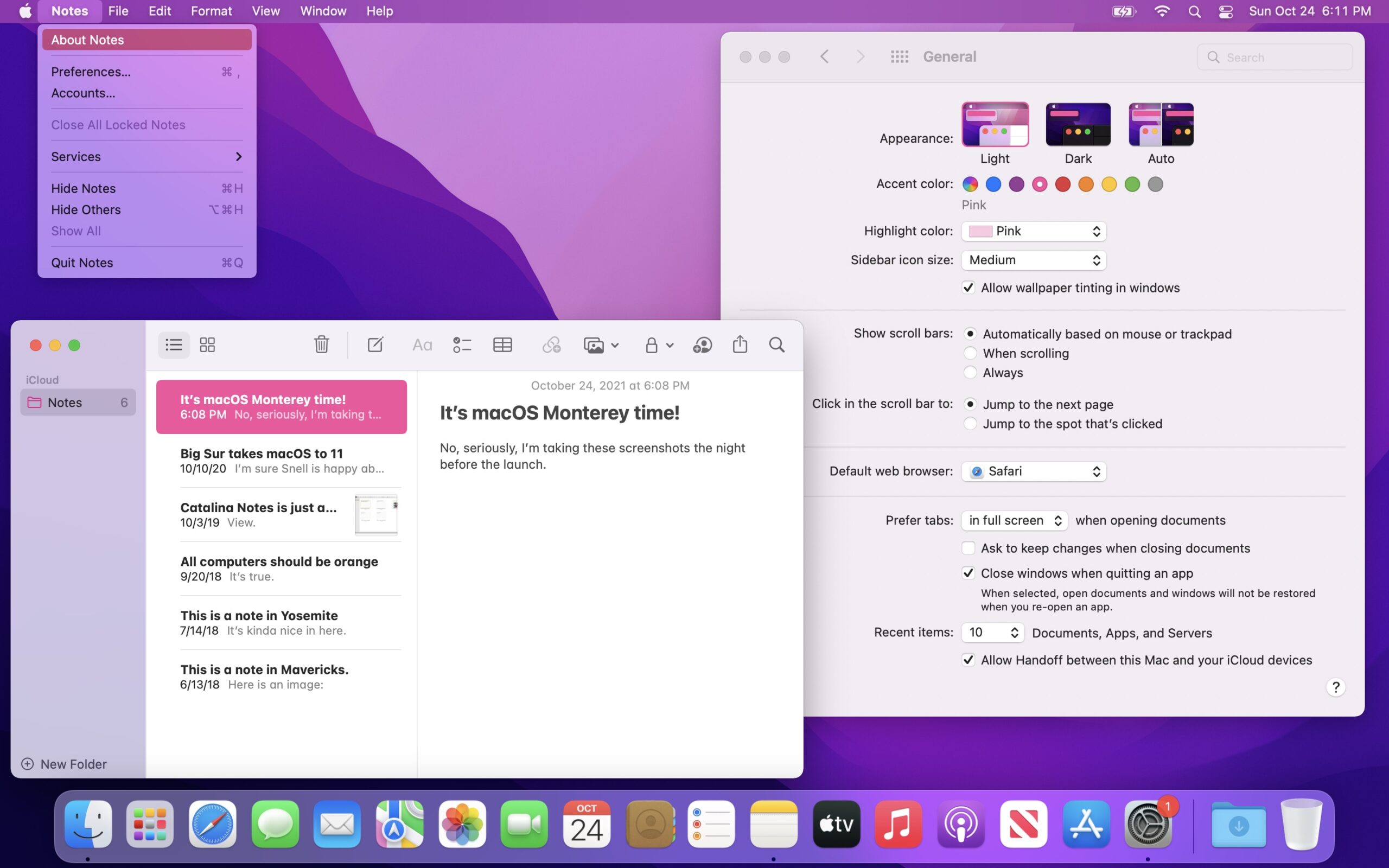
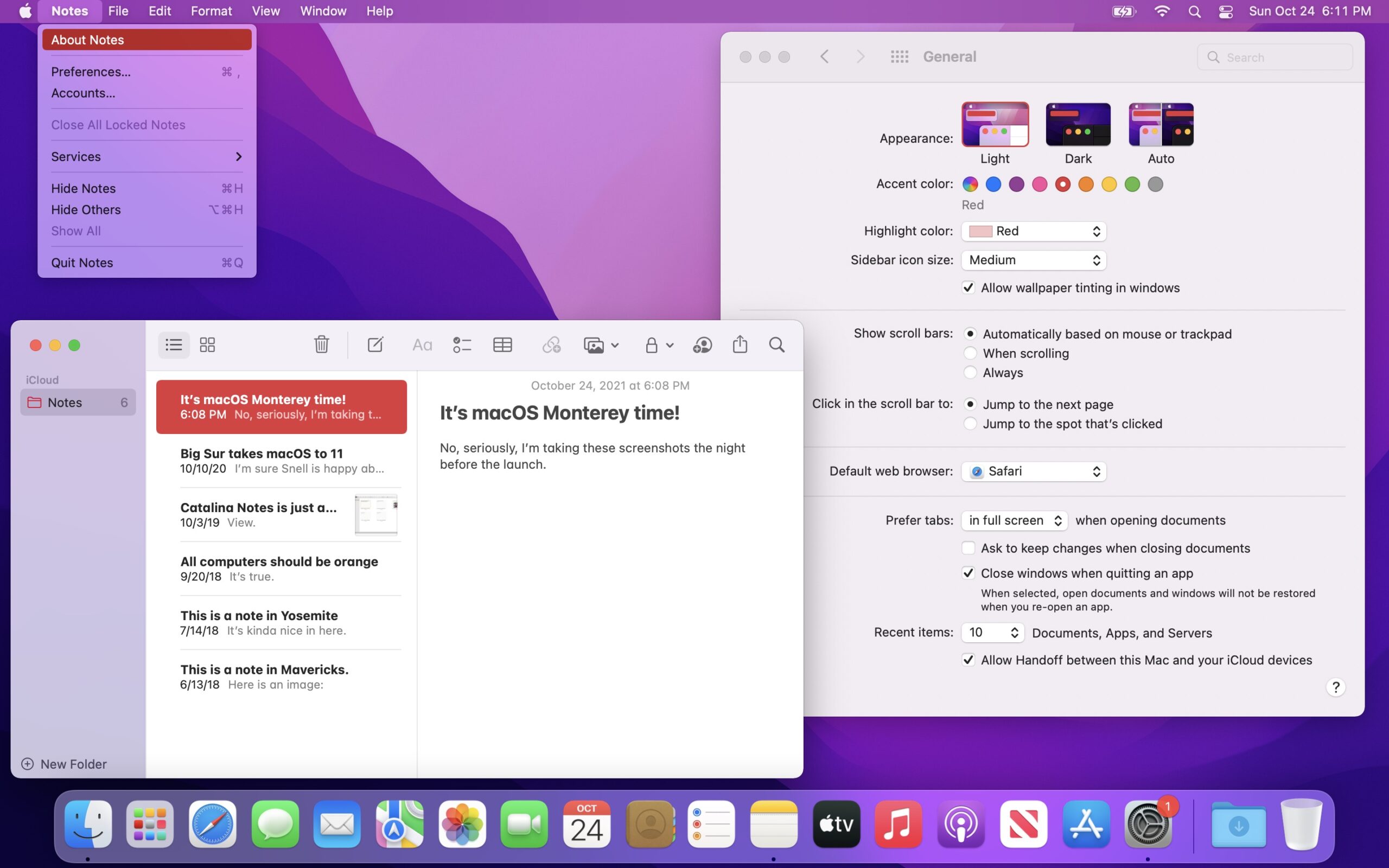
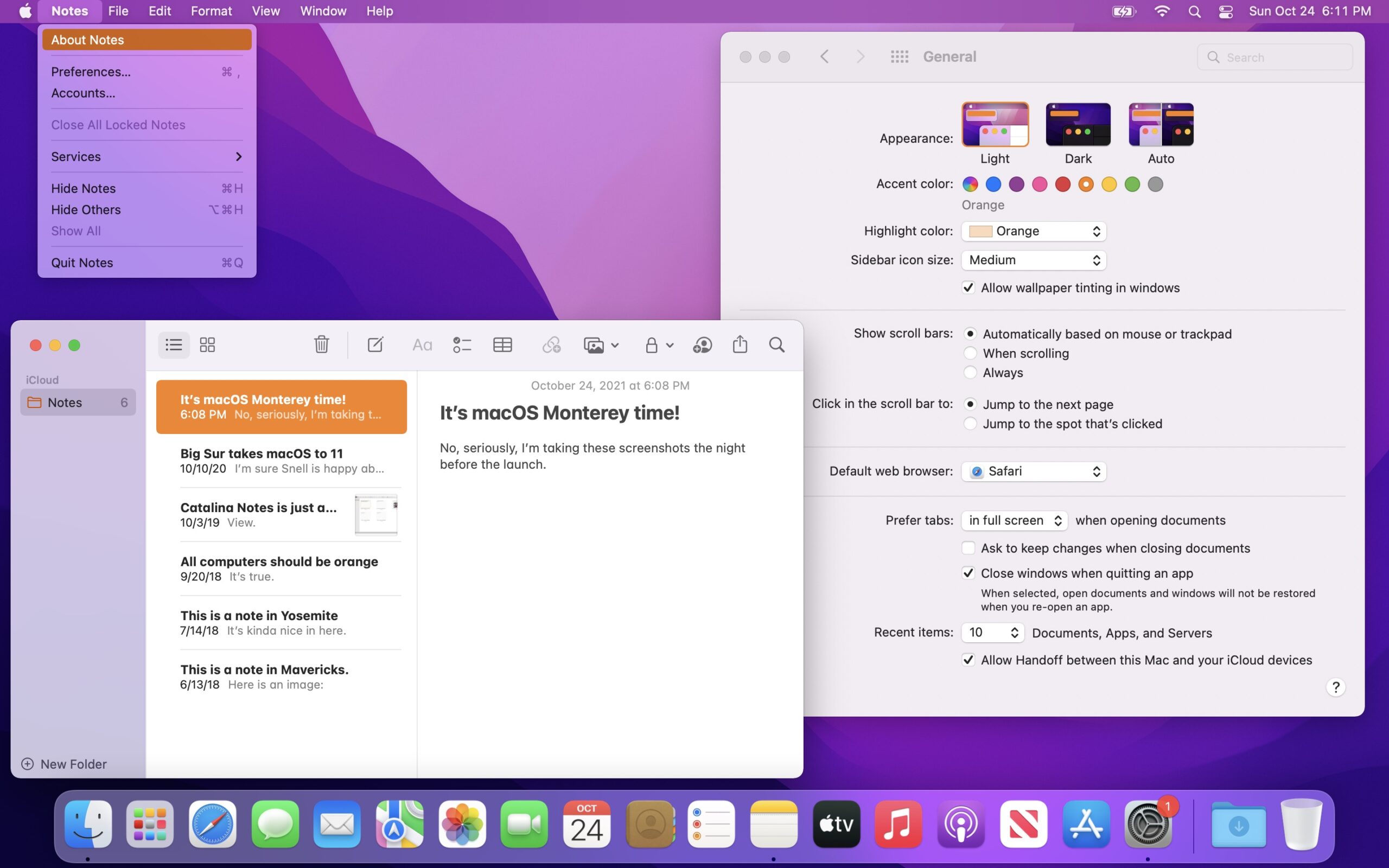
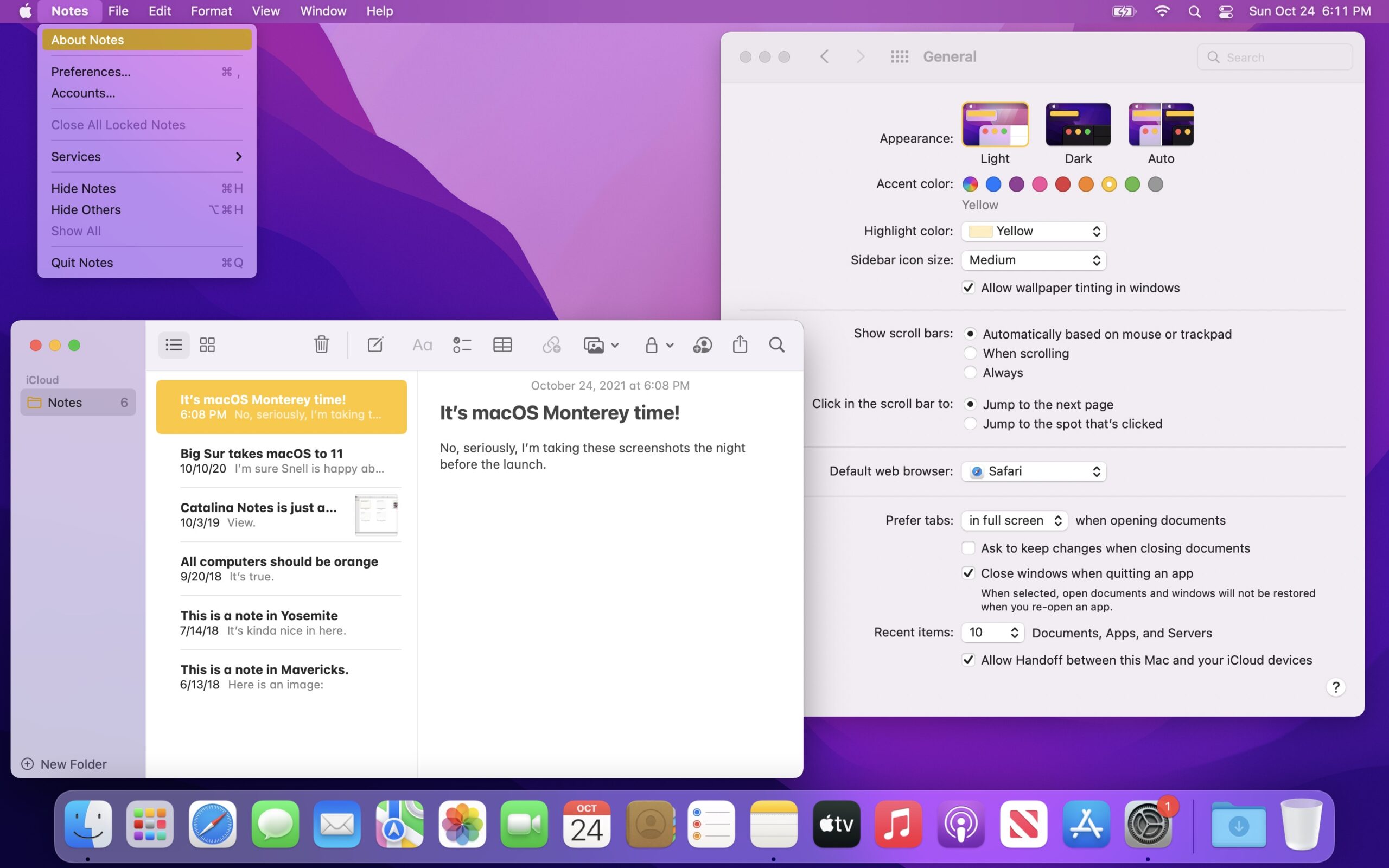
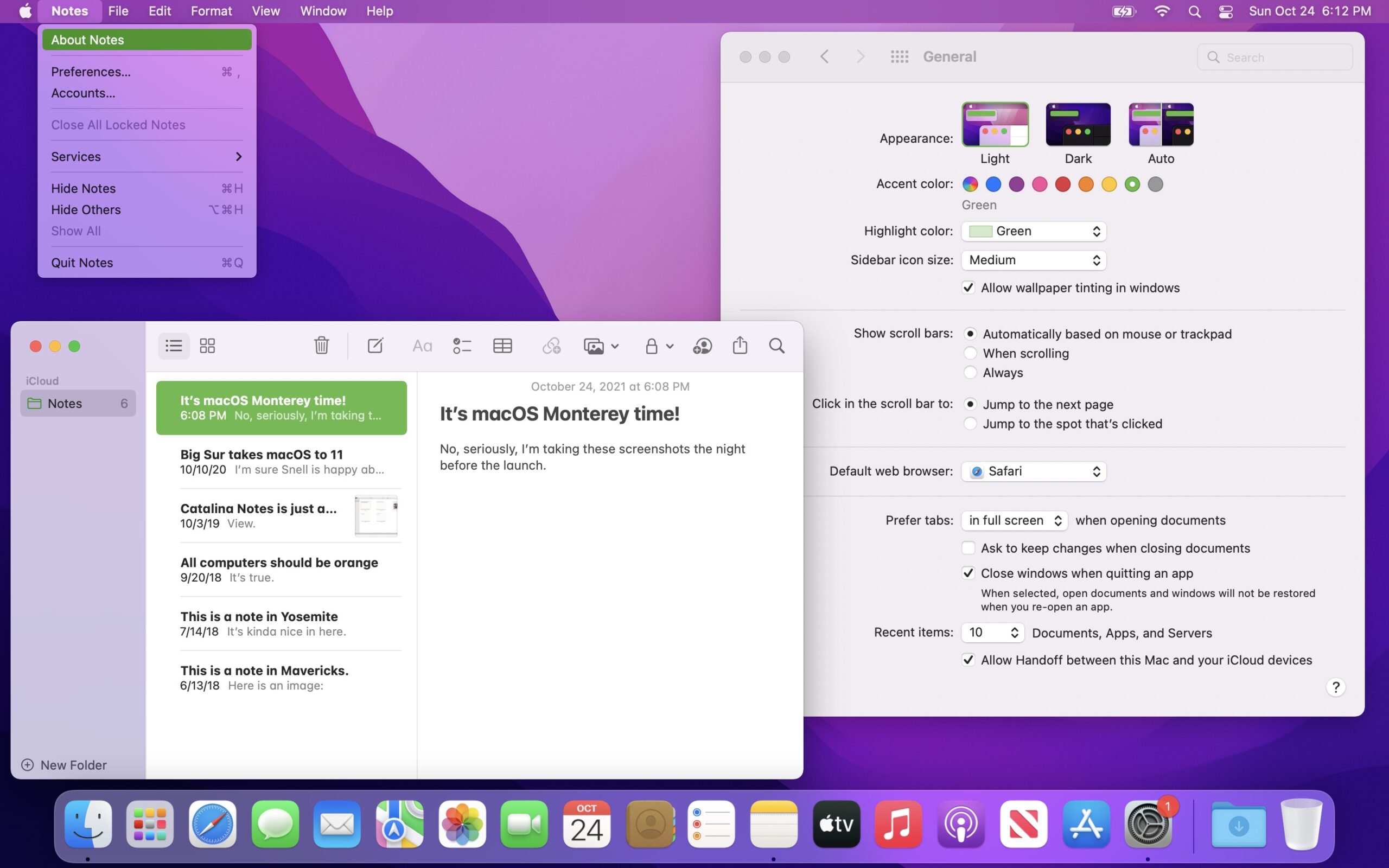
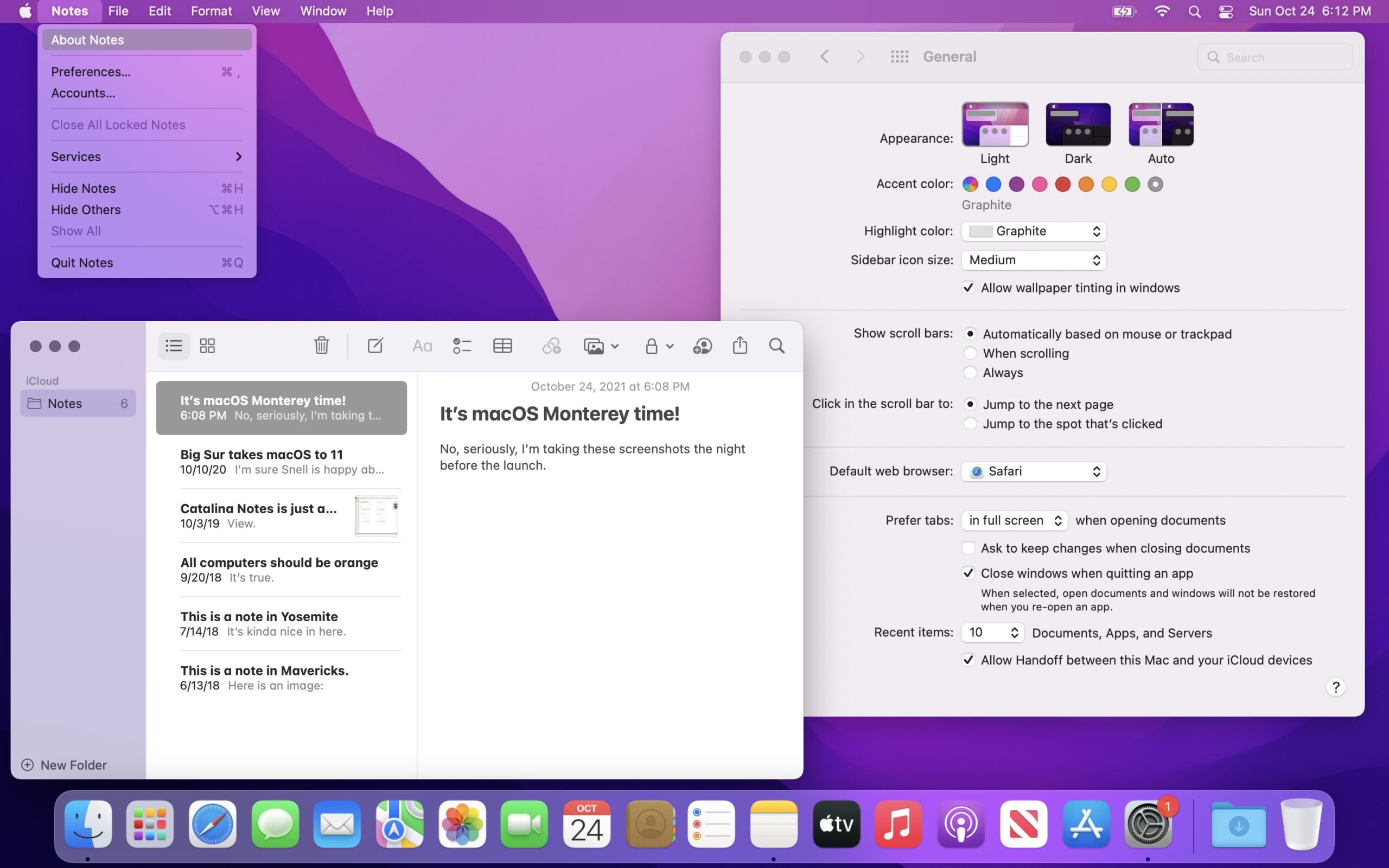

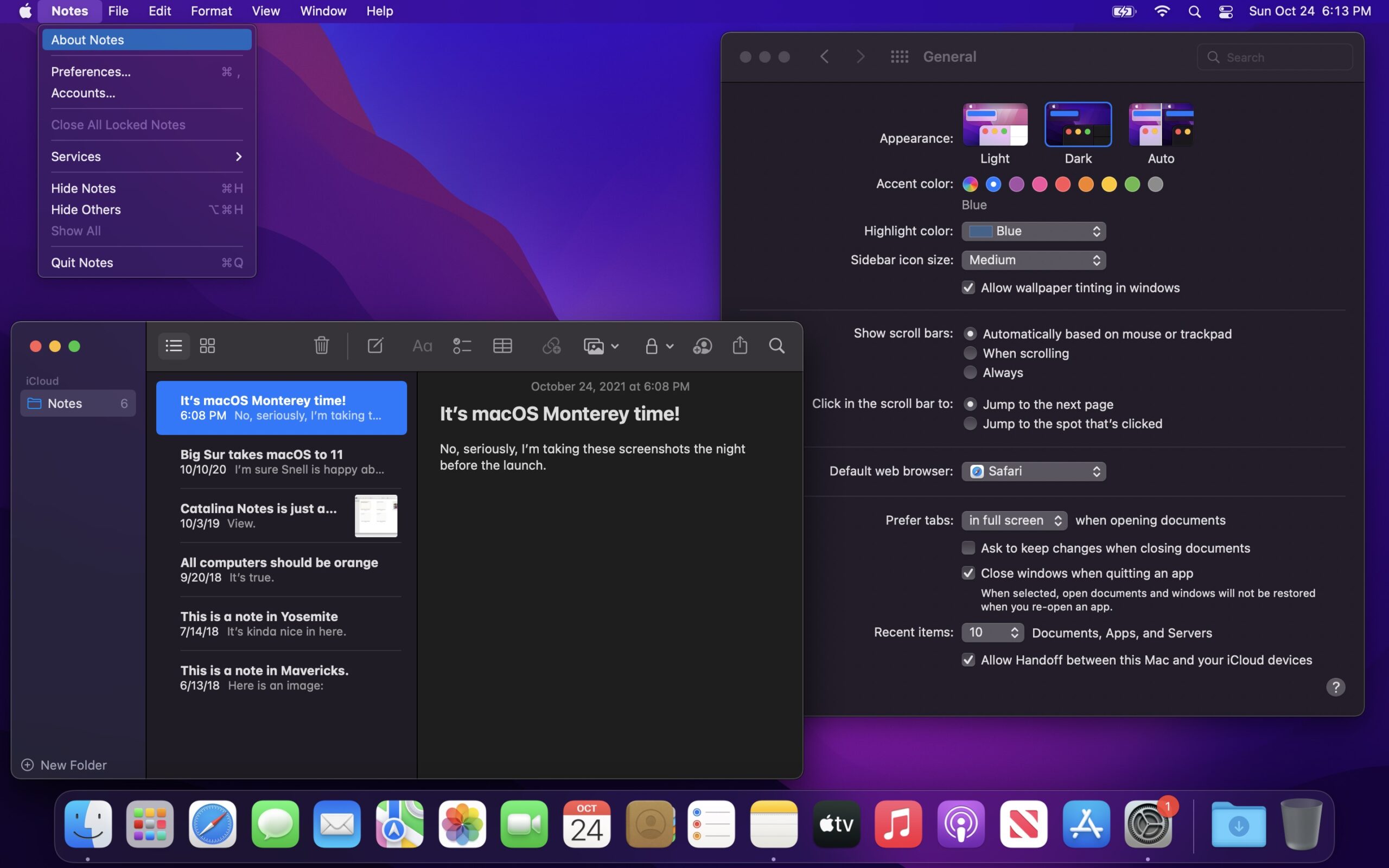
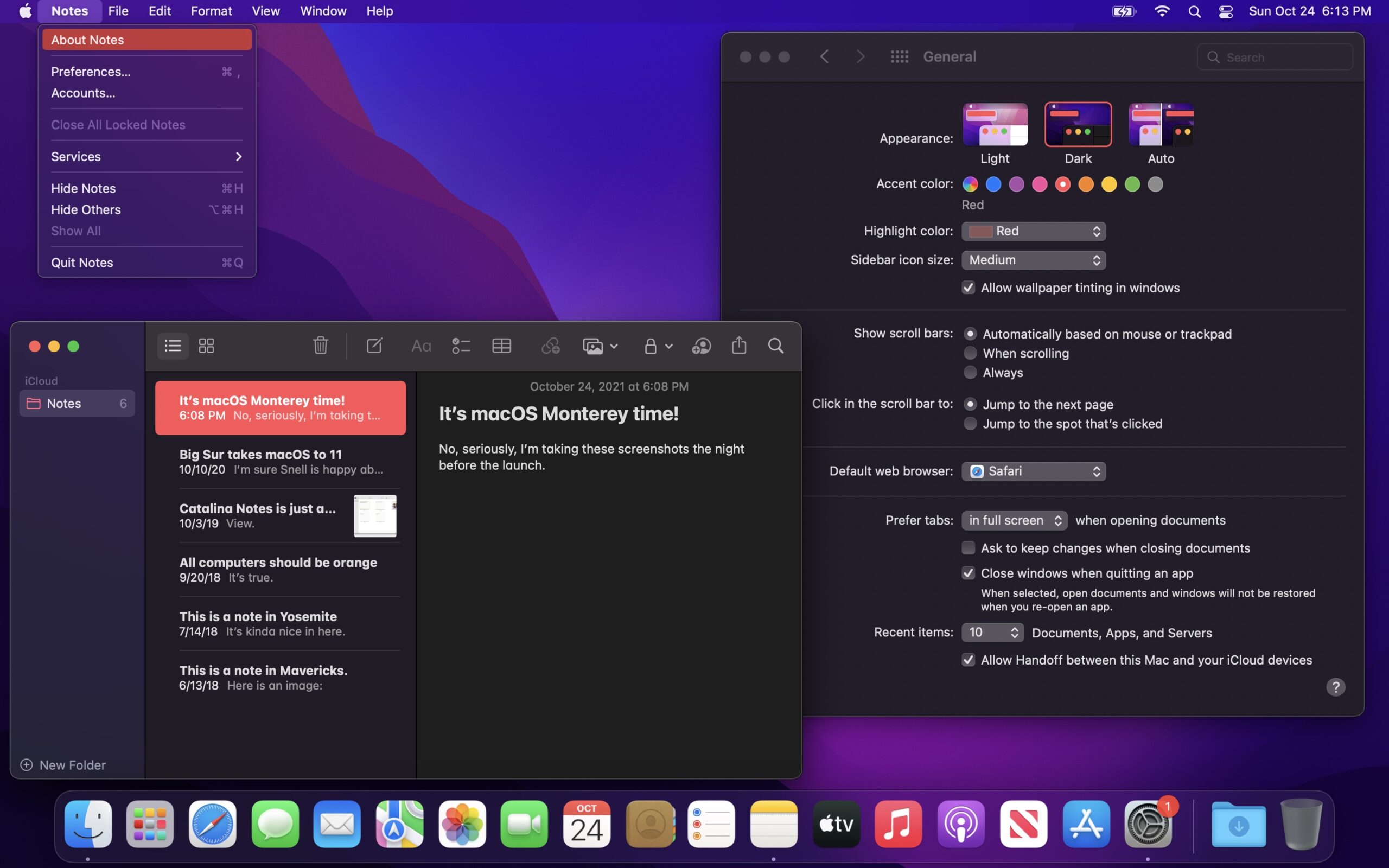

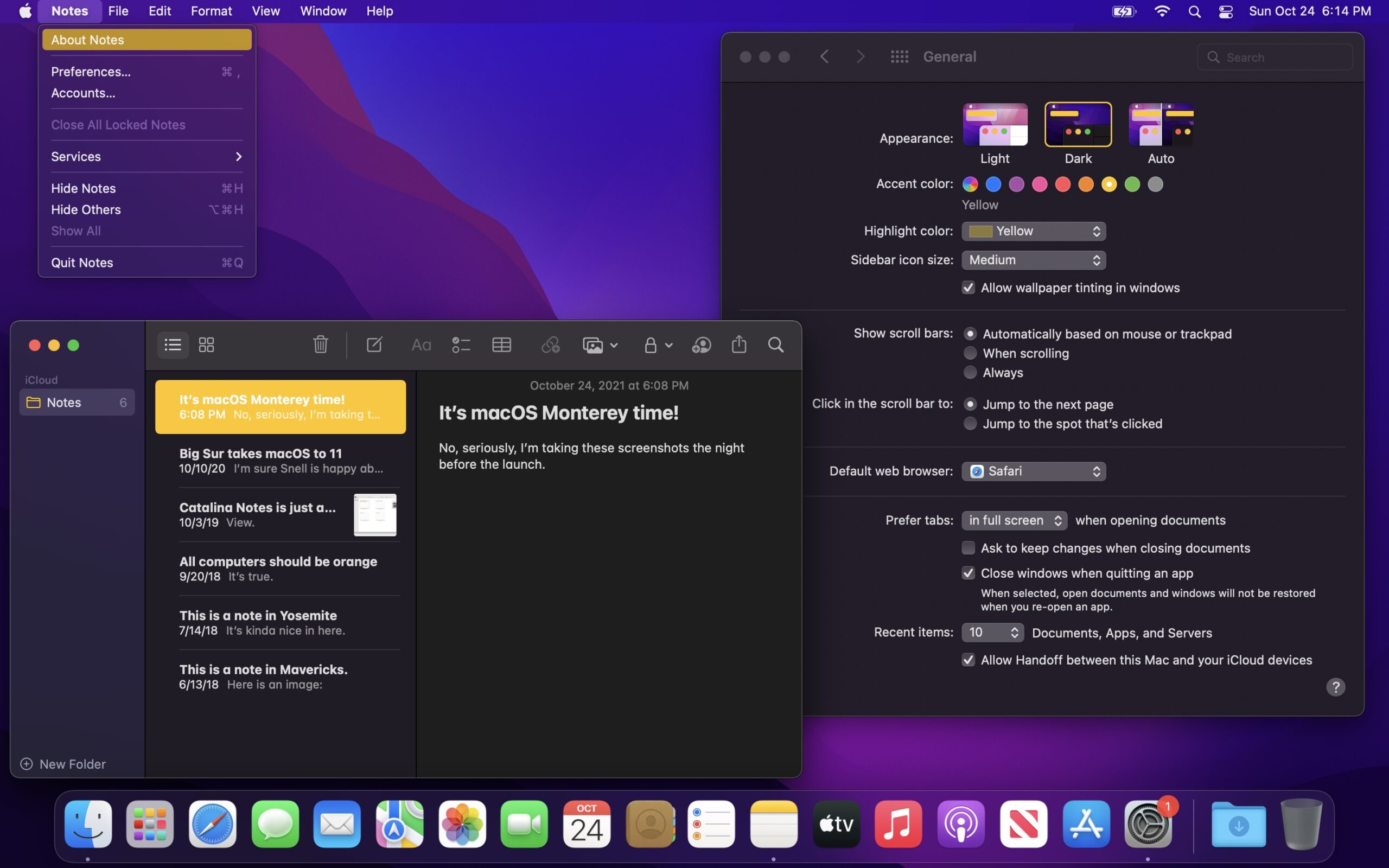
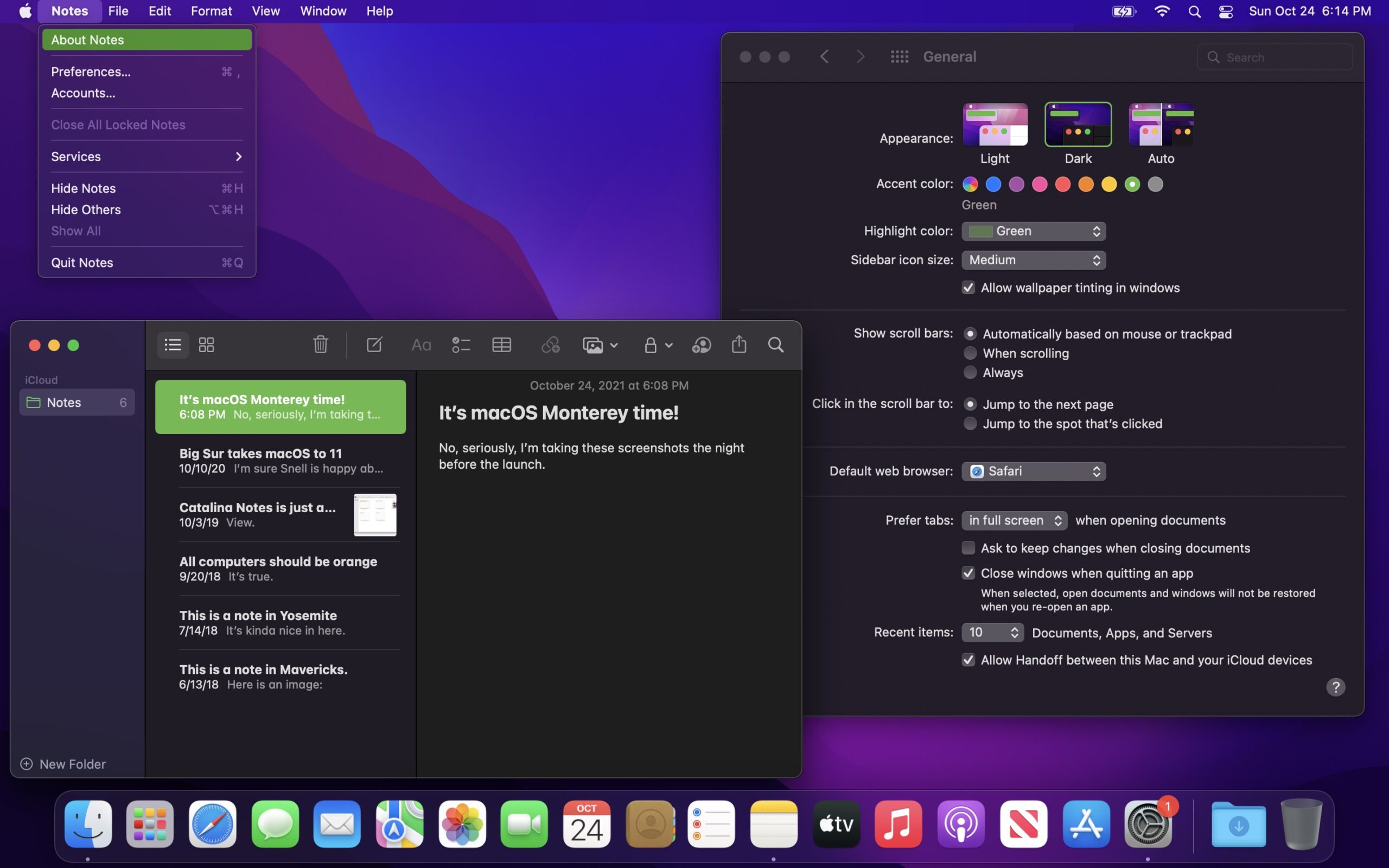
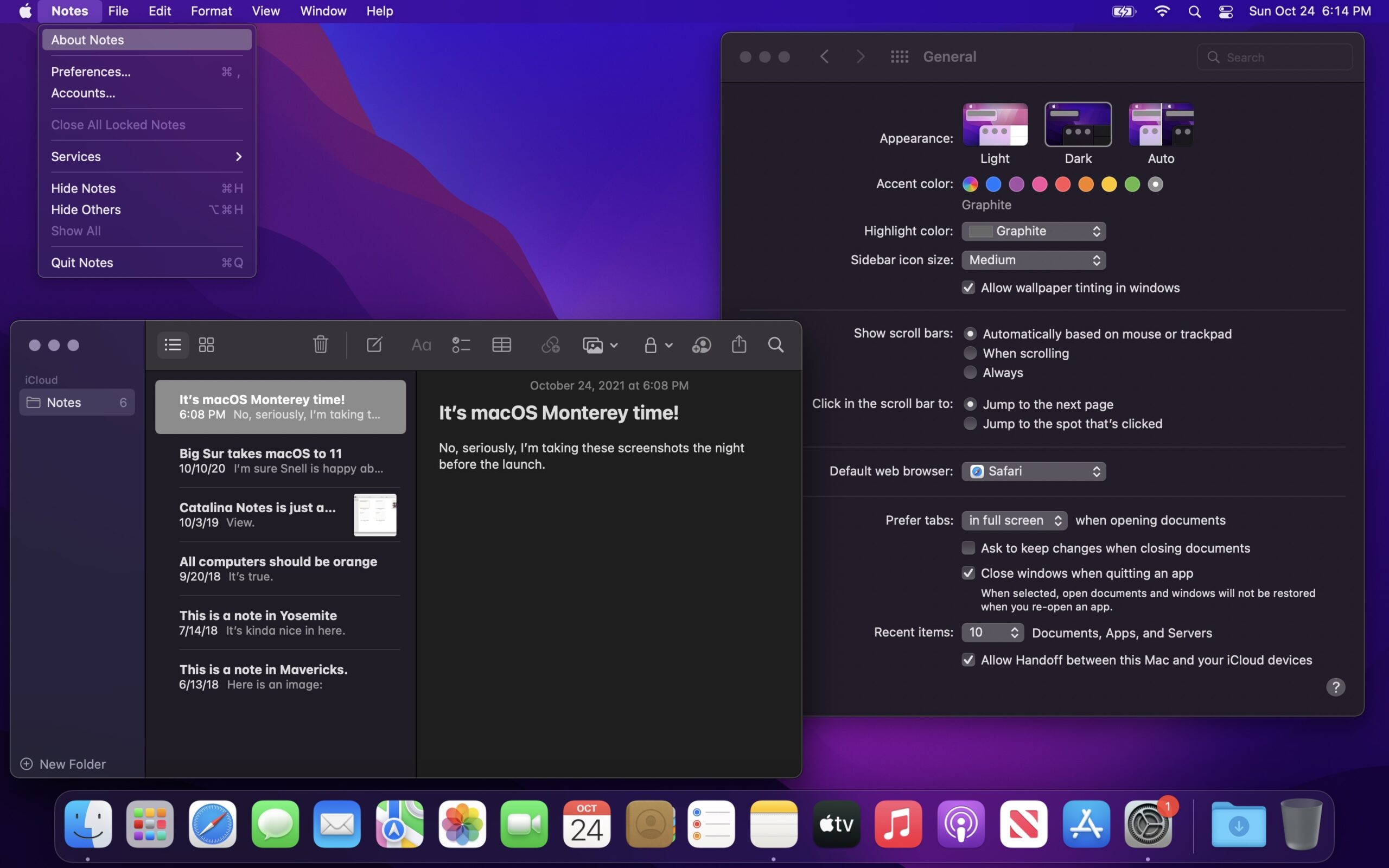
System Preferences (Light Mode)
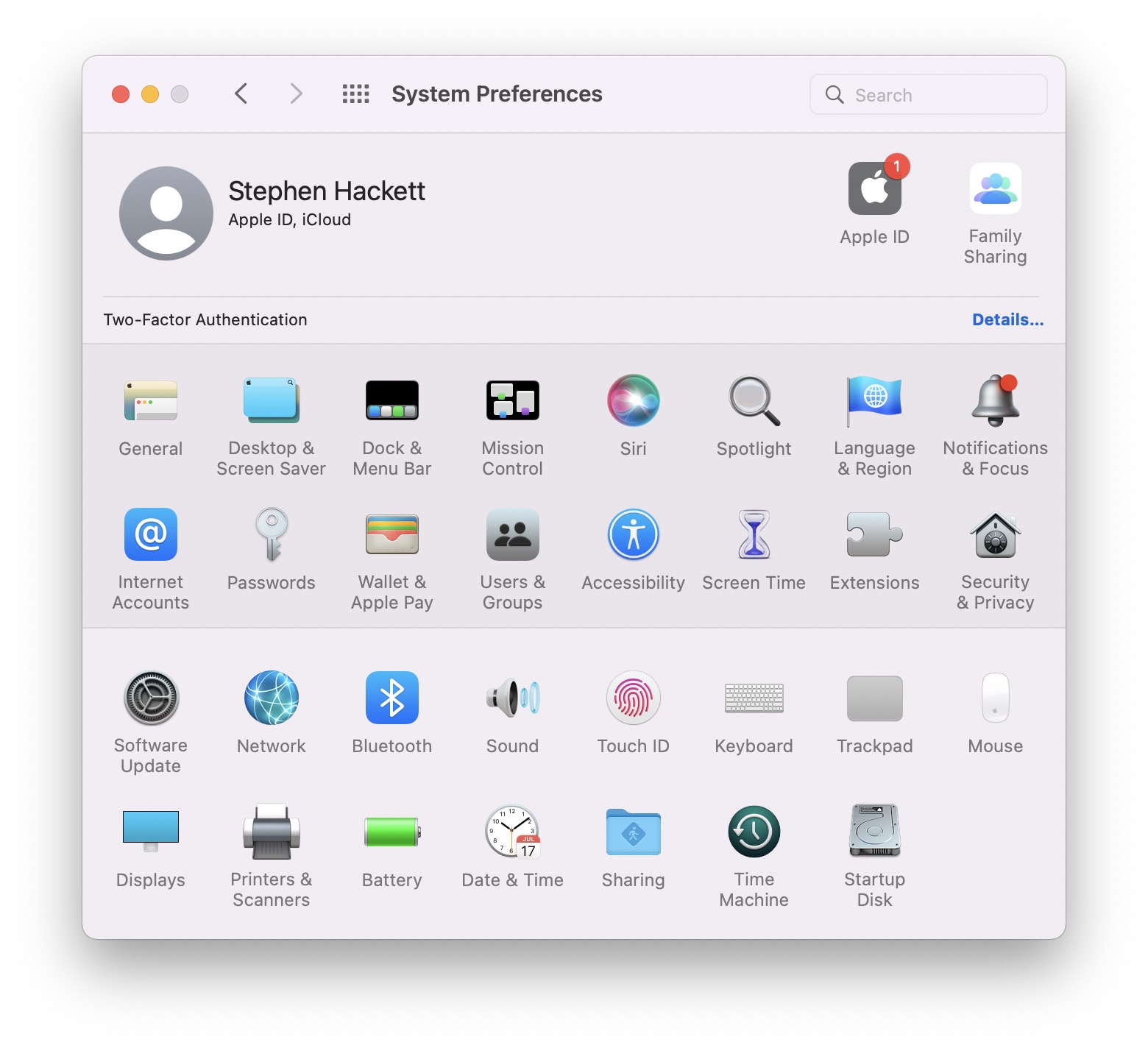

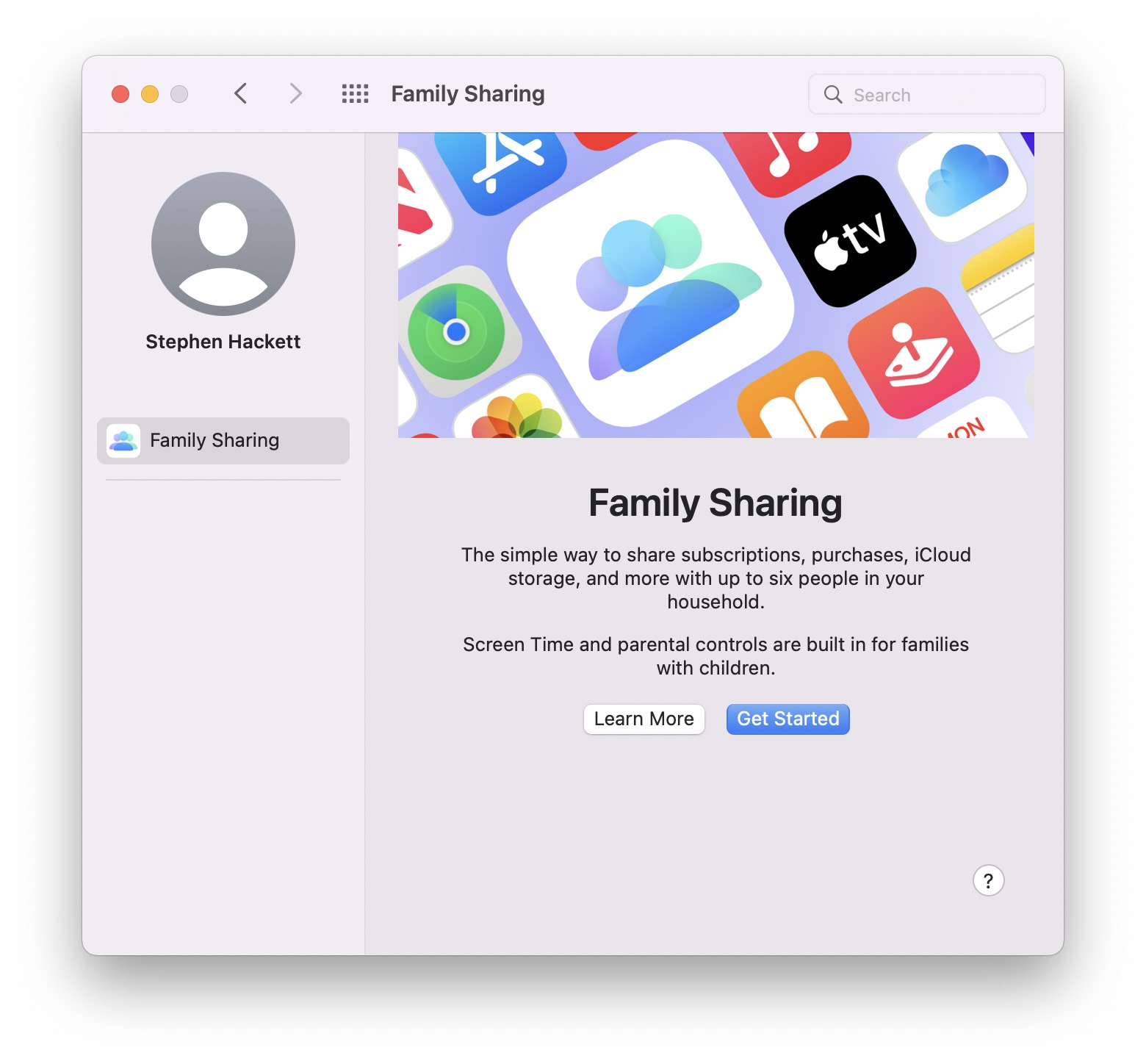

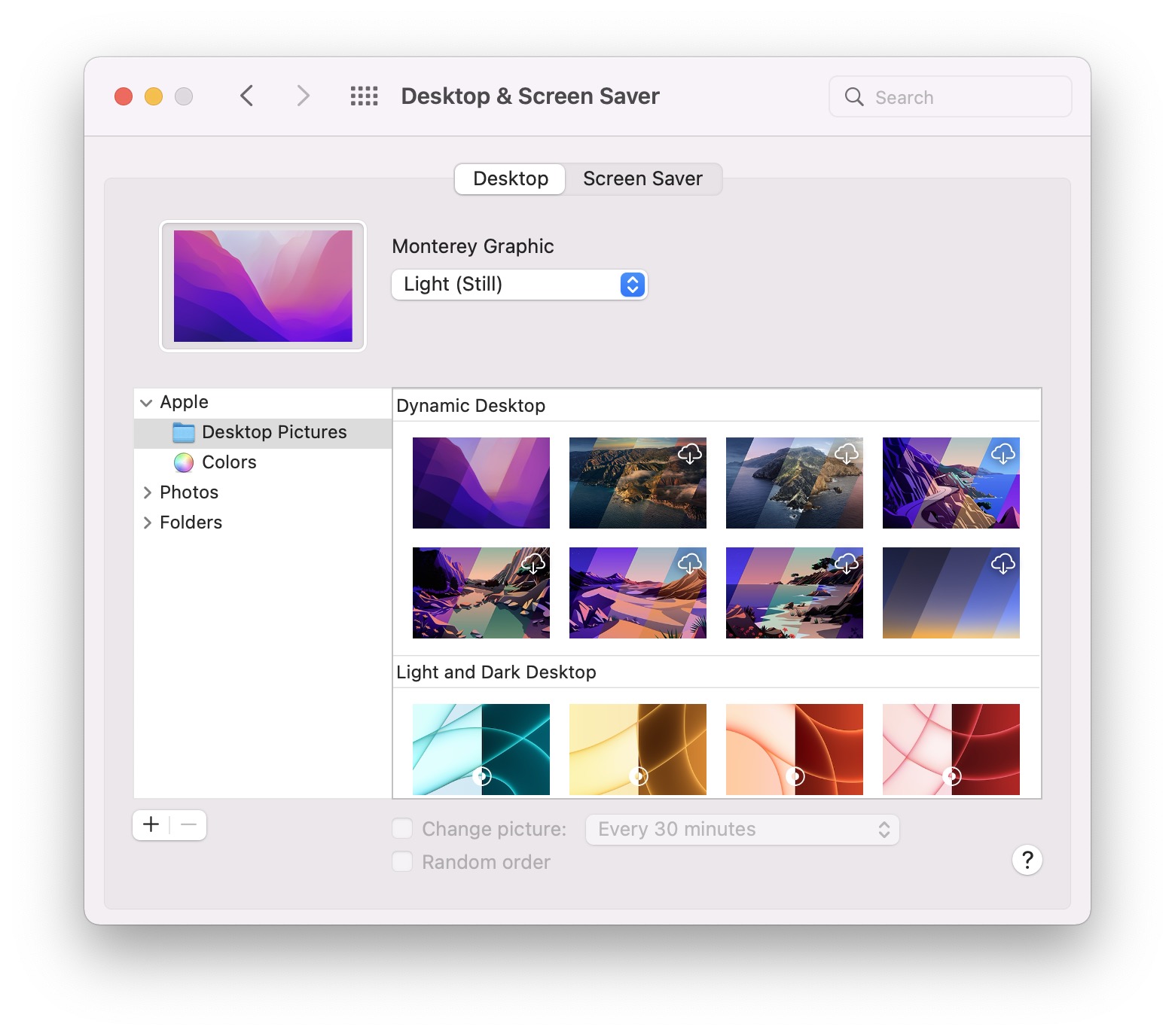
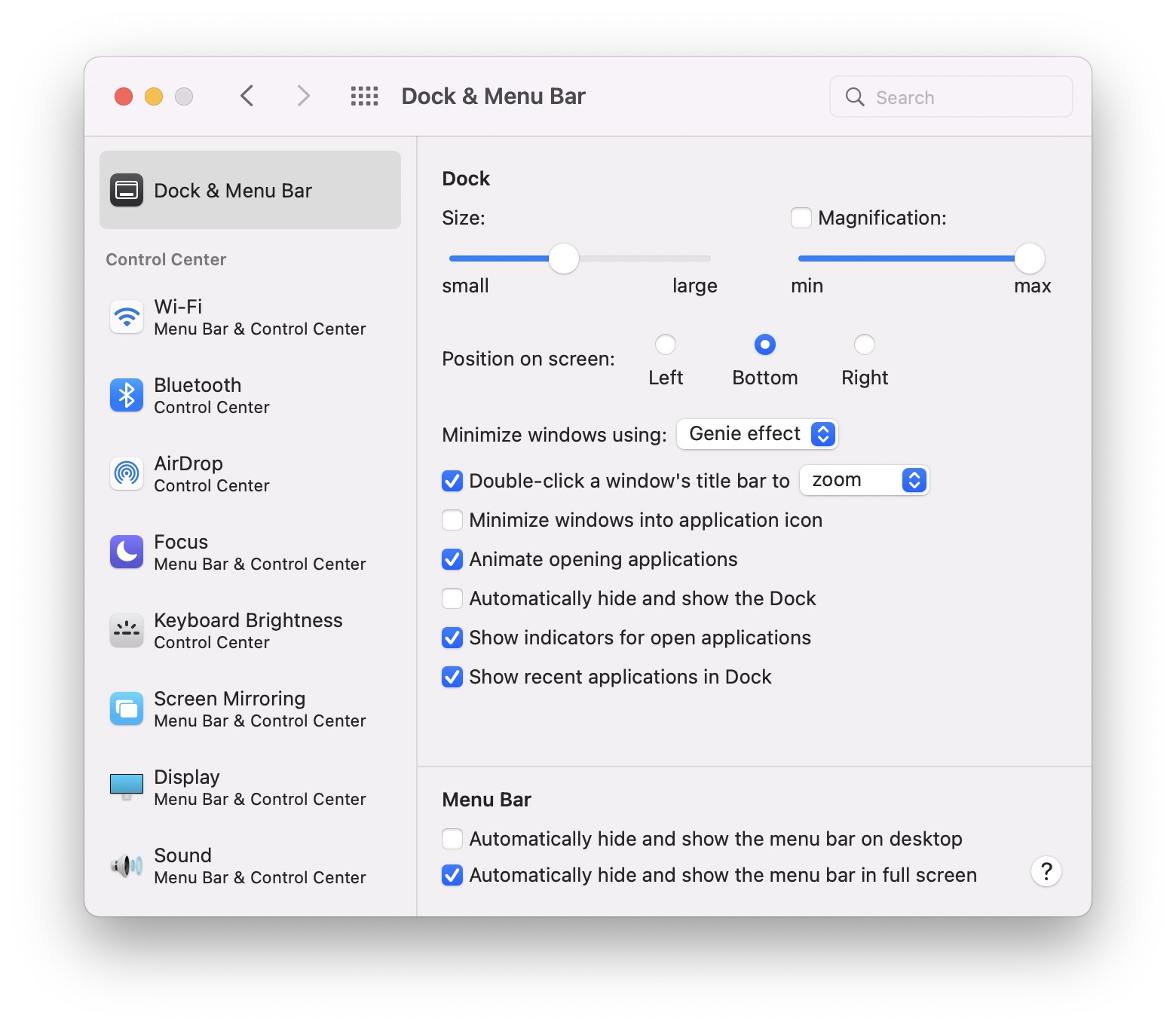
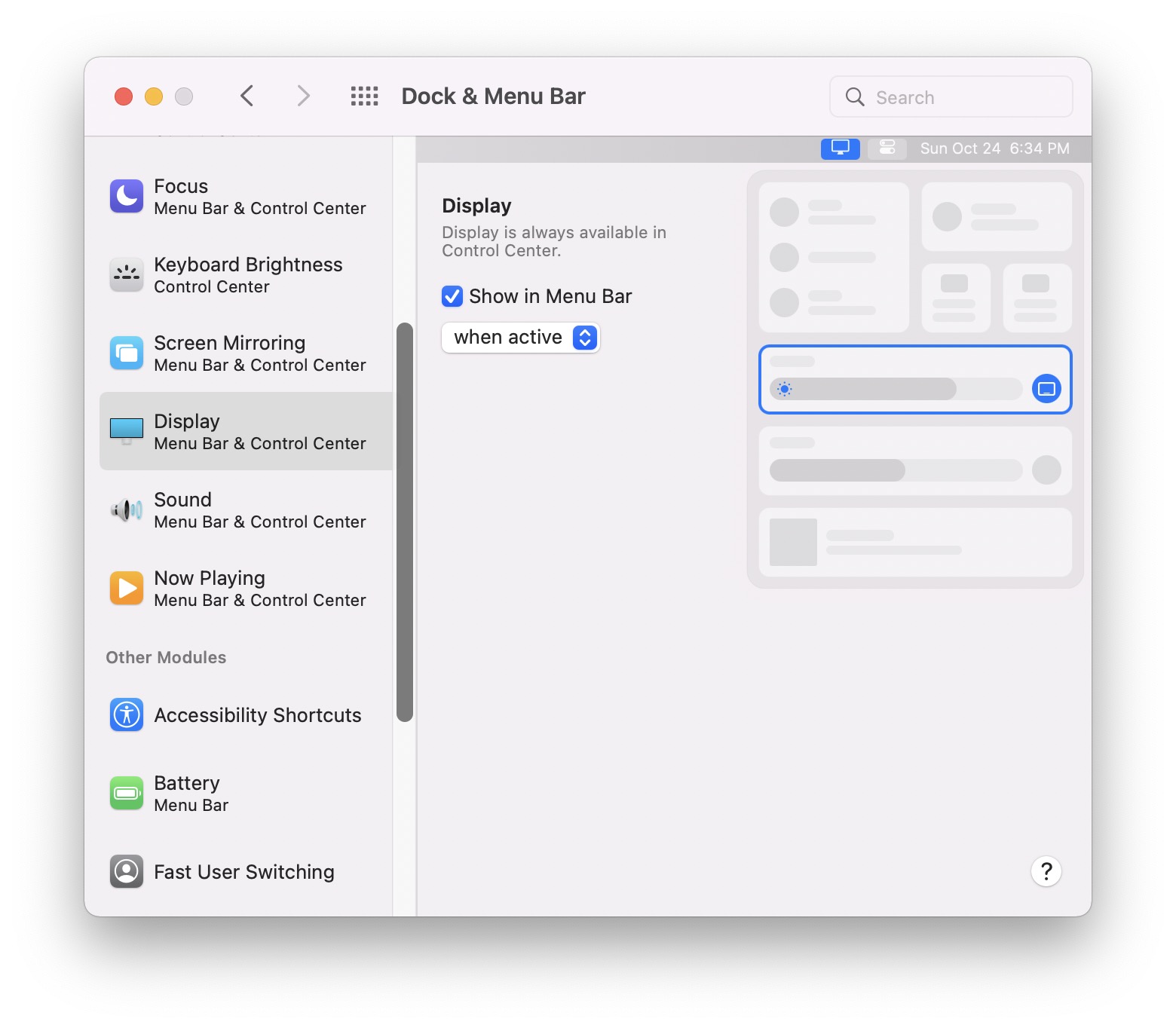
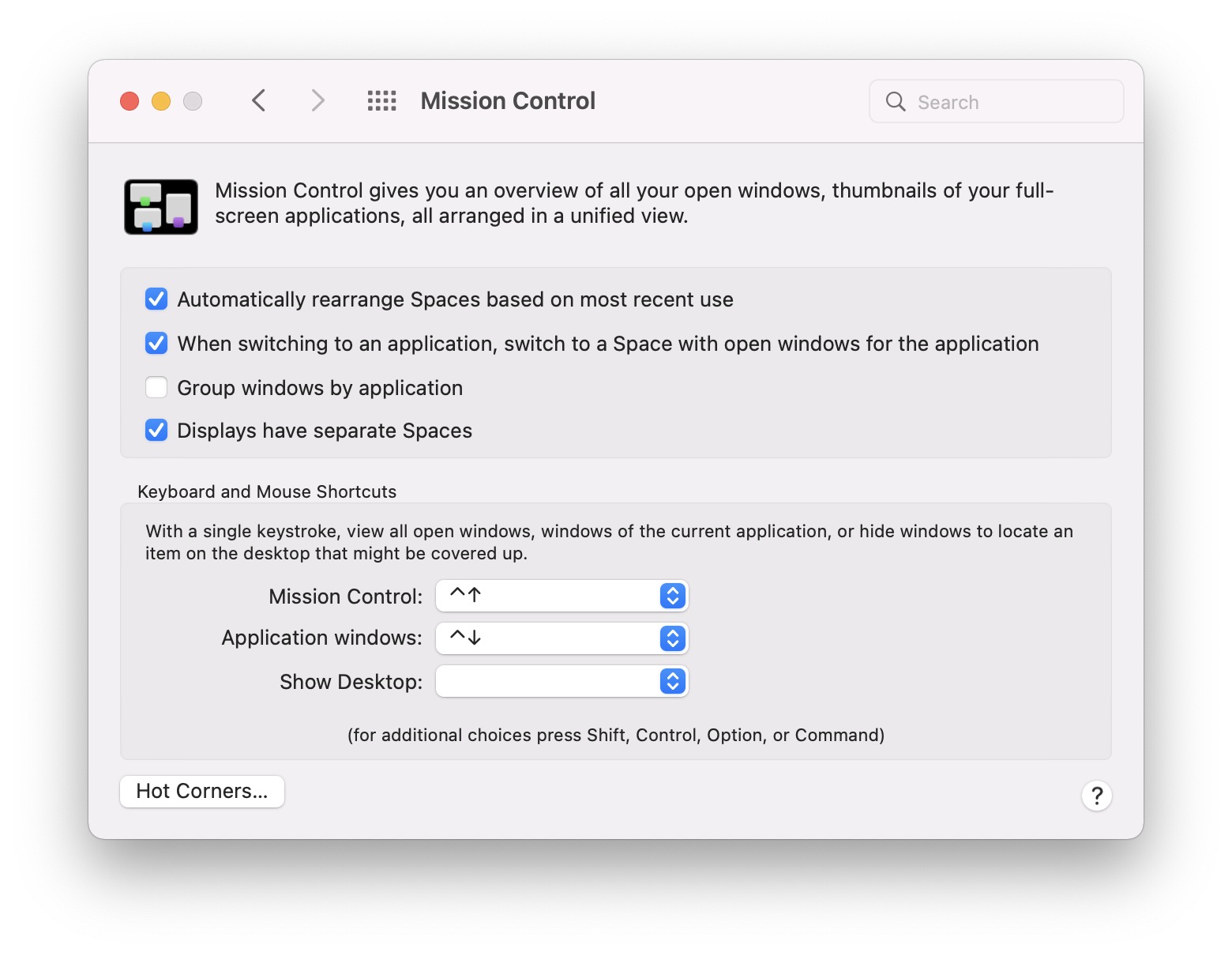
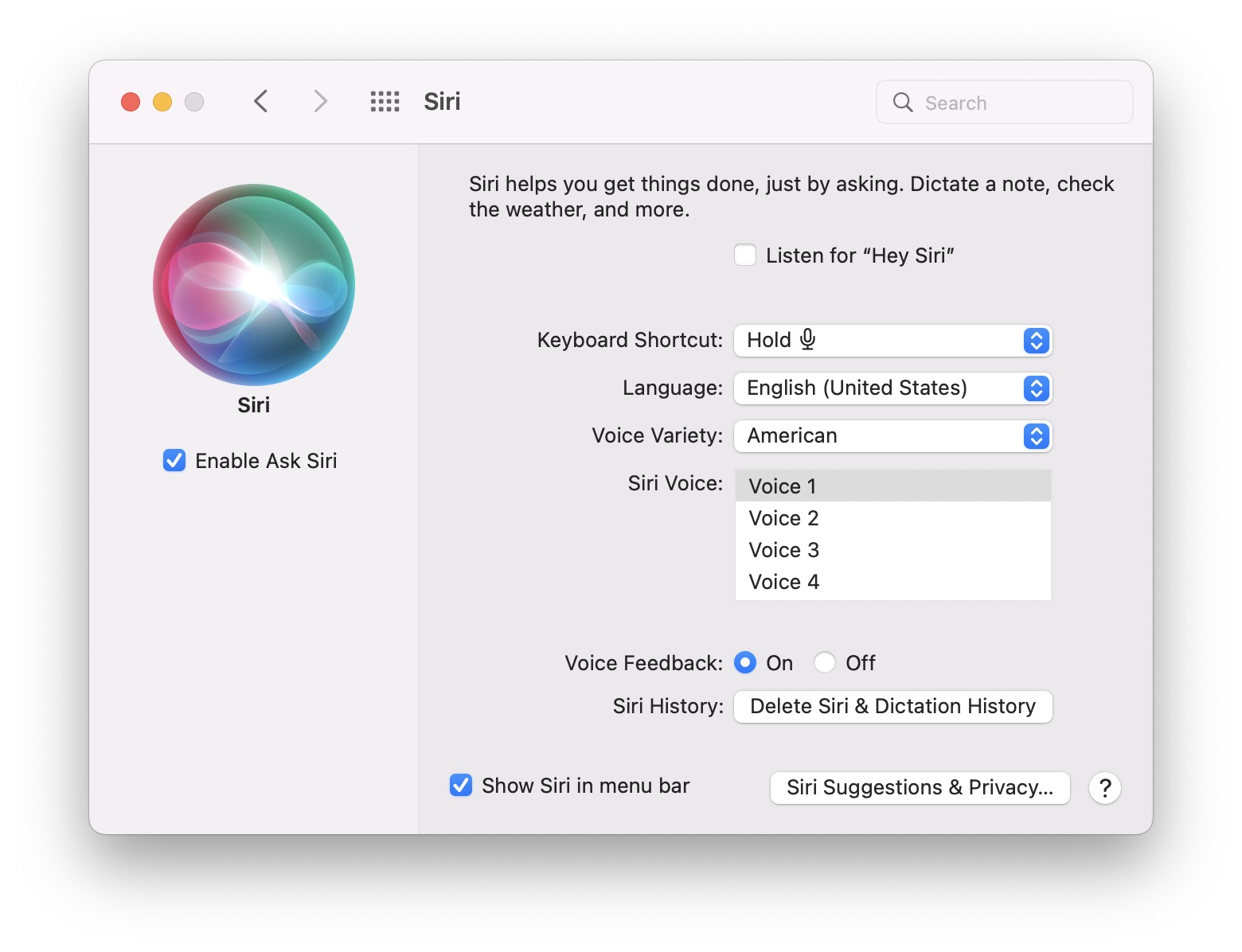
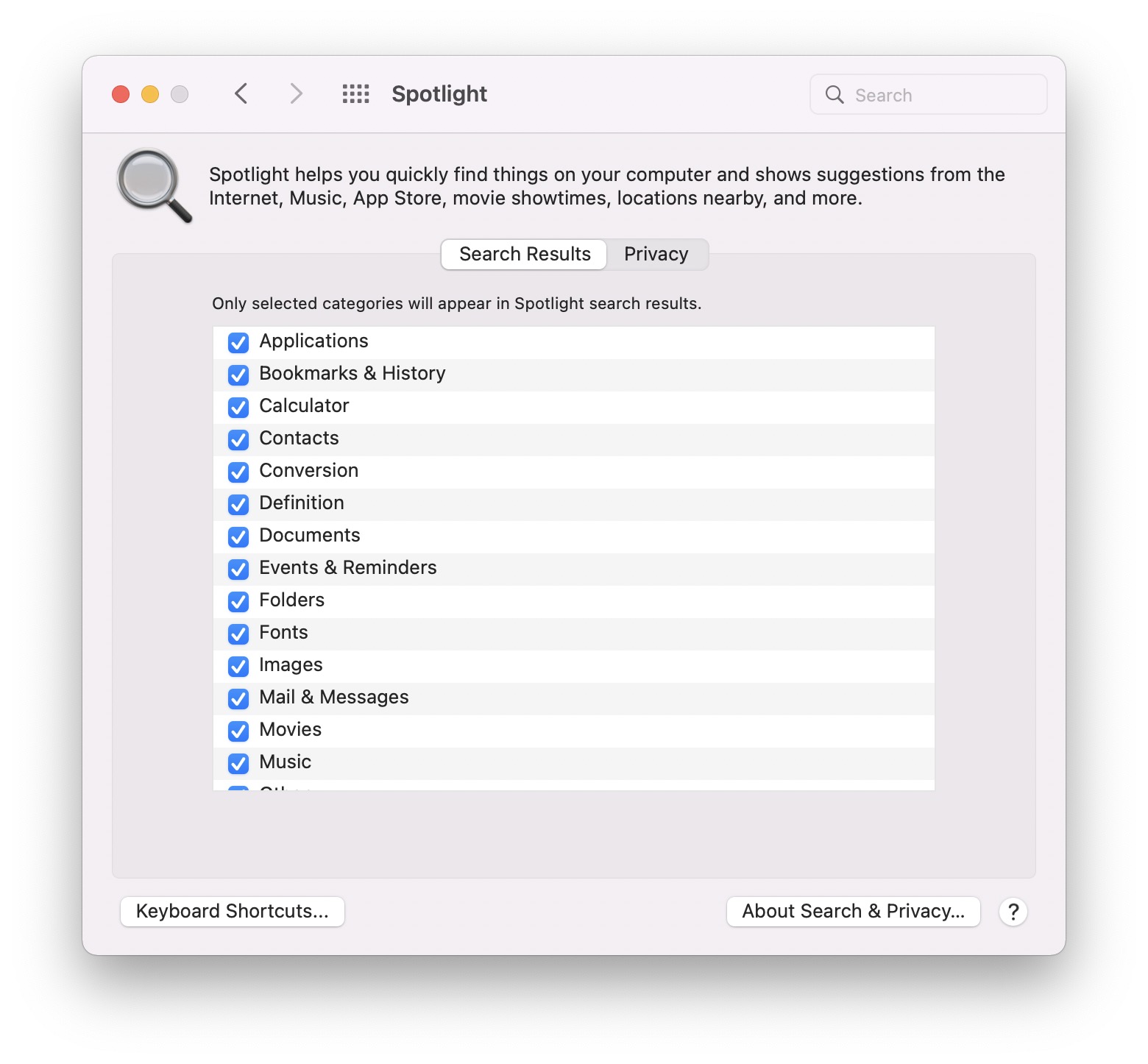
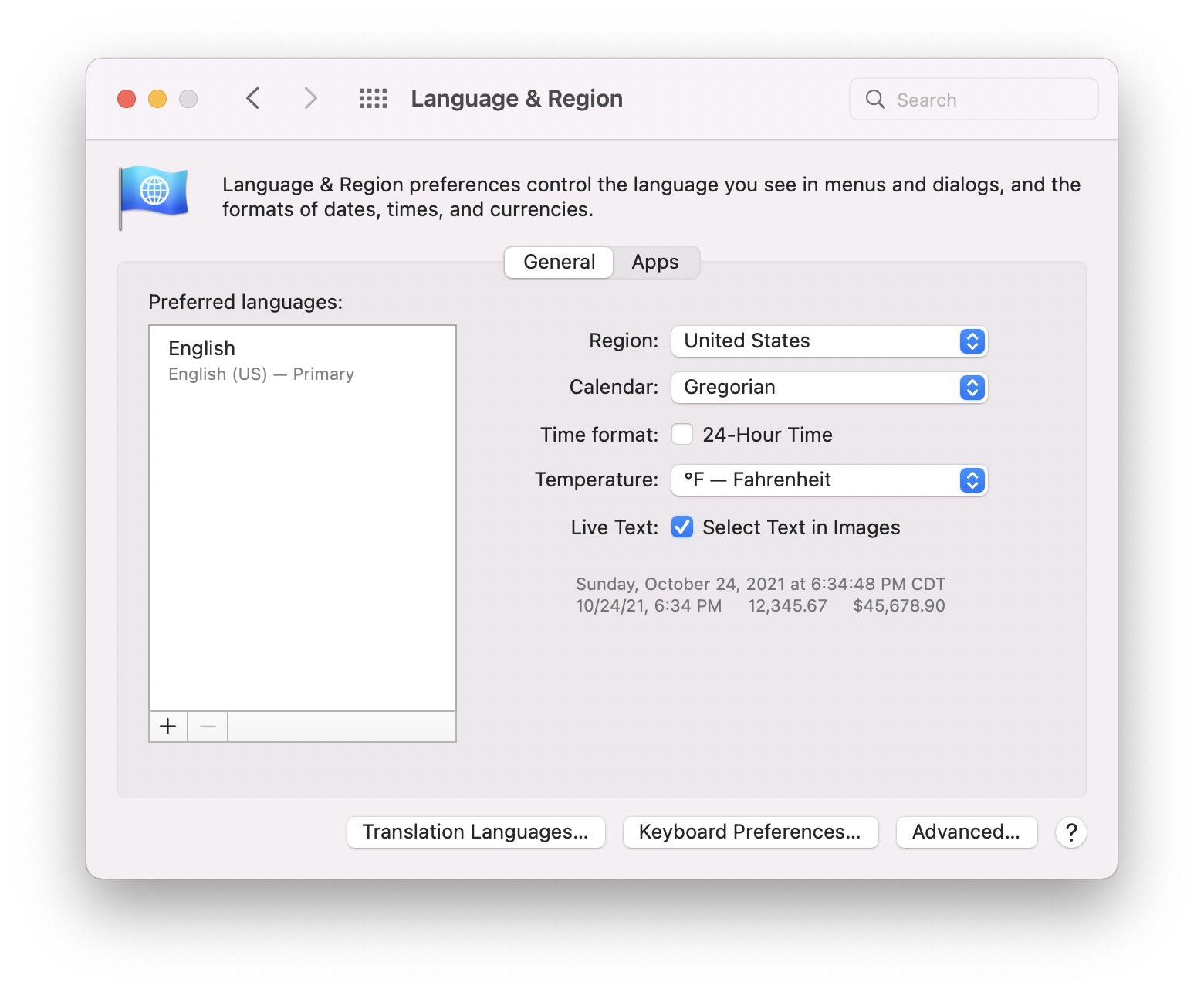
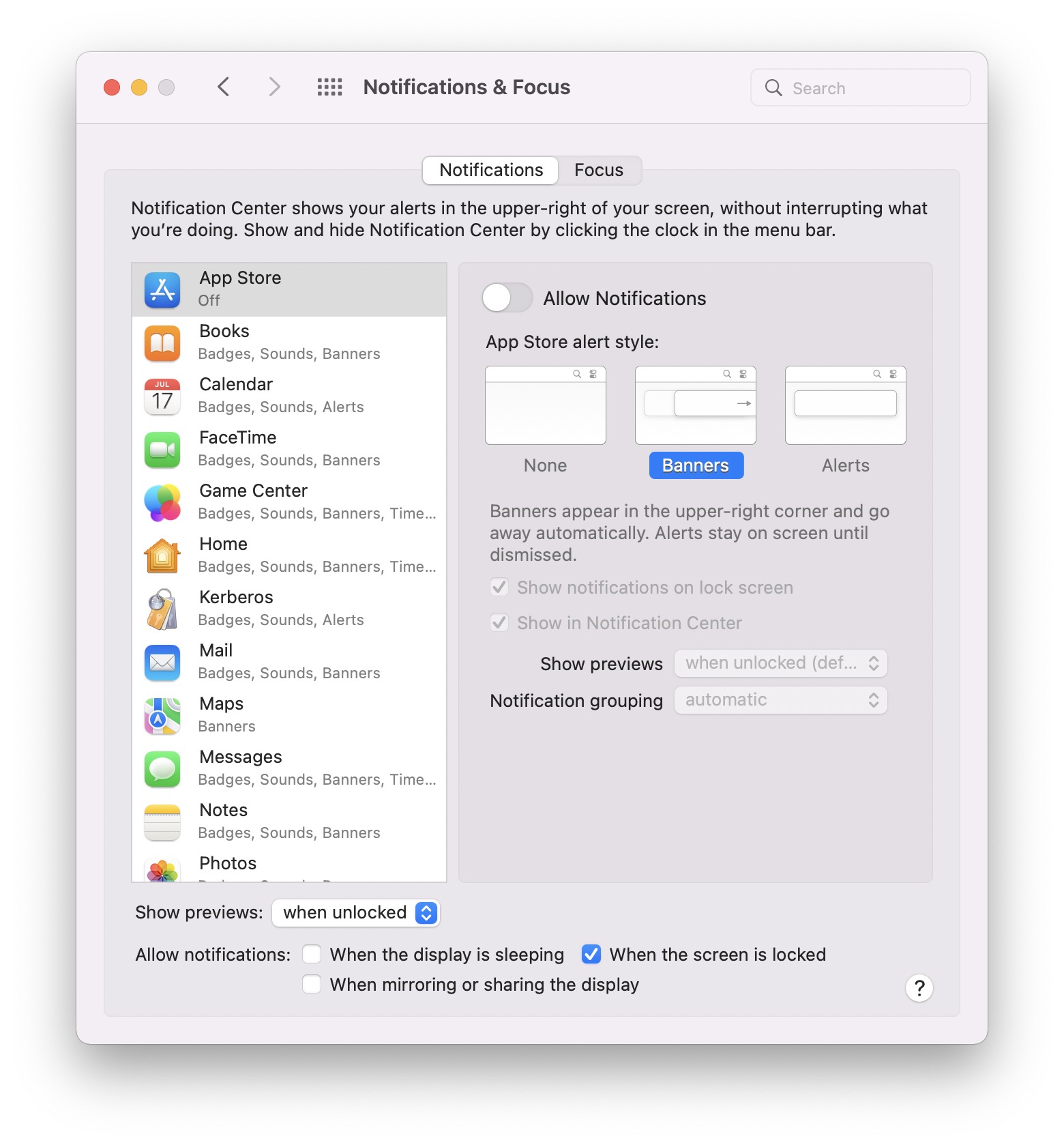

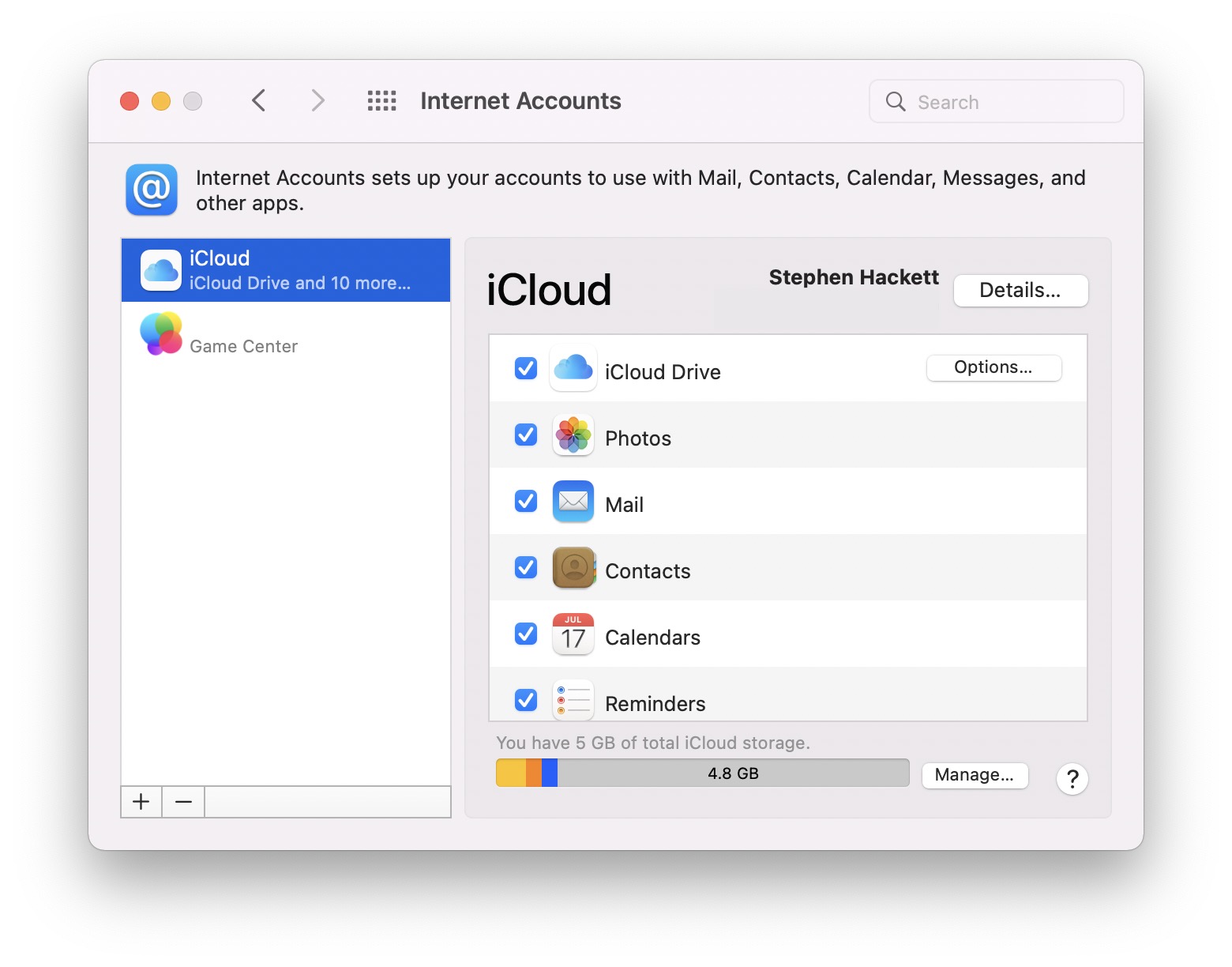

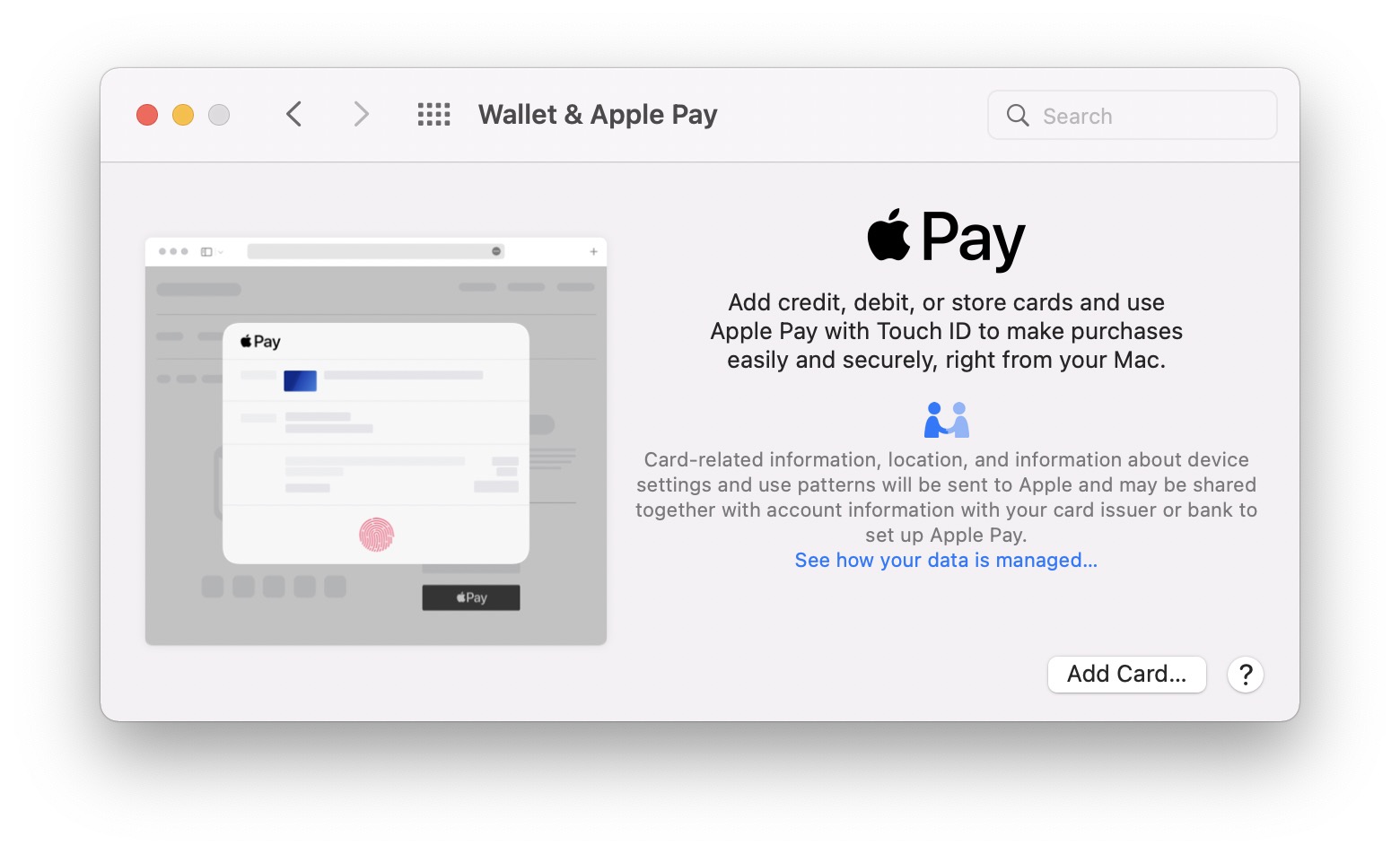
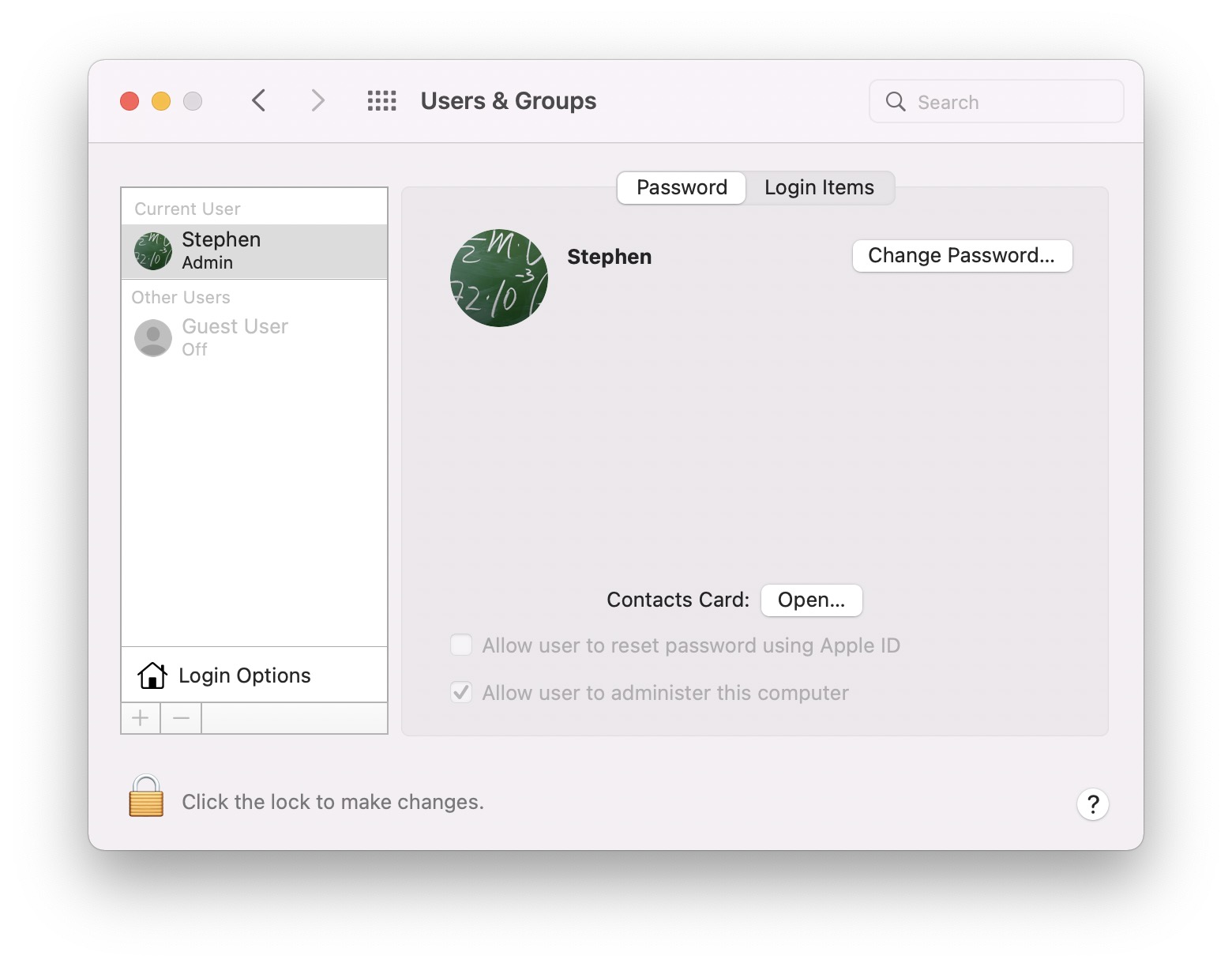

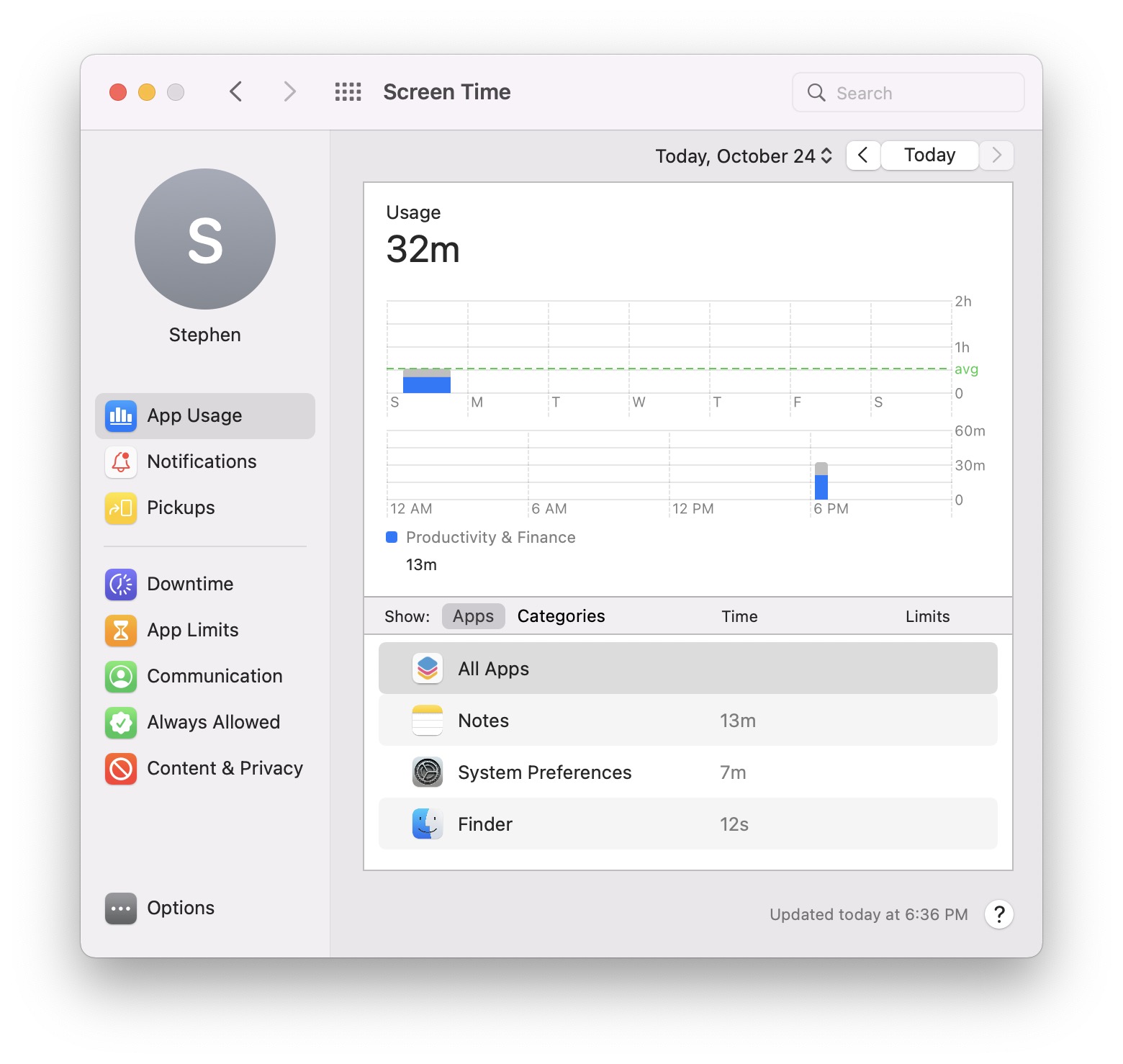
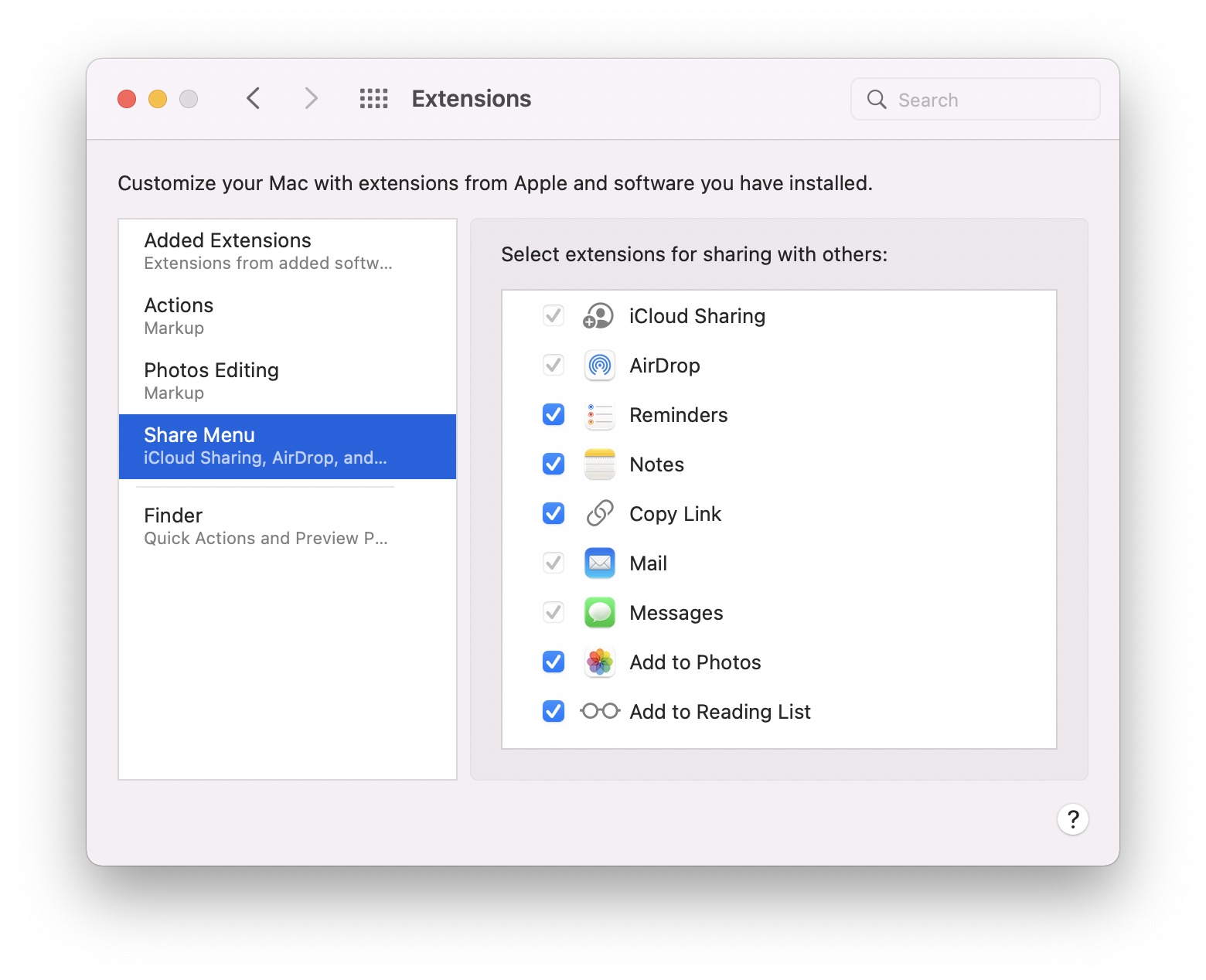


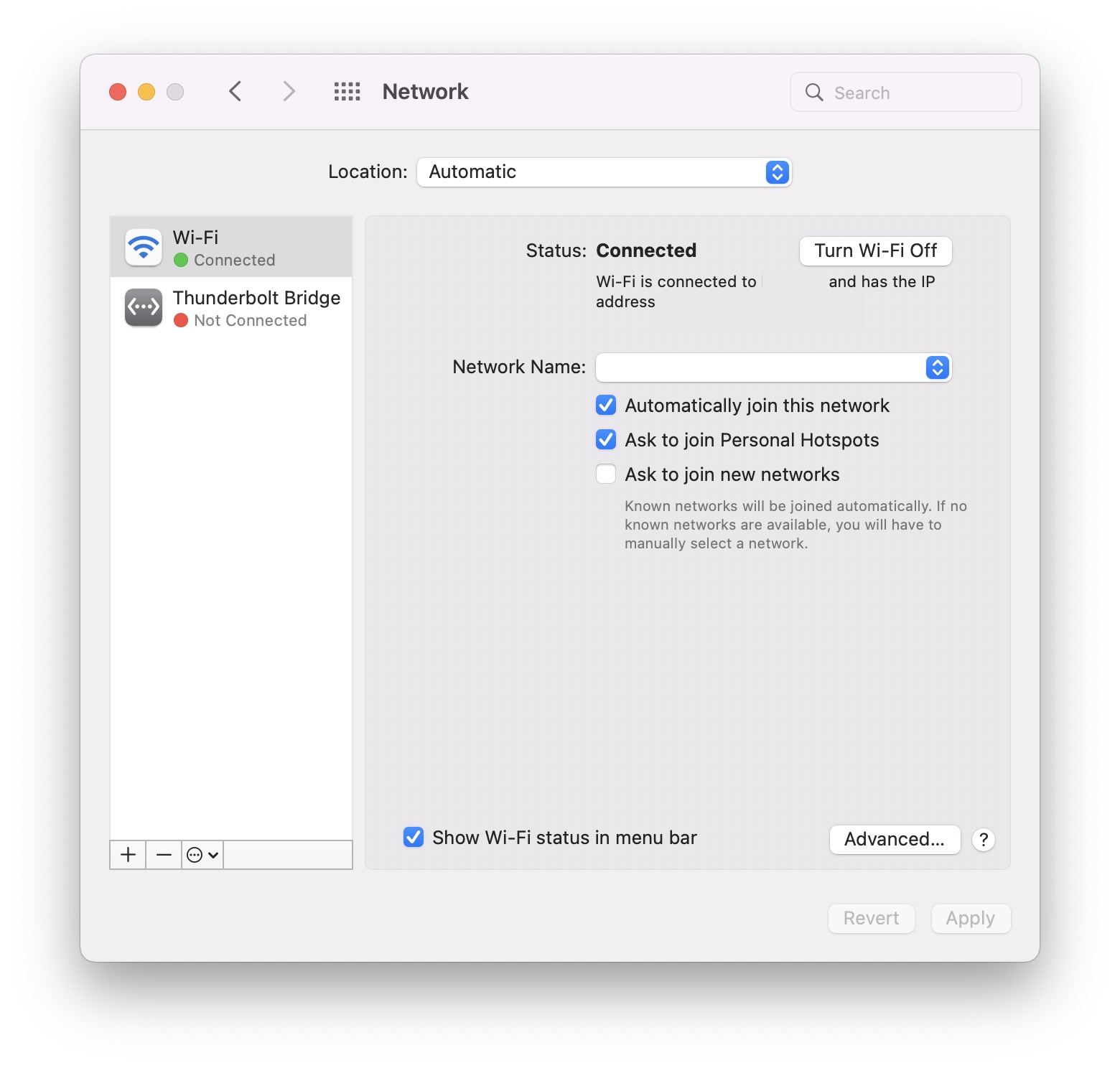
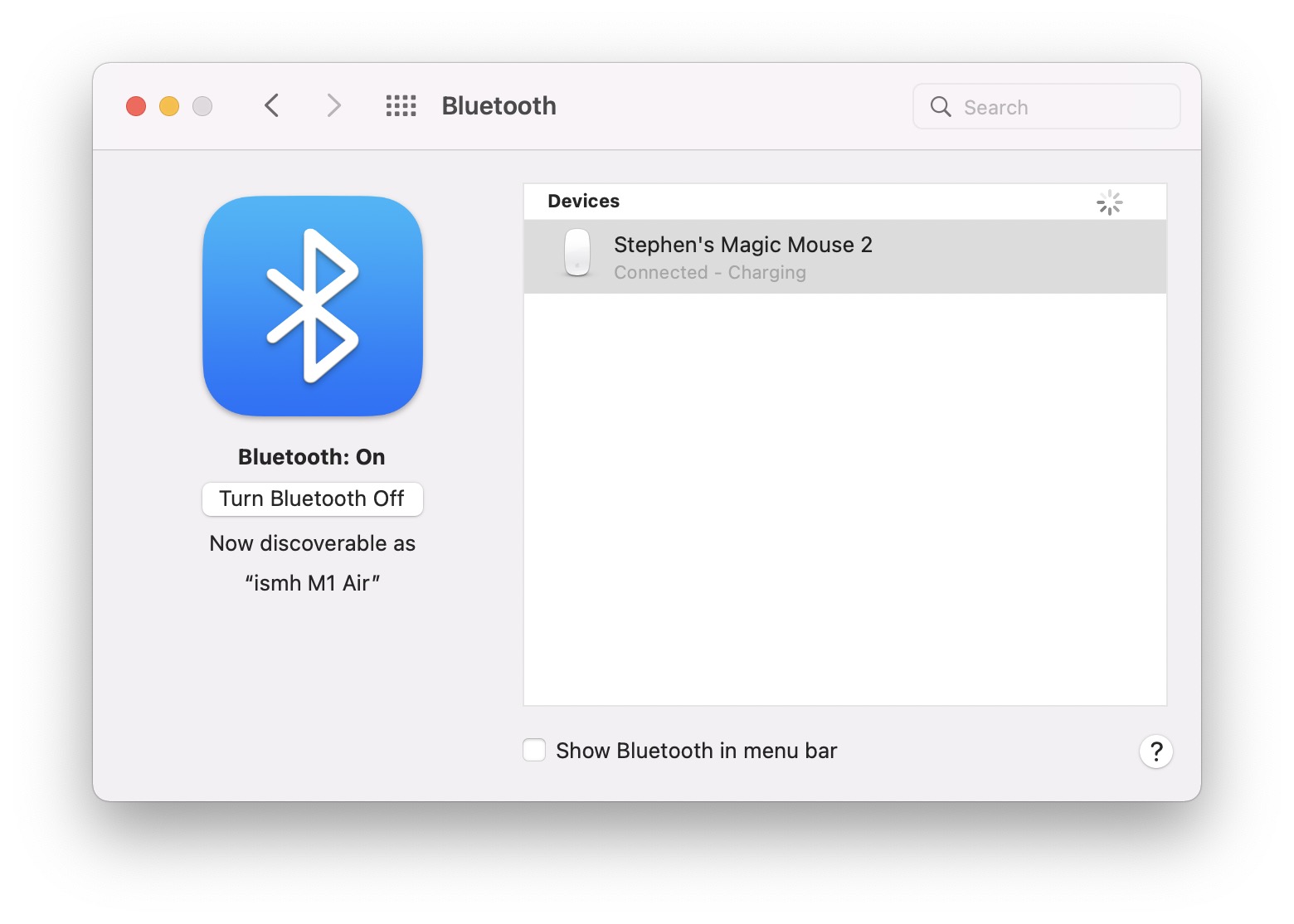
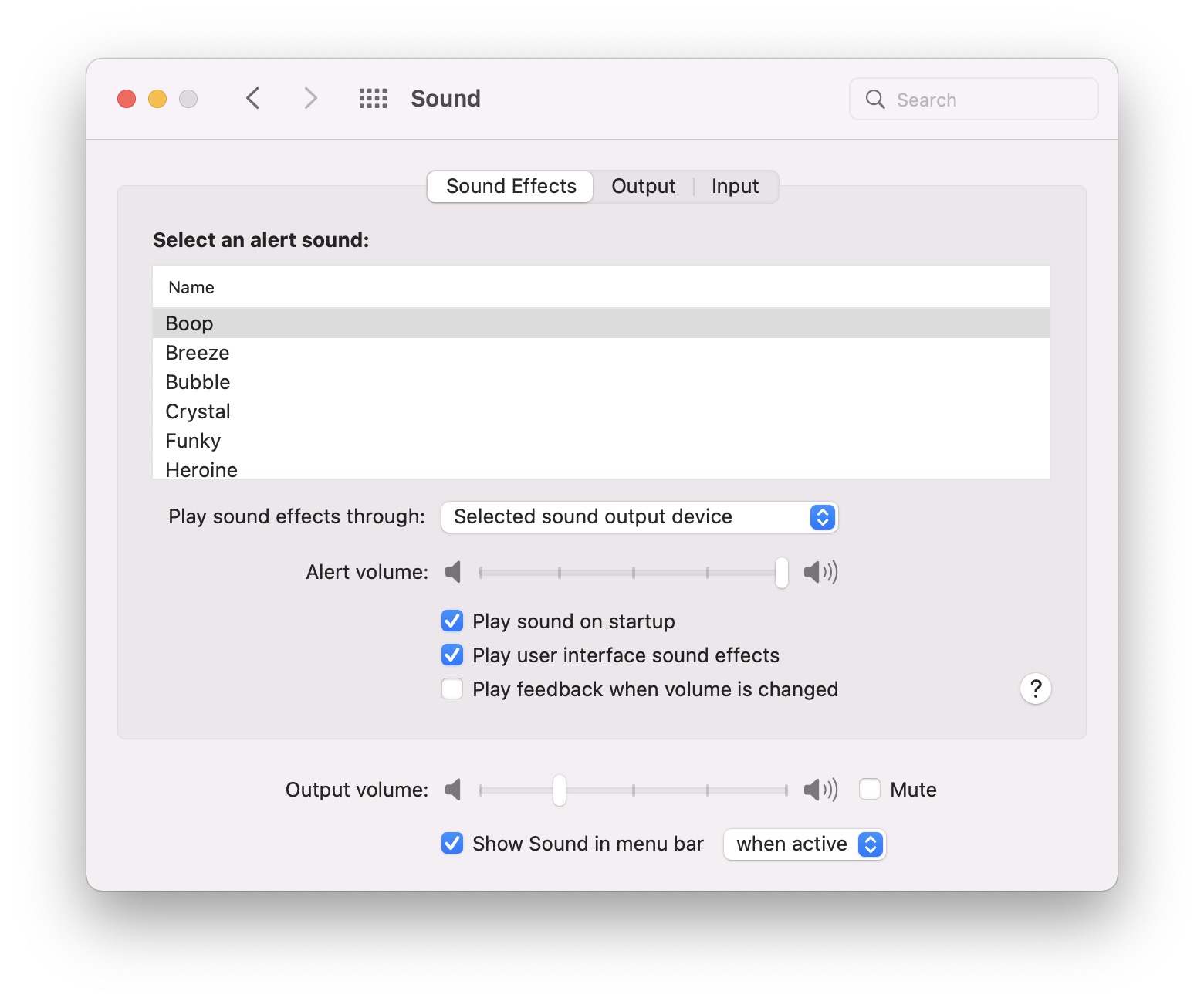
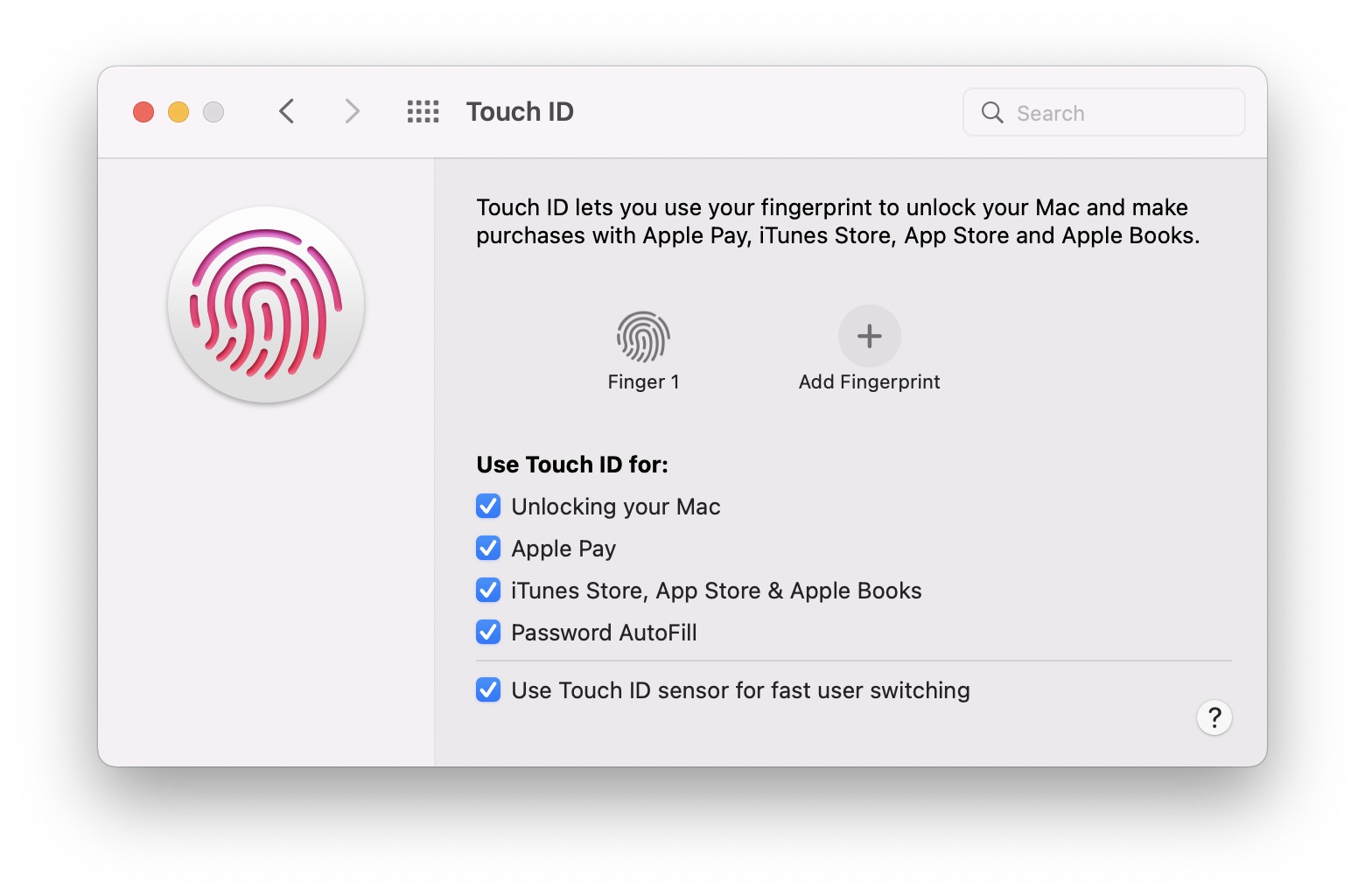
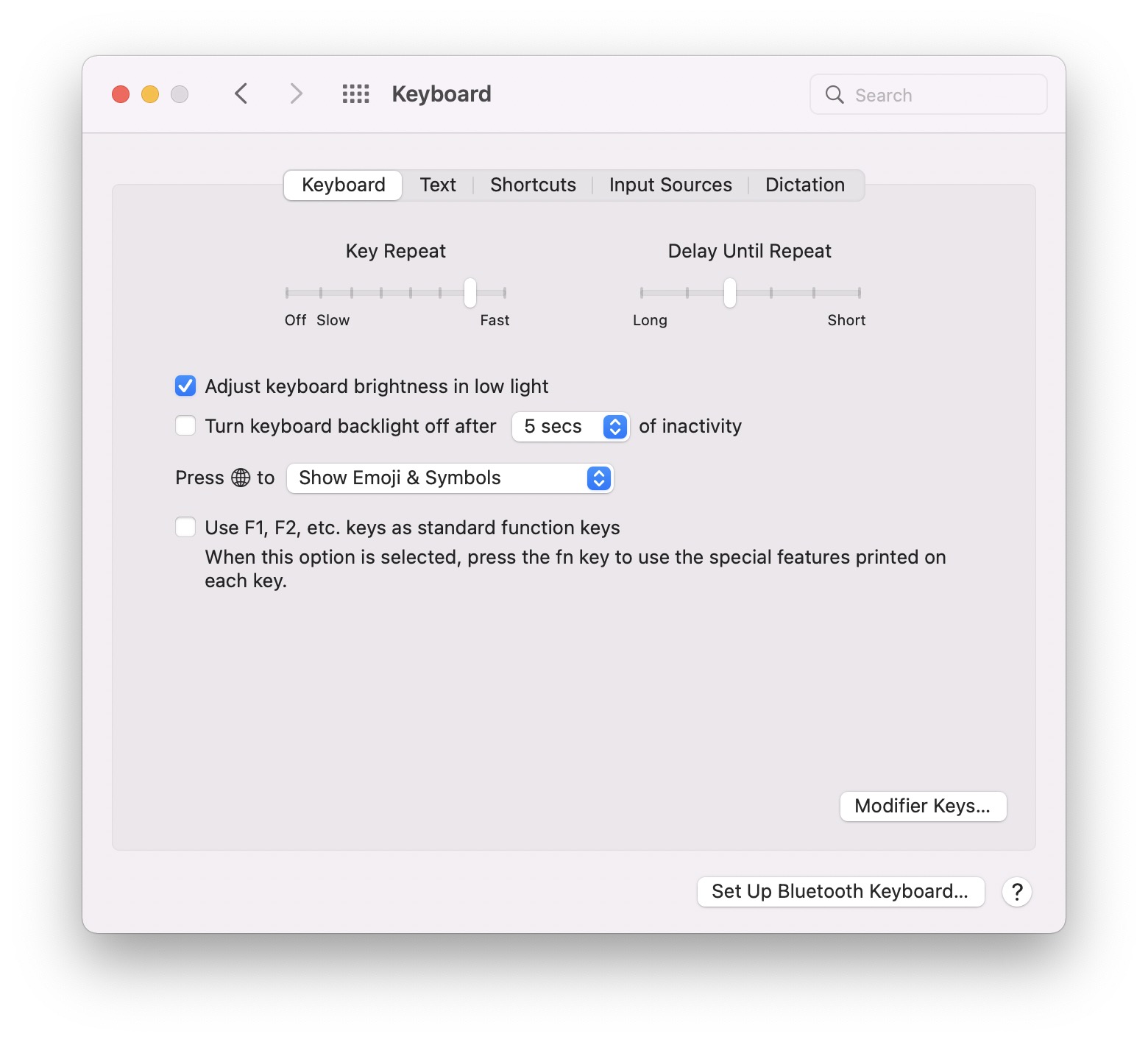
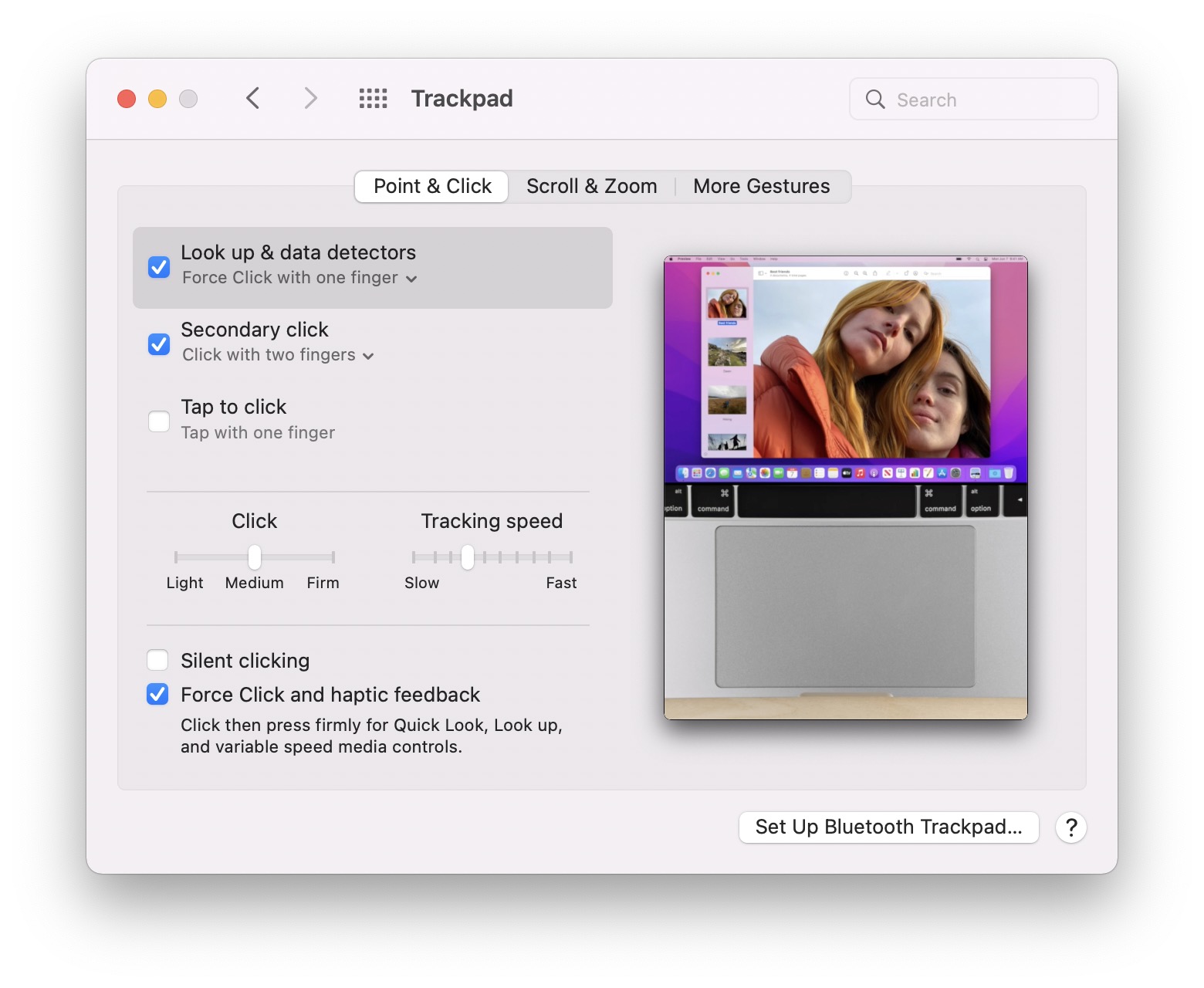
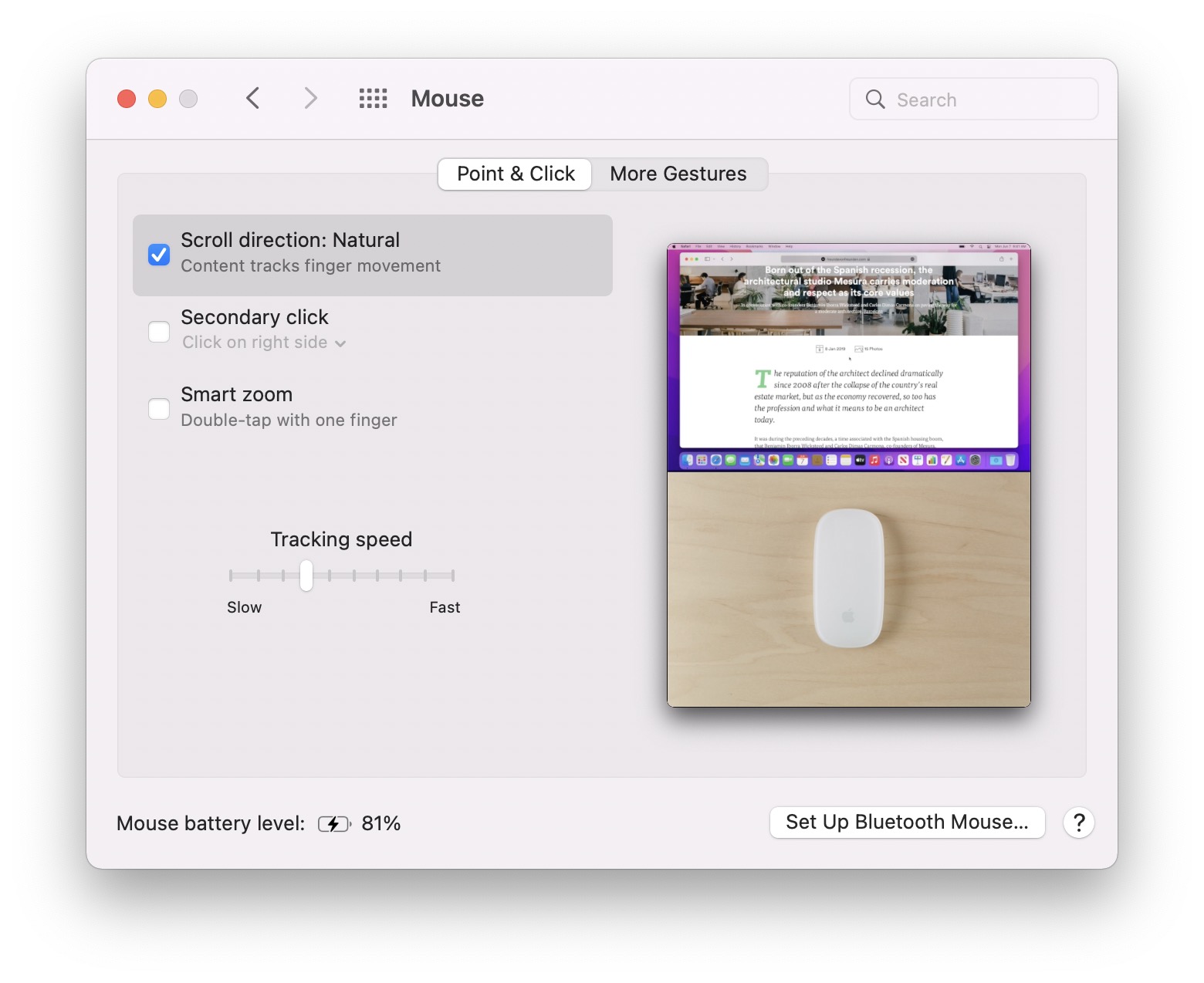
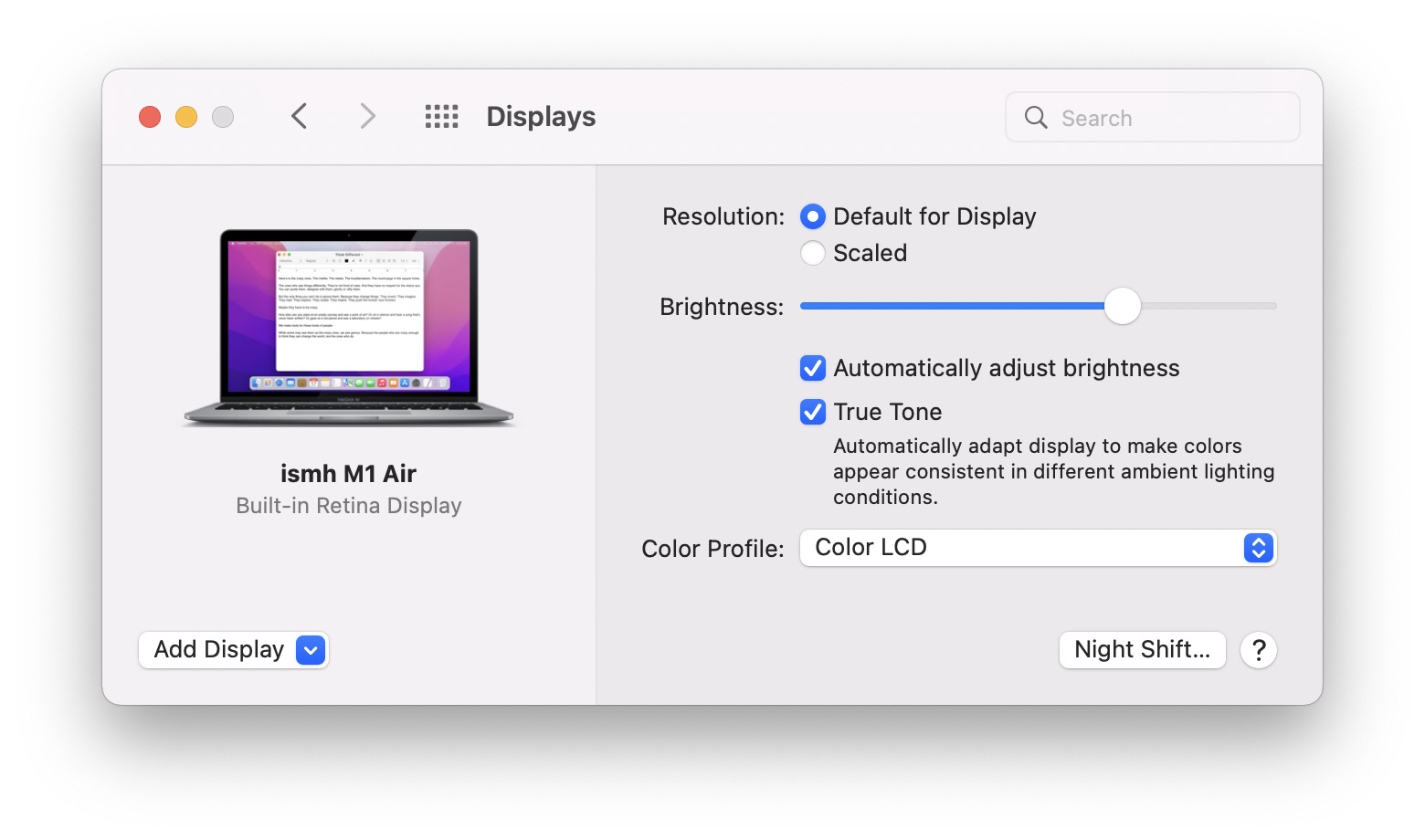
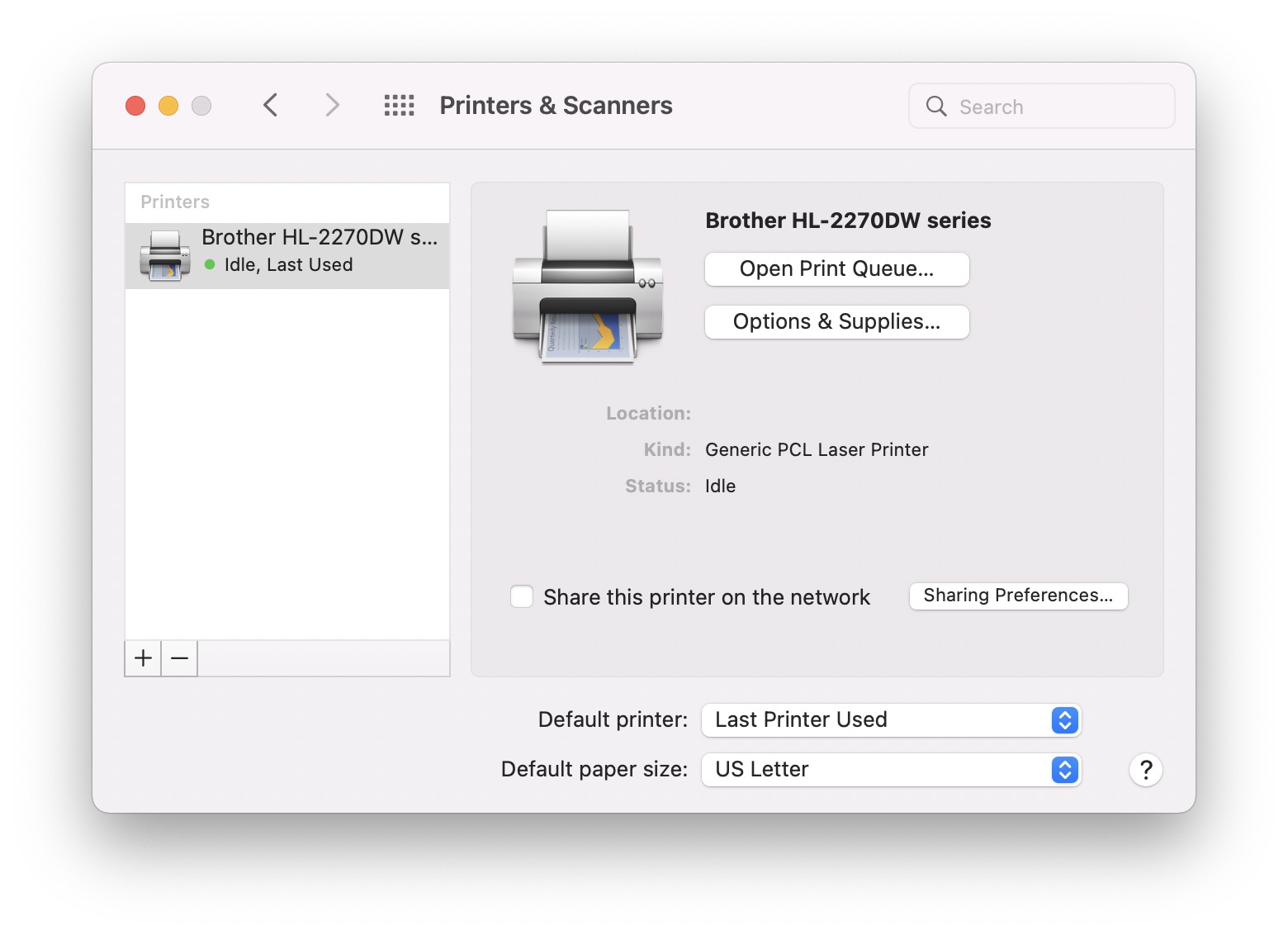
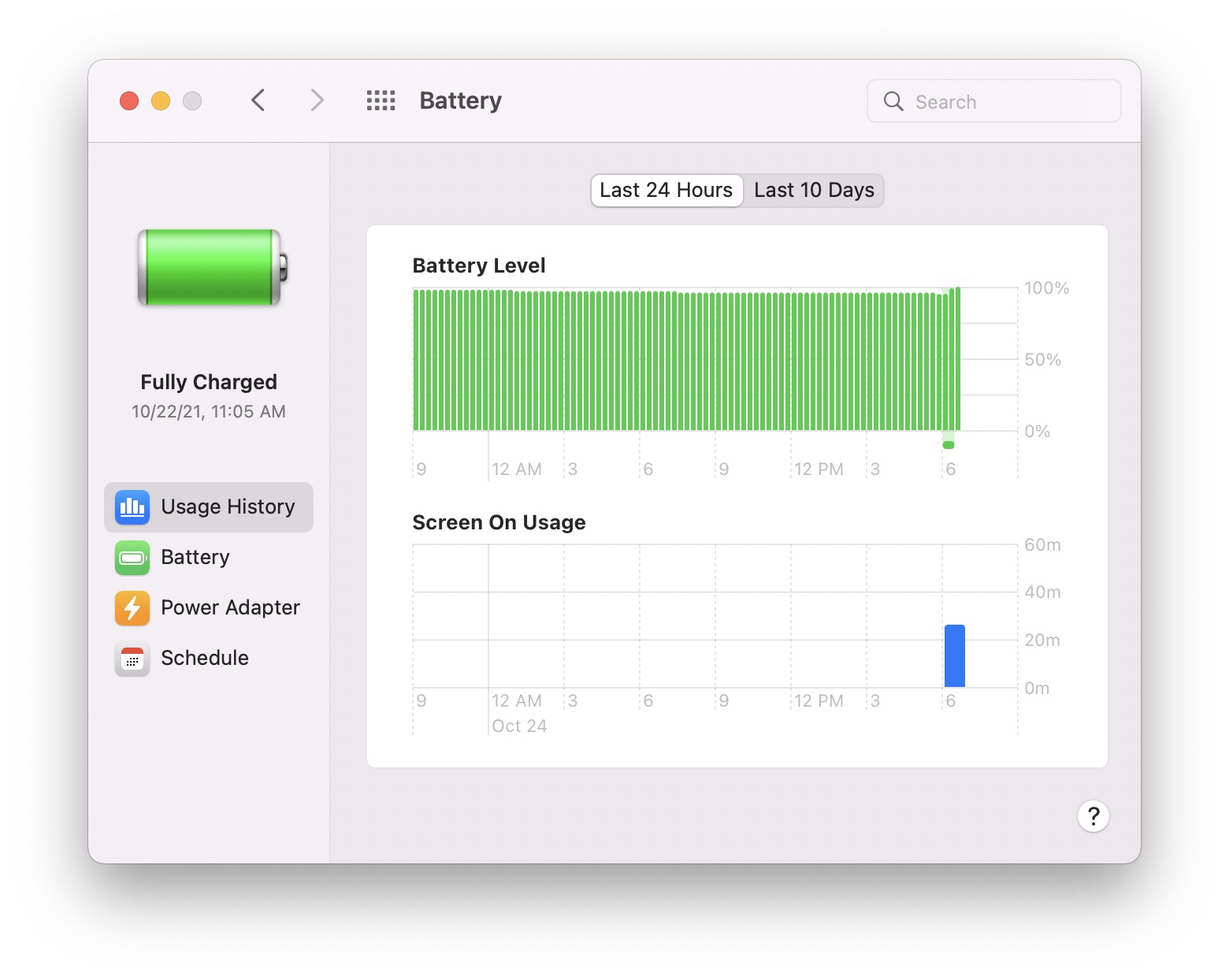
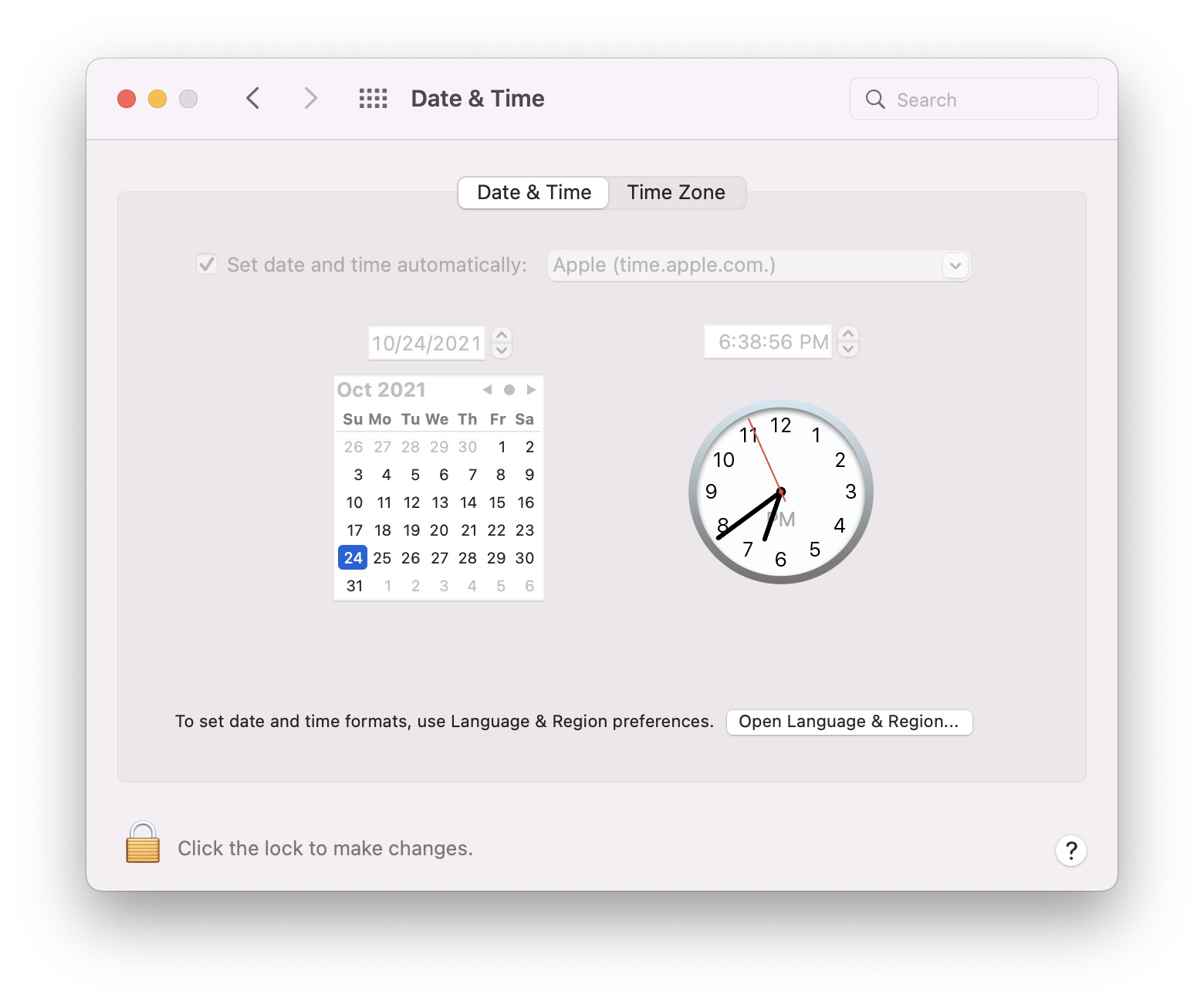

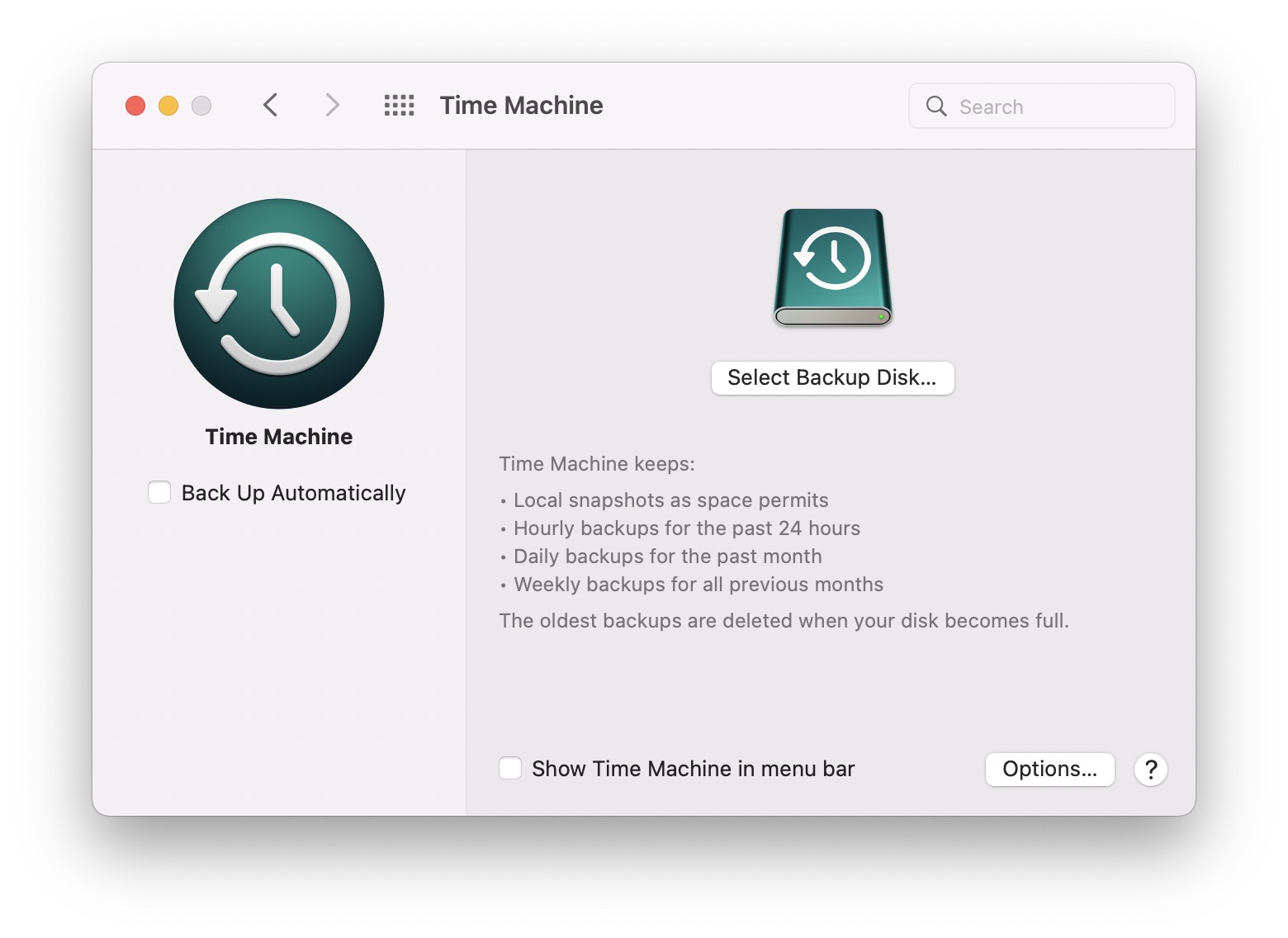
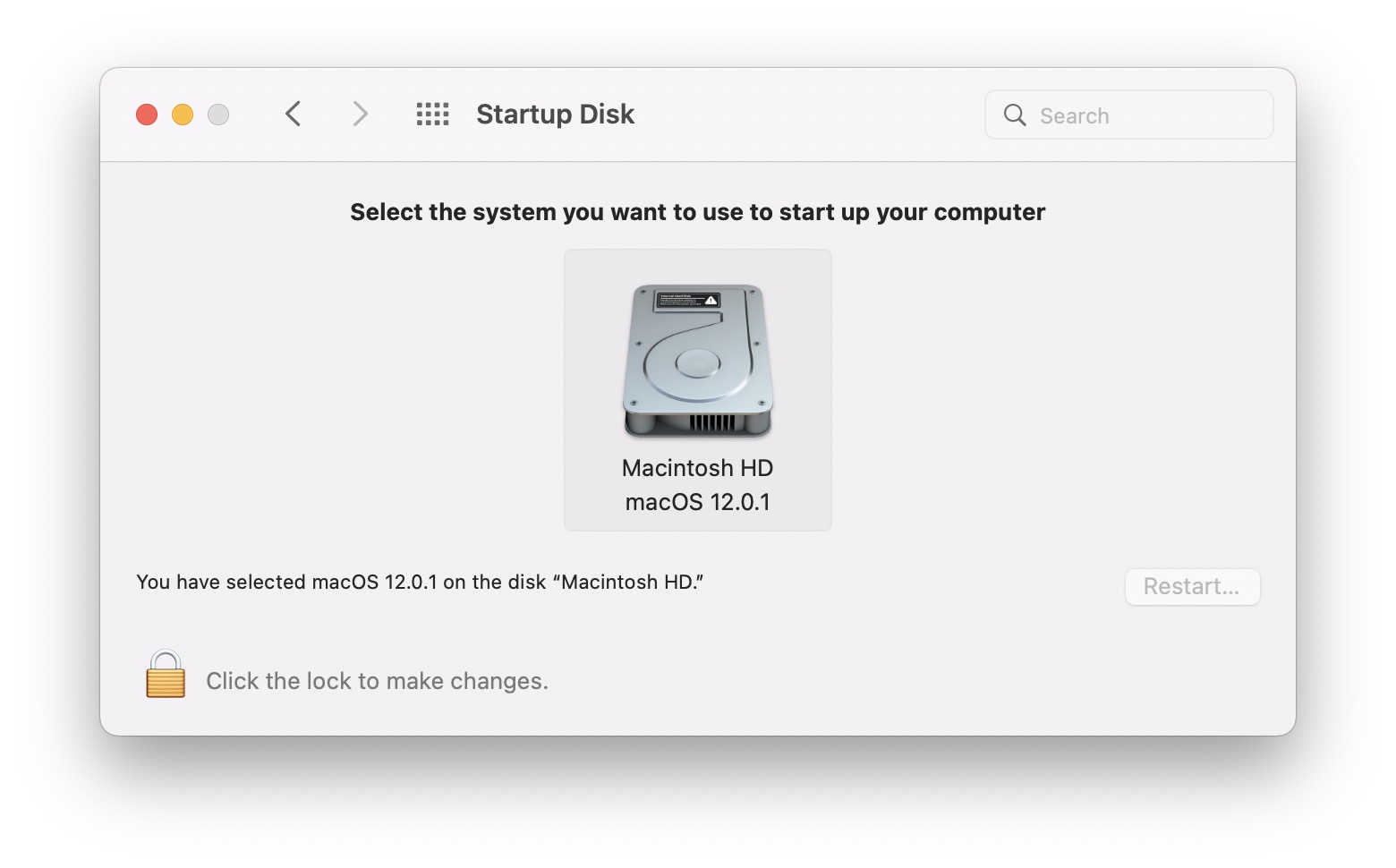
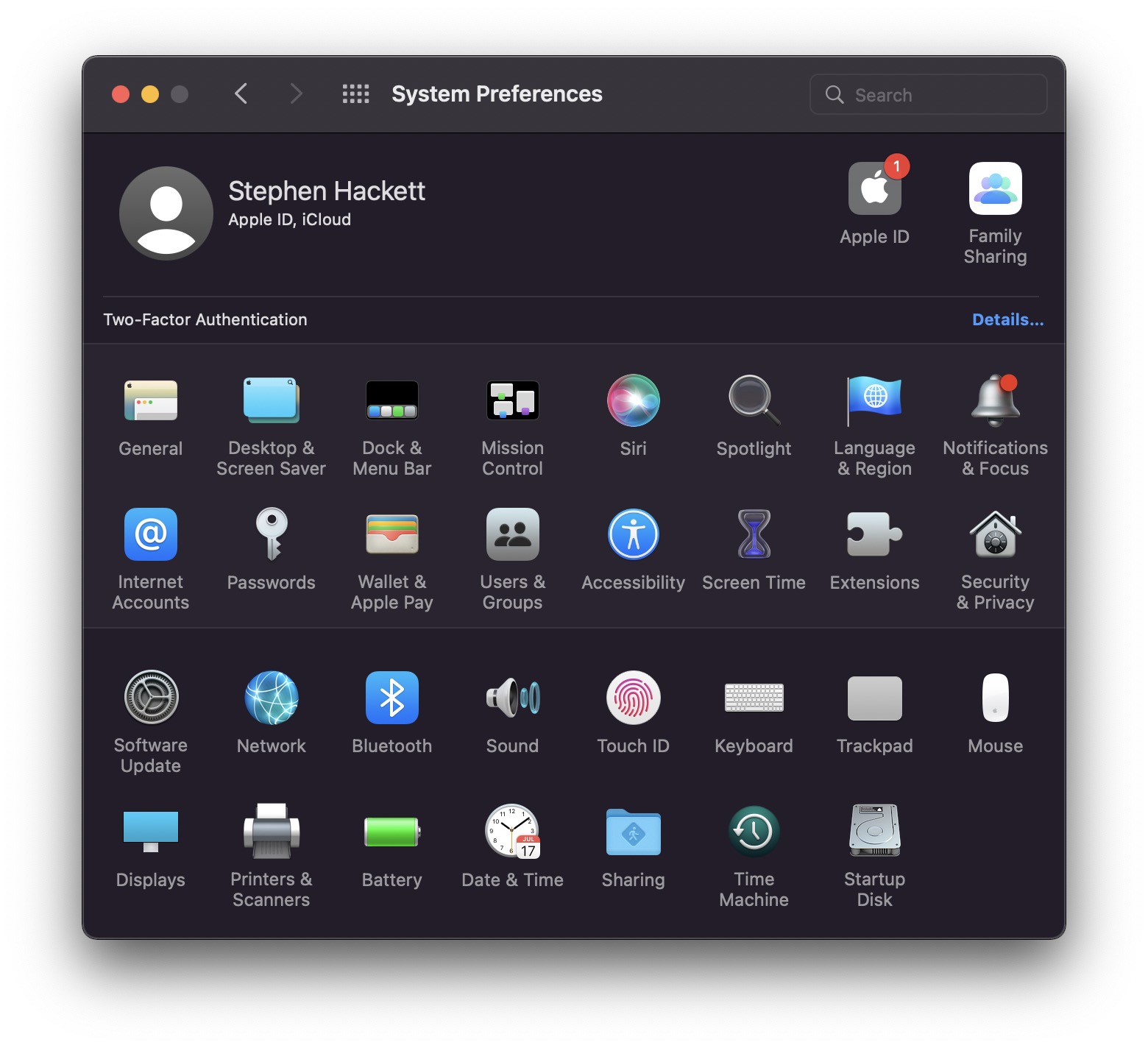
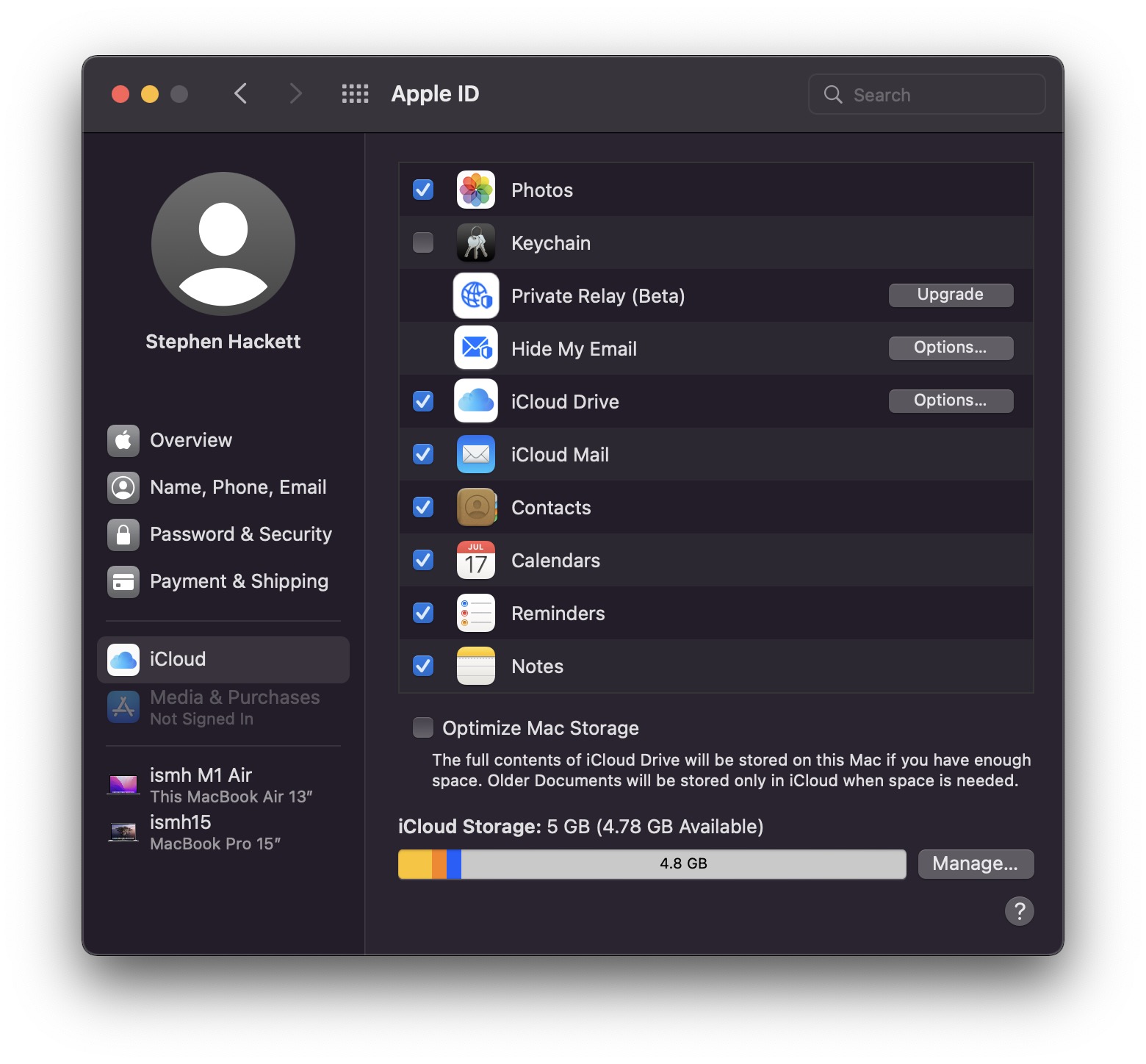
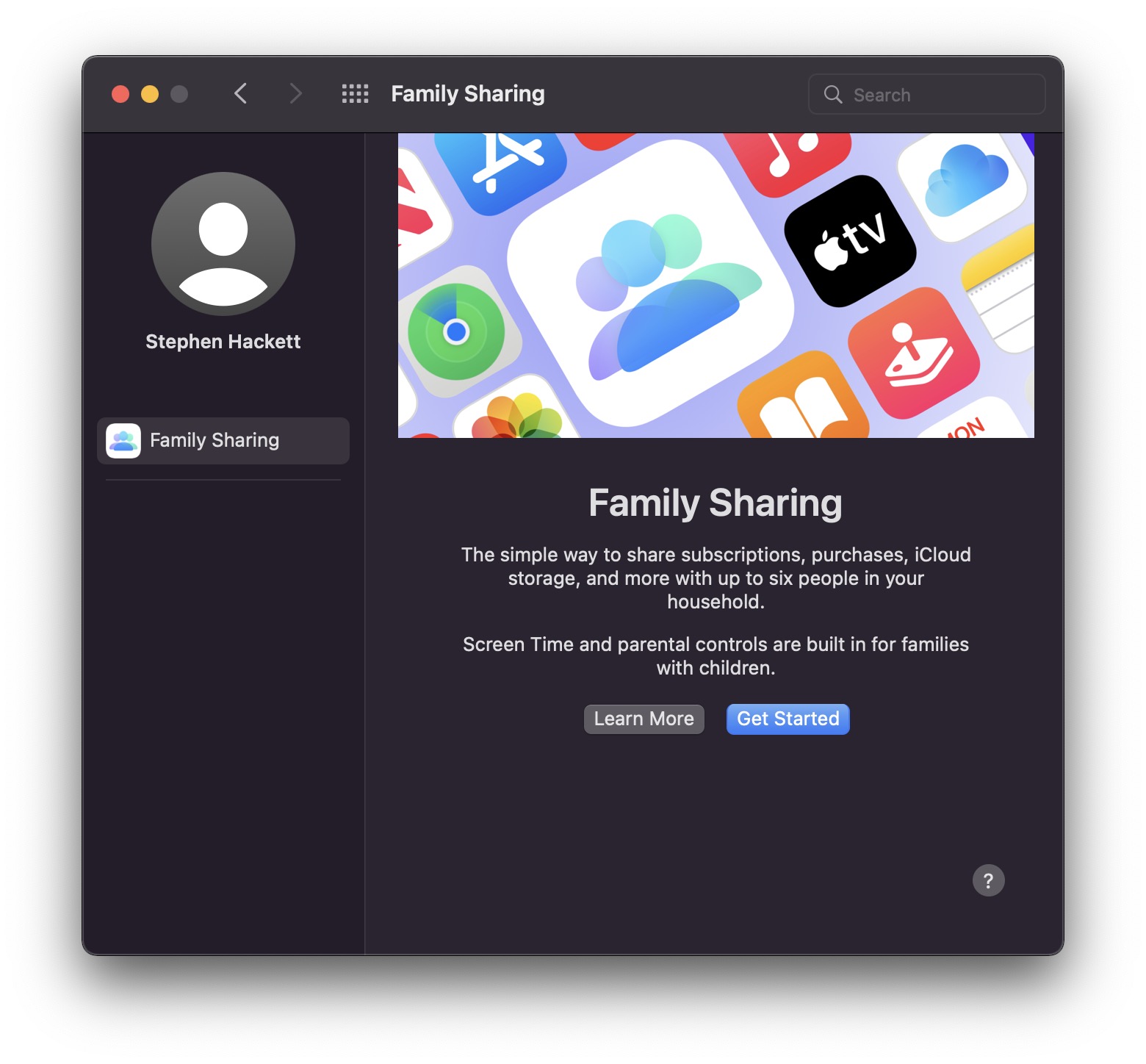
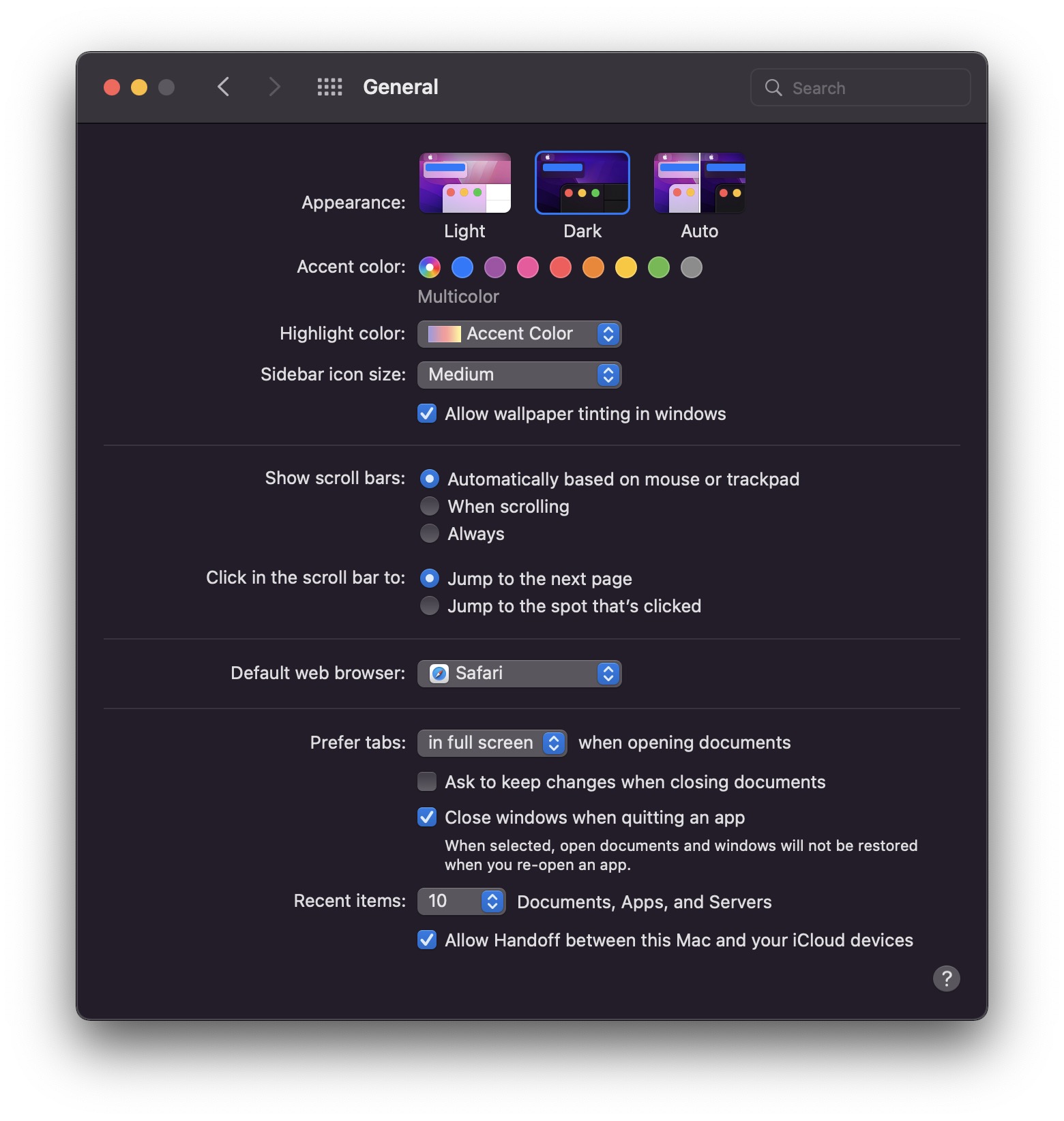
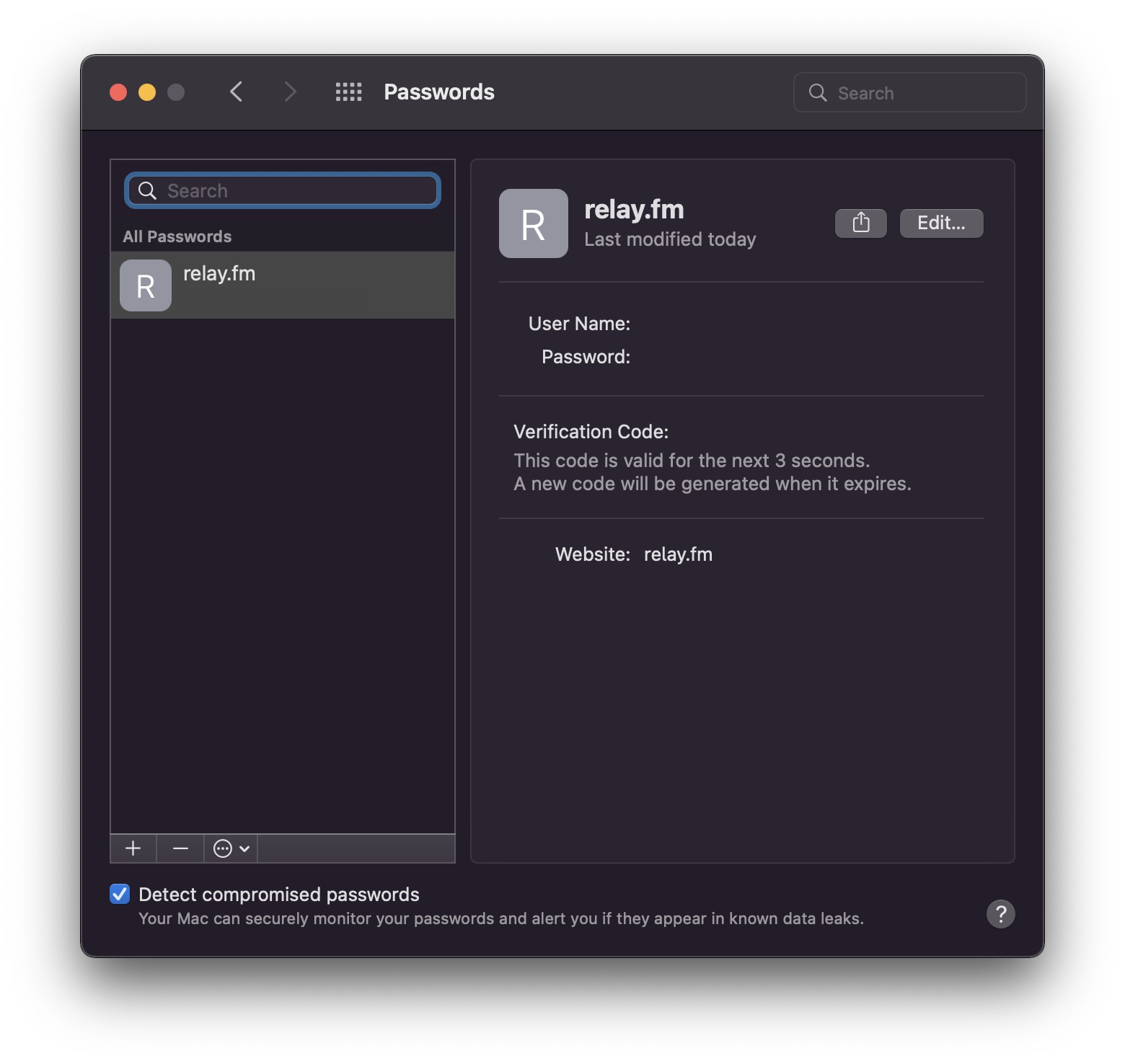
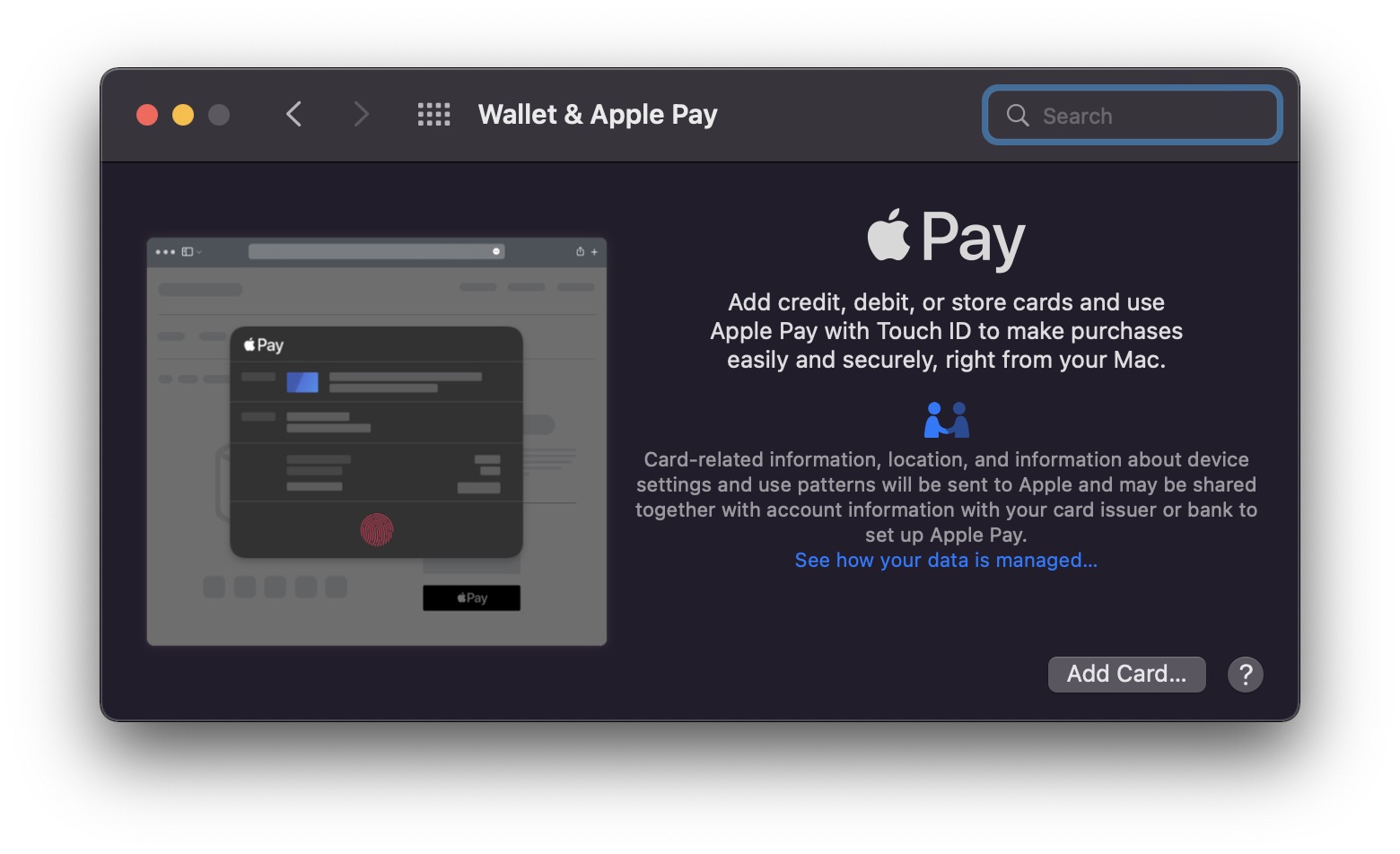
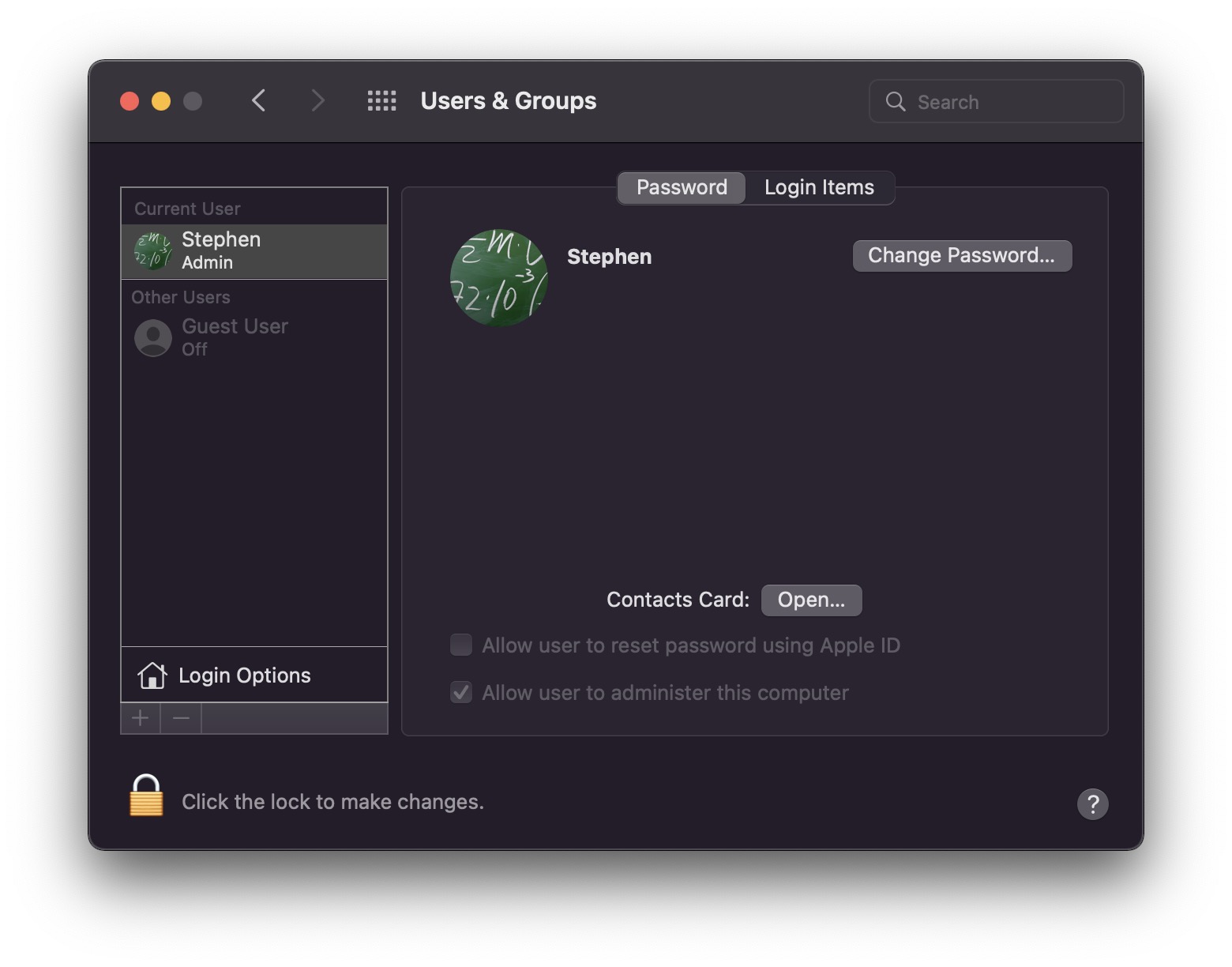
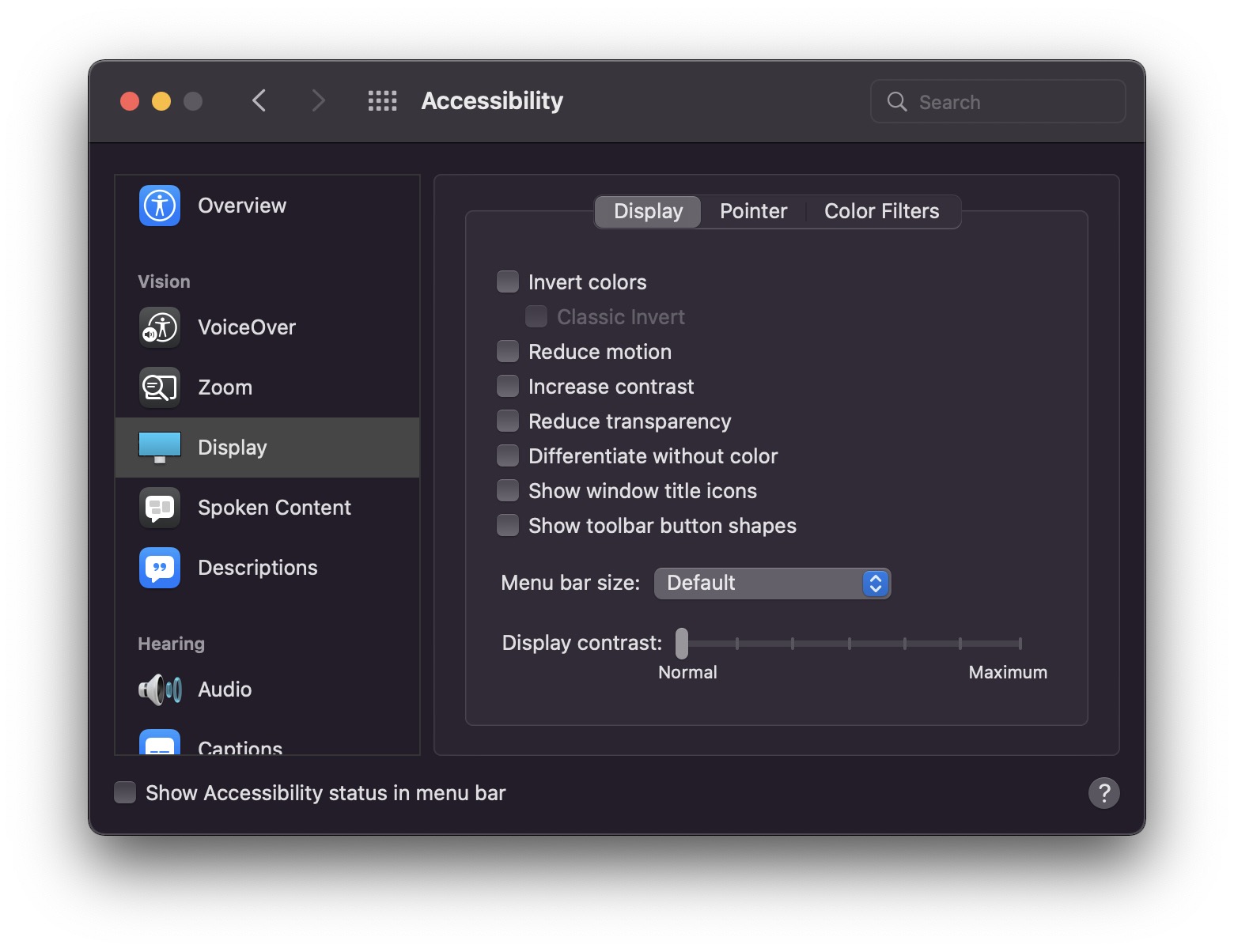
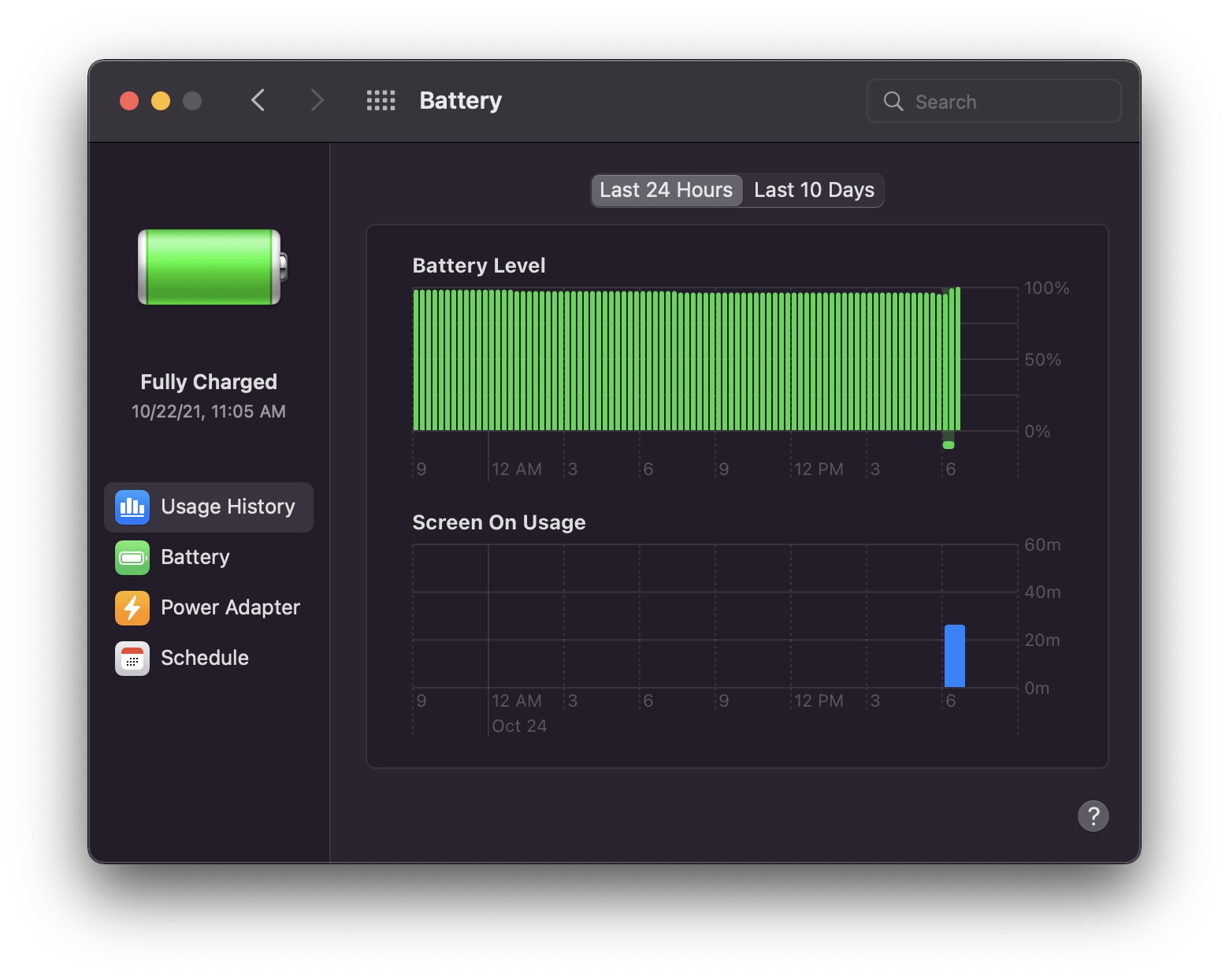
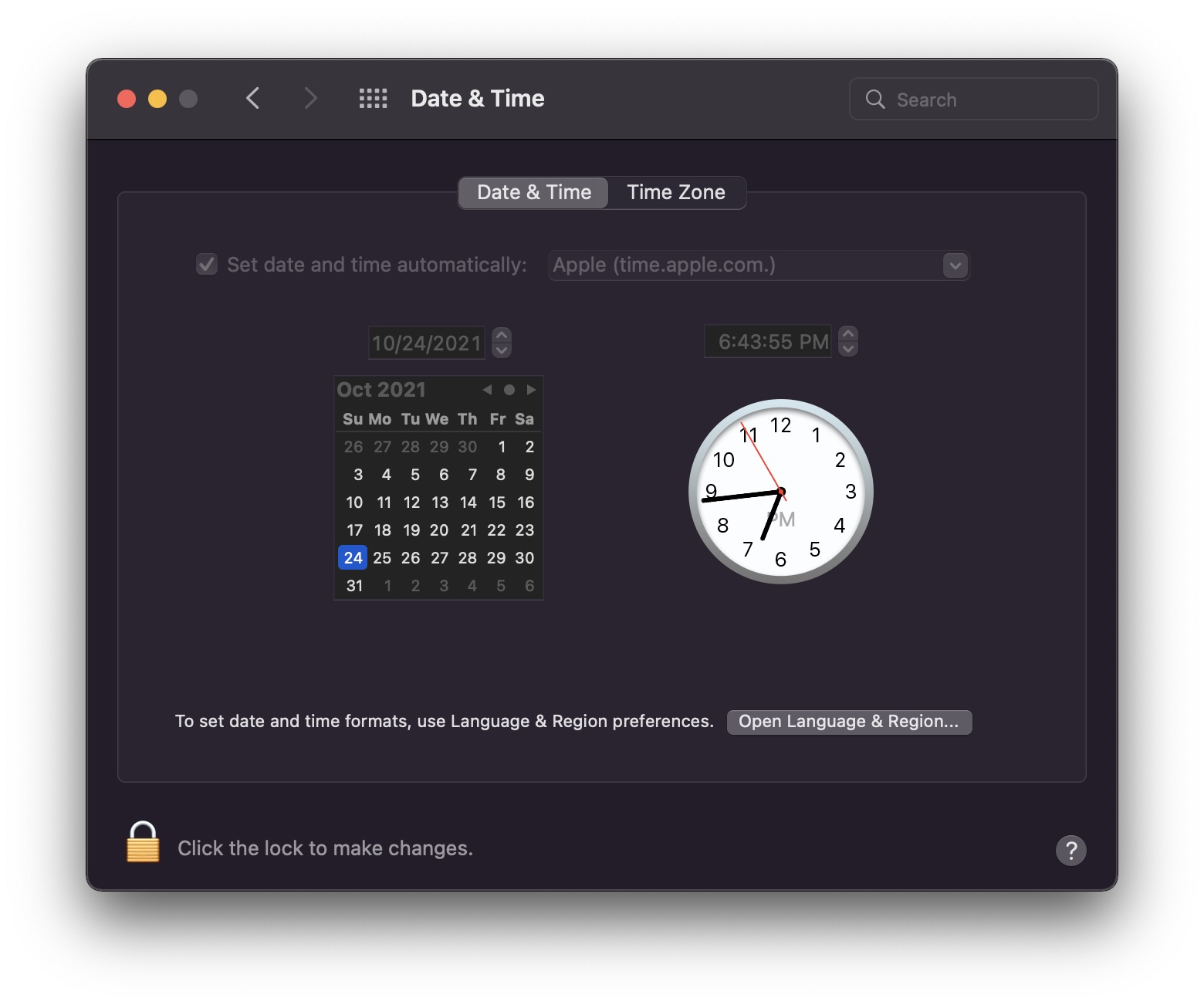
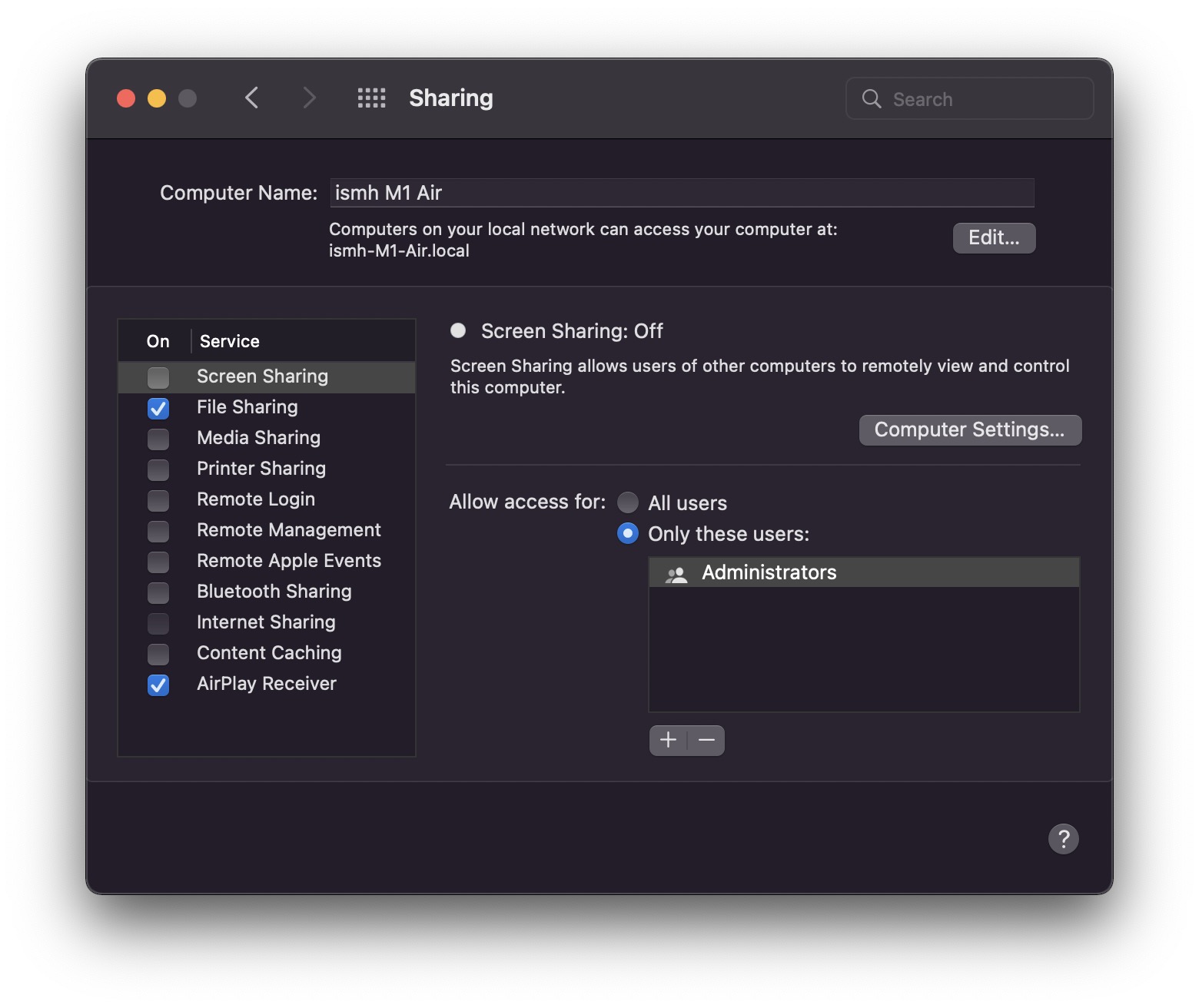
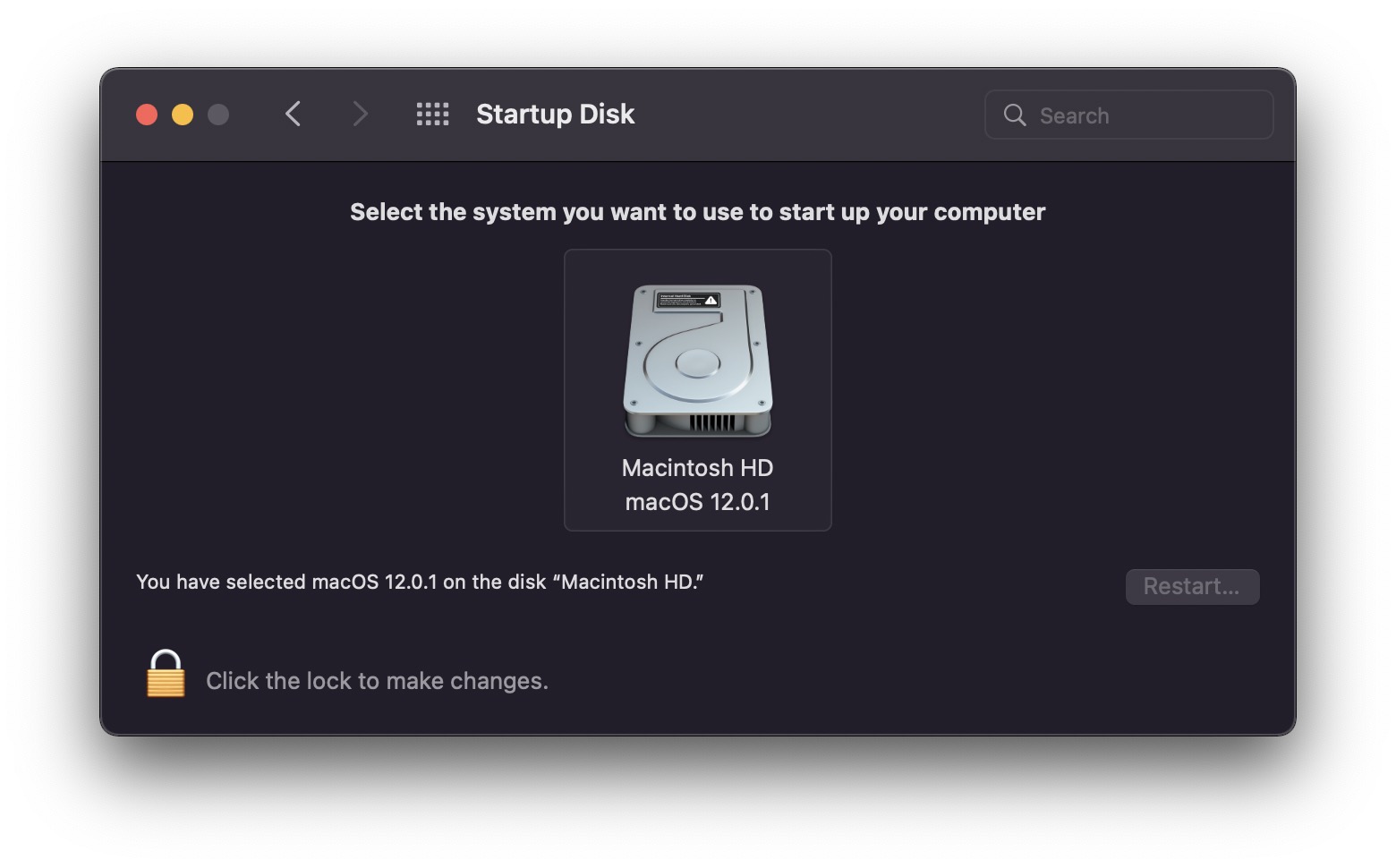
System Preferences (Dark Mode)

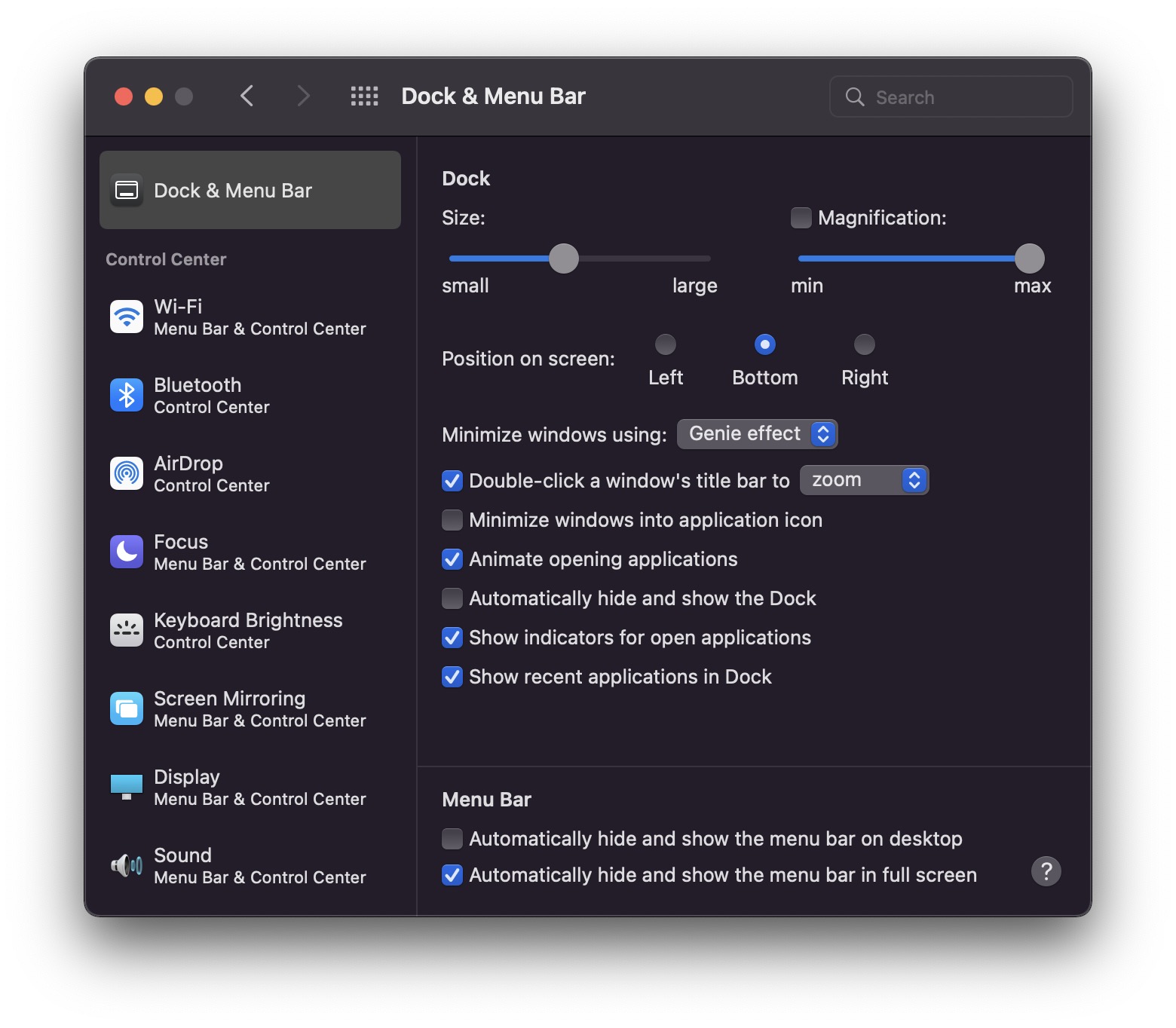
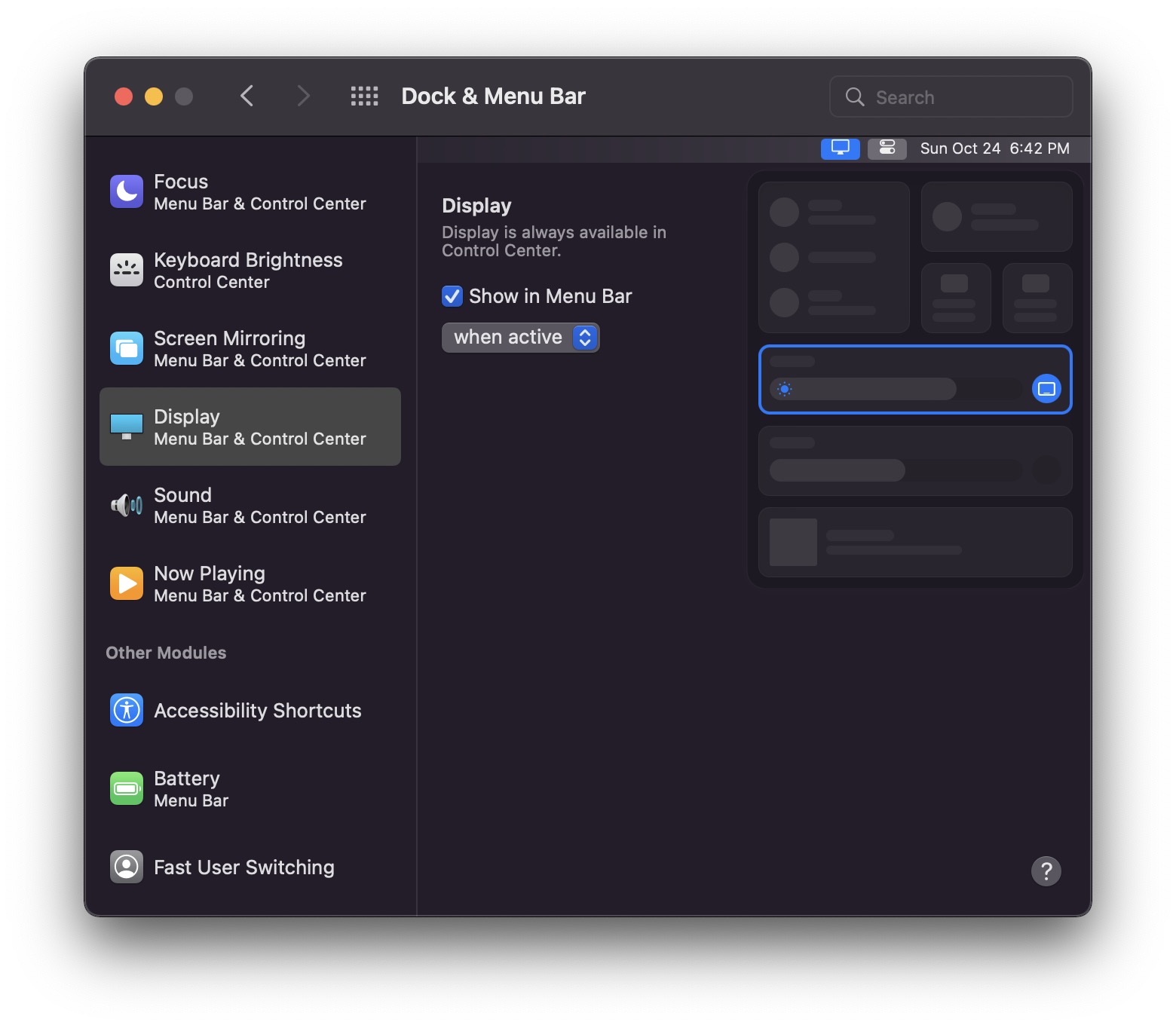
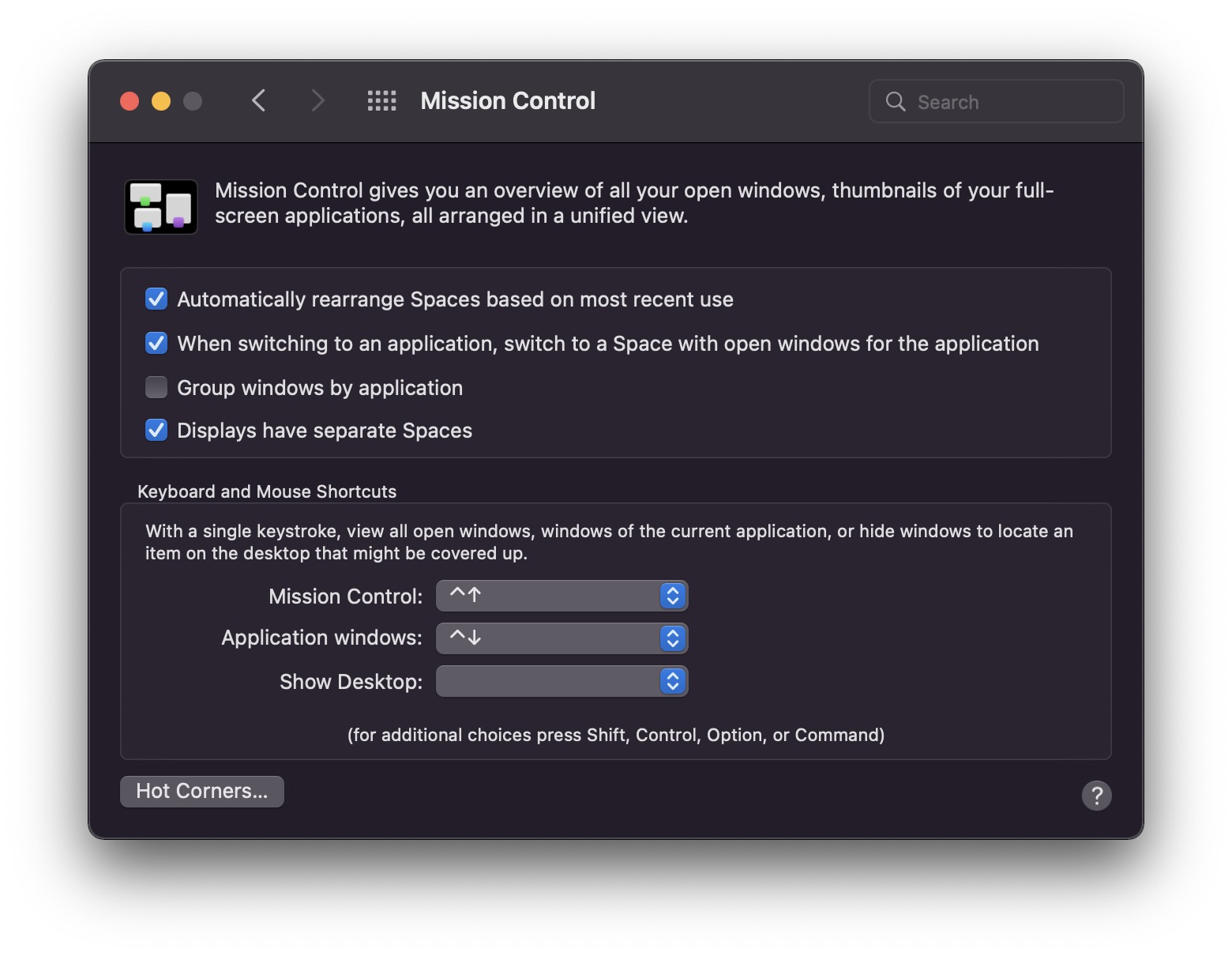
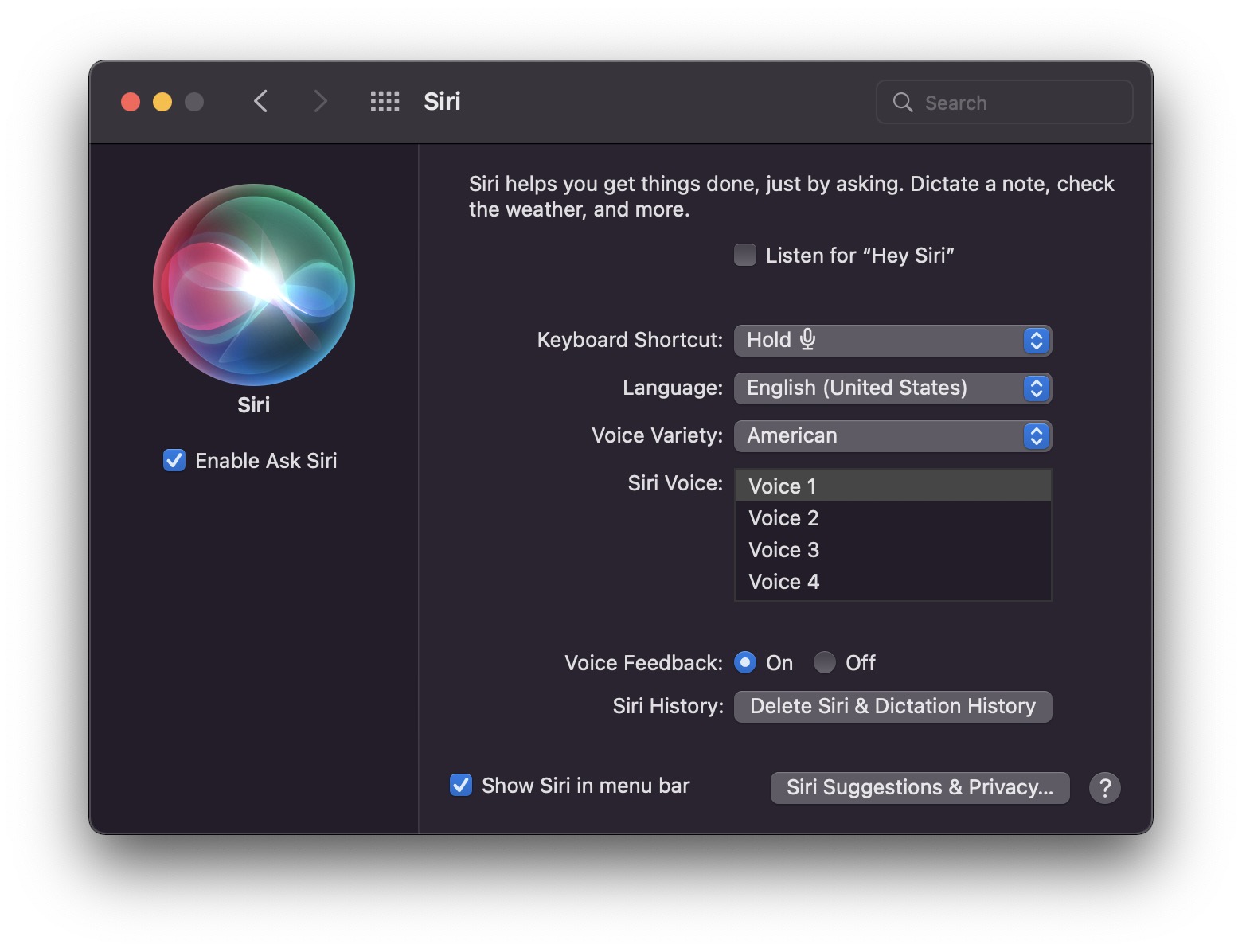
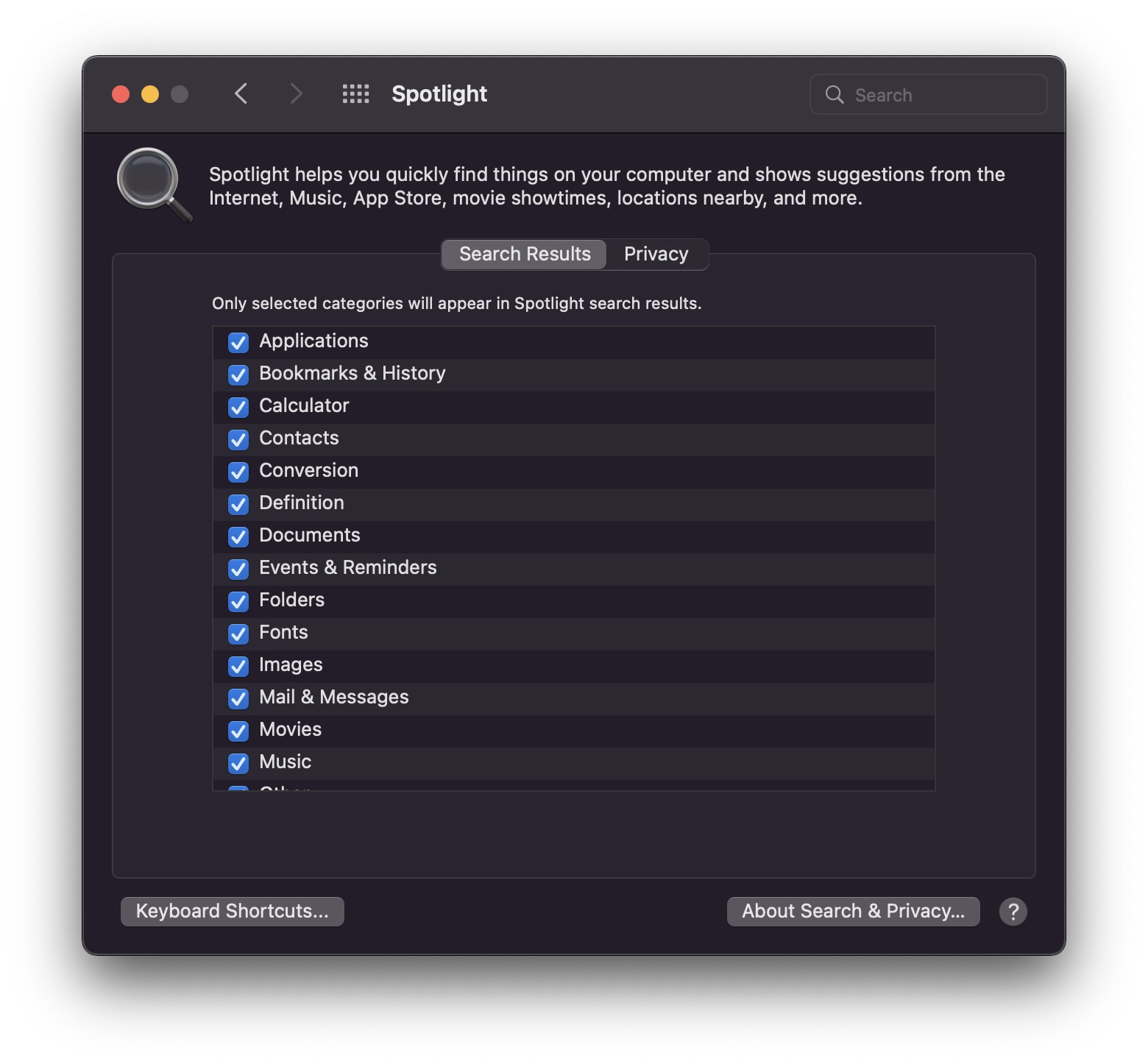
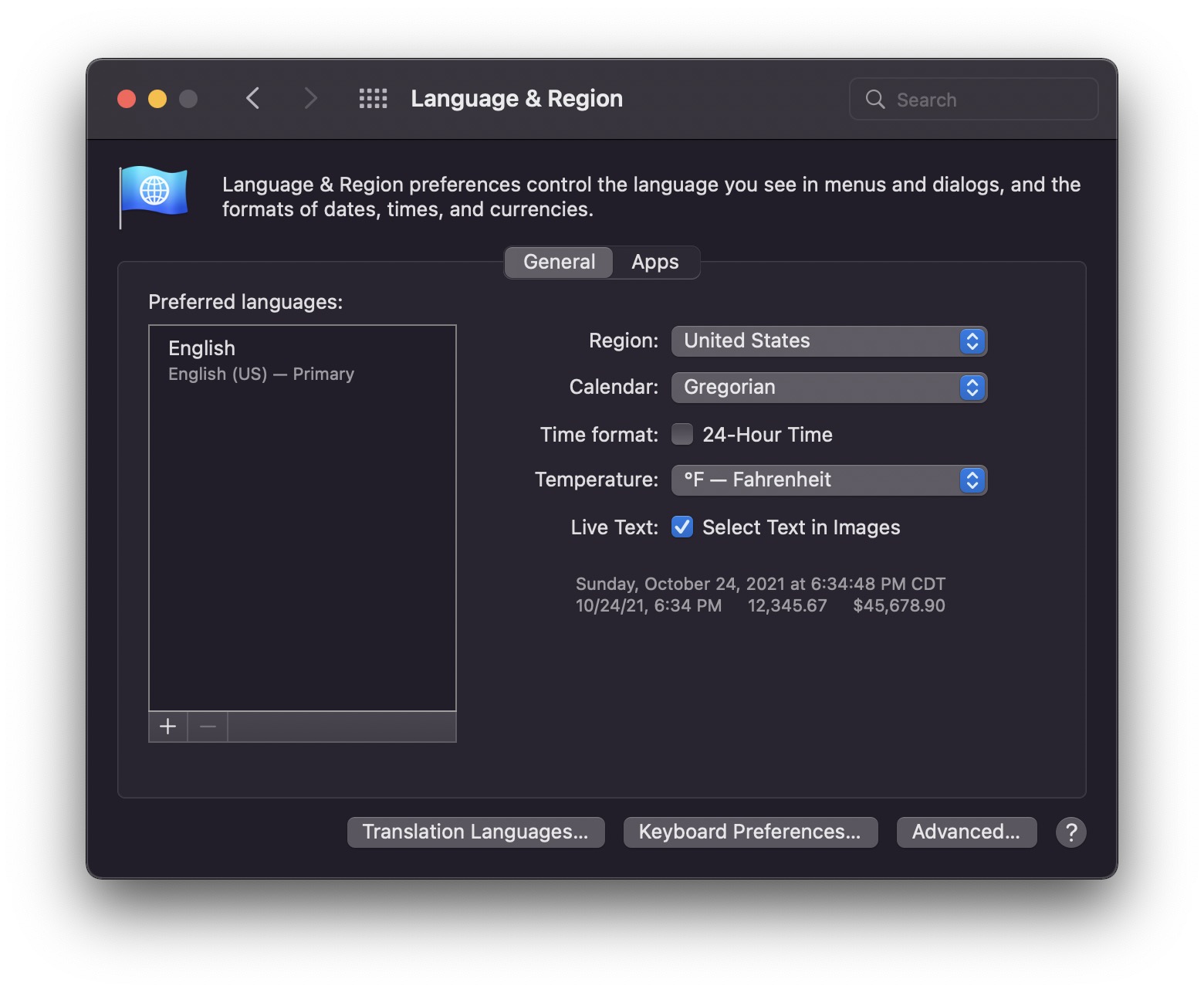
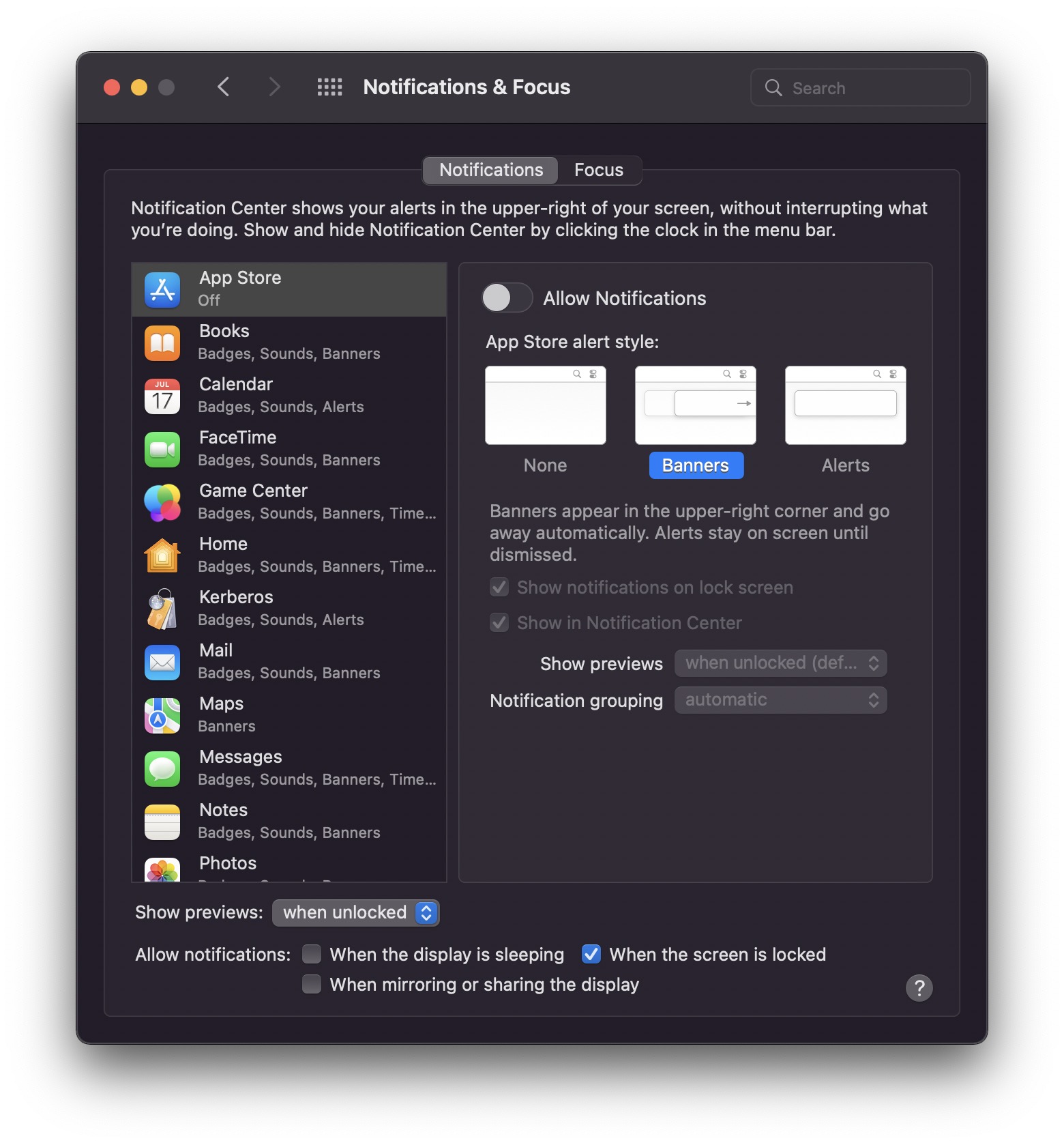

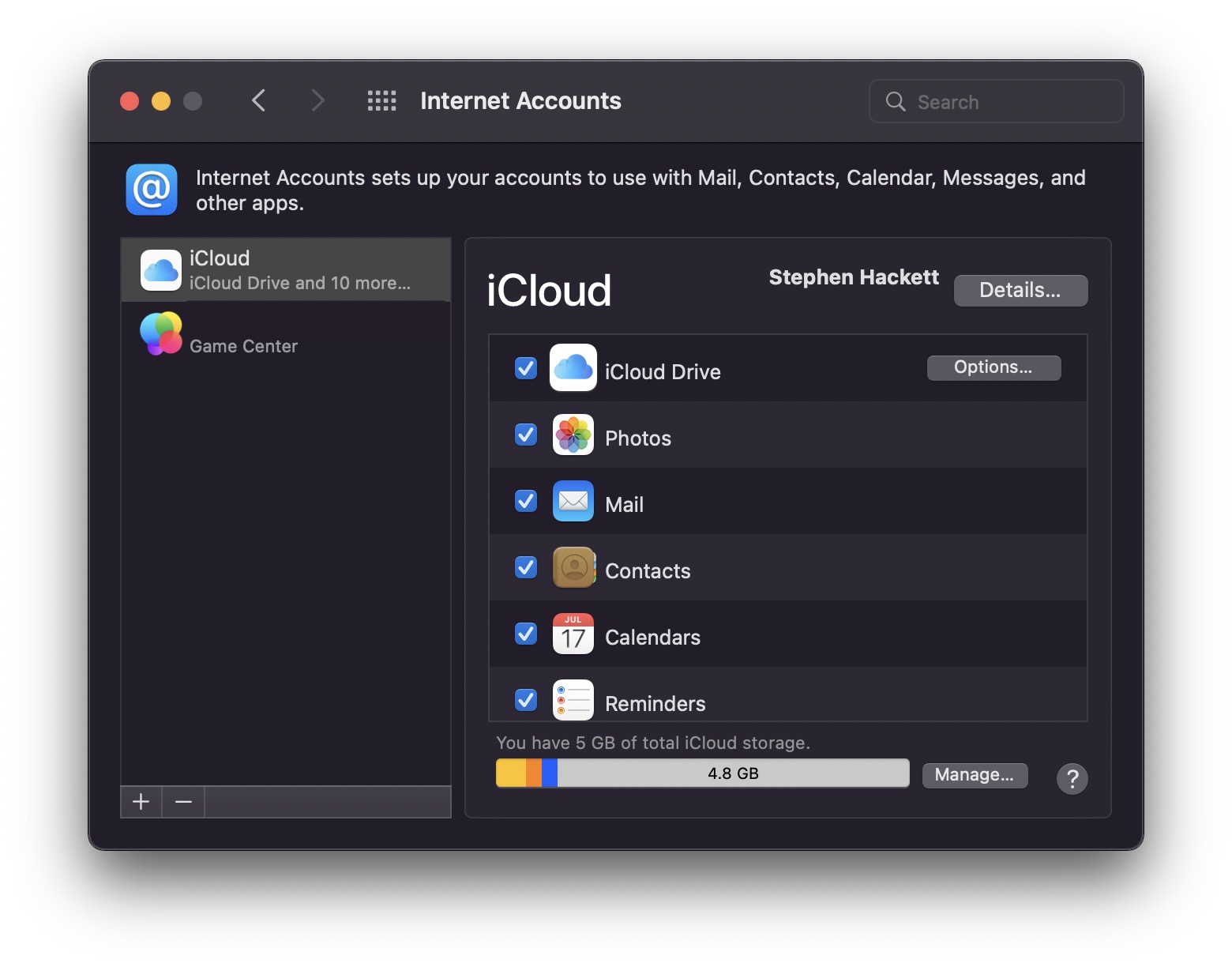
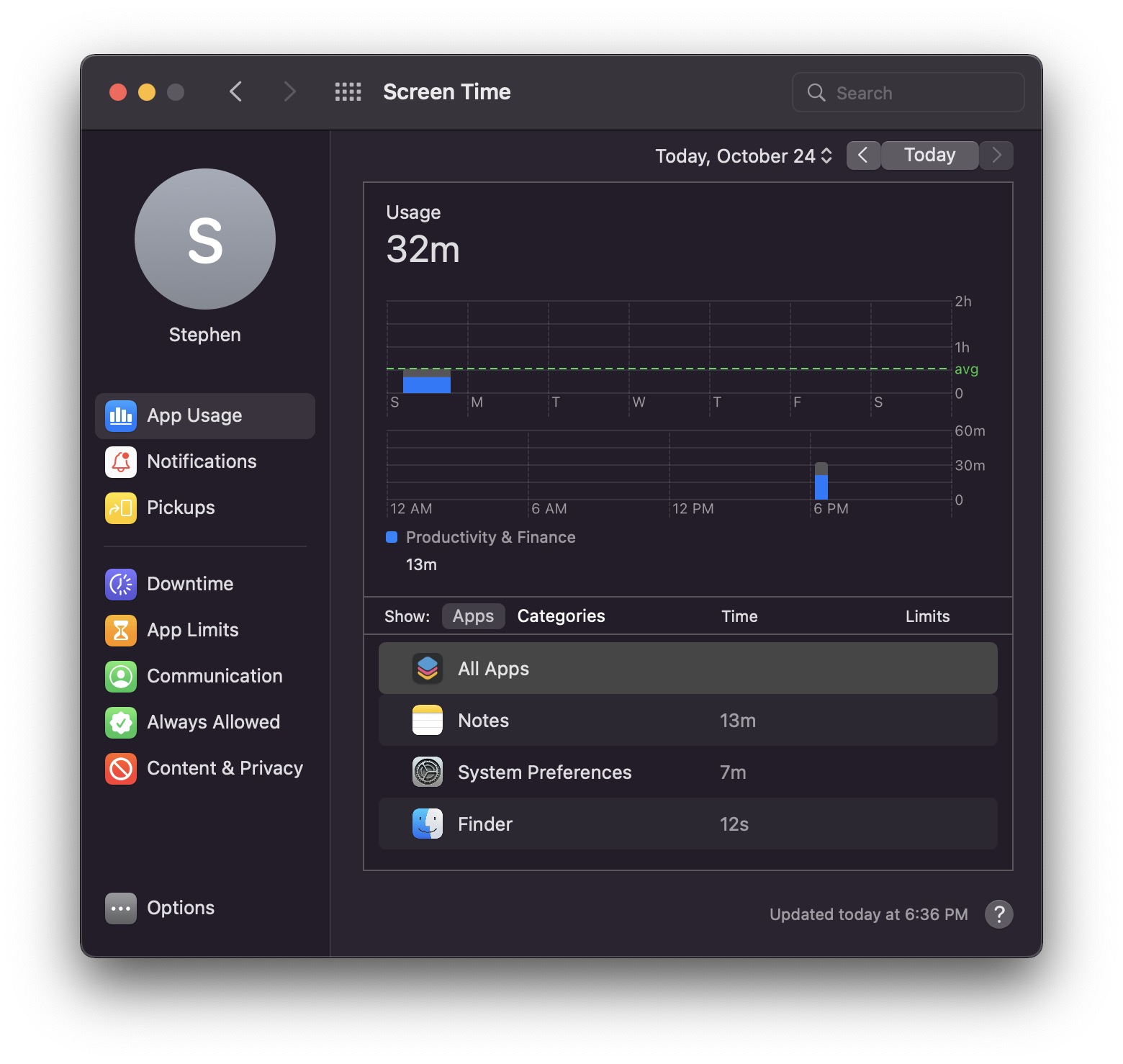
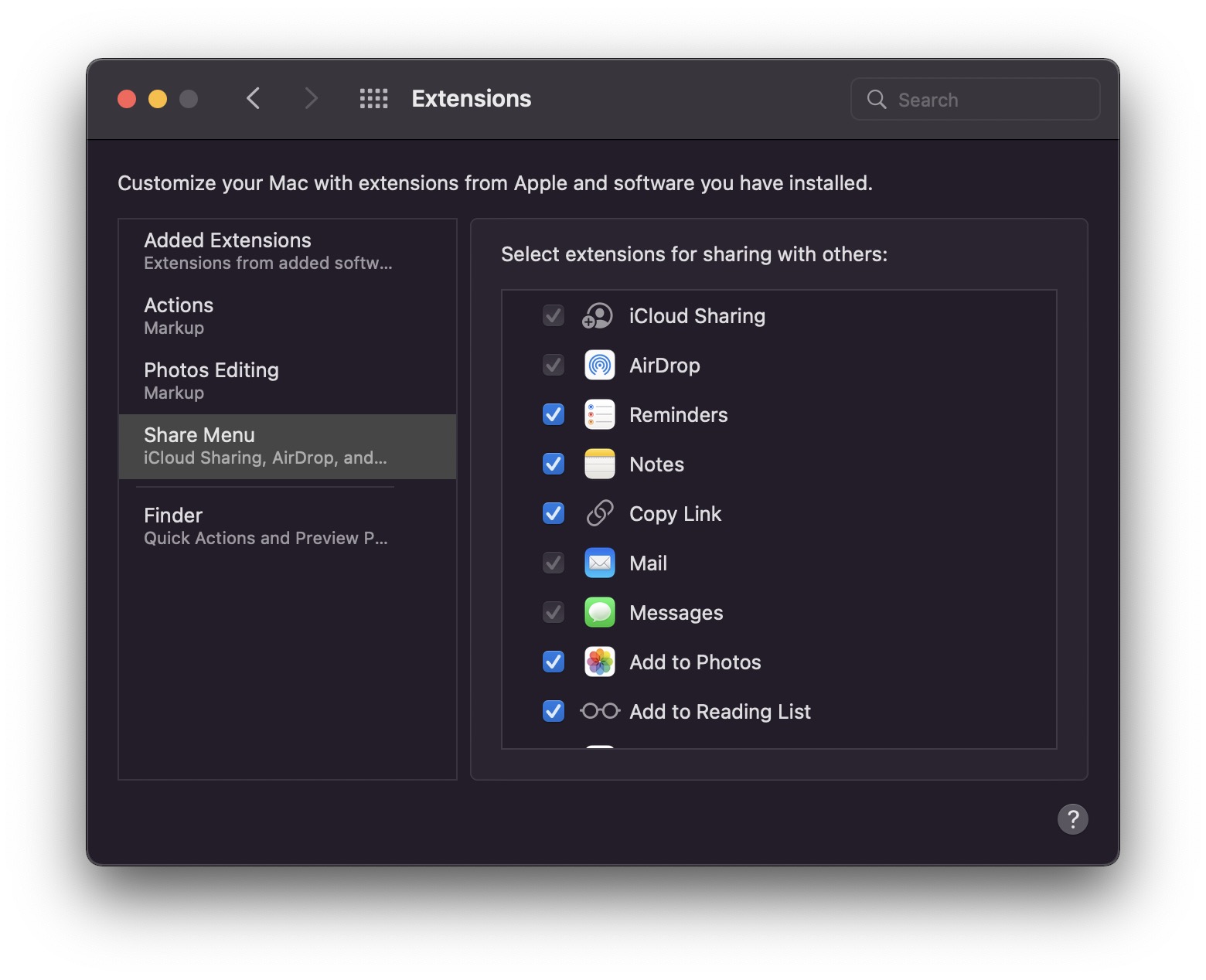
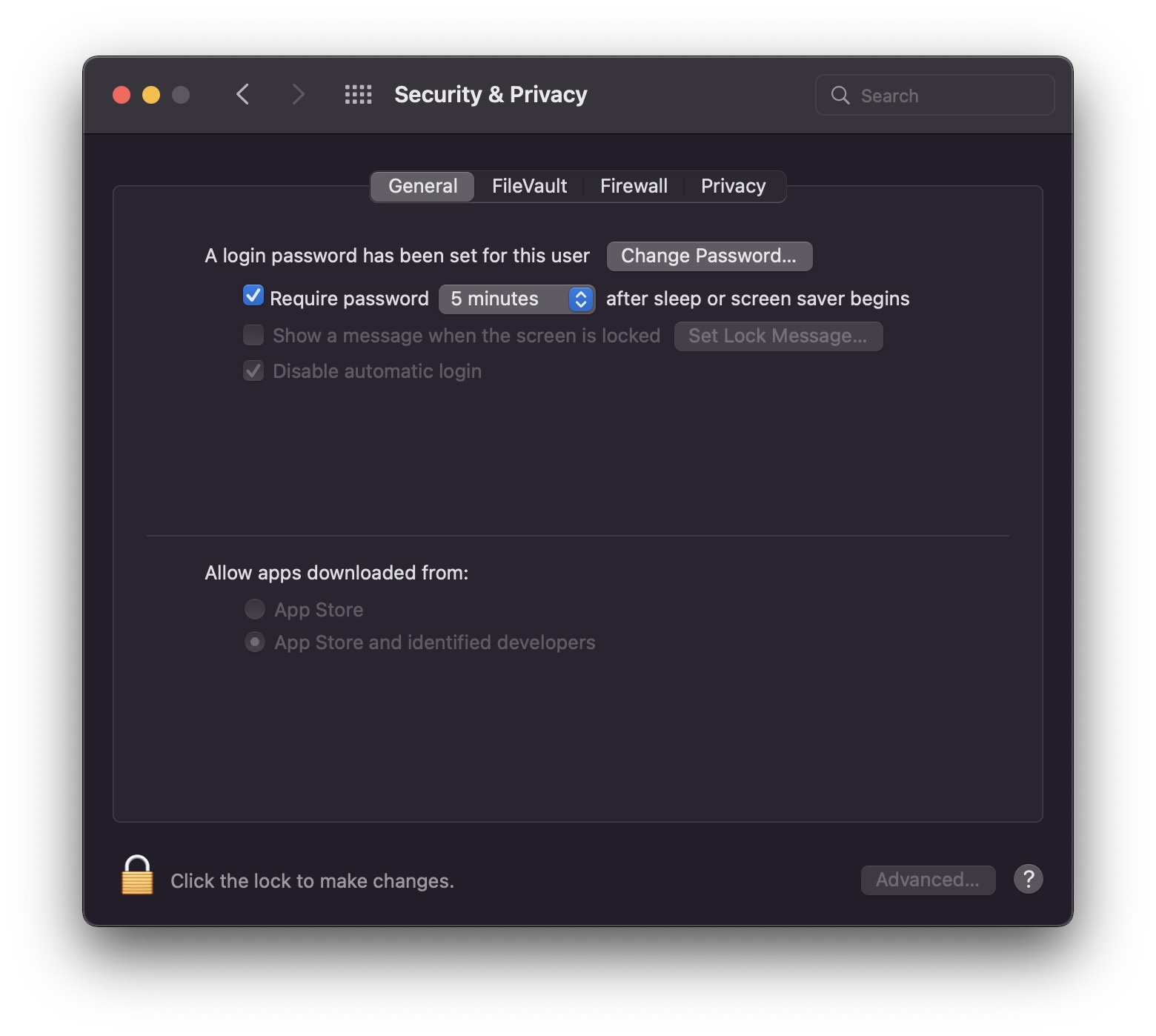
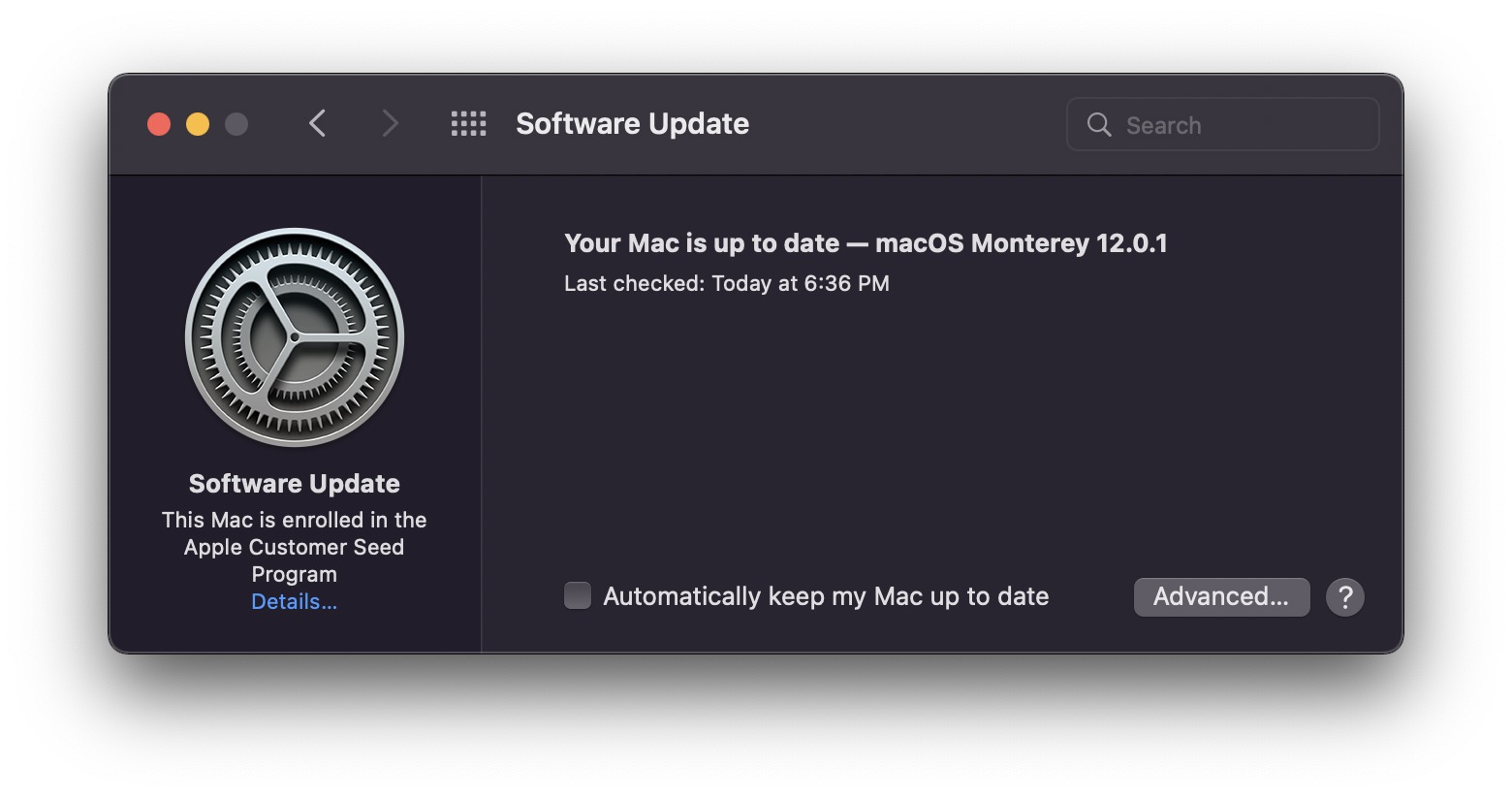
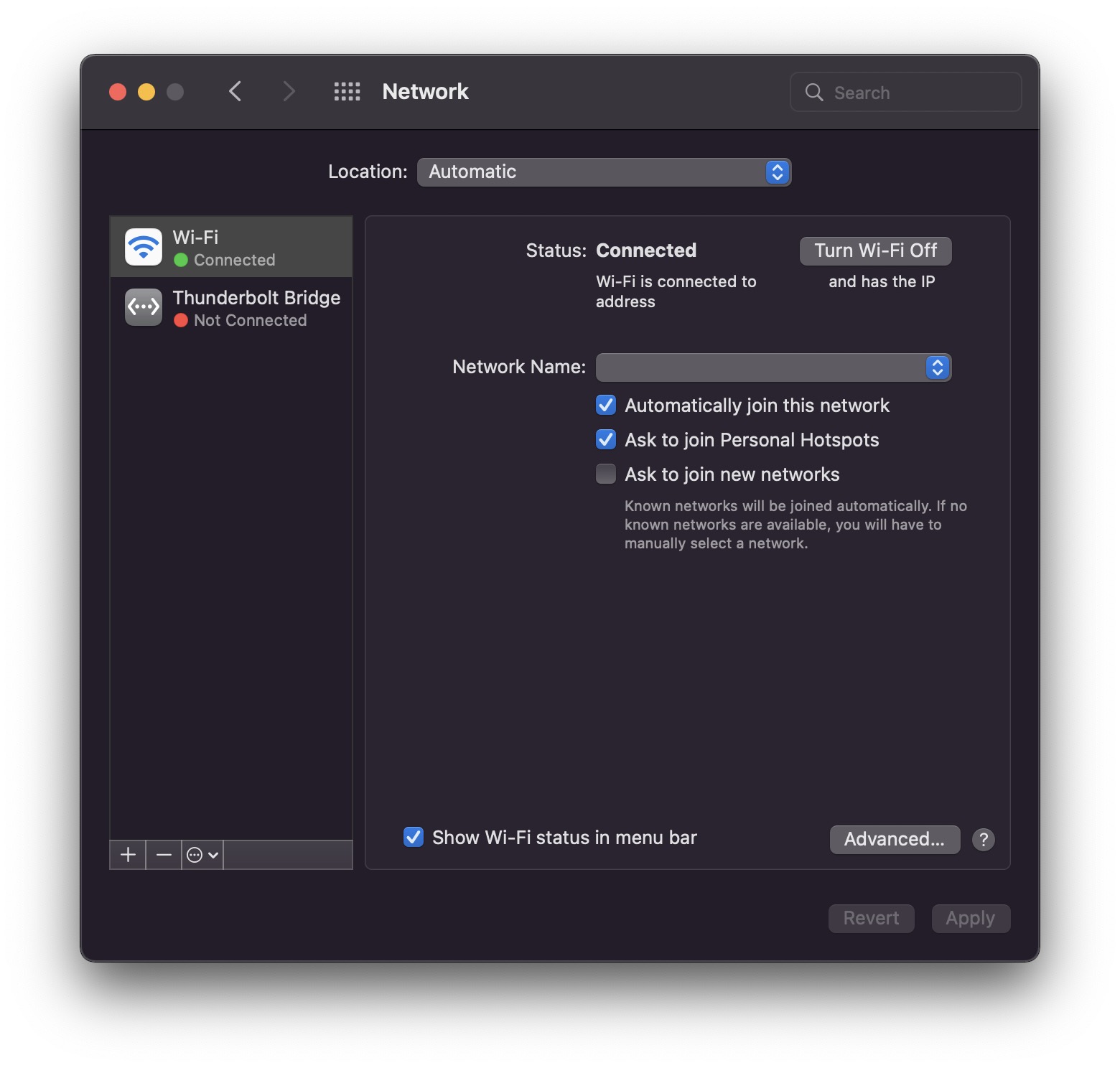
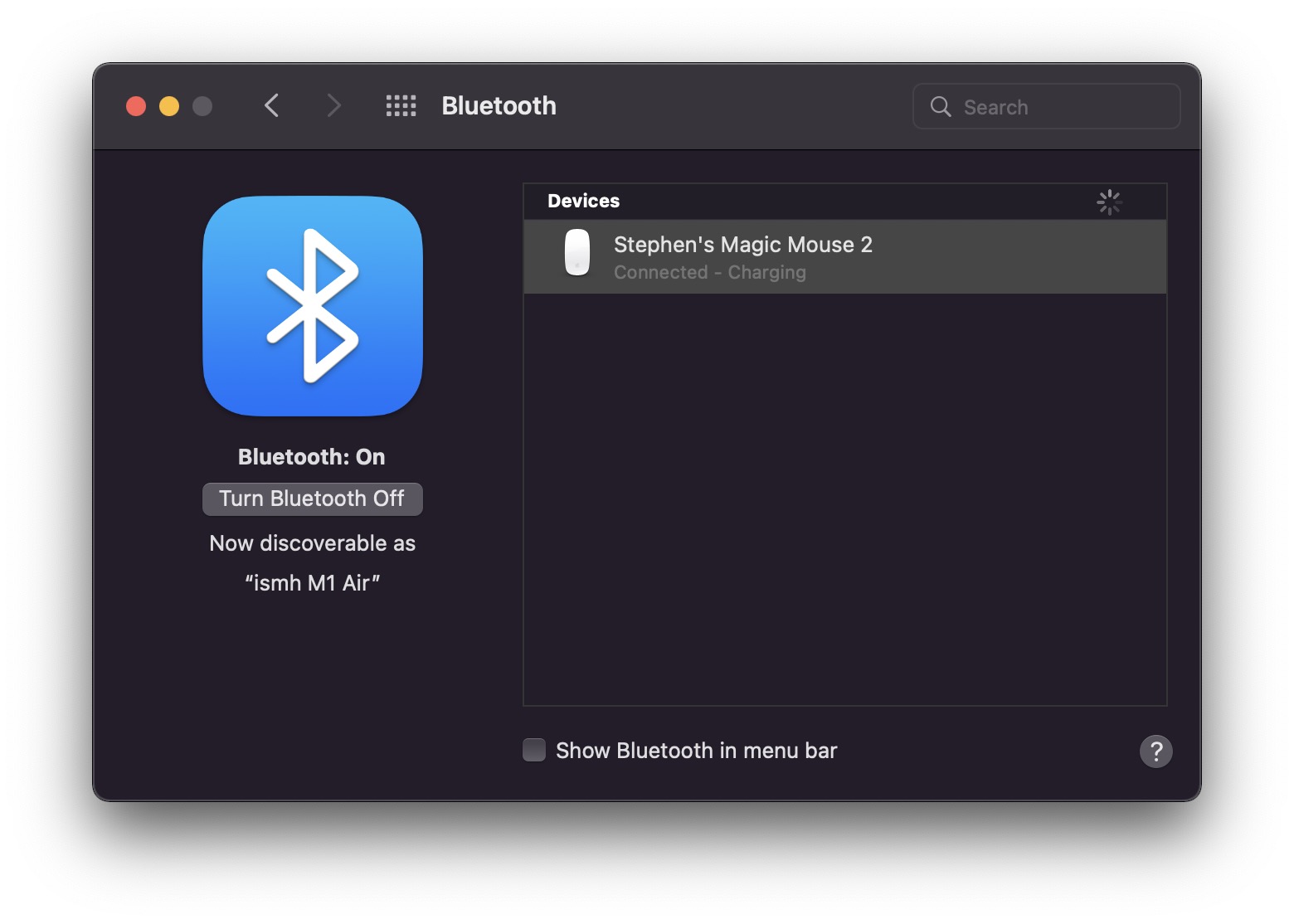
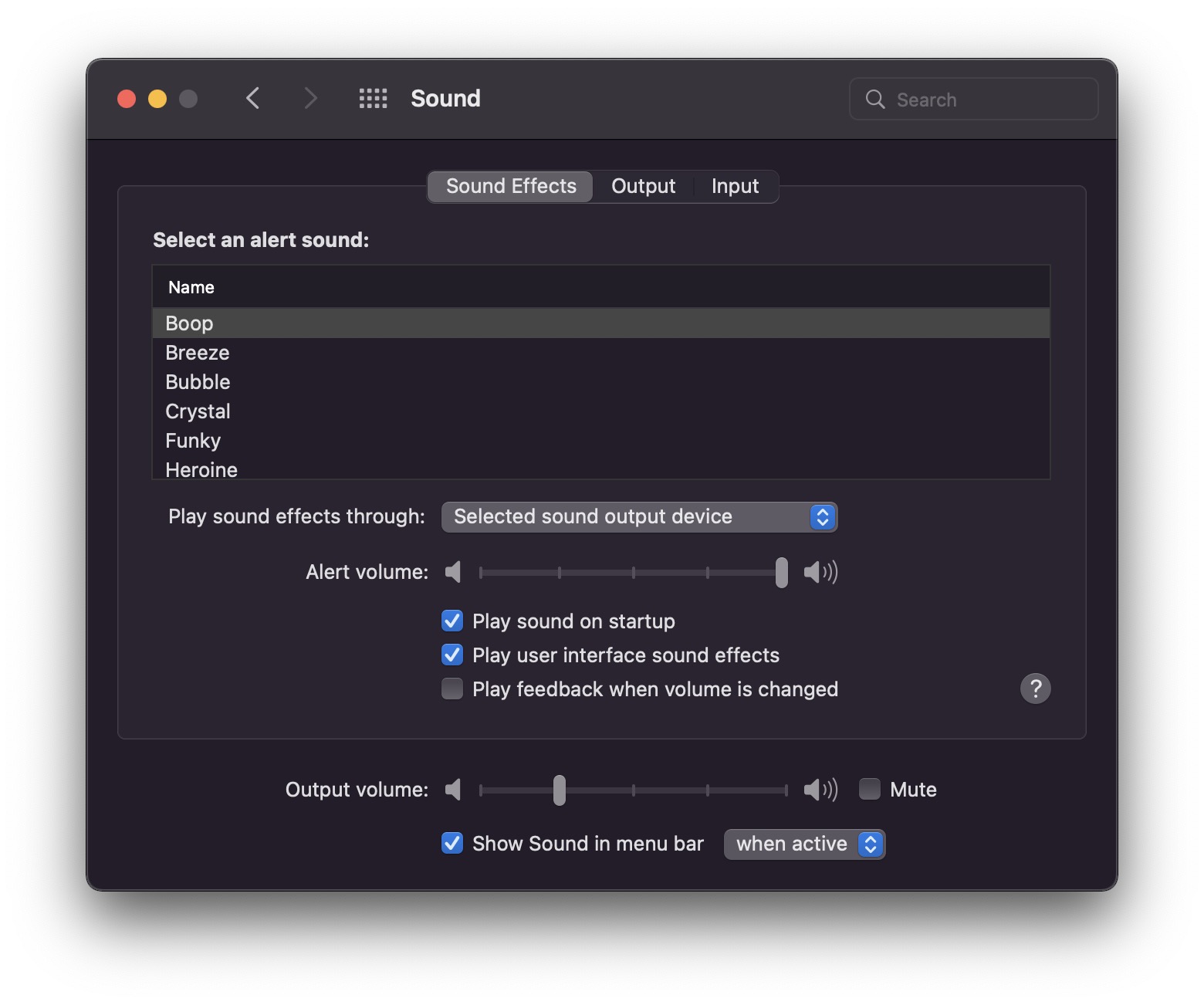
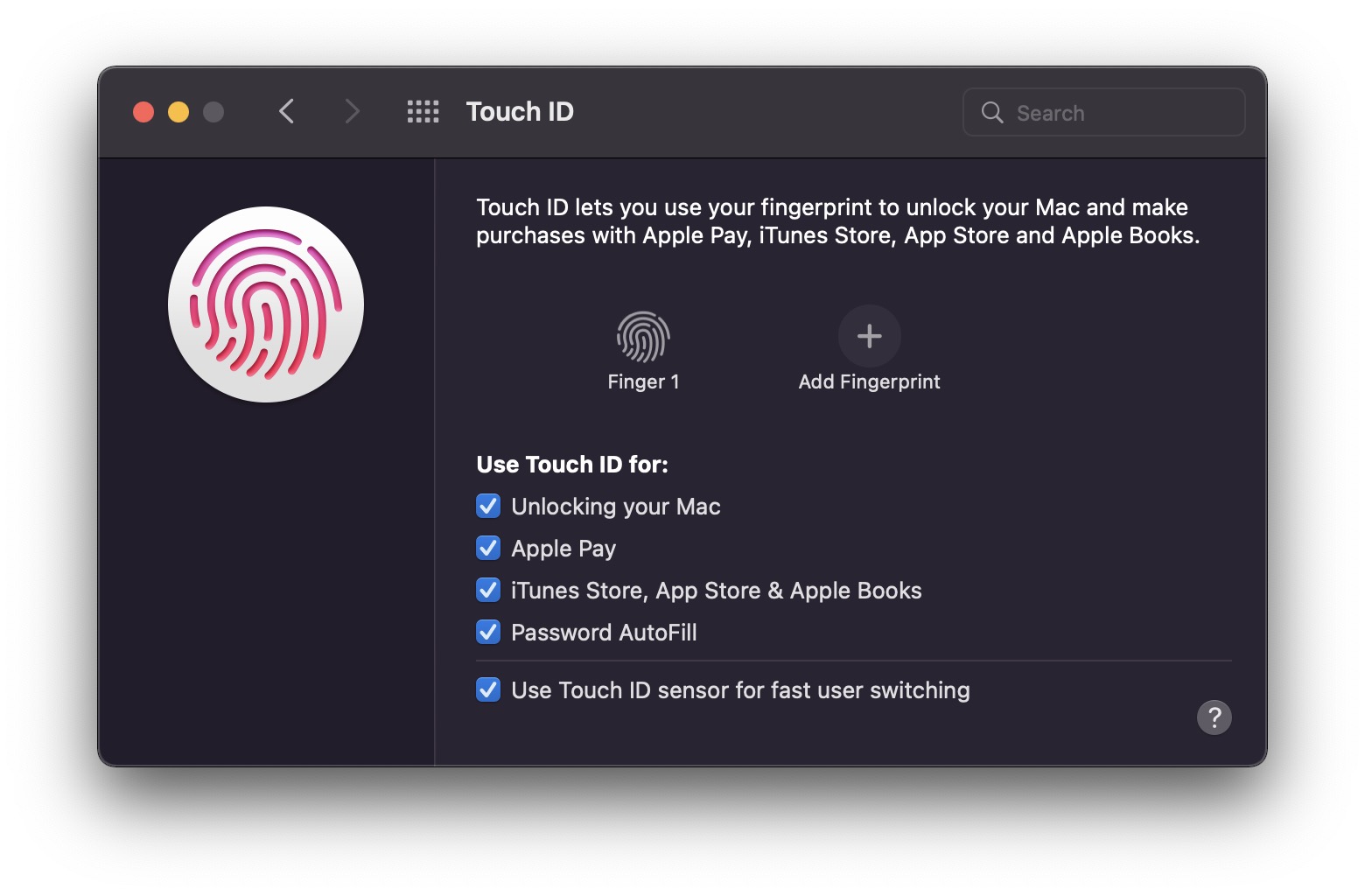
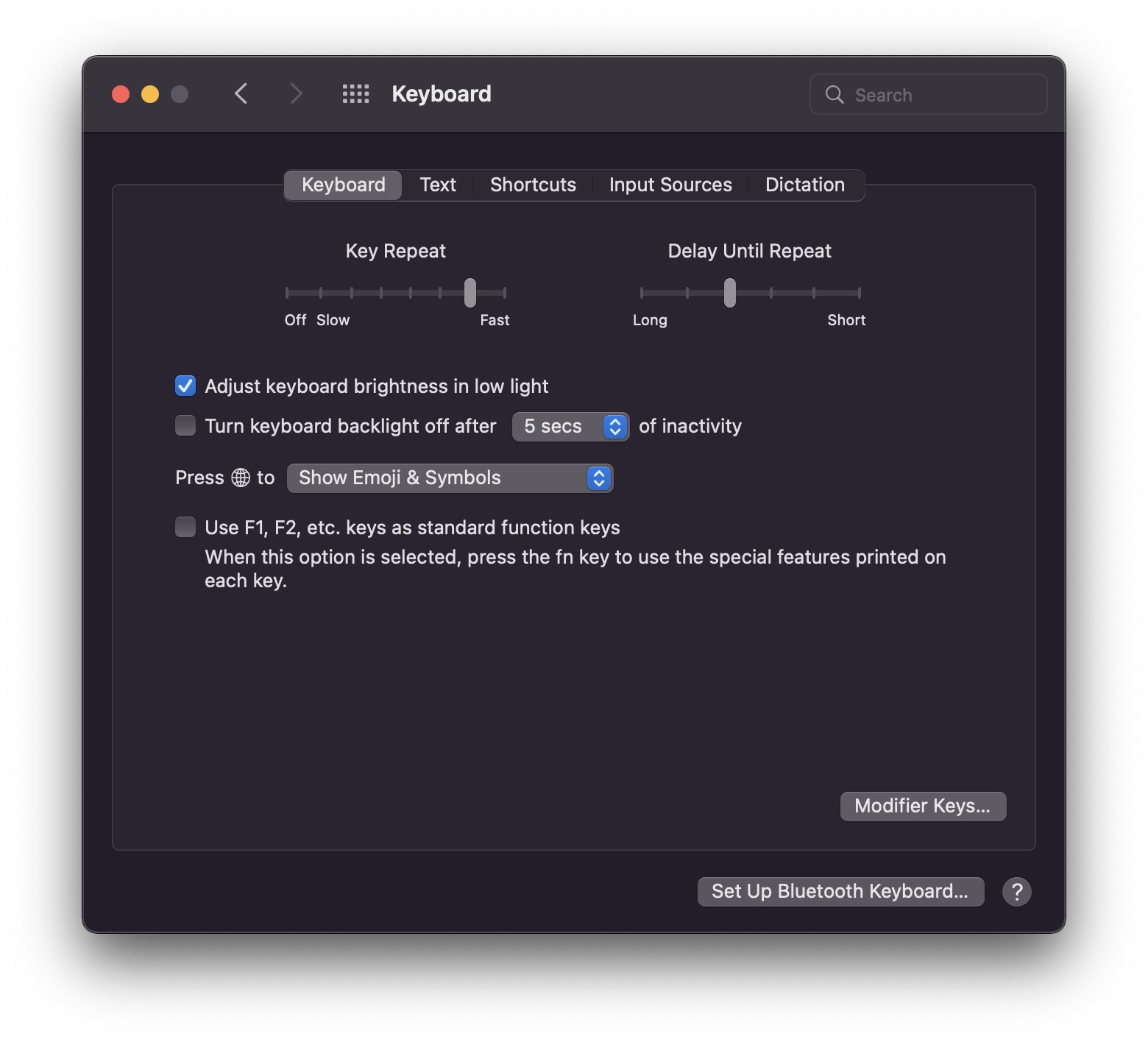

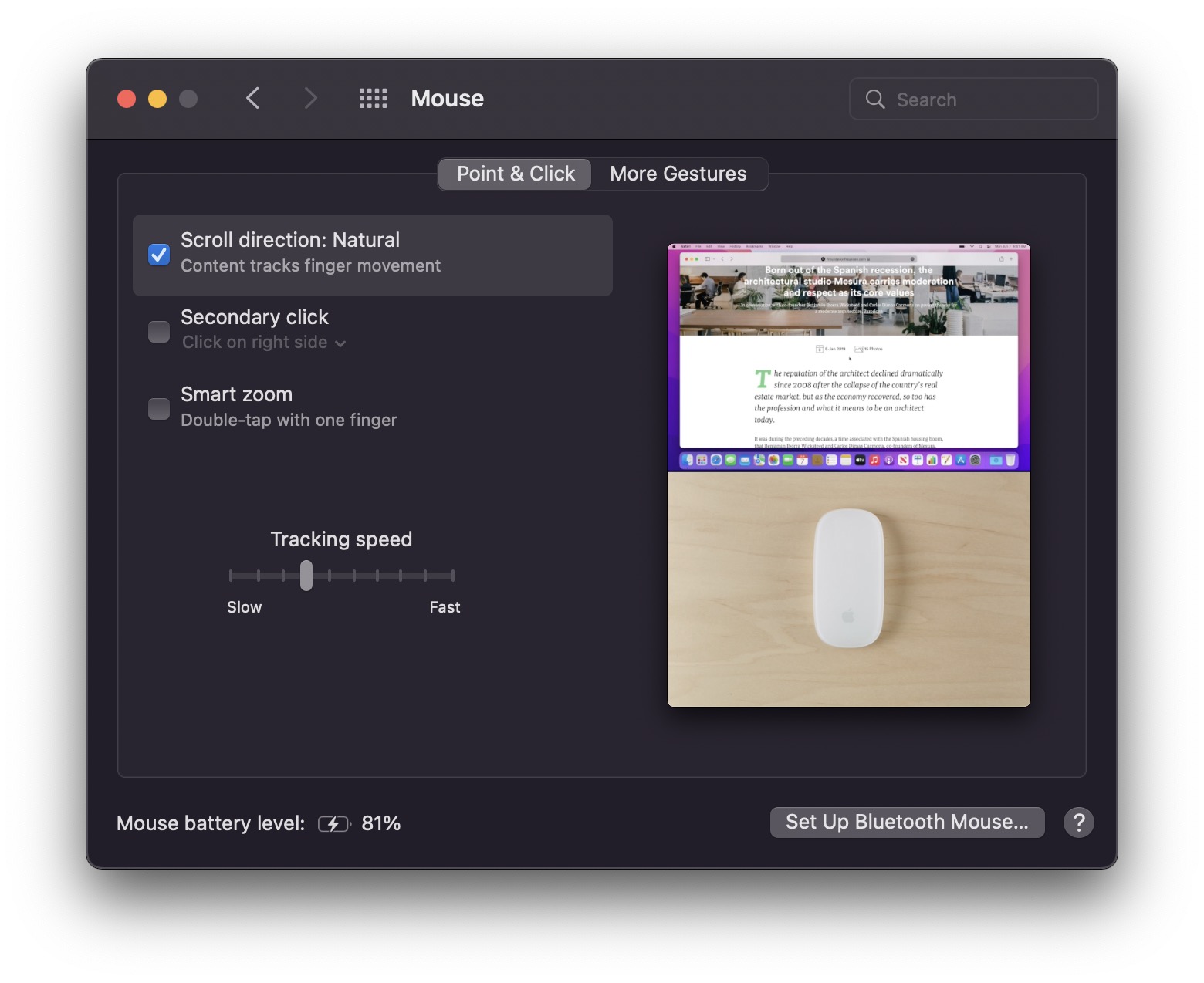
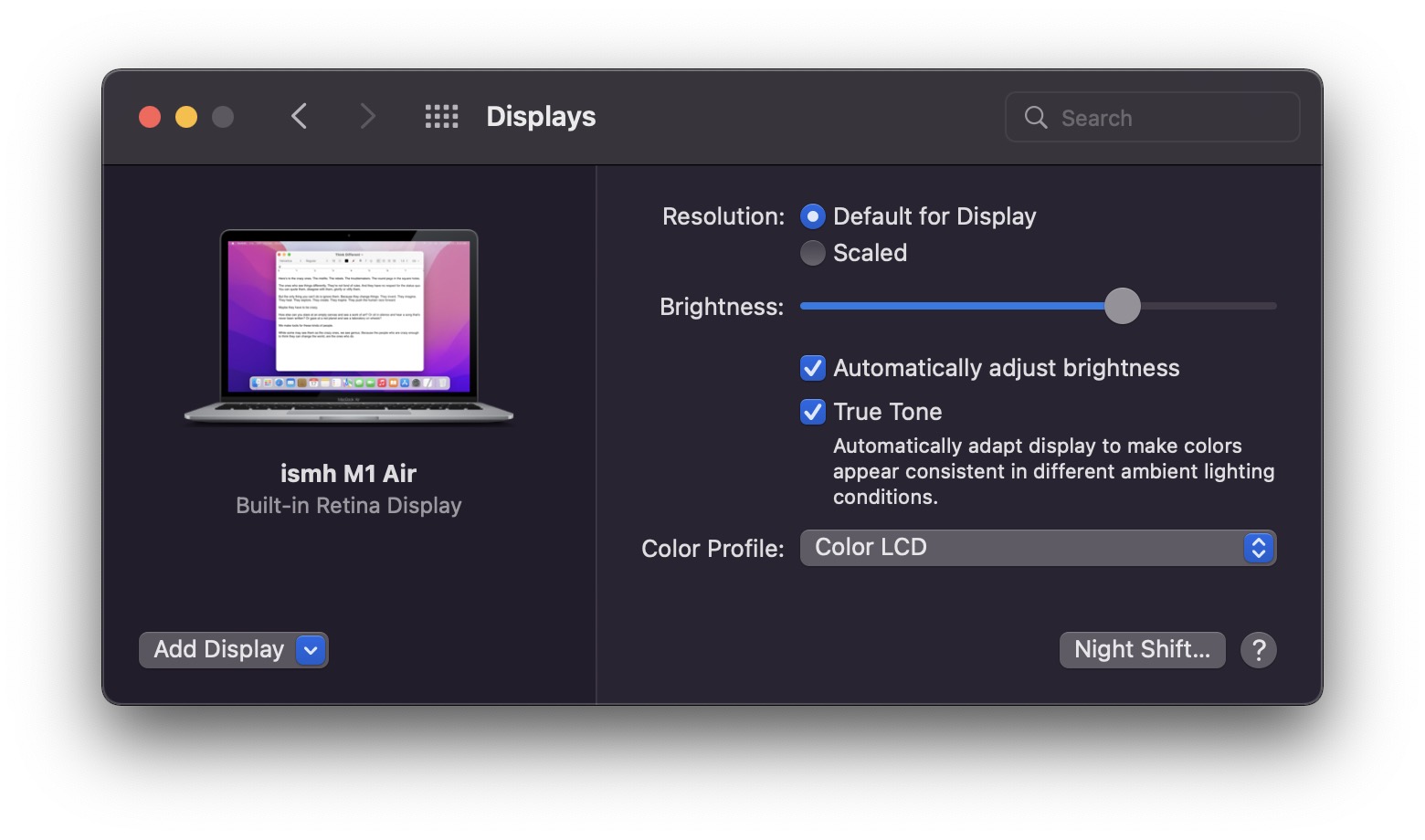
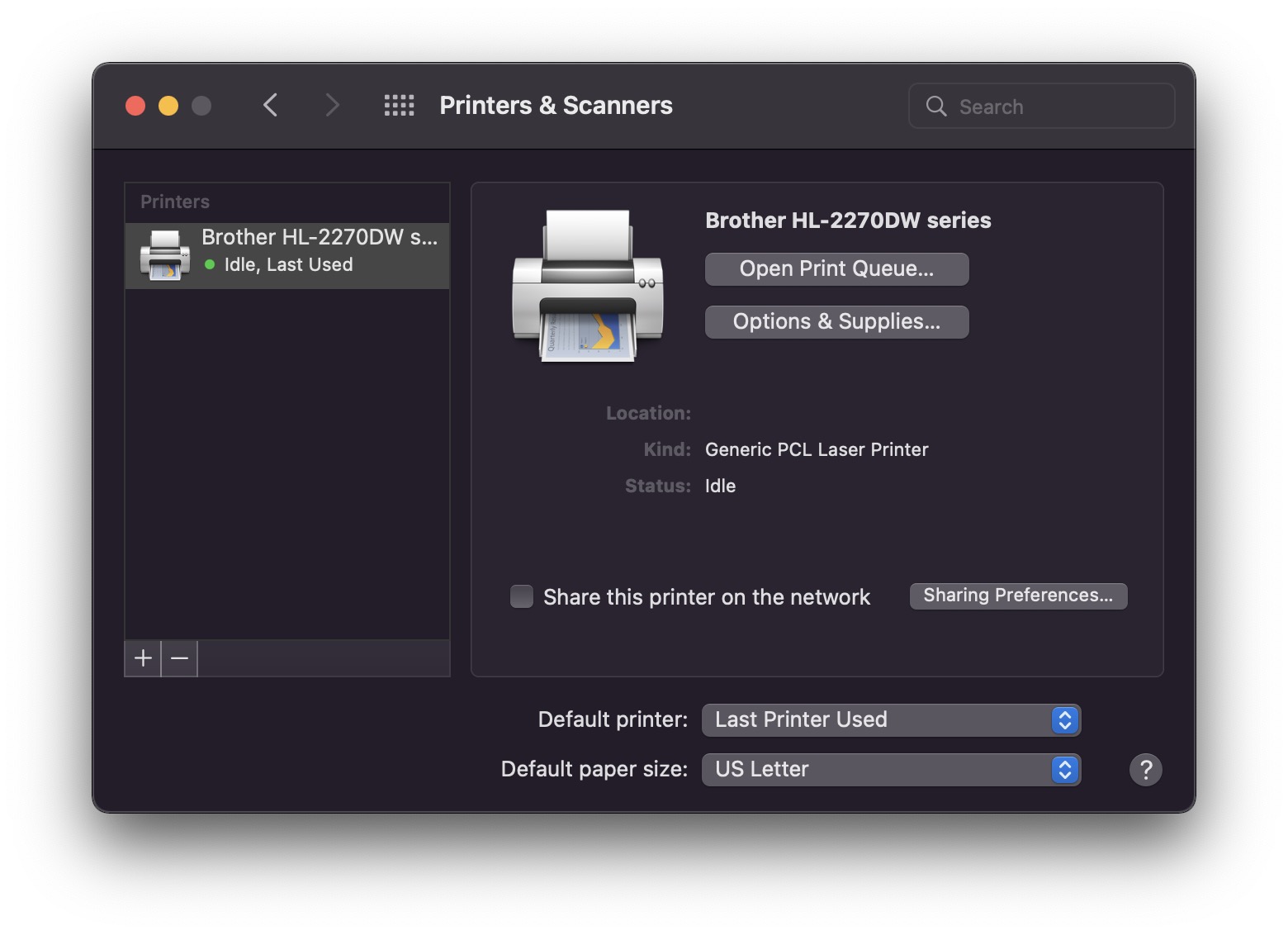

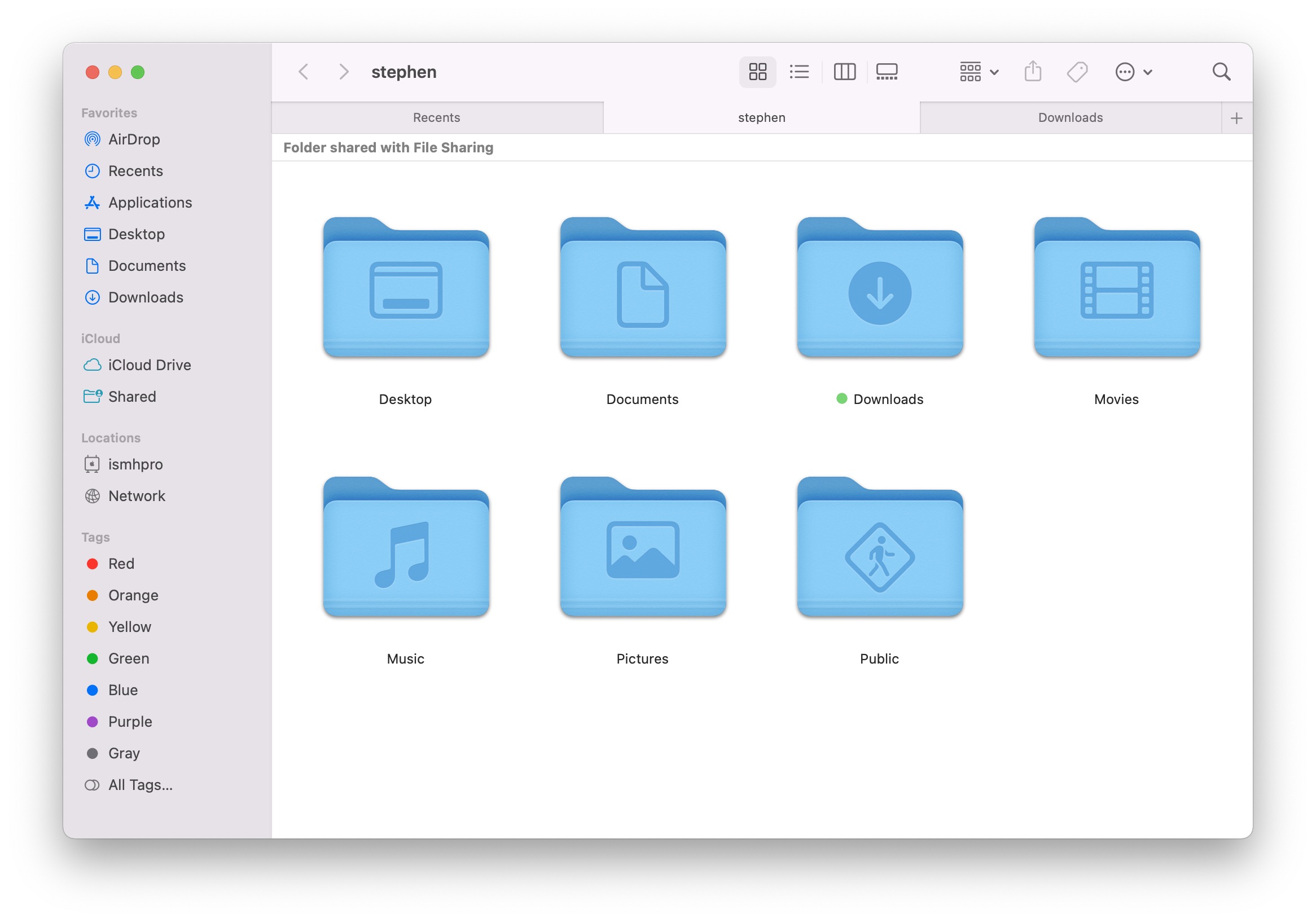
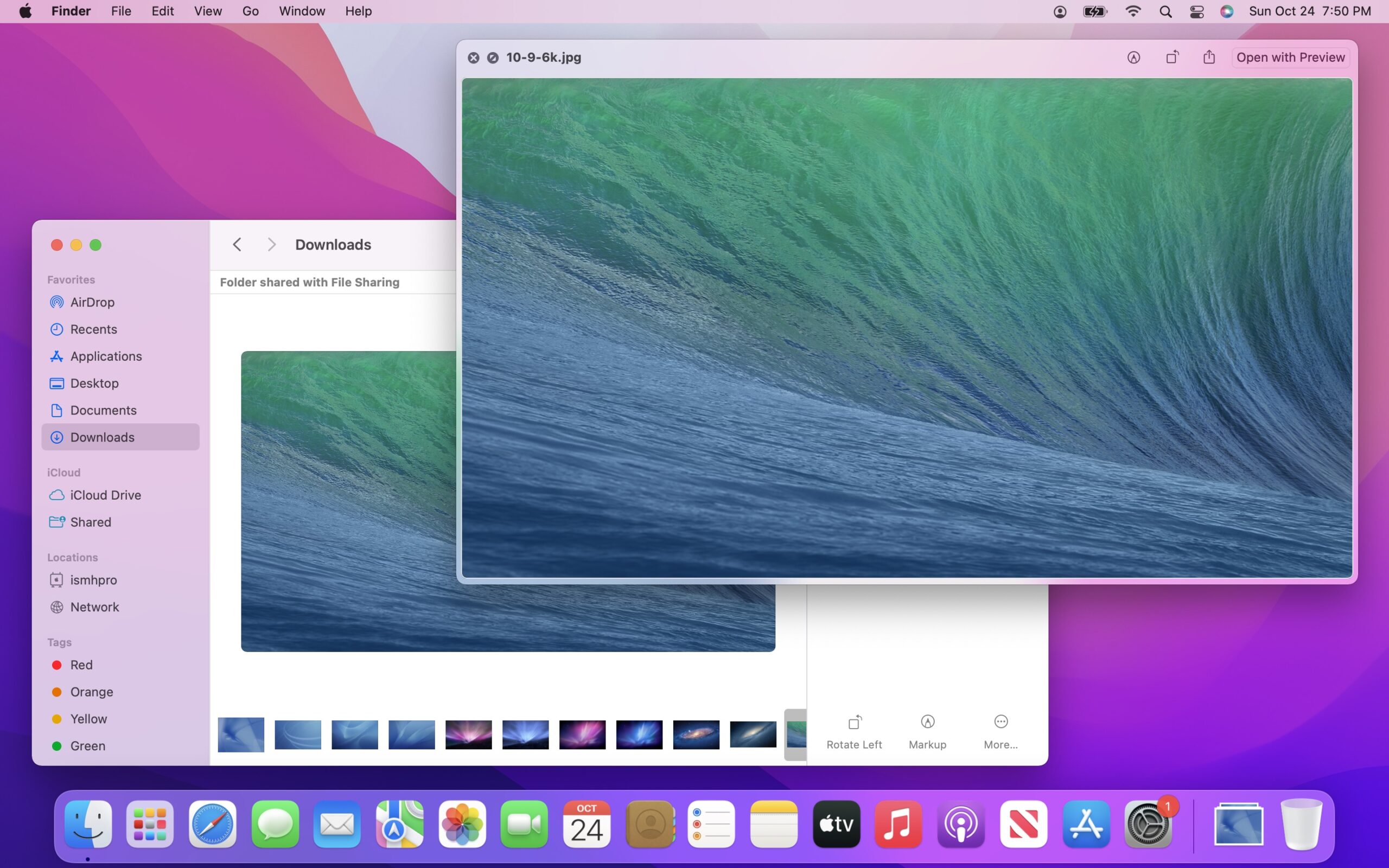
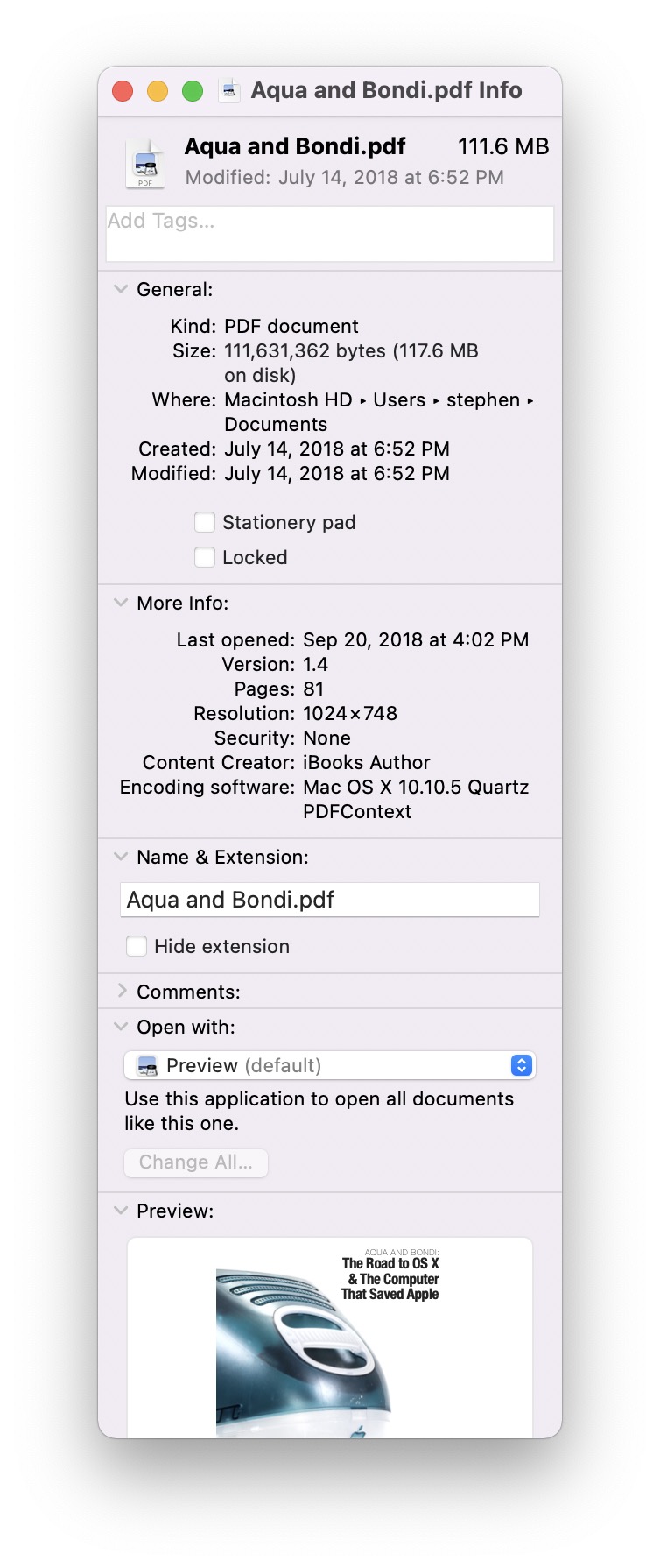
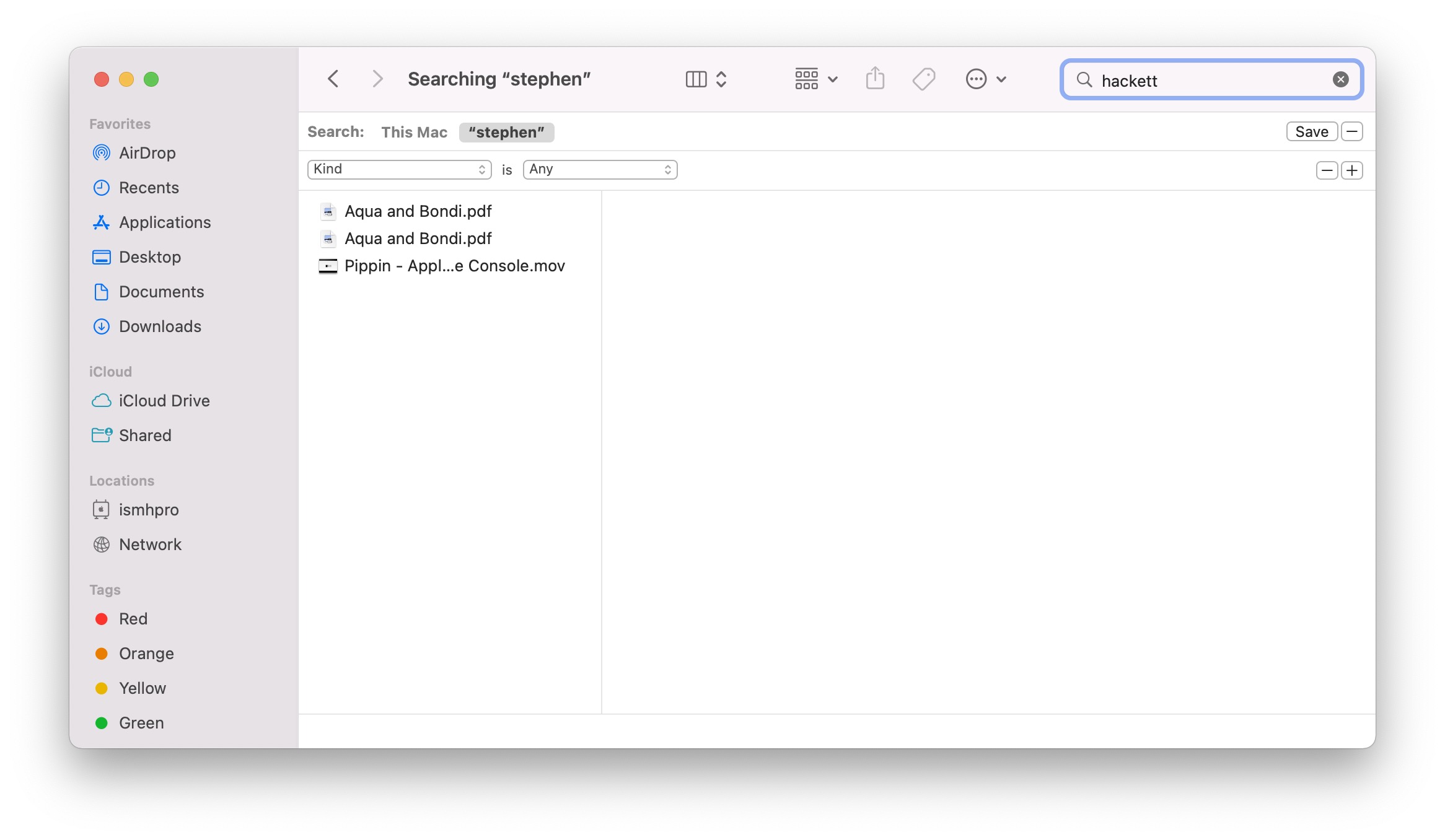
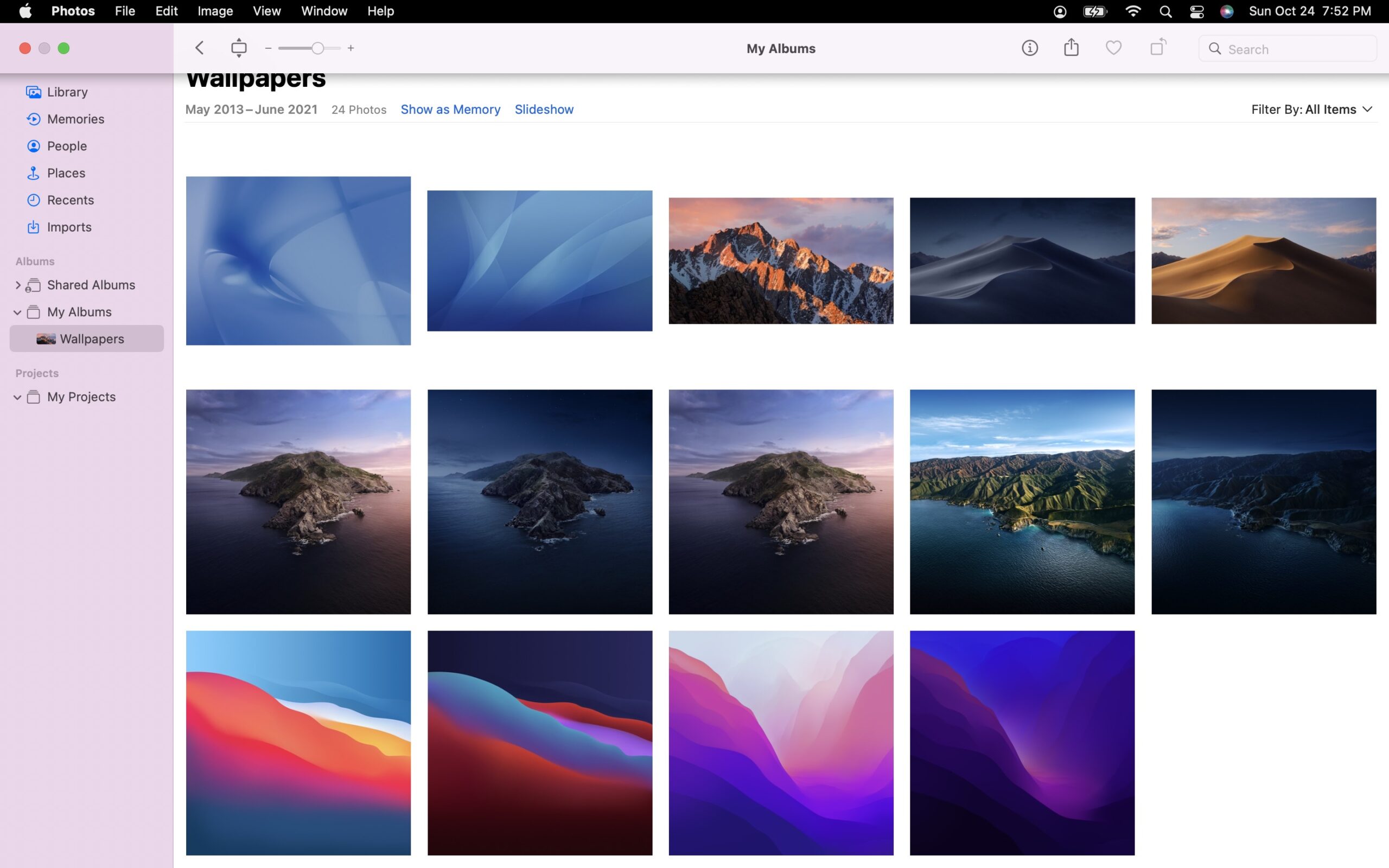
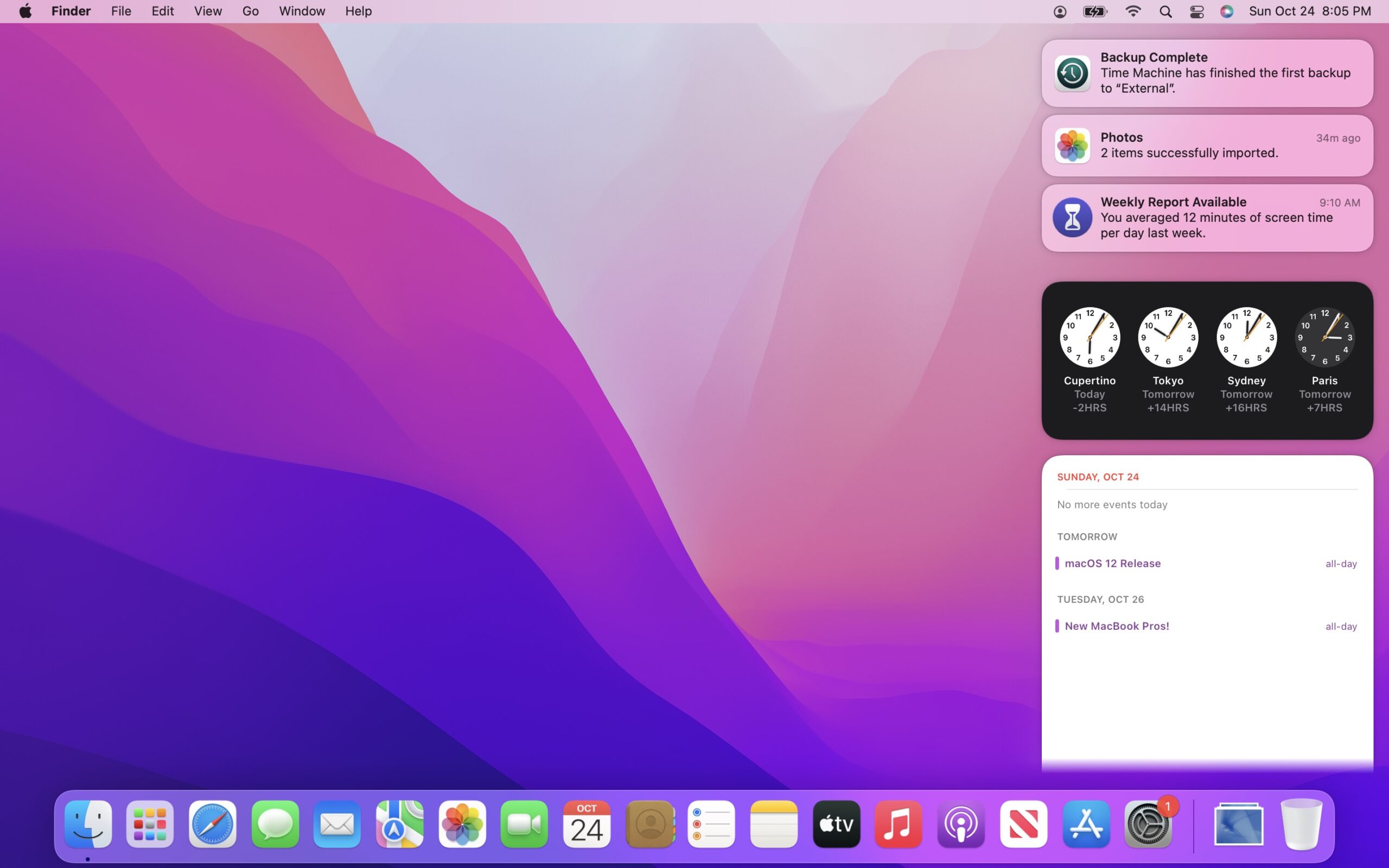
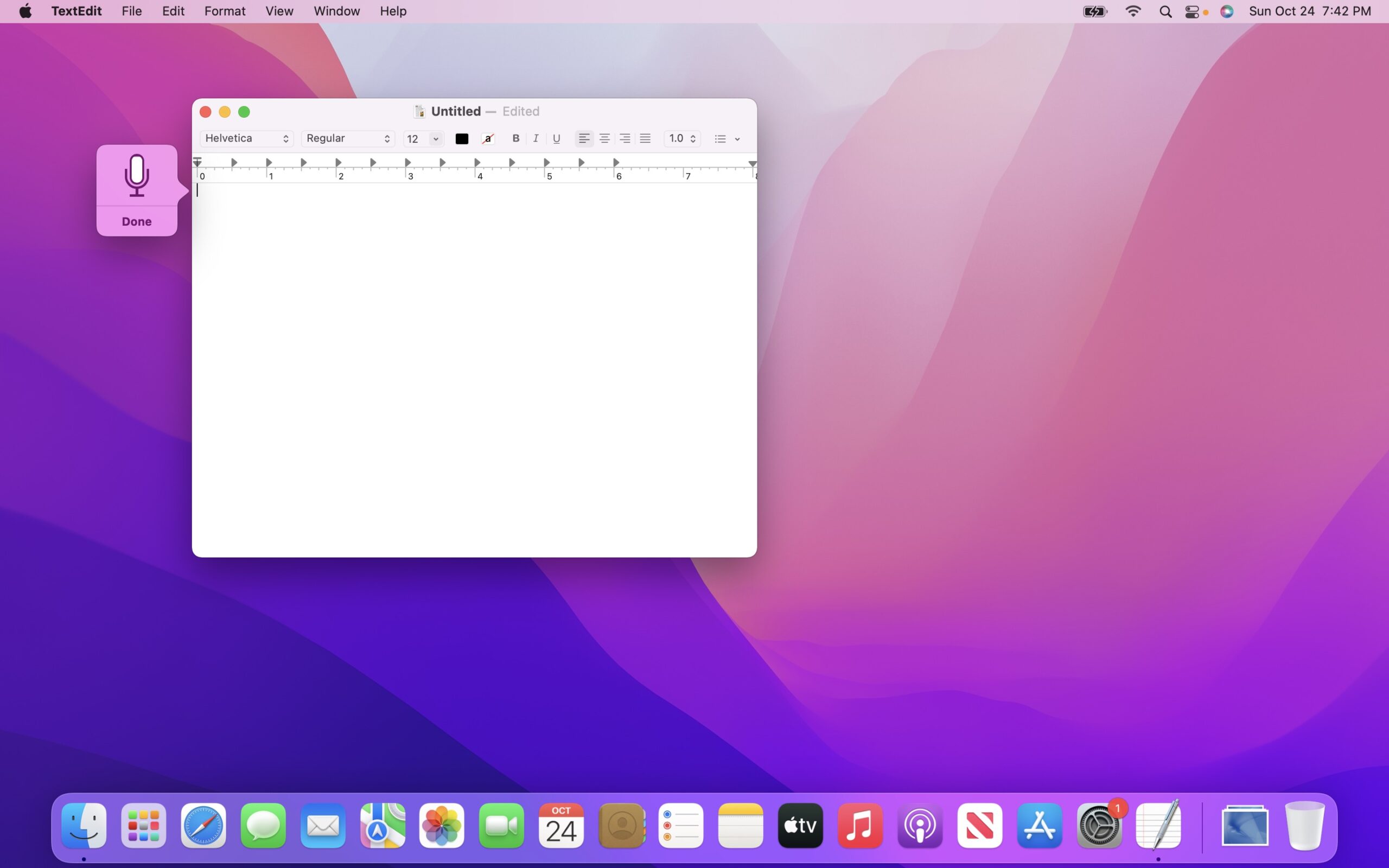
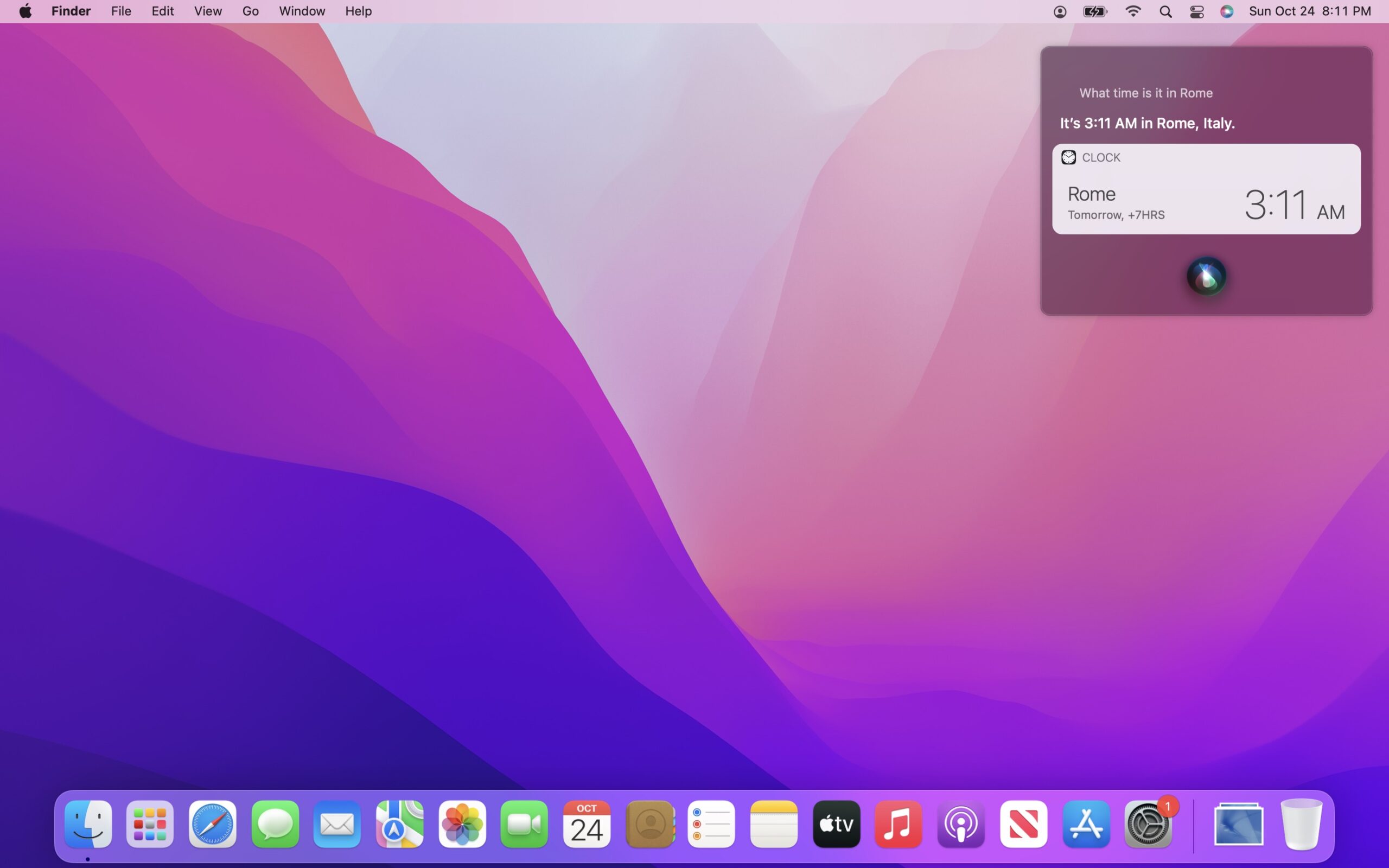
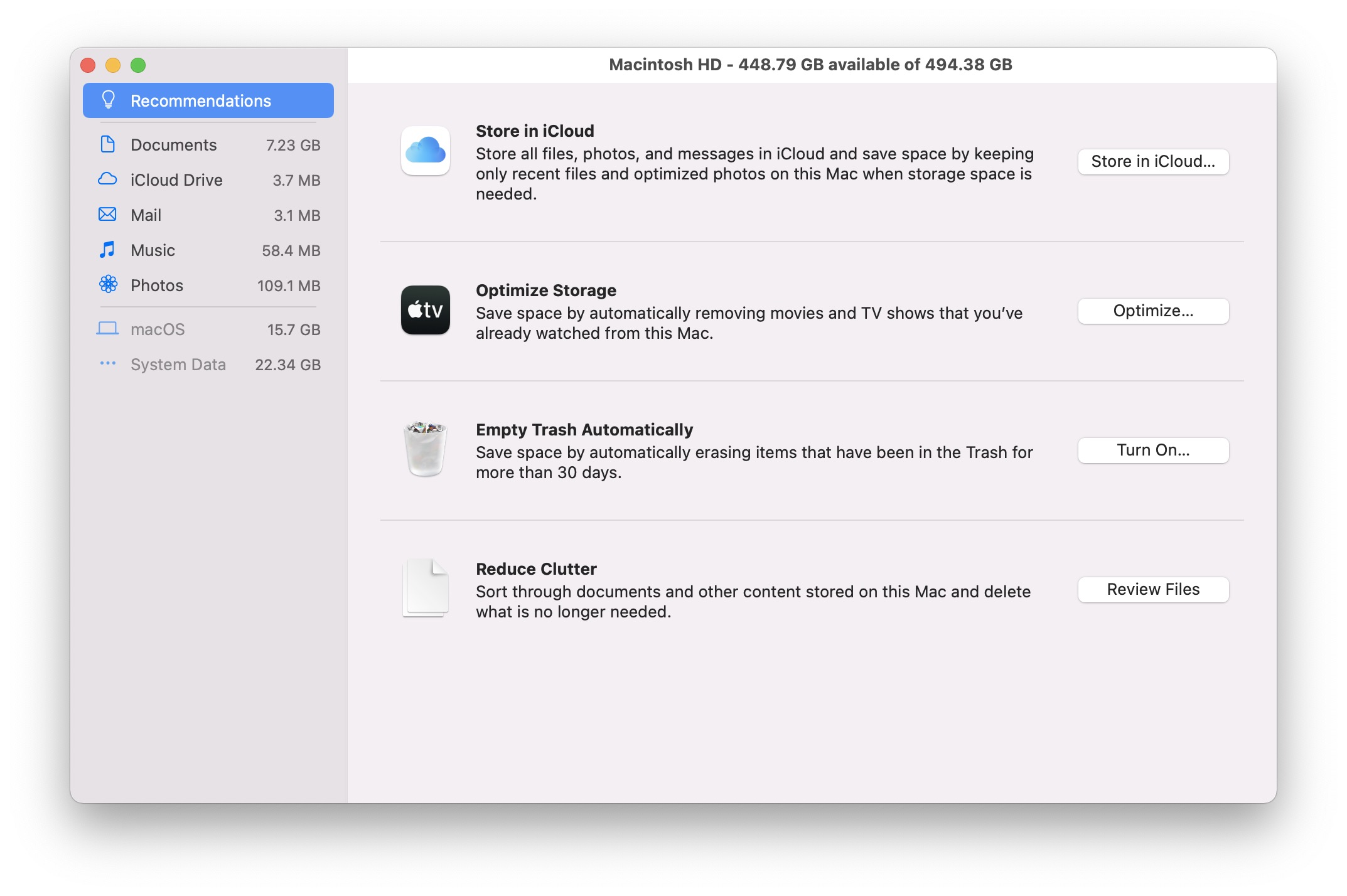
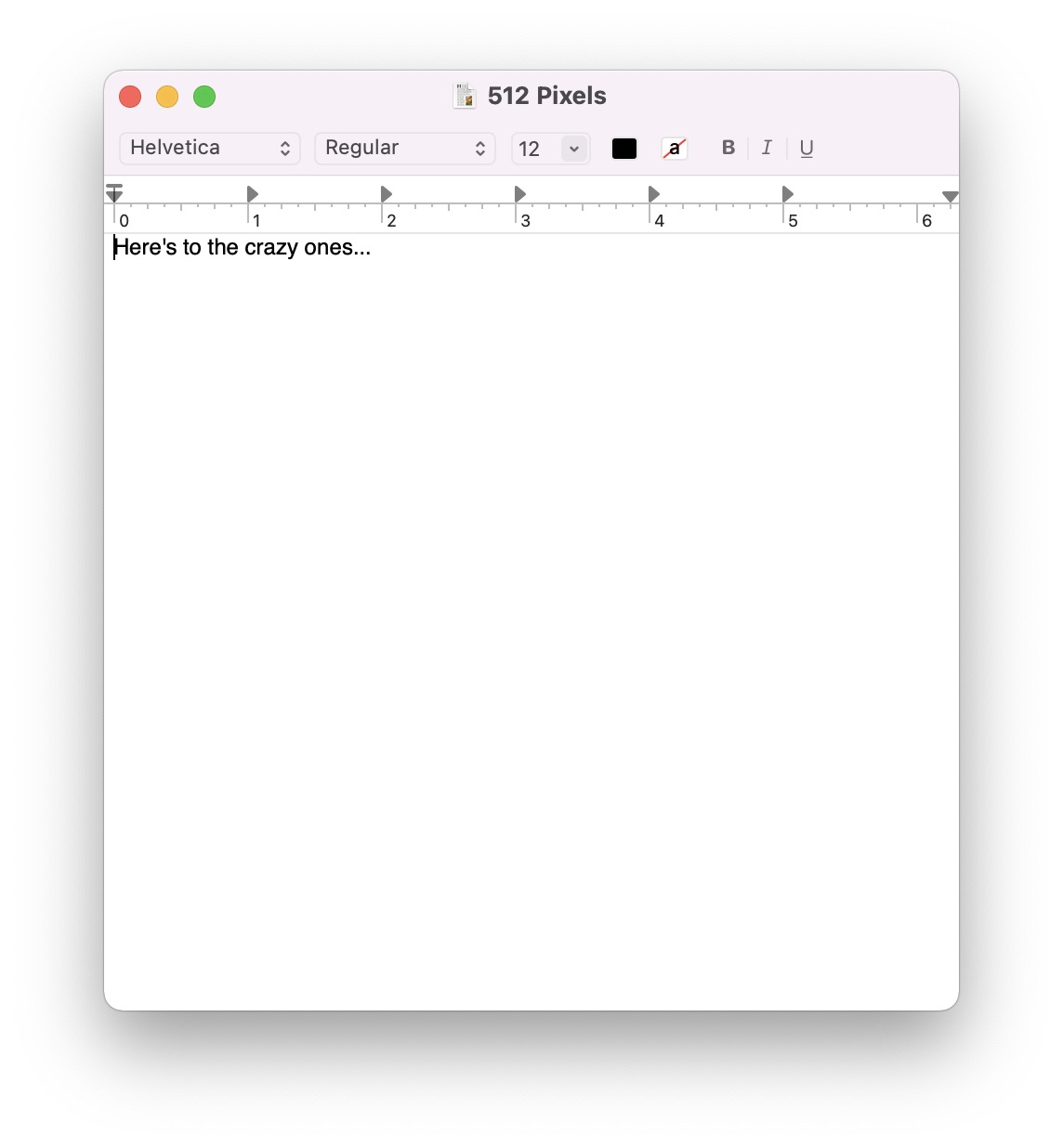
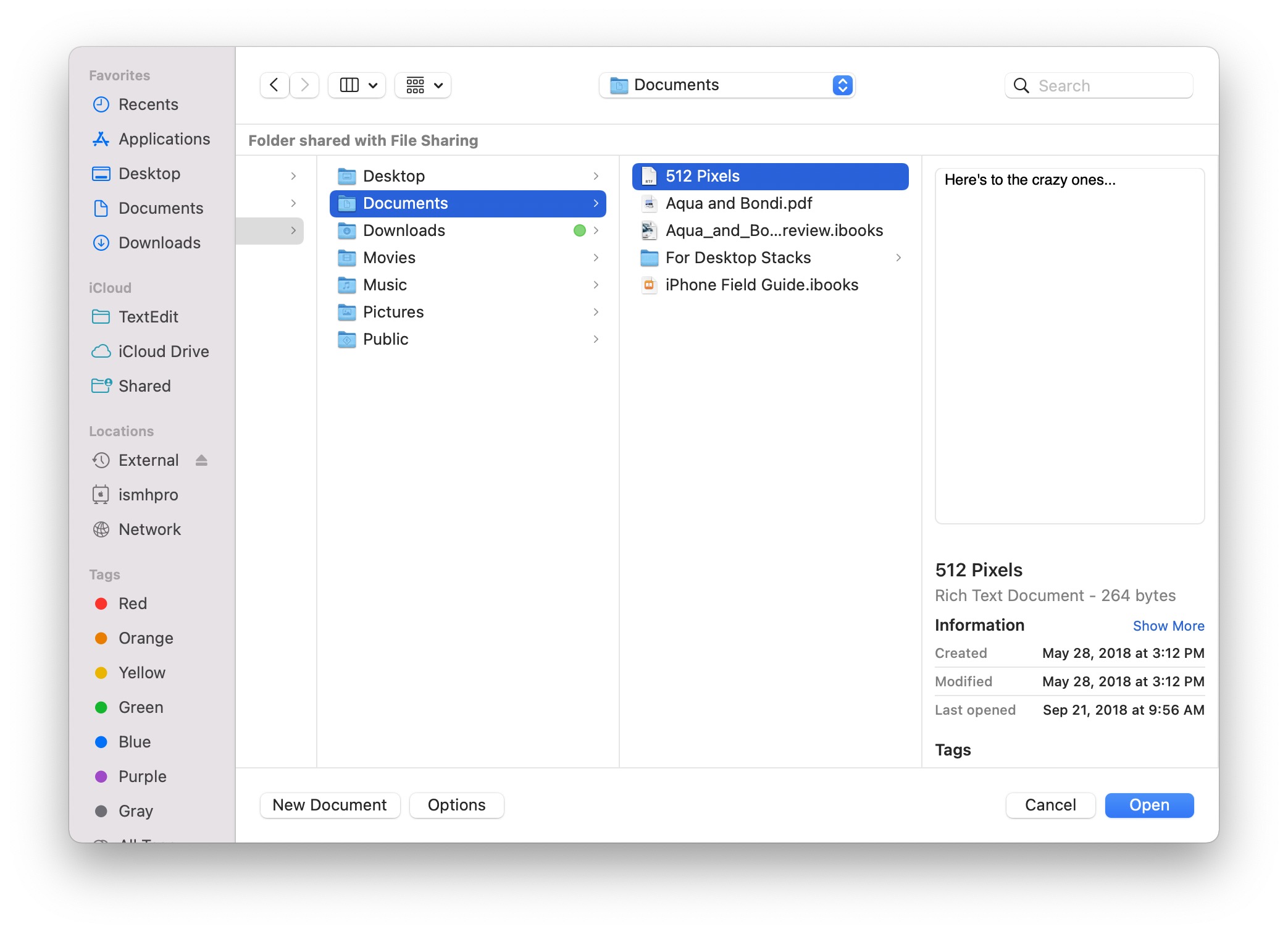
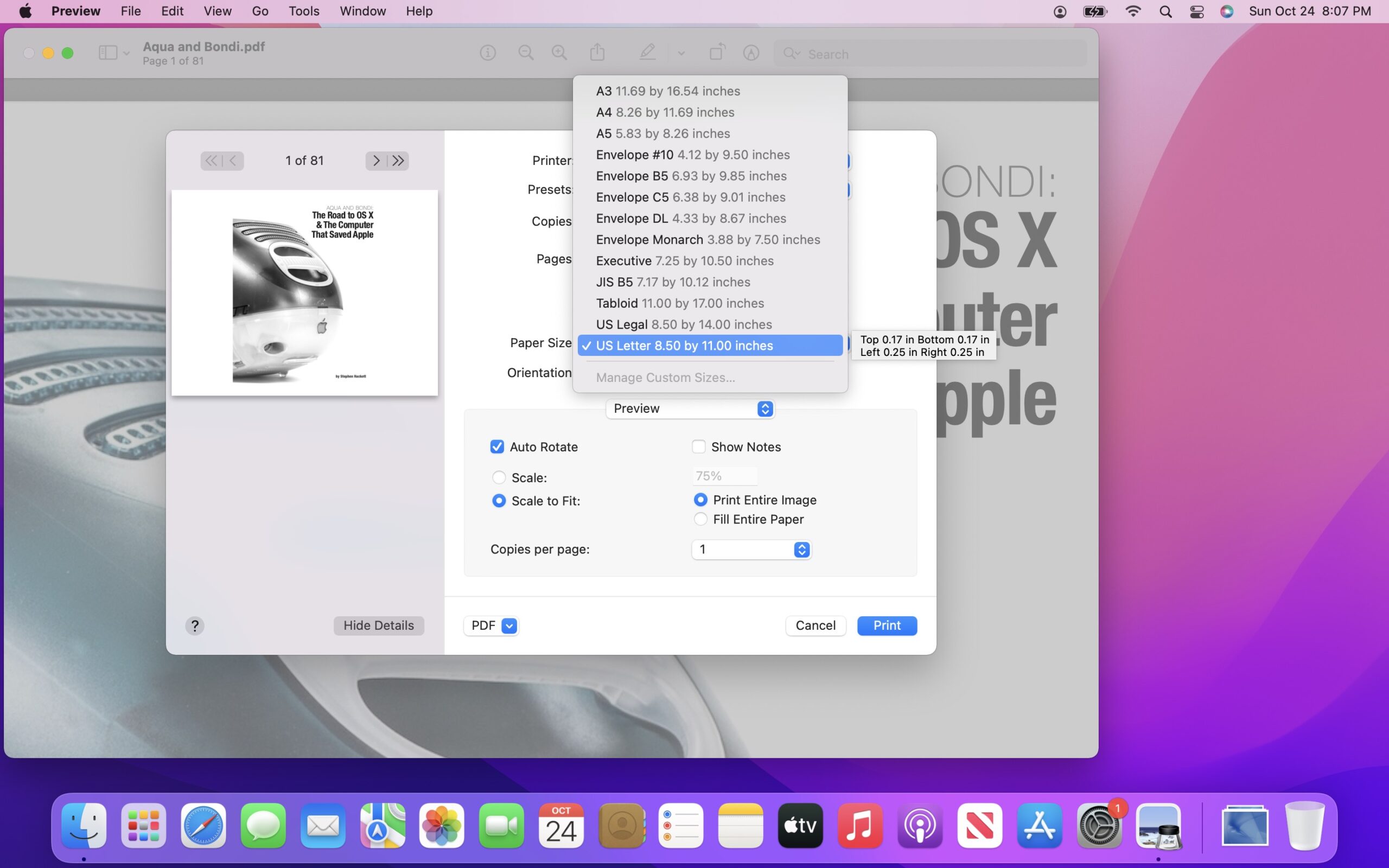
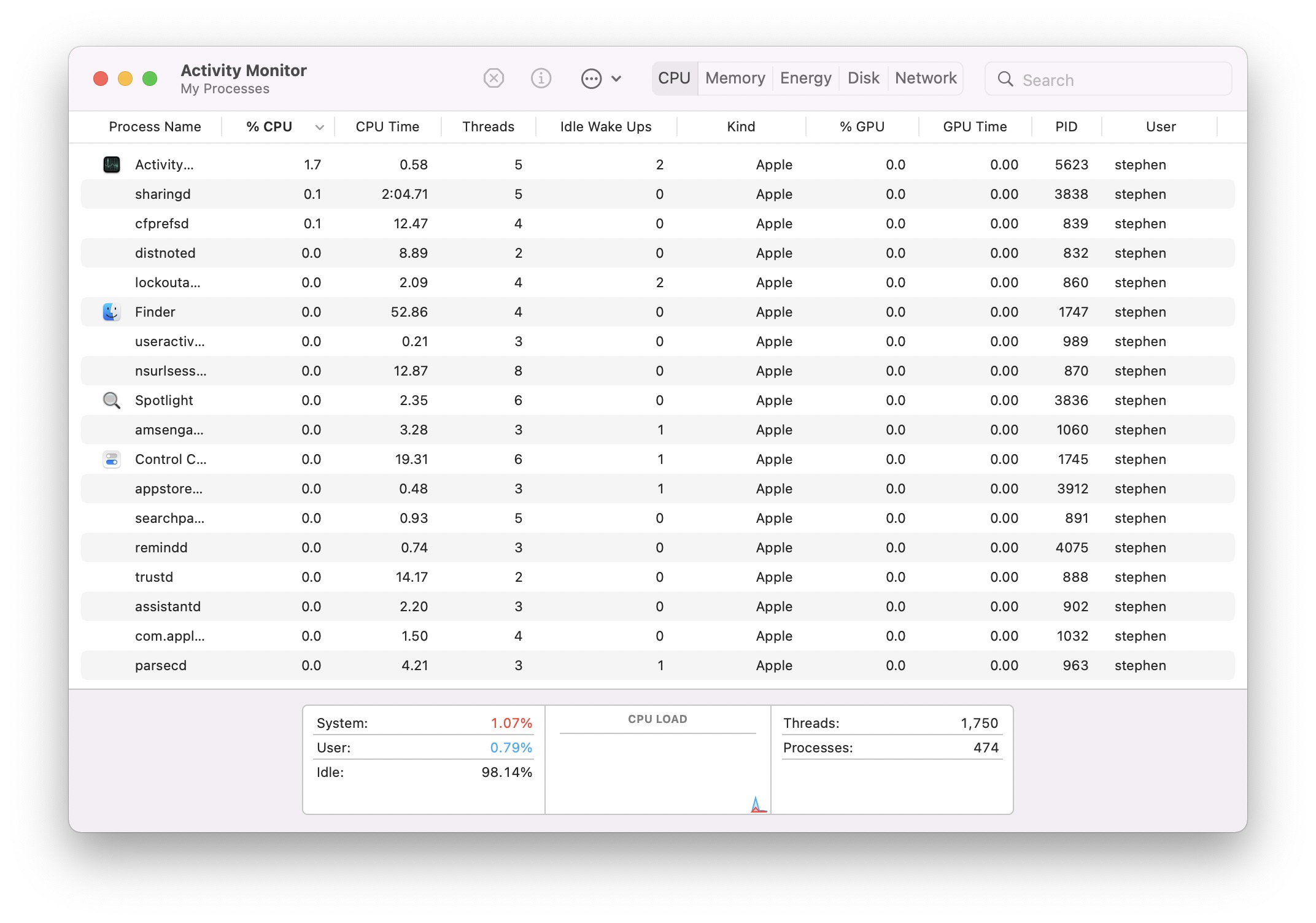
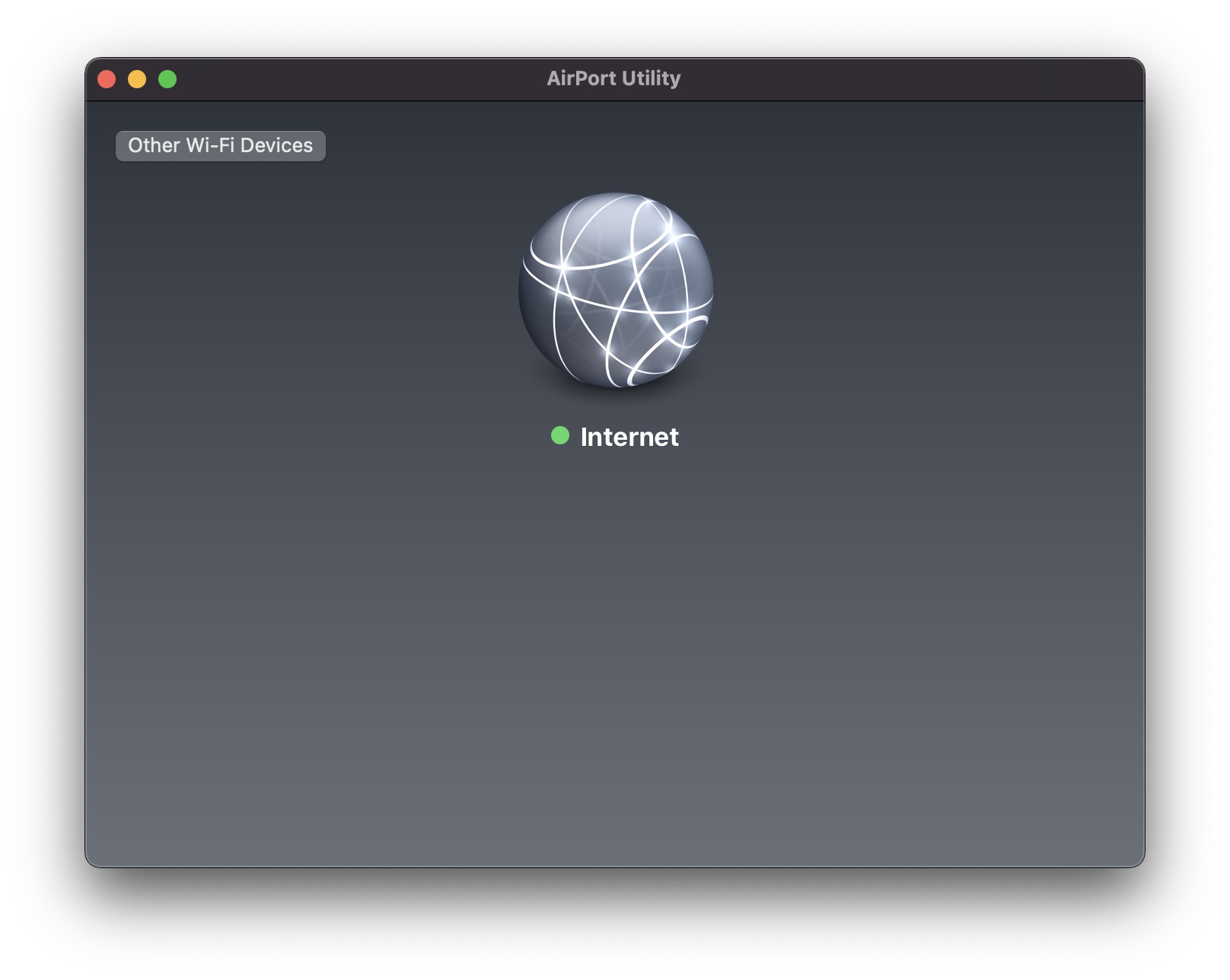
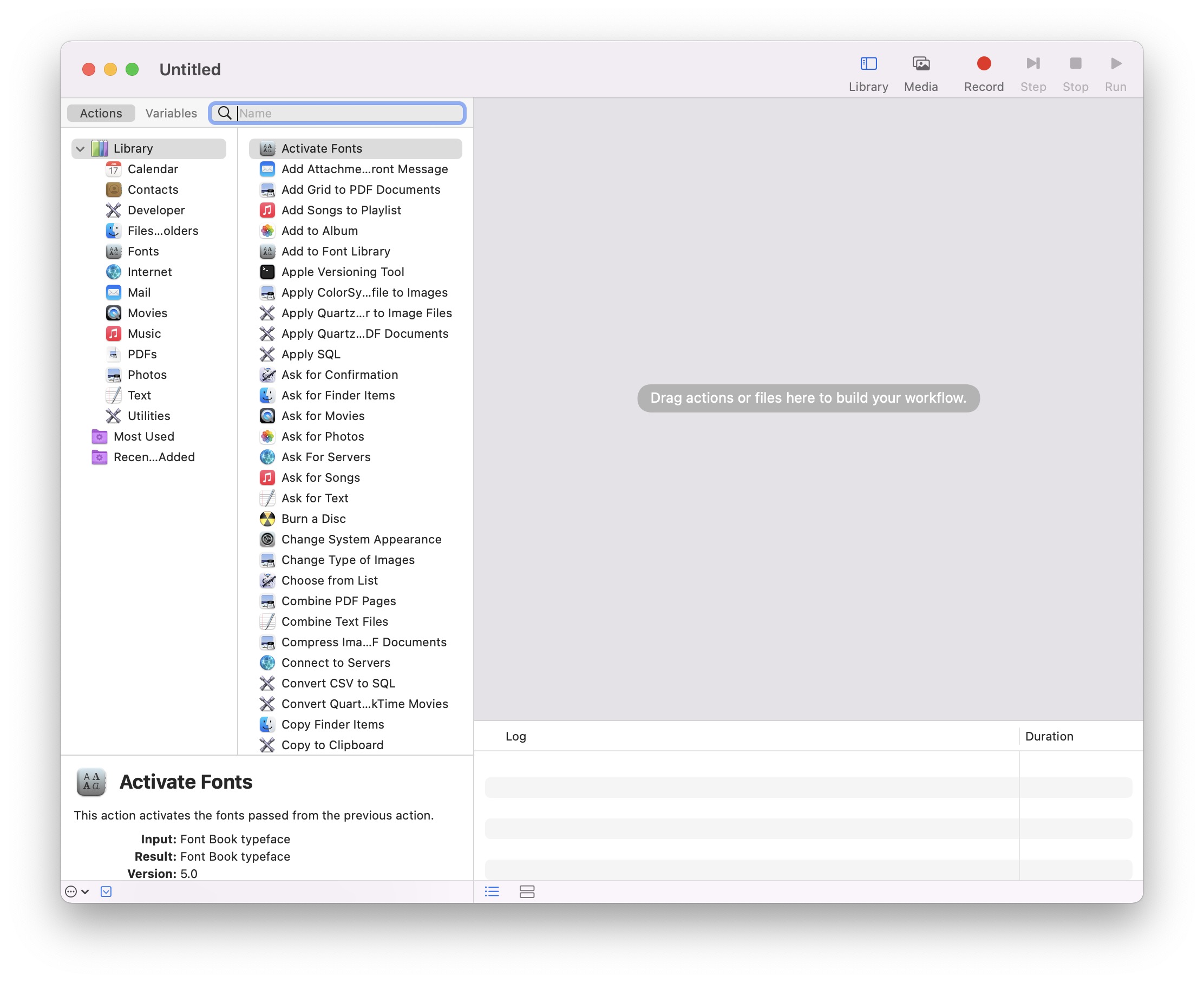
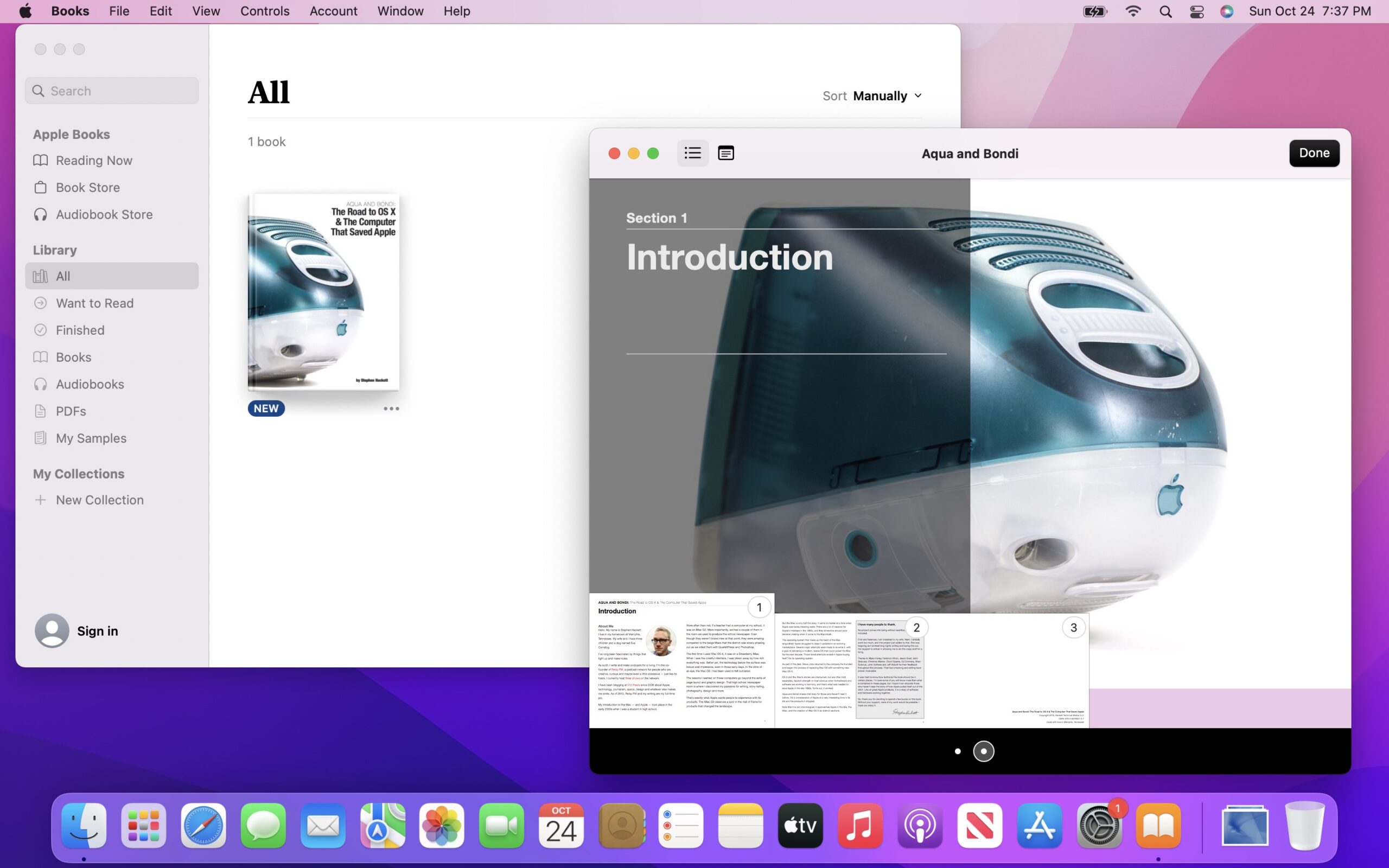
Monterey








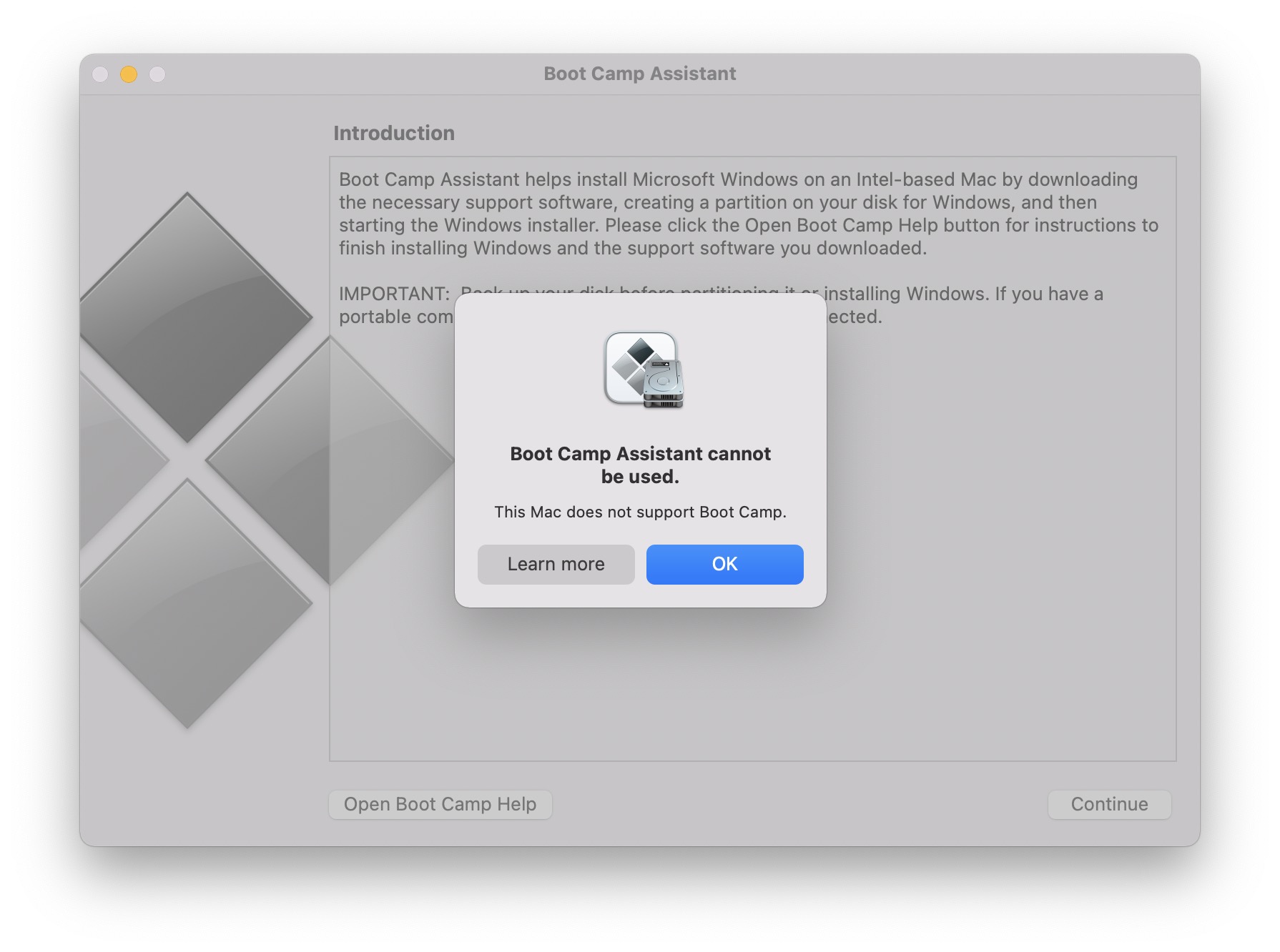
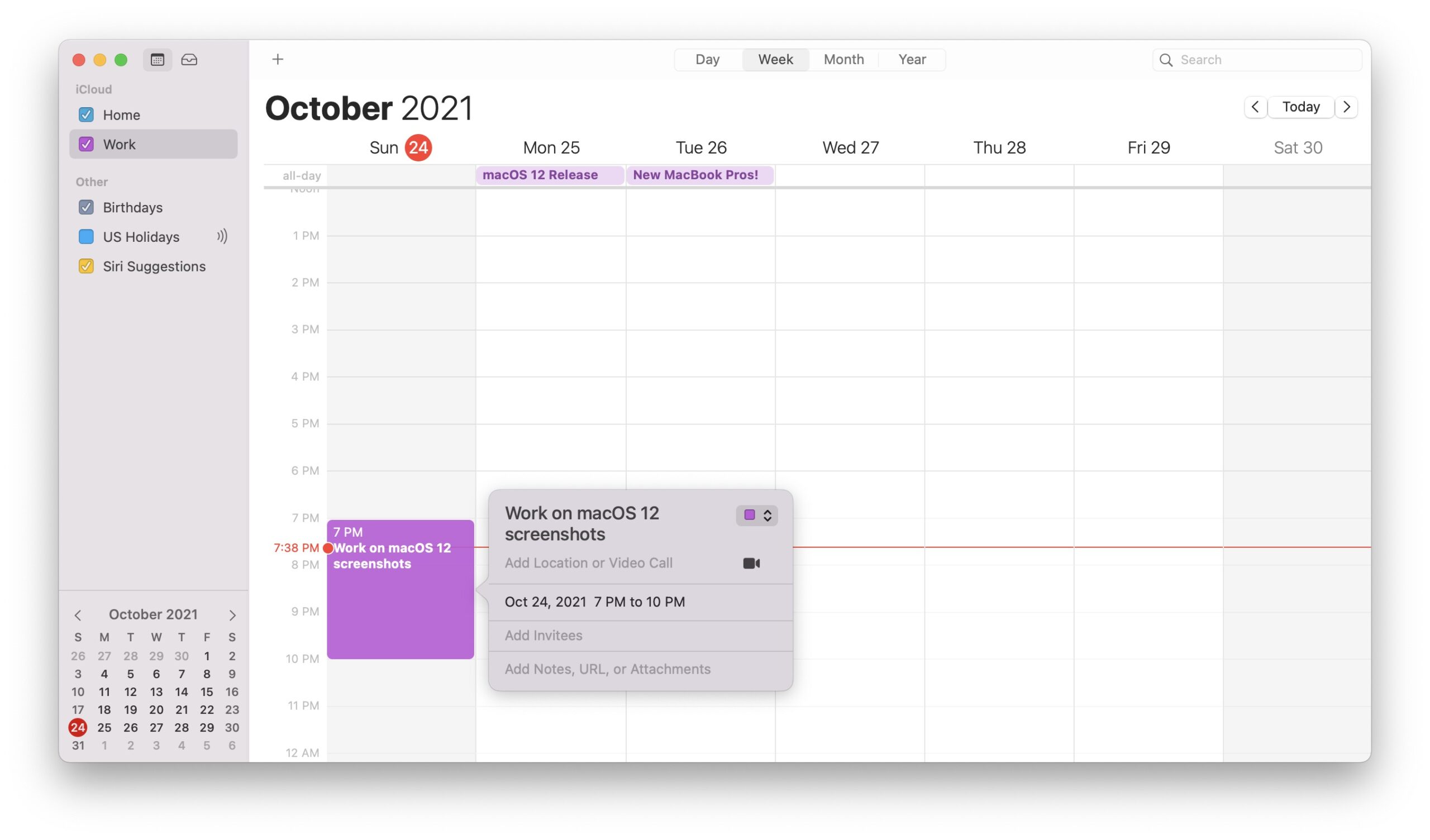
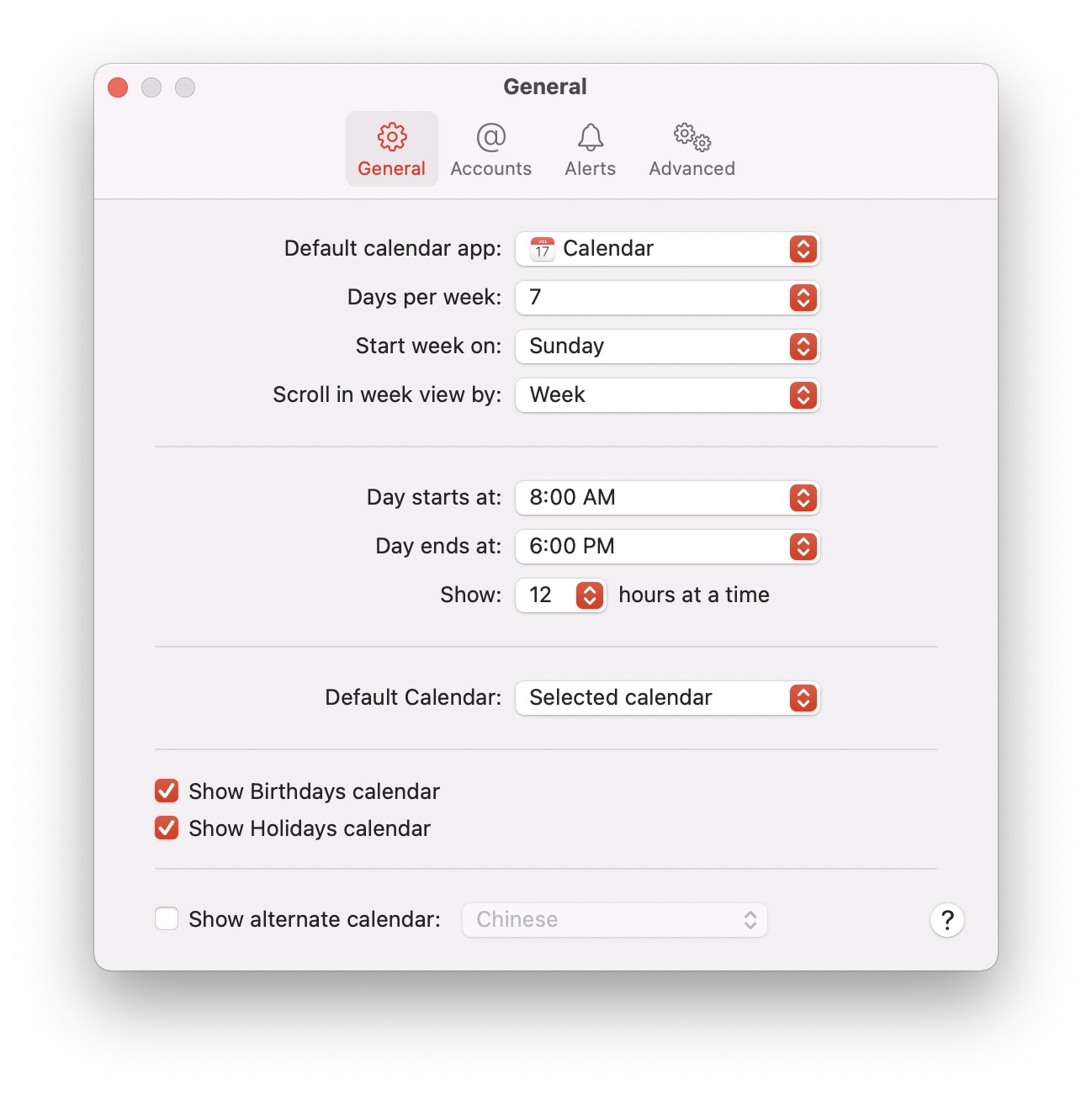


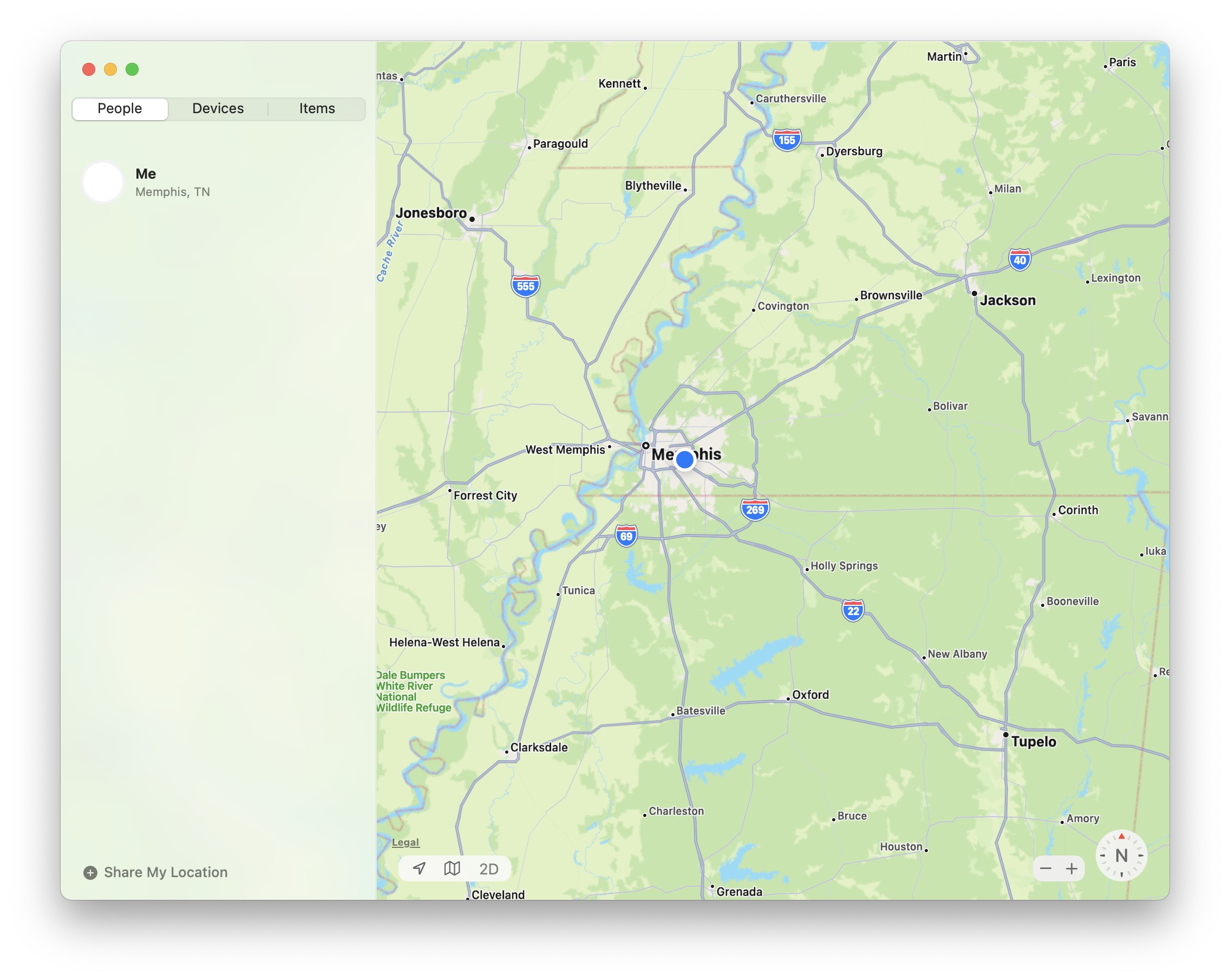
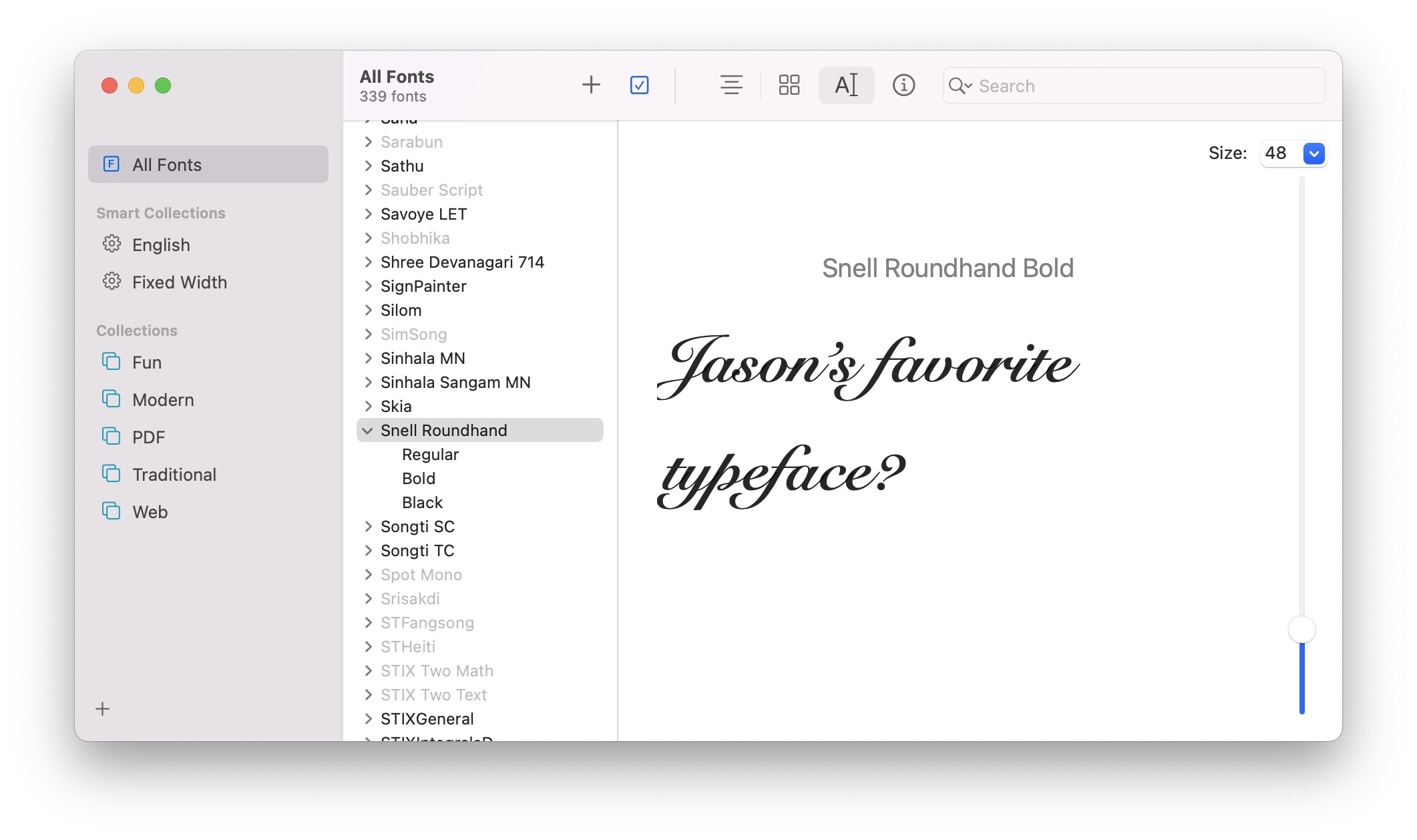
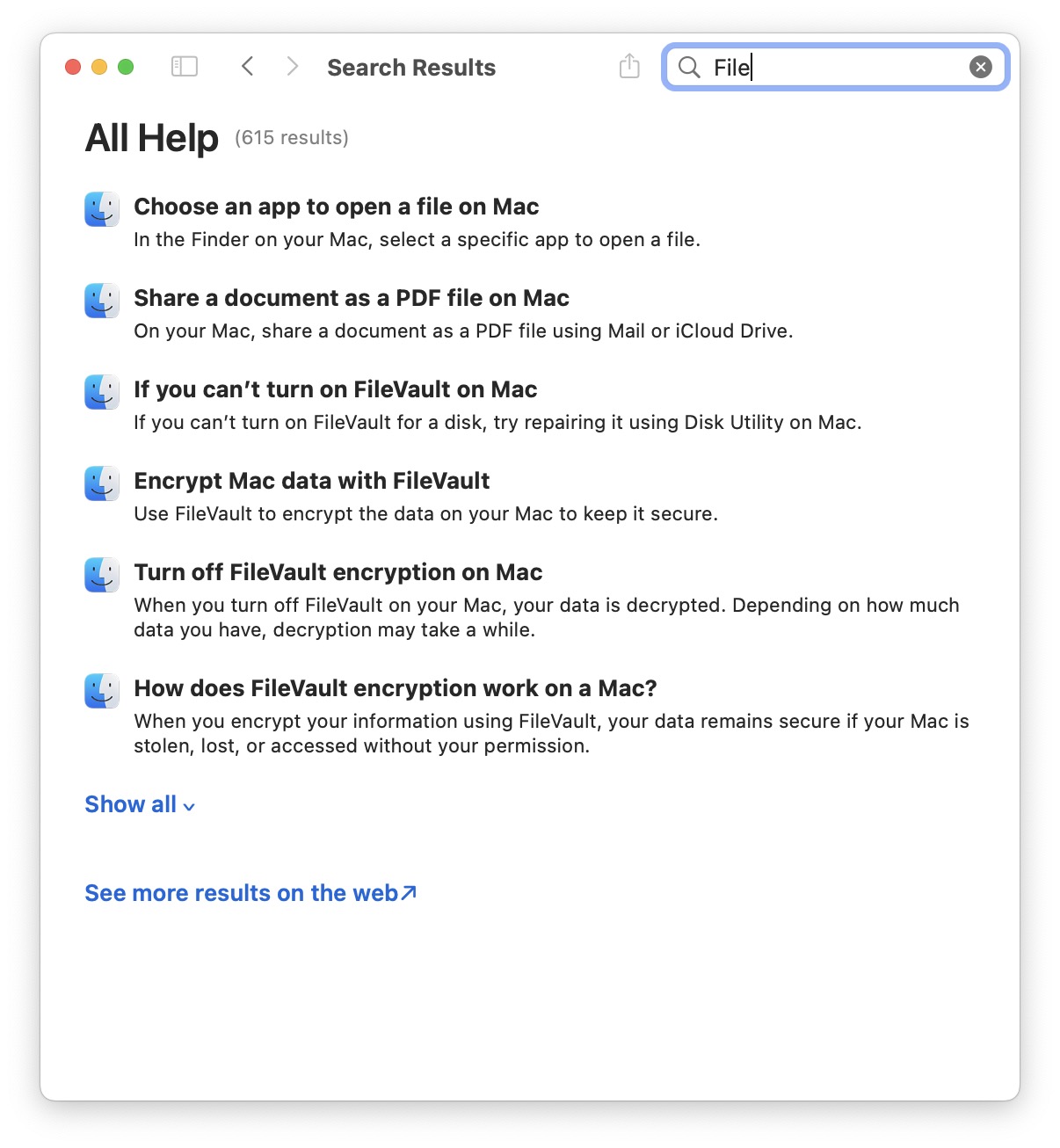
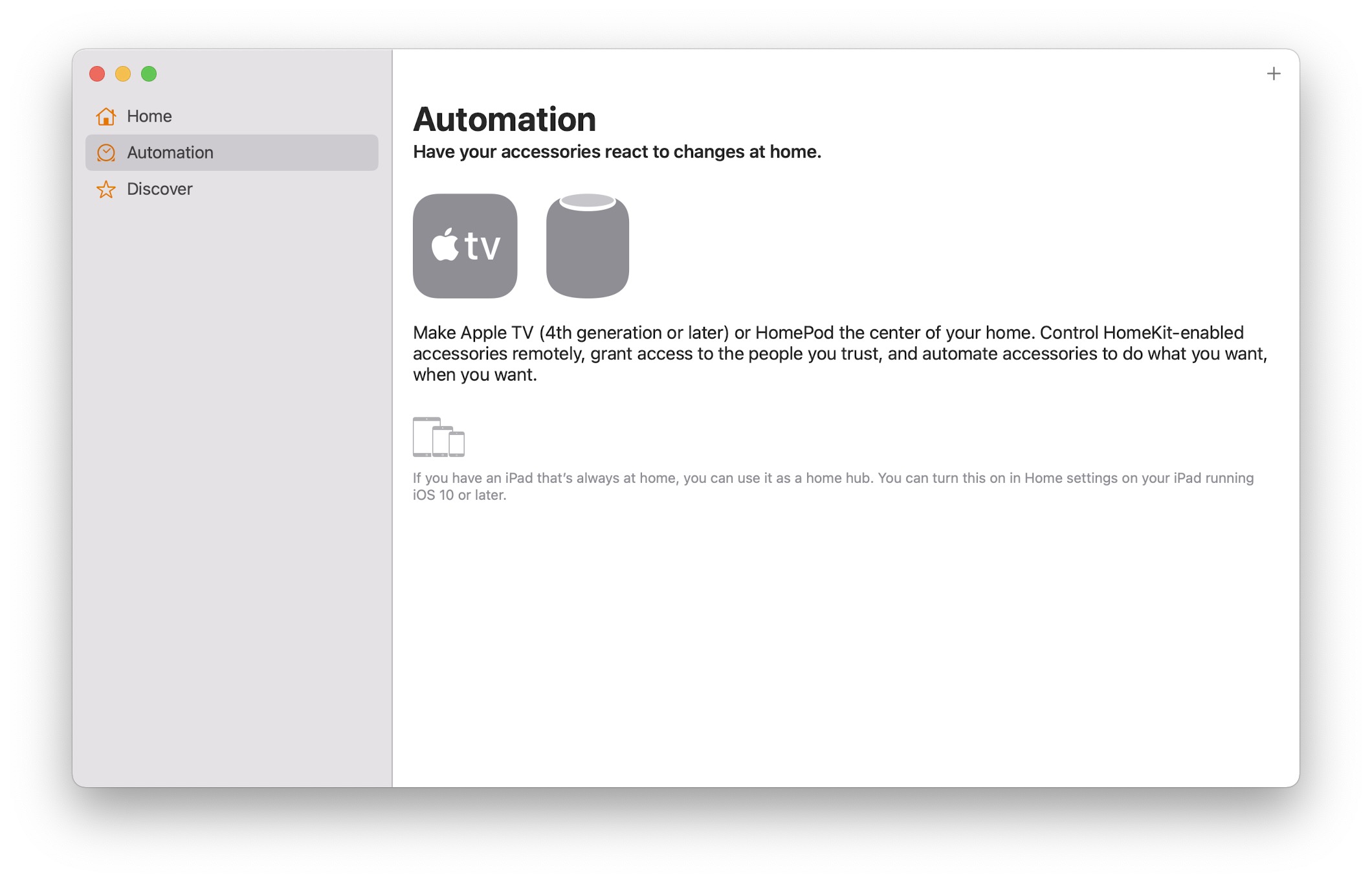
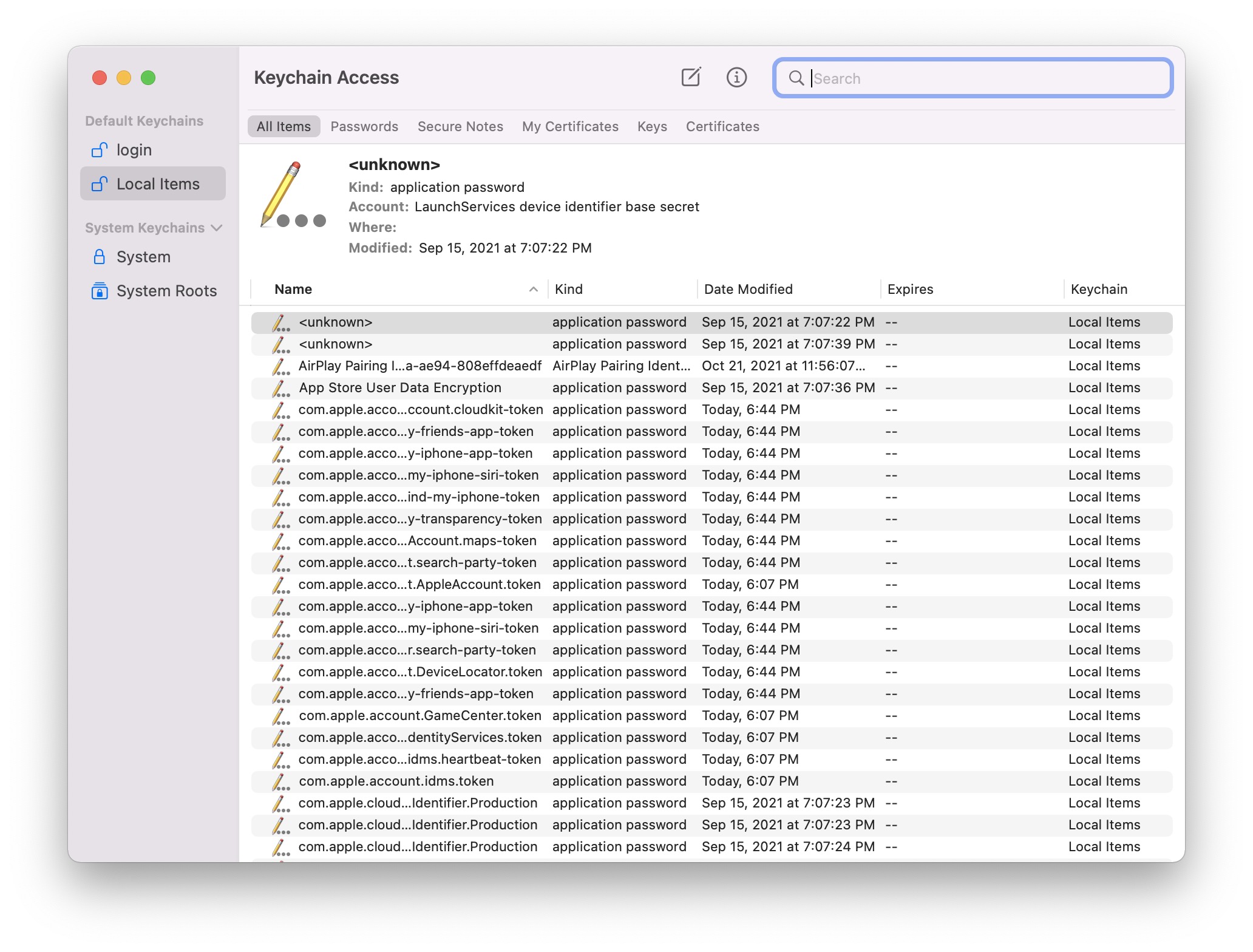

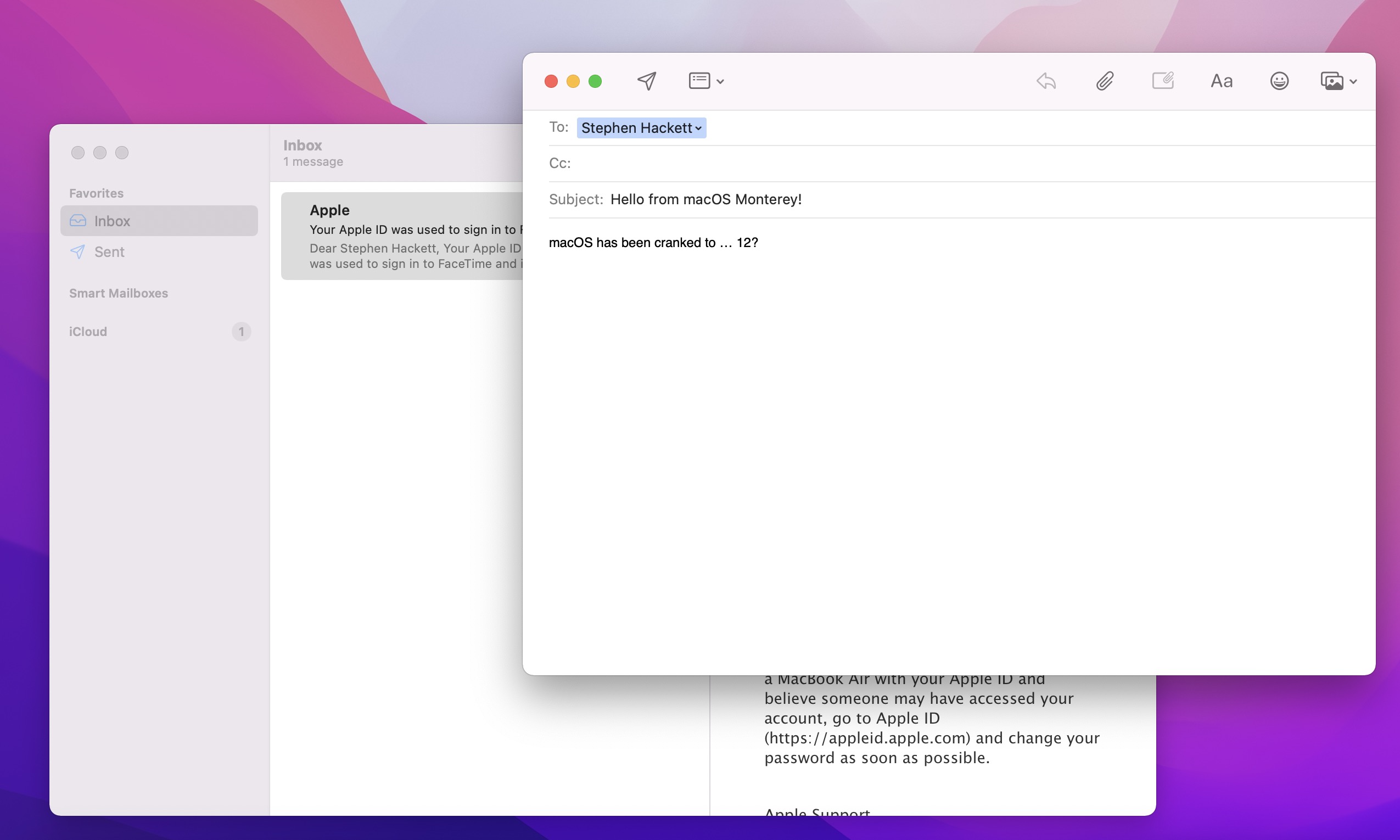
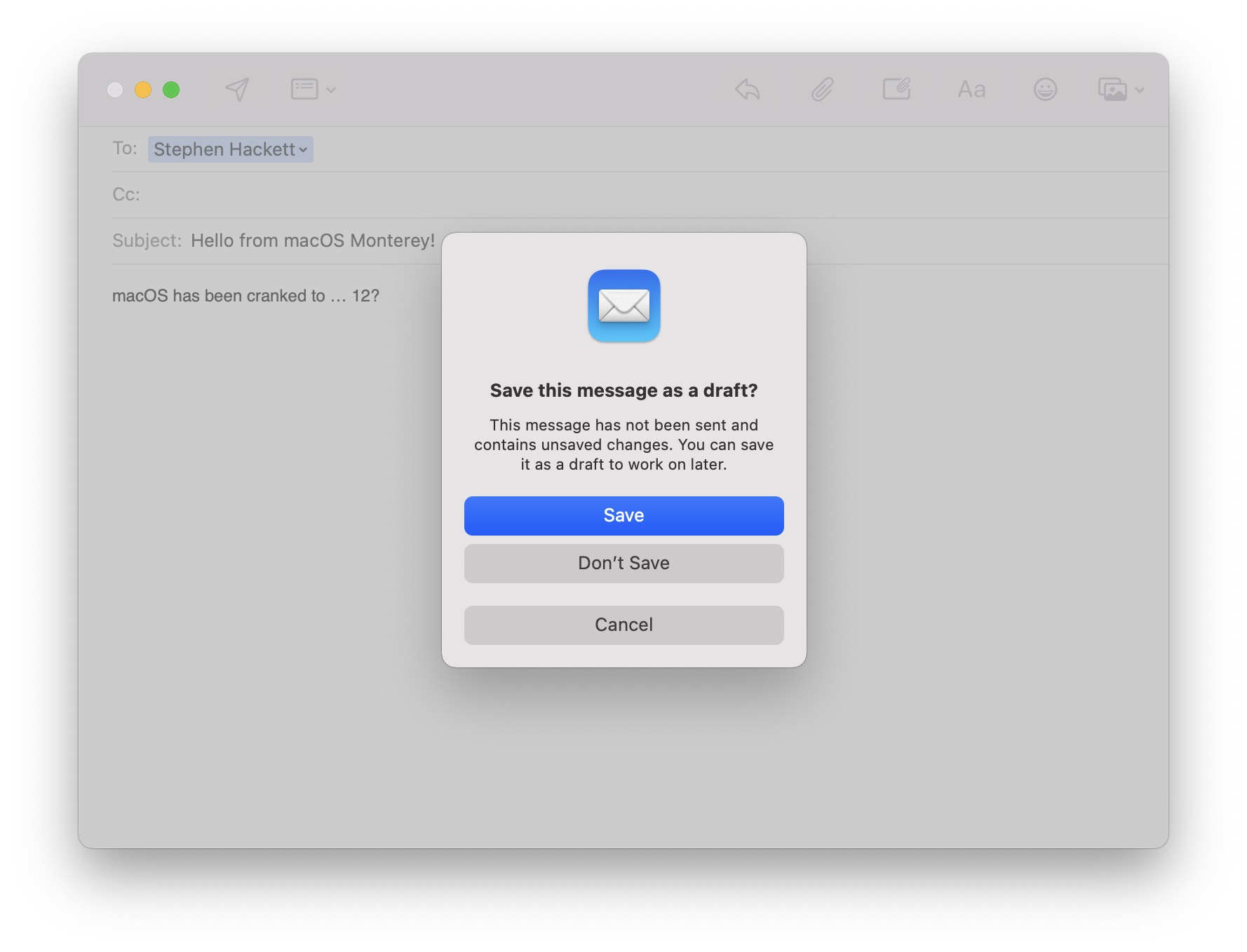
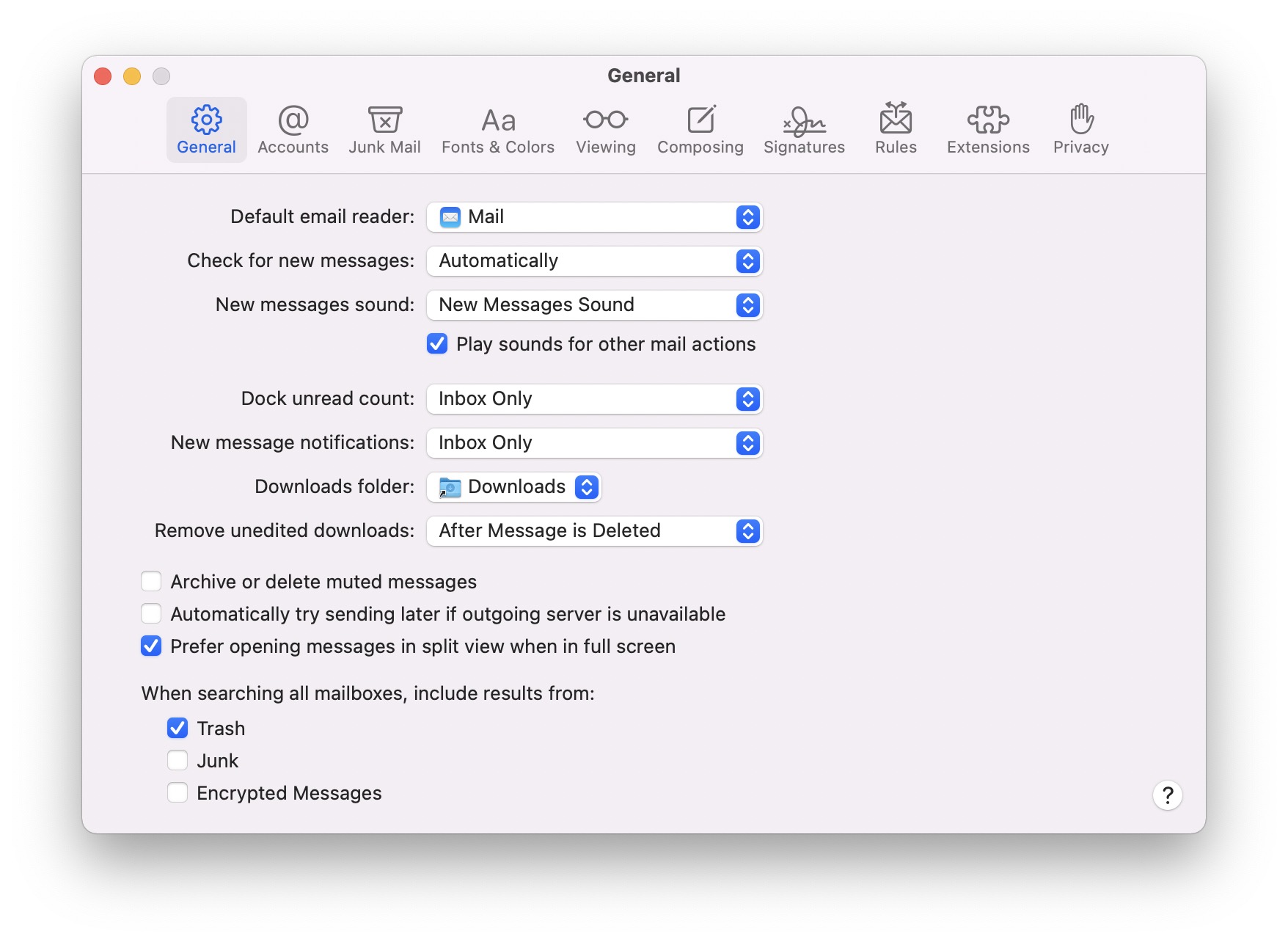

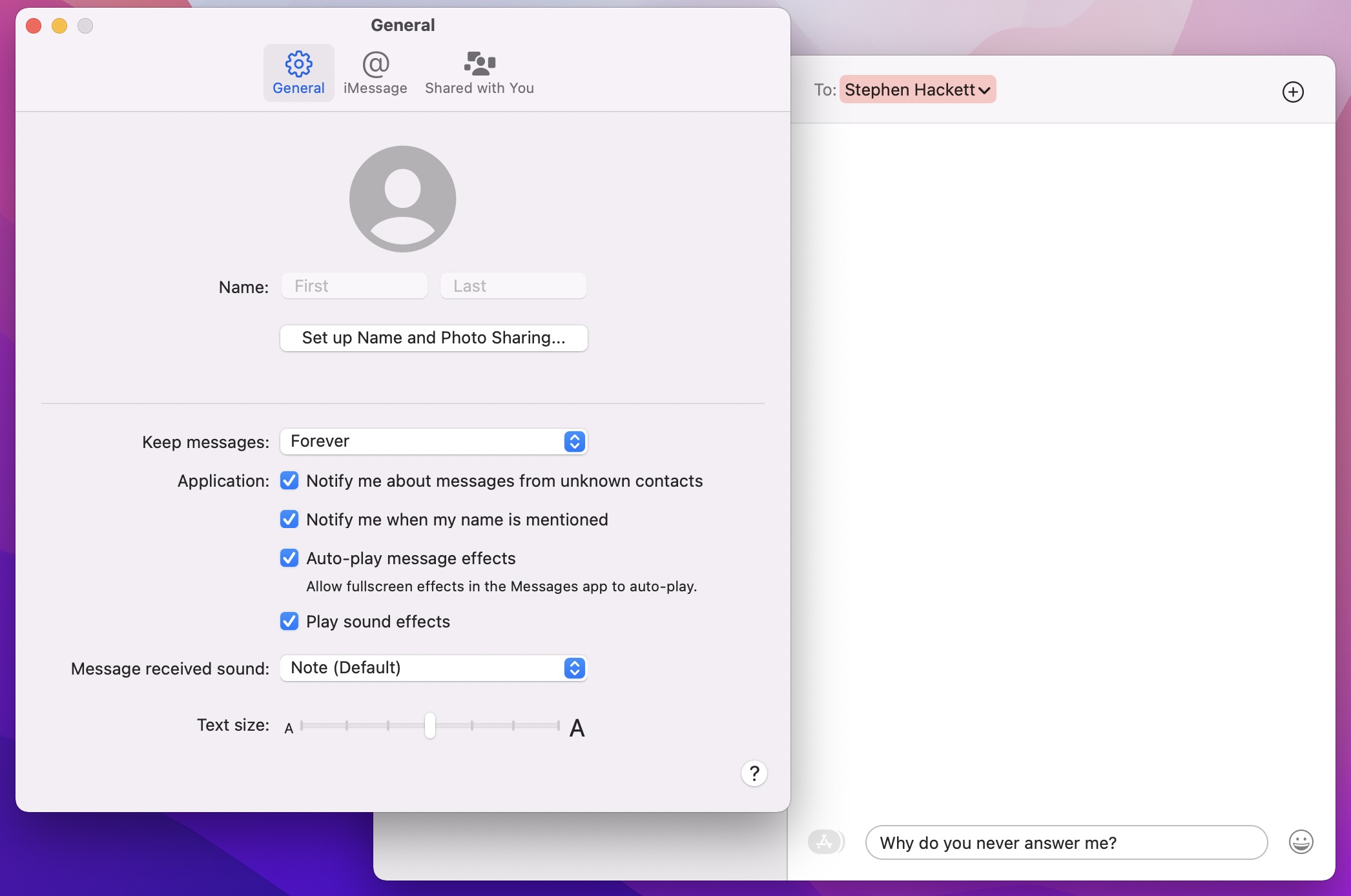
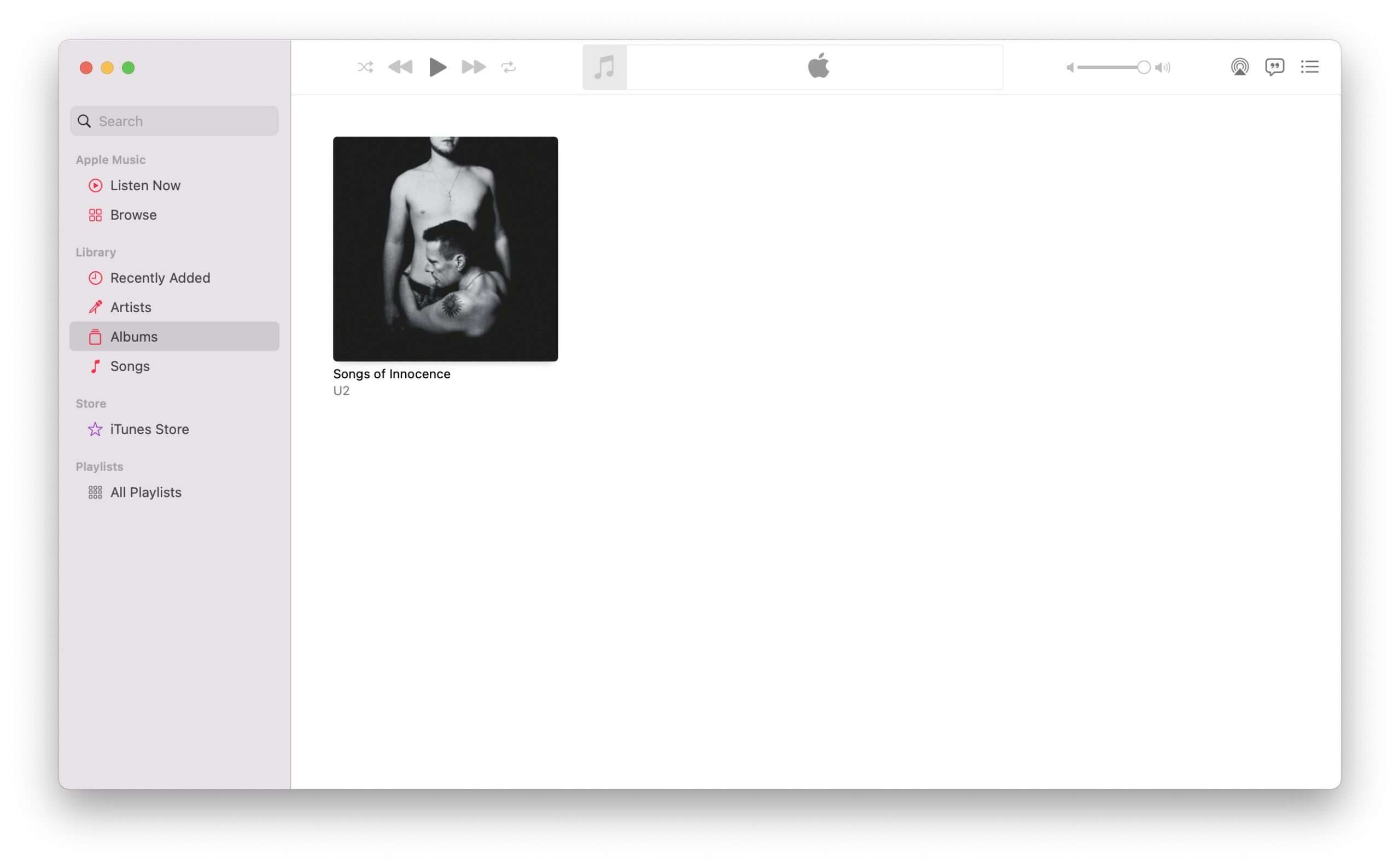

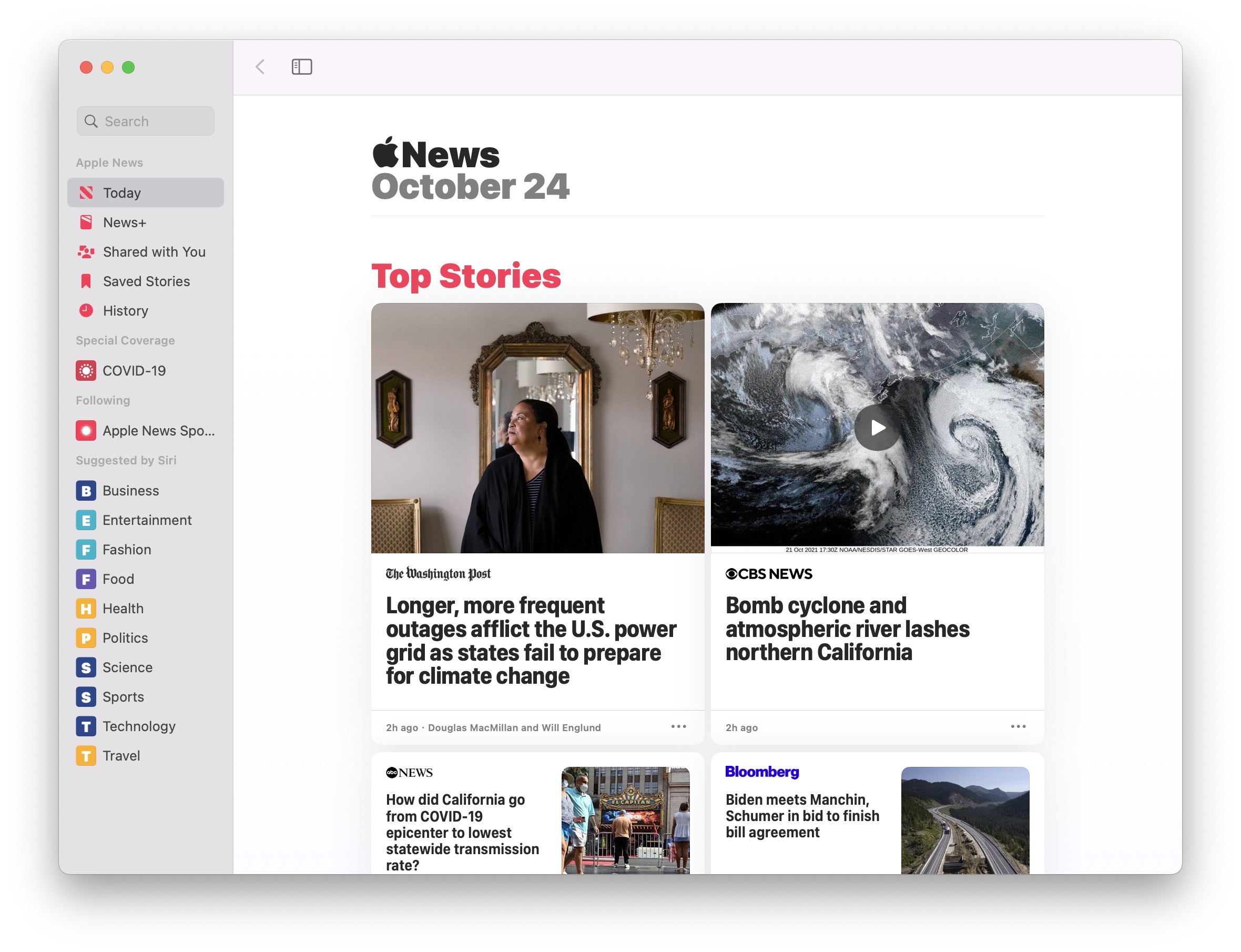
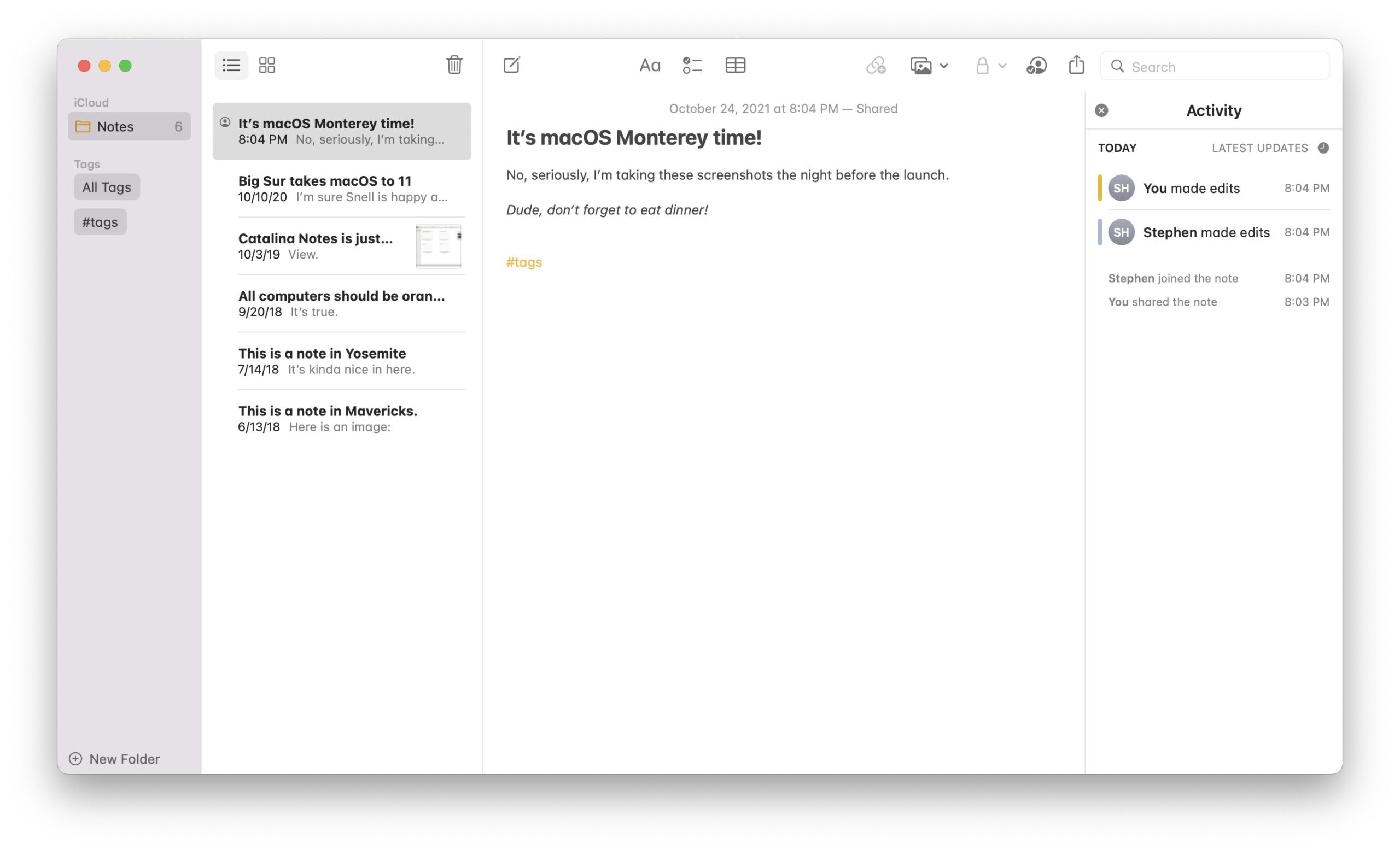



← Downgrade to macOS 11 Big Sur
View all entries in the Aqua Screenshot Library or check out OS X’s default wallpapers, updated for 6K Retina displays.