You can use a split keyboard on your iPad and move it up or down your screen to help you type.
Unless you have an 11 or 12.9-inch iPad Pro, which really bugs me. I’d love to have this on my giant iPad.

You can use a split keyboard on your iPad and move it up or down your screen to help you type.
Unless you have an 11 or 12.9-inch iPad Pro, which really bugs me. I’d love to have this on my giant iPad.
Placing a device that contains a magnet under your Mac notebook computer or on its palm rest might cause your computer to sleep.
If you try to open a PowerPC-based application, you might see a message that you can’t open the application because PowerPC applications are no longer supported. You might also see a prohibitory sign over the icon of the application in the Finder.
Contact the maker of the application for a version that is compatible with your macOS version.
In a few years, we can just swap all instances of “PowerPC” in this document with “Intel.”
The Drive button in the Open, Save, and Save As dialog boxes has been replaced by the “Desktop” button. When you click the Desktop button, you will see all of the hard disks, floppies, file servers, and folders that you have on your Macintosh desktop. To move to a specific disk, you can go directly to the disk you want, without having to move sequentially from one disk drive to the next.
macOS Mojave introduces Dark Mode, a dramatic new look that’s easy on your eyes and helps you focus on your work. Dark Mode uses a dark color scheme that works system wide, including with the apps that come with your Mac. And third-party apps can adopt it, too.
If you are running the Safari Technology Preview, you can check out 512 Pixels’ new Dark Mode theme.
If the cable from your external device doesn’t connect to the Thunderbolt 3 (USB-C) or USB-C port on your Mac or iPad Pro, you might need an adapter.
“One port will make everything easier!”
In February 2006, Apple introduced the Intel-based Mac mini (Early 2006). This model and models of Mac mini through 2009 use a different power adapter than models of Mac mini released before 2006.
The two power adapters are not interchangeable, and should only be used with the model of Mac mini they shipped with. Read on to learn how to identify which power adapter to use with each Mac mini computer.
This is incredible. via Justin Update: The page has been pulled down. My bad.
So many dead apps and services in this one.
The title is almost as long as the document itself:
iLife 05 is preinstalled on PowerBook G4 (12-inch 1.5GHz), PowerBook G4 (15-inch 1.67/1.5GHz), and PowerBook G4 (17-inch 1.67GHz) computers. However, if you ever need to reinstall certain applications from iLife 05, you can do so. When you go through the installer, you may not be able to select an individual application. (When you try to select just one application, all the applications are checked.) Simply uncheck the applications that you do not want to install.
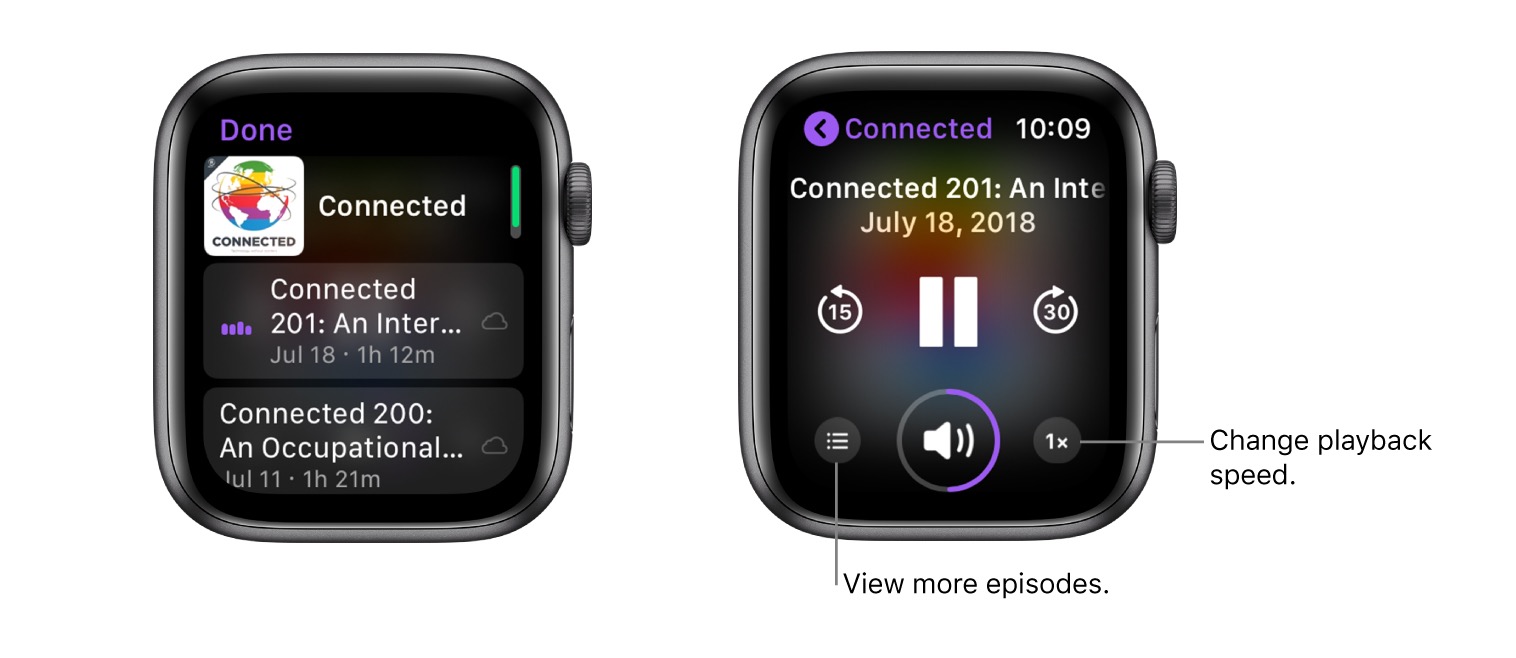
If your Apple Watch Series 3 or later is near your iPhone or connected to a Wi-Fi network (or a cellular network, for Apple Watch models with cellular), you can stream podcasts from your podcast library to your Apple Watch.
The example podcast is a pretty good one: