If you reinstall a localized version of Mac OS X on an iMac G5, Mac mini, or iBook G4, you may need to reinstall AppleWorks separately.
For more information on installing the additional applications that came with your computer, see the document called “Read Before You Install,” located on the Mac OS X Install Disc 1.
iMac G4: Fond Memories
Editor’s Note: This column was originally published in System Extension, the newsletter sent to 512 Pixels members. Learn more about the 512 membership here.
Last month marked the 20th anniversary of the iMac G4. Two decades after its introduction, this machine is still a favorite of many, many Mac fans.
I was in high school in 2002 when the iMac G4 was introduced, and really getting into the Mac for the first time, thanks to my time at the student newspaper.
When I started at the paper, we had a collection of beige Macs, including the dreaded-yet-kind-of-amazing Molar Mac. Eventually, some colorful iMac G3s showed up. These machines were already a few years old before they landed in the newspaper room, but they let us move our production to Mac OS X.
In 2003, a rare event happened — we were able to get a brand-new Mac, and we picked a 15-inch iMac G4.
Before this, the only G4 we had in the room was an original Power Mac G4, stuffed in the corner, running as a file server. As a server, we didn’t do any production work on it, despite it being the most capable machine we had for a few years.
The iMac G4 was a revelation in terms of performance. On the iMac, Adobe Distiller chewed through our QuarkXPress exports faster than I had ever seen. It ran OS X better than any G3, which in hindsight shouldn’t have been a surprise.
When we had a complex layout or Photoshop document, I’d settle in at the G4, ready to work. It became a faithful companion, forgiving of my novice skills. It got out of its own way better than any other Mac I had touched, letting me push what I was capable of in new ways.
There’s even photographic evidence of this:
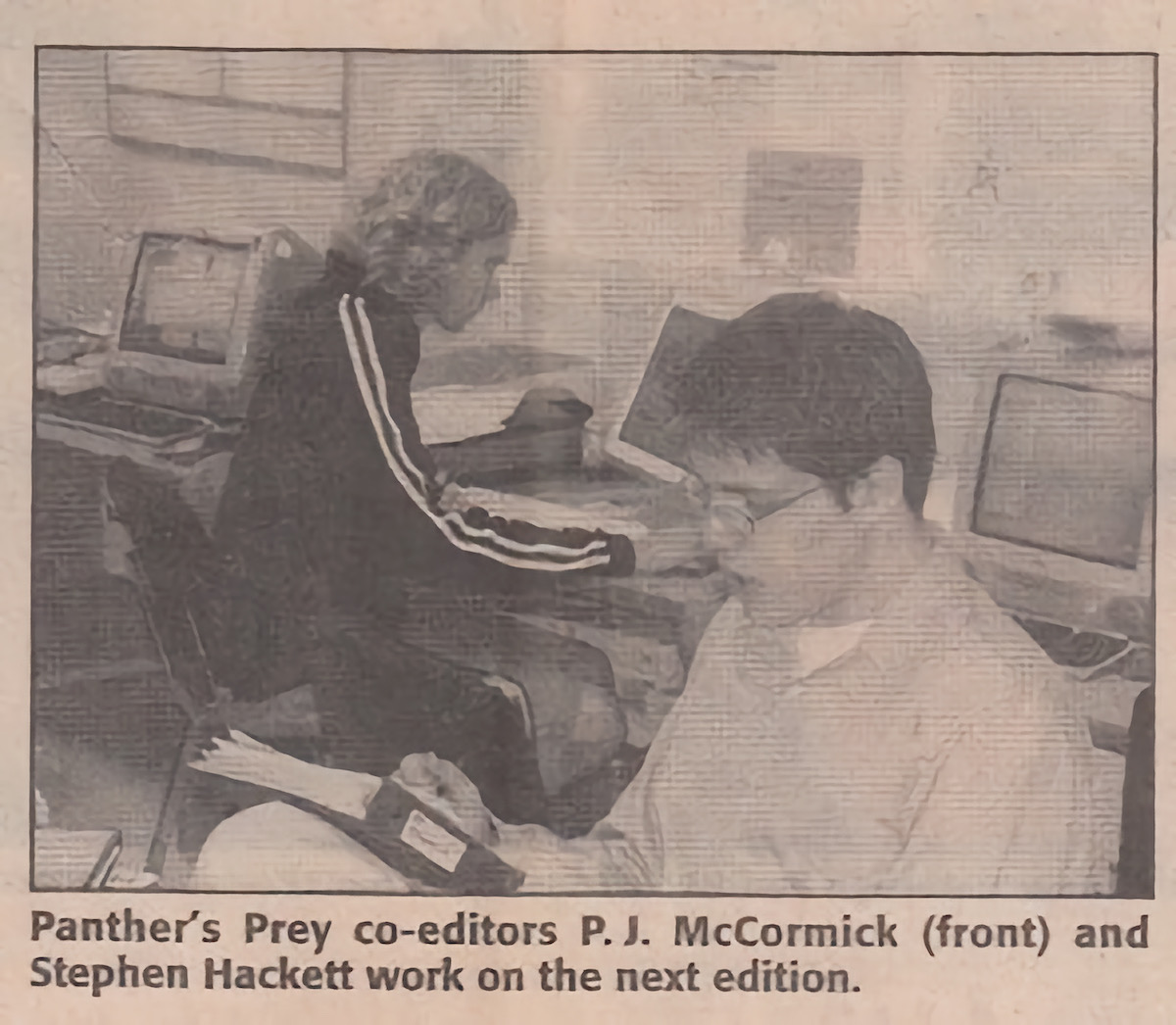
When I graduated high school in 2004 and said goodbye to the high school newspaper, I had to say goodbye to the iMac G4 as well. In college, I used a PowerBook and had a Power Mac G4 under my desk at the college student newspaper, but I missed the iMac. A few years later, I found one and it served as the media center in my wife and I’s first apartment, further cementing it as a very special Mac in my heart.
Sponsor: FastScripts 3 by Red Sweater Software ⇢
Automation on the Mac is alive and well and FastScripts 3 from Red Sweater makes it easy to organize and run your favorite scripts.
With FastScripts you can set up powerful keyboard shortcuts to run your scripts, or select and run your scripts from a menu bar icon. The app supports AppleScript, Automator, and shell scripts including Ruby, Python, or anything else you can cook up! Version 3 is a major upgrade that brings powerful new features supporting parallel script execution, a streamlined in-menu search function, and progress reporting.
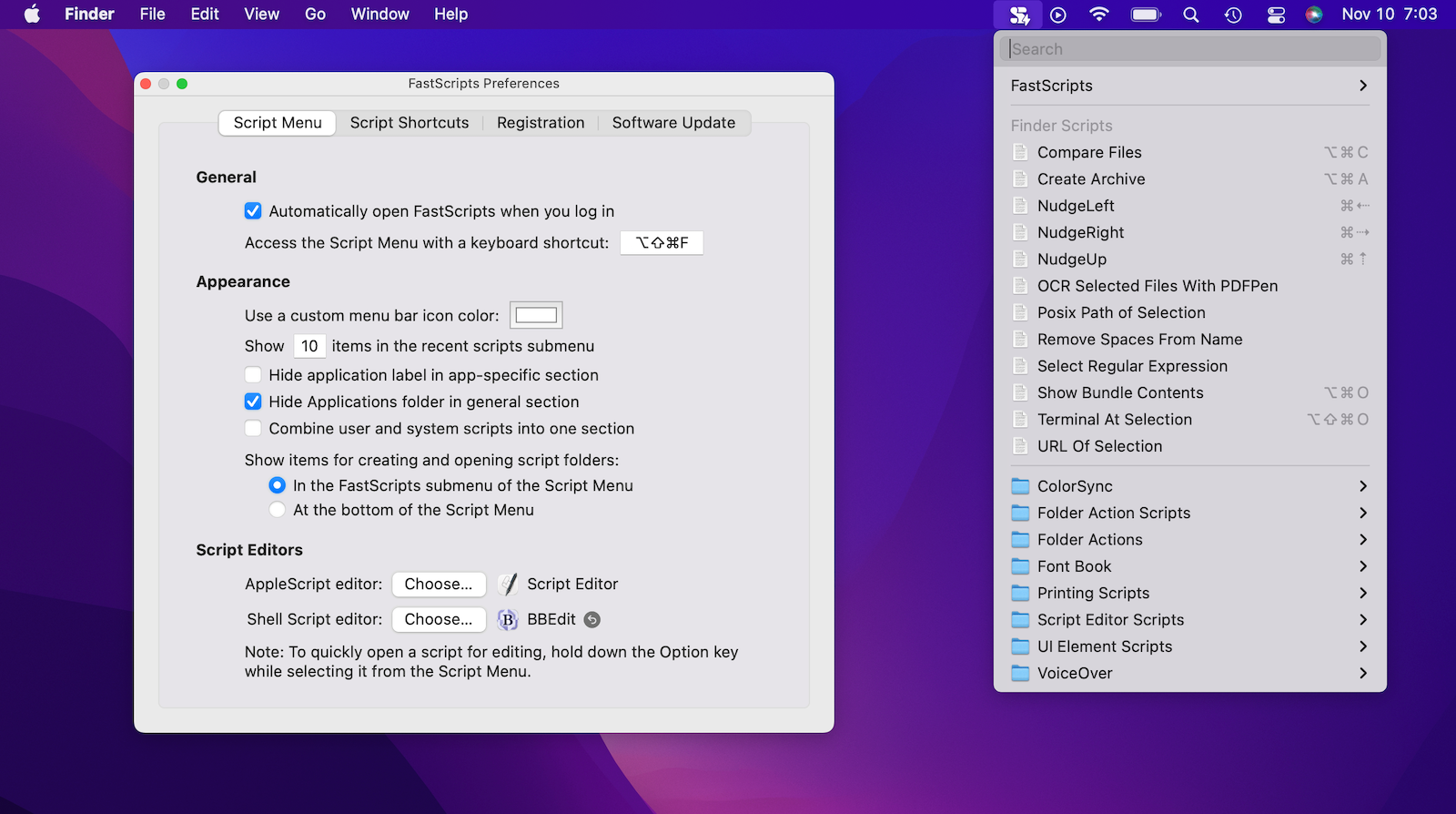
John Gruber of Daring Fireball describes FastScripts as a “Hall of Fame Mac utility,” and says that “anyone who uses scripting on their Mac should be using FastScripts.”
FastScripts is free to download, offering a free 14-day trial with all premium features enabled. When the trial is over you can continue using it for free with some features disabled, or pay a one-time fee of $39.95 to unlock everything for good.
FastScripts has been revered by automation experts and the merely automation-curious for almost 20 years. See what all the fuss is about and download it today.
Apple Raising Pay in Retail Stores ⇢
Mark Gurman, writing at Bloomberg:
Apple Inc. is bumping the pay of many U.S. retail employees in the face of a tightening tightening labor market, inflation woes and complaints from some staffers about working conditions during the Covid-19 pandemic.
The raises, which have ranged from 2% to 10% depending on store location and role, are going to salespeople, Genius Bar technical support staff and some senior hourly workers, said the people, who asked not to be identified because the matter is private. The increases don’t apply to all employees, and not all stores have been notified of the changes yet.
This is a great start, but Apple should raise pay across all of its retail positions, not just the fancy ones. Being on the sales floor at an Apple Store is a hectic job, with or without a pandemic.
Coherence X4 ⇢
My thanks to the folks behind Coherence X4 for sponsoring the site this week. Coherence X4 allows you to turn any website into a chromium-powered app on your Mac. Simply pick a site, enter a name, and pick an icon, and Coherence will turn the app into an isolated application separate from your main browser. Readers get 20% off this week when you purchase Coherence X4 or when you use the promo code 512Pixels at checkout.
James Webb Telescope Sees Its First Star Light ⇢
Alise Fisher, writing on the JWST blog:
The James Webb Space Telescope is nearing completion of the first phase of the months-long process of aligning the observatory’s primary mirror using the Near Infrared Camera (NIRCam) instrument.
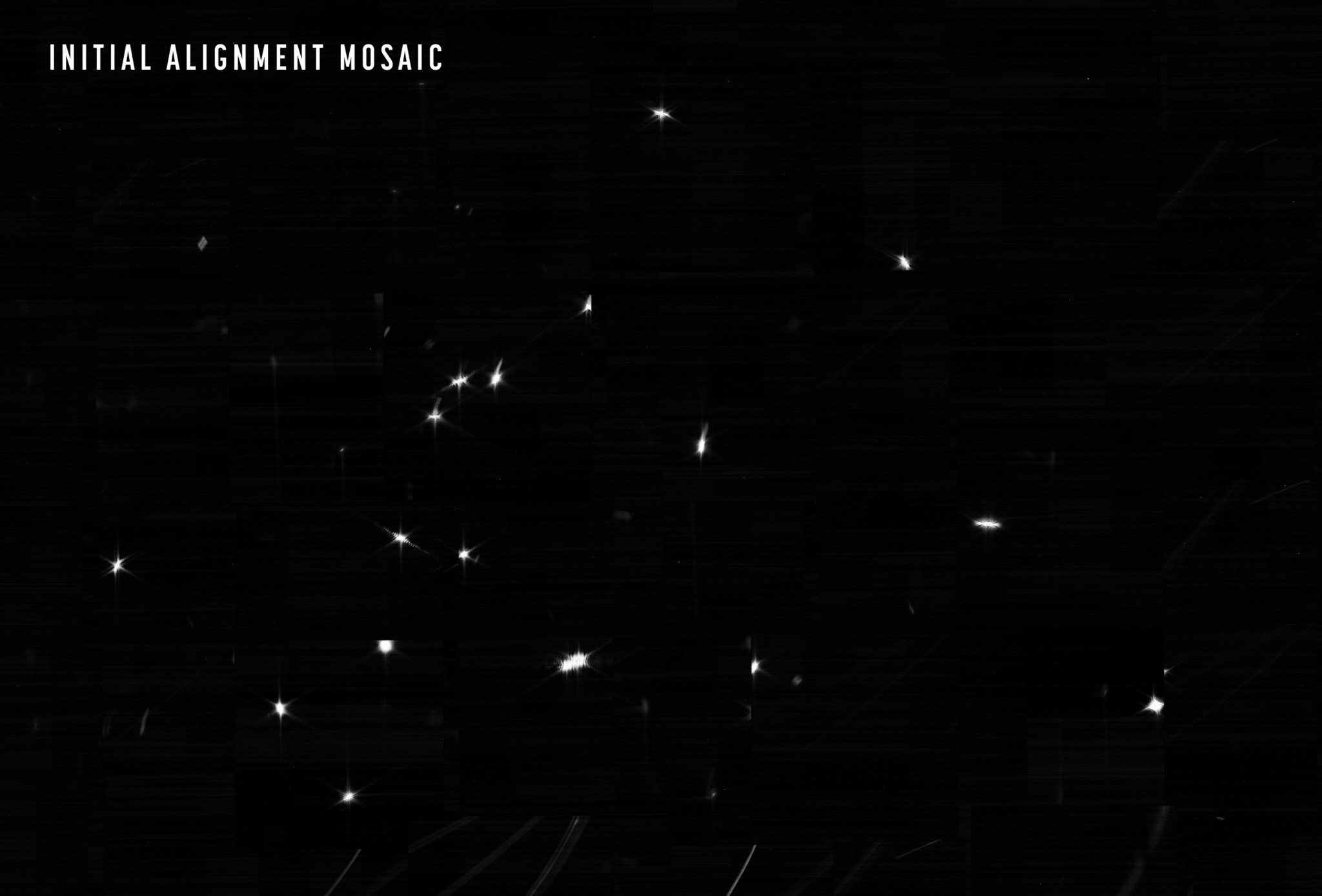
The team’s challenge was twofold: confirm that NIRCam was ready to collect light from celestial objects, and then identify starlight from the same star in each of the 18 primary mirror segments. The result is an image mosaic of 18 randomly organized dots of starlight, the product of Webb’s unaligned mirror segments all reflecting light from the same star back at Webb’s secondary mirror and into NIRCam’s detectors.
What looks like a simple image of blurry starlight now becomes the foundation to align and focus the telescope in order for Webb to deliver unprecedented views of the universe this summer. Over the next month or so, the team will gradually adjust the mirror segments until the 18 images become a single star.
It doesn’t look like much, but this is the first step in what should be an amazing set of discoveries:
Apple Announces AirTag Changes ⇢
Apple’s AirTags have been at the center of numerous stories of unwanted tracking over the last year, making a statement like this feel inevitable:
We’ve become aware that individuals can receive unwanted tracking alerts for benign reasons, such as when borrowing someone’s keys with an AirTag attached, or when traveling in a car with a family member’s AirPods left inside. We also have seen reports of bad actors attempting to misuse AirTag for malicious or criminal purposes.
Apple has been working closely with various safety groups and law enforcement agencies. Through our own evaluations and these discussions, we have identified even more ways we can update AirTag safety warnings and help guard against further unwanted tracking.
Time will tell if this is enough to solve the problems caused by technology like AirTags. For all the good they brought into the world, AirTags have brought quite a bit of bad as well.
Connected #384: A Very Well-Known Ophthalmologist ⇢
After talking about pen podcasts and the biting lip emoji, Federico, Myke and Stephen give each other a tour of their smart home setups.
Kbase Article of the Week: iCal: To Do Items Synced with Nokia N70 Phones Remain “Completed” ⇢
Nokia N70 phones have a “Mark as not done” option for To Do items. If the “Mark as not done” phone option is used on a synced iCal To Do item whose status is “completed,” the status will not change in iCal.
Apple’s solution was … less than helpful:
Change the “completed” status of To Do items in iCal instead of on the phone.
Information about products not manufactured by Apple is provided for information purposes only and does not constitute Apple’s recommendation or endorsement. Please contact the vendor for additional information.
The Six Colors Report Card for Apple’s 2021 ⇢
It’s always fun to part in this, and to read what others in the field think about Apple’s previous year.
Update: Don’t miss the follow-up post with charts!
Sponsor: Coherence X4 ⇢
Coherence X4 allows you to turn any website into a chromium-powered app on your Mac. Simply pick a site, enter a name, and pick an icon, and Coherence will turn the app into an isolated application separate from your main browser.
Unlike resource hogging Electron apps, Coherence apps are fully powered and completely customizable. You can use the vast majority of Chrome extensions, customize app assets, and even use features like whitelisting to turn websites like Gmail into an email client that will bump links to your default browser.
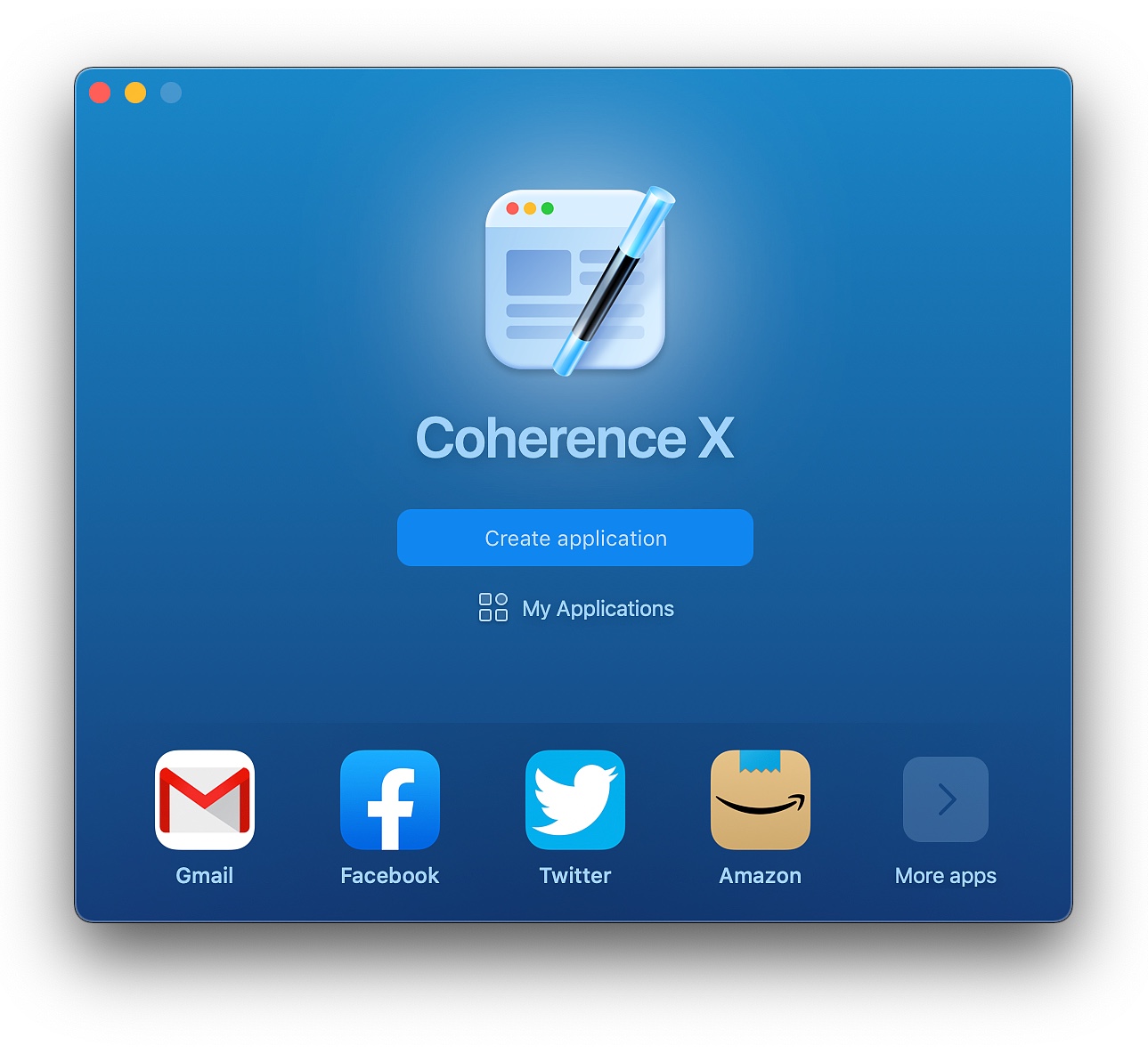
Coherence X4 includes a number of significant new features, including:
- Microsoft Edge & Opera Support: You should never be forced to give your data to someone you don’t want to. In addition to Chrome, Canary, and Brave, X4 adds support for Edge and Opera.
- Incognito apps – You can now combine the isolation benefits of Coherence with the privacy benefits of Incognito. Incognito apps always launch in Incognito, and will clear your data between sessions.
- Quick Resume – Coherence X4 is the first Chrome-based SSB tool that behaves like a Mac app should. If you ever close a window in Coherence, it will return to where you left off when you click on the dock icon, as opposed to requiring a restart.
- App Library – A new way to quickly install apps and manage created ones.
- M1 – Coherence X4 is the first Chrome-based SSB tool built for M1.
You can use Coherence to do things like:
- Create a Google Drive app that works as well as Chrome without having to use Chrome as your default browser
- Create a desktop app for Roam Research, Microsoft Teams, Zoom, or Google Meet
- Make a customizable app for Slack, Whatsapp, or any other electron-based app with the ability to add extensions or customize
- Create isolated, incognito workspaces for multiple sites like your banking applications or email and messaging.
Readers get 20% off this week when you purchase Coherence X4 or when you use the promo code 512Pixels at checkout.
Mac Power Users #626: It’s Like Two Dozen Calendars ⇢
In this feedback episode, David and I revisit Dropbox, photo management, calendar sets and more. More Power Users members will enjoy an ad-free show with an added segment in which I talk to Sparks about the first month of his post-legal career and how MacSparky Labs has gone so far.