This week on Mac Power Users, David and I chat with John Soliman, a 2nd Assistant Editor at Pixar about his workflows and how collaboration works at the studio.
The Prince Disk ⇢
Drafts ⇢
Drafts is the best way to get things out of your head. It lets you quickly jot down ideas in a trusted capture system and then hone your text in a familiar, customizable editor for output to just about any other app or service.
Try it free today on iPhone, iPad, Mac, and Apple Watch!
My thanks to Drafts for sponsoring the site this week!
Connected #375: Scatter My Content to The Sea ⇢
Federico and Stephen are joined by John Voorhees to talk about the future of Craft and note-taking apps in general. The next wave of Apple silicon Macs is also discussed, as are vintage products the company should bring back with a modern twist.
A big thanks to John for joining us this week. For a nemisis, he’s not too bad.
Video: Ranking Apple’s Products (December 2021) ⇢
Had you forgotten Apple is still selling the iPod touch?
Kbase Article of the Week: How to Fix a Split Fusion Drive ⇢
If your Fusion Drive appears as two drives instead of one in the Finder, it’s no longer working as a Fusion Drive. Here’s how to fix it.
Fusion Drive, a storage option on some iMac and Mac mini computers, combines a hard drive and flash storage in a single volume for improved performance and storage capacity. If your Fusion Drive appears as two drives instead of one in the Finder, it’s no longer working as a Fusion Drive. This can happen after replacing either drive of your Fusion Drive, or using software to intentionally split them into separate volumes.
You can continue using the two drives independently, or follow these steps to regain the benefits of having the single logical volume of a Fusion Drive.
It’s hard to believe that Apple relied on the Fusion Drive for as long as it did — especially in the iMac. In hindsight, it’s clearly such a weird bridge between two eras of technology.
Sponsor: Drafts, Where Text Starts ⇢
Quickly jot down ideas in a trusted capture system. Hone your text in a familiar, customizable editor. Output your text to a practically unlimited number of other apps and services through powerful actions. All the while, Drafts’ fast iCloud sync keeps all your text handy across all your devices.
It is your Swiss Army knife for text on Apple platforms.
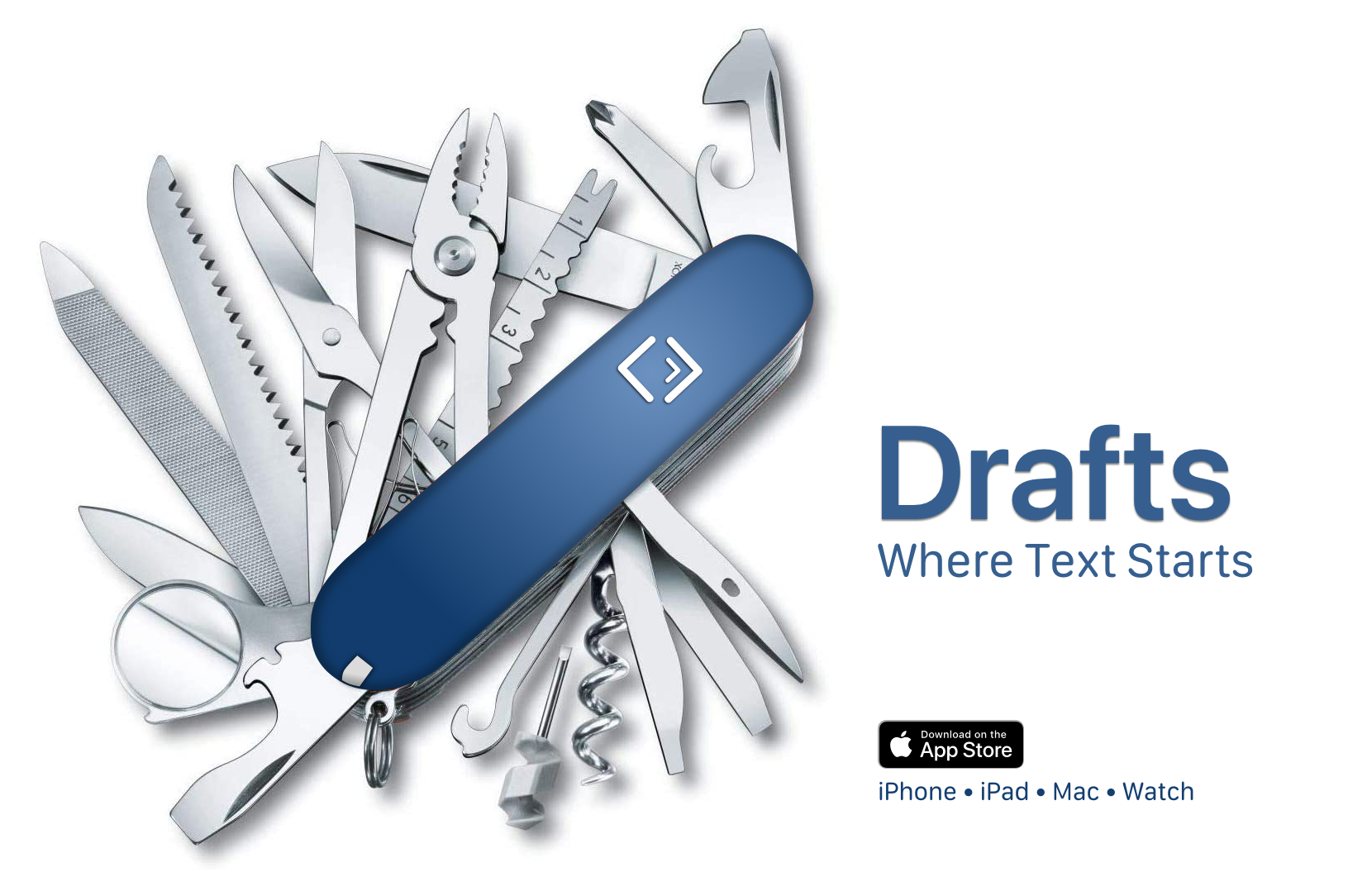
Once you capture text, Drafts provides powerful, extensible tools to process it and send it out to other services like task managers, messages, email, files, and more.
Don’t let that next great idea slip away; start capturing it with Drafts today!
On Apple Watch Bands ⇢
Apple’s VP of Product Marketing Stan Ng, and Evans Hankey, Apple’s VP of Industrial Design, have spoken with HYPEBEAST about the Apple Watch’s band system. It’s a fun look at what has turned into a whole world of products unto itself.
Mac Power Users #617: Back in Whack ⇢
This week’s Mac Power Users is a very special one:
David and Stephen are joined by Apple’s Jeremy Butcher to discuss the company’s new Business Essentials program.
Then, the guys revisit iCloud storage management, clipboard apps and email providers. USB-C hubs and migrating to an Apple silicon Mac are also discussed.
I really enjoyed getting to chat with Jeremy about Apple Business Essentials, but if I have to install another clipboard manager, my Mac may explode.
The Applaudables ⇢
Get 12 award-winning Mac apps for up to 78% off for a limited time at The Applaudables. My thanks to the Applaudables for sponosring 512 Pixels this week.
The Gemini ⇢
Well, this thing is on my Apple collection wishlist now:
Connected #374: Myke’s Advocate ⇢
Myke is on vacation, so Federico and Stephen are finally free to talk about the Mac and AirPower. Then, a Q&A session for the ages.
I miss him, but we sure had a lot of fun at his expense without Myke.