Myke is on vacation, so Federico and Stephen are finally free to talk about the Mac and AirPower. Then, a Q&A session for the ages.
I miss him, but we sure had a lot of fun at his expense without Myke.
Myke is on vacation, so Federico and Stephen are finally free to talk about the Mac and AirPower. Then, a Q&A session for the ages.
I miss him, but we sure had a lot of fun at his expense without Myke.
The future of the International Space Station is the topic of a new report, all while the SLS inches closer to its first launch. Also: DART is on its way to a celestial crash and a spacewalk has been delayed thanks to debris from the recent Russian ASAT test.
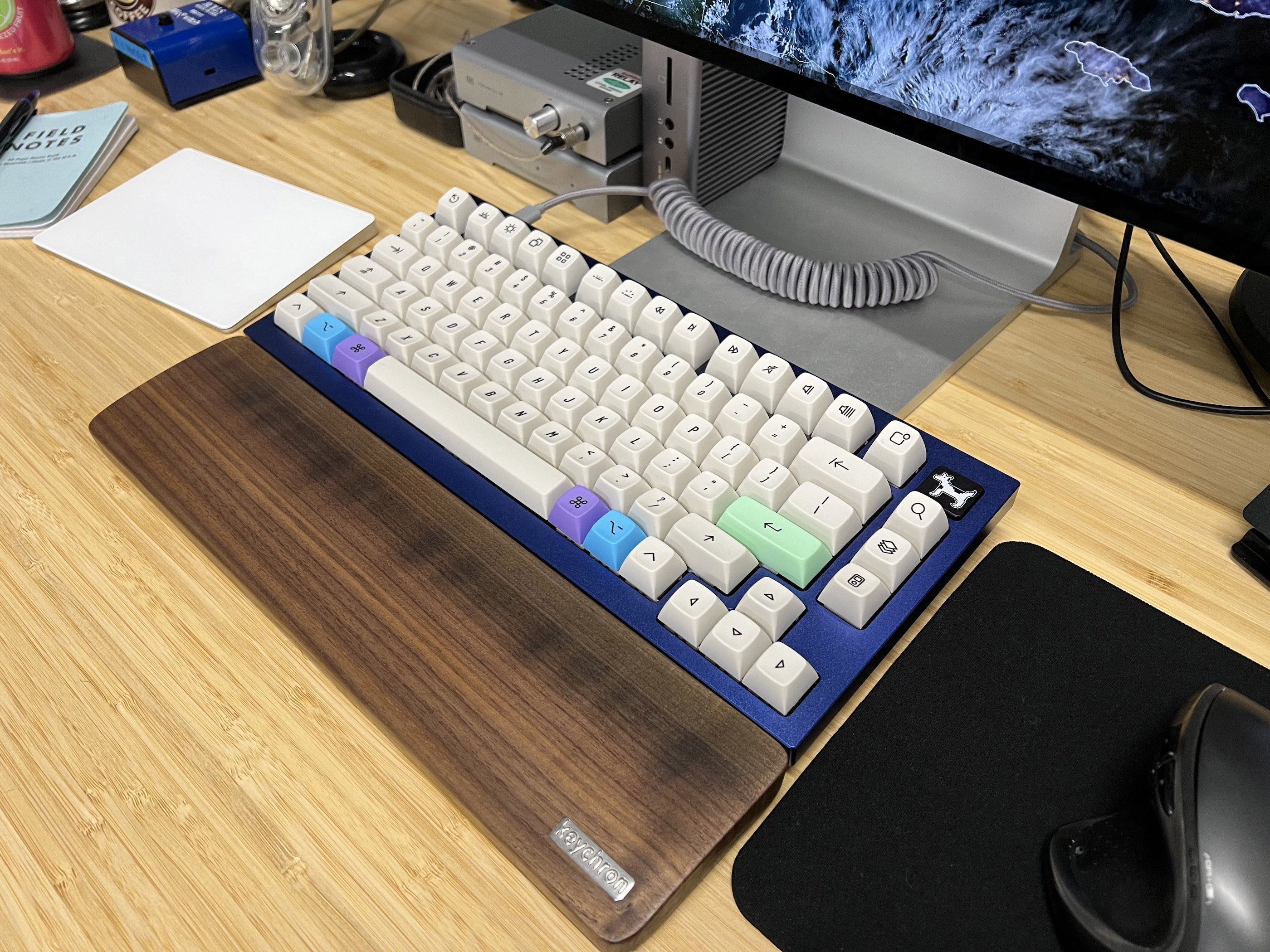
Myke Hurley has been big into mechanical keyboards for over a year now, and we finally got together to build me my first custom keyboard. I have to say, I love how it turned out:
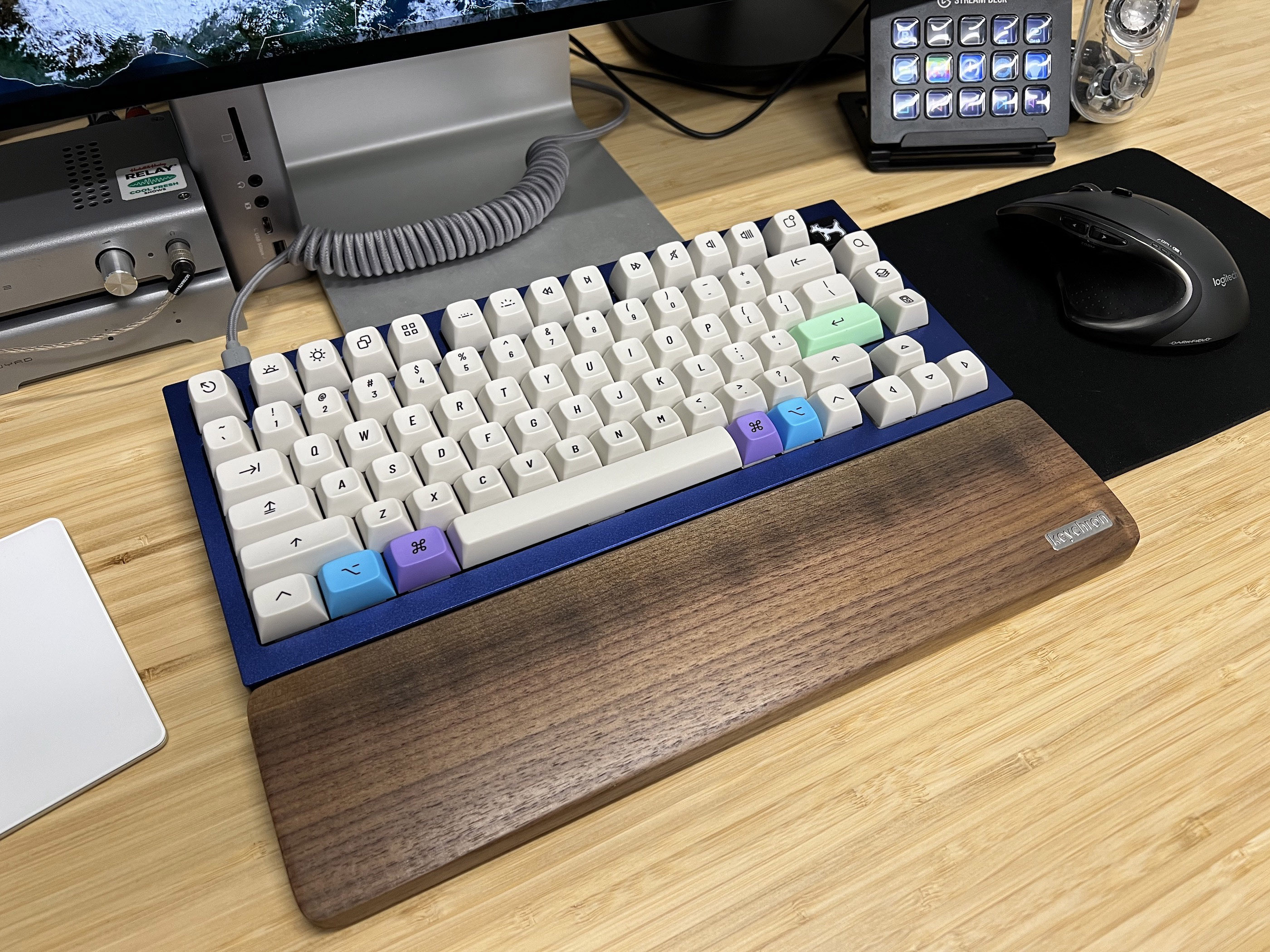
I started with the new Keychon Q1 in Navy Blue. To that, I added a full set of NovelKeys_ Silk Red switches. I was worried about how much force the keys would take to press, but these linear switches may be too light. I just have to brush a key for it to register, so I may end up swapping in something more robust.1
The real treasure here is the keycap set. As you can see, it has a real vintage Mac feel, which is what attracted me to them. The set is the Drop + biip MT3 Extended 2048, which is somehow in stock as I write this. I’m using a mix of regular and colorful modifier keys:
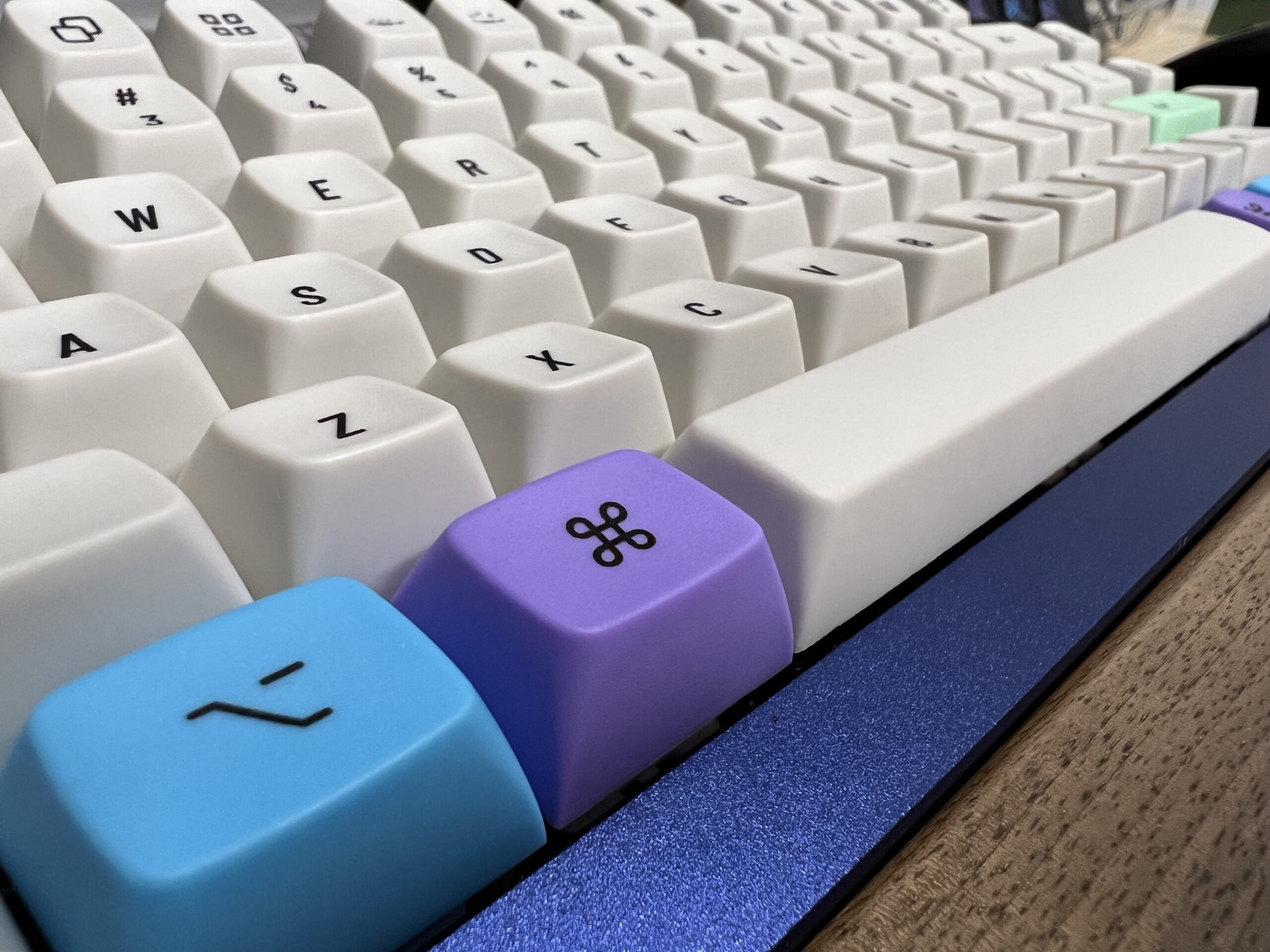
When we first built this, I was using more of the colorful modifiers, but in practice, they were a bit distracting, so I’ve opted to keep everything beige except Option, Command and Return. One word of warning: if you order this keycap set, the Accent Modifier kit doesn’t include all the modifier keys, so you need the beige set as well. This left me with a lot of extra keys, but I suppose that’s the price of having something so perfect on my desk.
An article releated to yesterday’s video:
On your Mac, use the Spoken Content pane of Accessibility preferences to customize the system voice, be notified when an alert or app needs your attention, and set other options for content your Mac can speak aloud.
The Mac has been able to speak since its introduction, and today the feature is core to the Accessibility story for macOS. However, some of the voices available today are straight from the classic Mac OS. In this video I compare some examples from Mac OS 9 with some from macOS Monterey:
The Applaudables is a new, limited-time bundle featuring twelve award-winning apps — from promising debutants to all-time classics — that truly bring new magic to your Mac.
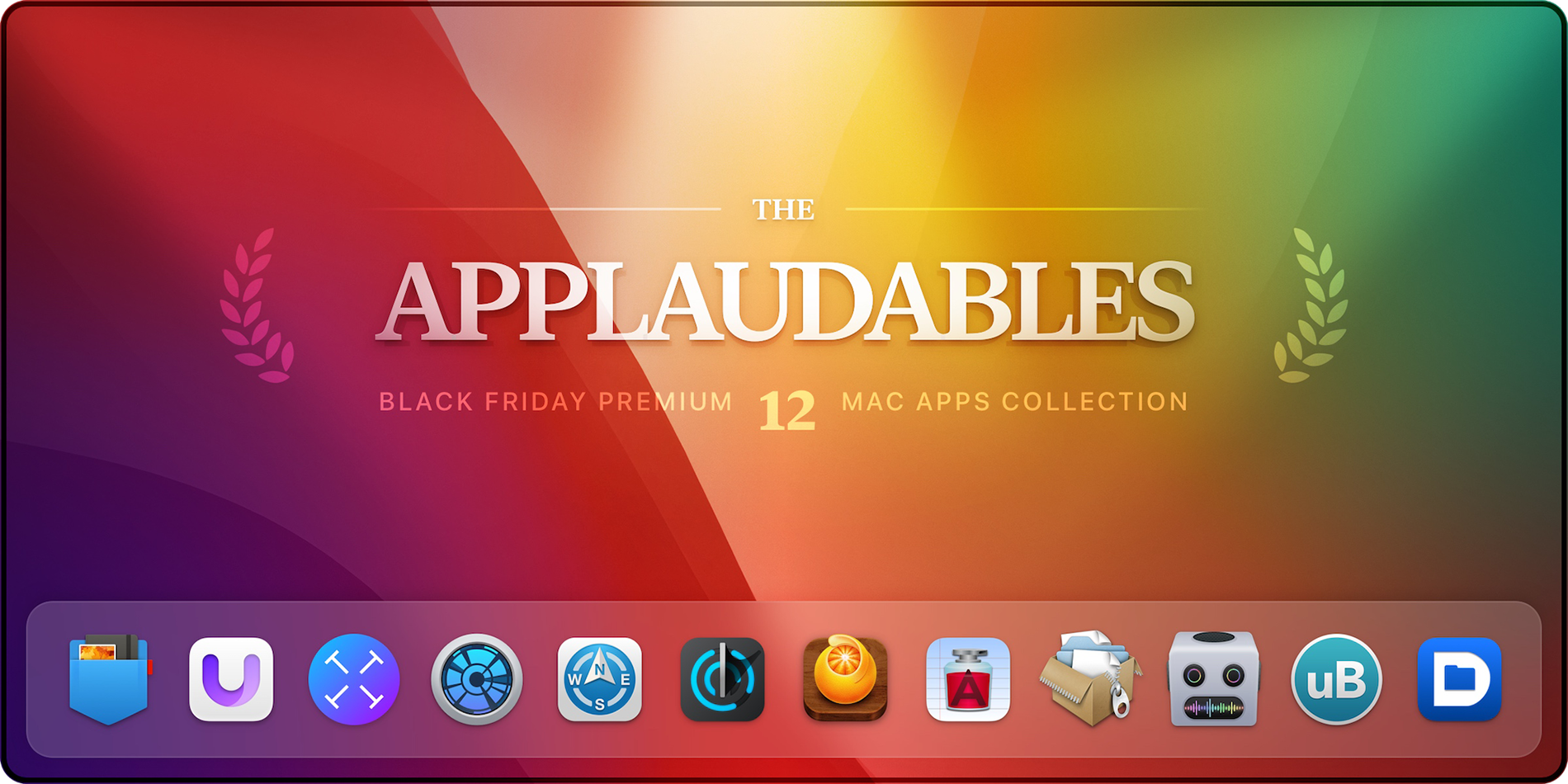
The bundle includes:
512 Pixels readers can get any of these apps for 50% off, or the entire bundle for just $75 USD (78% off)! But hurry, this offer is only available for a limited time.
This week, our pal Daniel Jalkut drops by Mac Power Users to talk about his indie development career, the new MacBook Pro and the many options developers face when picking a method for writing a macOS application.
Federico and Myke are joined by alternating members of the Hackett family. Beats are reviewed and thanks are given.
(Please rate and review the show.)
Is there a single support document that more Mac nerds want to be updated than this one?
Join me tomorrow at 2 PM Eastern as I unbox some old Macs I received over the summer. I didn’t get a chance to open them as they came in, so I’m not sure what I even have, so this should be an adventure.
This week on Mac Power Users, David and I explore some of the best options when it comes to supercharging the copy and paste game, both on the Mac and even mobile devices like the iPad and iPhone. There are some exciting software titles in this space, and I’m glad we took them for a spin in this episode.
It’s that time of year again, so if you have people in your life like me, here are some gift ideas that may prove helpful: