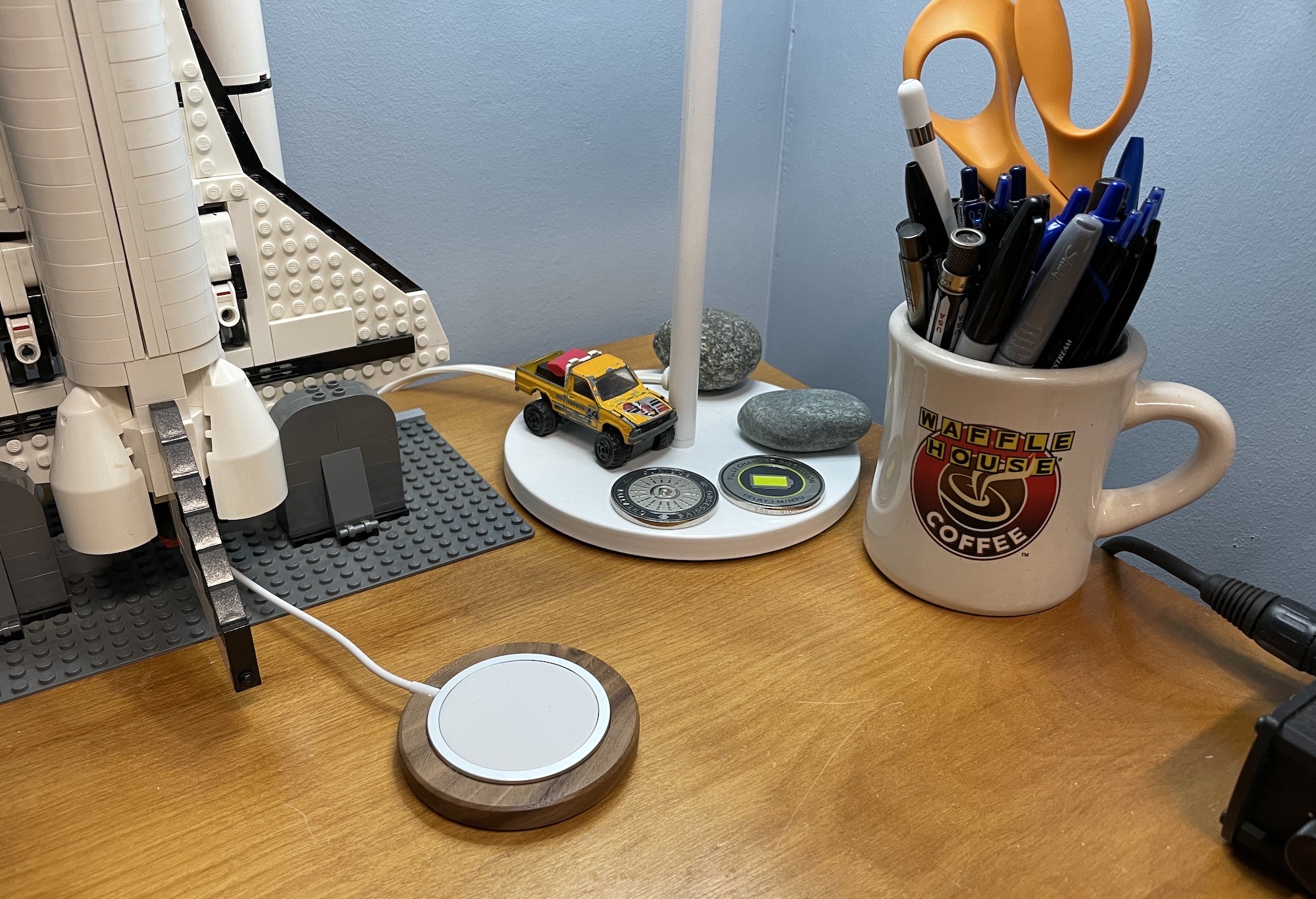
Walnut, round and smooth,
keep my MagSafe puck in place
and my phone alive.
Your grabby pad means
no more chasing it around
my desk and my life.
Walnut, round and smooth,
keep my MagSafe puck in place
and my phone alive.
Your grabby pad means
no more chasing it around
my desk and my life.
Since … forever … Apple has offered standalone installers for OS updates. This would allow someone to install an older build of any given particular release of macOS, then run one update to catch up:
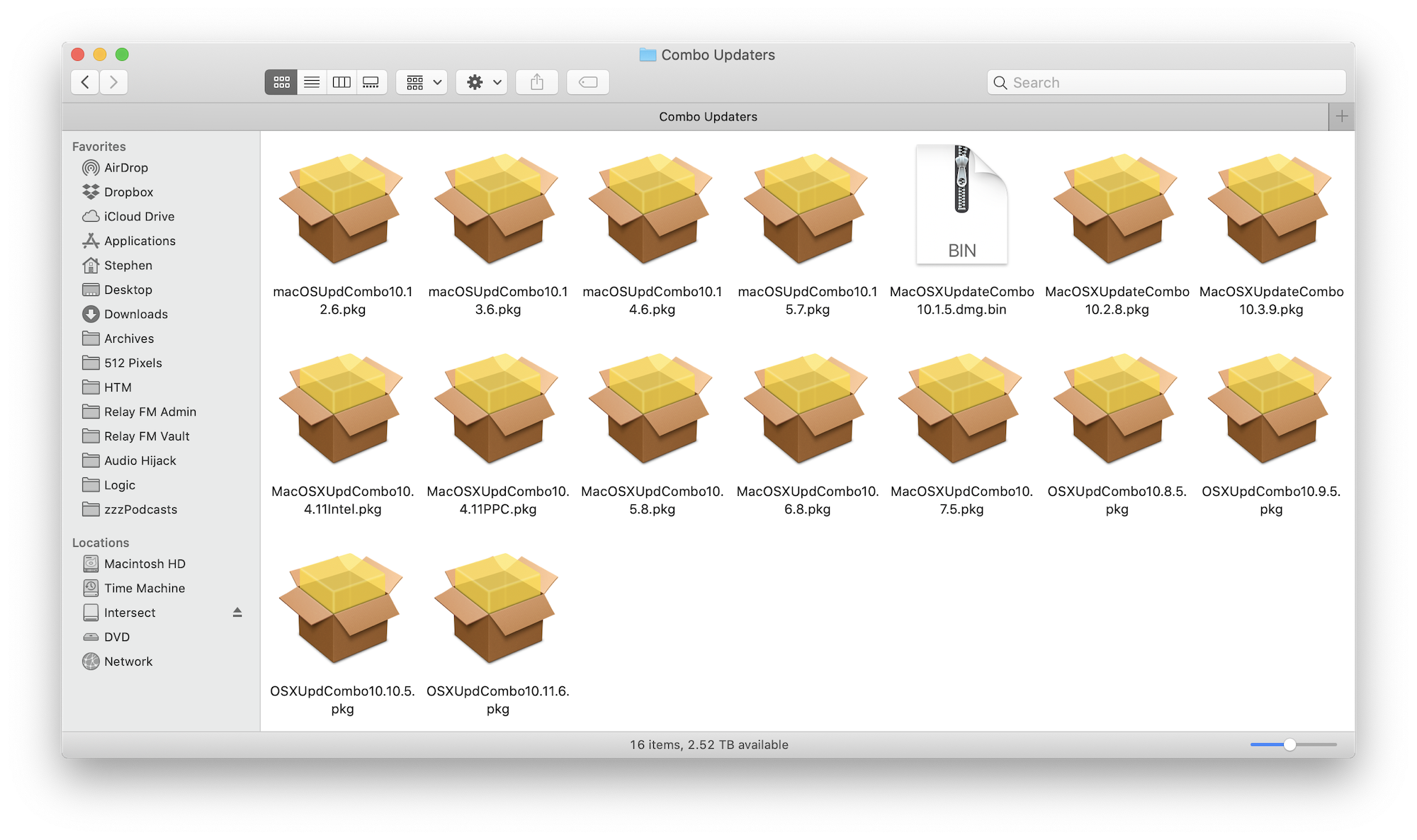
These packages were also very useful while troubleshooting, and could often be used to fix software issues that didn’t require a full reinstall.
If you’ve noticed that I’m writing in past tense, it’s for a reason, as Howard Oakley writes:
Apple released macOS Big Sur 11.1 on 14 December. Although yesterday it finally posted standalone installers for the two concomitant security updates to Catalina and Mojave, no standalone updaters for Big Sur have appeared yet. Neither has it made available a standalone updater for macOS 11.0.1, which was released over a month ago.
Unless a strong case is made for the reinstatement of standalone installer versions of Big Sur updates, it’s most likely that none will be provided for download – as has already happened with the 11.0.1 and 11.1 updates.
I truly hope that this is just a temporary oversight, and that the Combo Update lives on in the macOS 11 era. I fear that I am going to be disappointed.
Timothy Buck has a new app out that makes it easy to monitor and manage fitness progress over time. It makes seeing this information much, much easier than anything Apple’s Health app has to offer.
The AirPods Max have arrived in Memphis, London and Rome, so the guys give their impressions of Apple’s newest product after talking about iOS 14.3, the post office and more.
My thanks to our sponsors:
On the final episode of the year:
You get a sample return; you get a sample return; you get a sample return!
In other news: SN8 had a rough landing, SpaceIL is getting back on the horse and NASA has unveiled more Artemis plans.
My thanks to our sponsor:
It’s important to understand ProRAW and when to use it. ProRAW is not simply a magic switch you can flip on to make your photos better. In fact, the non-ProRAW file initially looks much better than the ProRAW file, so shooting ProRAW really only makes sense if you intend to spend the time fine-tuning the image in post.
I suggest turning on ProRAW when you are shooting in extreme conditions of any kinds (extremely low light, extremely high dynamic range with super bright highlights and dark shadows, mixed light temperatures, and so on). Also, use ProRAW if you plan on enlarging the images (on screen or in print).
When your Navy drone runs away, calling the Air Force isn’t always the best idea.
What do you do when life gives you a bunch of lemons in the form of Lisa computers you can’t sale? Rebadge them and slap some janky software on them!
BRB, wrapping up my Tacoma and parking it for the next 25 years.
I’m excited about this service, and Justine’s look at it has only made me more so:
iOS 14.3, watchOS 7.2 and tvOS 14.3 are rolling out now with support for the new service.
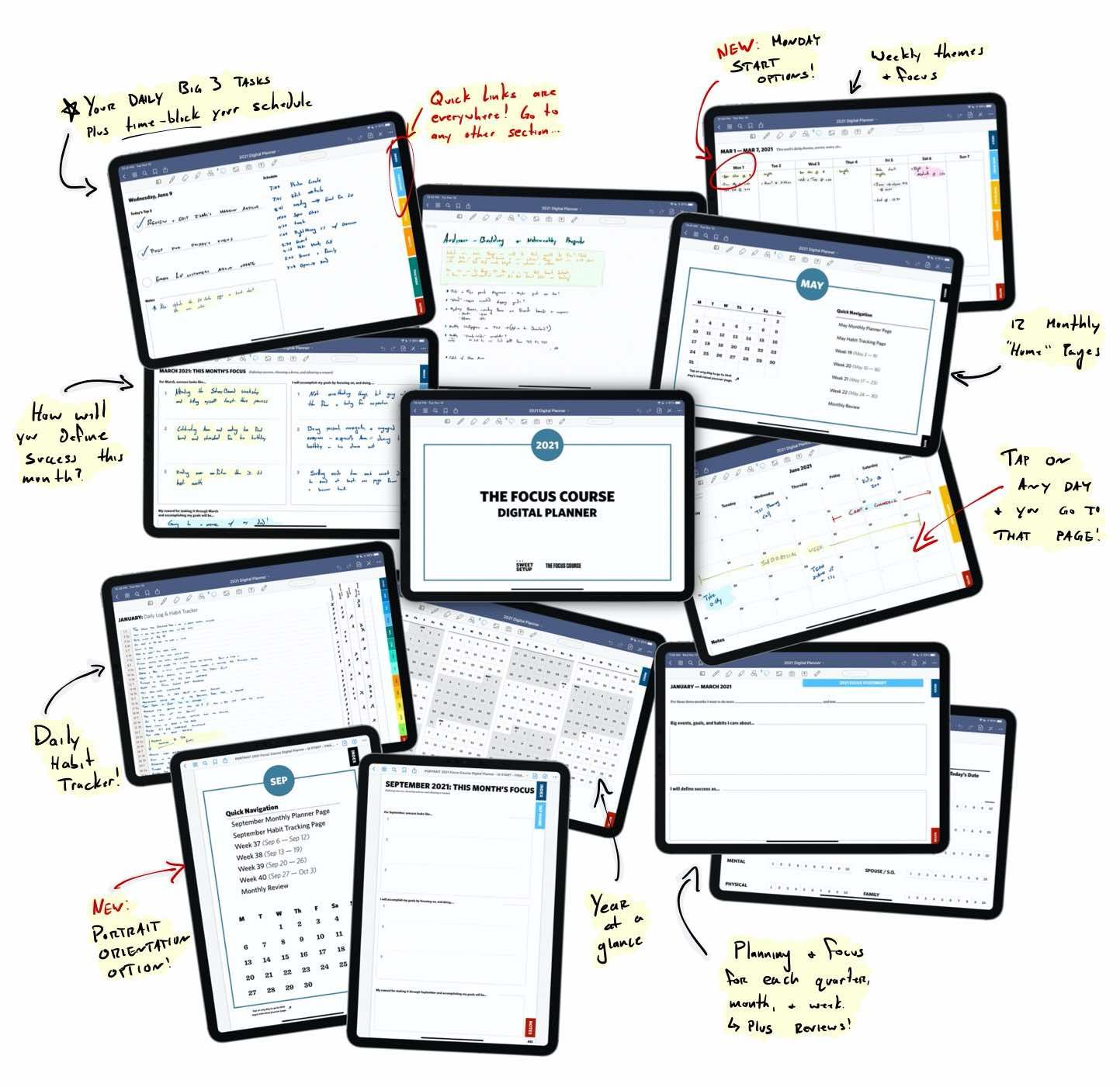
From my Alma mater, The Sweet Setup, is the new 2021 Digital Planner built for the iPad.
Based on a proven system for clarity, margin, and focus.
Use the Planner to:
Download now, and see for yourself. Comes with a 30-day, money-back guarantee.
This week on MPU, David and I talk through paperless tools, apps, and workflows in 2020 as David has released his new Paperless Field Guide.
My thanks to our sponsors: