512 Pixels

On the iMac’s place in the world

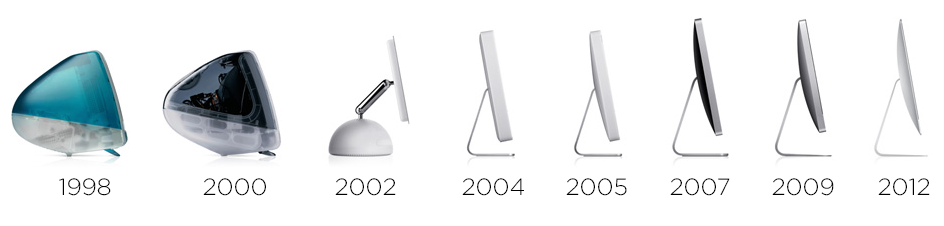
iMac timelineSince its groundbreaking introduction in 1998, the iMac has been at the heart of the Macintosh line. Even as notebooks have consumed most of the market, the iMac holds its ground, outlasting the PowerMac and having a heritage richer than that of the Mac mini. While the 12-inch Retina MacBook may be a wonder of engineering, the iMac is still the spiritual leader of the Mac family.

It wasn’t always this way. While the iMac helped bring Apple back from the brink in the late 1990s, it was just one machine. For years, it was easy to understand the iMac’s place in Apple’s grid of products: it was the consumer desktop machine:

Grid of 4

Of course, things have changed over the last 18 years, and not just in regards to the technology packed inside the ever-thinning iMac.

The Grid of 4 is no more. The Mac mini was introduced below the iMac, making the Mac more affordable than ever. On the high-end, the PowerMac and Mac Pro towers are gone, replaced by the current Mac Pro that is more marginalized than ever.

This has led to the iMac’s territory spreading out, making it the de facto choice for more and more desktop users.

The low-end, $1099 iMac is fine for home users and schools. It’s not a speed demon with that slow spinning hard drive, but it gets the job done. Way upstream is the $2,299 27-inch iMac with Retina 5K display. There was a time where to do any audio or video work, you had to buy a tower; that’s simply not the case anymore with this monster.

This spreading out has left the iMac carrying the weight of the desktop Mac experience on its shoulders. Apple has to have an offering for the masses, while pushing the entire line forward at the high-end. While that’s not necessarily a bad thing, it has led to some weird decisions, like the use of notebook components and slow hard drives on some models.

It also makes me wonder where Apple could take the machine in the future. Any future iMac will need to continue to meet the need of all of its users, from the budget-minded consumer, all the way up to the audio and video editors who are using them these days.

There are some obvious things that need to be done, like moving away from 5400 RPM drives and eventually the Fusion Drive, once SSD prices fall far enough.

I’d also like to see the company bring back the ability to upgrade the RAM in 21.5-inch model. With the redesign in 2012, the iMac’s RAM sockets are locked away, unreachable except on the 27-inch models. For a machine that can be used (and is supported by OS X) for longer than ever, it’s a shame that users can’t upgrade them down the road.

While I expect the “screen and foot” design to remain basically the same for the life of the iMac, reducing the size of the black bezel and aluminum chin would help modernize things a good bit. If you squint a little, the current design looks like the original aluminum iMacs from 2007.

In our increasingly mobile world, there may be some who think the iMac is built around a dated idea, doomed to go the way of the dodo. While that may be the case, I don’t think it’s going anywhere anytime in the foreseeable future. It’s served Apple and users well for 18 years, and is the company’s longest-running nameplate. I think it’s got plenty of life left in it.
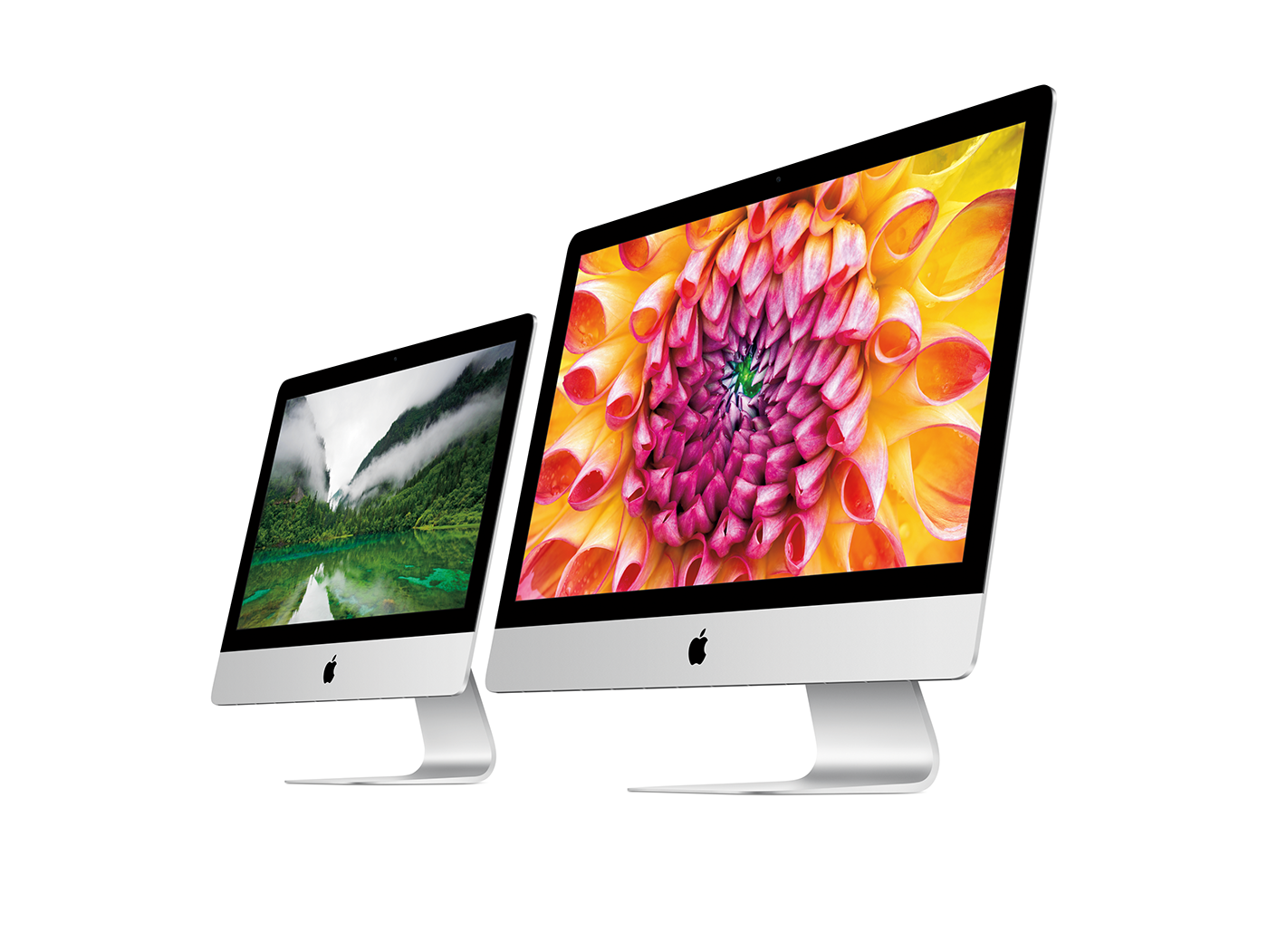
Current iMac

Big changes at Macminicolo⇢

Big news from Brian Stucki:

In short, I’ve decided to sell ownership of Macminicolo and merge it with another company. I will stay on as President of Macminicolo and also serve as a Vice President of the parent company, MacStadium.

Now, I could just announce this with no explanation and be done with it. I could also write one of those generic acquisition posts focused on sunsets and brands and blah. Instead, I’ll be forthright and real like I’ve always tried to be with customers.

I’ve got two machines at Macminicolo — one for live-streaming Relay FM shows and a personal one for data backups and syncing — and couldn’t be happier with the service. I have full faith that this is good news; Brian is one of the good guys.

Kbase Article of the Week: Charging iPod shuffle on an iMac G3 and eMac⇢

While it’s easy to think Apple does oddball stuff with accessories and products today, it’s been that case for years. Here’s Apple Support discussing how to charge the original iPod shuffle:

Because of its design, iPod shuffle cannot be connected to the USB ports on the side of iMac G3 and eMac computers—it will not fit. You can connect iPod shuffle to your keyboard’s USB ports if your computer has Mac OS X 10.3.6 or later, however, iPod shuffle will not charge due to the keyboard’s low-power USB ports.

To charge iPod shuffle on an iMac G3 or eMac computer, you need an optional accessory to reach the port, such as the iPod shuffle Dock or a third-party USB extension cable, both of which must connect to a high-power USB port to charge (Note: the USB Keyboard Extender cable that came with some Macs will not work as the cable connector will not fit the iPod shuffle). You can also use a USB power adapter or a high-power USB hub to charge iPod shuffle. These are all available from the iPod Accessories area in the Apple Store.

Feels like the Future⇢

Underscore David Smith, writing about his Tesla Model S:

I know and am keenly aware that writing a blog post extolling the virtues of an undeniably expensive car is ripe with peril. I thought long and hard about whether I even should. In the end what made me write this post was the overwhelming excitement I feel about driving it. It genuinely feels like the future. Each time I walk up to it, even months later, it puts a smile on my face.

Next time I’m car shopping, I really hope it isn’t for a gasoline-powered one.

RSS Sponsor: The iBooks Author Conference⇢

The iBooks Author Conference brings together the growing, diverse community of content creators using iBooks Author to create interactive, multimedia-driven digital books.

iBooks Author is Apple’s digital publishing software, originally created by Steve Jobs to “digitally destroy” the bloated educational textbook market. Today, iBooks Author is used around the world (well outside of just education) to create compelling content and, in many cases, publish it into Apple’s iBooks Store for nearly a billion devices worldwide.

Creatives. Educators. Corporate trainers. Marketing professionals. Self-published authors in every genre. Entrepreneurs. Digital natives of every walk, in every industry and sector.

You’re invited to join us at the 2016 iBooks Author Conference, October 6-7 in Nashville, Tennessee at the famous Gaylord Opryland Resort and Convention Center. Southwest Airlines, which uses iBooks Author to create Southwest Airlines University (its internal training curriculum), is the overall keynote. We look forward to seeing you in the fall!

iMac G3 Hunt

2016 collecting goal: every color of iMac G3. ¯\_(ツ)_/¯

— Stephen Hackett (@ismh) March 17, 2016

I want to put together a video on the Mac that saved Apple.

The problem is that there are a lot of iMac G3s. While many of the colors are present on multiple generations, I’m not worried about those details for this project. I just am looking for one each case type.

Here’s where I am so far:

  • Bondi Blue - have
  • Blueberry - Have
  • Grape - Have
  • Strawberry - Have
  • Tangerine - Have
  • Lime - Have
  • Graphite - Have
  • Indigo - Have
  • Ruby - Have
  • Sage - Have
  • Snow - Have
  • Blue Dalmatian - Have
  • Flower Power - Have

If you can help me locate any of these machines to add to the collection, get in touch. Update: I’ve collected them all!

Jason Snell, on his life as ‘an Apple guy’⇢

Jason Snell:

I first touched an Apple product in the early 1980s. The father of my best friend in elementary school was a technology enthusiast, and when I visited their house, I got to lay hands on their Apple II+. What I remember most about it was that you could play video games on it that were more sophisticated than anything you’d find on the Atari console I had at home.

His story just unfolds from there. It’s a really enjoyable article on just how much Apple has impacted his life and career. Go check it out.

40 years of Apple

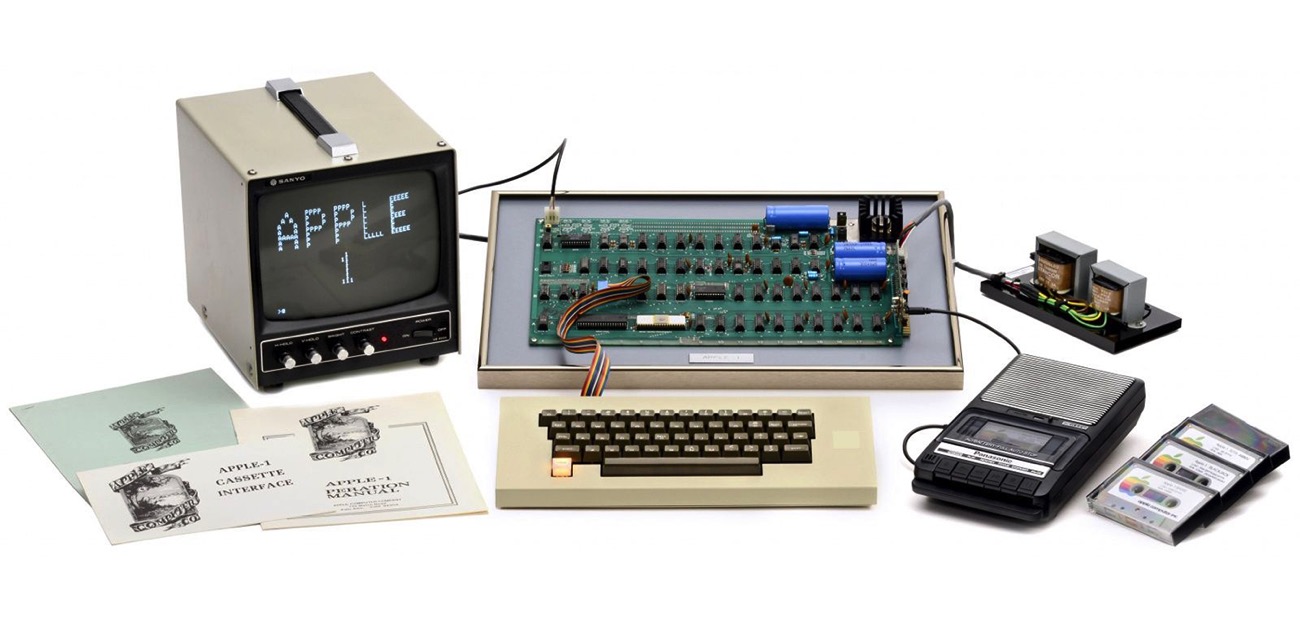
40 years ago, Apple Computer, Inc. was born. While I certainly could wind a path through four decades of computers and products, software and services, I think that today is more about the why of all of it.

Why do we obsess over tiny design and development changes and decisions?

Why do we get into spats on Twitter about mobile operating systems?

Why do we care so much about an enormous, publicly traded company?

Why do I do talk and think about Apple for a living?

AppleI.jpg

While I was born several years after the personal computing revolution took off, I understand why it was so important. It changed the world because what Steve Jobs and others believed decades ago is still important.

Bill Gates said it well with his “a computer on every desk at work and in every home” line. He and Jobs both believed that technology should’t be kept under lock and key. People shouldn’t have to go to the High Priests of the Mainframe to experience the benefits that a computer could offer.

To truly make technology accessible, Jobs believed it should be well-designed. He gave a shit what the components that no one would ever see looked like. Hardware that looked cute and non-threatening (running software that was easy to understand) may have made some hobbyists dismiss the Mac, but it is history’s chosen sibling, not the Apple II with its command prompt and lack of a mouse.

Apple also believes in pushing boundaries and moving forward. In 1984, Apple II fans were taken aback that the Macintosh lacked expansion slots. In 1998, it was bonkers that the iMac shipped without ADB ports or a floppy drive. Today, Mac OS X users are clutching to their filesystems in a world where iOS is the company’s dominant platform.

While some of Apple’s bets haven’t panned out, the big ones often have.

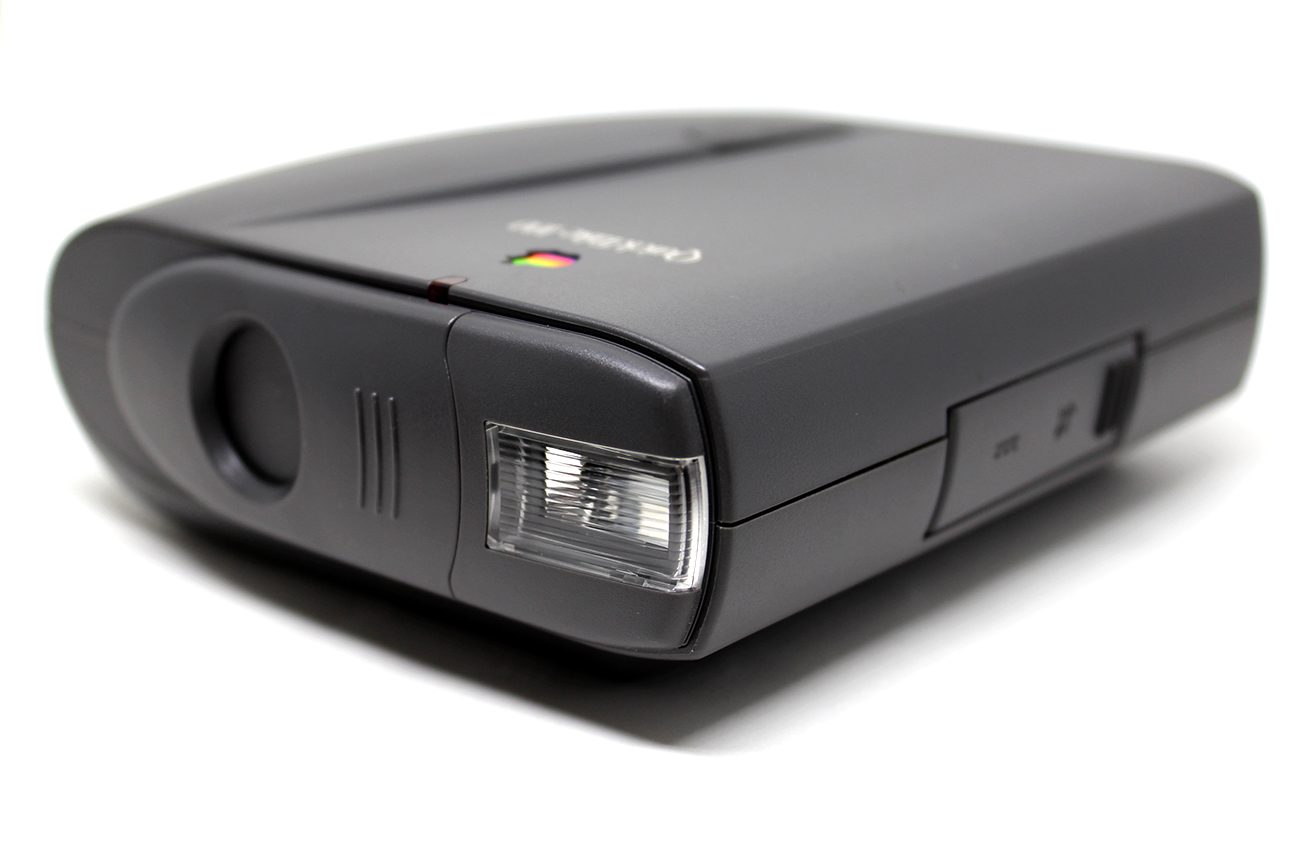
QuickTake-100

This attention to detail and vision for the future is what drives so much of the conversation around Apple to this day. How many blog posts and podcast episodes have I produced over seven and a half years about esoteric minutiae? I literally pay my mortgage with articles about subtle changes to Apple’s interface design and hardware choices.

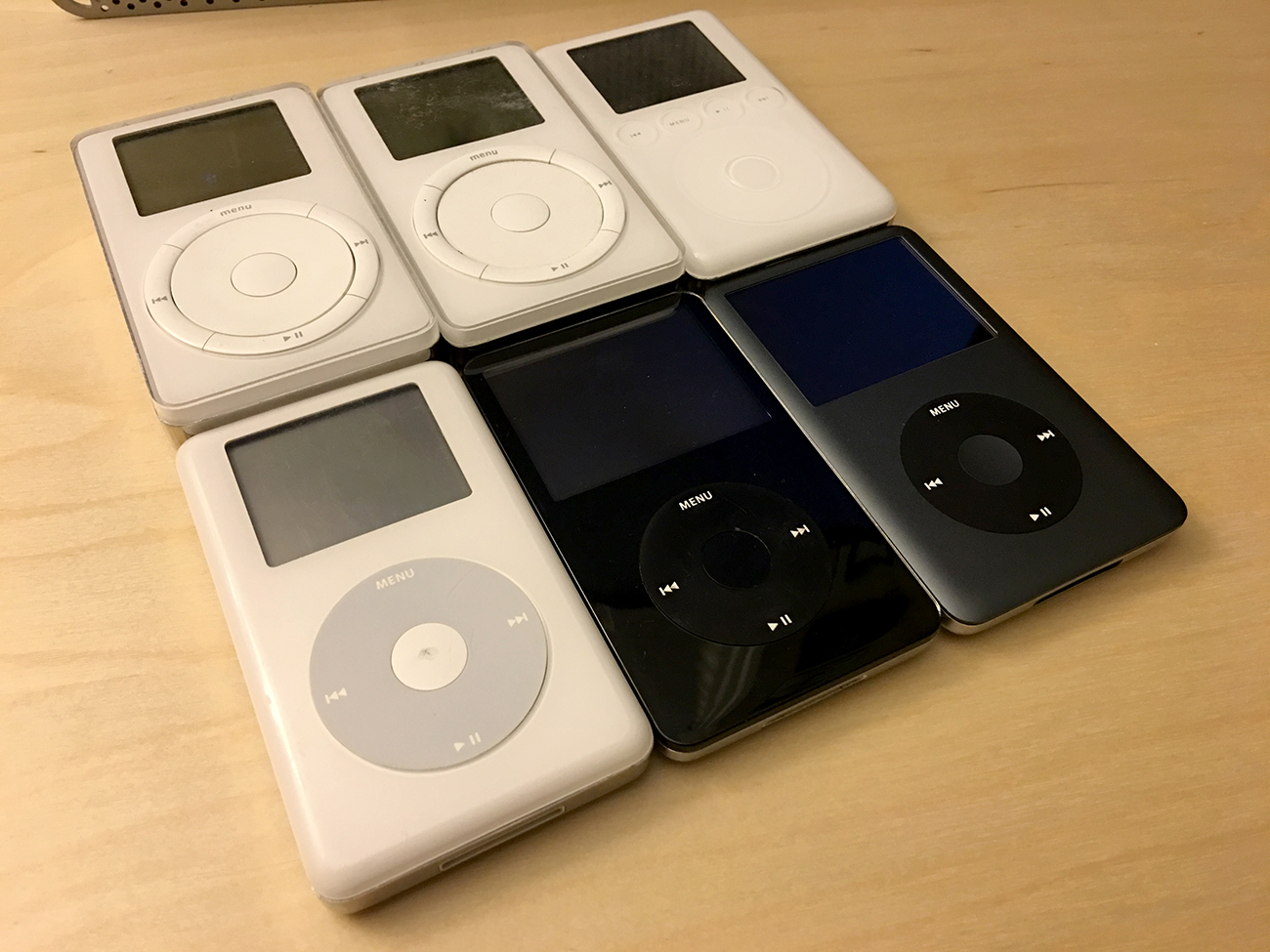
ipods-classic-family

There’s something bigger at play here, though. In addition to the detail-oriented obsessions and the idea that technology should be approachable, Apple believes in equipping its users to do great things.

How many people who are professional programmers now got their start with an Apple II or Macintosh and a magazine with printed code, ready to be reproduced and evolved?

How many photographers and designers first discovered their passion in MacPaint or Photoshop?

How many thesis papers, poems and plays have been written in ClarisWorks, AppleWorks and iWork over the decades?

How many friends have I made after connecting with them about our shared hobby of tinkering with the Mac?

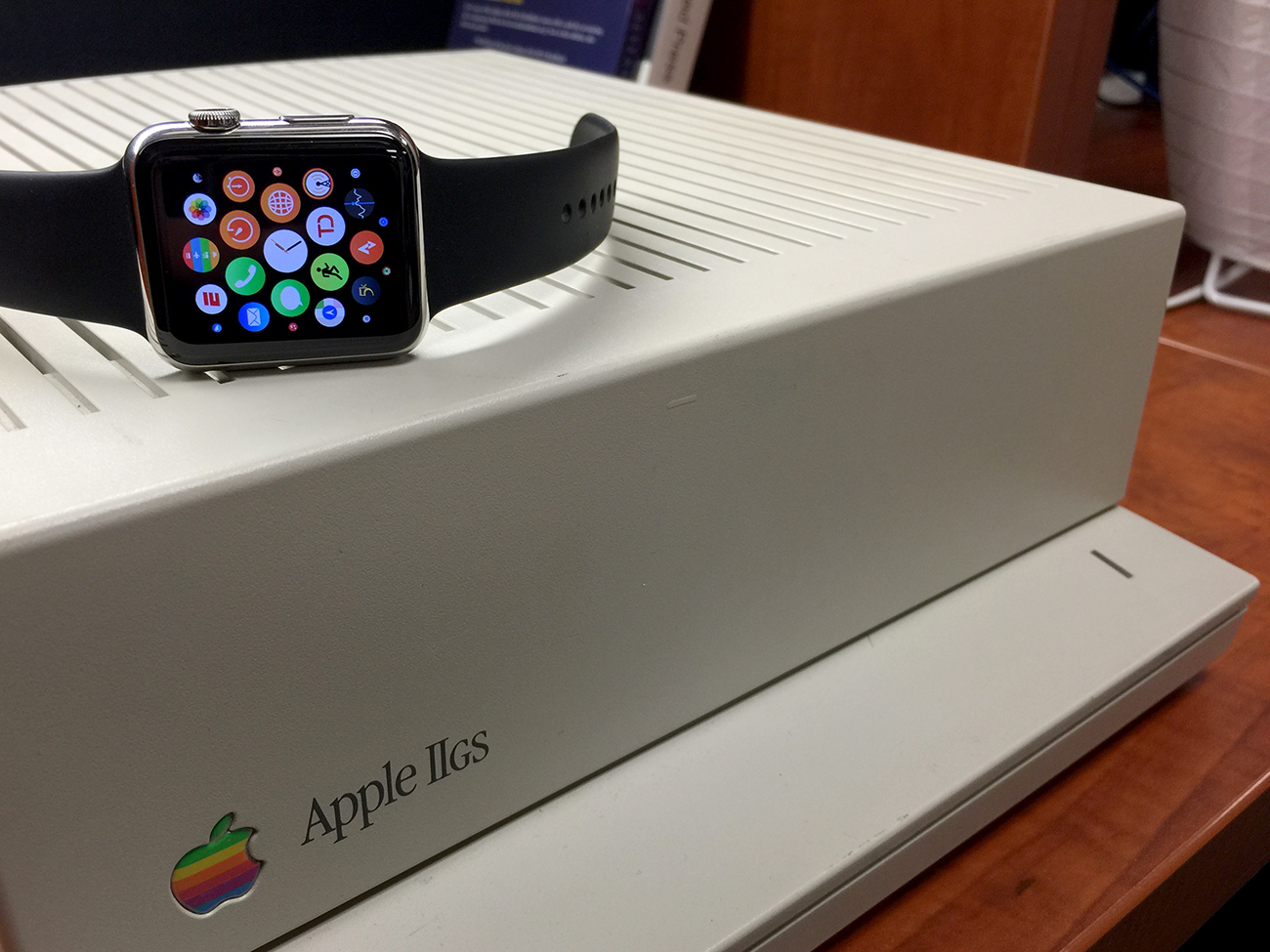
apple-watch-GSI first met the Mac in high school. A single machine — a kinda crappy PowerMac G3 All-in-One — set the course for so many things in my life. I wrote articles and designed newspaper pages on that computer, making the hardware and software to bend to my will.

I learned that I could take an idea and brute force it into the world.

And for that, Apple, thank you, from all of us.