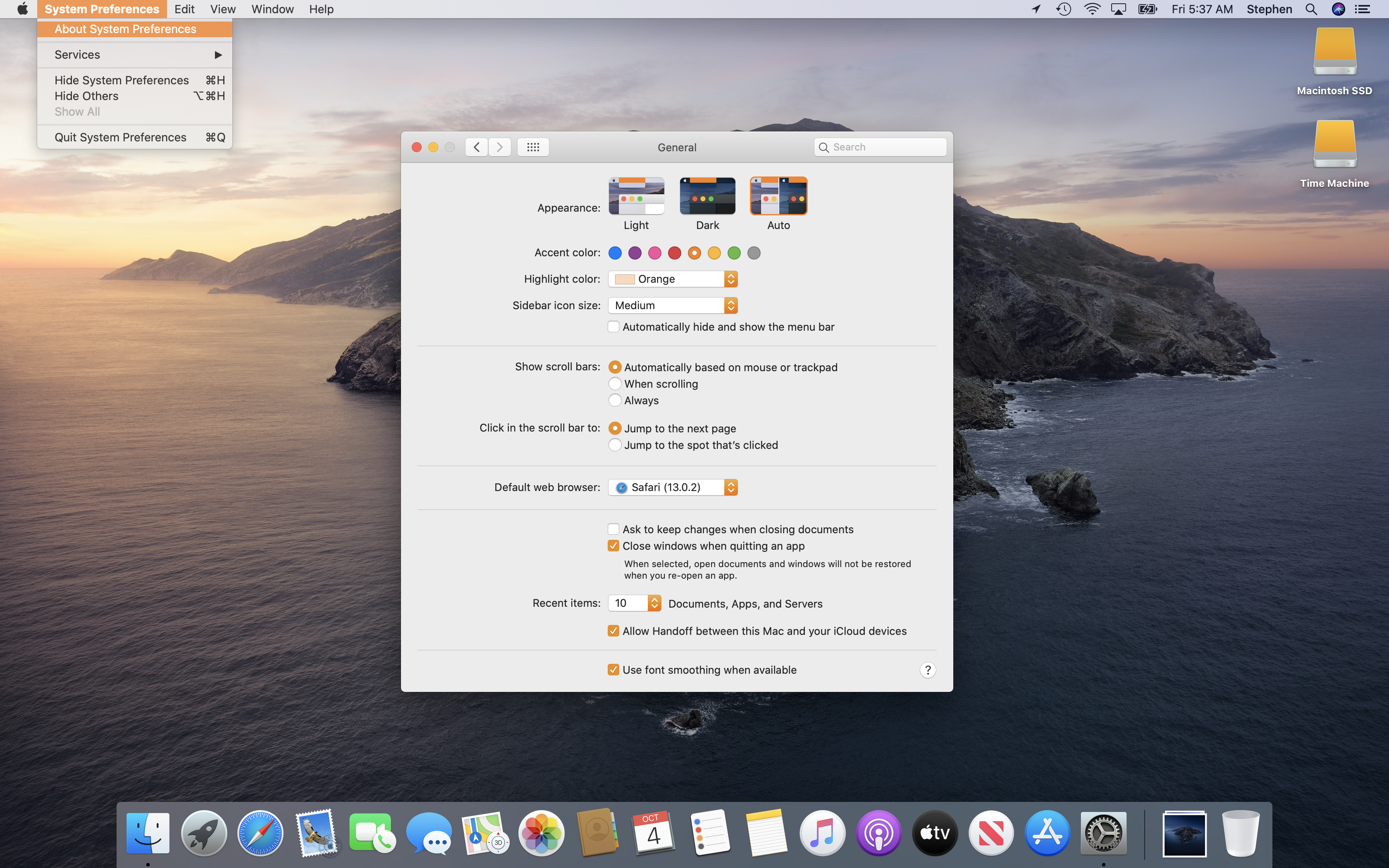
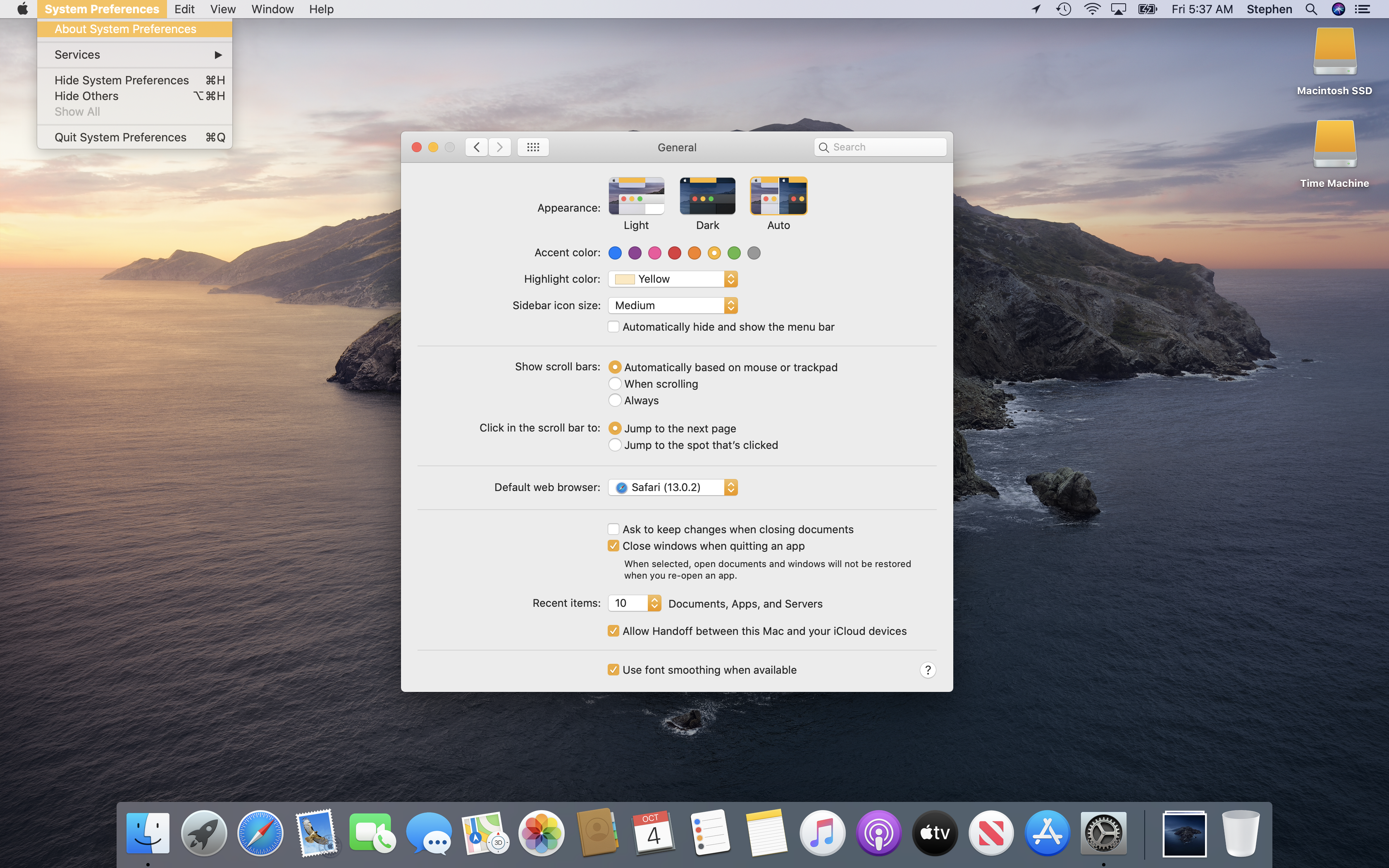
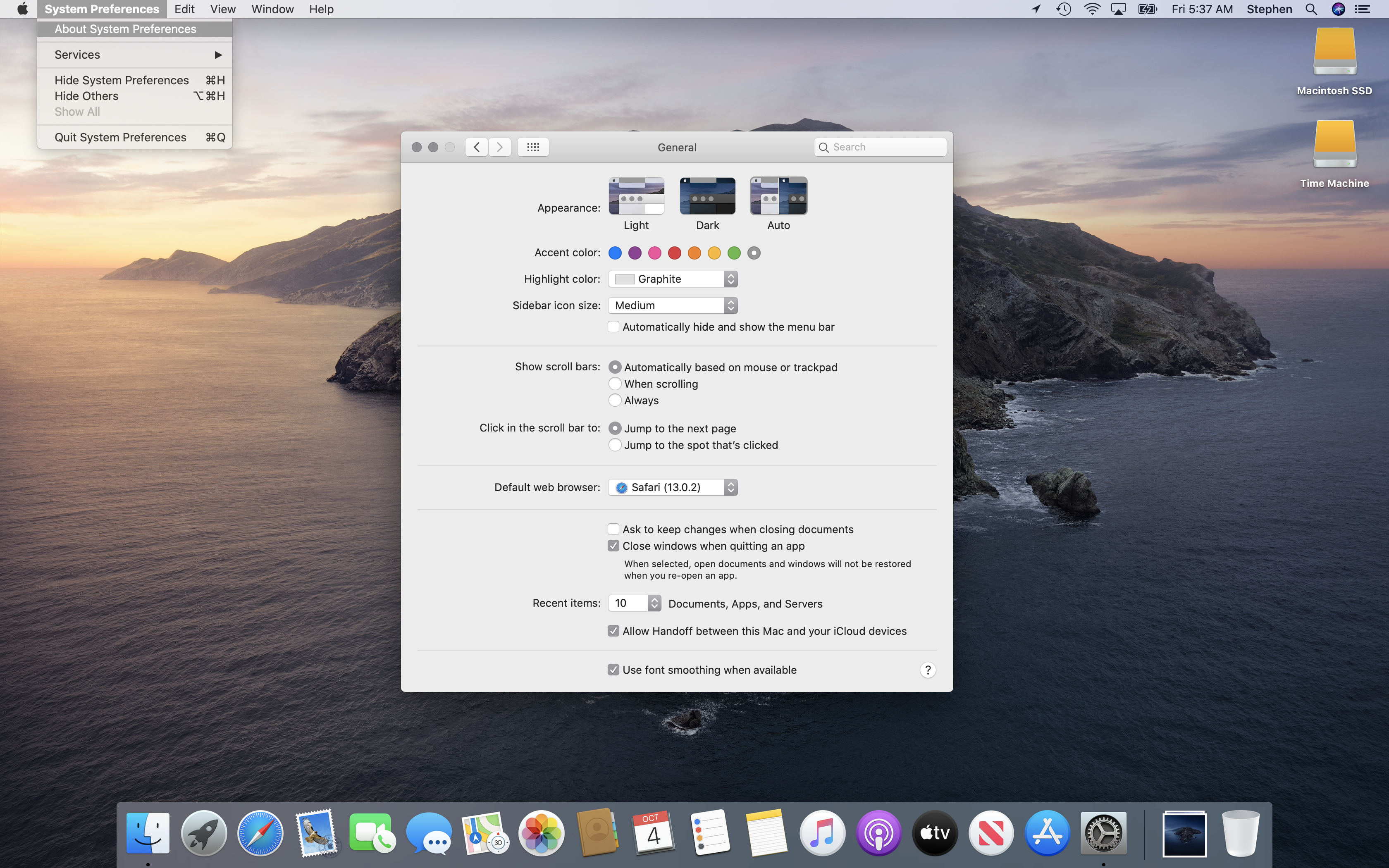
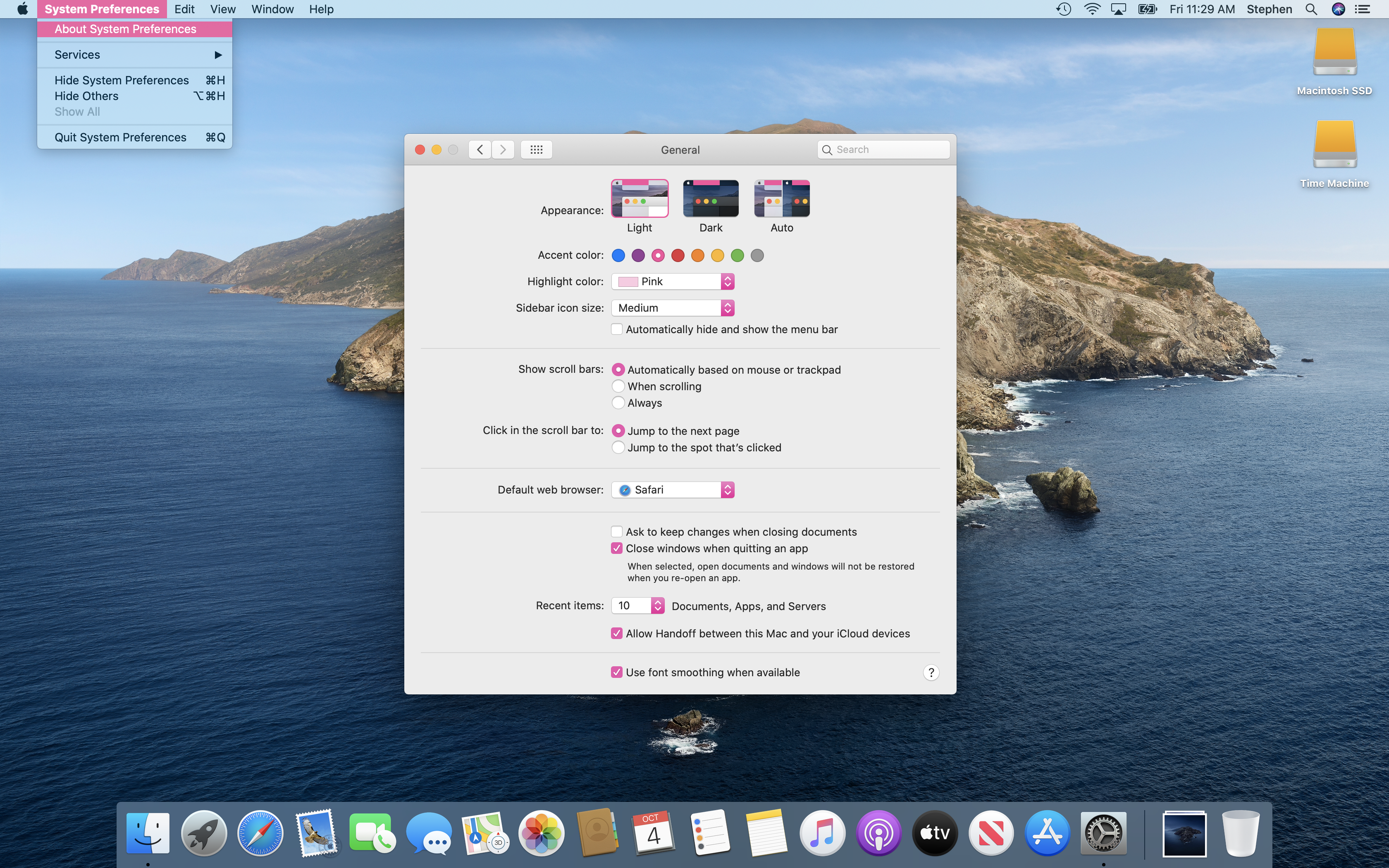
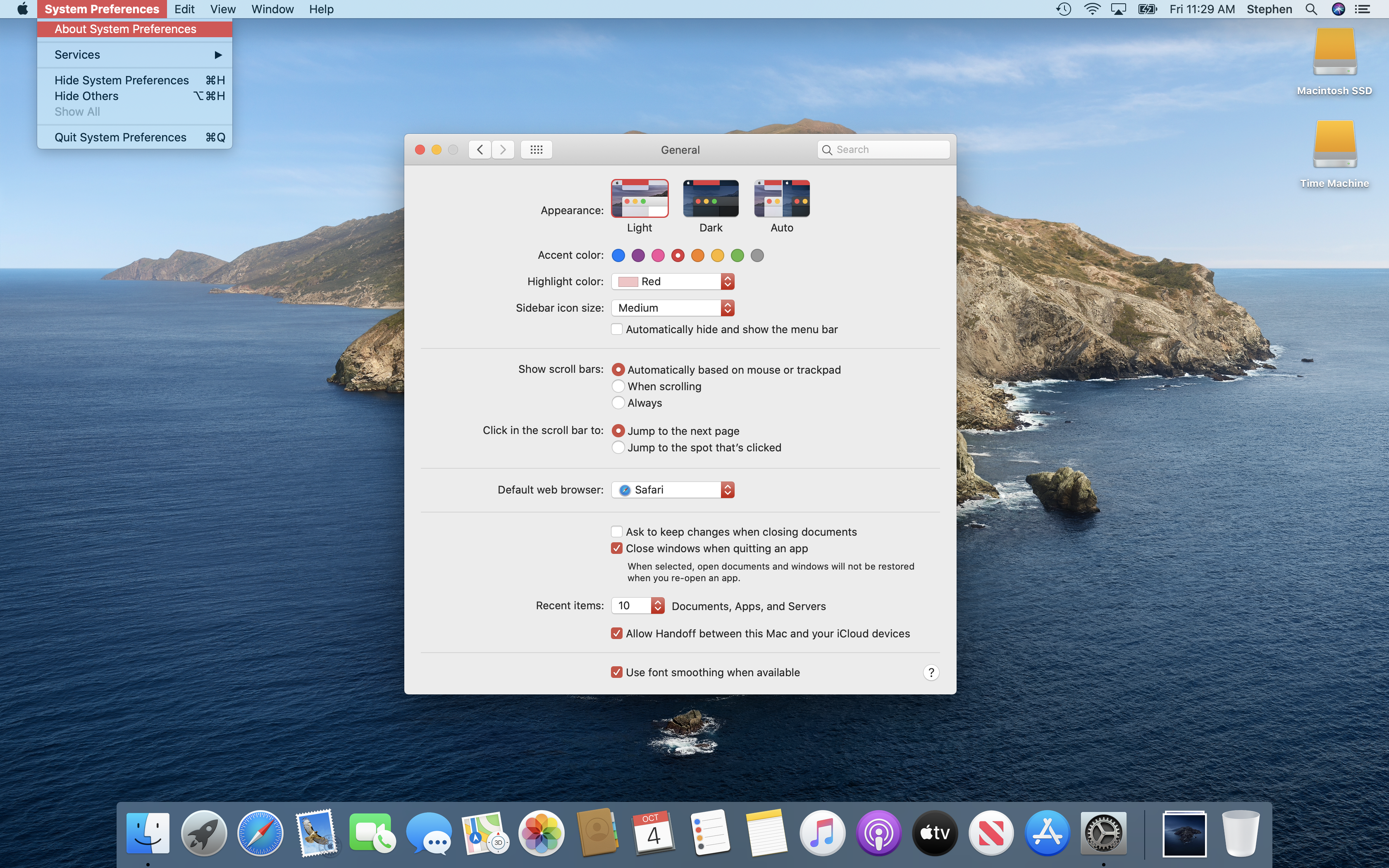
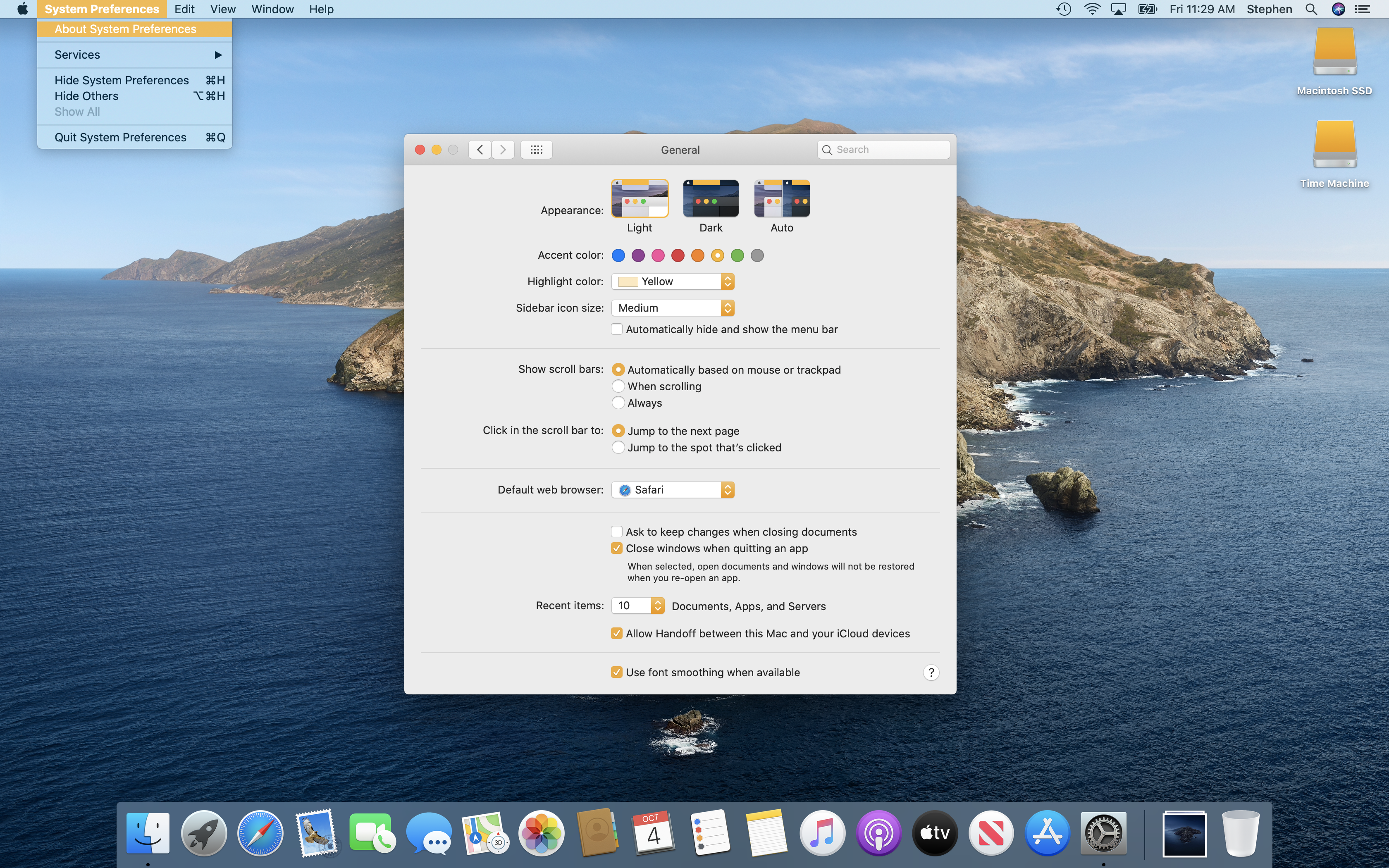
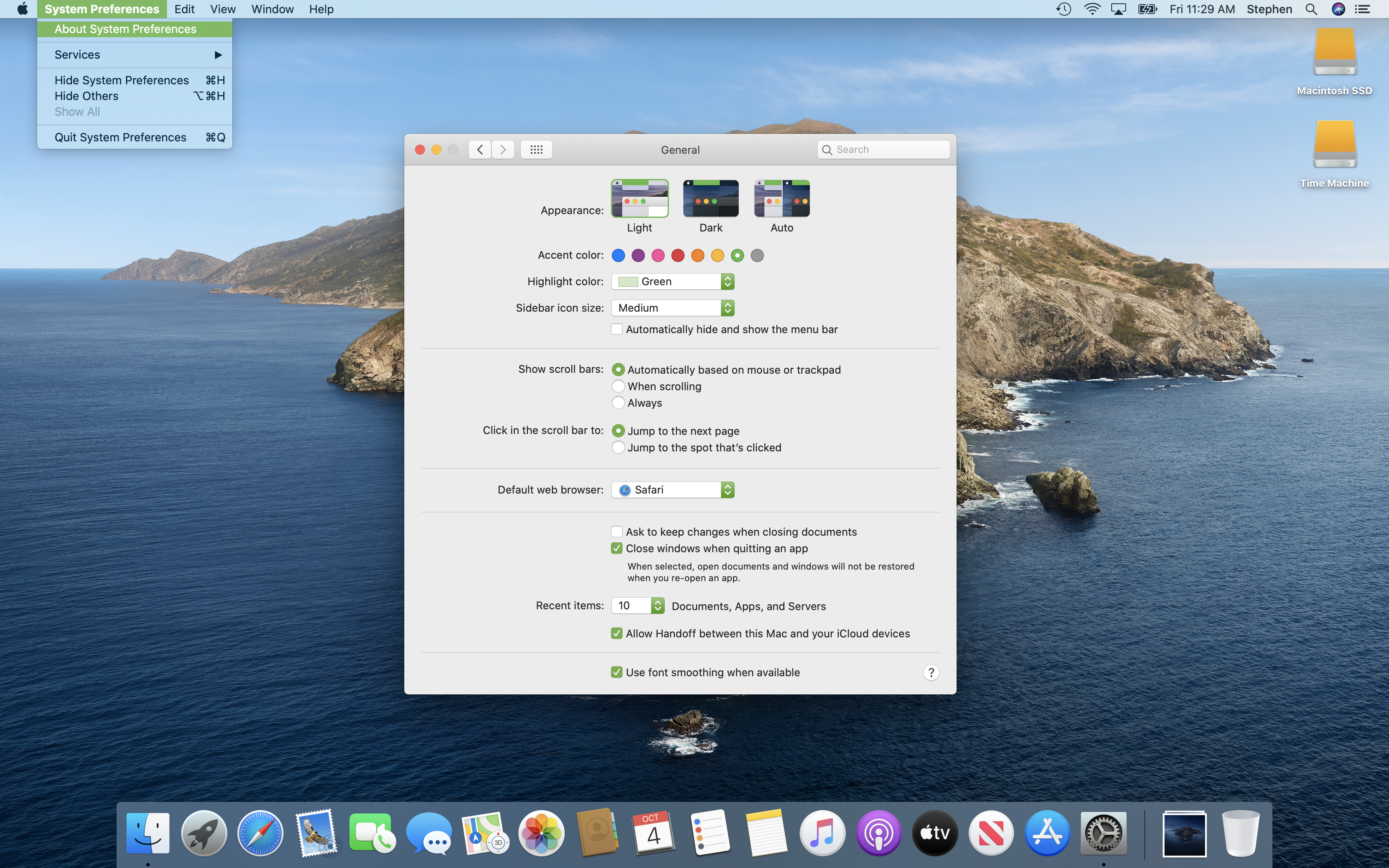
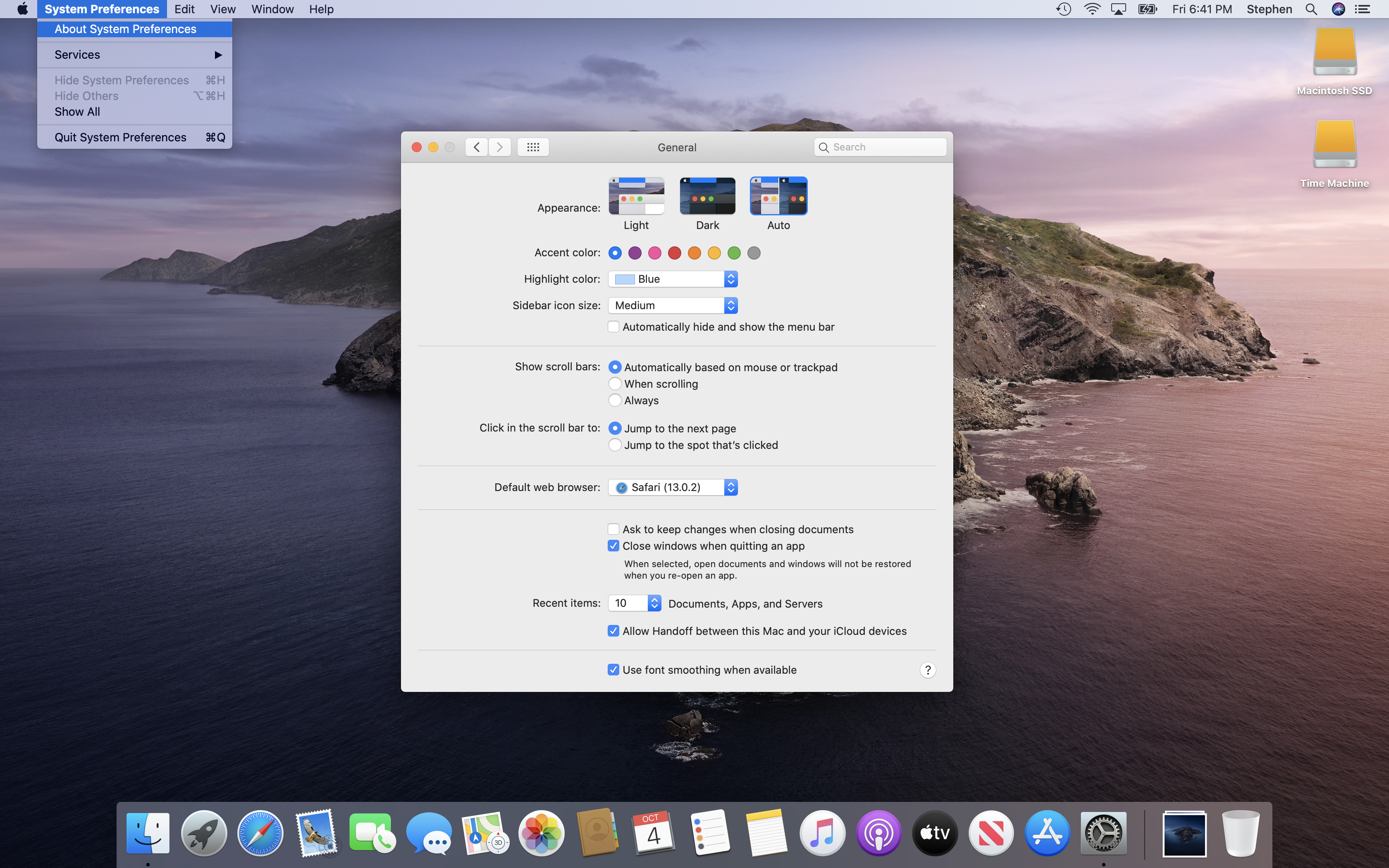
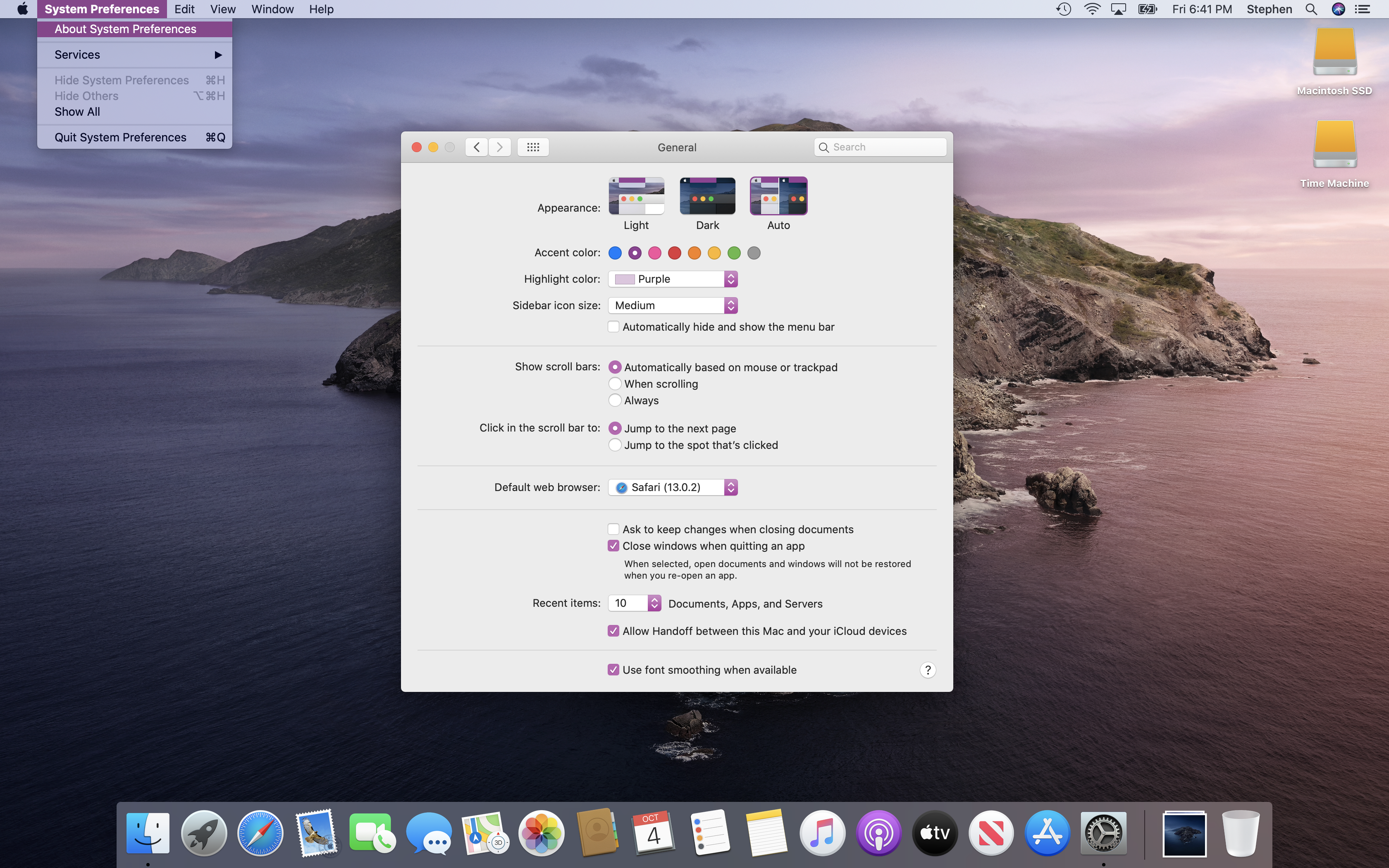
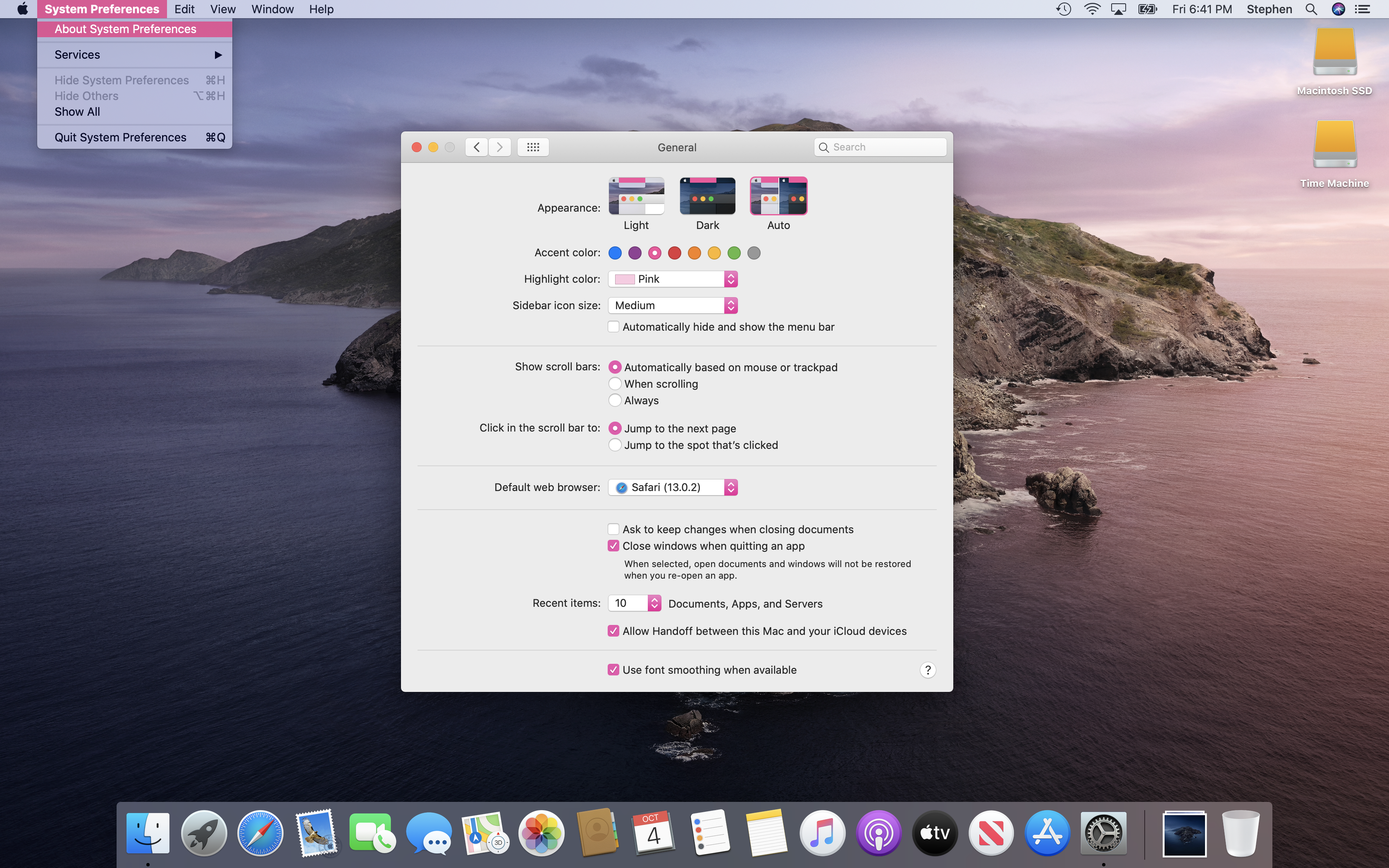
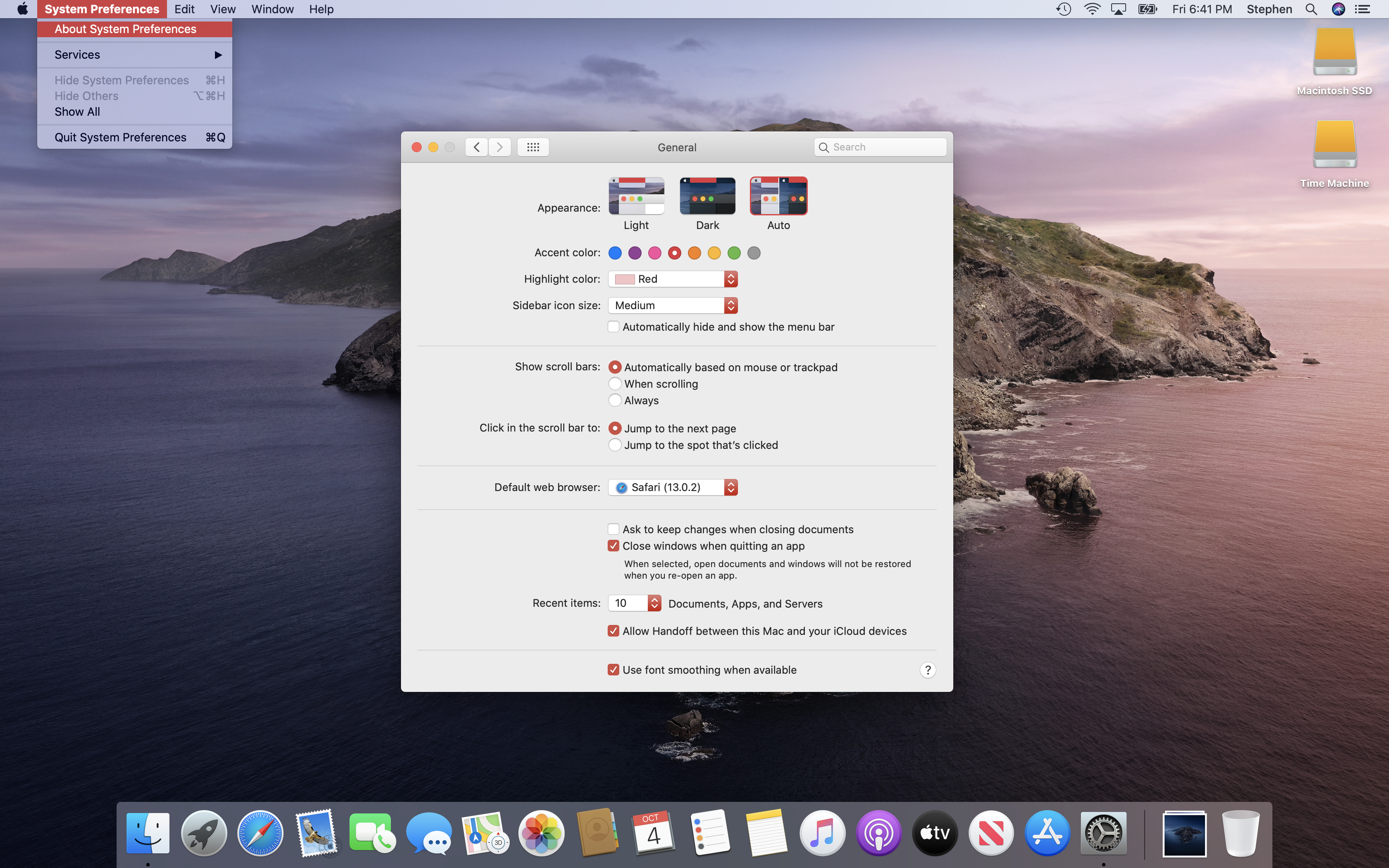
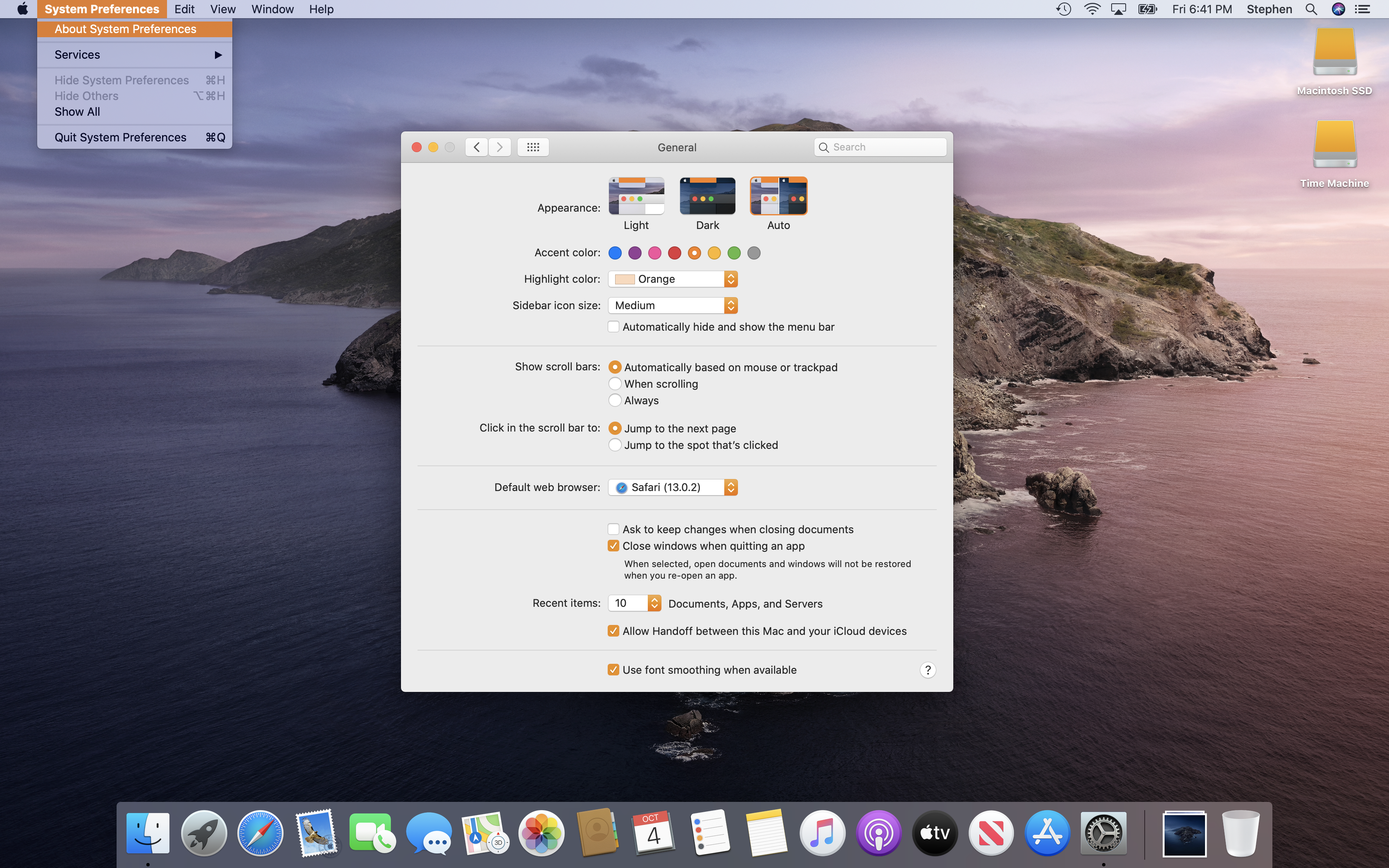
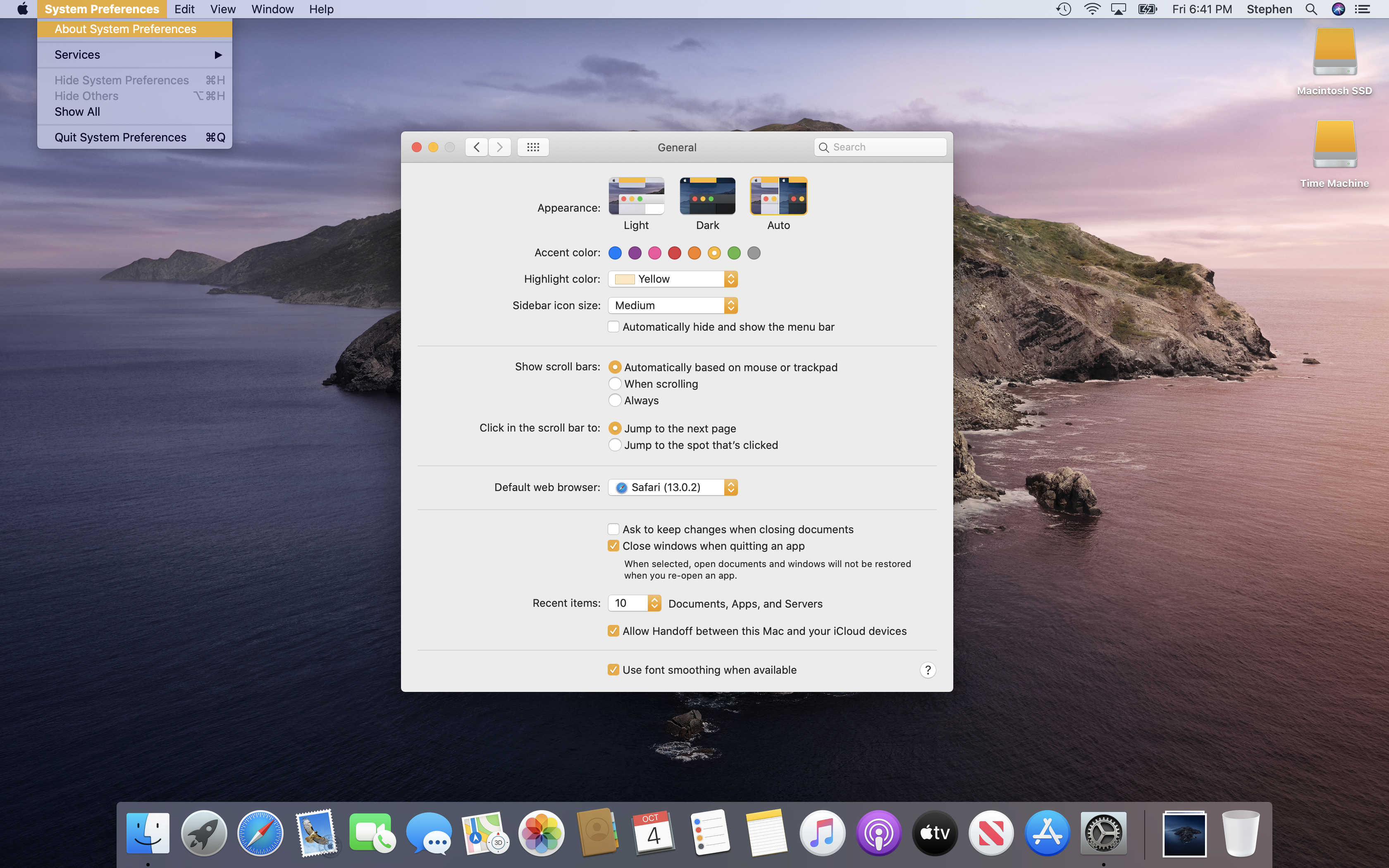
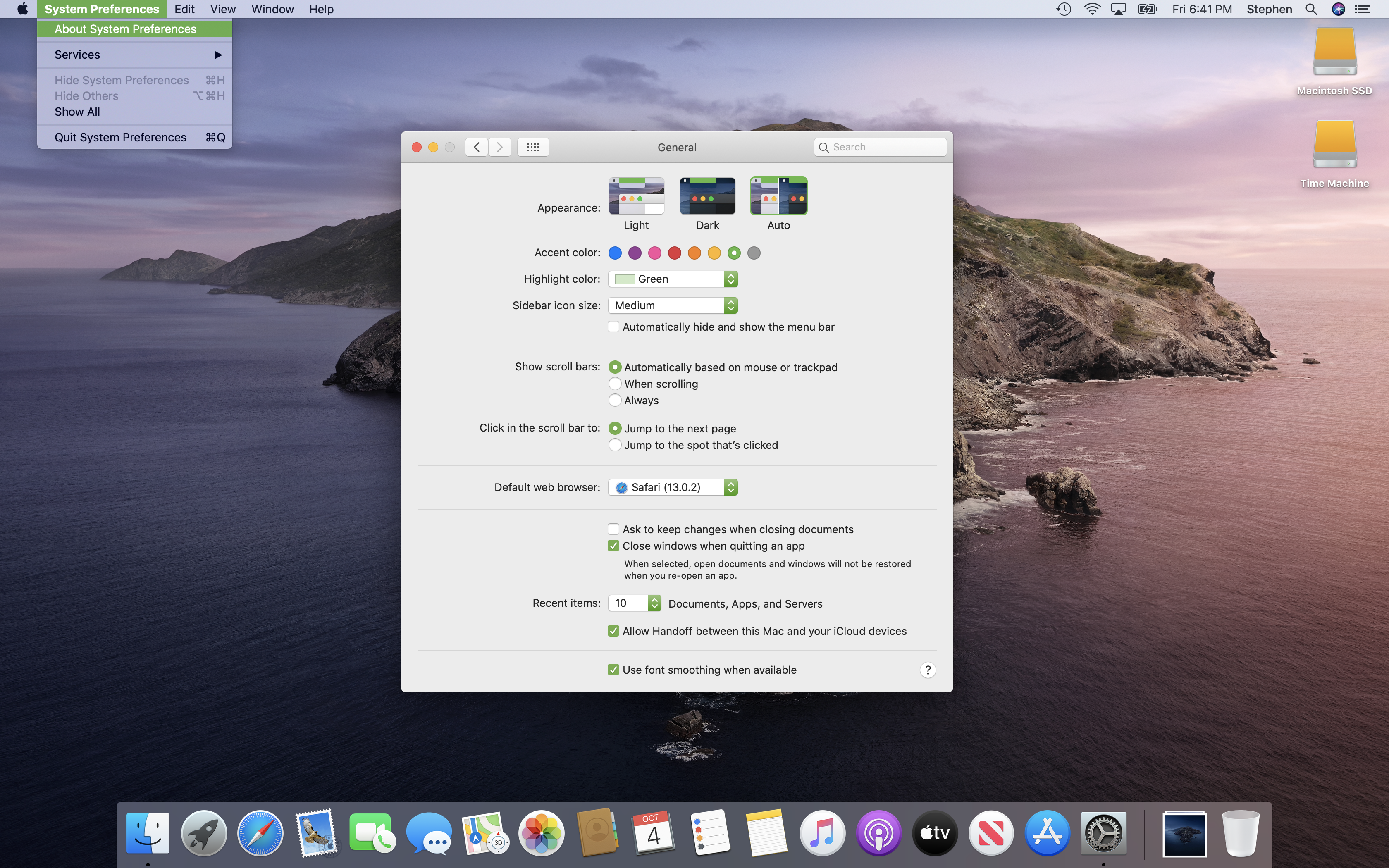
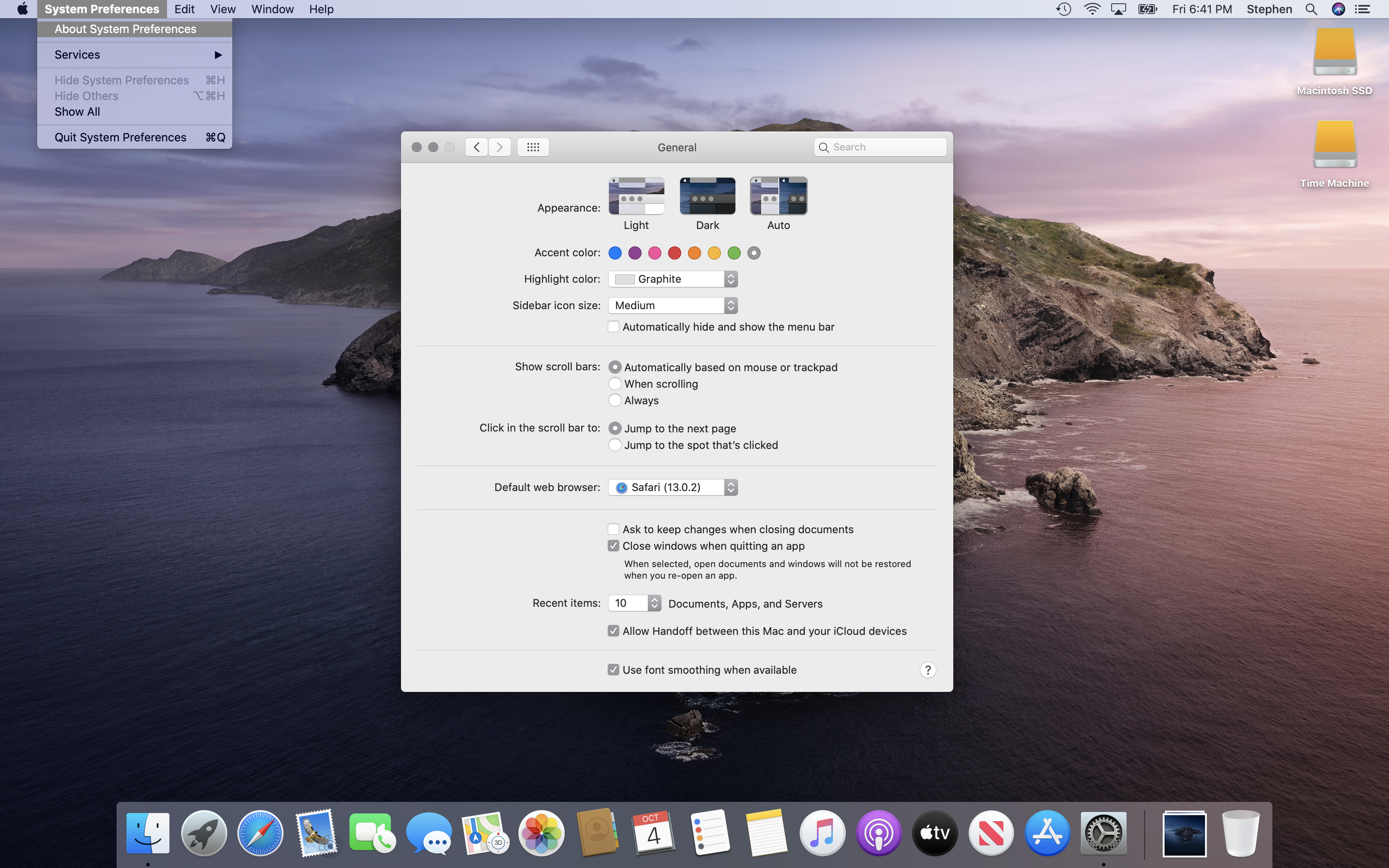
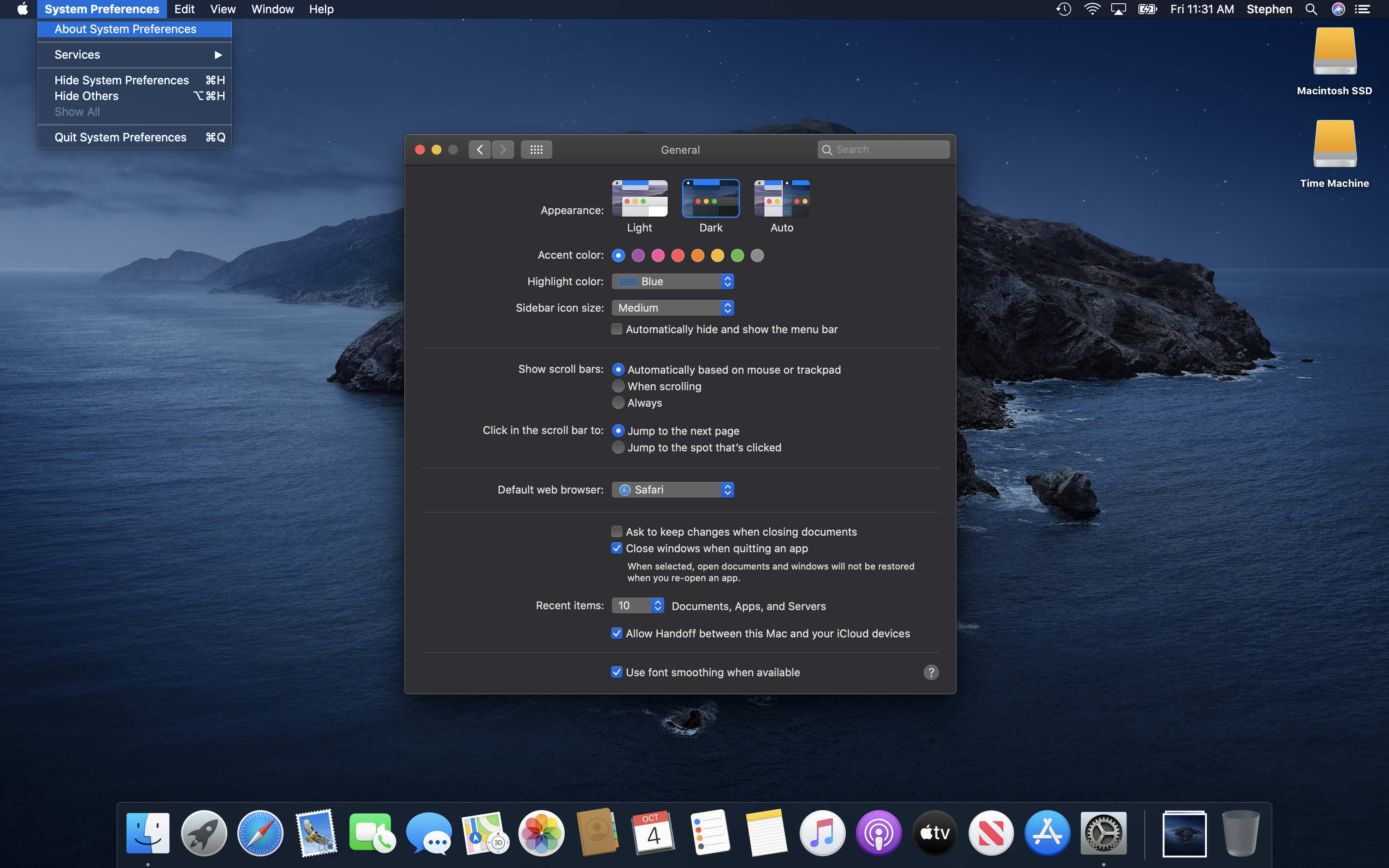
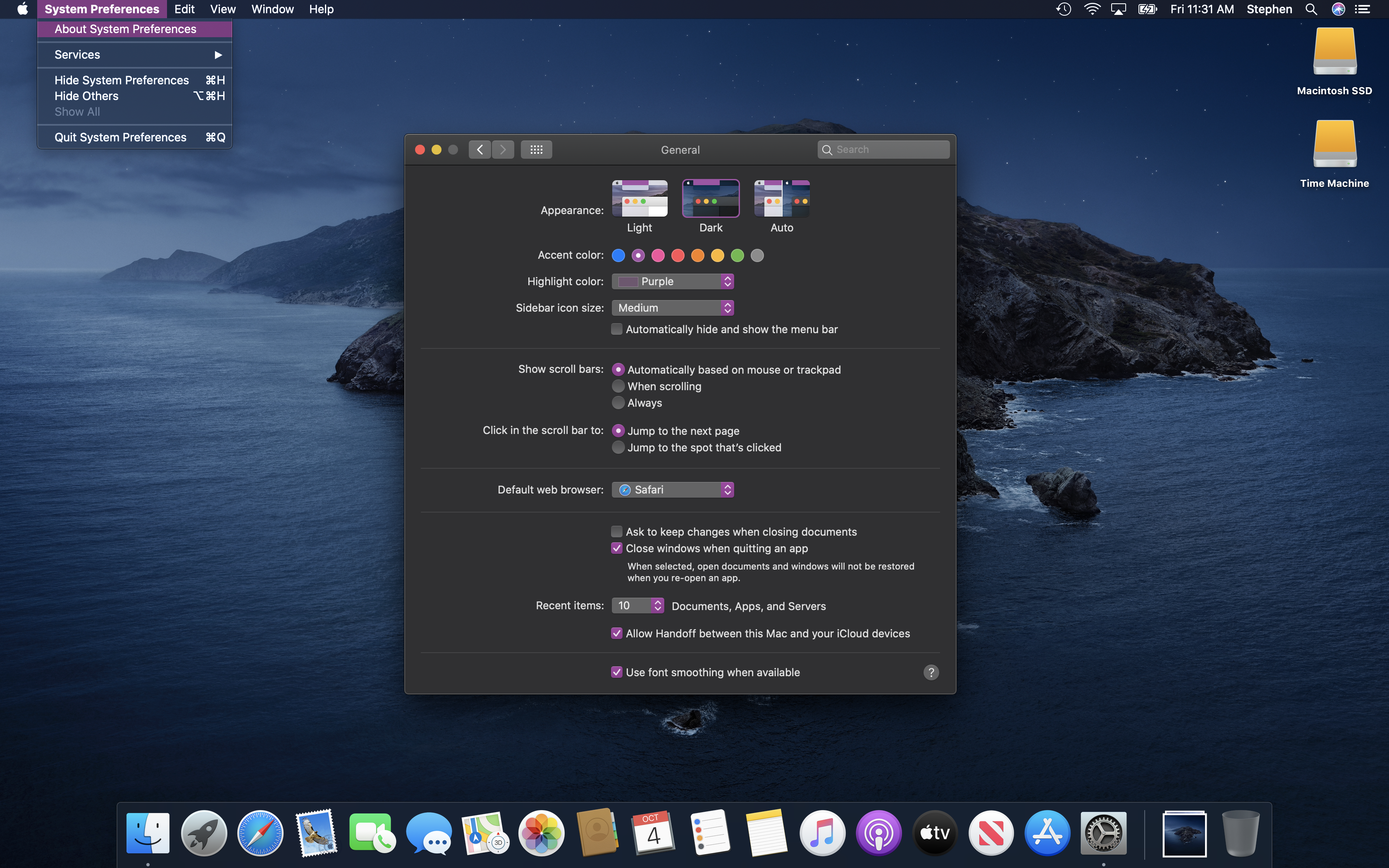
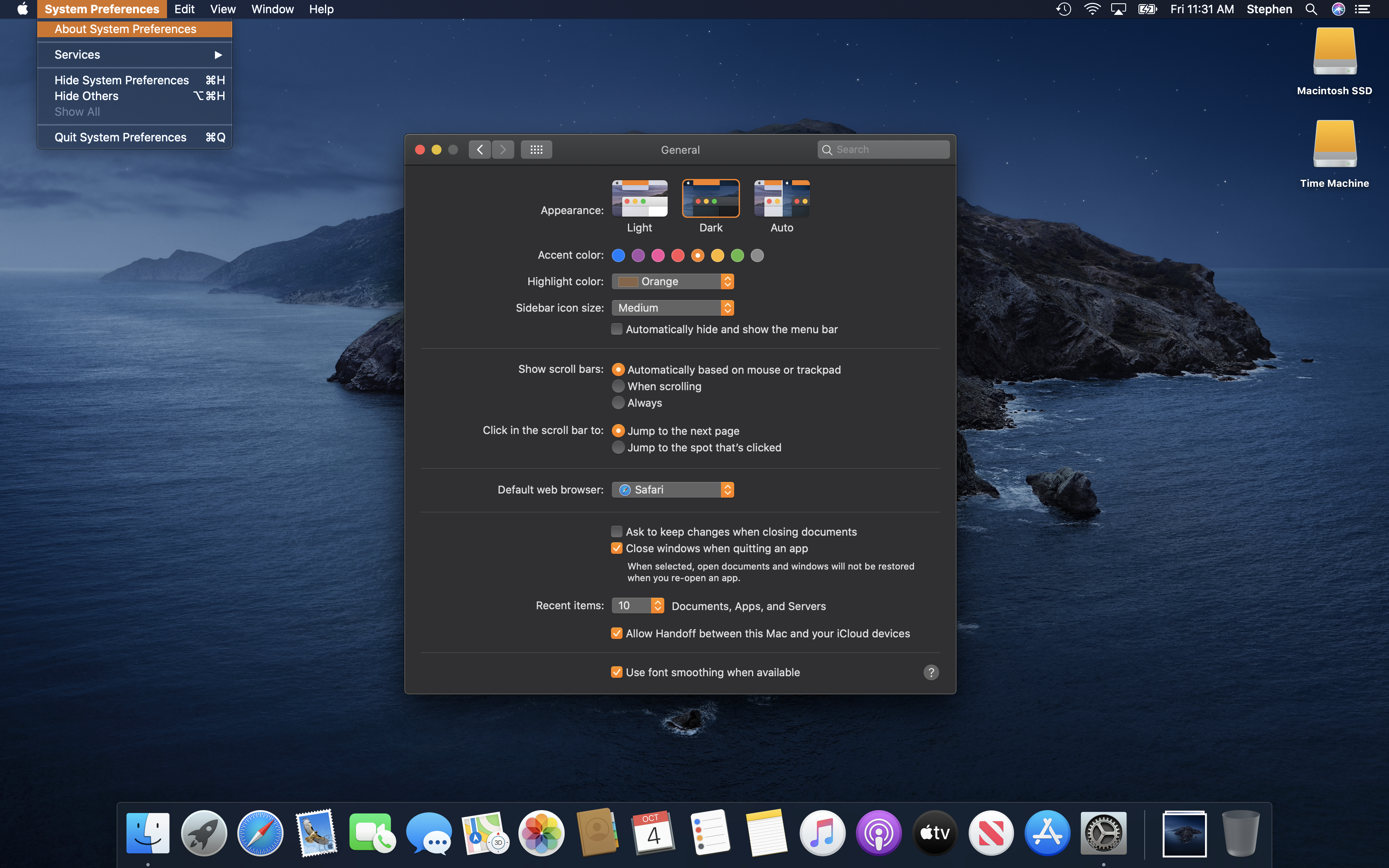
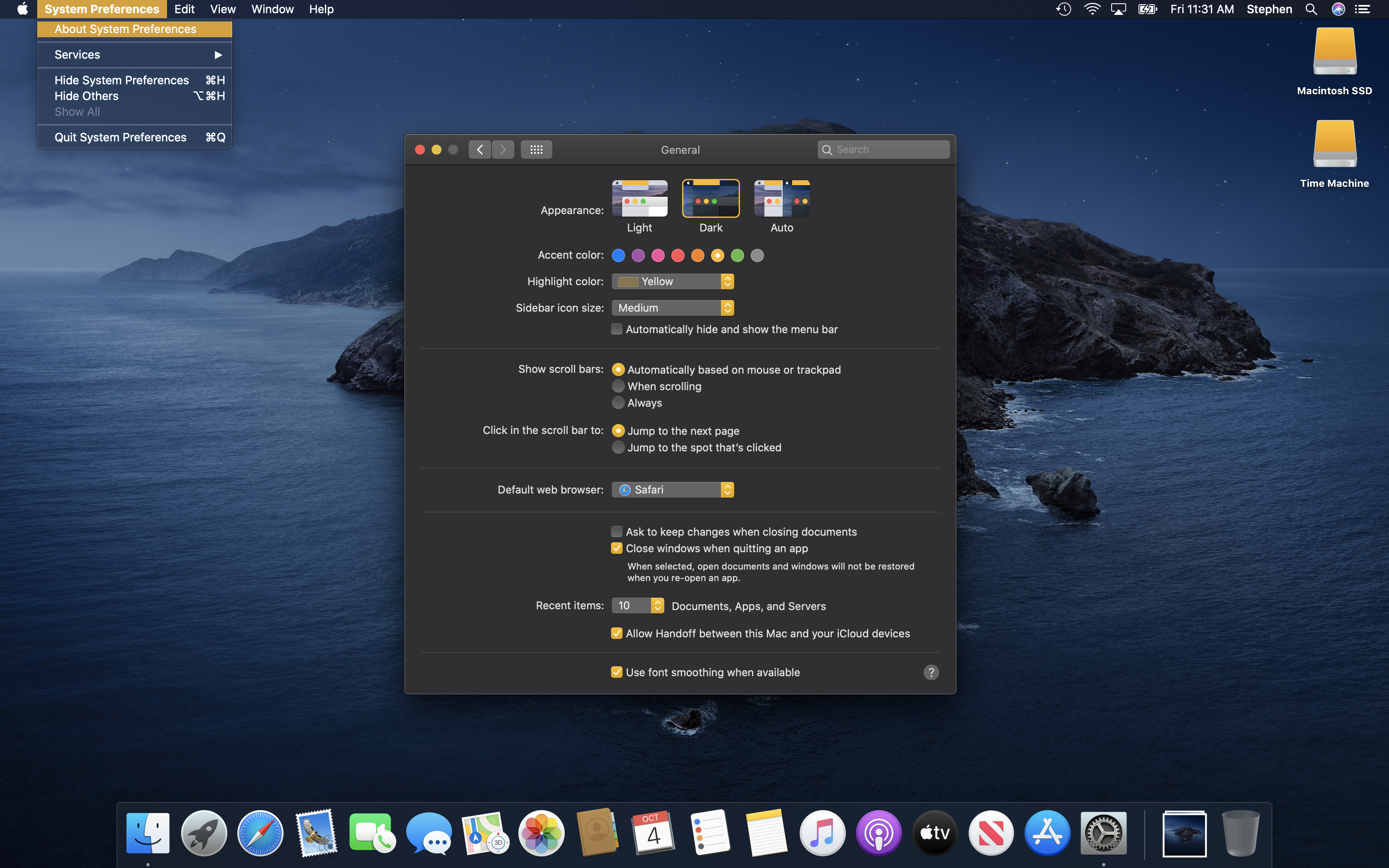
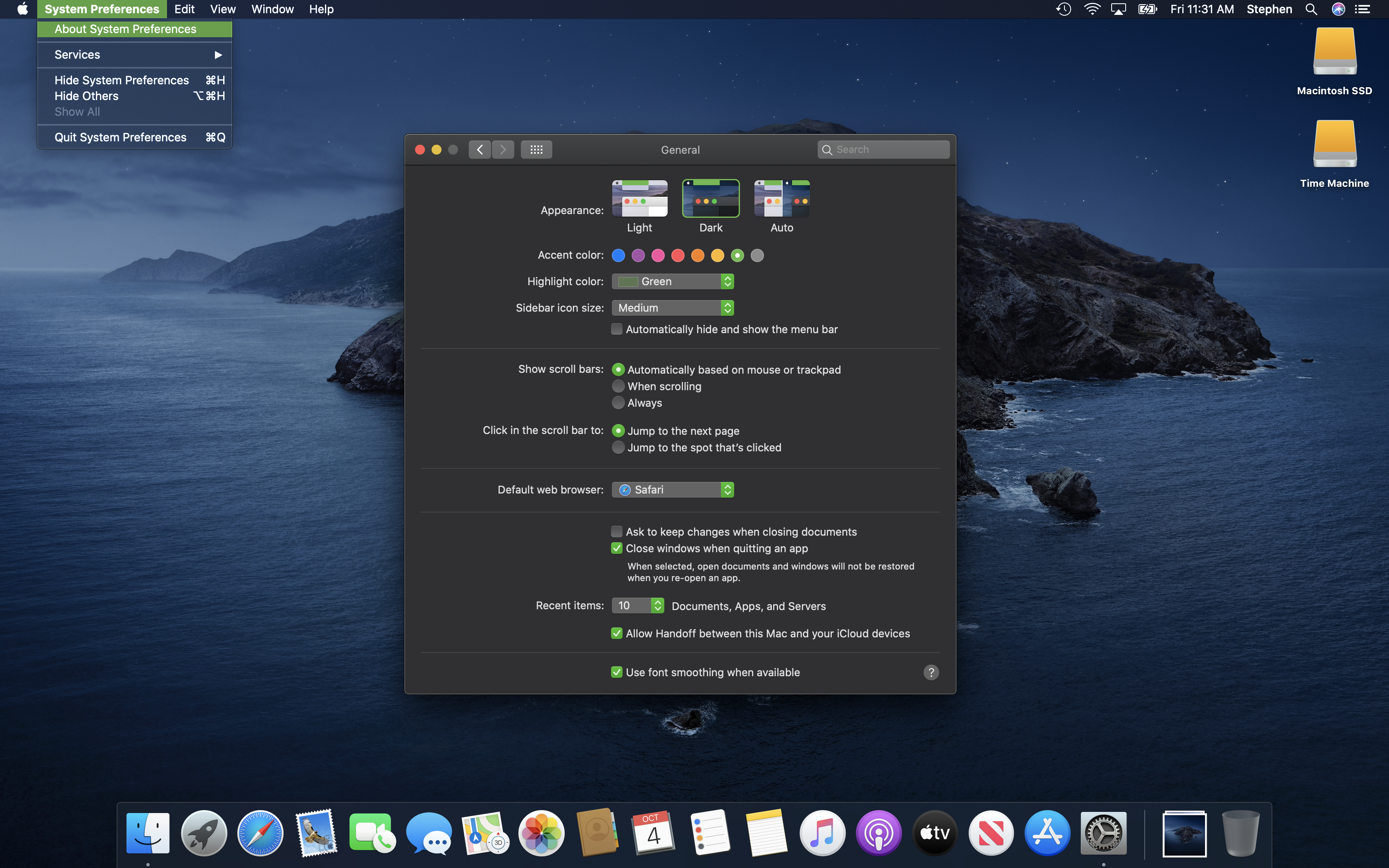
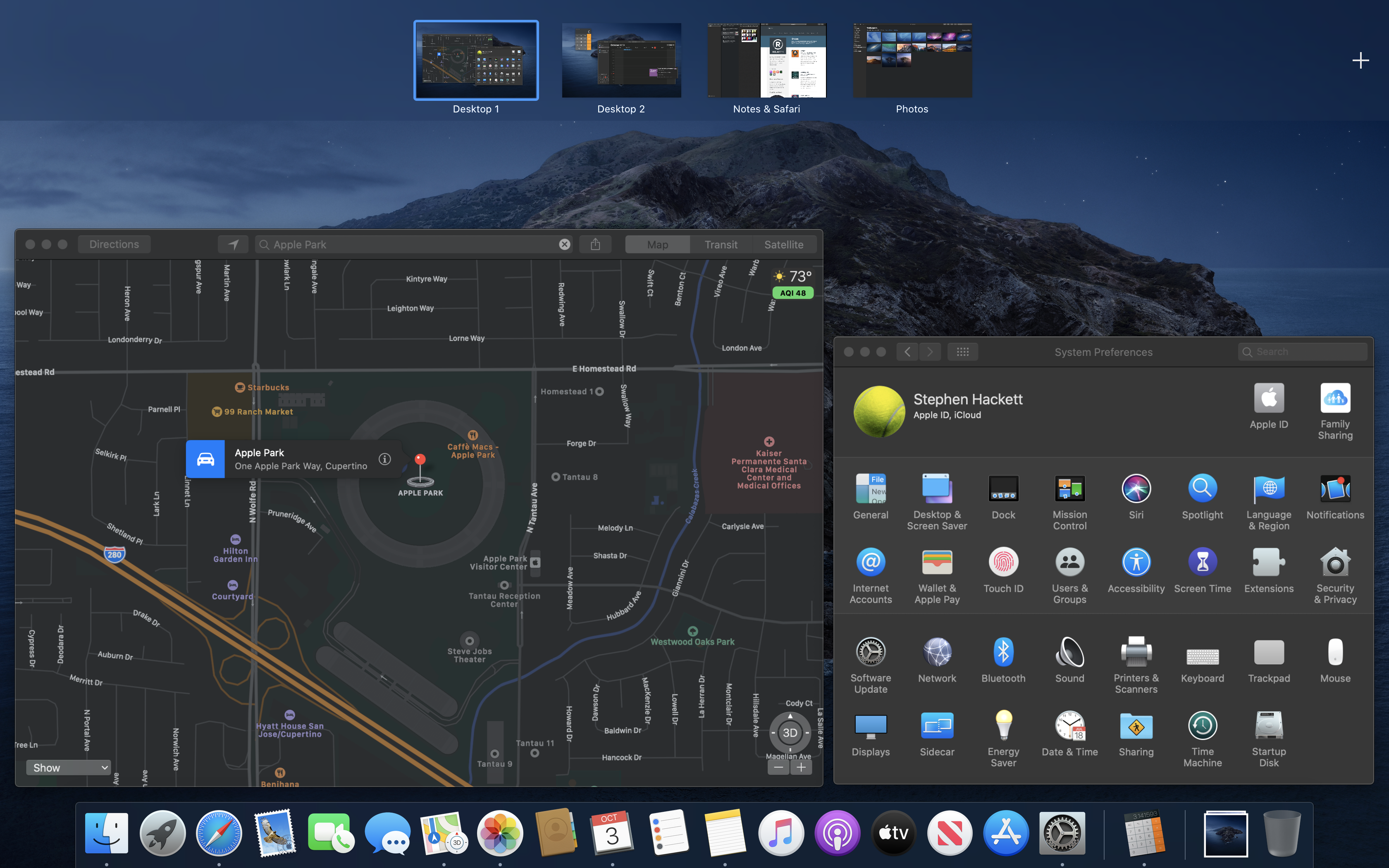
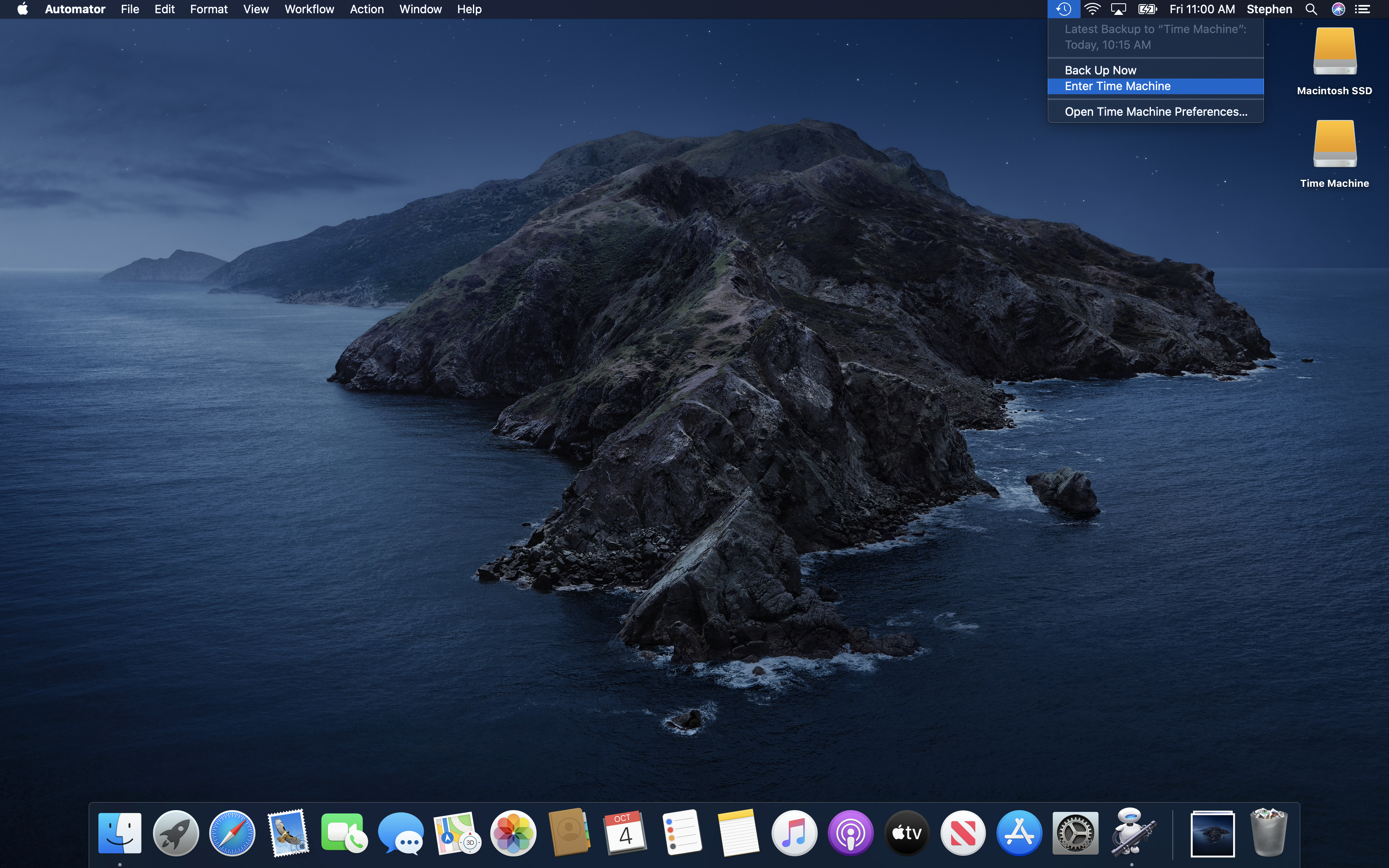
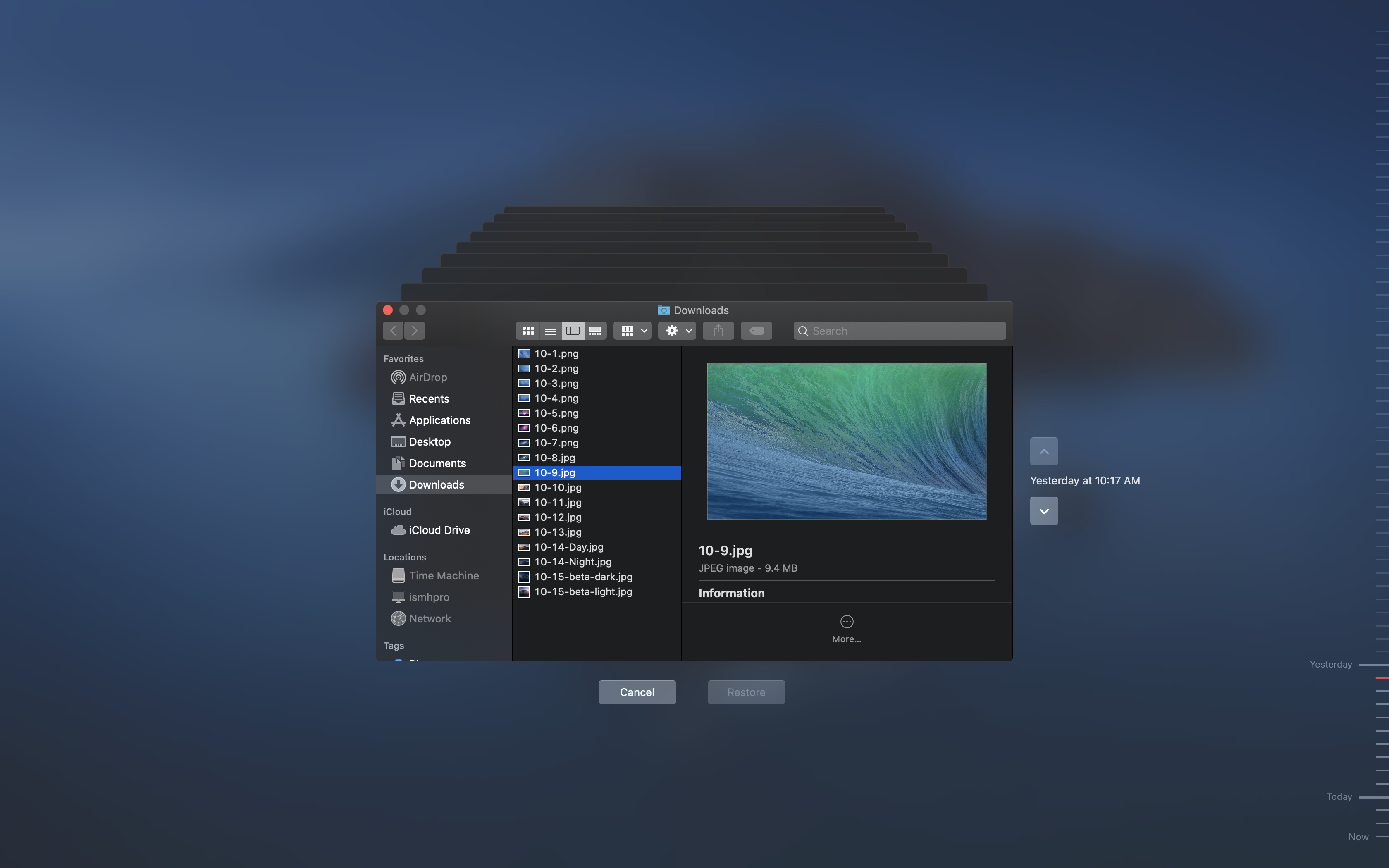
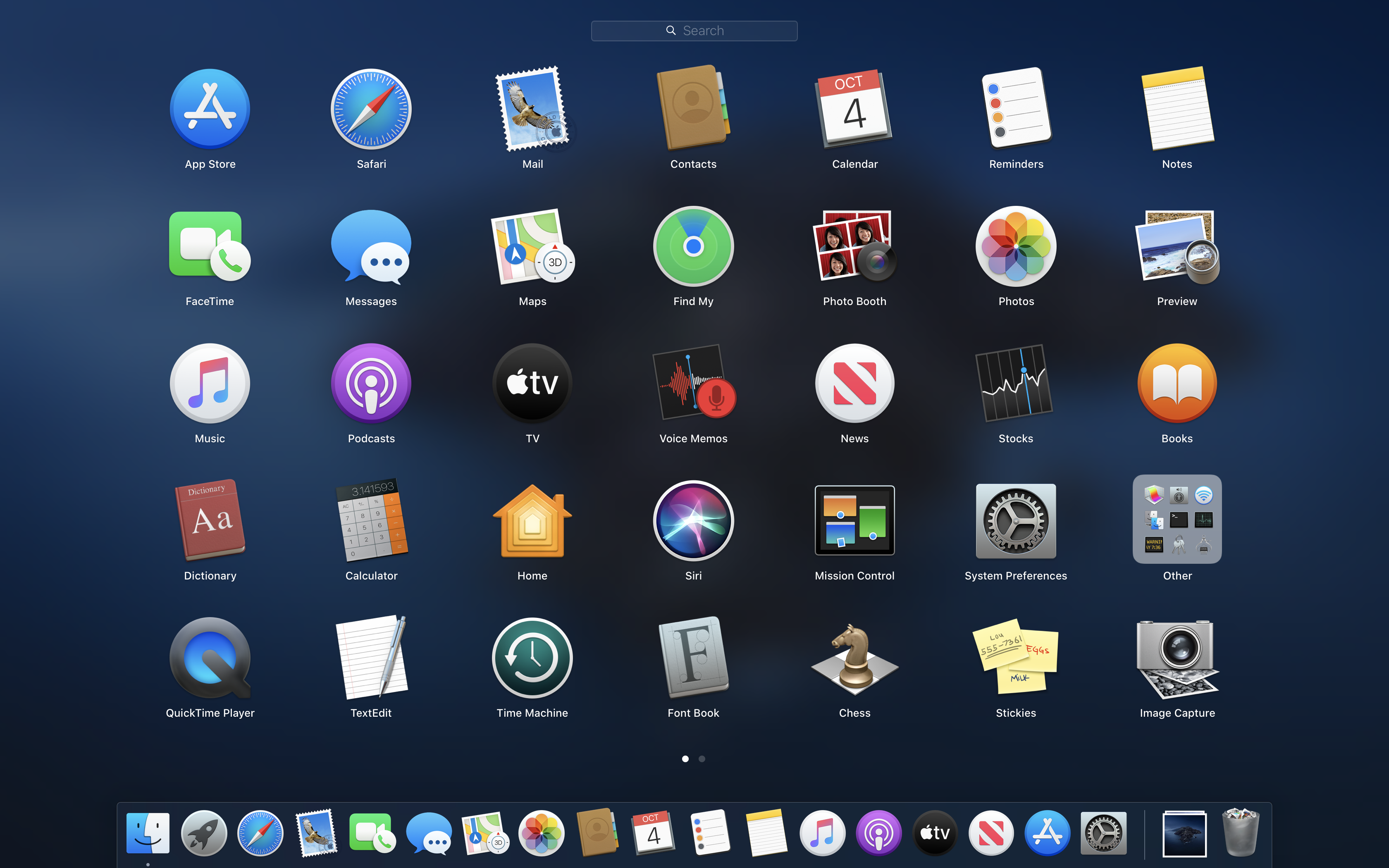
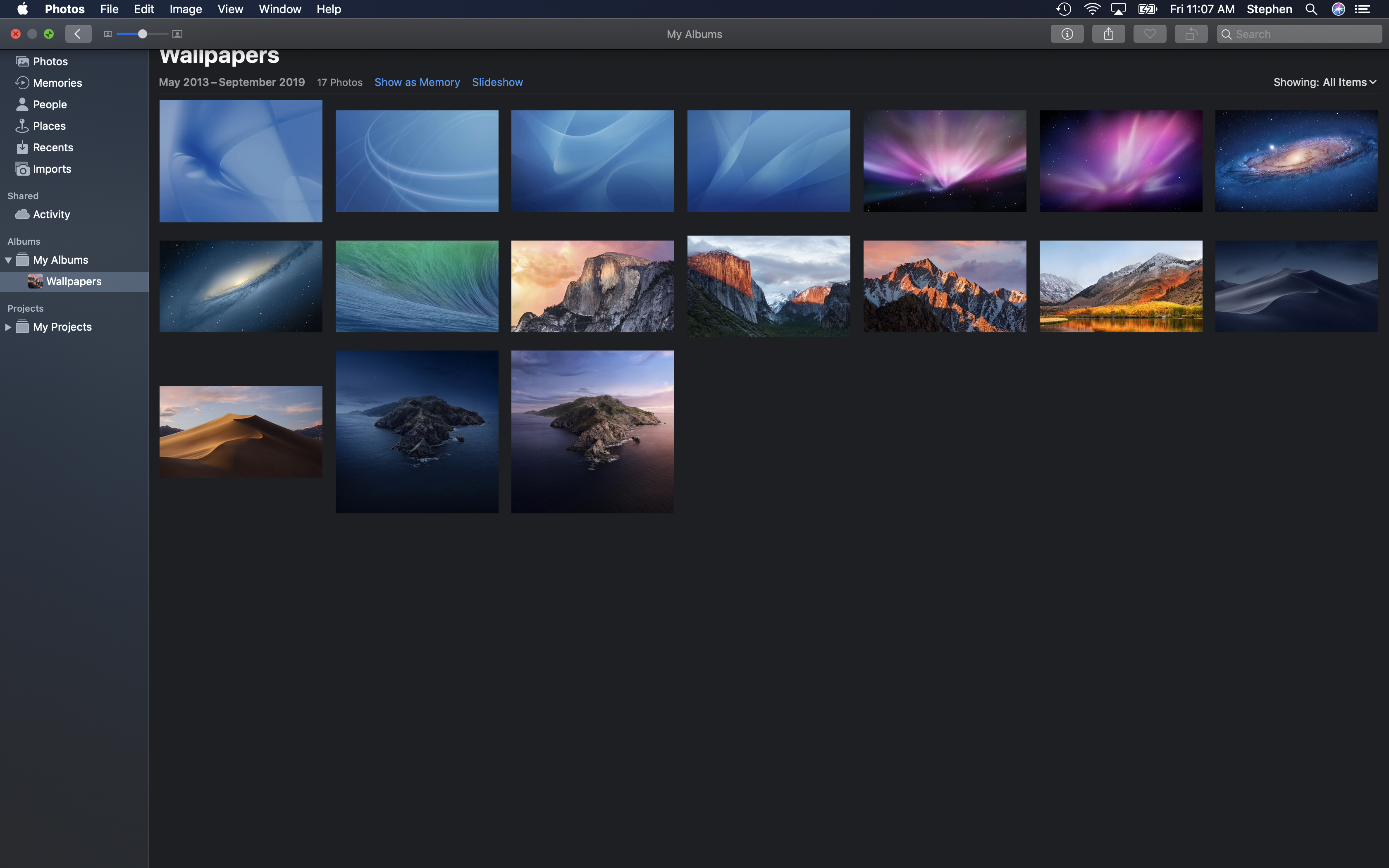
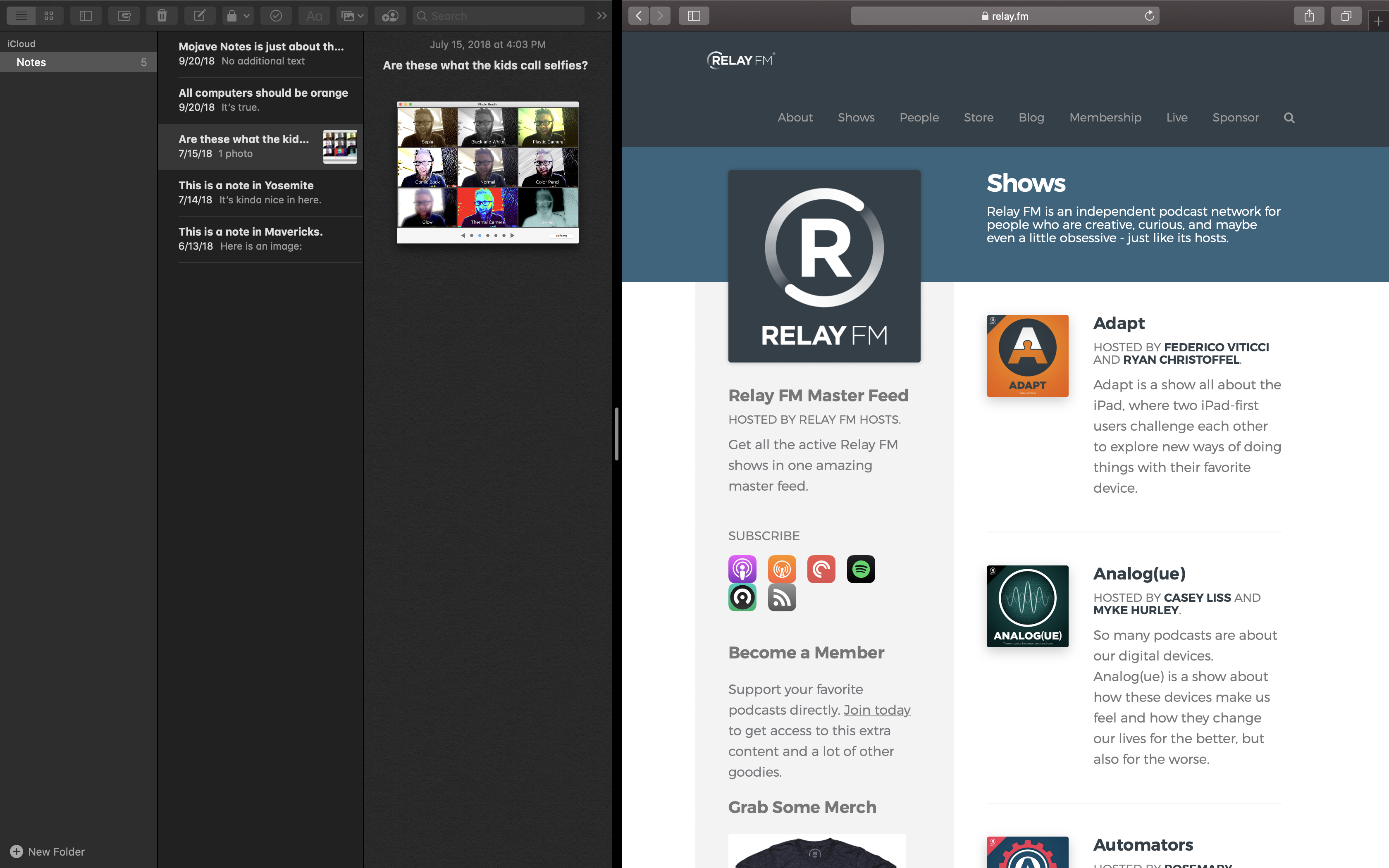
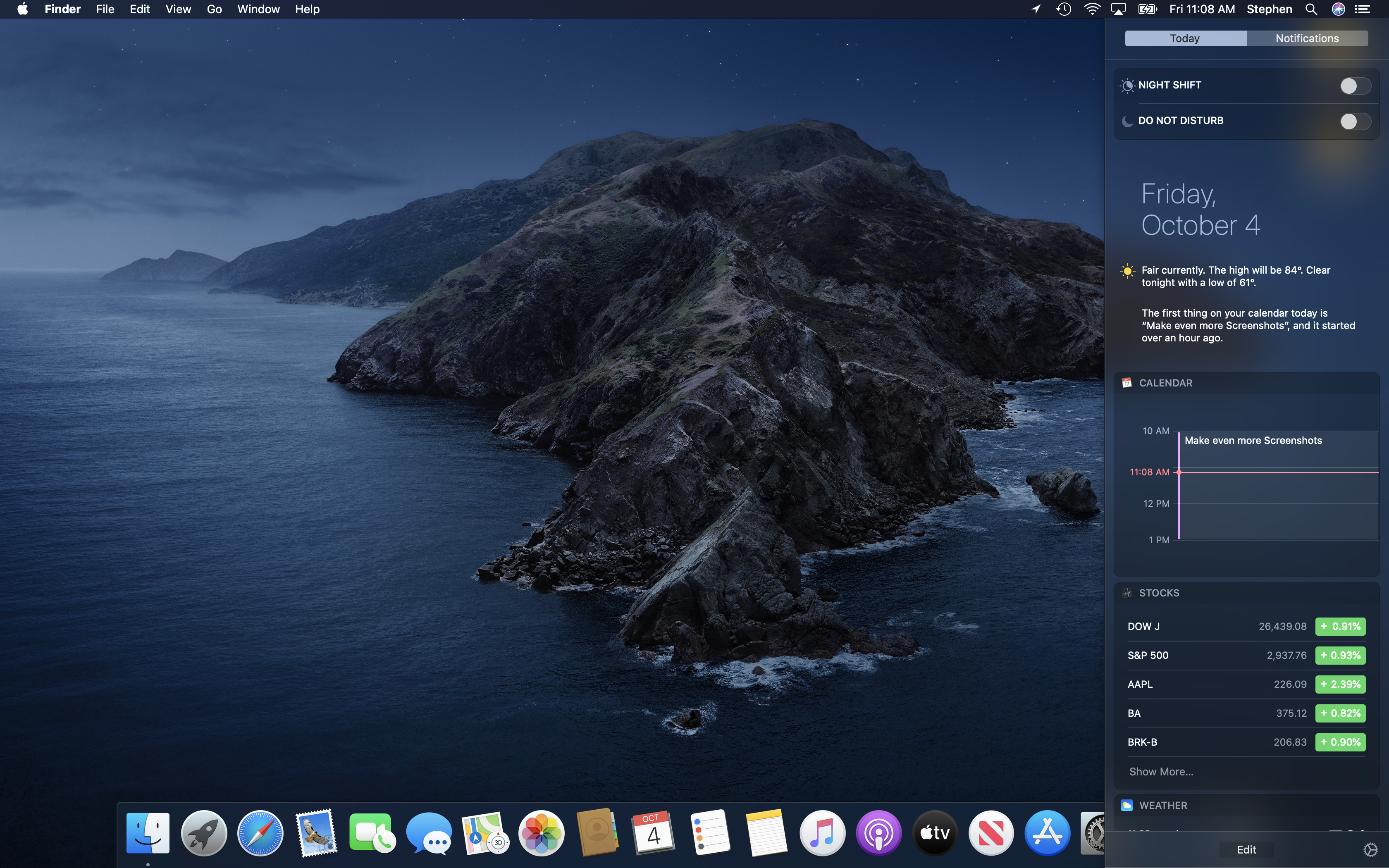
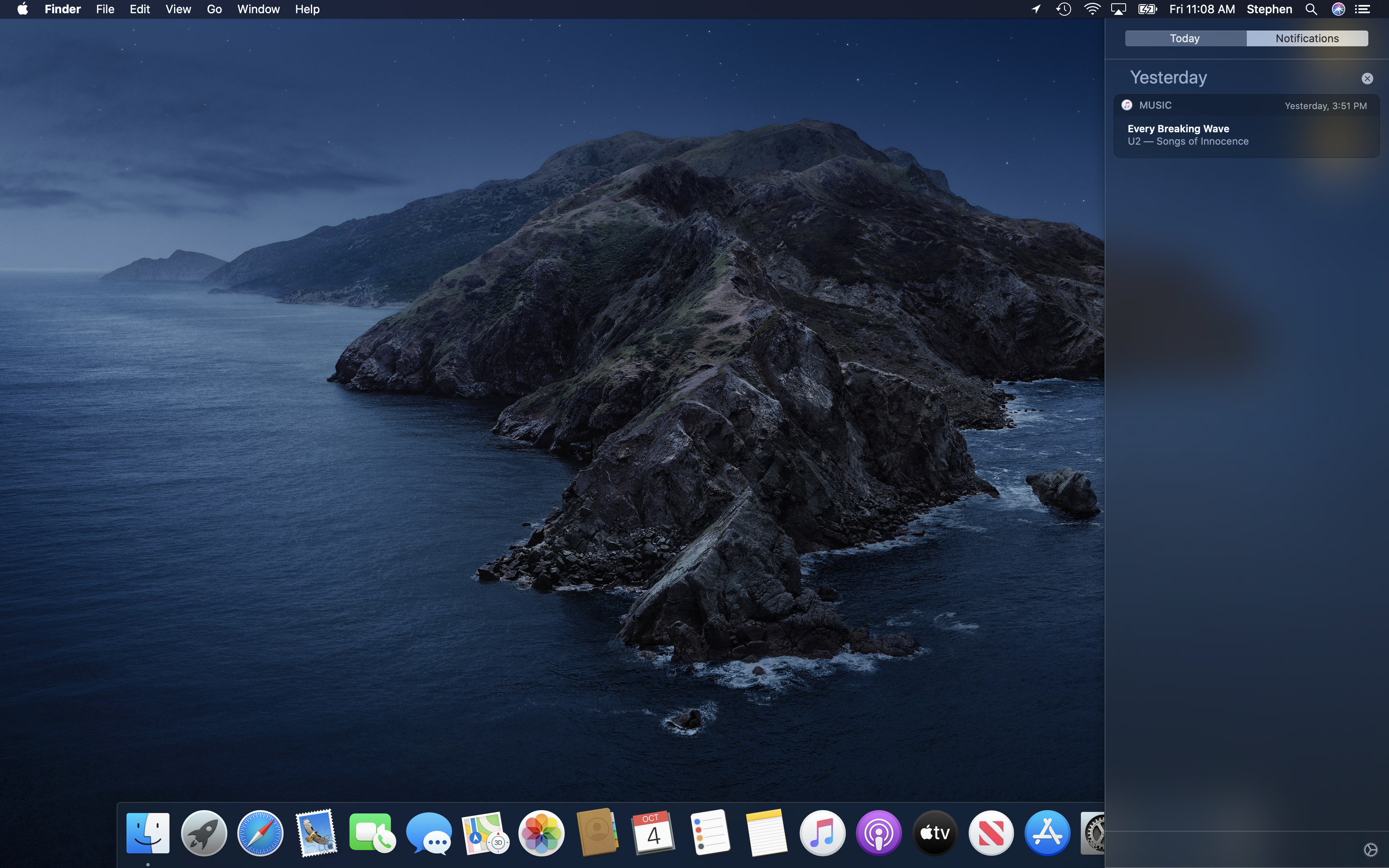
macOS Catalina — released in October 2019 — marked some major changes to the operating system. Not a single 32-bit app will run on Catalina, as Apple has made everything 64-bit in the OS and its frameworks. It’s the end of the road of older Mac applications, including every one using the Carbon APIs. macOS 10.15 is also the first to support Catalyst, which allows developers to port their iPad apps to the Mac. Also new is SwiftUI, which is Apple’s long-term play to let developers write one app to run across all of Apple’s software platforms.
After 18 years, the kingdom of iTunes has fallen. Three new apps (Music, Podcasts and TV) are here to take over the old title’s various duties.
You can check out my Catalina review here.
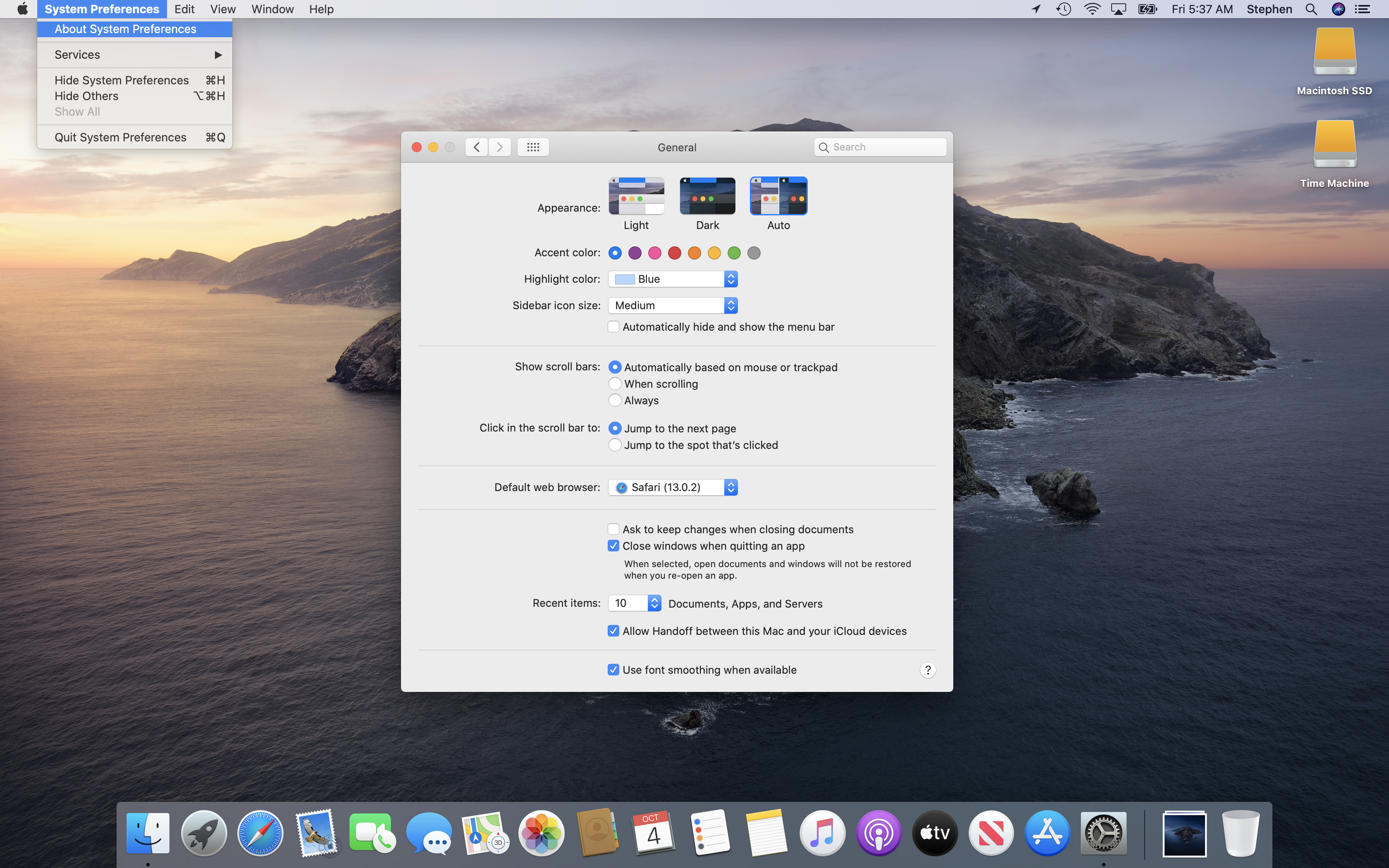
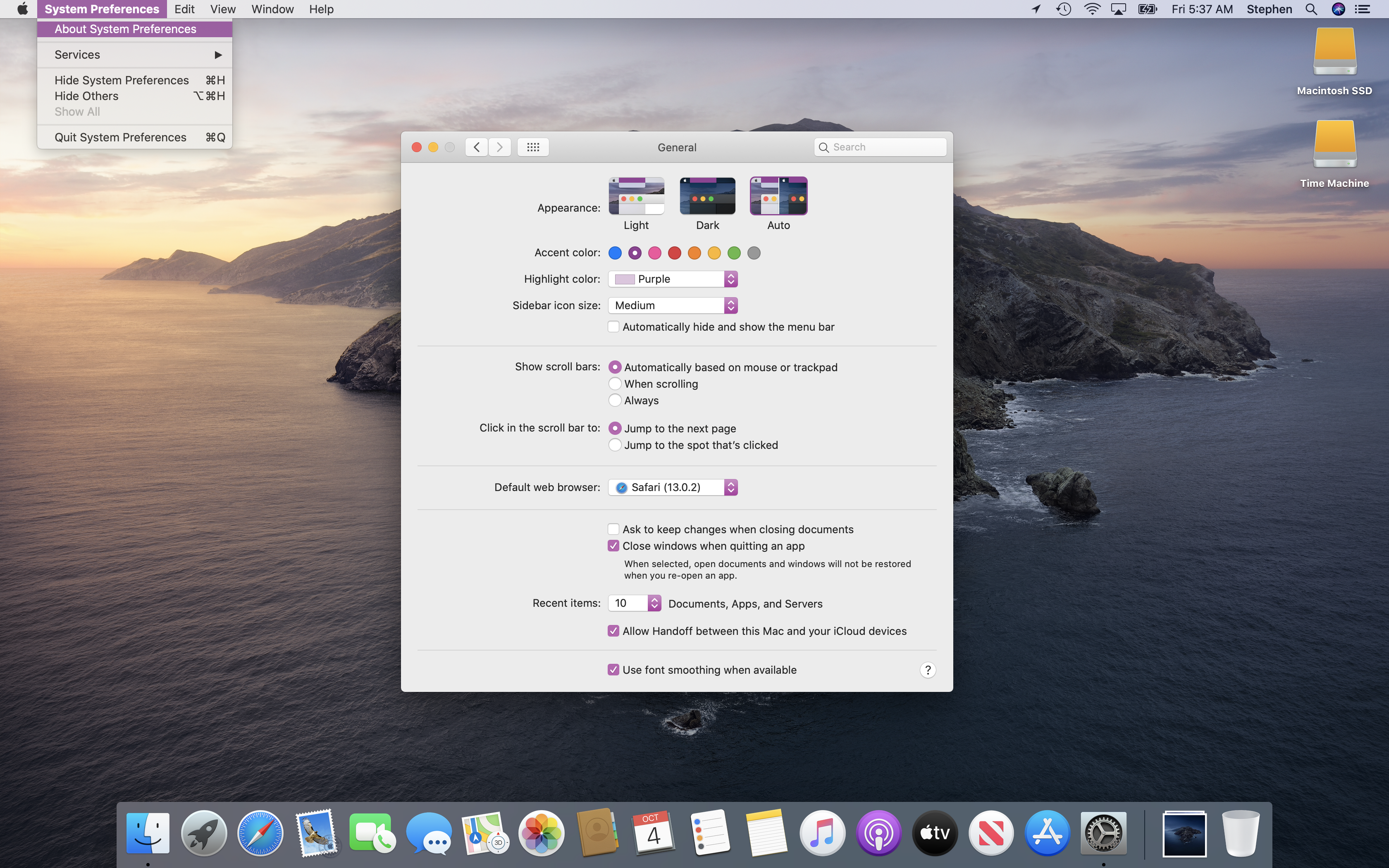
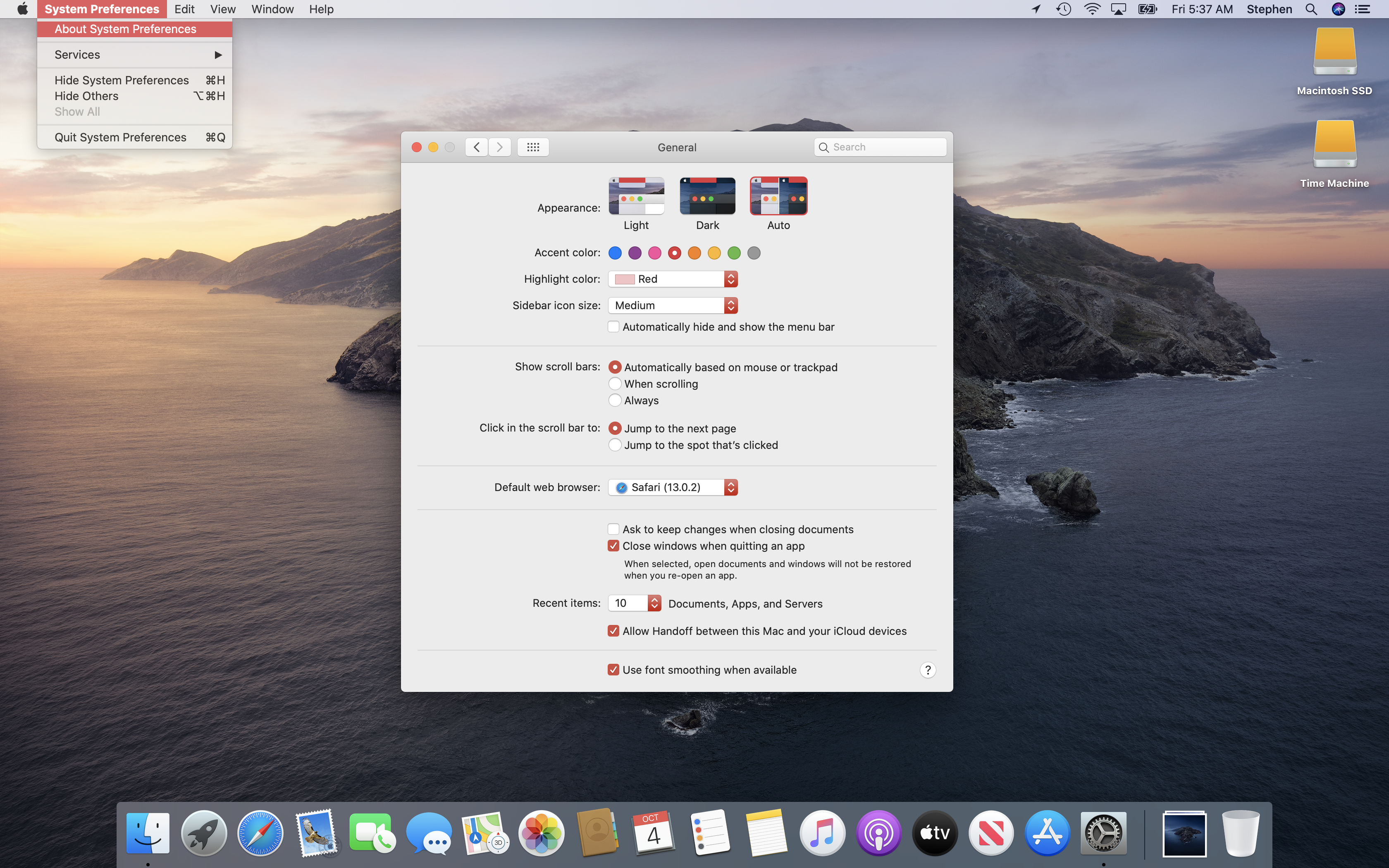
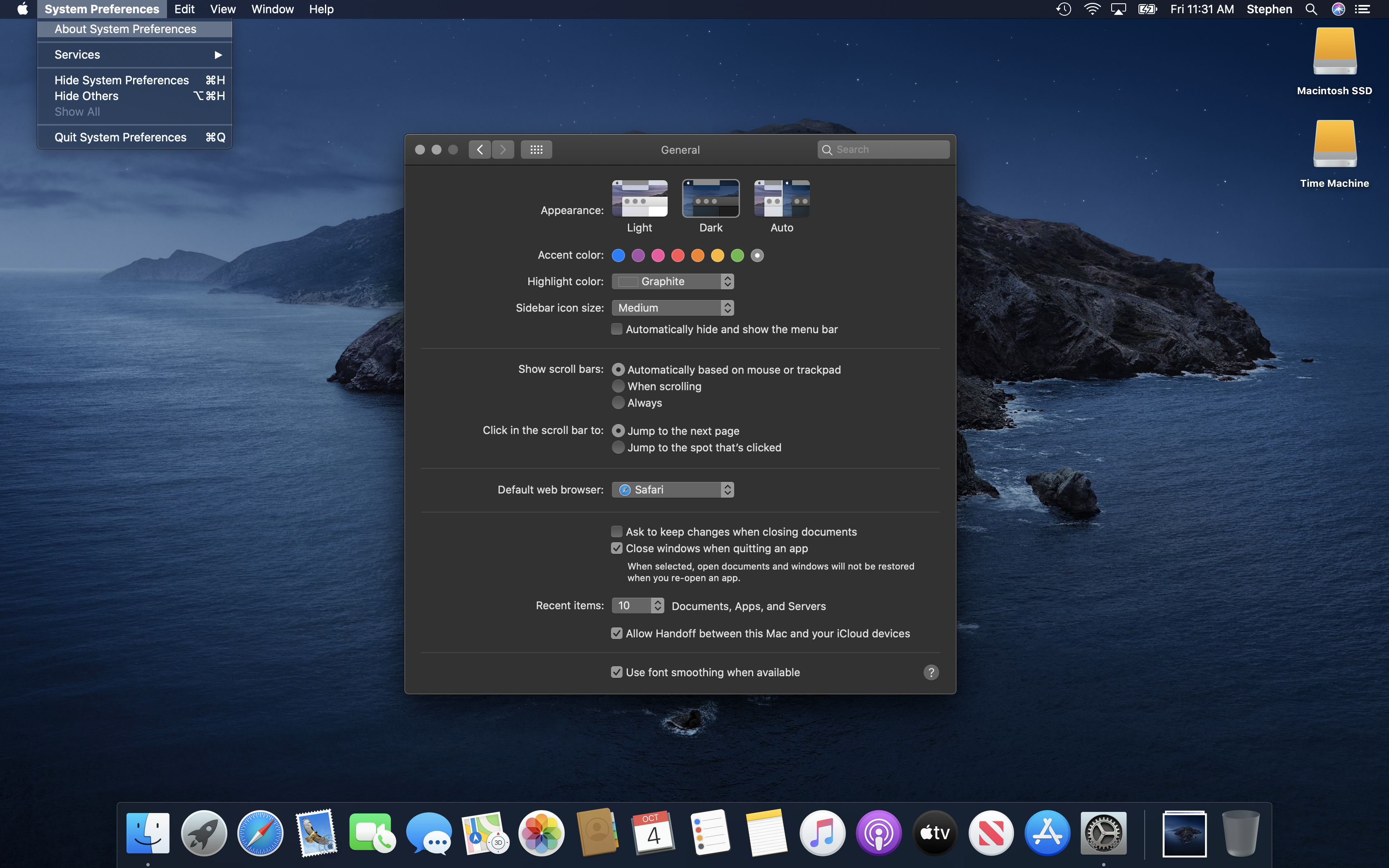
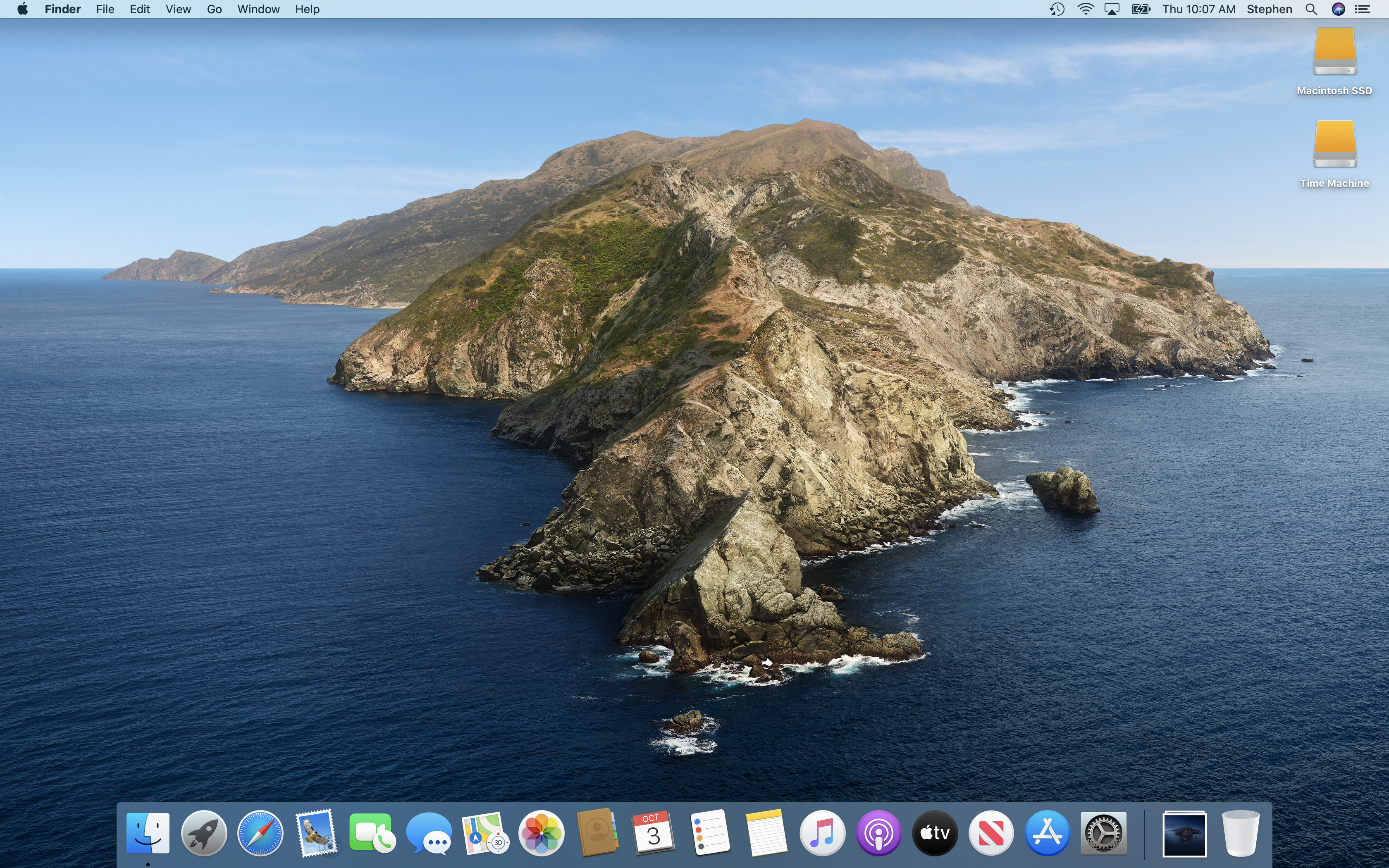
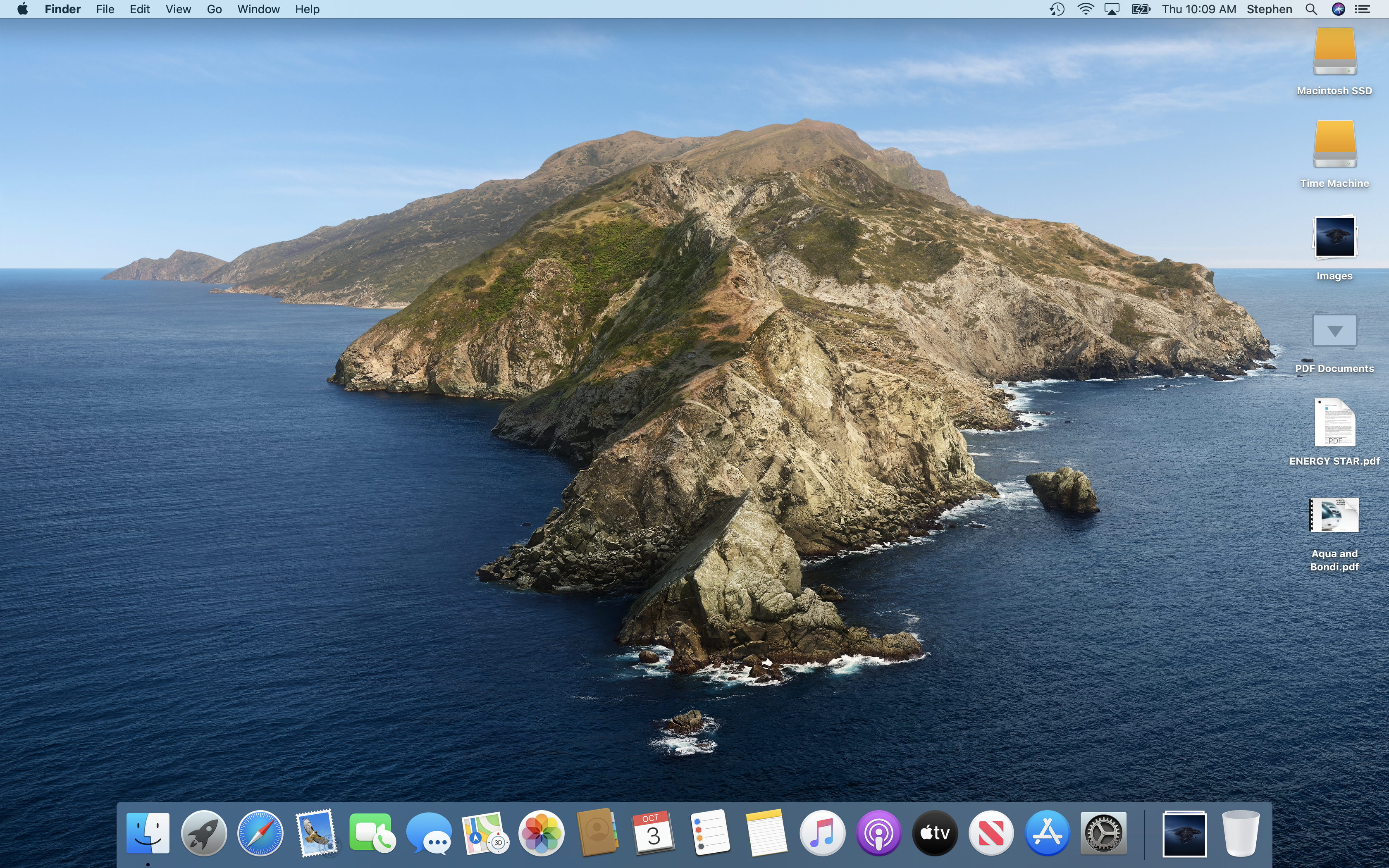
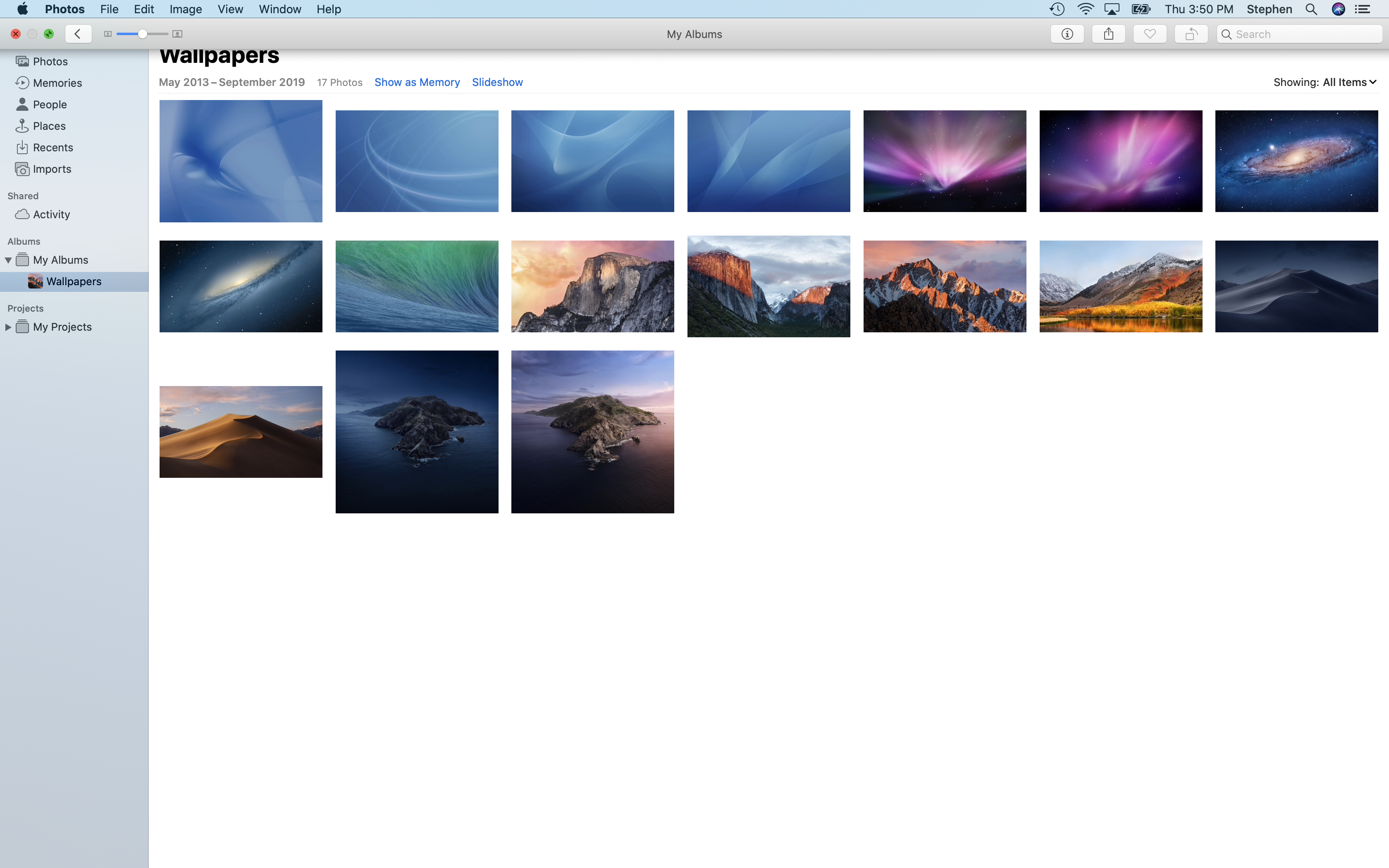
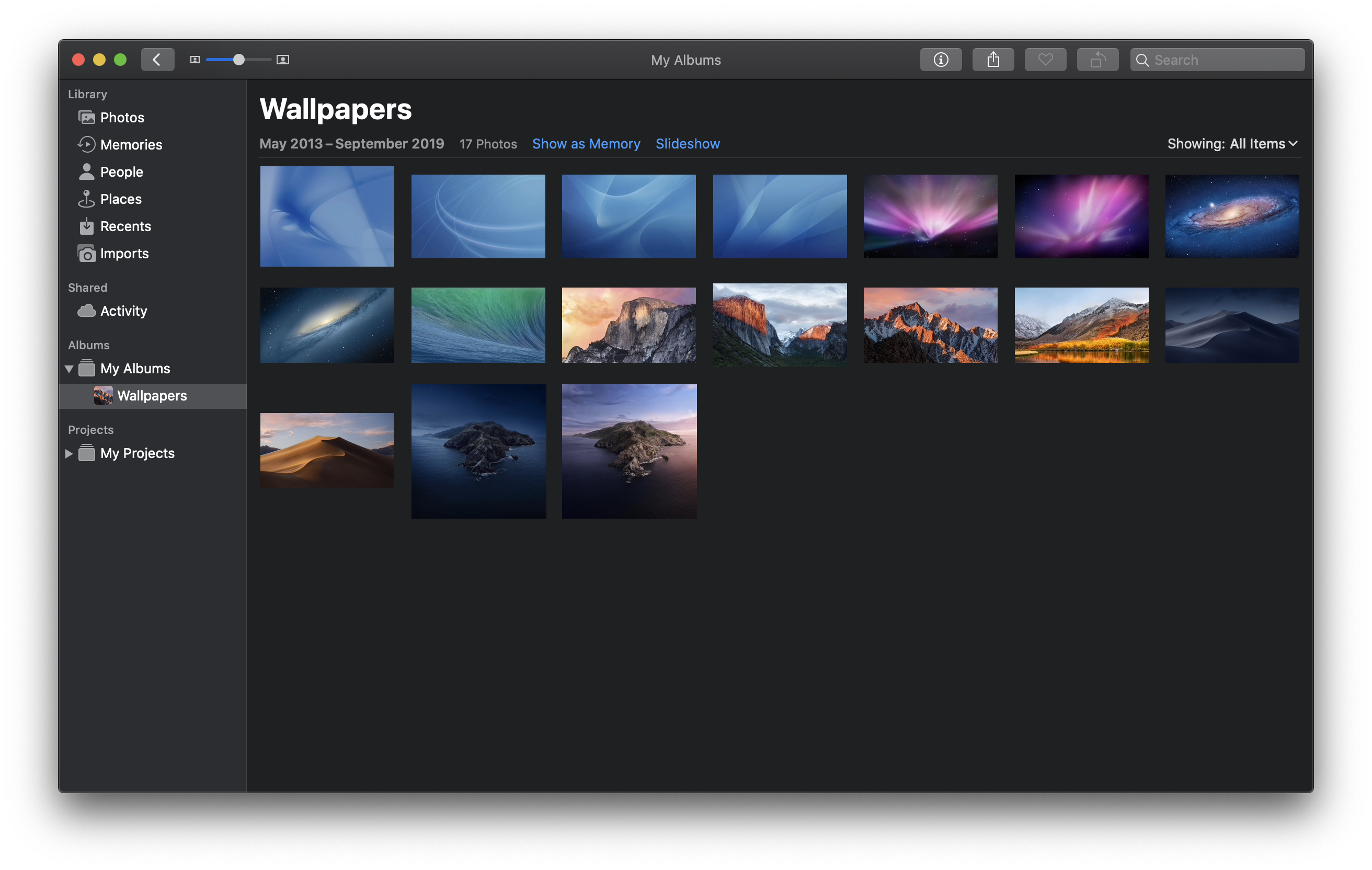
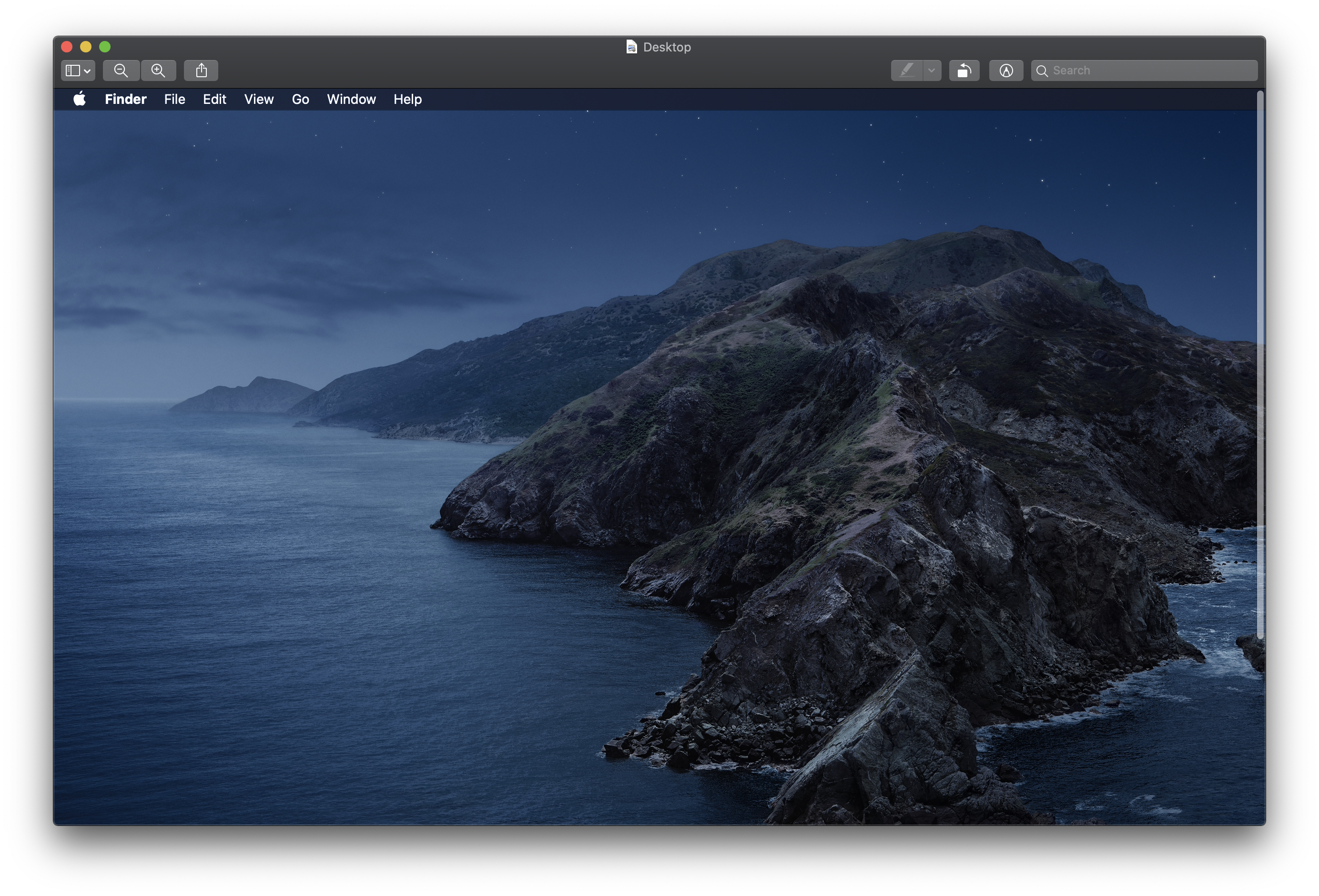
Like Mojave before it, Catalina support both Light and Dark Modes, but Apple has added an “Auto” appearance that changes the desktop wallpaper, mode and Night Shift white balance as the day progresses. There are actually eight variants of the default wallpaper, which you can see here.
Sponsored by Rogue Amoeba
The 512 Pixels macOS Screenshot Library is sponsored by SoundSource , from the fine folks at Rogue Amoeba .
SoundSource puts powerful audio control of your Mac right in your menu bar. Adjust app volume instantly, apply audio effects to the audio you hear, and redirect that audio to any device connected to your Mac – now including AirPlay devices.
SoundSource : Sound control so good, it ought to be built into macOS.
Appearance & Accent Combinations
Morning: Blue
Morning: Purple
Morning: Pink
Morning: Red
Morning: Orange
Morning: Yellow
Morning: Green
Morning: Graphite
Day: Blue
Day: Purple
Day: Pink
Day: Red
Day: Orange
Day: Yellow
Day: Green
Day: Graphite
Evening: Blue
Evening: Purple
Evening: Pink
Evening: Red
Evening: Orange
Evening: Yellow
Evening: Green
Evening: Graphite
Dark: Blue
Dark: Purple
Dark: Pink
Dark: Red
Dark: Orange
Dark: Yellow
Dark: Green
Dark: Graphite
Light Mode
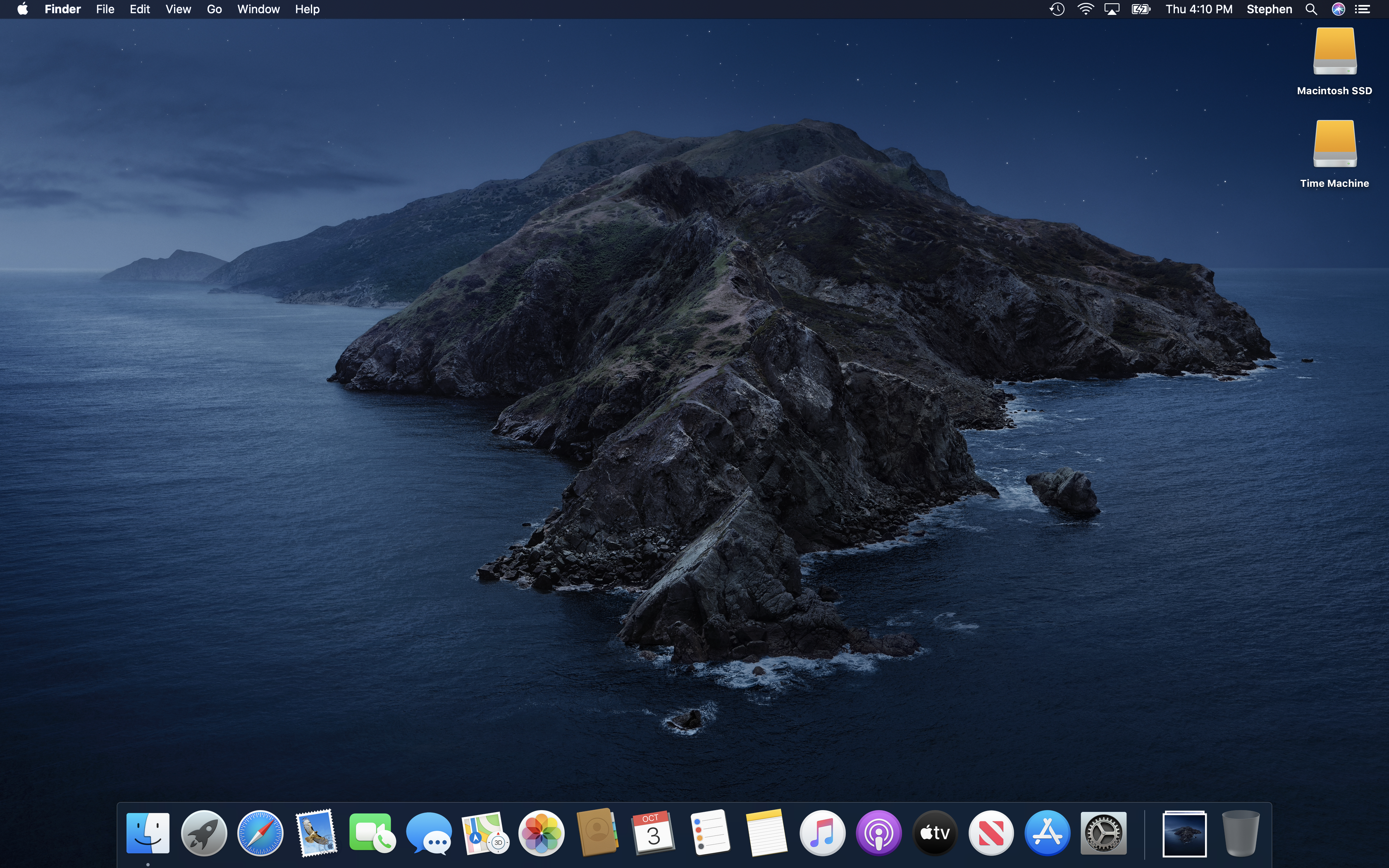
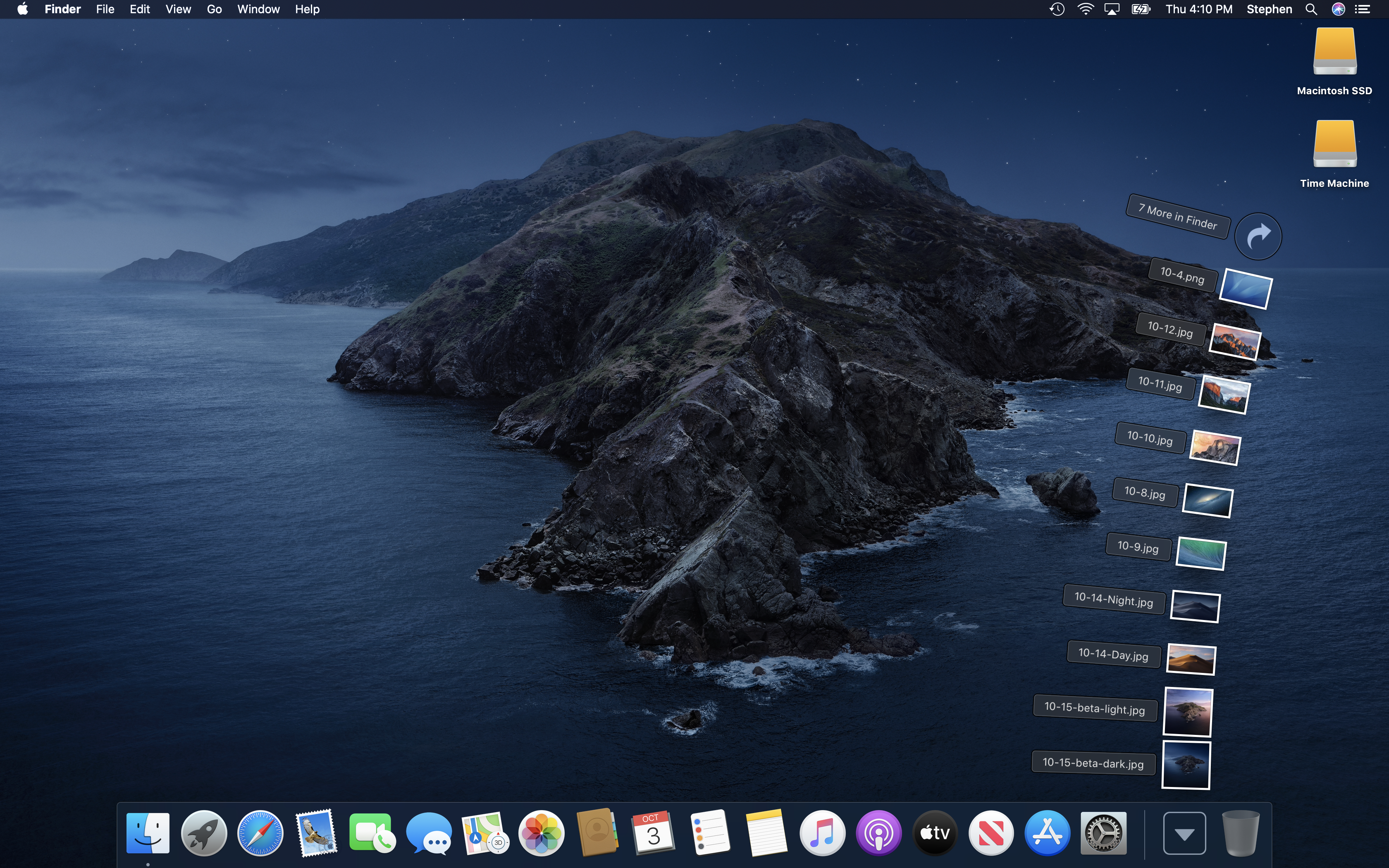
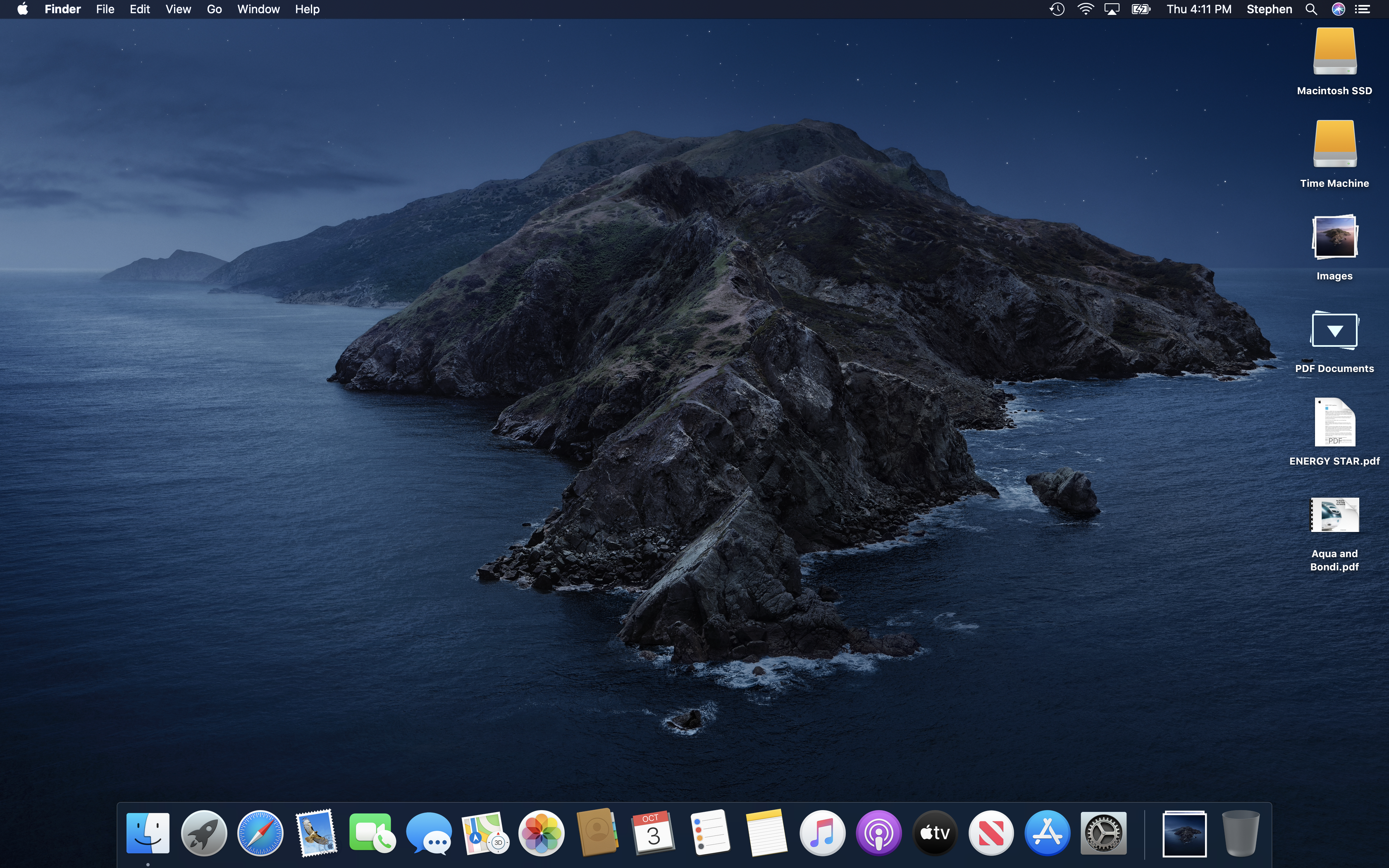
Desktop
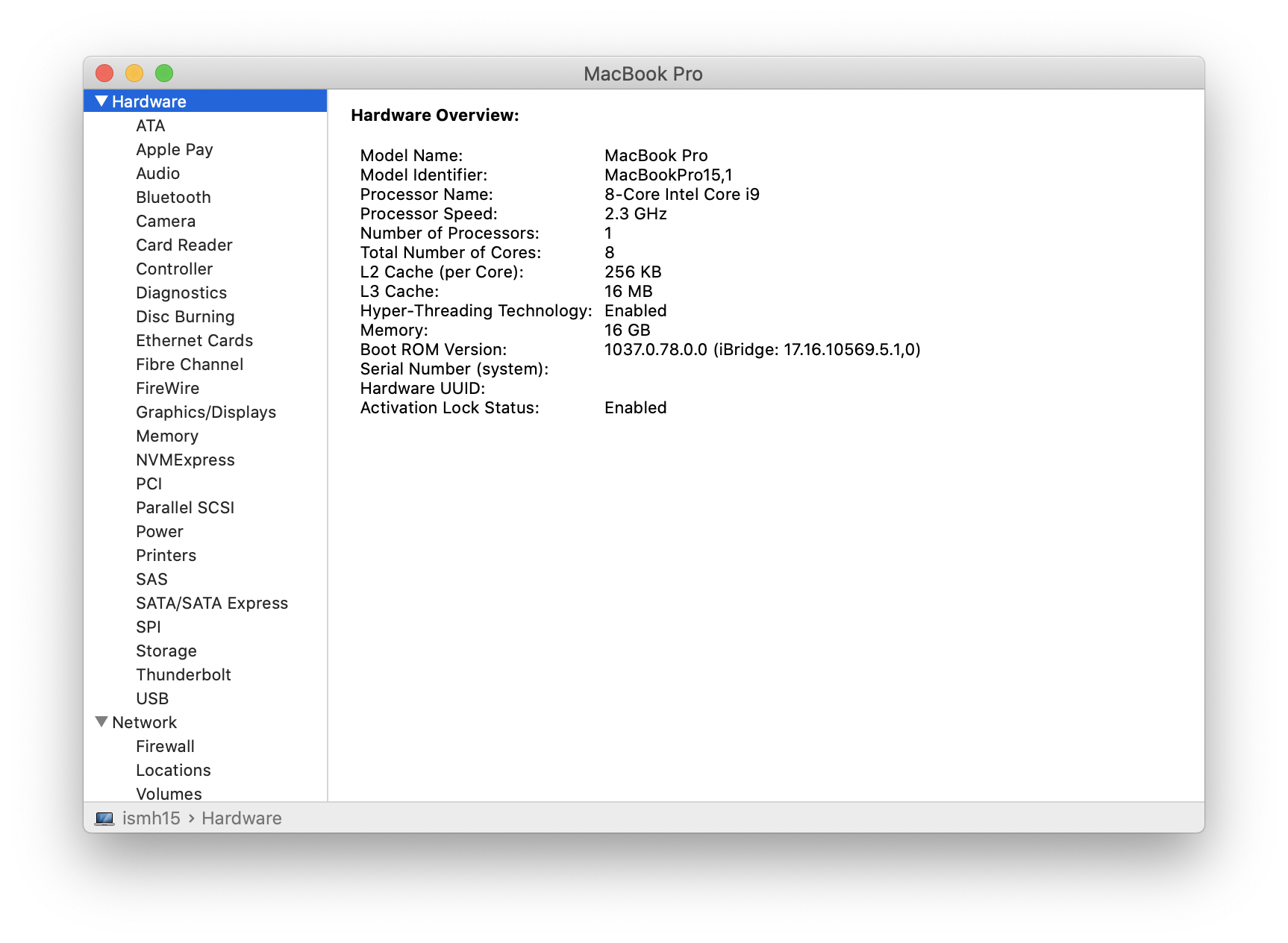
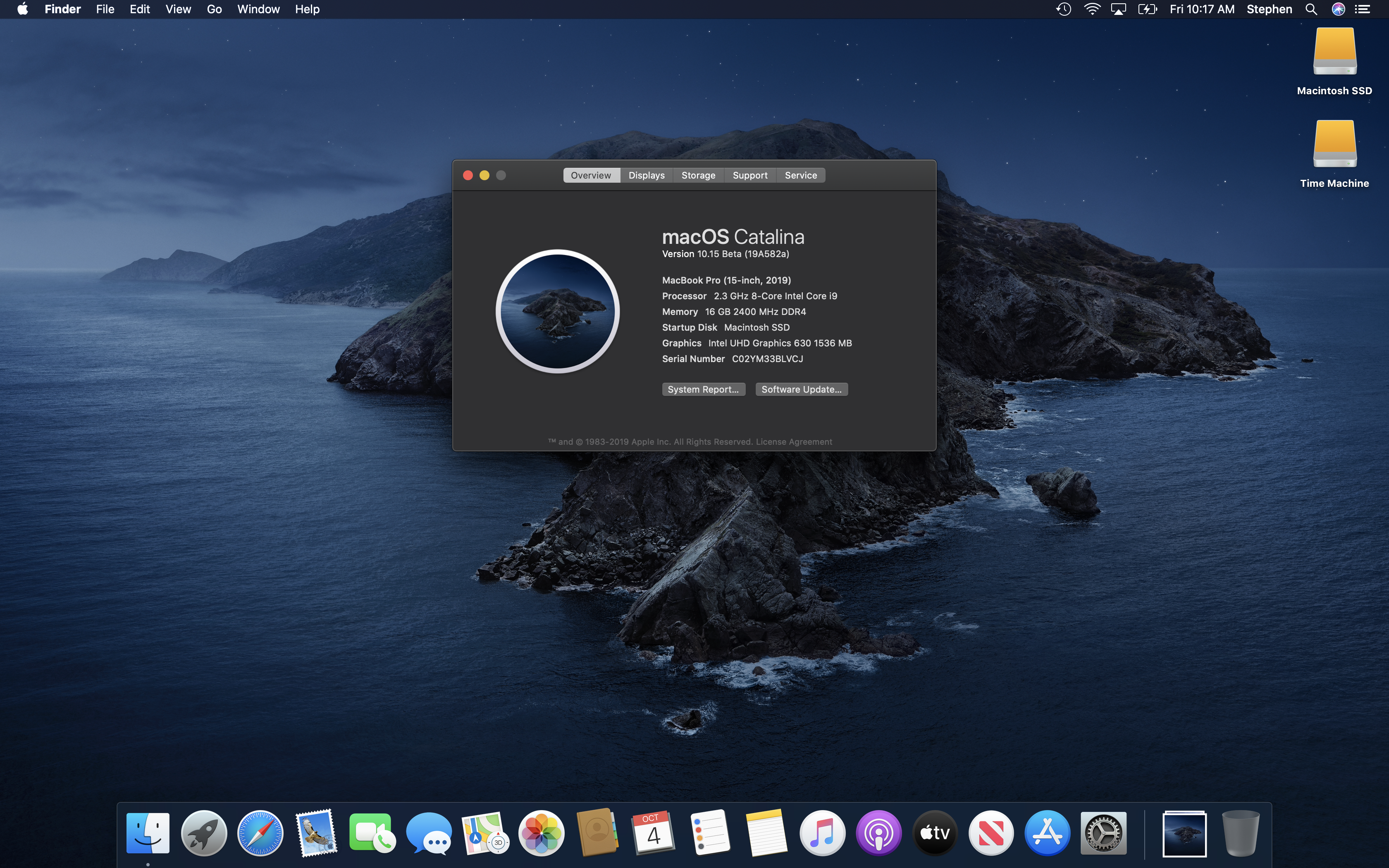
About This Mac
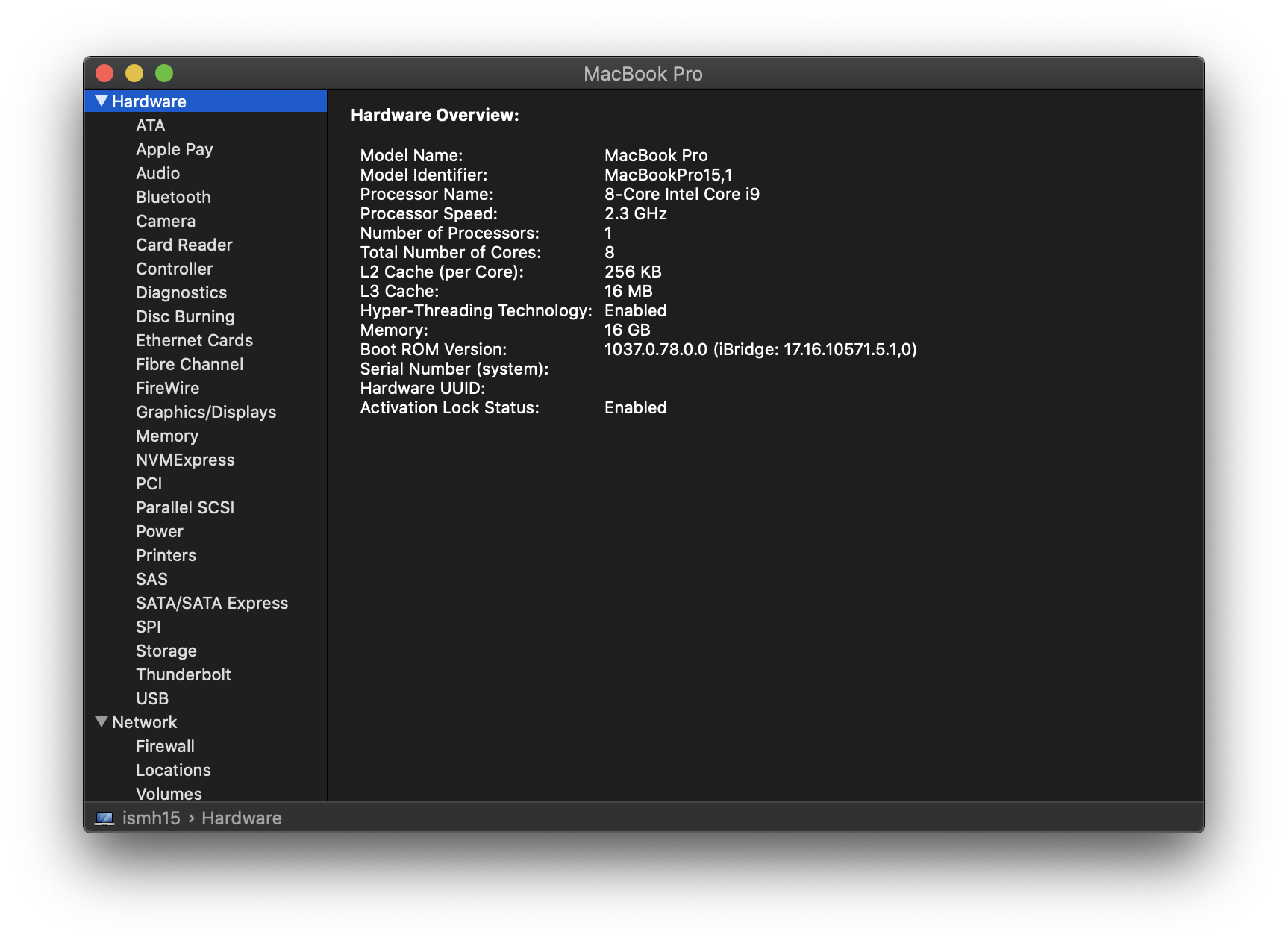
System Information
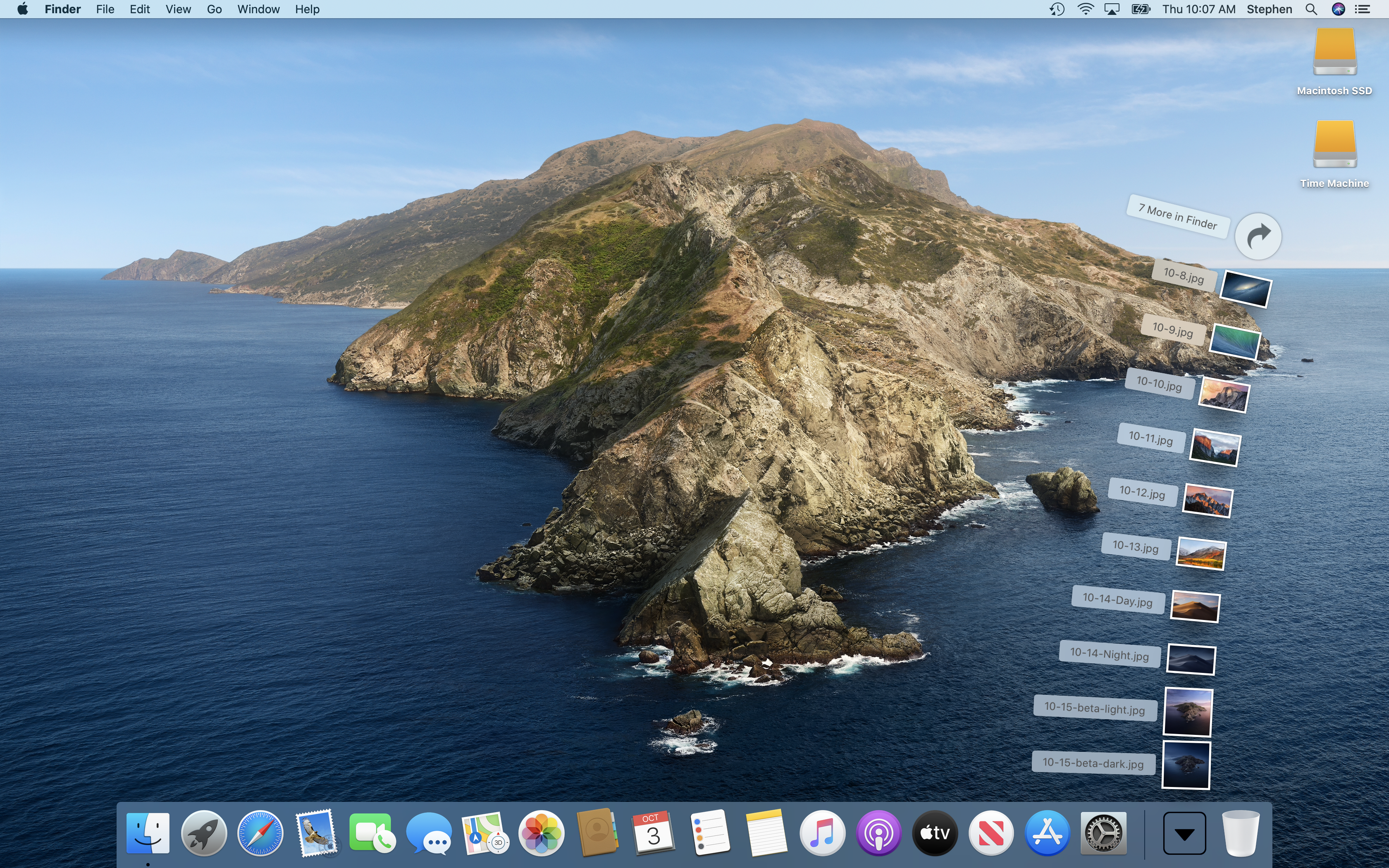
Stacks
Desktop Stacks
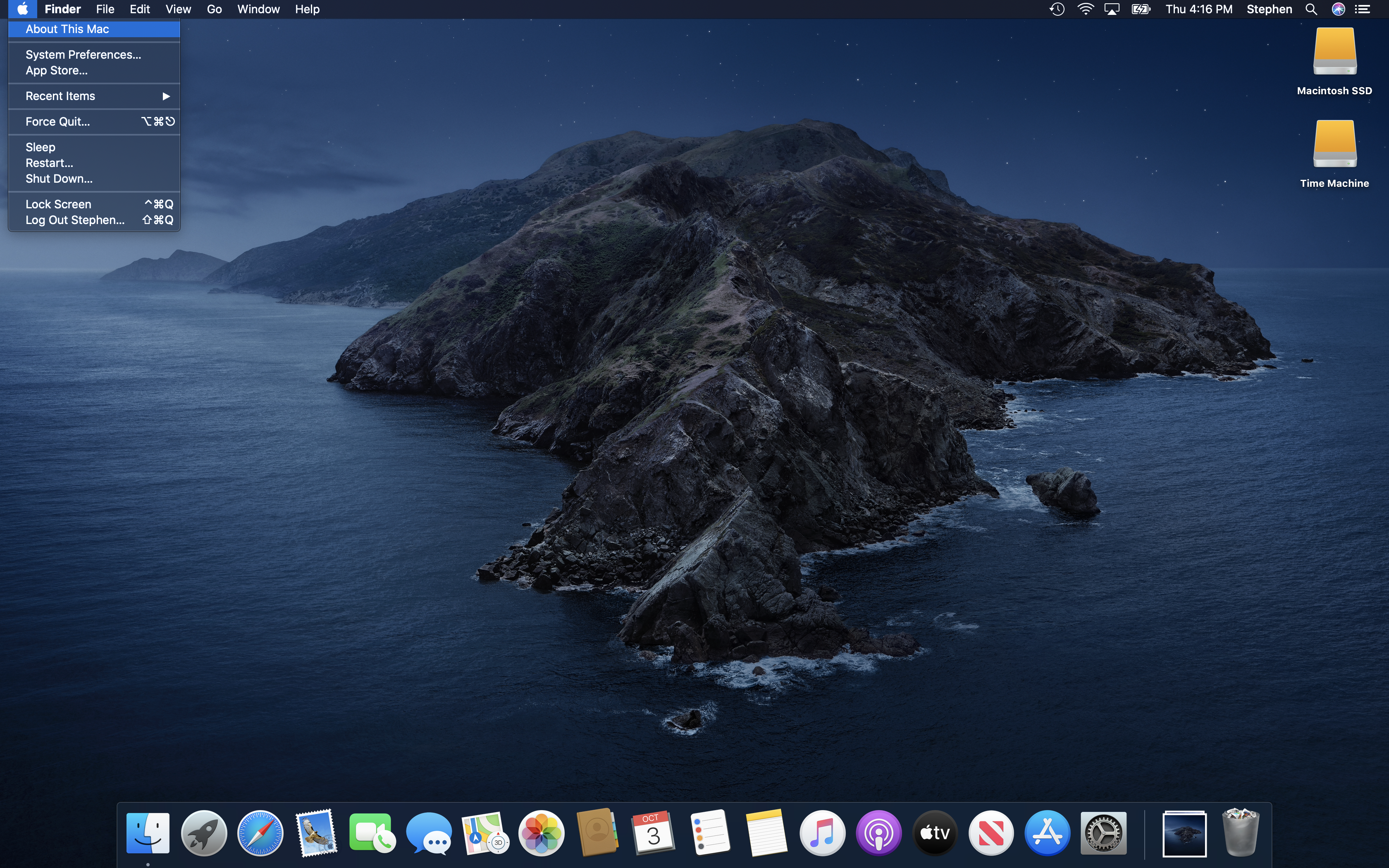
Apple Menu
Finder Menu
Go Menu
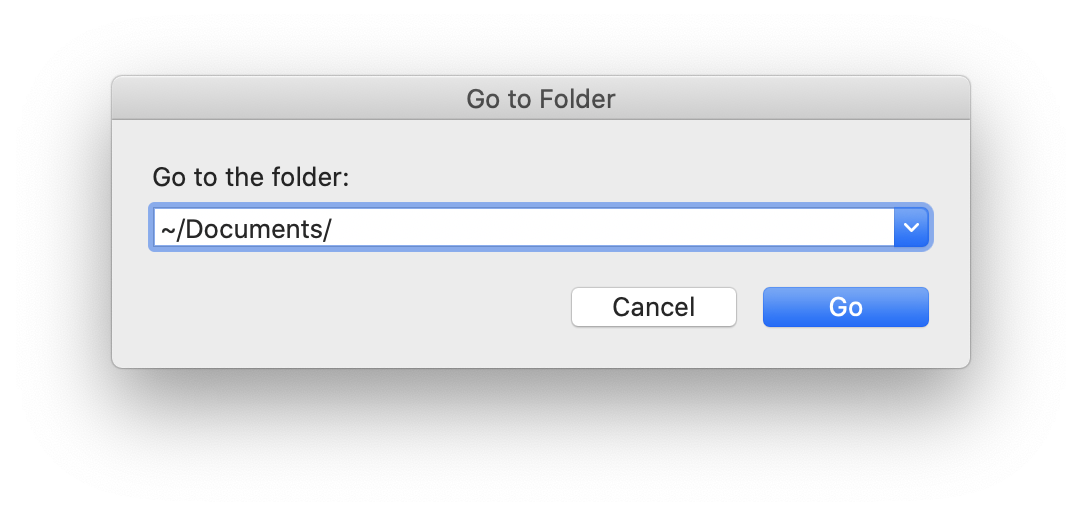
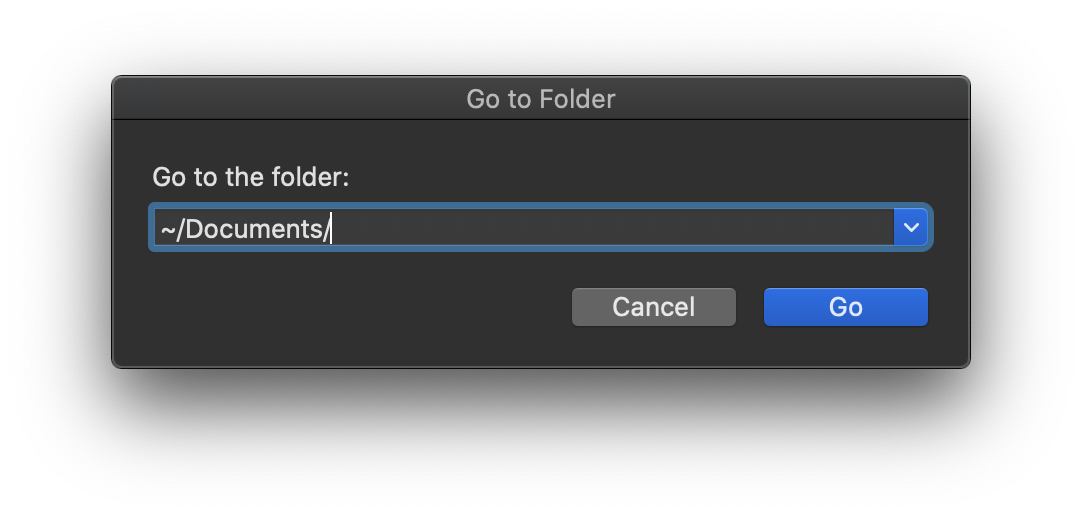
Finder: Go to Folder
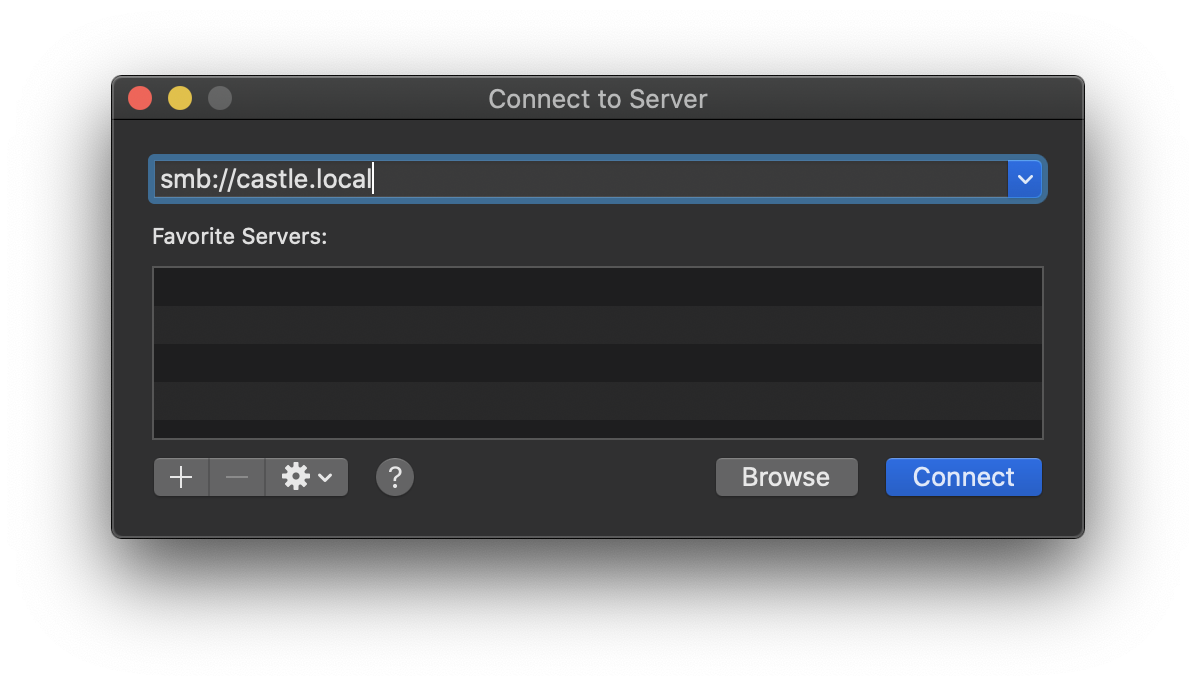
Finder: Connect to Server
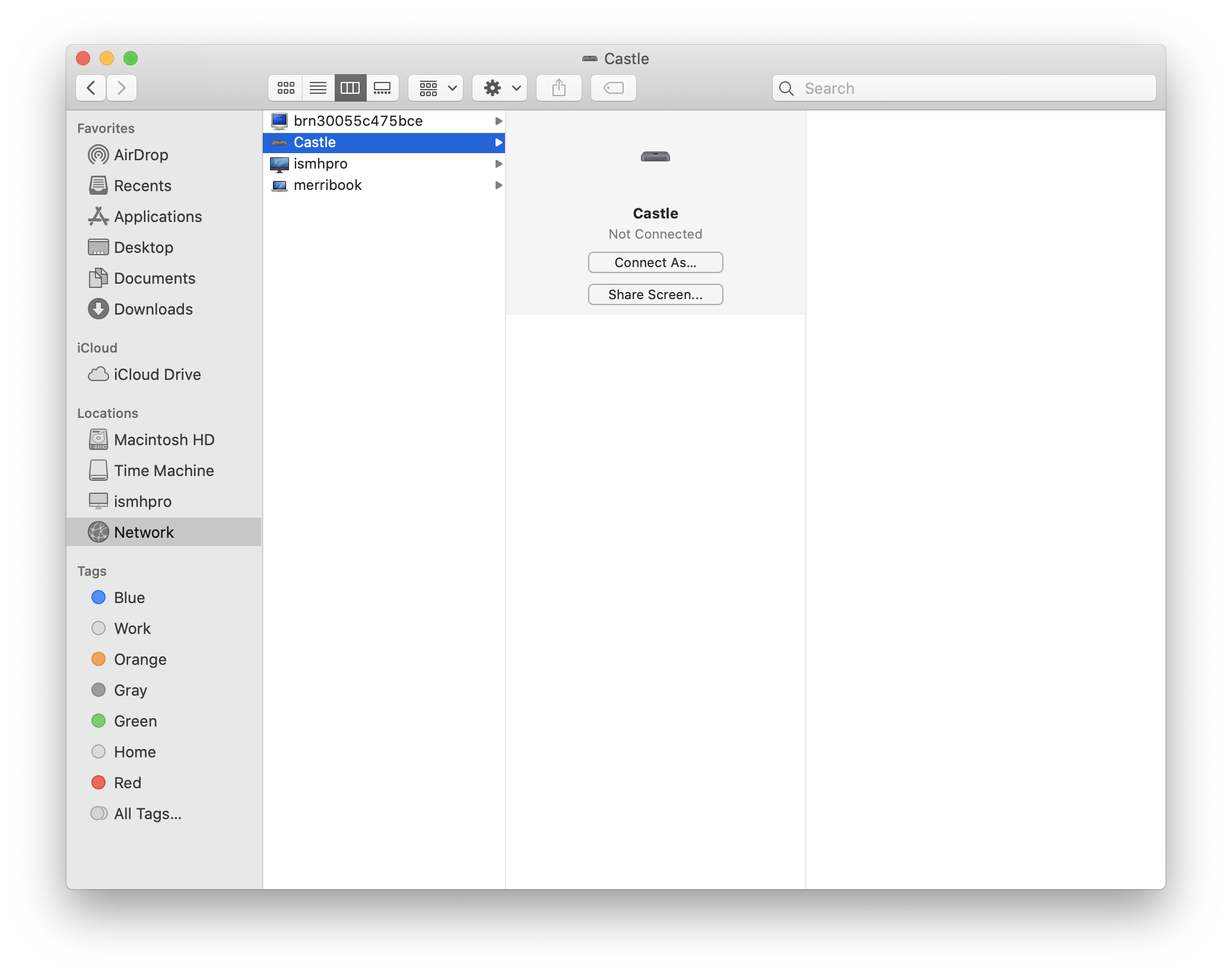
Finder: Network
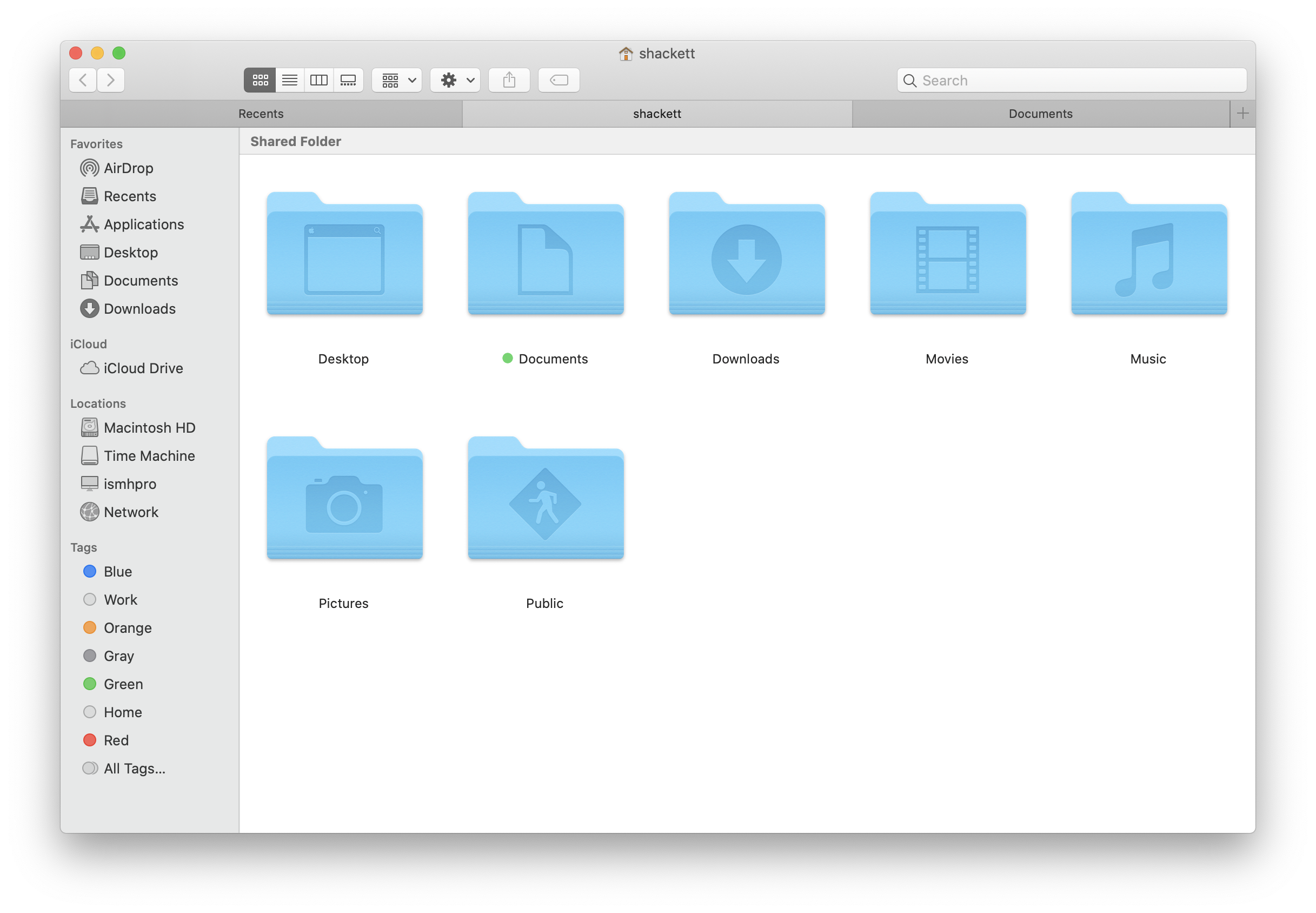
Finder: Home
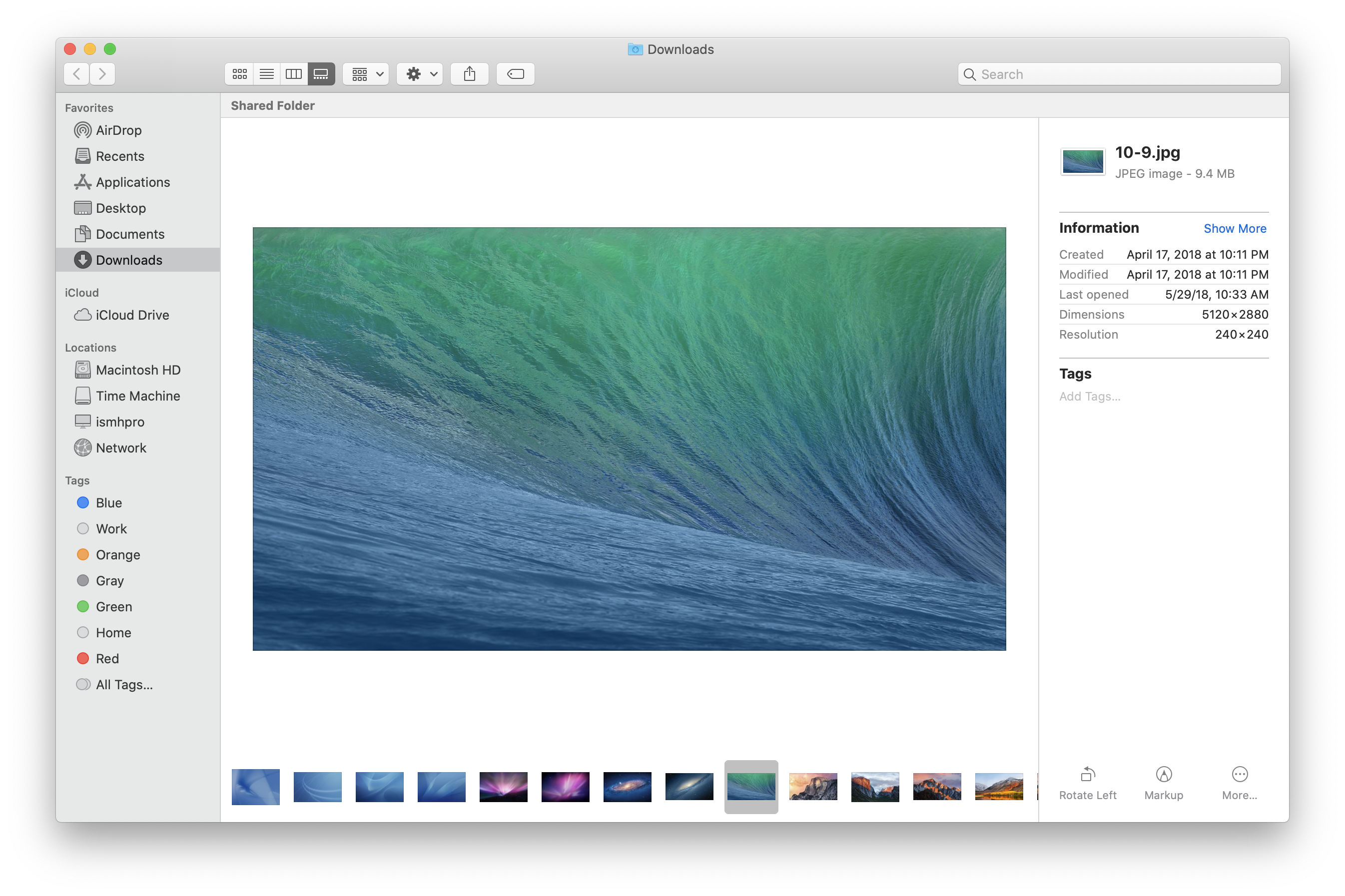
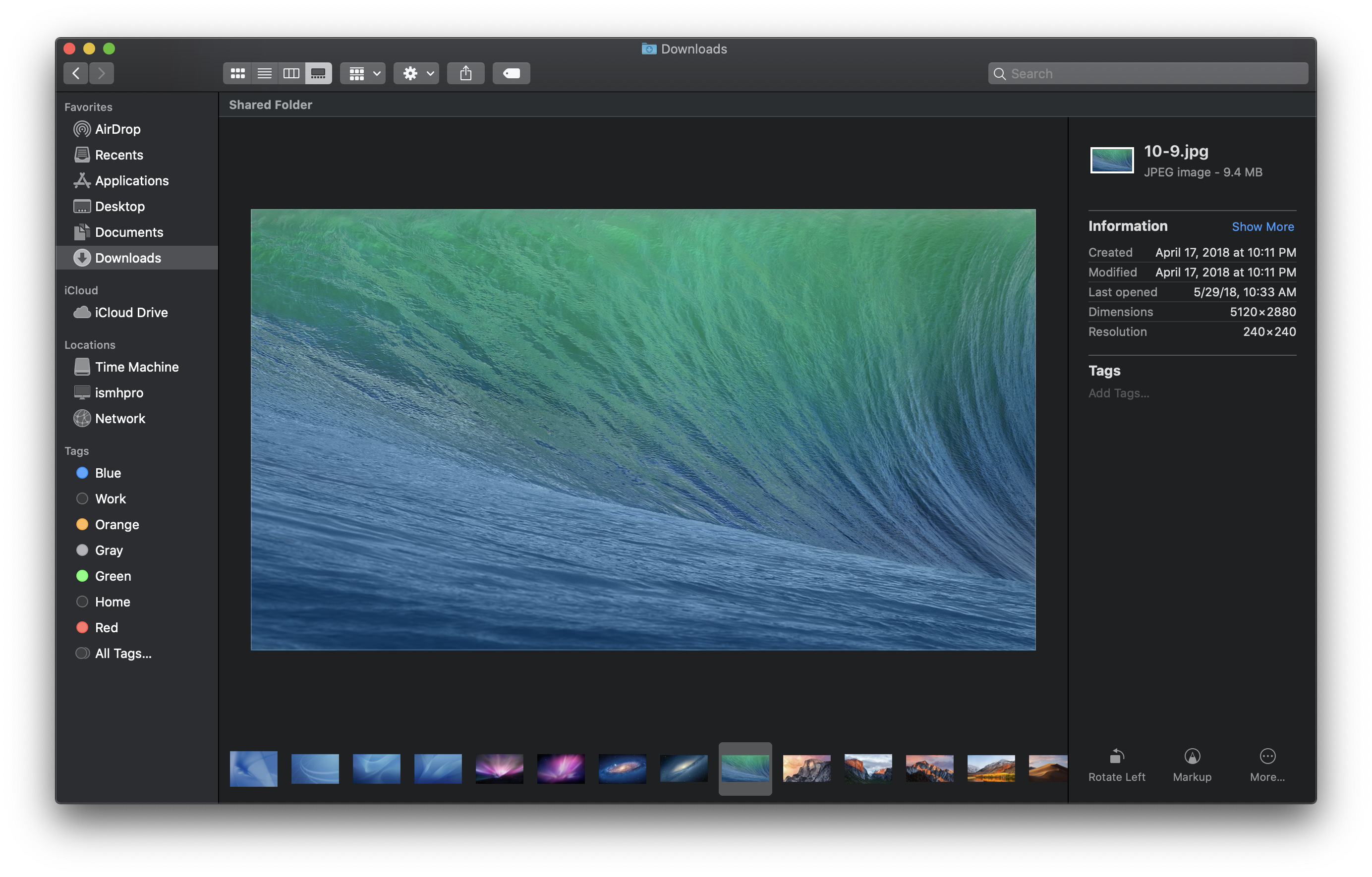
Finder: Gallery View
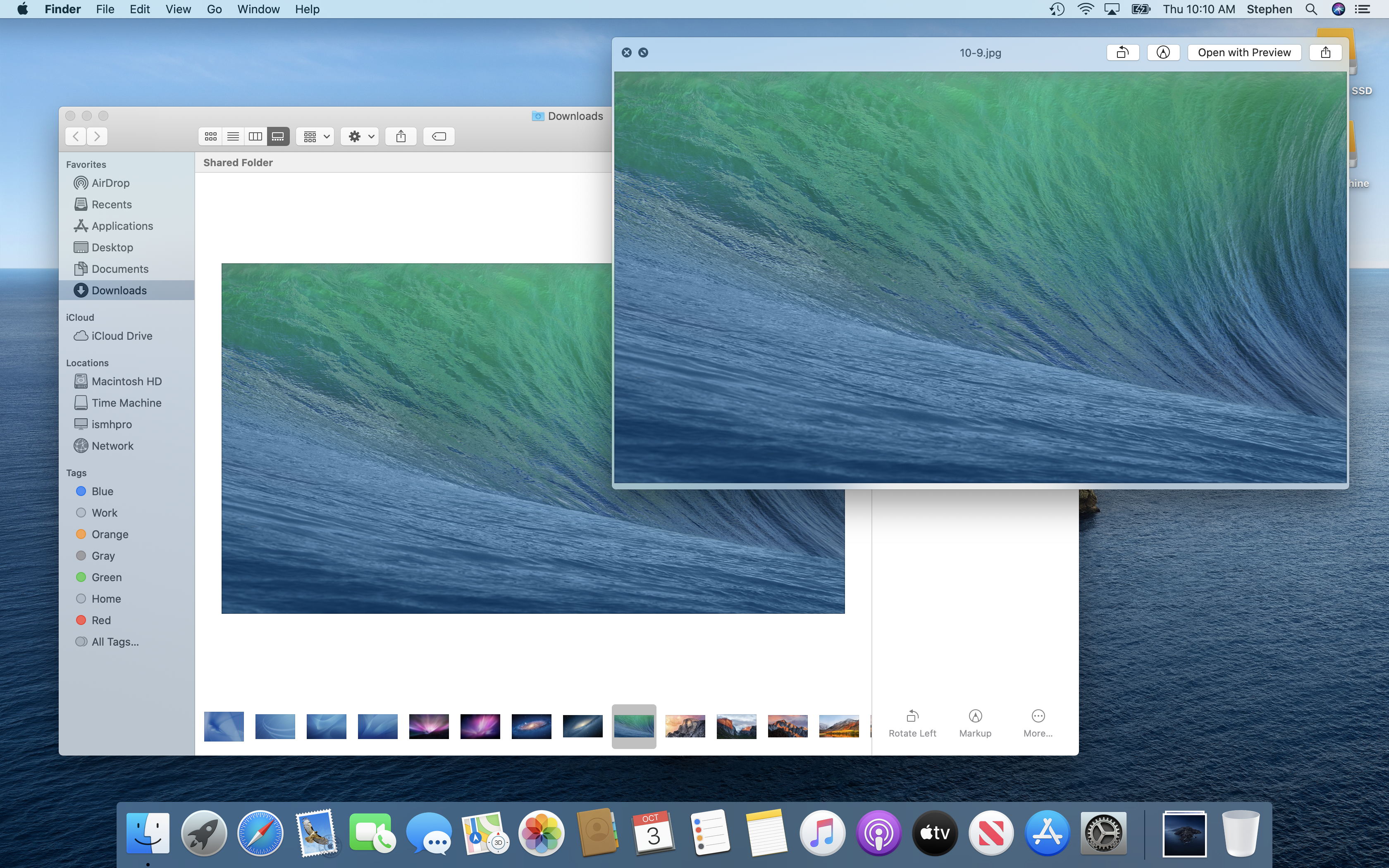
Finder: Quick Look
Finder: Quick Look Markup
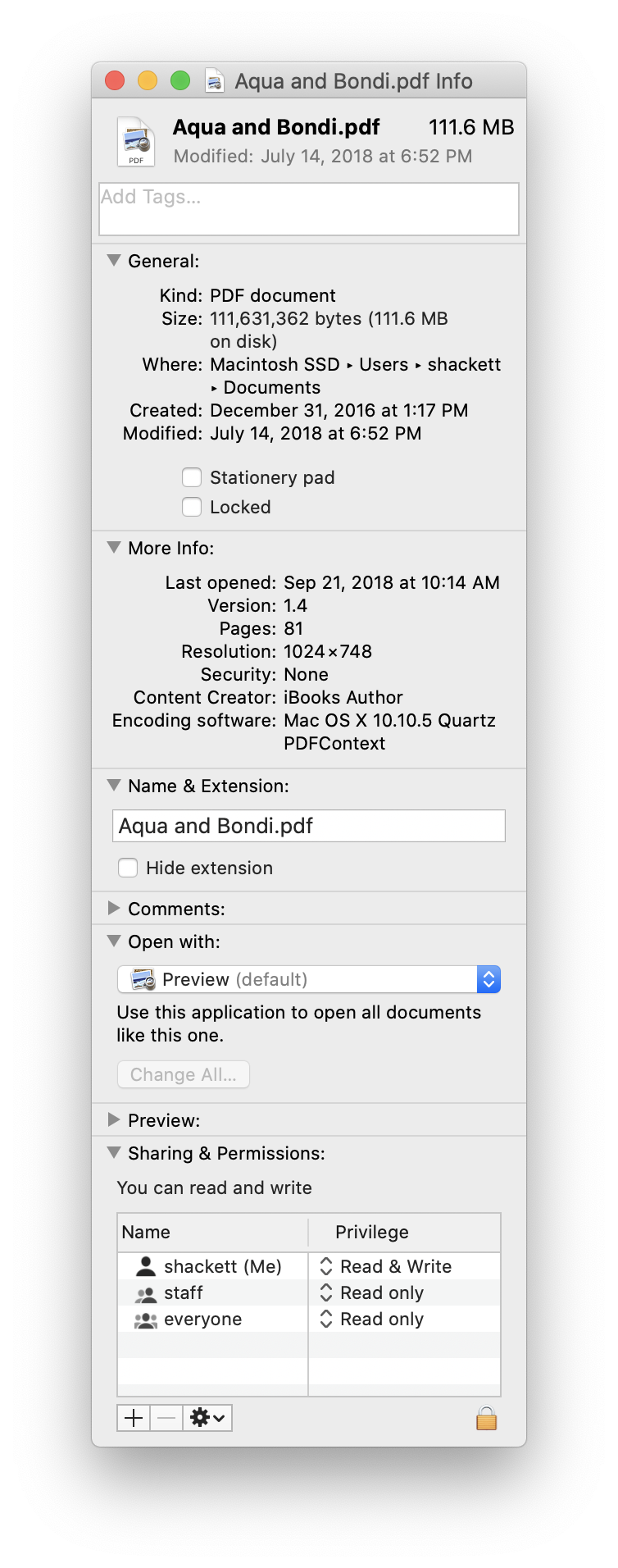
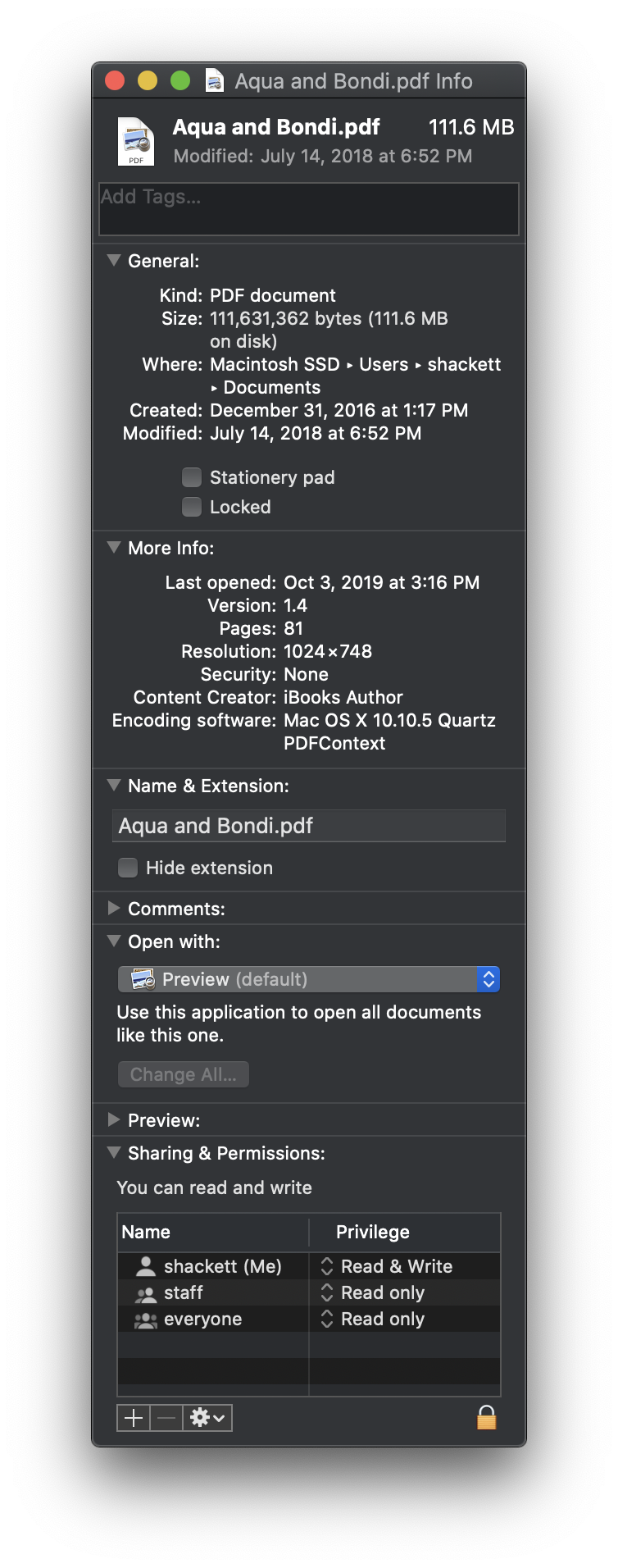
Finder: Get Info
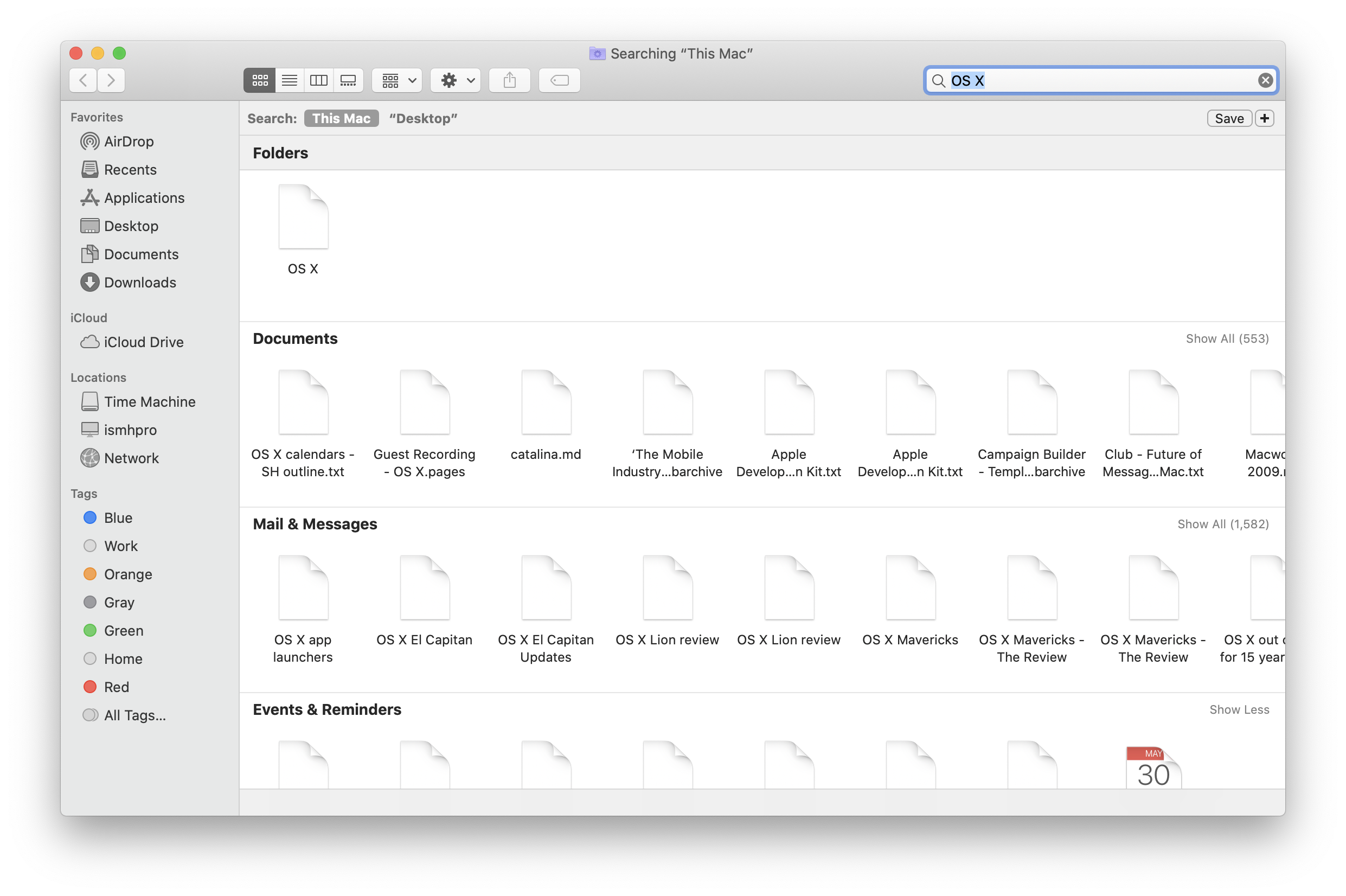
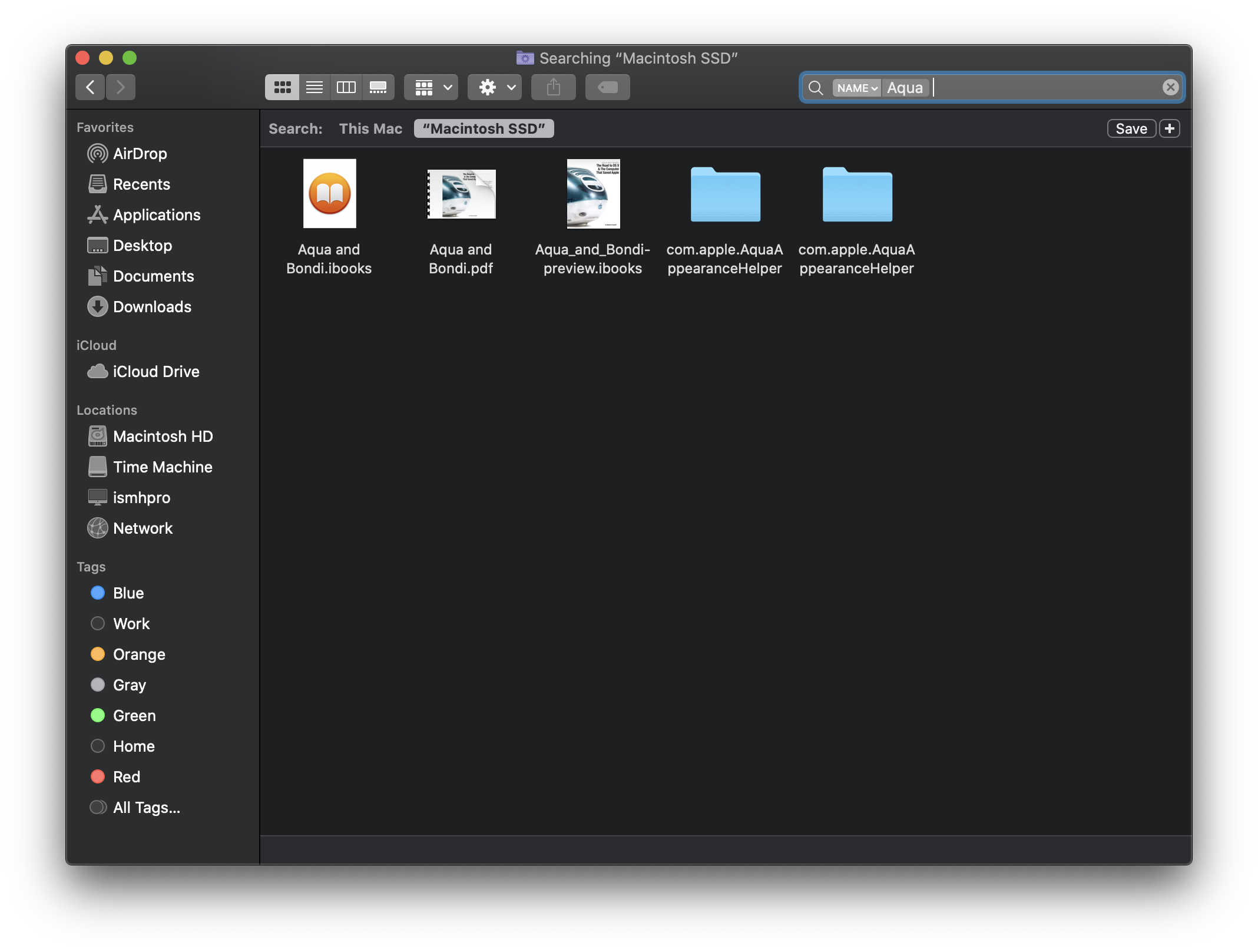
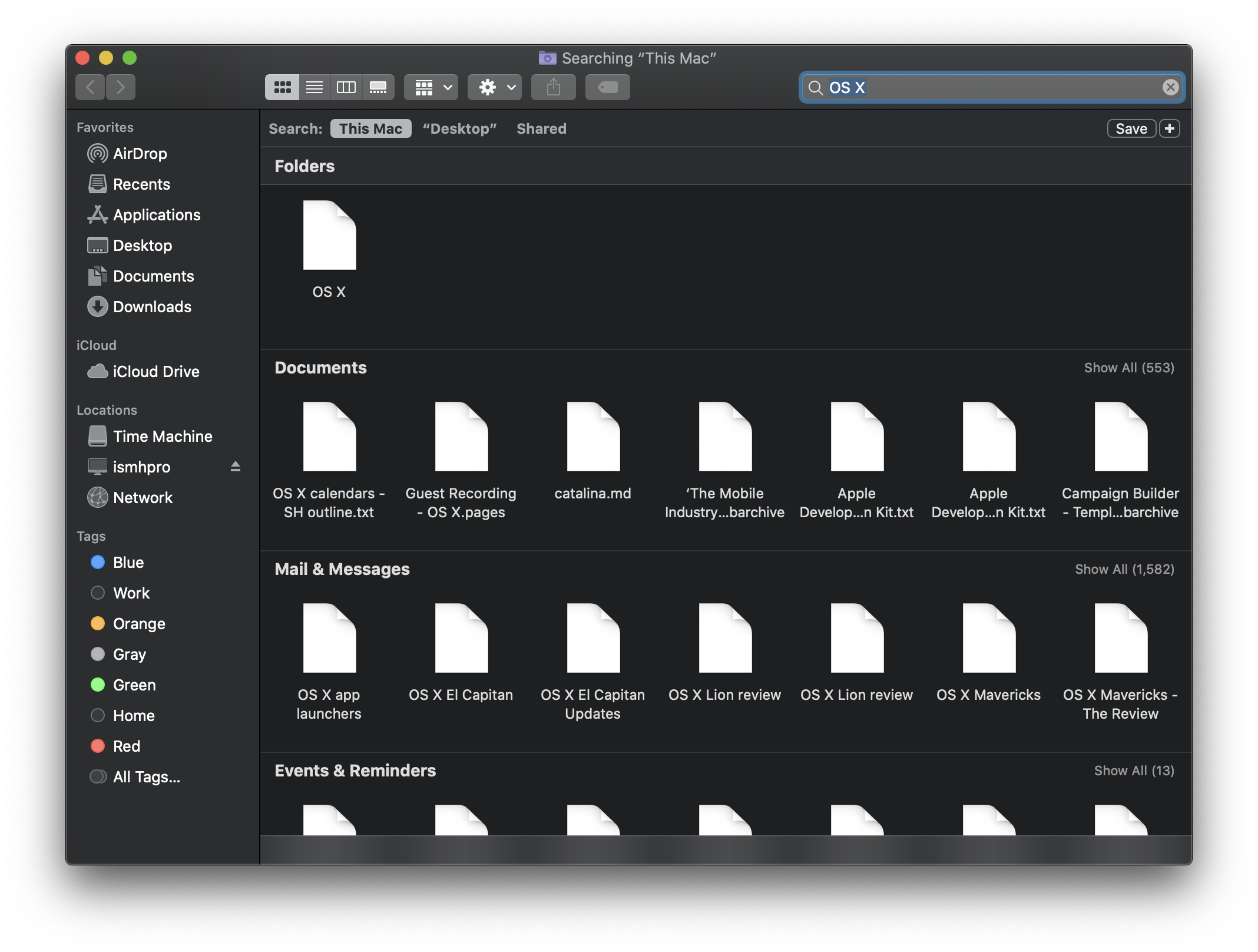
Finder: Search
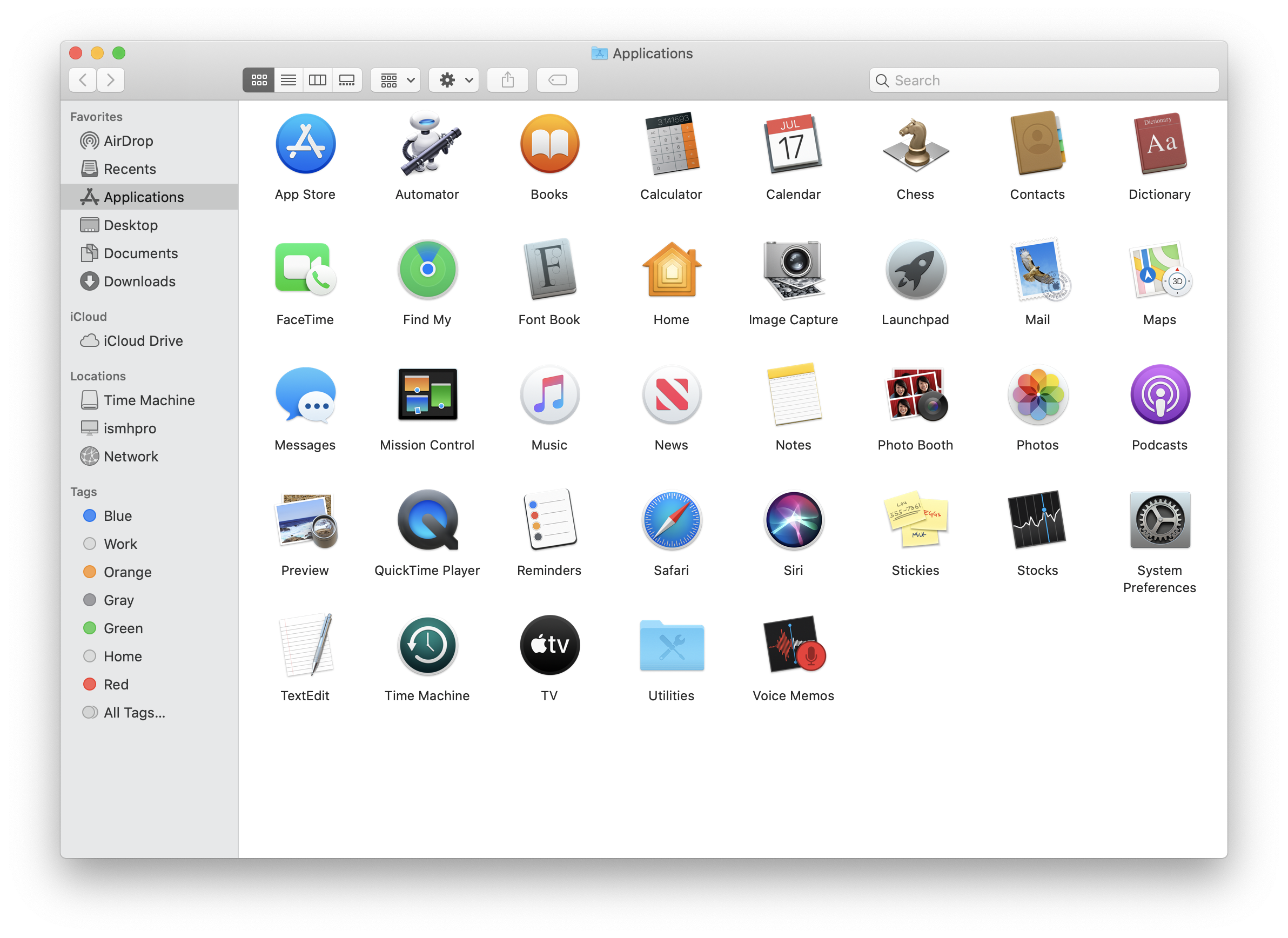
Applications
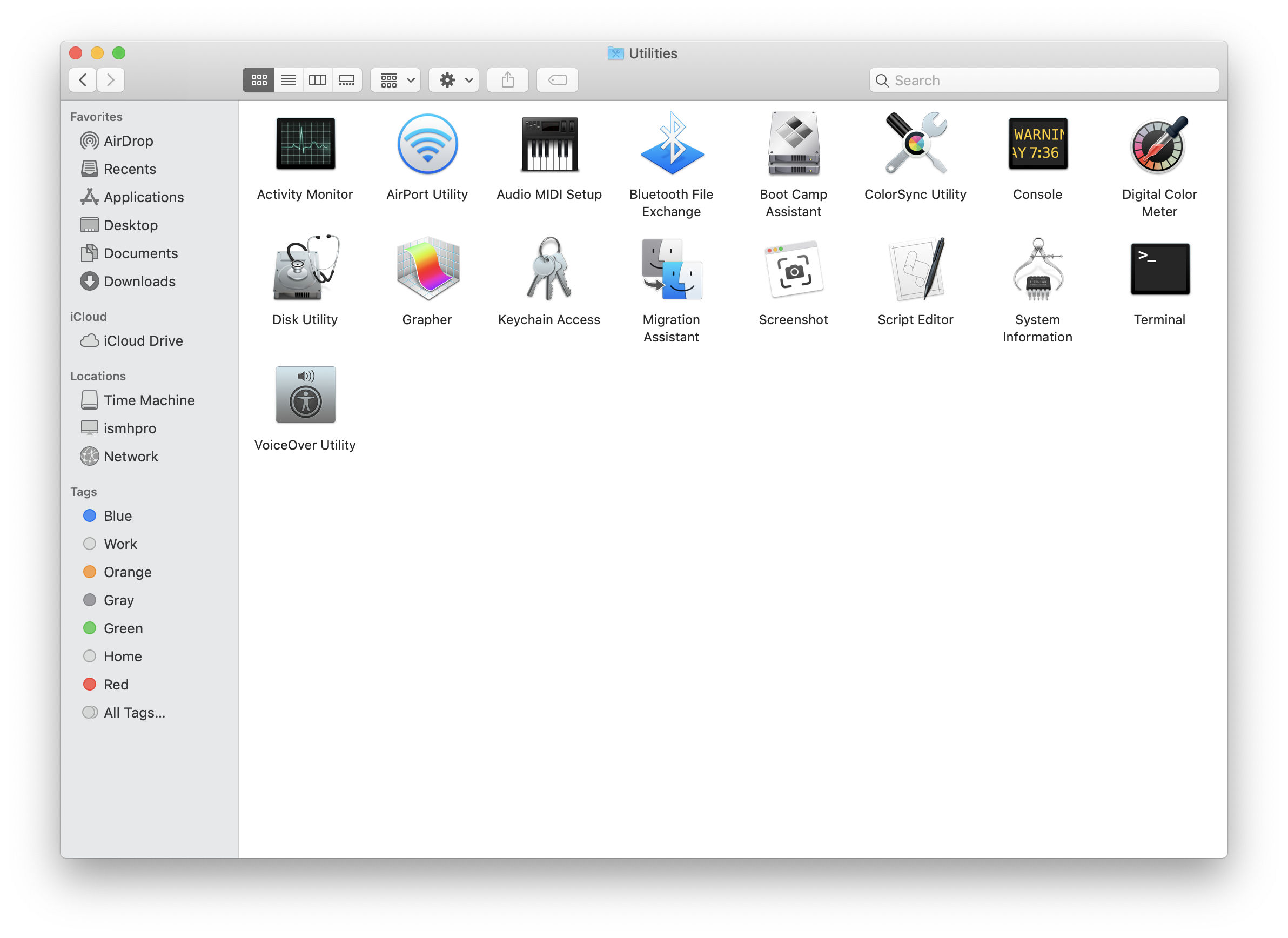
Application: Utilities
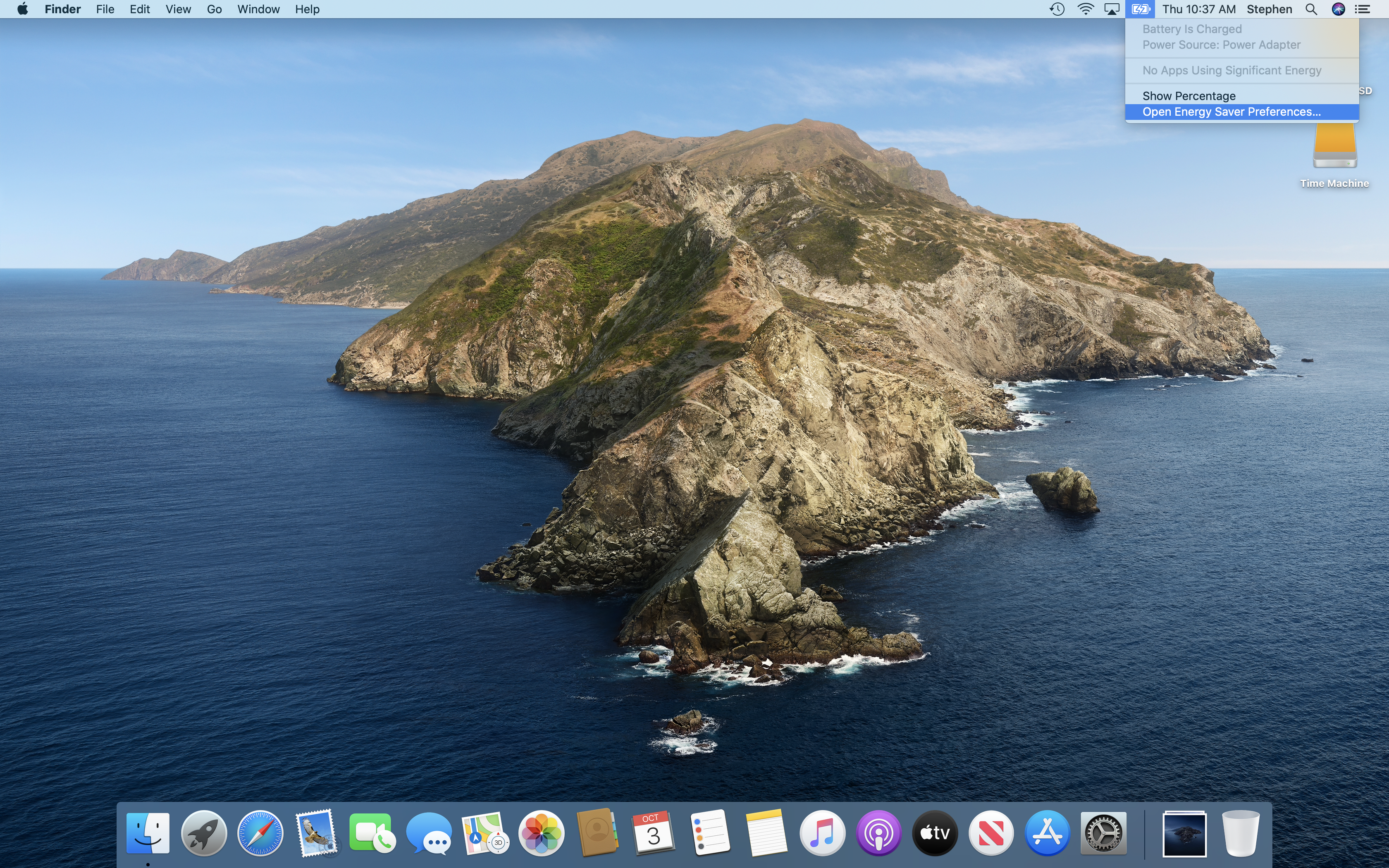
Menu Bar: Battery
App Switcher
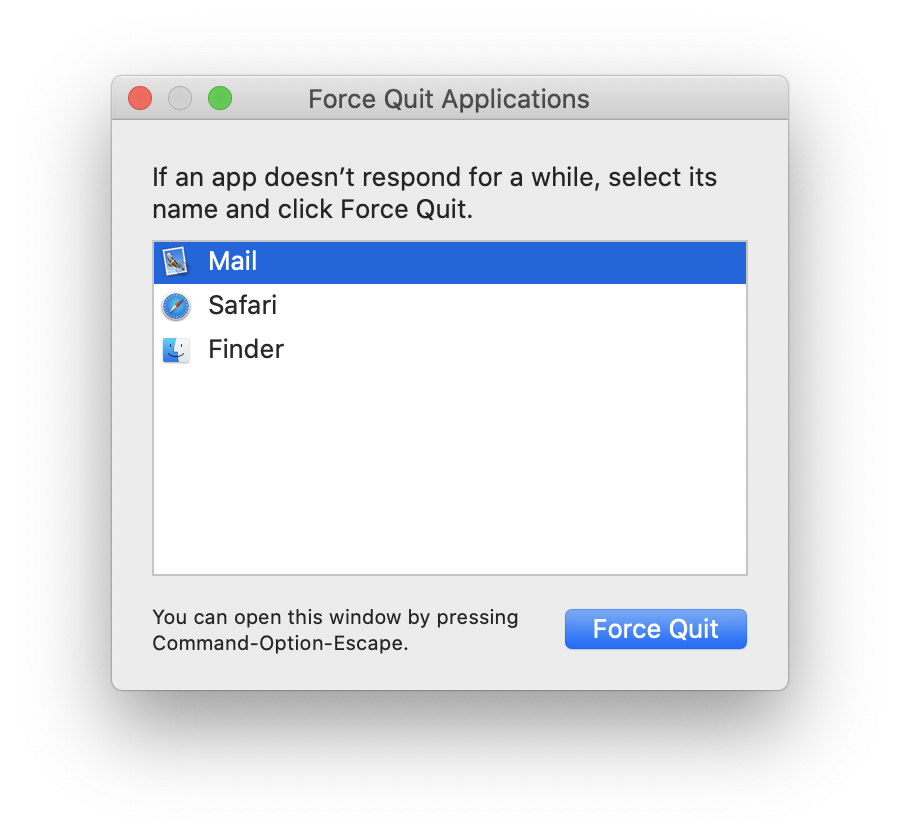
Force Quit
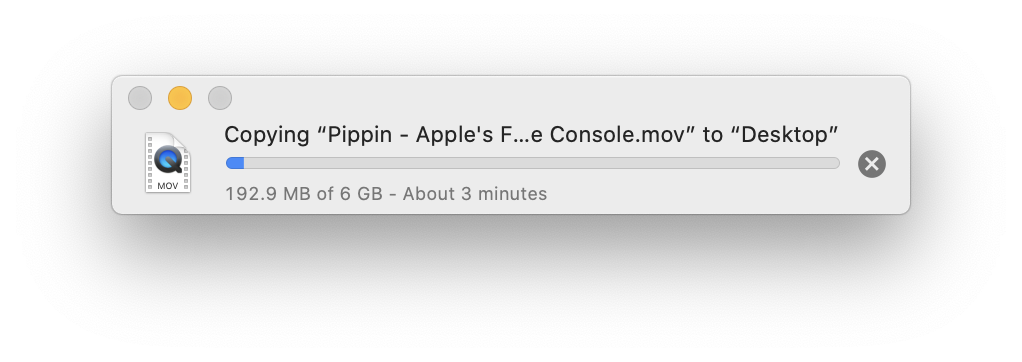
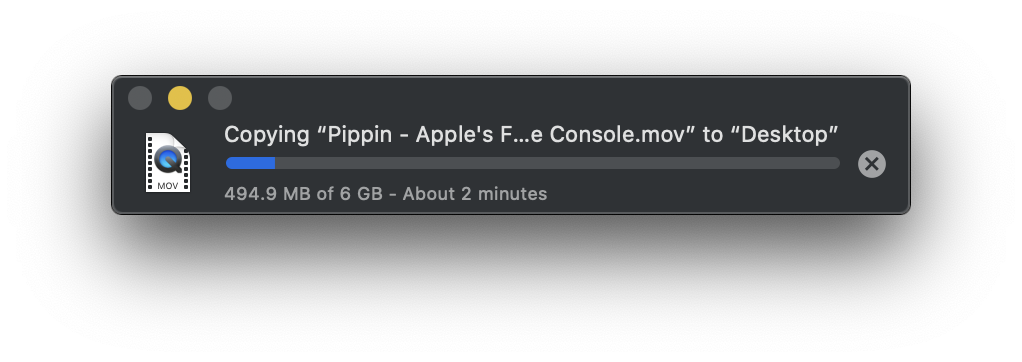
Finder: Copy
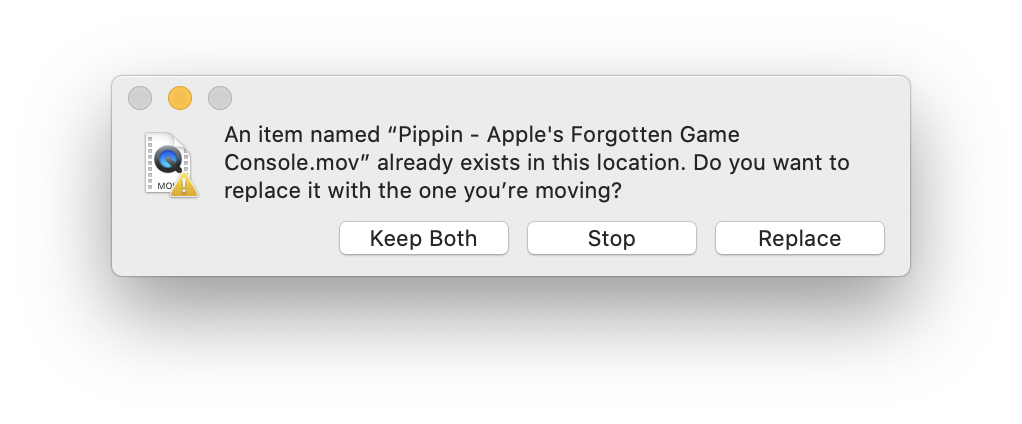
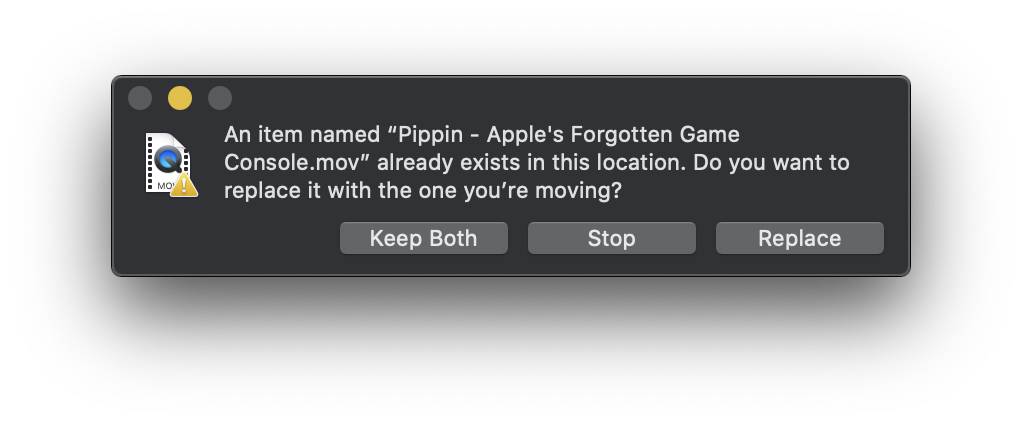
Finder: Replace
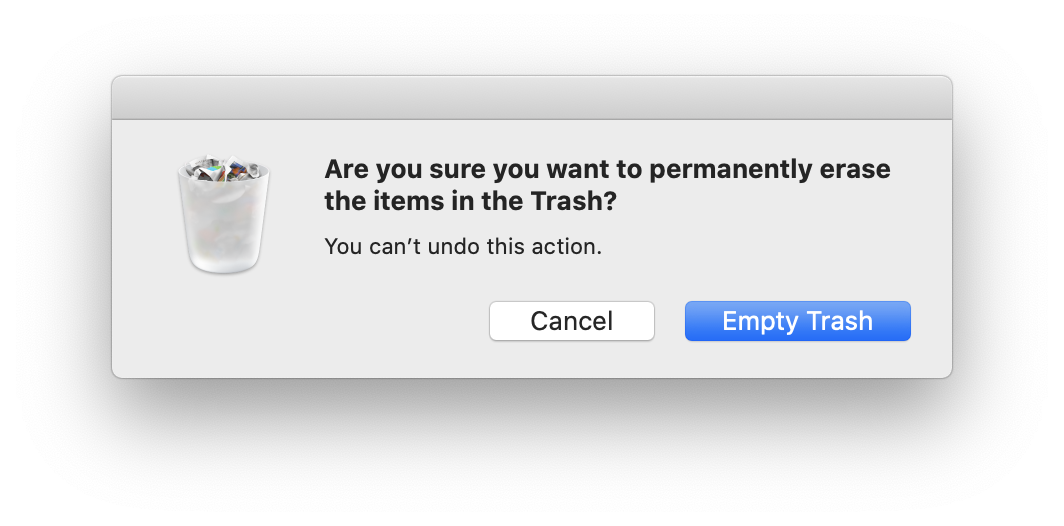
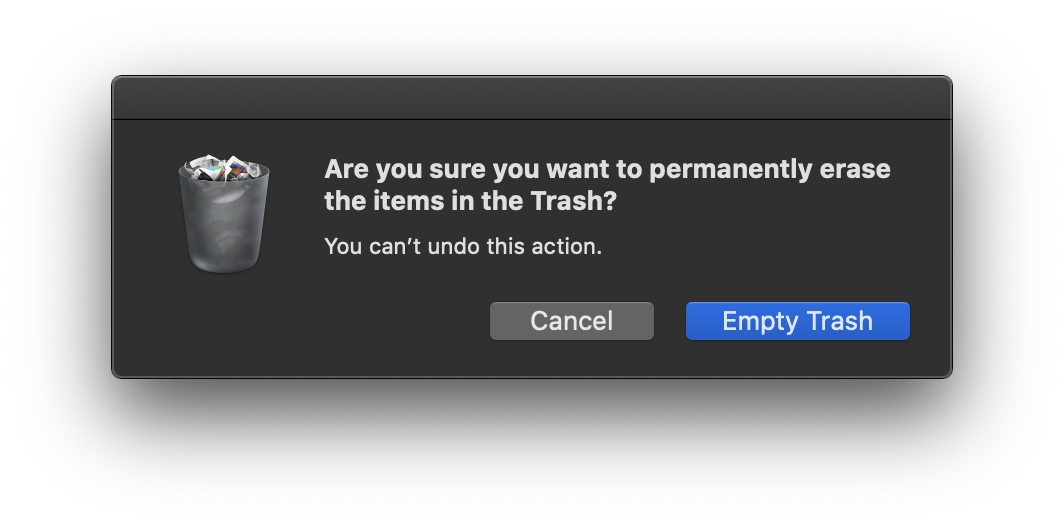
Finder: Empty Trash
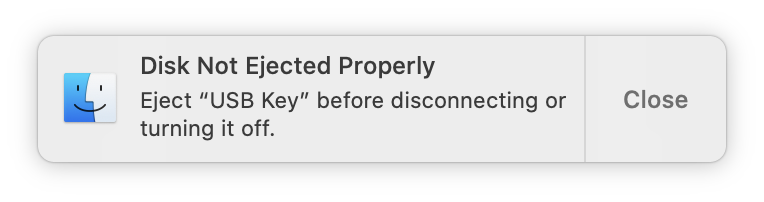
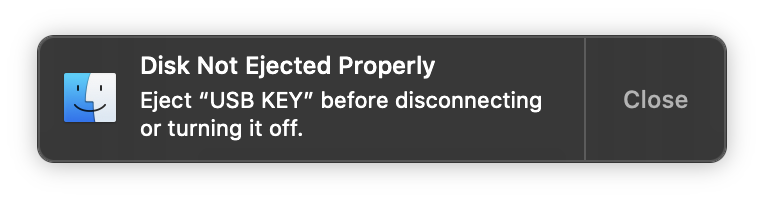
Finder: Eject Warning
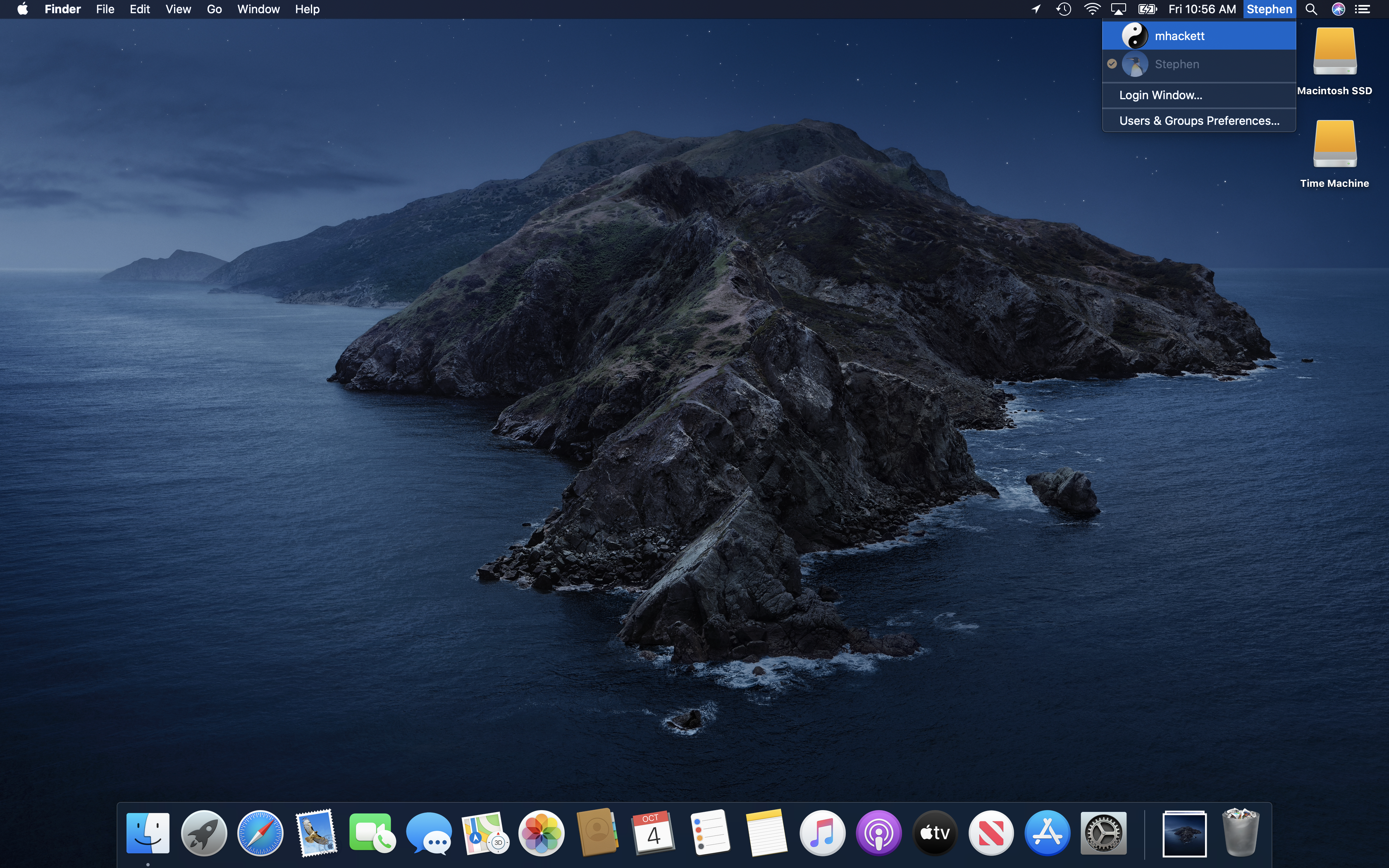
Fast User Switching
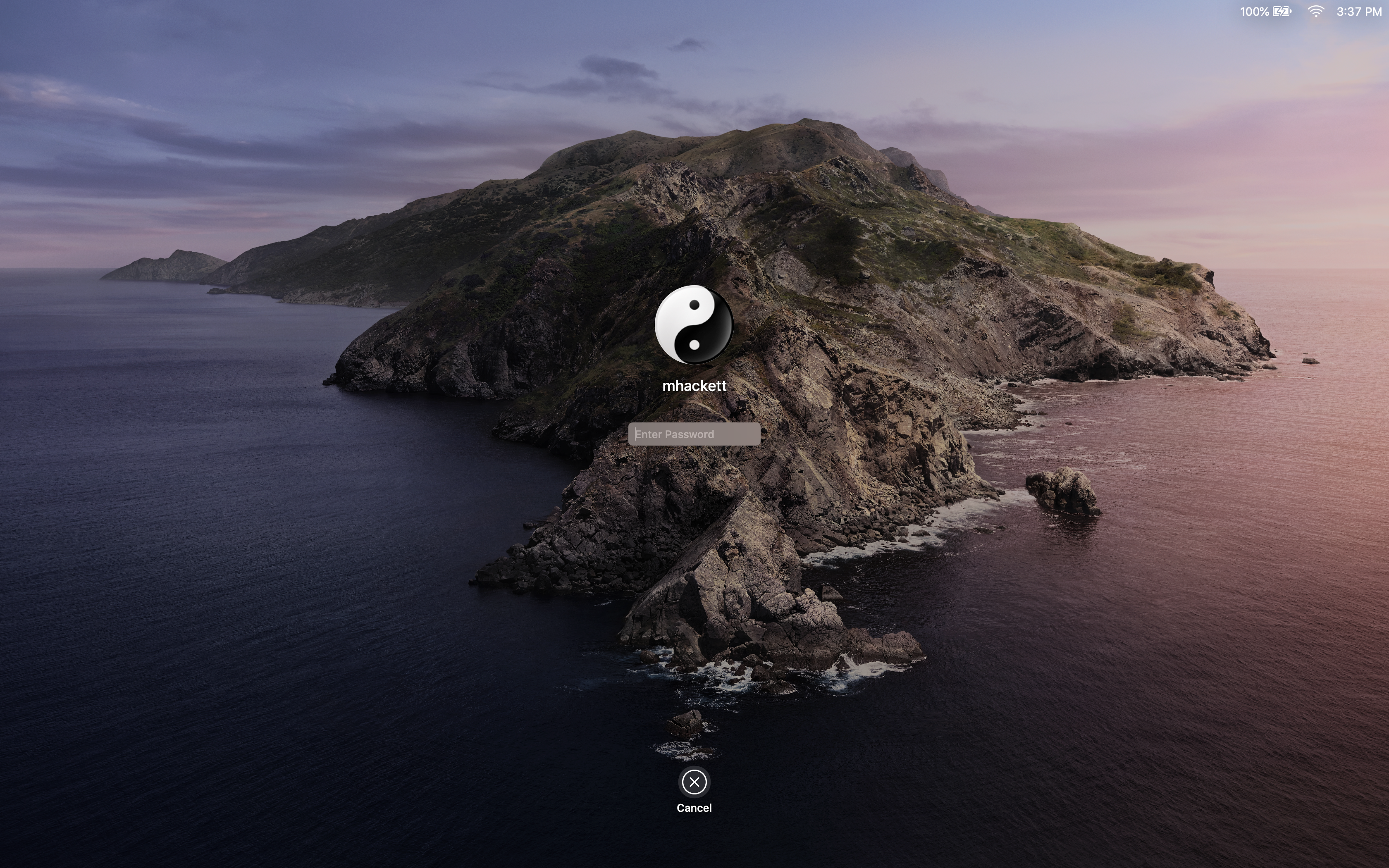
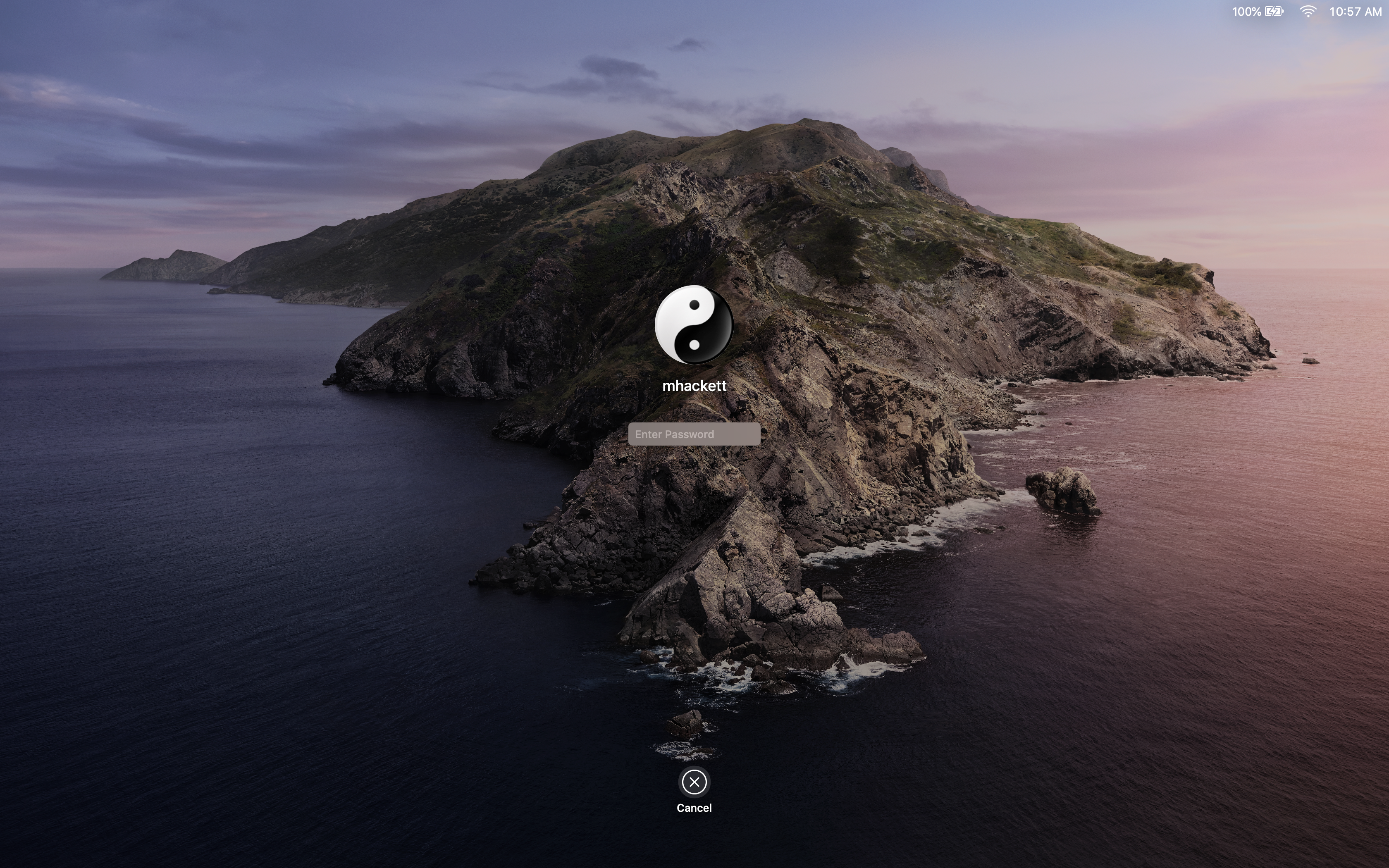
Fast User Switching: Log In Window
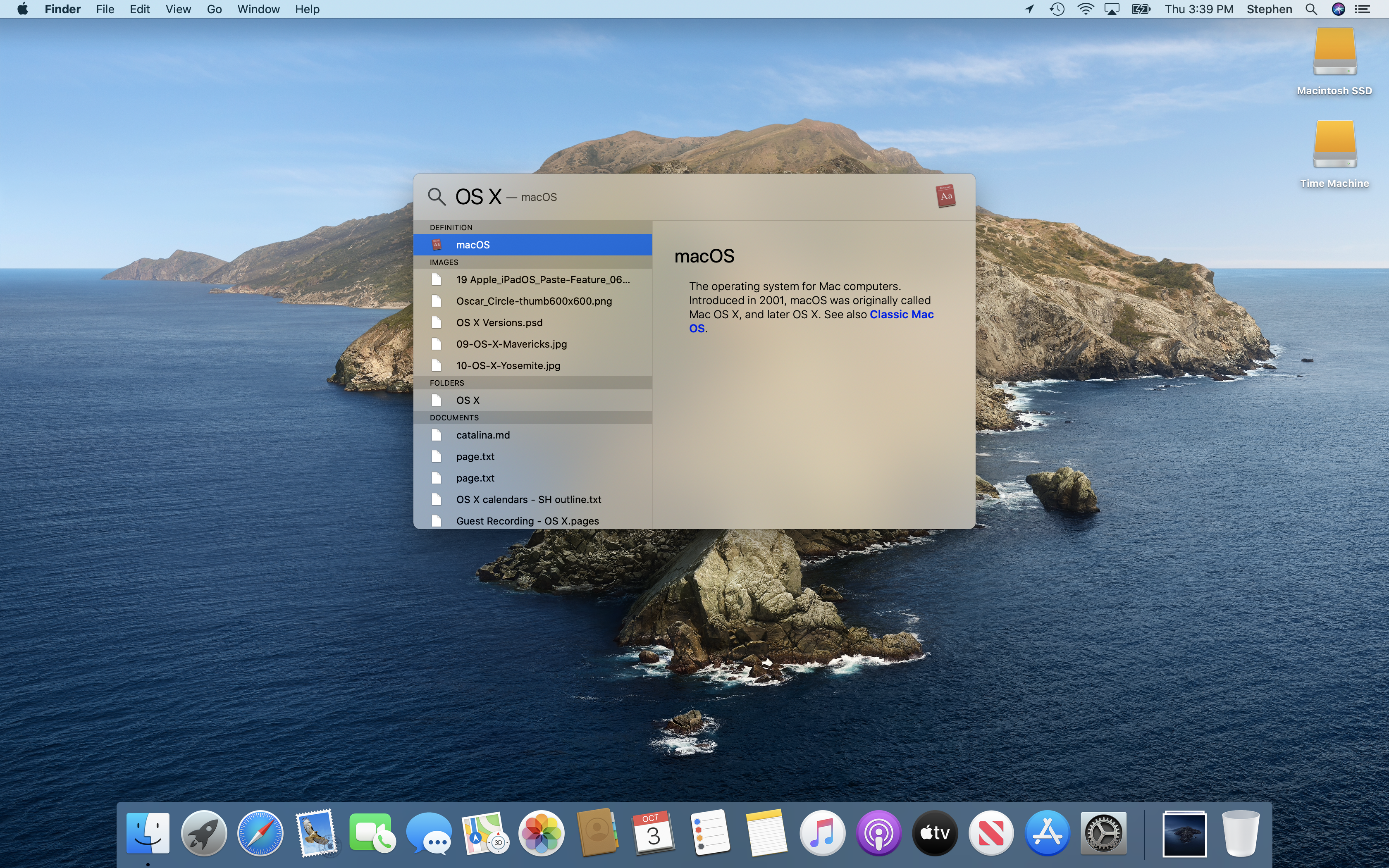
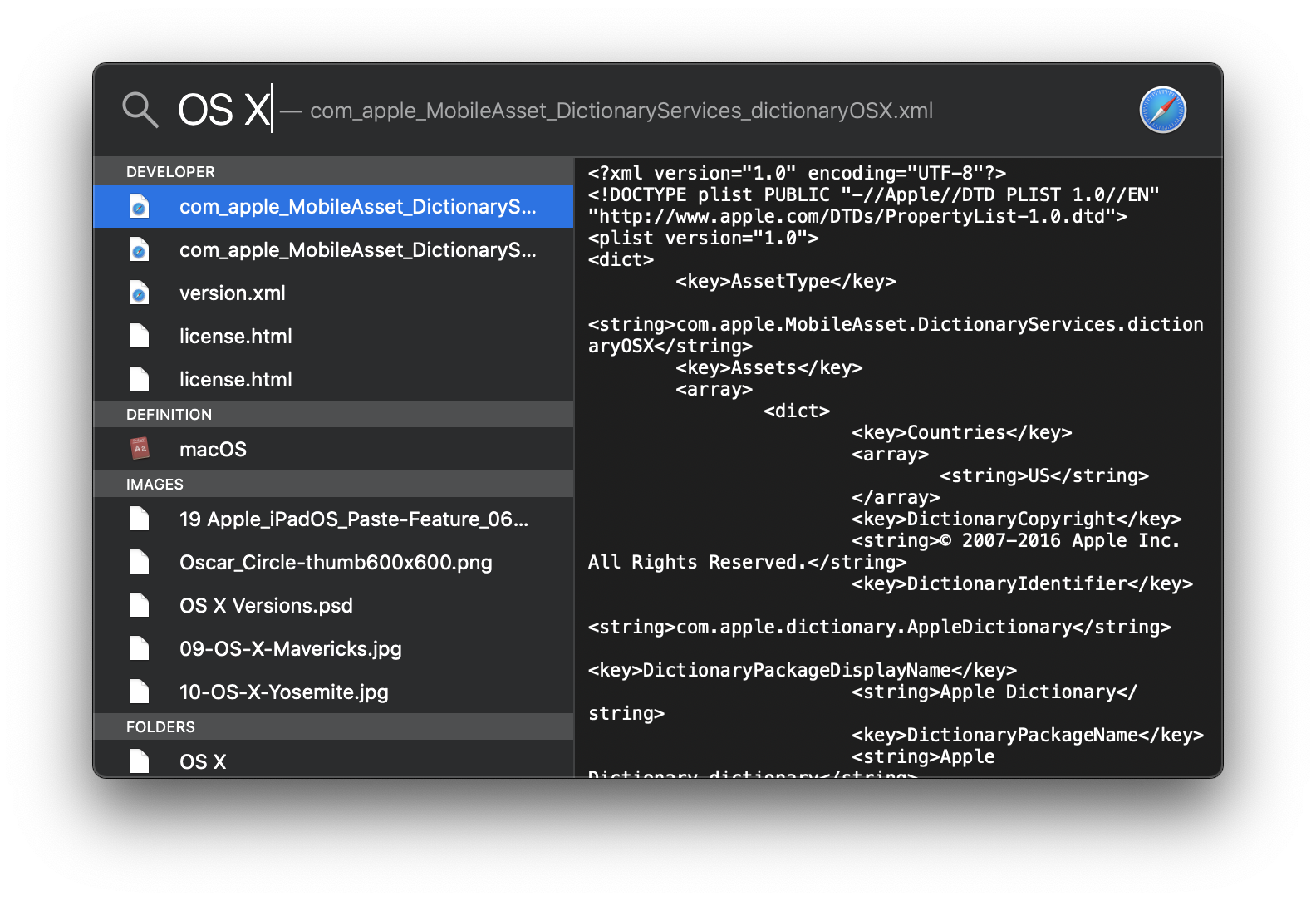
Spotlight
Spotlight: More Results
Mission Control
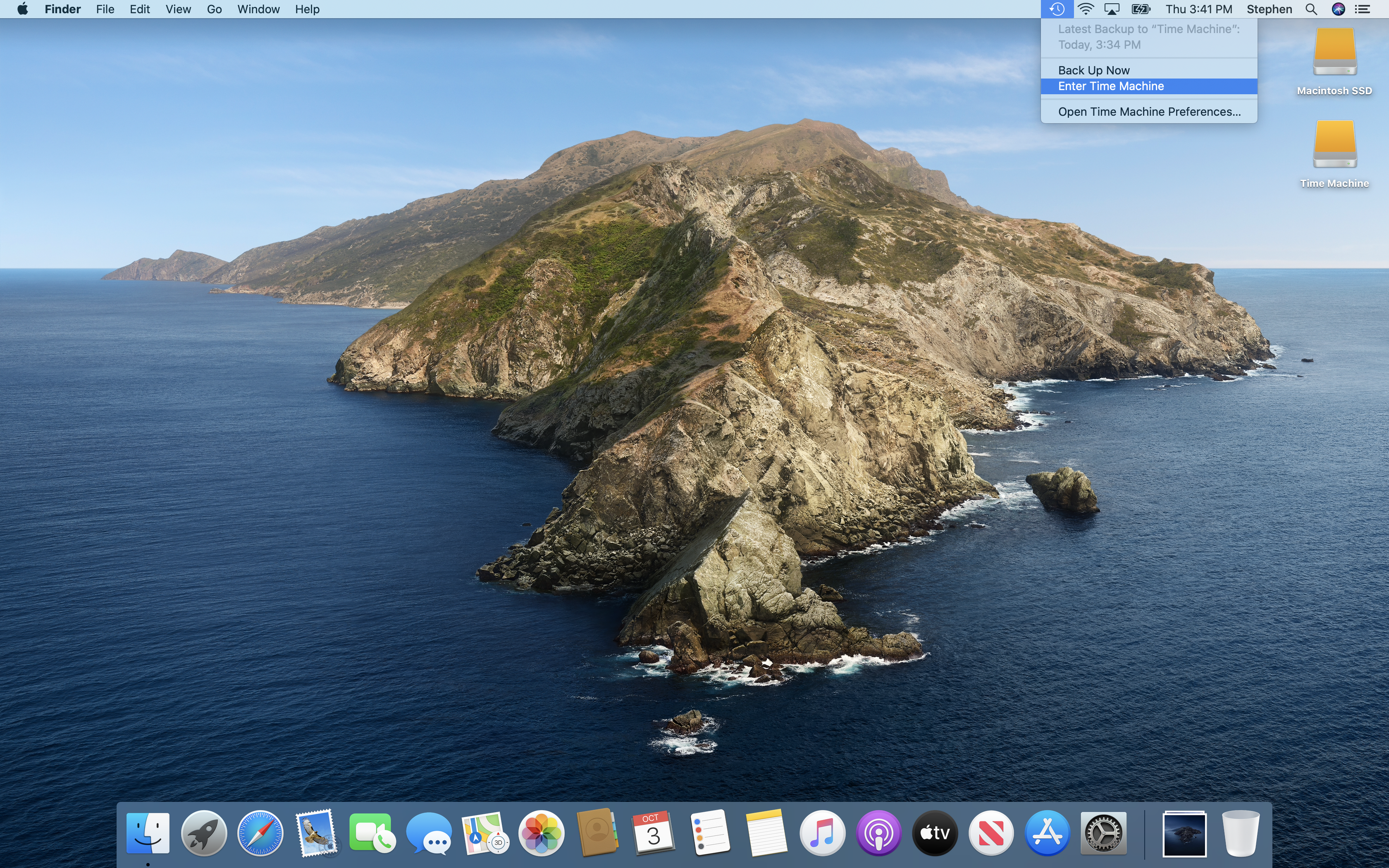
Menu Bar: Time Machine
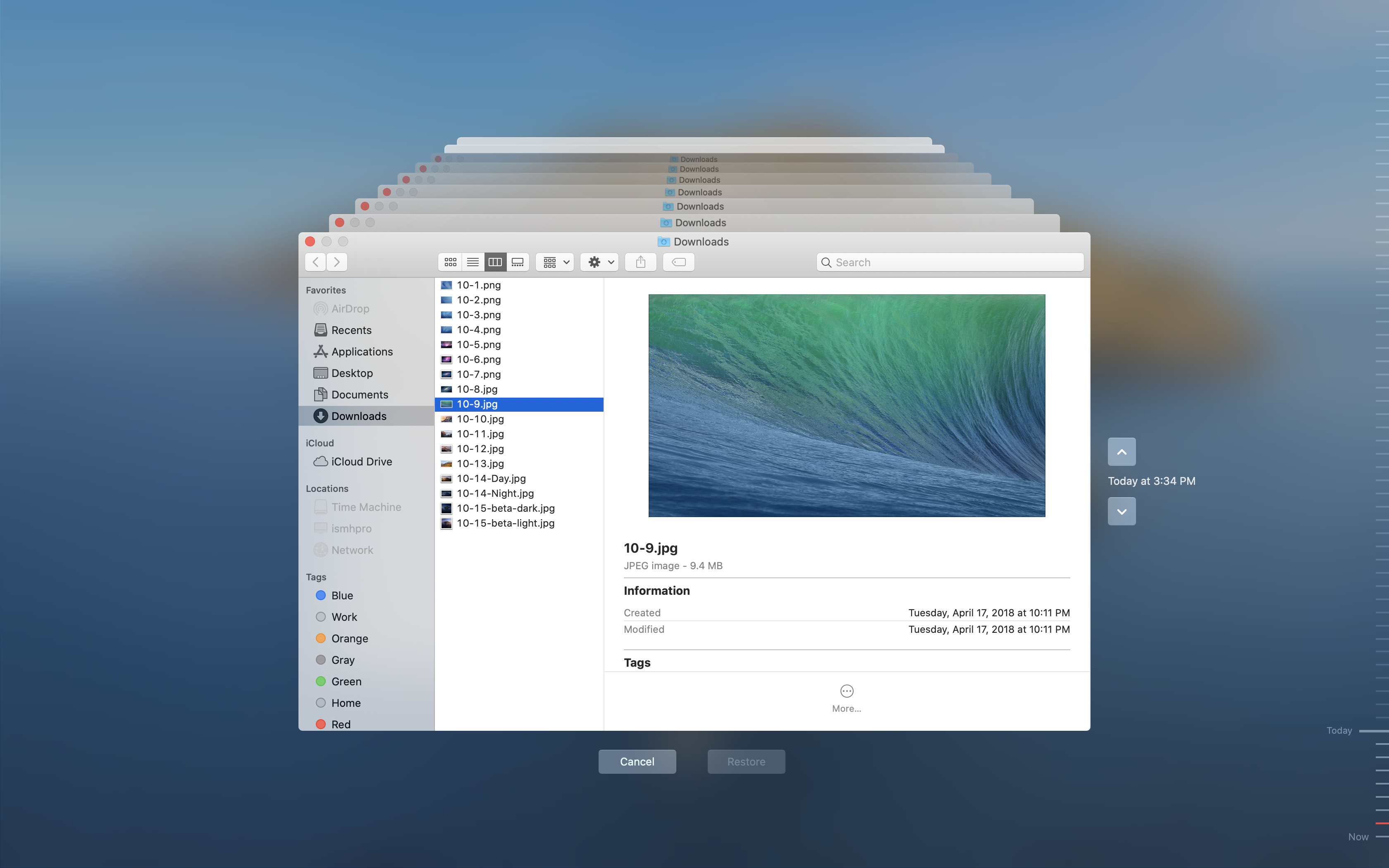
Time Machine
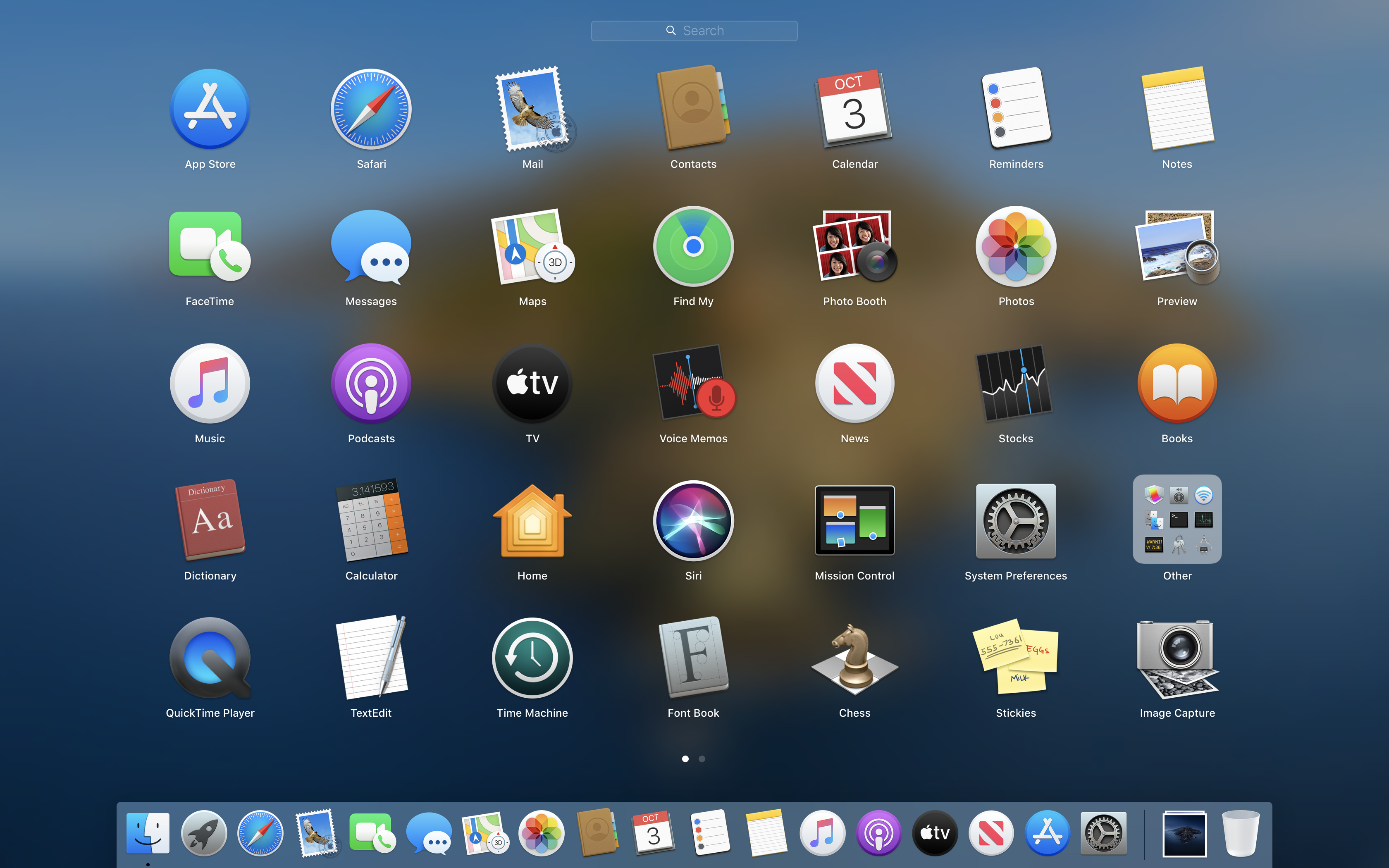
Launchpad
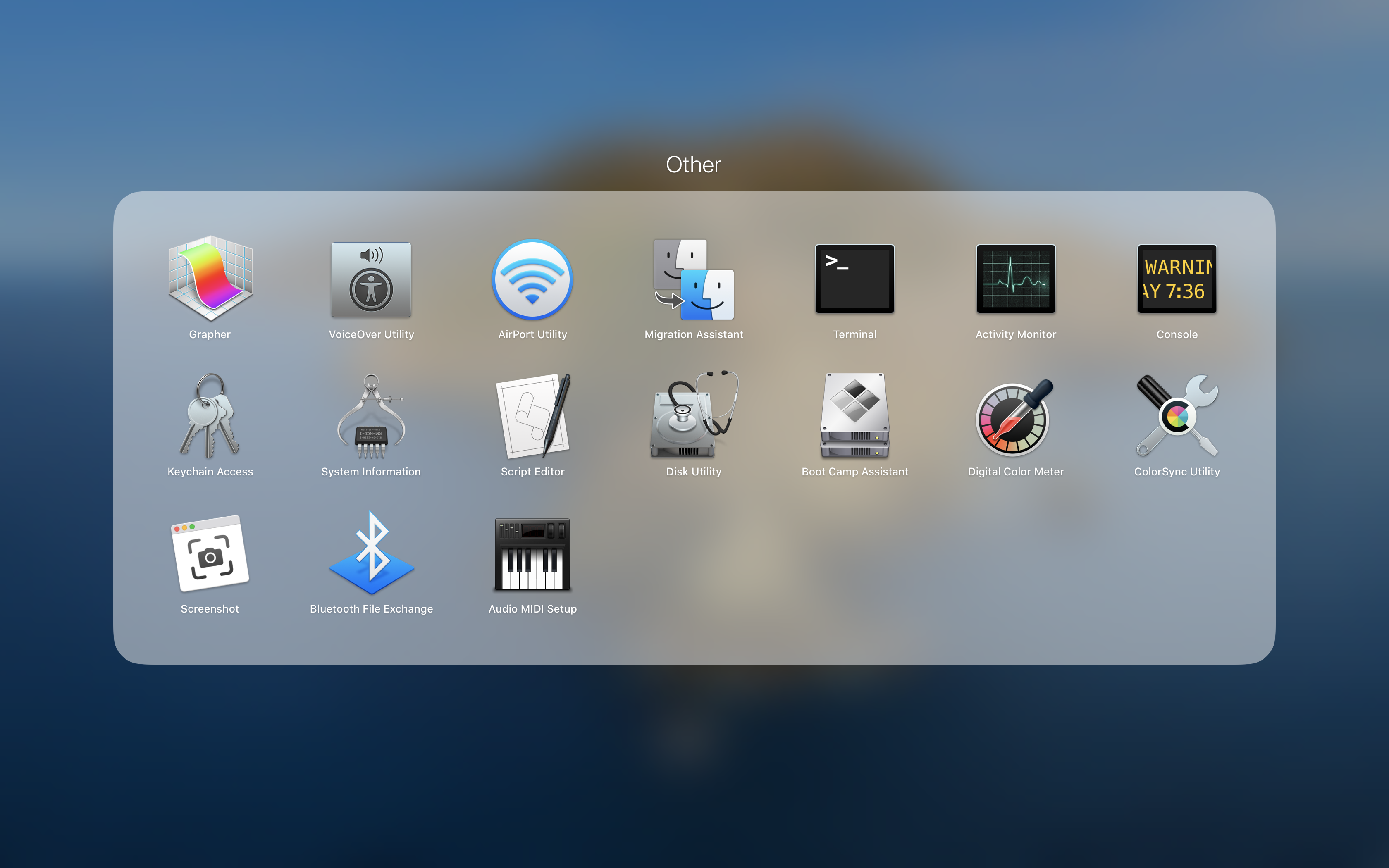
Launchpad: Folder
Fullscreen App
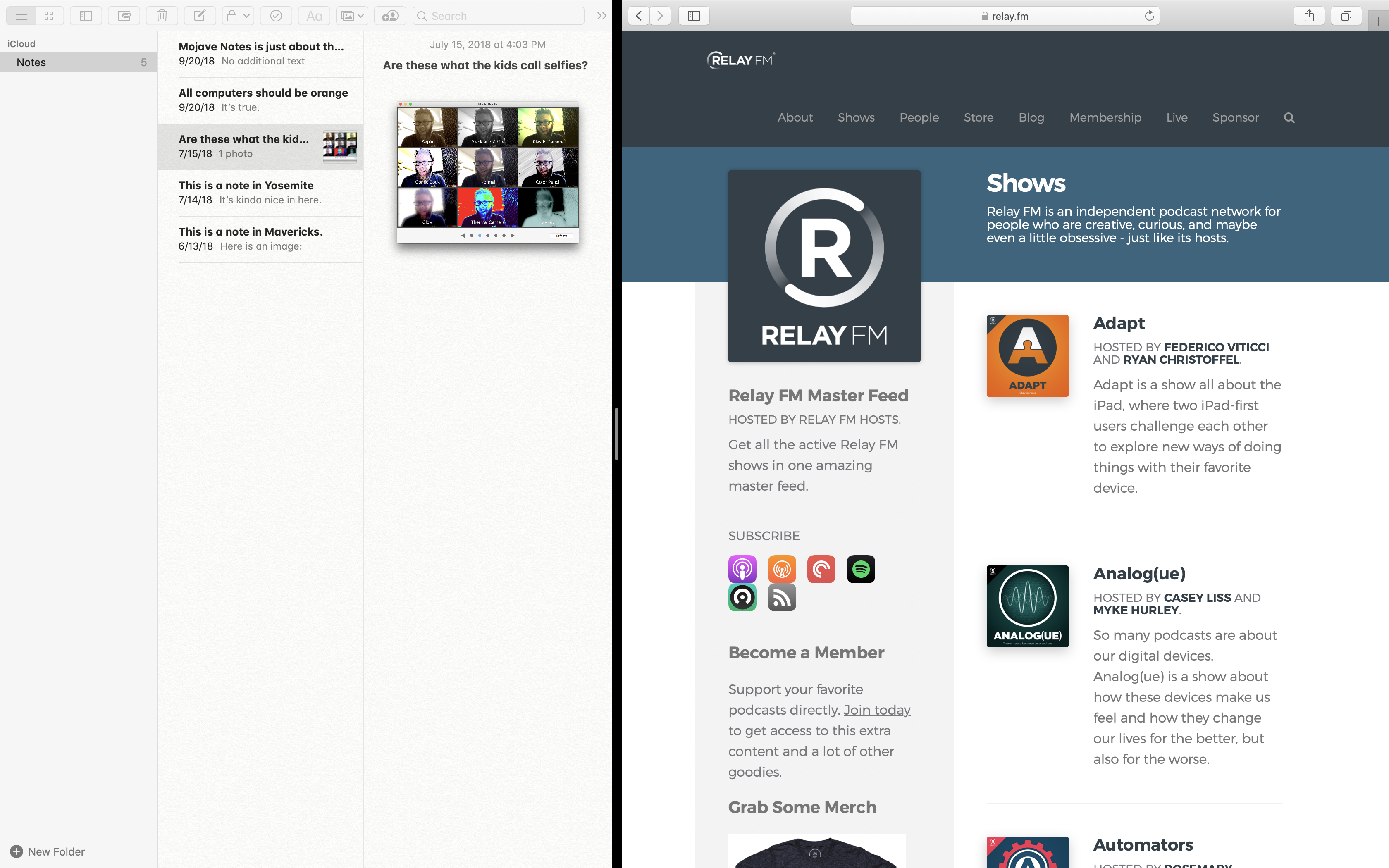
Split Screen Apps
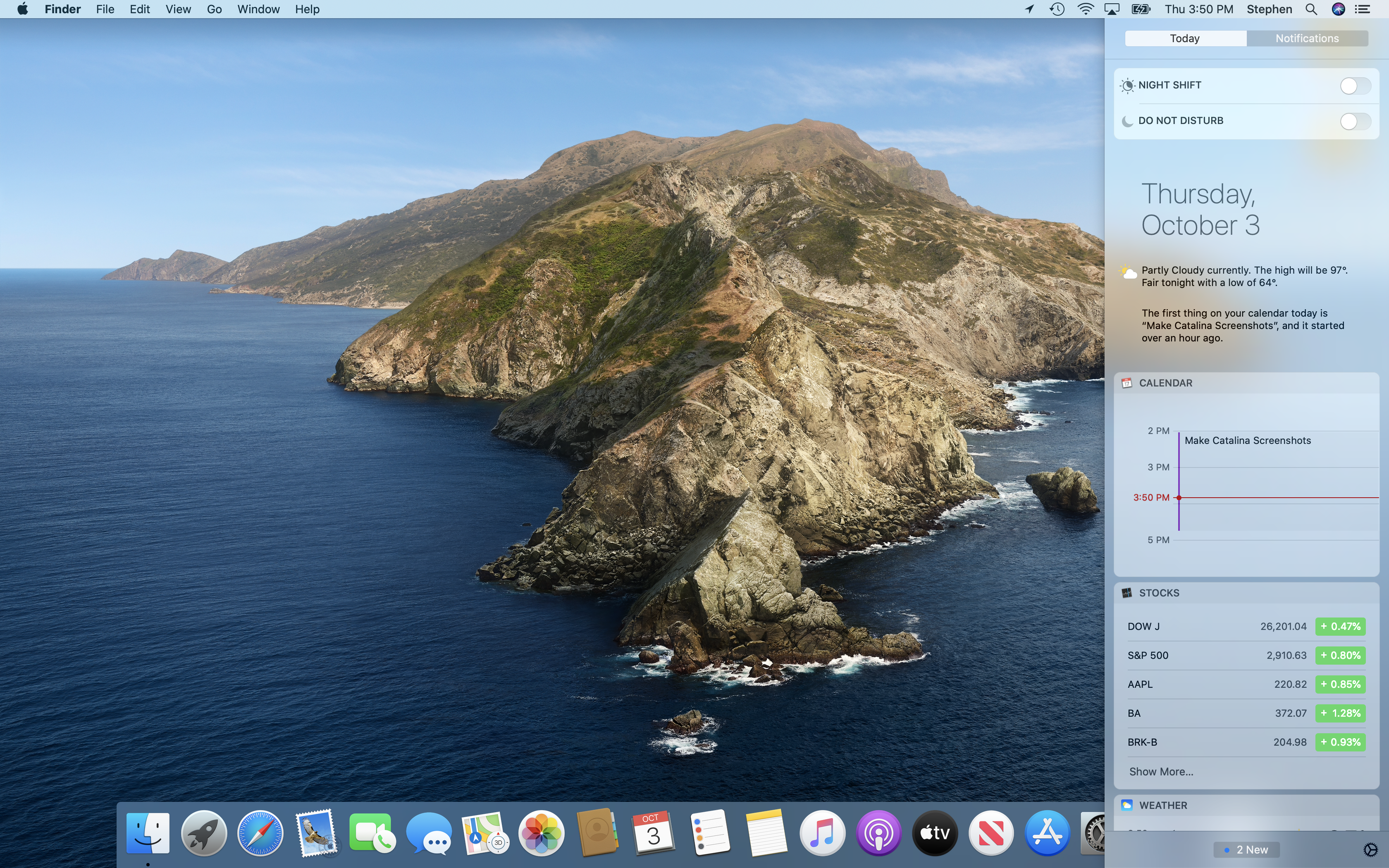
Notification Center: Today
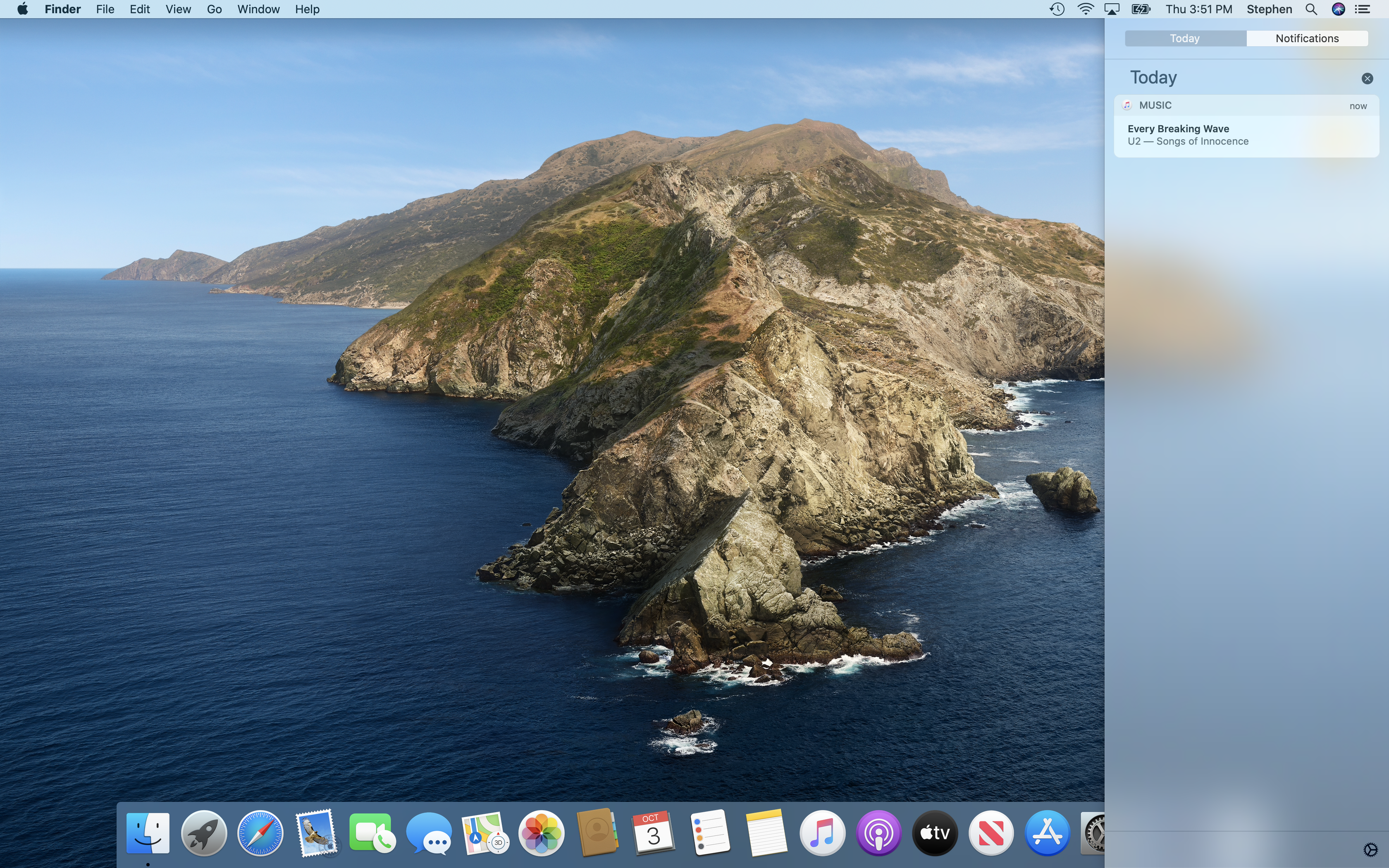
Notification Center: Notifications
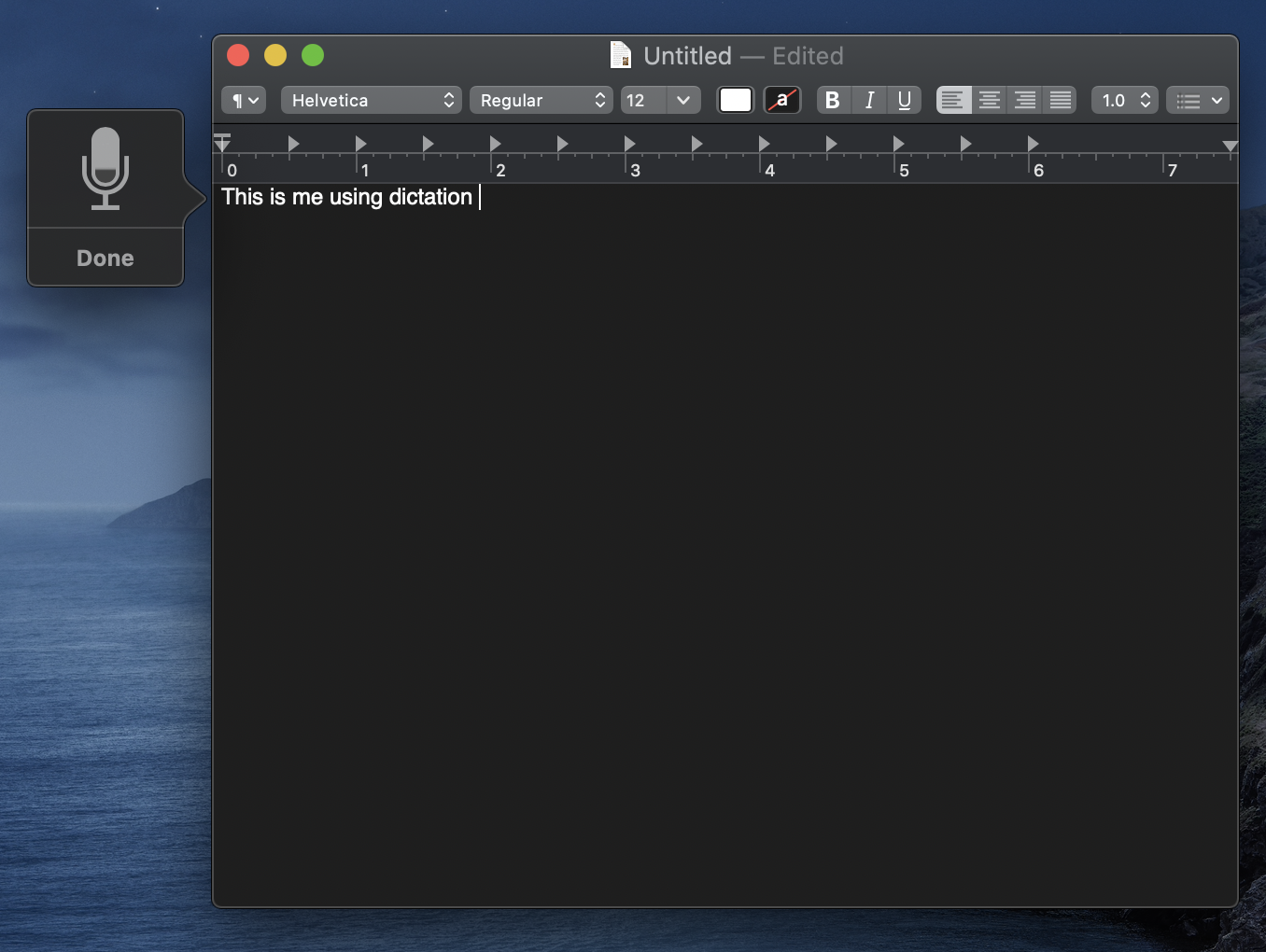
Dictation
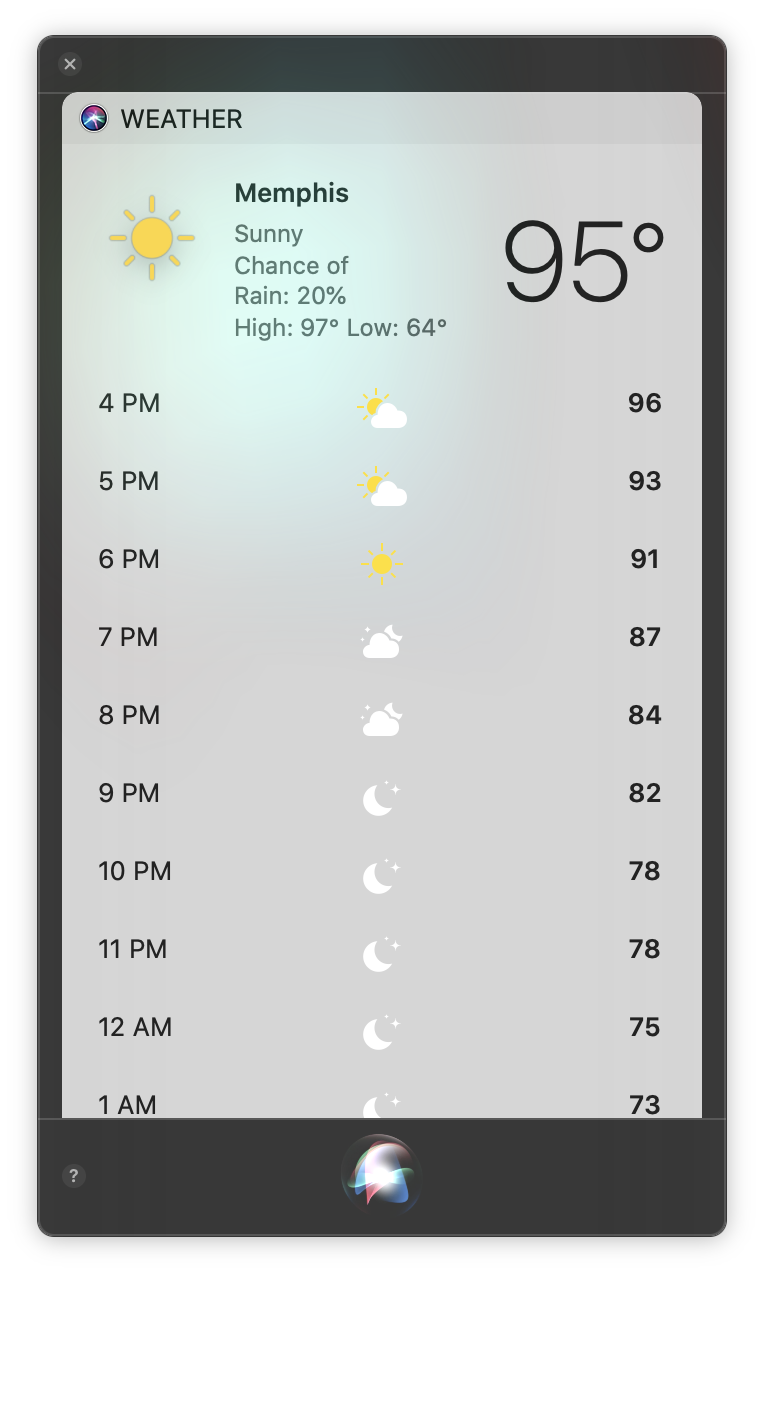
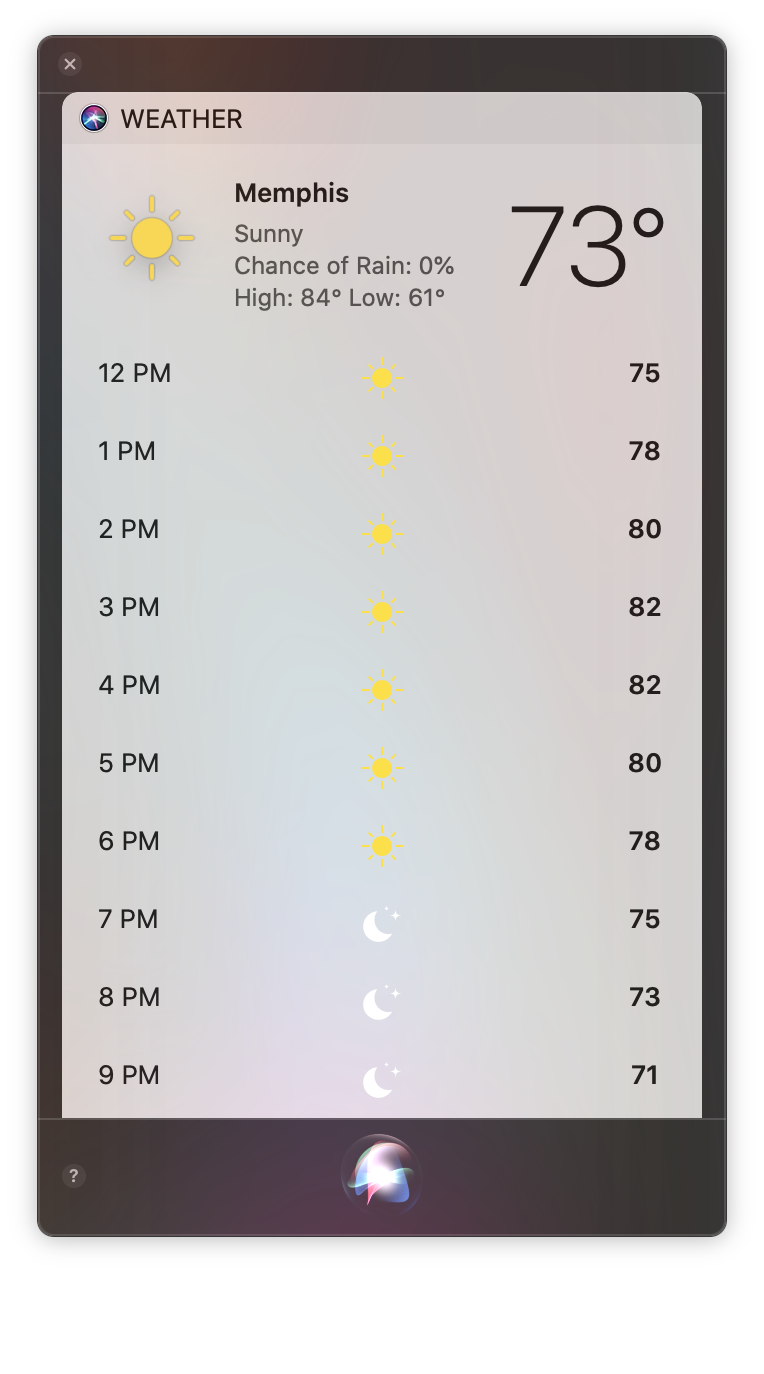
Siri
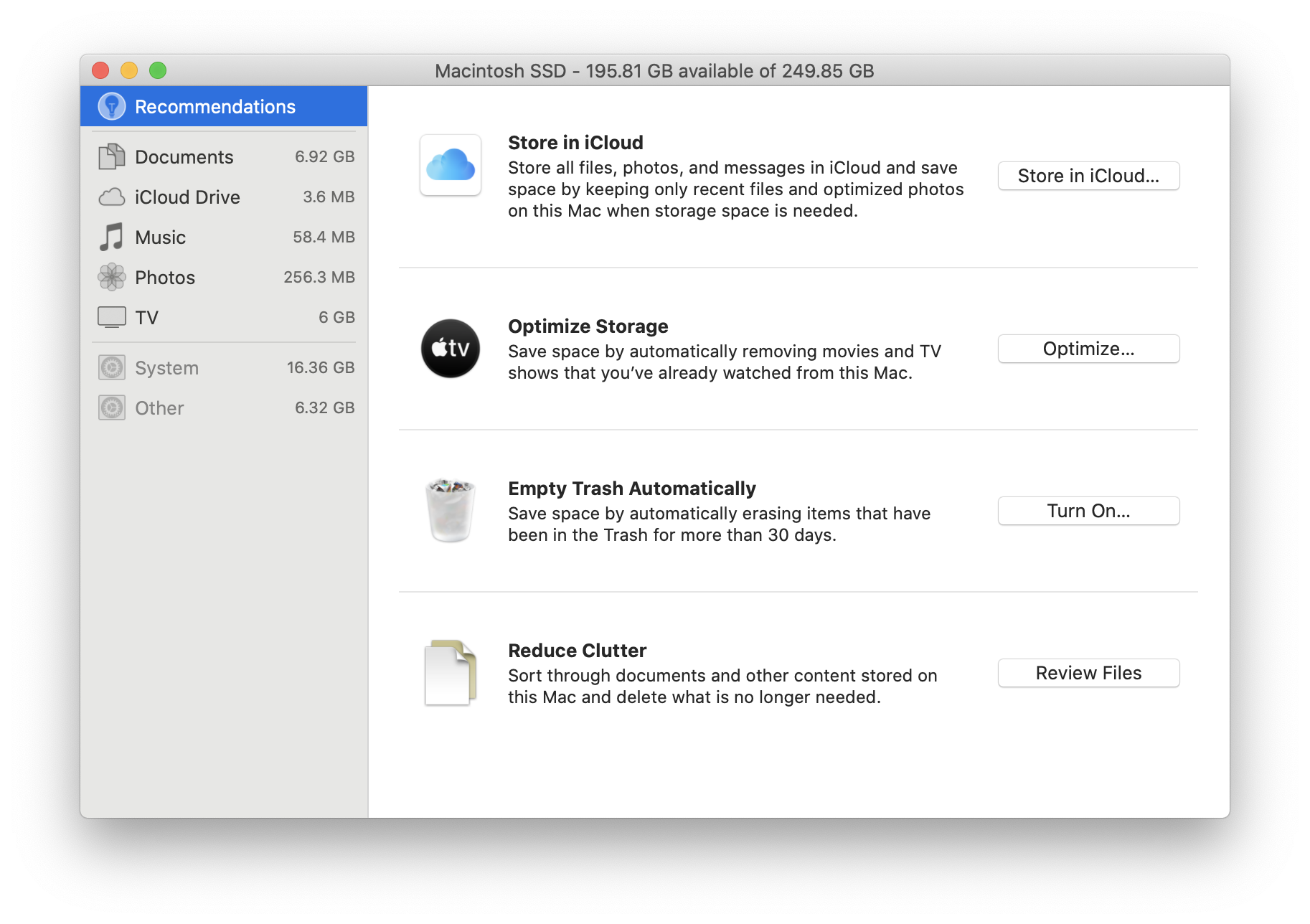
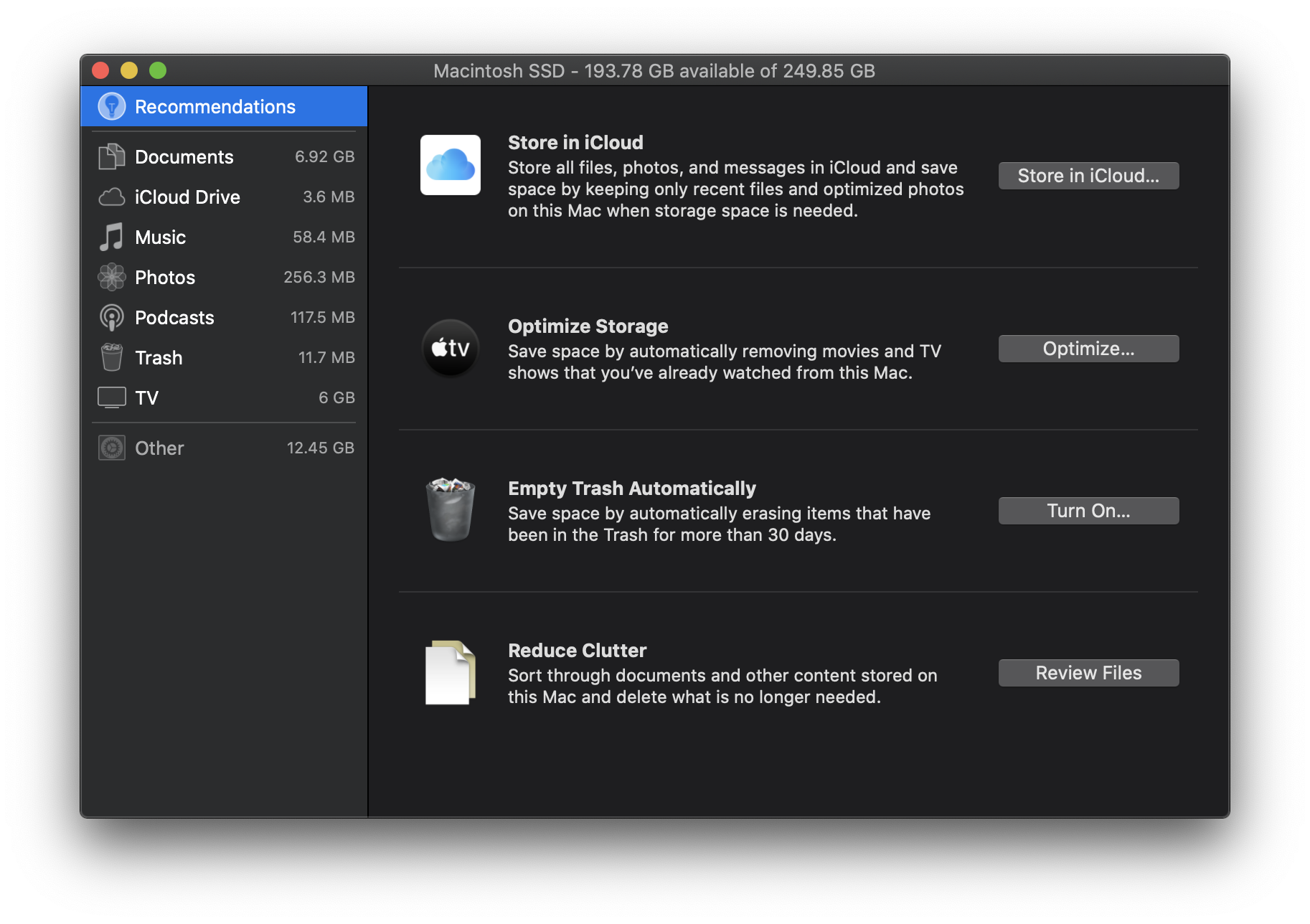
Storage Management
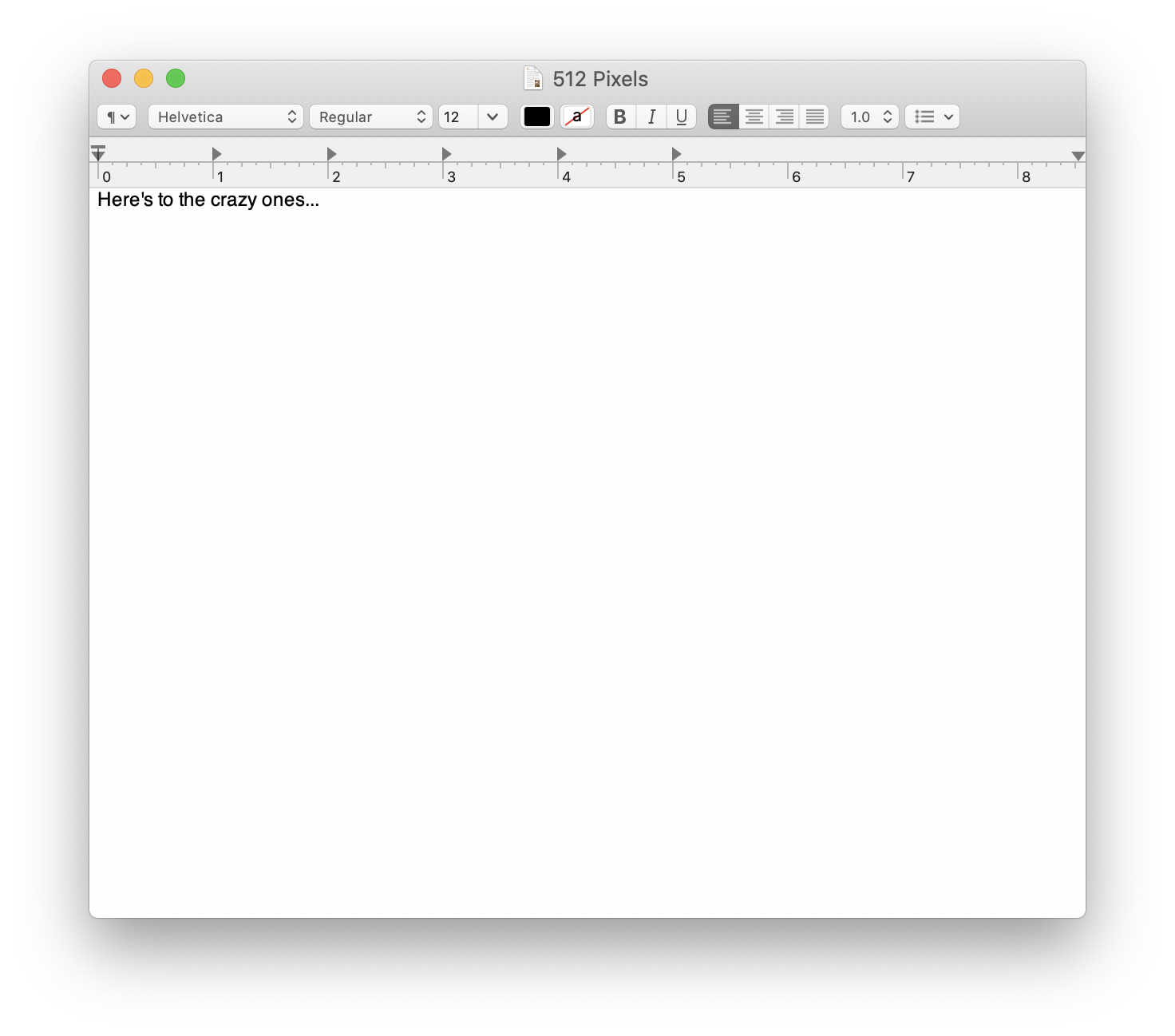
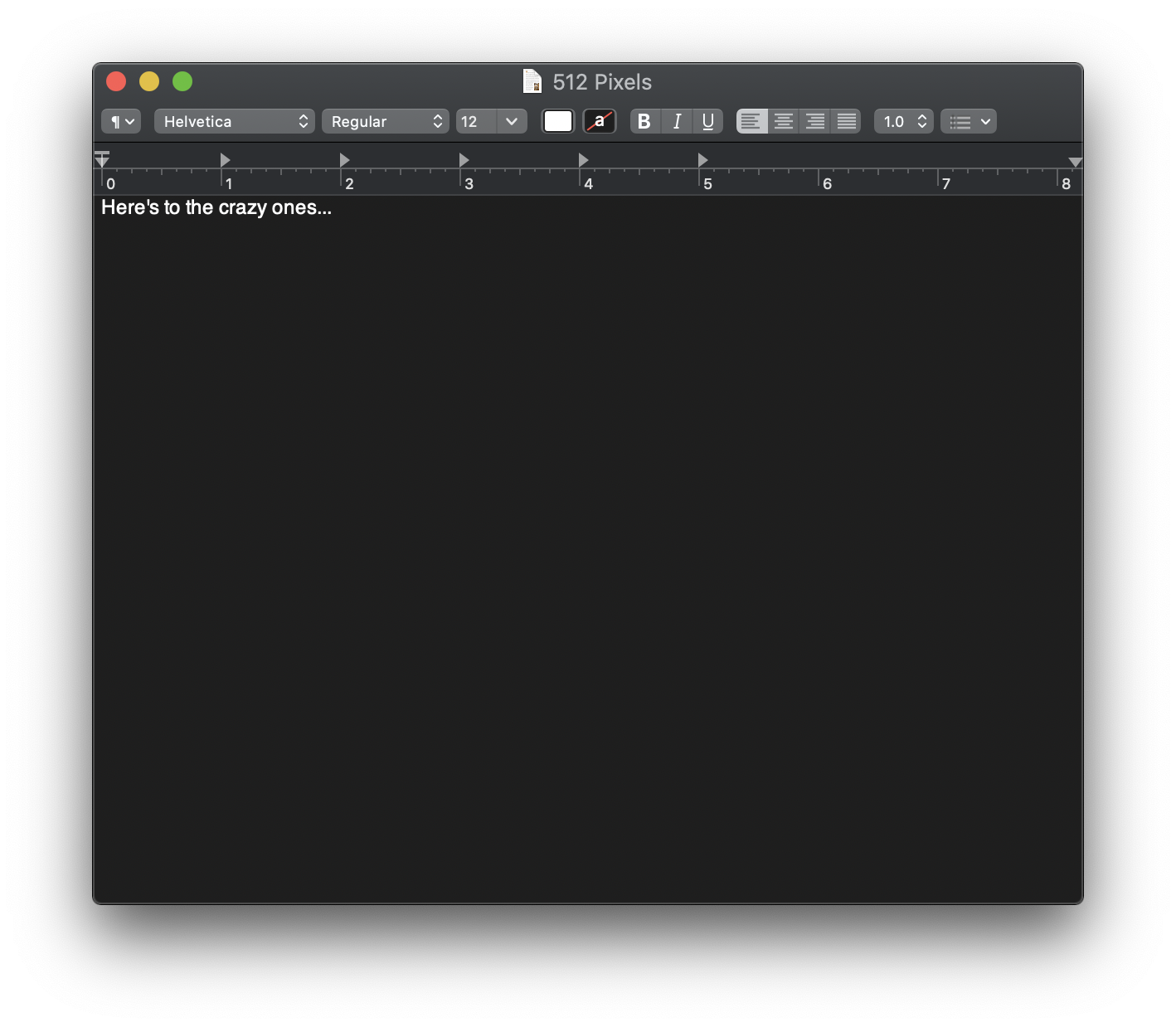
TextEdit
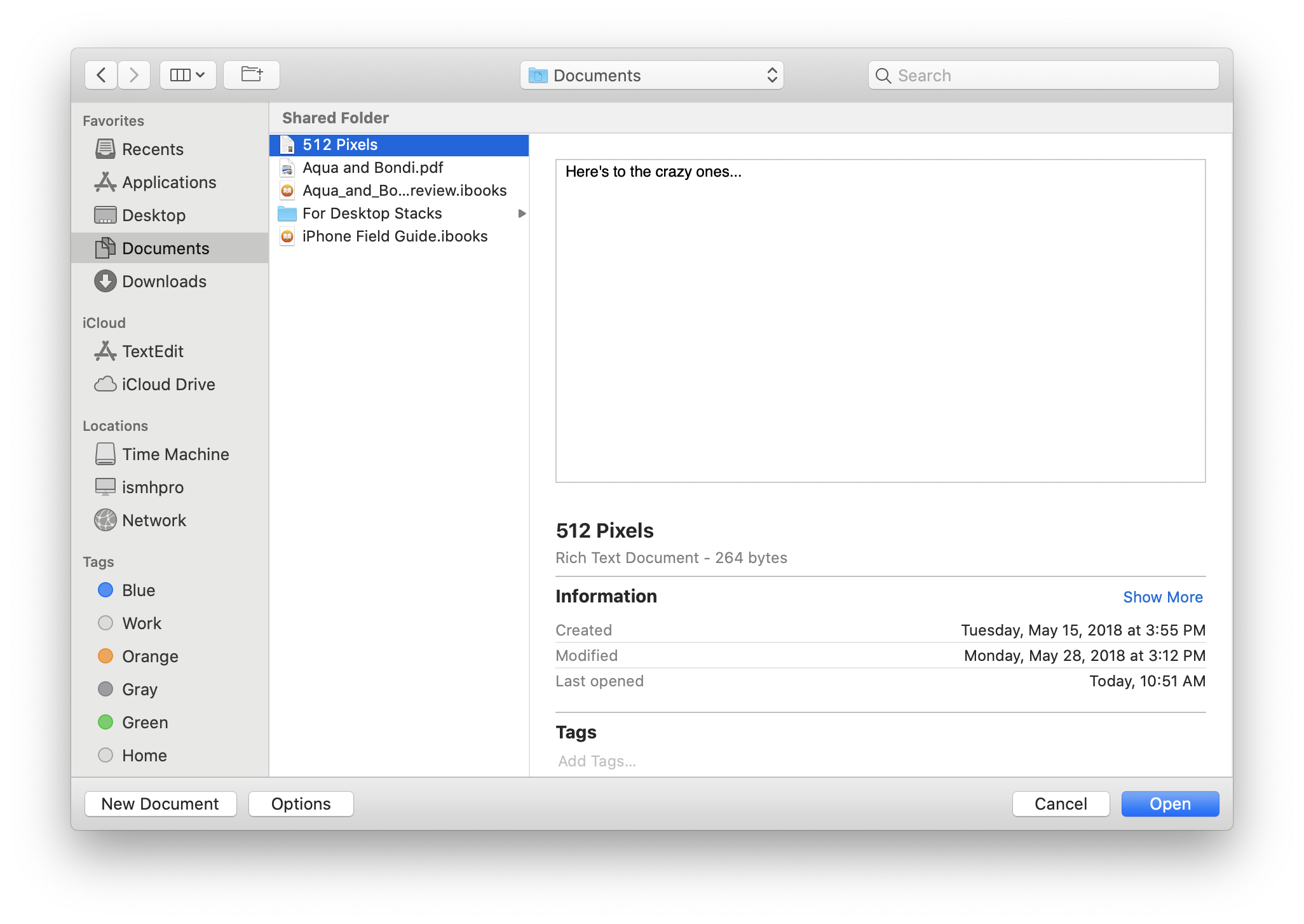
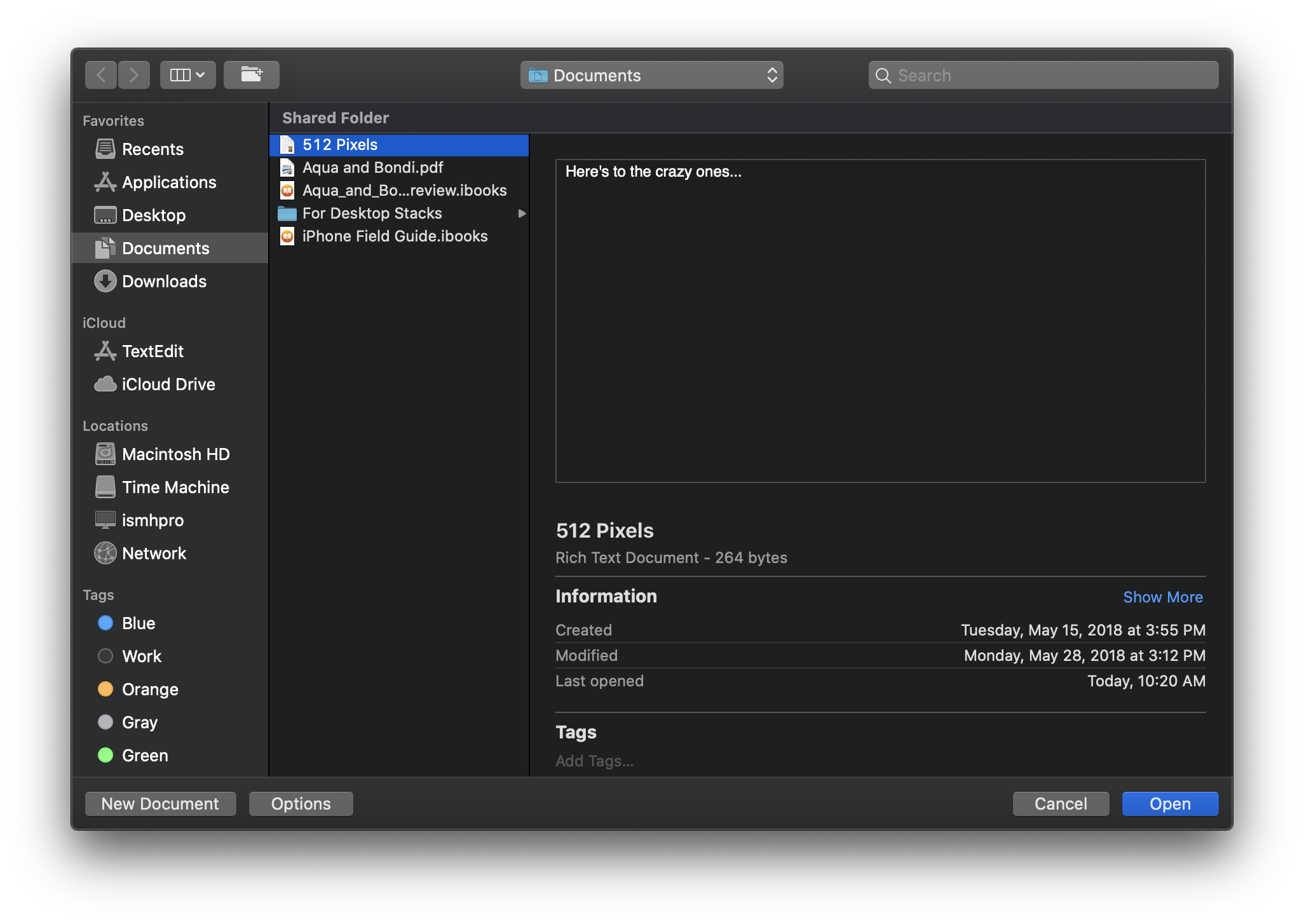
TextEdit: Open
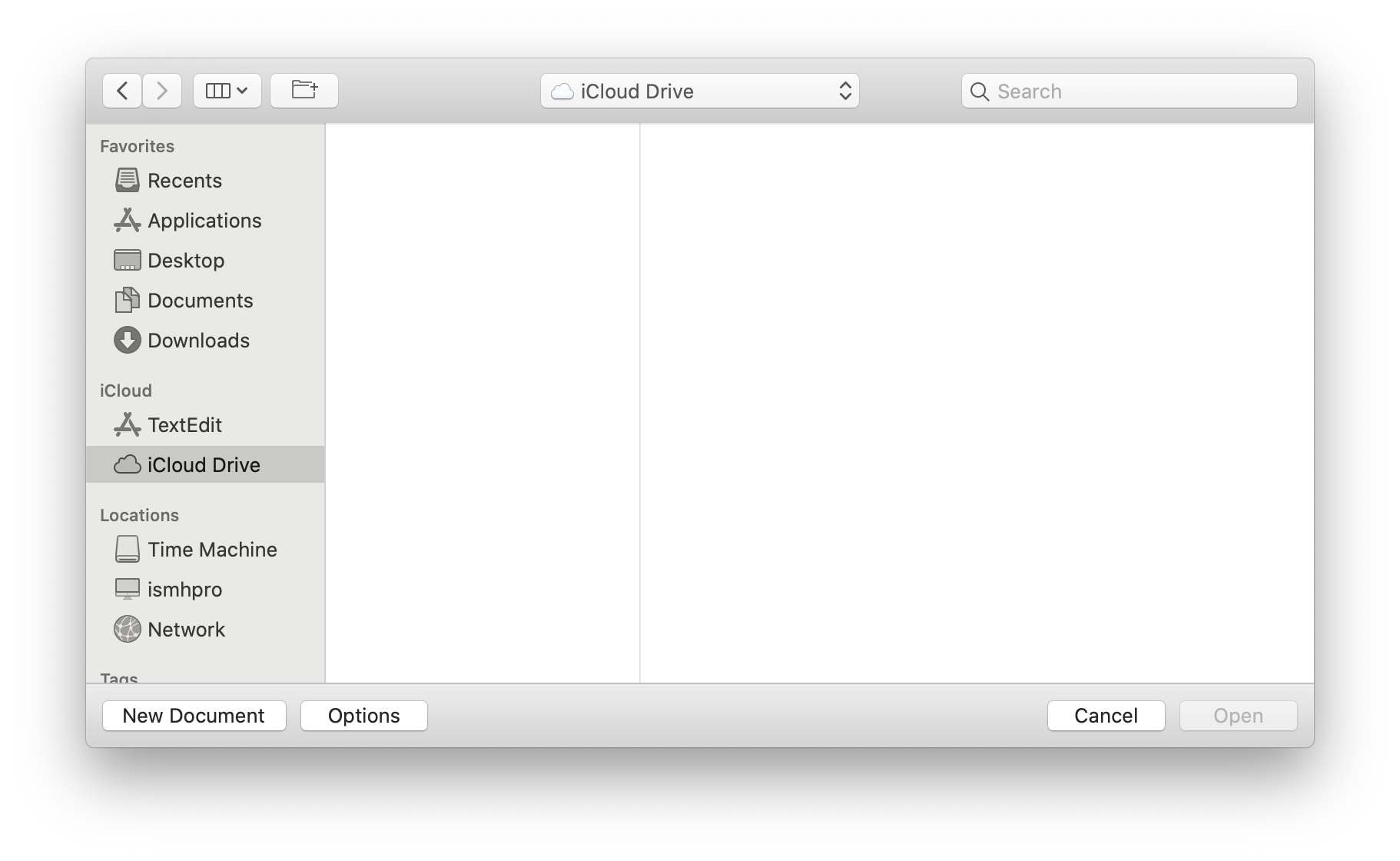
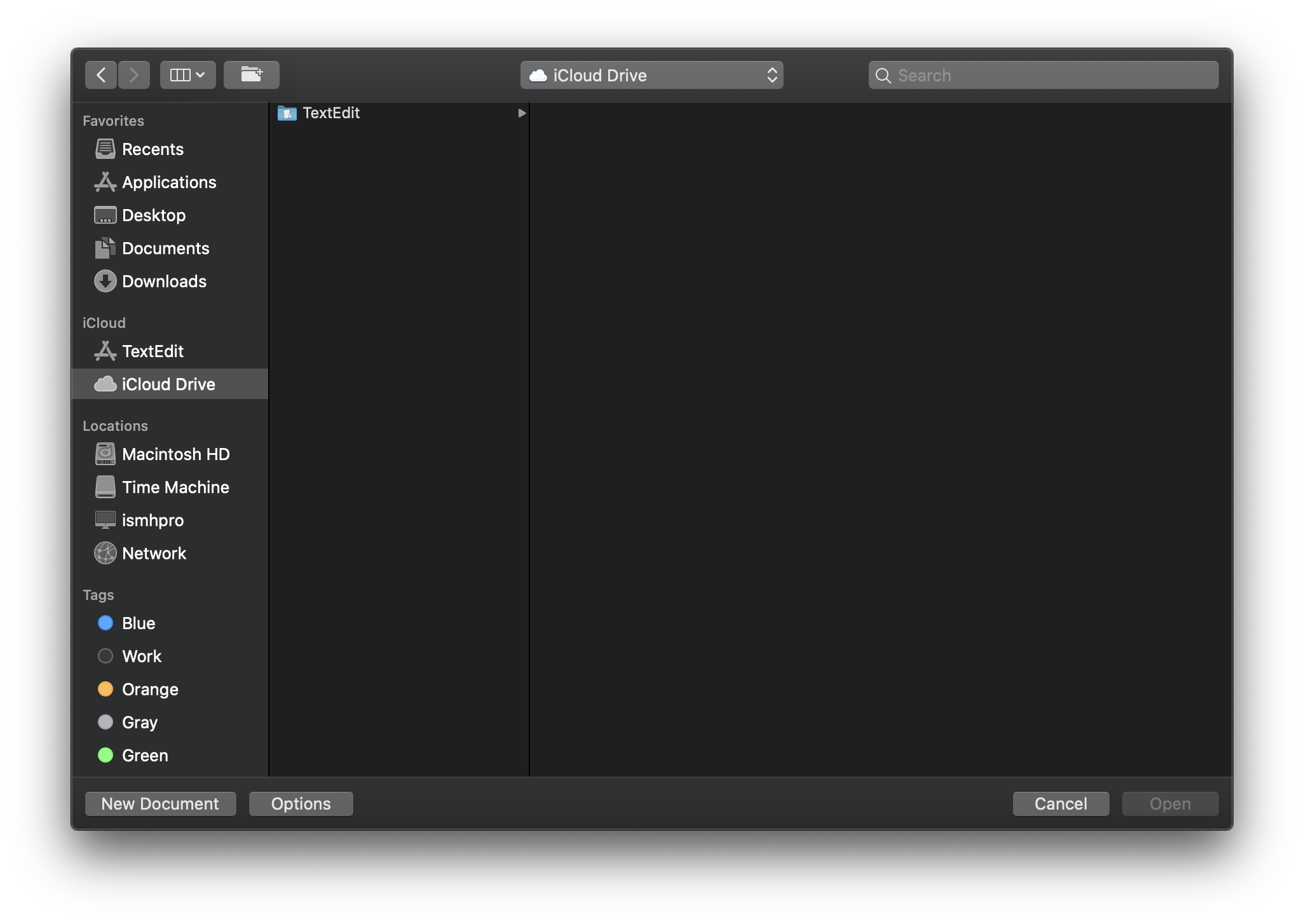
TextEdit: Open: iCloud
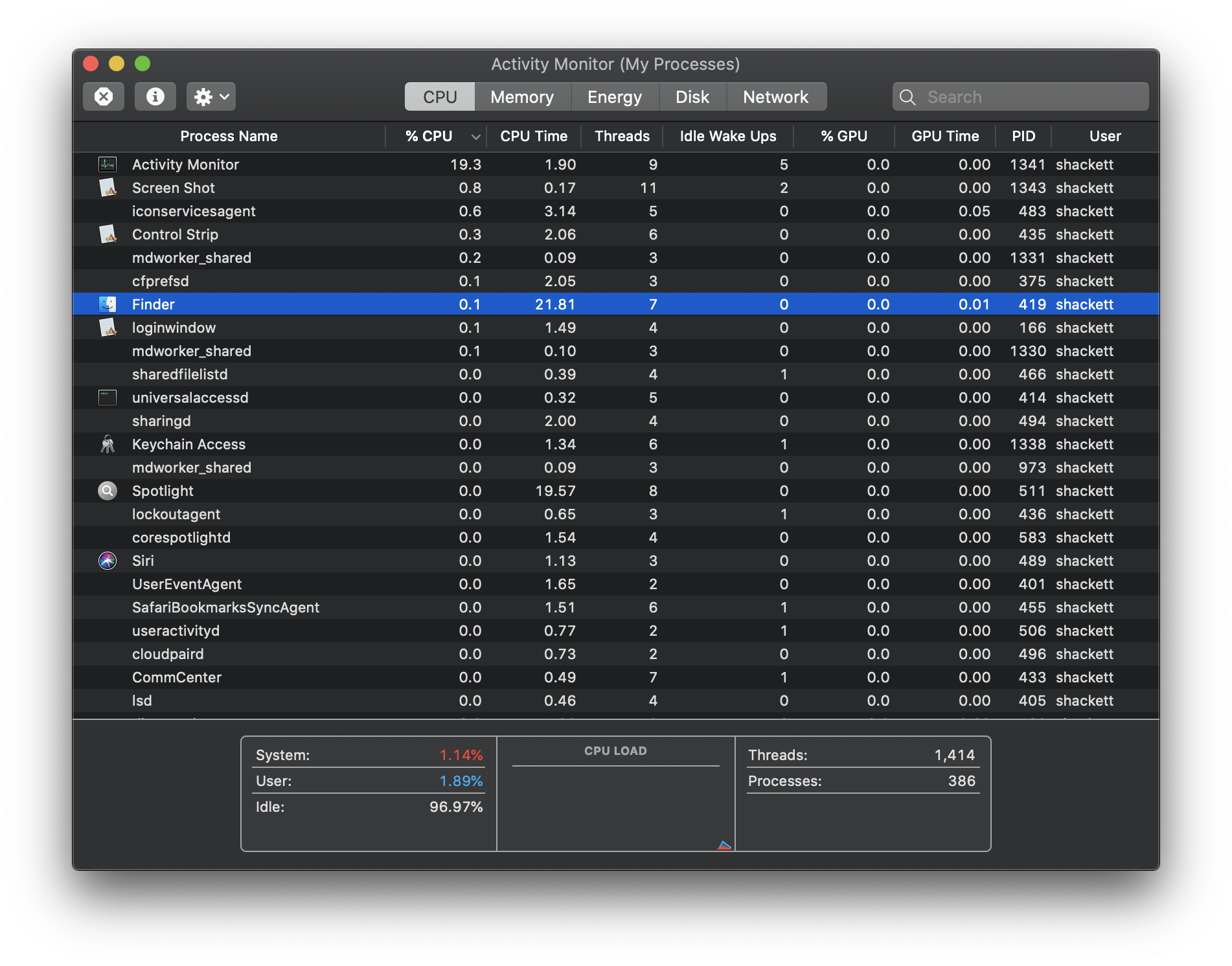
Activity Monitor
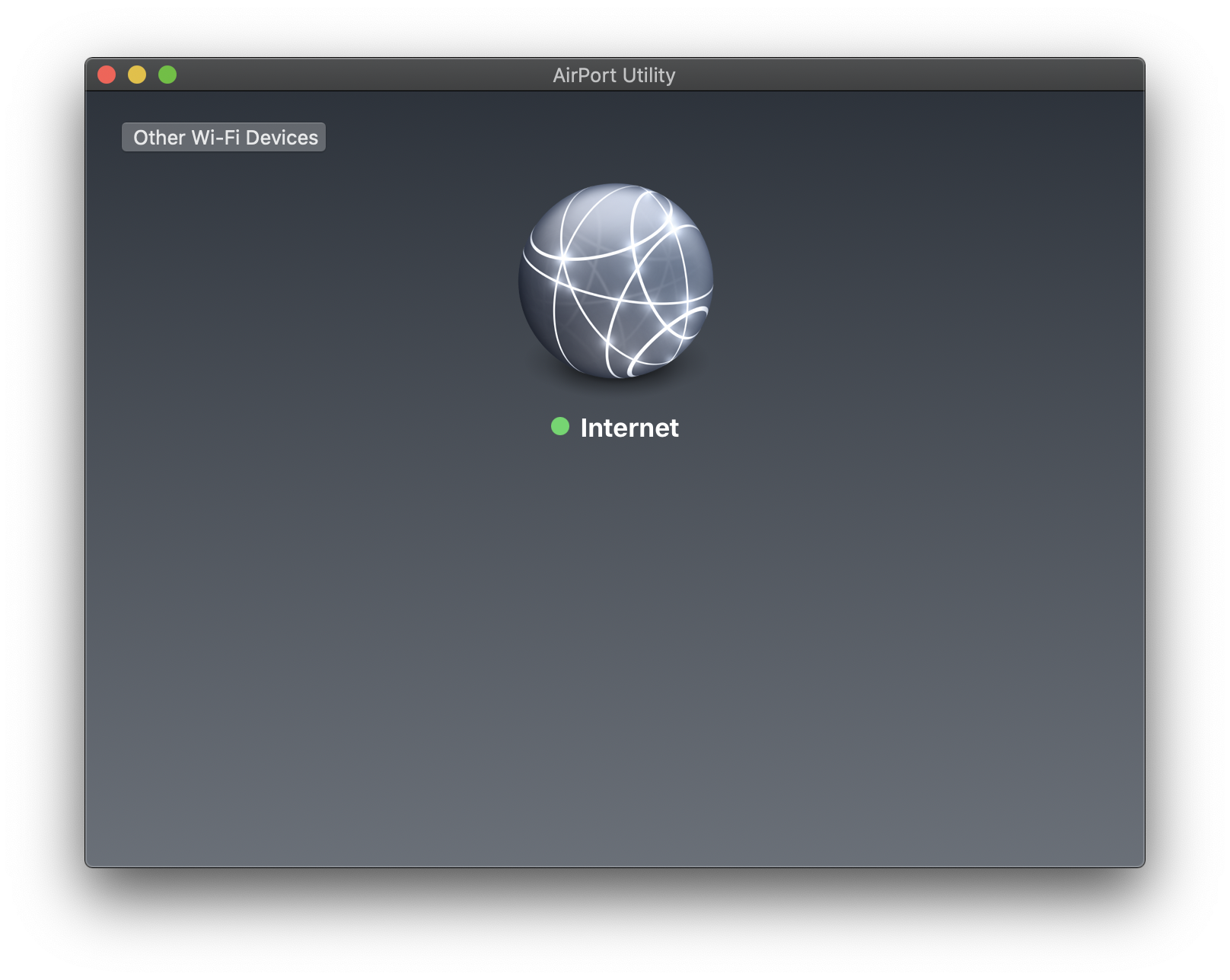
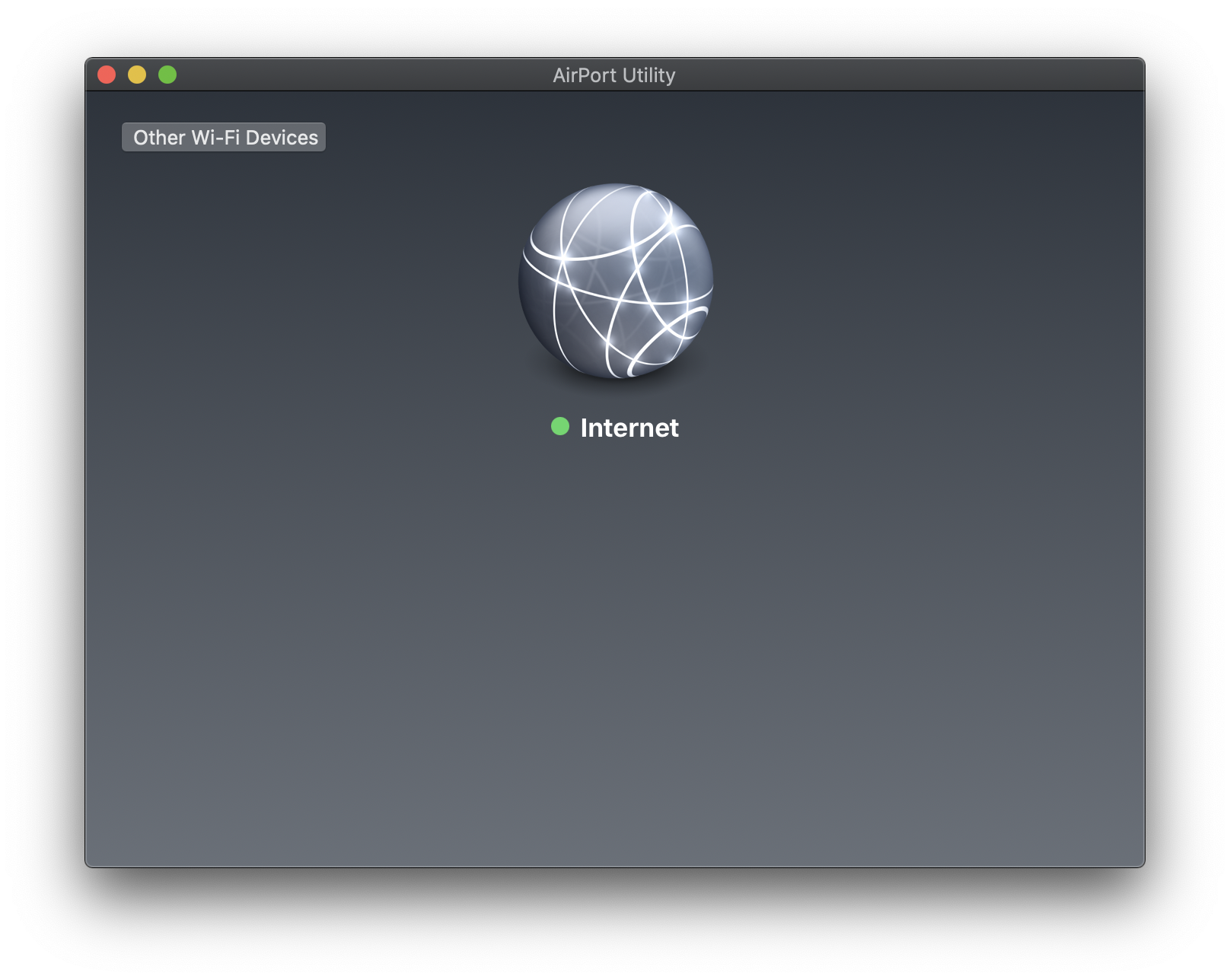
AirPort Utility
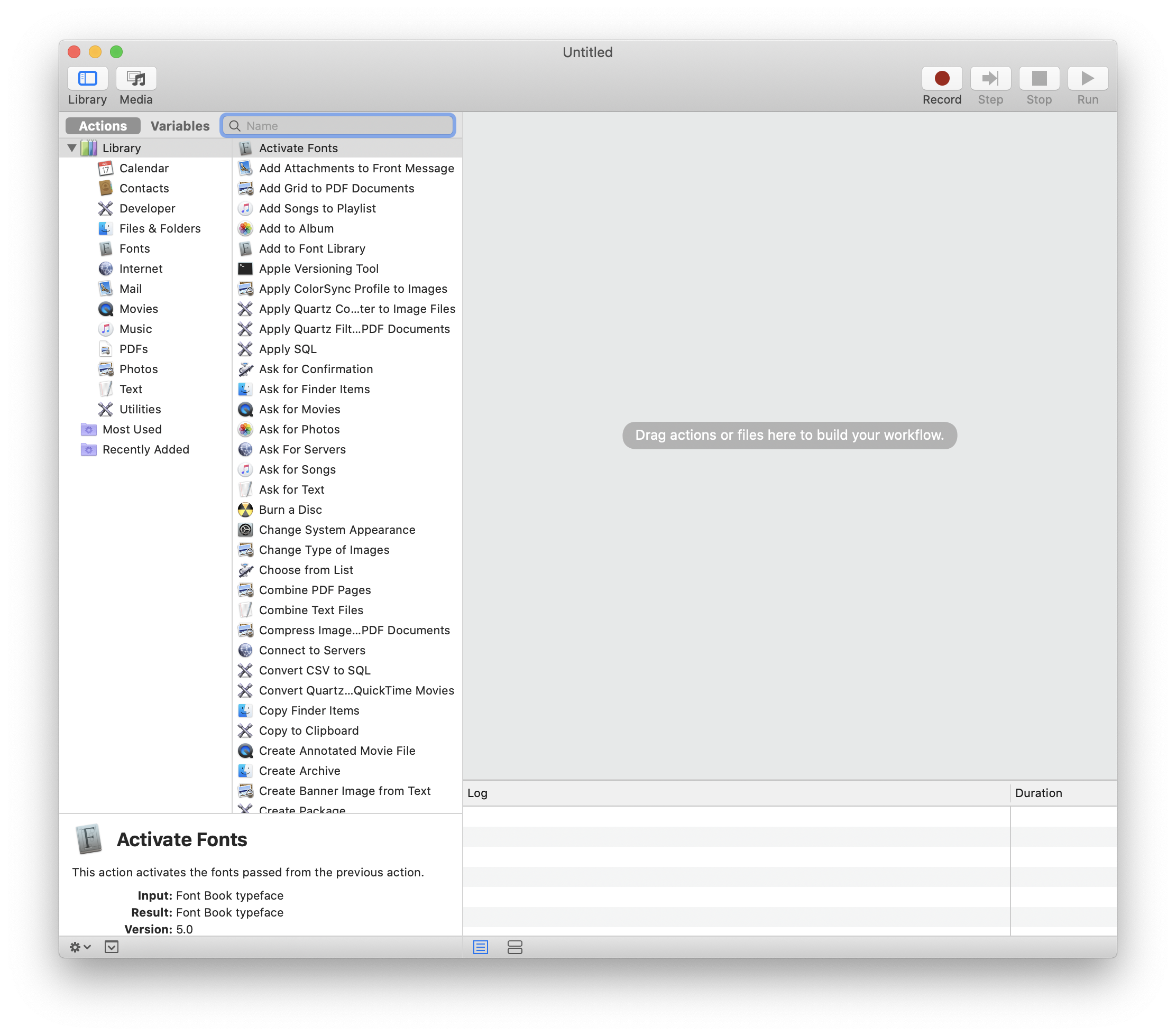
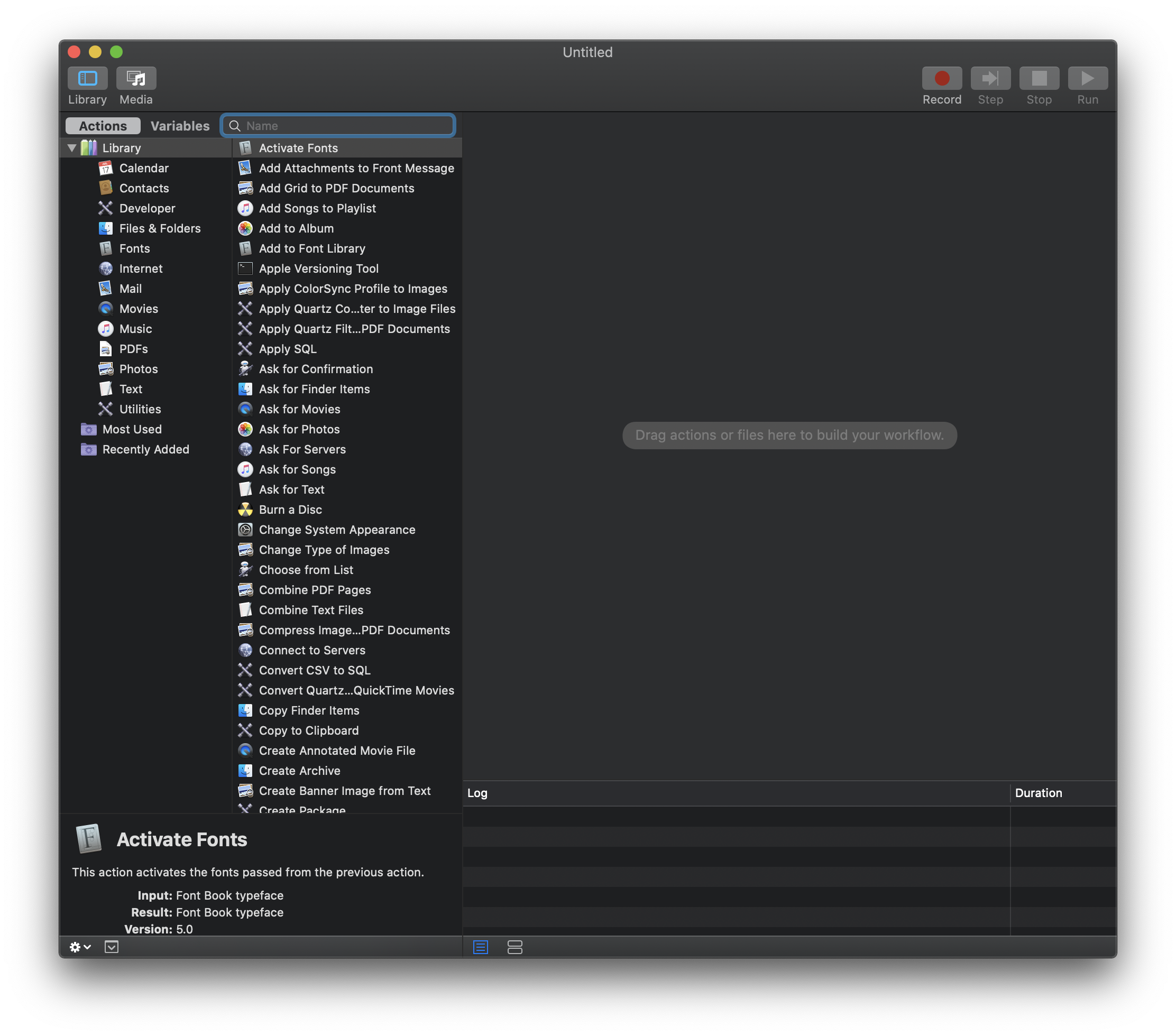
Automator
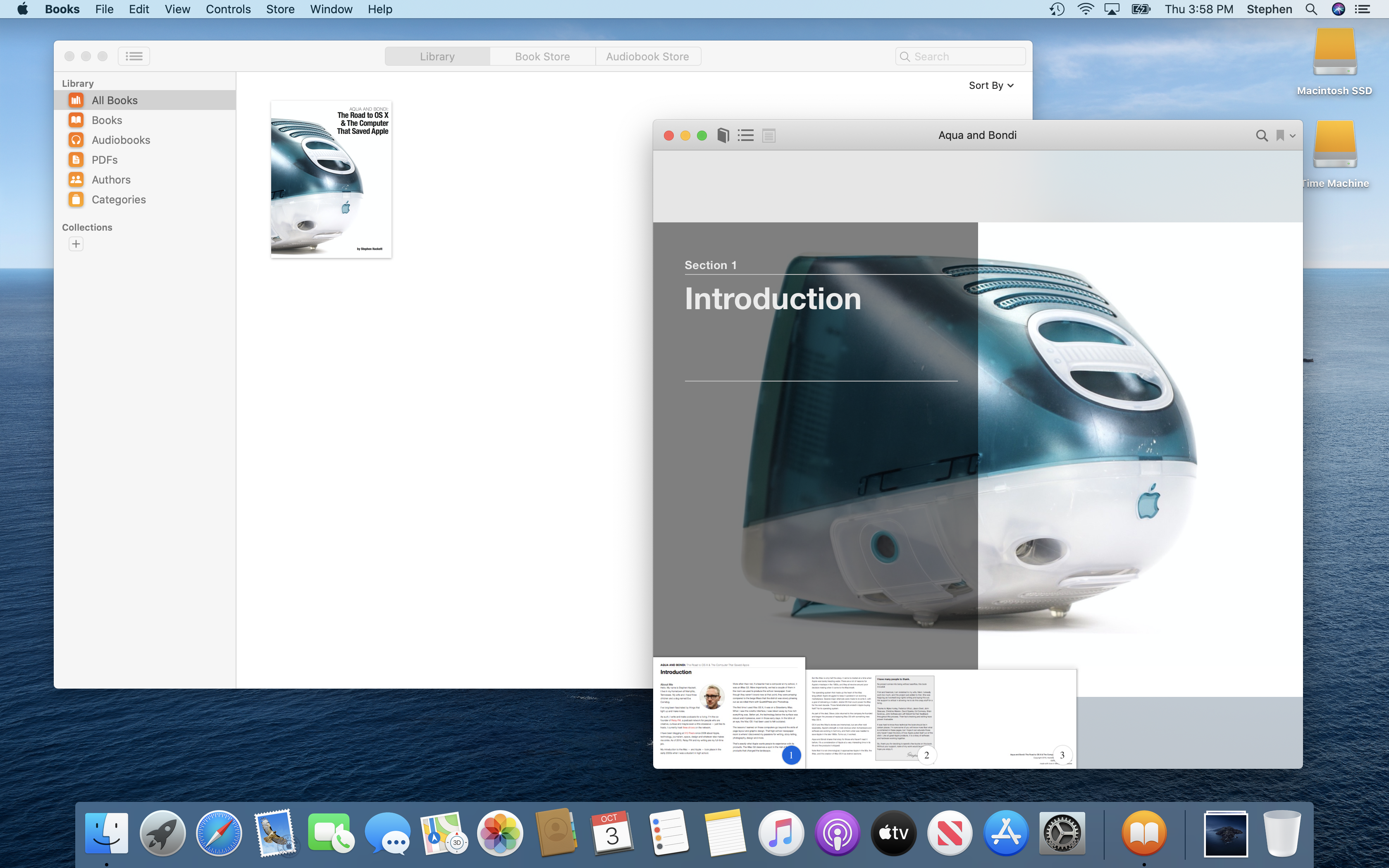
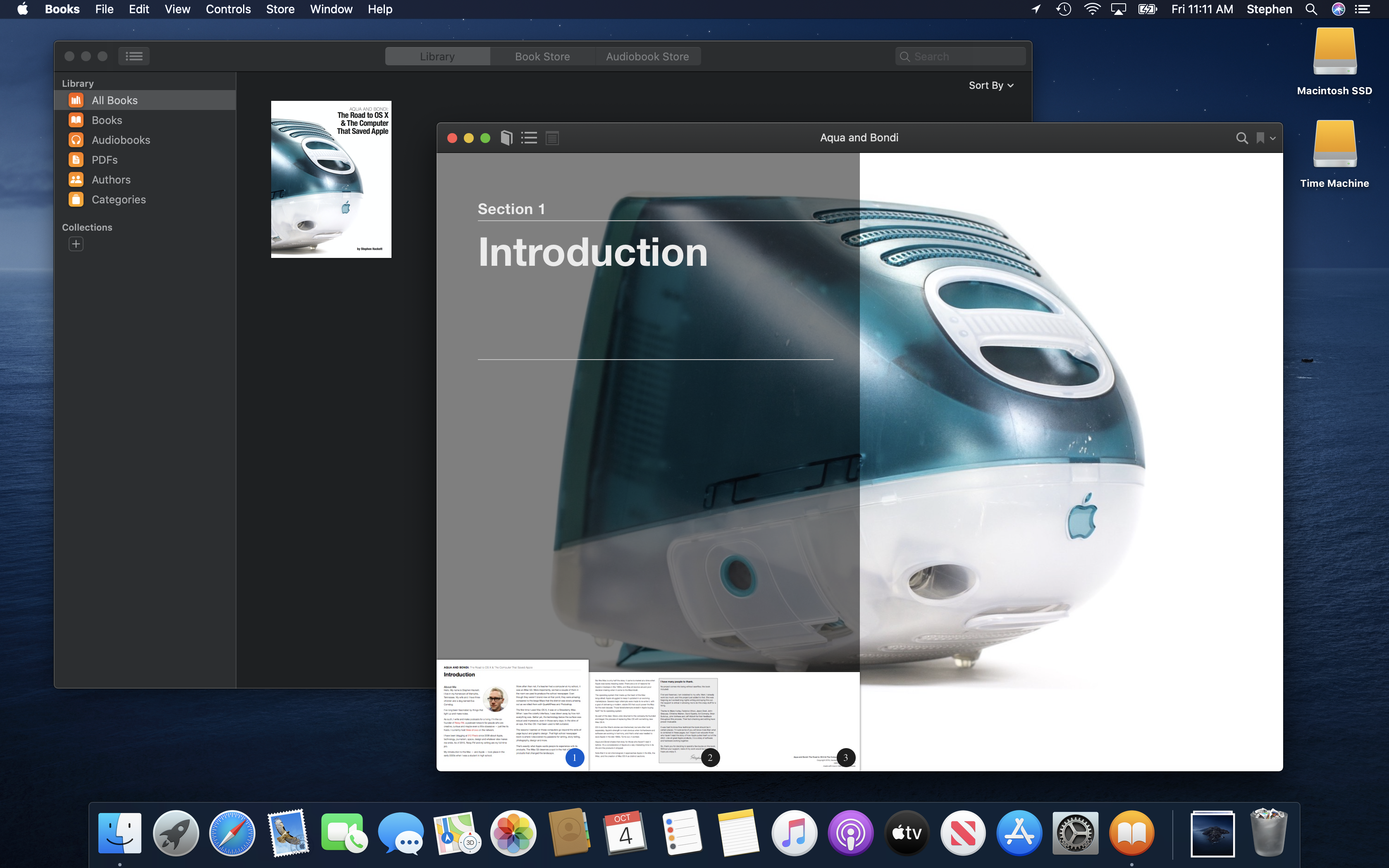
Books
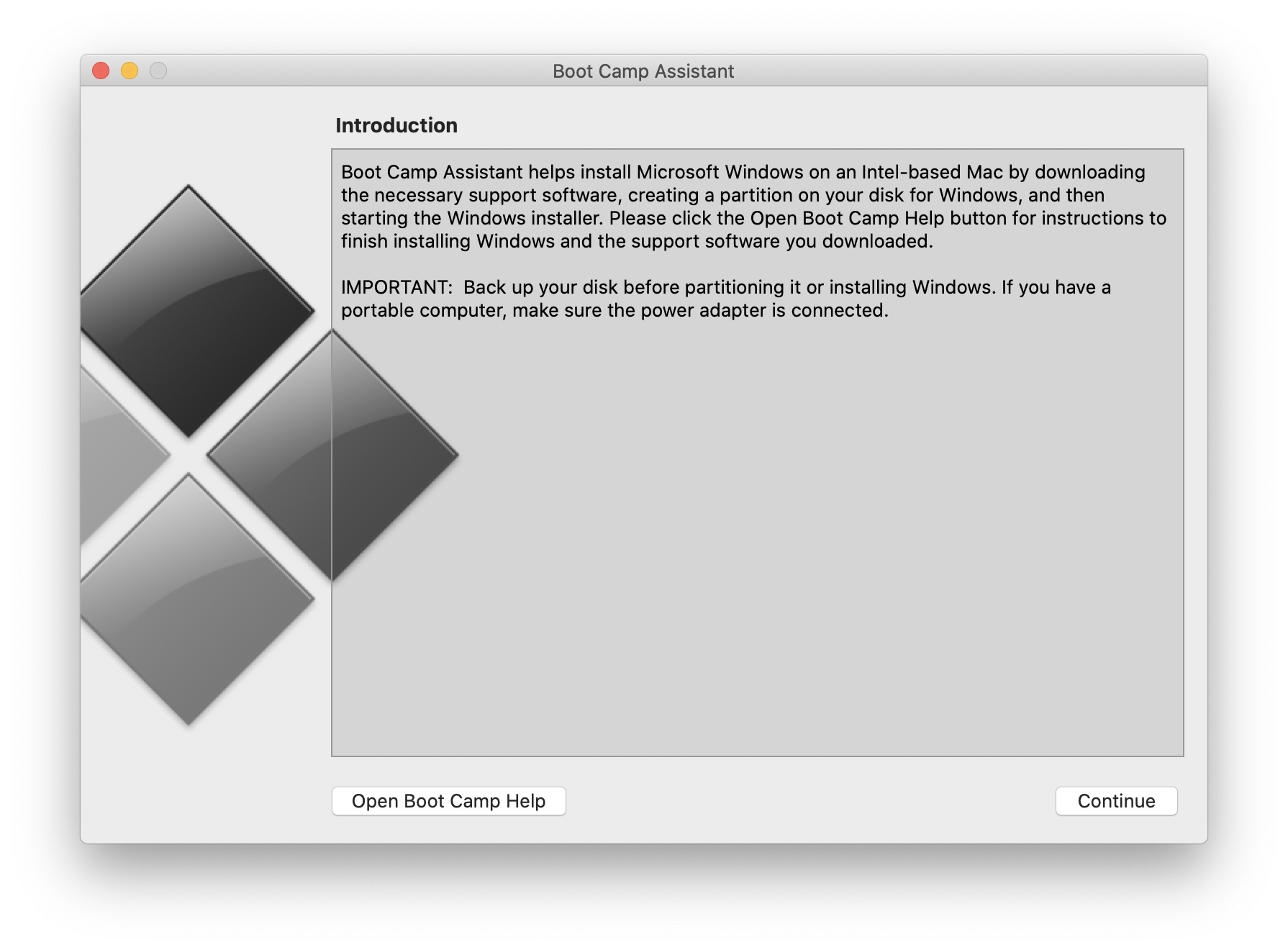
Boot Camp Assistant
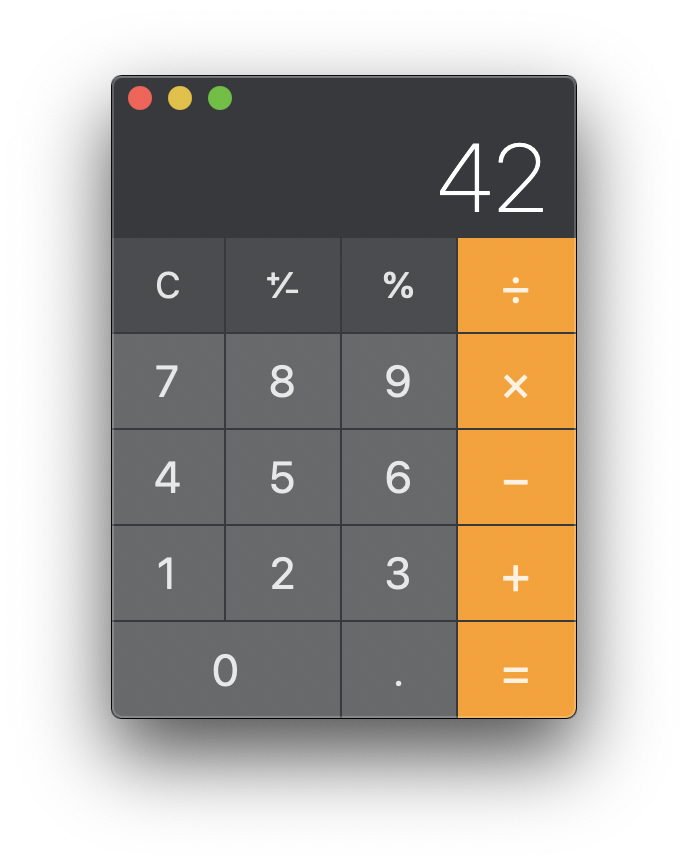
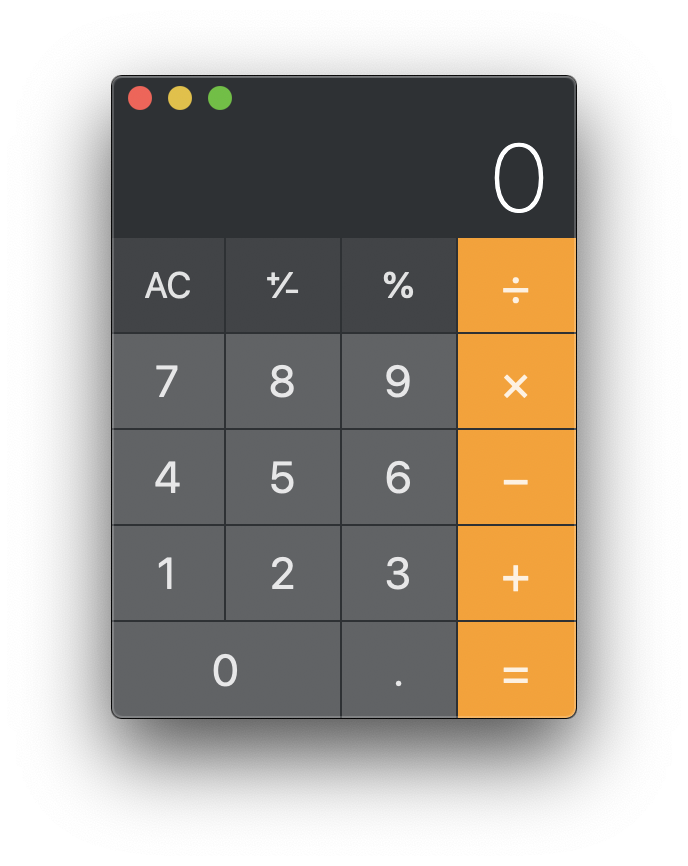
Calculator
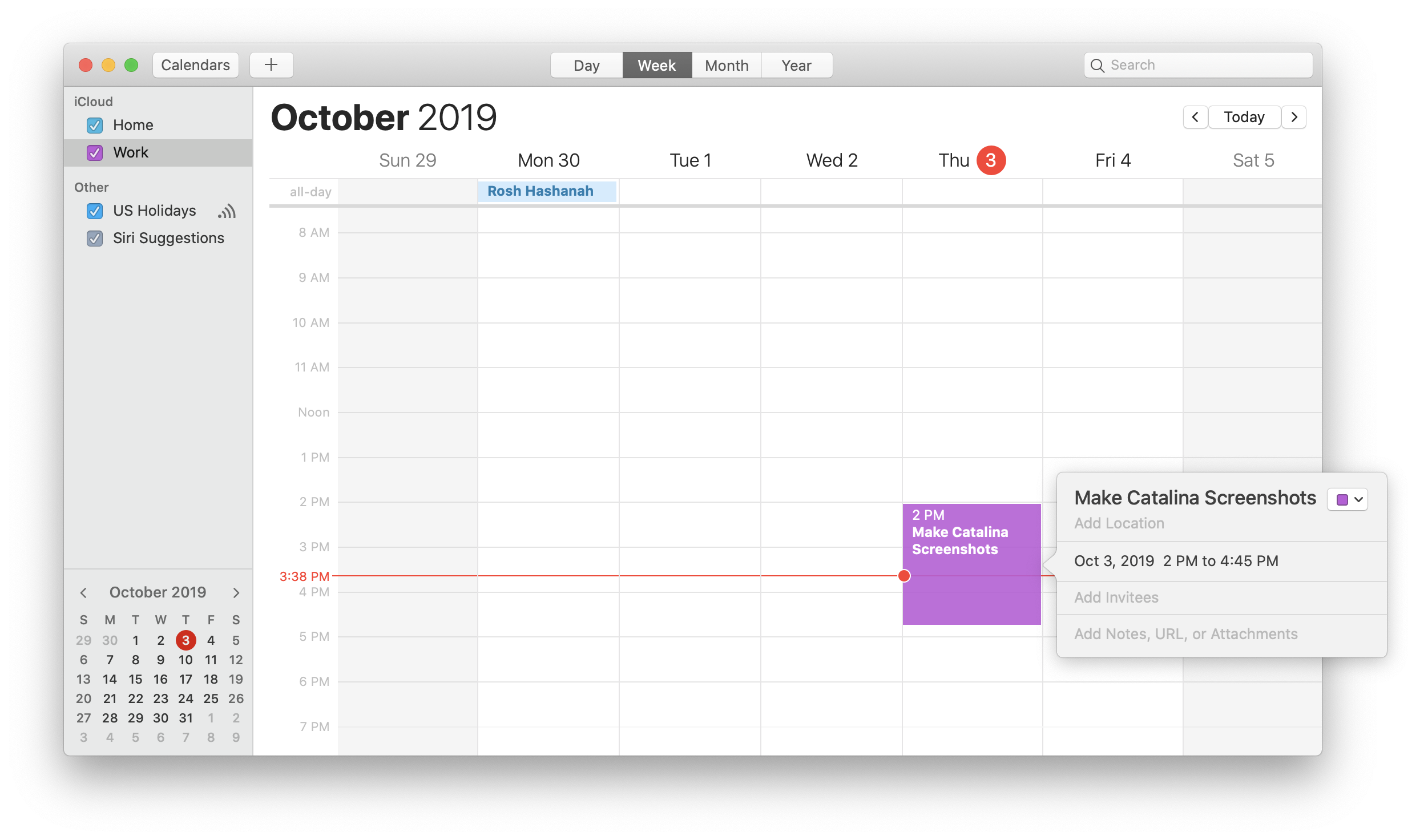
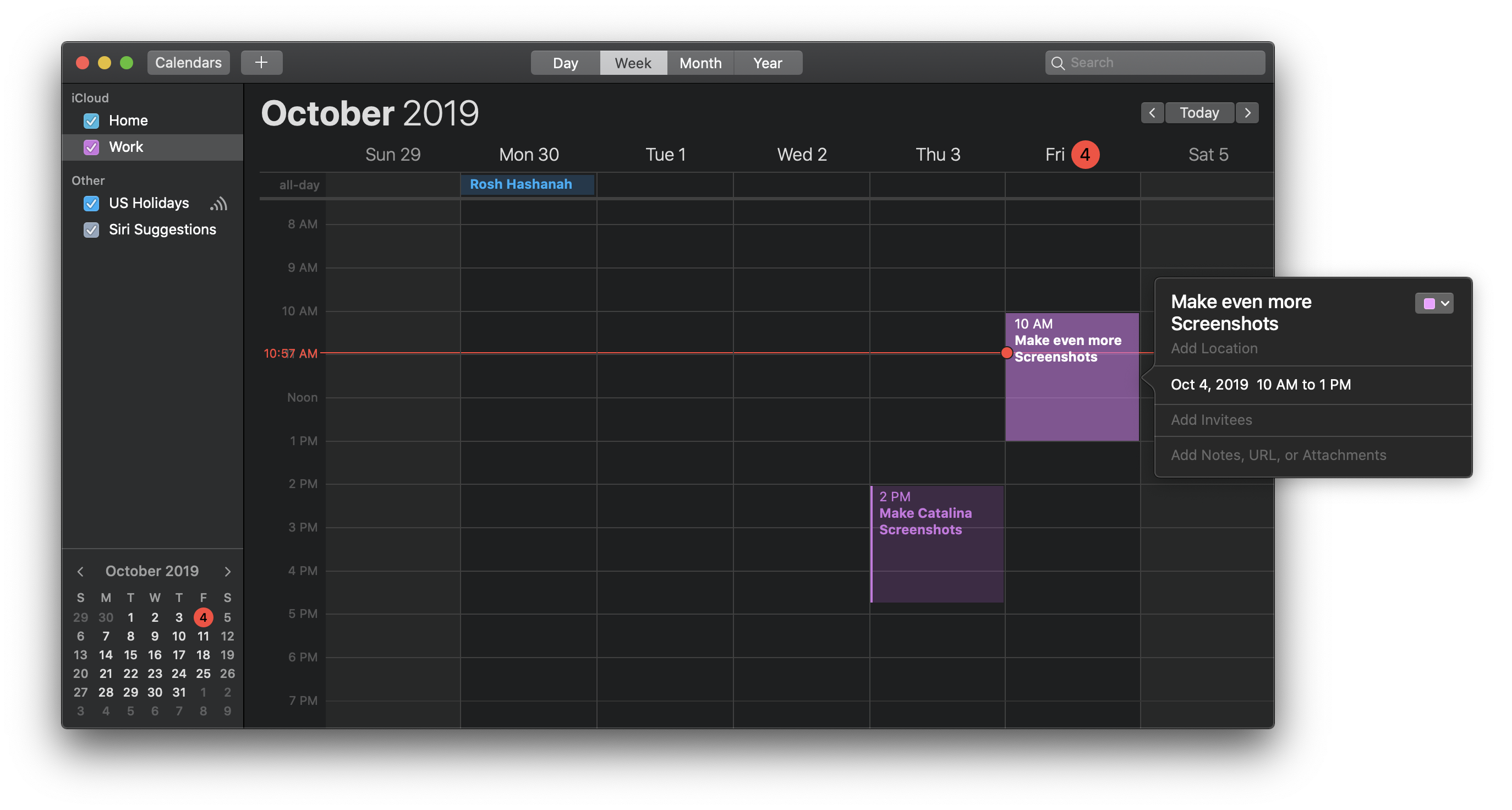
Calendar
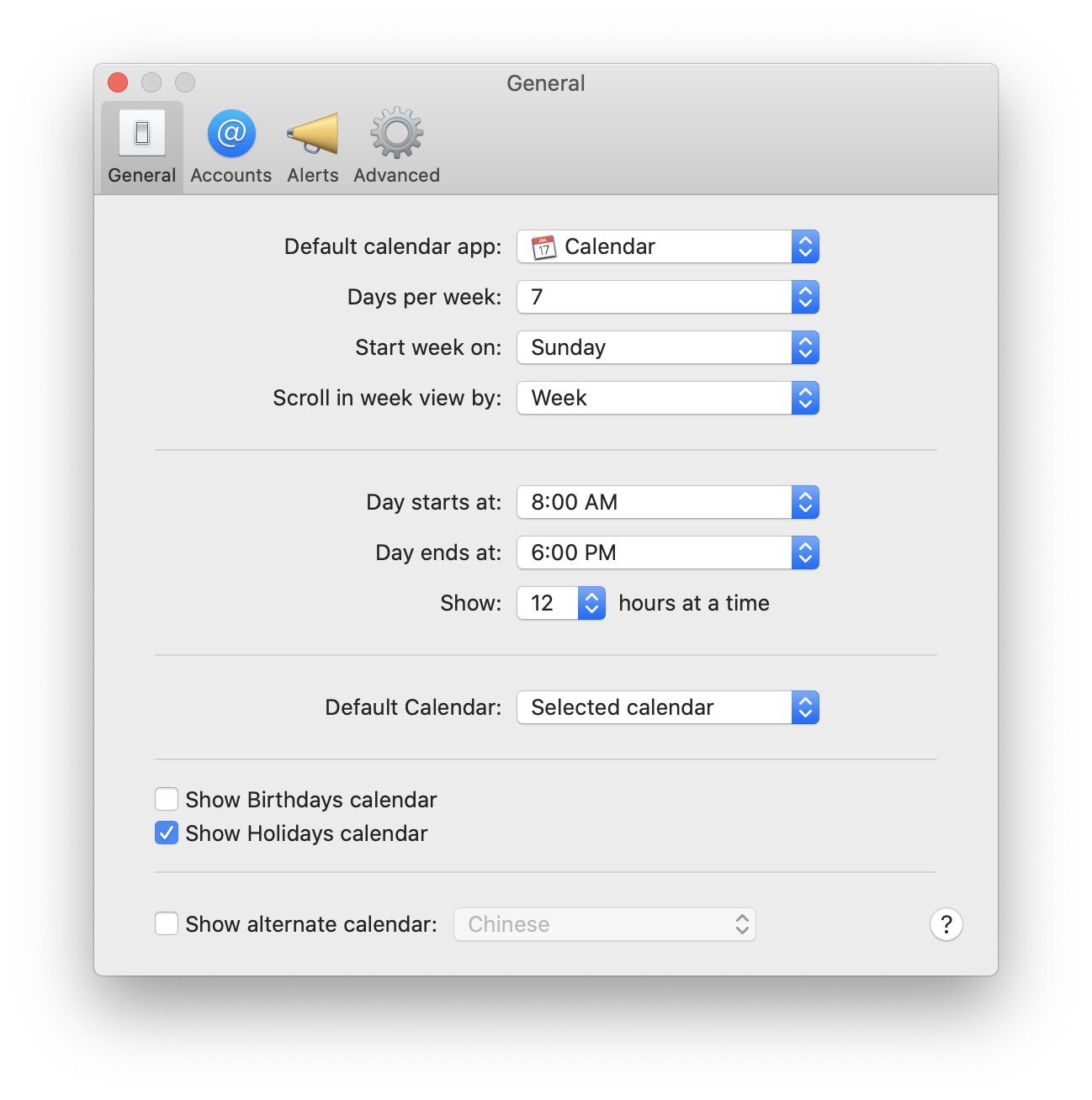
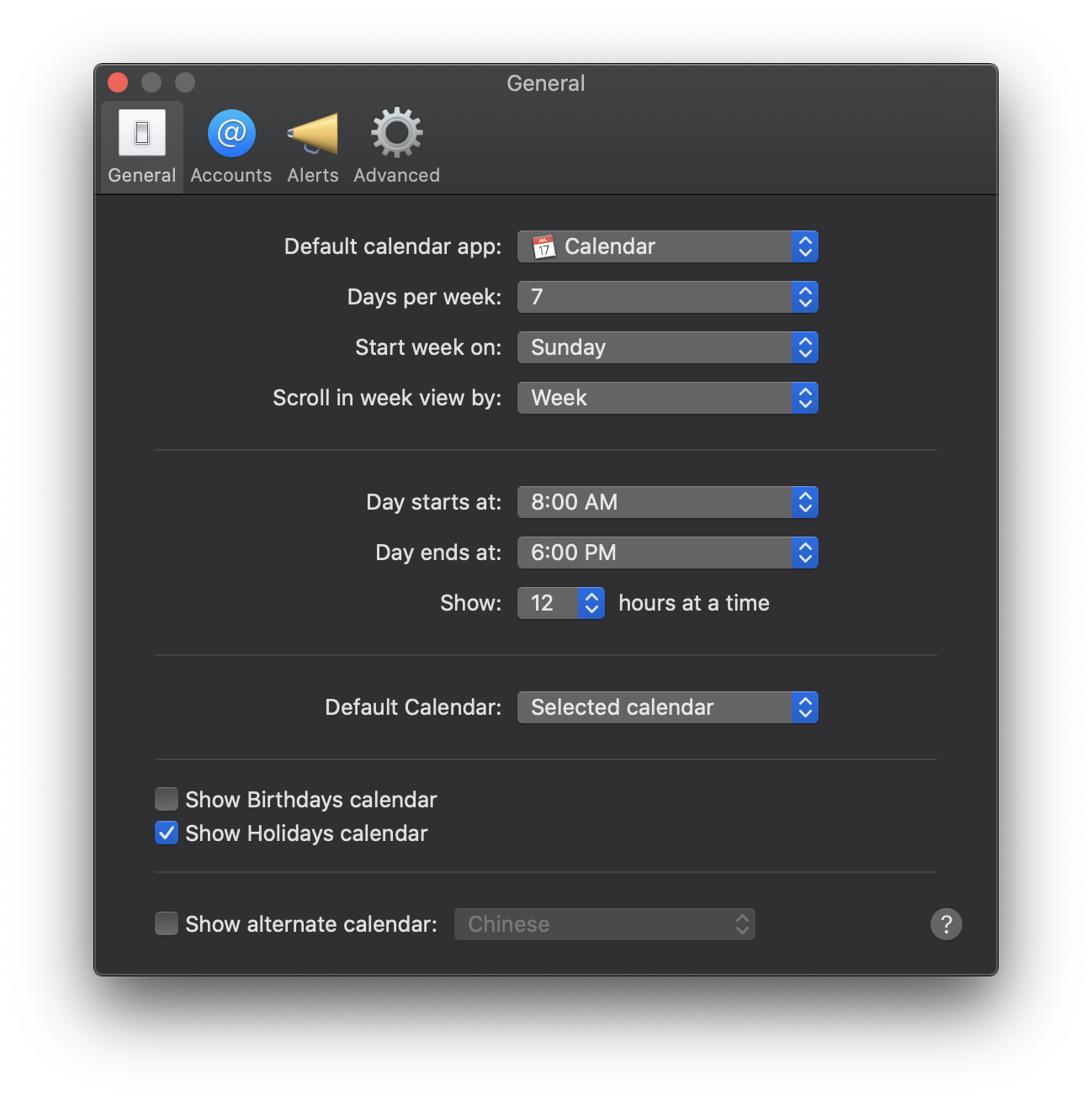
Calendar: Preferences
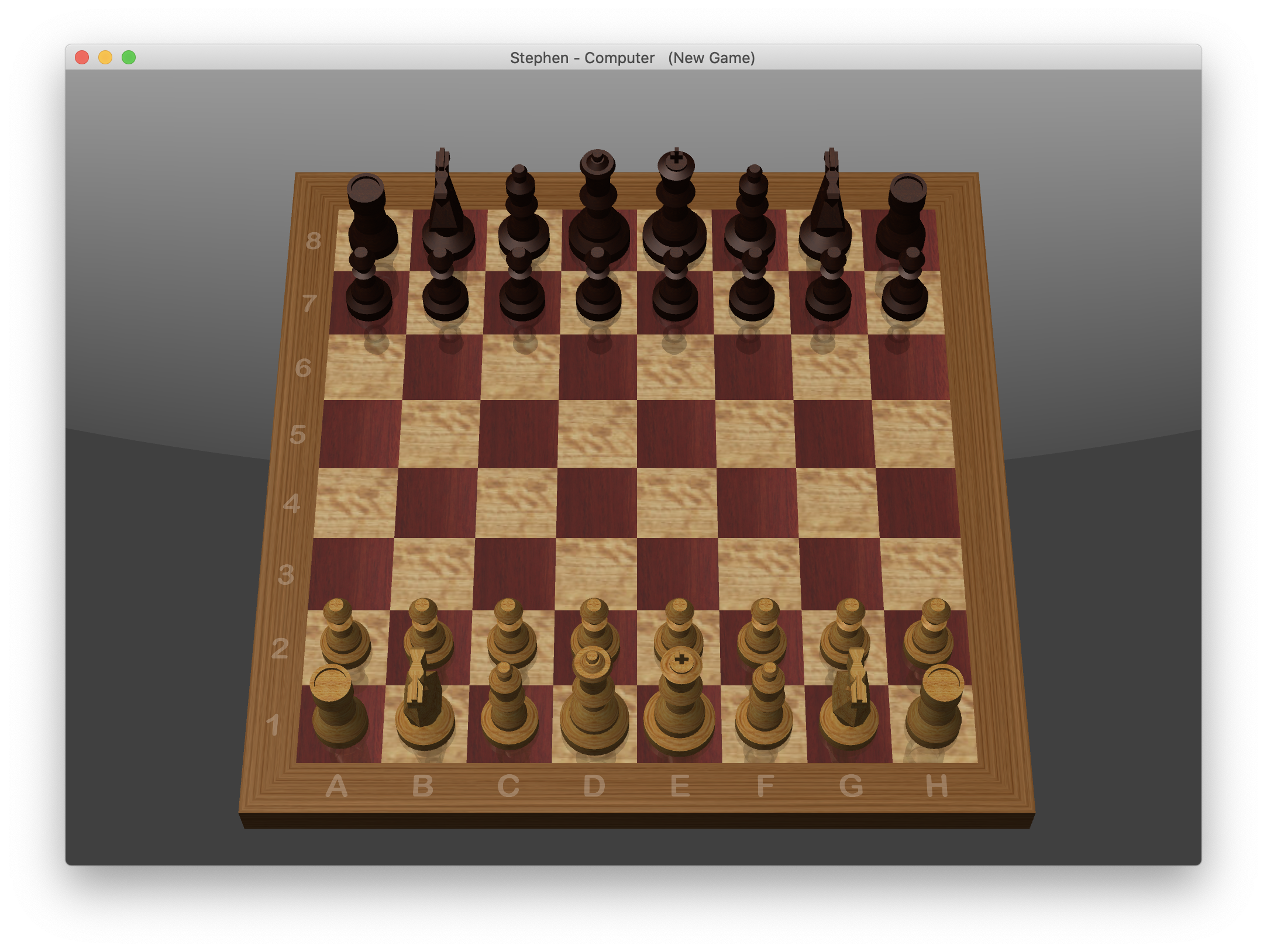
Chess
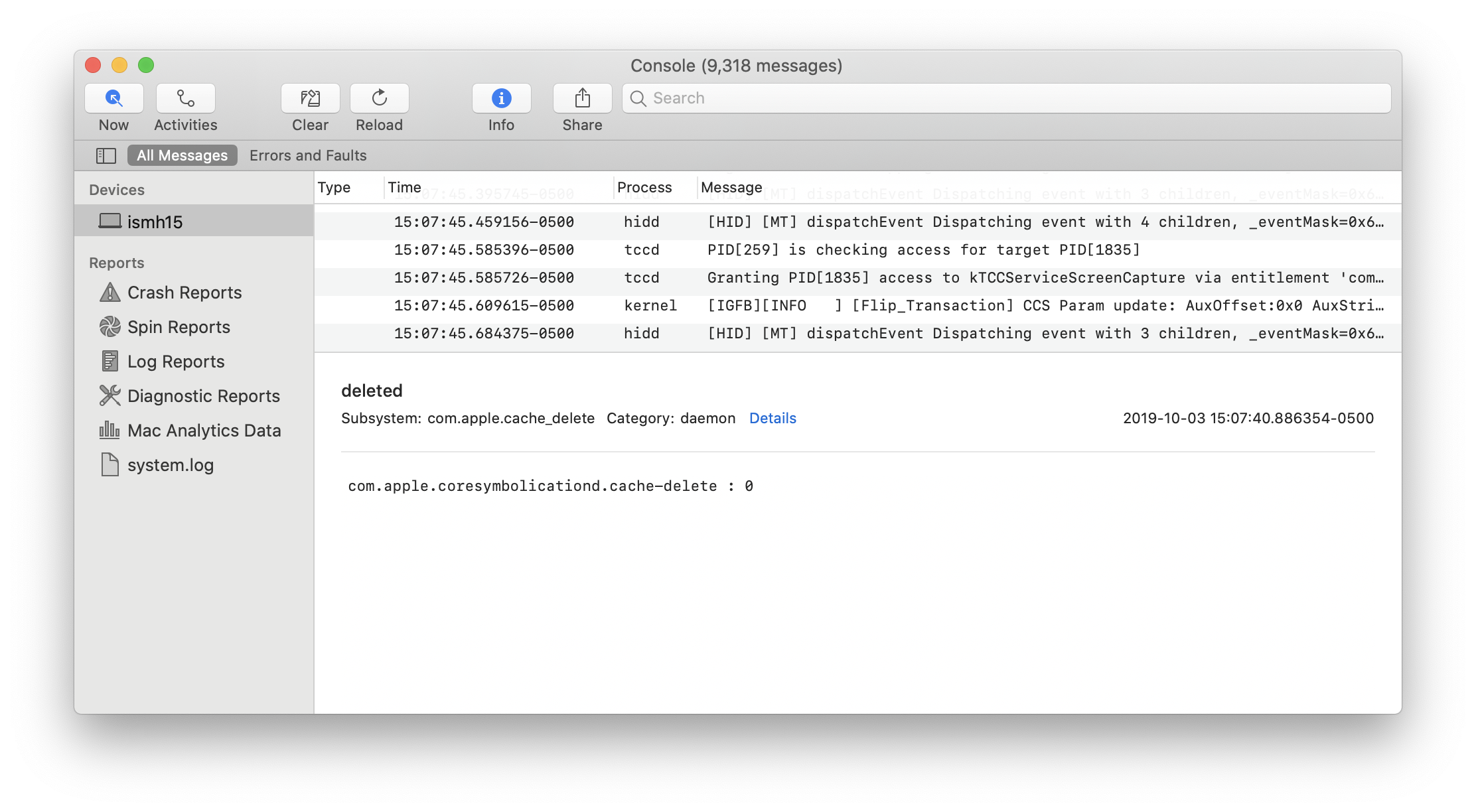
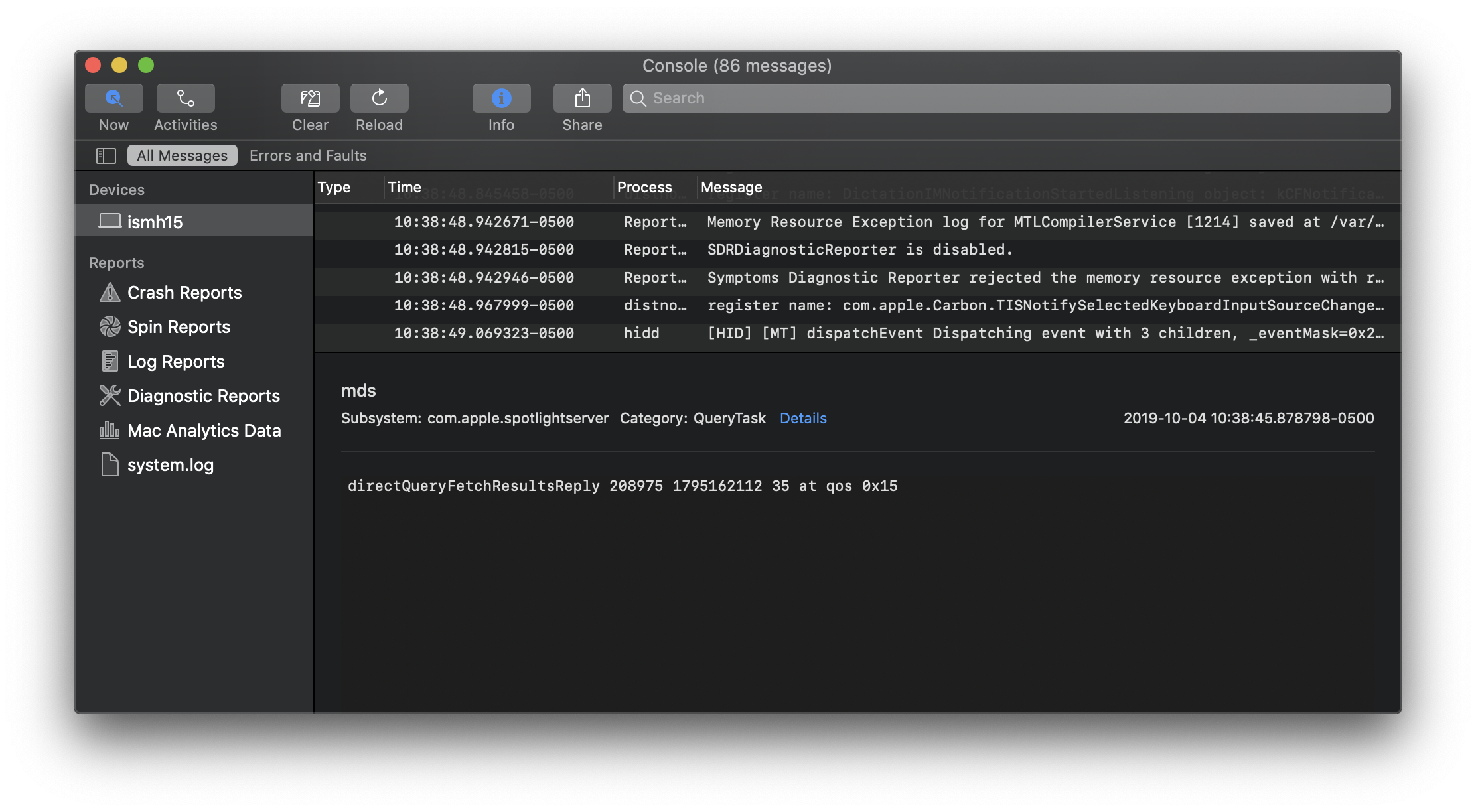
Console
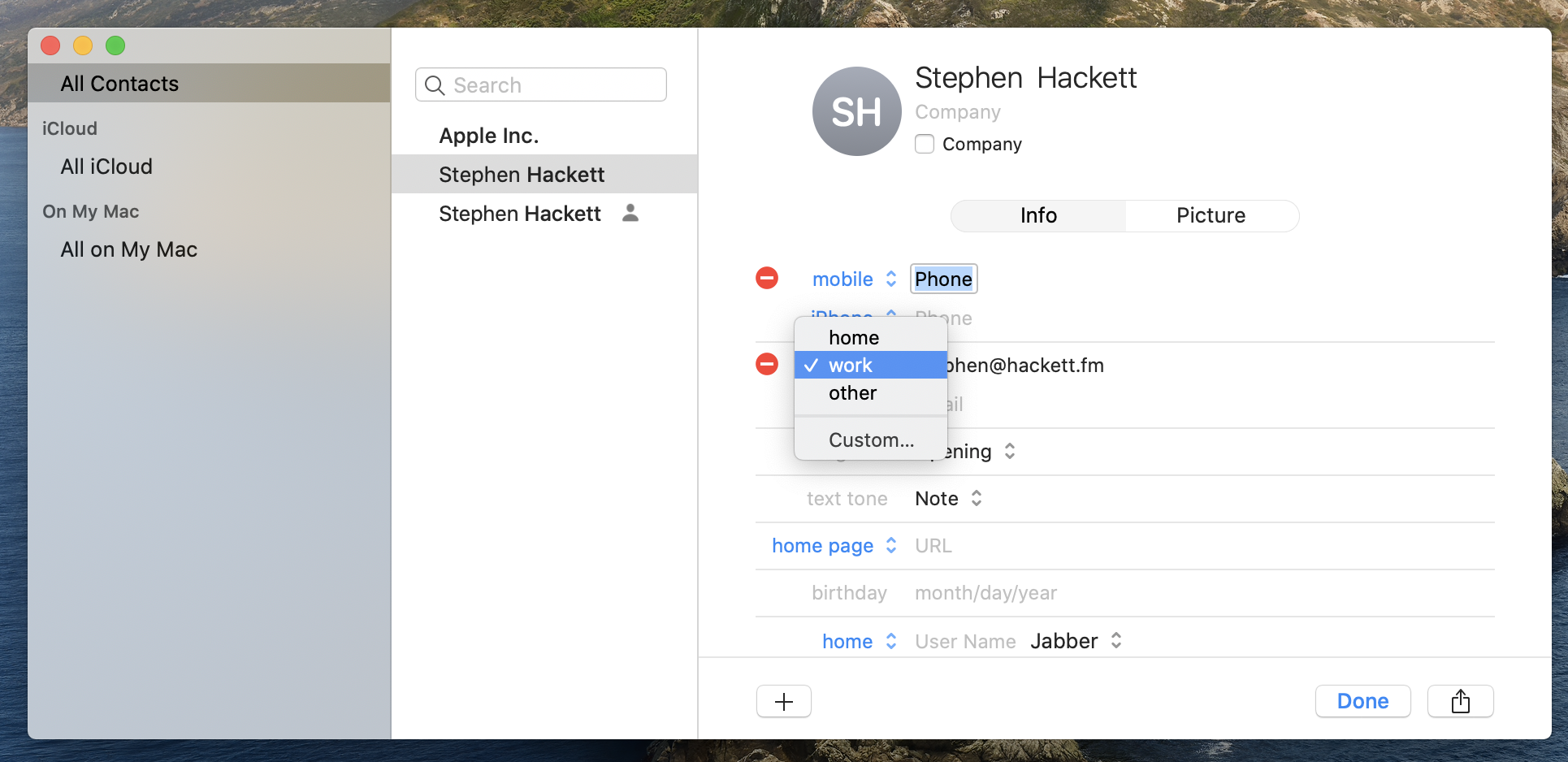
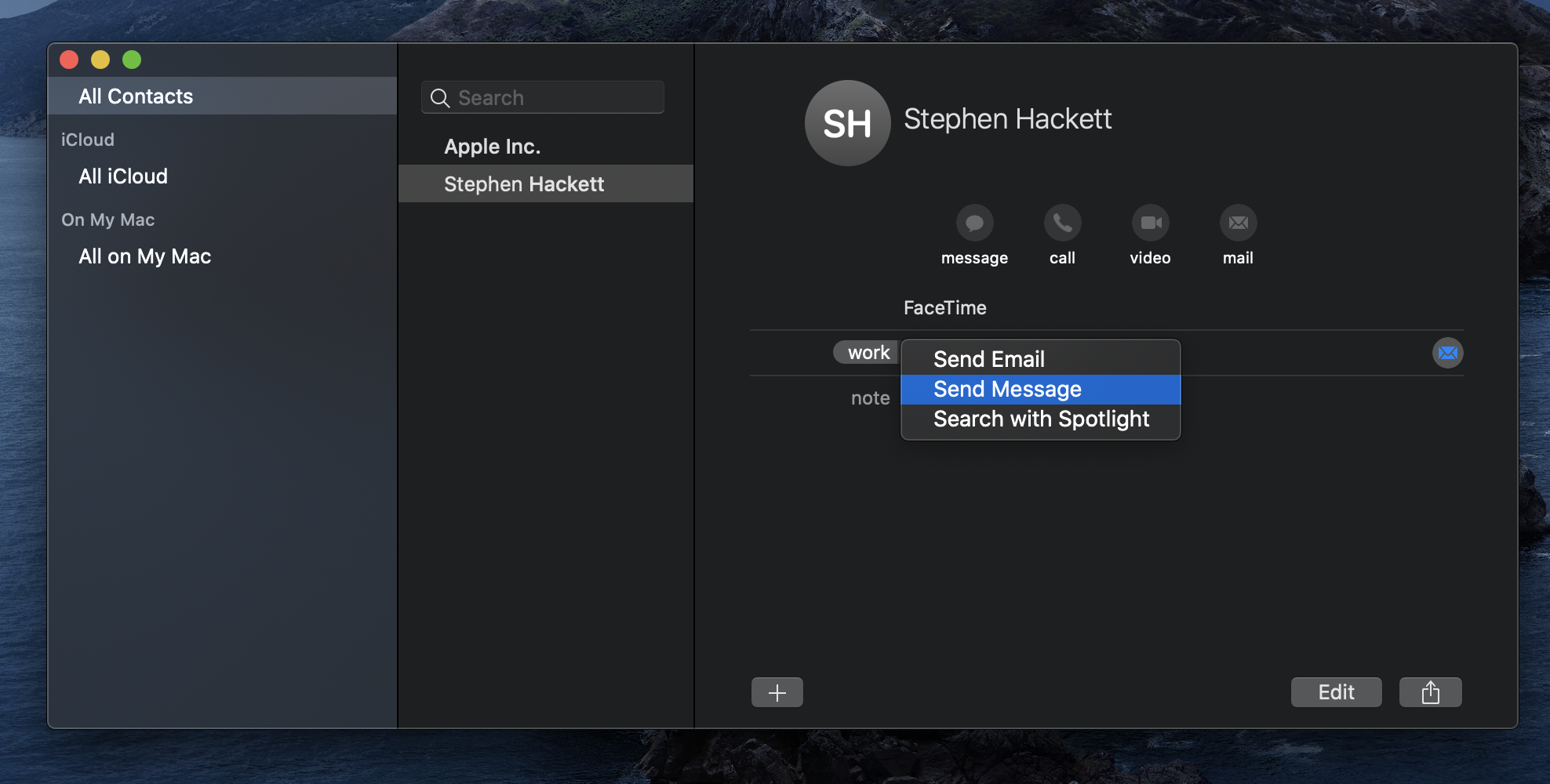
Contacts
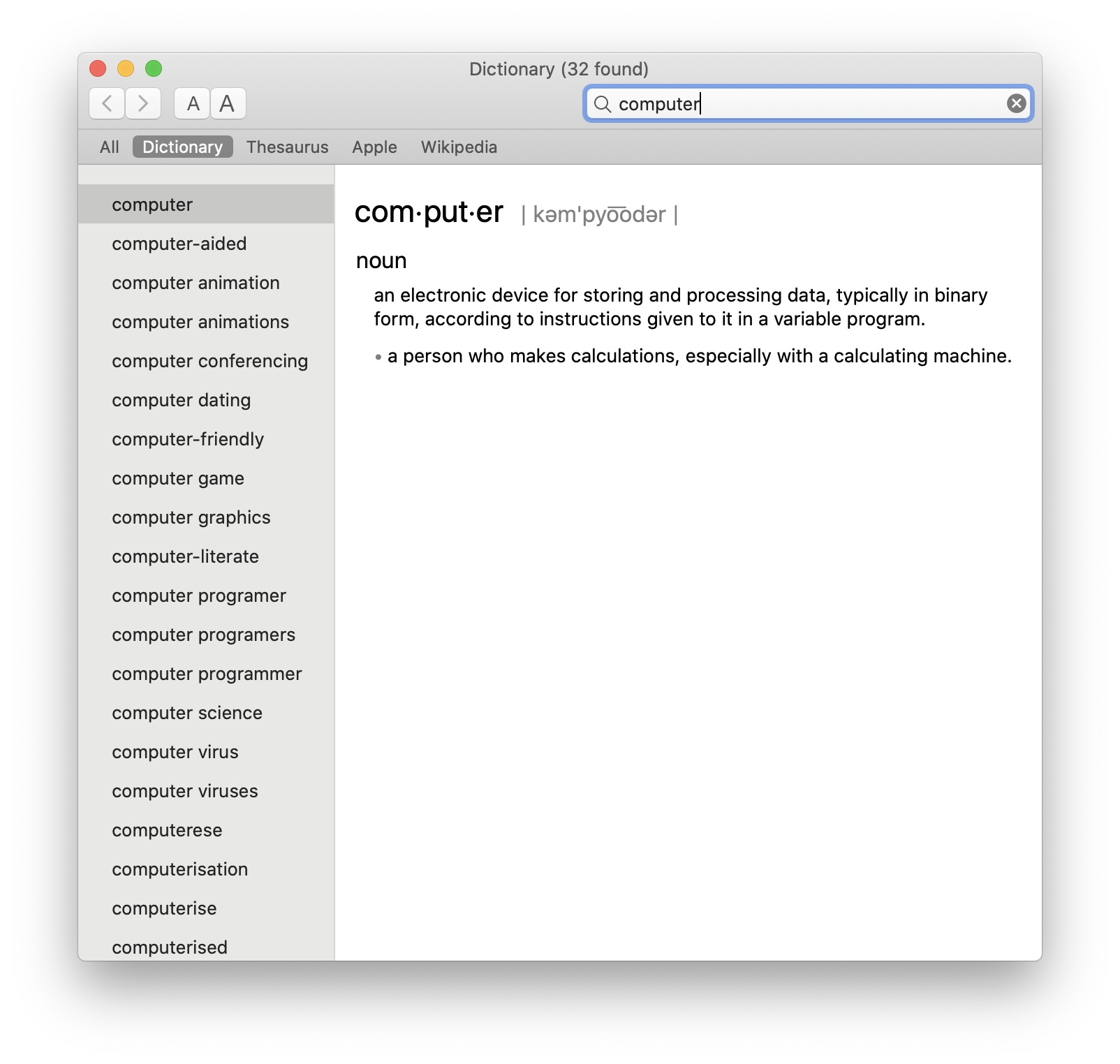
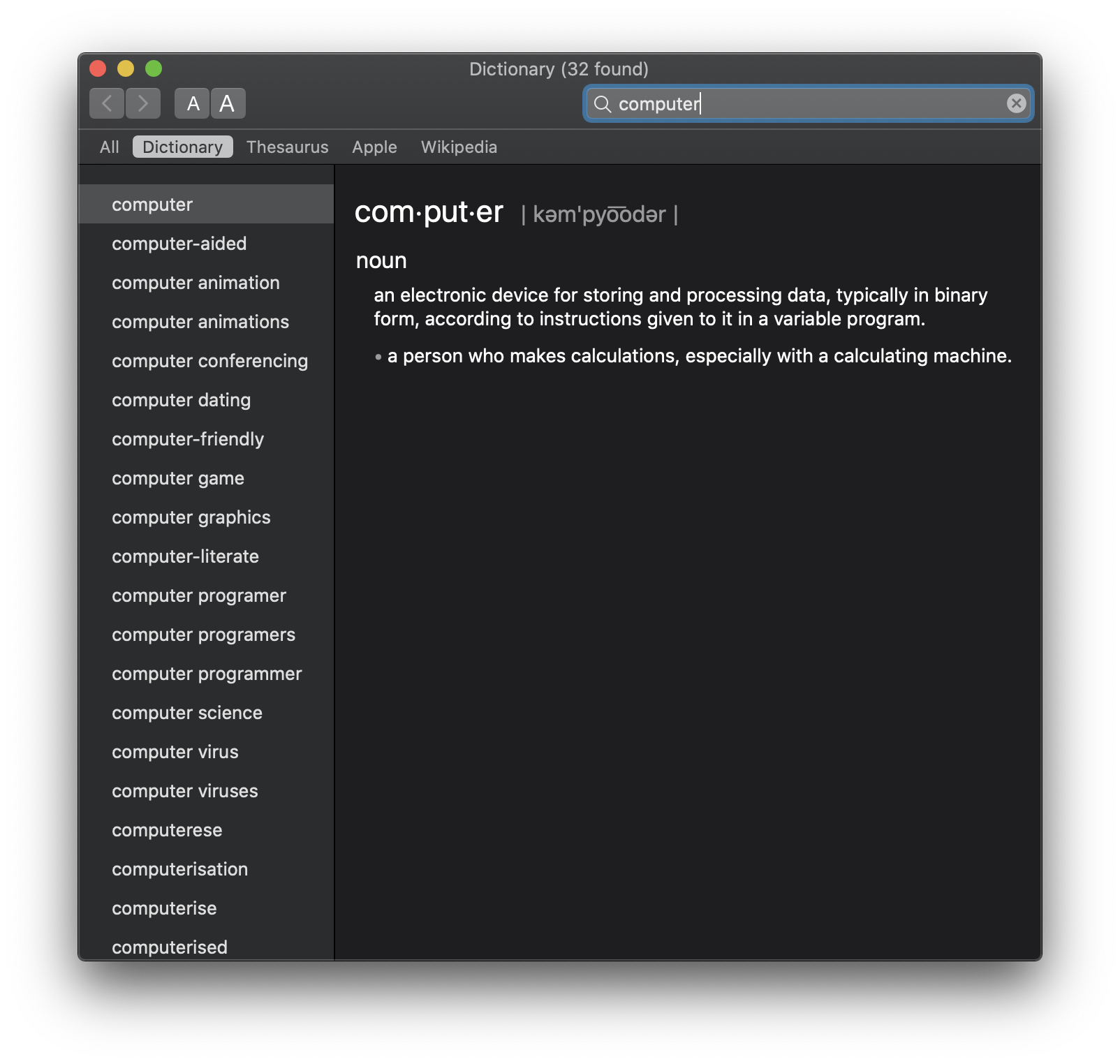
Dictionary
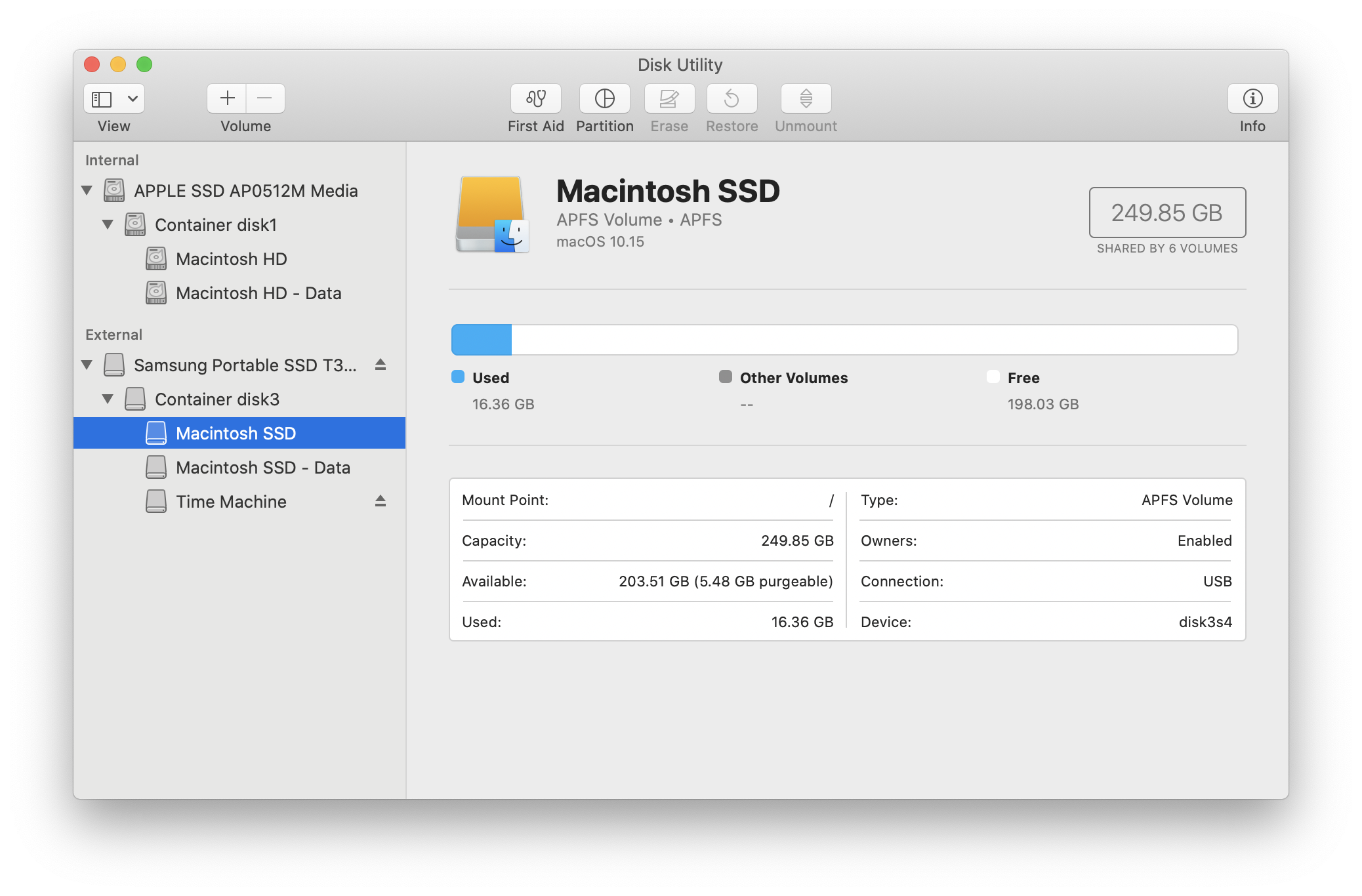
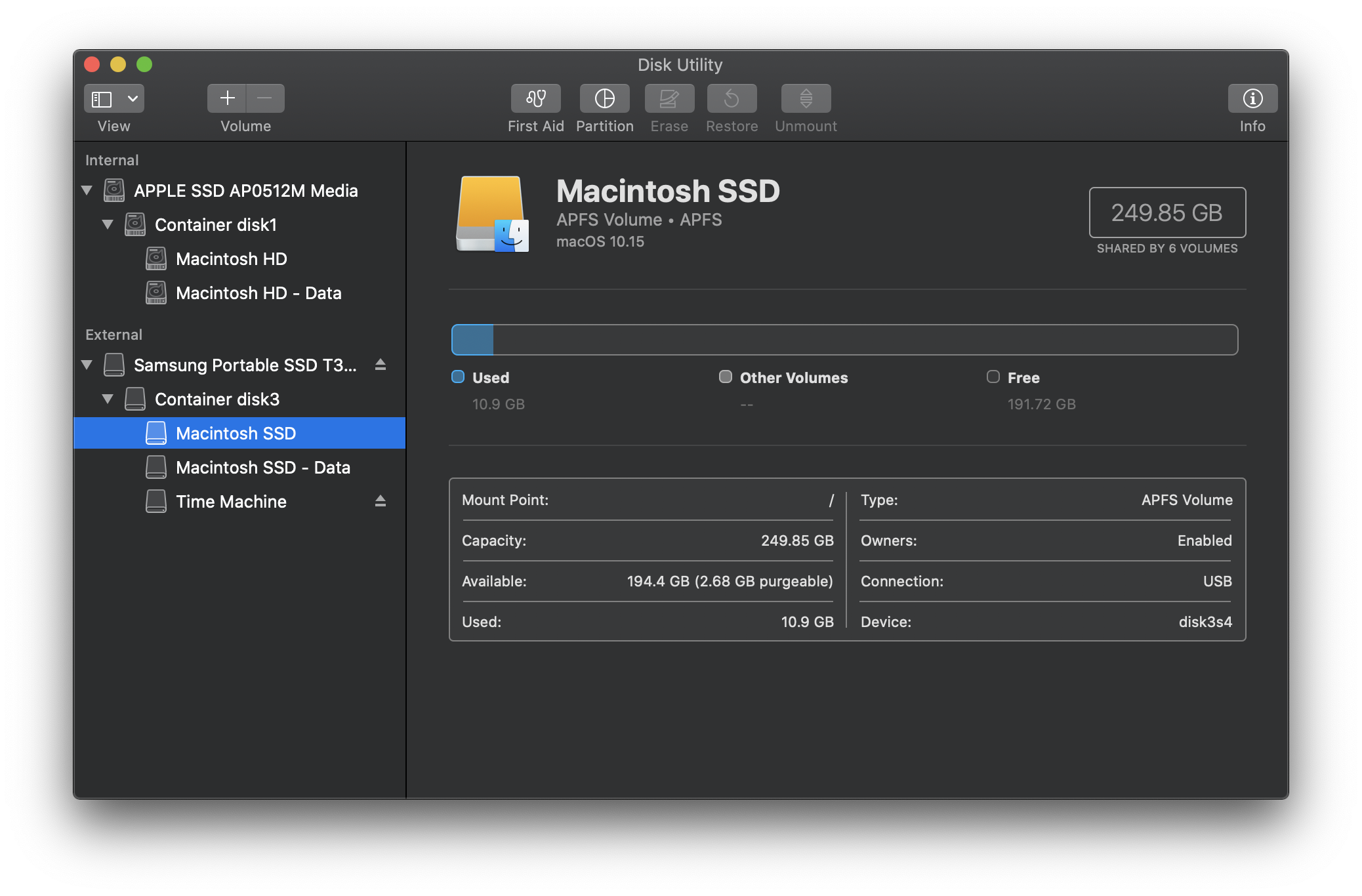
Disk Utility
FaceTime
Find My
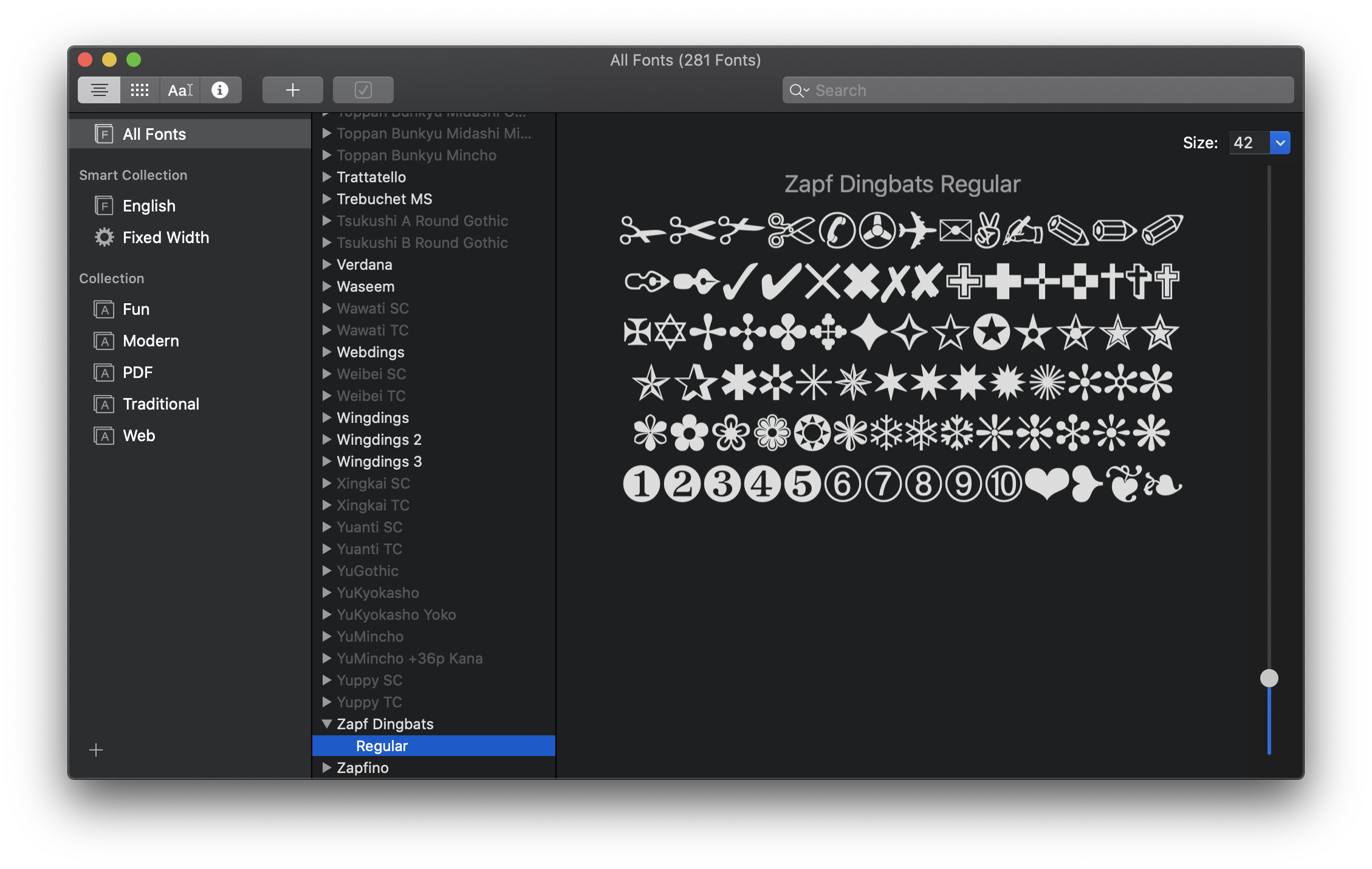
Font Book
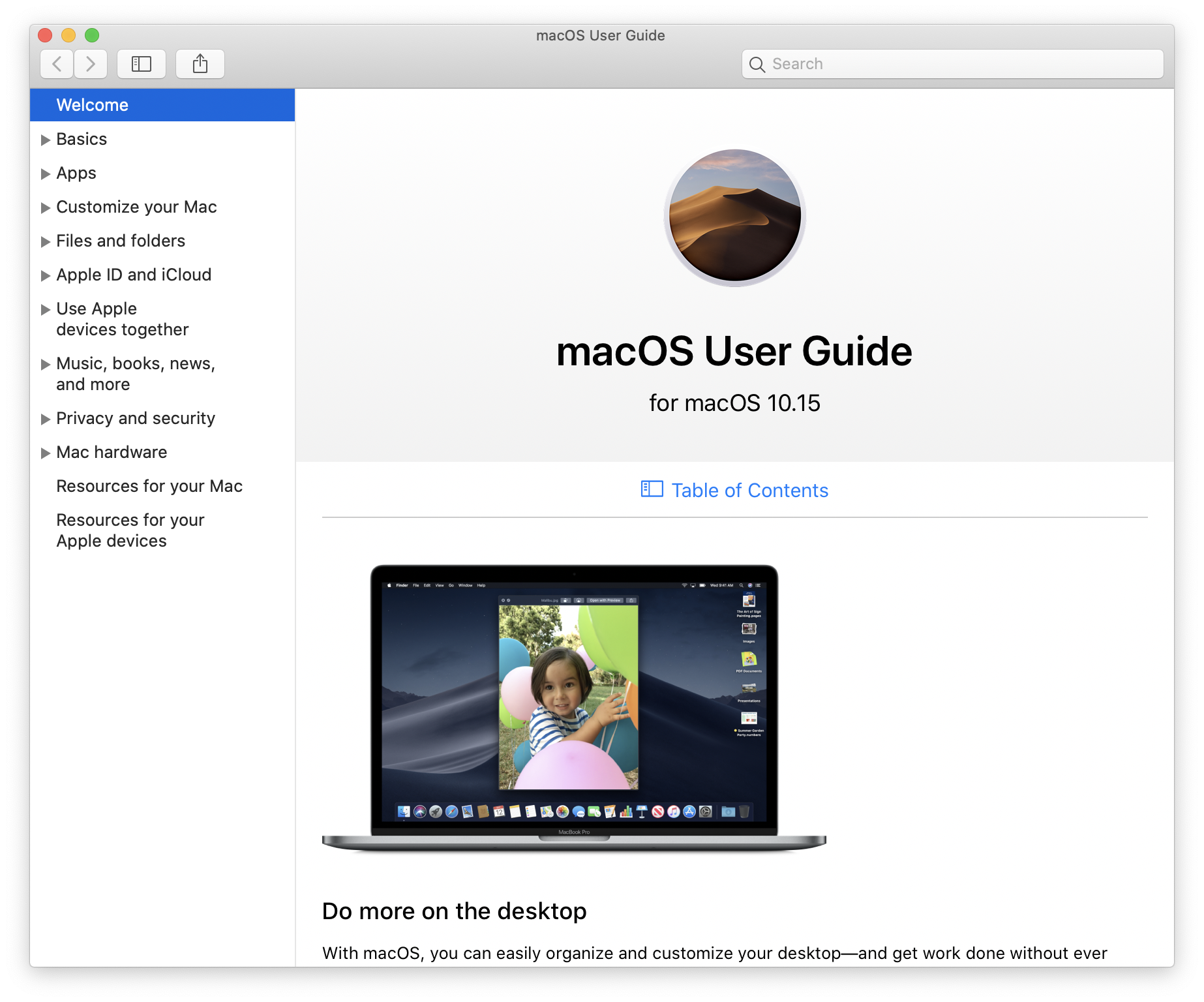
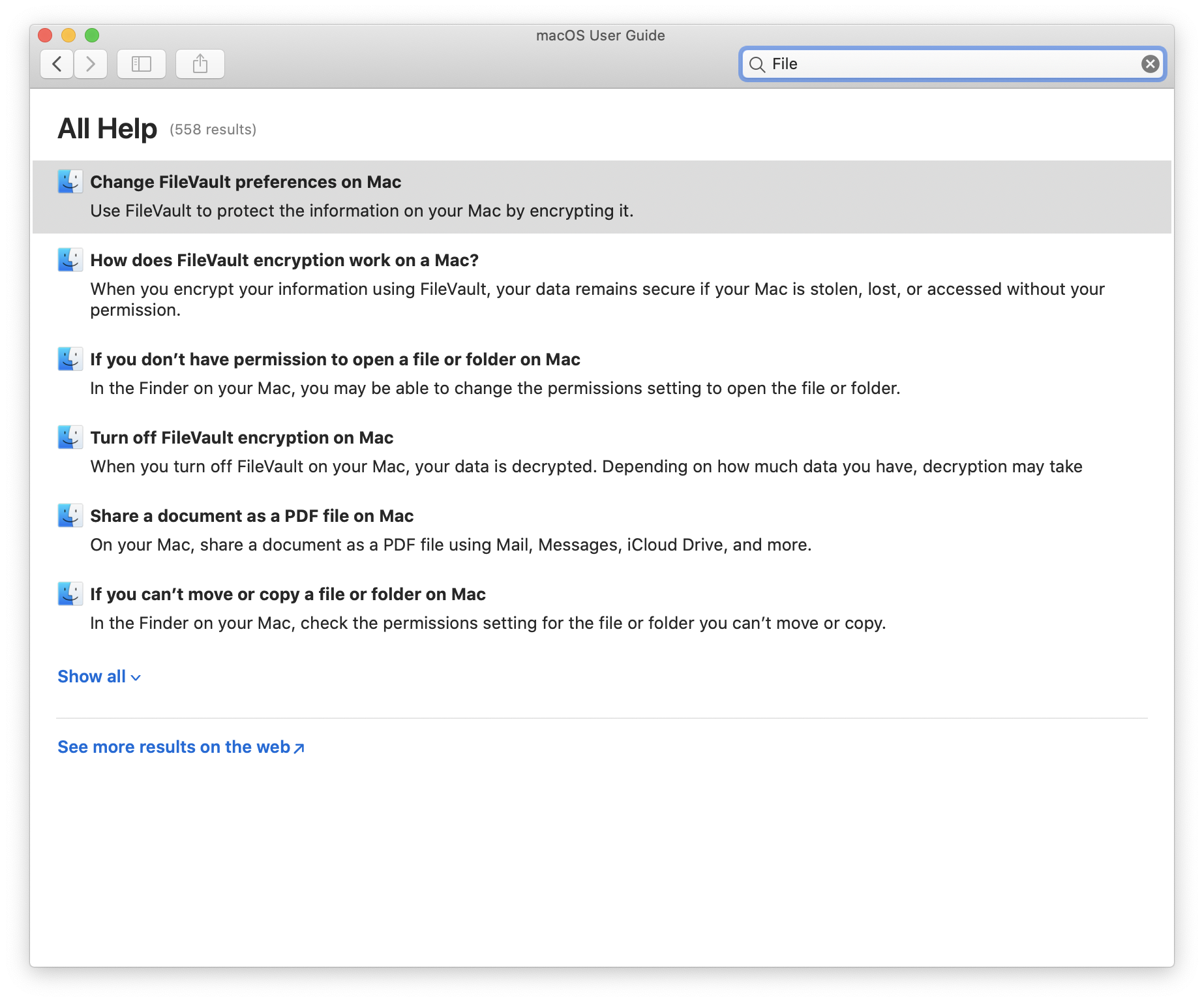
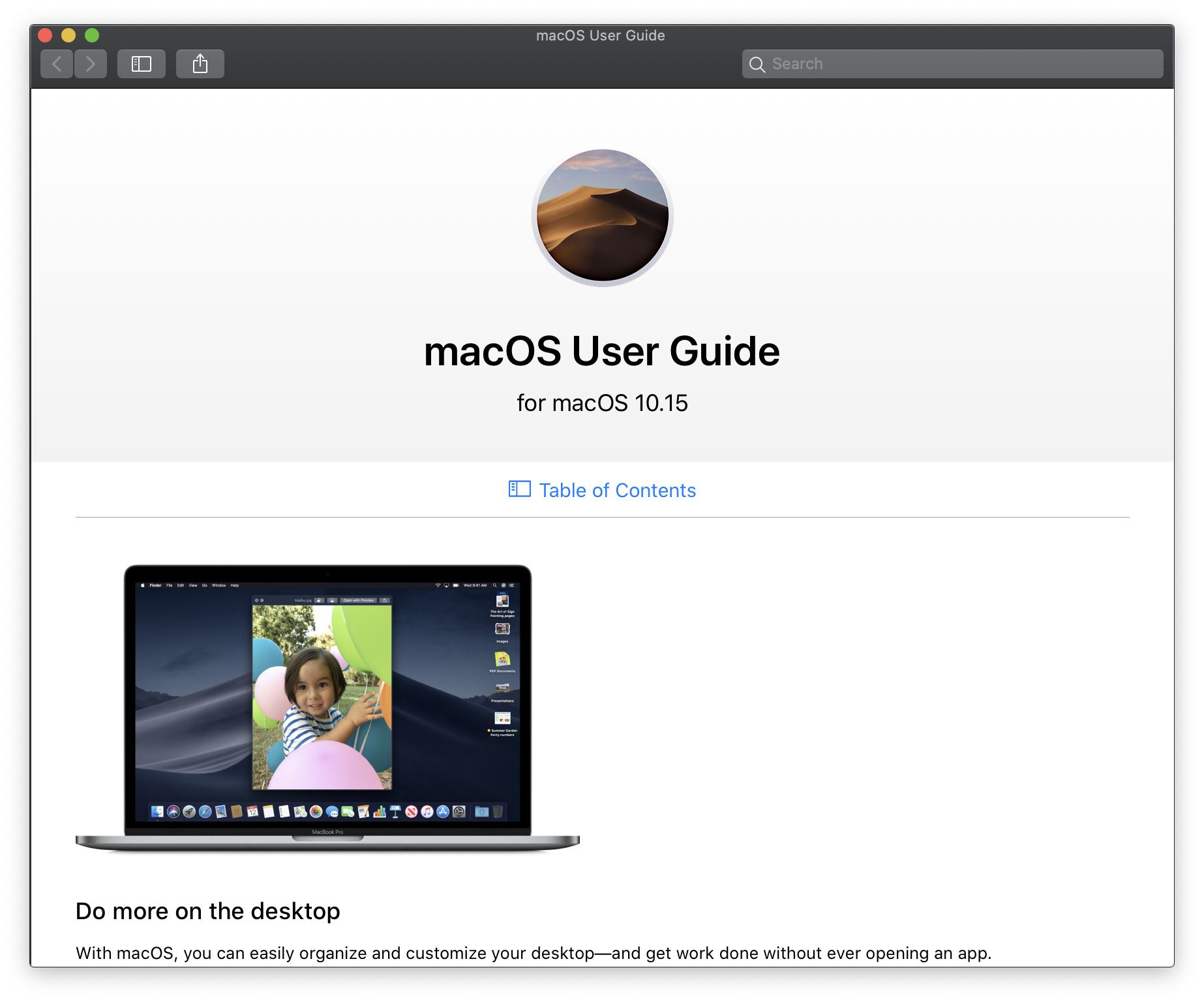
Help
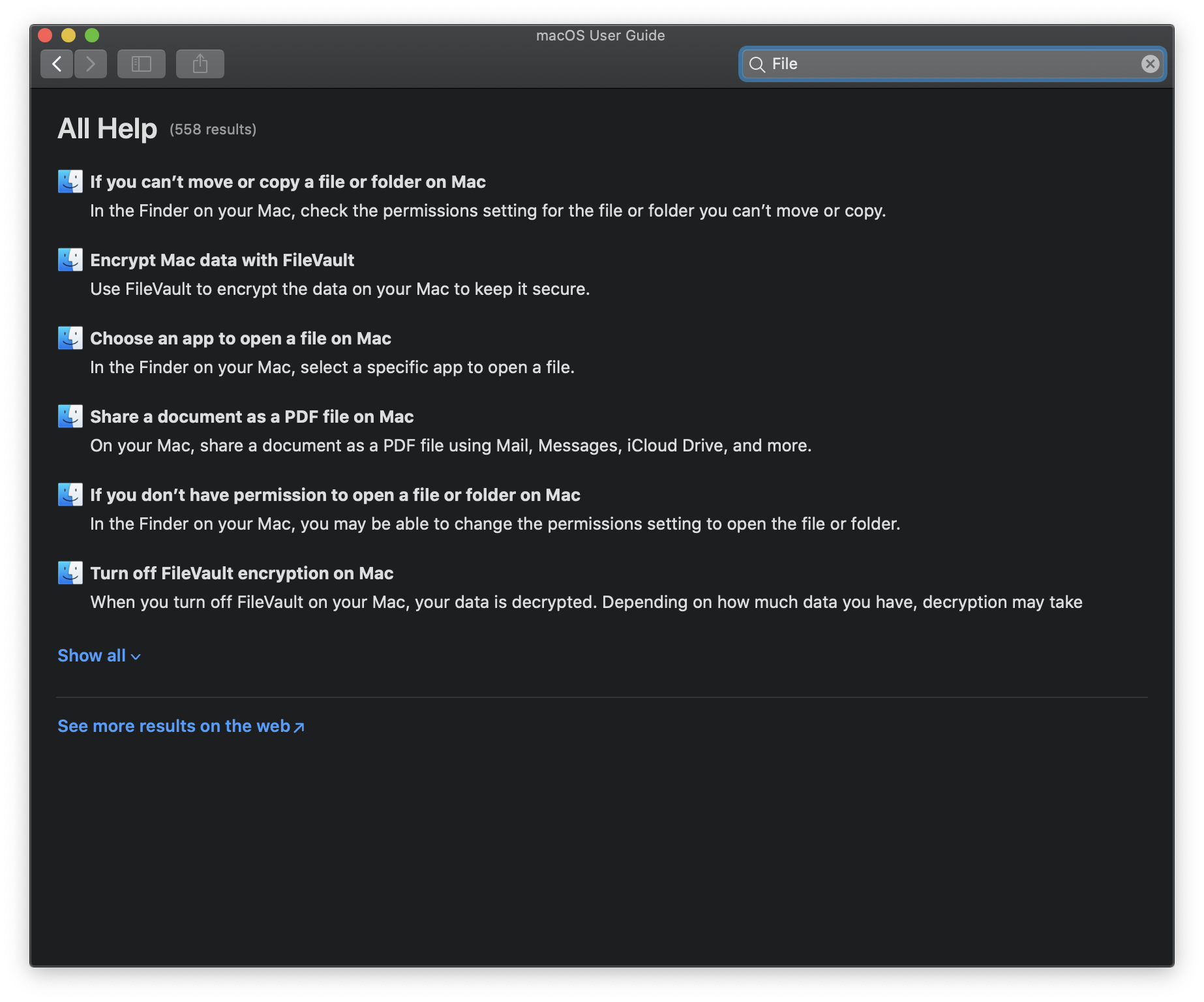
Help: Search
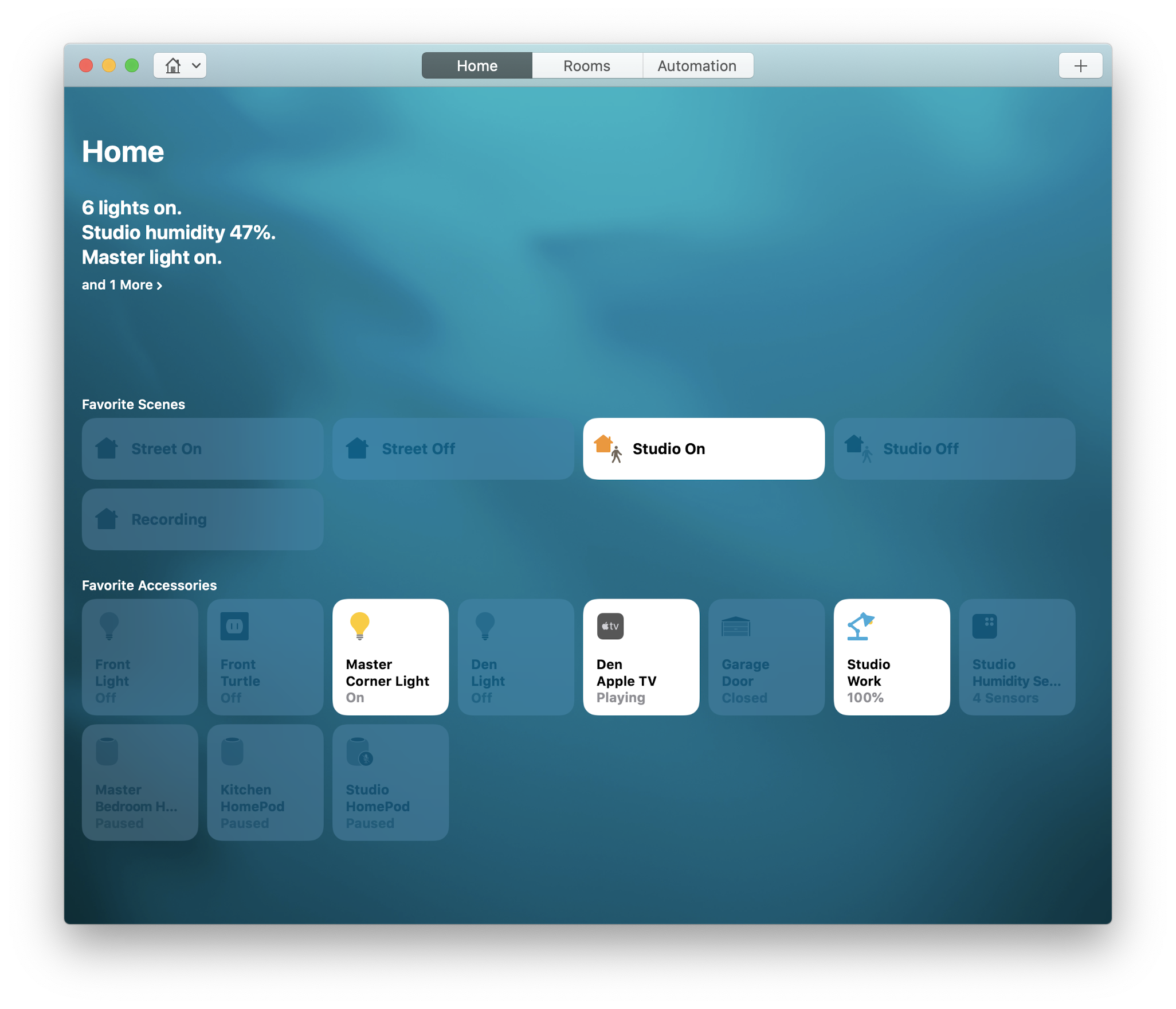
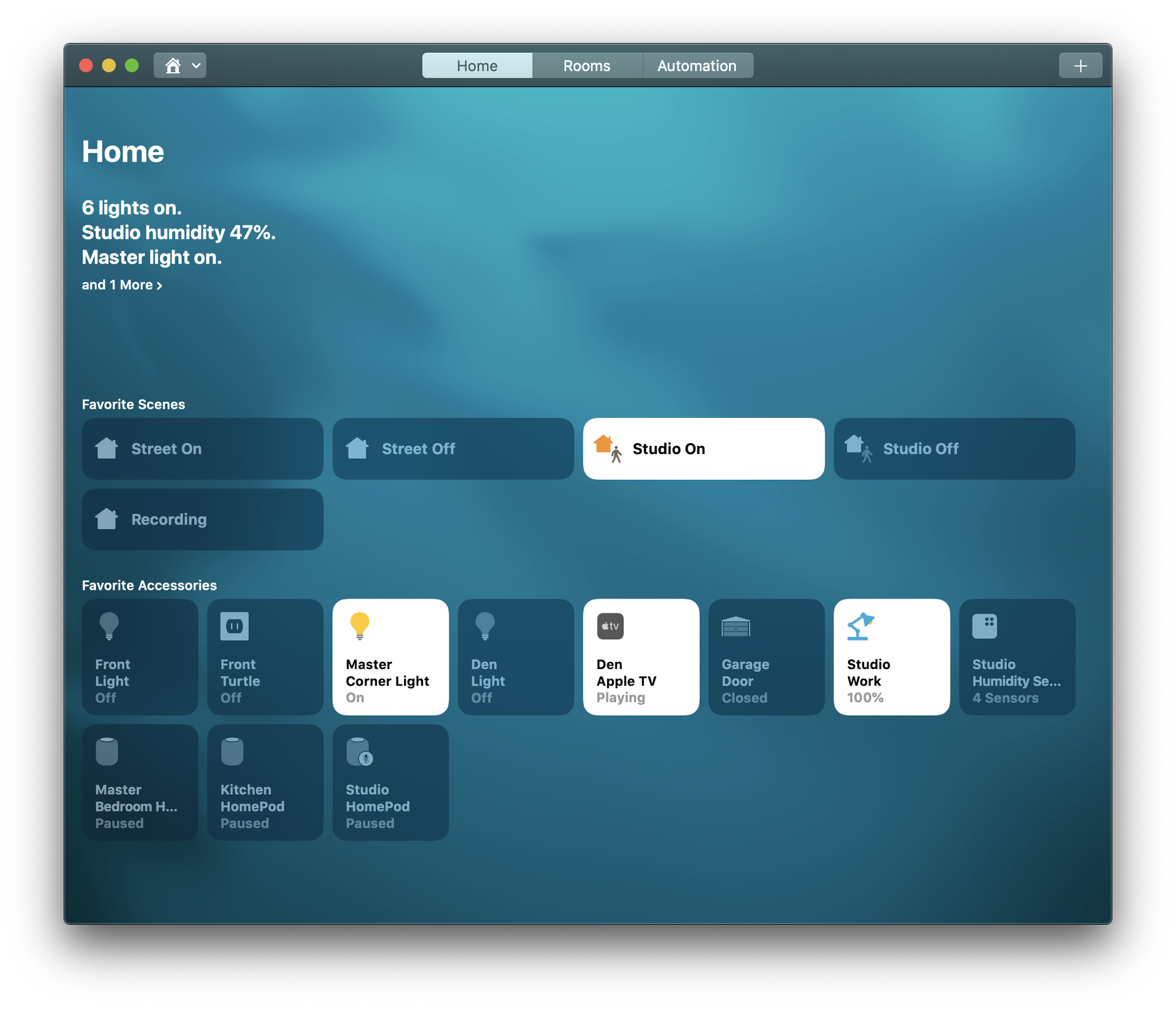
Home
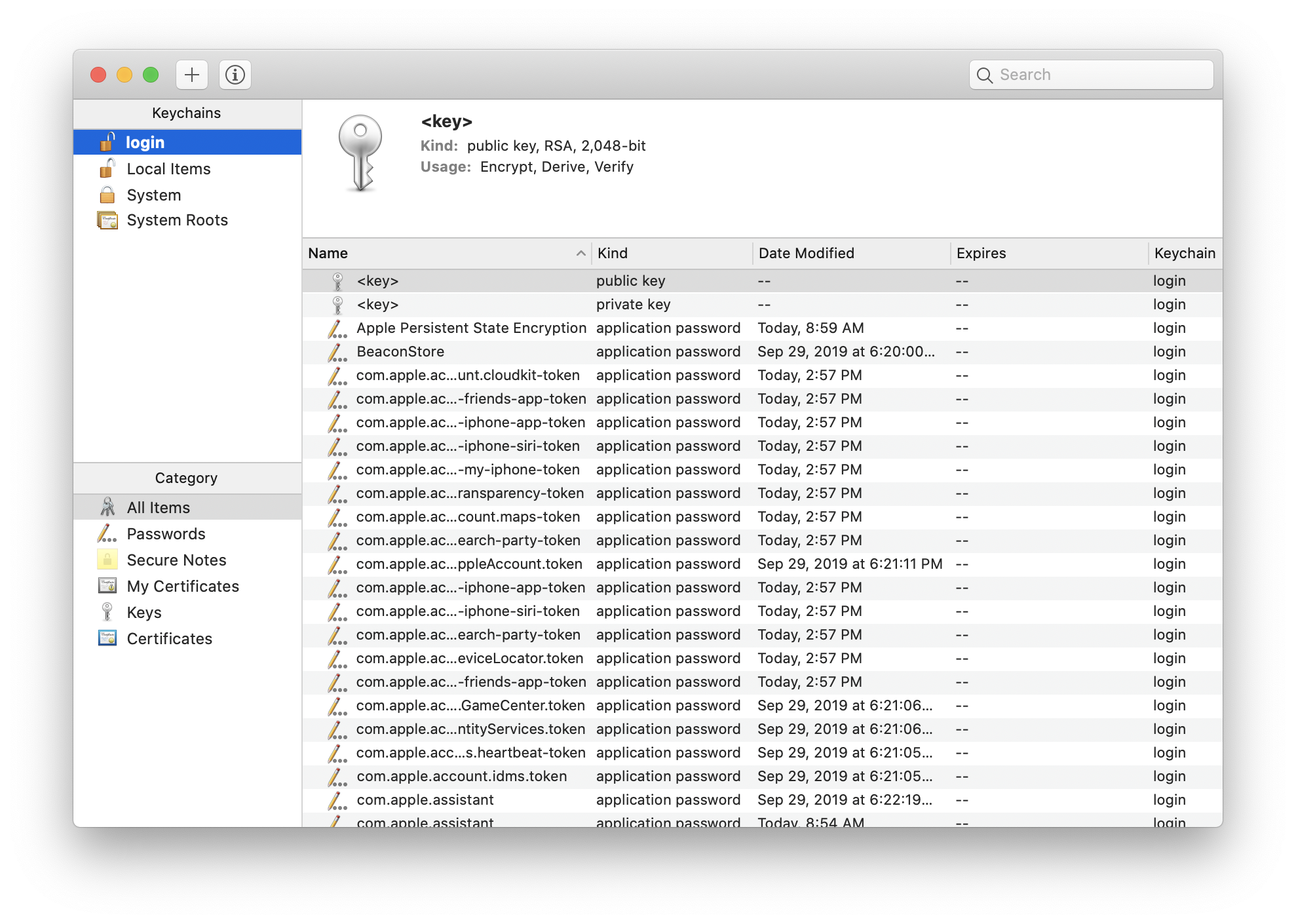
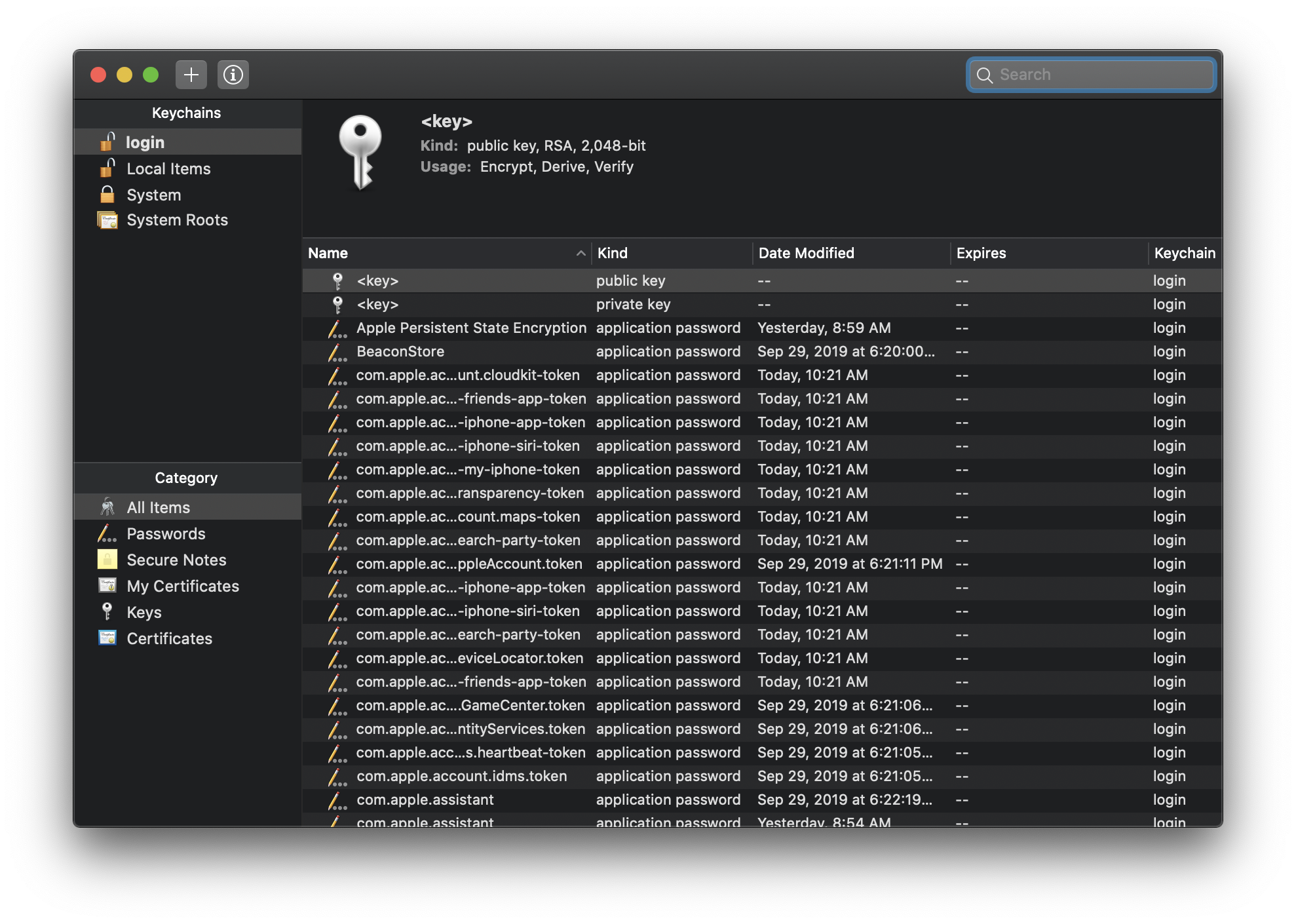
Keychain Access
Mac App Store
Mail
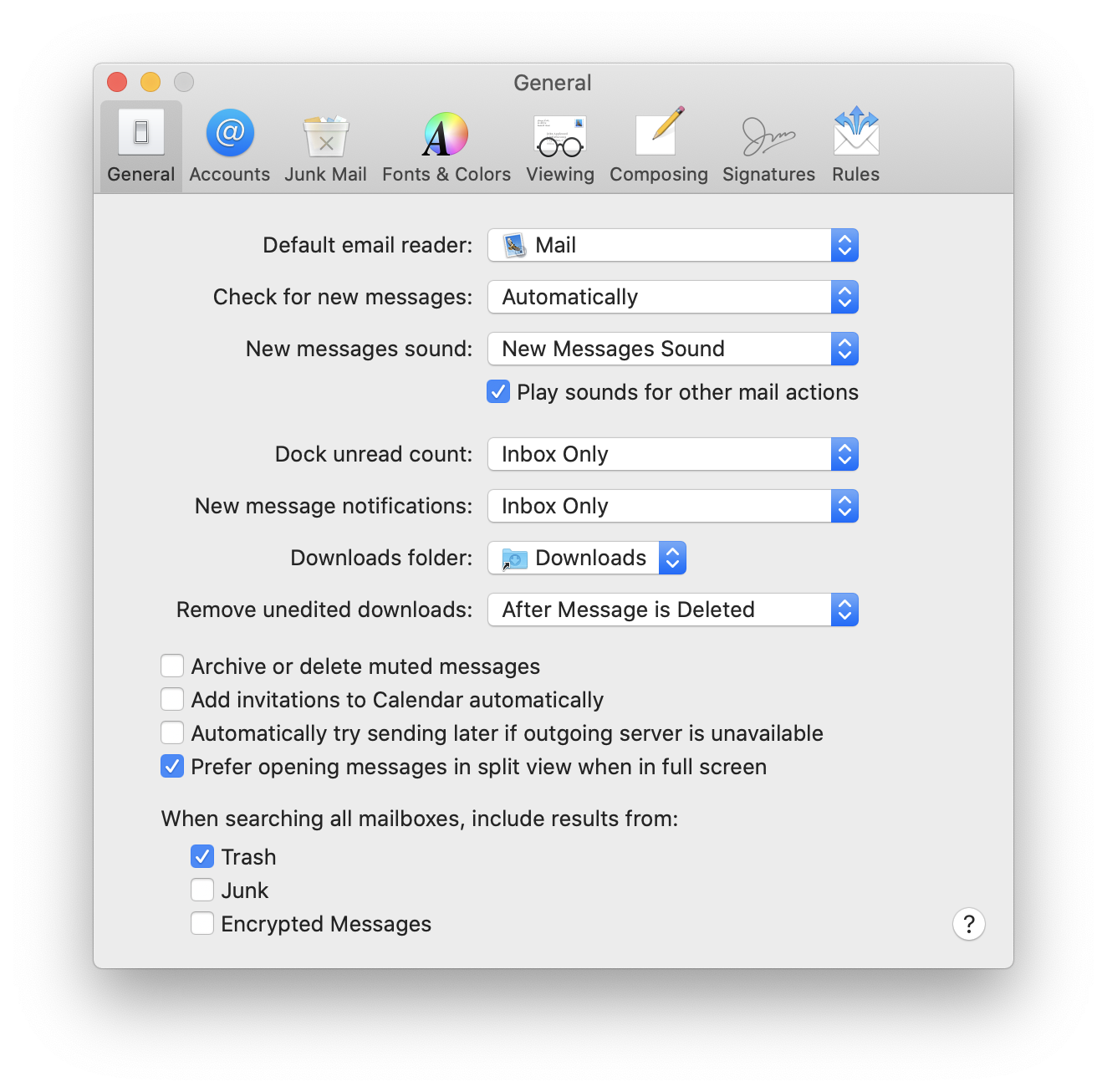
Mail: Preferences
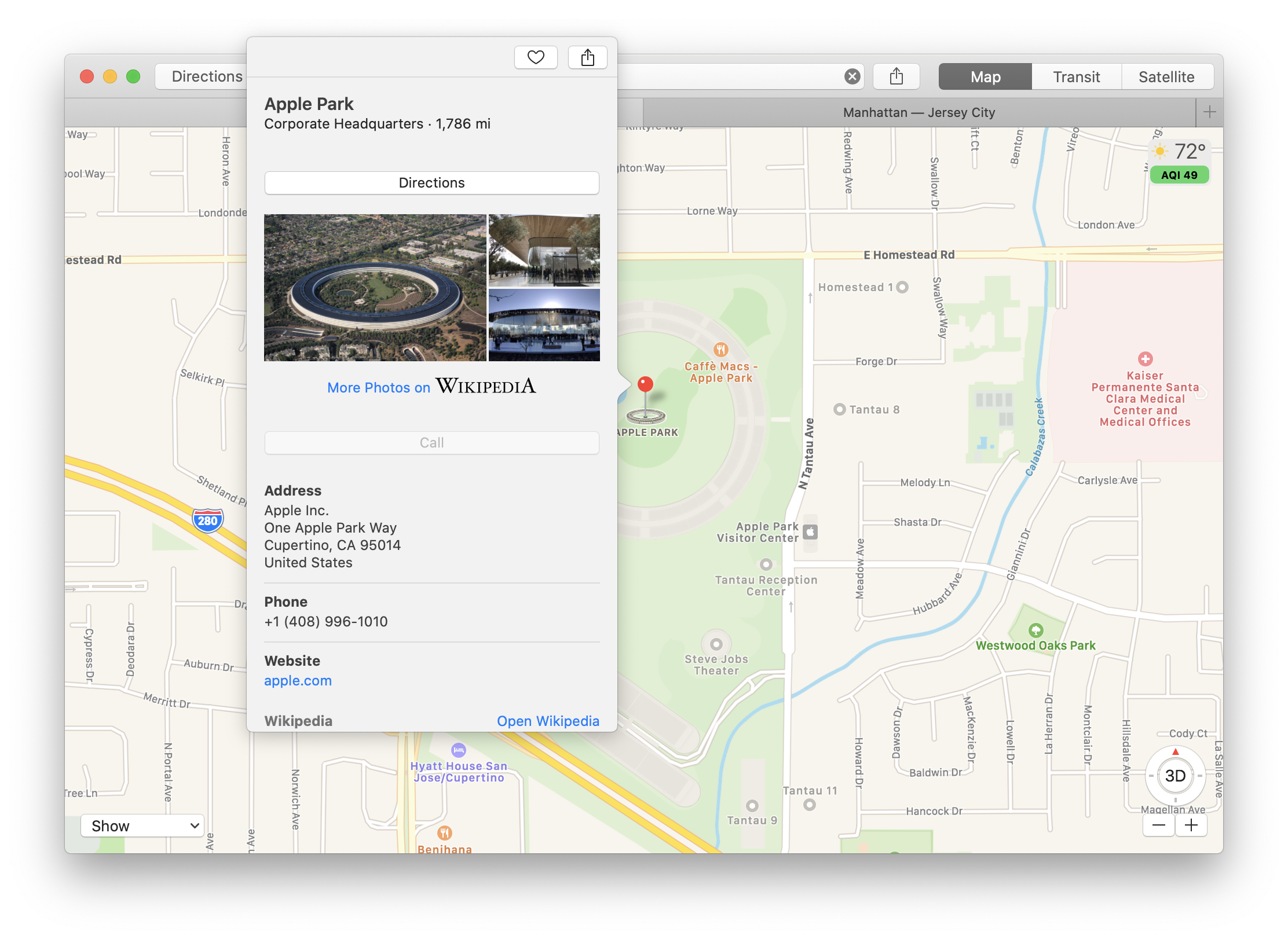
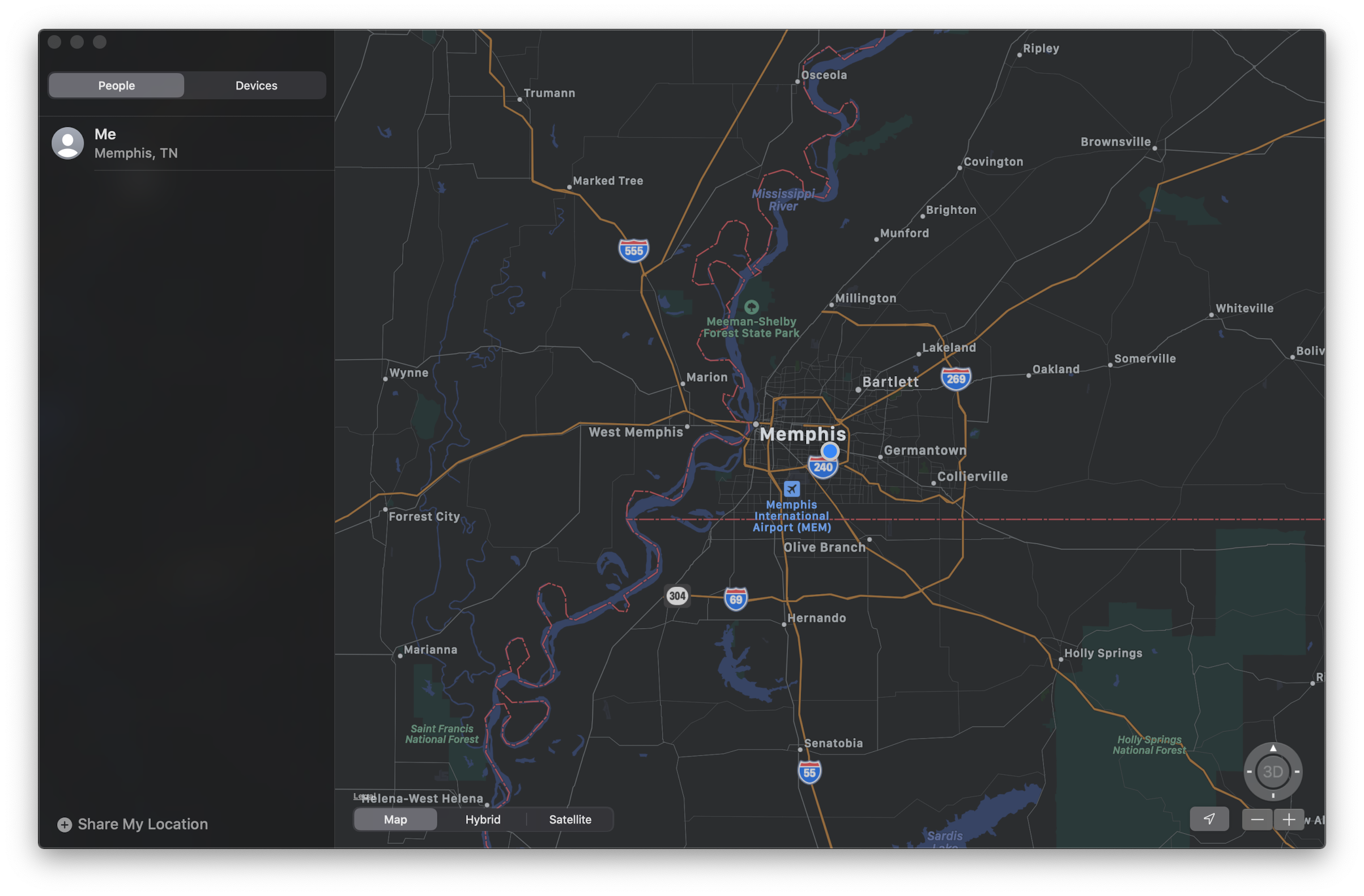
Maps
Messages
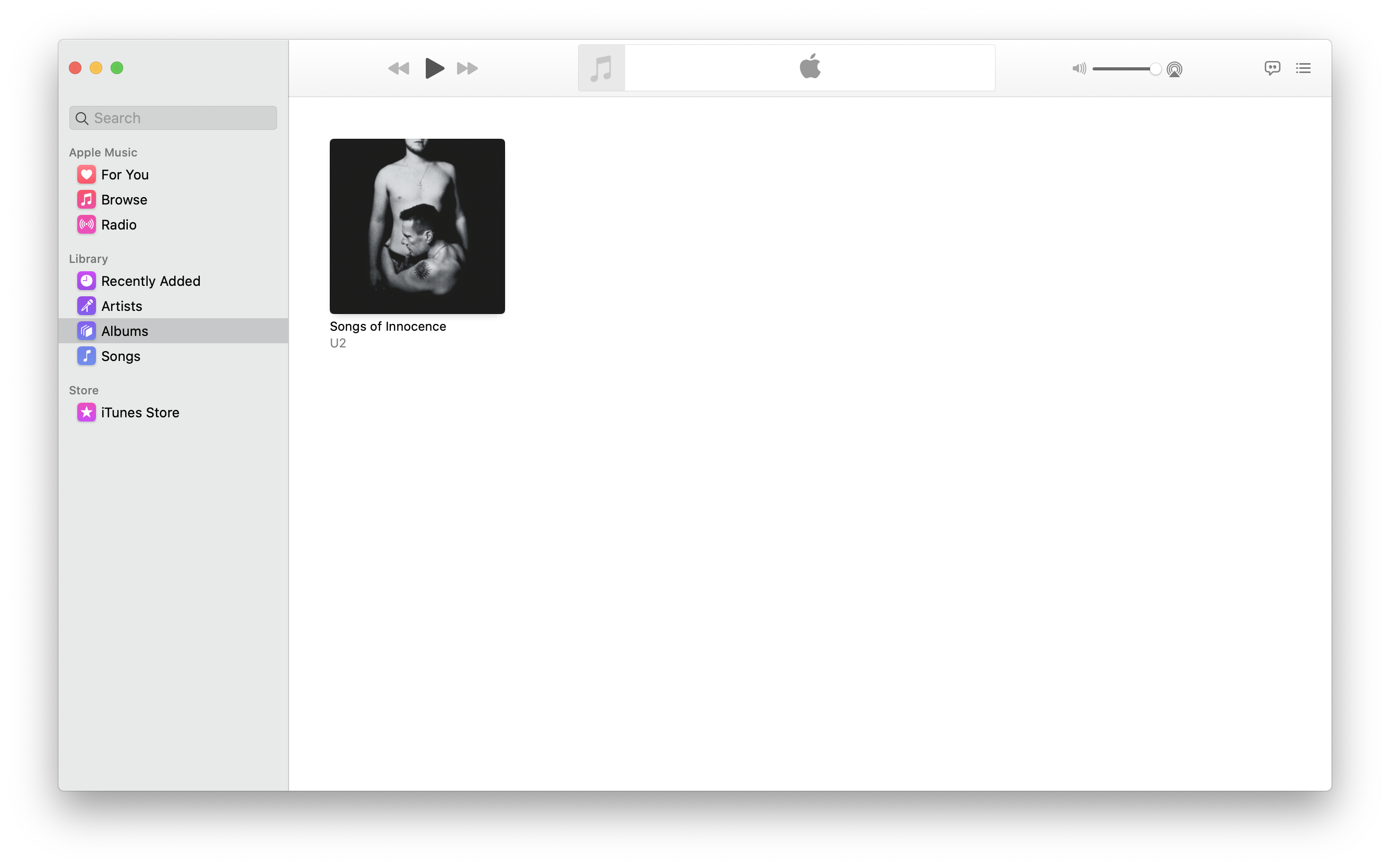
Music
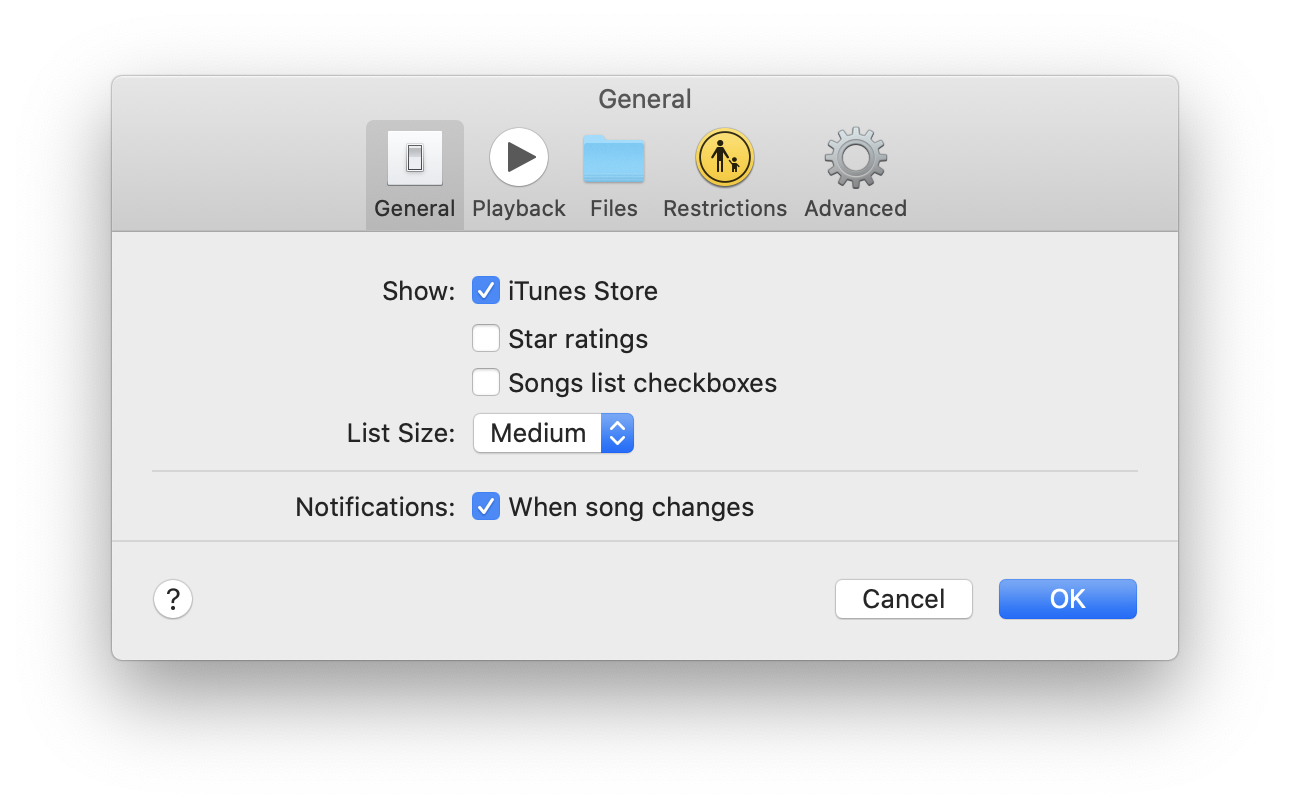
Music: Preferences
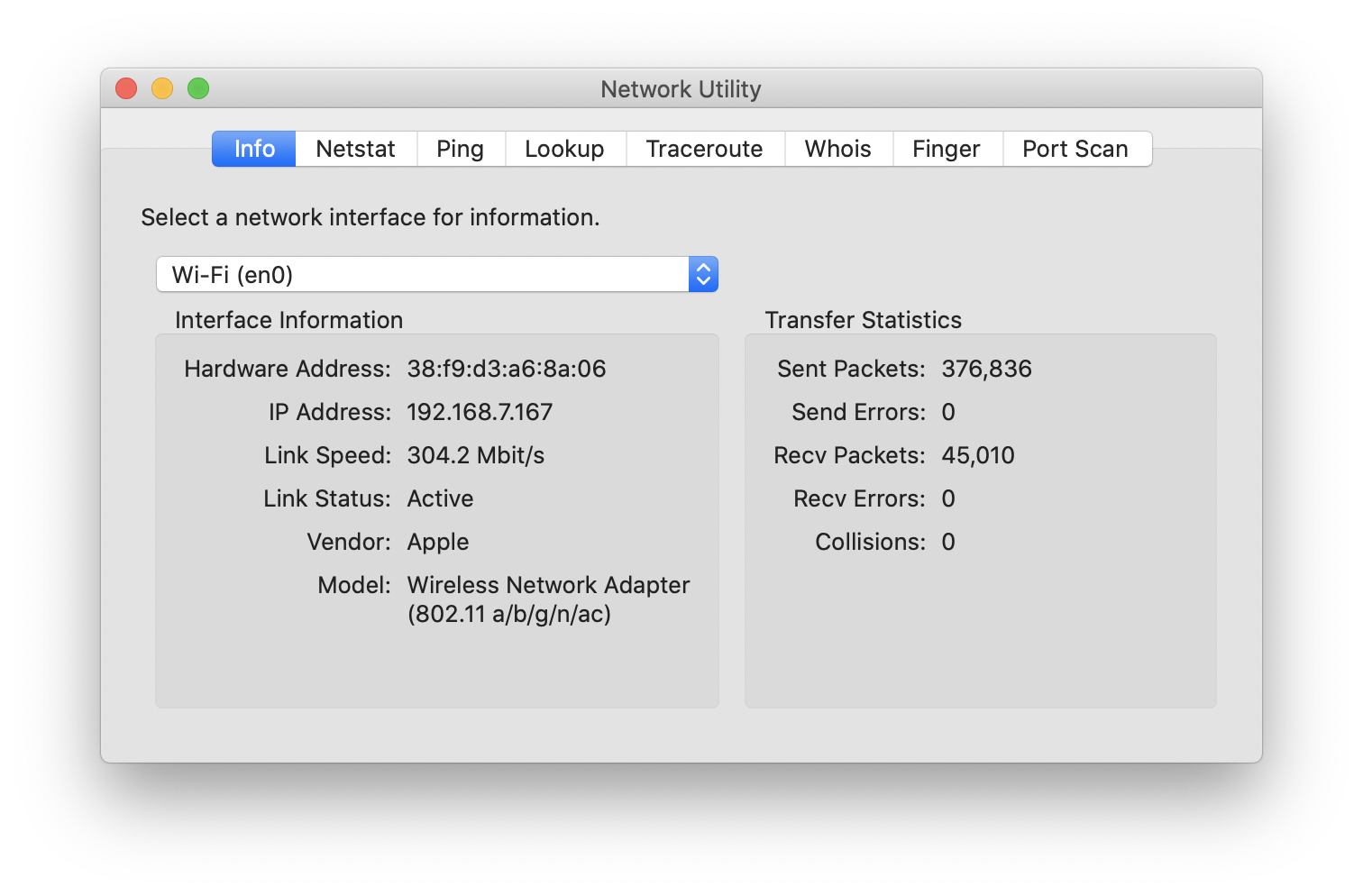
Network Utility
News
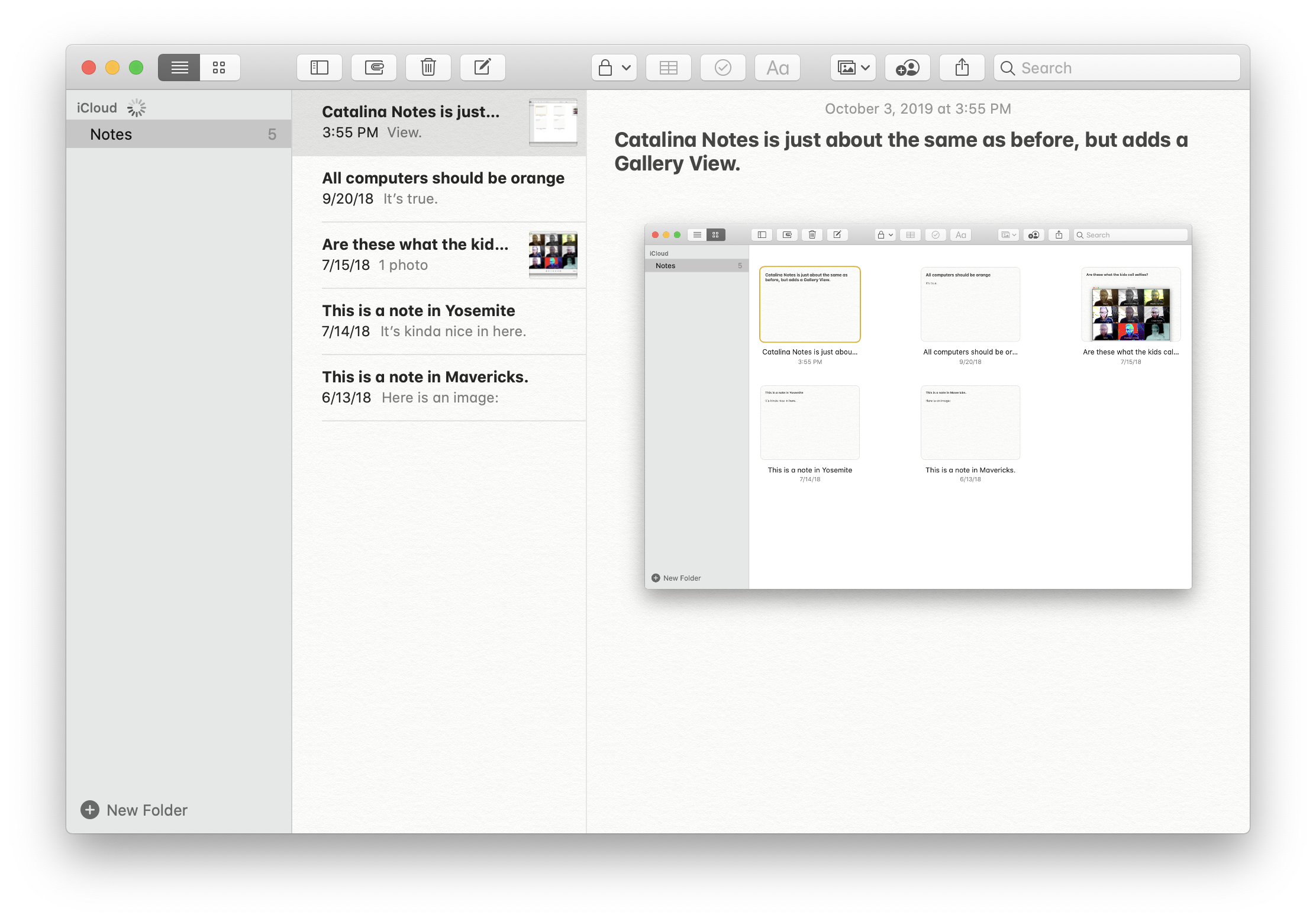
Notes
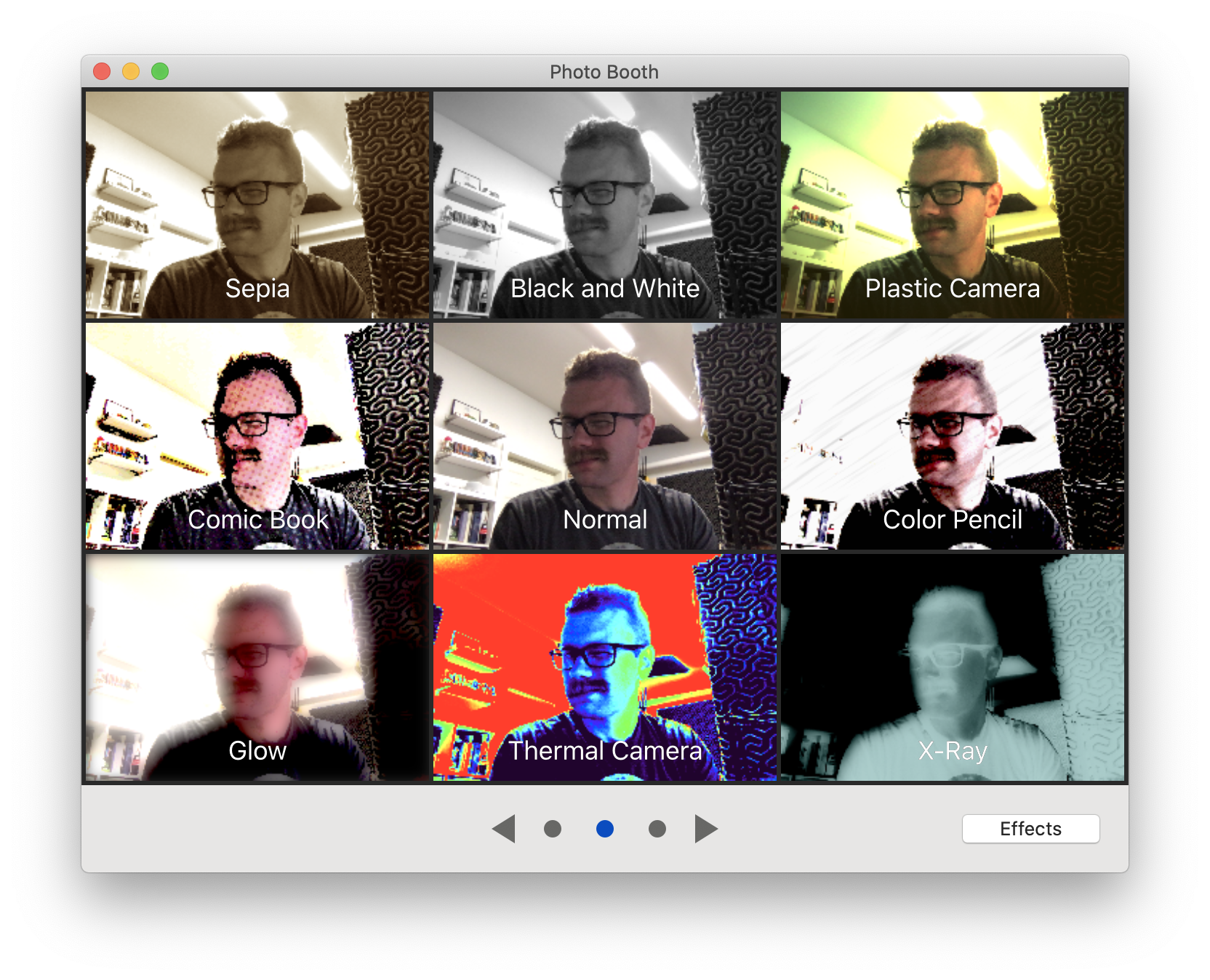
PhotoBooth
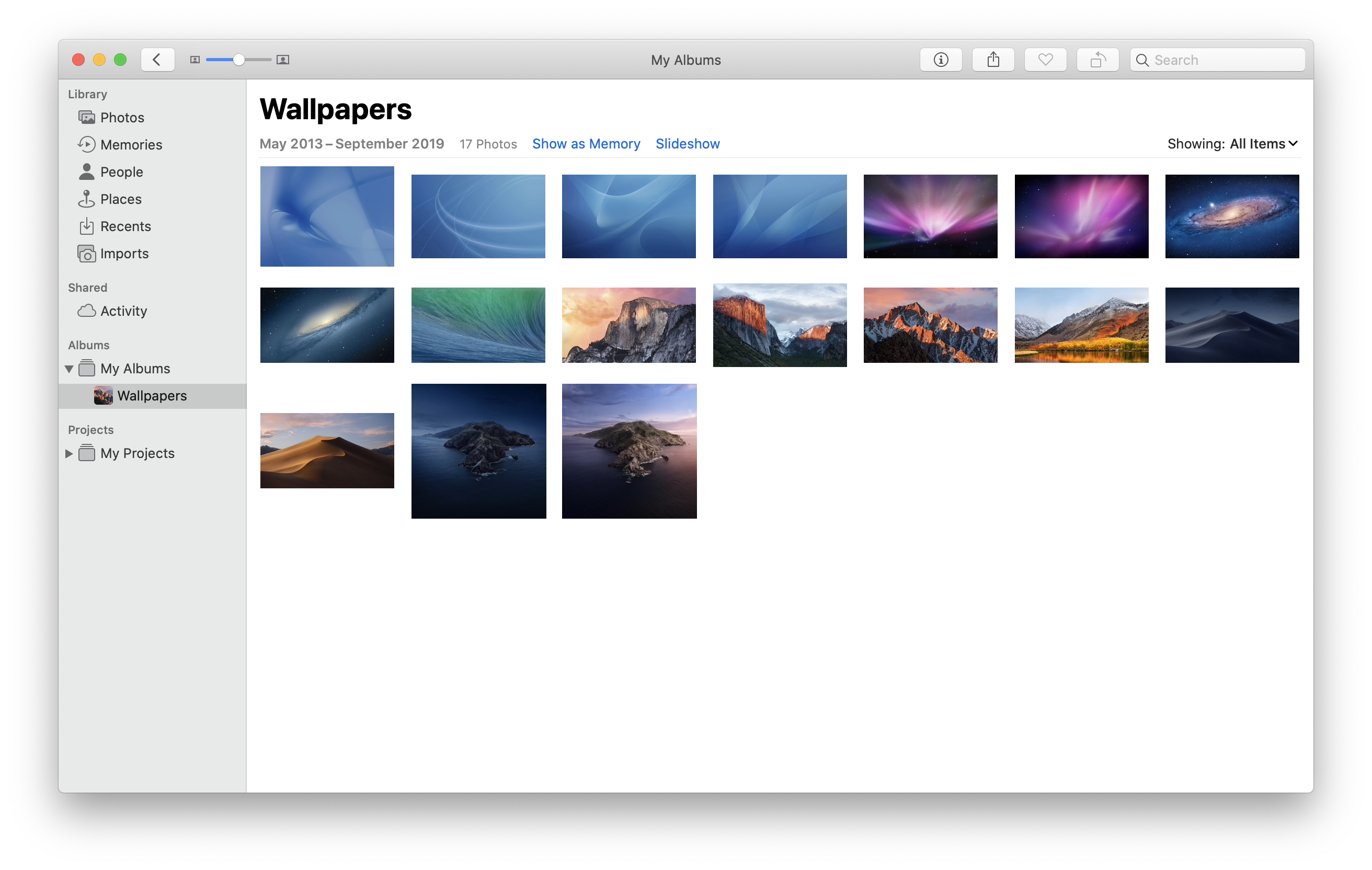
Photos
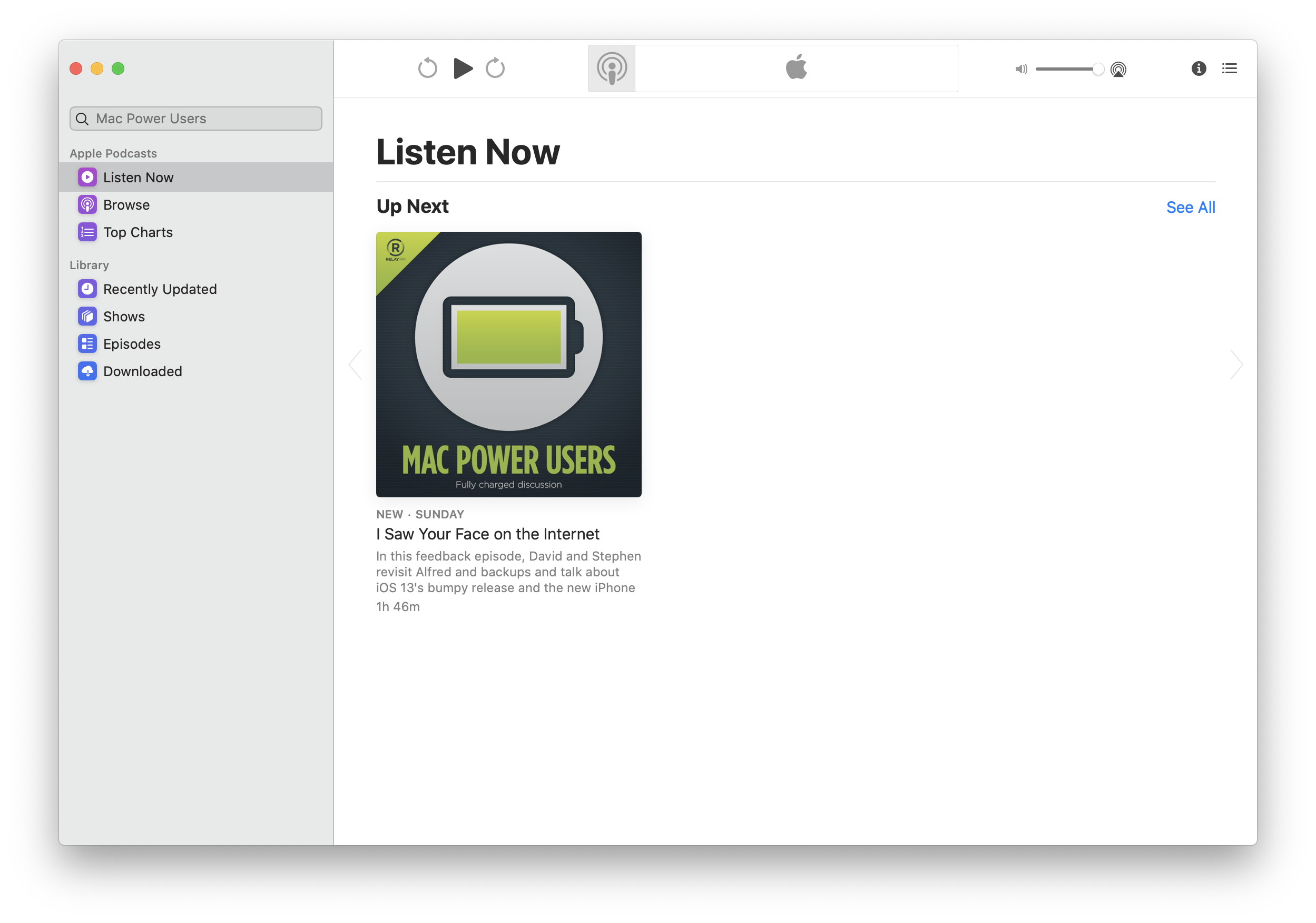
Podcasts
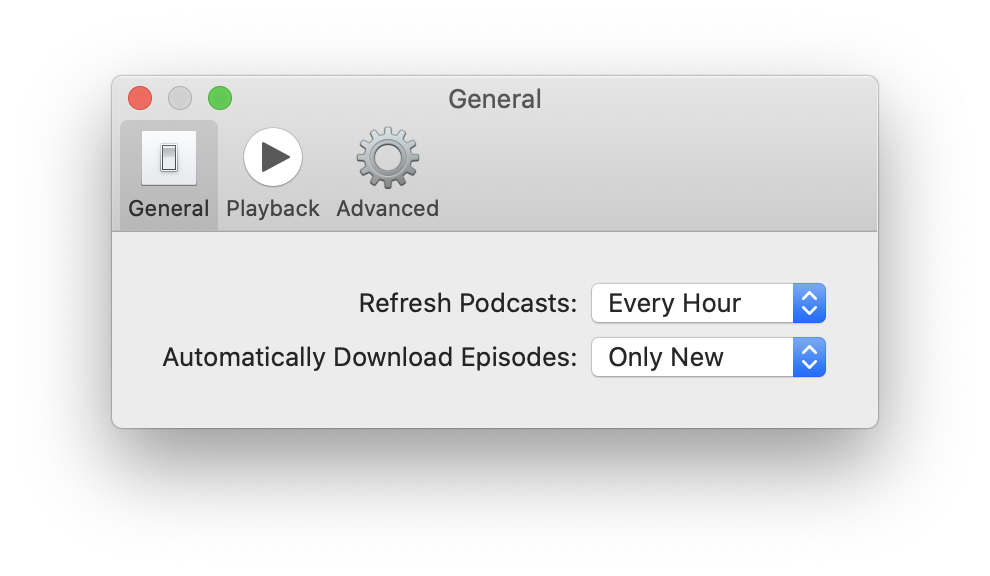
Podcasts: Preferences
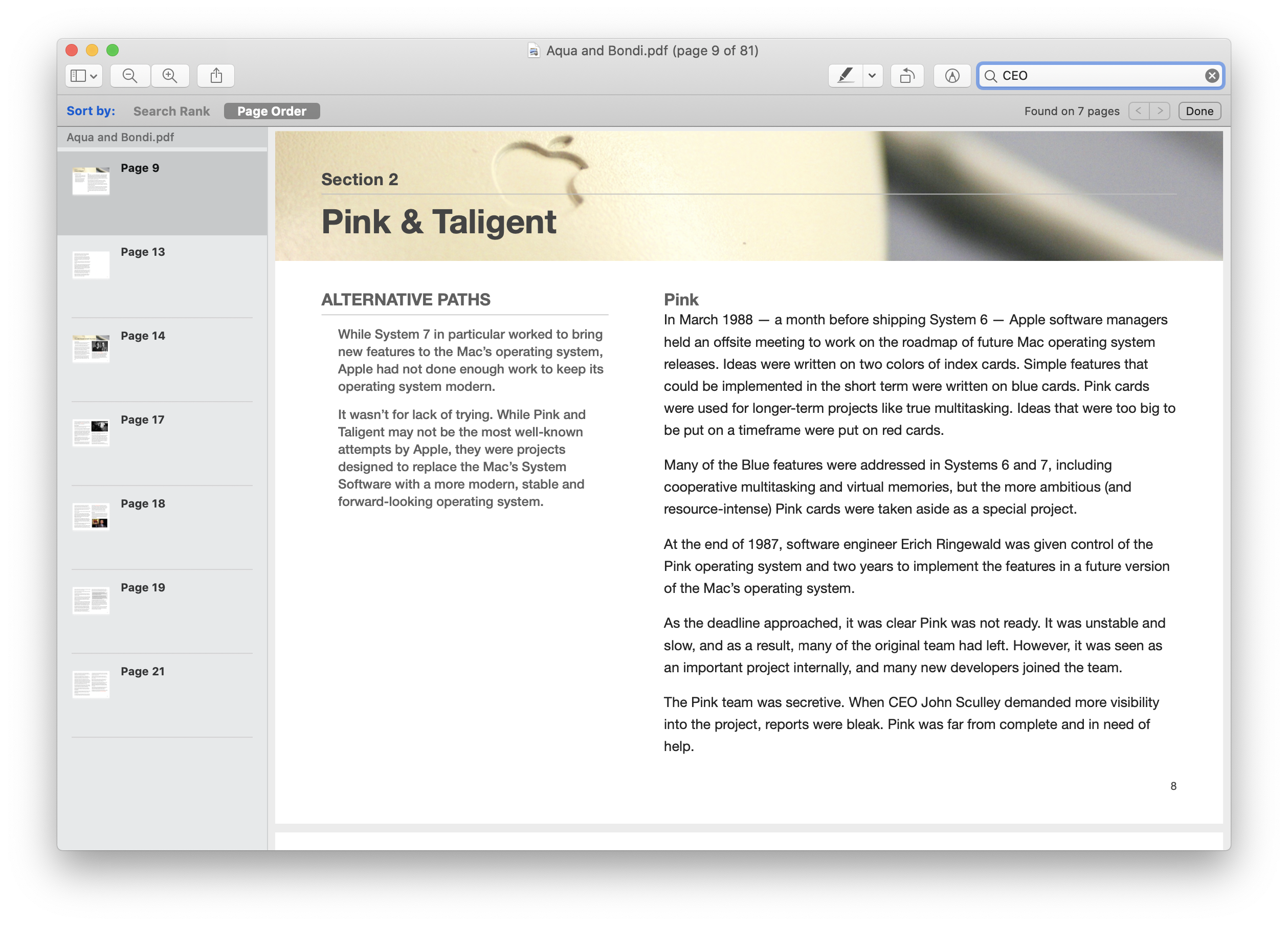
Preview: Search
Preview
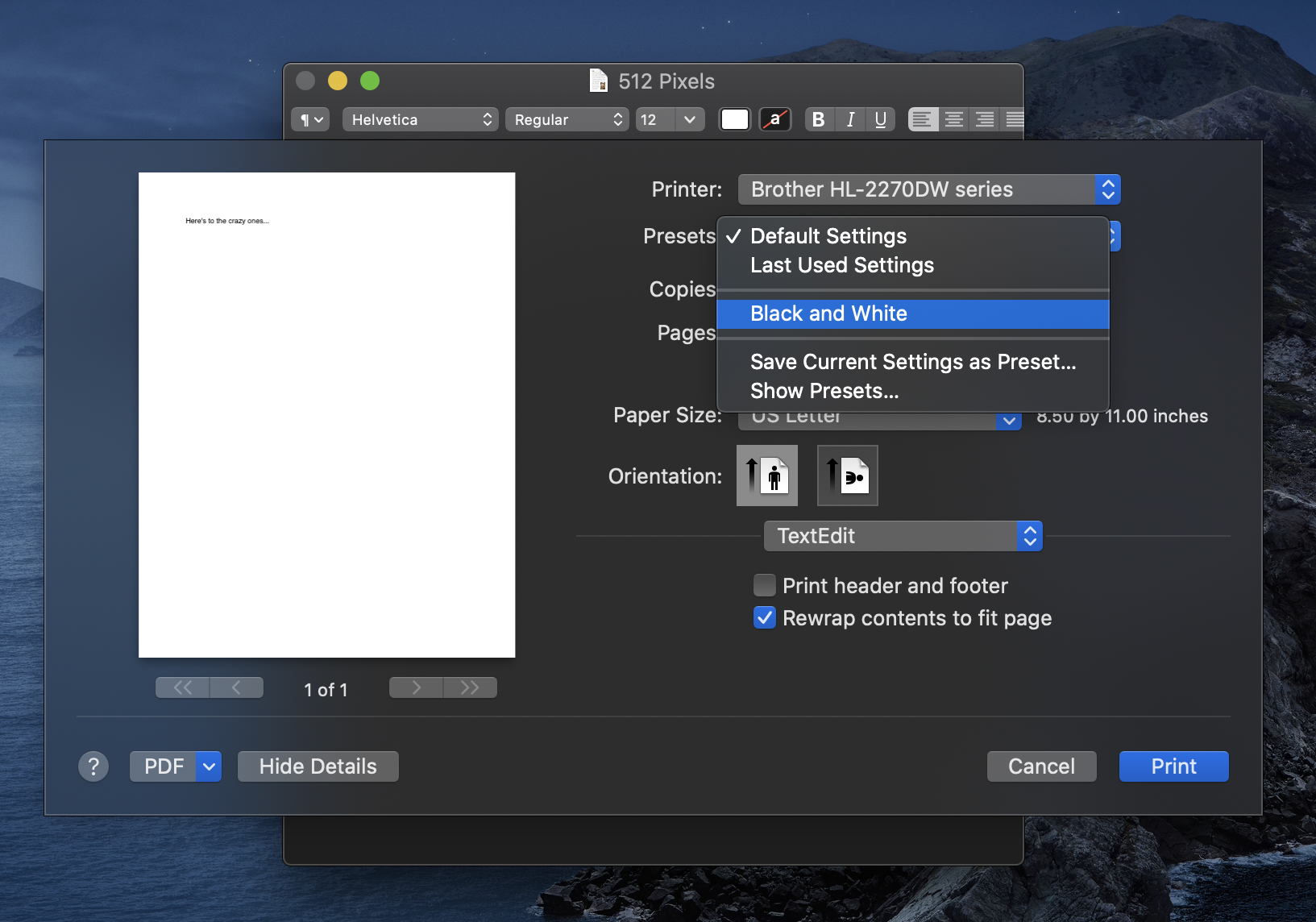
Print
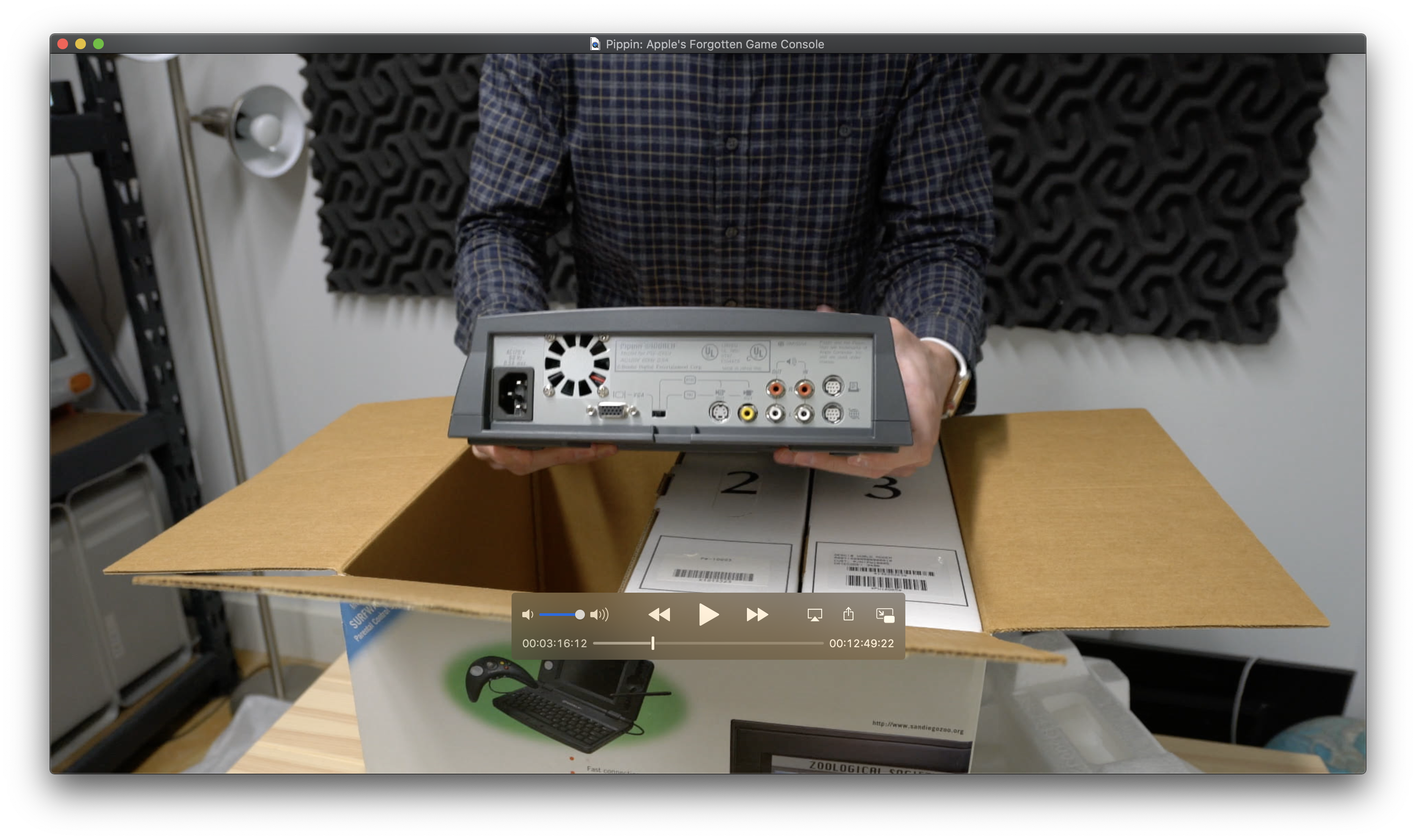
QuickTime
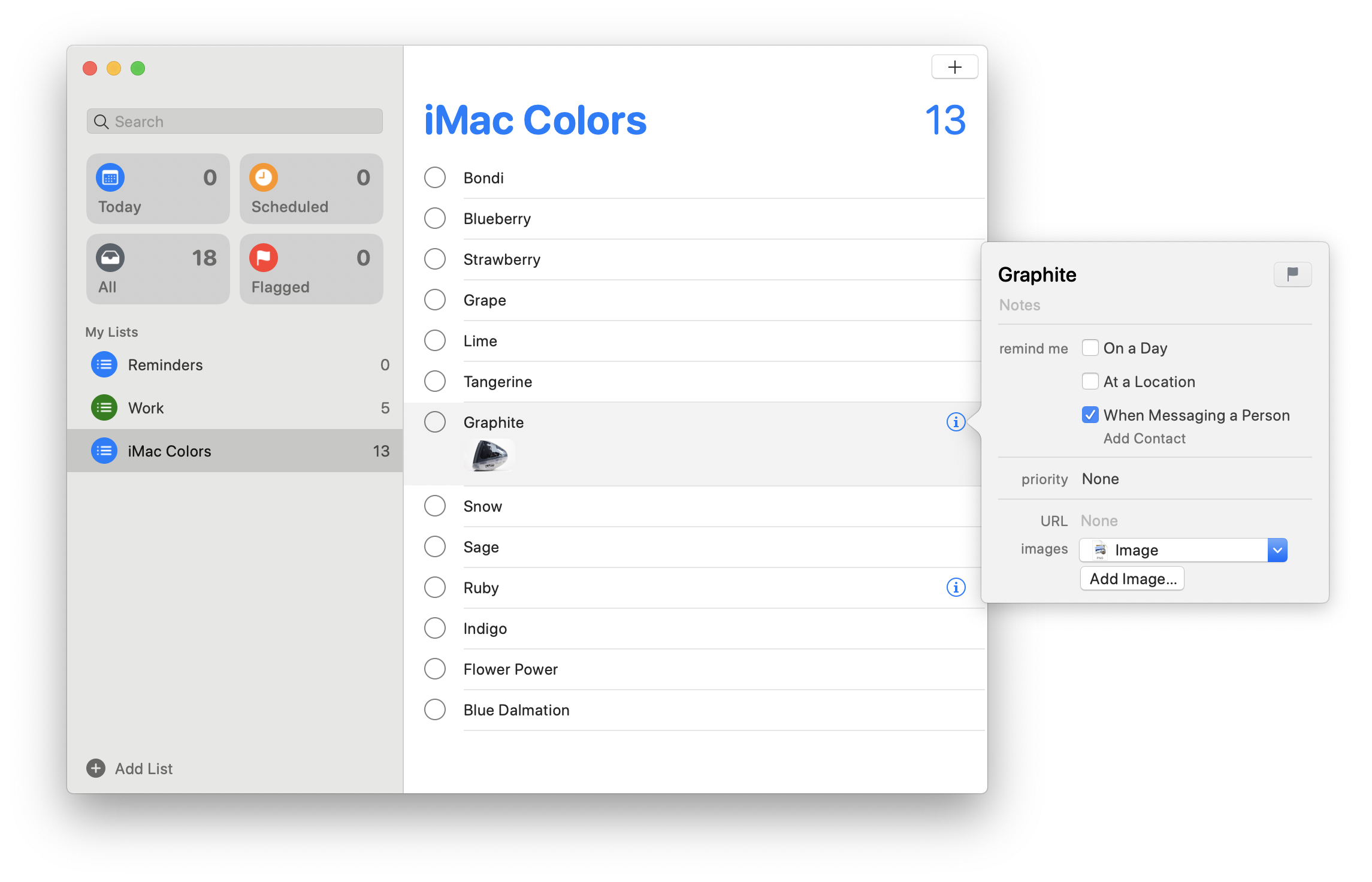
Reminders
Safari 13
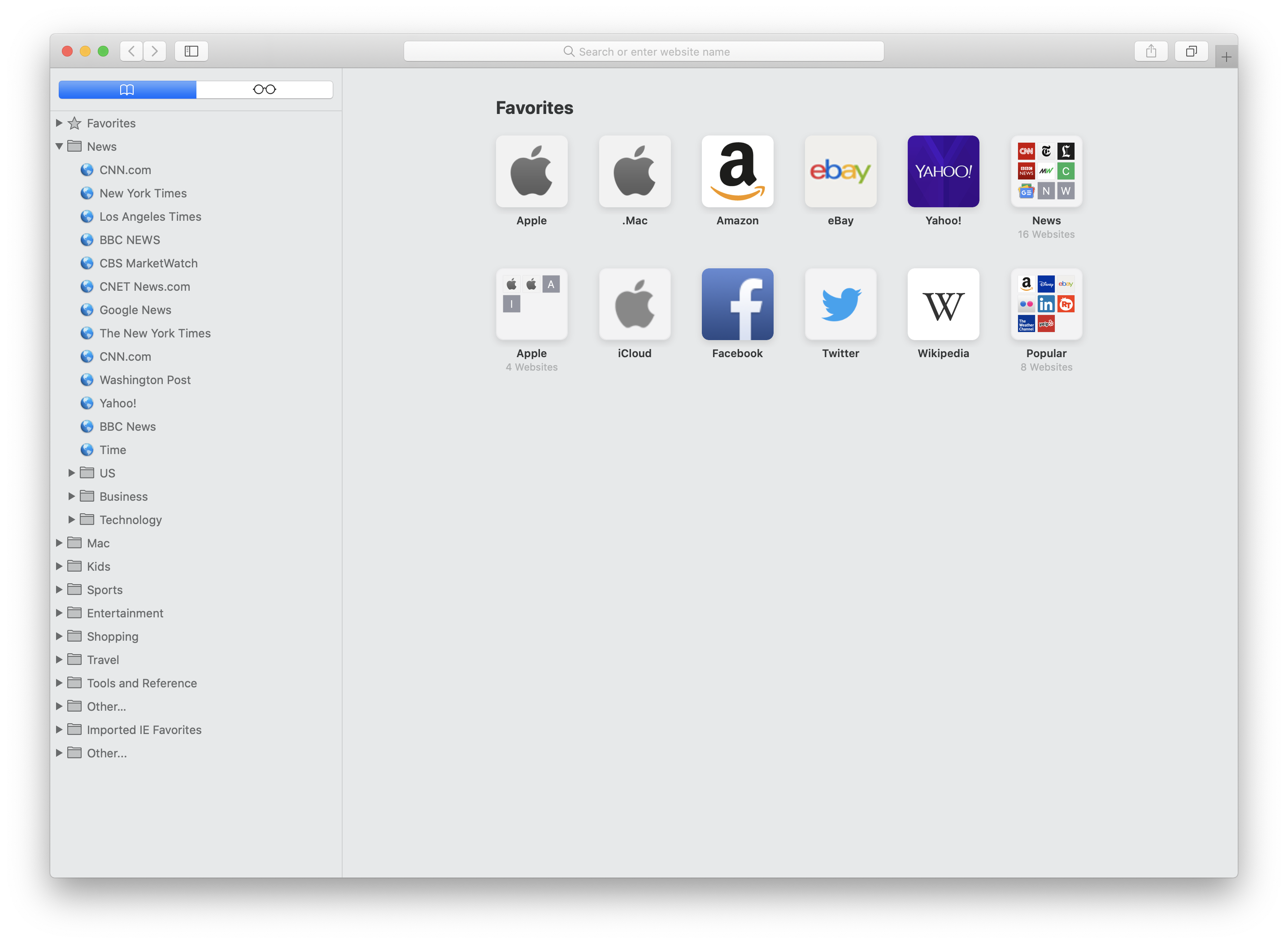
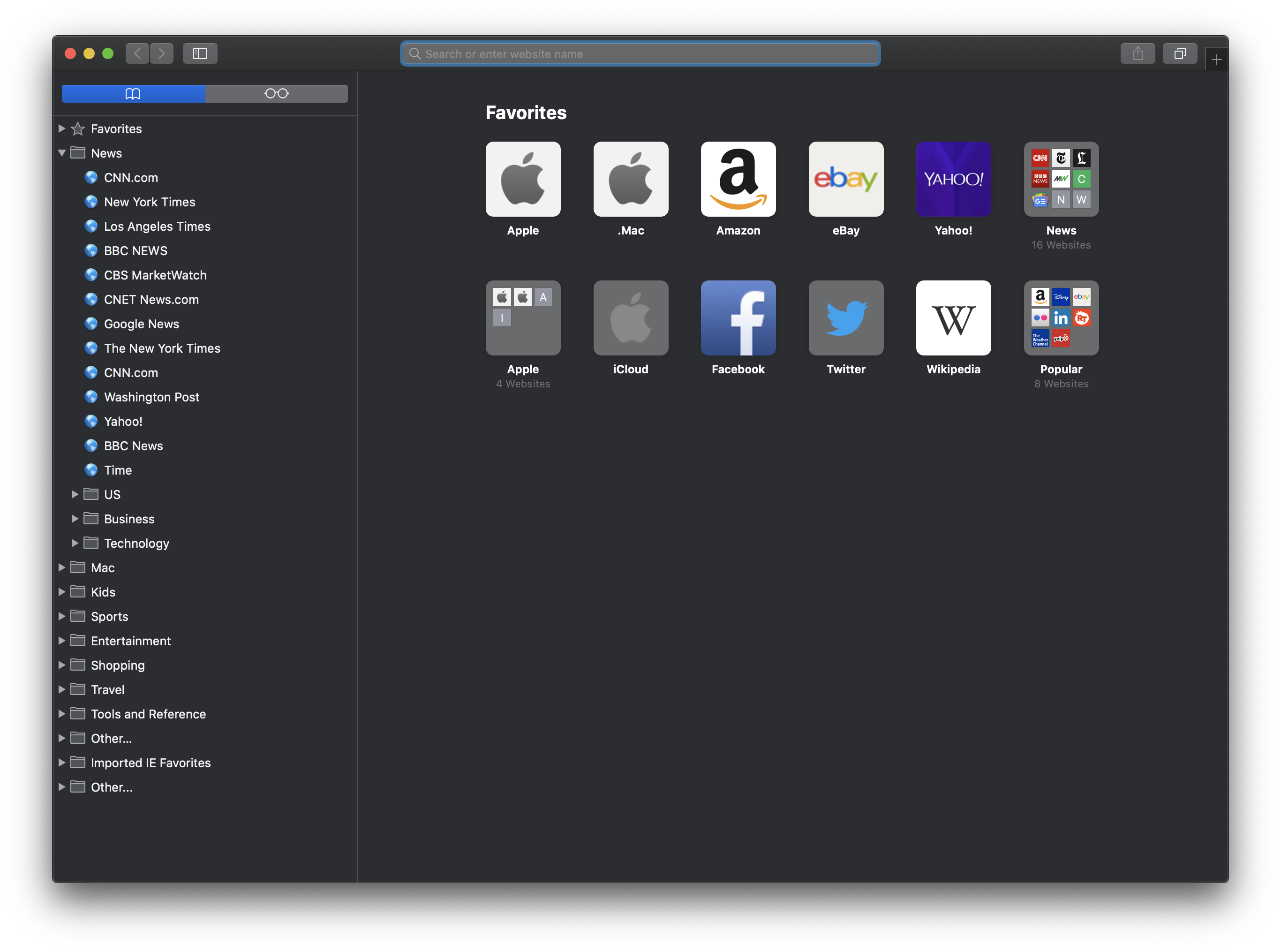
Safari 13: Favorites
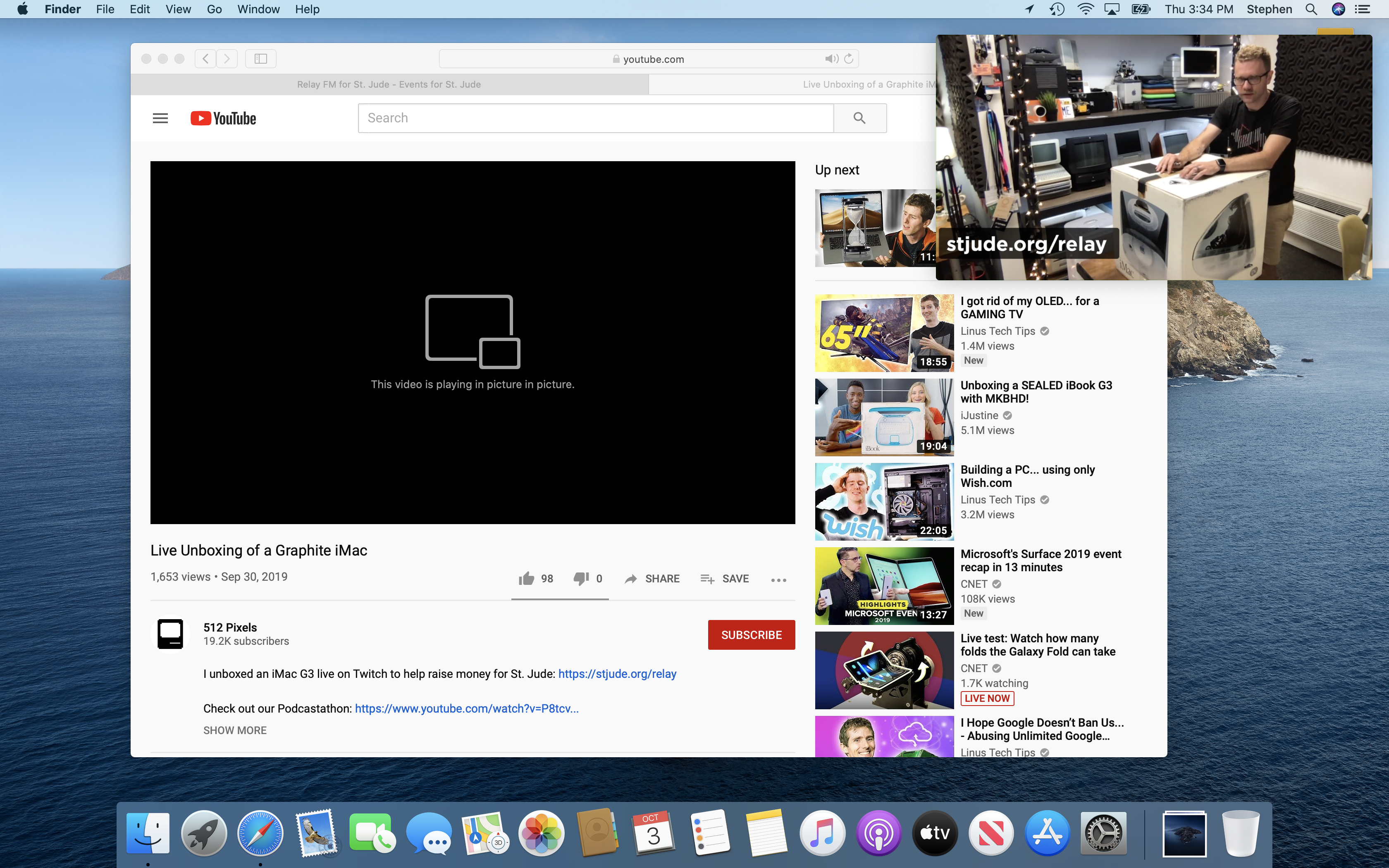
Safari 13: Picture in Picture
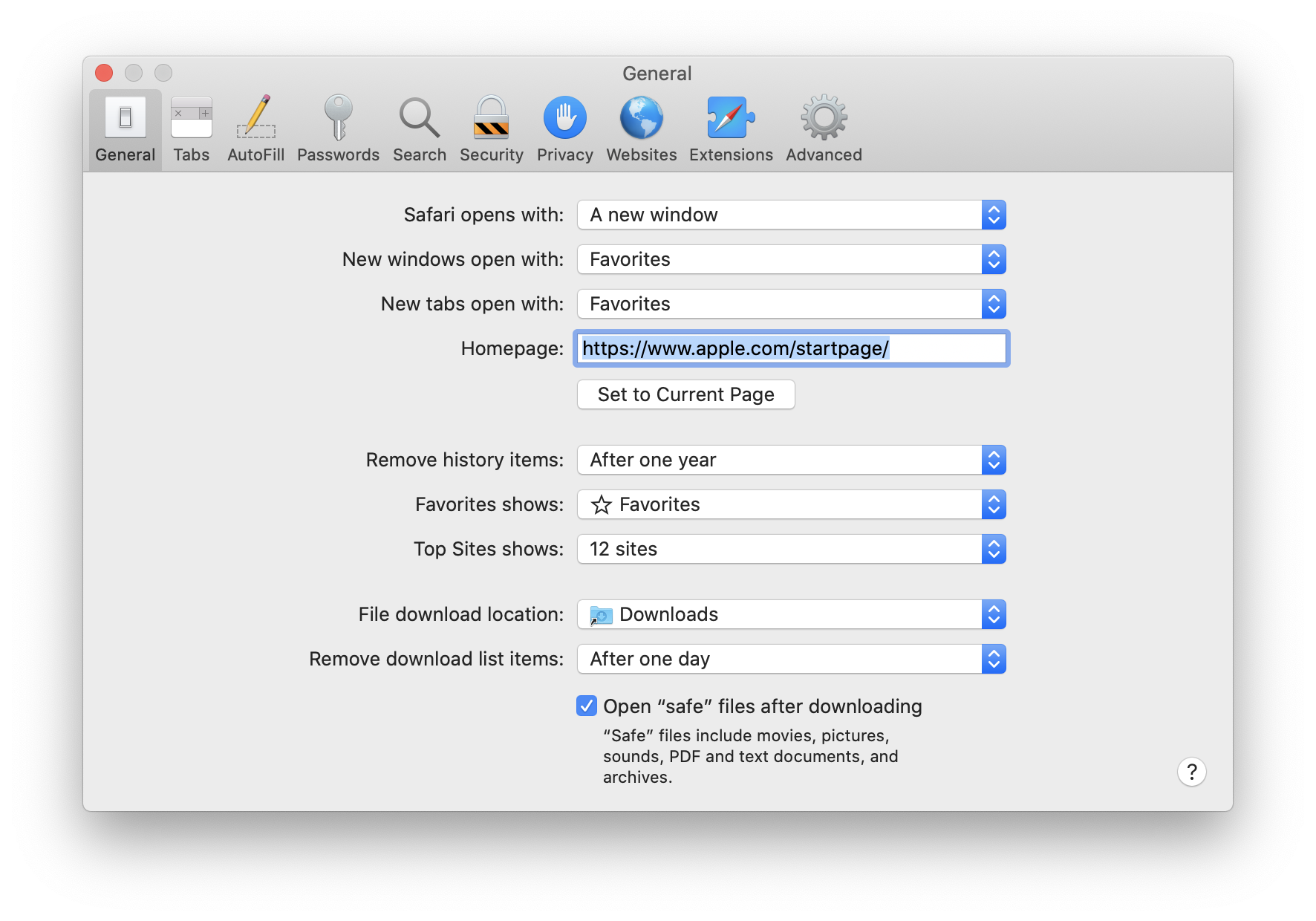
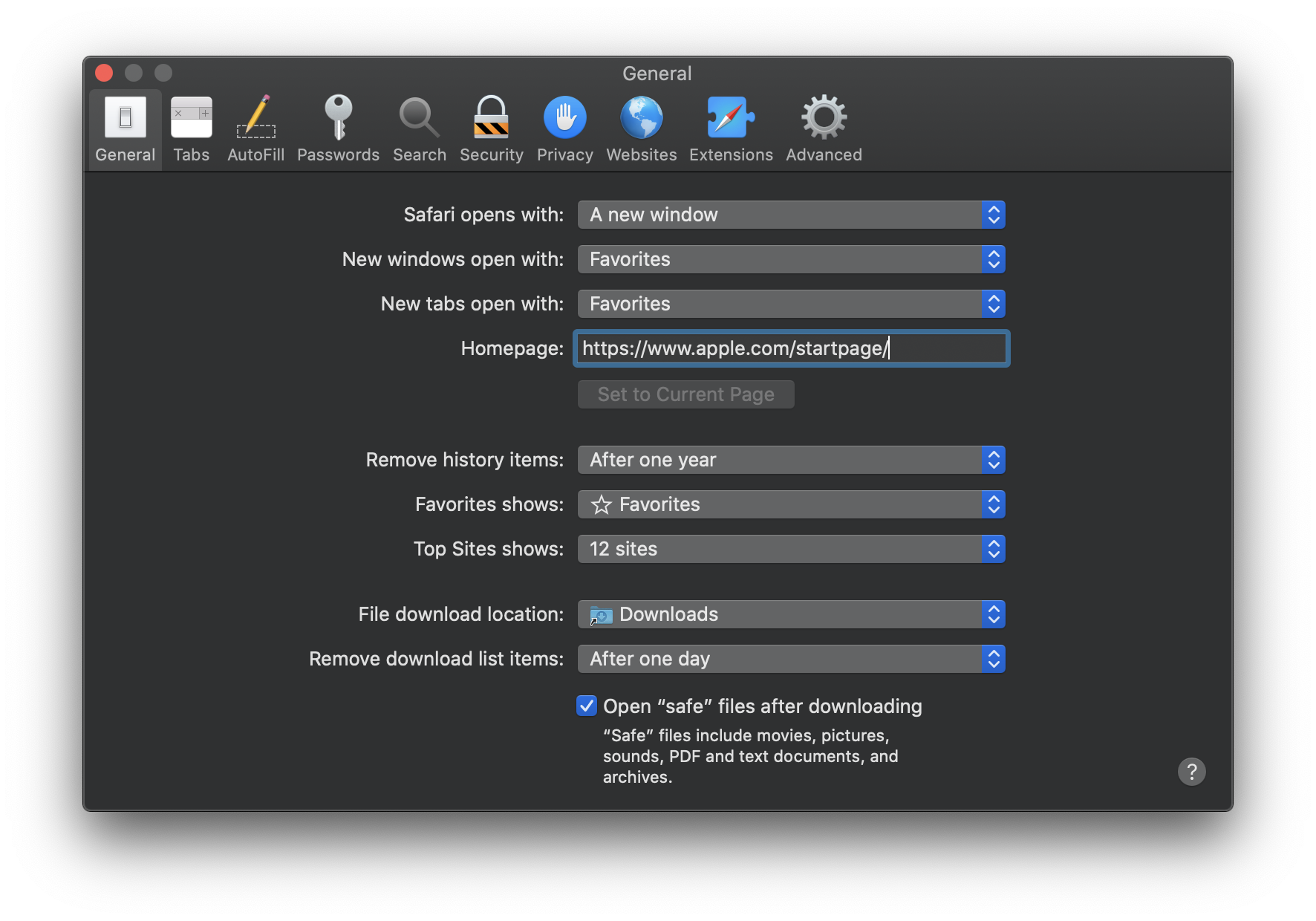
Safari 13: Preferences
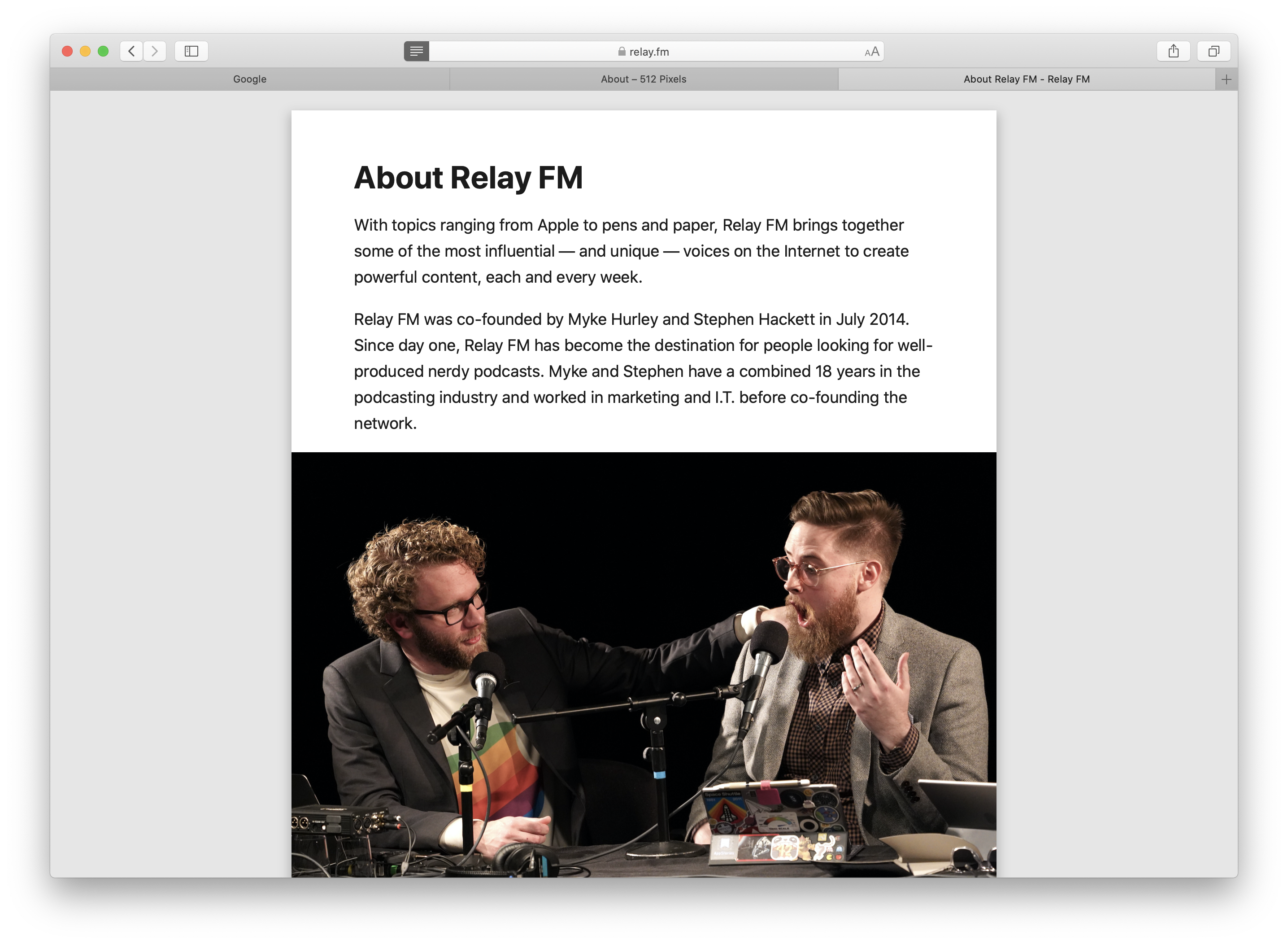
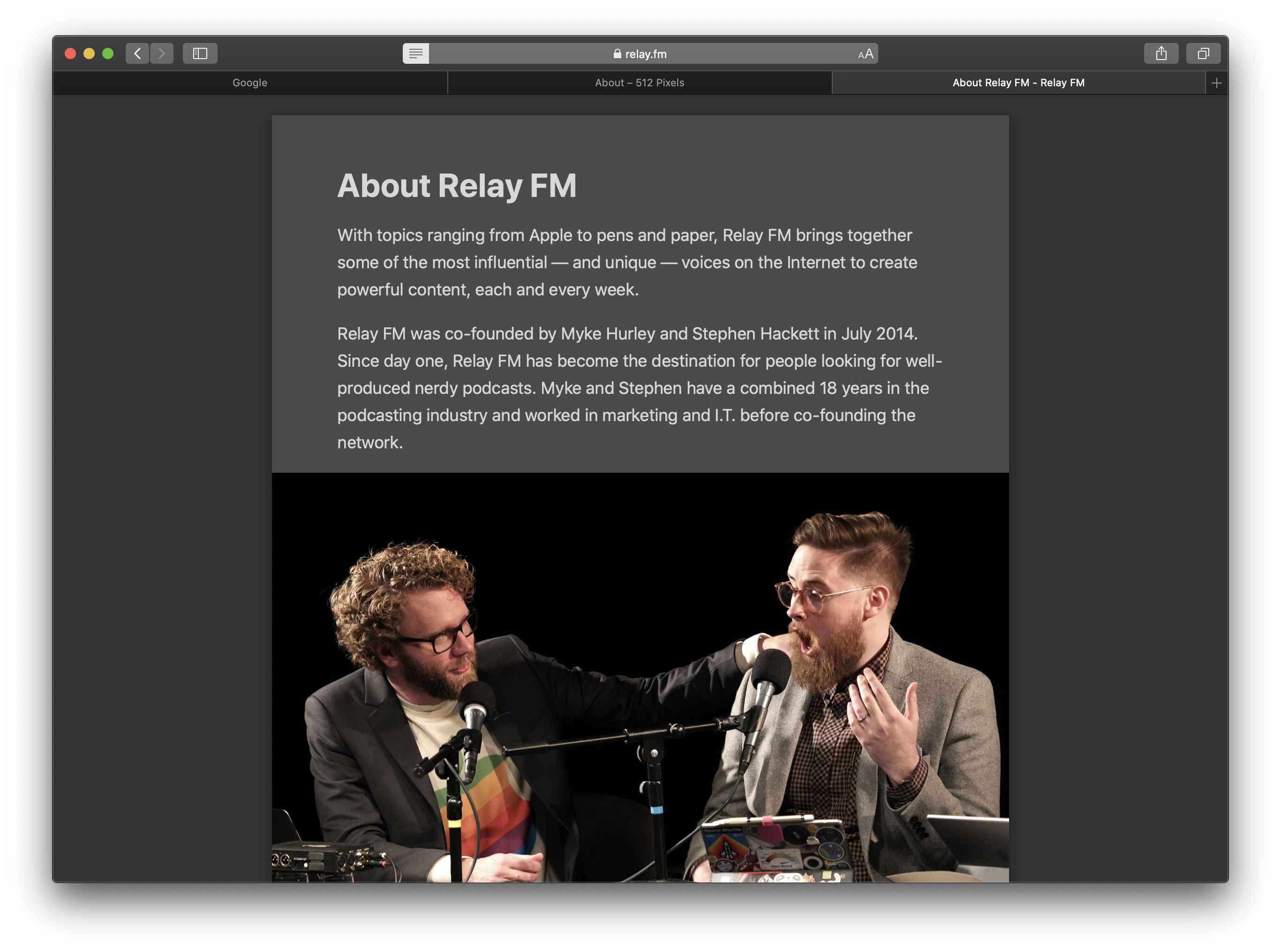
Safari 13: Reader Mode
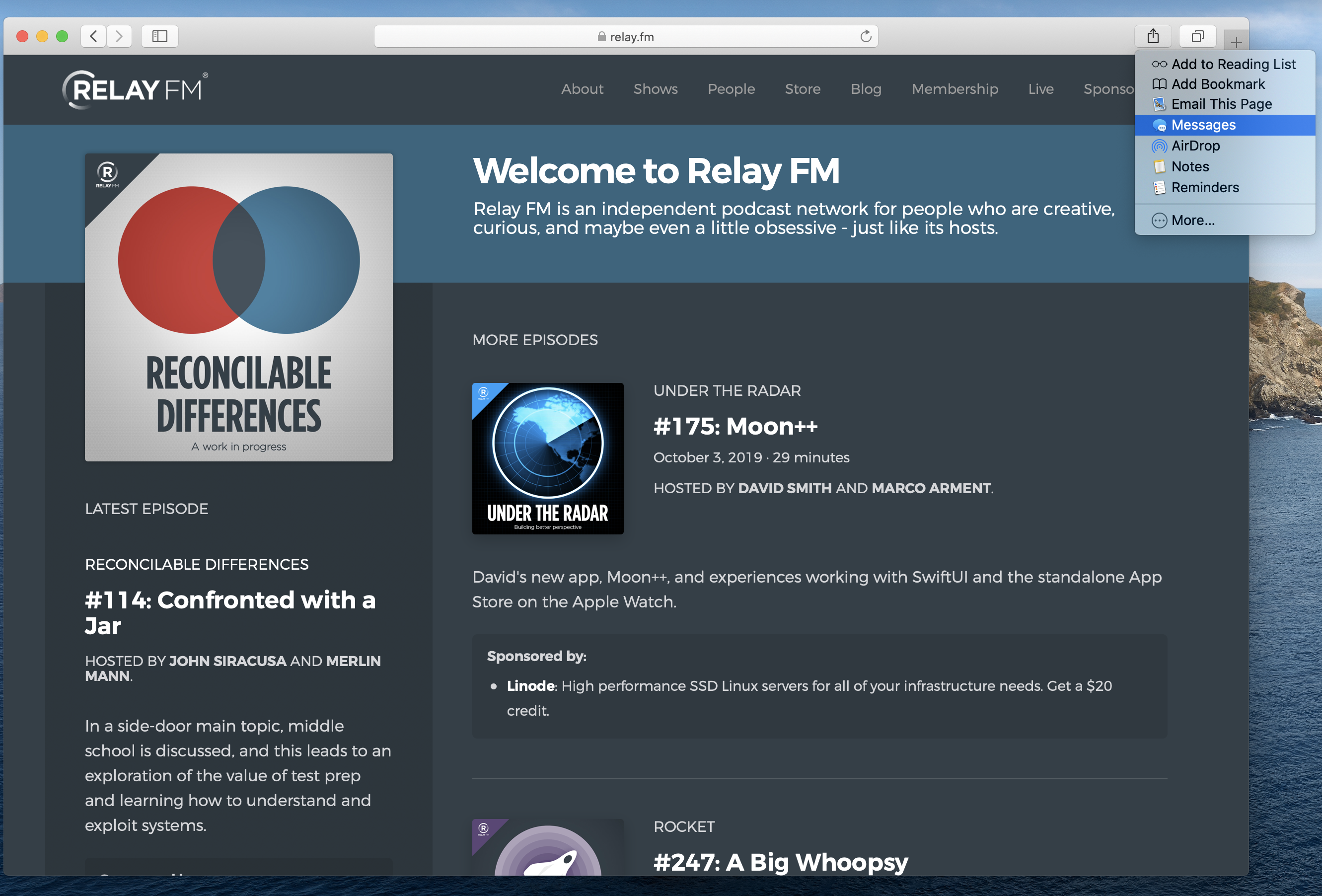
Safari 13: Sharing
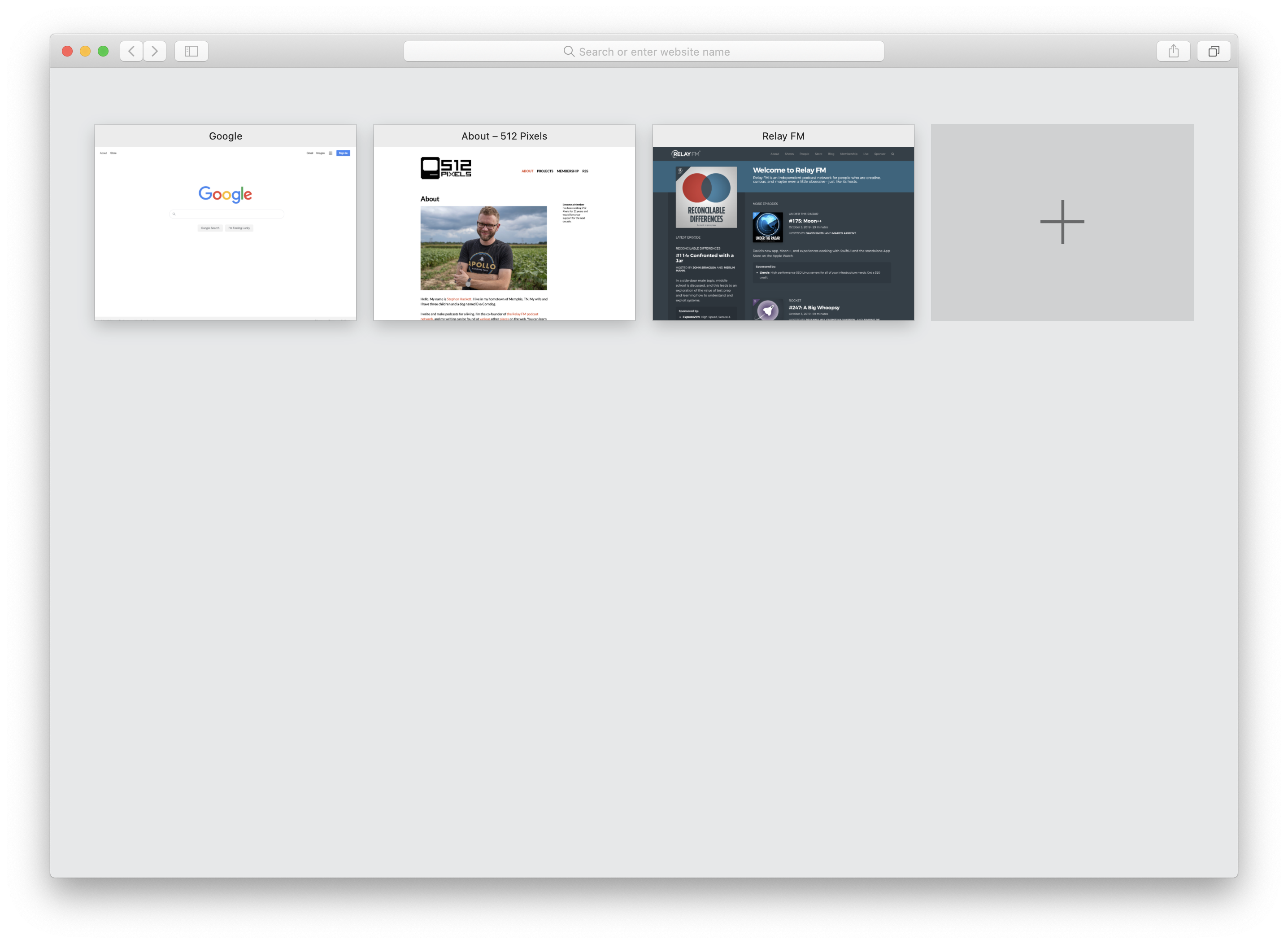
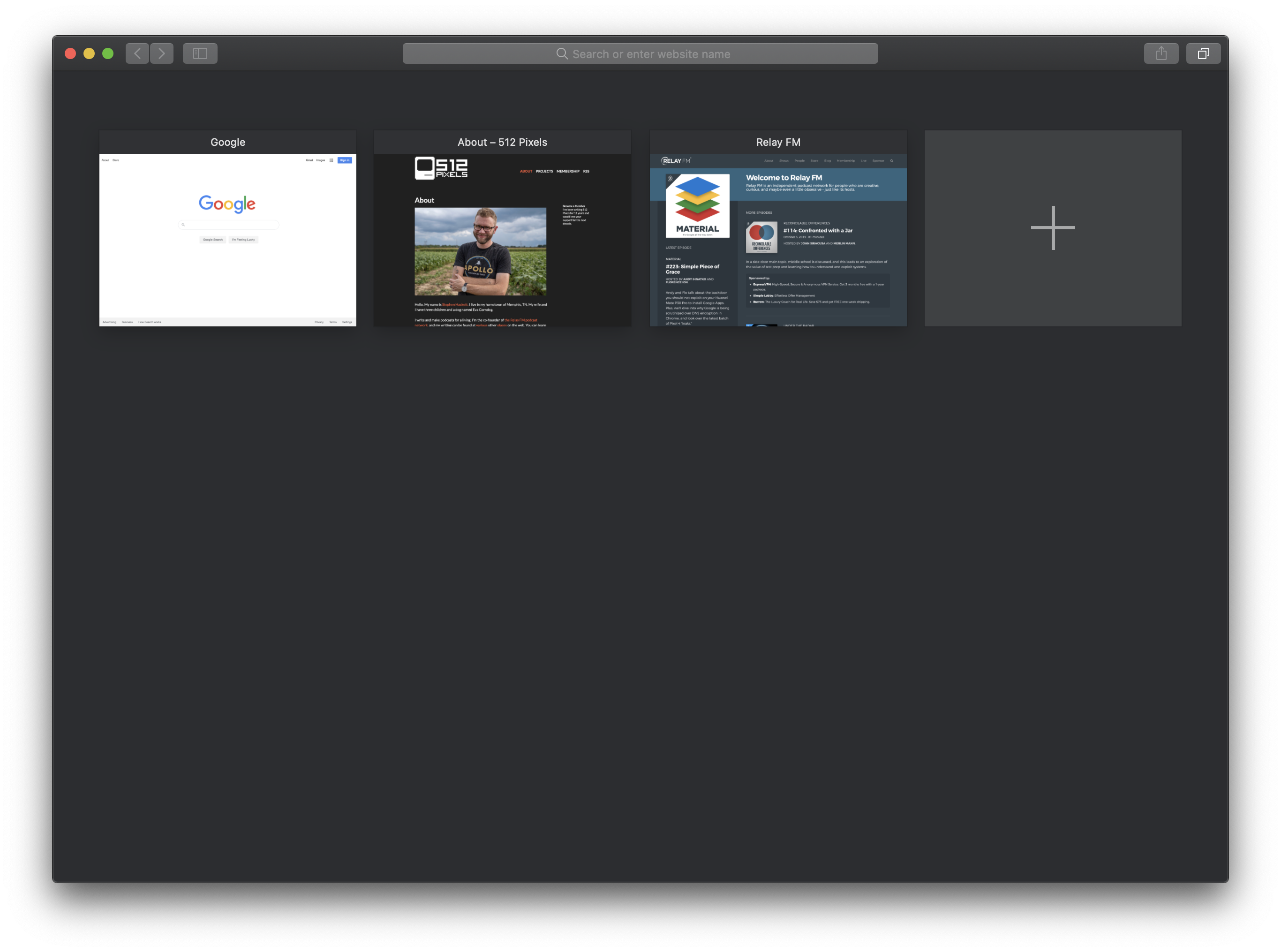
Safari: Tab Overview
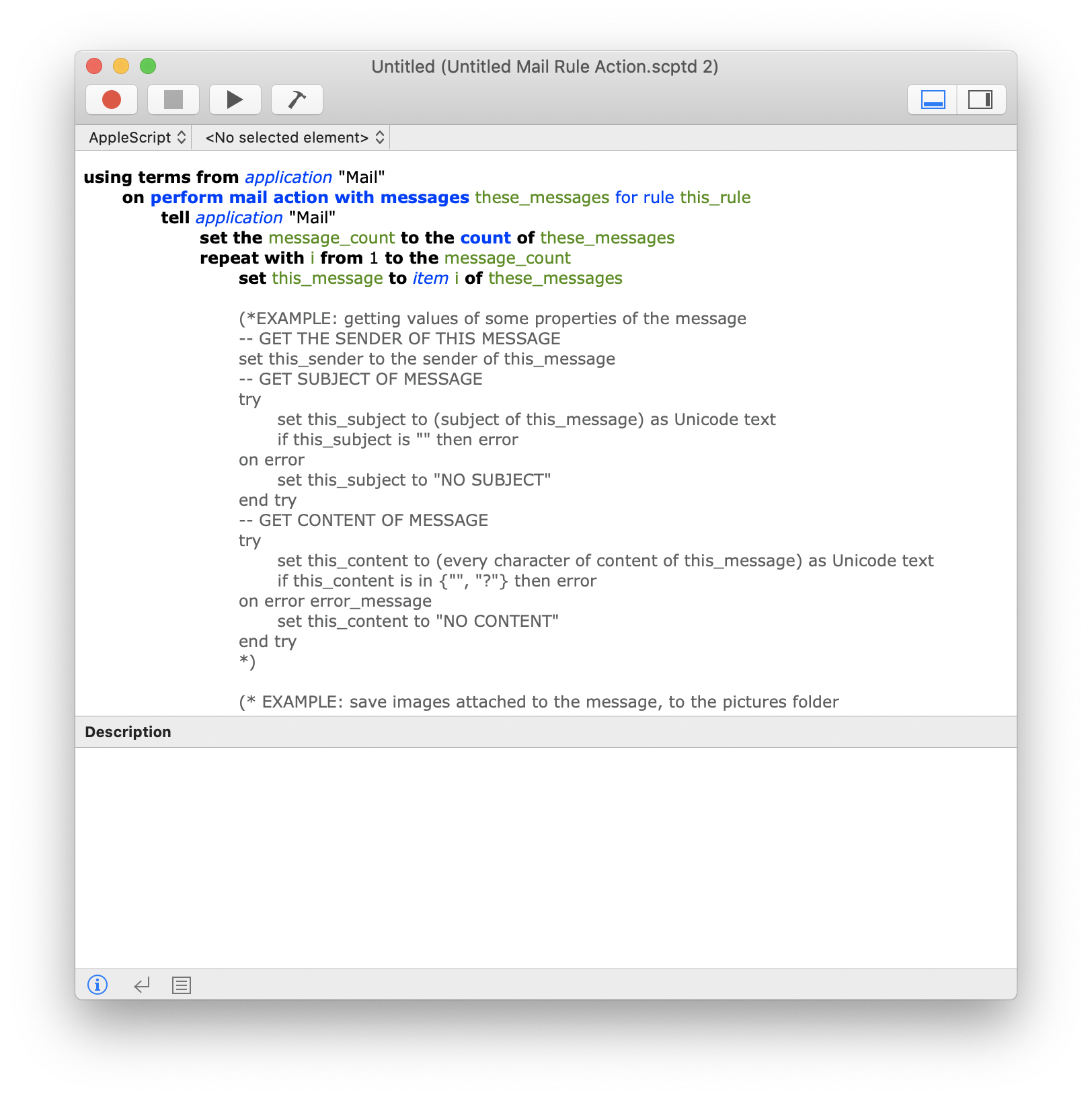
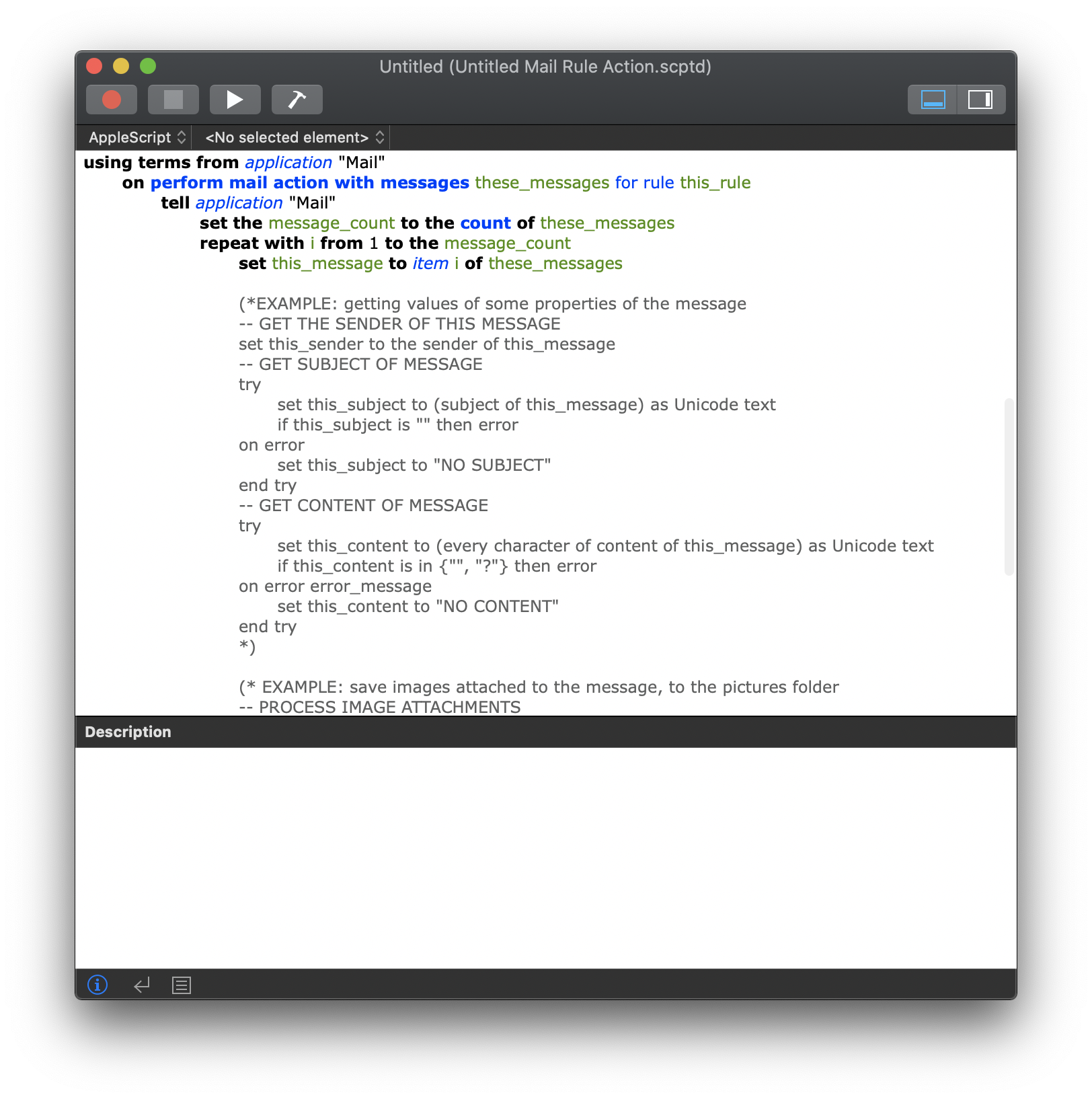
Script Editor
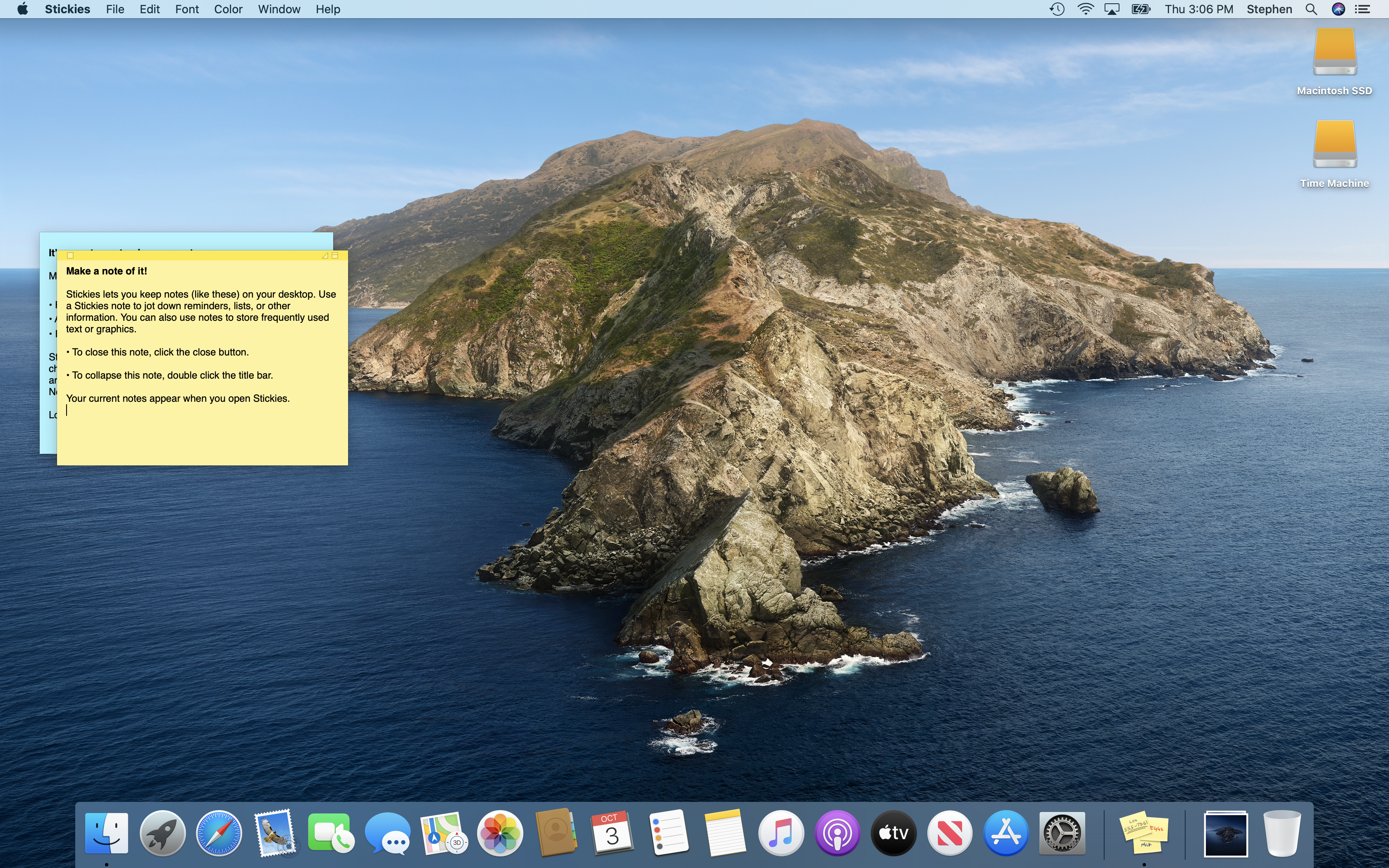
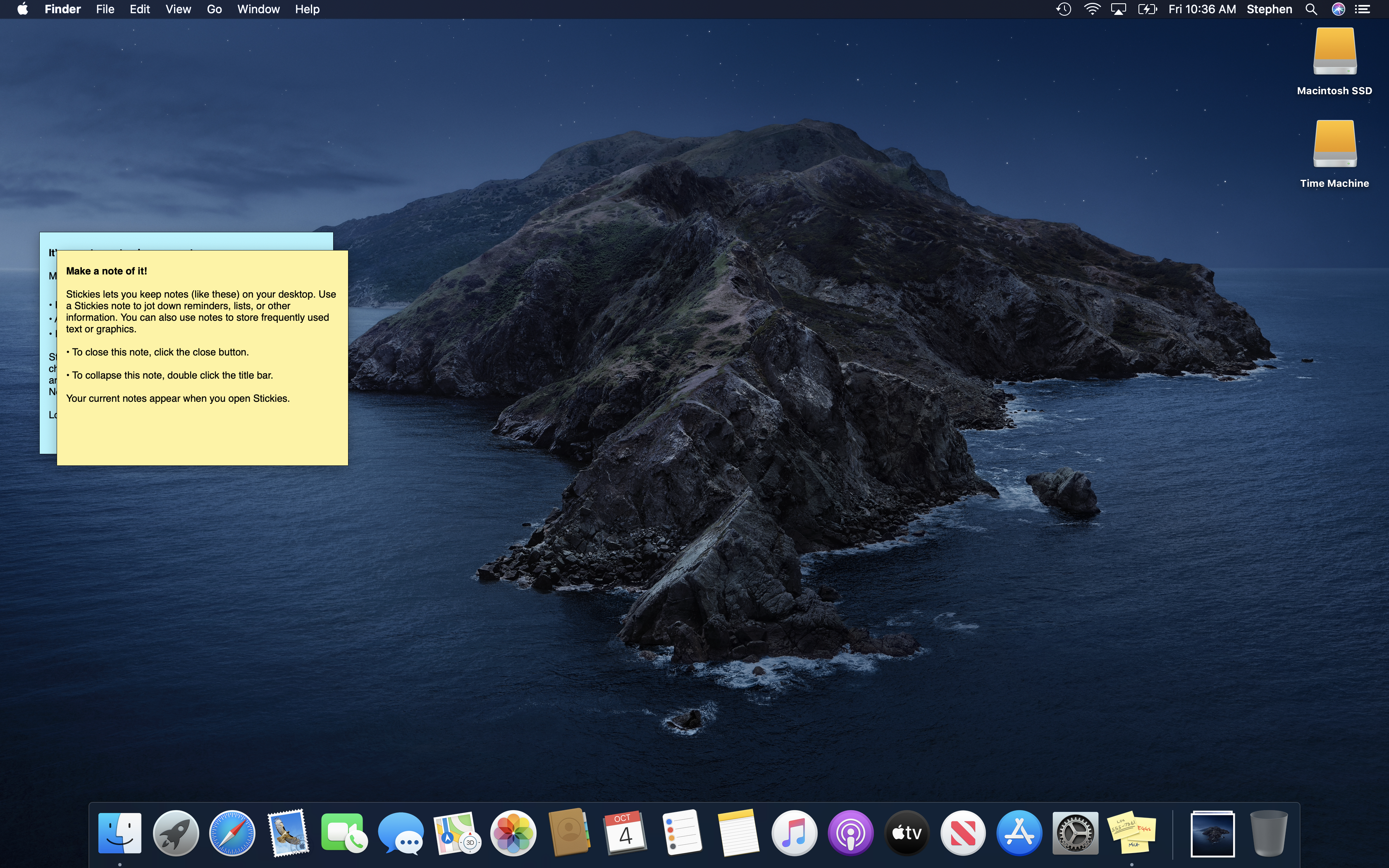
Stickies
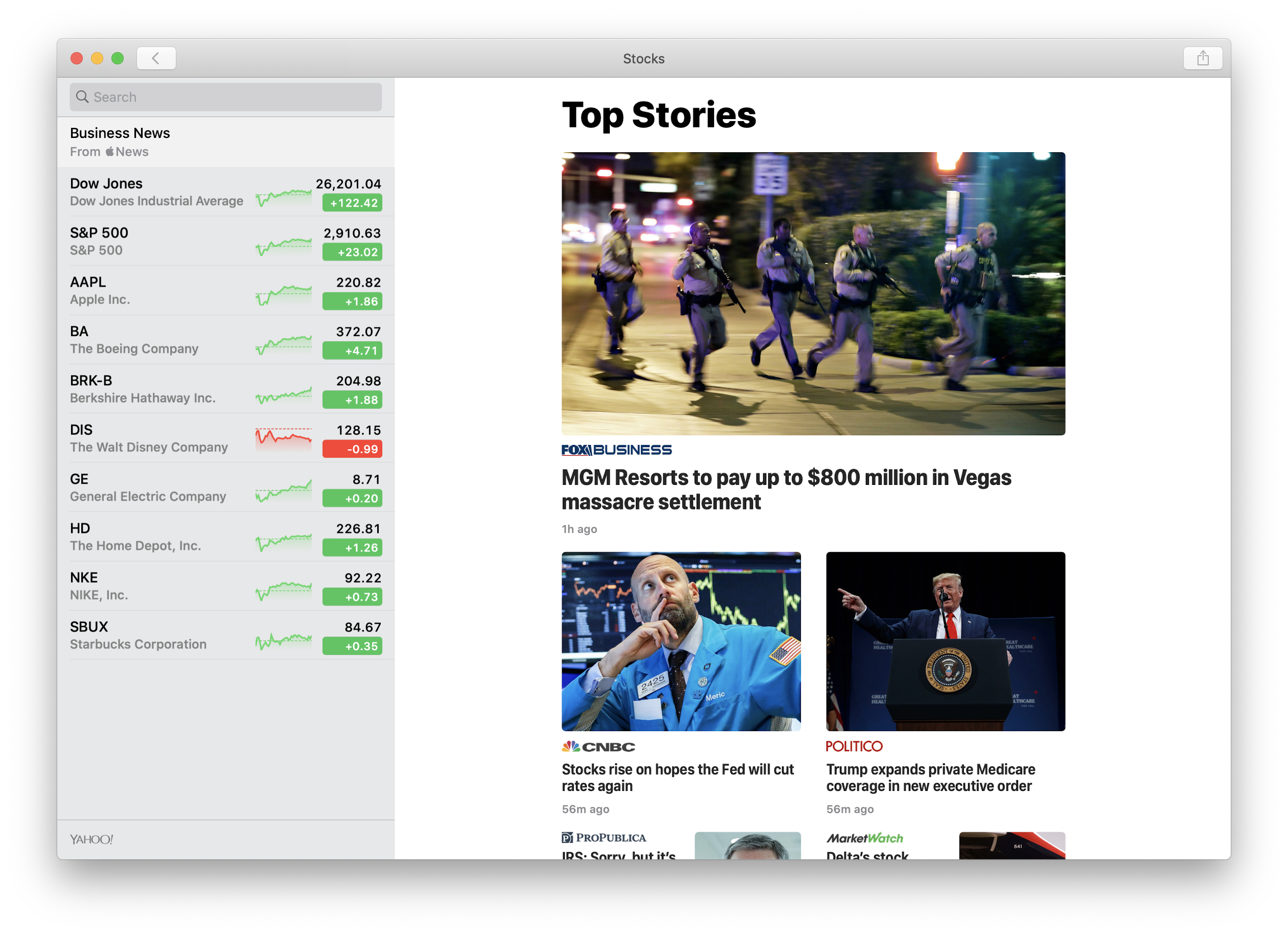
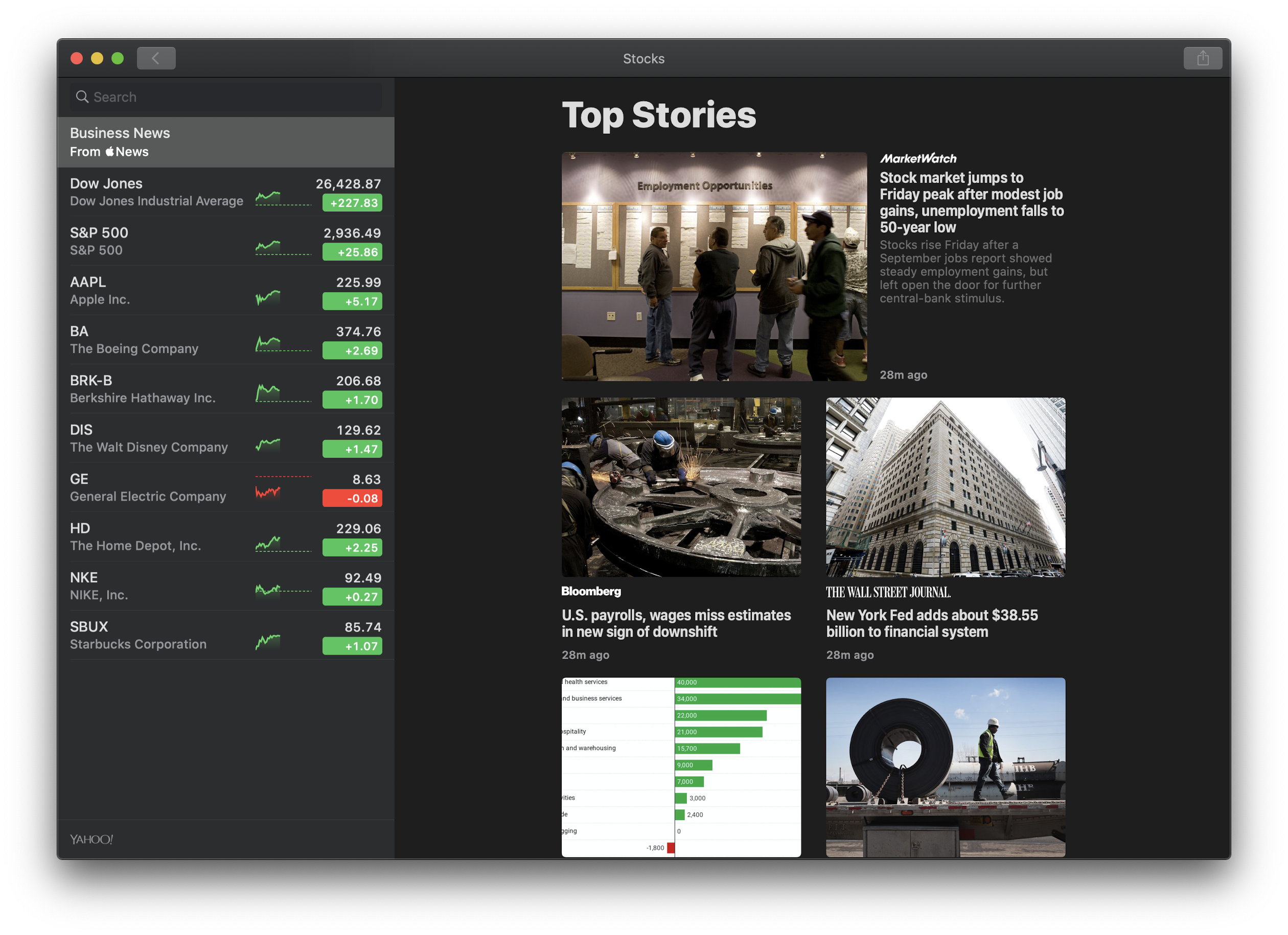
Stocks
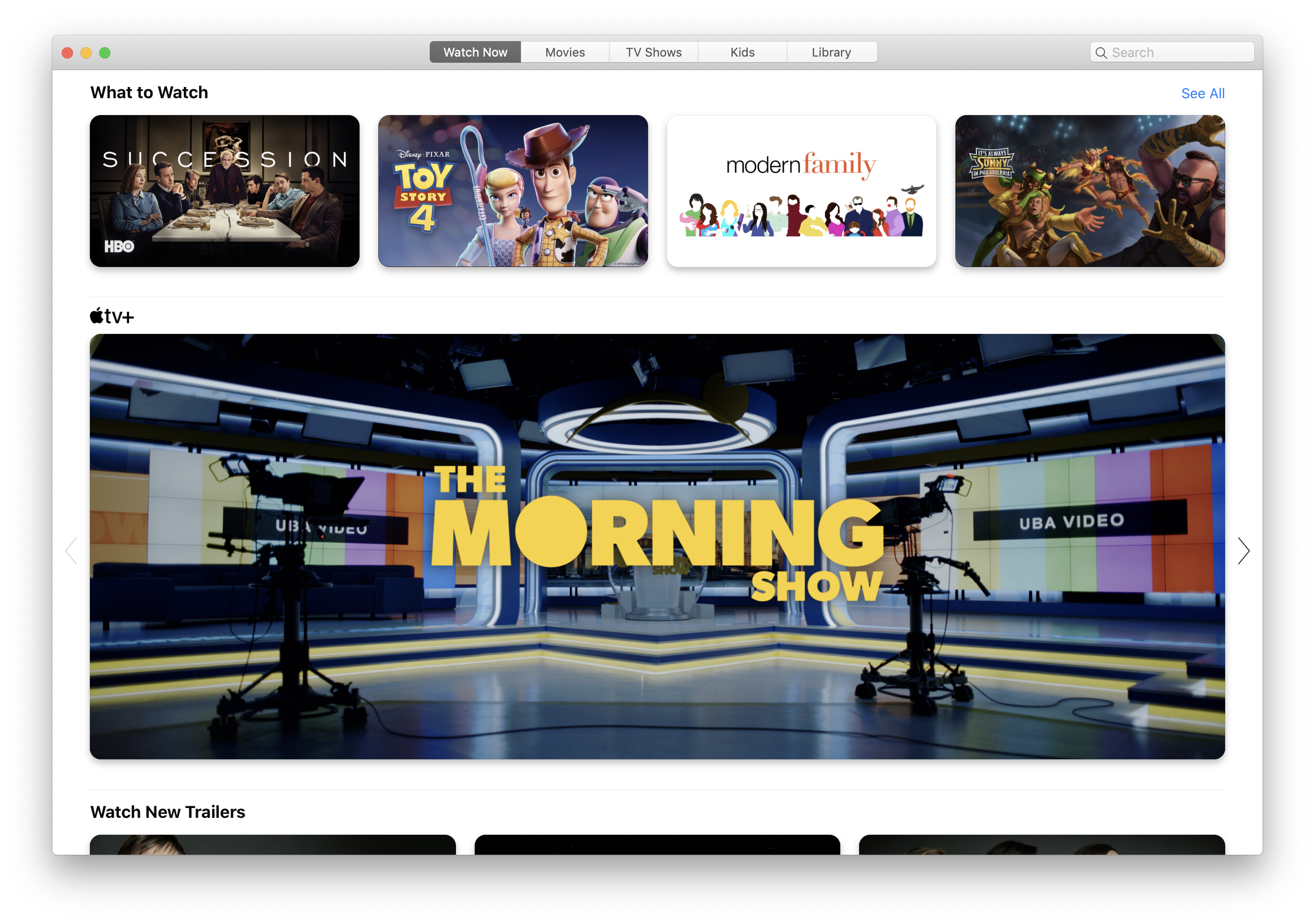
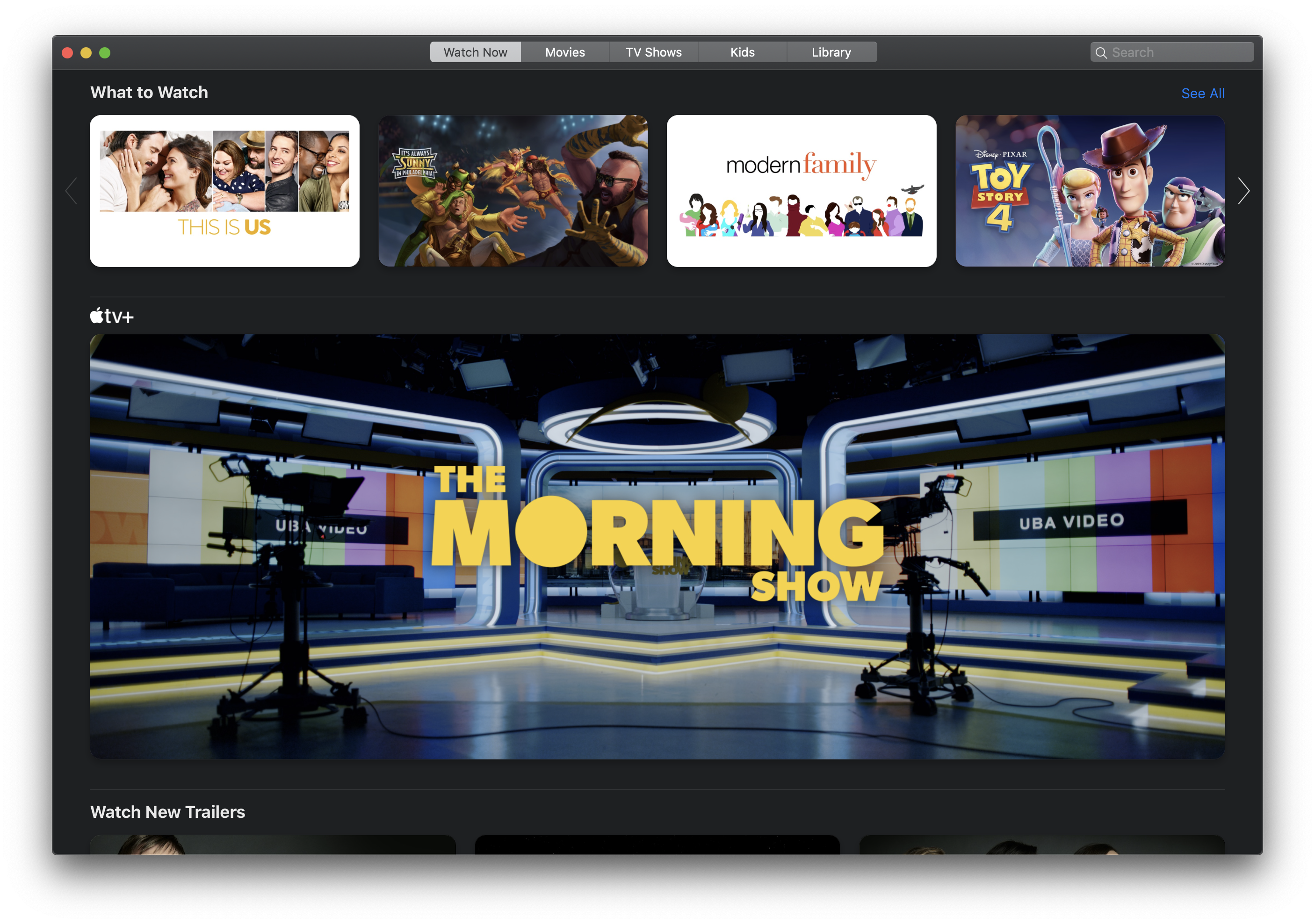
TV
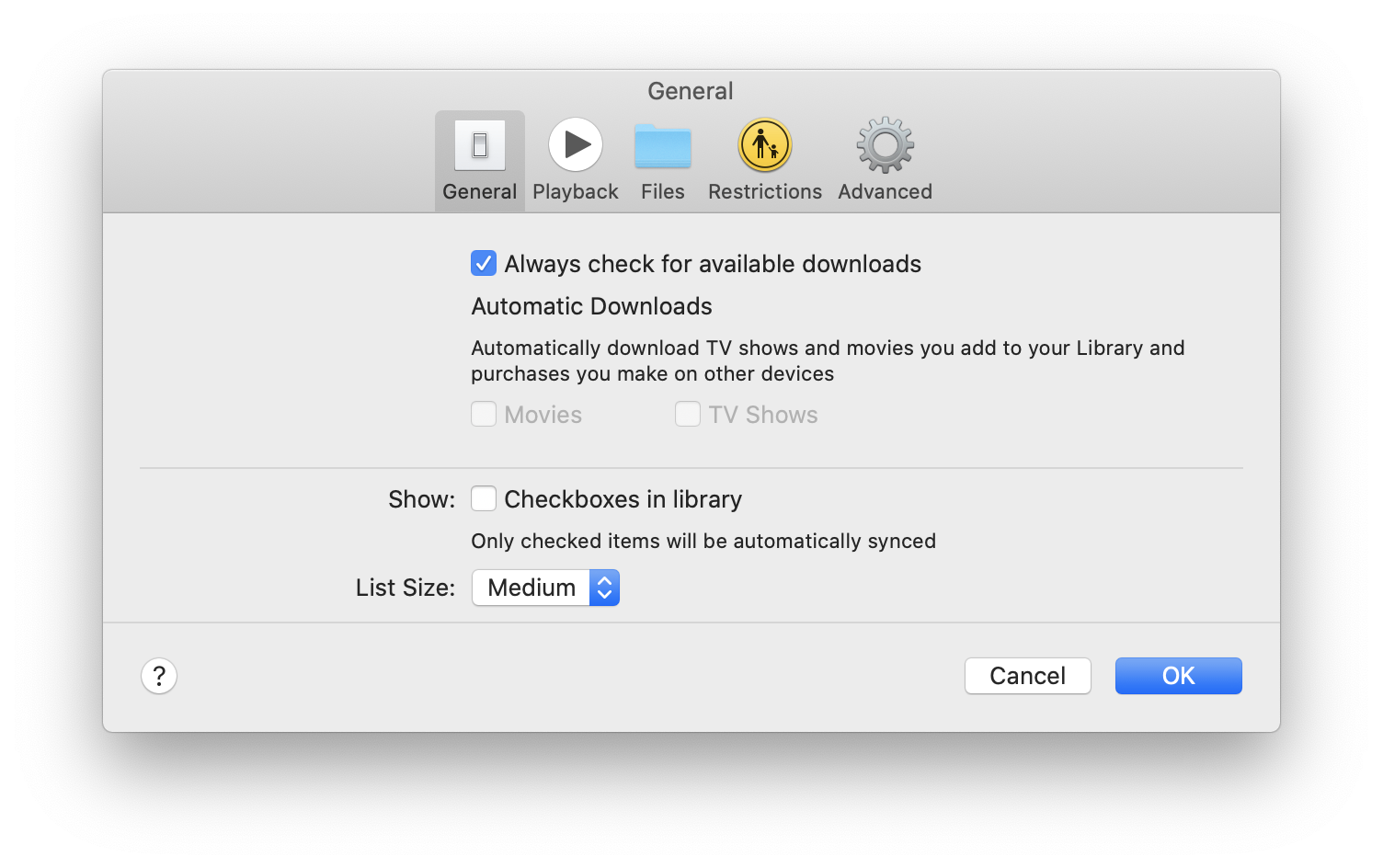
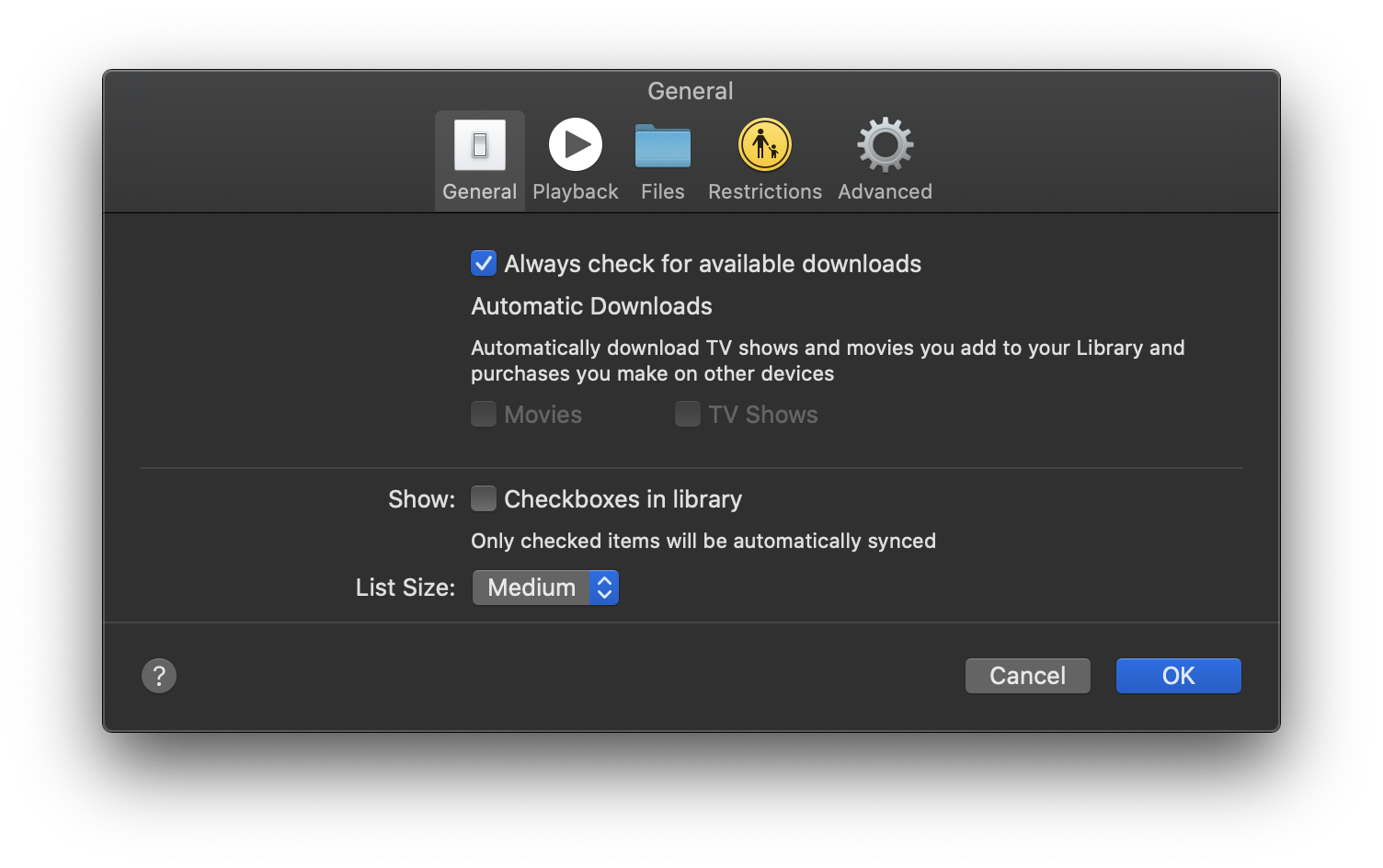
TV: Preferences
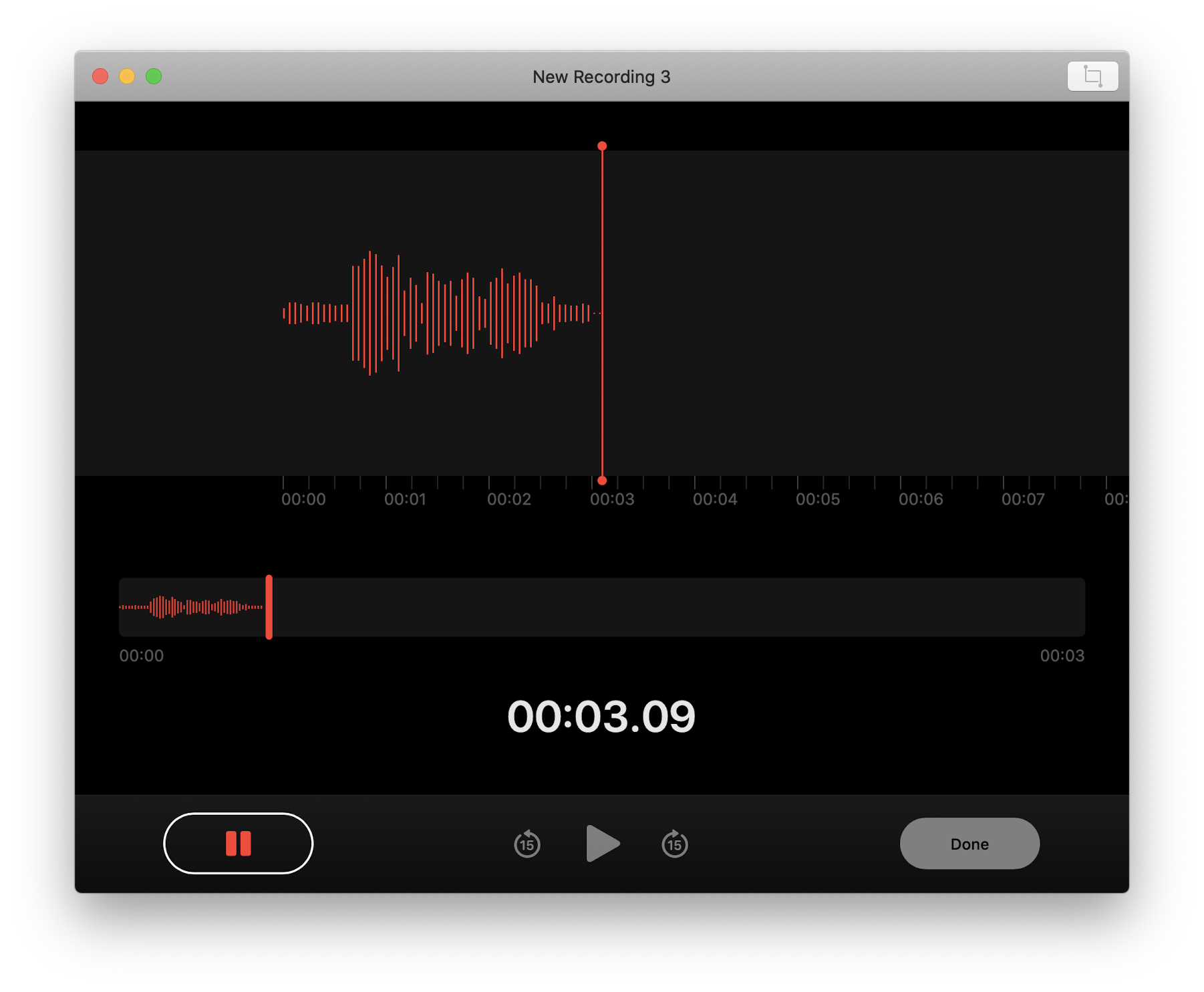
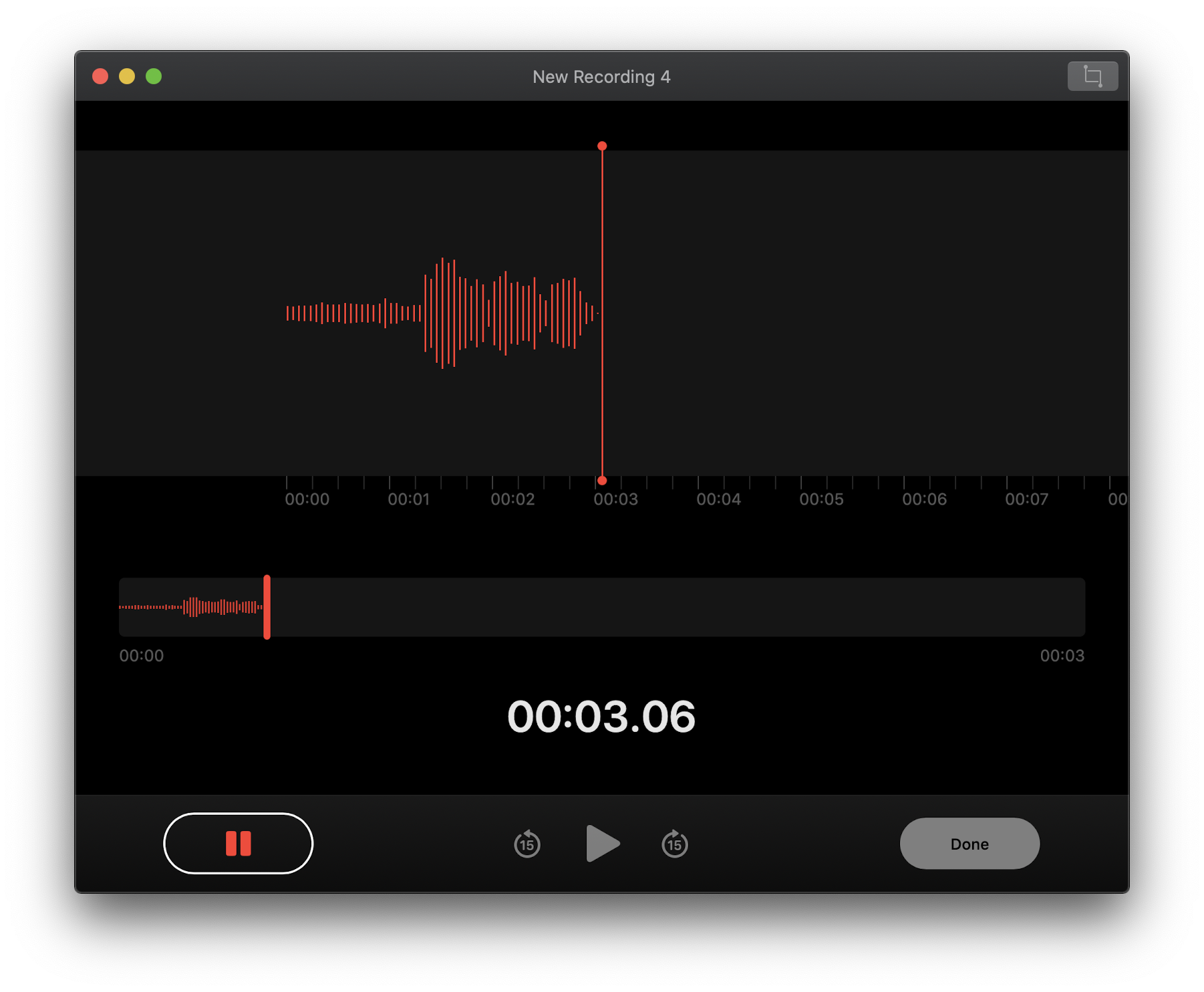
Voice Memos
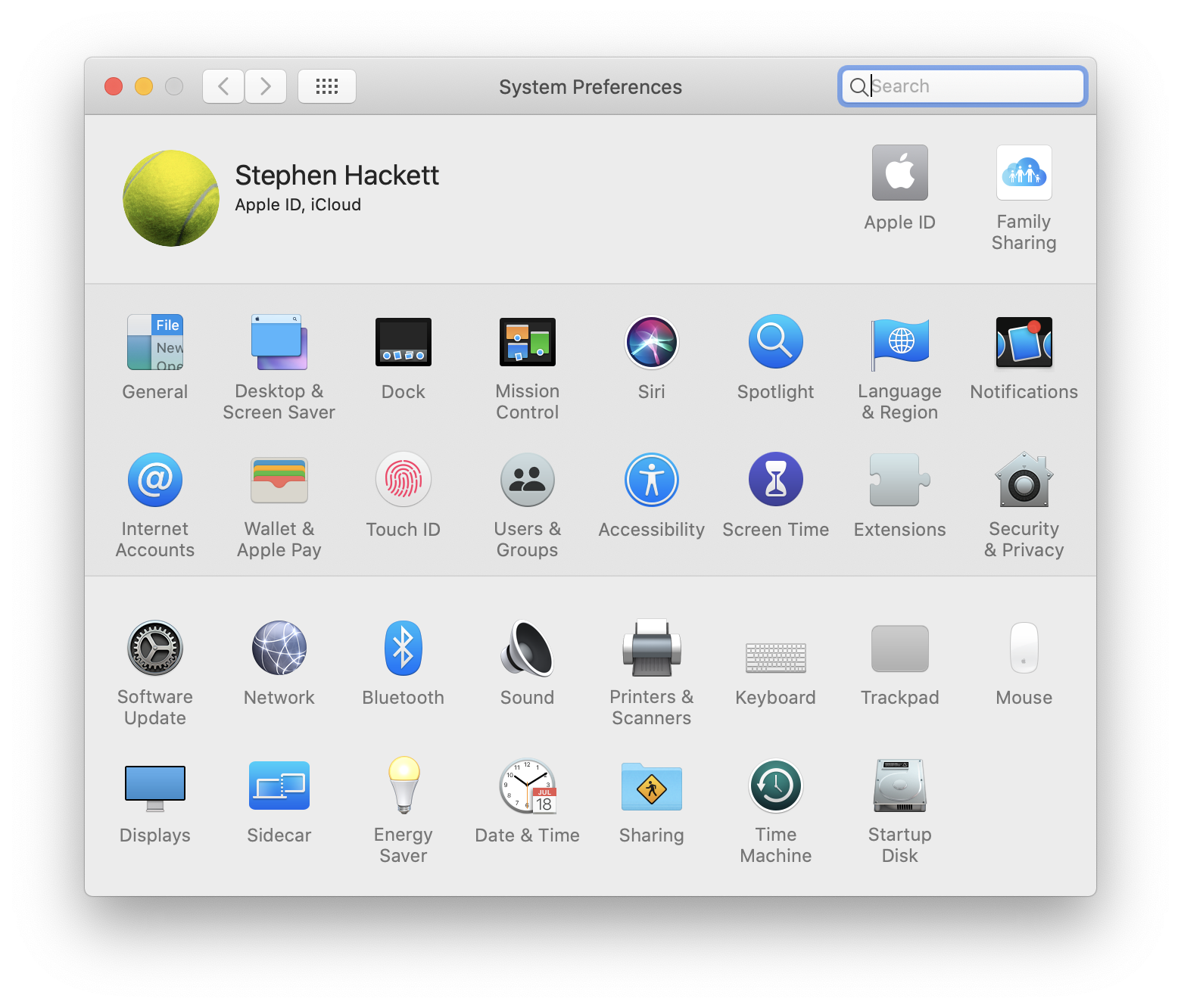
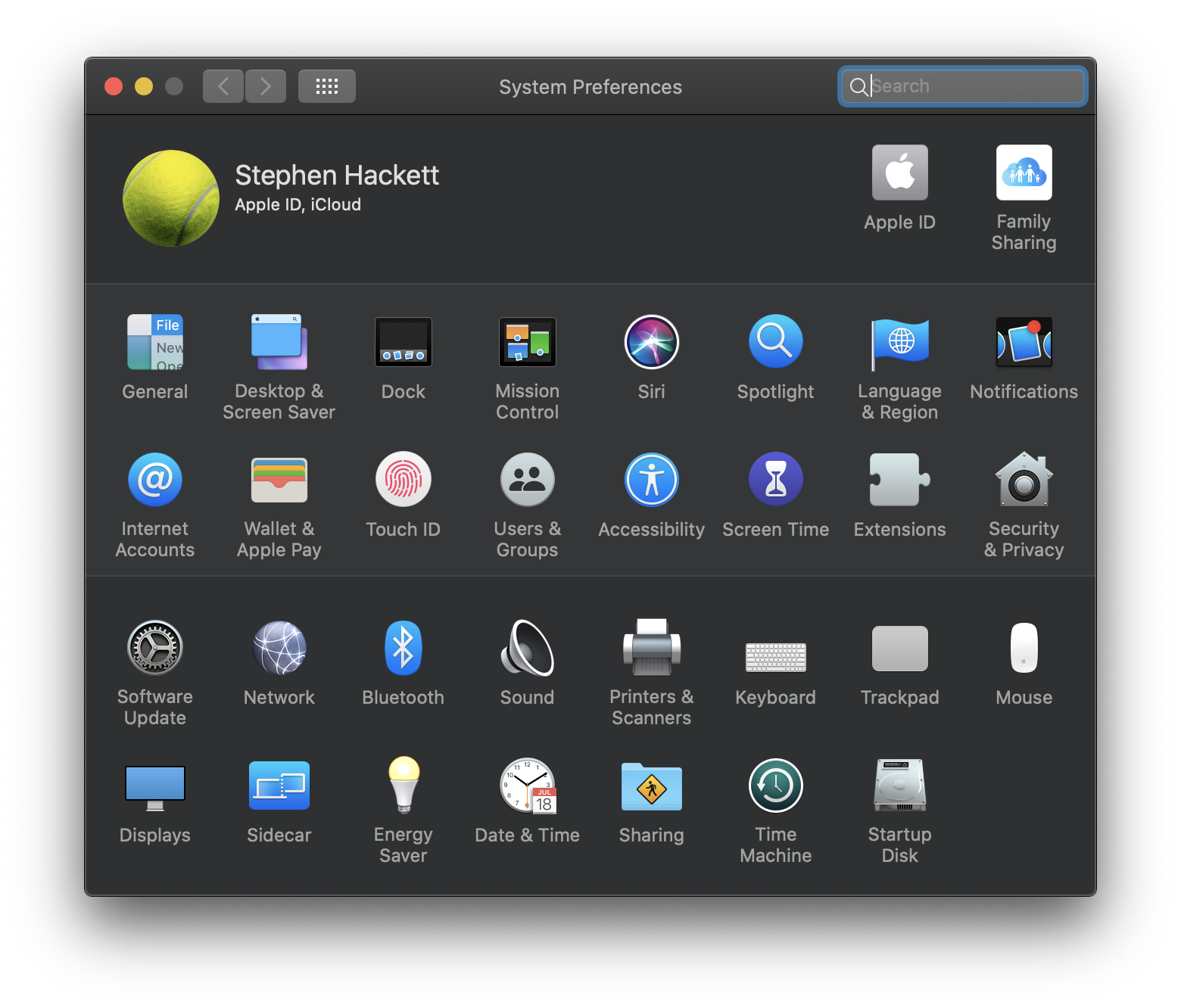
System Preferences
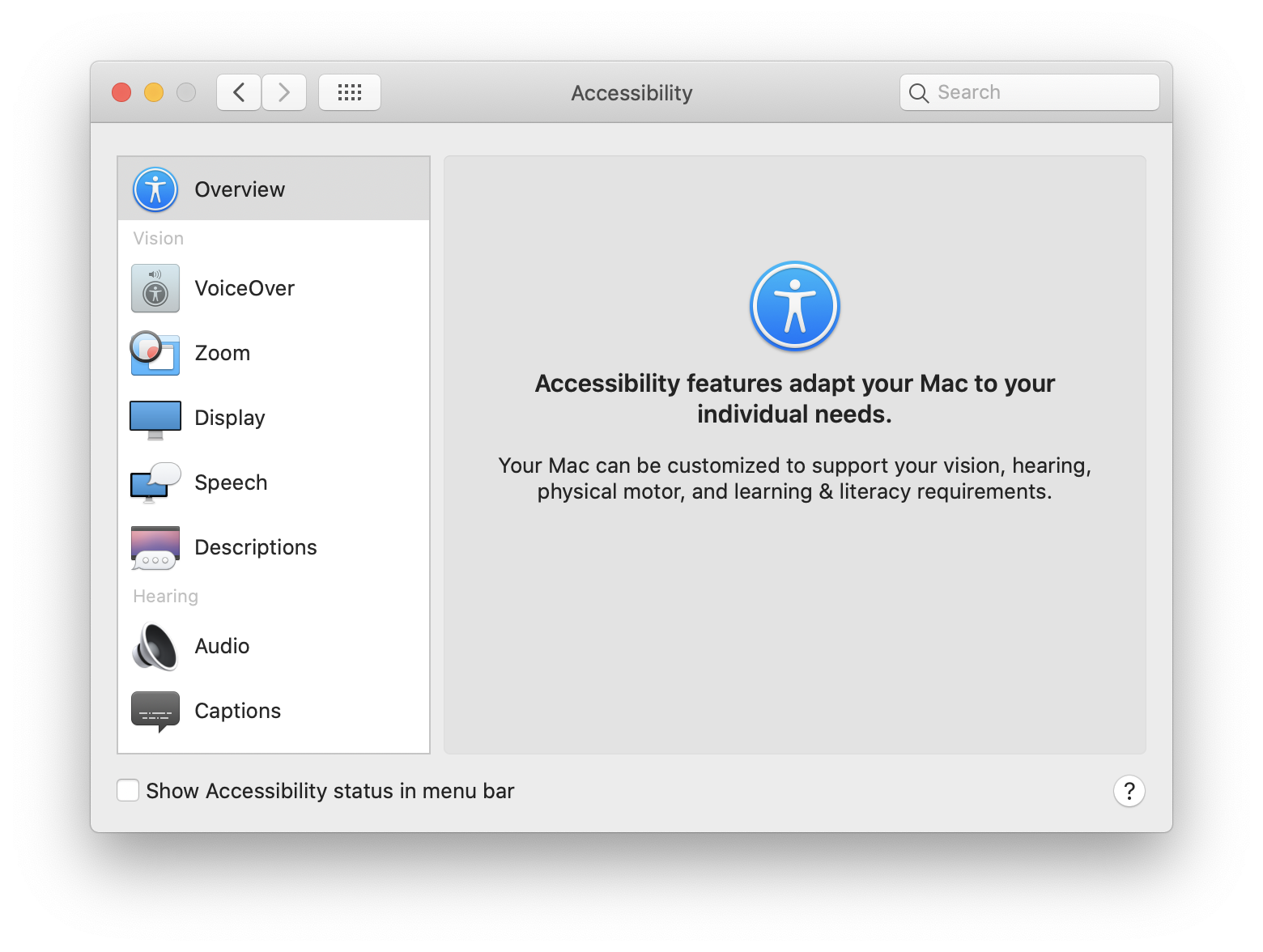
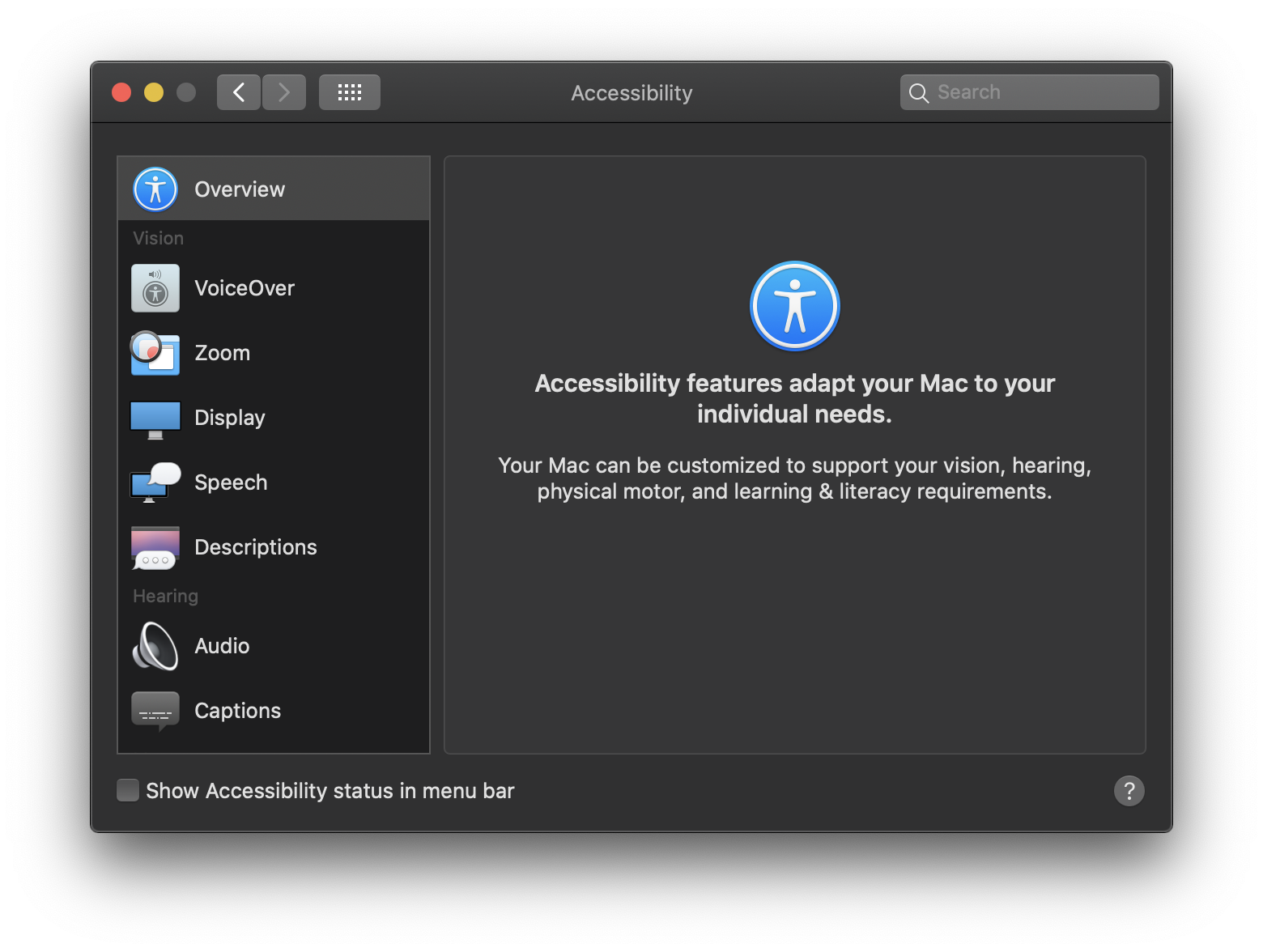
System Preferences: Accessibility
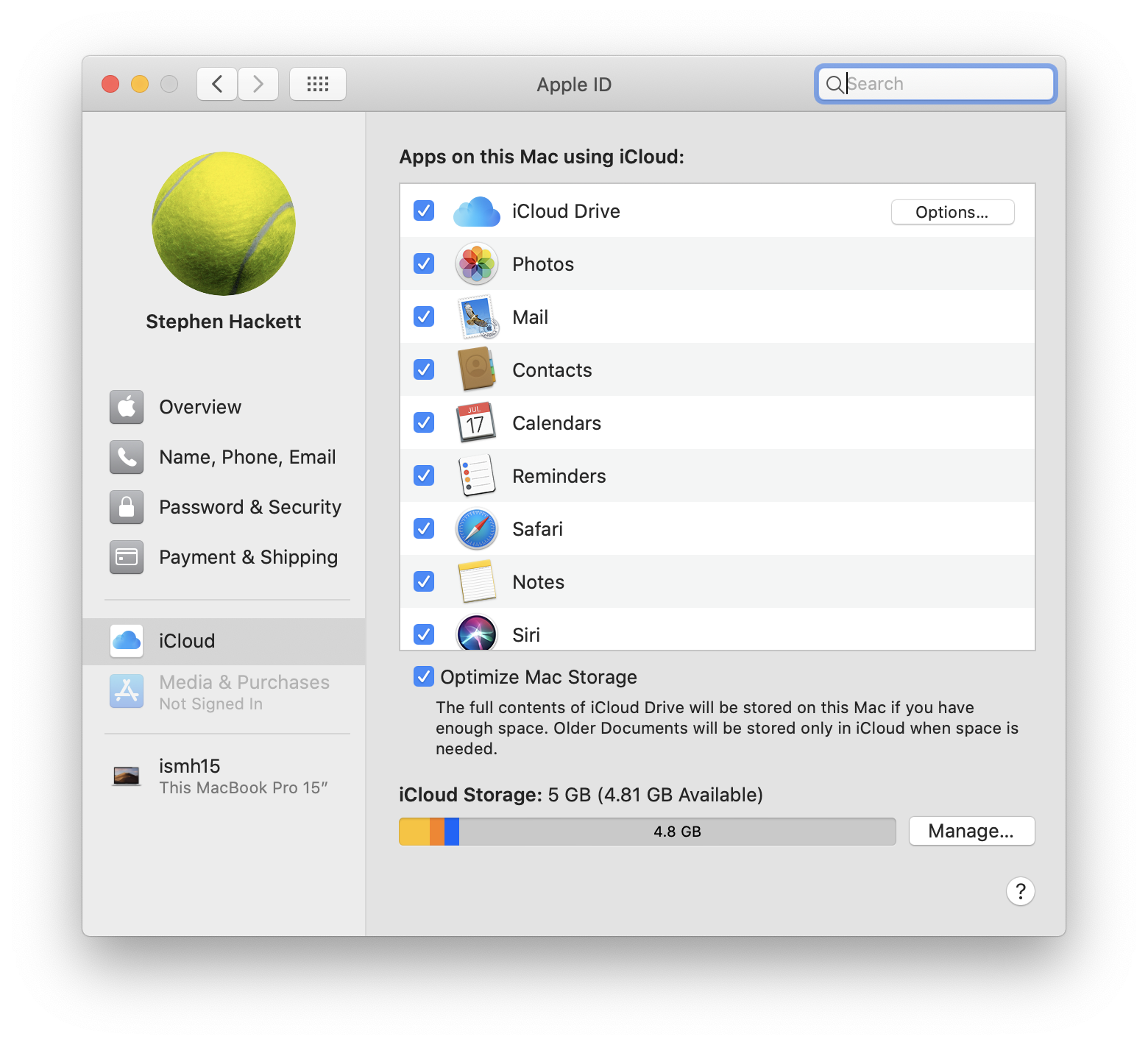
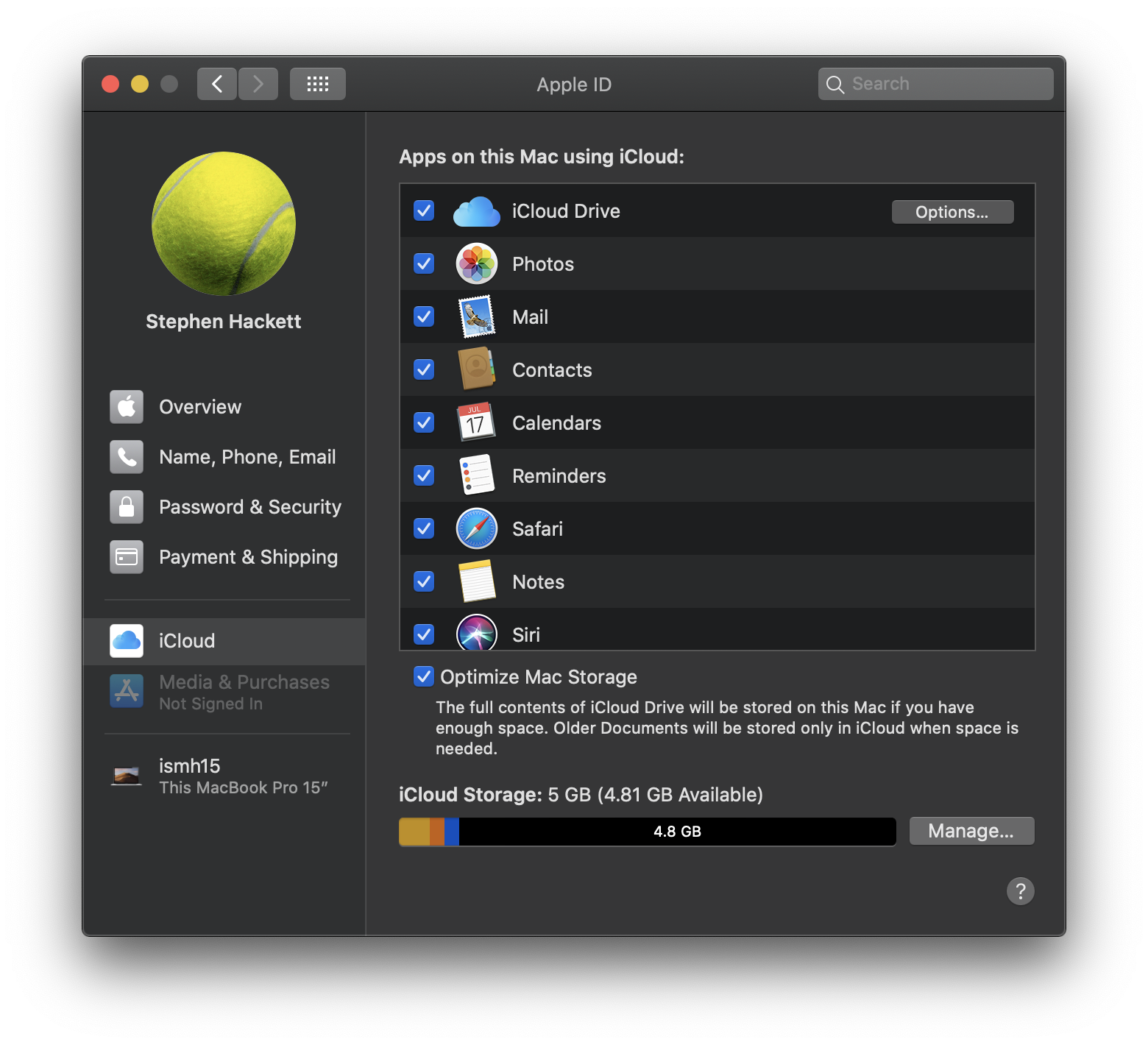
System Preferences: Apple ID
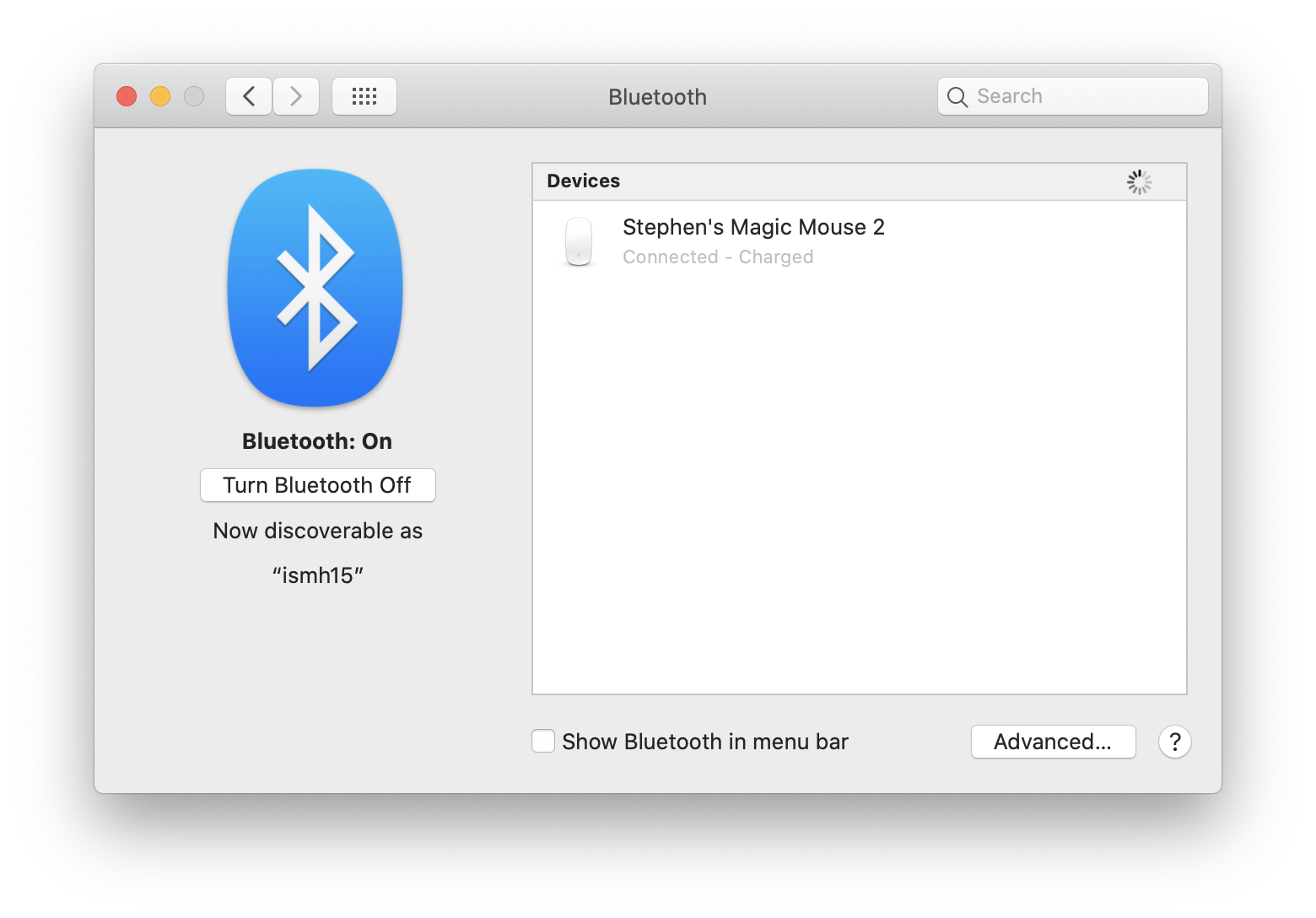
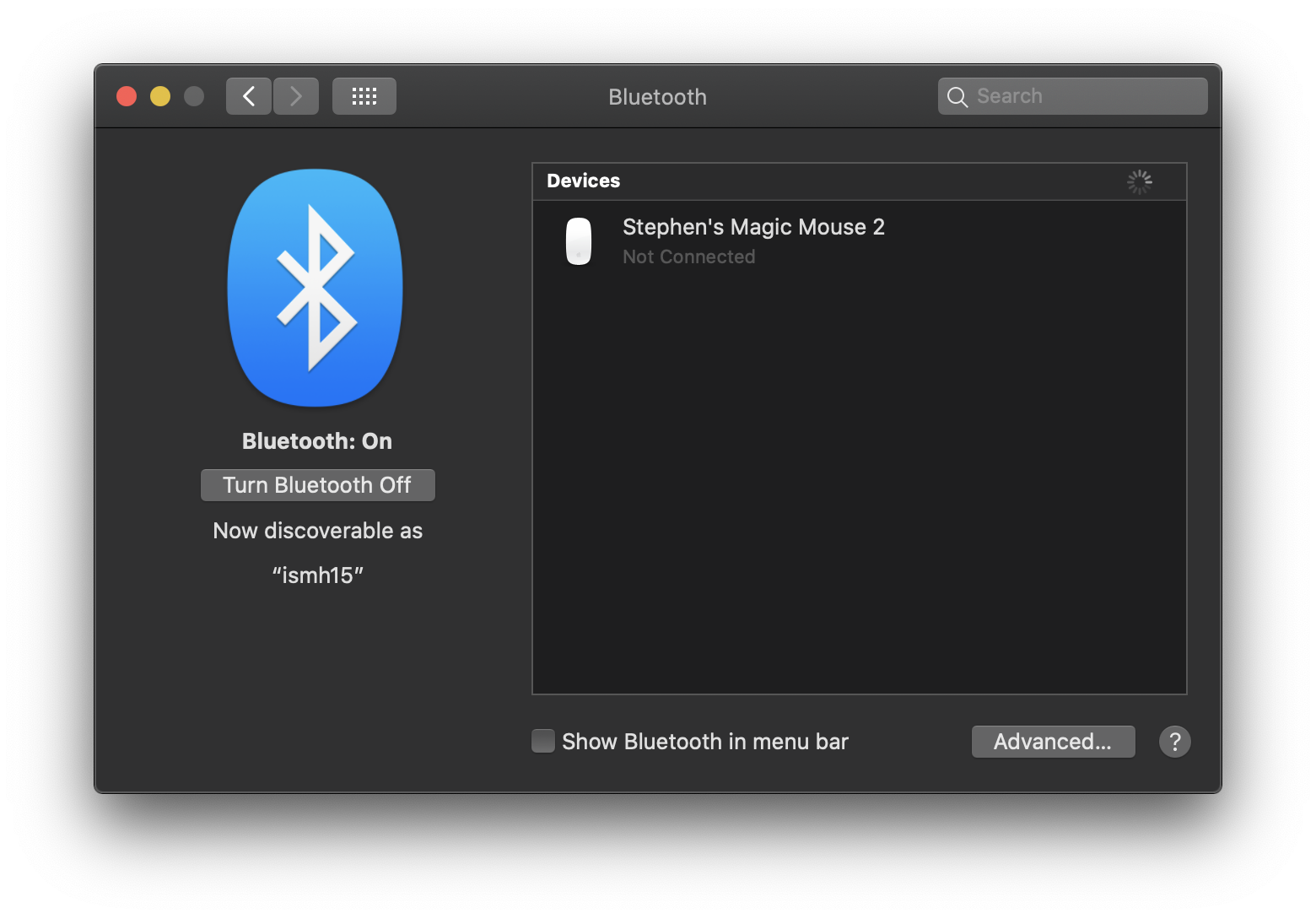
System Preferences: Bluetooth
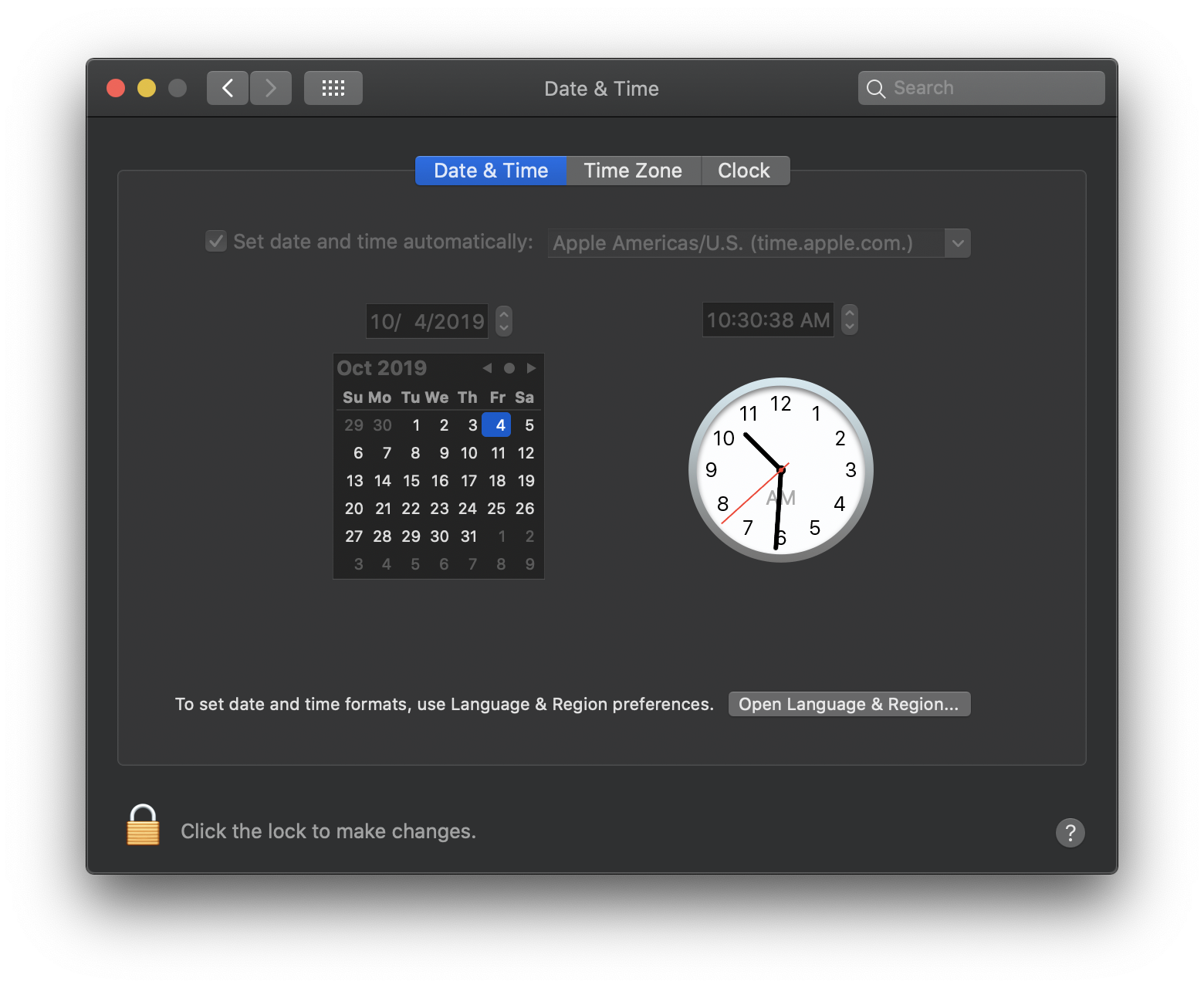
System Preferences: Date & Time
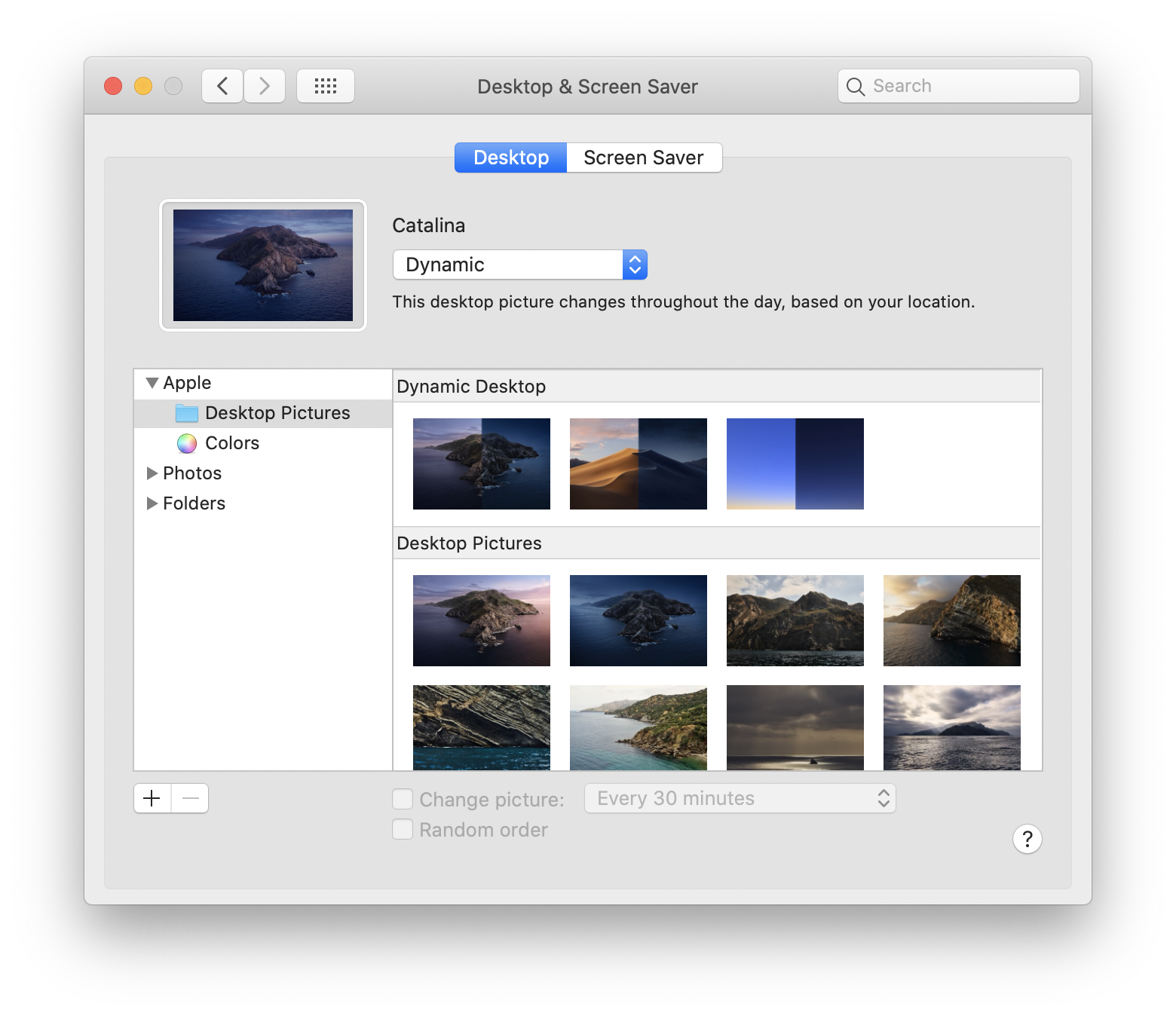
System Preferences: Desktop & Screen Saver
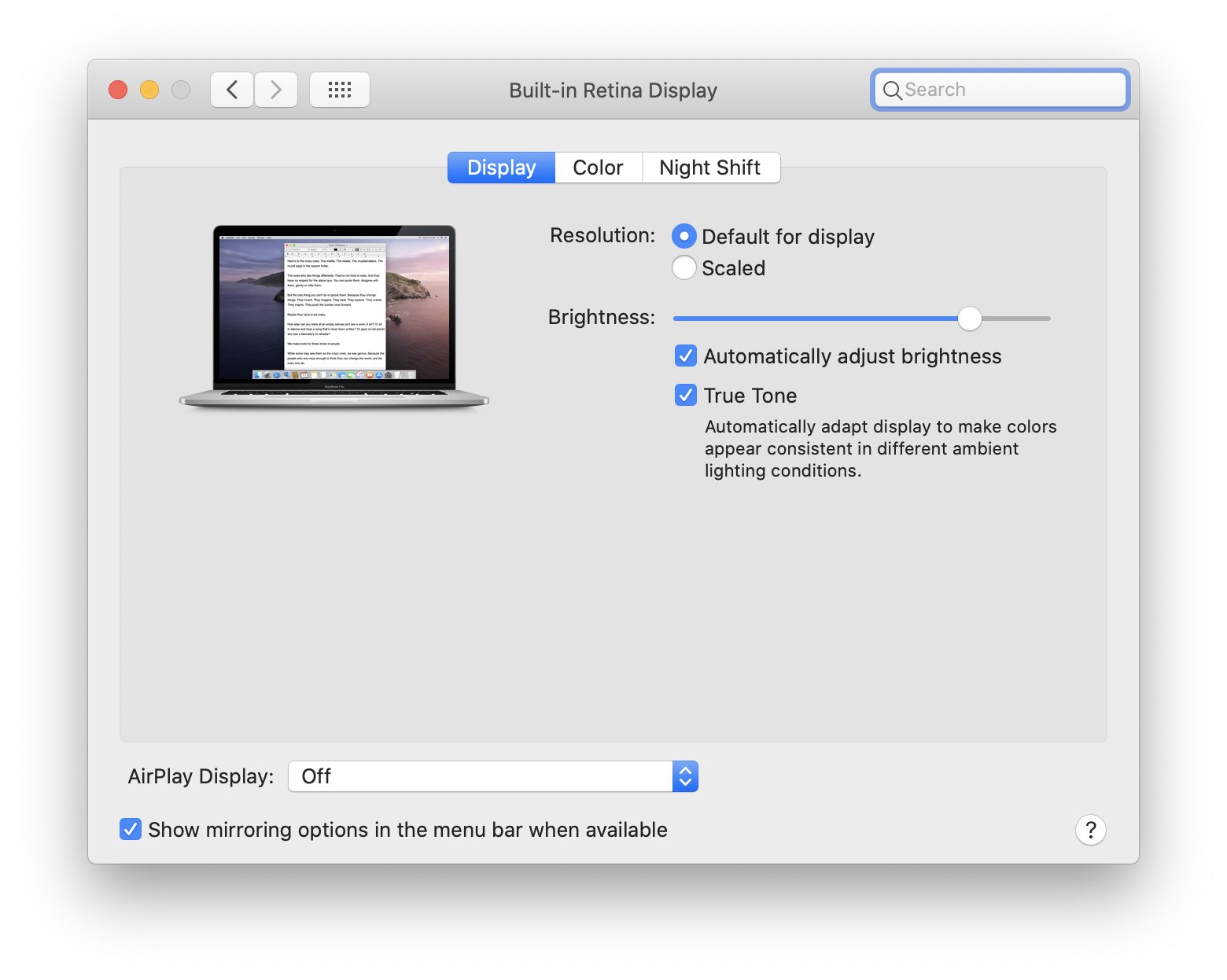
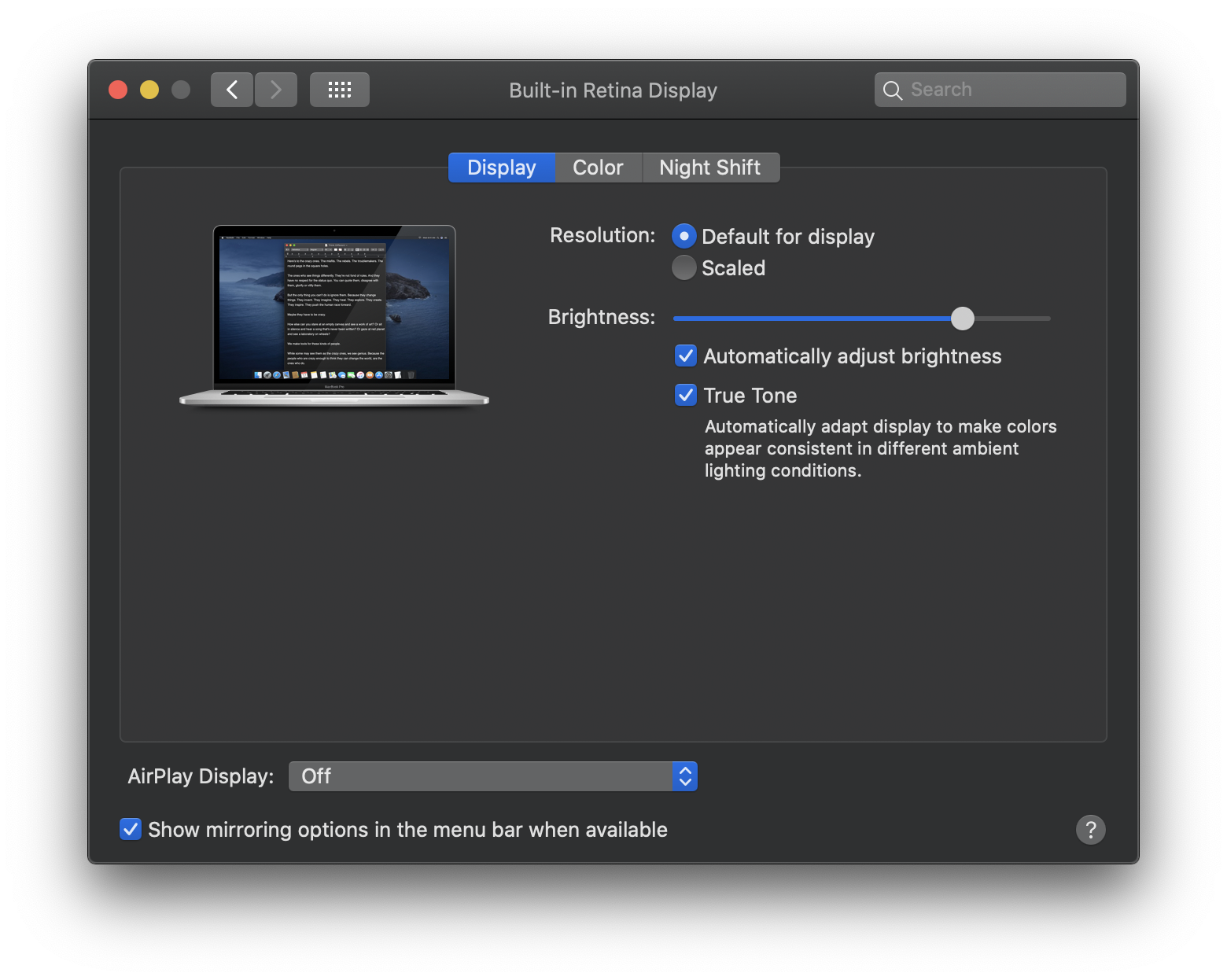
System Preferences: Displays
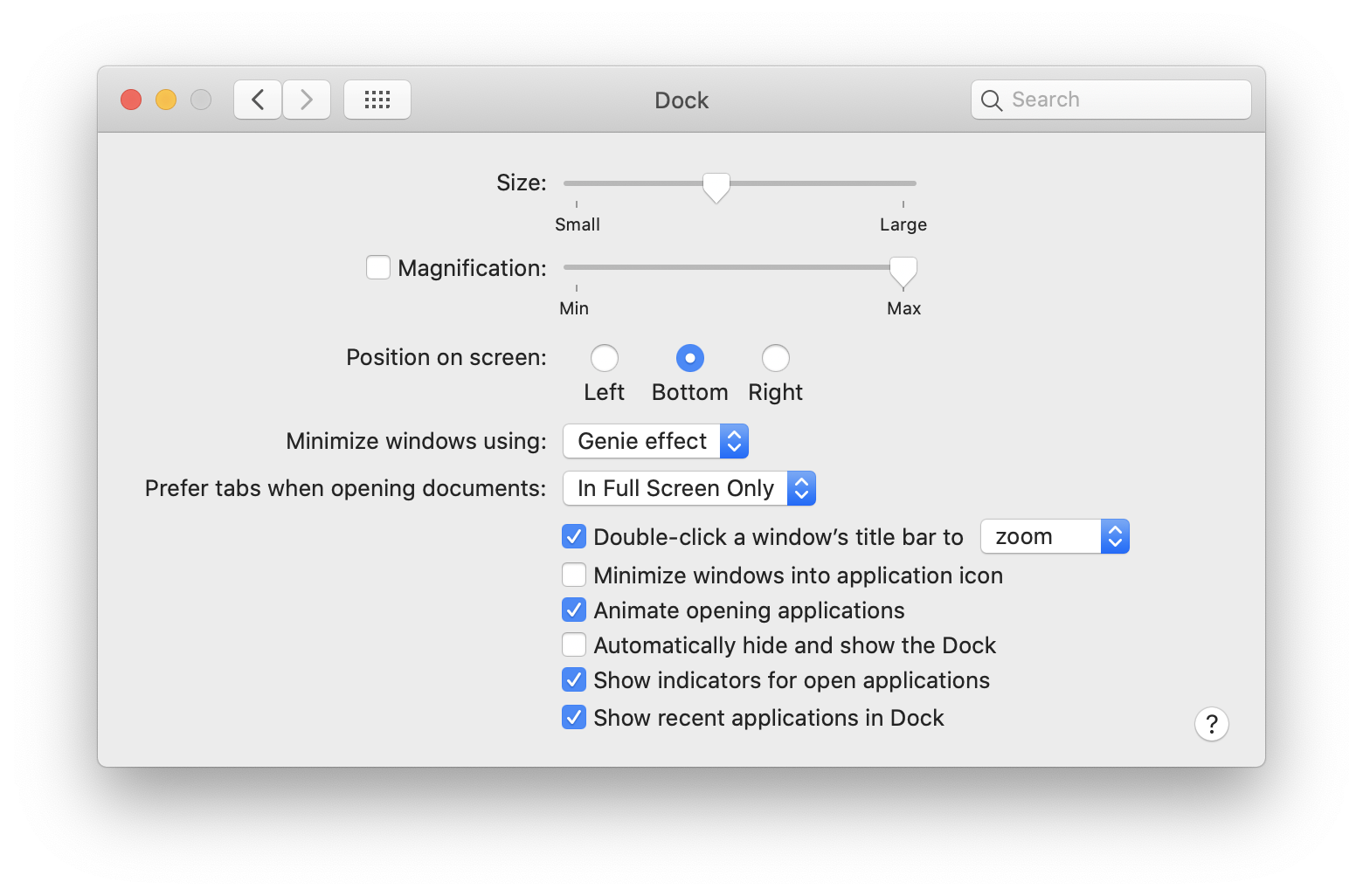
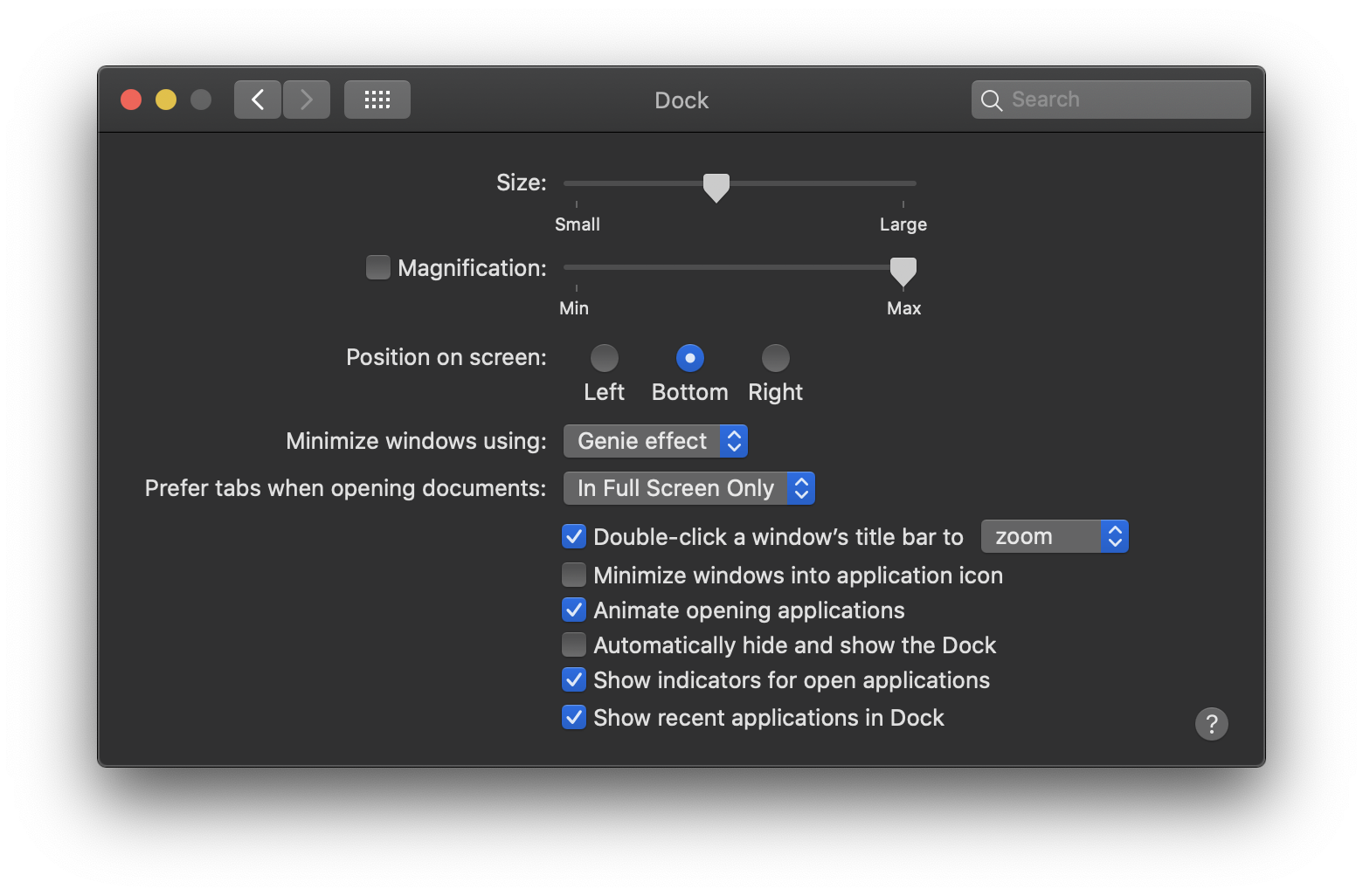
System Preferences: Dock
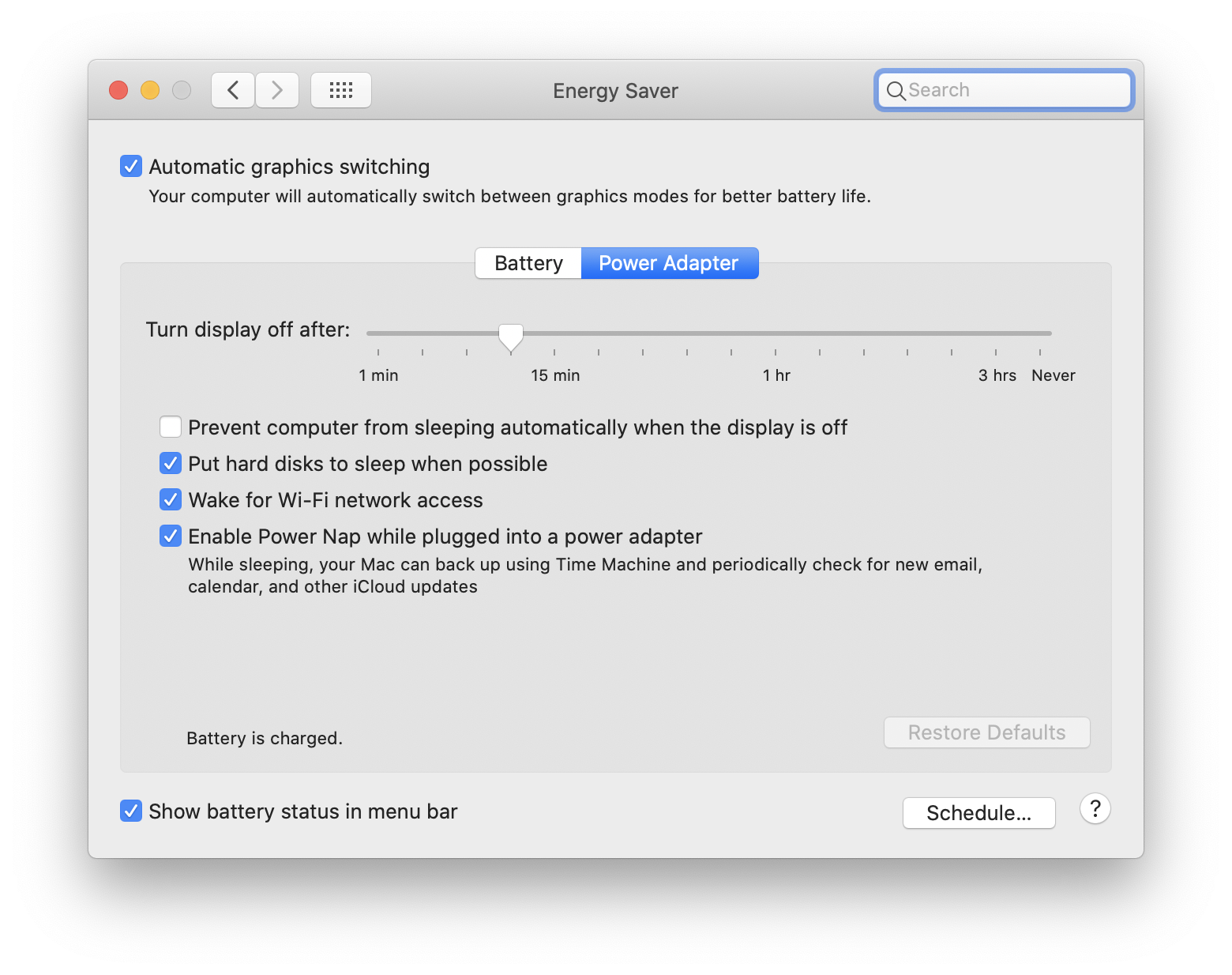
System Preferences: Energy Saver
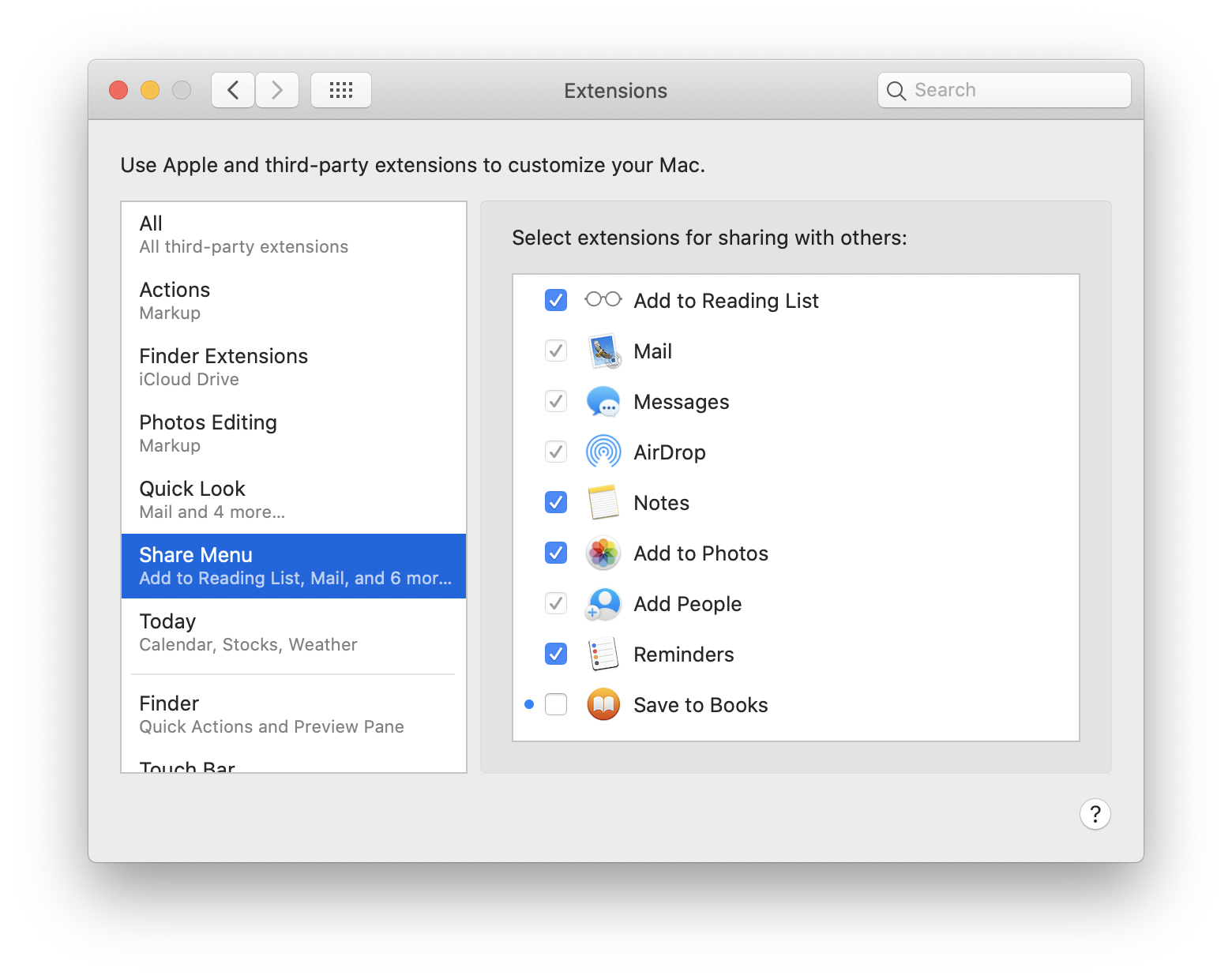
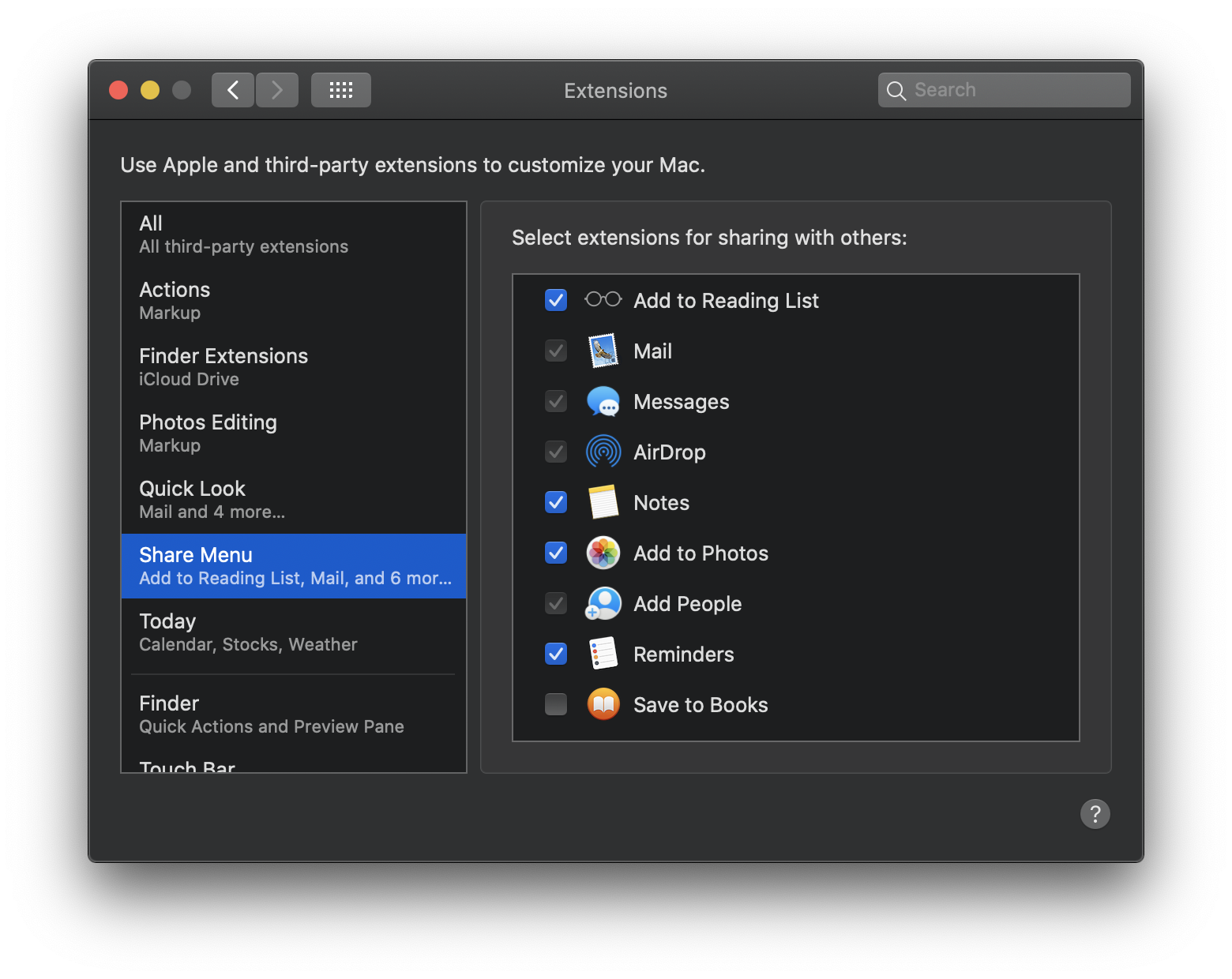
System Preferences: Extensions
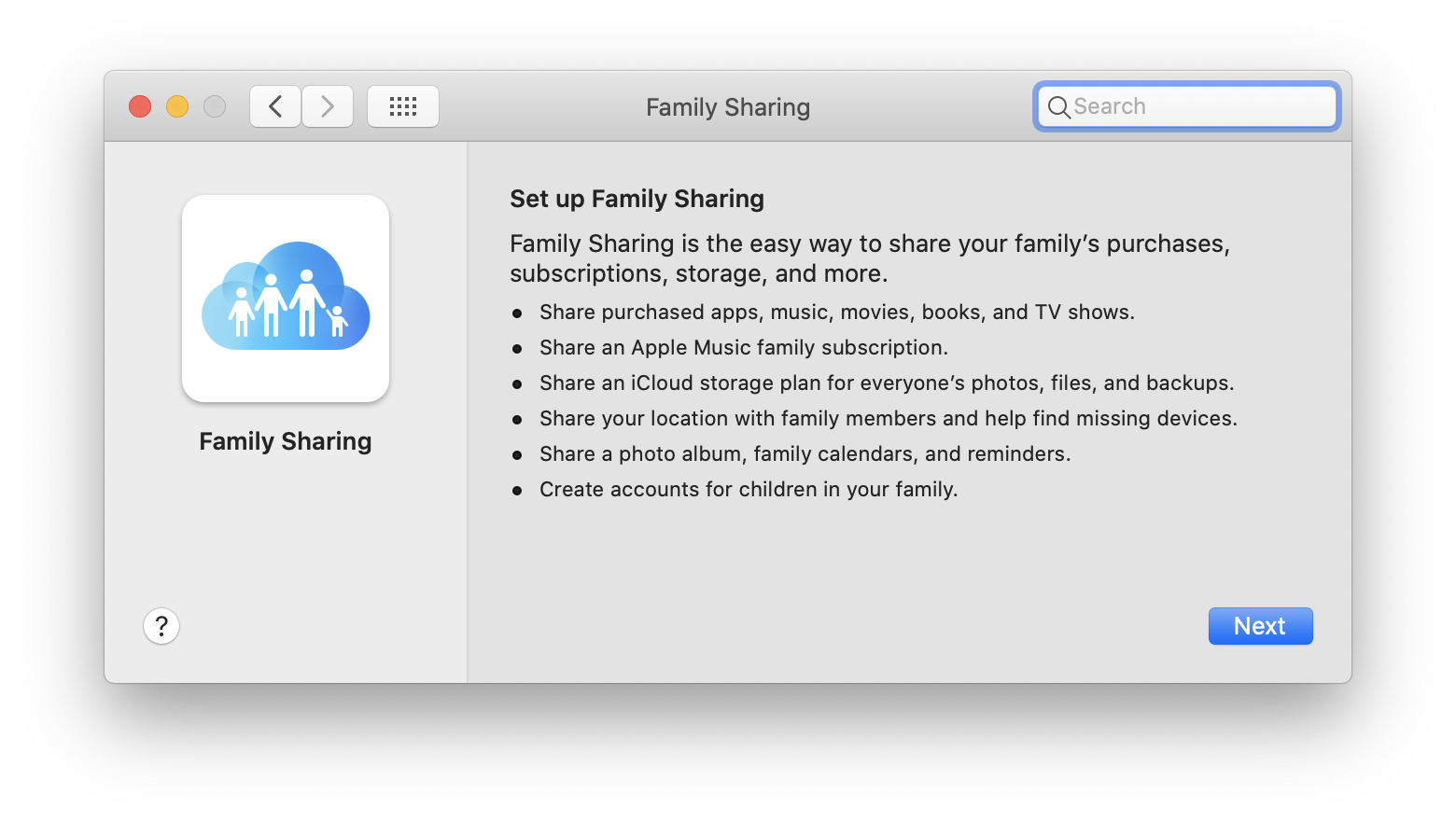
System Preferences: Family Sharing
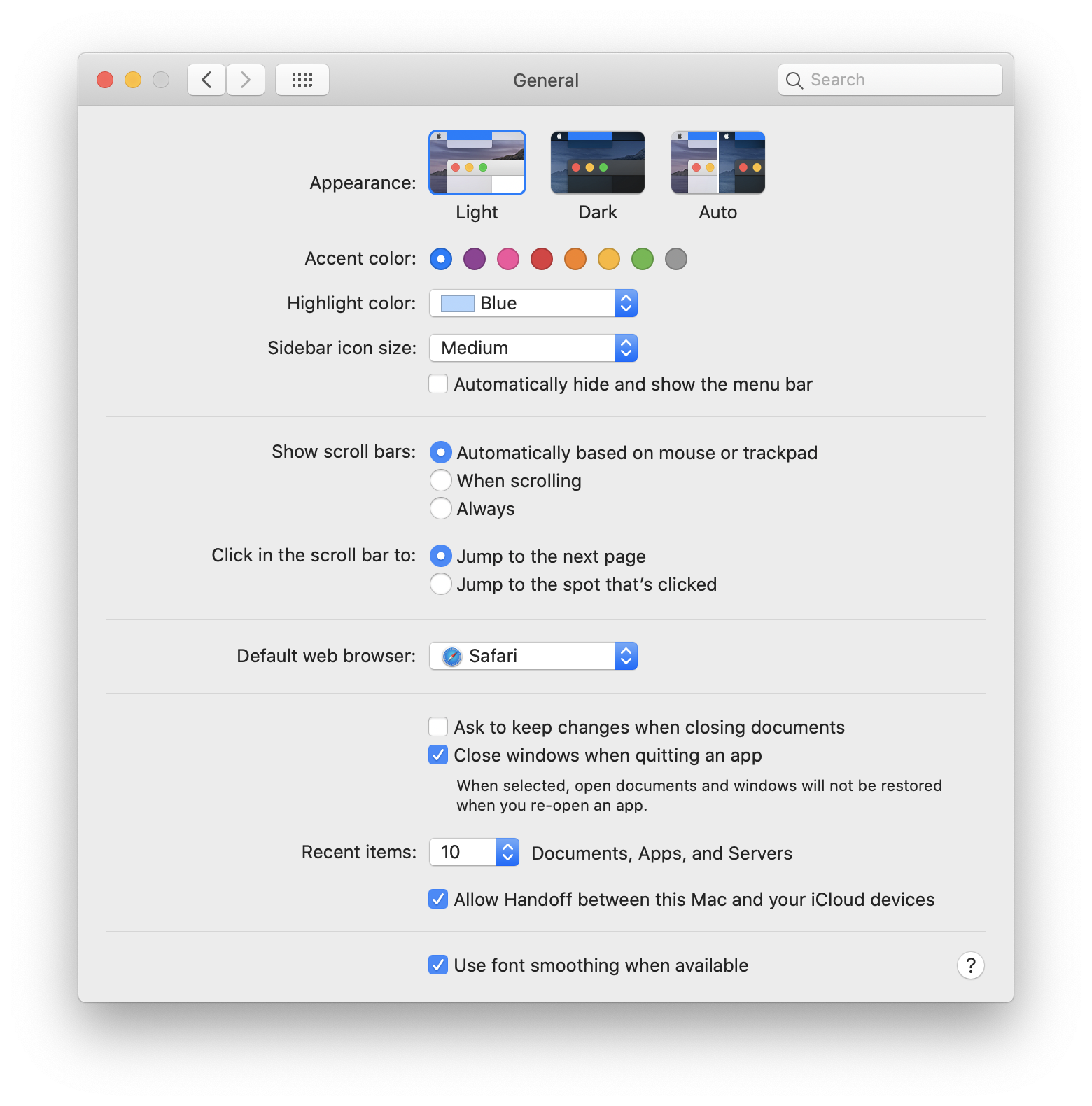
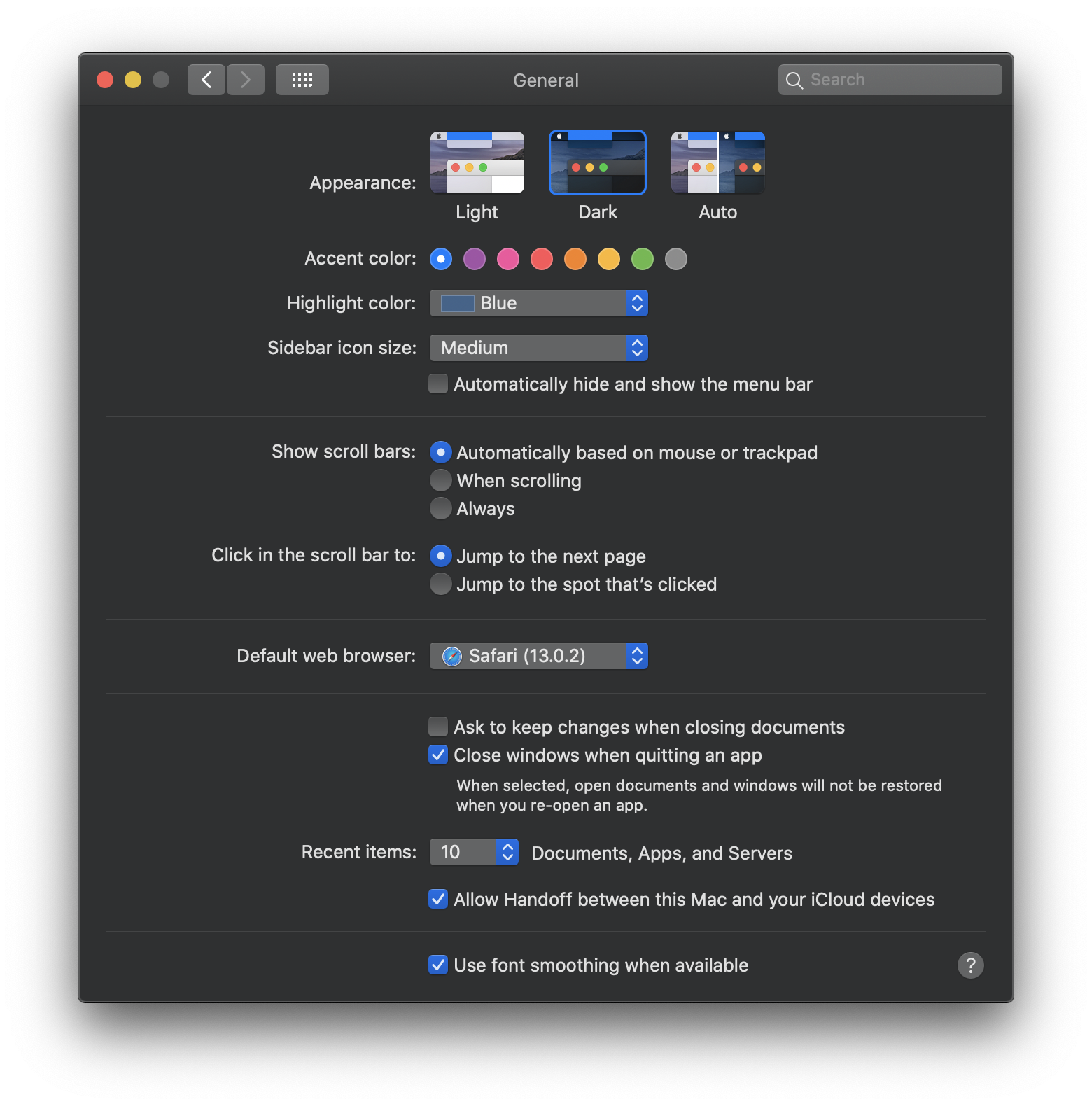
System Preferences: General
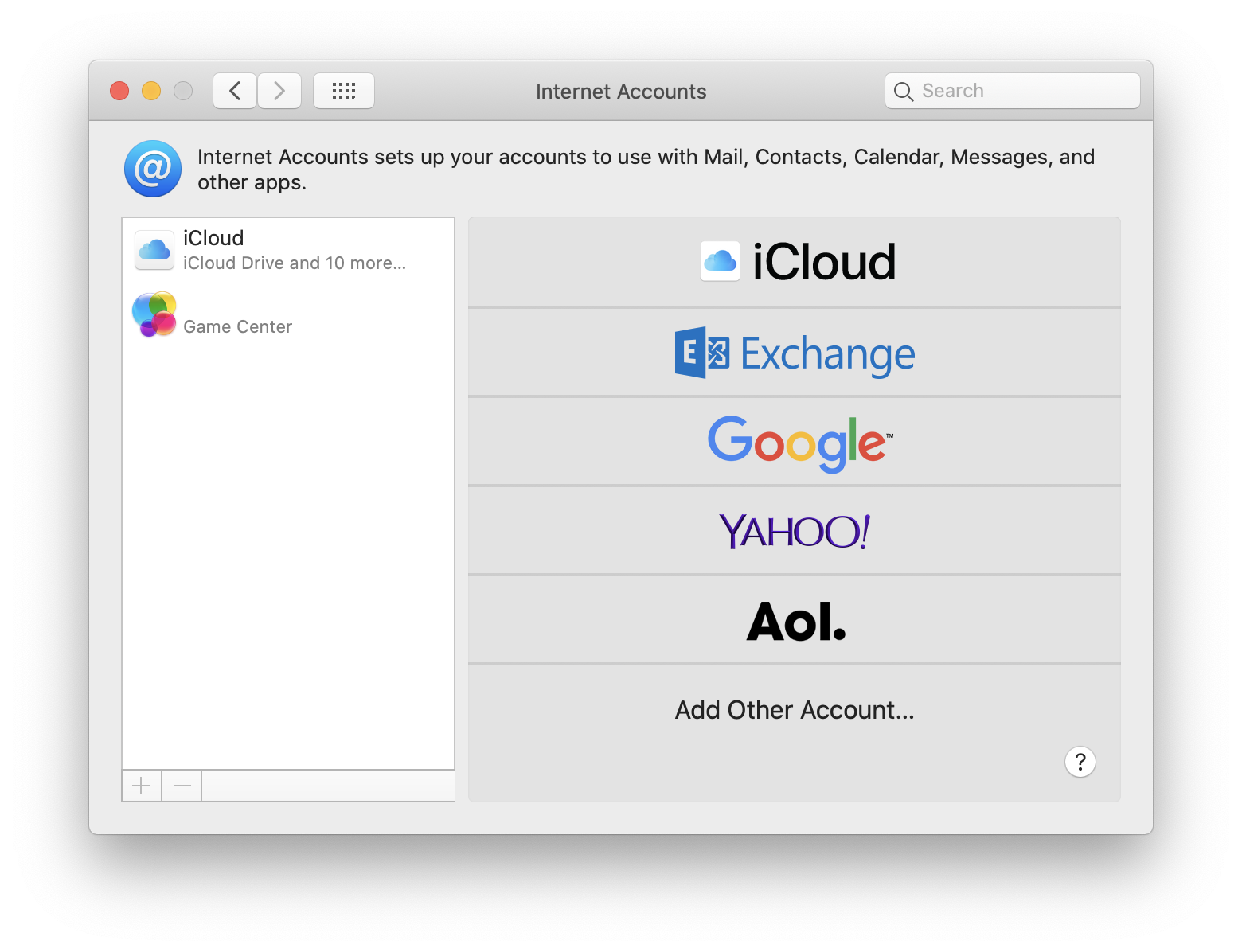
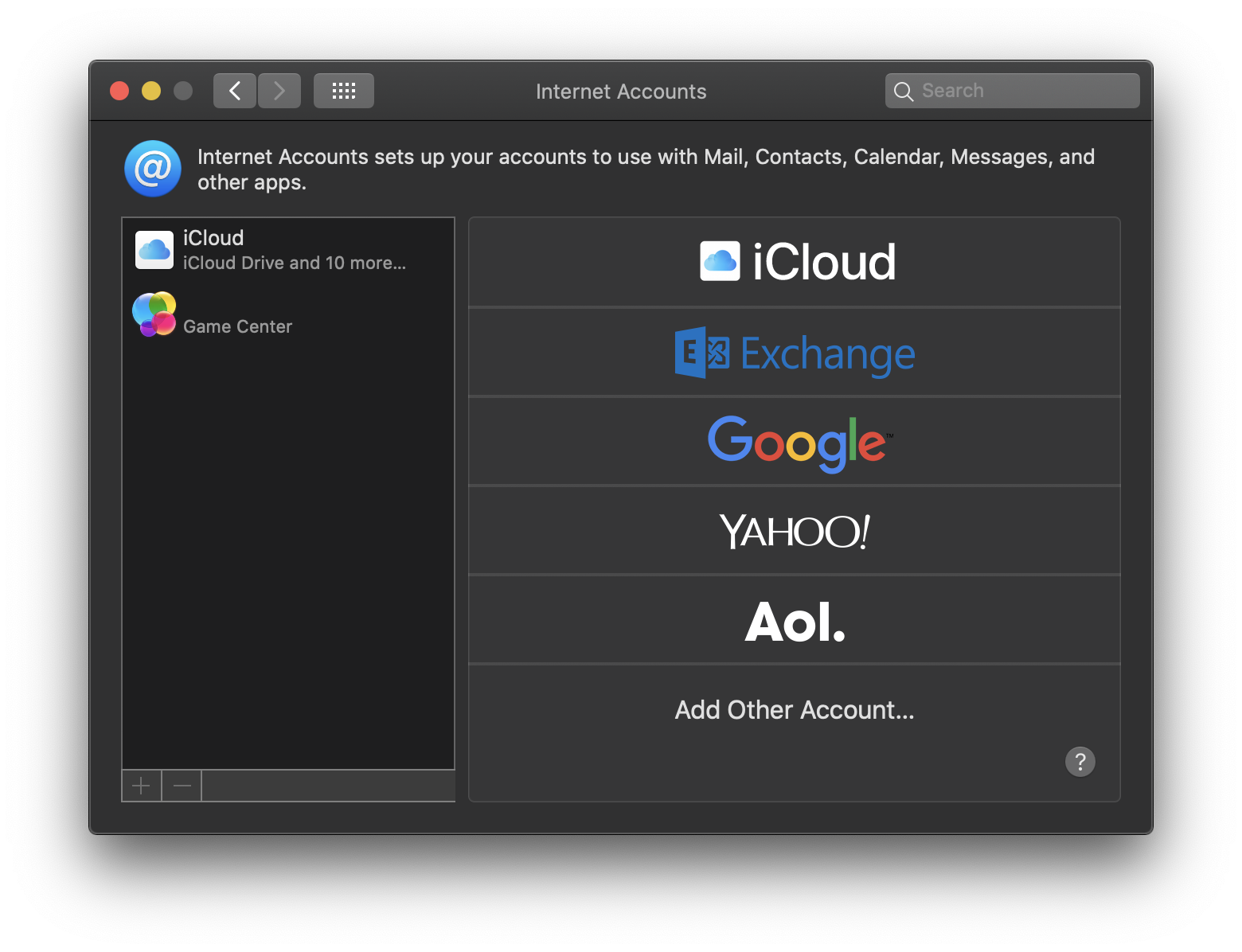
System Preferences: Internet Accounts
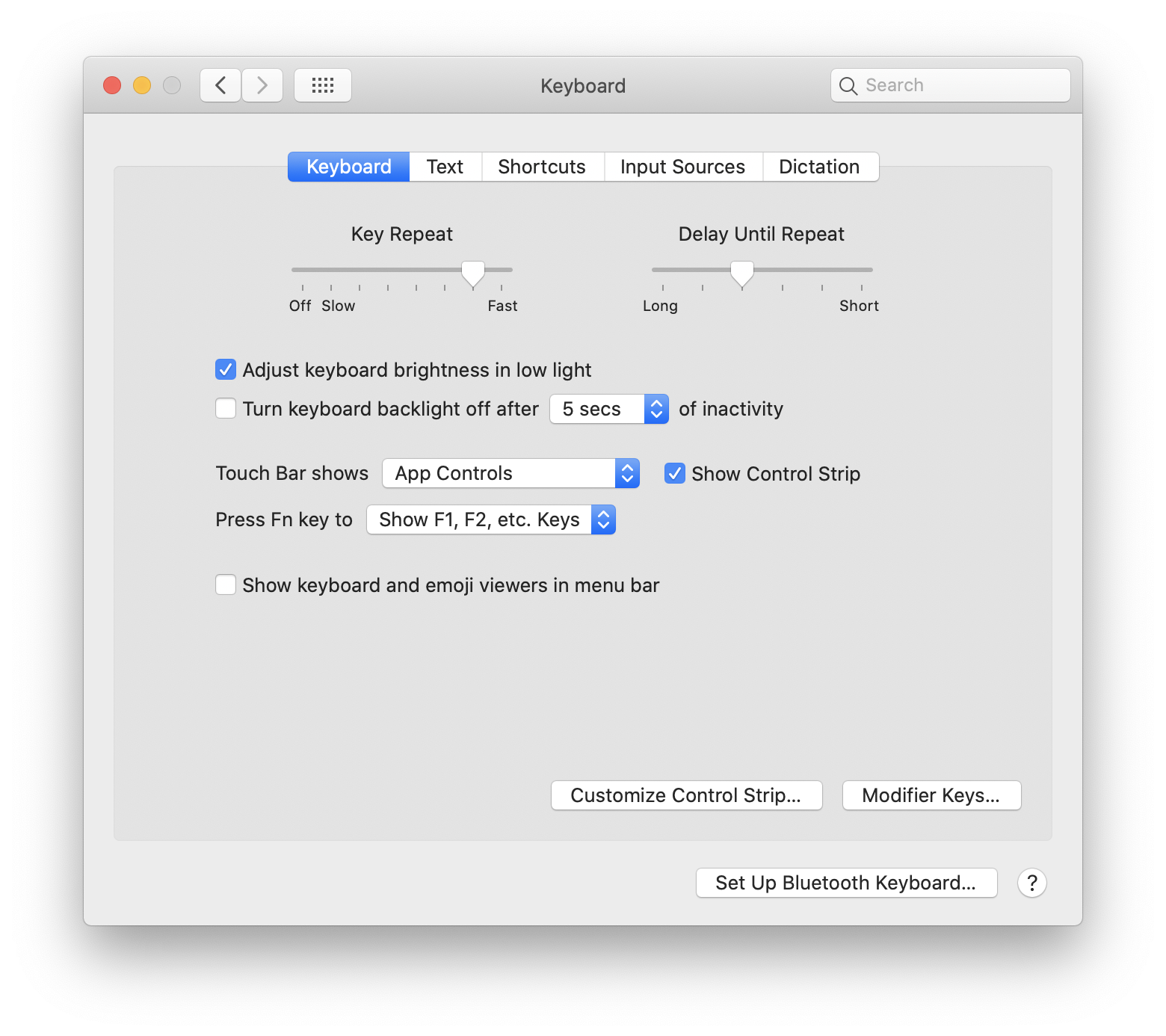
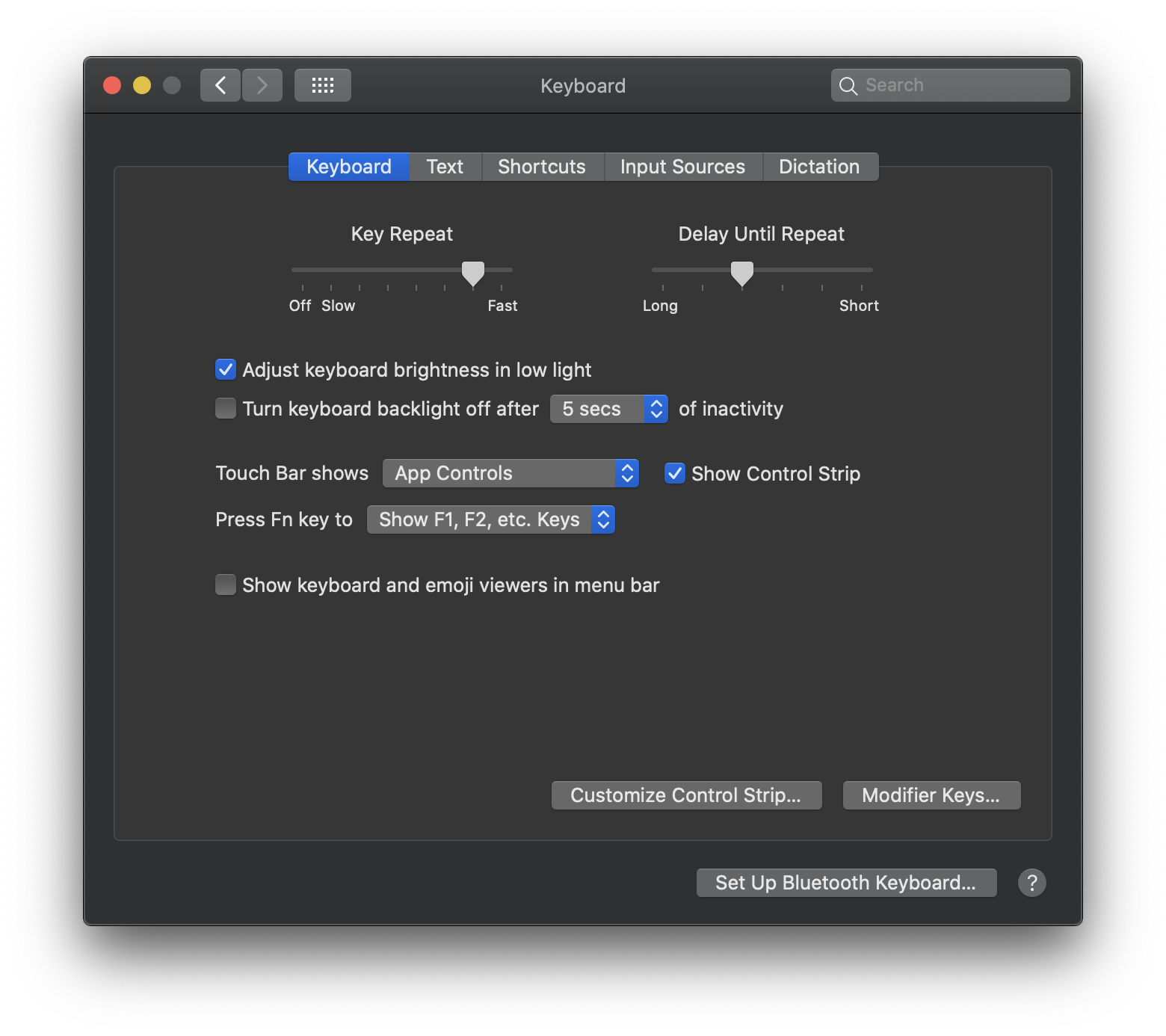
System Preferences: Keyboard
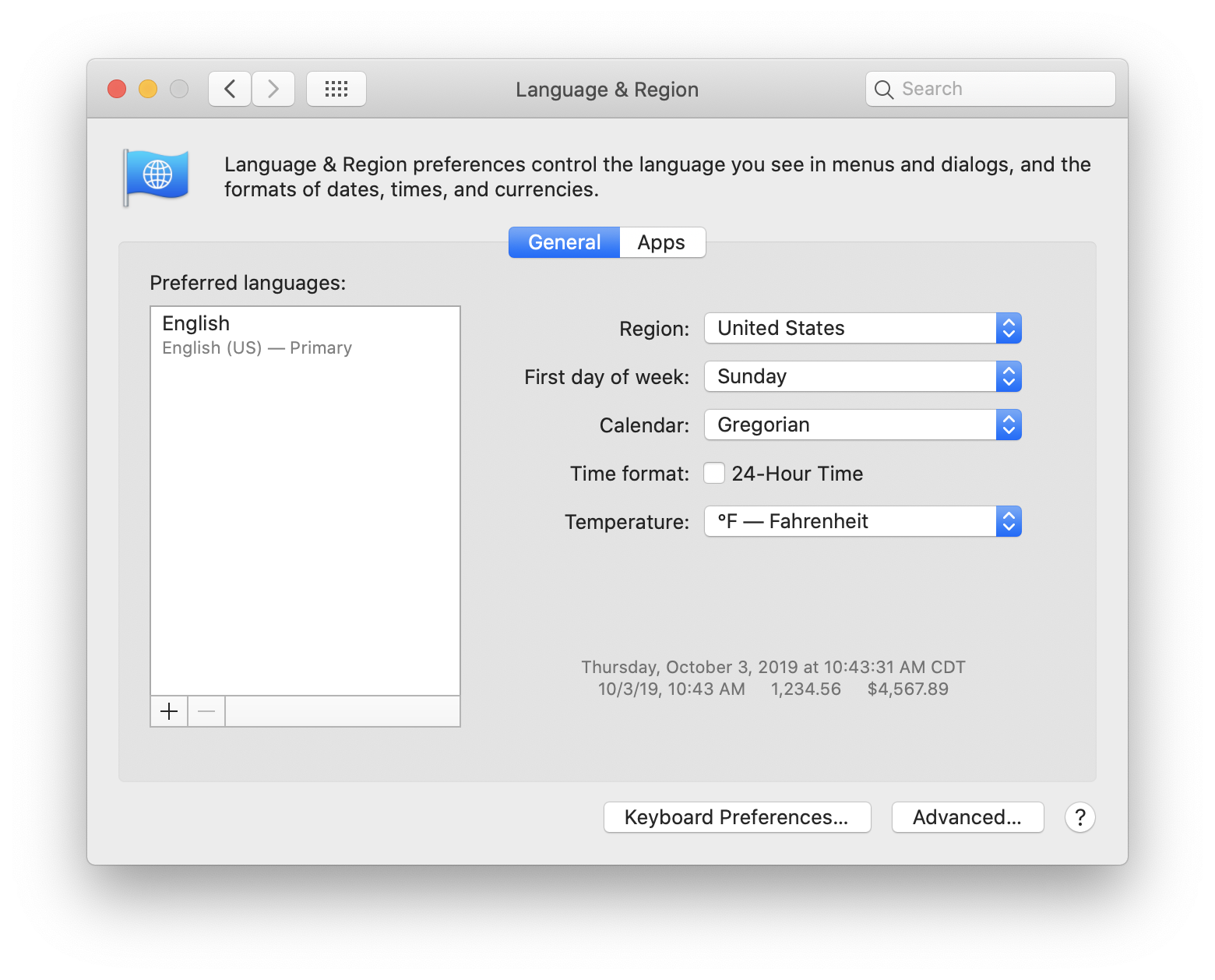
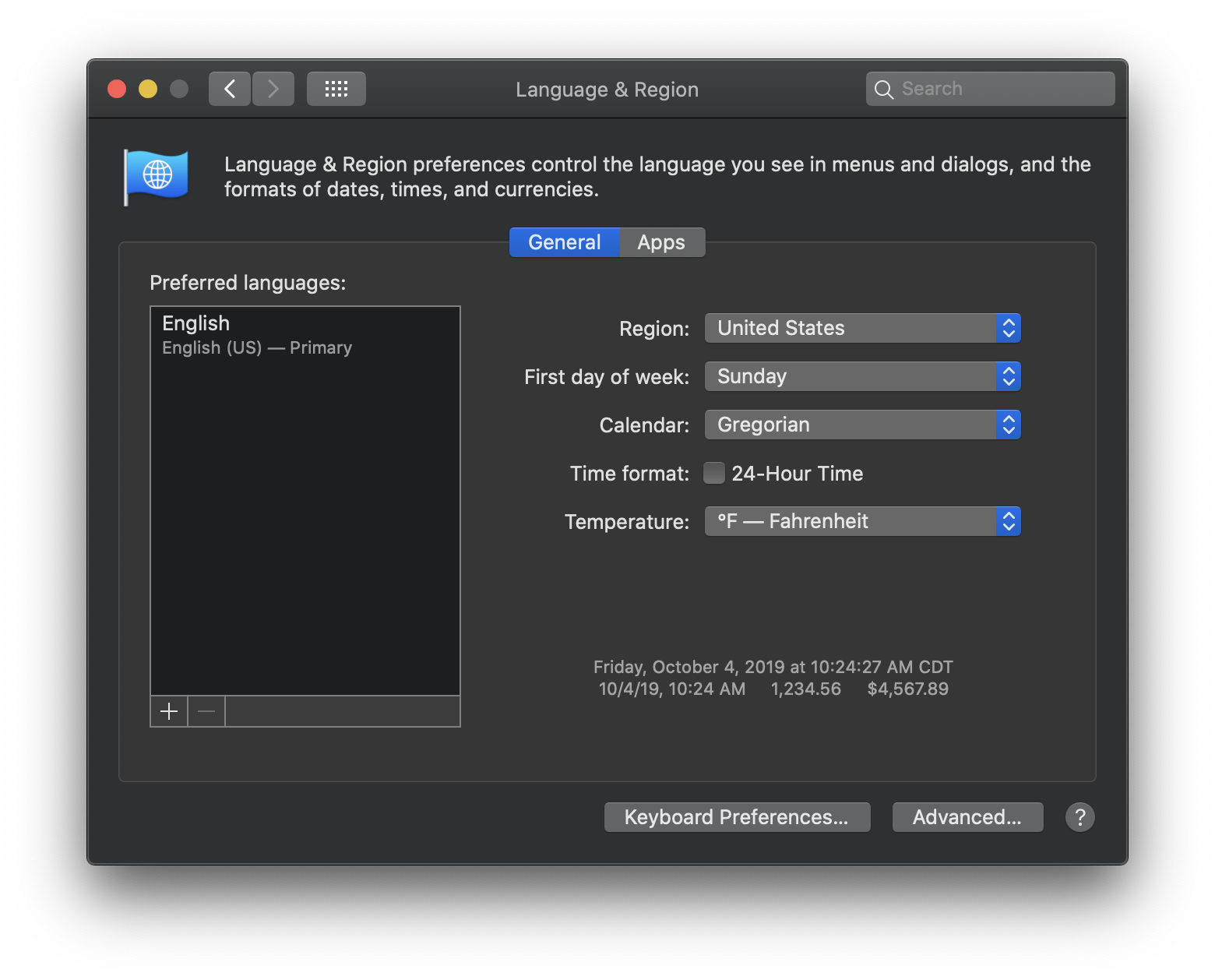
System Preferences: Language & Region
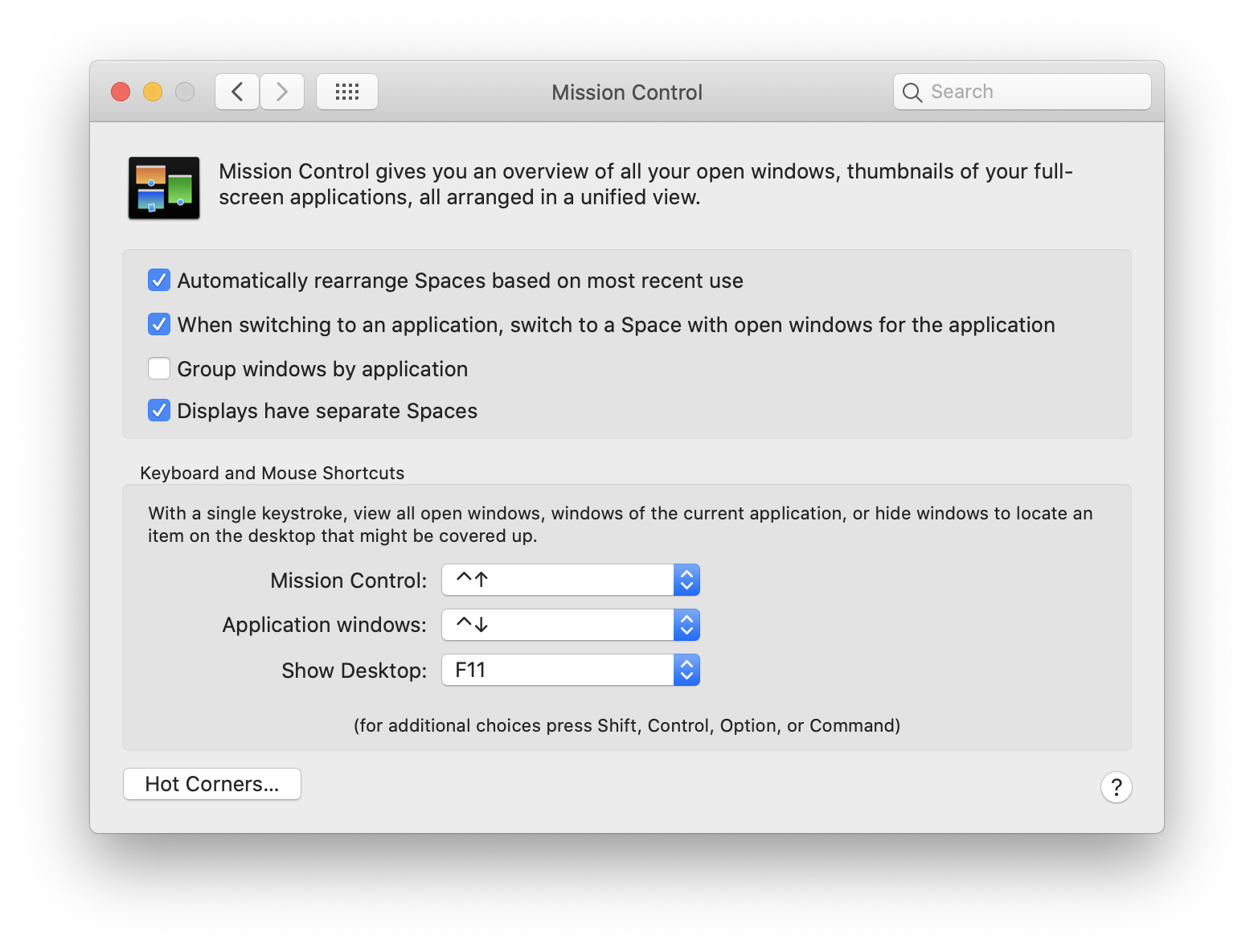
System Preferences: Mission Control
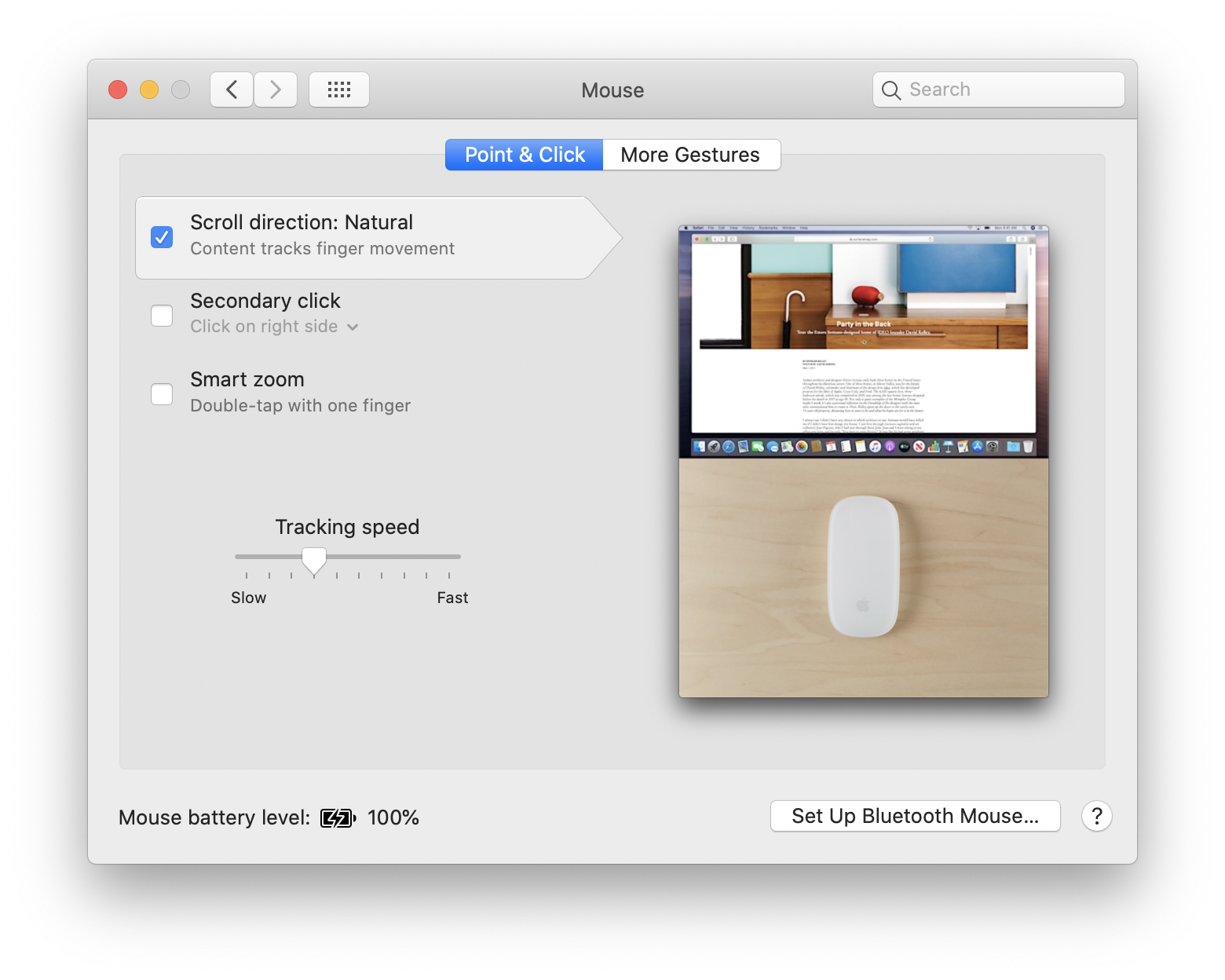
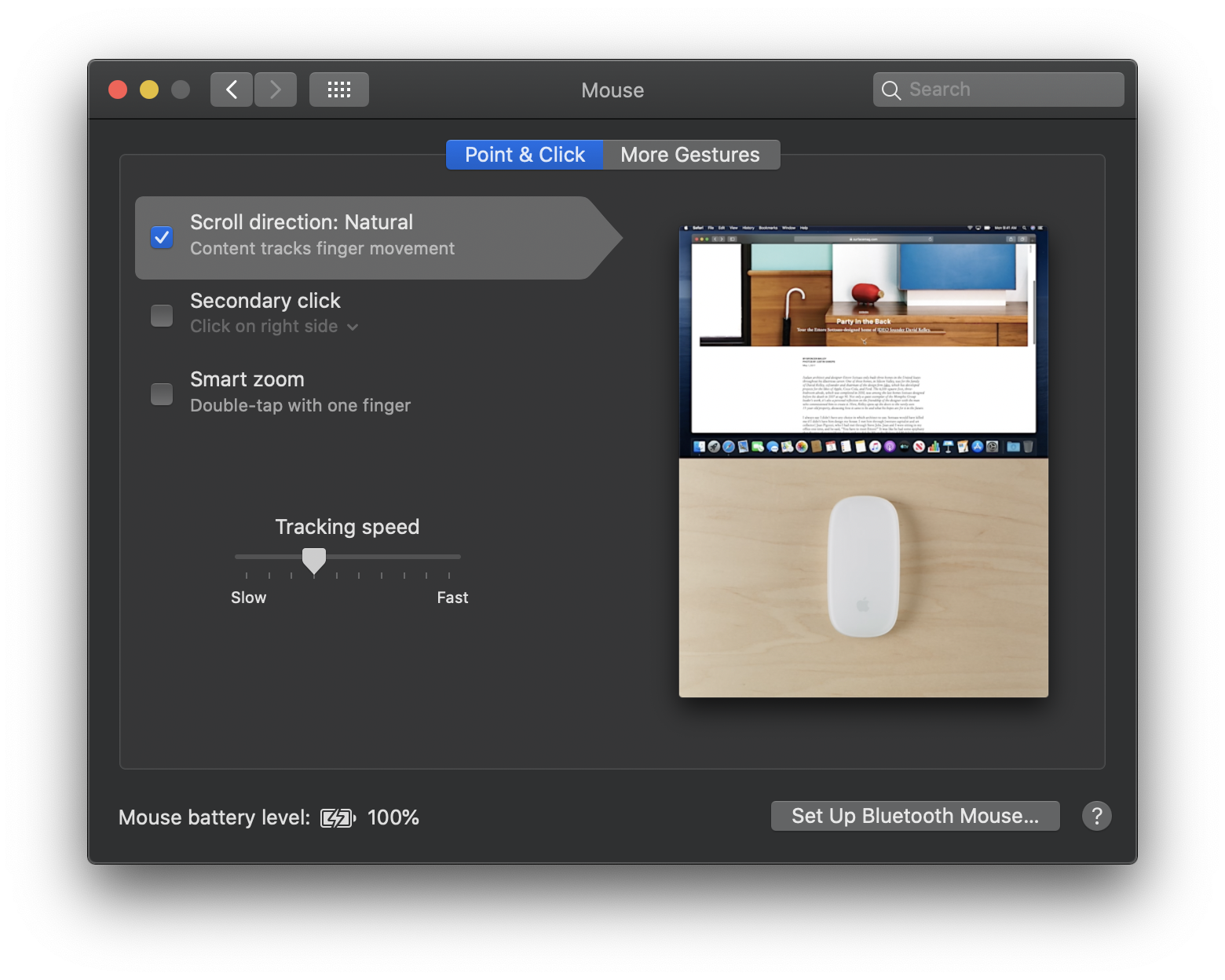
System Preferences: Mouse
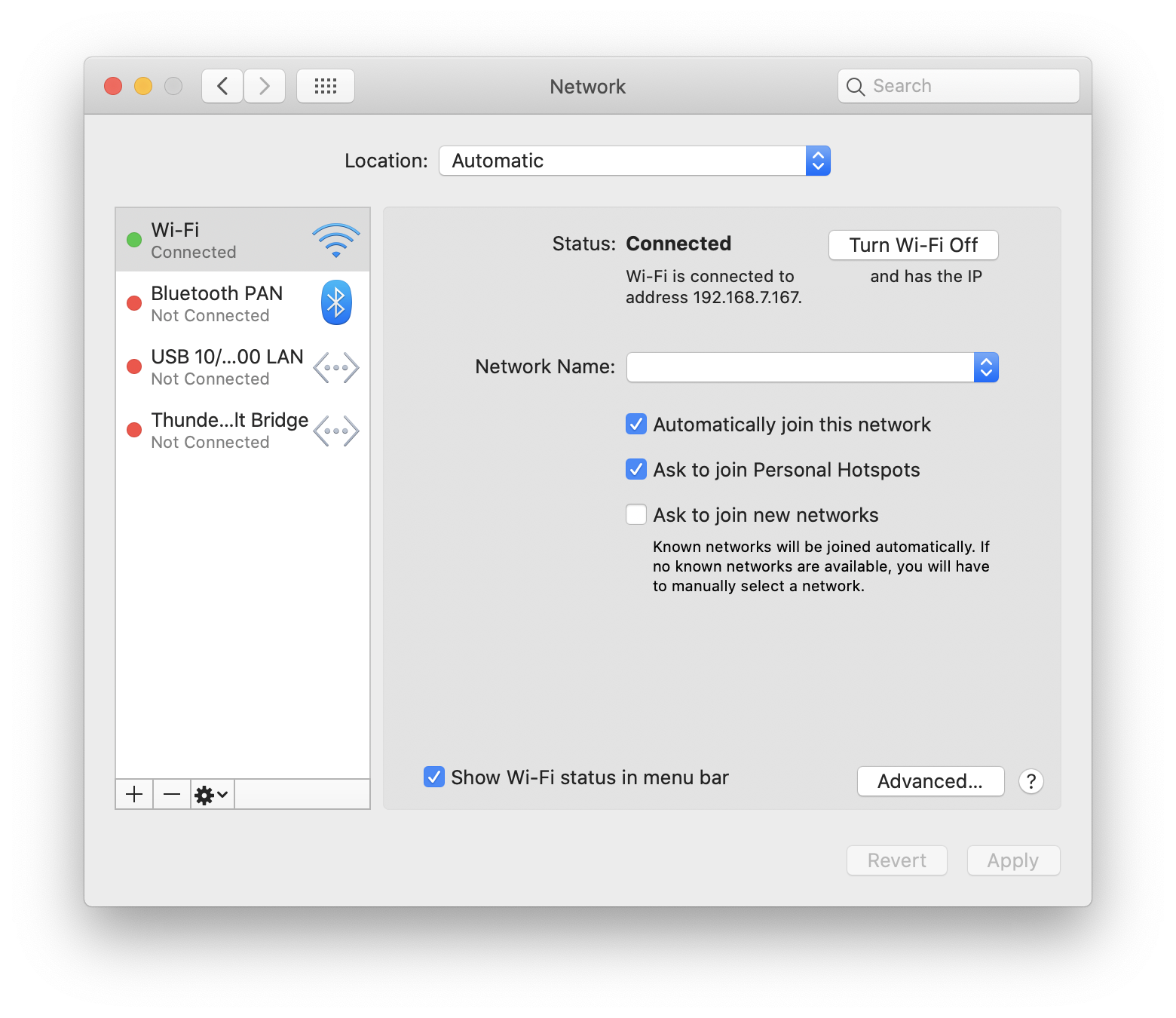
System Preferences: Network
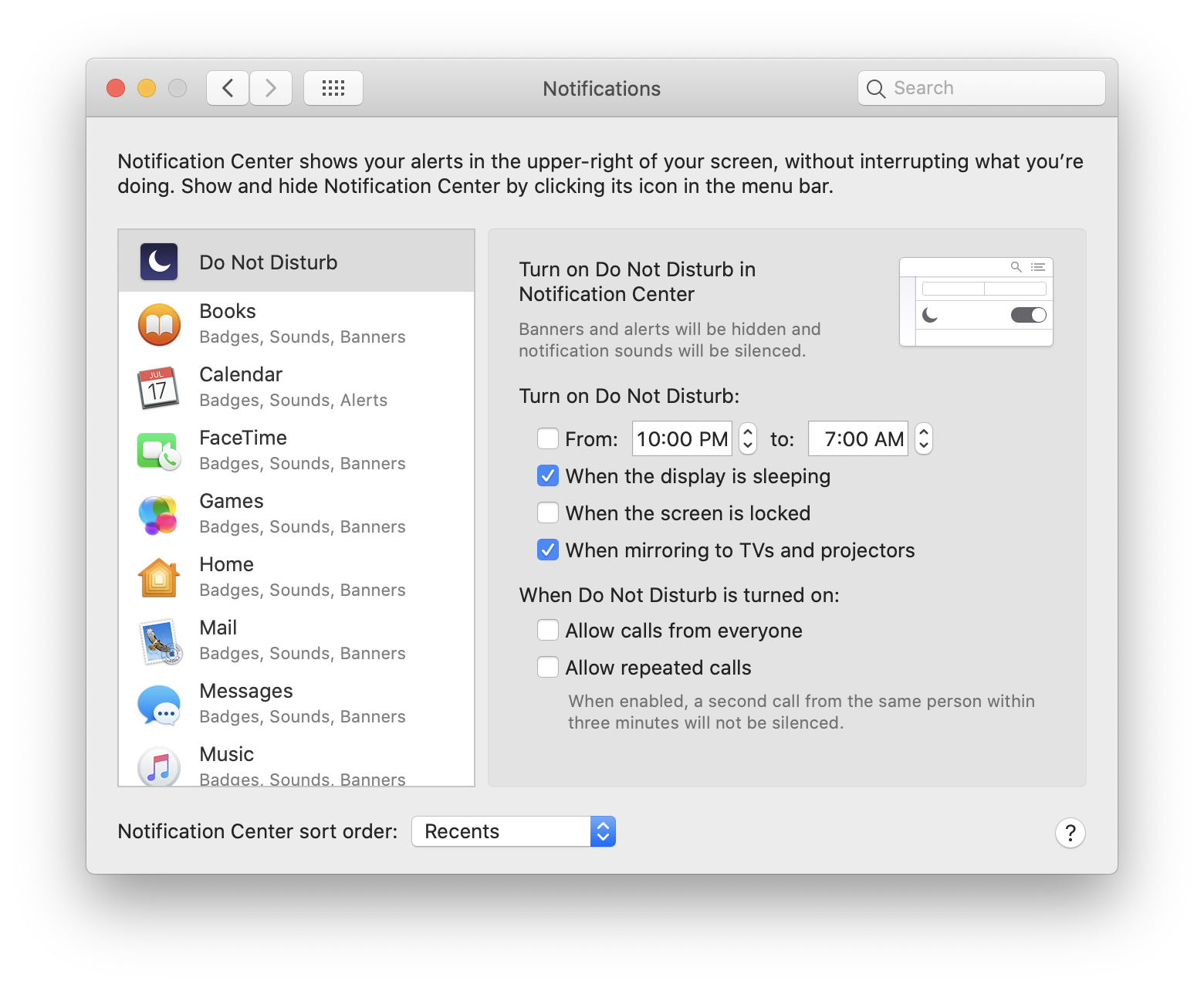
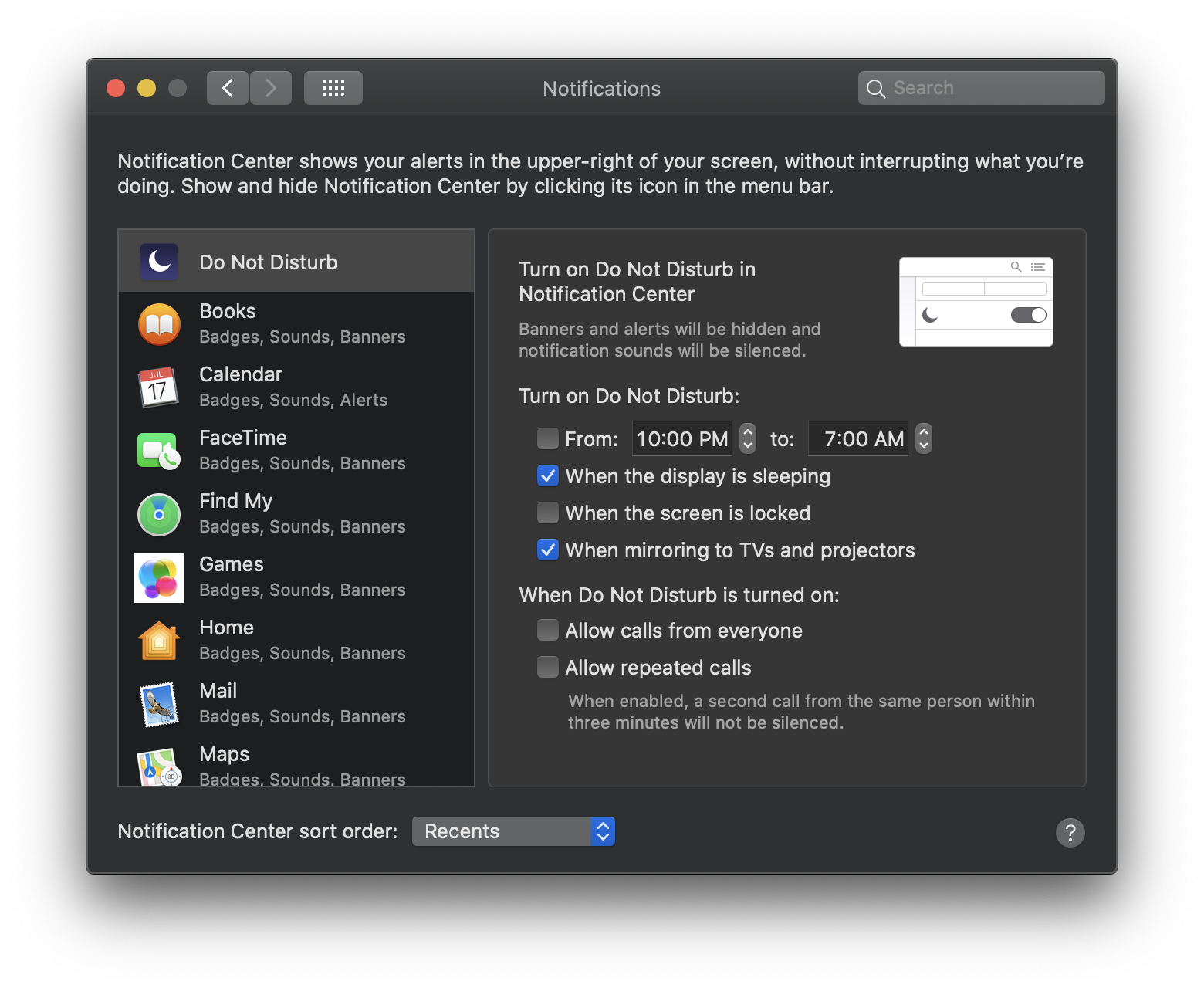
System Preferences: Notifications
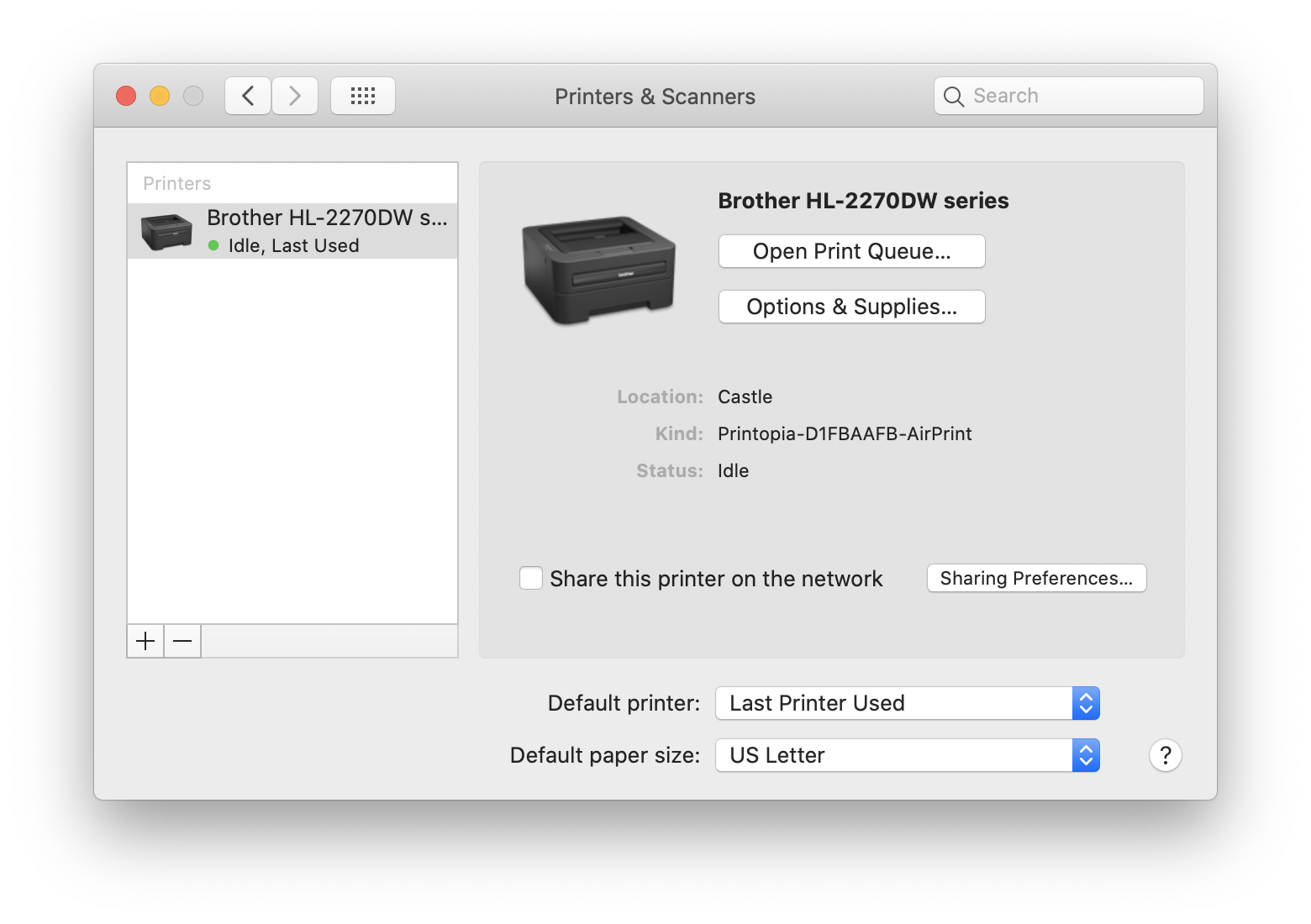
System Preferences: Printers & Scanners
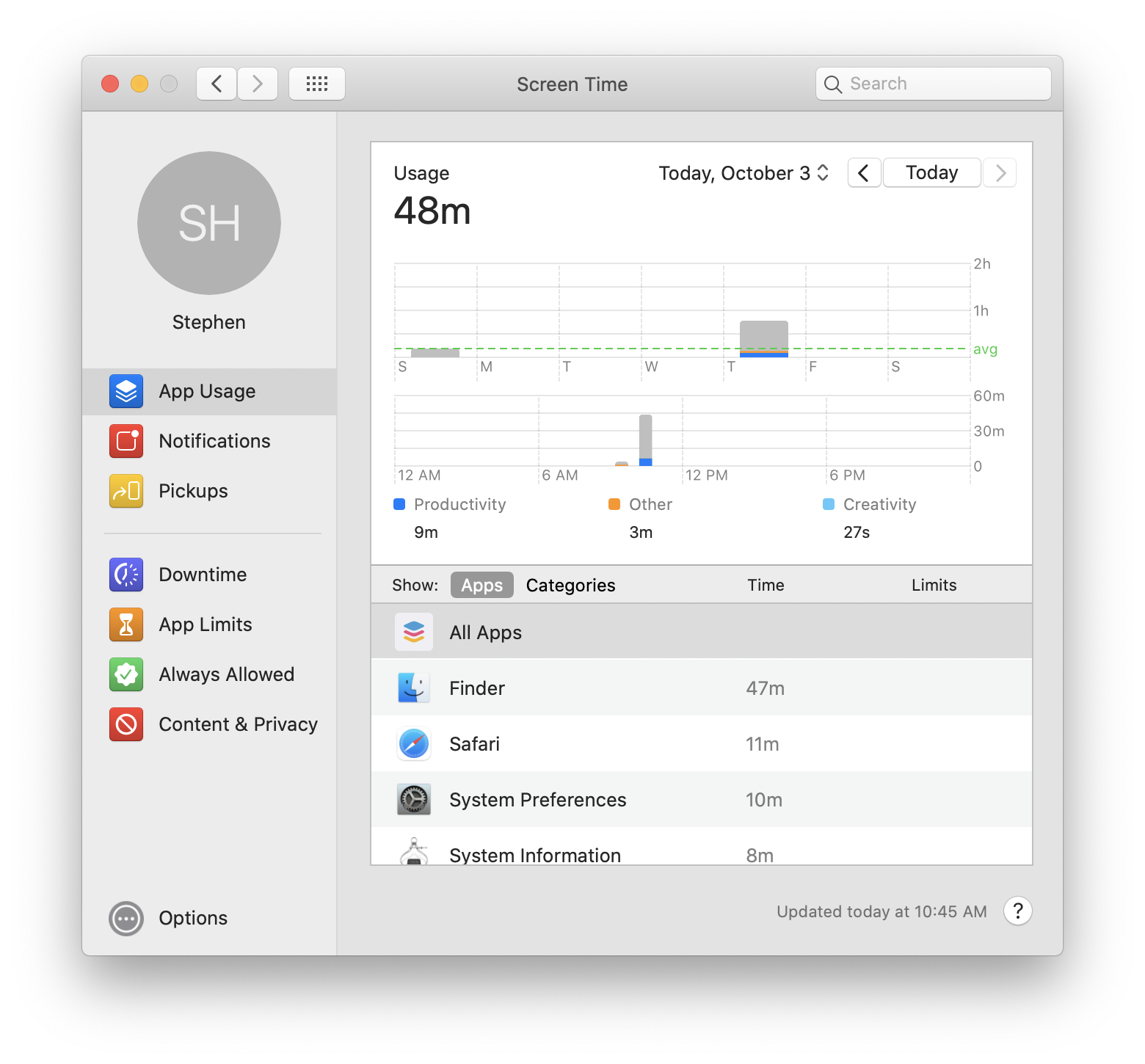
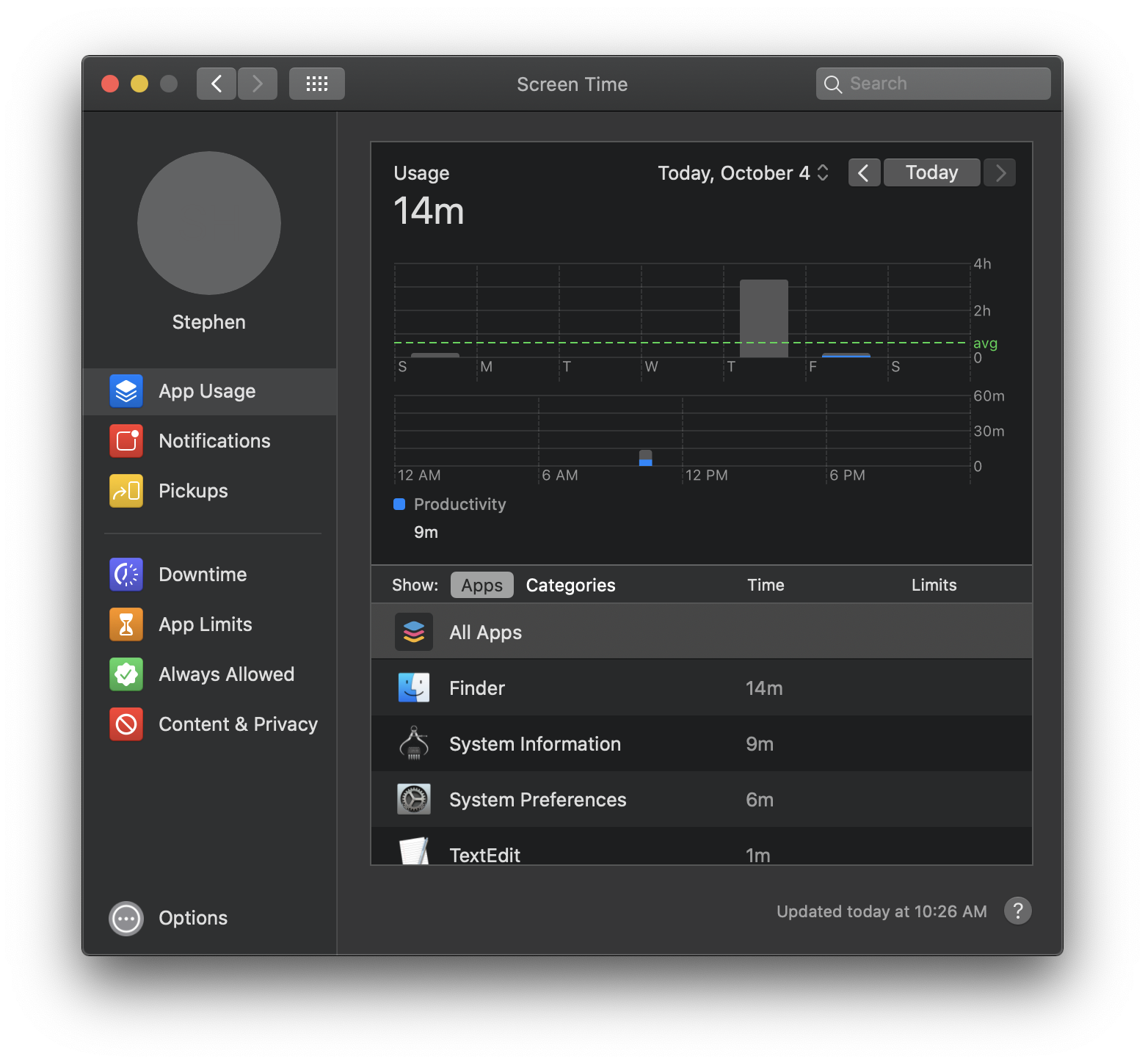
System Preferences: Screen Time
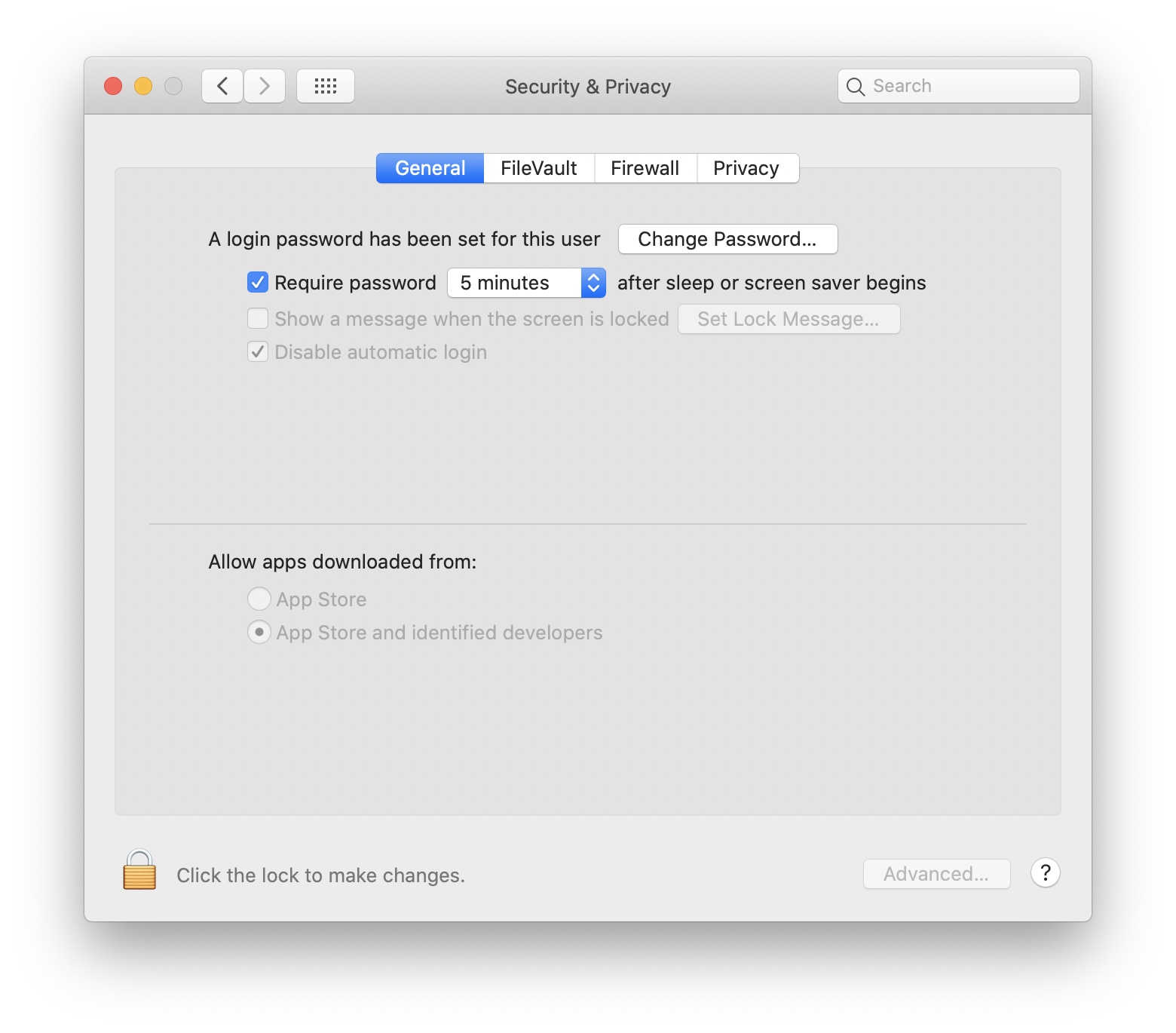
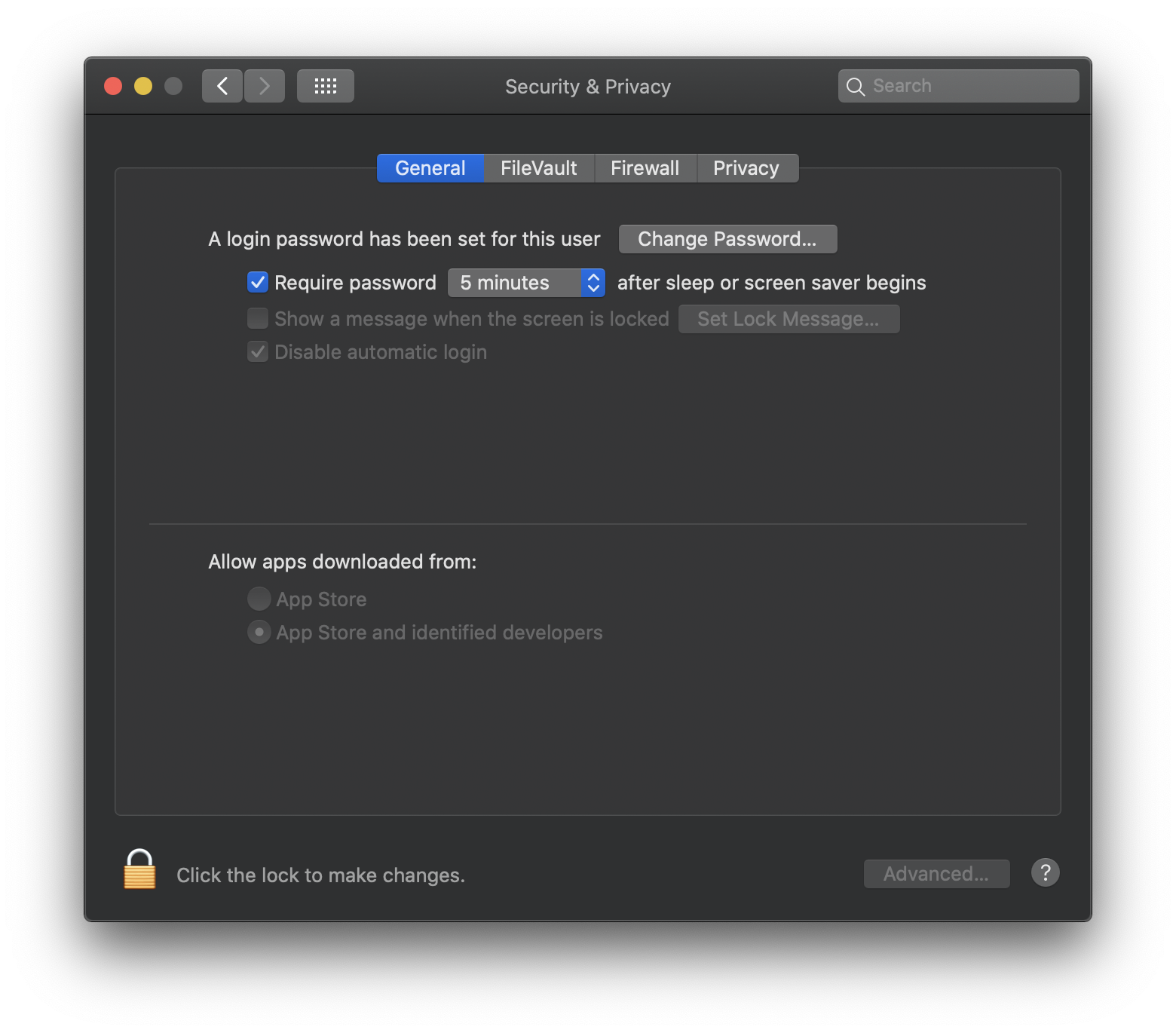
System Preferences: Security & Privacy
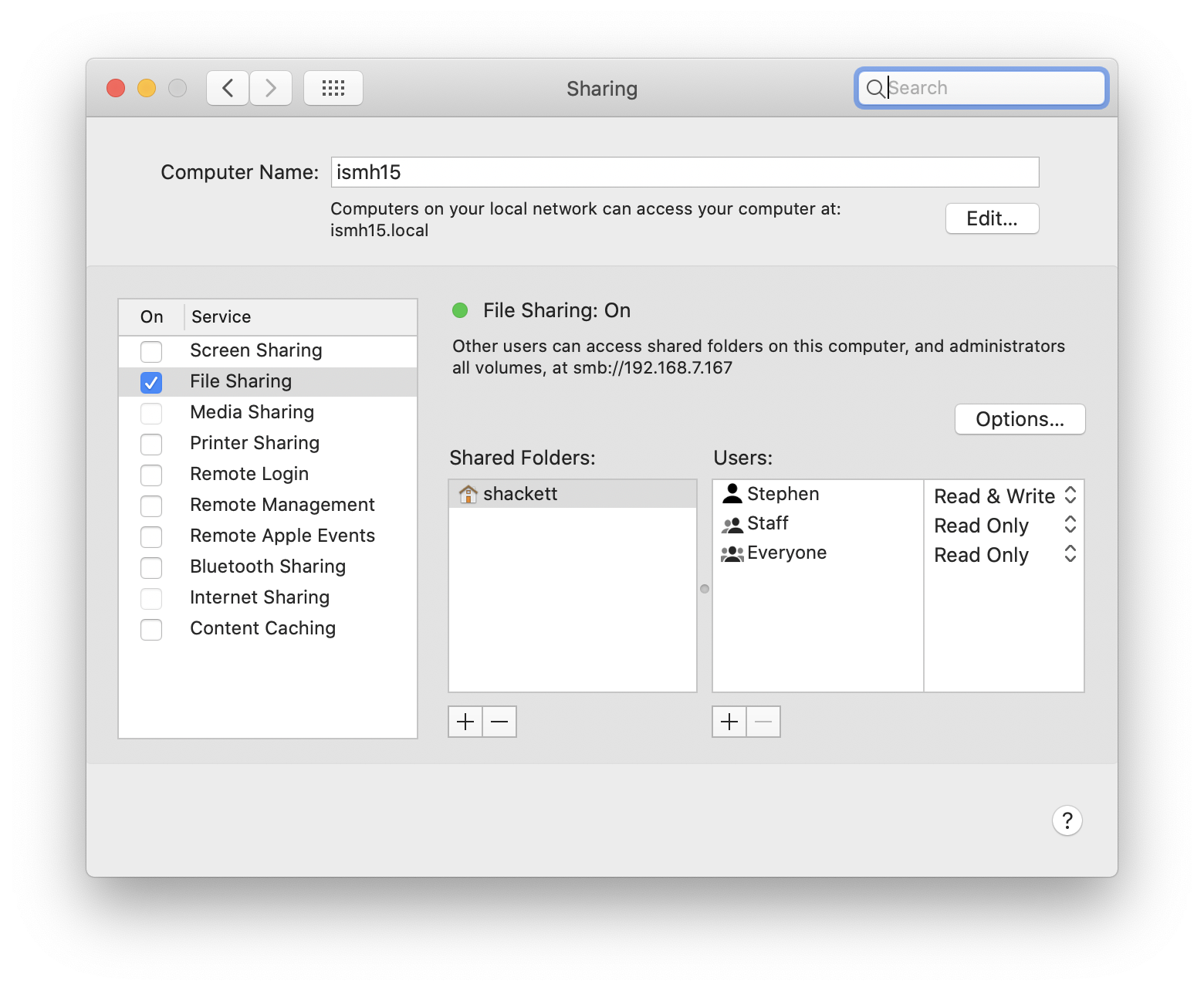
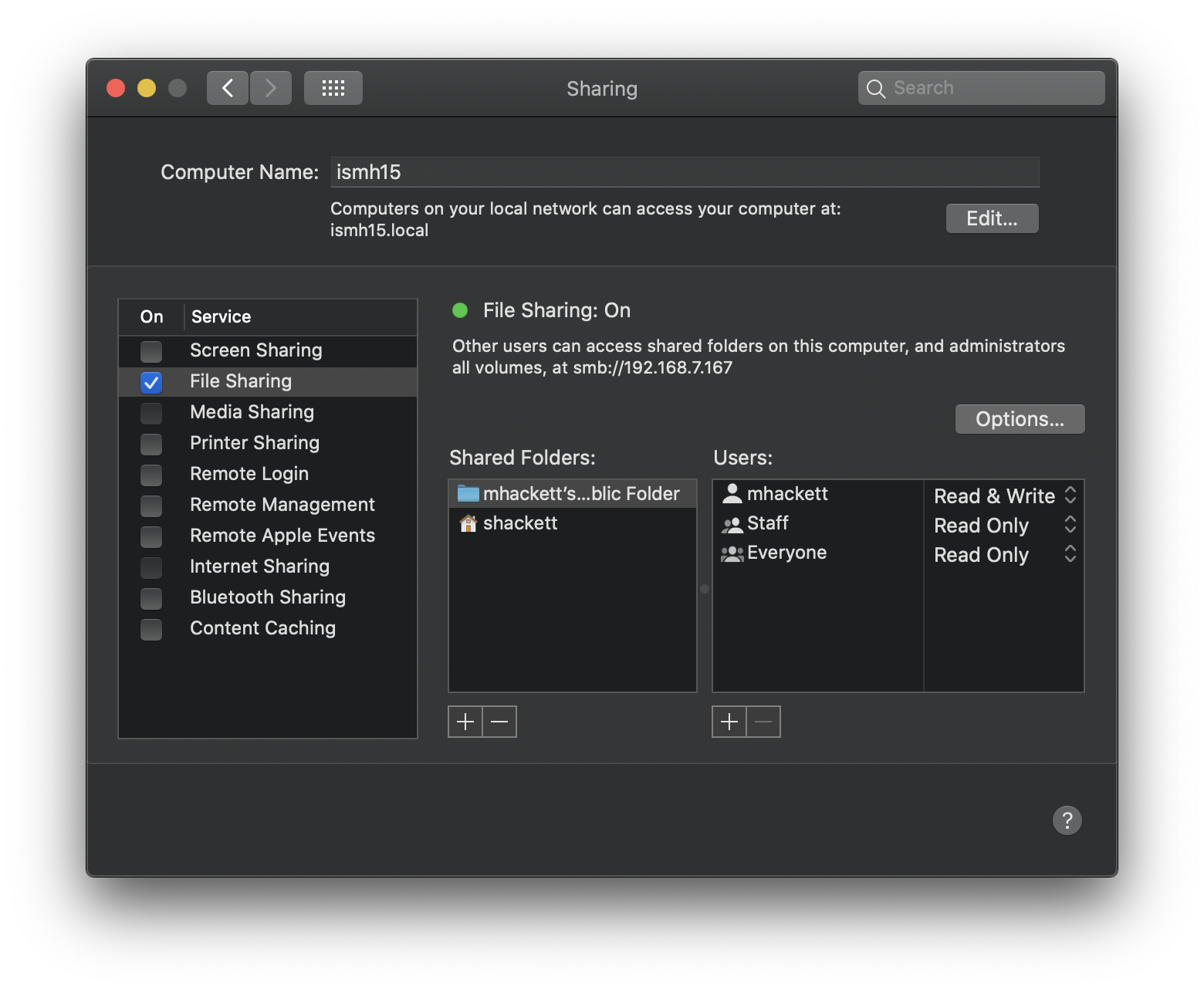
System Preferences: Sharing
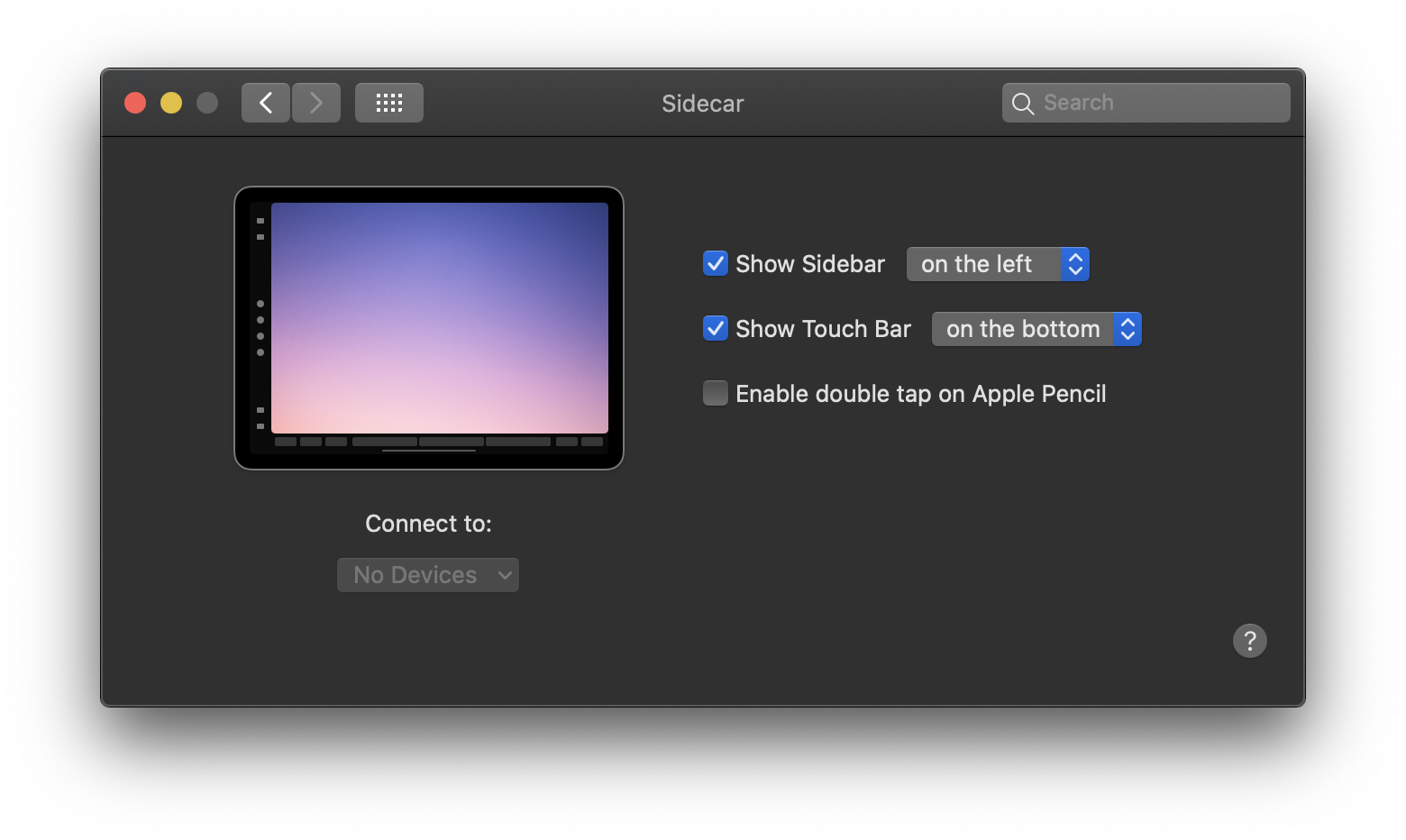
System Preferences: Sidecar
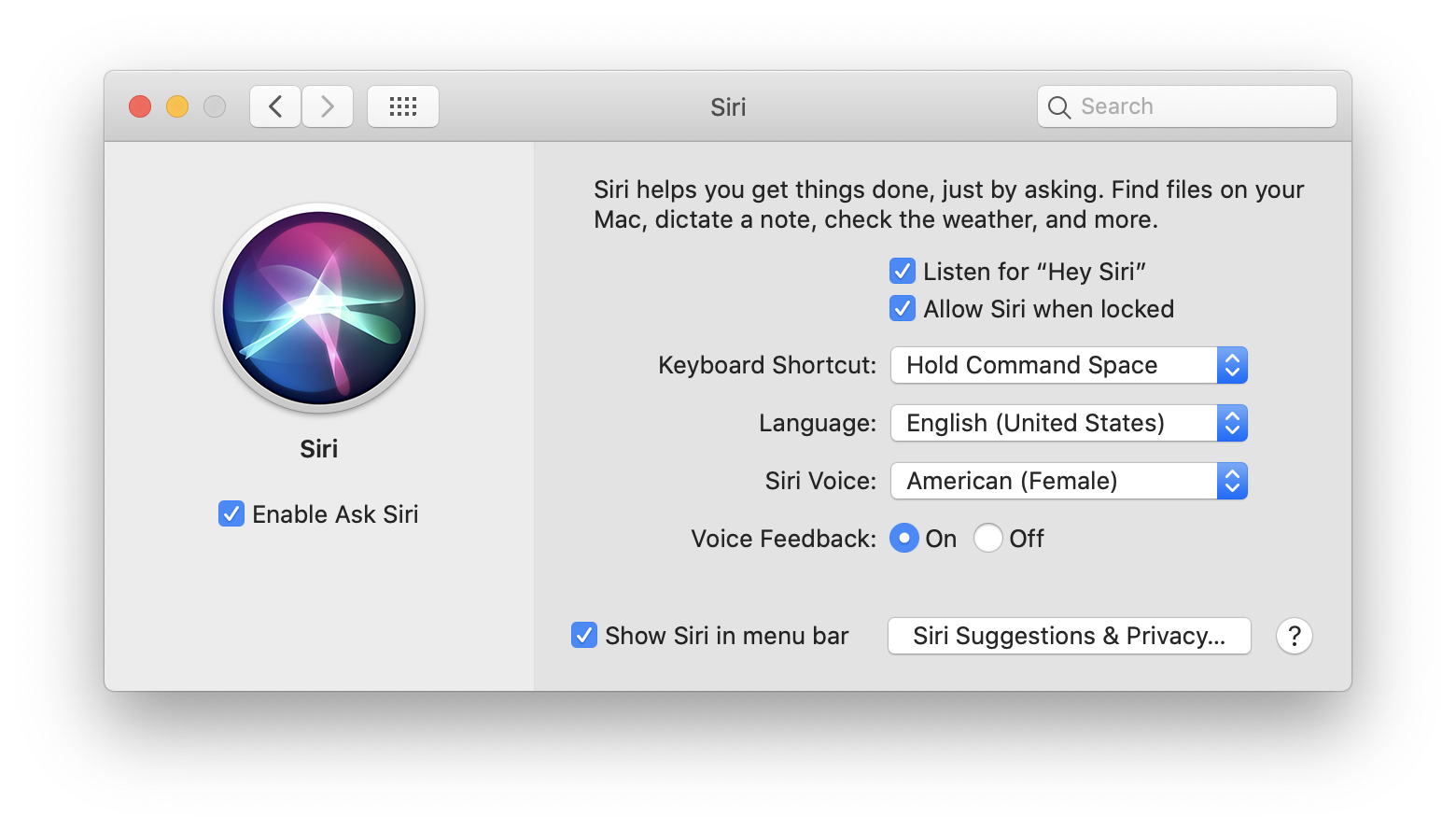
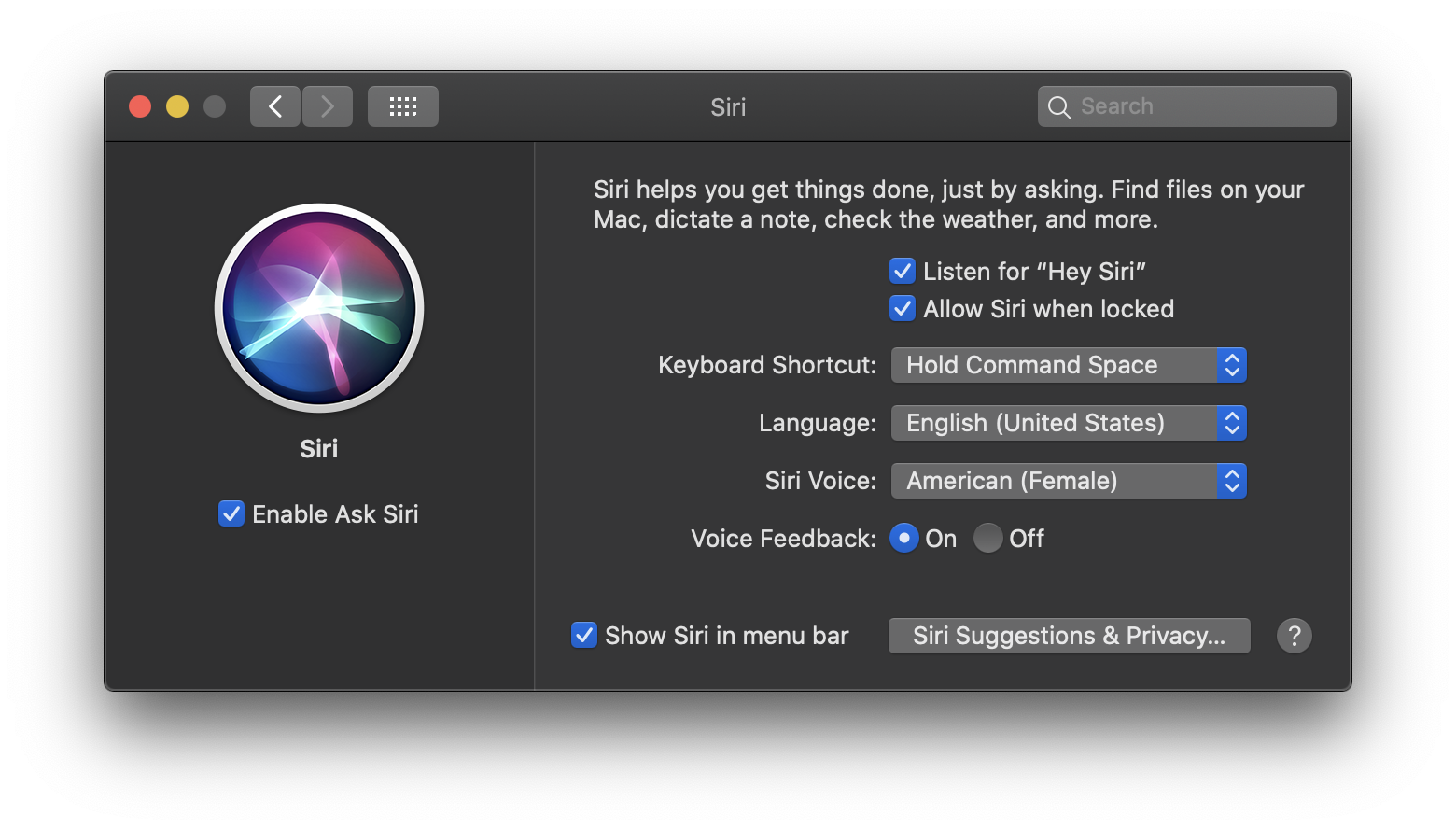
System Preferences: Siri
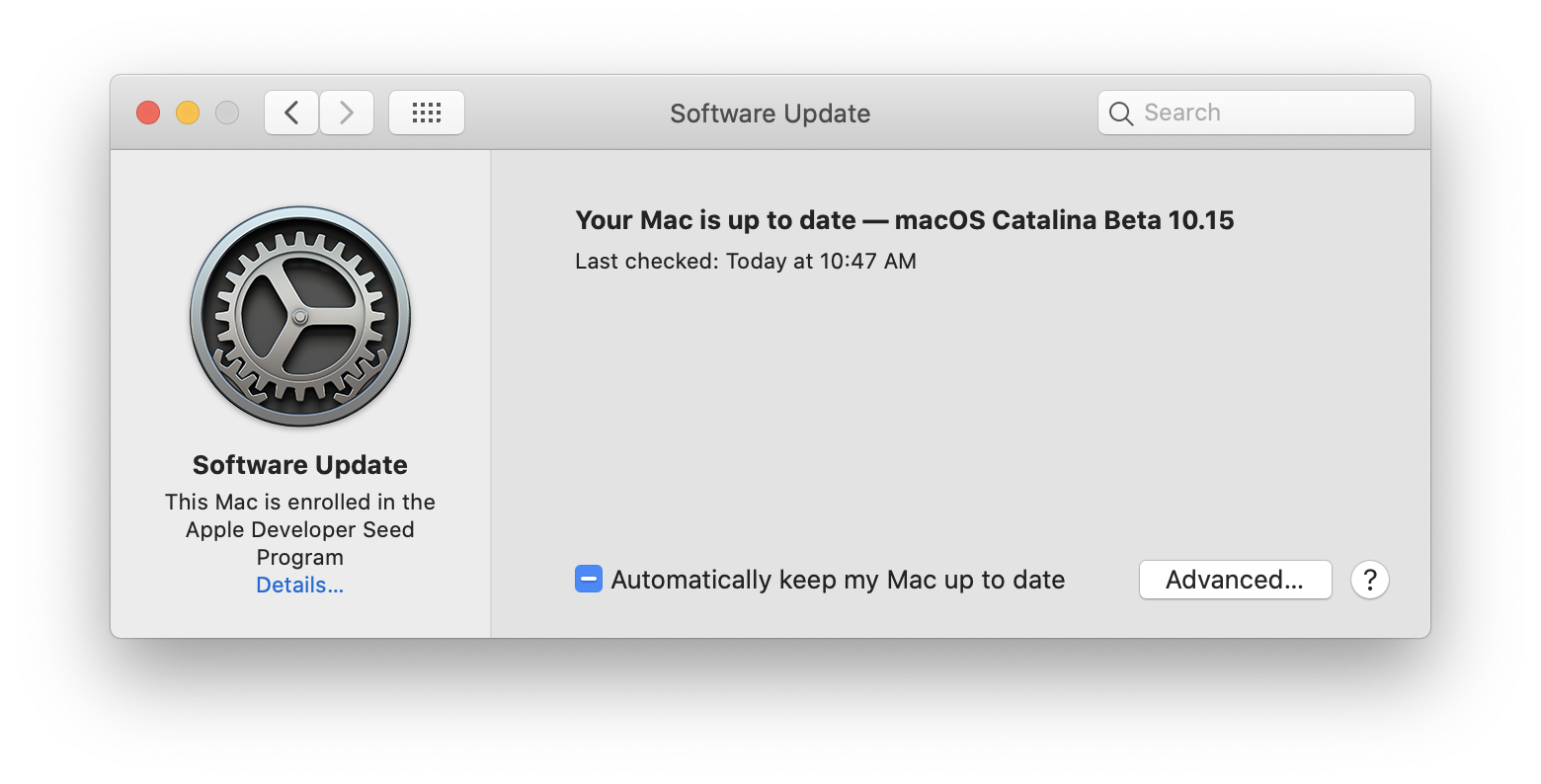
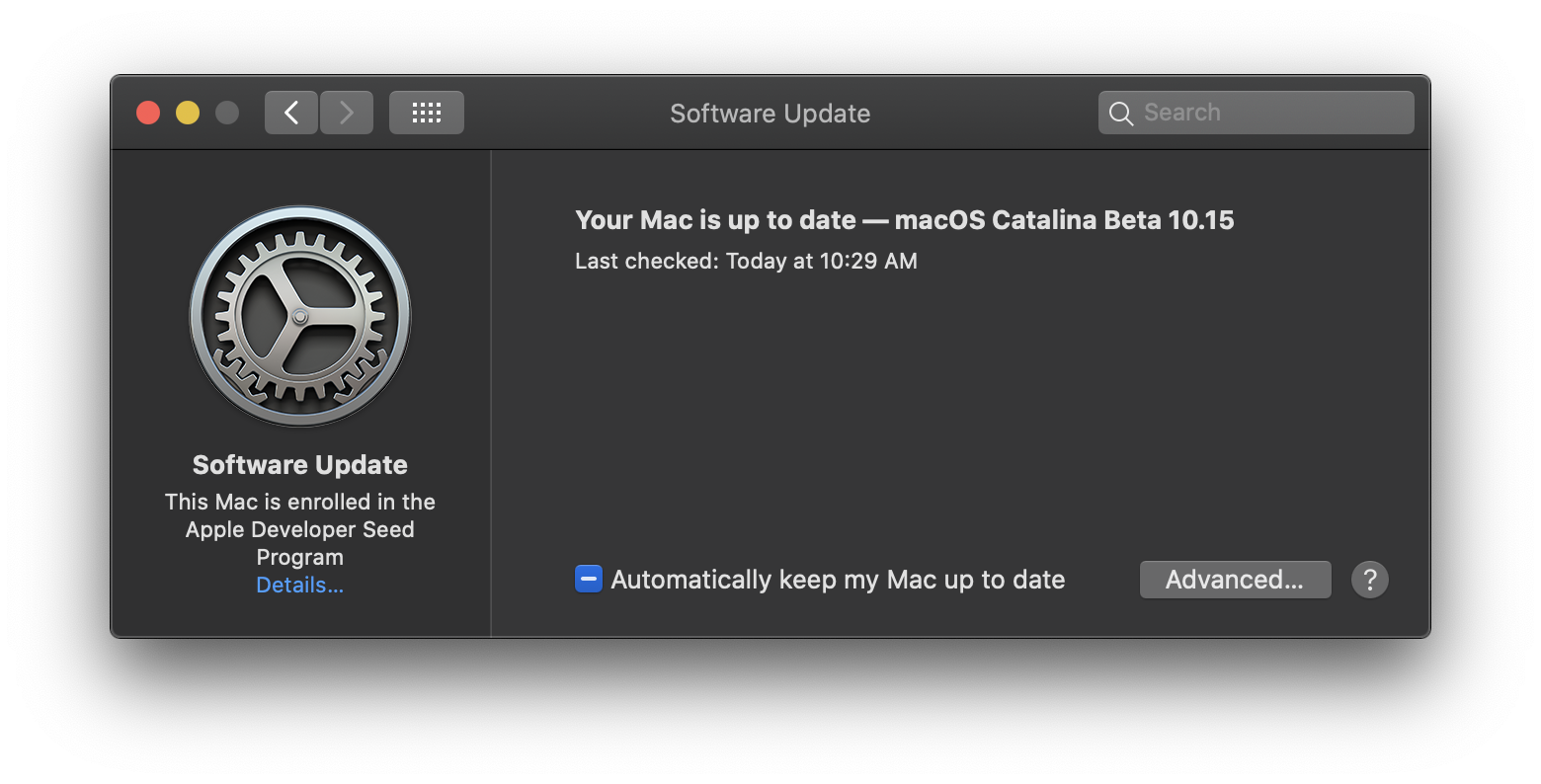
System Preferences: Software Update
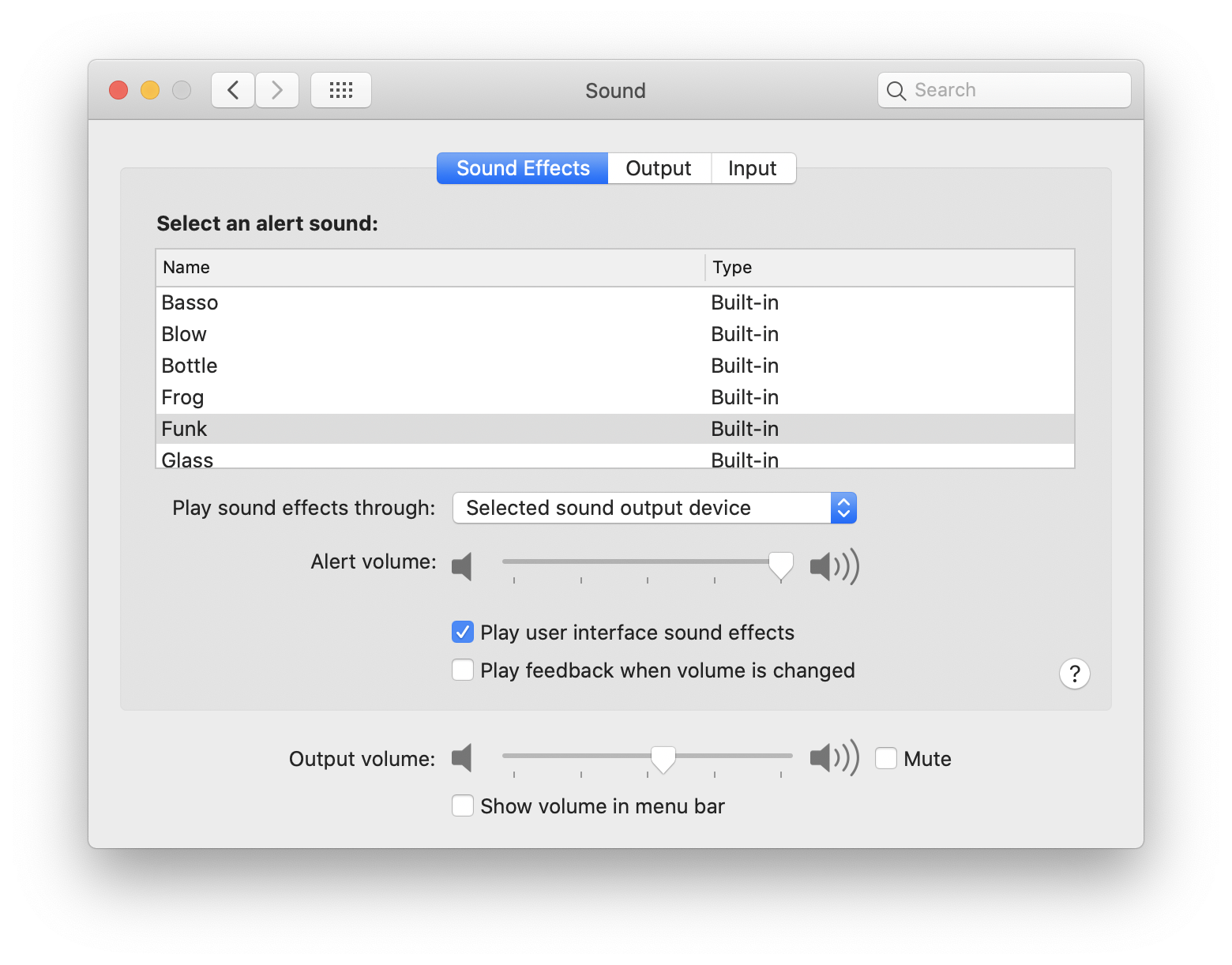
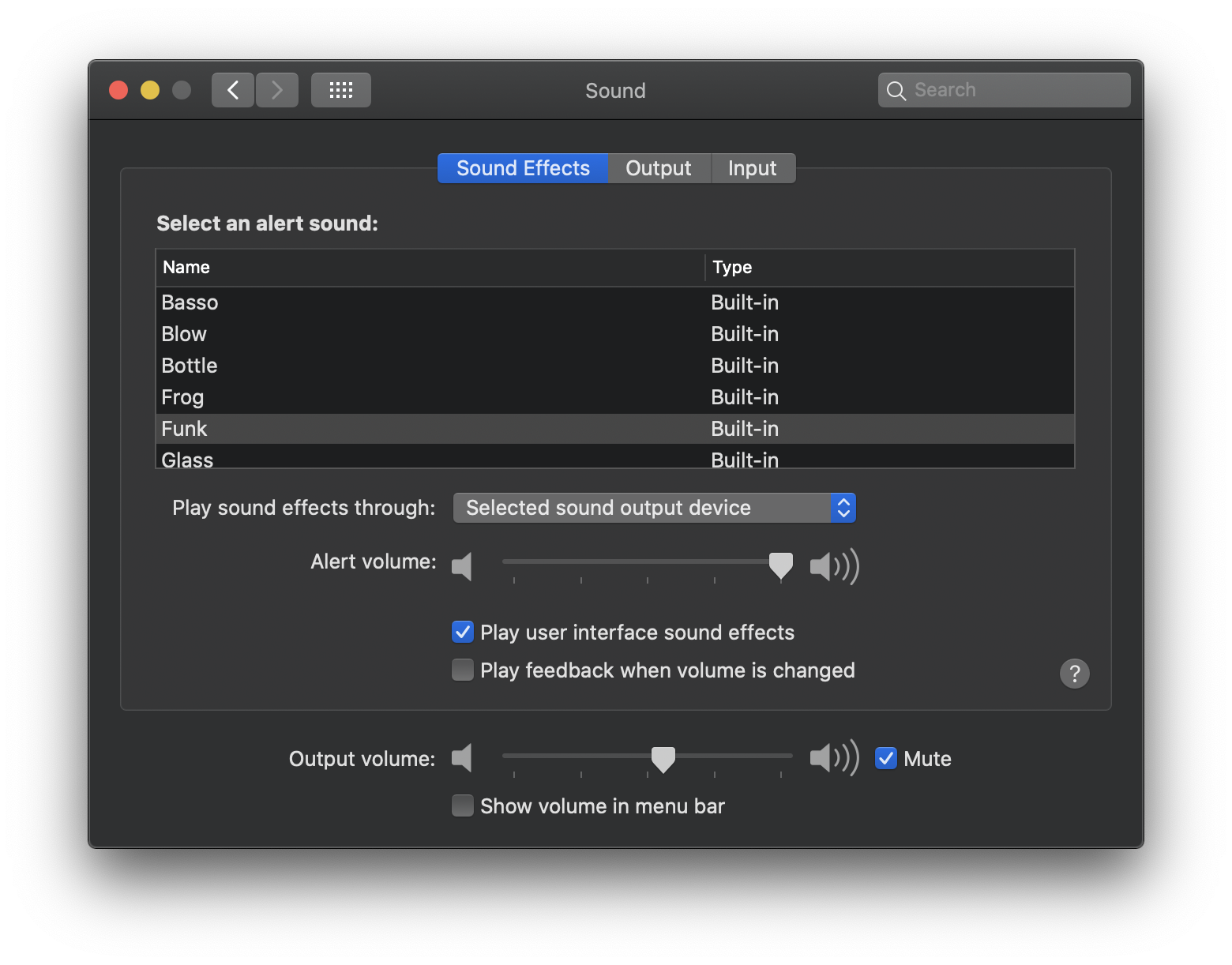
System Preferences: Sound
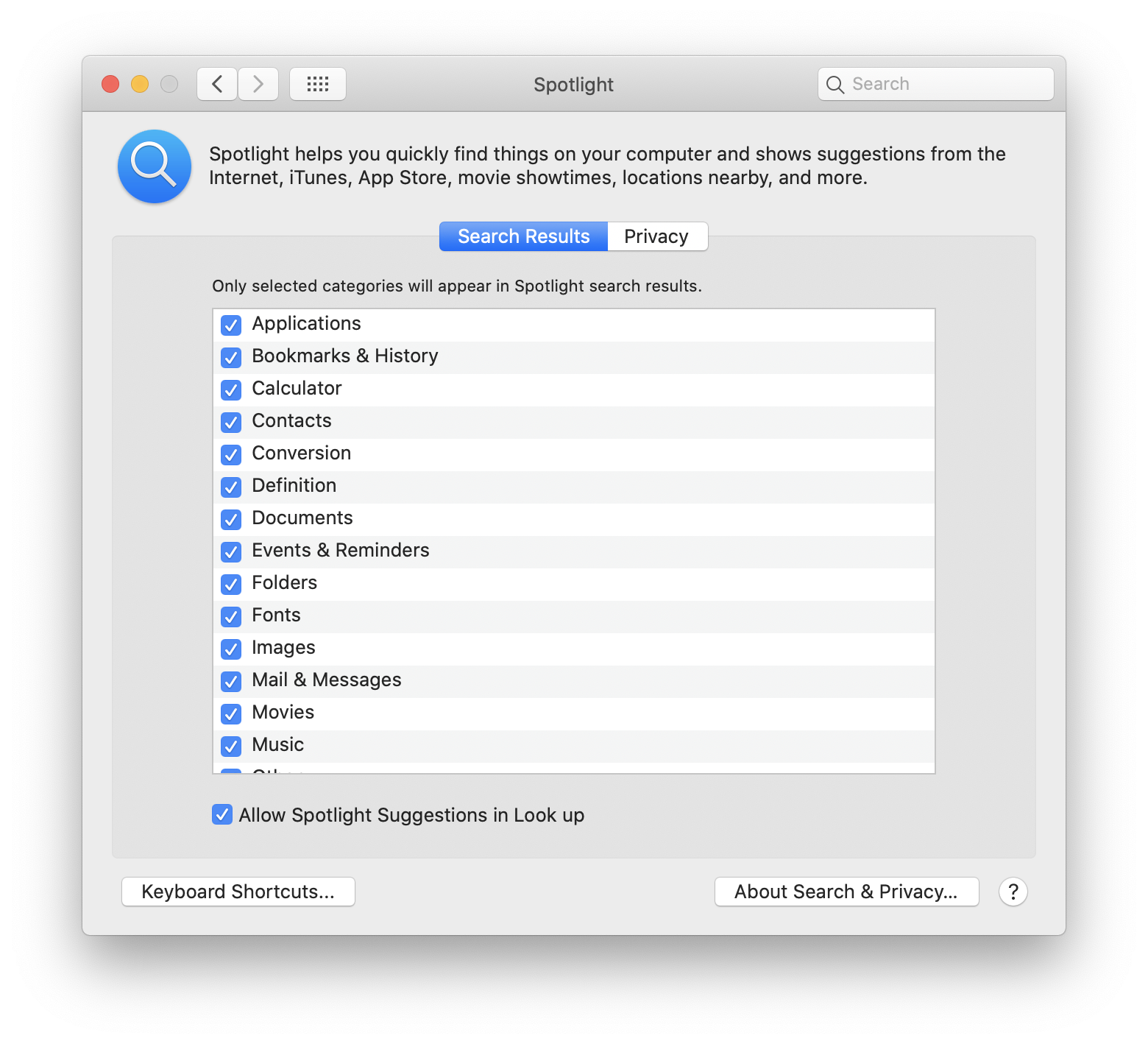
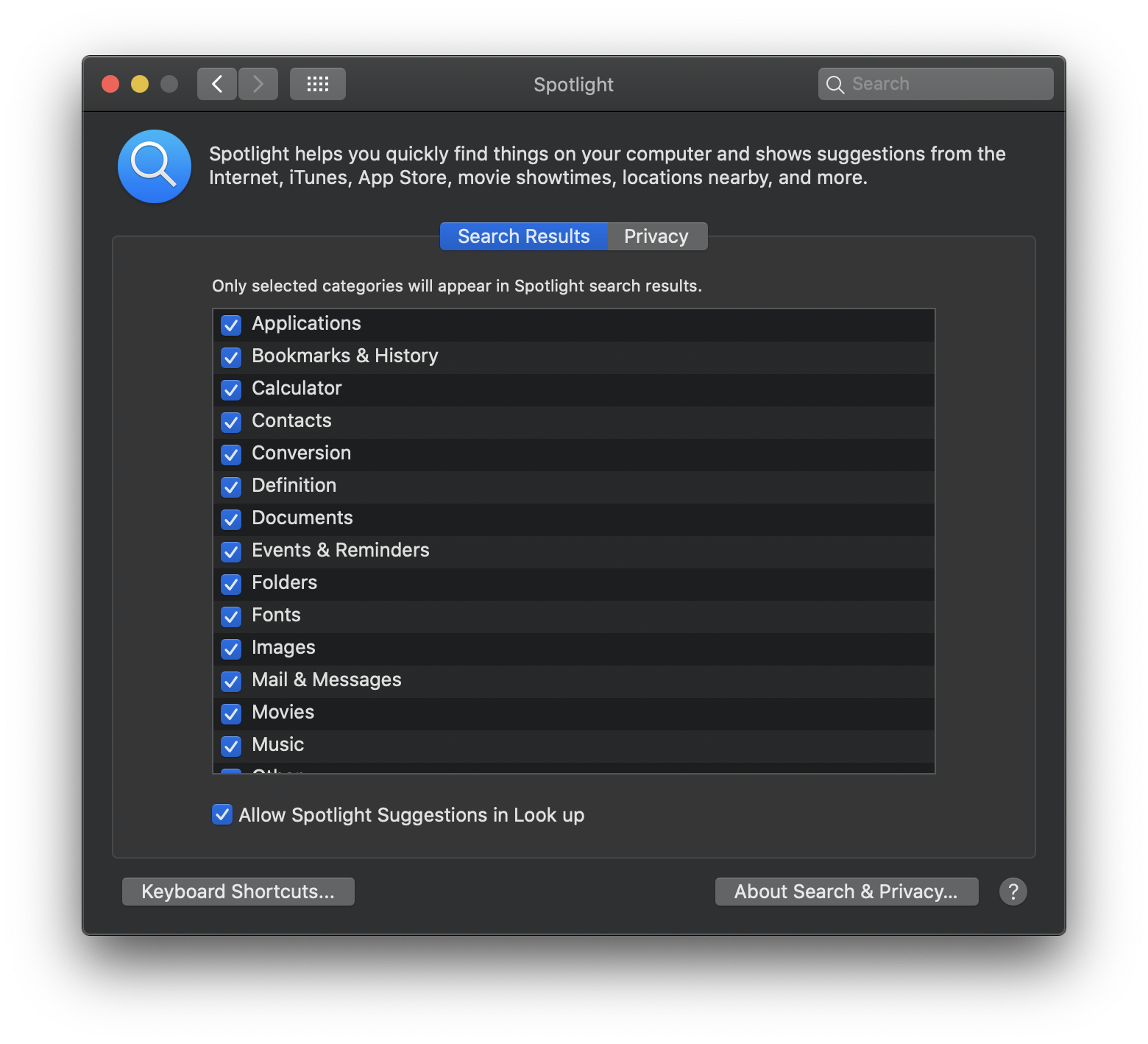
System Preferences: Spotligh
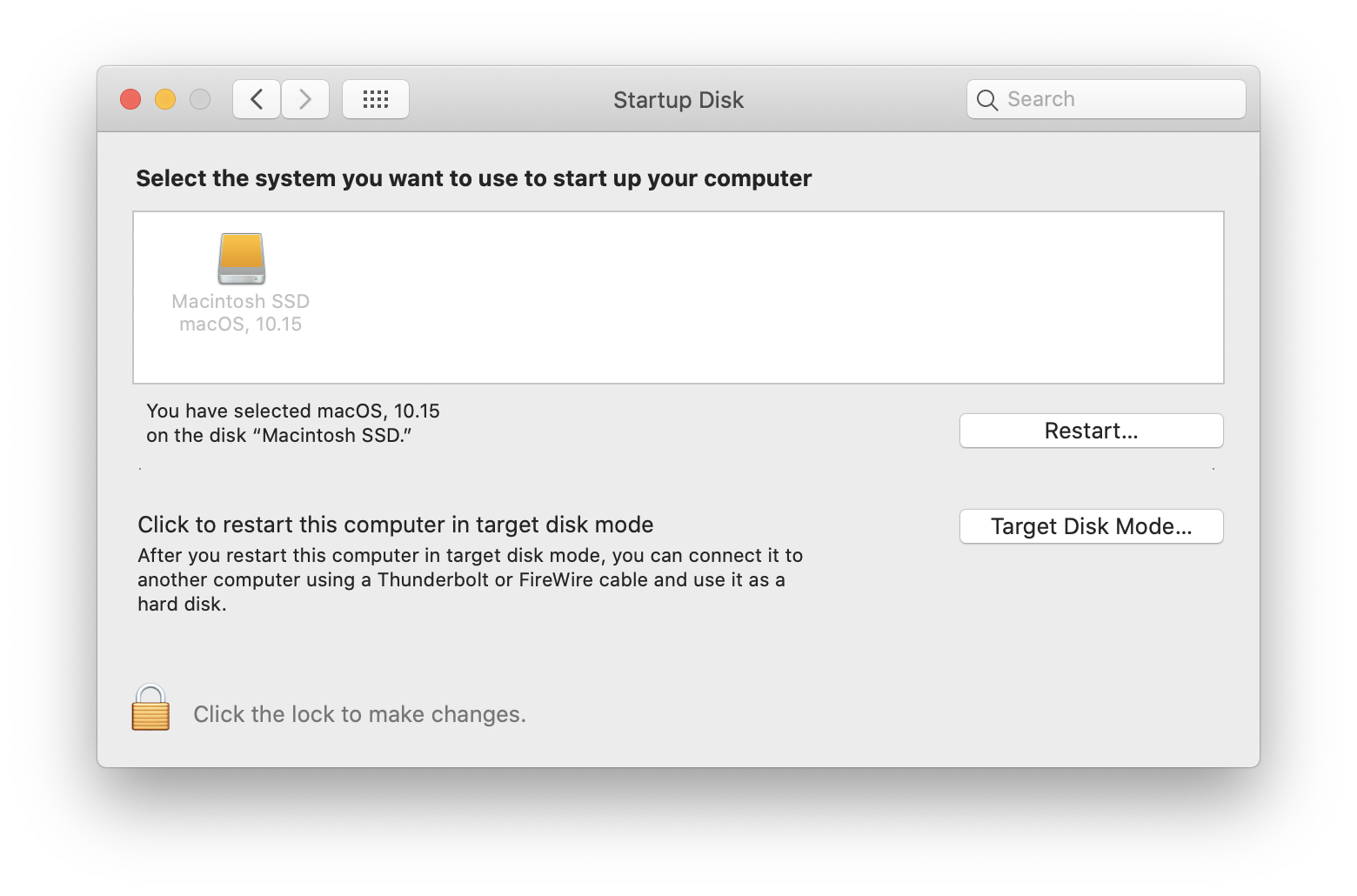
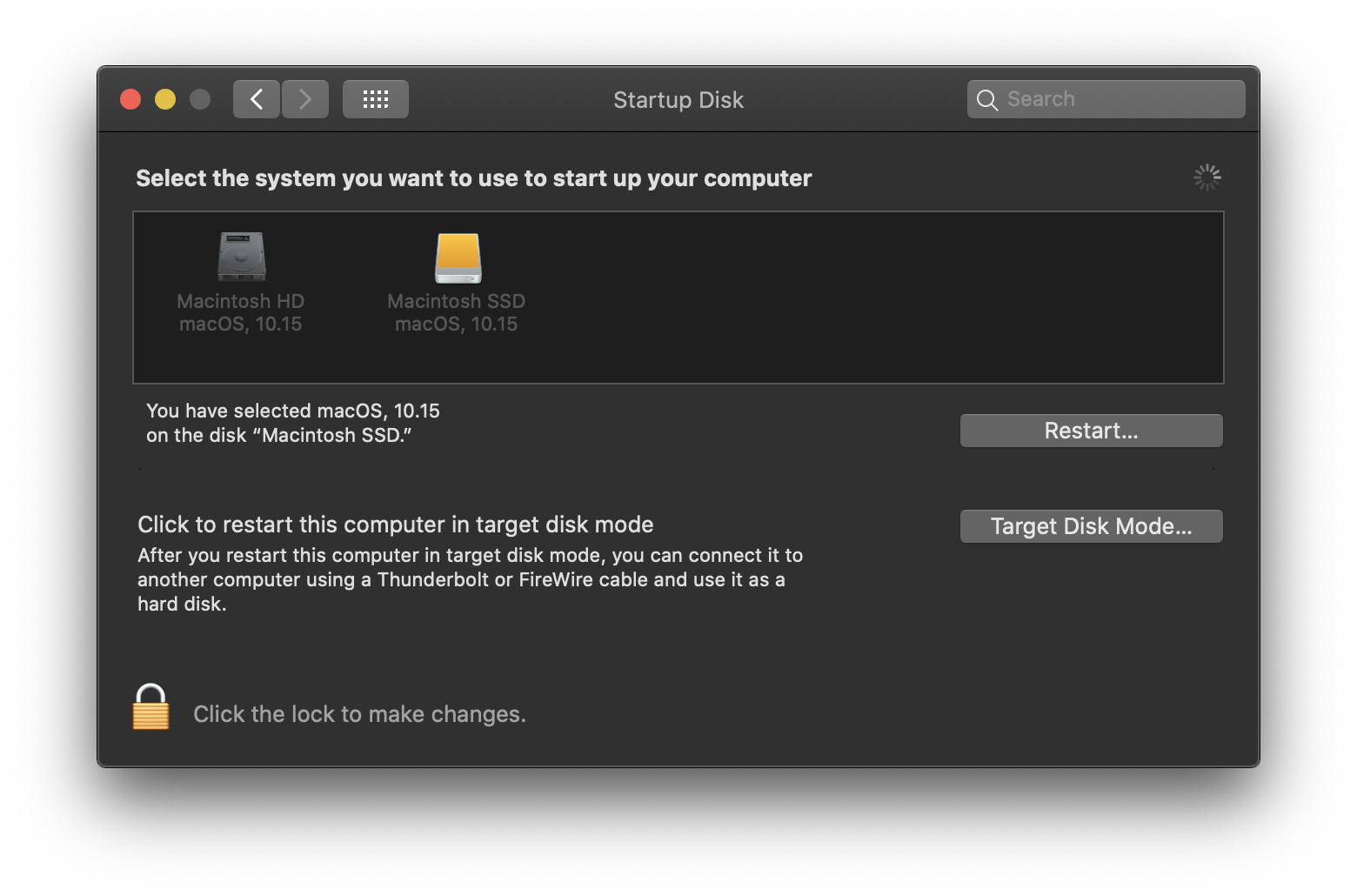
System Preferences: Startup Disk
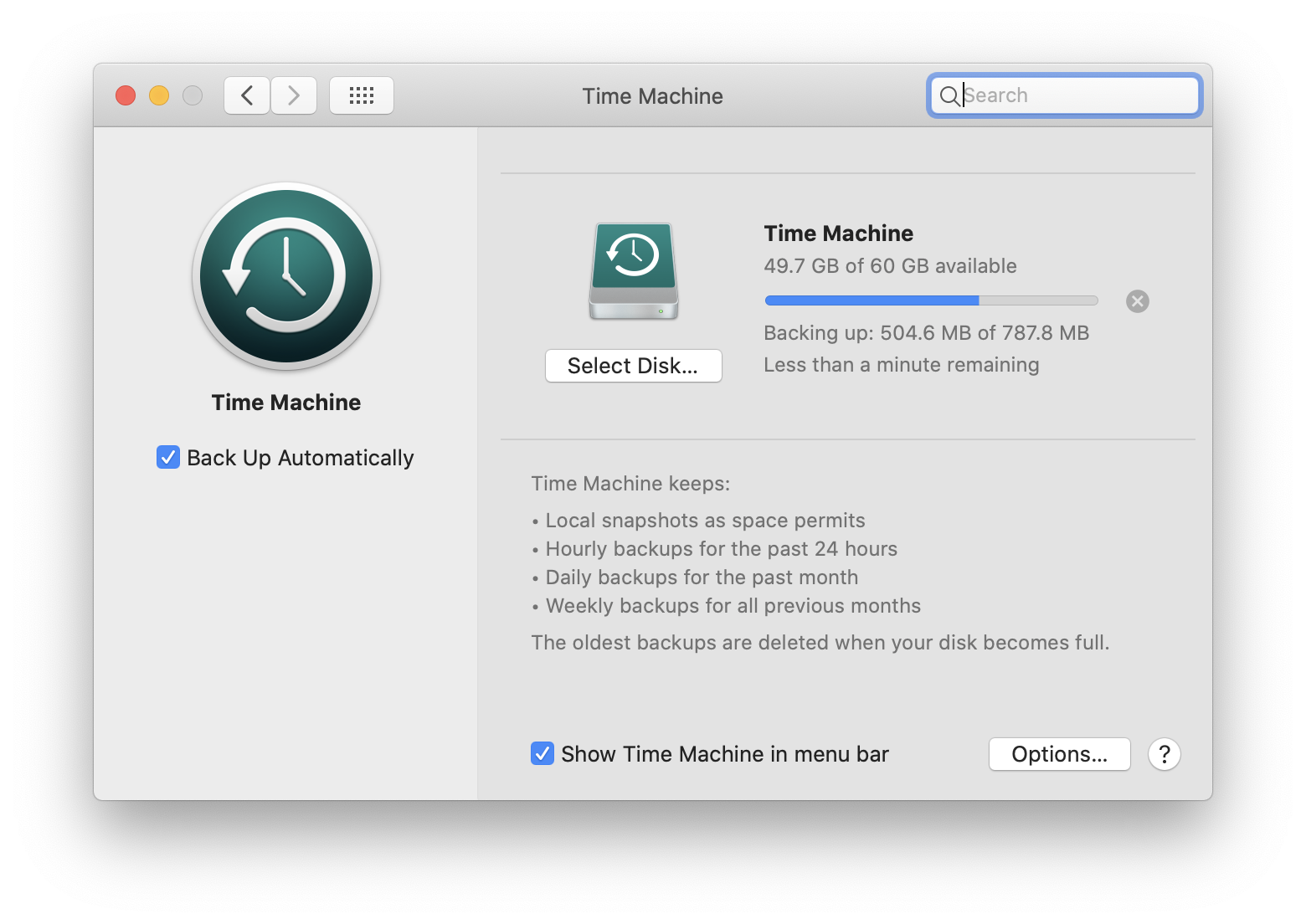
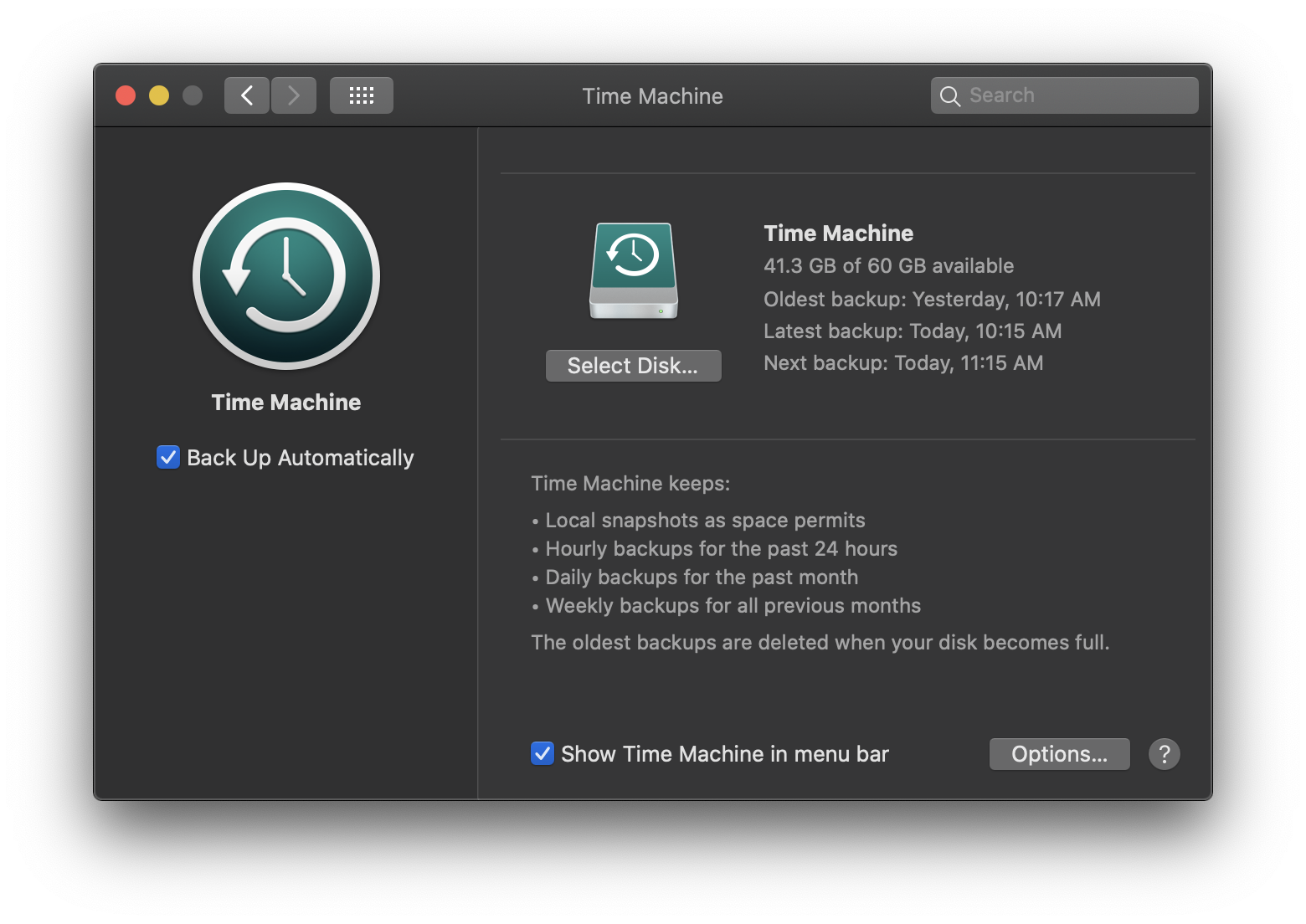
System Preferences: Time Machine
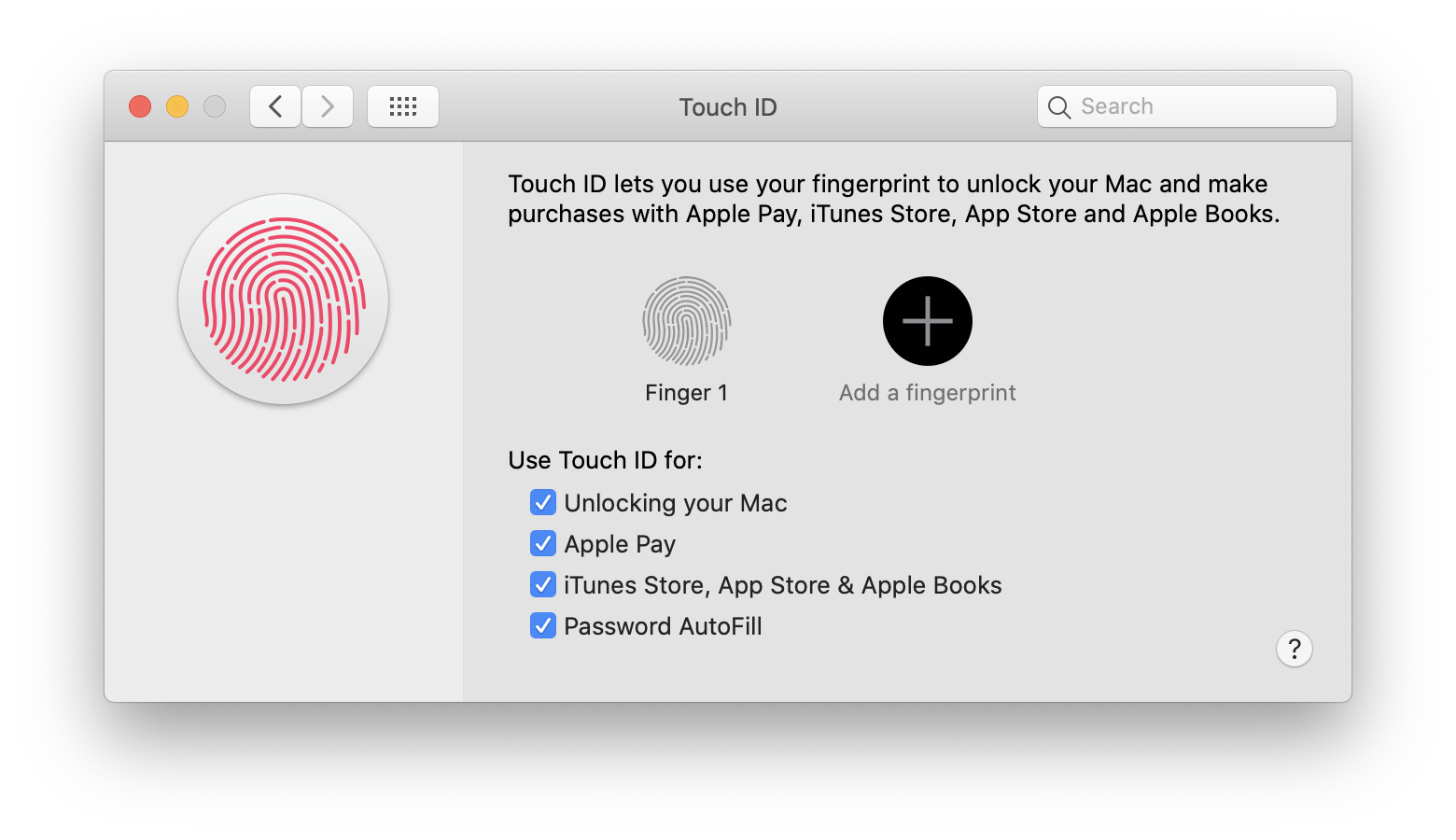
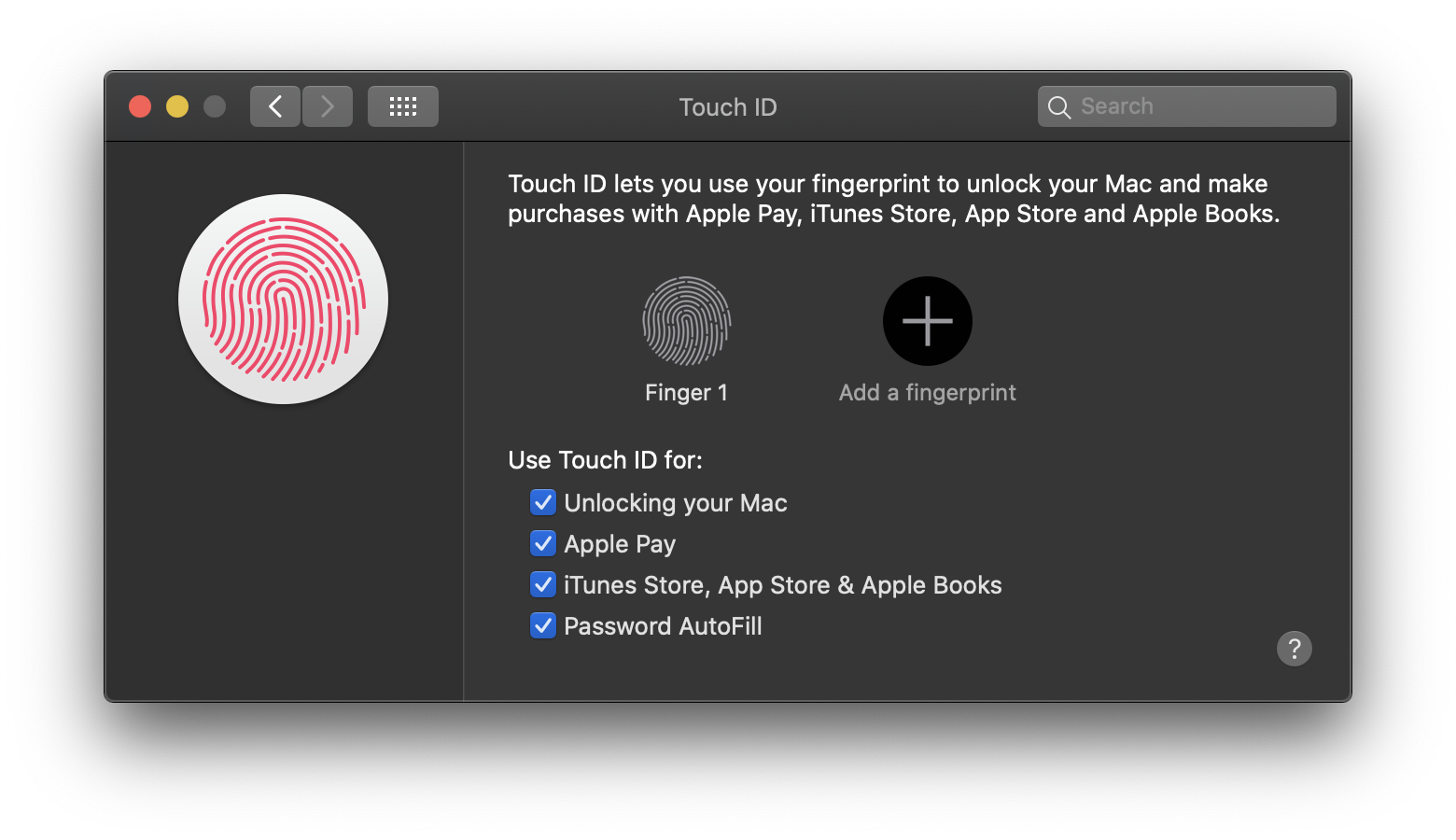
System Preferences: Touch ID
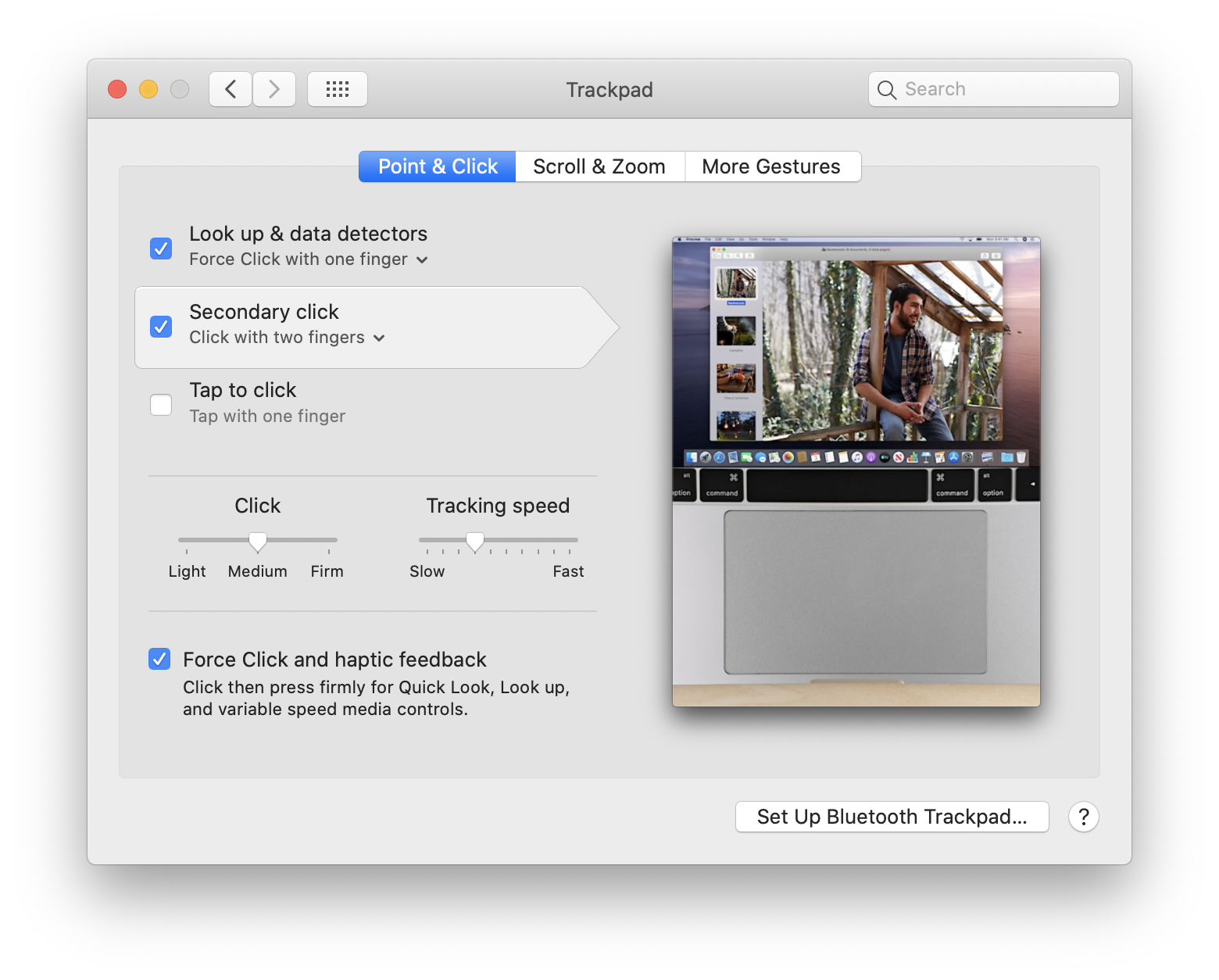
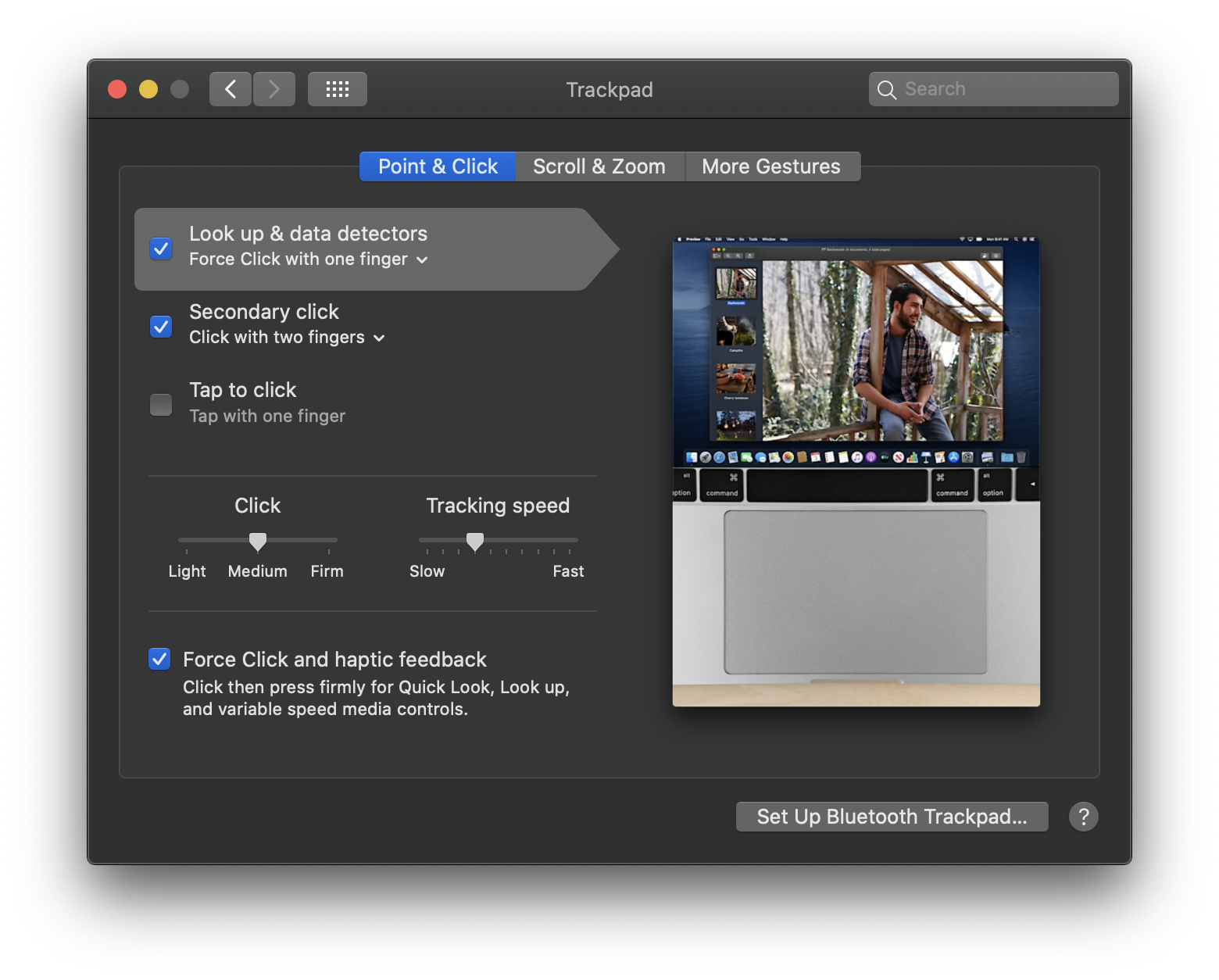
System Preferences: Trackpad
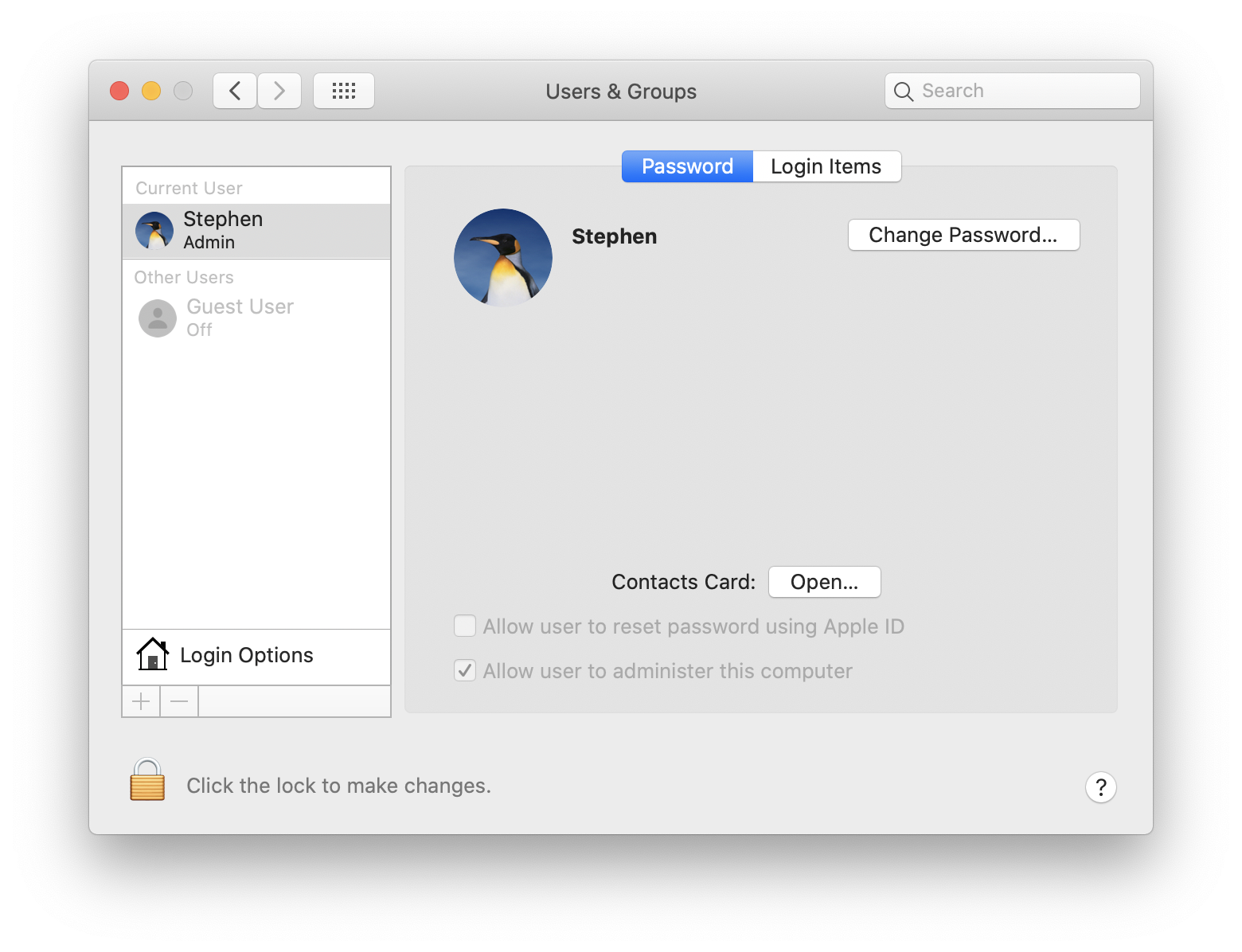
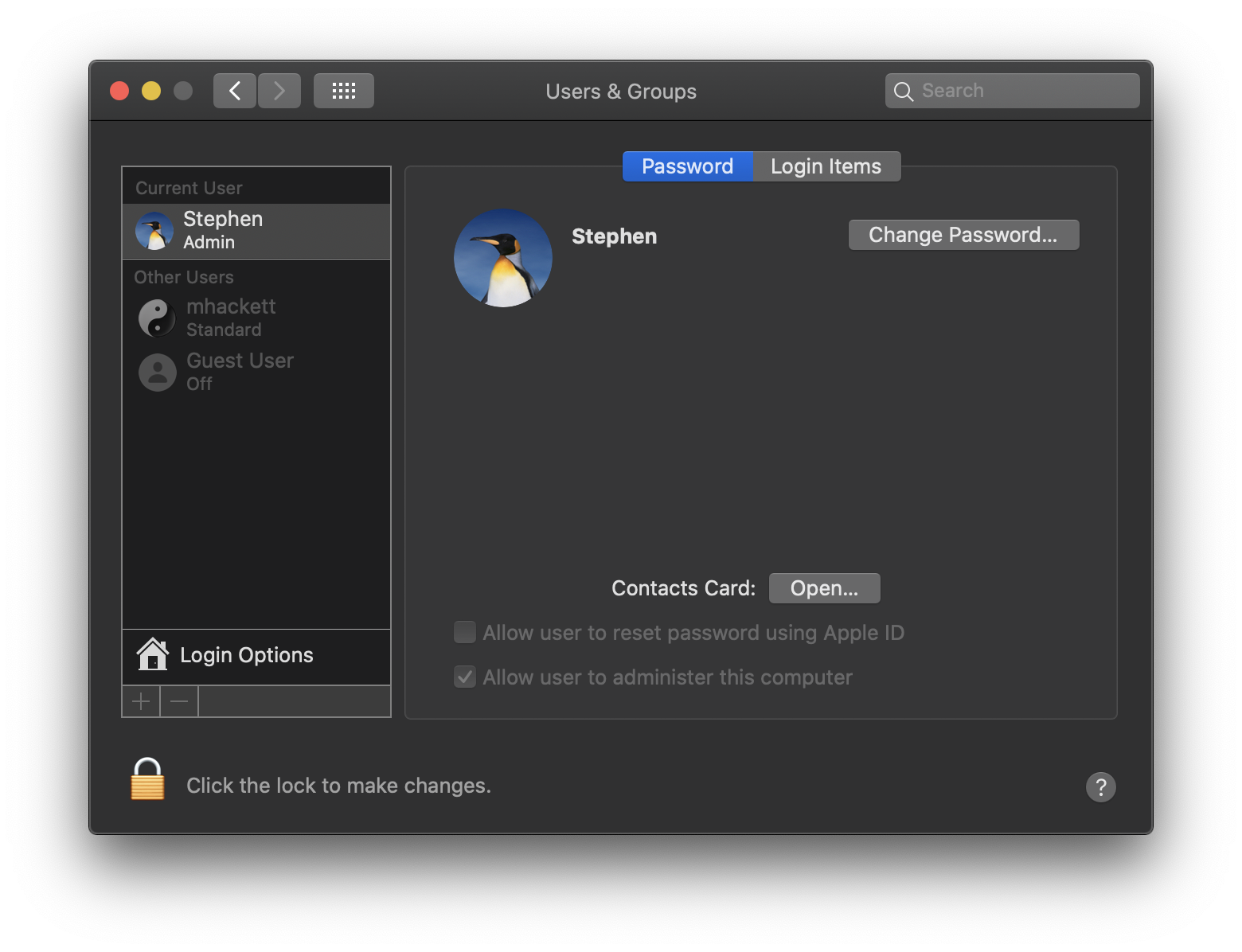
System Preferences: Users & Groups
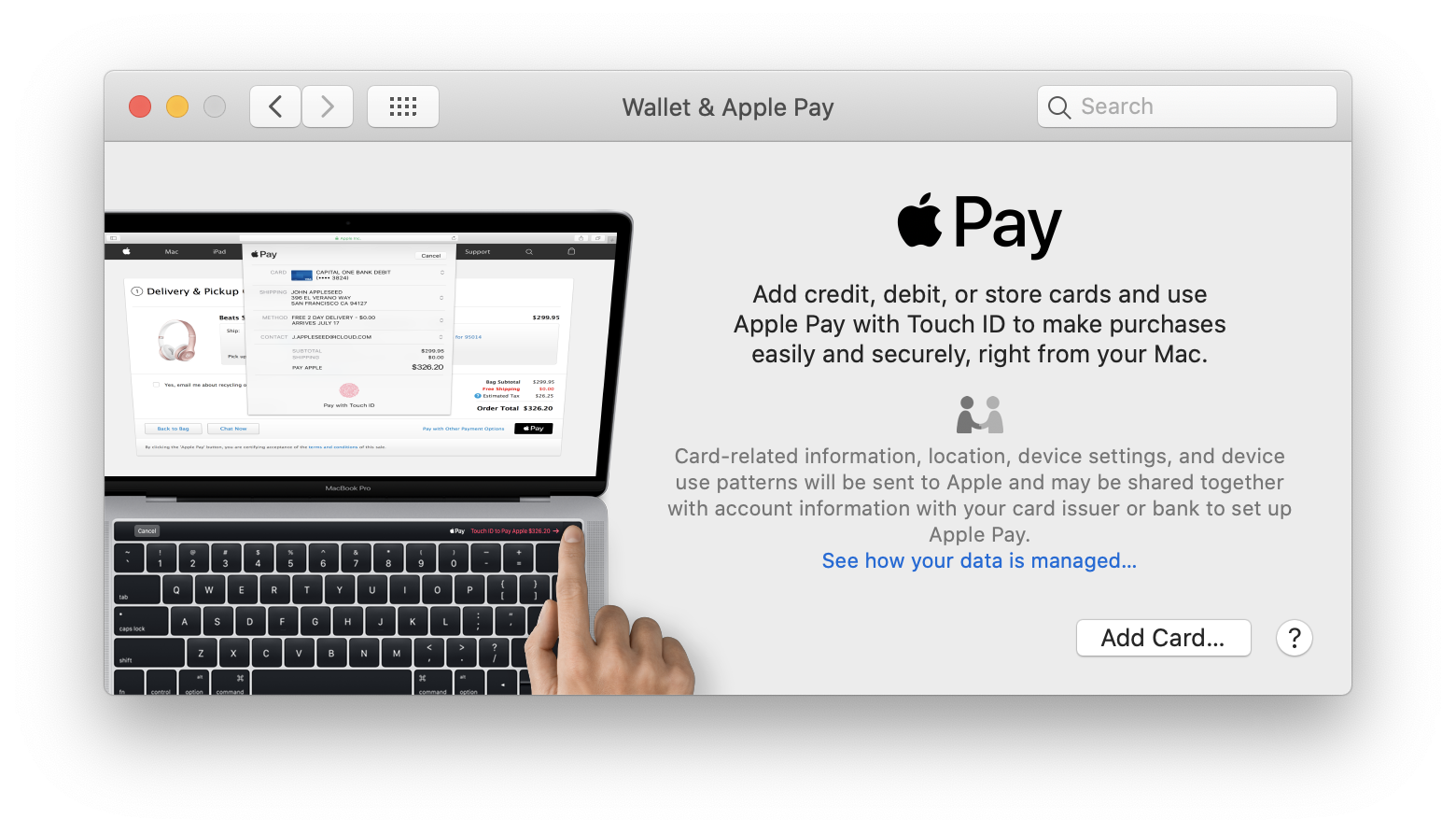
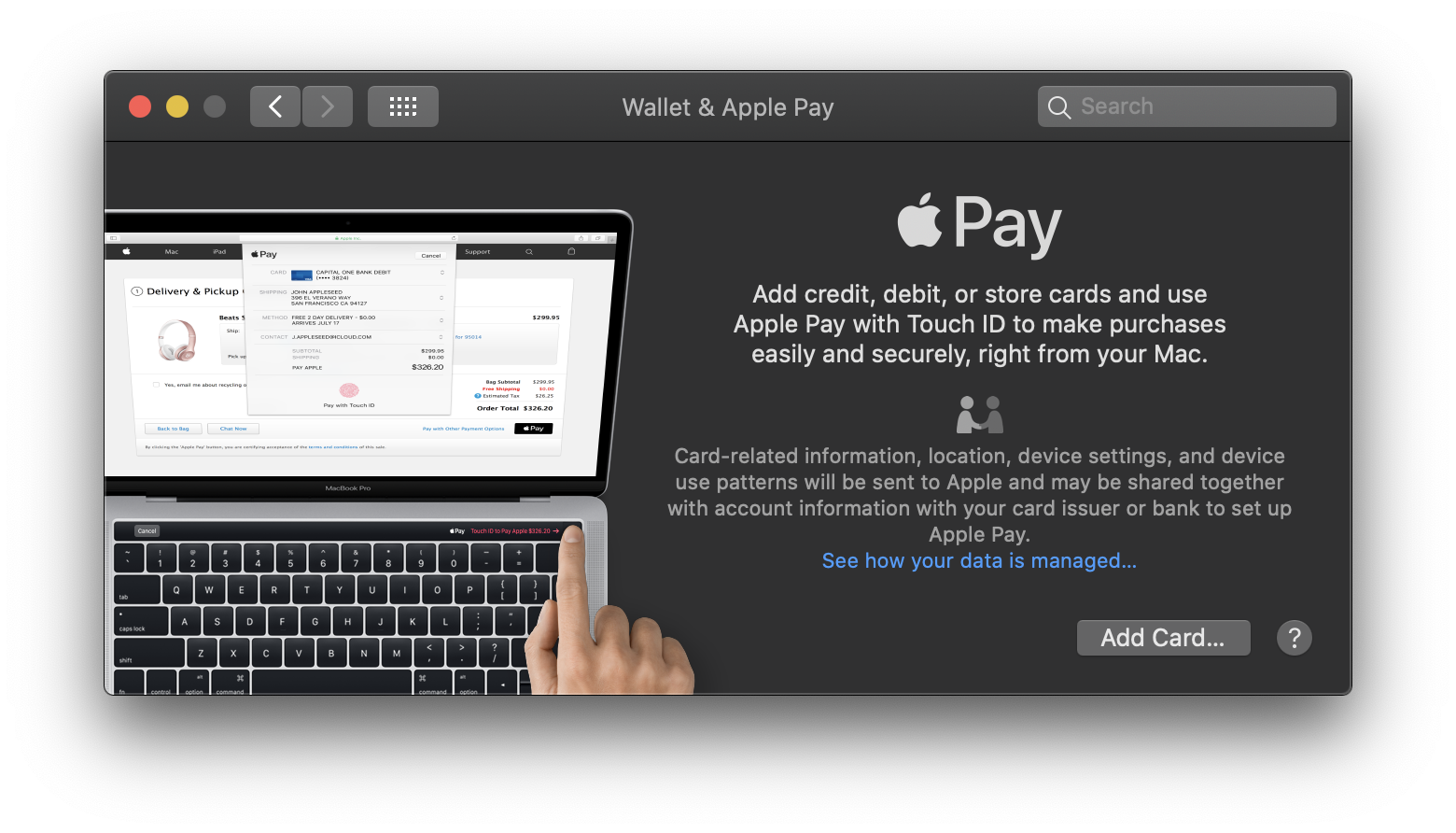
System Preferences: Wallet & Apple Pay
Dark Mode
Desktop
About This Mac
System Information
Stacks
Desktop Stacks
Apple Menu
Finder Menu
Go Menu
Finder: Go to Folder
Finder: Connect to Server
Finder: Network
Finder: Home
Finder: Gallery View
Finder: Quick Look
Finder: Quick Look Markup
Finder: Get Info
Finder: Search
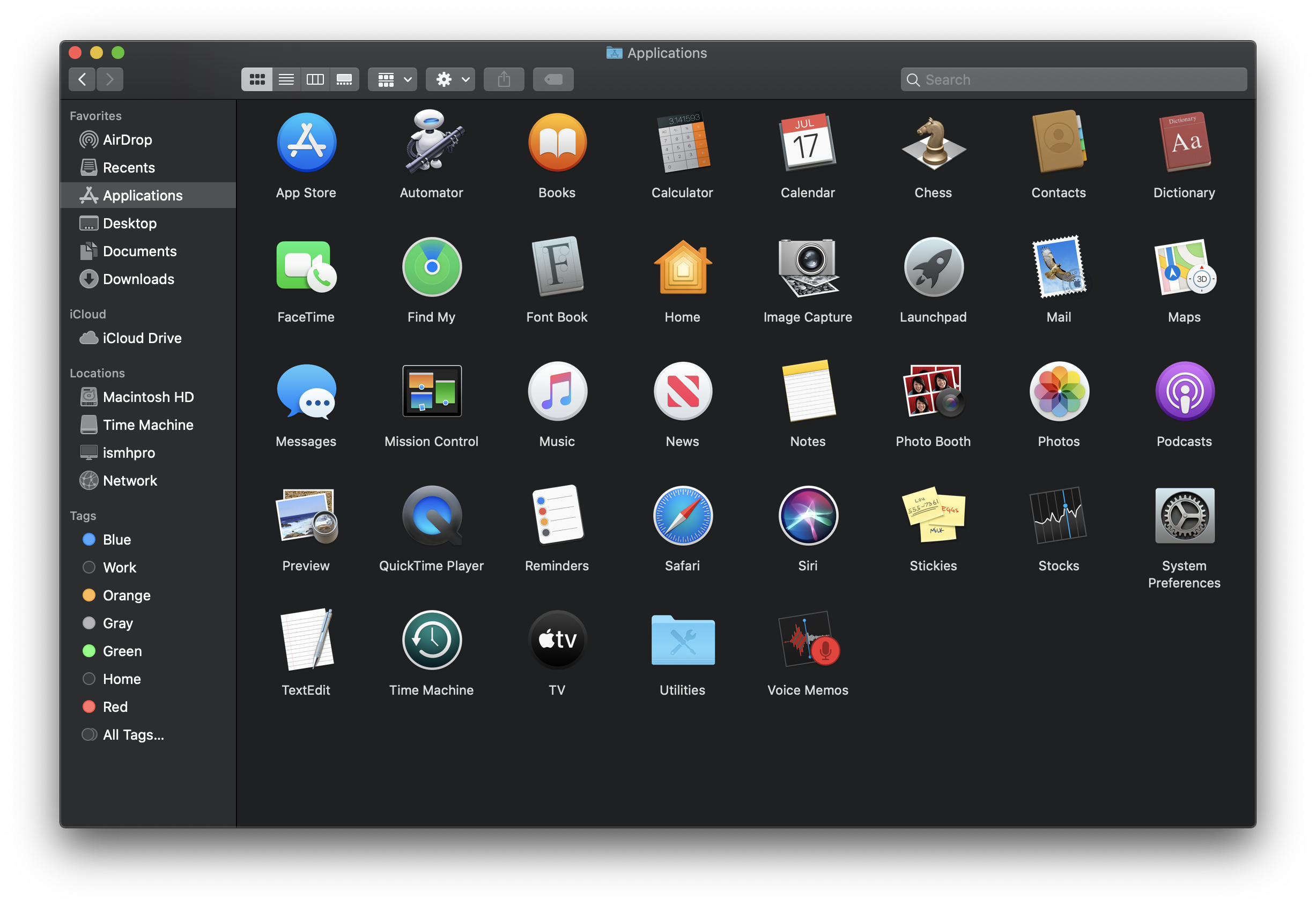
Applications
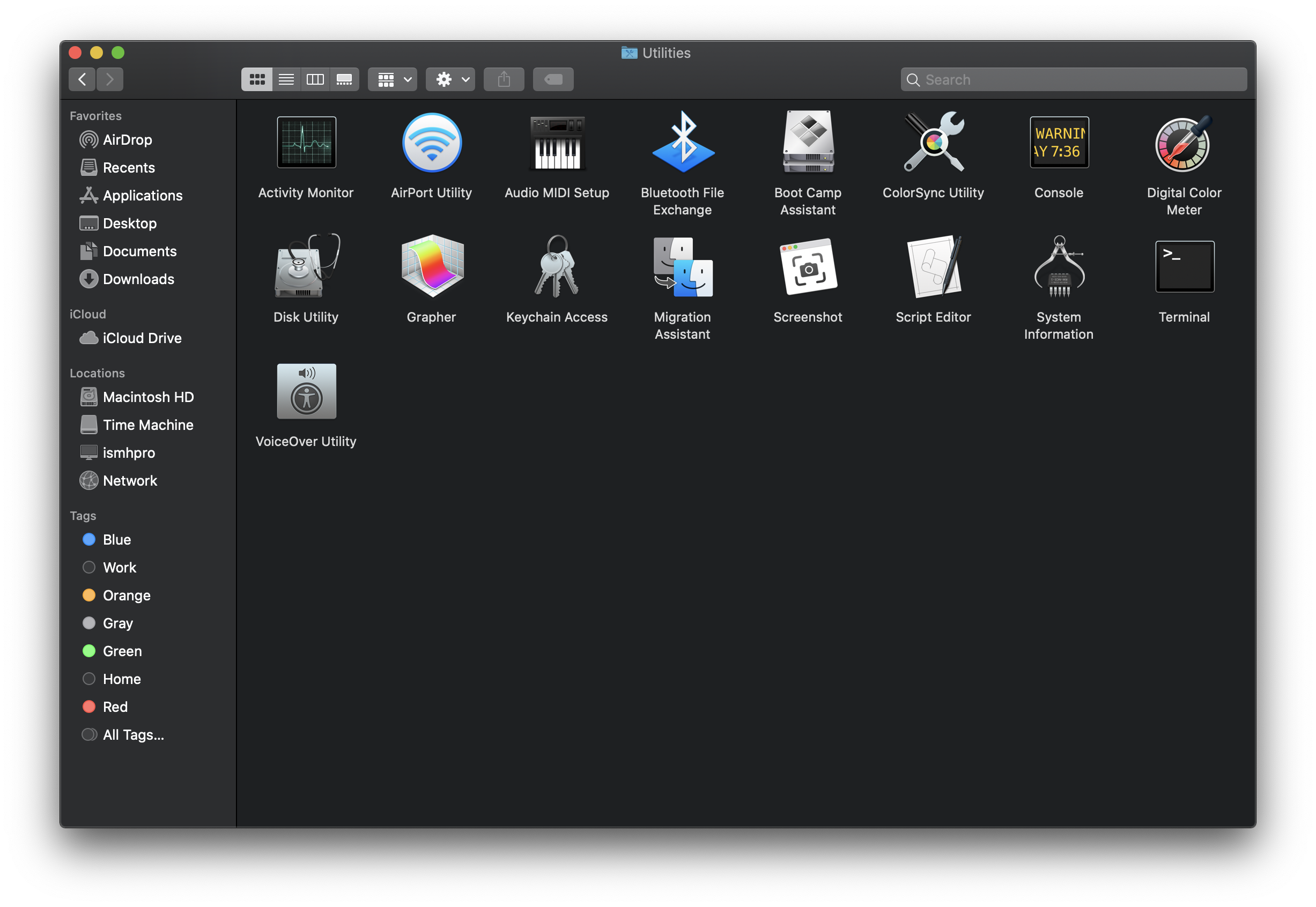
Applications: Utilities
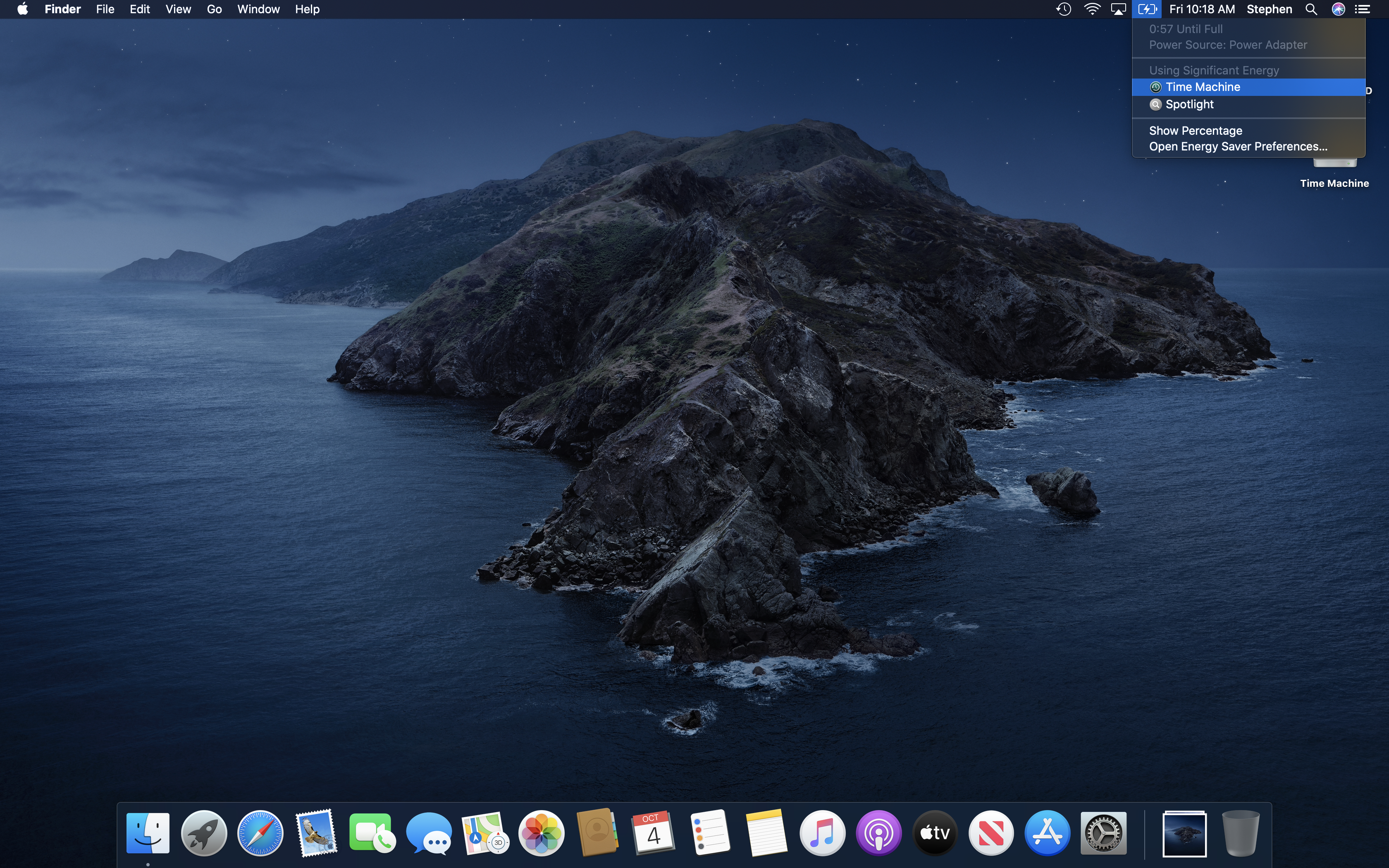
Menu Bar: Battery
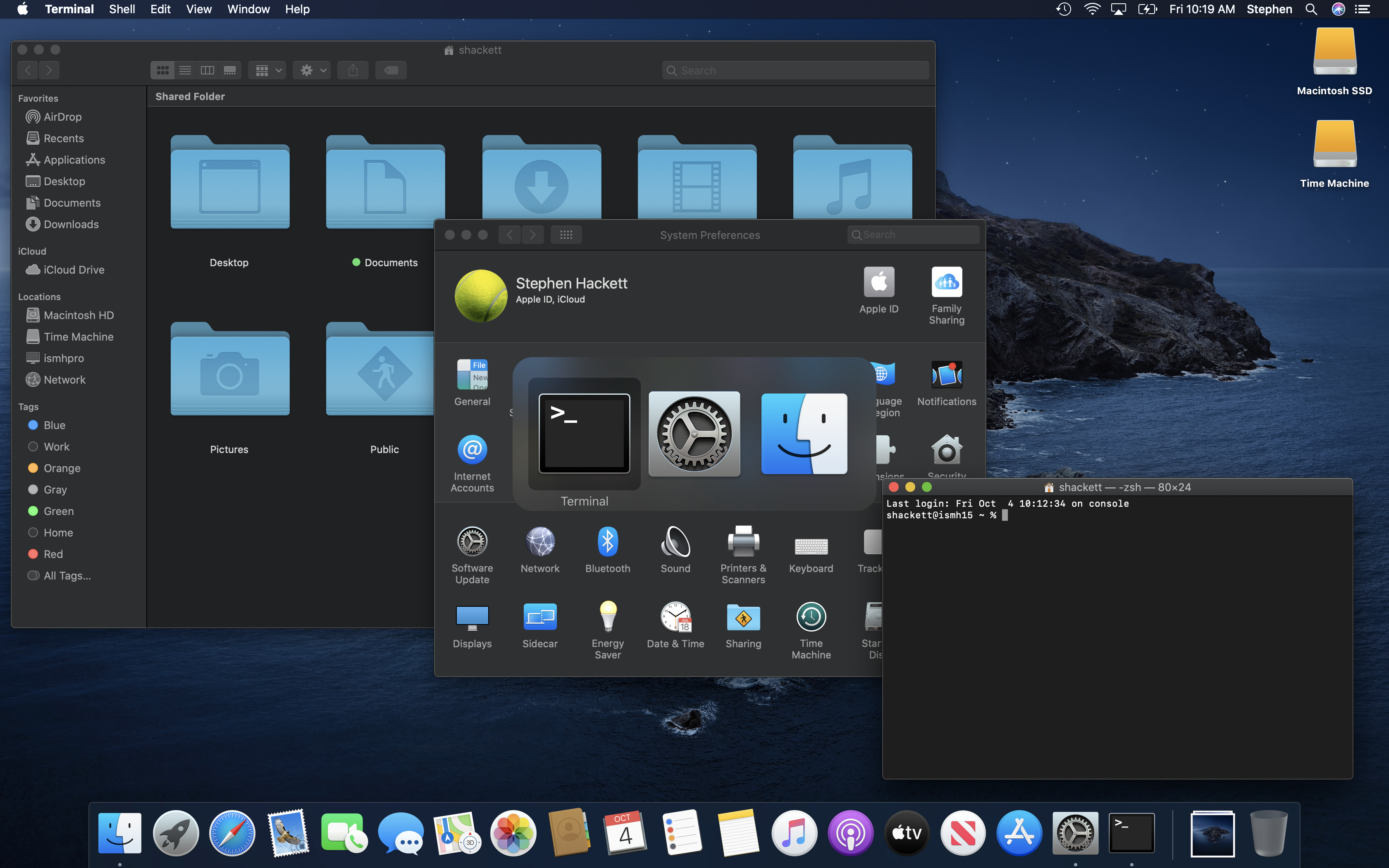
App Switcher
Force Quit
Finder: Copy
Finder: Replace
Finder: Empty Trash
Finder: Eject Warning
Fast User Switching
Fast User Switching: Log In Window
Spotlight
Spotlight: More
Mission Control
Menu Bar: Time Machine
Time Machine
Launchpad
Launchpad: Folder
Fullscreen App
Split Screen Apps
Notification Center: Today
Notification Center: Notifications
Dictation
Siri
Storage Management
TextEdit
TextEdit: Open
TextEdit: Open: iCloud
Print
AirPort Utility
Automator
Books
Boot Camp Assistant
Calculator
Calendar
Calendar: Preferences
Chess
Console
Contacts
Dictionary
Disk Utility
FaceTime
Find My
Font Book
Help
Help: Search
Home
Keychain Access
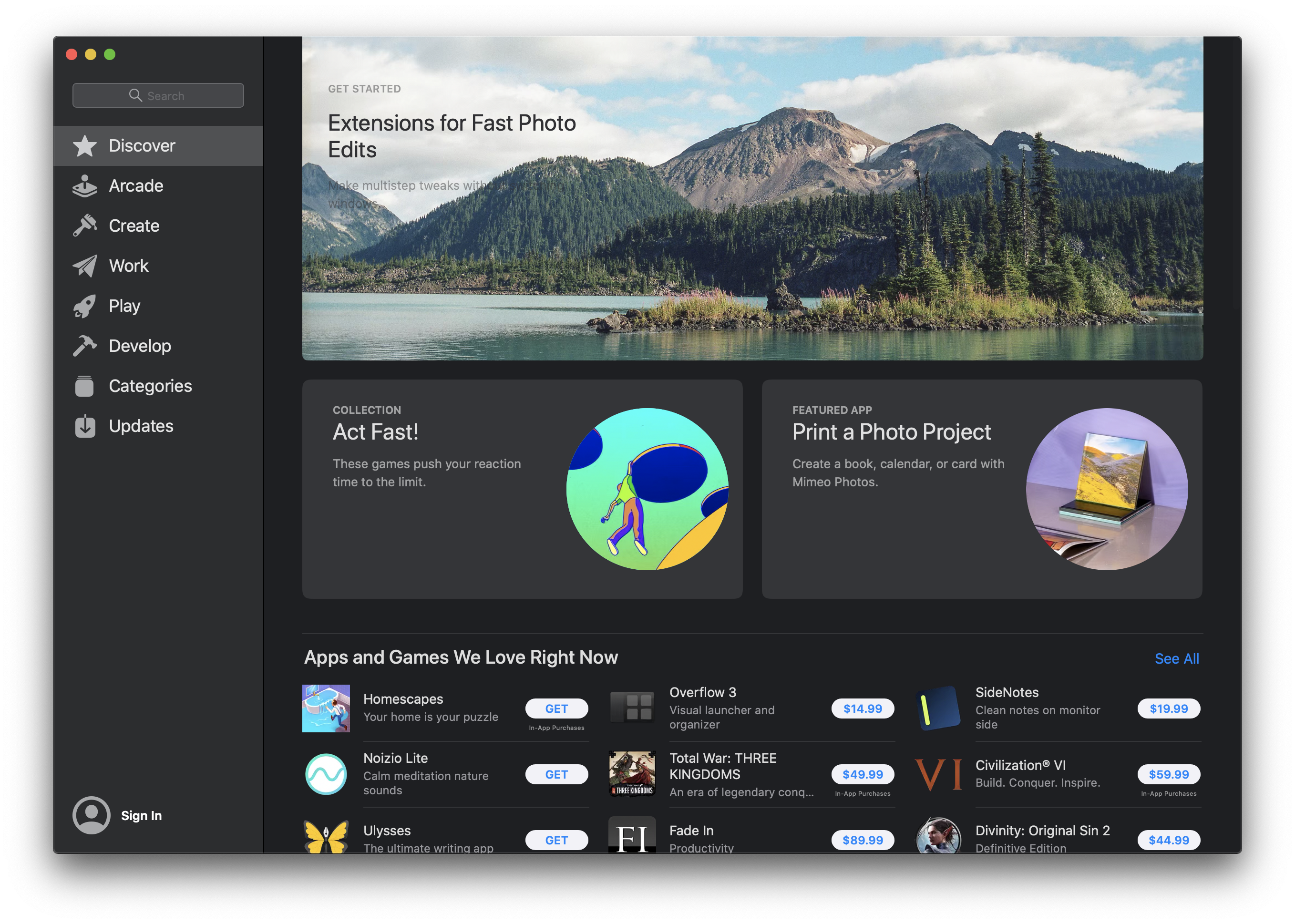
Mac App Store
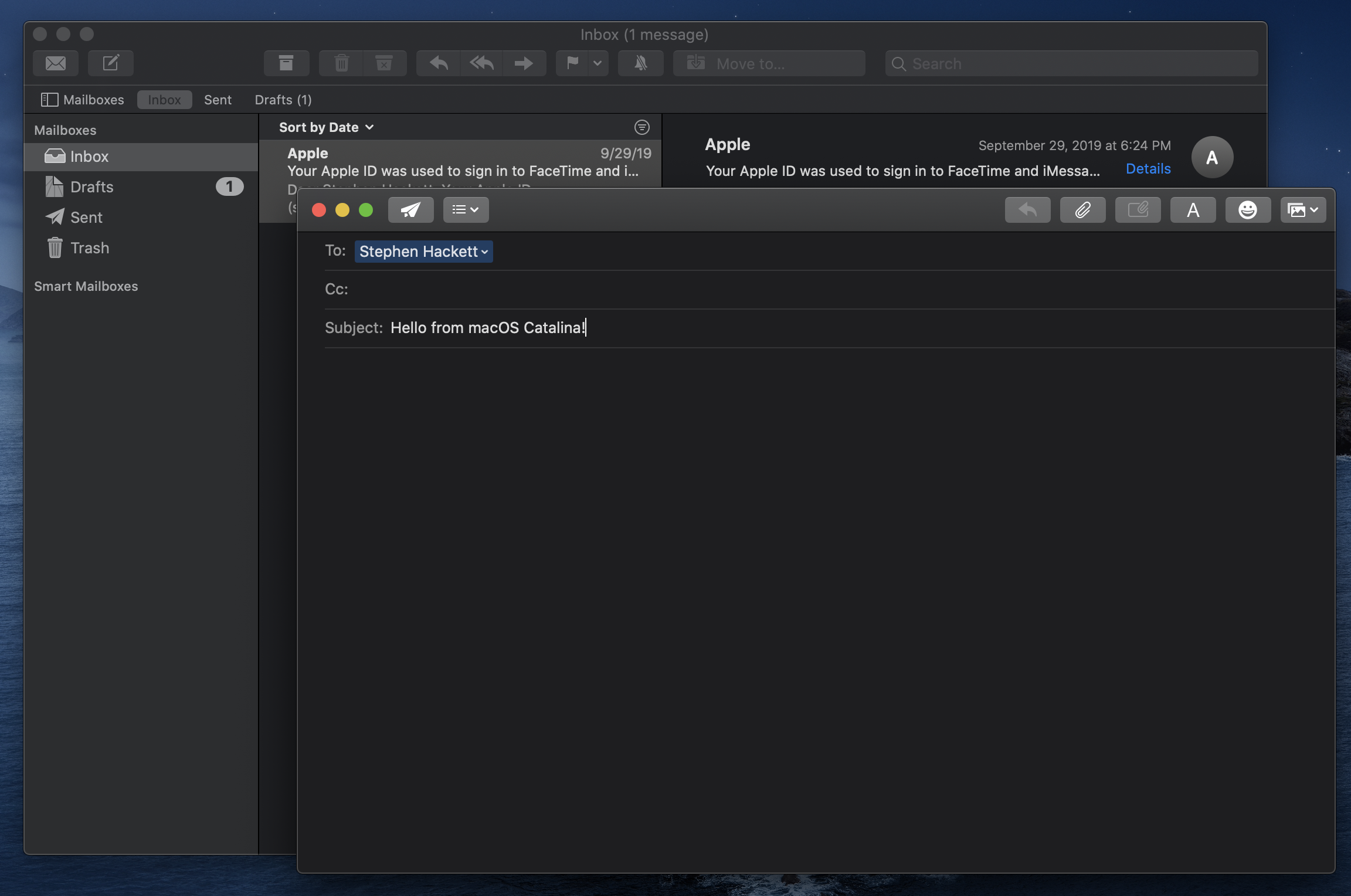
Mail
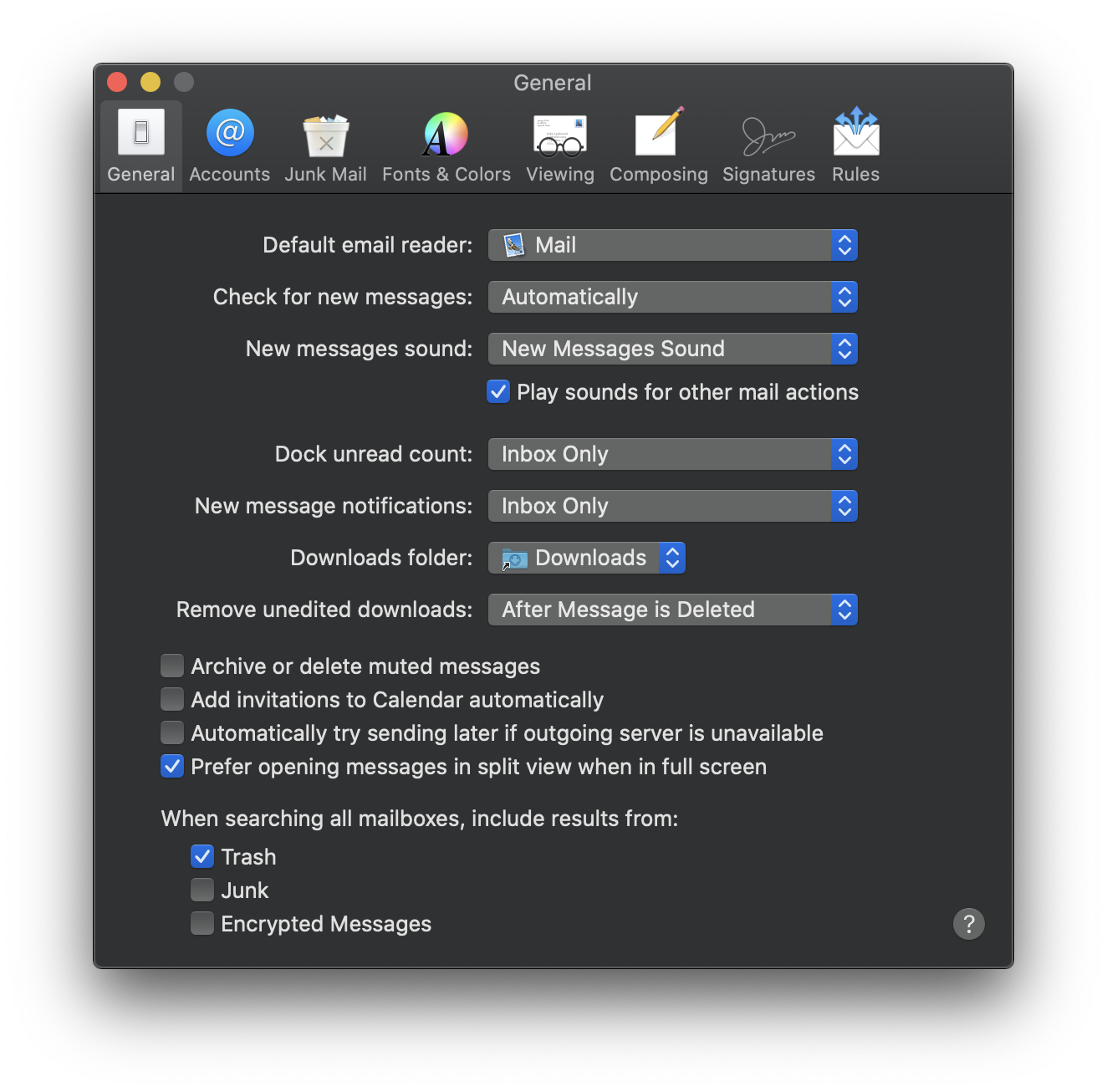
Mail: Preferences
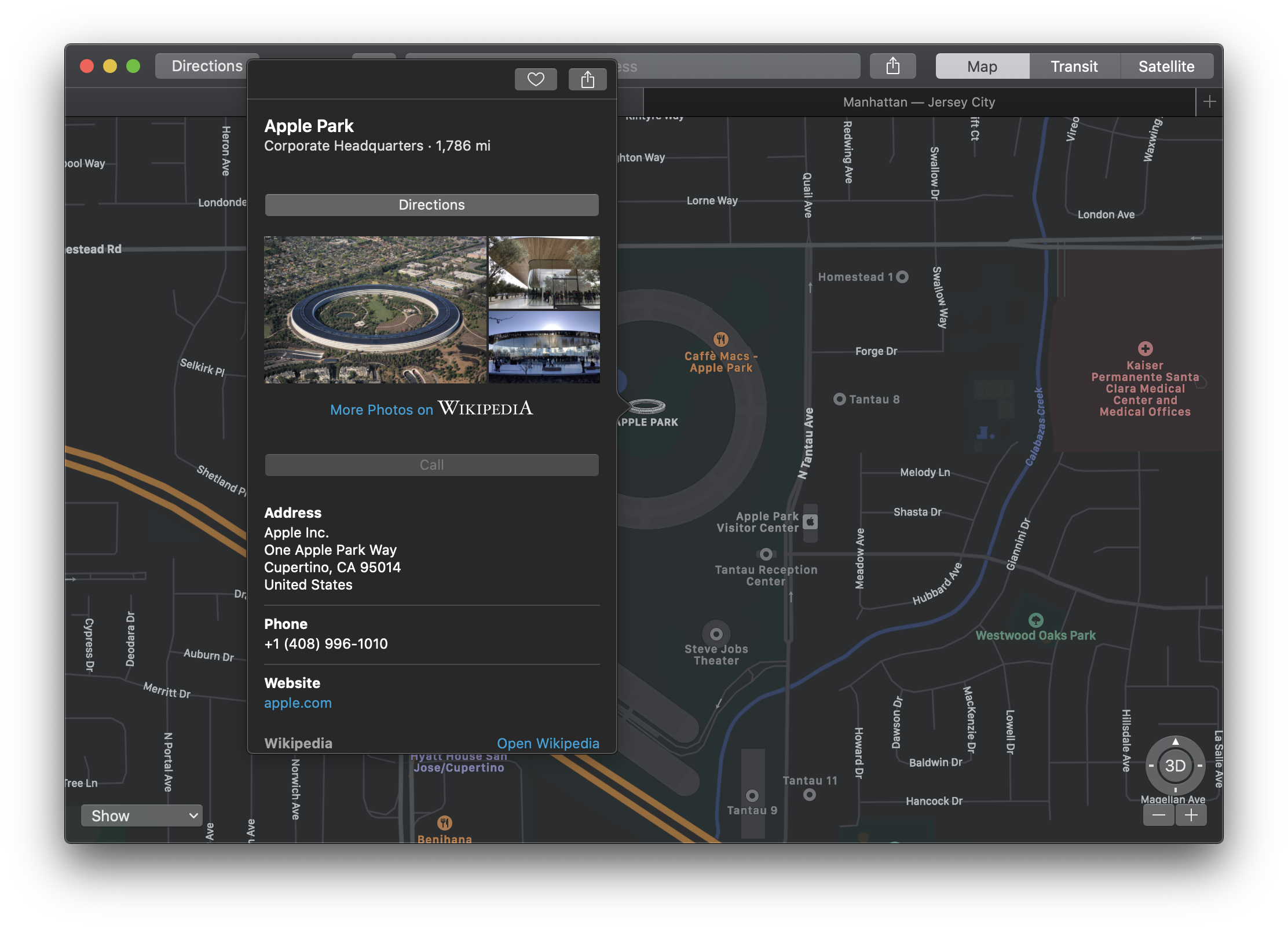
Maps
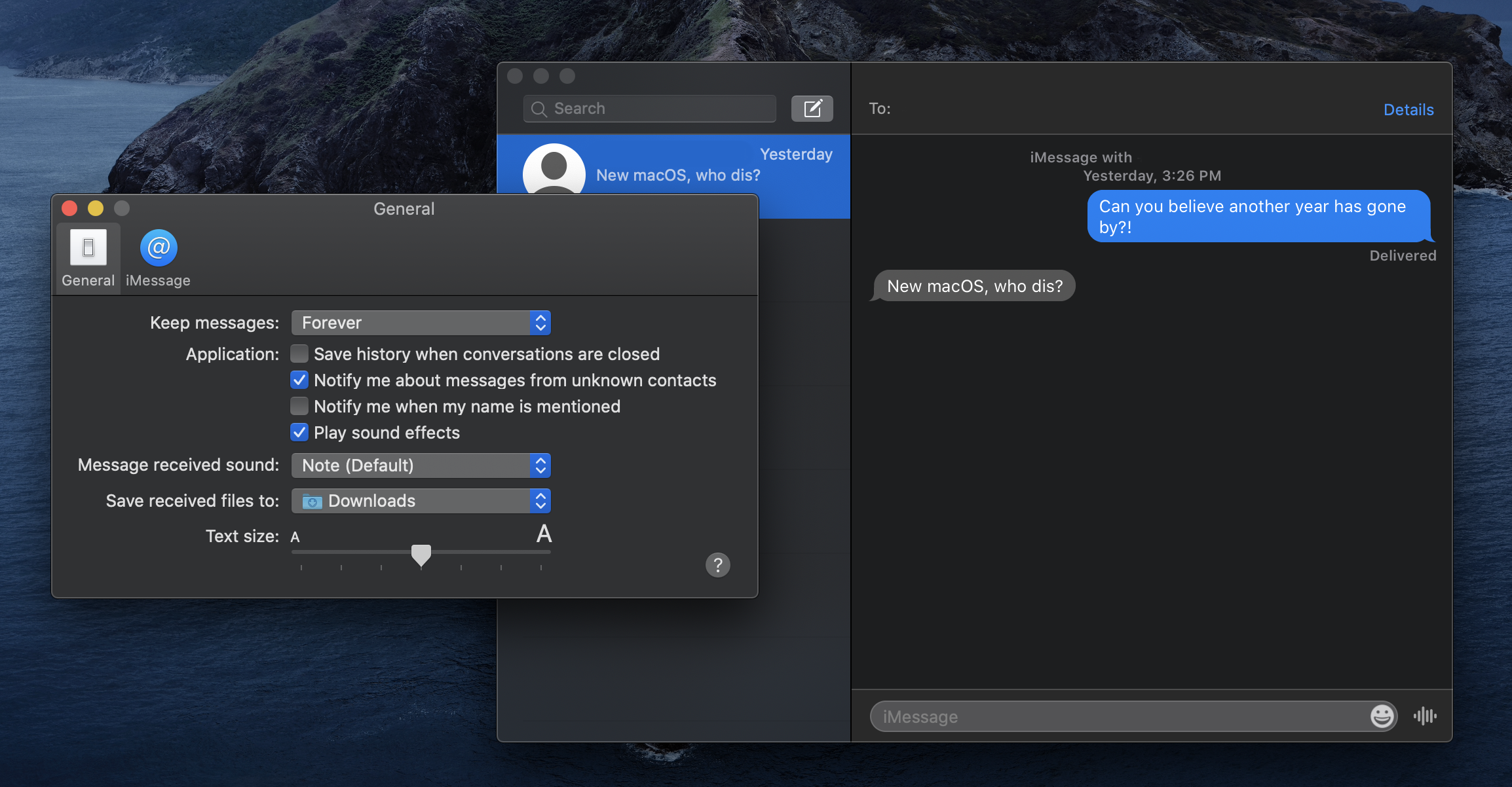
Messages
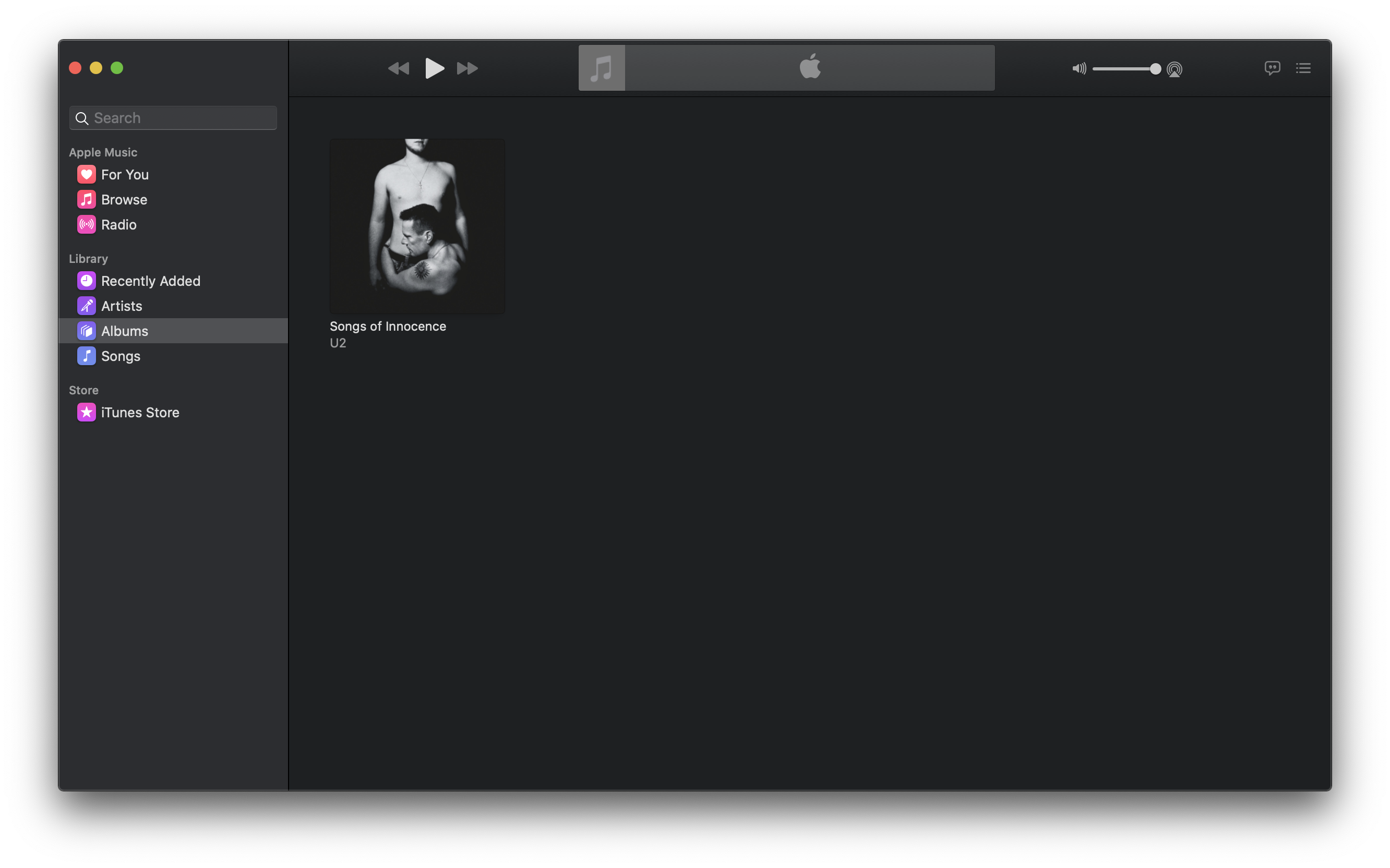
Music
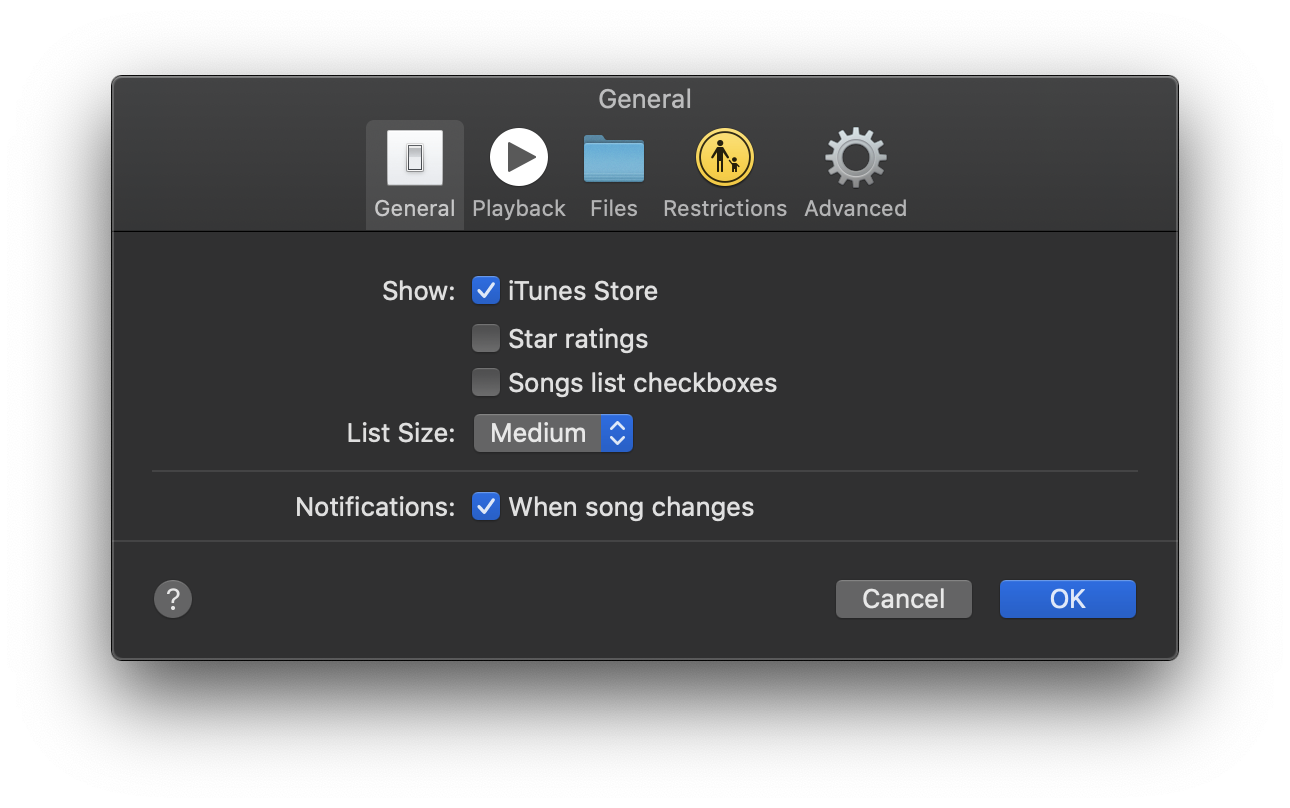
Music: Preferences
Network Utility
News
Notes
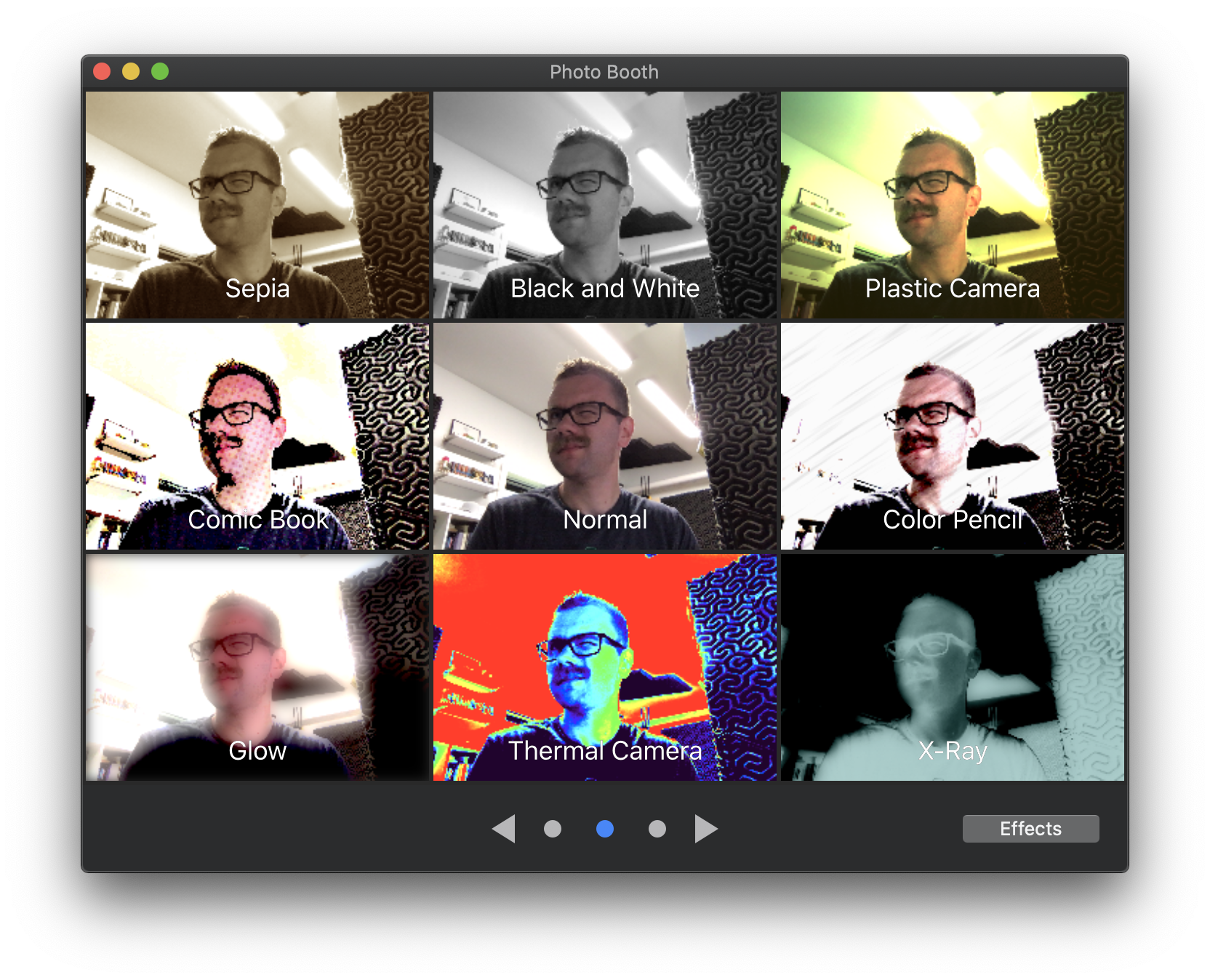
PhotoBooth
Photos
Podcasts
Podcasts: Preferences
Preview
Preview: Search
QuickTime
Reminders
Script Editor
Stickies
Stocks
Safari 13
Safari 13: Favorites
Safari 13: Picture in Picture
Safari 13: Preferences
Safari 13: Reader Mode
Safari 13: Sharing
Safari 13: Tab Overview
TV
TV: Preferences
Voice Memos
System Preferences
System Preferences: Accessibility
System Preferences: Apple ID
System Preferences: Bluetooth
System Preferences: Date & Time
System Preferences: Desktop & Screen Saver
System Preferences: Displays
System Preferences: Dock
System Preferences: Energy Saver
System Preferences: Extensions
System Preferences: Family Sharing
System Preferences: General
System Preferences: Internet Accounts
System Preferences: Keyboard
System Preferences: Language & Region
System Preferences: Mission Control
System Preferences: Mouse
System Preferences: Network
System Preferences: Notifications
System Preferences: Printers & Scanners
System Preferences: Screen Time
System Preferences: Security & Privacy
System Preferences: Sharing
System Preferences: Sidecar
System Preferences: Siri
System Preferences: Software Update
System Preferences: Sound
System Preferences: Spotlight
System Preferences: Startup Disk
System Preferences: Time Machine
System Preferences: Touch ID
System Preferences: Trackpad
System Preferences: Users & Groups
System Preferences: Wallet & Apple Pay
← Downgrade to macOS 10.14 Mojave
View all entries in the Aqua Screenshot Library or check out OS X’s default wallpapers, updated for 6K Retina displays.