
I love Instapaper. It makes reading web content enjoyable.
Instapaper generally works like a dream. However, it cannot pull all of the text from a story if that story is broken into several pages.
Take Ars Technica’s 5-page review of the 11.6" MacBook Air. Normally, I would just send the first page to Instapaper, and then up reading the rest of the story in the browser when I have time, since this is what Instapaper does normally in this situation:
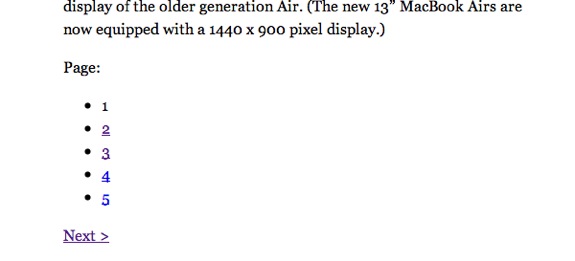
Clicking the pages on a Mac or PC will open that page in the browser. The iOS version of Instapaper will prompt you to Instapaper-ize each subsequent page.
I don’t see this as a fault of Instapaper’s at all. However, I do find it annoying. Thankfully, Safari 5’s Reader function offers a way around this.
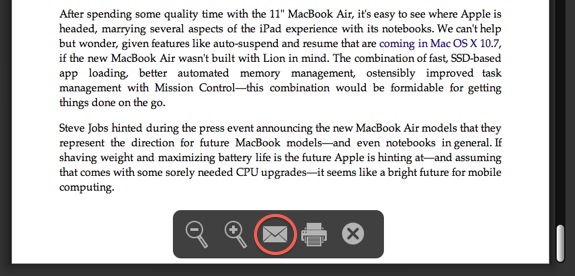
If you activate Safari’s Reader function, and scroll all the way through the story, it will cache all of the story’s text — even over multiple pages. Once it’s all loaded up, hit the email button on Reader’s heads-up display and send the article to your Instapaper account via email:1
Your Inspaper account will now have the entire story’s text, ready to read at your leisure, without having to take you back to the browser. Brilliant, right?
-
You can get your account’s email address by looking at the “Extras” section of the Instapaper website. ↩︎