You can use a split keyboard on your iPad and move it up or down your screen to help you type.
Unless you have an 11 or 12.9-inch iPad Pro, which really bugs me. I’d love to have this on my giant iPad.
You can use a split keyboard on your iPad and move it up or down your screen to help you type.
Unless you have an 11 or 12.9-inch iPad Pro, which really bugs me. I’d love to have this on my giant iPad.
This time on Liftoff, we mark the 50th anniversary of Apollo 8:
In December 1968, Frank Borman, James Lovell, and William Anders became the first human beings to travel to the moon, circling our nearest neighbor and making history while doing so.
My thanks to eero for sponsoring this episode.
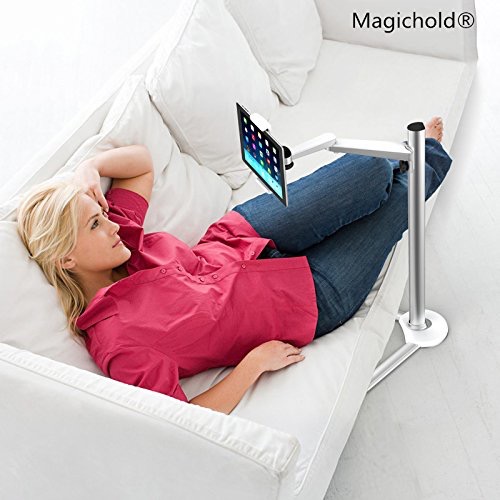
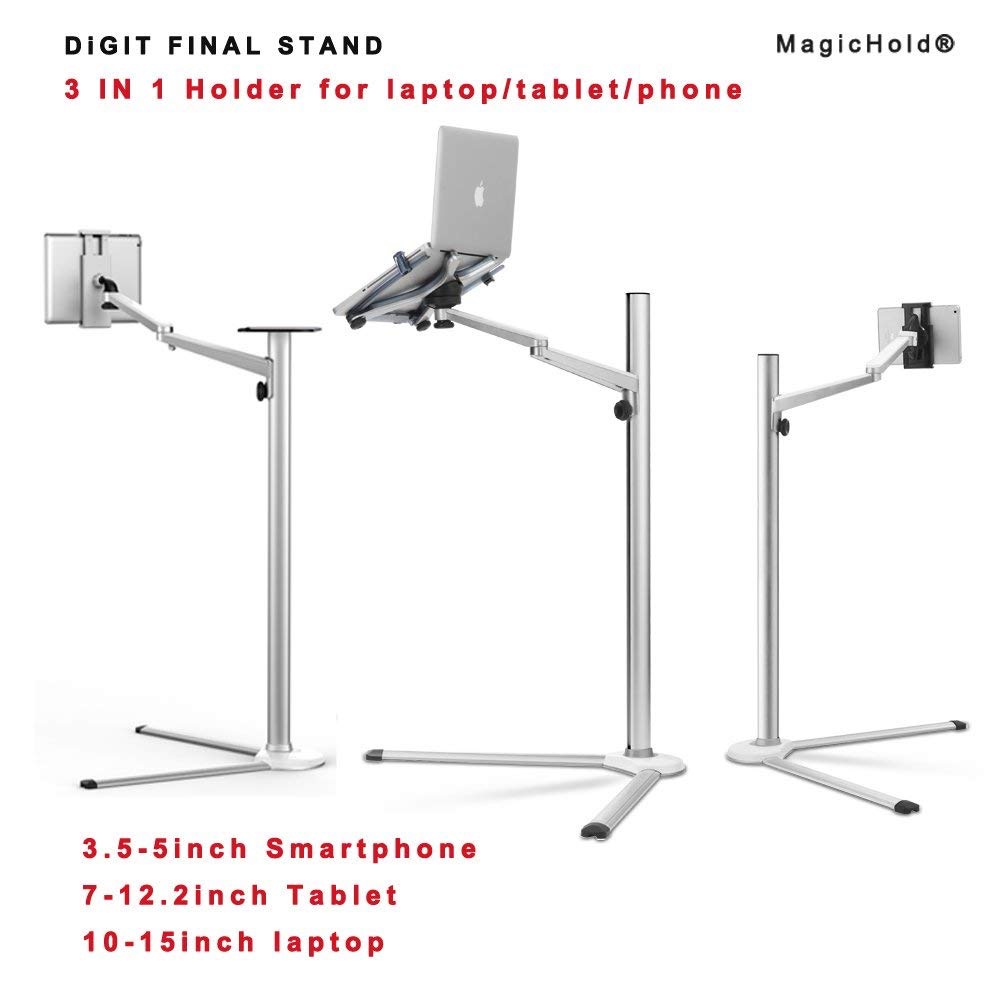
Federico recently wrote about how a nice iPad stand can make the device much more usable in certain situations. That got me thinking about checking some out, and I discovered Amazon has some real weird ones for sale.
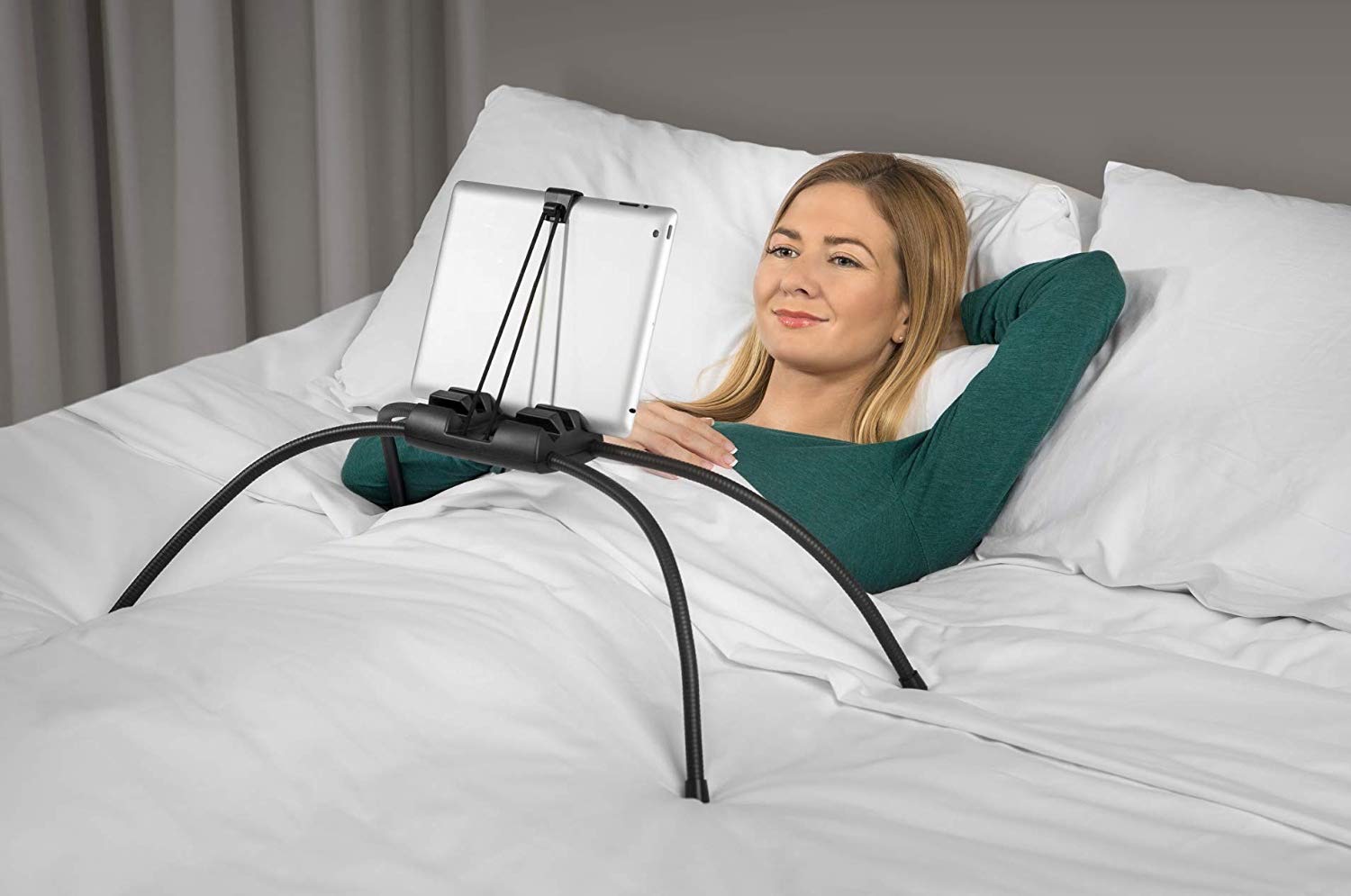
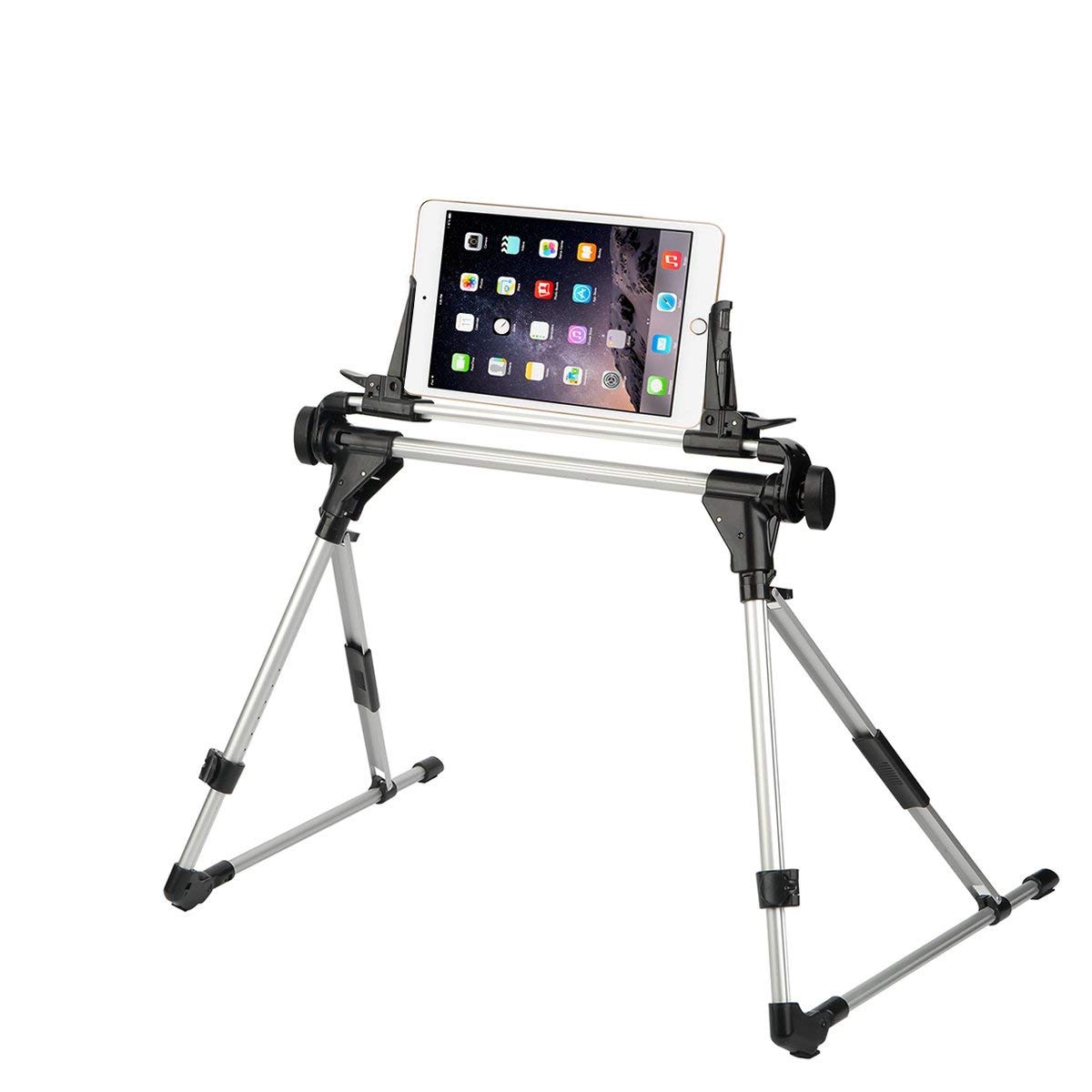
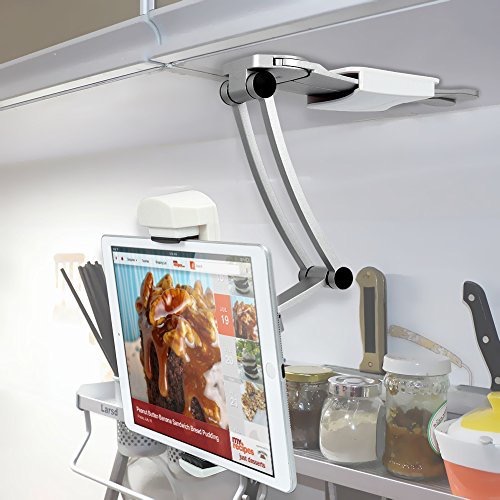
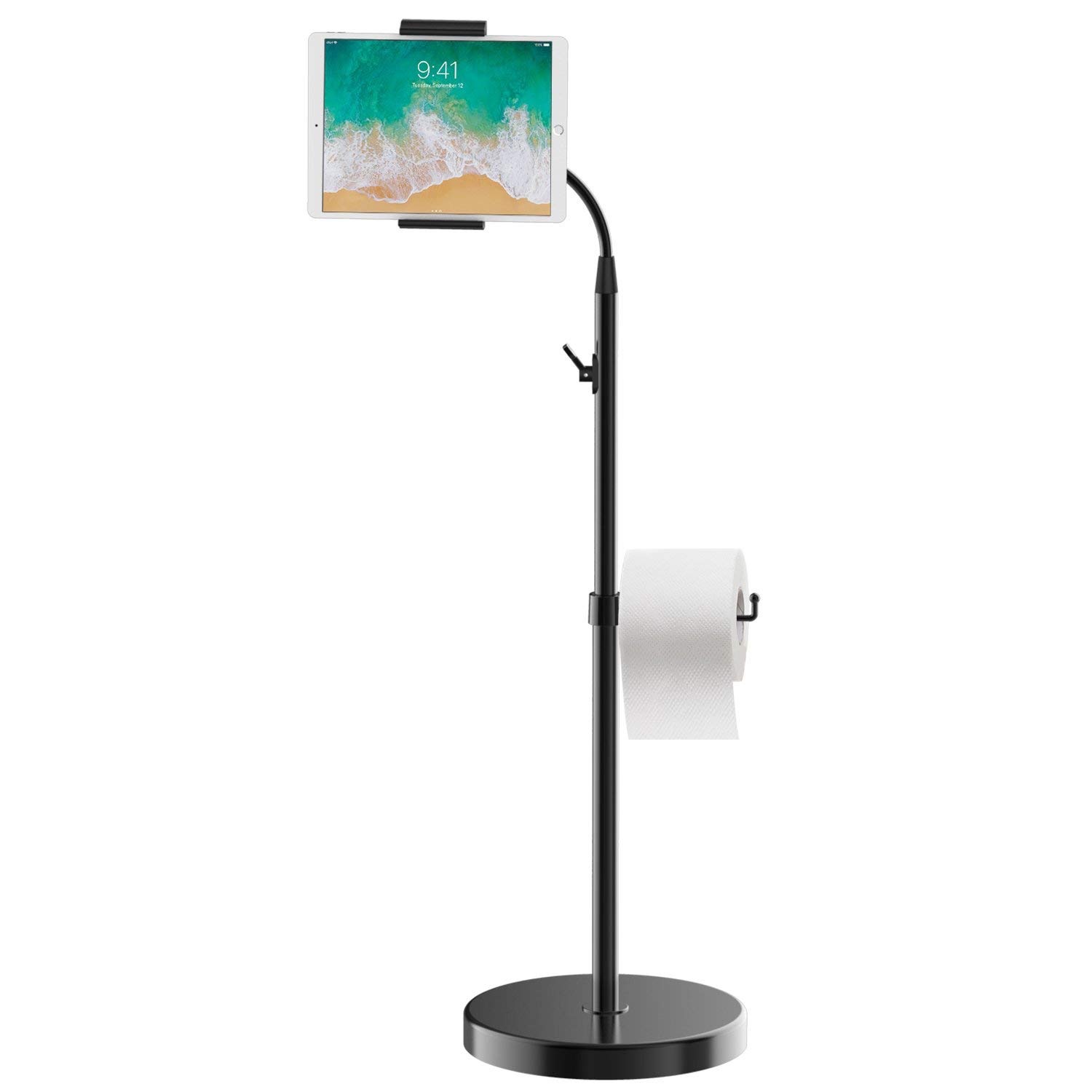
John Markoff, writing at The New York Times:
In 1983, Mr. Jobs oversaw the construction of a state-of-the-art plant where the new Macintosh computer would be built. Reporters who toured it early on were told that the plant, located just across San Francisco Bay from Apple’s headquarters, was so advanced that factory labor would account for 2 percent of the cost of making a Macintosh.
“Steve had deep convictions about Japanese manufacturing processes,” recalled Randy Battat, who joined Apple as a young electrical engineer and oversaw the introduction of some of the company’s early portable computers. “The Japanese were heralded as wizards of manufacturing. The idea was to create a factory with just-in-time delivery of zero-defect parts. It wasn’t great for business.”
What Mr. Gassée found several years after Mr. Jobs was forced out of the company, was that the reality of manufacturing was different than the personal computer pioneer’s original dream.
Hi all, I built a Spotify player for my Macintosh SE/30.
Drop whatever it is you are doing and go check this out.
I got it set up per Joe Rossignol’s screenshots, and once Apple Music is set as the default music source, it works really well. I could play music from my library, but the Echo could not find any of my personal playlists. Likewise, it could not play music that I had uploaded to iTunes Match.
I don’t know if these features will be available after the service’s official launch date, but as of right now, Apple Music on the Echo feels half-baked.
Update: I’ve gotten a couple of emails from people saying playlists are working for them, so maybe some of this is just teething problems.
It is joining iTunes Ping in the great beyond.
Apple today announced a major expansion of its operations in Austin, including an investment of $1 billion to build a new campus in North Austin. The company also announced plans to establish new sites in Seattle, San Diego and Culver City and expand in cities across the United States including Pittsburgh, New York and Boulder, Colorado over the next three years, with the potential for additional expansion elsewhere in the US over time.
This is weird; I thought the only way a corporation could choose a location for expansion was to pit cities against each other in a public bracket.
Myke struggles to use Amazon’s website, Stephen checks his heartbeat and Federico tinkers with keyboards for the iPad Pro.
I also make a confession about the number of HomePods in my house and Federico pines for the return of the Smart Battery Case.
My thanks to our sponsors for this episode:
I last wrote about my backup strategy in July 2015, and a lot has changed, so I thought it was time to update things.
This is the part where I copy and paste from that 2015 blog post:
I shouldn’t have to preach the importance of a good backup system, but there are some key tenants that should be part of any approach:
My hardware setup is radically different from what it was in 2015. While I still have a Mac mini, it is now the server, hosting a Drobo 5D stuffed with 4 TB hard drives for a total of 17 TB or so of storage. Moving away from the Synology isn’t that juicy of a story. It had a hardware failure and I moved on.
Like before, this large pool of hard drive space houses the family iTunes library, past work projects and the mountain of nerdy stuff I’ve gleaned from the Internet over the years.
The beauty of a Thunderbolt RAID is that I can manage it with the Mac mini, which sees it as a huge external hard drive. This means I can run Backblaze on the Mac and have it protect everything on the Drobo:
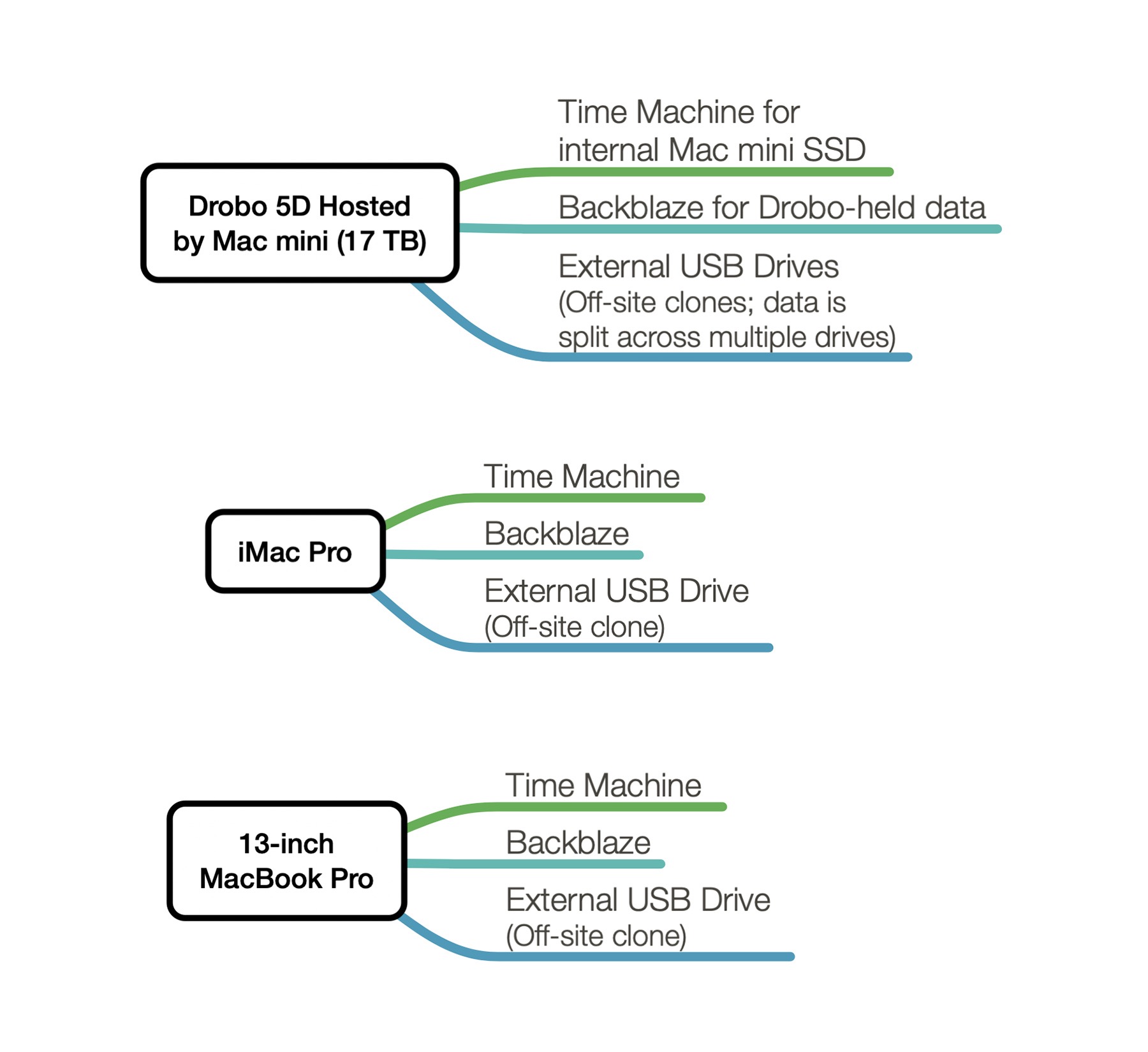
In addition to Backblaze I use Carbon Copy Cloner to backup the data on the Drobo onto a series of external USB drives for off-site storage. The data set is shared across multiple drives, but CCC makes it easy enough to manage:
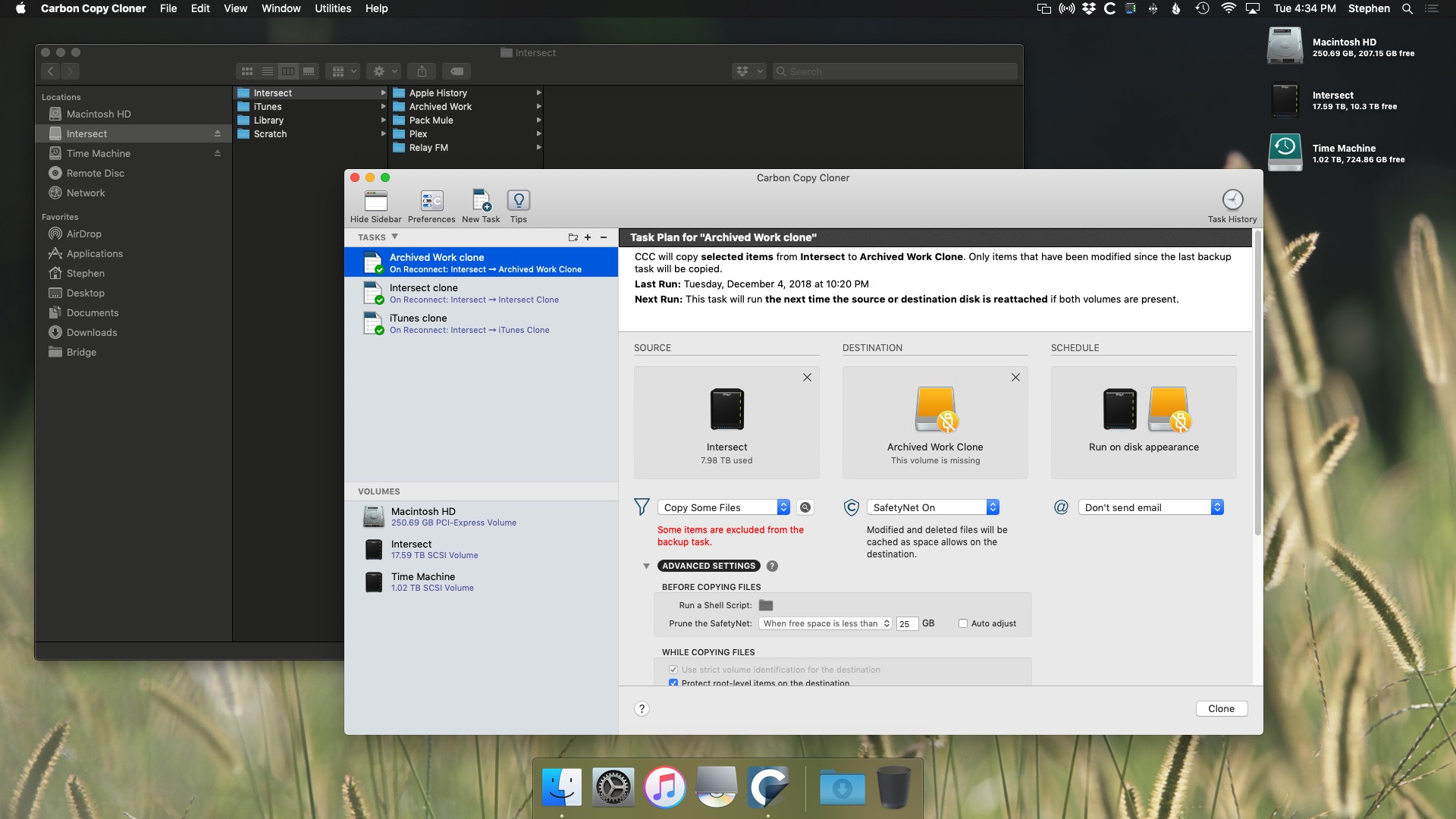
I moved to CCC from SuperDuper! because Carbon Copy Cloner feels a lot better supported at this point, and it makes dealing multiple tasks like this much easier.
My iMac Pro and MacBook Pro are much simpler. Almost all the data on them is in Dropbox, outside of the iTunes and Photos libraries and any active Logic or Final Cut projects. Even so, both of these machines have dedicated Time Machine drives, Backblaze accounts and off-site USB drives updated with Carbon Copy Cloner a couple of times a month.
I’ll just come out and say it. I’ve always wanted to carry a more minimal wallet than the Costanza-inspired beast I’ve used for years. When you’re a dad and own two companies, there’s no end to the cards you end up carrying around.
I’ve tried a couple of slim wallets over the years, but I couldn’t whittle my life down to three or four cards, no matter how hard I tried.
Then I saw Tom Bihn’s spin on things and decided to try again. In short, we have a winner.
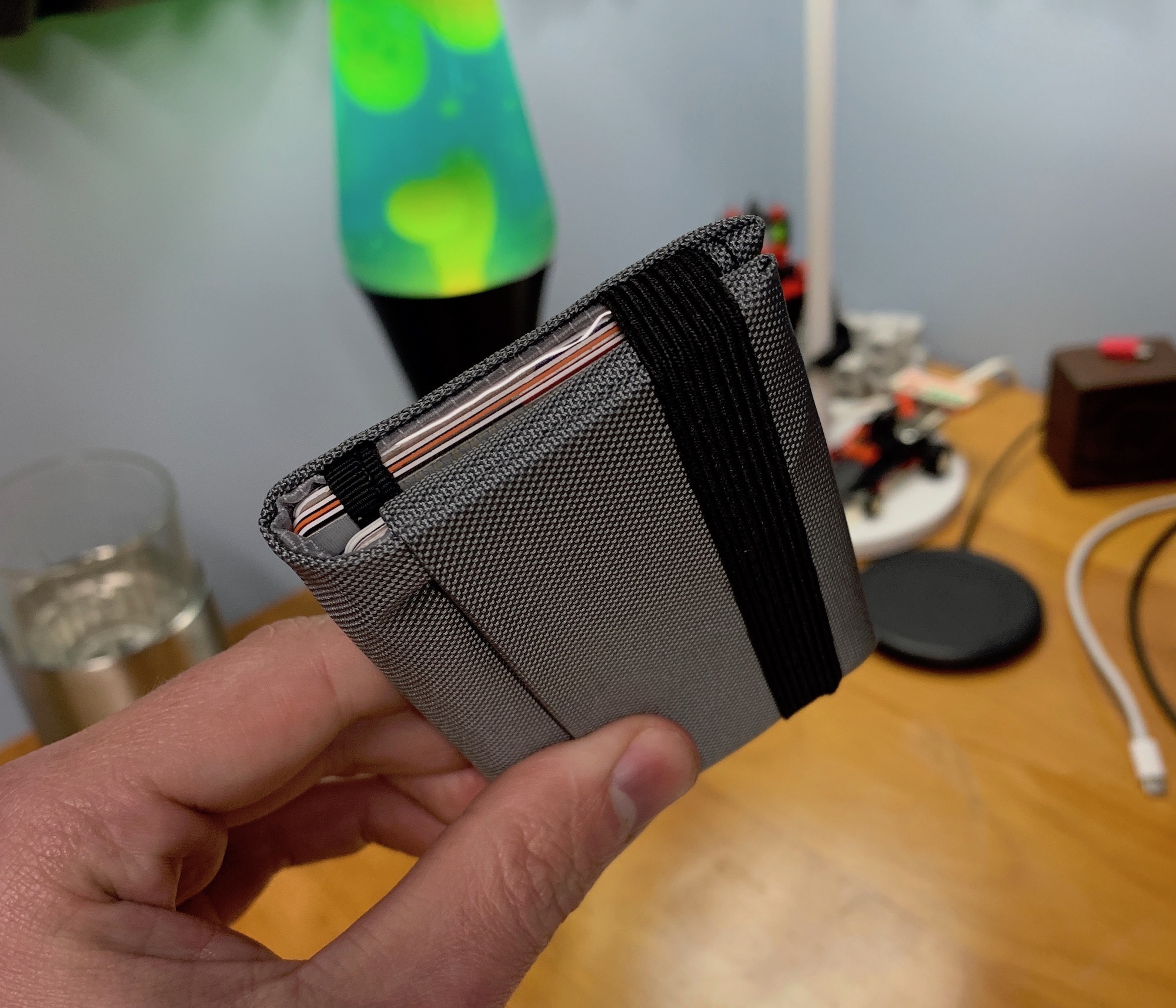
I ordered the awkwardly-named “Nik’s Minimalist Wallet #3” in “Cloud 10 Ballastic,” which is the nice gray you can see in the photo above. Black continues to be back-ordered, so I opted for this instead. As it turns out, I really like the color, and not being black makes it a little easier to spot in my backpack or truck.
The #3 variant of the line has two interior pockets and one outer pocket. One of the interior ones is covered in clear urethane, making it easy to show your ID to someone without needing to take your driver’s license out. The outer pocket is great for folded-up bills and receipts. The width and height of the wallet are just big enough to hold a credit card; there’s no extra material here to bulk things up.
The Tom Bihn website says this about storage options:
All four versions of Nik’s Minimalist Wallets can fit up to about 6 credit cards or 3-4 credit cards and 4-6 ID, health insurance, or membership cards or similar (the raised text and numbers of credit cards take up a little more space and the thickness of other cards can vary slightly) and a few folded paper bills of any currency.
I took this spec sheet as a challenge to really cull what I was carrying with me every day. Here’s what I have in mine now:
Pocket 1:
Pocket 2:
I left behind a second, rarely-used credit card, my library card and three memberships cards to various places around town. For all but the first, if I forget the card at home and I need it, I should be able to show up at the place in question, tell them I don’t have my card, and be looked up in their systems and allowed to proceed.
I can live with that.
Thanks to the amount of fabric between the pockets, it is easy to slide the contents of one of them out without disturbing the other. When you’re done putting things back, the whole thing stays shut with a nice elastic band that is easy to operate, but tight enough to hold the wallet securely shut.
While it’s not made of high-grade leather, and it’s not the most handsome wallet on the market, but that’s fine. Nik’s Minimalist Wallet has struck a balance between minimalism and usability that really works for me, especially for the $30 price tag.
Dwayne Brown and Karen Fox at NASA:
Comparing data from different instruments aboard the trailblazing spacecraft, mission scientists determined the probe crossed the outer edge of the heliosphere on Nov. 5. This boundary, called the heliopause, is where the tenuous, hot solar wind meets the cold, dense interstellar medium. Its twin, Voyager 1, crossed this boundary in 2012, but Voyager 2 carries a working instrument that will provide first-of-its-kind observations of the nature of this gateway into interstellar space.
Voyager 2 now is slightly more than 11 billion miles (18 billion kilometers) from Earth. Mission operators still can communicate with Voyager 2 as it enters this new phase of its journey, but information – moving at the speed of light – takes about 16.5 hours to travel from the spacecraft to Earth. By comparison, light traveling from the Sun takes about eight minutes to reach Earth.
These sorts of stories always break my brain a little bit. The press release goes on:
The most compelling evidence of Voyager 2’s exit from the heliosphere came from its onboard Plasma Science Experiment (PLS), an instrument that stopped working on Voyager 1 in 1980, long before that probe crossed the heliopause. Until recently, the space surrounding Voyager 2 was filled predominantly with plasma flowing out from our Sun. This outflow, called the solar wind, creates a bubble – the heliosphere – that envelopes the planets in our solar system. The PLS uses the electrical current of the plasma to detect the speed, density, temperature, pressure and flux of the solar wind. The PLS aboard Voyager 2 observed a steep decline in the speed of the solar wind particles on Nov. 5. Since that date, the plasma instrument has observed no solar wind flow in the environment around Voyager 2, which makes mission scientists confident the probe has left the heliosphere.
Simply amazing.