Finally. Update: You can drag content into these apps, but not out of them, into other apps. Oh, Google.
Category: Apps
Fixing Media Playback Control Keys on High Sierra ⇢
With High Sierra, Apple changed how the media playback control keys work on Macs without Touch Bars. In the past, these keys were locked to iTunes, even if media was playing in Safari, Messages or another application. Now, if I view an Animoji video from someone in Messages, the media keys become disassociated with iTunes, and they seem to get stuck with Messages far too long.
This has been driving me crazy on my iMac, where I keep iTunes running nearly all day. Thankfully, Milan Toth has fixed this regression with a little free Mac app named High Sierra Media Key Enabler. I’ve been running it since I saw Brian Stucki tweet about it, and it’s pretty great.
Clips: the New Photo Booth ⇢
Karan Varindani, writing about the updated version of Clips:
Playing with the Selfie Scenes in Clips last week, I had the same feeling that I did playing with Photo Booth on my Mac many years ago. It was a little surreal, as someone with incredible front-camera shyness, to find myself having so much fun with it. The whole experience had me thinking: In a few years, once the Face ID technology has spread to the rest of the iOS line (and maybe even the Mac), could Clips be the successor to Photo Booth? Between Selfie Scenes, stickers, Live Titles, and fast sharing to social media, it seems the perfect fit.
On Dark Modes and Battery Life ⇢
Neil Hughes has been running battery tests on the iPhone X and his findings blew my mind a little bit:
Reddit normally features a white background and black text, but with Apple’s smart invert colors option enabled, the back of the screen is now black and the text is white. This is important because black pixels in an OLED are essentially “turned off” and consume far less power — a stark contrast from LCD displays, where the backlight must illuminate all pixels, including black ones.
SuperDuper! 3.0 Released ⇢
About the new version of the backup utility:
Have no fear. SuperDuper v3.0 is here, and it includes full High Sierra HFS+ and APFS support!
Dave Nanian has written about the changes under the hood required to support APFS+ on his blog.
3.0 is a free update to owners of SuperDuper and is out now.
Unread 1.8 ⇢
Unread, my favorite RSS client for iOS, just got a big update:
- Support for Split View and Slide Over on iPad
- Support for iPhone X
- Readability view improvements
The app has changed hands a couple of times, and has suffered for it. Thankfully, it seems like things are back on track, and I’ve put it back on the homescreen of of my iPad.
A Eulogy for Eudora ⇢
Ernie Smith takes a look back at an email client that defined the medium for many.
iOS 11.2 Bringing (some of) SiriKit to HomePod ⇢
As spotted by Ryan Christoffel at MacStories, Apple has quietly announced limited SiriKit support on the upcoming HomePod:
With the intelligence of Siri, users control HomePod through natural voice interaction and can conveniently access iOS apps that support SiriKit Messaging, Lists, and Notes. Siri recognizes SiriKit requests made on HomePod and sends those requests to the user’s iOS device for processing. To prepare your app, make sure that your SiriKit integration is up to date and that you’ve adopted all of the appropriate intents.
My Mac Menu Bar: October 2017
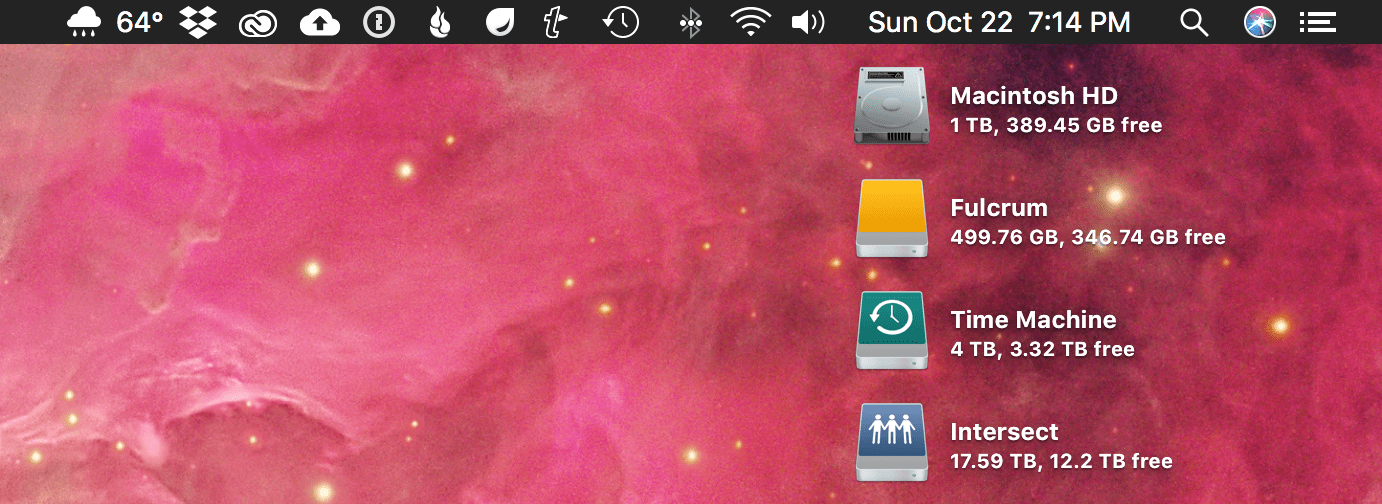
Back in 2012, I wrote up what was in my Mac’s menu bar, and I thought five years was long enough, so here we are again:
![]()
Here’s what’s hogging space on my iMac’s menu bar, from left to right:
Third-Party Apps
Carrot Weather
Carrot Weather for Mac isn’t quite as polished as its mobile cousin, but I love having quick access to the weather from everywhere on my iMac. A click of the icon brings up current conditions, a five-day forecast and the ability to open a somewhat mediocre radar.
Apple: Remove Touch Bar Data Before Selling MacBook Pro ⇢
As noted by Zac Hall, this kbase article about prepping your Mac for sale has a surprise step for those of us with Touch Bar Macs:
You can clear any information stored by the Touch Bar before you sell or give away your MacBook Pro.
First, start up from macOS Recovery: Hold down Command-R on your keyboard immediately after pressing the power button to turn on your Mac, or immediately after your Mac begins to restart.
Cardhop for Mac ⇢
Flexibits, the makers of Fantastical, have a new Mac app out for dealing with contacts. It boasts the same easy-to-use, text-driven intelligence that its calendar-based sibling does. The natural language input field at the top of the menu bar app can handle search, creating contacts, editing record information and more.
The app can also serve as a launchpad for contacting someone. The input field can turn “email Jason Snell” into a draft to the man with a spider in his iMac. It builds upon natural language input in a new way that I find clever.
Dropbox Professional ⇢
Todd Jackson at Dropbox, after some mumbo jumbo I tried reading before blacking out:
That’s why we’re launching Dropbox Professional, a new plan that lets you store, share, and track your work from one place. It’s designed specifically for independent workers, and it comes with two new features: Dropbox Showcase and Dropbox Smart Sync.
The new $19.99/mo plan comes with 1 TB of data, like the $9.99/mo Plus plan that I’ve been using for a while. All of the various plans can be seen here. Dropbox Showcase is a new way for users to share and publish files for others to interact with. The far more interesting feature is Dropbox Smart Sync, which grants access to every folder and file in your account in Finder, without the need to sync everything to your local disk.