
DropTask lets you quickly create new tasks and send them off to Apple Reminders, Todoist, or OmniFocus, without the distraction of your to-do list. Write your task name and details in plain language, and DropTask will pick them out and send them to your task manager.
For Apple Reminders users, DropTask includes watchOS complications and widgets that show how many tasks you have left in your day.
It runs on the Mac, iPhone, and iPad and is currently available on TestFlight. If you check it out and have feedback, let me know!
Quick Entry
After giving your task a name and adding any notes, you can use DropTask to add additional info, choosing from things like lists, due dates, and more — super quickly.
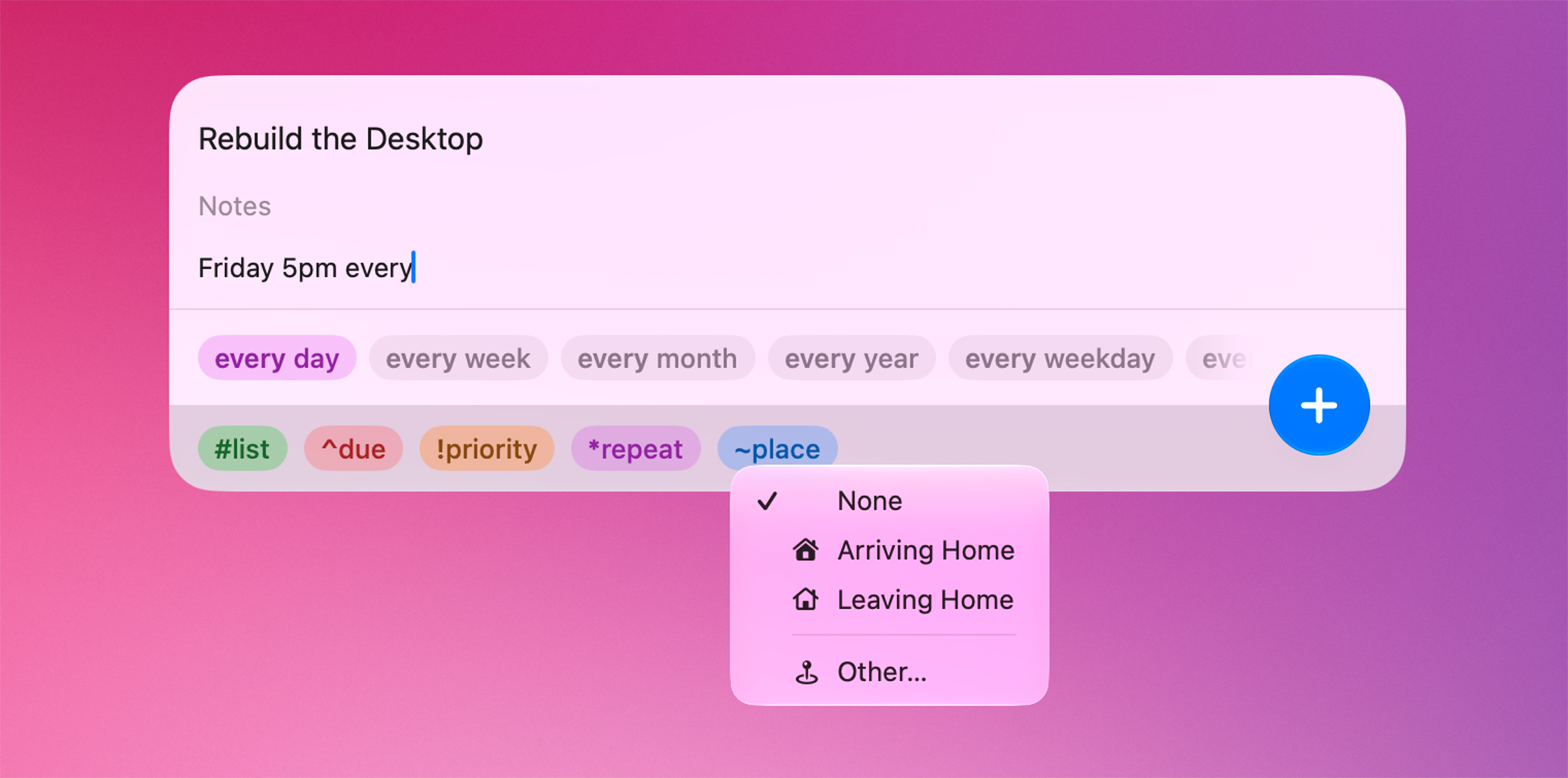
On the Mac, DropTask runs as a menu bar app and is just a keyboard shortcut away.
If you are like me, you prefer a text-based method for maximum speed. DropTask has you covered. Start typing in the Info field, and the app will parse what you mean. It will detect lists, due dates, priority, repeating due dates, and places.
If you want to feel like a real hacker, you can use DropTask’s direct syntax (as shown on the colored chips) to add info even faster.
If you would rather use a GUI — and one that is way faster than anything in a traditional to-do app — you can use the chips to set your task’s details. Just click or tap on one, and the app shows you a series of suggestions.
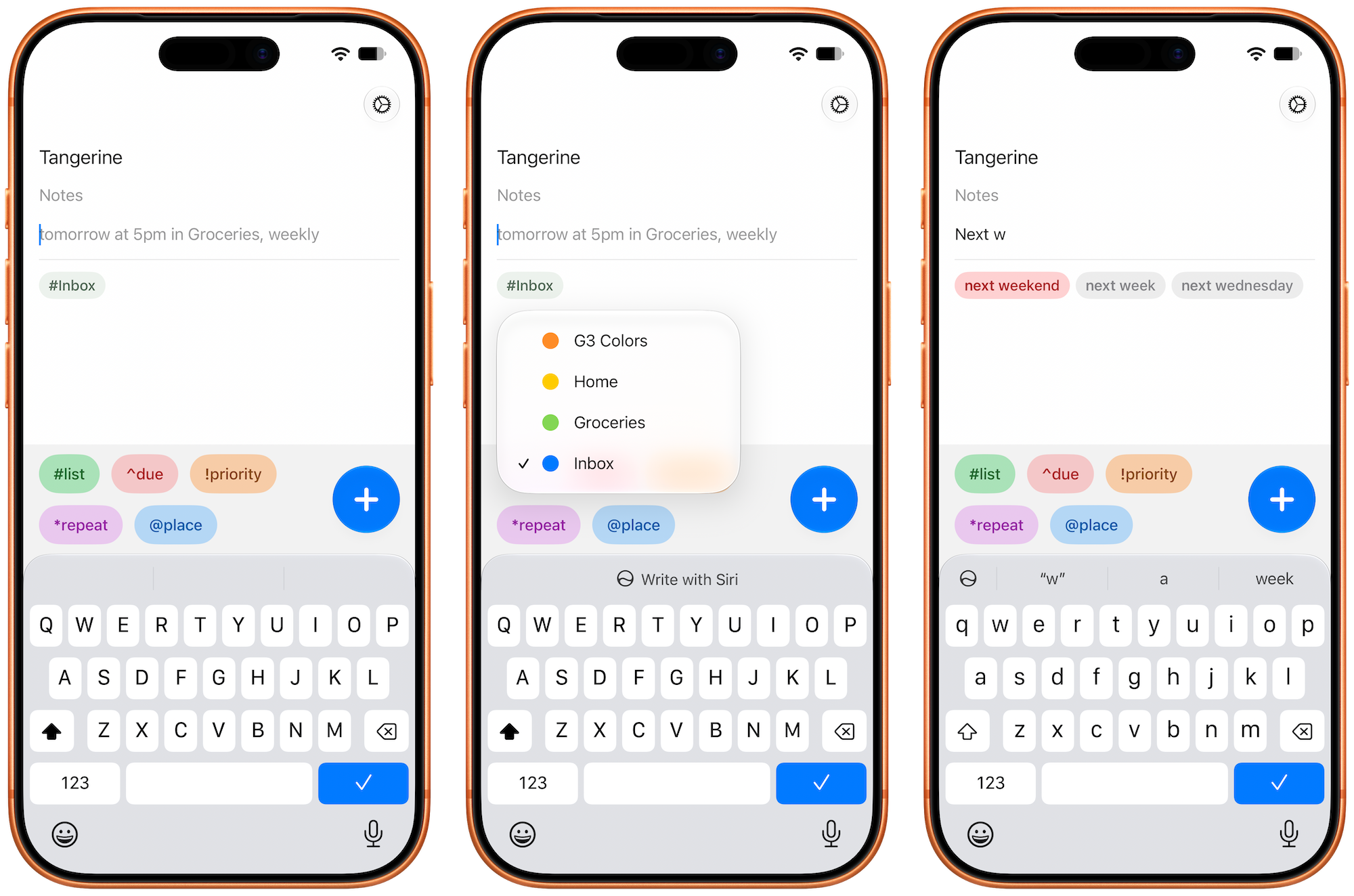
Confirmed metadata appears underneath the text field so you know what you’ll get when you tap the big + button in the corner, which sends your task to your to-do app.
Complications & Widgets for Apple Reminders
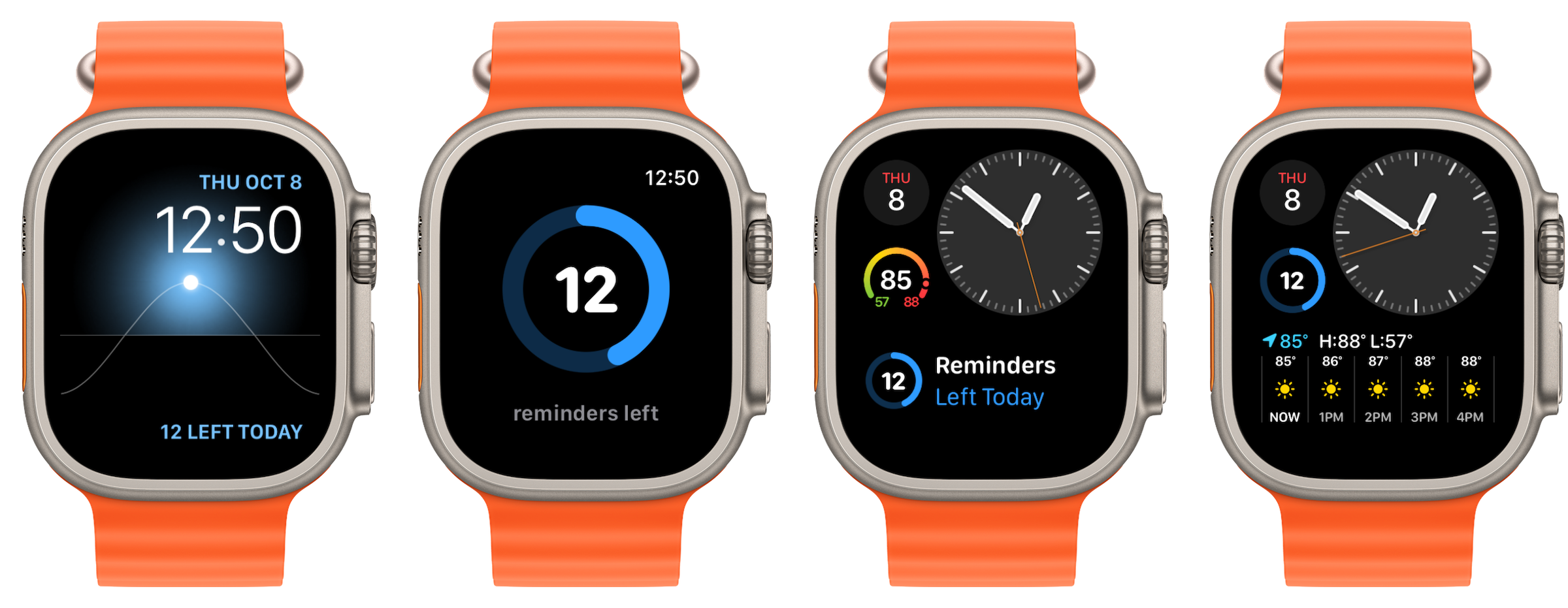
For Apple Reminders users, DropTask includes watchOS complications1 and widgets that show how many tasks you have left in your day.
Details
If you dig around in the app’s settings, you will find a bunch of goodies:
- Alternate icons for iOS and the macOS menu bar
- Your default list
- The use of relative or exact dates
- Default times (e.g.,
Morningcan mean 9 AM, 10 AM, etc.) - Integration with Contacts to automatically fill your
HomeandWorkaddresses
DropTask runs on iOS/iPadOS/watchOS 26 and later. DropTask for macOS requires macOS 26 Tahoe or later and runs on both Intel and Apple silicon machines.
You can find more about what it can do in its FAQs. DropTask is currently available on TestFlight.
-
Somehow, Apple hasn’t shipped this in all the years that the Apple Watch has been around. ↩︎