Sponsor: Nodes, a Very Nice Markdown App for the Mac⇢

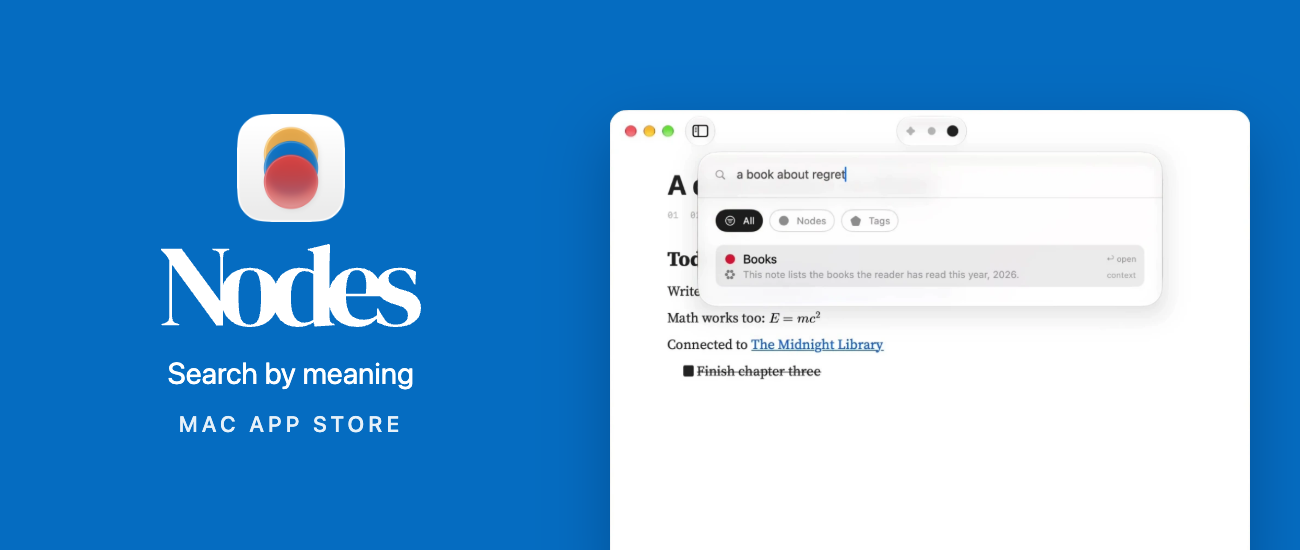
Nodes is for those who care about the tiniest details in the things they use every day. It is a minimal and beautiful macOS-native Markdown editor built by two computer science students from Munich.

Nodes works completely offline and without accounts or subscriptions.
Nodes

Text renders instantly and intuitively thanks to an open-source Markdown engine. It makes Markdown feel seamless and is built around Apple’s TextKit 2, so it’s right at home as a native Mac app. Think Apple Intelligence writing tools, dictation, etc., just better because it supports Markdown!
Continue reading ⇢

Sponsor: Magic Lasso Adblock: Effortlessly Block Ads on Your iPhone, iPad, Mac, and Apple TV⇢

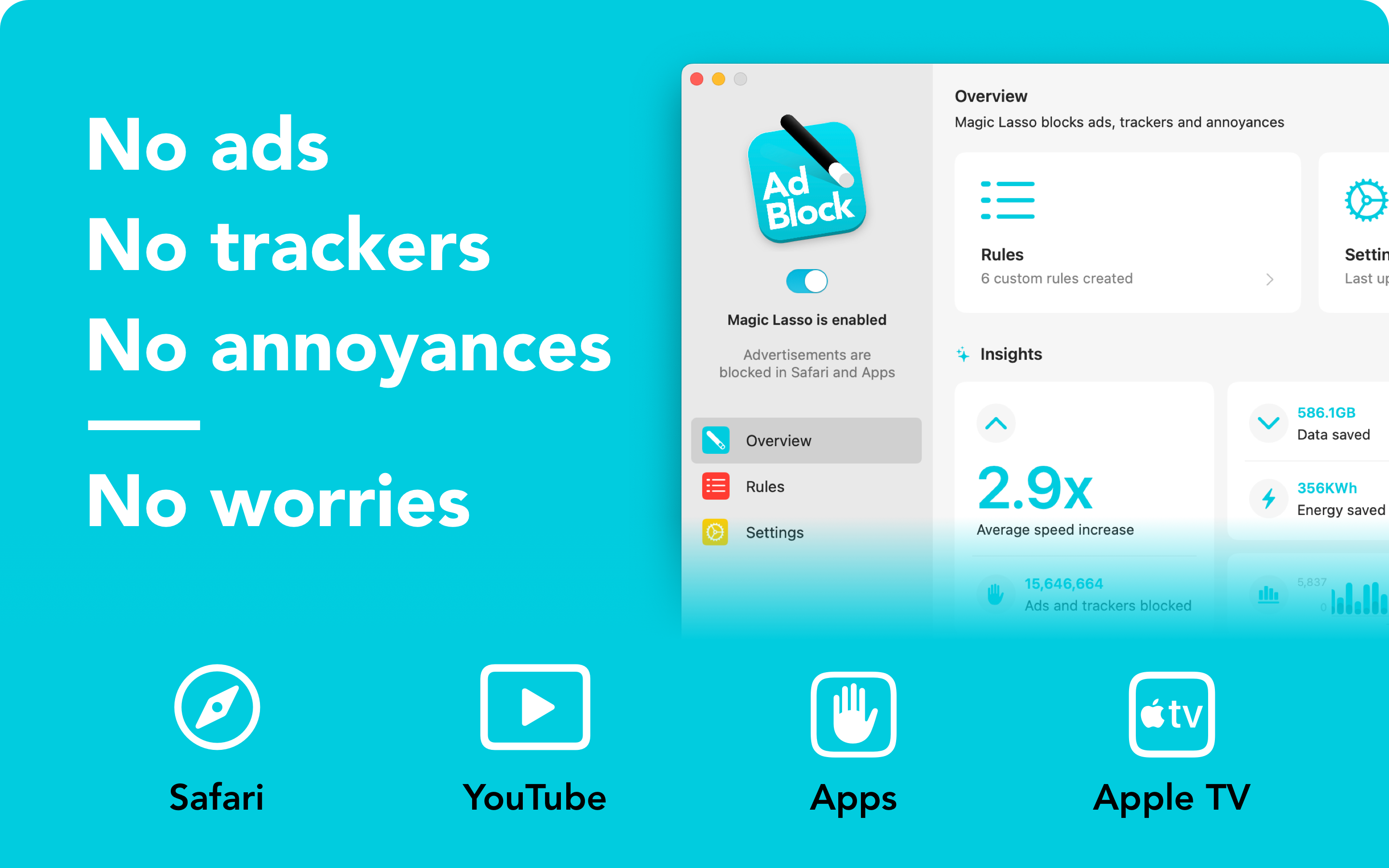
Do you want an all-in-one solution to block ads, trackers, and annoyances across all your Apple devices?

Then download Magic Lasso Adblock – the ad blocker designed for you.

With Magic Lasso Adblock you can effortlessly block ads on your iPhone, iPad, Mac, and Apple TV.

Magic Lasso

Magic Lasso is a single, native app that includes everything you need:

  • Safari Ad Blocking – Browse 2.0x faster In Safari by blocking all ads, with no annoying distractions or pop-ups
  • YouTube Ad Blocking – Block all YouTube ads in Safari, including all video ads, banner ads, search ads, plus many more
  • App Ad Blocking – Block ads and trackers across the news, social media, and game apps on your device, including other browsers such as Chrome and Firefox
  • Apple TV Ad Blocking – Watch your favorite TV shows with fewer interruptions and protect your privacy from in-app ad tracking with Magic Lasso on your Apple TV

Best of all, with Magic Lasso Adblock, all ad blocking is done directly on your device, using a fast, efficient Swift-based architecture that follows our strict zero data collection policy.

Continue reading ⇢

Nodes⇢

My thanks to Nodes for sponsoring 512 Pixels this week. If you’re like me — and I bet you are — then you care about how your software both works and looks. Nodes is a Markdown editor for the Mac that hits both of those marks. It supports everything you would expect, as well as things like LaTeX.

Best of all, Nodes is completely native, works entirely offline without accounts, and does not require a subscription. Those things are not as common as they should be.

Continue reading ⇢

Sponsor: Nodes by Werk 42⇢

Nodes is for those who care about the tiniest details in the things they use every day. It is a minimal and beautiful macOS-native Markdown editor built by two computer science students from Munich.

Nodes works completely offline and without accounts or subscriptions.

Nodes

Text renders instantly and intuitively thanks to their open-source Markdown engine. It makes Markdown feel seamless and is built around Apple’s TextKit 2, so it’s right at home as a native Mac app. Think Apple Intelligence writing tools, dictation, etc., just better because it supports Markdown!
Continue reading ⇢

Sponsor: Black Ink 3⇢

Black Ink 3, the next version of Red Sweater’s app for crossword connoisseurs, is coming soon for both iOS and Mac. A preview beta is now available with one of the most anticipated features: iCloud Sync. Now you can start solving a puzzle on your Mac in the morning, put a little time in during the day on your phone, and finish up on your iPad that evening. Everything syncs seamlessly through your existing Apple account.

Continue reading ⇢

Sponsor: Mardo, the Best Markdown Viewer Ever Made⇢

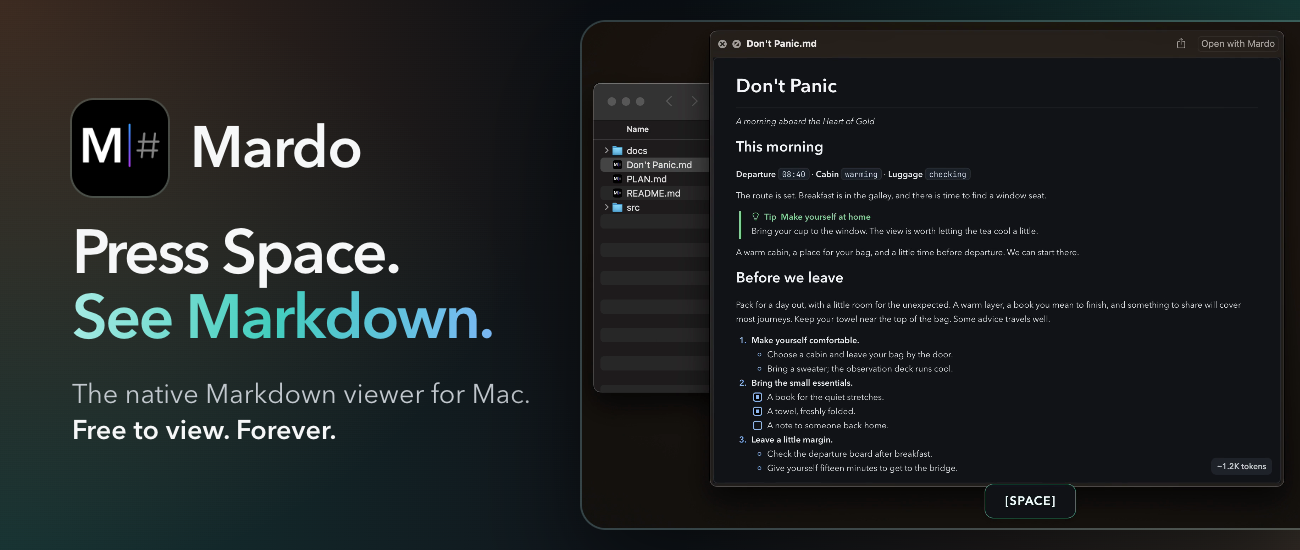
Do you read Markdown on your Mac? Plans, notes, READMEs, the files your AI writes for you all day? Then why not make every one of them a pleasure to read? Mardo is the best Markdown viewer ever made. Select any Markdown file in the Finder, press Space, and Quick Look shows it beautifully rendered — tables, code, diagrams, math, and all.

Mardo

Then watch it come alive. Leave that preview open while Claude Code, Codex, or any other app rewrites the file, and every change arrives in real time, right there in Quick Look, without moving you from the line you were reading. And when a file gets enormous, Mardo doesn’t flinch. It opens a 50 GB Markdown file in about an eighth of a second and lets you jump anywhere in it instantly.

Continue reading ⇢

Sponsor: SoundSource, Sound Control So Good It Ought to Be Built In⇢

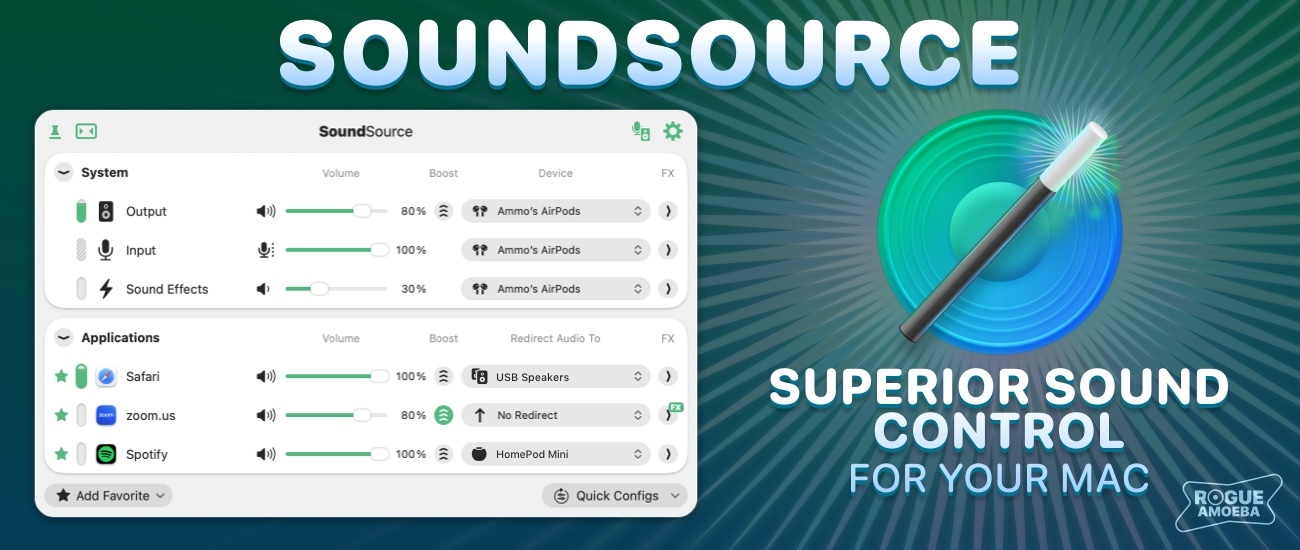
The audio experts at Rogue Amoeba are back to sponsor 512 Pixels. Their app SoundSource adds powerful audio controls to your Mac that you’ll be glad to have.

SoundSource

It starts with volume controls for each and every app on your Mac, all in one place: your menu bar. Turn down noisy websites without affecting your music, or boost a quiet video call past the usual maximum.

SoundSource does much more than just volume, though. Use it to send any app’s audio to a different device, so your music plays through your desk speakers while your calls stay in your headphones. Built-in effects like Magic Boost and Headphone EQ bring better sound to the tiniest speakers and your favorite headphones, and experts can even use it to apply powerful Audio Unit plugins to any app.

Continue reading ⇢