
Can Myke, Federico and Stephen tell themselves apart from ChatGPT? How are iOS 17 widgets stacking up? What could the next iPad mini look like? These questions and more and answered this week.
512 Pixels
Infinite Mac Gets CD Support⇢
I love this project.
Kbase Article of the Week: GeForce 7300 GT Firmware Update⇢
The NVIDIA GeForce 7300 GT provides excellent all-around performance in creative and productivity applications. It features a 256MB frame buffer and both a single-link DVI port and a dual-link DVI port, making it capable of simultaneously supporting one 23-inch and one 30-inch Apple Cinema Display.
The GeForce 7300 GT Firmware Update will update the firmware on all of the NVIDIA GeForce 7300 GT graphics cards in the Mac Pro. The updater application will be installed in the /Applications/Utilities folder. Please follow the instructions in the updater application to complete the process.
Apple Admits to Screen Time Crimes⇢
Julie Jargon has a piece for The Wall Street Journal ( Apple News link) about the state of Apple’s Screen Time software:
The company’s cloud-based Family Sharing system is designed in part for parents to remotely schedule off-limits time and restrict apps and adult content on their children’s iPhones, iPads and iPod Touch models. Trouble is, parents are finding that when they use their iPhones to set restrictions on their kids’ devices, the changes don’t stick.
“We are aware that some users may be experiencing an issue where Screen Time settings are unexpectedly reset,” an Apple spokeswoman said. “We take these reports very seriously and we have been, and will continue, making updates to improve the situation.”
I’ve run into this a couple of times on my kids’ devices and thought I was losing my mind, and it’s nothing new:
Apple previously acknowledged the bug, calling it “an issue where Screen Time settings may reset or not sync across all devices.” However, the company had reported the issue fixed with iOS 16.5, which came out in May. In our testing the bug persists, even with the new public beta of iOS 17.
I don’t understand how this has made it past Apple’s QA process on more than one occasion.
Voyager 2 Encounters Unexpected Communications Pause⇢
Denise Hill, writing for NASA:
A series of planned commands sent to NASA’s Voyager 2 spacecraft on July 21 inadvertently caused the antenna to point 2 degrees away from Earth. As a result, Voyager 2 is currently unable to receive commands or transmit data back to Earth.
Voyager 2 is located almost 12.4 billion miles (19.9 billion kilometers) from Earth and this change has interrupted communication between Voyager 2 and the ground antennas of the Deep Space Network (DSN). Data being sent by the spacecraft is no longer reaching the DSN, and the spacecraft is not receiving commands from ground controllers.
Thankfully, this shouldn’t be the end of the nearly 50-year mission, as the spacecraft is is programmed to reset its orientation several times a year, and should do so on October 15, restoring the trickle of data from one of the most amazing feats of engineering ever created.
Sponsor: Magic Lasso Adblock: 2.0x Faster Browsing in Safari⇢
Want to experience twice as fast load times in Safari on your iPhone, iPad and Mac?
Then download Magic Lasso Adblock – the ad blocker designed for you. It is easy to setup, blocks all YouTube ads, and doubles the speed at which Safari loads.
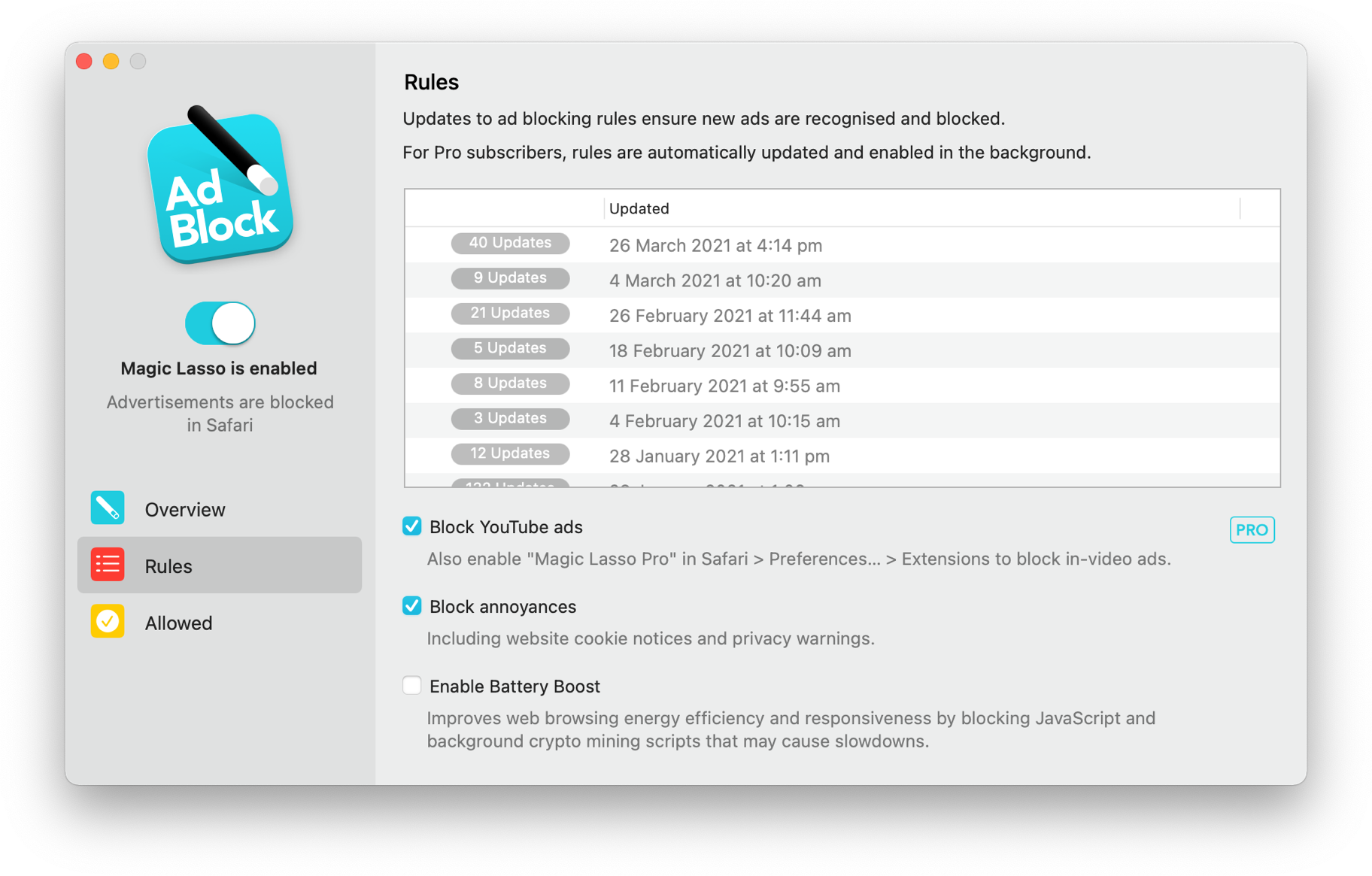
Magic Lasso Adblock is an efficient and high performance ad blocker for your iPhone, iPad and Mac. It simply and easily blocks all intrusive ads, trackers and annoyances in Safari. Just enable to browse in bliss.
By cutting down on ads and trackers, common news websites load 2x faster and use less data.
Over 280,000+ users rely on Magic Lasso Adblock to:
- Improve their privacy and security by removing ad trackers
- Block over 10 types of YouTube ads, including pre-roll video ads
- Double battery life during heavy web browsing
- Lower data usage when on the go
And unlike some other ad blockers, Magic Lasso Adblock respects your privacy, doesn’t accept payment from advertisers and is 100% supported by its community of users.
Download today via the Magic Lasso website, the App Store and Mac App Store.
Mac Power Users #703: The Portable HomePod Mini Lifestyle⇢
David and Stephen check out some additional Safari extensions, answer some listener questions, discuss the Studio Display and address a recent controversy about the sailing workout type on the Apple Watch.
Connected #460: Never Skip Neck Day⇢
After handling some feedback about leather and batteries, Stephen, Myke and Federico consider applying for a Vision Pro Developer Kit, talk about the Beats Studio Pro and try to understand what’s happening at Twitter. Errrr, X.
X Gon’ Take It From Ya⇢
Sarah Perez, writing at TechCrunch:
The owner of the @x Twitter handle confirmed that the company, now known as X, took over his account without warning or financial compensation, telling him the handle is a property of X. The handle had previously belonged to Gene X Hwang of the corporate photography and videography studio Orange Photography. In a letter, the company formerly known as Twitter thanked Hwang for his loyalty and offered him a selection of X merchandise and a tour of X’s HQ, as a “reflection of our appreciation.”
I just hope Hwang can get past the police tape during the office tour.
Threads Adds Following Feed, in the Most Meta Way Possible⇢
Jay Peters, writing about today’s update to Threads:
The much-needed Following feed is unfortunately a bit hidden: you can make it appear by tapping the home icon at the bottom of the screen or the Threads logo at the top. Once you see it, you can switch between “Following,” which shows posts in reverse-chronological order, and “For You,” which is the algorithmically sorted feed the app has offered since launch.
But a few of us at The Verge noticed that Threads will occasionally rehide the Following feed and bring you back to the For You feed after you open the app. (You can test it for yourself by force closing and reopening the app.) Unfortunately, it sounds like that’s by design, based on a statement from Meta.
“For You is the default experience when you open the Threads app,” Meta spokesperson Seine Kim tells The Verge. We’ve asked Kim if Meta plans to add a way to set Following as a default in the future.
I am so glad to see this feature, but I’m not holding my breath that Meta will give the option so many of us want.
Apple Announces Vision Pro Developer Labs and Kits⇢
Get direct support from Apple as you develop your apps and games for visionOS. Learn about upcoming events, testing opportunities, and other programs to support you as you create incredible experiences for this platform.
I can’t wait to see what my favorite indie developers are going to come up with.
Kbase Article of the Week: How to Download the Move to iOS App When You Can’t Use Google Play⇢
If you don’t have access to the Google Play Store, you can download the Move to iOS app directly.
Ah yes, sideloading.
Thanks to reader Ari for sending this one in.