Apple Winds Down iCloud Documents and Data

Apple:

iCloud Documents and Data, our legacy document syncing service, has been discontinued and replaced by iCloud Drive. If you used iCloud Documents and Data, your account has been migrated to iCloud Drive.

iCloud Documents was introduced years ago; iCloud Drive was introduced in 2014.1 I can’t imagine this is going to be a problem for many users.


  1. iOS 8 and OS X Yosemite didn’t come out at the same time. After updating to iOS 8, users had to decide if they wanted to hold off on iCloud Drive to maintain compatibility with OS X Mavericks, or upgrade to the new system and cause all sorts of havoc. As Peter Cohen wrote at the time, it was a real mess for some folks. 

Sponsor: Magic Lasso Adblock

Do you want to experience twice as fast load times in Safari on your iPhone, iPad and Mac?

Then download Magic Lasso Adblock – the ad blocker designed for you.

Magic Lasso Adblock

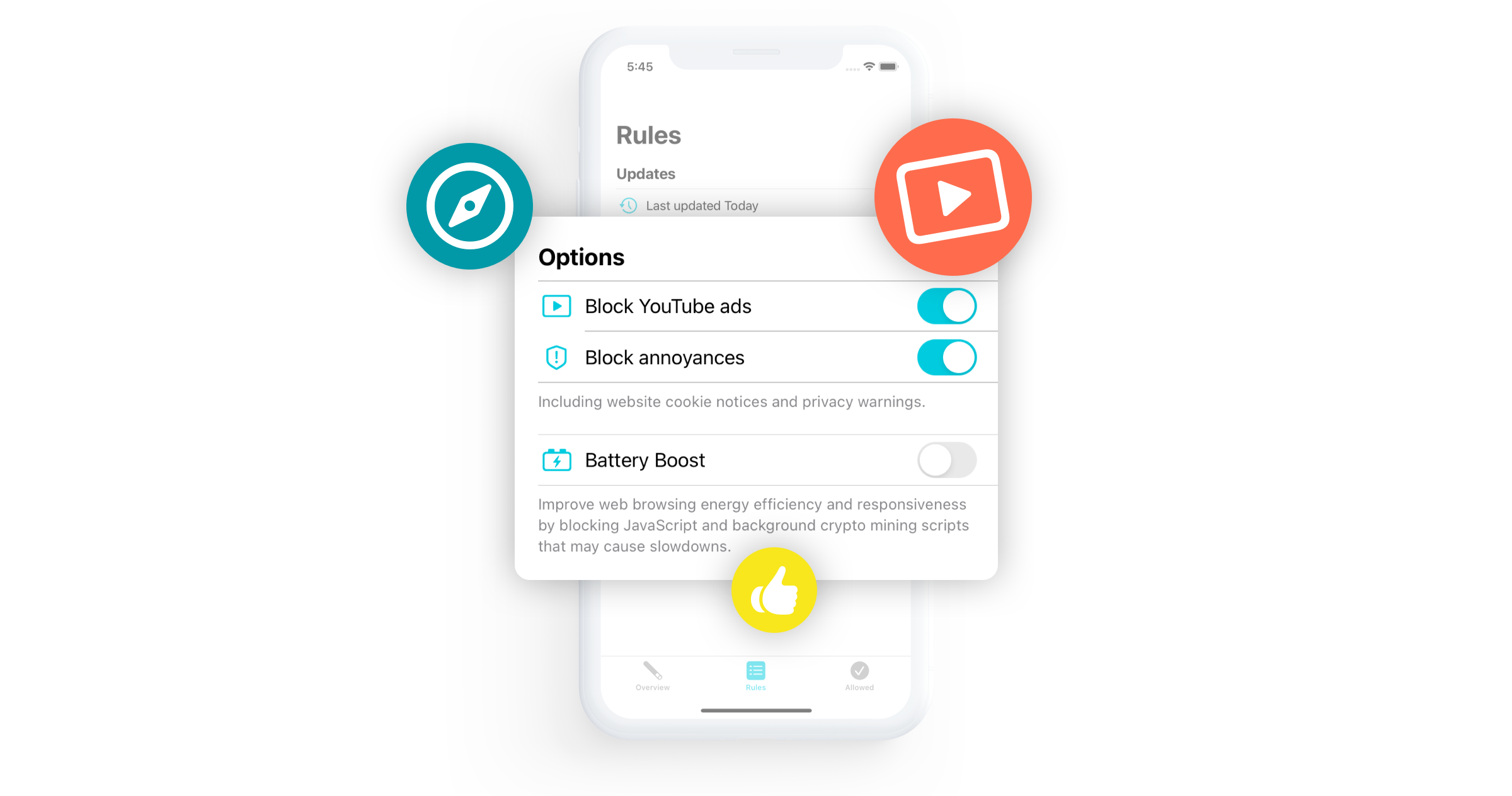
It’s easy to setup, blocks all YouTube ads and doubles the speed at which Safari loads.

Magic Lasso is an efficient, high performance and free ad blocker. With over 4,000 five star reviews; it’s simply the best Safari ad blocker for your iPhone, iPad and Mac.

It blocks all intrusive ads, trackers and annoyances – letting you experience a faster, cleaner and more secure web browsing experience.

And unlike some other ad blockers, Magic Lasso respects your privacy and doesn’t accept payment from advertisers.

The app also now blocks over 10 types of YouTube ads, including all:

  • video ads
  • pop up banner ads
  • search ads
  • plus many more

Join over 200,000 users and download Magic Lasso Adblock for free from the App Store, Mac App Store or via the Magic Lasso website.

Mac Power Users #639: Software Club: Greg Pierce and Drafts

This week, David and I are launching a new episode type on Mac Power Users. Generally speaking, we have three primary formats for our episodes:

  • Shows where we dive deep on a topic, app or other subject
  • Interview shows where we talk to folks about their work, their setups, etc.
  • Feedback shows where we revisit things talked about on the first two episodes. These are generally recorded every 6-8 weeks.

The fourth, dubbed “Software Club” is a bit of a mix of the first two. Our plan is to talk about an app, then bring the developer on for a shorter interview, focusing on their app, and not necessarily their workflows, etc.

Episode 639 is out now:

In the inaugural meeting of the Software Club, David and Stephen talk about Drafts and their use of the application. Then they are joined by Drafts developer Greg Pierce to talk about the app’s community of users, its 10th anniversary and how Greg uses Drafts himself.

I’m excited about this new episode format, and we’re already planning future installments, so David and I would love your feedback on this one.

Why Pebble Failed

Eric Migicovsky, a co-founder of the now-defunct smartwatch company, writing about why his company failed:

I struggled over and over to define a strong long term vision for what Pebble as a company would accomplish. In some ways we were spoiled…when our Kickstarter in 2012 was super successful, we never had to go through the exhausting process of iterating on sales techniques to acquire customers. We had crystal clear marching orders in 2012: build exactly what we had promised our backers and make it as high quality as possible. That’s what we did in 2012–2014…we just built great smartwatches that we ourselves (young hackers) wanted to use. After Pebble Steel in 2014, we came up for air and found ourselves in a more competitive space. As discussed above, we attempted to expand into a new market, and failed.

The entire piece is great. Migicovsky is refreshingly honest about where Pebble — and he as its leader — went wrong.

Apple Provides Details for WWDC Special Event

Apple:

We’re hosting a special all-day experience at Apple Park on June 6 to kick off WWDC22. Gather with others in the developer community to watch the keynote and State of the Union videos alongside Apple engineers and experts, explore the all-new Developer Center, and so much more. We can’t wait to connect in person.

Attending this event is free and open to members of the Apple Developer Program and Apple Developer Enterprise Program. Invitations will be allocated through a random selection process and are non-transferrable.

Submit your request May 9 at 9:00 a.m. PT to May 11 at 9:00 a.m. PT. You’ll be notified of your status by May 12 at 6:00 p.m. PT.

The Developer Center came to light about a year ago and I’m curious to see what it entails.

1Password 8 for Mac

After a long beta period, 1Password 8 for Mac is out today. The new version brings with it a new design, the ability to group vaults together in custom Collections and support for SSH keys.

One of my favorite additions is Universal Autofill. Dave Teare explains:

Nearly two decades ago we set out to create the most complete and deeply integrated password manager for Mac users. And today we’re thrilled to announce a new feature that raises that bar: you can now fill anywhere on your Mac using ⌘.

This is actually real! 1Password can now fill into Mac apps like Zoom, Spotify, and the App Store, and also other places like Terminal and system prompts.

We leverage the incredible accessibility frameworks provided by Apple to analyze the app structure. We then use the same brain that powers 1Password in your browser to accurately and securely fill fields and log you in.

Universal Autofill handles everything for you, including one-time 2FA codes. It even presses the Enter key for you.

(This support document outlines the feature in greater detail.)

In short, it exposes 1Password information from anywhere within macOS. It cuts the need for copying from 1Password and pasting into other applications way, way down.

I’ve been running the beta on my Macs for quite a while and have been happy with the new release.1 Not everyone will be, however. As outlined in this support document, 1Password 8 requires a 1Password membership; local vault support is a thing of the past. I have been using 1Password for Teams at work and 1Password for Families at home, so this doesn’t change how I use — or pay for — the product, but I’ve heard form folks who don’t like this change.

Then there’s the fact that the Mac app is not built using traditional Mac technologies, but rather uses Electron with its back-end using Rust. 1Password says this will let them keep the product more consistent across a range of platforms. I honestly do not really care about this change. Sure, 1Password 8 feels a little less native than it would otherwise, but I think the team has done a good job overall with how the app behaves on macOS. The truth is that most people don’t know anything about the technology used to build apps. 1Password is still the best password manager on the market in my book, Electron or not. I think the debate is mostly silly anyway.

All in all, 1Password 8 brings with it some nice new features, and I am happy to keep 1Password in the same spot in my Dock it has occupied for years.

  1. Disclosure: 1Password is an on-going sponsor of my podcast Mac Power Users. While they pay me to read ads on the show, this blog post is not part of any campaign or partnership I have with them. I pay full price for my 1Password accounts and the folks at 1Password are reading this blog post at the same time you are. 

DEVONthink Turns 20

It’s a big week for 20th anniversaries, as DEVONthink is enjoying a birthday as well:

“It was on a rainy April night in 2002 when Christian and Eric let DEVONthink 1.0 see the light of the internet for the first time…” But no worries, we won’t bore you with the whole history of DEVONthink from the days when its brain-in-a-fishglass only knew very few document types to the excavation of the ammonite that became its logo and to where we are now. Fact is, this month we are celebrating its 20th anniversary.

To celebrate, DEVONthink is on sale this weekend. It’s a fantastic time to check it out. I’ve got 136 GB of technology history resources in DEVONthink and it’s critical to my work when diving into old computer stuff.