I think reading into invite artwork is mostly silly, but I assume this graphic is showing how quickly an M1X Mac will look zipping past my Mac Pro.
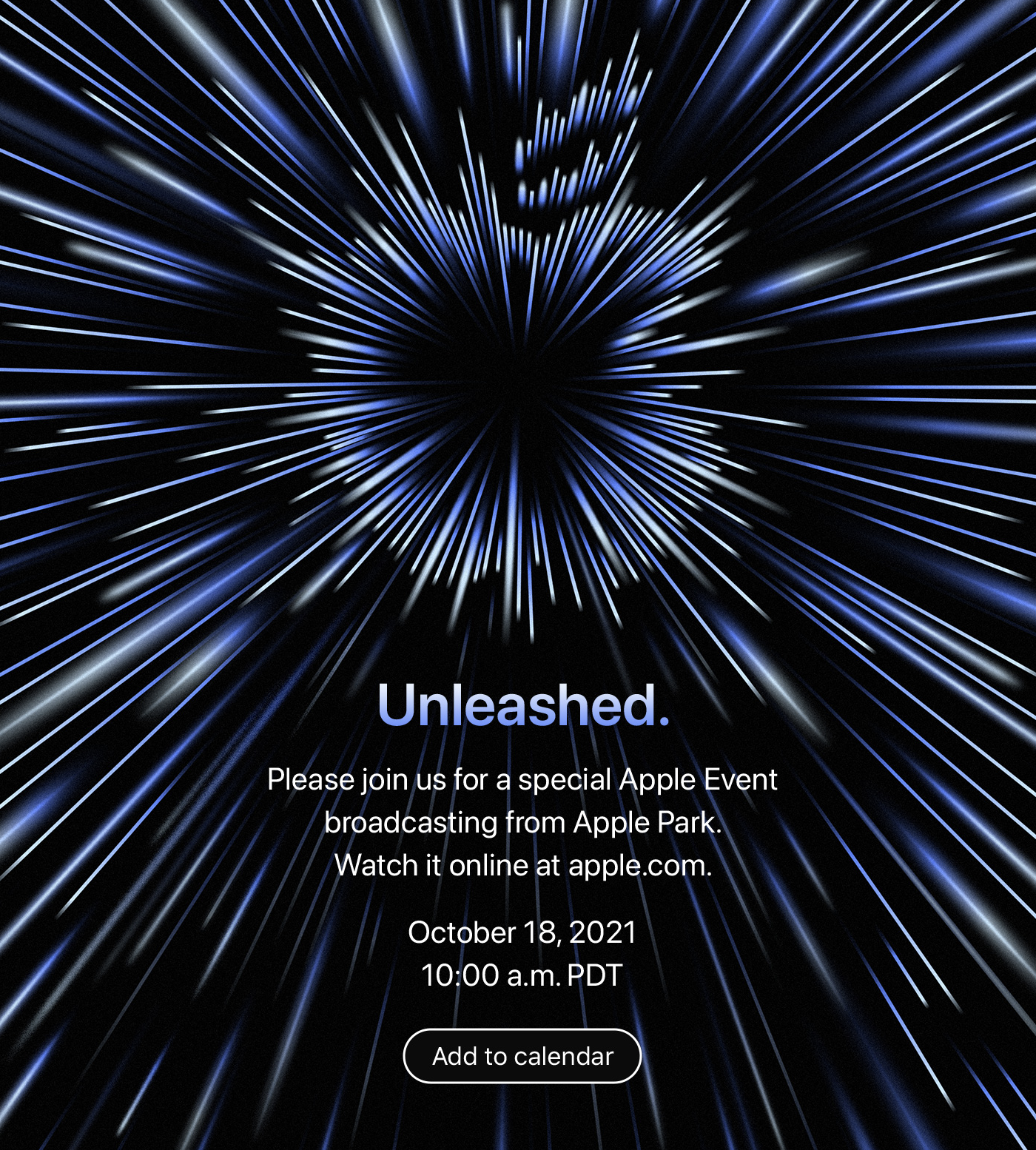
I think reading into invite artwork is mostly silly, but I assume this graphic is showing how quickly an M1X Mac will look zipping past my Mac Pro.
Akshay Bhargava, writing on the 1Password blog:
Let’s say I want to share that Wi-Fi password with my in-laws. All I need to do is open the share menu and select “Share” to generate a link.
By default, the link expires in seven days, but I can also choose to let it expire after 30 days, 14 days, one day, one hour, or after a single person views it. I can also choose to let anyone who has the link view the item, or I can restrict sharing to only the people whose email addresses I enter.
Next, when I select “Get link to share,” I can send that link to my recipient(s) through any channel I choose. I can even share it directly through my operating system’s built-in share menu.
I dig it.
Yours truly writing for Six Colors members:
Back in August, we passed the 10th anniversary of Tim Cook being named CEO of Apple, and of course, this week marks ten years since the passing of Steve Jobs.
A lot of water has gone under the bridge in the decade since, and in my mind, there are three major inflection points when it comes to Apple under Tim Cook.
You can create an animated GIF from slides in your presentation, then share it in a message or email, or post it on a website.

In this feedback episode, David and I discuss recent updates to iWork, more on various editions of DEVONthink and go through some listener feedback.
For More Power Users, we check in on macOS Monterey. It’s pretty good unless you plan on relying on Shortcuts, which at this point, is still in pretty rough shape.
My thanks to our sponsors:
I’m turning 36 early next year, so in attempt to stay relevant with my younger friends, I communicate a lot with GIFs.
I am a big fan of the GIFWrapped app by my buddy Jelly for building my own private collection, but sometimes I want to search for something quickly from my Mac.
I use Alfred as my launcher of choice, so I’ve built two custom workflows to make this Very Important Work easier. I have shared the GIPHY workflow before, but now I have one for Tenor as well.
And of course, there’s MegaGIF, which is my workflow that searches both at once.
If you’re not an Alfred user, you can use the bash scripts at the core of these workflows just about anywhere:
search=$(echo "{query}" | sed 's/ /-/g')

open "http://tenor.com/search/${search}-gifs"
search=$(echo "{query}" | sed 's/ /-/g')

open "http://giphy.com/search/${search}"

Yes, please. I really like how Material design looks on Android, but it’s always been out of place on iOS.
This week on Connected, we turn to a 12-sided die to shape the order of the show. Topics on the dodecahedron include follow-up, the 10th anniversary of Steve Jobs’ death, tables coming to Craft and Amazon’s recent announcements.
My thanks to our sponsors:
This week, there’s news about cubesats, several commercial space programs and more. Then, a look at what is going on at Blue Origin.
My thanks to our sponsors:
I just switched off this year’s St. Jude campaign. This year, the Relay FM community donated $701,220.26 to St. Jude. That puts us at $1.5 million raised in the last three years — which is an astonishing amount of money.
I owe a huge thank you to everyone who donated, as well as the Relay FM and St. Jude teams that help run the campaign every year. This is a team effort, and our team is simply the best.
St. Jude is in the business of treating and curing childhood cancer. In 2009, our oldest son was diagnosed with a brain tumor. His treatment at St. Jude saved his life, and the hospital didn’t charge our family a single cent for his care. That is thanks to donors around the world, and it’s a true honor to raise money each year for families who have had to follow in our footsteps.
Apple has a nice tribute to Steve Jobs on its homepage, complete with a video highlighting his career and a letter from his family. Hard to believe it’s already been ten years since he died.
As part of its compact size, iPod mini has a slightly smaller display than iPod. As a result, iPod mini’s Now Playing screen does not include the current song’s album name. Even so, iPod mini’s software recognizes the album field and uses it like iPod does when browsing songs by album.