512 Pixels

Mac Power Users #507: Ian Elsner & His Stick of Gum PC ⇢

This week on Mac Power Users, David and I talk with Ian Elsner, a museum exhibit creator who is using the iPhone SE, iPad Pro and an Intel Compute Stick together in some very interesting and unusual ways to help develop educational exhibits for kids and adults. It was a really fun conversation and a look into a world most of us don’t think about all that often.

My thanks to our sponsors:

  • 1Password: Have you ever forgotten a password? You don’t have to worry about that anymore.
  • TextExpander from Smile: Get 20% off with this link and type more with less effort! Expand short abbreviations into longer bits of text, even fill-ins, with TextExpander from Smile.
  • Linode: High performance SSD Linux servers for all of your infrastructure needs. Get a $20 credit.
  • Kensington: The Professionals Choice. Find the right docking solutions for your organization today.

Apple Announces AirPods Pro ⇢

Apple PR:

Apple today announced AirPods Pro, an exciting addition to the AirPods family that features Active Noise Cancellation and superior, immersive sound in an all-new lightweight, in-ear design. AirPods Pro are available to order on apple.com and the Apple Store app starting today and in stores beginning Wednesday, October 30.

“AirPods are the best-selling headphones in the world. The one-tap setup experience, incredible sound and iconic design have made them a beloved Apple product, and with AirPods Pro, we’re taking the magic even further,” said Phil Schiller, Apple’s senior vice president of Worldwide Marketing. “The new in-ear AirPods Pro sound amazing with Adaptive EQ, fit comfortably with flexible ear tips and have innovative Active Noise Cancellation and Transparency mode. We think customers are going to love this new addition to the AirPods family.”

At $249, the new AirPods Pro are more expensive than standard AirPods, which remain on sale and are unchanged. Battery life on the new, smaller, AirPods Pro is the same as the regular ones, at five hours. If active noise cancellation is on, it will knock off 30 minutes of battery life.

Like before, they just come in white, despite rumors they would come in four colors.

I do not like active noise cancellation, so I’m glad to see it can be disabled via “Transparency Mode.” I am hoping I can leave it off for good.

The new AirPods come with a “Force Sensor” for controlling media playback:

The are also sweat and water resistant, which is great, and of course, come with three different tip sizes for a better fit. The standard AirPods fit me pretty well, but I’m looking forward to seeing if these would fit even better. It seems that the AirPods will suggest changing tip sizes, if they think you’d gain a better fit with a different pair.

The AirPods Pro will require Apple devices running iOS 13.2 or later, iPadOS 13.2 or later, watchOS 6.1 or later, tvOS 13.2 or later, or macOS Catalina 10.15.1 or later, and start shipping this week, on October 30. So, uh, I guess some software updates are coming soon.

You can order them today.

Expired Certificates Breaking macOS Installers ⇢

Apple Support:

In certain circumstances, such as when an installer is damaged, you’ll see an alert that says the application can’t be verified and may have been corrupted or tampered with during downloading. Or it says that the package was signed with a certificate that has expired and may not be authentic.

You should download the installer again. If the new installer is also affected, please contact the maker of the software for help.

If this happened with a macOS installer, you can find the latest download links in the installation guidelines for these macOS versions.

Apple has the last six releases up for download:

Earlier versions are not available for download, which really bothers me, but such is life with macOS.

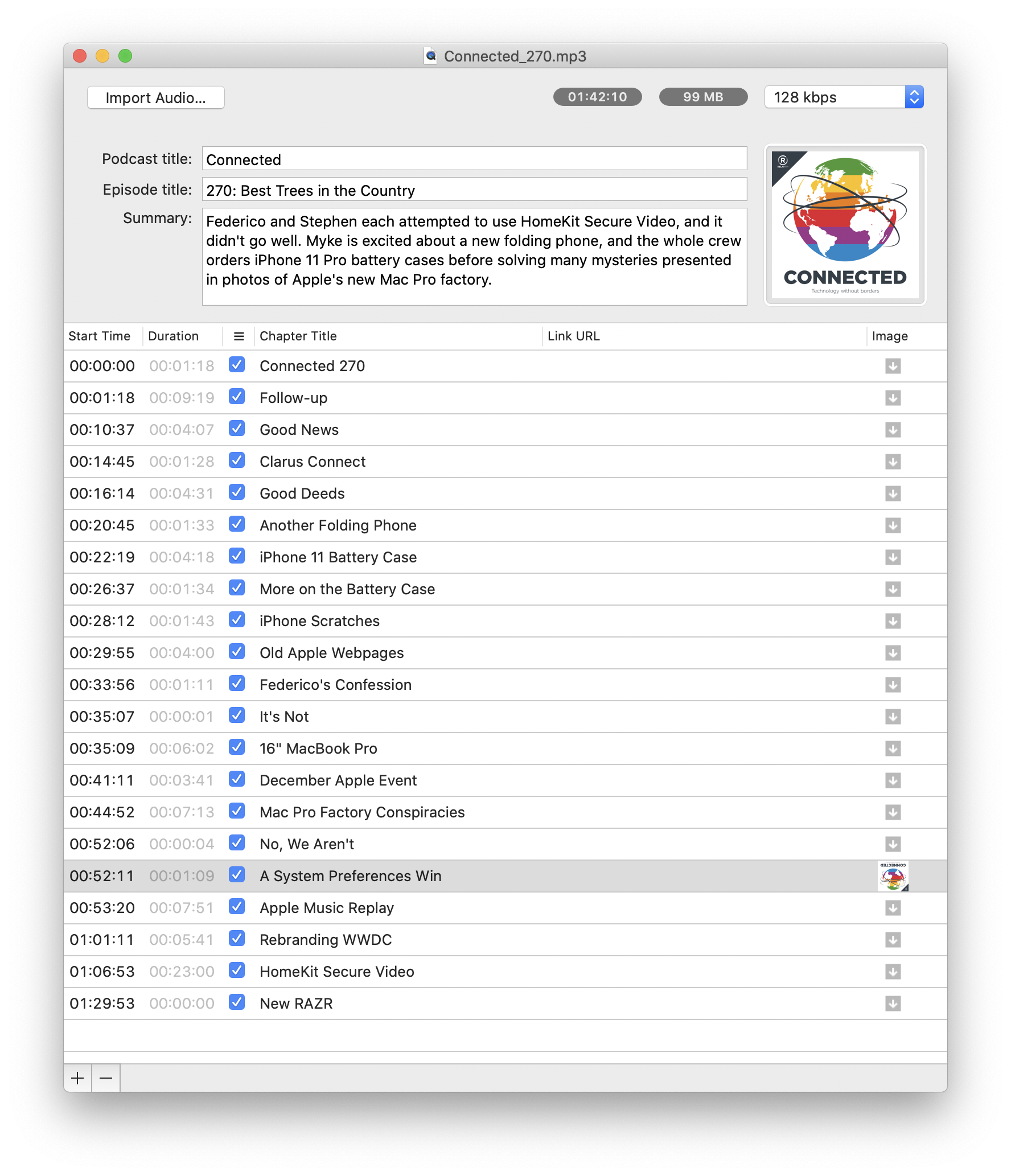
Connected #266: What Are You, an Accountant? ⇢

This week on Connected:

Stephen got into an eBay bidding war with someone he knows and Federico helps his friends with Catalina, before coming clean about his new iPhone case. The group also considers Apple’s expanding line of audio products and Myke reviews the iMac Pro.

I cannot pronounce the words pen and pin differently.

My thanks to our sponsors:

  • PDFpen, from Smile: The ultimate tool for editing PDFs on the Mac.
  • Pingdom: Start monitoring your website performance and availability today, and get instant alerts when an outage occurs or a site transaction fails. Use offer code CONNECTED to get 30% off.
  • Freshbooks: Online invoicing made easy.

Liftoff #110: A Consensual Hallucination ⇢

This week on the show:

Insight is back up and running, and the ISS has hosted the first all-female spacewalk. Back here on Earth, NASA is making purchases for Artemis, even as Congress threatens the agency’s 2024 plans.

So. Much. Space. News.

My thanks to our sponsors:

  • ExpressVPN: High-Speed, Secure & Anonymous VPN Service. Get 3 months free with a 1-year package.
  • Moo: Custom business printing and design. Save 15%.

Ungeniused #90: SEALAB ⇢

This week on Ungeniused:

In the 1960s, the U.S. Navy studied long-term diving techniques through the SEALAB program, which included a dolphin assistant, sabotage and a fatal accident.

Papa Topside, reporting for duty.

My thanks to our sponsor this week:

  • Moo: Custom business printing and design. Save 15%.

Mac Power Users #506: iOS Accessories ⇢

This week on MPU:

Our iOS devices go with us just about everywhere, and pairing them with some select accessories can make them more useful in more situations. This week, Stephen and David talk about some of the products that they rely on when using their iPhones and iPads, from cases and batteries to tripods and keyboard.

  • 1Password: Have you ever forgotten a password? You don’t have to worry about that anymore.
  • The Omni Group: We’re passionate about productivity for Mac, iPhone and iPad.
  • Linode: High performance SSD Linux servers for all of your infrastructure needs. Get a $20 credit.
  • Squarespace: Make your next move. Enter offer code MPU at checkout to get 10% off your first purchase.

Kbase Article of the Week: Final Cut Express 4 - Technical Specifications ⇢

Apple lists these system requirements for Final Cut Express 4:

  • A Mac computer with a 1.25GHz or faster PowerPC G4, PowerPC G5, Intel Core Duo, Intel Core 2 Duo, or Intel Xeon processor
  • For AVCHD: A Mac computer with an Intel processor
  • 500MB of disk space to install Final Cut Express and LiveType
  • Additional 500MB to install LiveType content
  • 1GB of RAM or more
  • An AGP or PCI Express graphics card compatible with Quartz Extreme; or an Intel GMA integrated graphics processor in a MacBook or Mac mini computer
  • Some FxPlug filters are not compatible with integrated Intel graphics processors.
  • A display with 1024-by-768 resolution or higher
  • A DVD drive for installation

Final Cut Express 4.0.1 was the last version of the application.

Catalina’ Screen Time Feature Less than Useful ⇢

Kirk McElhearn:

Screen Time is a feature that Apple added to iOS 12, which allows you to keep track of how much time you spend on each app you use, how many times you wake up your iOS device, and how many notifications you receive. This data can help you cut down on your device usage, and you can use Screen Time to set limits for your kids.

Screen Time was also added to macOS Catalina, with the same features. However, it doesn’t seem to work correctly. Rather than showing which apps are frontmost when you work, it shows how long apps are open.

I chalked this up to beta weirdness over the summer, but it seems that Screen Time on the Mac is just … bad.