
Which email service is right for kids? What’s the best way to use Migration Assistant? How do you set a geofence in Reminders when your home doesn’t have an address? All this and more this week!
512 Pixels
Liftoff #79: The Final Bridge to Crewed Flight⇢
On today’s episode of Liftoff:
NASA is inching toward crewed flights, with its Mobile Launcher Platform coming together and cis-lunar Gateway plans coming together, all while SpaceX and Boeing races to complete its crewed hardware. Elsewhere, Spitzer celebrates 15 years in space and OSIRIS-REx has spotted its target.
Slowly but surely, NASA is preparing to fly astronauts from American soil once again.
My thanks to our sponsor this week:
- Squarespace: Make your next move. Enter offer code LIFTOFF at checkout to get 10% off your first purchase.
802.11n AirPort Express Gains AirPlay 2 Support⇢
After downloading the firmware update, AirPort Express users have reported being able to target the AirPort Express right alongside other AirPlay 2 devices when running iOS 11.4.1 or iOS 12. With the AirPlay 2 update, 2012 AirPort Express models offer support for multi-room audio and are able to work with other AirPlay 2 devices such as the HomePod, the Apple TV, and Sonos speakers.
This is great news for people using AirPort Expresses to power home audio setups. Good on Apple for brining support for AirPlay 2 to a device that has been discontinued.
A Bunch of iPhone Rumors
We’re in iPhone Rumor season now. These stories are from today alone:
- Bloomberg: Apple to Embrace iPhone X Design With New Colors, Bigger Screens
- MacRumors: Kuo: No Apple Pencil Support for 2018 iPhones, Upcoming 6.1-Inch Model to Be Slightly Delayed
- MacRumors: Barclays: All 2019 iPhones May Lack 3D Touch, New AirPods and Lower-Priced HomePod to Launch Next Year
Whew.
Kbase Article of the Week: Get to know the Finder on your Mac⇢
The Finder is the first thing that you see when your Mac finishes starting up. It opens automatically and stays open as you use other apps. It includes the Finder menu bar at the top of the screen and the desktop below that. It uses windows and icons to show you the contents of your Mac, iCloud Drive, and other storage devices. It’s called the Finder because it helps you to find and organize your files.
An Oral History of GoldenEye 007⇢
I’m looking forward to reading this piece on one of the best Nintendo 64 games.
Connected #206: A High Appreciation for Winning⇢
This week’s Connected is long, but it was great to everyone back on the show:
Federico is back from vacation with a list of demands and opinions. Stephen posted a whole bunch of screenshots, and Myke is trying new things with Twitter.
My thanks to our sponsors:
- TextExpander, from Smile: Communicate smarter. Use this link for 20% off your first year.
- Linode: High performance SSD Linux servers for all of your infrastructure needs. Get a $20 credit with promo code ‘connected2018’
- Molekule: The only air purifier that actually destroys pollutants. Use connected for $75 off.
On Aperture’s History⇢
Yours truly, writing at MacStories:
iLife was brilliant because it was approachable. Programs like iTunes, iPhoto, iMovie, iDVD, and GarageBand were so simple that anyone could just open them from the Dock and get started creating.
Of course, not everyone’s needs were met by the iLife applications. iMovie users could upgrade to Final Cut, while Logic was there waiting for GarageBand users. And for those needing more than what iPhoto could provide, Apple offered Aperture.
Introducing the Aqua Screenshot Library⇢
I’m really glad to be announcing a project that started at the end of last year. I have worked my way through every major release of macOS since the Mac OS X Public Beta and catalogued them in an extensive collection of screenshots.
Currently, the library includes 1,502 images. That’s 1.6 GB worth of screenshots.

These images came from the OS, running on actual hardware; I didn’t use virtual machines at any point. I ran up to 10.2 on an original Power Mac G4, while a Mirror Drive Doors G4 took care of 10.3, 10.4 and 10.5. I used a 2010 Mac mini for Snow Leopard and Lion, then a couple different 15-inch Retina MacBook Pros to round out the rest.
(I switched to a Retina machine as soon as I could. The 2012 Retina MacBook Pro will run Lion, but the one I borrowed from a friend for the project could only run Mountain Lion. I would like to re-capture my Lion images at Retina quality in the future. Sadly, original Retina MacBook Pros are a little too pricey on eBay currently.)
As I went from version to version, I would research what major features were added each time, making sure to add them to the list. My notes included things like specific content to show, or how to arrange things for certain images, like the App Switcher or Cover Flow shots.
I should say that the Library is not an exhaustive collection of images. There are screens, features and applications that I didn’t grab. I got what felt important to me as I worked through the different versions.
You can look at any one version of the OS and my screenshots and get a real sense for what that release was like. That’s one reason each version has a full set of System Preferences images. You can learn a lot from a software title by poking around its options.
Here are some of my favorite shots:
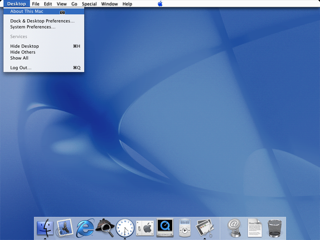
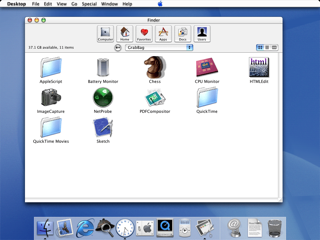

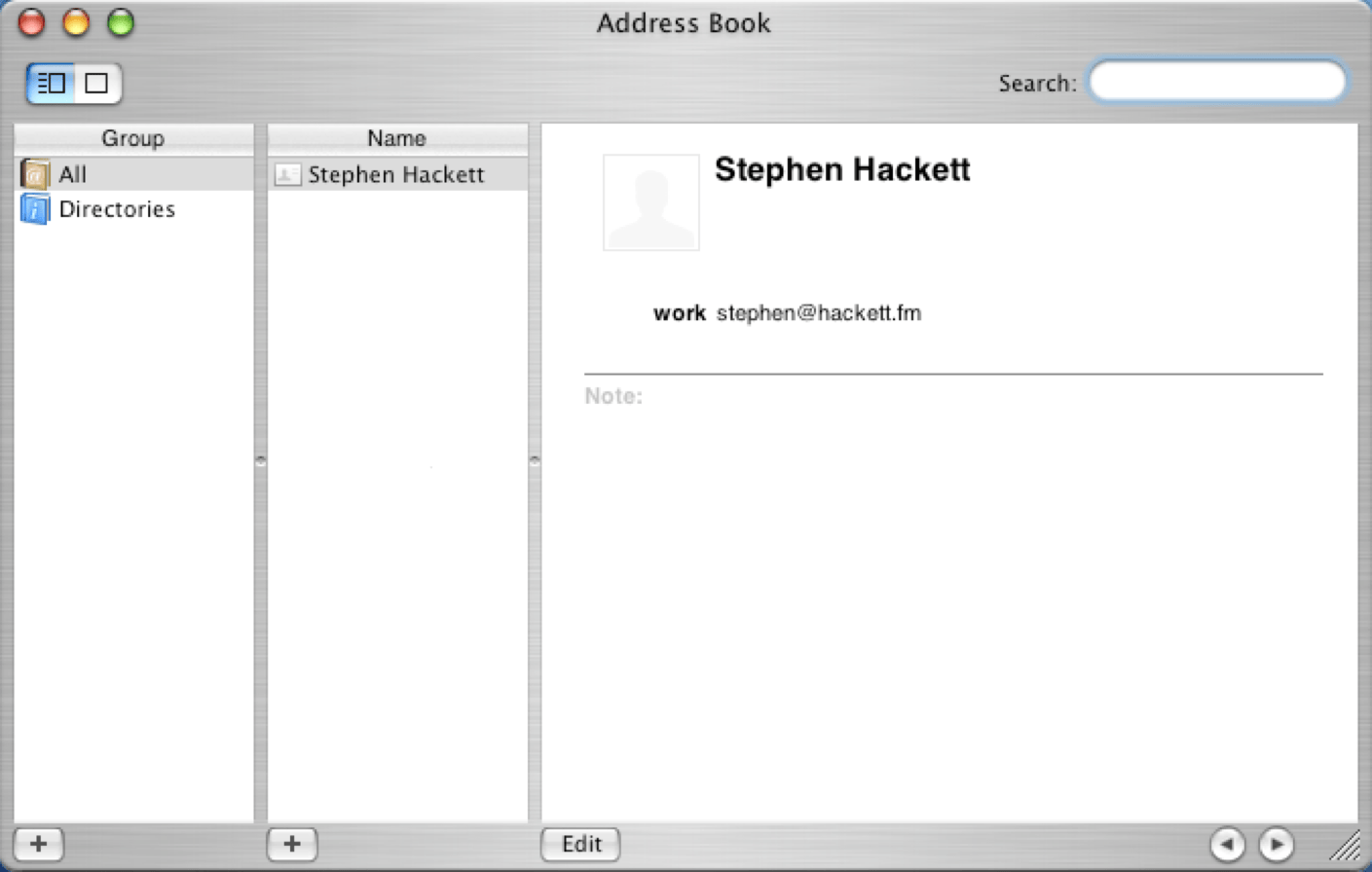

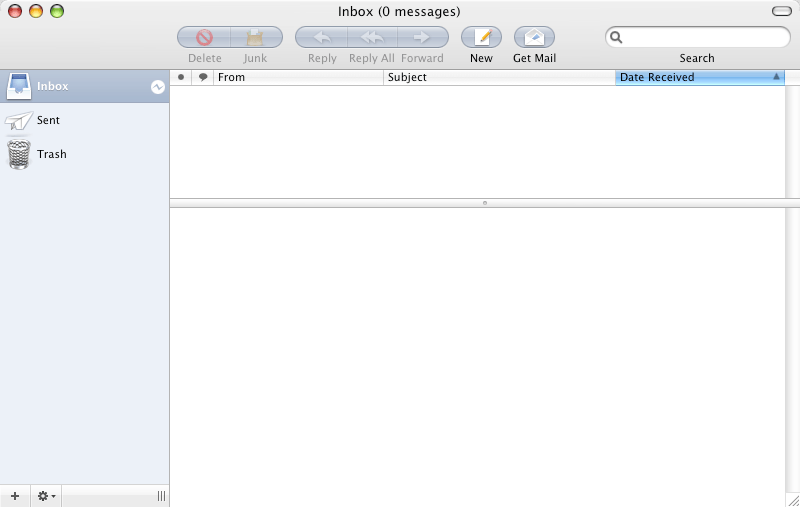
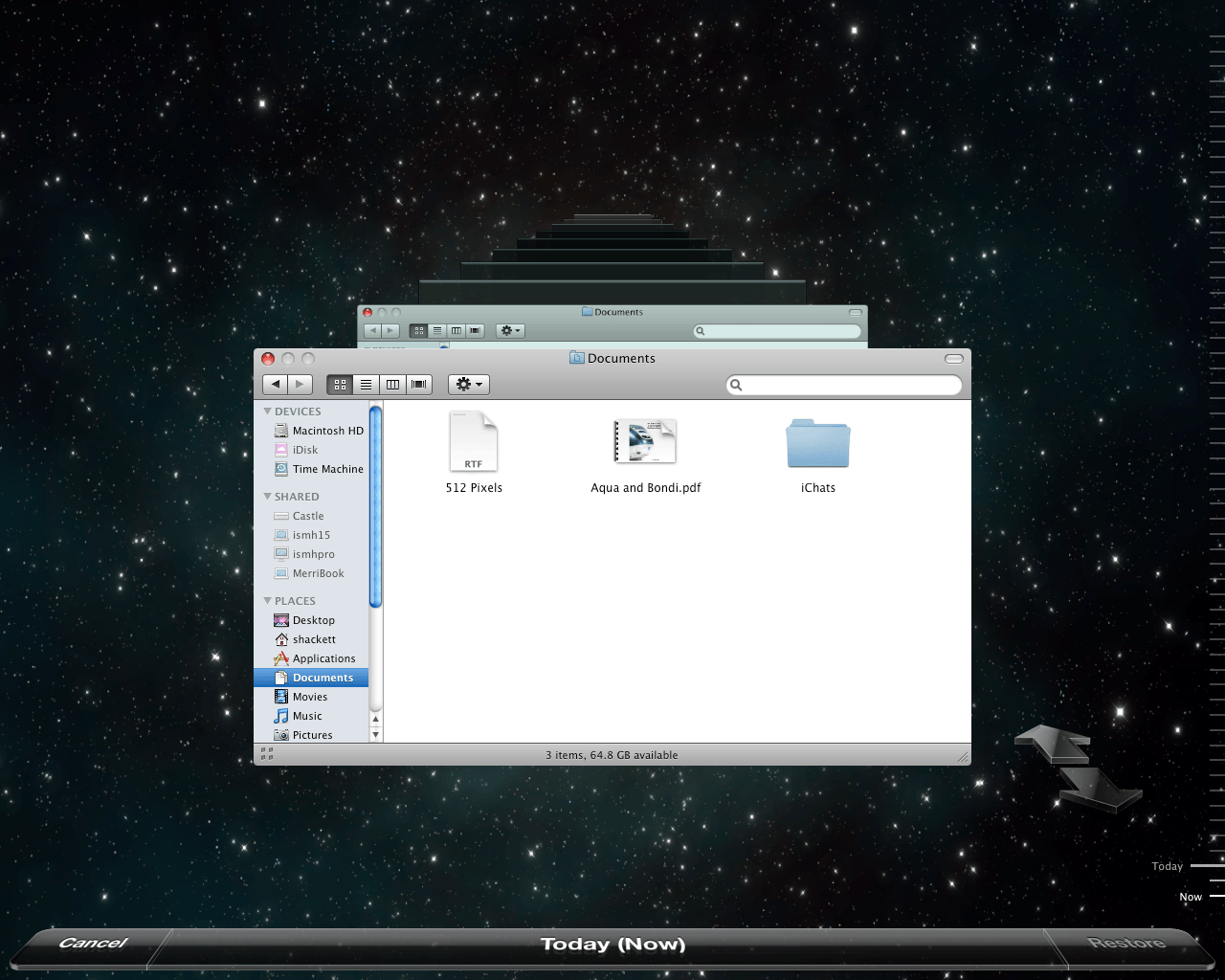

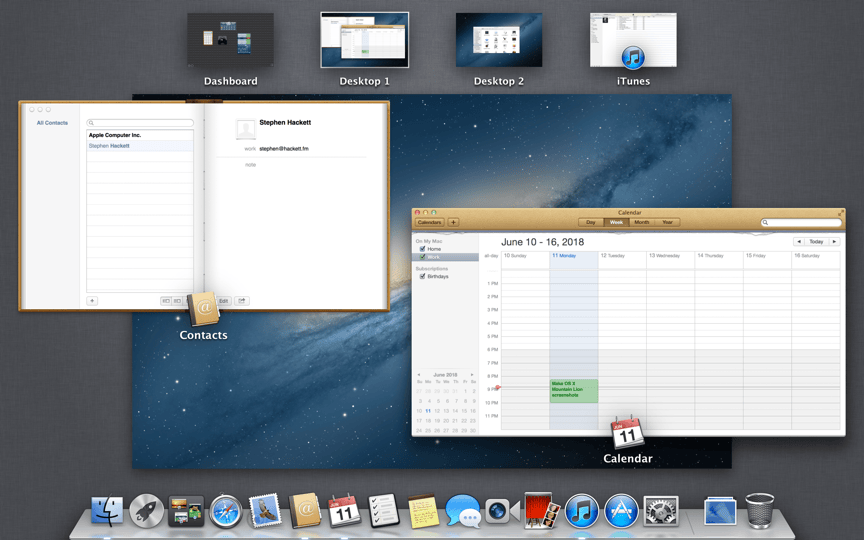


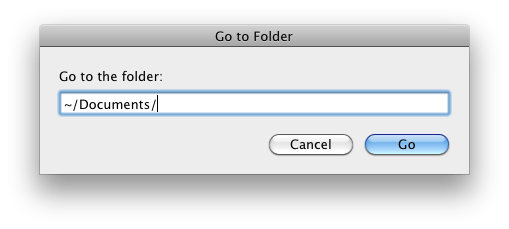
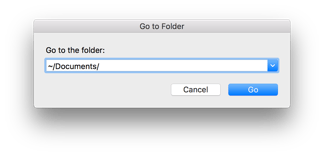
Looking at the simplest of windows is the best way to see much Aqua has changed over the years:
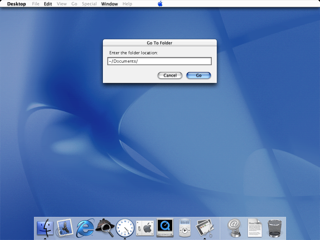
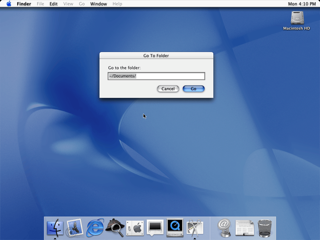
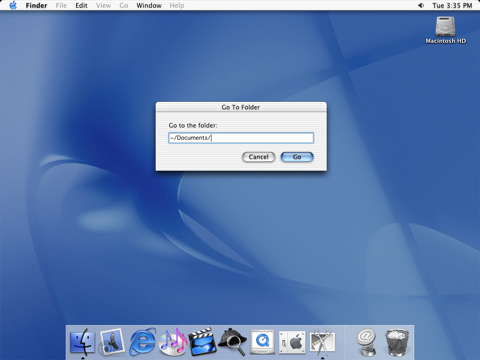
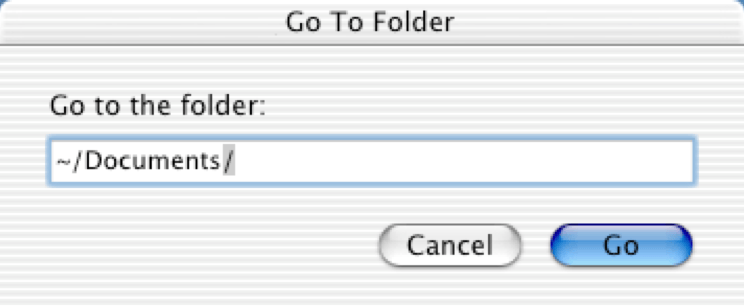

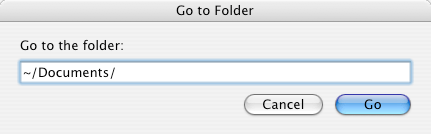
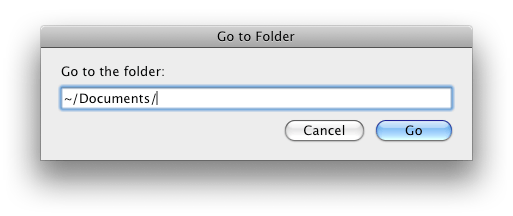




My plan is to update this for each version of macOS moving forward, after the final release each year. That means Mojave images will show up sometime in the next couple of months.
I would also like to make the library more sortable by screenshot in the future, so one could easily see all versions of a single screenshot on one page. That wasn’t feasible right now, but I am working on it.
Until then, I hope you enjoy working your way through years of macOS releases.
The New Relay FM Store⇢
We are really excited about our new merch store. These new items are all great, but I particularly love the challenge coin.
Back to My Mac Removed from Mojave⇢
Back to My Mac will not be available on macOS Mojave. You can get ready now by learning about alternatives for file access, screen sharing, and remote desktop access.
This showed up as part of .Mac way back in the Mac OS X Leopard days. Apple hasn’t offered much of an explanation as to why Back to My Mac is going away, but the linked support document offers suggestions on how to replicate its features, including the use of iCloud Drive for file syncing, Screen Sharing for remote control over a local network and Apple Remote Desktop. 1
-
Yet another Apple application that hasn’t received major attention in years. ↩︎
Gurman: New MacBook, Mac mini Coming This Year⇢
The new laptop will look similar to the current MacBook Air, but will include thinner bezels around the screen. The display, which will remain about 13-inches, will be a higher-resolution “Retina” version that Apple uses on other products, the people said.
[…] The current MacBook Air, which costs $1,000, remains Apple’s only laptop without a high-resolution screen. The MacBook Air was last updated with a faster processor option last year, but hasn’t seen a major overhaul in several years. The 12-inch MacBook launched in 2015 was seen as a replacement to the MacBook Air, but its $1,300 starting price put it out of reach for some consumers.
This new machine is said to have a Retina display, which is great news.
Maybe its keyboard will work.
Apple’s low-end notebook has had three major categories of buyer: regular consumers, students and school districts buying in bulk. If Apple can meet the needs of those groups, this machine could be the successor to the plastic MacBook and MacBook Air that so many of want to see. I hope they’ve started from the ground up on a system to do just that; if Apple has started with the MacBook Pro and just taken things away to hit a price point, it doesn’t really solve what is at the heart of the problem.
They go on:
Apple is also planning the first upgrade to the Mac mini in about four years. It’s a Mac desktop that doesn’t include a screen, keyboard, or mouse in the box and costs $500. The computer has been favored because of its lower price, and it’s popular with app developers, those running home media centers, and server farm managers. For this year’s model, Apple is focusing primarily on these pro users, and new storage and processor options are likely to make it more expensive than previous versions, the people said.
I think pivoting the Mac mini from the “starter Mac” to one for enthusiasts makes a lot of sense.
For years, many customers purchased Mac minis because they were the cheapest Macs in the line. However, as notebooks have taken over, the appeal of the desktop Mac — even a cheap one — has faded for mainstream consumers.
However, there are a bunch of people using Mac minis as home servers, in entertainment centers and in small businesses.1 Revamping the system to better serve those customers would make a lot of people happy, depending on what “more expensive” means. Those users weren’t ever buying the entry-level SKU, so why not lean into that?
-
I run two Mac minis. One is my home server and is plugged into our TV. The other is the live streaming server for Relay FM, and lives at MacStadium. ↩︎