While it had humble beginnings, Apple Notes has grown into a true competitor over the years. On this episode, David and I explore its history, features and what Apple should take it next.
Connected #474: Redesigned Into a Butterfly ⇢
Apple’s spooky October event has come and gone, so the guys sort through the wreckage of their picks and talk about the M3 and new Macs. Jason had to step in.
Apple Music Voice Plan Silenced ⇢
The lower-cost Apple Music Voice Plan was discontinued today, with references to the plan removed from Apple’s website in all countries where it was available. Brazilian website MacMagazine was first to alert us to this news.
The $4.99/mo plan was introduced in October 2021, and I can’t imagine it gained much traction.
‘Scary Fast’ Event Shot on iPhone 15 Pro Max ⇢
This is very cool, but shooting something like this requires a lot more than just an iPhone, at least in terms of lighting and sound. While some people are poking fun of this, I’d rather be excited about far the cameras in our pockets have come.
Kbase Article of the Week: Gloom Filter in Motion ⇢
Apple Support, describing the Gloom filter in Motion:
Creates a muted, dark glow. The image is darkened, and areas of detail are evened out into larger regions of color. It’s spooky.
I’ll let you be the judge of that:

Apple’s ‘Scary Fast’ Event Brings the M3 to Life
Rumors about the M3 have been all over the map, but in this evening’s “Scary Fast” stream,1 Apple unveiled not one, but three new Apple silicon chips: the M3, the M3 Pro and the M3 Max, all built on a 3 nanometer process.
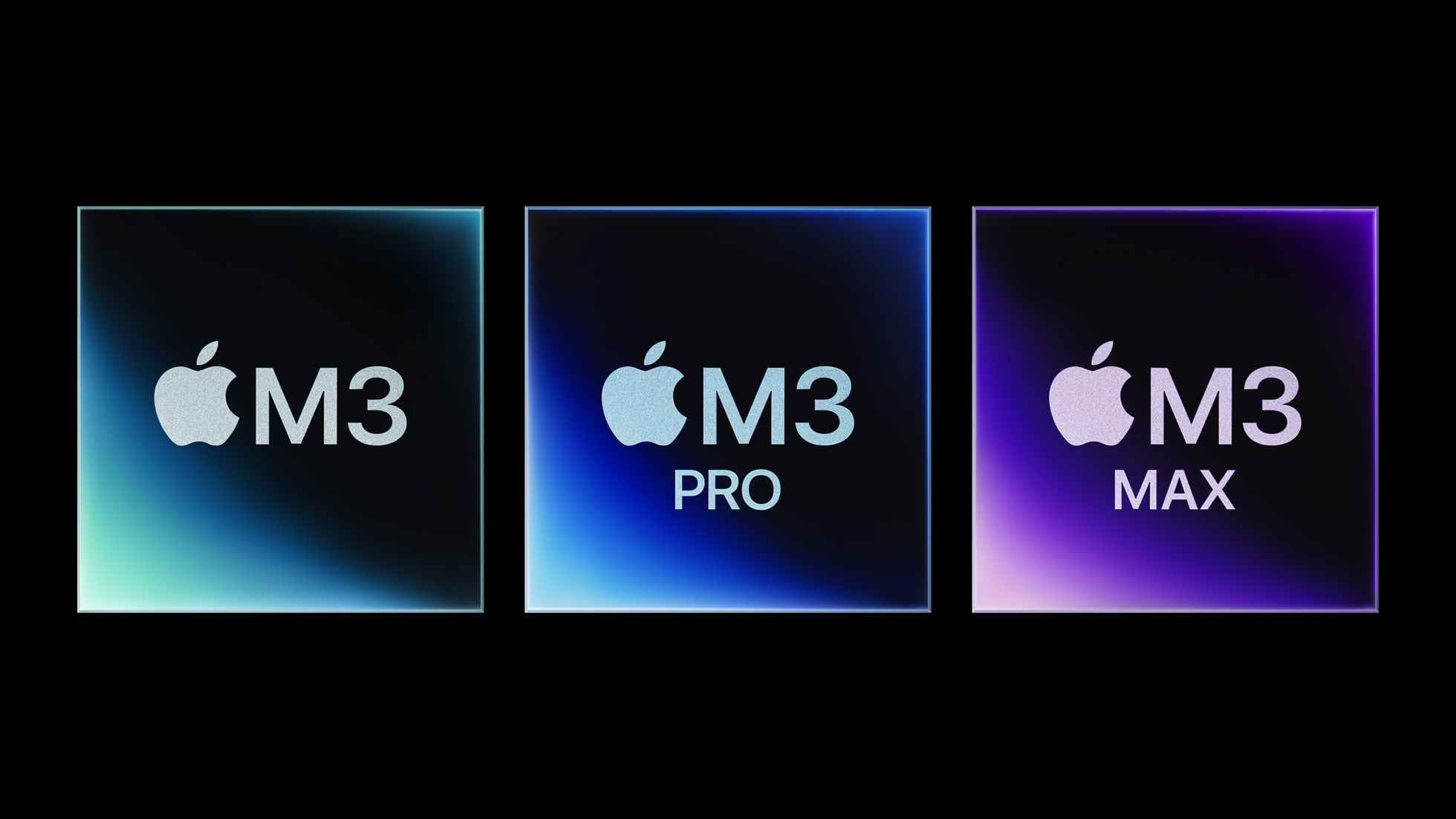
M3
This marks the first time since transitioning away from Intel that Apple has unveiled both the entry-level and upper-end options of a new generation of chips at the same time. Here’s a recap of how things have been rolled out so far:
- November 2020: M1
- October 2021: M1 Pro & M1 Max
- March 2022: M1 Ultra
- June 2022: M2
- January 2023: M2 Pro & M2 Max
- June 2023: M2 Ultra
The new line of SoCs follows the basic template laid out by its predecessor processors. The M3 is the basic chip that will power Apple’s consumer devices, with the Pro and Max building upon it in both CPU and GPU core counts. The real change is that they are all here at once, with just the (assumed) M3 Ultra coming later.
Obviously we don’t know everything that went into this decision, but I can’t help but think that Apple is pushing back against some of the reporting that it is off its game when it comes to silicon.
Down in the spooky chip lab, we learned that Apple focused on the GPU side of things with a new feature named “Dynamic Caching,” which it says is an industry-first method of allocating memory in real time to improve performance. Hardware-accelerated ray tracing and hardware-accelerated mesh shading come to the Mac for the first time thanks to this work.
The CPU gains look more in line with what we would expect. If you’re coming from an Intel machine, your hair is going to be blown back, but I don’t think I’m trading in my M2 Pro MacBook Pro. More exciting news is that the M3 chip includes hardware support for the decoding the AV1 codec. I figured Apple would jump on this, as it can improve battery life when streaming video.
With all that aside, let’s talk about the products that are being powered by this new silicon.
iMac
The iMac was the first Mac designed from the ground-up for Apple silicon. Introduced in April 2021, the 24-inch iMac is just 11.5 millimeters thin and comes in a range of fantastic colors that harkened back to the machine’s glory days.
This iMac never got an M2, however, leading some to worry about Apple’s plans for the machine. Worry no more, for the iMac is now powered by the M3, and still comes in the same jaw-dropping enclosure.

Here’s a bit from Apple’s press release:
iMac with M3 is up to 2x faster than the prior generation with M1.1 And for those upgrading from an Intel-based iMac, the new iMac is up to 2.5x faster than the most popular 27-inch models,2 and 4x faster than the most powerful 21.5-inch model.3 It also features an expansive 4.5K Retina display with 11.3 million pixels and over a billion colors, faster wireless connectivity, and a seamless experience with iPhone.
Sadly, a larger iMac still remains elusive. During the event, John Ternus said that the 4.5K display is a great replacement for previous models, but there are plenty of users who want or need a larger screen.2 Hooking a Mac mini or Mac Studio up to a Studio Display just isn’t the same thing for those wanting to live the all-in-one lifestyle.
Many folks expected Apple to switch the iMac’s input devices over to USB-C and away from Lightning. As Jason Snell reports, that didn’t happen:
If you were hoping that Apple might use this update to the iMac to continue its slow eradication of the Lightning port from its accessory line, I have bad news. Despite it seeming like the perfect time for Apple to fix the charging port on the Magic Mouse and the arrow keys on the Magic Keyboard and add a Touch ID surface to the Magic Trackpad, none of those things happened. They all still charge via Lightning. Same as it ever was.
The dream of an all-USB-C life is still just out of reach, but I don’t think anyone needs to riot outside of Apple Park over this one. It’s a bummer, but not a deal-breaker at this point. Check back in the next time the iMac is updated.3
MacBook Pro
Despite being updated fewer than 10 months ago, the 14-inch and 16-inch MacBook Pro have been revised as well, now powered by the M3, M3 Pro and Max.
Yes, for the first time, the entry-level SoC is in a 14-inch machine. The 13-inch MacBook Pro with Touch Bar is gone. The M3-powered 14-inch notebook starts at $1,599, which is higher than the Touch Bar machine’s $1,299 starting price, which it shared with the 15-inch Air.
Either way, I’m glad to see that old machine go.

Here’s how Apple describes the new machines:
With a next-generation GPU architecture and a faster CPU, the M3 family brings even more performance and remarkable new capabilities to MacBook Pro. The new 14‑inch MacBook Pro with M3 is not only great for everyday tasks, but also delivers phenomenal sustained performance in pro apps and games. Perfect for aspiring creatives, students, and entrepreneurs, it now starts at $1,599. The 14- and 16‑inch MacBook Pro with M3 Pro provides even greater performance and additional unified memory support, enabling more demanding workflows for users like coders, creatives, and researchers. The 14- and 16‑inch MacBook Pro with M3 Max delivers performance and capabilities that push the limits of computing. With a monster GPU and a powerful CPU, along with support for up to 128GB of unified memory, MacBook Pro with M3 Max enables extreme workflows and multitasking across pro apps for users like machine learning programmers, 3D artists, and video editors. M3 Pro and M3 Max models also now come in space black, a gorgeous dark aluminum finish.
That Space Black replaces Space Gray on the M3 Pro and M3 Max MacBook Pros and it looks great online. Once again, Snell has more:
I got my greasy money paws on a Space Black laptop and can report that Apple’s as good as its word in the sense that it seems generally more resistant to fingerprints and other smudges.
But I don’t want to exaggerate this feature: you can still see fingerprints. They just aren’t as prominent. This is a progressive improvement over something like the Midnight M2 MacBook Air, but it’s not a cure-all.
Similarly, I need to warn you not to get too excited about Apple finally making a black MacBook Pro. Space Black is not actually as black as space. It’s a dark gray. Yes, it’s appreciably darker than the Space Gray on the current MacBook Pros (and the new base model), but it’s still a shimmery metallic gray. Fans of Darth Vader stand down.
If you have an M1 or M2-based MacBook Pro, I think you’re still good to hold onto it, unless the new memory capacity or AV1 decoding will enhance your workflows in meaningful ways.
What’s Next?
With the M3 line, Apple continues to impress. Its silicon team seems to be doing just fine, and delivering three new SoCs at once seems to indicate that the company isn’t worried about production yields or capacity. These upgrades are incremental in nature, but that’s just fine, and should be expected. The move to its own silicon gave Apple an amazing foundation to build upon, and that’s exactly what the company is doing with the M3 line.
Despite these updates, Apple didn’t turn over the whole Mac line today. The MacBook Air and Mac mini remain unchanged, with the M2 inside, and without an M3 Ultra in the world yet, the Mac Studio and Mac Pro also remain unchanged. (Given that these were updated at WWDC, they will be just fine until sometime next year.)
Oh, and the $549 AirPods Max this person is wearing are getting pretty long in the tooth, but I suppose that’s an announcement for another day.

- There’s no clear reason as to why Apple streamed this event at 5 PM Pacific other than the company thought it would be fun. In addition to the unusual time, the fact that select members of the press were briefed hours before the event just add to the mystery of this one. One cool note? The event was shot on an iPhone 15 Pro Max. ↩
- Personally, I don’t think I could cram my work into a 24.5-inch display, but the lack of a Pro-level SoC is the bigger show stopper. 24 GB of unified memory and 2 TB of storage just aren’t enough for me. ↩
- Apple, while you’re in there, please give us a backlit option. ↩
Word Turns 40 ⇢
From its humble beginnings, Word has gone on to become one of the most popular office tools in the world, and pretty much everyone is familiar with it in one way or another. So, to celebrate its 40th birthday, we decided to take a look at how we got here and also share where we’re going.
Tonya and I have a long history with Word. Although we primarily used WriteNow at Cornell University during our undergraduate years from 1985 through 1989, we often helped users with Word while working in Cornell University’s public computer rooms. Two years after we graduated, a college friend of Tonya’s encouraged her to apply for a job at Microsoft. She was hired and spent the next two years doing phone and online support for Word 4 and Word 5. (So many people considered Word 5 to be the pinnacle of the app’s history that Tonya later penned two April Fools’ spoof articles about it: “Microsoft Word 5.1 for Mac OS X,” 1 April 2003, and “Microsoft Word 5.1 Returns… to the iPad,” 1 April 2011.) She also helped edit the manual for Word 6, Microsoft’s first attempt at a cross-platform version. I applied for a position as a Word program manager and got an interview but was not offered the job due to my lack of design skills, a rejection I took as a compliment, given my low opinion of Word’s interface.
Word 5 was indeed perfect.
Sponsor: Magic Lasso Adblock: 2.0x Faster Web Browsing in Safari ⇢
Want to experience twice as fast load times in Safari on your iPhone, iPad and Mac?
Then download Magic Lasso Adblock – the ad blocker designed for you. It’s easy to setup, blocks all YouTube ads, and doubles the speed at which Safari loads.
Magic Lasso Adblock is an efficient and high performance ad blocker for your iPhone, iPad and Mac. It simply and easily blocks all intrusive ads, trackers and annoyances in Safari. Just enable to browse in bliss.
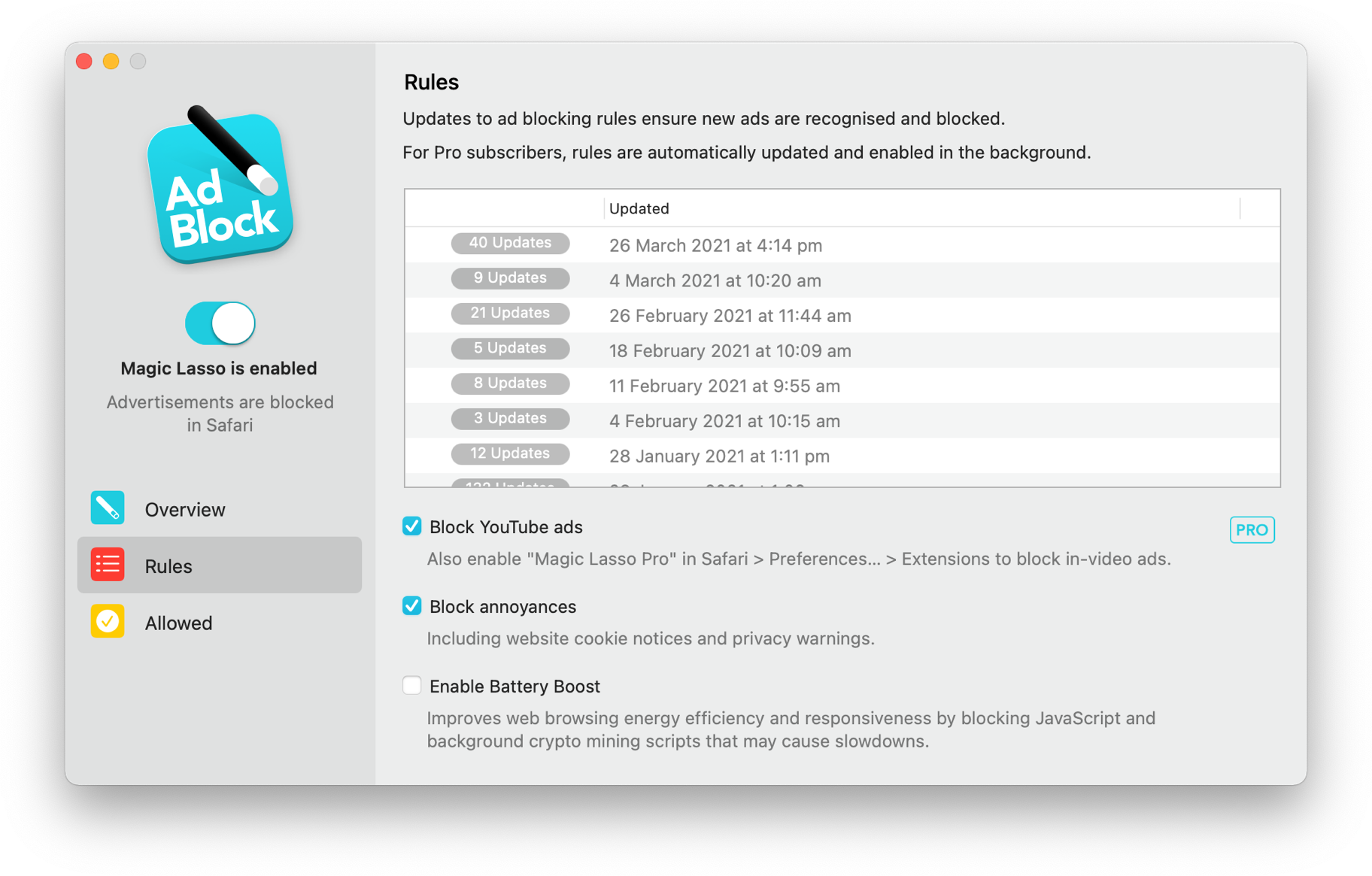
By cutting down on ads and trackers, common news websites load 2x faster and use less data.
Over 280,000+ users rely on Magic Lasso Adblock to:
- Improve their privacy and security by removing ad trackers
- Block over 10 types of YouTube ads, including pre-roll video ads
- Double battery life during heavy web browsing
- Lower data usage when on the go
And unlike some other ad blockers, Magic Lasso Adblock respects your privacy, doesn’t accept payment from advertisers and is 100% supported by its community of users.
Join over 280,000 users and download Magic Lasso Adblock from the App Store, Mac App Store or via the Magic Lasso website.
Mac Power Users #716: Workflows with Chris Upchurch ⇢
Chris Upchurch leads two lives; he is a developer but also a river guide. This week, he joins Stephen and David to discuss the tech he uses both at his desk and on the water.
Come to hear how a river guide uses Apple gear and stay for Chris’ incredible desk setup.
Elon Musk Wants X to be Your Bank ⇢
Jacob Kastrenakes and Alex Heath at The Verge:
Elon Musk wants X to be the center of your financial world, handling anything in your life that deals with money. He expects those features to launch by the end of 2024, he told X employees during an all-hands call on Thursday, saying that people will be surprised with “just how powerful it is.”
“When I say payments, I actually mean someone’s entire financial life,” Musk said, according to audio of the meeting obtained by The Verge. “If it involves money. It’ll be on our platform. Money or securities or whatever. So, it’s not just like send $20 to my friend. I’m talking about, like, you won’t need a bank account.”
If that sounds familiar, it’s because Musk has floated this before, as the pair continues:
The original plan for X.com is clearly on Musk’s mind. “The X/PayPal product roadmap was written by myself and David Sacks actually in July of 2000,” Musk said on Thursday’s internal X call. “And for some reason PayPal, once it became eBay, not only did they not implement the rest of the list, but they actually rolled back a bunch of key features, which is crazy. So PayPal is actually a less complete product than what we came up with in July of 2000, so 23 years ago.”
Being furious at PayPal is perhaps the most relatable thing about Elon Musk, but if he finds himself frustrated over regulations concerning cars and spacecraft, just wait until someone tells him about the FDIC.
Connected #473: The Rickies (October 2023) ⇢
Boo! Apple has announced an event for the October 30. After 24 hours of scrambling, Myke, Federico and I have put together a set of Picks and Flexies that may or may not be all that scary.
Kbase Article of the Week: Using the iPhoto Library Upgrader Tool ⇢
You can use the iPhoto Library Upgrader tool to prepare your library to work with the current version of iPhoto or Photos for OS X.
When you open a library created by an earlier version of iPhoto, you might see a message that says “Library version too old. Please upgrade your library ‘iPhoto Library’ using the free iPhoto Library Upgrader available from Apple.”
The iPhoto Library Upgrader prepares libraries from iPhoto ’08 (v7.x) or earlier so that you can use them with the current version of iPhoto or Photos for OS X. If your library was created by iPhoto ’09 (v8.x) or later, you don’t need to use this tool.
I remember having to run this on customer machines back in the day if they had neglected updating to new versions of iLife on a regular basis.