
The Apple Style Guide provides editorial guidelines for text in Apple instructional materials, technical documentation, reference information, training programs, and user interfaces. The intent of these guidelines is to help maintain a consistent voice in Apple materials.
Writers, editors, and developers can use this document as a guide to writing style, usage, and Apple product terminology. Writers and editors should thoroughly review the guide to become familiar with the range of issues involved in creating high-quality, readable, and consistent materials. Apple developers and third-party developers should follow these guidelines for user-facing text.
posts
Sponsor: Unite 5 Turns Web Apps Into Supercharged macOS Apps⇢
Unite 5 for macOS takes your web experience to the next level, transforming websites into feature-rich Mac apps. Powered by a completely redesigned WebKit browser, Unite 5 offers a more immersive and customizable browsing experience.
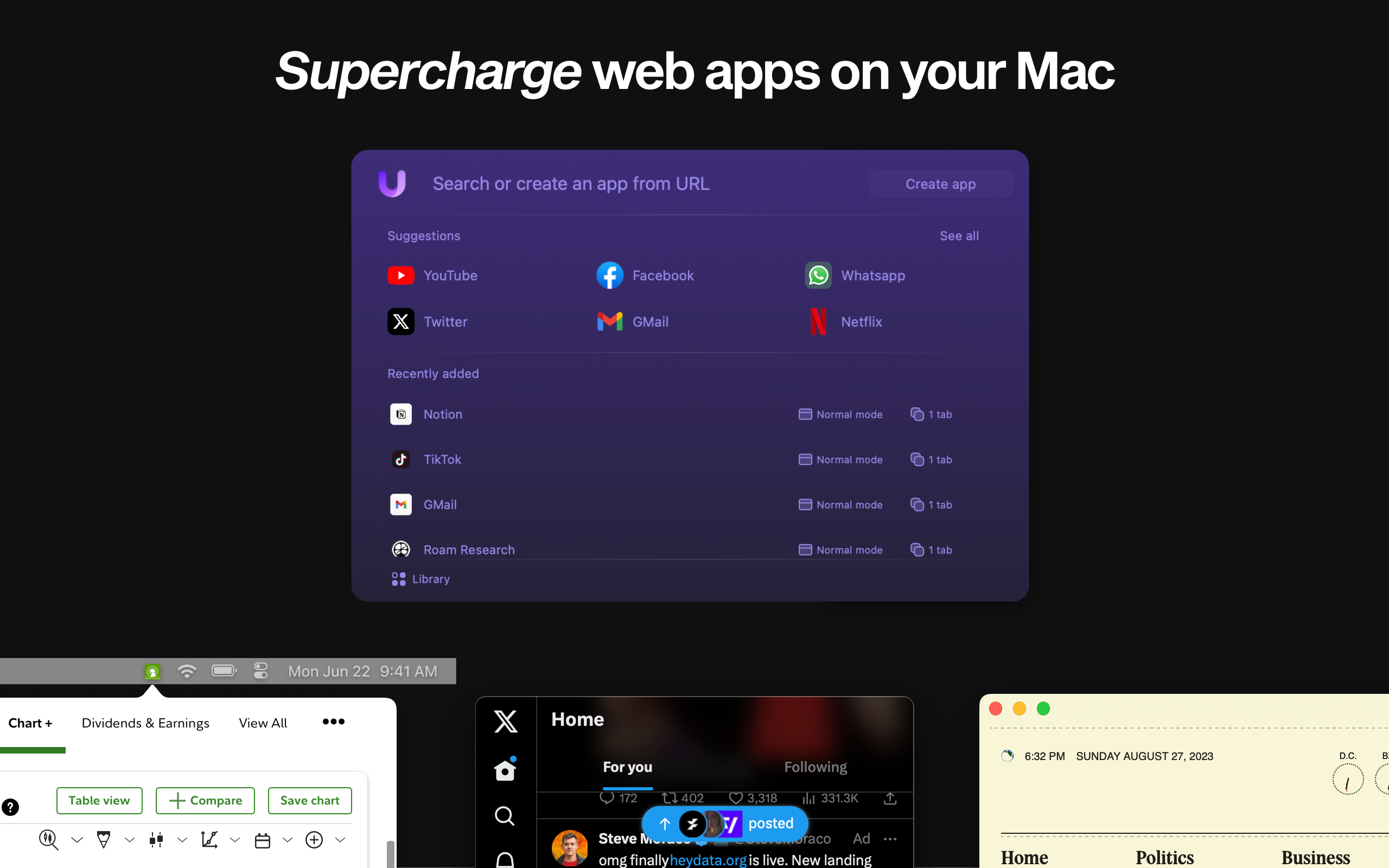
What sets Unite 5 apart? We’ve gone beyond just app conversion. Our new intricate link-forwarding rules give you unparalleled control over web interactions, making your web apps smarter and more integrated than ever before.
Mac Power Users #718: Workflows with Dan Provost⇢
Dan Provost is one of the folks behind Studio Neat. This week on MPU, David and I talk to him about Dan’s role in the company and its products, the tools he uses to get his work done and some of his favorite apps and services.
Breaking 50 Million Home Screens⇢
This week’s Under the Radar includes an absolutely bonkers story from Underscore. I’m sure the situation was wildly stressful, but it made for some great podcasting.
Inside the GPU of the M3 and A17 Pro⇢
In a new developer video, Apple has shared a lot more about the GPU architecture used in these new chips.
The Humane AI Pin⇢
After a lot of hype — and a massive last-minute leak — Humane has launched its first product, the AI Pin.
(Humane spells the product name differently in various places on its website, but I’m going with this style.)
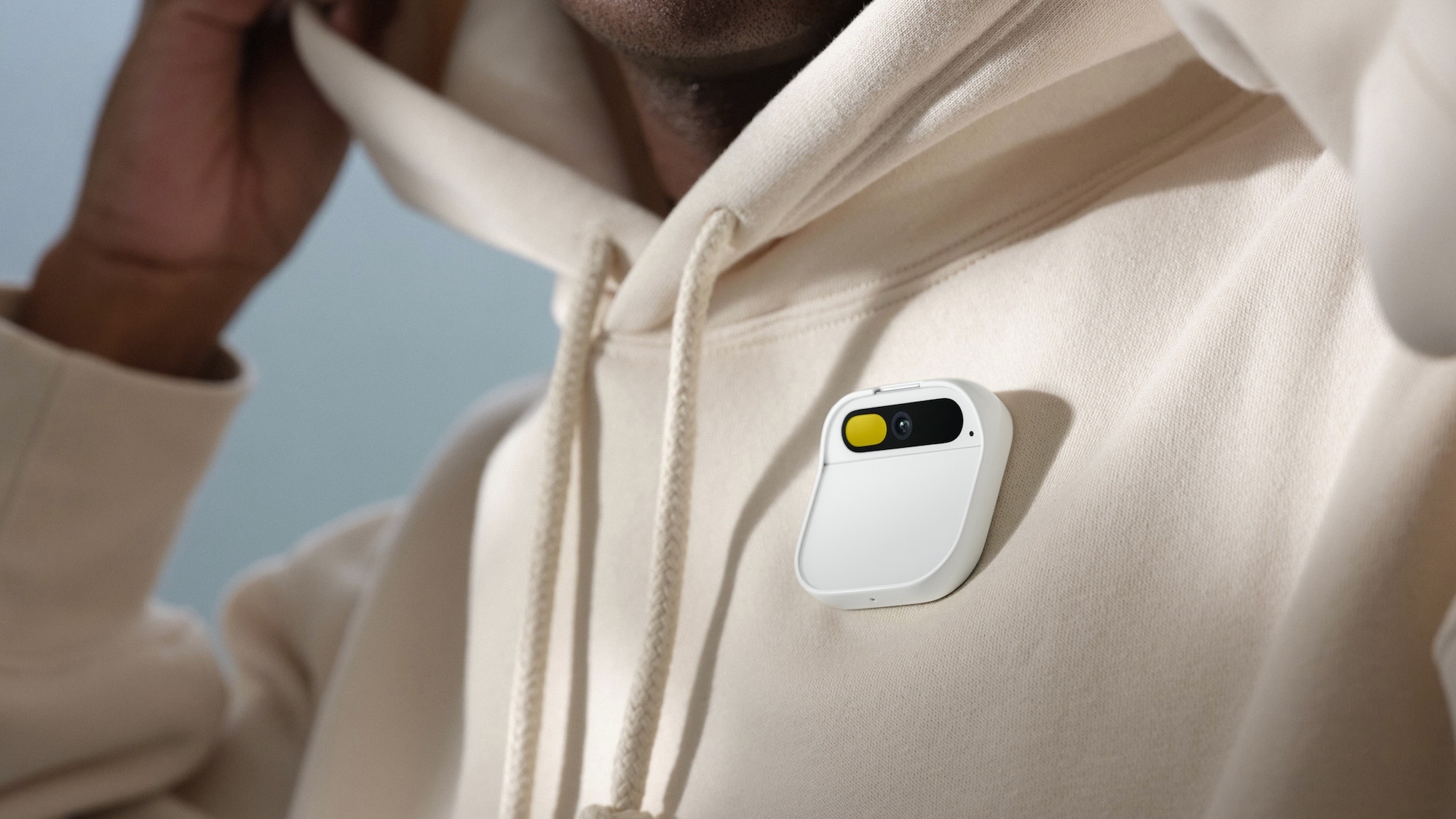
I encourage you to take ten minutes and watch the introductory video, which shows off the hardware, software and services that the team has stitched together to create the $700 device.
And what a team it is. Humane is led by husband and wife Imran Chaudhri and Bethany Bongiorno, who both had long careers at Apple before leaving in 2016. What came next is detailed in a New York Times profile of the pair and their new device:
NASA+⇢
NASA’s new on-demand streaming service and upgraded app are now available, ushering in a new world of original content from the space agency for the benefit of all. These new digital platforms are the landing place of original video series, live launch coverage, kids’ content, Spanish-language programming, and the latest news as NASA continues to improve life on Earth through innovation, exploration, and discovery.
Even more free and compelling space content on all of my devices? Yes, please!
Connected #475: Roasting Our Past Selves⇢
This week on the show: an intermittent Reminders bug, new Macs (of certain sizes, at least), old home screens and a request.
‘A Swarm of Bees’⇢
You know that terrible story where a bunch of folks had eye damage after attending an NFT event? This screenshot from Jason Snell is like that, but for new Mac users.
Chamberlain Shuts the (Garage) Door on API Access⇢
Jennifer Pattison Tuohy, writing at The Verge:
The Chamberlain Group — owners of the MyQ smart garage door controller tech — has announced it’s shut off all “unauthorized access” to its APIs. The move breaks the smart home integrations of thousands of users who relied on platforms such as Homebridge and Home Assistant to do things like shut the garage door when they lock their front door or flash a light if they leave their door open for 10 minutes, or whatever other control or automation they wanted to do with the device they bought and paid for.
The Legacy of NASA’s Worm Logo⇢
I’ve had this on in the background today and have been enjoying it quite a bit.
Kbase Article of the Week: Use the Touch Bar on Mac⇢
If your Mac has a Touch Bar, you can use familiar gestures—like tap, swipe, or slide—directly on the Touch Bar to adjust settings, use Siri, access function keys, and do tasks in different apps.
I want to write a lot more about the Touch Bar at some point. It was an interesting idea, but clearly one that users and developers mostly rejected. That doesn’t happen every day with Apple products.