
Last week at WWDC I was extraordinarily fortunate to be one of the very few people in the world to try out Vision Pro for myself. The 30 minute session I had with it has been described in tremendous depth in lots of places (the best likely being Myke’s discussion on Cortex), so I won’t go into the content of that demo itself, but instead focus on what I think this platform means for developers, and [spoiler alert] why I’m incredibly excited to get started developing for it (and think you should too).
posts
Sponsor: MarsEdit 5⇢
MarsEdit 5 is a major upgrade to the preeminent Mac app for editing WordPress, Micro.blog, Tumblr, and many other types of blogs.
The new Microposting feature makes it “as easy to post to your own blog as it is to post to Twitter.” When MarsEdit 5 is running on your Mac, just press a configurable global keyboard shortcut, write out your latest thoughts, and instantly publish to your blog.
MarsEdit supports editing posts in rich or plain text, and the latest update is especially great for Markdown fans. Now when you’re writing Markdown in plain text mode, MarsEdit applies live, beautiful syntax highlighting to make it easier to focus separately on the content and style of your posts.
The Vibe is Good
I’m writing this in the lobby of my hotel in Cupertino, a couple of hours before I fly home to Memphis and I am here to report that the vibe at WWDC is good.
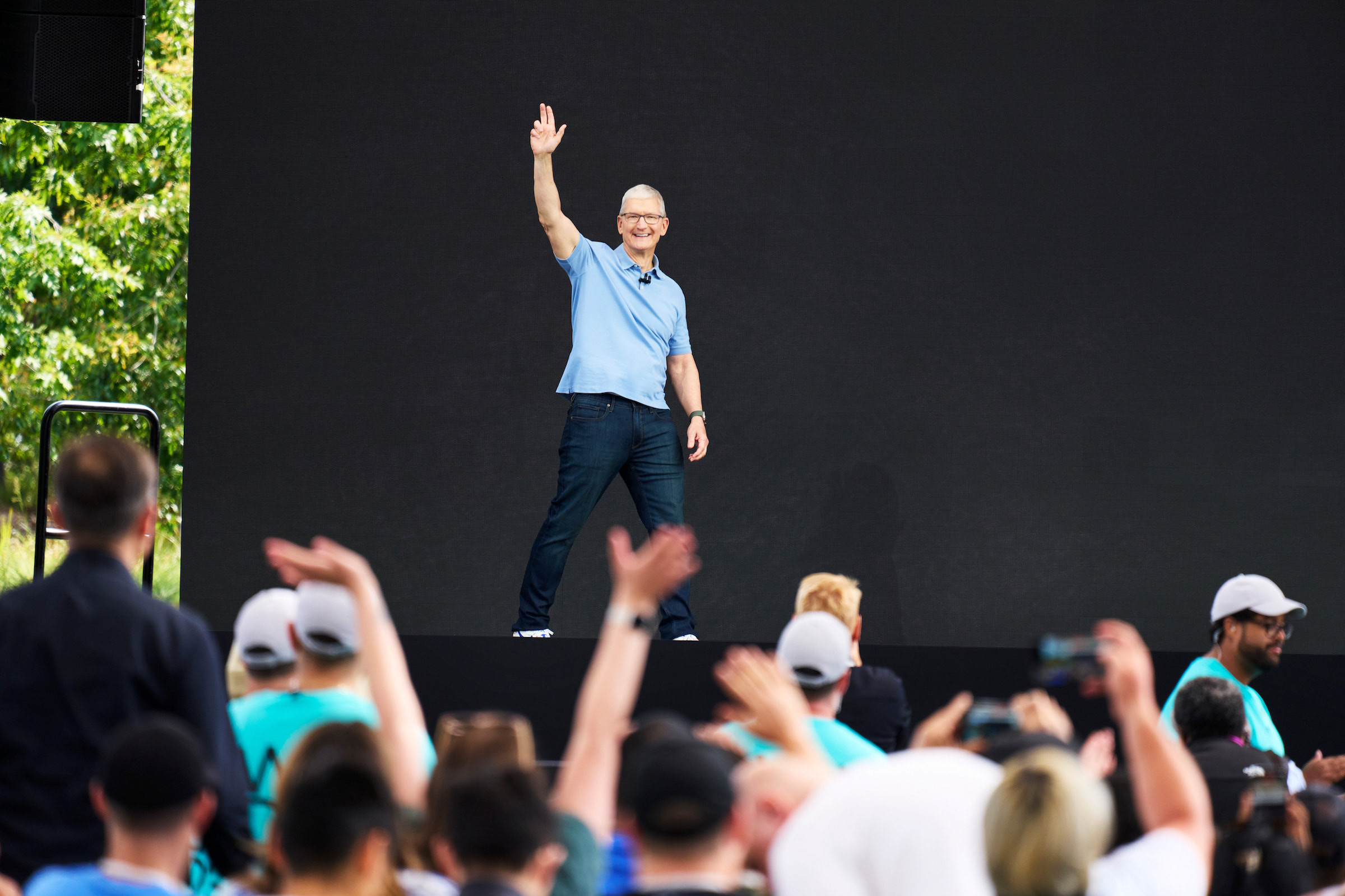
The Annual March
For several years, Apple has been really good at keeping features across its platforms in step with one another. 2023 is shaping up to be no different, with core improvements coming to the company’s various operating systems at the same time, each tuned to the particular form and function of their host devices.
Apollo Shutting Down June 30⇢
Christian Selig, writing on Reddit:
Eight years ago, I posted in the Apple subreddit about a Reddit app I was looking for beta testers for, and my life completely changed that day. I just finished university and an internship at Apple, and wanted to build a Reddit client of my own: a premier, customizable, well-designed Reddit app for iPhone. This fortunately resonated with people immediately, and it’s been my full time job ever since.
Mac Power Users #695: Live from WWDC23⇢
Recorded live at Apple Park, Stephen and David talk about some of the big announcements from WWDC23.
Don’t miss More Power Users, where David shared his feelings about the new Mac Studio.
Connected #453: By the Meat of Your Teeth⇢
This week on a huge episode of Connected:
For the first time in four years, Federico, Myke and Stephen are together and in person to record an episode of The World’s Greatest Podcast. This week, they judge their picks for WWDC23 — and one from the past.
On Connected Pro, some feelings about being together again.
I Have Some Questions About the New New Mac Pro
It’s been one day since Apple announced a new Mac Pro, so we are now safely within the time period in which we can go back to worrying about the product and its future.
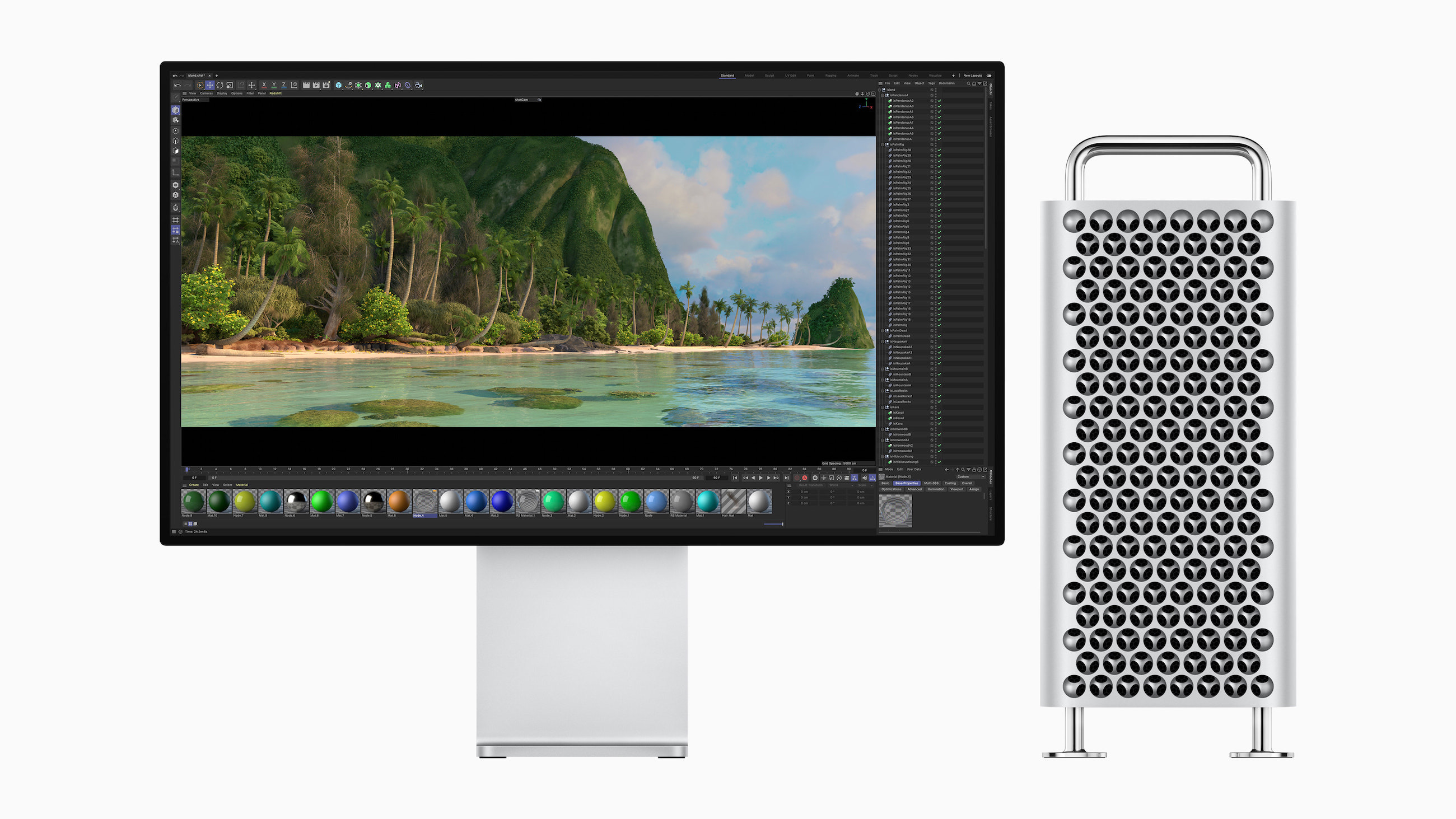
Back in 2006 when the first Mac Pro was announced, we were already at the tail end of the era of desktop tower Macs. 17 years later, notebooks are more popular than ever, and in the age of Apple silicon, they are more powerful than ever, too.
Download macOS Sonoma’s Default Wallpapers
I still think Big Sur had my favorite default wallpaper in the modern age of macOS, but these look pretty good!

 Filipe Espósito over at 9to5Mac has details on how some of the fancier wallpapers work in Sonoma.
Some of my Favorite Small Software Announcements from WWDC 2023
…in no particular order, except the first two which I am psyched about:
- Interactive widgets.
- Find My items can now be shared with others.
- Offline access to Maps.
- Medication alerts can now repeat if medication is not logged, and can be sent as critical alerts. I bailed on Medication reminders last year due to a lack of this.
- Name Drop.
- Inner-app linking in Notes.
- Profiles and shared passwords in Safari.
- Mood tracking in Health.
- Widgets on the Mac desktop.
- One-time verification codes received in Mail are filled in automatically in Safari, just like ones from Messages.
- Quick muting on AirPods.
- The new iPhone Standby feature can show different things based on where your iPhone is when charging.
- Pet “faces” in Photos.
- Automatic grocery item sorting and a new column view in Reminders.
- Share contents from an Apple Note into Pages for more layout tools.
My least favorite thing? That creepy heart AR demo.
Kbase Article of the Week: What’s new in Apple Platform Deployment⇢
Apple Support:
Deployment and mobile device management (MDM) introduce new features for iPhone, iPad, Mac, and Apple TV devices. These updates, detailed below, include the following operating systems:
- iOS 17
- iPadOS 17
- macOS 14
- tvOS 17
- watchOS 10
System Requirements for iOS 17, iPadOS 17, watchOS 10 and macOS Sonoma
Here’s a list of all iPhone models that are compatible with iOS 17:
- iPhone XS and XS Max
- iPhone XR
- iPhone 11
- iPhone 11 Pro and Pro Max
- iPhone 12 and 12 mini
- iPhone 12 Pro and Pro Max
- iPhone 13 and 13 mini
- iPhone 13 Pro and Pro Max
- iPhone 14, iPhone 14 Plus, iPhone 14 Pro and iPhone 14 Pro Max
- iPhone SE (2nd and 3rd gen)
iOS 17 drops support for the iPhone 8, iPhone 8 Plus and iPhone X.
The 15-inch MacBook Air⇢
Over at The Verge, Dan Seifert has a hands-on with the new notebook:
Apple just announced the new MacBook Air 15, a 15-inch version of the most popular laptop in the world. I just saw it in person. As you can probably guess, it’s just like the smaller MacBook Air, but now it’s bigger.
There were literally no surprises from the hands-on. It feels just like the 13.5-inch model from last year. It’s thinner and lighter and less dense than a 16-inch MacBook Pro, as you’d expect, with a screen that isn’t as nice. It does have six speakers, but I didn’t get to test them.