Sponsor: TextExpander⇢

Do you ever type the same thing over and over and over again? Whether it’s customer support answers, sales emails, or document edits, typing things repetitively or using copy and paste can be a burden. That’s where TextExpander comes in. With TextExpander, you and your team can:

  • Keep your message consistent
  • Save time and be more productive
  • Be accurate, every time

The way we work is changing rapidly. Make work happen wherever you are by saying more in less time and with less effort using TextExpander. Check it out and get 20% off at this link.
Continue reading ⇢

Drafts⇢

Drafts is the best way to get things out of your head. It lets you quickly jot down ideas in a trusted capture system and then hone your text in a familiar, customizable editor for output to just about any other app or service.

Try it free today on iPhone, iPad, Mac, and Apple Watch!

My thanks to Drafts for sponsoring the site this week!

Continue reading ⇢

Kbase Article of the Week: How to Fix a Split Fusion Drive⇢

Apple Support:

If your Fusion Drive appears as two drives instead of one in the Finder, it’s no longer working as a Fusion Drive. Here’s how to fix it.

Fusion Drive, a storage option on some iMac and Mac mini computers, combines a hard drive and flash storage in a single volume for improved performance and storage capacity. If your Fusion Drive appears as two drives instead of one in the Finder, it’s no longer working as a Fusion Drive. This can happen after replacing either drive of your Fusion Drive, or using software to intentionally split them into separate volumes.

Continue reading ⇢

Sponsor: Drafts, Where Text Starts⇢

Quickly jot down ideas in a trusted capture system. Hone your text in a familiar, customizable editor. Output your text to a practically unlimited number of other apps and services through powerful actions. All the while, Drafts’ fast iCloud sync keeps all your text handy across all your devices.

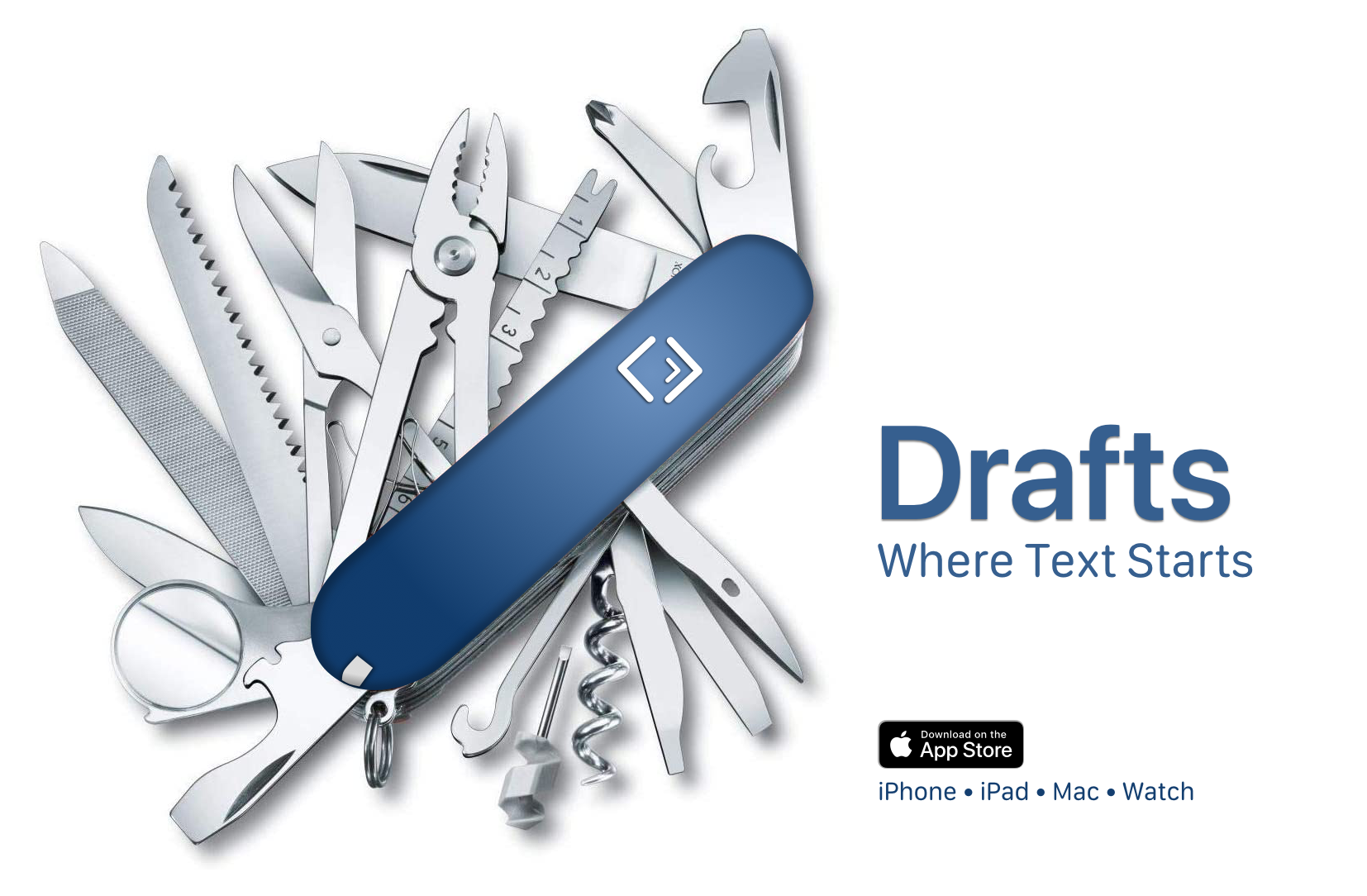
It is your Swiss Army knife for text on Apple platforms.

Drafts

Once you capture text, Drafts provides powerful, extensible tools to process it and send it out to other services like task managers, messages, email, files, and more.

Continue reading ⇢

Mac Power Users #617: Back in Whack⇢

This week’s Mac Power Users is a very special one:

David and Stephen are joined by Apple’s Jeremy Butcher to discuss the company’s new Business Essentials program.

Then, the guys revisit iCloud storage management, clipboard apps and email providers. USB-C hubs and migrating to an Apple silicon Mac are also discussed.

I really enjoyed getting to chat with Jeremy about Apple Business Essentials, but if I have to install another clipboard manager, my Mac may explode.

Continue reading ⇢