
Around this time 30 years ago, two separate working groups were putting the finishing touches on technical standards that would come to reshape the way people observed the world. One technical standard reshaped the way that people used an important piece of office equipment at the time: the fax machine. The other would basically reshape just about everything else, becoming the de facto way that high-quality images and low-quality memes alike are shared on the internet and in professional settings. They took two divergent paths, but they came from the same place: The world of compression standards. The average person has no idea what JBIG, the compression standard most fax machines use, is—but they’ve most assuredly heard about JPEG, which was first publicly released in 1992. The JPEG format is awesome and culture-defining, but this is Tedium, and I am of course more interested in the no-name formats of the world.
posts
The iOS App Icon Book⇢
Michael Flarup has launched a really cool Kickstarter campaign:
I simply love app icons — they continue to be everything that excites me about visual design. App icon design is a carefully balanced discipline with the goal of producing a memorable graphic that sits at the intersection of art and utility. At their best, app icons are design, distilled. This book is a celebration of the art and craft of app icon design and the golden age of icon design that has lived and evolved on our devices this past decade.
Kbase Article of the Week: AppleScript to Access Aperture Library Generates an Error Under Leopard⇢
An AppleScript used to select a project in Aperture may generate the error message “Aperture got an error: Can’t get project ‘yourprojectname’ when run on Mac OS X 10.5 Leopard. The same script runs without an error message on Mac OS X 10.4 Tiger.
This may happen if you do not specify the library to be used in your script. This has always been the best practice, but it was not mandatory under OS X 10.4.x.
Sponsor: Drafts, Where Text Starts⇢
Quickly jot down ideas in a trusted capture system. Hone your text in a familiar, customizable editor. Output your text to a practically unlimited number of other apps and services through powerful actions. All the while, Drafts’ fast iCloud sync keeps all your text handy across all your devices.
It is your Swiss Army knife for text on Apple platforms.
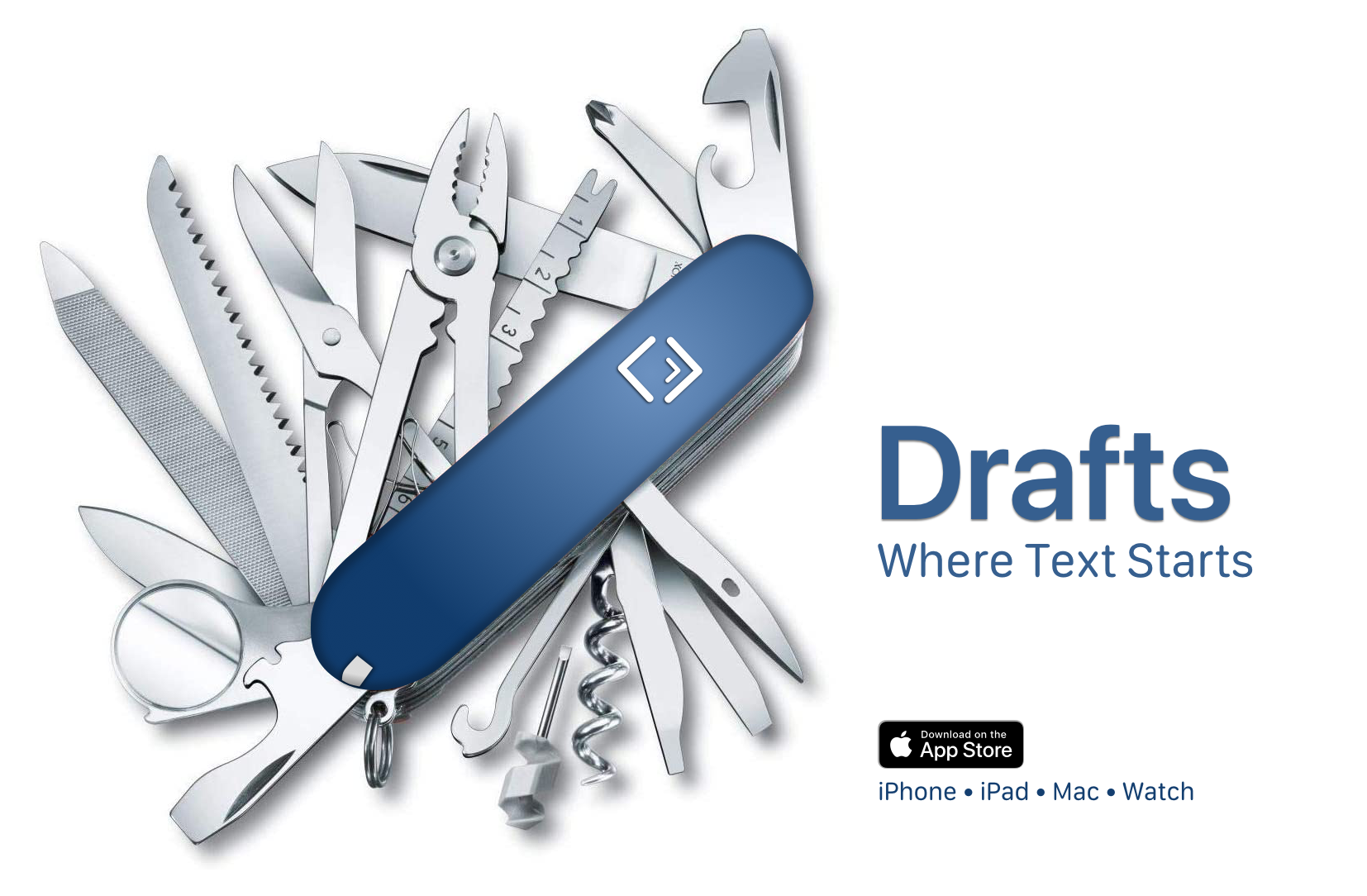
Once you capture text, Drafts provides powerful, extensible tools to process it and send it out to other services like task managers, messages, email, files, and more.
Mac Power Users #613:The Future of Work, with Sean McCabe⇢
This week on MPU, David and I talk with Sean McCabe about how he runs his businesses from what can only be described as a Mac battle station, while stitching together macOS apps and several cloud services to be more productive.
Loopback⇢
My thanks to Rogue Amoeba for sponsoring the site this week!
Their app Loopback provides powerful Mac audio routing with no cables required. Save 21% right now on Loopback (and anything else Rogue Amoeba makes), with coupon code PIXELSXXI.
Flashback #22: Building the Personal Computer⇢
On Flashback this season, we’re looking at the history of the IBM Personal Computer. This week, we talked hardware:
The IBM Personal Computer was developed in a shockingly short period of time. Quinn and Stephen discuss the machine’s hardware as well as some of the company’s earlier attempts at personal computers.
My thanks to our sponsor for this episode:
- Clean My Mac X: Your Mac. As good as new. Get 5% off today.
Review: The 14-inch MacBook Pro Resets the Timeline
We’d all like to forget the 2016-era MacBook Pros, so in this review, I’m just going to pretend they didn’t happen.
I’m typing this on a new 14-inch MacBook Pro, powered by Apple’s new M1 Pro system on a chip. This is a huge speed increase over my old MacBook Pro, an original Retina MacBook Pro from 2012.

For the nearly nine years between the two machines, the keyboard’s feel isn’t radically different. The new keys seem slightly larger, have less space between them and feel more stable, somehow. The sound is a little deeper, but I’ve gotten used to the new keyboard pretty quickly. Apple has shipped good keyboards on their Macs for a long time, and this one is a real winner. I even dig the black well it sits in.
Connected #370: MacBook Venti⇢
The guys are joined by One True John to talk about life midway through the Apple silicon transition, how Shortcuts for the Mac is shaping up and how our moms feel about our media appearances.
My thanks to our sponsors:
- StoryWorth: A meaningful gift to treasure forever. Get $10 off your first purchase. Get started right away with no shipping required.
- Bombas: Give a pair when you buy a pair, and get 20% off your first purchase when you use this link.
- Squarespace: Make your next move. Enter offer code CONNECTED at checkout to get 10% off your first purchase.
An Actual Monterey Desktop Photo⇢
The folks at Vyncher have put together an amazing dynamic wallpaper for macOS Monterey.
Kbase Article of the Week: Use High Power Mode on your 16-inch MacBook Pro with M1 Max⇢
Your MacBook Pro has multiple energy modes you can switch between. By default, your Mac is set to Automatic mode to balance energy use and performance. Low Power Mode reduces energy use to increase battery life. On the 16-inch MacBook Pro with M1 Max, High Power Mode allows the fans to run at higher speeds. The additional cooling capacity may allow the system to deliver higher performance in very intensive workloads.
Snell, with Charts⇢
With the closing of the fourth quarter comes the closing of a fiscal year. And while none of us gathered around a HomePod and shouted “Happy New Year!” on midnight of Sept. 26 (the first day of the new fiscal year), as far as Apple is concerned it’s now fiscally 2022.
That means it’s time for the final totals, and an entirely new set of charts based entirely on Apple’s annual performance. This provides a fun opportunity to revisit some charts from about two years ago and look back at where the company has been, while considering where it might go next.