
I would like to present, in response to the widely criticized Finder icon in macOS Tahoe Developer Beta 1, the icon I created in literally fifteen minutes with Pixelmator Pro and Apple’s own Icon Composer. Apple could very easily keep the icon’s historical appearance without compromising the Liquid Glass aesthetic by just… flipping the color palette.
posts
Stay Hungry, Stay Foolish⇢
To celebrate the 20th anniversary of Steve’s commencement address at Stanford, we are sharing a newly enhanced version of the video below and on YouTube. It is one of the most influential commencement addresses in history, watched over 120 million times, and reproduced in media and school curricula around the world. The talk even helped inspire an unlikely NBA title comeback for the Cleveland Cavaliers when LeBron James played a clip from it in the locker room before a critical game three against the Golden State Warriors in 2016.
WWDC25: Tahoe Delivers New Format for Disk Images⇢
Howard Oakley has spotted a change coming with macOS 26:
Disk images have been valuable tools marred by poor performance. In the wrong circumstances, an encrypted sparse image (UDSP) stored on the blazingly fast internal SSD of an Apple silicon Mac may write files no faster than 100 MB/s, typical for a cheap hard drive. One of the important new features introduced in macOS 26 Tahoe is a new disk image format that can achieve near-native speeds: ASIF, documented here.
Inside the ‘Macintosh’ Screen Saver
macOS Sequoia’s Macintosh screen saver is one of the strongest hits of nostalgia Apple has ever produced. If for some reason you haven’t seen it, Mr. Macintosh has you covered:
When this showed up last year, a little birdie told me that it was dynamically generated based on the user’s preferences, which explained why I couldn’t find it as a movie anywhere in the filesystem.
Connected 556: The Last Thing You Touch⇢
The guys learn how their predictions fared, talk about some of the news from WWDC25, and someone gets a trophy.
WWDC25: Joanna Stern Interviews Greg Joswiak and Craig Federighi⇢
It seems to me that Apple is learning its lesson about announcing things too early, even as it tries to (somewhat defensively) distance its future features from those shipping already by the likes of Google and OpenAI.
Mac Power Users 801: WWDC 2025: A Return to Form⇢
Apple’s 2025 WWDC was jam-packed, from a new design system across its operating systems to updated iPad multitasking, a plethora of updates to apps like Messages and Phone, and new features for CarPlay. David and I break it all down on this episode of MPU.
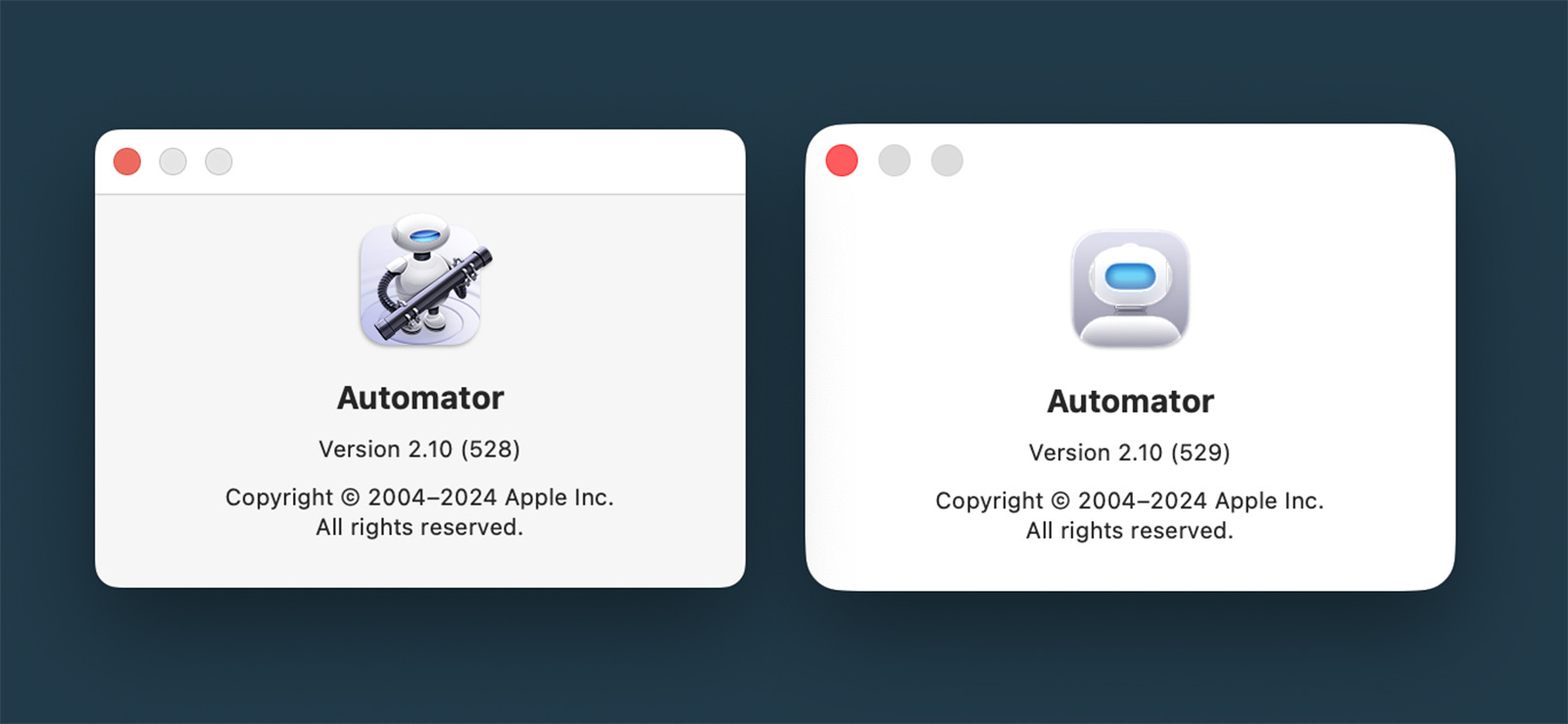
WWDC25: Oh No, They Did It to Automator, Too
Looks like Finder isn’t the only Mac application to see big icon changes in macOS Tahoe. Poor Otto had his arms, legs, and pipe taken away:
WWDC25: The End of the Intel Mac Era⇢
macOS Tahoe will be the last release for Intel-based Mac computers. Those systems will continue to receive security updates for 3 years.
Rosetta was designed to make the transition to Apple silicon easier, and we plan to make it available for the next two major macOS releases – through macOS 27 – as a general-purpose tool for Intel apps to help developers complete the migration of their apps. Beyond this timeframe, we will keep a subset of Rosetta functionality aimed at supporting older unmaintained gaming titles, that rely on Intel-based frameworks.
WWDC25: macOS Tahoe Breaks Decades of Finder History
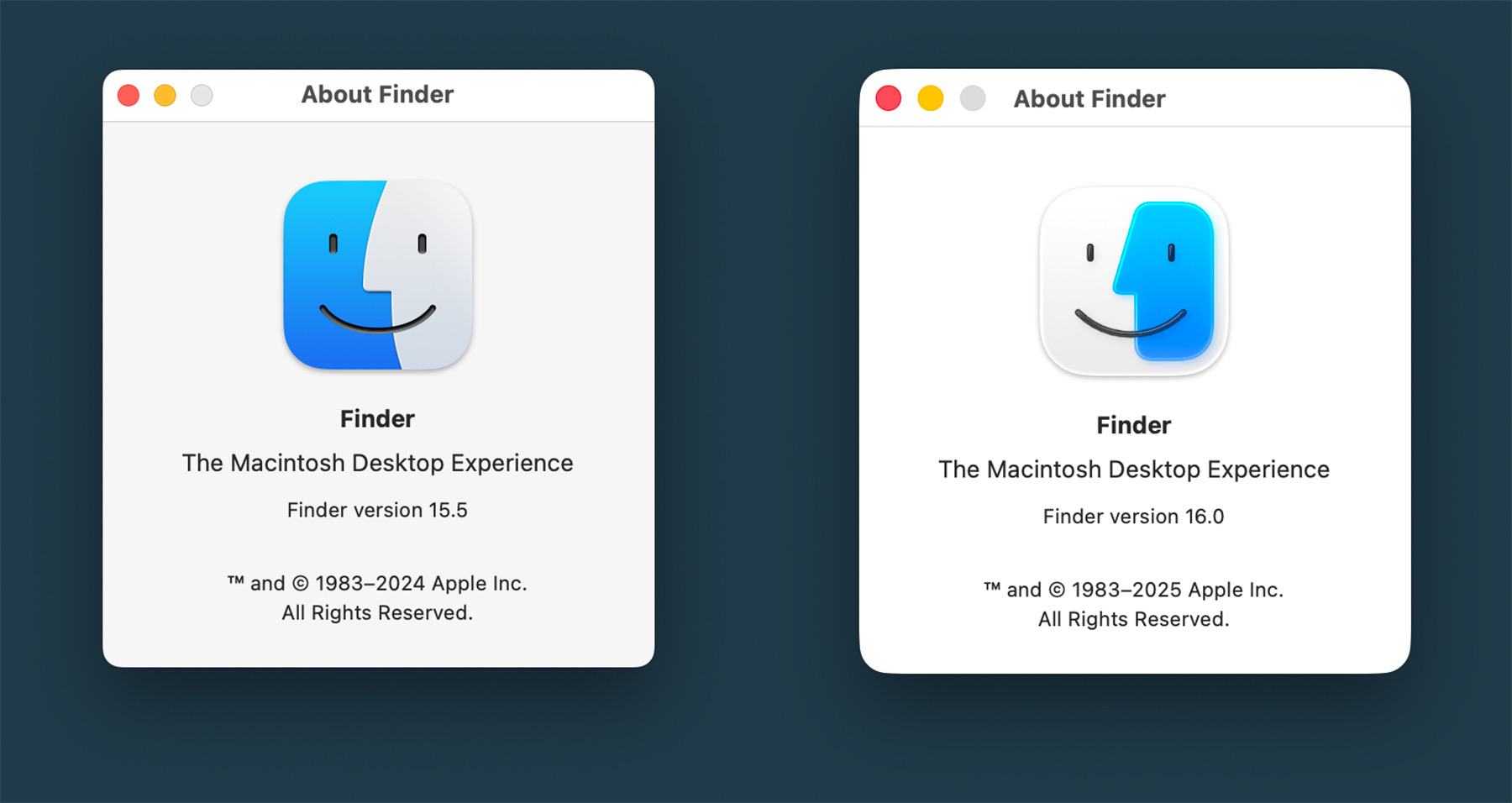
Something jumped out at me in the macOS Tahoe segment of the WWDC keynote today: the Finder icon is reversed.
You can see that in the image below. On the left is macOS Sequoia, and on the right is macOS Tahoe:
I know I am going to sound old and fussy, but Apple needs to roll this back.
Some History
The Finder logo has changed over the years, but the dark side has been on the left forever. Here it is on the boot screen on System 7.5.3, which shipped in 1996, an early version of the logo in color:
macOS Tahoe 26’s Default Wallpaper
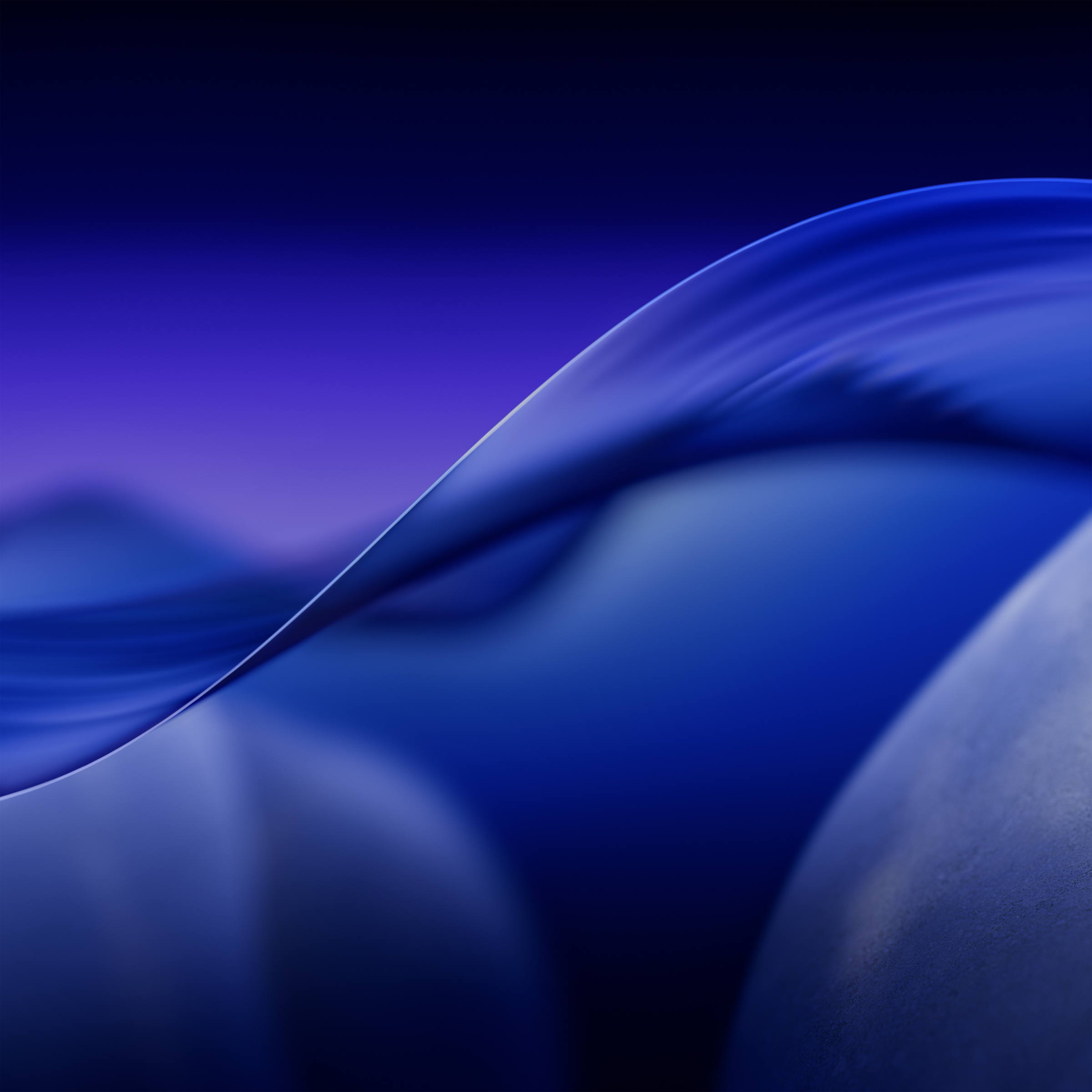
As is tradition, I’ve snagged the default wallpapers out of the new macOS beta. You can download them at the links below:




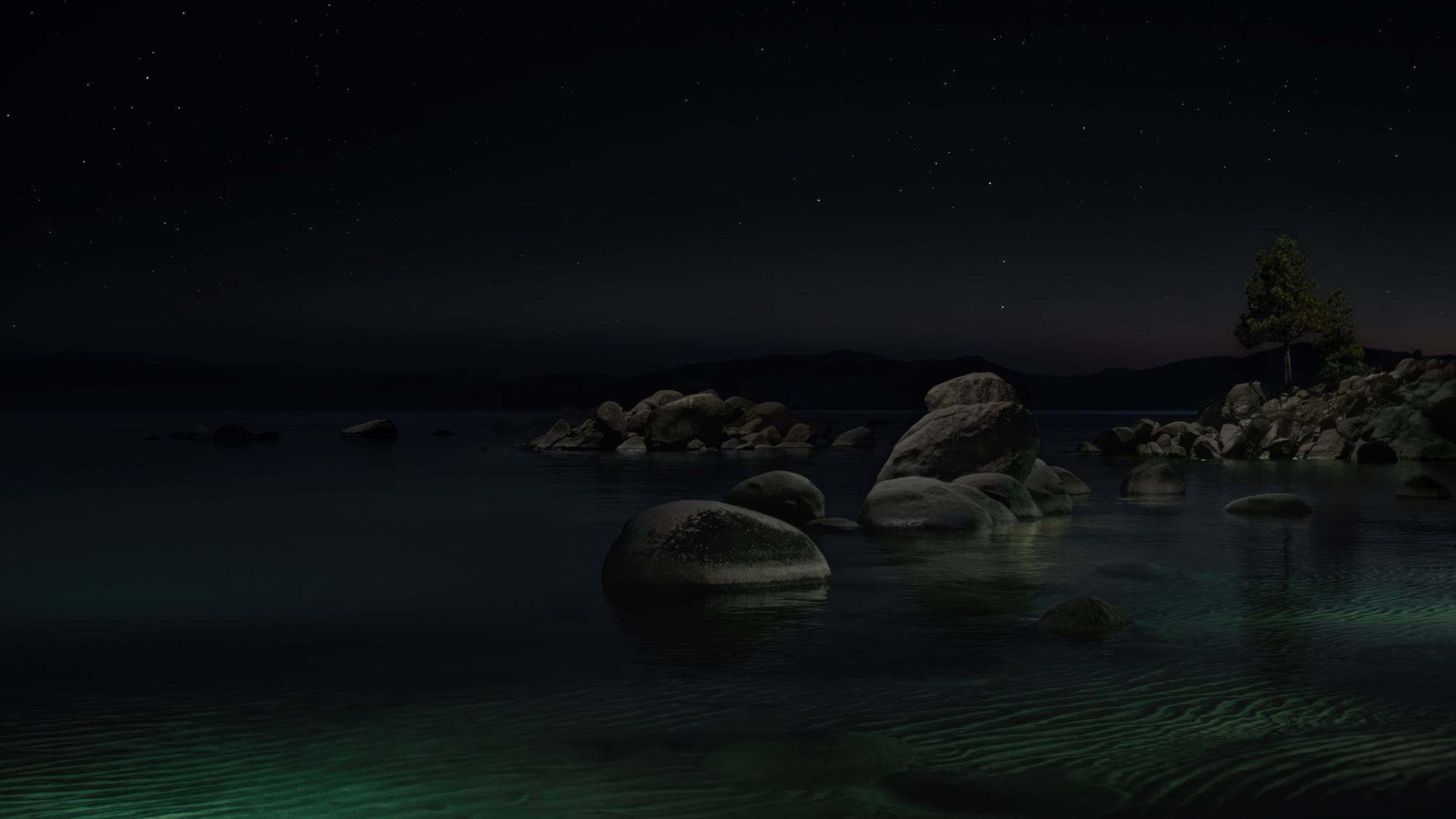 Download full-sized copies here:


WWDC25: Meet Liquid Glass⇢
Apple’s video about Liquid Glass is up, and it’s really interesting to hear the thought that went into the new design. I’ve got the betas on a secondary phone and laptop, and uhhhh, it’s going to take some getting used to.