
Steve from Mac84 has the best advice I’ve seen for what to do when unboxing a new (to you) vintage computer:
posts
Sponsor: Magic Lasso Adblock: Download the Safari Ad Blocker Built for You⇢
Do you want to try an ad blocker that’s easy to set up, easy to keep up to date, and with pro features available when you need them?
Then download Magic Lasso Adblock – the ad blocker designed for you.
Magic Lasso Adblock is an efficient and high-performance ad blocker for your iPhone, iPad, and Mac. It simply and easily blocks all intrusive ads, trackers, and annoyances in Safari. Enable it to browse in bliss.
Mac Power Users #746: All About iMessage⇢
iMessage is one of the stickiest parts of the Apple ecosystem, and this week, the guys discuss some of its features, explore its security credentials, and share some tips for making it run smoothly.
&udm=14
If you don’t want a bunch of AI nonsense showing up in your Google results, Ernie Smith’s new project may be for you. He writes over on Tedium:
Forget AI. Google just created a version of its search engine free of all the extra junk it has added over the past decade-plus. All you have to do is add “udm=14” to the search URL.
This can be done by setting up a custom search engine in your browser (if supported), a handful of extensions, and a new website, udm14.com.That last option is the only viable one for Safari users, sadly. Update: Good news for Safari users: you can use StopTheMadness Pro to append the magical &udm=14 to your search results!
Surprising No One, Google’s AI Overviews are Ludicrous
Google has begun rolling out AI-powered search results, and it’s not going super well. While many of the screenshots floating around social media are probably fake, there are some real examples that are pretty troubling, as Kylie Robison reports for The Verge:
Imagine this: you’ve carved out an evening to unwind and decide to make a homemade pizza. You assemble your pie, throw it in the oven, and are excited to start eating. But once you get ready to take a bite of your oily creation, you run into a problem — the cheese falls right off. Frustrated, you turn to Google for a solution.
Apple Says Database Corruption Was to Blame for Recent ‘Oh No, My Deleted Photos Are Back’ Bug⇢
Chance Miller has more over at 9to5Mac:
Earlier this week, Apple released iOS 17.5.1 to address a rare problem where deleted photos would reappear on a user’s device after installing iOS 17.5. In the release notes, Apple said this was caused by “database corruption.” The company has now confirmed a few additional details to 9to5Mac to further clarify the situation.
One question many people had is how images from dates as far back as 2010 resurfaced because of this problem. After all, most people aren’t still using the same devices now as they were in 2010. Apple confirmed to me that iCloud Photos is not to be blamed for this. Instead, it all boils to the corrupt database entry that existed on the device’s file system itself.
Connected #503: The King of Moderating⇢
Stephen has a new username, Myke has a new iPad, Sonos has new headphones, Federico has a new MacPad screen, OpenAI has new drama, and Microsoft has a new vision for the PC.
Repairing a DTK⇢
Filipe Espósito, writing at 9to5 Mac:
Back in 2020, Apple offered selected developers a custom DTK Mac mini with the A12Z Bionic chip inside, so that they could develop apps for the Apple Silicon platform. After the official launch of the M1 Macs, developers had to return their DTK Mac mini to Apple, which scrapped the machines. But one of these scrapped DTKs was successfully restored.
The video is almost an hour long, but goes into great details about this curious little machine:
LEGO Ideas: The iMac G3⇢
On Mastodon, @bullware sent me something amazing.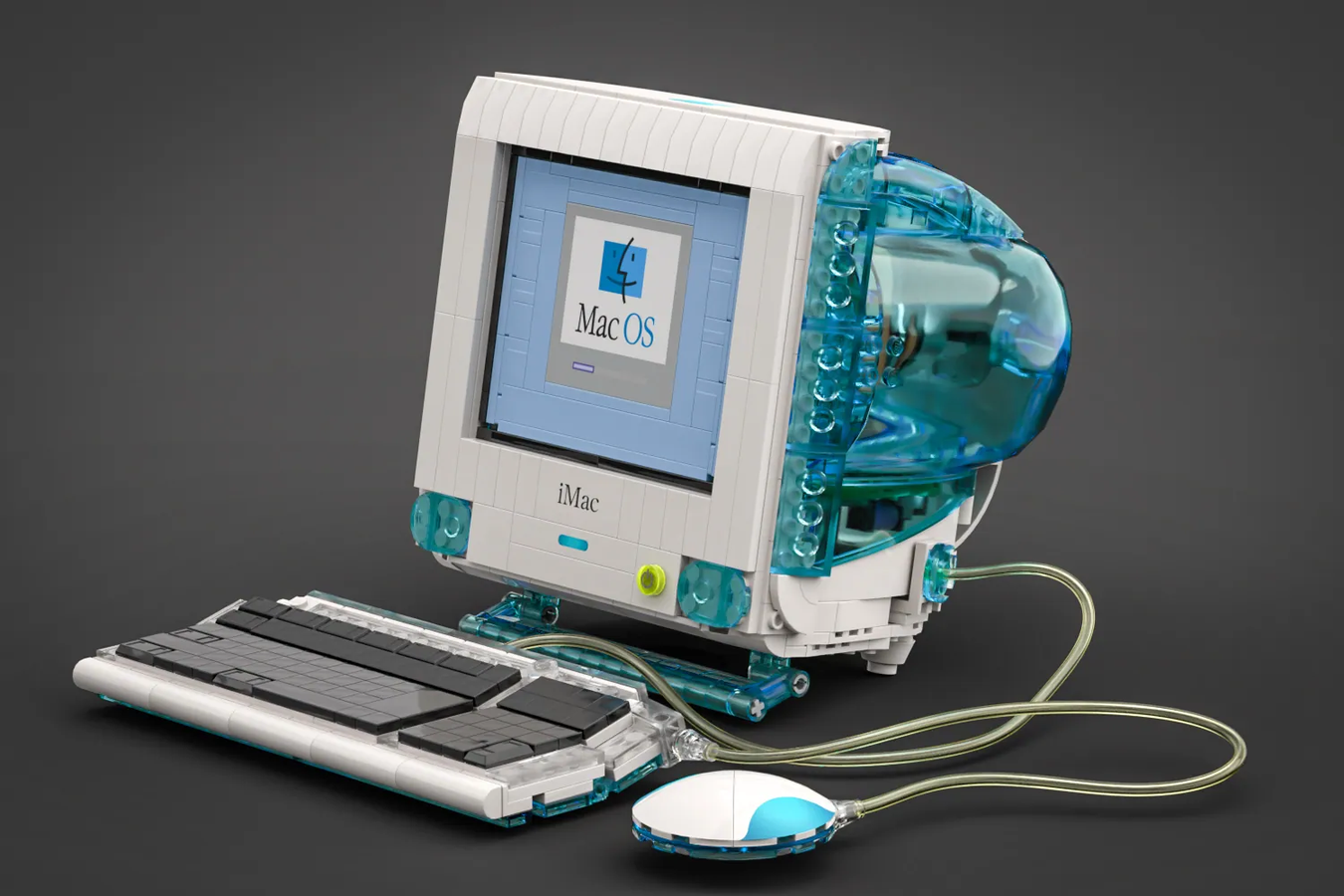
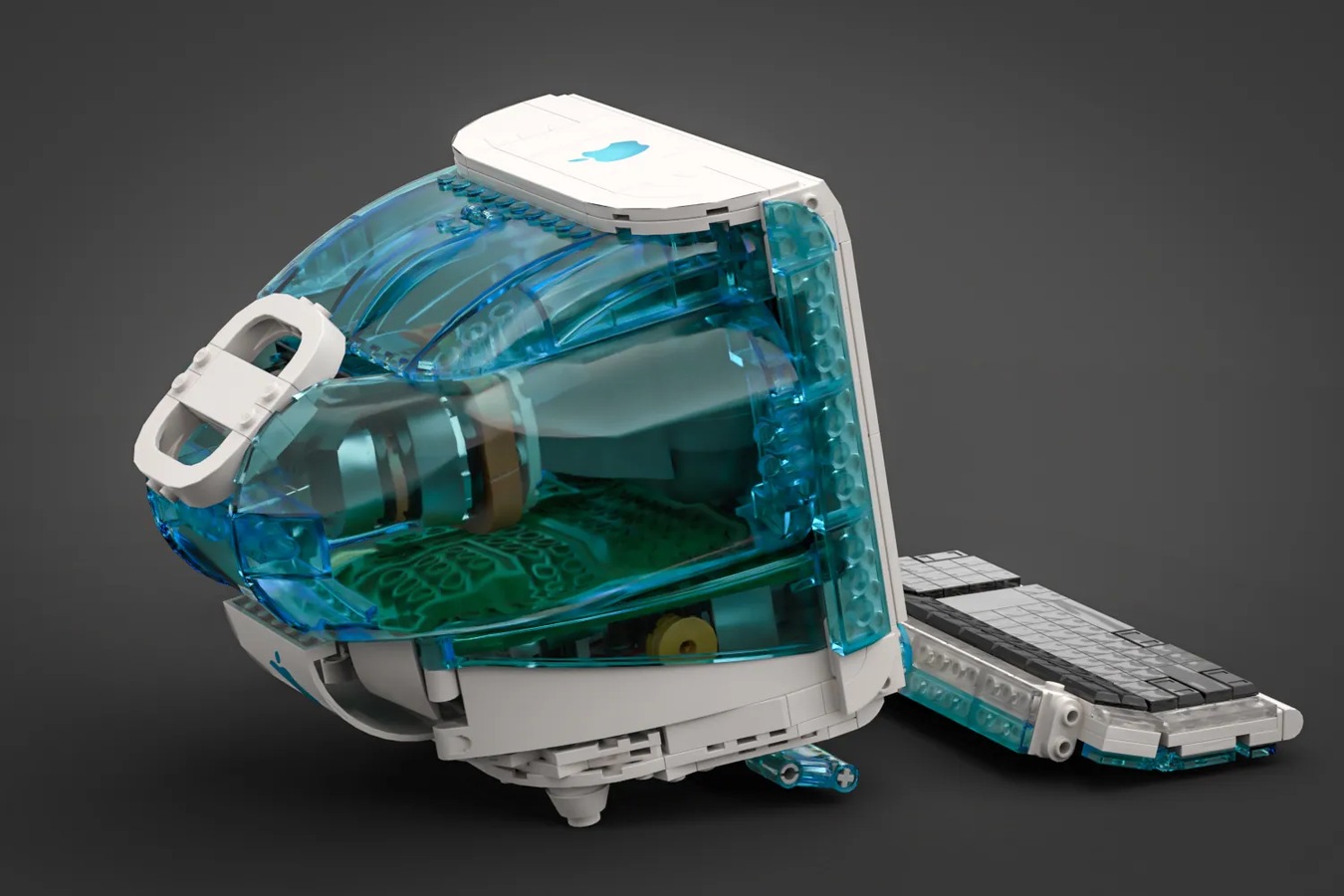
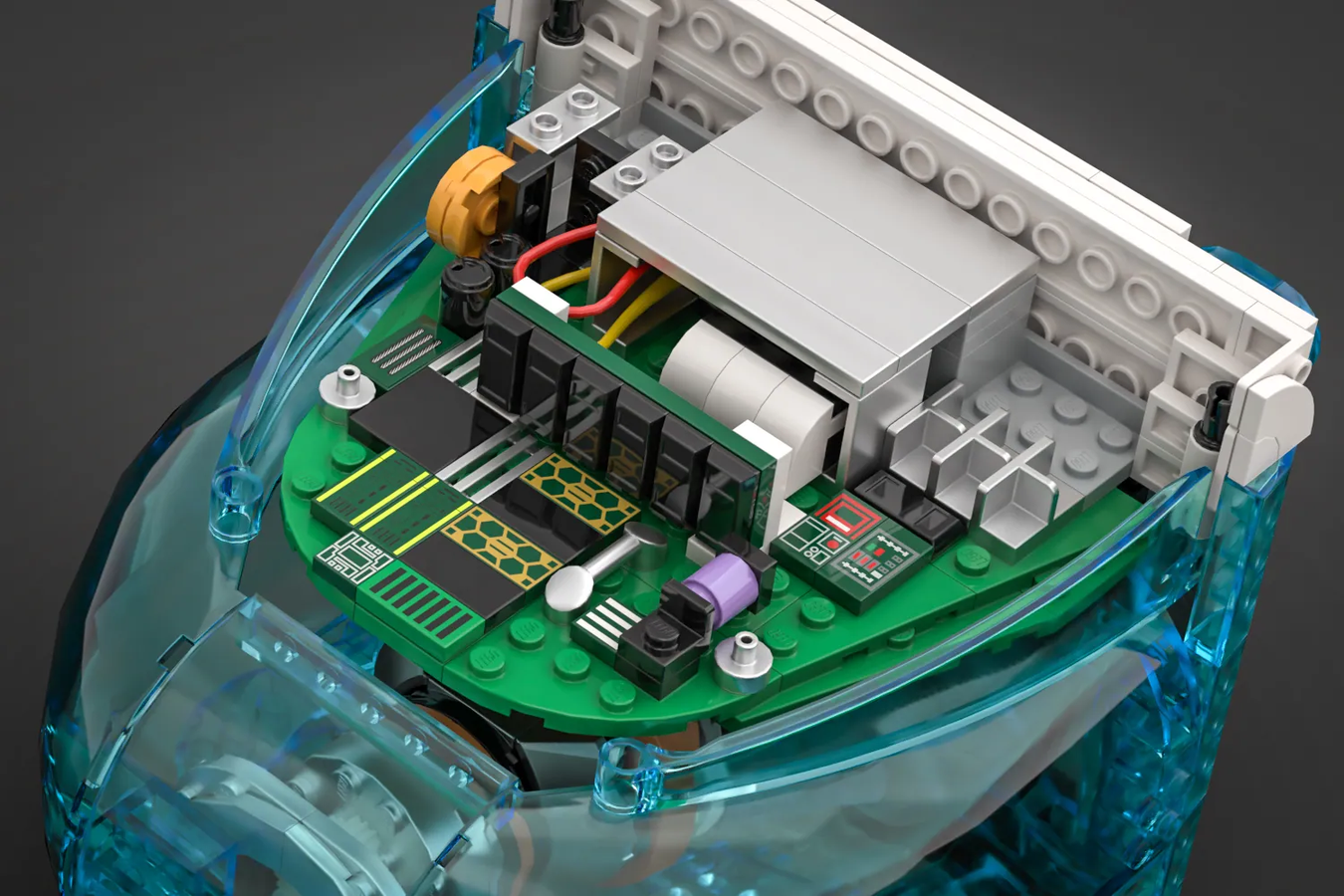
This is a concept put together by Terauma on the LEGO Ideas website, which collects projects designed by the community for voting. Some of these projects become reality, with the designer earning royalties. You know I voted before I even published this post.
QuickTune 7⇢
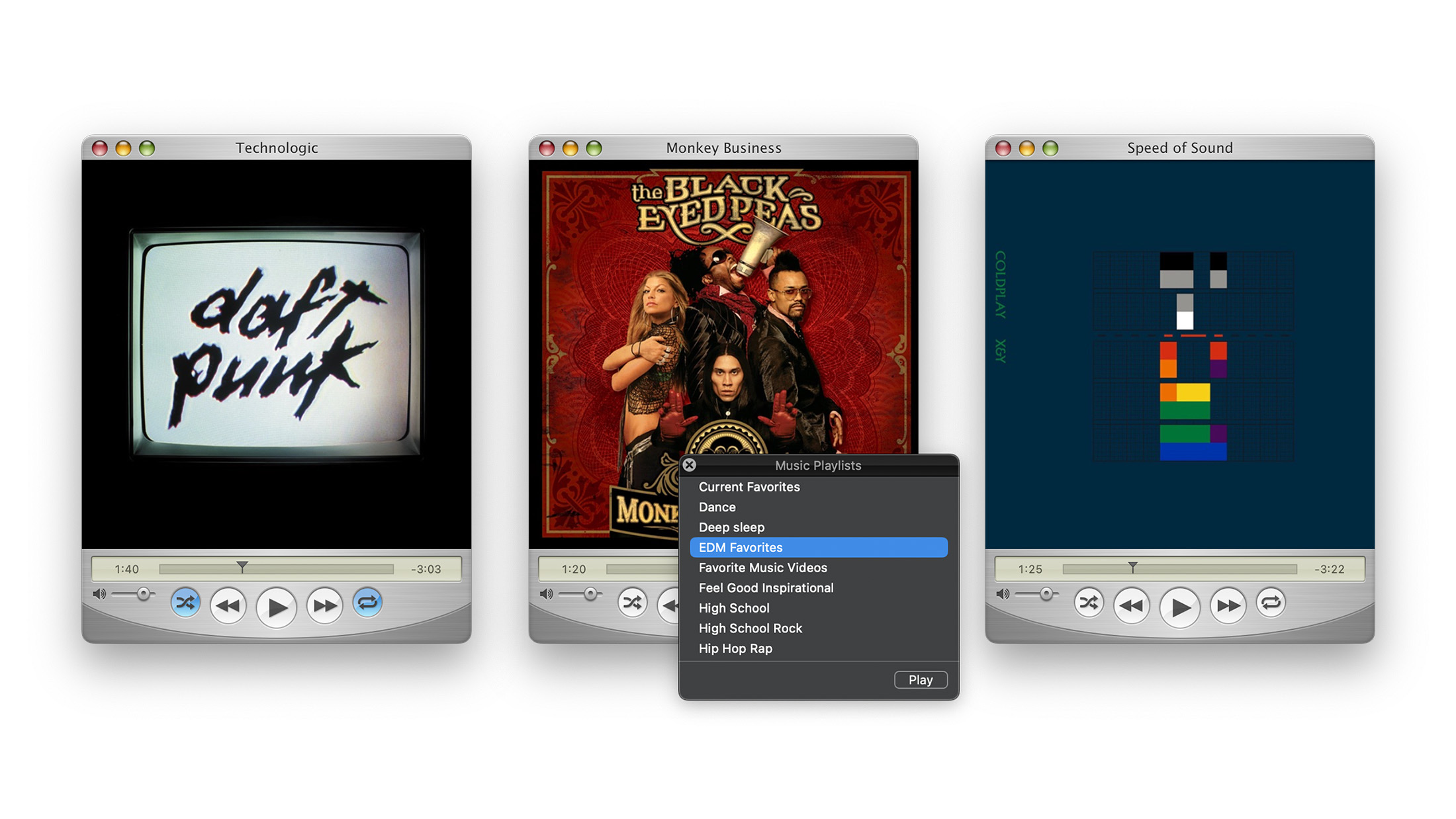
Mario Guzman is back, with yet another nostalgia-powered music player for macOS:
Control Apple Music with this simplified controller that has the look and feel of QuickTime 7 and Mac OS X “Tiger”.
JUST LOOK AT THIS THING:
Apple Releases iOS 17.5.1, Fixing Issue with Deleted Photos Reappearing
This update fixes a horrific bug that was reported late last week:
This update provides important bug fixes and addresses a rare issue where photos that experienced database corruption could reappear in the Photos library even if they were deleted.
Tim Hardwick wrote about the bug over at MacRumors, which first popped up on Reddit:
After updating their iPhone, one user said they were shocked to find old NSFW photos that they deleted in 2021 suddenly showing up in photos marked as recently uploaded to iCloud. Other users have also chimed in with similar stories. “Same here,” said one Redditor. “I have four pics from 2010 that keep reappearing as the latest pics uploaded to iCloud. I have deleted them repeatedly.”
Sponsor: Magic Lasso Adblock: Incredibly Private and Secure Safari Web Browsing⇢
Online privacy isn’t just something you should be hoping for – it’s something you should expect. You should ensure your browsing history stays private and is not harvested by ad networks.
By blocking ad trackers, Magic Lasso Adblock prevents you from being followed by ads on the web.
It’s a native Safari content blocker for your iPhone, iPad, and Mac that has been designed to protect your privacy.
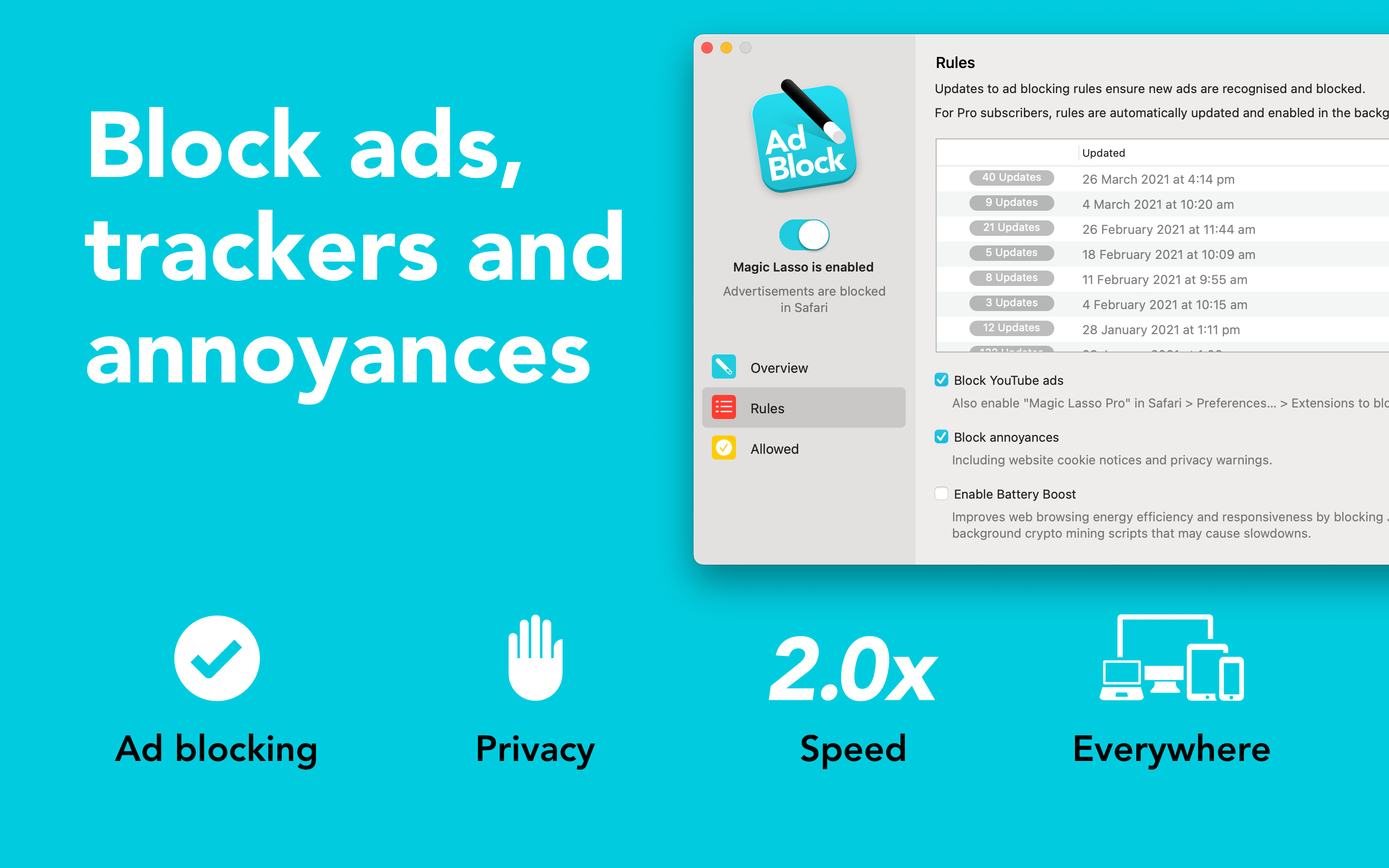
Over 280,000+ users rely on Magic Lasso Adblock to: