The Inward-Looking Siri

On this week’s episode of Ctrl-Walt-Delete, Walt Mossberg and Nilay Patel spoke about Siri and how Apple views the service and what it can do.

You should go listen to the episode, but in it, Mossberg shares that Apple is focused on improving the parts of Siri that people use most, like making phone calls and setting timers. This comes at the expense of expanding Siri’s knowledge about other things, including common, everyday questions:
Continue reading ⇢

The Lost Promise of Siri⇢

Walt Mossberg:

It seems to me that Apple has wasted its lead with Siri. And now Google, Amazon, Microsoft, Facebook, and others are on the march. Apple has made excited announcements each time it added knowledge domains like sports and movies and restaurants to Siri on the iPhone. But it seems like it hasn’t added any major new topic domains in quite a while.

Continue reading ⇢

"OS X" Branding Lingers On

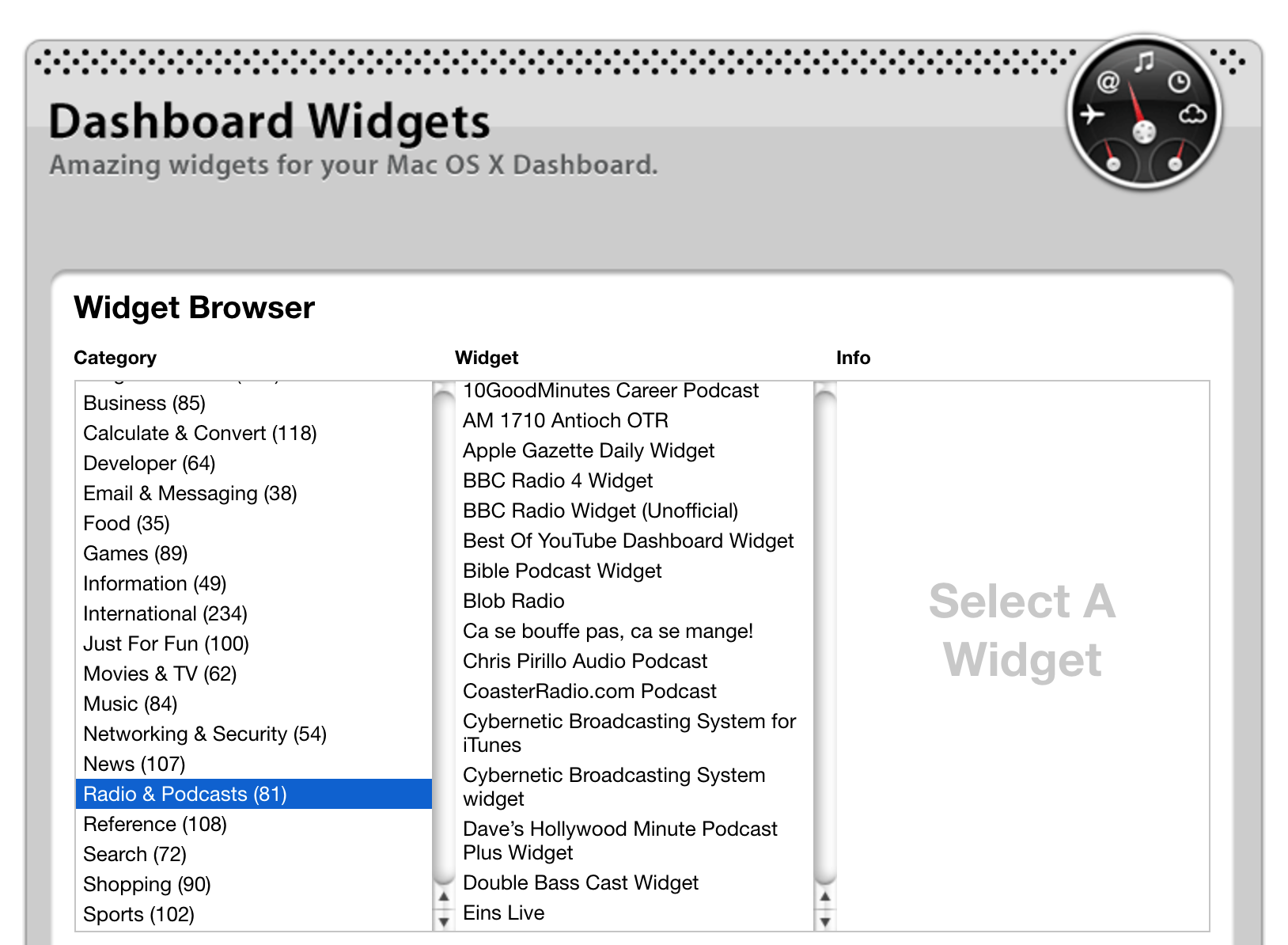
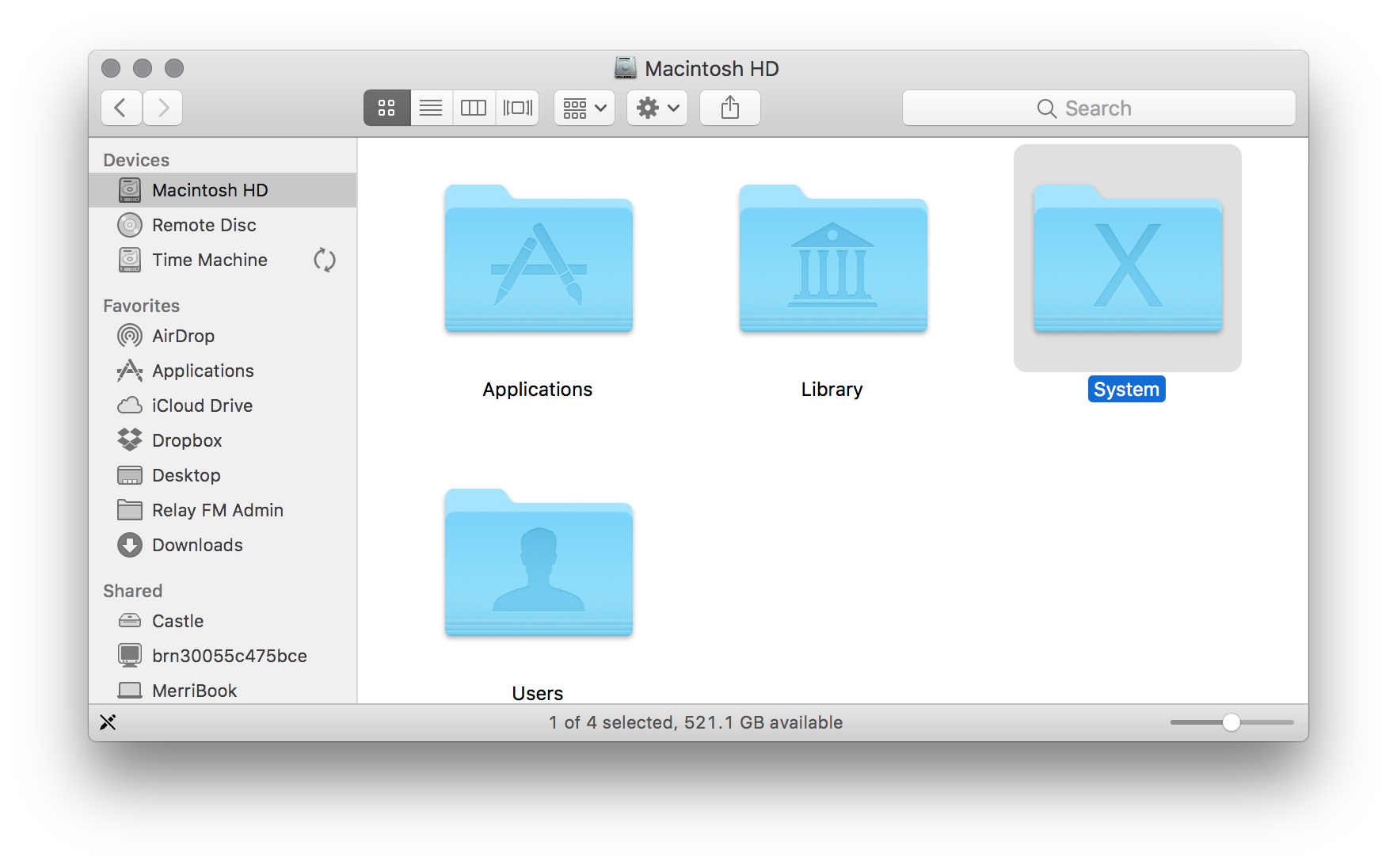
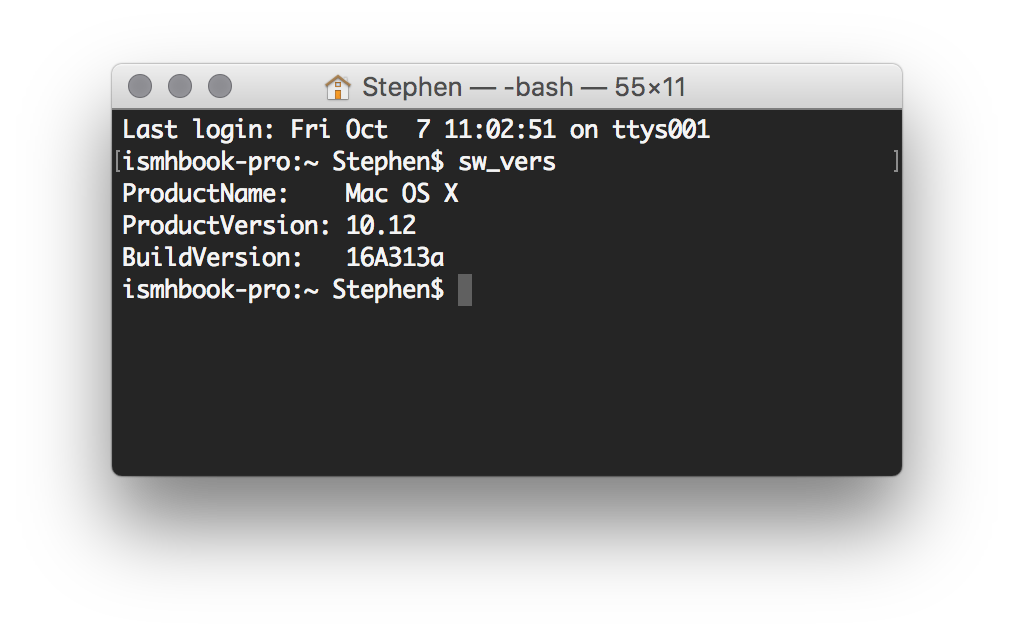
With Apple changing Mac OS X to macOS this summer, it’s not surprising that some loose ends with the old branding are still easy to find. In comparison with actual issues, this is admittedly silly, but I’ve turned it into a little game.

System Folder

System Folder

Terminal

sw_vers

Twitter Share Sheet

Twitter

Dashboard Widget Index

Yikes: Dashboard

CUPS

@ismh @512px Found another one. pic.twitter.com/oV99bw30Xa

— Bart Dorsey (@bartdorsey) October 7, 2016

Clang

@ismh @512px found another instance of “Mac OS X” appearing in macOS Sierra through warnings in Clang pic.twitter.com/Gcp0j9HpxV

Continue reading ⇢

5 GB is the new 16

Now that the iPhone 7 starts at 32 GB of storage, the constant juggling needed to avoid a full device has been left behind by more users than ever before.

So let’s talk about iCloud storage.

While not as critical as on-device storage, available space in iCloud is an increasingly important factor in the user experience of Apple devices like iPhones, iPads and even the Mac.

Here’s how Apple pitches paying for additional storage space:

Continue reading ⇢

Purgeable vs. Free⇢

Jason Snell, writing about the space-saving features in macOS Sierra:

The result is a whole raft of features in macOS Sierra that are all about freeing up more space on your drive. Some of the features work well, while others seem buggy or poorly implemented. macOS Sierra also changes the rules about how free space has been calculated on the Mac since the very beginning.

If you’re running Sierra, you should read this before checking any boxes related to these features.

Continue reading ⇢

macOS Sierra to Automatically Download⇢

Jim Dalrymple at The Loop is reporting that starting today, the Mac App Store will automatically download the macOS Sierra installer:

It’s important to note that this is not an automatic installer—this process will only download the update in the background, and then alert you that it is available to install. You can choose to install it when its convenient. You can also choose to ignore the update.

Apple says that if your machine does not meet the requirements for Sierra, or is running low on disk space, the update won’t be downloaded. If it is downloaded and disk space gets tight, the system will delete the installer. The installer will not be downloaded unless the Mac App Store preferences are set to automatically download updates.

Continue reading ⇢

Reflections on Hissgate

Last Saturday — September 17 — I noticed something as my iPhone 7 Plus was completing a restore from iCloud backup:

After picking the device up from my desk, it was clear the sounds are coming from back of the phone, possibly from the CPU. It seems to get worse if the iPhone is under load. It’s loud enough to be heard even if the iPhone is just sitting on the table. I don’t have to put it up to my ear to hear it.

Continue reading ⇢

macOS Sierra Fixes Disk Utility’s Typos

Forget Siri, iCloud and whatever has you excited about macOS Sierra. With this version of macOS, Apple has corrected the typos I found in Disk Utility.

The Erase Disk sheet used to read:

Erasing “DISK NAME” will destroy of all the data stored on it. Enter a name, choose a format.

The sheet now says:

Erasing “DISK NAME” will delete all data stored on it, and cannot be undone. Provide a name and format, and click Erase to proceed.

Continue reading ⇢