PowerPhotos works in conjunction with the Apple Photos app, filling in missing features that Photos itself doesn’t provide. With PowerPhotos you can manage multiple photo libraries, either splitting up an existing library into smaller ones, or merging multiple libraries together into one. You can browse and search your libraries, copy photos and albums between libraries while retaining edits and metadata, and find and remove duplicate photos.
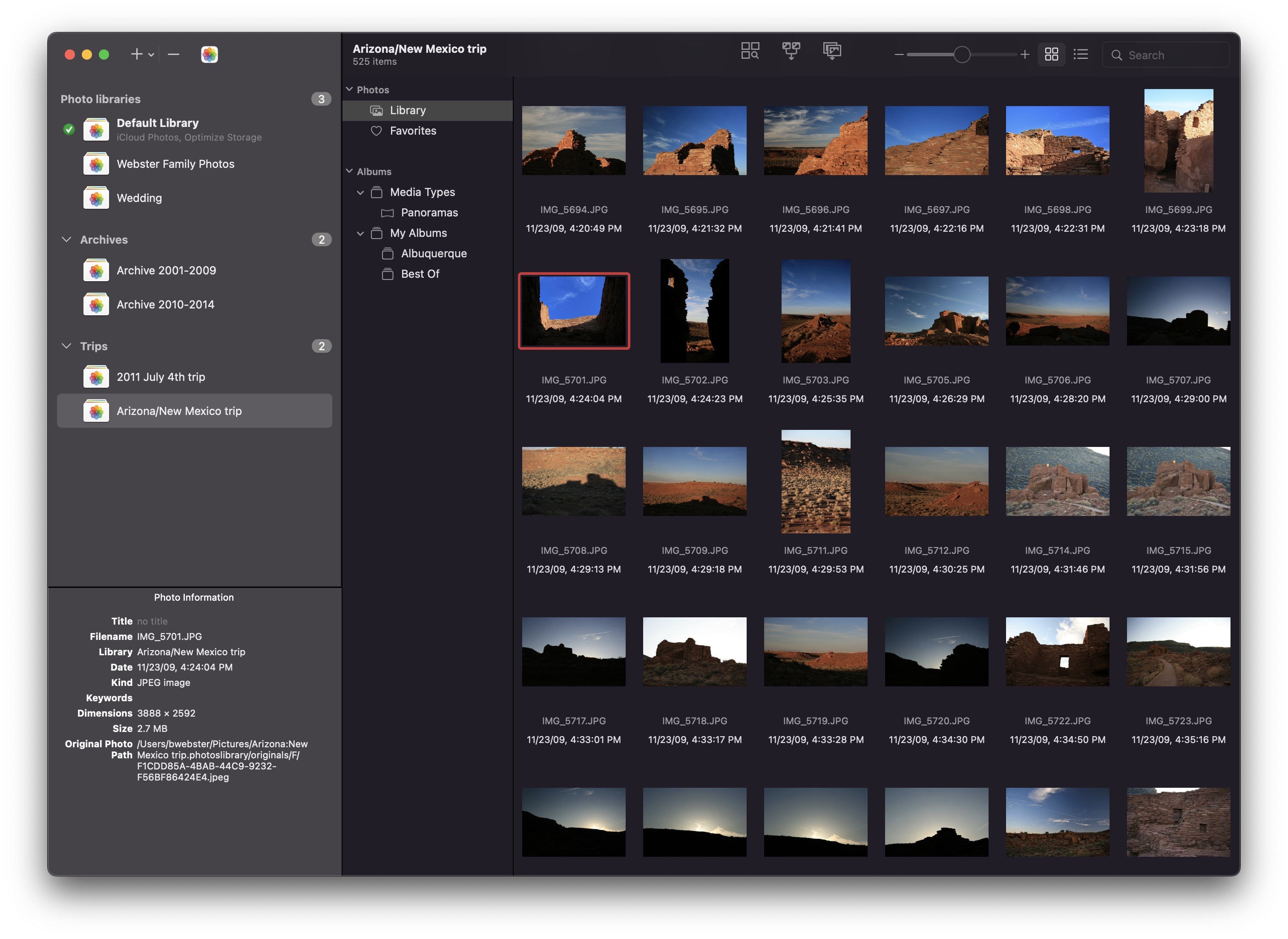
New in PowerPhotos 2.0 is an advanced export function that offers more functionality than Photos’ built-in export window. PowerPhotos export supports standard features like different image formats, resizing, customizing EXIF metadata, but that’s just the beginning. PowerPhotos can also export your photos to a folder hierarchy that mimics the album hierarchy you’ve painstakingly arranged in your Photos library. In addition, it supports setting the exported files’ creation and modification dates to match the photo’s EXIF date, allowing you to more easily browse photos by date in the Finder. This major update also includes improved iCloud Photos support, library groups, a global menu bar item for quick access to libraries, opening libraries in separate windows, and improved AppleScript support.
Continue reading ⇢