
My Kickstarter winds down tomorrow, July 14 at 10:44 AM Eastern! If you want to get the sickest wall calendar highlighting dates in Apple’s retail and services businesses, now’s the time!
512 Pixels
The Indie App Sales Event⇢
Matt Corey has rounded up a bunch of indie developers and they’re having quite the sale on some very nice iOS and macOS software.
Improving Heath.app’s Medication Tracking⇢
Dr. Drang, writing about the Medication reminder feature in iOS:
After I got my pills entered into the app and set the time of day at which they should be taken, I enabled Notifications so I’d get an alarm and a persistent notice on my phone’s lock screen. This is where the app and I got crosswise. I usually didn’t have my phone with me when I took my pills, and even when I did, I’d often fail to tap the button in the app that marked them as taken and dismiss the notice. So later in the day I’d see the notice and question whether I’d failed to take the pills or just failed to mark that I’d taken the pills. The problem was that taking the pills—even the horse pill—was not so memorable that I’d know for sure that I’d done it a few hours earlier. I ended up questioning myself about the pills every week or so.
Is this related to the fact that I’m 62 years old? Probably, but I’ve always been a bit absent-minded (my wife would say more than a bit). And while I will certainly take the lion’s share of the blame for my inability to keep perfect track of my medications through the Health app, I doubt that I’m the only one who has trouble disciplining themself to mark their pills as taken as soon as they’re swallowed.
I love the solution he came up with for dealing with this, in fact it’s also been in use at my house for quite some time.
In Case You Somehow Missed Every Other Website Listing Amazon Prime Deals Today, Here I Am, Doing It Too
For real though, Amazon has some good tech deals going:
- I use a handful of these 2.5-inch Samsung SSDs (in 4 TB and 8 TB variants) for my local backups.
- All Kindles are on sale, including the Paperwhite and over-priced-but-I-like-to-have-buttons Oasis. (And yes, I do use a Kindle in the tub just like the store images show for the Oasis.)
- I’ve graduated to the Stream Deck XL, but the 15-key version is 23% off.
- My beloved Apple Watch Ultra is not on Prime Day, but the Series 8 is.
- Speaking of Apple gear, Amazon has the base-level M1 MacBook Air for just $749, which is the cheapest I’ve seen it. I linked to this the other day, and have some follow-up: two of these have been purchased in my extended families to replace 2013-era Intel MacBook Airs.
- This isn’t quite the model we have, but any self-emptying Roomba feels like a modern miracle of engineering.
Kbase Article of the Week: About Fans and Fan Noise in your Apple Product⇢
Some Apple products contain sensors that respond when they detect temperature changes inside your system or device, turning on fans to bring cooling airflow to critical components.
If your device’s processor is working on intensive tasks—such as compressing HD video, playing a graphics-heavy game, or indexing the hard drive with Spotlight after you migrate data—the fans run faster to provide additional airflow. You might hear fan noise when this happens, especially if you’re in a quiet environment. This rushing-air sound is a normal part of the cooling process.
Ambient temperature, the temperature outside the device, also plays a role in the fans’ responsiveness. If the ambient temperature is high, the fans turn on sooner and run faster.
It’s weird how all of this felt way more relevant in the Intel days then it does now.
Thread Passes 100 Million Users⇢
Jay Peters and Jon Porter, reporting at The Verge:
Instagram’s new Threads app has already surpassed 100 million users, meaning it reached the milestone dramatically faster than even ChatGPT. OpenAI’s chatbot passed the mark after two months, but Threads, which only launched on Wednesday, got there in a matter of days. The number of users can be found in the Instagram app, which tracks the size of the Threads userbase.
Late last year, Elon Musk tweeted that Twitter had around 260 million monetizable daily active users. At least he’s taking it well.
Amazon Marks Base-Level M1 Air Down to $749⇢
It’s not even Prime Day yet, but I’ve sent this (affiliate) link to two family members who need to replace aging Intel MacBook Airs and for whom the base model would easily meet their needs.
Sponsor: Unite 4 for macOS⇢
Unite 4 for macOS allows you to turn any website into an app on your Mac. Using a lightweight, WebKit-powered browser as a backend, you can easily create isolated, customizable apps from any site.
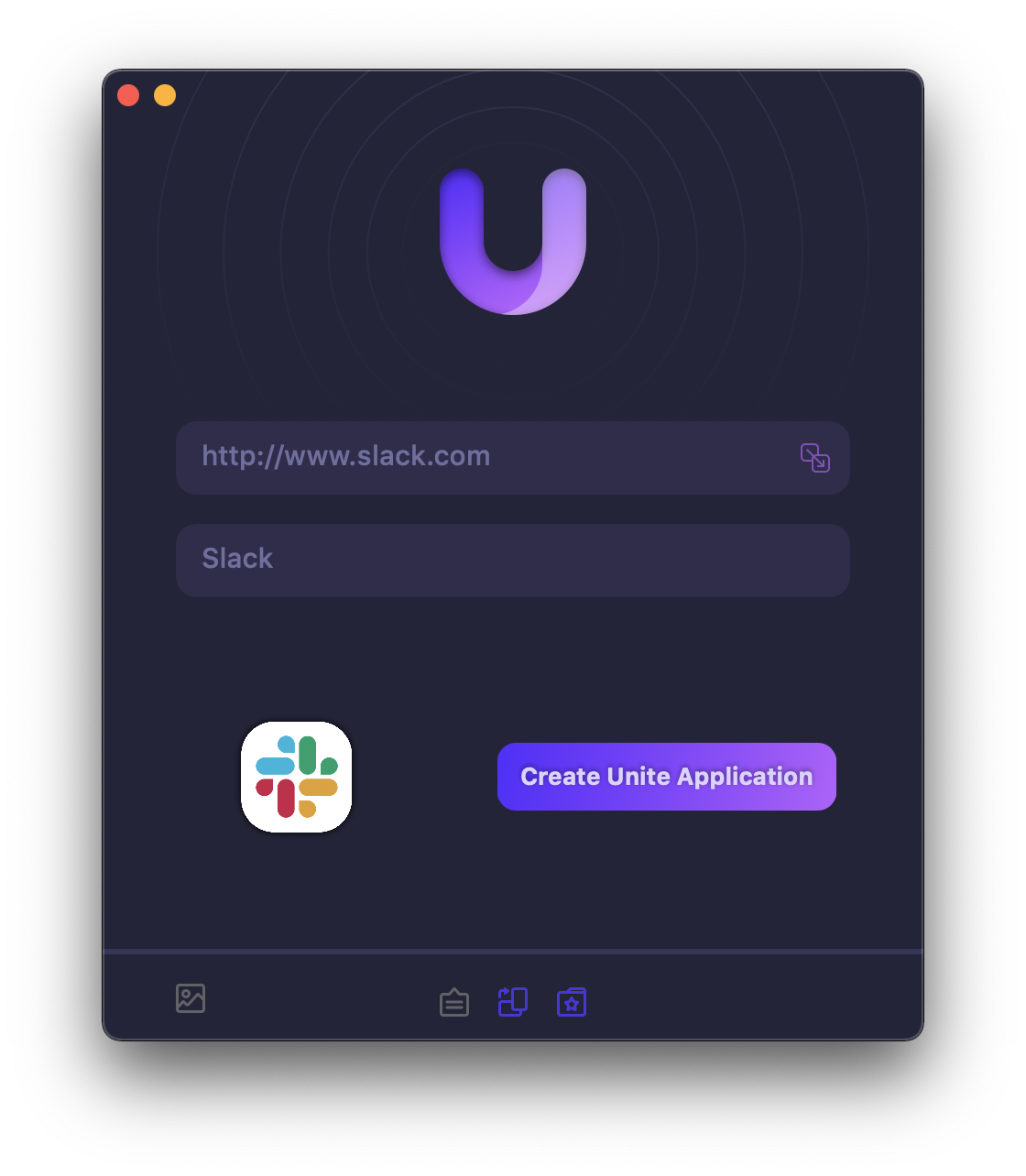
Unite 4 includes dozens of new features, including support for native notifications, new customization options, and much more. Unite apps also serve as a great alternative for resource-hogging Electron apps or half-baked Catalyst apps.
Some examples of apps you could create in mere minutes with Unite:
- A Gmail web client that behaves like a native mail client.
- A status bar app for Apple Music or Overcast
- An isolated workspace for apps that may track you like Facebook
- A Google Meet app that works efficiently without using Chrome
- A fully featured Instagram app that has a resizable window, unlike the M1 version.
- A Robinhood, Figma, or Roam Research app for your desktop.
512 Pixels readers get 20% off this week when you purchase Unite 4 at bzgapps.com/unite512 or when you use the promo code ‘512Pixels’ at checkout.
You can also try Unite for 14 days absolutely free or use it as part of your subscription if you’re a Setapp subscriber!
Mac Power Users #700: Our Workflows⇢
This week on a very special Mac Power Users:
To celebrate 700 episodes of the show, David and Stephen talk through how they work, including how MPU gets made each week, how they approach their blogs, other podcasts, videos and more.
Two New Indie Apps I’m Digging
Two great new indie iOS apps launched today, and I’m enjoying both of them.
One is Rebecca Owen’s new app, Chronicling. Built with fancy new tools like Swift Charts, Chronicling makes it easy to track things over times. Here’s a bit from OTJ at MacStories:
Trackers like Chronicling are the perfect fit for the iPhone. Most people have the device with them all the time, which makes it perfect for collecting data frequently, but it’s what you do with that data that matters the most. Maybe you’re trying to learn a new language and want to track how often you practice to hold yourself accountable. Or maybe your knee has been bothering you, and you want to keep track of when it flares up to see if it corresponds to an activity in your life. The point is, whether you’re trying to form a new habit or find patterns in things that happen throughout your day, part of the process is gathering the data. The other half of the equation is breaking the data down in a meaningful way. Chronicling does both well.
The other is Peak, developed by Harshil Shah, which brings easily-digestable and customizable widgets, charts and more to see your Fitness data in new ways, as Zac writes at 9to5Mac:
At a glance, Peak will look very familiar to the data you can see in the Health and Fitness apps on iPhone. Where things start to diverge is with the ability to really personalize how and where Peak appears.
Threads
As just about everyone knows, Meta’s Twitter competitor launched last night, and as of this writing, has 30 million users.
I think most people in our corner of the Internet have pretty mixed feelings about it. I love the idea of federated social media, but Mastodon is proving too complex for the masses. Then there is the gatekeeping done by some to keep the platform what they want it to be is a pretty big turn-off for some.
On the other hand, Meta is well… a terrible company with a history of doing terrible things. I think our shared desire to see Elon fail with Twitter is playing into Meta’s hands.
And who knows if Threads will join the fediverse via ActivityPub. They’ve promised support, but it’s already much larger than Mastodon or anything else using the protocol, except maybe for WordPress users who have set things up on their sites correctly. It’s hard to see what Meta gains from using ActivityPub, beyond the obvious and cynical take that it would help them stay out of regulatory hot water. Ahem.
All of that said, most people want to be on a platform with a mix of their friends and favorite content creators and celebrities are. Threads fits that bill. For some of us, that means this new app has a new mix of nerdy Internet friends and people-we-know-in-real-life friends. That’s a bit weird for me, but I’m going to lean into it for now and see where it all goes. I honestly don’t know what I want out of all of this, but at least it’s more fun than watching Twitter burn to the ground.
Connected #457: Ricky Connectedson⇢
As we all inch toward a USB-C future, I take time this week to look back, quizzing Federico and Myke on 12 terms Apple has trademarked.