Over at MacRumors, Hartley Charlton pointed out something that hadn’t crossed my mind:
Historically, Apple released at least one new Mac model every year in the fourth quarter that runs between October and December, starting in 2001 with the launch of the iBook G3. This means that there has been a new Mac toward the end of the year for the entire lifespan of product lines including the iPod, iPhone, iPad, and Apple Watch. The last Mac that Apple released is the M2 MacBook Air, which launched on July 15. Depending on how long Apple waits to launch its next Mac, the time following the launch of the MacBook Air could be among the longest periods with no new Mac models at all.
When announced back in June 2020, the transition was promised to take two years. Whether you started counting at WWDC 2020, or when the M1 was unveiled in November, Apple has missed its deadline.
There are several reasons for this, ranging from the loss of key individuals on the Apple silicon team to the on-going global supply chain and economic uncertainty. While many of us know that the Mac keeps going forever, it’s clear that something has made the transition from Intel to Apple silicon take more time than planned.
Given that we now live in this Already-But-Not-Yet Phase, let’s think about what could be left on Johny Srouji’s “Transition” list in Reminders:
Order 66 Those Intel Macs
Here at the end of 2022, there are two Intel Macs still for sale that need to be murdered in cold blood taken care of:
Apple doesn’t want to be selling Intel Macs anymore. The more time goes on, the longer Apple is going to have to support Intel machines with new versions of macOS and its other applications.
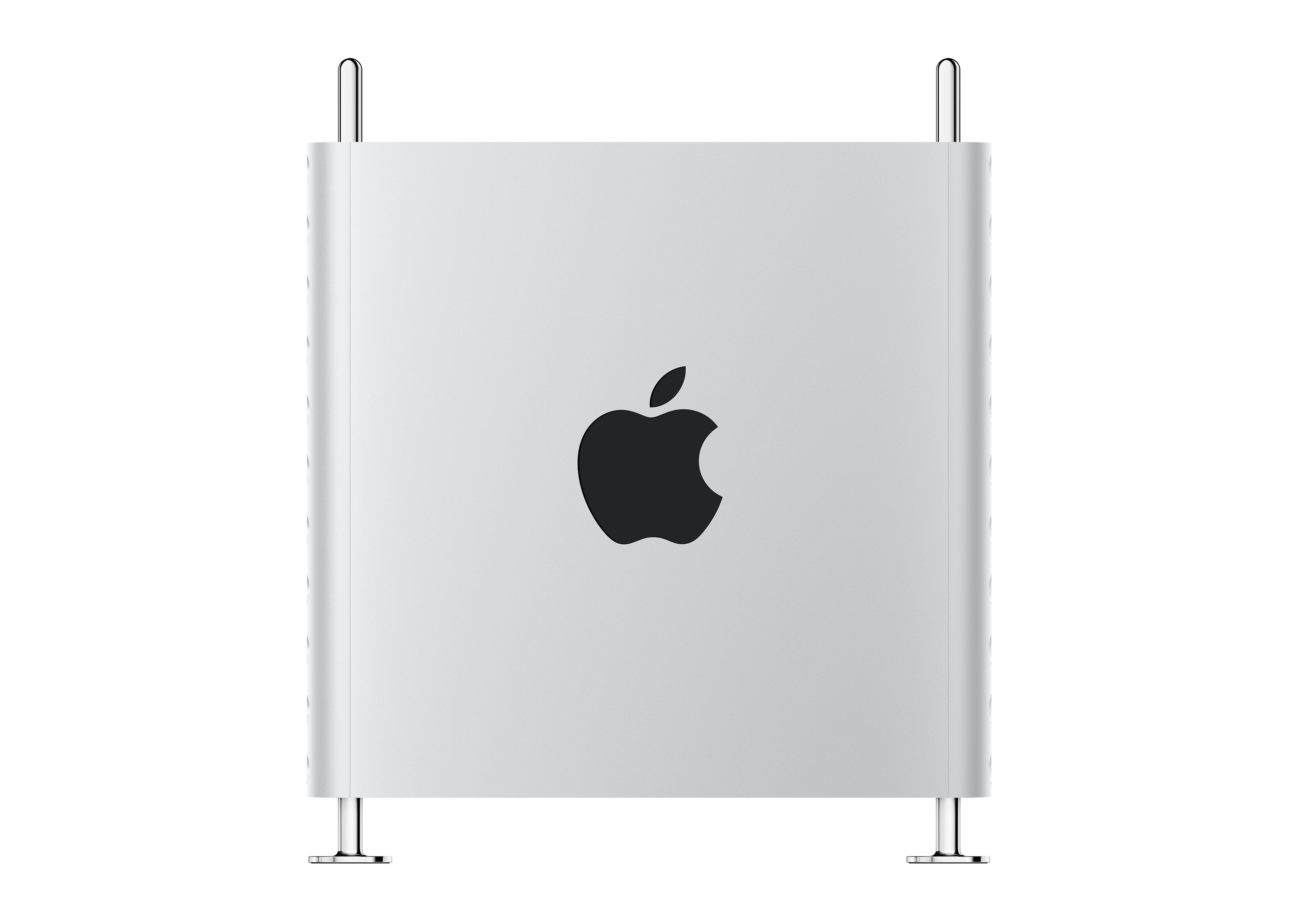
The Mac Pro
In its transition to Intel, Apple replaced the iMac G5 and PowerBook G4 first, with the Intel iMac and the initial MacBook Pro. They were both announced in January 2006, with the Intel Xserve and the Mac Pro bringing up the rear in August of that year.
We’ll circle back to the Mac mini, but assuming that is sorted out quickly, the Mac Pro will once again be the final Mac to cross into this new era. This isn’t too surprising, as it just makes sense to start with the more mainline product lines and eventually making it to the more obscure models. Unique to our current transition, Apple is working up to whatever will power the new Mac Pro. Back in the day, the Xeon wasn’t new to Intel.
As long as there has been a Mac Pro, there has been handwringing about the next Mac Pro, and today is no different. As recent as a couple of weeks ago, Mark Gurman reported that work on a custom high-end “M2 Extreme” chip had been called off.
Regardless of what SoC Apple uses in the new Mac Pro, there are many unanswered questions about how Apple silicon will scale up to the Mac Pro. The biggest is what comes of the Mac Pro’s many PCI ports and the MPX Modules that debuted in the 2019 model.
From the first A4 to the M2 Ultra, Apple’s SoCs use GPUs integrated in the package itself, to impressive results so far. However, there are users — from gamers to artists to scientists to Siracusas — who want or need more than what any on-die graphics hardware can do. Is Apple willing to spend the engineering effort to extend what its chips can do for one low-volume machine? The 2019 Mac Pro says yes, but it’s a different ballgame now.
Beyond GPUs, PCI slots are great for expanding I/O, increasing internal storage and more. I am assuming the new Mac Pro will retain some number of PCI slots and I’m hopeful that those slots will support at least a selection of third-party GPUs.
Unveil the Timeline
We are still too early into the Apple silicon transition to really understand how often Macs are likely to get updated. So far, we have only seen two computers receive updates — the MacBook Air and the 13-inch MacBook Pro with … checks notes … Touch Bar. The M1 Mac mini was introduced at the same time as those two machines but was not bumped to the M2 at WWDC 2022 like its siblings.
The M1 iMac’s two-year anniversary will arrive in April 2023, with the 14 and 16-inch MacBook Pros’ following in October. Will Apple take a full two years to update these machines to the M2, if it does at all?
I assume Apple thought they’d be further along by now, but once the COVID dust settles, I hope that the company finds a regular pace for updates that it can keep up in the long run.
Make it the Mac many
As mentioned above, the Mac mini is having a hard time. The 2020 M1 machine starts at $699, but can’t escape the literal shadow of the 2018 Intel model, which offers a much higher RAM limit and is still attractive to a small set of customers.
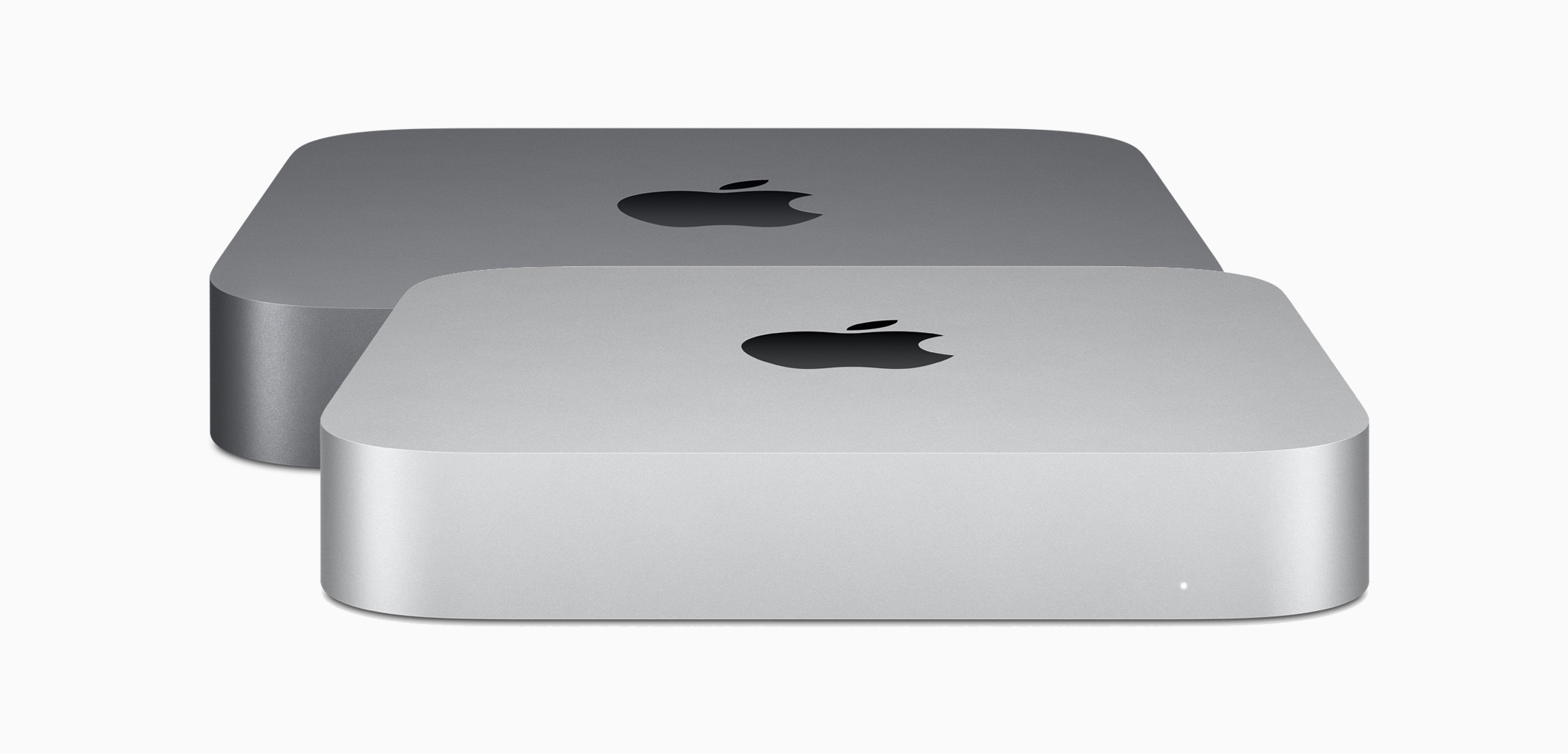
I don’t know why the Mac mini didn’t get the M2, but my suspicion is that Apple is planning two Mac minis that would launch simultaneously — a standard model with the same M2 as in my MacBook Air, and a higher-end model powered by the M2 Pro. I find it very interesting that the M1 Pro didn’t end up in anything other than the two larger MacBook Pros. I can’t help but think that fact is one side of a coin, with the Intel Mac mini on the other.
Chart a Course for the Future
Despite these hiccups, the transition to Apple silicon has been remarkably smooth. Apple is probably the best company on the planet when it comes to being willing and able to pull off large-scale technical shifts in existing product lines. Even if it is taking longer than initially promised, the results of this work already speak for themselves. The Apple silicon machines are a huge hit and have breathed new life into the Mac line. I think the delays we currently see will be forgotten soon enough.