512 Pixels

Bonus Kbase Article of the Week: Use the Depth app on Apple Watch Ultra ⇢

Apple Support, or rather, Apple Legal:

Underwater activities are risky. The Depth app isn’t a dive computer and doesn’t provide decompression stop information, gas analysis, or other recreational scuba diving functionality. If you’re using Apple Watch Ultra where the failure of the device could lead to death, personal injury, or severe environmental damage, always use a secondary depth gauge and timer/watch. Before going on a dive, be sure your Apple Watch Ultra is free of cracks or other damage.

Snark aside, this does seem like a really cool feature. I’m no diver, but I’m looking forward to getting my Apple Watch Ultra tomorrow.

Kbase Article of the Week: Macintosh TV: Television Connection Tips ⇢

Apple Support:

Basically, anything that can be attached to a regular TV can be attached to Macintosh TV. There are two ports for a video source: coaxial and RCA. Things that have an RCA plug can also be attached to the coaxial port with the proper adapter, and vice-versa. One restriction is that closed caption must come through the coaxial port.

In the TV Setup control panel, click on Channel Setup and select Cable (as opposed to Antenna for broadcast TV) as the source.

The CarPlay Settings Disconnect

Like many of you, I spent part of my weekend setting up my new iPhone 14 Pro. For the last couple of years, I’ve used the direct transfer method, and it has yet to let me down. It took several hours, but when the transfer was done, my iPhone 14 Pro was identical to my outgoing 13 Pro.

Well, that’s not quite true, because 8 years into the CarPlay era, its settings still do not come over to a new phone during a migration. When I hopped in my truck on Monday, I had to take a few minutes to get everything back the way I want it.

To be fair, CarPlay doesn’t have that many settings. The primary options are what apps you’d like to see in your car, and what order they should be in. Past that, there are a few other settings, like options for the wallpaper and Siri suggestions.

I don’t understand why this has been carved out as an exception when it comes to migrating to a new iPhone. It’s a bit frustrating in the light of how good Apple has gotten at iOS migrations.

While we’re here, I’d also like to officially complain about CarPlay’s insistence in treating each car as their own unique butterfly. In addition to CarPlay in my truck, we have it in my wife’s minivan. iOS treats them as individual connections, each with their own settings. That means if I switch podcast apps or change a setting, and want things to be the same between the two cars I drive, I have to adjust things a second time.1 CarPlay should have an option to let the phone drive the experience, so things can be consistent across vehicles.

Back when CarPlay launched, it was pretty rare to come across it, so I can see why Apple opted to have each car an iPhone interacted with be unique, but today, just about every new car comes with it. It’s time to address some of the shortcomings and really make setting up and using CarPlay as polished as the rest of iOS.2


  1. I just realized that I’ll have to set CarPlay up from scratch on my new phone next time I get in the van. Sigh. ↩︎

  2. Especially if Apple wants CarPlay to take over the whole interior of a vehicle. Imagine upgrading your iPhone ten years from now, and your car forgetting where the speedometer is supposed to be. ↩︎

Rogue Amoeba Turns 20 ⇢

Rogue Amoeba’s work has made the Mac a better platform for all sorts of people for two decades now. Here’s Paul Kafasis:

In 2022, Rogue Amoeba is going stronger than ever. Every day, our audio tools help countless Mac users create podcasts, enhance video calls, and so much more. Of course, most of our time is spent focusing on the future (including support for MacOS 13 (Ventura), coming very soon). But as the date of our twentieth anniversary approaches, it’s nice to celebrate, by taking a few minutes to review the past and reflect.

The screenshots of early versions of Audio Hijack are just glorious.

Sponsor: TextExpander ⇢

Get your team communicating faster so they can focus on what’s most important. With TextExpander your team’s knowledge is at their fingertips.

Get your whole team on the same page by getting information out of silos and into the hands of everyone that needs to use it. You can share your team’s knowledge across departments so your team is sending a unified message to your customers and isn’t spending time reinventing the wheel.

Here’s how it works:

Store It: Keep your company’s most used emails, phrases, messaging, URLs and more right within TextExpander.

Share It: Get your whole team access to all the content they need to use every day. Organize it by department and

Expand It: Deploy the content you need with just a few keystrokes on any device, across any apps you use.

It’s that easy!

TextExpander is available on Mac, Windows, Chrome, iPhone, iPad. Learn more and get 20% off by visiting this page.

iPhone 14 Made More Repairable ⇢

Kyle Wiens at iFixit:

Apple has completely redesigned the internals of the iPhone 14 to make it easier to repair. It is not at all visible from the outside, but this is a big deal. It’s the most significant design change to the iPhone in a long time. The iPhone 14 Pro and Pro Max models still have the old architecture, so if you’re thinking about buying a new phone, and you want an iPhone that really lasts, you should keep reading.

Podcastathon 4 ⇢

Take off work tomorrow and watch me and Myke Hurley host the 4th annual Podcastathon for St. Jude.

It got weird but the Relay FM community donated over $100,000 during the 8-hour stream.

Unite 4 ⇢

My thanks to Unit 4 for sponsoring 512 Pixels this week.

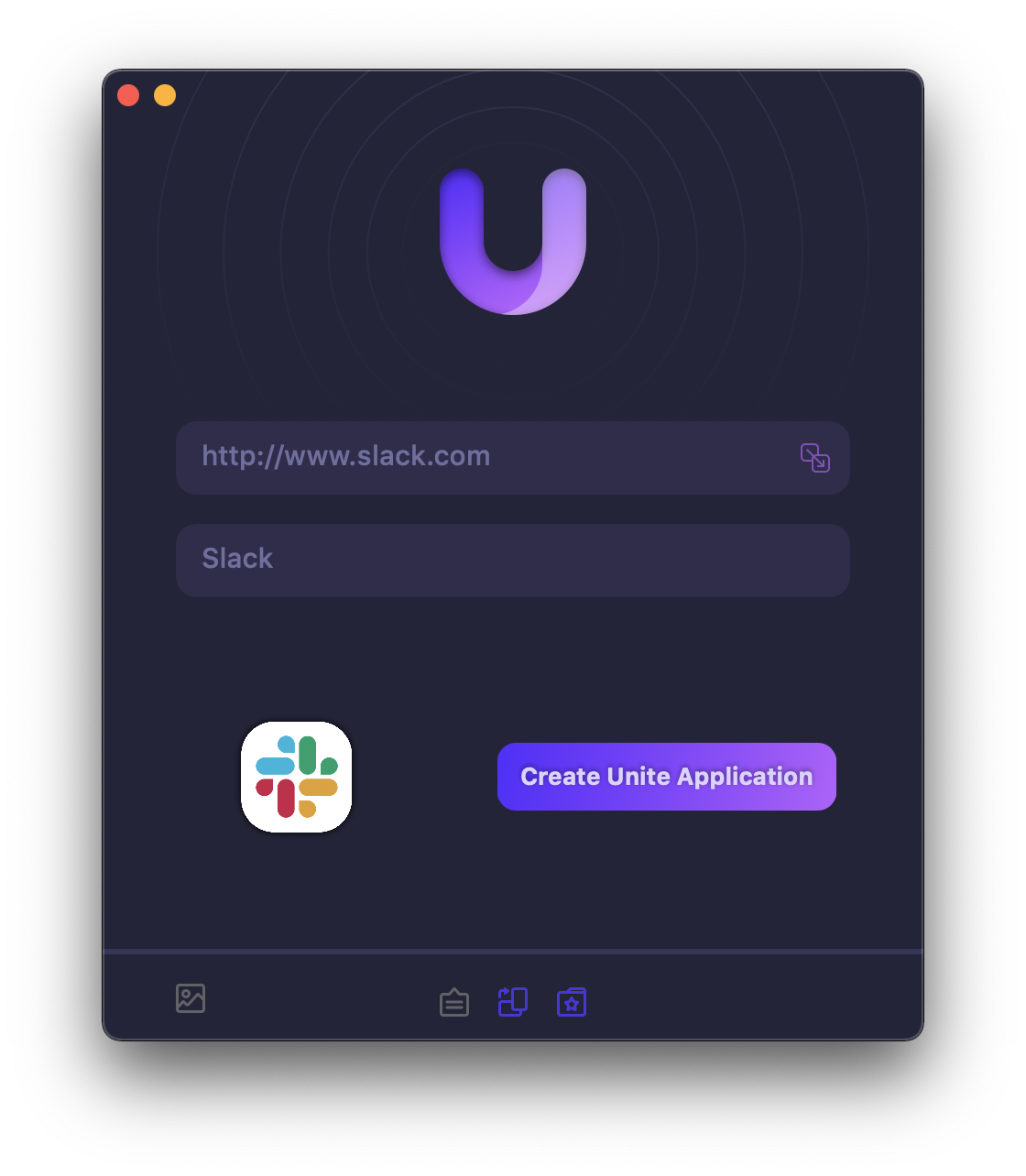
Unite 4 for macOS allows you to turn any website into an app on your Mac. Using a lightweight, WebKit powered browser as a backend, you can easily create isolated, customizable apps from any site.

512 Pixels readers get 20% off this week when you purchase Unite 4 at bzgapps.com/unite512 or when you use the promo code ‘512Pixels’ at checkout.

You can also try Unite for 14 days absolutely free or use it as part of your subscription if you’re a Setapp subscriber!

Garage Door HomeKit, Take Two

Three years ago, I installed the Insignia Wi-Fi Garage Door Controller, which allowed me to check the status of my garage door — and control it — via HomeKit.

After that blog post was published, I heard from several people saying that they had done the same thing, just to be disappointed when the Insignia hardware failed on them within the first year or two of use.

I’m sad to say that the same thing happened to me, so for the last year or so, I’ve been opening my garage door with its old-school remote like an animal.

This issue was so widespread that Insignia has discontinued the product.

Recently, some folks in the Relay FM Member Discord were discussing a HomeKit garage door kit made by Meross. The company makes a wide-range of HomeKit-enabled gear, all of which seems to be well-liked so I spent the $50 for the kit.

Installation was pretty straight-forward. Unlike the Insignia, which had a module that attached to the garage door to work out its orientation, the Meross uses a set of small magnetic sensors to know when the door is closed. As the door opens and moves up the track, the sensors lose contact with each other, and the system knows that the door is open.

The stationary side of the sensor pair is hard-wired to the base unit, and doesn’t require separate power or batteries. I like the simplicity of that, even if it meant needing to run wire from the sensor back to the small base unit, which I mounted to the top of the garage door opener. My garage is unfinished, so it wasn’t a big deal with to run the wire, especially with Myke Hurley making sure my ladder didn’t move out from under me.

The other wiring required was to two terminals on the garage door opener itself. These terminals are also used for the wired button in the garage, so this was just a matter of backing the screw out on each terminal, then slipping the new wires into place. My opener is from the 90s, but didn’t give me any trouble during the installation.

The base unit plugs into power via USB-A and a small power brick. No batteries needed.

The opener requires the Meross app for set up and firmware updates, which isn’t a dealbreaker for me. It’s been shuttled off into the App Library forever, but now my garage door shows up in the Home app, right next to a bunch of other stuff around the house:

HomeKit Garage Door