To make sure that calendar alarms in calendars created in iCal 1.5.x work in Mac OS X 10.4 Tiger, open iCal 2.0 or later (included with Mac OS X 10.4) at least once. Your calendars will be updated, and the alarm should work as expected.
512 Pixels
Sponsor: Coherence X4 ⇢
Coherence X4 allows you to turn any website into a chromium-powered app on your Mac. Simply pick a site, enter a name, and pick an icon, and Coherence will turn the app into an isolated application separate from your main browser.
Unlike resource hogging Electron apps, Coherence apps are fully powered and completely customizable. You can use the vast majority of Chrome extensions, customize app assets, and even use features like whitelisting to turn websites like Gmail into an email client that will bump links to your default browser.
![]()
Coherence X4 includes a number of significant new features, including:
- Microsoft Edge & Opera Support: You should never be forced to give your data to someone you don’t want to. In addition to Chrome, Canary, and Brave, X4 adds support for Edge and Opera.
- Incognito apps - You can now combine the isolation benefits of Coherence with the privacy benefits of Incognito. Incognito apps always launch in Incognito, and will clear your data between sessions.
- Quick Resume - Coherence X4 is the first Chrome-based SSB tool that behaves like a Mac app should. If you ever close a window in Coherence, it will return to where you left off when you click on the dock icon, as opposed to requiring a restart.
- App Library - A new way to quickly install apps and manage created ones.
- M1 - Coherence X4 is the first Chrome-based SSB tool built for M1.
You can use Coherence to do things like:
- Create a Google Drive app that works as well as Chrome without having to use Chrome as your default browser
- Create a desktop app for Roam Research, Microsoft Teams, Zoom, or Google Meet
- Make a customizable app for Slack, Whatsapp, or any other electron-based app with the ability to add extensions or customize
- Create isolated, incognito workspaces for multiple sites like your banking applications or email and messaging.
Readers get 20% off this week when you purchase Coherence X4 at http://bzgapps.com/coherence512 or when you use the promo code ‘512Pixels’ at checkout.
Mac Power Users #595: The Poetic Mike Vardy ⇢
Mike Vardy returns to the show to update David and Stephen on where he’s found balance between the iPad and the Mac. Mike also discusses how he blends analog and digital tools, and how he shares tasks and ideas with his remote team.
My thanks to the sponsors of this episode:
- 1Password: Have you ever forgotten a password? You don’t have to worry about that anymore.
- Sanebox: Stop drowning in email!
- Squarespace: Make your next move. Enter offer code MPU at checkout to get 10% off your first purchase.
- Setapp: More than 200 powerful apps for your Mac. Try it free for a week.
2001 Revisited: G4 Cube ‘Put on Ice’
In my series 2001 Revisited, I’m covering Apple’s major announcements from 20 years ago. It’s now July, which means we get to talk about what may be the most unusual press release in Apple’s modern history:
Apple today announced that it will suspend production of the Power Mac G4 Cube indefinitely. The company said there is a small chance it will reintroduce an upgraded model of the unique computer in the future, but that there are no plans to do so at this time.
“Cube owners love their Cubes, but most customers decided to buy our powerful Power Mac G4 minitowers instead,” said Philip Schiller, Apple’s vice president of Worldwide Product Marketing.
The Power Mac G4 Cube, at less than one fourth the size of most PCs, represented an entirely new class of computer delivering high performance in an eight-inch cube suspended in a stunning crystal-clear enclosure.
There’s no doubt in my mind that the Cube was Steve Jobs’ baby. When it was announced just a year earlier, he could barely contain himself.
I get it. I love my Cube. It looks incredible and It is so much fun to flip it over and pull the guts out.
![]()
At the same time, I see why it didn’t really take off. Not only was the Power Mac G4 more powerful and more expandable, but it started at $200 less than the Cube. It could also be specced way higher than the Cube from the factory, giving power users access to dual 500 MHz G4s.
In February of 2001, Apple tried to address this, dropping the entry price of the Cube and adding support for CD-RW drives.
In the end, it just wasn’t enough to make the Cube viable. It was doomed to go down in Apple history as one of the most prominent flops the company had until maybe the 2013 Mac Pro — which was another small-for-no-real-reason-other-than-it-was-cool computer for professional users.
TextSniper ⇢
My thanks to TextSniper for sponsoring 512 Pixels this week. TextSniper is a Mac OCR app that can extract text anywhere on your Mac’s screen and automatically save it to your clipboard so that you can paste it into a live document or anywhere you need it.
My First Kickstarter: The 2022 Apple Hardware Calendar ⇢
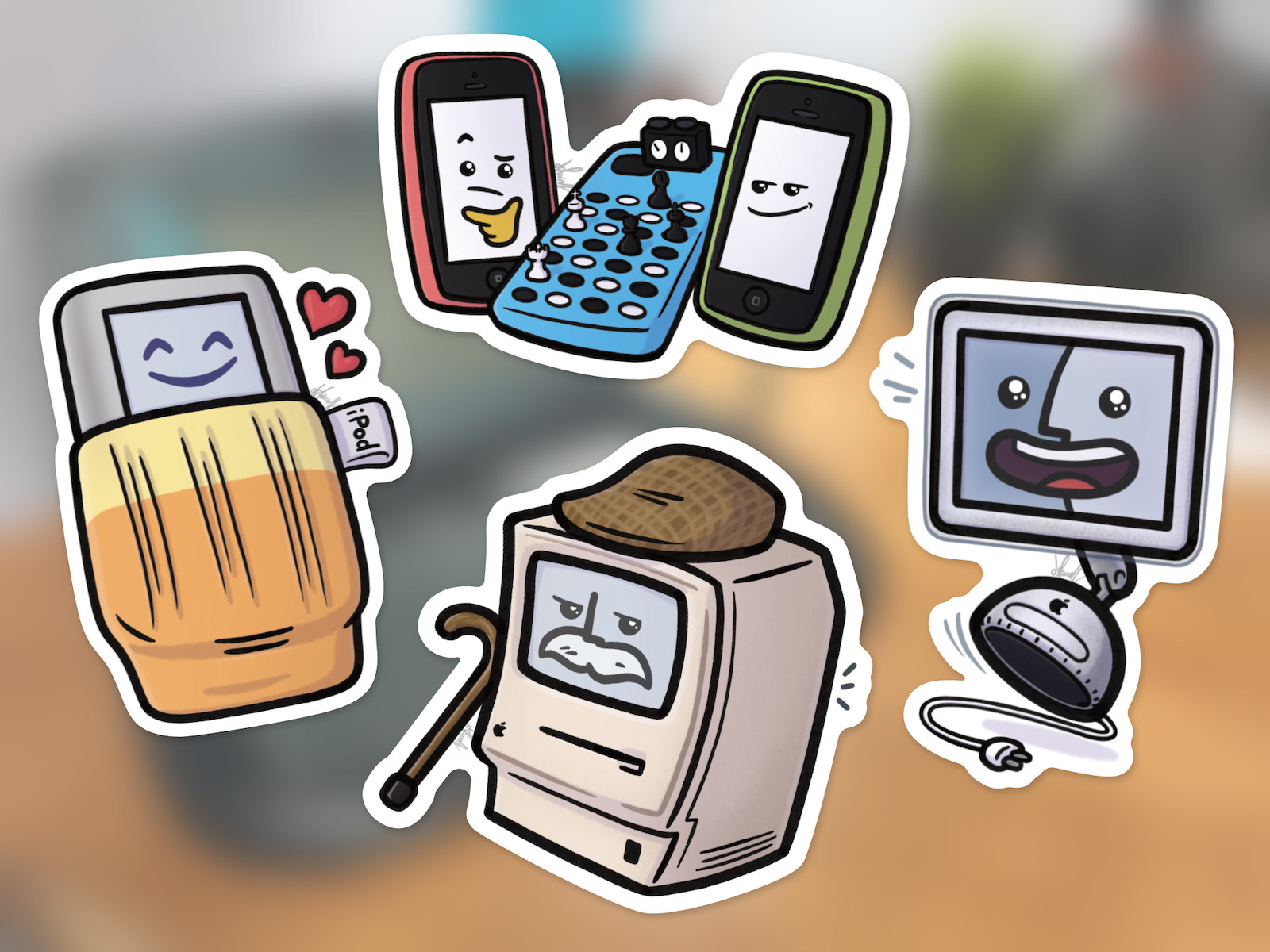
Over the last few weeks, I’ve been putting together something I am really, really proud of: The 2022 Apple Hardware Calendar.
The design of the months is really what has me excited. Instead of the usual slew of holidays, this calendar marks some important dates in Apple’s hardware history:
It is up on Kickstarter now, which is a new experience to me. A huge thanks to everyone who helped make this possible: Merri, Myke, Mark, Kathy, Federico, John, Dan and Brad.
And most of all, thank you for your support.
Liftoff #153: Hubble Trouble ⇢
This week on Liftoff, Jason and I catch up with several commercial space companies before reviewing footage of Zhurong on Mars and talking about the issues currently plaguing the Hubble Space Telescope.
macOS Monterey Public Beta Launched
I’ve been using Monterey since the first developer beta was released during WWDC and switched to it full-time about a week ago when developer beta 2 was released. I’ll have a lot more to say about Monterey this fall when it’s officially released. However, having already spent a substantial amount of time using the OS for my everyday work, I wanted to share my first impressions with readers who are thinking about trying it too.
If there’s a theme of Apple’s operating-system releases in 2021, it’s platform unification. This development is most significant for macOS, which tended to lag behind iOS in the 2010s, missing out on some or all of the year’s exciting innovations.
Apple has spent the last few years getting the base technology of iOS and macOS back in sync, removing 32-bit software, adding Mac Catalyst and support for iOS apps on Apple silicon, and introducing new cross-platform development technology via SwiftUI. And with macOS Monterey, you can see the fruits of all that labor: The big new features of iOS 15 and iPadOS 15 are also the big new features of macOS Monterey.
Connected #352: A Watched Watch Never Boils ⇢
On this episode of Connected, we talk about the Big Mail and Mimestream email clients, then move on to the topics of broken Apple Watches, Safari 15 and Apple’s new Public Betas.
My thanks to our sponsors:
- Memberful: Best-in-class membership software for independent creators, publishers, educators, podcasters, and more. Get started now, no credit card required.
- Hullo: A simple, natural pillow designed for comfort. Try it for 60 days.
- 1Blocker: The Fastest & Most Powerful Blocker for Safari. Get 1 month premium free.
Three Weeks with iOS and iPadOS 15 ⇢
If you’re thinking about installing a beta this weekend, be sure to check out Federico’s take on them first.
OS X Lion and Mountain Lion Now Downloadable for Free ⇢
While macOS is currently on version 11 (otherwise known as Big Sur) and macOS 12 Monterey is coming later this year, there are plenty of folks who use old versions of the Mac operating system. Some people are still using OS X 10.7 Lion and OS X 10.8 Mountain Lion, and until recently, you had to pay Apple $19.99 to get download codes for those OSes. But there’s good news: Apple is now offering Lion and Mountain Lion for free for anyone who wants them.
You can snag Lion here and Mountain Lion here.
Apple’s 2021 Public Beta Program Open ⇢
If you want to live on the wild side and check out this fall’s slew of OS releases early, today is your day. (If you’re looking for macOS Monterey, you’ll have to wait a little longer, as it is apparently “coming soon.”)