I’m sure it’s a bug, but it feels like yet another nudge to upgrade an OS I can’t run yet on my production machine:


I’m sure it’s a bug, but it feels like yet another nudge to upgrade an OS I can’t run yet on my production machine:
Sure looks like there is room in there for a larger, more powerful Mac mini down the road…
(Here’s a link to the original source, but the site seems to be down.)
This morning, Apple announced a change coming to the App Store next year:
Apple today announced an industry-leading new developer program to accelerate innovation and help small businesses and independent developers propel their businesses forward with the next generation of groundbreaking apps on the App Store. The new App Store Small Business Program will benefit the vast majority of developers who sell digital goods and services on the store, providing them with a reduced commission on paid apps and in-app purchases. Developers can qualify for the program and a reduced, 15 percent commission if they earned up to $1 million in proceeds during the previous calendar year.
There is some fine print:
Existing developers who made up to $1 million in 2020 for all of their apps, as well as developers new to the App Store, can qualify for the program and the reduced commission.
If a participating developer surpasses the $1 million threshold, the standard commission rate will apply for the remainder of the year.
If a developer’s business falls below the $1 million threshold in a future calendar year, they can requalify for the 15 percent commission the year after.
For example, a developer that earns less than $1 million in 2020 on all of their apps after subtracting the amount paid to Apple for App Store commissions is eligible for the program and would pay a 15% commission on App Store earnings beginning January 1, 2021. Hypothetically, if the same developer has post-commission earnings of greater than $1 million in aggregate on all of their apps by, for example, September 1st, their App Store commission rate (assuming a paid-up-front app) would increase to 30% for the remainder of the year. That same developer would continue to pay 30% in 2022 but would be eligible for the 15% rate again in 2023 if their 2022 post-commission earnings fell below $1 million. It is our understanding that App Store earnings of all kinds count toward the $1 million total regardless of whether the source is a paid-up-front app, In-App Purchase, or a subscription.
It has been interesting to see the reaction to this. I have many friends who make their livings on the App Store, and for indie developers like them, this is a big win. However, Apple’s label of “small business” could easily conflict with the $1 million cutoff. If an app developer find success in the store and builds out a small company, chances are they’re making more than $1 million a year from the store, yet this program doesn’t apply to them.
I would love to see the data used to select the cap, but of course, we probably never will. That said, for those developers who stand to gain from this, it’s a good day.
On the other hand, I’ve also seen criticism of Apple’s framing of this, as the company couched it in the COVID-19 pandemic:
The App Store Small Business Program, which will launch on January 1, 2021, comes at an important time as small and independent developers continue working to innovate and thrive during a period of unprecedented global economic challenge. Apps have taken on new importance as businesses adapt to a virtual world during the pandemic, and many small businesses have launched or dramatically grown their digital presence in order to continue to reach their customers and communities. The program’s reduced commission means small developers and aspiring entrepreneurs will have more resources to invest in and grow their businesses in the App Store ecosystem.
While this reasoning is good, of course, it’s not the whole story. Moves like this are also designed to fend off regulators, who are already looking at Apple’s business practices when it comes to the App Store. I doubt this will be enough to halt any pending legislation, but honestly, I care a lot less about that than those who are going to see more revenue for their work starting in January.
Commercial Crew has gotten official with the launch of Crew-1 over the weekend, the start of a six-month expedition on the International Space Station. That and the possibilities of Jim Bridenstine’s future. Oh, and kilonovas!
I guess whatever comes after Big Sur will be macOS 12, then. Or maybe Apple just skips ahead to share the same version number across everything next year? EVERYTHING IS UP IN THE AIR.
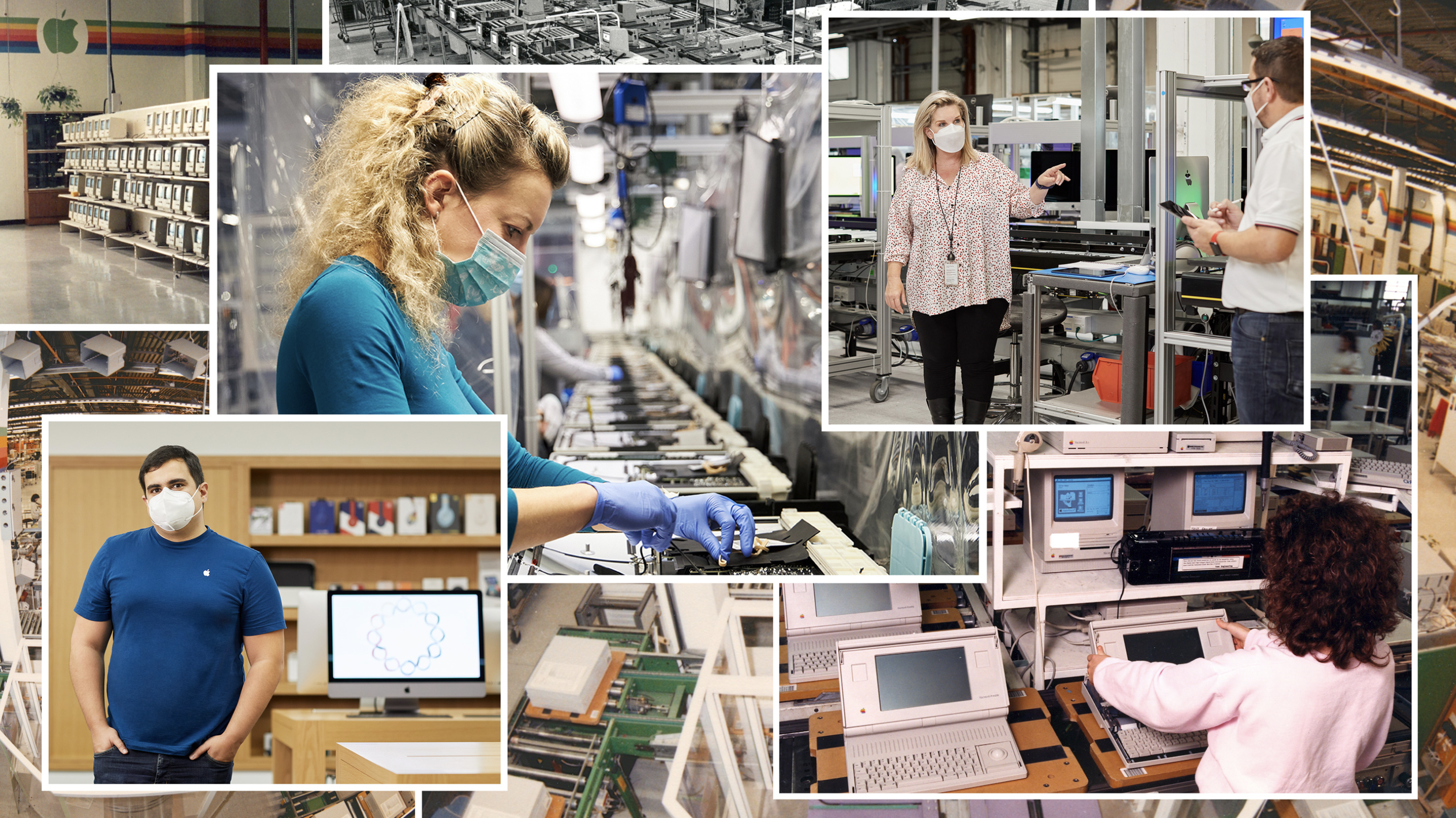
The real news is that a photo of the Macintosh Portable is on Apple’s website in 2020:
After last week’s Apple server meltdown, this support article outlines what this system does, and how Apple will work to improve it.
TextExpander removes the repetition out of work so you can focus on what matters most. Say goodbye to repetitive text entry, spelling and message errors, and trying to remember the right thing to say. I haven’t typed my email, address or common email replies by hand for years.
TextExpander can be used in any platform, any app, anywhere you type. Take your time back and increase your productivity. 512 Pixels readers get 20% off their first year.
This week’s Mac Power Users is a special one. David and I were able to interview Kurt Knight, Senior Director of Platform Product Marketing at Apple about macOS Big Sur and the new M1 Macs.
After our interview, David and I spoke at-length about the new machines and what it means for the future of the Mac. It’s a good time to be a Mac user.
My thanks to our sponsors:
Big Sur is a big deal. The OS picks up where Catalina left off, further rationalizing Apple’s product lineup through design, new ways to bring apps to the Mac, and updates to existing system apps. The approach realigns functionality across Apple’s platforms after years of divergence from their common foundation: Mac OS X. The result is an OS that walks a perilous line between breaking with the past and honoring it, acknowledging the ways computing has changed while aiming for a bold future.
Big Sur also clarifies Apple’s Mac strategy, the contours of which began to emerge with Catalina. It’s a vision of a continuum of computing devices that offer a consistent, familiar environment no matter which you choose while remaining true to what makes them unique. In practical terms, that means a carefully coordinated design language and a greater emphasis on feature parity across OSes. Conceptually, it’s also an opportunity for macOS to shed the perception that it’s a legacy OS overshadowed by iOS and reclaim a meaningful place in Apple’s lineup for years to come.
macOS Big Sur is here. As always, you should give it a little while before upgrading to it in a production environment, but in the mean time, check out its entry in my macOS Screenshot Library.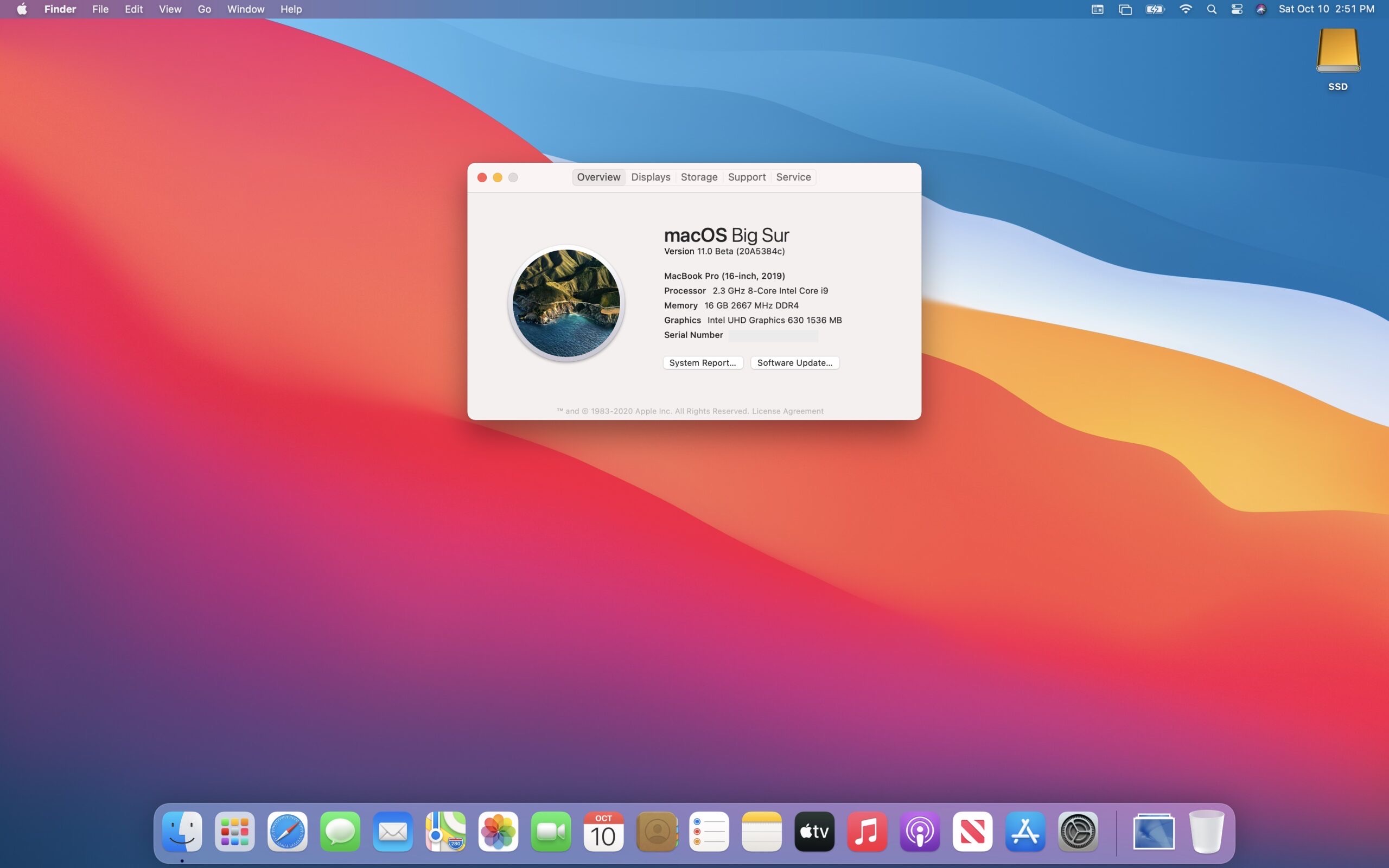
With M1 Macs mere days away for early adopters, those who need to run virtual machines on their Macs may have a bumpy time ahead.
Here’s Nick Dobrovolskiy with Parallels:
It is important to note that currently available versions of Parallels® Desktop for Mac cannot run virtual machines on Mac with Apple M1 chip. Good news: A new version of Parallels Desktop for Mac that can run on Mac with Apple M1 chip is already in active development.
When Apple Silicon Mac was first announced during the keynote at WWDC on June 22 of this year, Apple demoed a Parallels Desktop for Mac prototype running a Linux virtual machine flawlessly on Apple Silicon. Since WWDC, our new version of Parallels Desktop which runs on Mac with Apple M1 chip has made tremendous progress. We switched Parallels Desktop to universal binary and optimized its virtualization code; and the version that we are eager to try on these new MacBook Air, Mac mini and MacBook Pro 13″ looks very promising.
VMWare Fusion isn’t ready yet either, according to this tweet:
So excited for todays announcements from @Apple!
While we’re not quite ready to announce our timeline, we’re happy to say that we are committed to delivering VMware virtual machines on #AppleSilicon! pic.twitter.com/en1FNorxrM
— VMware Fusion (@VMwareFusion) November 10, 2020
Even when these and other virtualization tools are ready,1 running Windows as a VM atop a M1 Mac probably isn’t going to be. So far, all the public has seen running virtually on M1 Macs is ARM-based Linux, back at WWDC.
Microsoft has a version of Windows running on ARM chips, but as of this summer, things didn’t look great for getting it to run virtually on the new Macs:
“Microsoft only licenses Windows 10 on ARM to OEMs,” says a Microsoft spokesperson in a statement to The Verge. We asked Microsoft if it plans to change this policy to allow Windows 10 on ARM-based Macs, and the company says “we have nothing further to share at this time.”
That said, ARM Windows is getting better. Back in September, Microsoft announced that the ARM version of Windows 10 is gaining x64 emulation:
We are excited about the momentum we are seeing from app partners embracing Windows 10 on ARM, taking advantage of the power and performance benefits of Qualcomm Snapdragon processors. We heard your feedback and are making Microsoft Edge faster while using less battery, and announced that we will soon release a native Microsoft Teams client optimized for Windows 10 on ARM. We will also expand support for running x64 apps, with x64 emulation starting to roll out to the Windows Insider Program in November. Because developers asked, Visual Studio Code has also been updated and optimized for Windows 10 on ARM. For organizations, we’re committed to helping them ensure their apps work with Windows 10 and Microsoft 365 Apps on ARM64 devices with App Assure.
Before this, the ARM version of Windows could only emulate 32-bit applications. It’s a nice improvement, and maybe one day it will matter to Mac users.
Oh, and Boot Camp is totes dead. Docker is currently busted, but should work in the future. ↩︎