Amazon is updating the Kindle Paperwhite today with a new display, now at 300 pixels per inch. That’s twice as sharp as the last iteration and the equal of the more expensive Kindle Voyage. Essentially, at $119, it takes away the biggest reason to opt for the $199 Voyage, whose advantages over the Paperwhite now mainly include a flush glass screen and separate page-turning “buttons” on the side. Amazon points out that the Voyage also has a higher-contrast, brighter screen — but the question is whether all of those things put together are worth the extra $80.
I really like my Kindle Voyage, but I can’t help but feel a little burned by this update to the mid-range device.
In my ‘Kbase Article of the Week’ series, I highlight a random Apple support document — old or new — that is interesting or odd. Maybe I need a hobby besides this stuff.
Next time you need to rememer type of memory used in Power Mac G5 and Power Mac G5 (June 2004) computers, just remember this article, number HT201689.
As Snow Leopard refined and advanced Leopard, as Mountain Lion refined and advanced Lion, so too is OS X El Capitan intended to refine and advance last year’s OS X Yosemite. That means the focus isn’t on major redesigns or profound system-level changes, though there is a little of both to be found. Instead, Apple is making OS X smarter, and giving it considerably more polish.
For El Cap, that means new window management options, including an improved Mission Control and new Split View. The company has made Spotlight smarter and improved stock OS X apps like Notes, Safari, Mail, Maps, and Photos. They’ve enhanced performance, stability, and security—including bringing iOS graphics framework Metal to the Mac. They’ve even added new system fonts: San Francisco for alphabetic languages; Ping Fang for Chinese; tweaks to the Japanese system font, Hiragino Sans; and improved input methods for both Chinese and Japanese.
I for one welcome our new polish and stability overlords. The rest is just gravy.
On the whole, WWDC 2015 brought less news and less change than its two immediate predecessors. Apple is still on top of the world, but this year, it’s about refining and polishing, not wide-reaching changes.
That’s not to say there isn’t news to be talk about. As someone whose tablet is basically a Netflix machine most weeks, I’m excited Apple finally realized they can do cool things with it. Unshackling the iPad from the iPhone’s feature set is a huge change with tradition, and one I welcome.
watchOS (sigh) 2 is bringing all sorts of new functionality to Apple Watch, including native applications, third-party complications and more. While I’m academically excited about this news, I’m holding my breath to see how these chips fall. My guess is that while the apps will be far better than they are today, I won’t suddenly be using my Watch for far more than I do today.
OS X El Capitan looks like a Snow Leopard moment for the Mac. There’s good stuff in 10.11 — and I’ll be reviewing it again this year — but for the average user, I’m not sure there’s a ton to get worked up about. I don’t think that’s a problem, however. Some stability and some breathing room will be welcomed by many.
There’s no doubt that the thousands of developers flying home this weekend have a lot of work to do to get ready for iOS 9 and OS X El Capitan. There’s no doubt that users will welcome the changes coming to their iOS devices, Macs and Watches, but from those I’ve spoken to this week in San Francisco, everyone’s less stressed than in the last couple of years. That’s a good thing, and I’m looking forward to an exciting — but not overwhelming — year on Apple’s platforms.
For years, Apple has relied on videos to help tell the story of their products, but this year’s WWDC keynote videos were especially well-done. The entire keynote — including the hilarious intro video — can be seen over on Apple’s website.
The App Effect
In this film, Phil Schiller, Neil deGrasse Tyson and others talk about the importance of apps, not only to Apple’s platform, but to the way people work, play and live.
Apple Music - Music needed a home . . . so we built it one.
This video discusses that music shouldn’t be treated as data, but as art. Apple Music’s pillars of streaming, curation and artist communication are paired with Apple’s new worldwide radio station, Beats 1. This video does the best job explaining the full breadth of the offering — “one complete thought around music.”
Apple Music - Worldwide
This video focuses on Beats 1, Apple’s upcoming worldwide radio station. It bring back the joy that radio once had, before we could each build our own, isolated playlists. Radio can connect people, and this video tries to re-ignite that romanticism.
Apple Music - History of Sound
In many ways, this is my favorite of the four films. Starting in 1888, it builds a narrative saying that while the technology has changed, the medium of music remains special and powerful. I award bonus points not only for some sweet Walkman shots, but the inclusion of several old iPods and an iMac G4.
Dr. Drang, on the history of multitasking on Apple products:
When the iPad came out, it was deja vu all over again. One screen, one app. Before the end of 2010, iOS 4 provided the Switcher-like multitasking bar and the ability to quickly shift from one app to another. Still only one app on the screen at a time, though. And while the multitasking bar has grown from a strip of icons into a set of screenshots, it’s still more like the Switcher than the MultiFinder.
While I can’t wait to be able to leave my iPhone behind and listen to an episode of a podcast stored just on my Watch, the idea of recording a show with it is downright laughable.
In a week full of WWDC news, this new article jumped out at me:
Apple is driving vehicles around the world to collect data which will be used to improve Apple Maps. Some of this data will be published in future Apple Maps updates.
We are committed to protecting your privacy while collecting this data. For example, we will blur faces and license plates on collected images prior to publication. If you have comments or questions about this process, please contact us.
See below for where we’re driving our vehicles next.
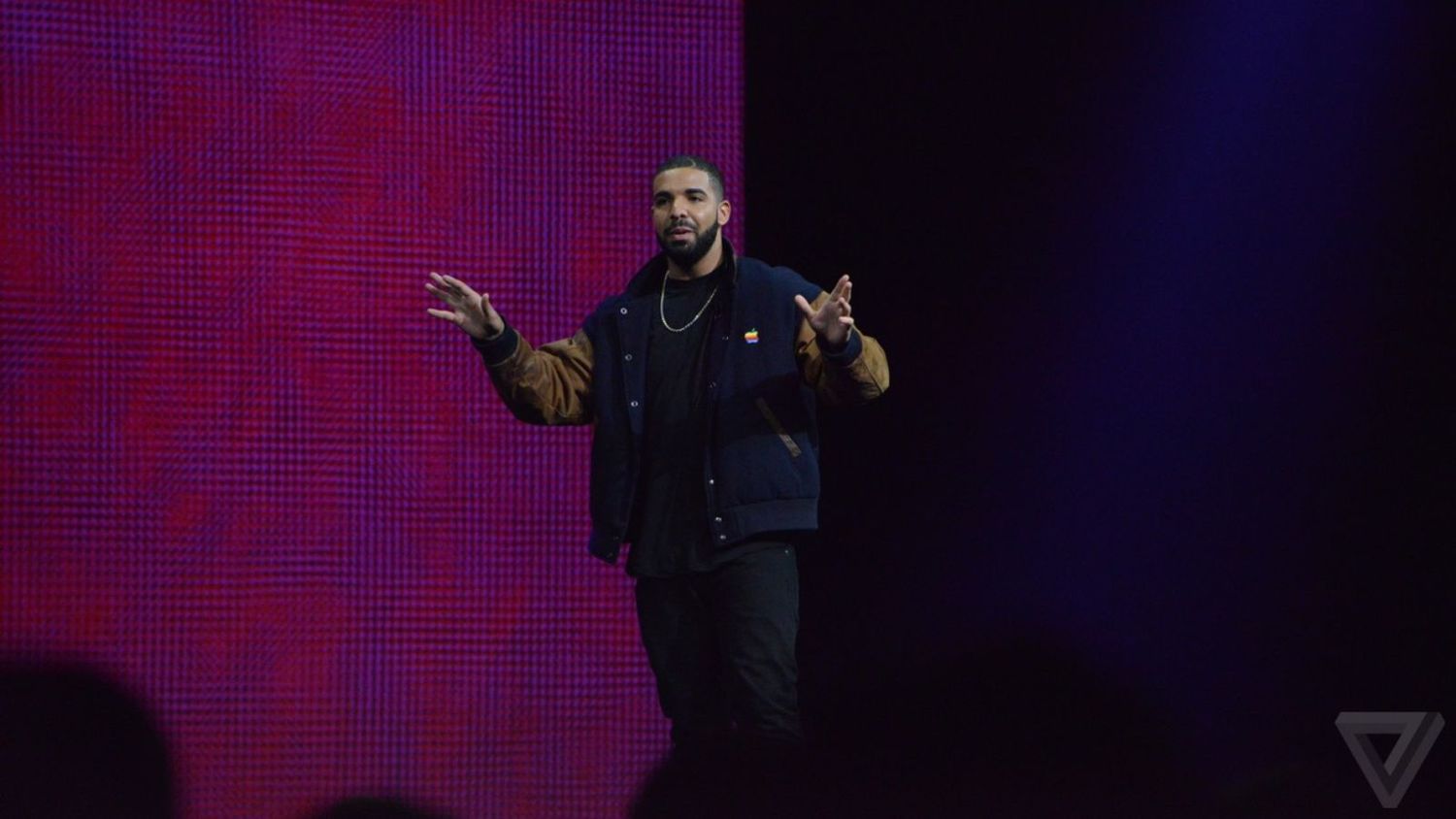
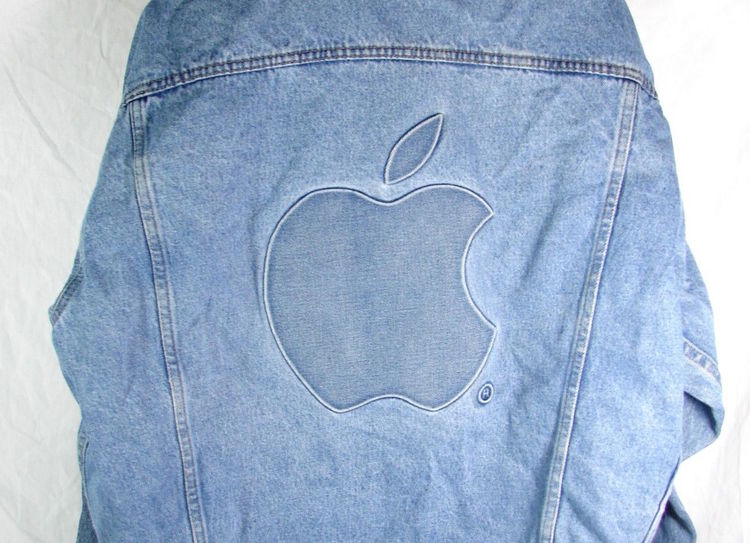
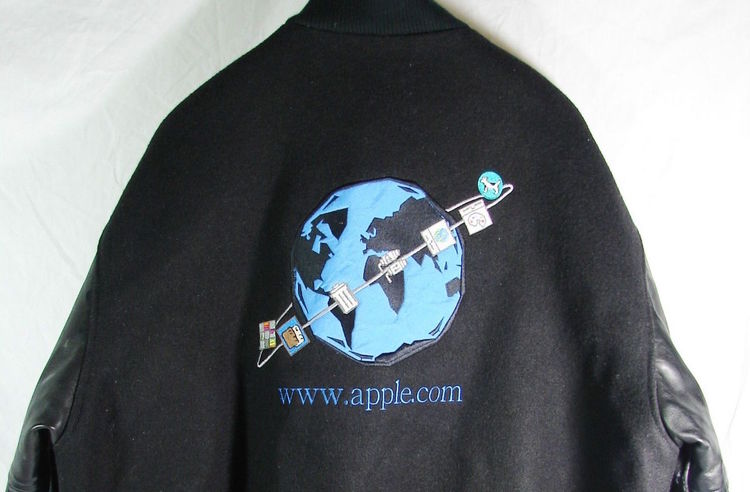
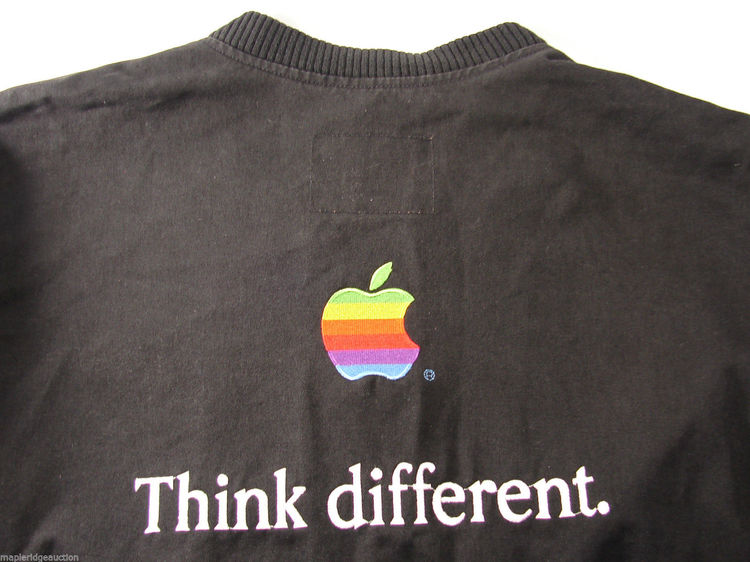
Yesterday on stage, Drake joked that he had purchased a vintage Apple jacket for the occasion. It can be seen in this photo, from The Verge:
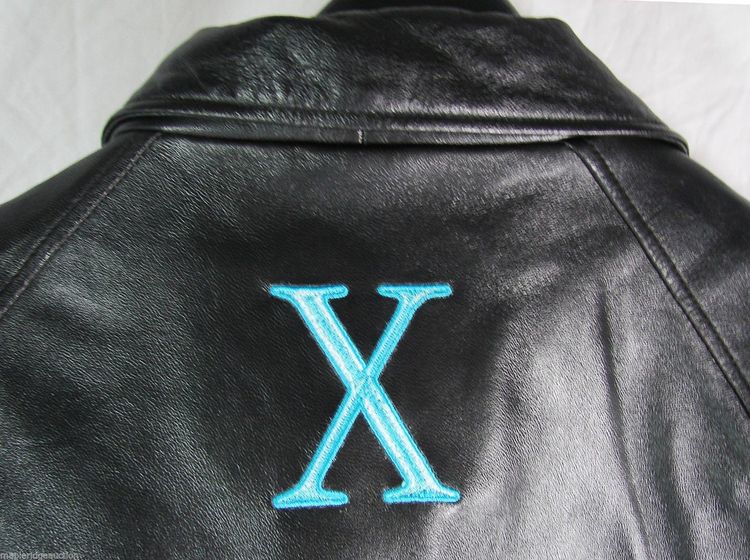
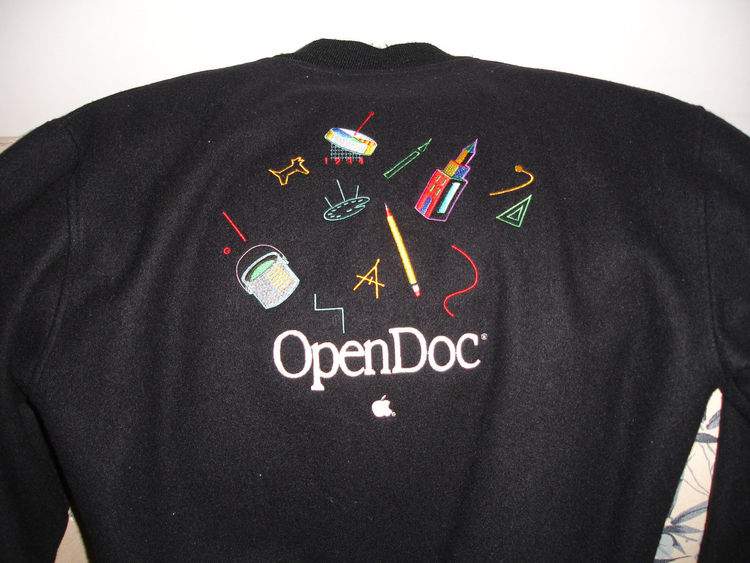
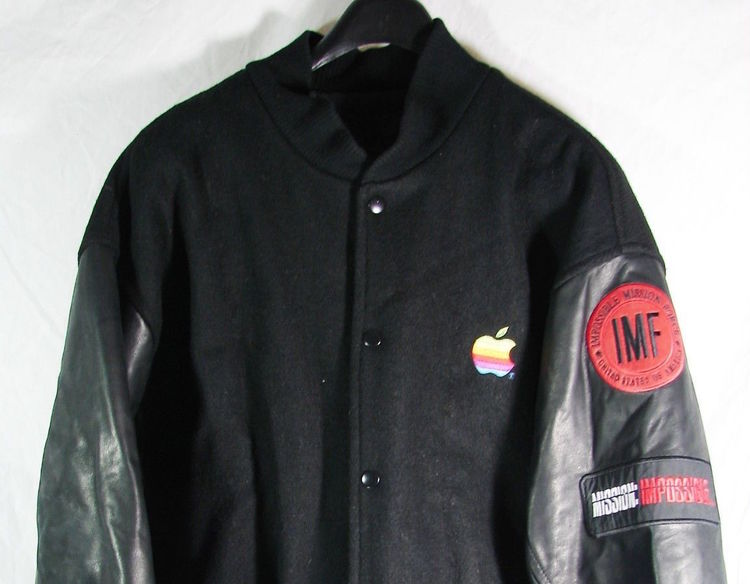
Of course, eBay is full of fun examples of such merchandise. There is one seller attempting to capitalize on Drake’s purchasing decision, but there’s a lot more where that jacket came from:
This change is not surprising, given the company’s video today pitching Apple Music as the next chapter in the history of music listening, but it is still a little sad.