There’s Something in the Air

Tim Cook teased a product release coming this week with an old — but perfectly clear — reference to an old Apple event, saying on X — ugh — that “There’s something in the air.”

That tagline was used way back in 2008 when the first MacBook Air was introduced:

Something in the Air

Rumor has it that the M4 MacBook Air is ready to go. I’m sure it’ll be a great machine, but I’m not sure it’s worthy of such a great reference. While we wait to see if this is more exciting than a mere spec bump,1 let’s revisit that old announcement:
Continue reading ⇢

Sponsor: DEVONthink: Store, Organize, and Work the Smart Way⇢

Today more than ever we’re all drowning in a flood of information. News, research, social media. And while most of it is probably less important, we need to identify what actually is, keep it, and organize it. Only then it becomes “knowledge” that we can work with to create something new.

DEVONthink is the tool and the place for this. It keeps all your documents in databases right on your Mac, iPad, or iPhone, and gives you an environment full of pro-grade tools that let you work with them right inside the app.

Continue reading ⇢

Skype to Drop Its Final Call on May 5⇢

Tom Warren, writing at The Verge:

It’s the end of an era. Microsoft is shutting down Skype in May and replacing it with the free version of Microsoft Teams for consumers. Existing Skype users will be able to log in to the Microsoft Teams app and have their message history, group chats, and contacts all automatically available without having to create another account, or they can choose to export their data instead. Microsoft is also phasing out support for calling domestic or international numbers.

”Skype users will be in control, they’ll have the choice,” says Jeff Teper, president of Microsoft 365 collaborative apps and platforms, in an interview with The Verge. “They can migrate their conversation history and their contacts out and move on if they want, or they can migrate to Teams.”

Continue reading ⇢

Framous⇢

It’s not every week that I get to link to two new Mac apps, but turns out there is some good in this world yet.

Dark Noise developer Charlie Chapman has a new app out for creating those fancy in-device screenshots you see on fancy blogs. Here’s how he described Framous to Chance Miller:

Framous 1.0, the easiest way to quickly add device frames around your screenshots on the Mac, just released to the Mac App Store today.

Drag and drop or copy and paste to throw your screenshots in and yank them back out perfectly set into device frames to make them look great. And with Shortcuts support you can even automate the process to make framing your screenshots even easier!

Continue reading ⇢

Hyperspace⇢

John Siracusa has a new Mac app out today that can scan your drive and reclaim space taken up by duplicate files. It works atop some clever features of APFS and has an excellent icon. In the app’s documentation, he writes:

Hyperspace searches for files with identical contents within one or more folders. If it finds any, it can then reclaim the disk space taken by all but one of the identical files— without removing any of the files!

You can learn more about how this is done, if you’re interested, but the short version is that Hyperspace uses a standard feature of the macOS file system: space-saving clones. The Finder does the same thing when you duplicate a file.

Continue reading ⇢

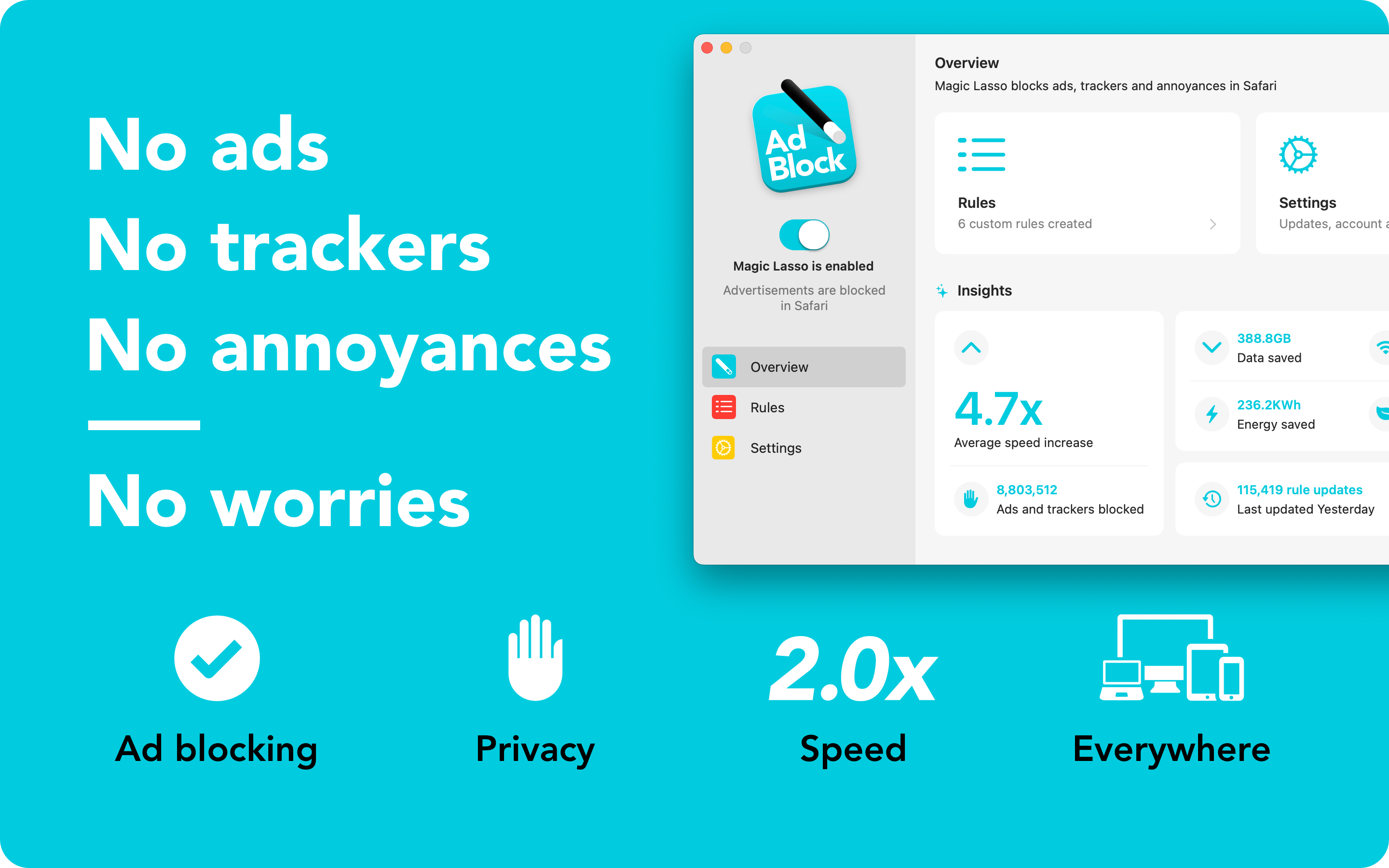
Sponsor: Magic Lasso Adblock: Incredibly Private and Secure Safari Web Browsing⇢

Online privacy isn’t just something you should be hoping for – it’s something you should expect. You should ensure your browsing history stays private and is not harvested by ad networks.

By blocking ad trackers, Magic Lasso Adblock stops you being followed by ads around the web.

Magic Lasso

As an efficient, high performance and native Safari ad blocker, Magic Lasso blocks all intrusive ads, trackers and annoyances on your iPhone, iPad and Mac. And it’s been designed from the ground up to protect your privacy.

Continue reading ⇢

Apple Disabling Advanced Data Protection in UK to Avoid Building Government-Mandated Backdoor⇢

Earlier this month, the UK government demanded access to encrypted data stored on Apple servers. This demand was worldwide in scope, and would have required Apple building a backdoor into its encryption scheme for iCloud and related services.

Today, Apple has responded by announcing it will disable Advanced Data Protection in the UK. ADP is the optional setting that adds end-to-end encryption for iCloud data, device backups, message backups, and more.

Continue reading ⇢