“You’re about to learn a new way to use a computer.”
via @hrbrt

I hate April Fool’s day, but this made me chuckle.
In the Brushed Metal Diaries, we take a look at one of Apple’s most unique — and most hated — user interface paradigms. While QuickTime 4 served as Apple’s Brushed Metal Trojan Horse, the most famous piece of software to wear the look is iTunes.
At MacWorld Expo in 2001, Apple introduced iTunes with its normal language:
Apple today introduced iTunes, the world’s best and easiest to use “jukebox” software that lets users create and manage their own music library on their Mac. iTunes lets Mac users import songs from their favorite CDs; compress them into the popular MP3 format and store them on their computer’s hard drive; organize their music using powerful searching, browsing and play list features; watch stunning visualizations on their computer screen; and burn their own audio CDs — all in one easy-to-use application.
..and he may kill us all. But hey, it could be worse: this maniac could be launching nuclear weapons from one of those stupid new thin iMacs.
Myke and I discuss Apple’s iPad marketing, the Retina MacBook Pro, my impressions of the Pebble smartwatch and the rumored Facebook phone.
This episode is brought to you by: Squarespace, the secret behind exceptional websites. Go to squarespace.com/70decibels to start your free trial and use the offer code 70decibels3 at checkout to get 10% off your first order.
Just shy of a year ago, a Kickstarter project was launched that would take the nerd world by storm. In five weeks, the group raised $10,266,845, even though they needed only $100,000 to launch. The Pebble was born.
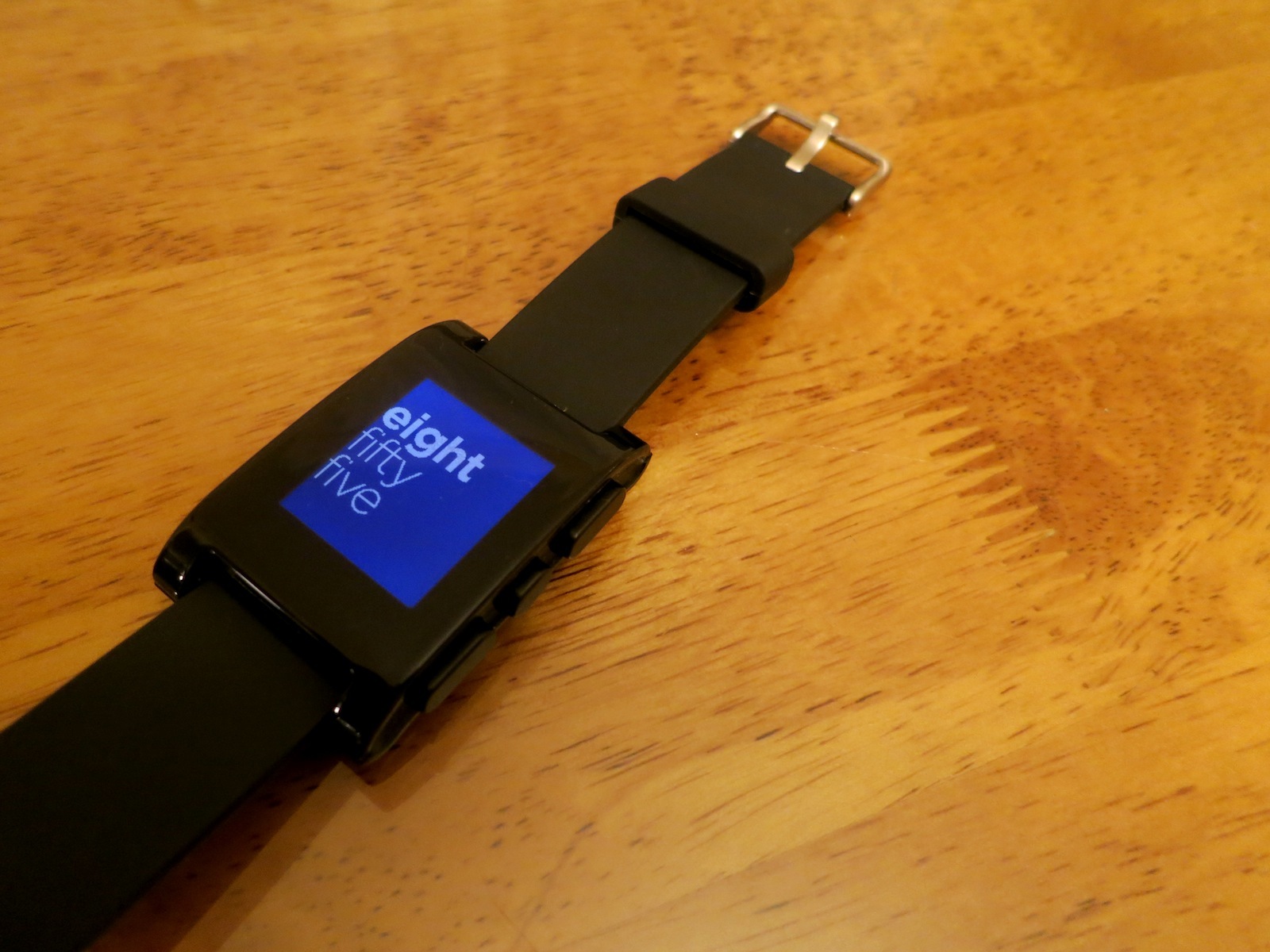
A year later,I’m sitting at my dining room table with the smartwatch next to my MacBook Pro. I’ve had it for a couple of days, and have collected my thoughts on this new-to-me product category.
The Apple Pop-Up Museum is an effort to display some of the rich history that Apple pretends it doesn’t have.
The displays will be on show in Atlanta April 20–21, as part of the Vintage Computer Festival Southeast.
The group promises an Apple I, the first disk II and controller card, an original Apple II, an original Lisa and a Xerox Alto, among other machines.
If I wasn’t going to be in Florida with Make-a-Wish, I would be in Atlanta for this in a heartbeat. The exhibit and festival sound awesome.
If you are using Flipboard as your Google Reader replacement, there’s an easy way to make a magazine using any site’s Twitter account.
To follow 512 Pixels, search for the site using Flipboard’s search box on the main screen:

Select the site’s main Twitter account @512px, and boom, instant Flipboard magazine, straight from Twitter.
A couple of weeks after launching a new marketing page for the iPhone, Apple’s released one for its tablet. It follows the same outline as the previous page: J.D. Power and Associates awards, apps, hardware, software and services are all pimped.
Gabe’s site has an all-new look, and I must say, it is pretty damn handsome.
The Iconfactory:
Twitterrific’s push notification service is currently in beta and will be rolling out to groups of 1,000 users over the next few weeks. If you cannot enable push notifications, try again in a few days.
The update is rolling out across the App Store now.
The carrier will be selling the iPhone 5 starting April 12, and it will run on the company’s just-announced LTE network.