In September 2025, Apple released macOS 26 Tahoe, advancing the version number to match its new convention of aligning releases with the next calendar year.
Tahoe introduced Liquid Glass to the Mac. Despite sharing a name, the user interface was different in some notable ways to its iOS and iPadOS cousins. Beyond the new design, Tahoe brought with it an overhauled Spotlight that doubled as an automation tool thanks to Shortcuts, the ability to customize folders with colors and emoji, Live Activity support, Control Center customization, and more.
Shipping five years after the start of the Apple silicon transition, Tahoe was the last version of macOS to support Intel Macs.
The 512 Pixels macOS Screenshot Library is sponsored by SoundSource, from the fine folks at Rogue Amoeba.
SoundSource puts powerful audio control of your Mac right in your menu bar. Adjust app volume instantly, apply audio effects to the audio you hear, and redirect that audio to any device connected to your Mac – now including AirPlay devices.
SoundSource: Sound control so good, it ought to be built into macOS.
Desktop
About This Mac
System Profiler
Stacks
Desktop Stacks
Desktop Widgets
Apple Menu
Finder Menu
Go Menu
Finder: Go to Folder
Finder: Connect to Server
Finder: Network
Finder: Home
Finder: Customize Folder
Finder: Gallery View
Finder: Quick Look
Finder: Quick Look Markup
Finder: Get Info
Finder: Search
Applications
Applications: Utilities
Control Center
Control Center: Editing
App Switcher
Force Quit
Finder: Copy
Finder: Replace
Finder: Empty Trash
Finder: Eject Warning
Fast User Switching
Login Window
Spotlight: Search
Spotlight: Actions
Mission Control
Stage Manager
Menu Bar: Time Machine
Time Machine
Apps
Apps: Category
Window Management
Notification Center
Dictation
Siri
TextEdit
TextEdit: Open
Print
Activity Monitor
App Store
Automator
Books
Boot Camp
Calculator
Calendar
Calendar: Settings
Clock
Chess
Console
Contacts
Disk Utility
Dictionary
Find My
FaceTime
Font Book
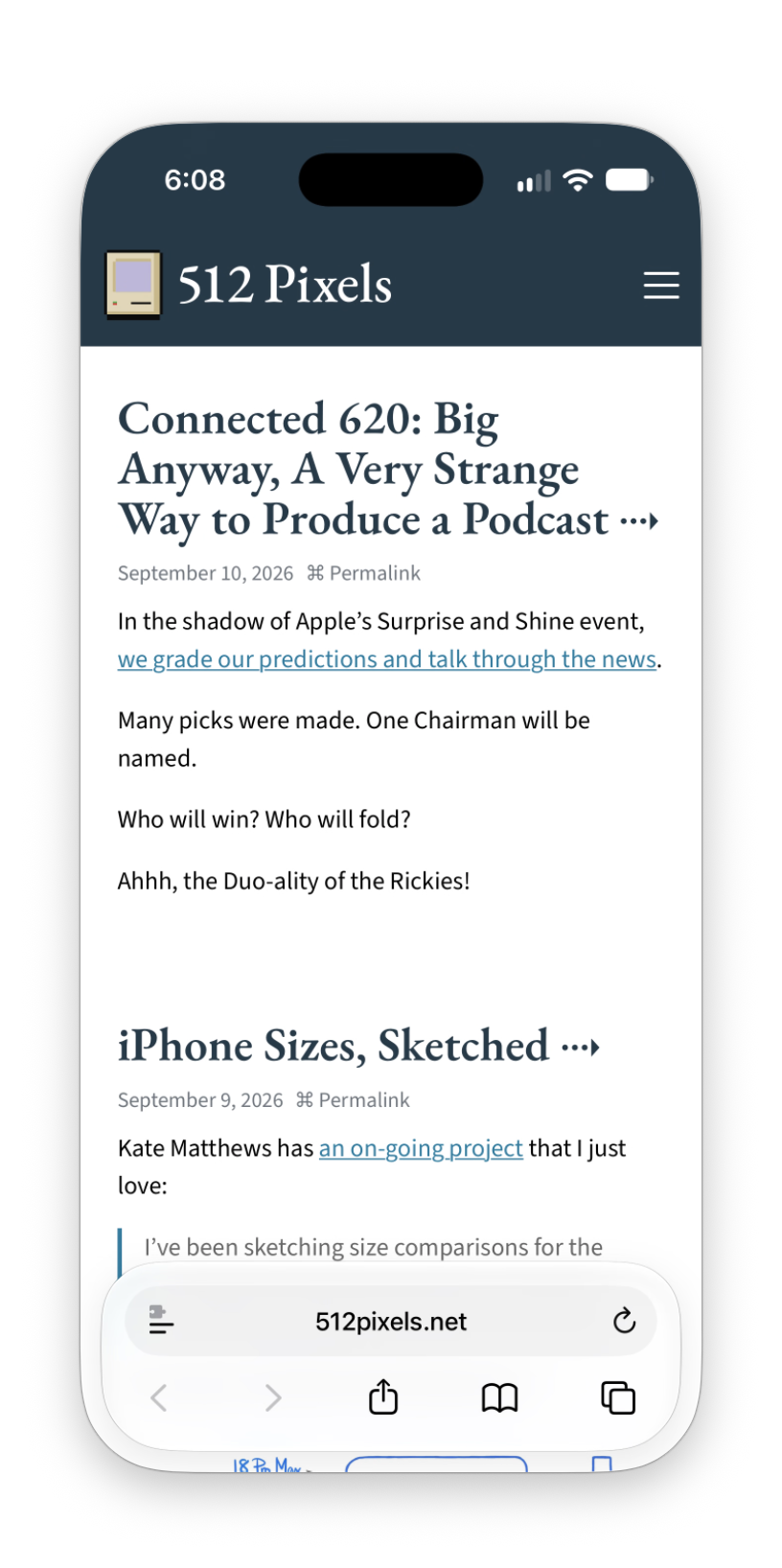
iPhone Mirroring
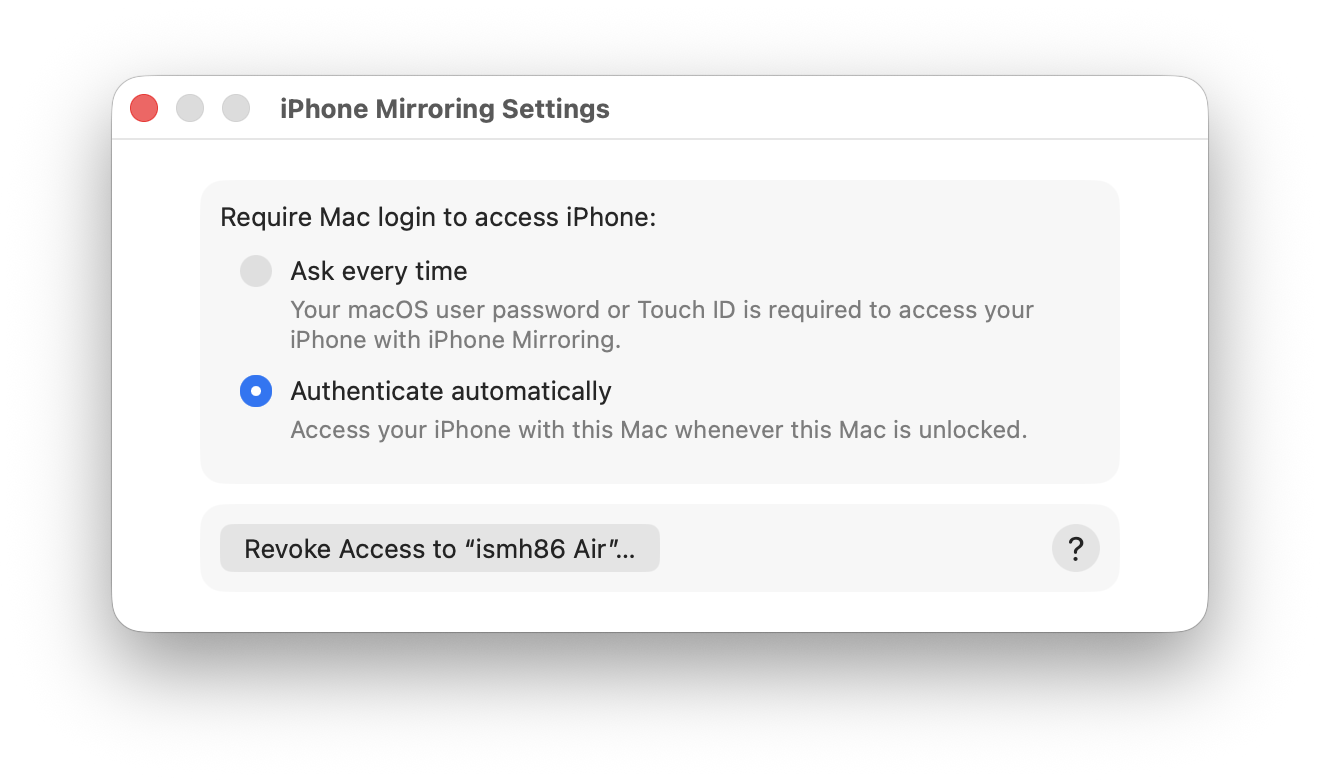
iPhone Mirroring: Settings
Mail
Mail: Draft Warning
Mail: Settings
Maps
Messages
Music
Music: Settings
News
Notes
Passwords
Photo Booth
Photos
Podcasts
Podcasts: Settings
Preview
Preview: Search
QuickTime
Script Editor
Shortcuts
Reminders
Stickies
Stocks
Tips
Voice Memos
TV
TV: Settings
Weather
Safari 26
Safari 26: Start Page
Safari 26: Tab Overview
Safari 26: Picture in Picture
Safari 26: Reader Mode
Safari 26: Sharing
Safari 26: Settings