
Sparrow is a minimalist mail application for Mac. It was designed to keep things simple and efficient. No fancy stuff here… just your mail and nothing else.
Here is my experience:
11:15 AM — Downloading .dmg from their site. Disk images is named “Sparrow-latest.dmg” and clocks in at 7 MB.
11:16 AM — The disk image is named Sparrow–298. I assume 298 is the build number. No installer, just an .app file and a shortcut to drop it into /Applications. Nice and simple.
11:18 AM — Setup seems simple:
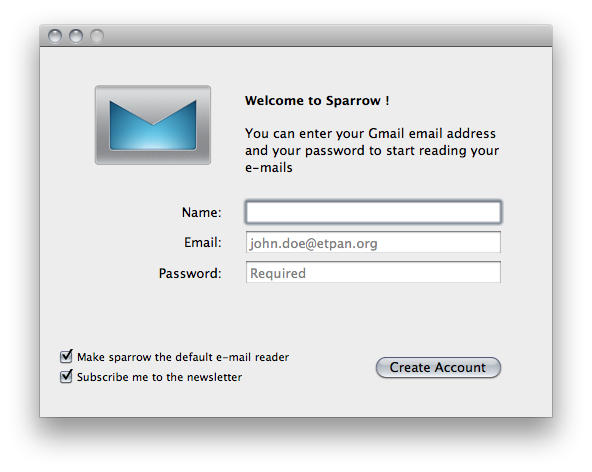
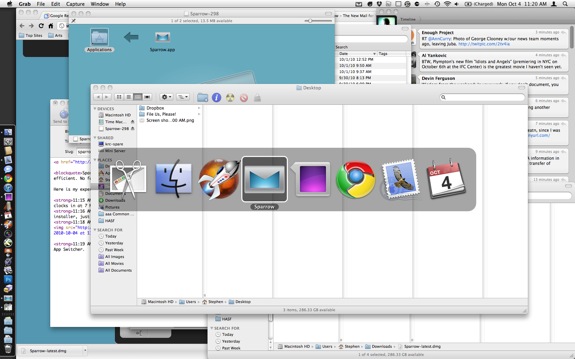
11:19 AM — My emails came in very quickly. The app icon is too short and looks dumb in the App Switcher.
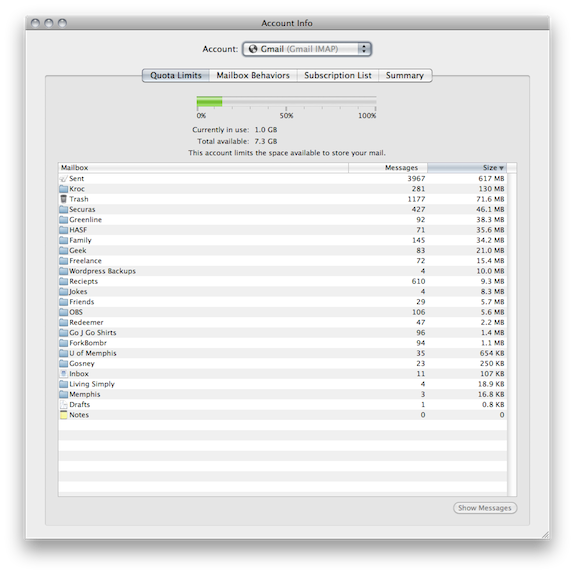
11:21 AM — There are no labels; just the generic Archive. I know most people don’t use labels, but I use the crap out of them, as you can see here:
The interface feels just like Tweetie for Mac. Which isn’t a bad thing at all. It’s quick and responsive. It’s really, really pretty:
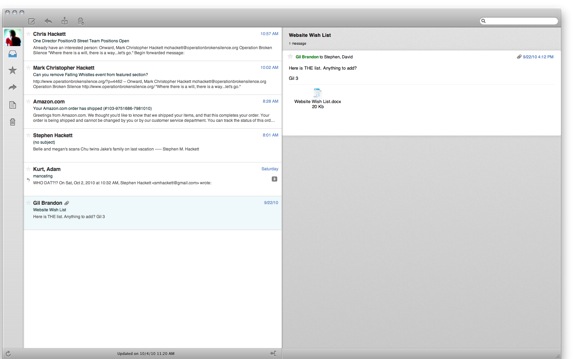
You can turn the message preview on or off. In the above screenshot, it is turned on, so messages slide out of the list, instead of popping up in a separate window.
11:27 AM — Just wrote my first email in Sparrow. I can’t tell if it is pulling addresses from my local Address Book or from Google Contacts. While that doesn’t matter to me, it may to some people.
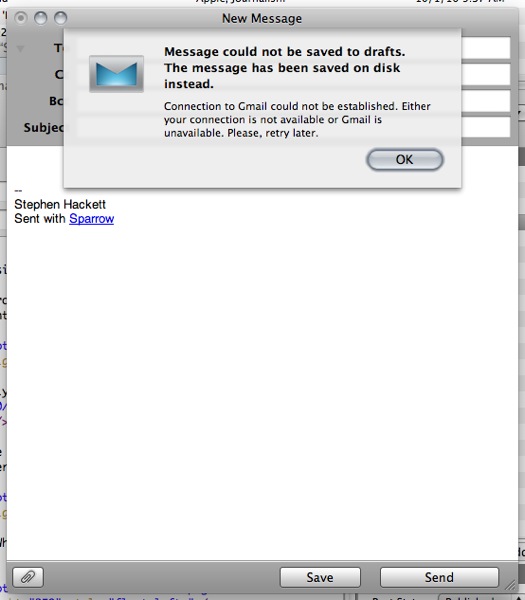
11:28 AM — Drafts seem broken in this beta:
 11:30 AM — Email sent with no issues. There aren’t any IMAP or SMTP settings that I can find, making this feel more like an iOS app than a Mac app, if that makes any sense. In fact, the only settings I can find allow me to add more accounts, to make Sparrow my default Mail program, to turn on Growl and to turn on a sound to play when new mail arrives. This is an automatic transmission to Mail’s clanky manual gearbox.
In Conclusion
So far, I like Sparrow. I need label support, and until that happens, can’t use it full-time. But in a world with very few third-party e-mail clients, this is impressive. It is smooth, and for a beta has very few rough edges. It handles threads like Gmail, which is something Mail just can’t pull off. It’s not leaving my Dock anytime soon.
Update: After a re-launch, it won’t send messages. Which is a bummer. Hopefully there will be a new build out before long. I’m not going to give up on it.